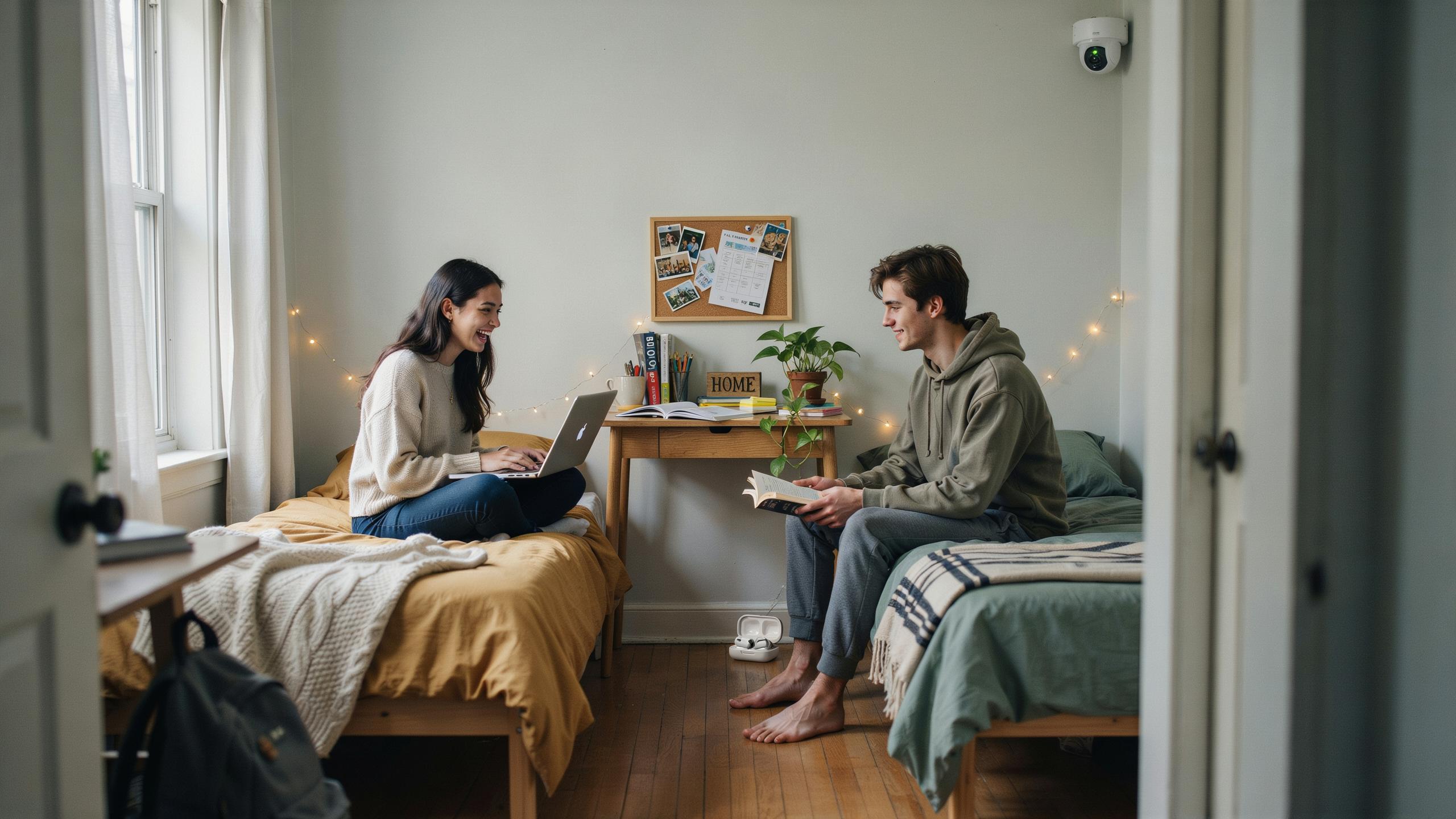
Understanding The Need For Dorm Room Security
Privacy Vs Security In Shared Spaces
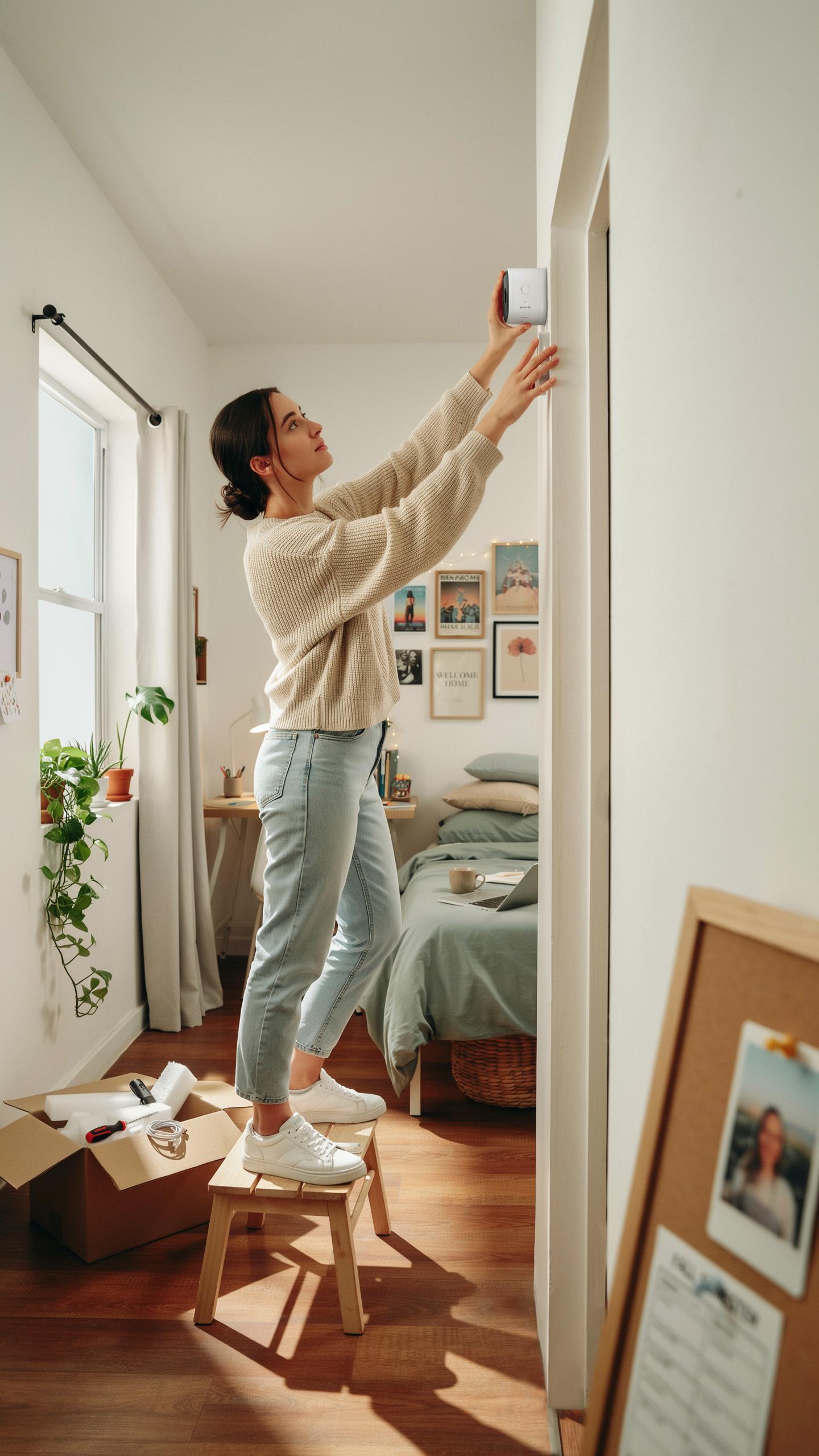
Dorm residents face a fundamental conflict. They want personal privacy in bedrooms and bathrooms. They also need security in common areas like lounges, hallways, and entryways. Cameras in shared spaces address theft and unauthorized access. However, they can infringe on privacy expectations. The solution requires clear policies about camera placement, footage retention, and who accesses recordings. Institutions must establish boundaries that protect both security and individual rights.
Most dorms prohibit cameras in bathrooms and private bedrooms entirely. Common areas present different standards. Hallways, main entrances, and lounges typically allow surveillance without legal issues. Resident agreements should disclose camera locations before move-in. Residents need to understand what spaces have coverage and why. Transparency prevents conflicts and ensures compliance with local privacy laws. Different states have varying requirements about audio recording and notification rules.
Common Security Concerns In Dorms
Theft ranks as the top security issue in dormitories. Laptops, phones, headphones, and cash disappear regularly from common areas and unlocked rooms. Unauthorized entry into secured buildings happens through propped doors and borrowed access cards. Package theft has increased as online shopping grows among students. Vandalism to common spaces creates maintenance costs and safety hazards. These incidents often involve other residents or visitors gaining access without proper authorization.
Package theft specifically targets delivery areas and mailrooms in dorm buildings. Residents leave expensive items unattended, making them easy targets. Break-ins to individual rooms occur when doors remain unlocked or security protocols fail. Alcohol and drug-related incidents sometimes involve property damage in shared spaces. Fire safety violations create additional risks in communal dormitory environments. Cameras in entry points, hallways, and common gathering spaces deter criminal activity and provide evidence when incidents occur.
Types Of Dorm Room Security Cameras For Home
Wireless Security Cameras: Features And Benefits
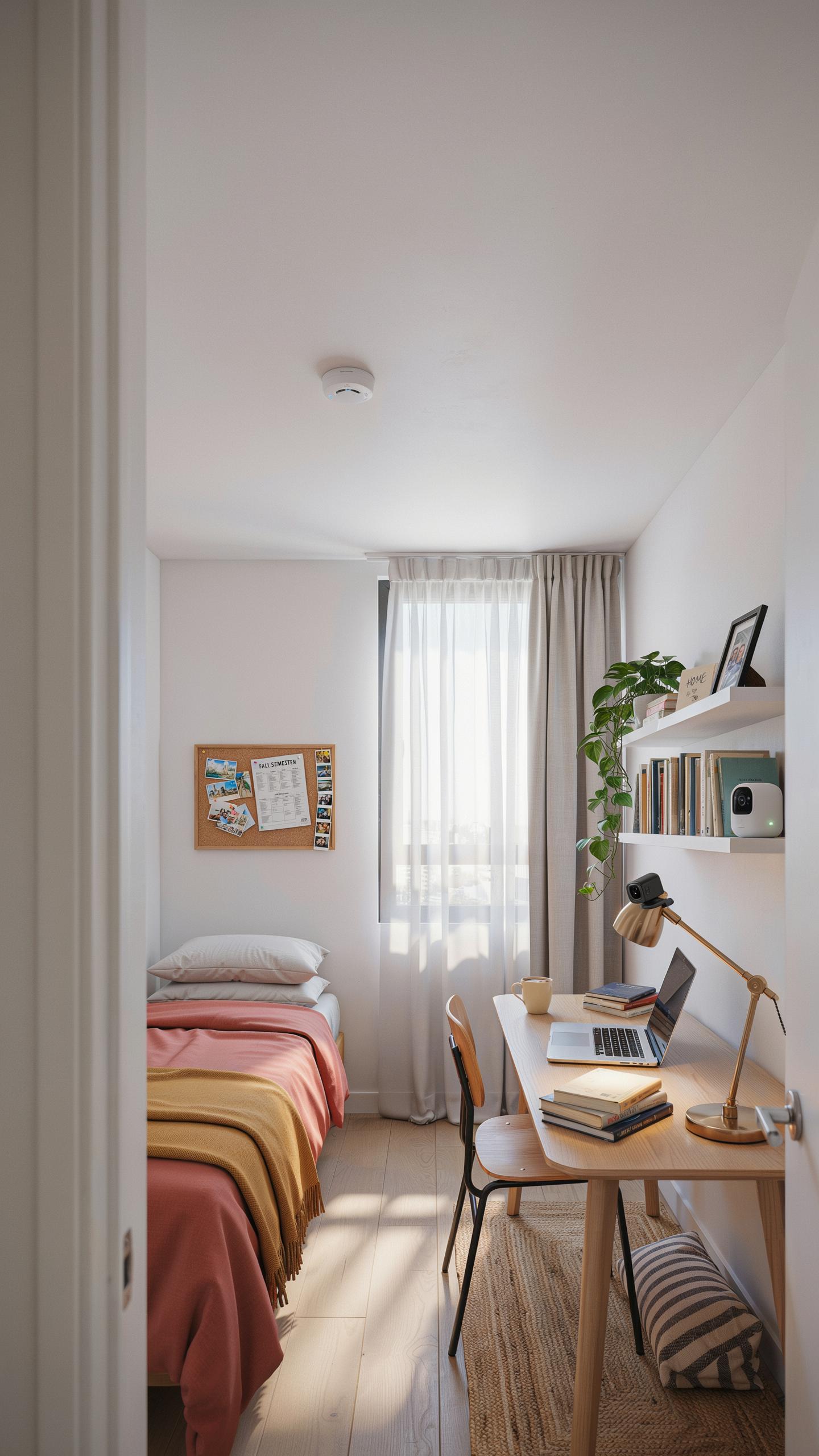
Wireless cameras eliminate installation complexity in dorm environments where you cannot drill holes or modify walls. These units connect to your WiFi network and transmit footage to your phone or cloud storage. Setup takes minutes. You place the camera, connect it to your network, and start monitoring. Most models include night vision and two way audio functionality.
Remote monitoring lets you watch your shared space from class or anywhere off campus. Battery powered wireless cameras run for weeks or months between charges. You control recording schedules through mobile apps, reducing storage demands. These cameras send alerts when motion triggers detection. For dorm situations where you need flexibility without permanent installation, wireless models solve the core problem of security without commitment.
Hidden Camera Setup Ideas For Discreet Monitoring
Disguised cameras blend into dorm rooms as everyday objects. Smoke detector cameras mount on ceilings without drawing attention. Clock cameras sit on desks or shelves. Plant cameras hide within artificial foliage. These designs serve a tactical purpose: recording without obvious surveillance presence. Installation requires no special tools. You position the object naturally and connect it to power or battery backup.

Placement strategy matters in shared spaces. Position hidden cameras to capture entry points and common areas where theft or damage occurs. Avoid pointing cameras at private areas like beds or bathrooms, which raises legal and ethical concerns in dorm settings. Focus on hallways, kitchens, and lounges. Document your security setup in writing with roommates to maintain transparency and avoid conflicts over privacy boundaries.
Legal And Ethical Considerations For Dorm Room Security
Navigating Privacy Laws And Dorm Policies
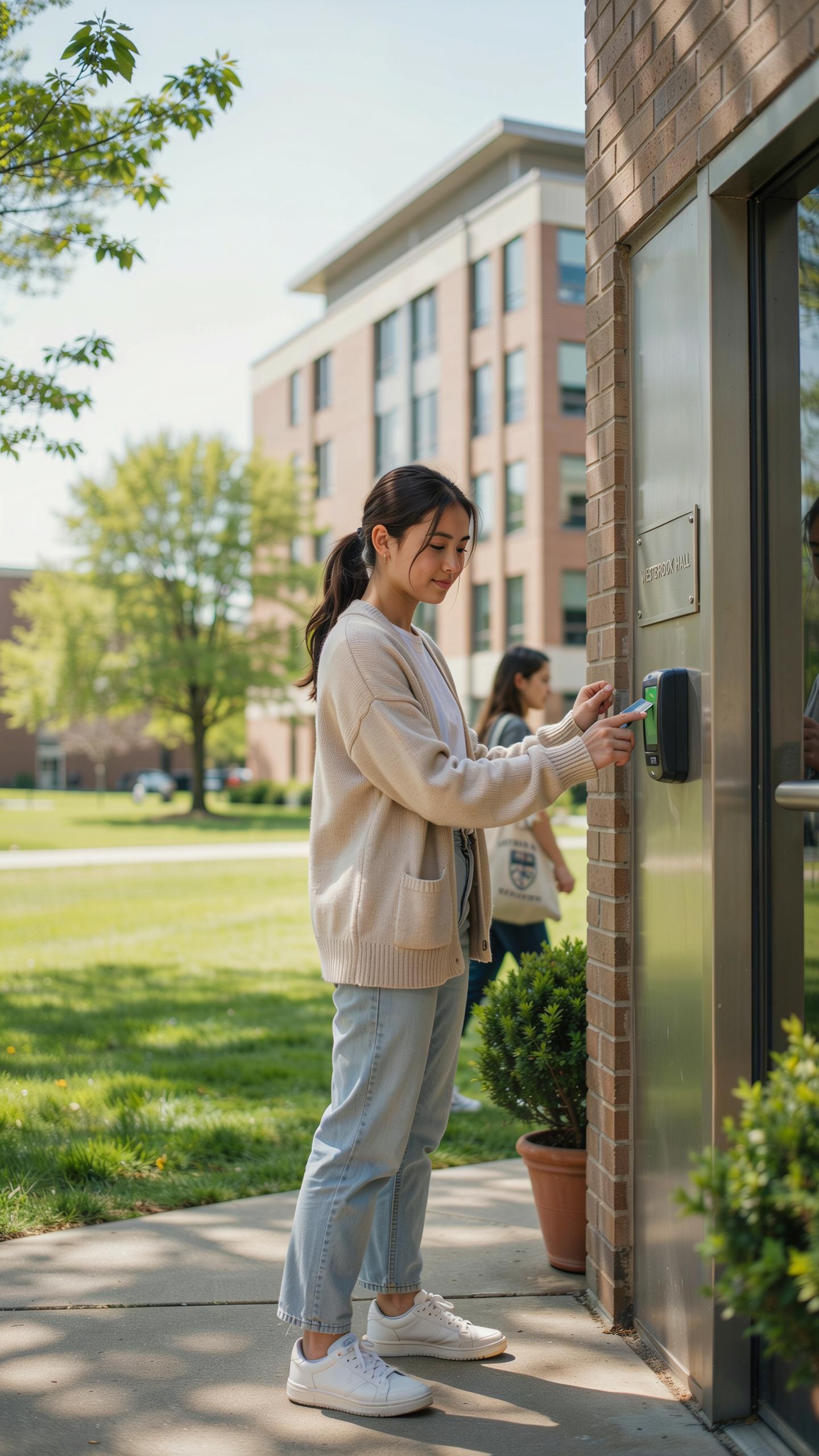
State and federal laws restrict where you can place cameras in dorms. Recording in bathrooms, bedrooms, or changing areas is illegal everywhere in the United States. Universities maintain their own policies that often exceed legal minimums. Check your student handbook and contact your residential life office before installing any camera.
Most schools prohibit cameras in common areas without explicit written approval. Some institutions ban all resident-installed cameras entirely. Others allow cameras only in specific locations like entryways or desks facing outward. Violating these rules results in disciplinary action, camera confiscation, or eviction. Know your school’s exact policy in writing before you buy equipment.
The Importance Of Roommate Communication And Consent
Tell your roommates about any camera you plan to install. Consent prevents conflicts and legal exposure. A roommate can report you to residential life or pursue legal action if you record without permission. Frame the conversation around safety and security, not surveillance. Present it as a tool to protect your shared space and belongings.
- State the purpose clearly: Explain why you want the camera and what it will record. Focus on entry points and shared areas only.
- Show the camera location: Point out exactly where the device sits and what it captures. Let roommates verify the camera angle.
- Discuss storage and access: Explain where footage goes, how long you keep it, and who can view it. Transparency builds trust.
- Get written agreement: Have roommates sign a simple agreement acknowledging the camera and its use. This protects everyone legally.
- Establish a deletion schedule: Agree on how often you erase old footage. This shows you respect privacy and limits data retention.
- Allow opt out rights: Permit roommates to request you remove or disable the camera if they object. Flexibility prevents escalation.

Document agreements in writing and keep copies. Written consent protects you if disputes arise later. Review the agreement at least once per semester to ensure all parties remain aligned. Changes to the camera setup require new communication and approval from all roommates.
Installation And Setup Of A Dorm Room Security Camera For Shared Spaces
Optimal Camera Placement For Shared Areas
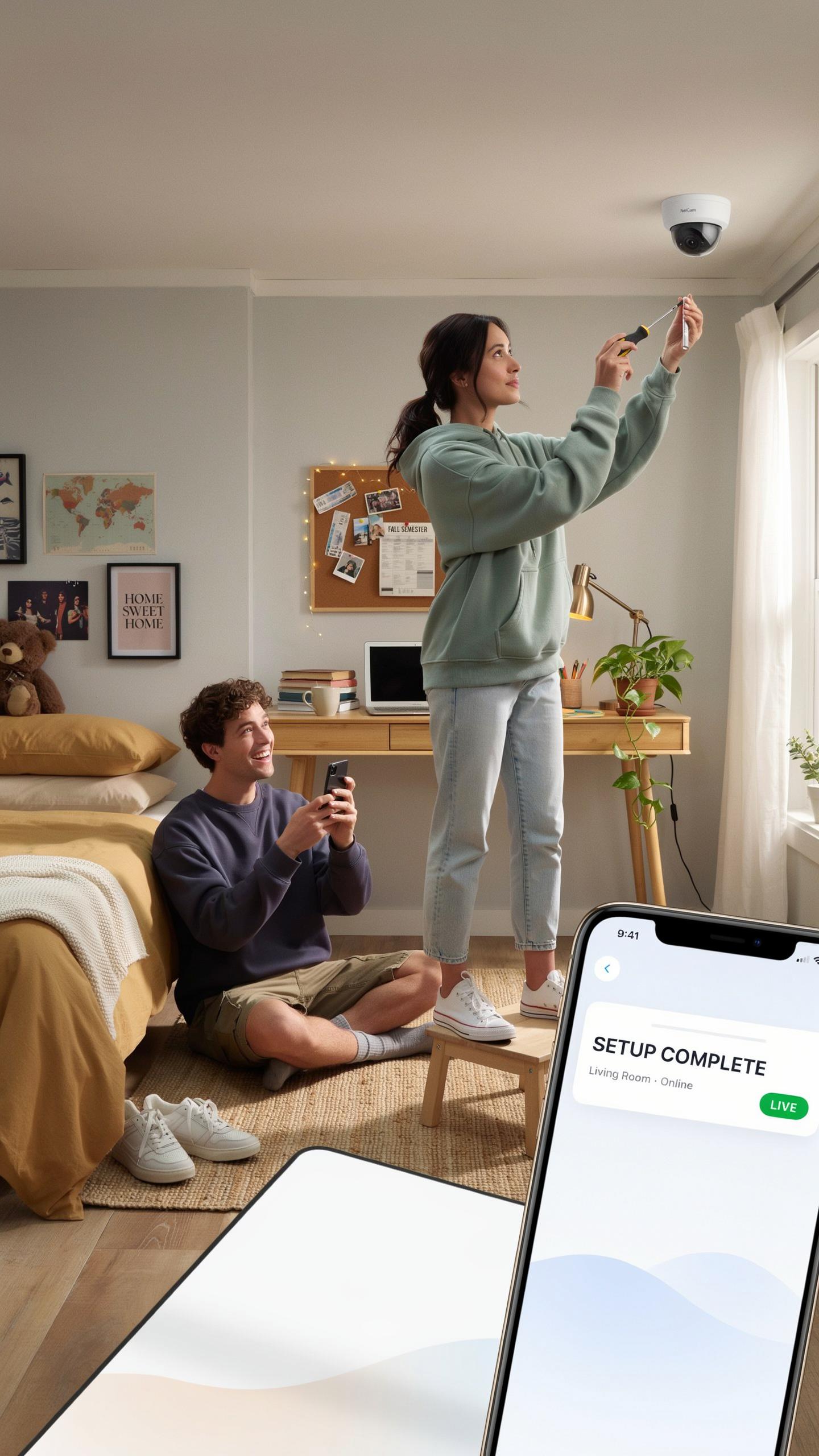
Position cameras at entry points first. Doors, hallway entrances, and common room access points need coverage. Mount cameras at least seven feet high to capture faces and deter tampering. Avoid pointing cameras into private rooms or bathrooms. Angle cameras to cover the maximum area while respecting roommate privacy and dorm policies.
Check your dorm’s camera policy before installation. Many facilities restrict placement or prohibit cameras entirely in certain zones. Work with your RA to identify approved locations. Corner placements often provide the best coverage with minimal blind spots. Test camera angles on your phone before final mounting to ensure you capture what matters.
Connecting And Configuring Your Security System
Download the camera manufacturer’s app before setup begins. Connect your camera to your dorm Wi-Fi network using the app or QR code method. Enter your Wi-Fi credentials carefully. Create a strong, unique password for your camera account. Test the live feed immediately to confirm connectivity works from your phone and computer.
Configure motion detection settings to reduce false alerts from hallway traffic. Enable notifications for actual security events. Set recording preferences based on your storage capacity and data limits. Most dorm Wi-Fi has bandwidth restrictions, so choose lower resolution recording if needed. Access your footage through the app or a web portal depending on your camera model.
Beyond Cameras Comprehensive Dorm Room Safety Tips
Enhancing Security With Security Safes And Locks
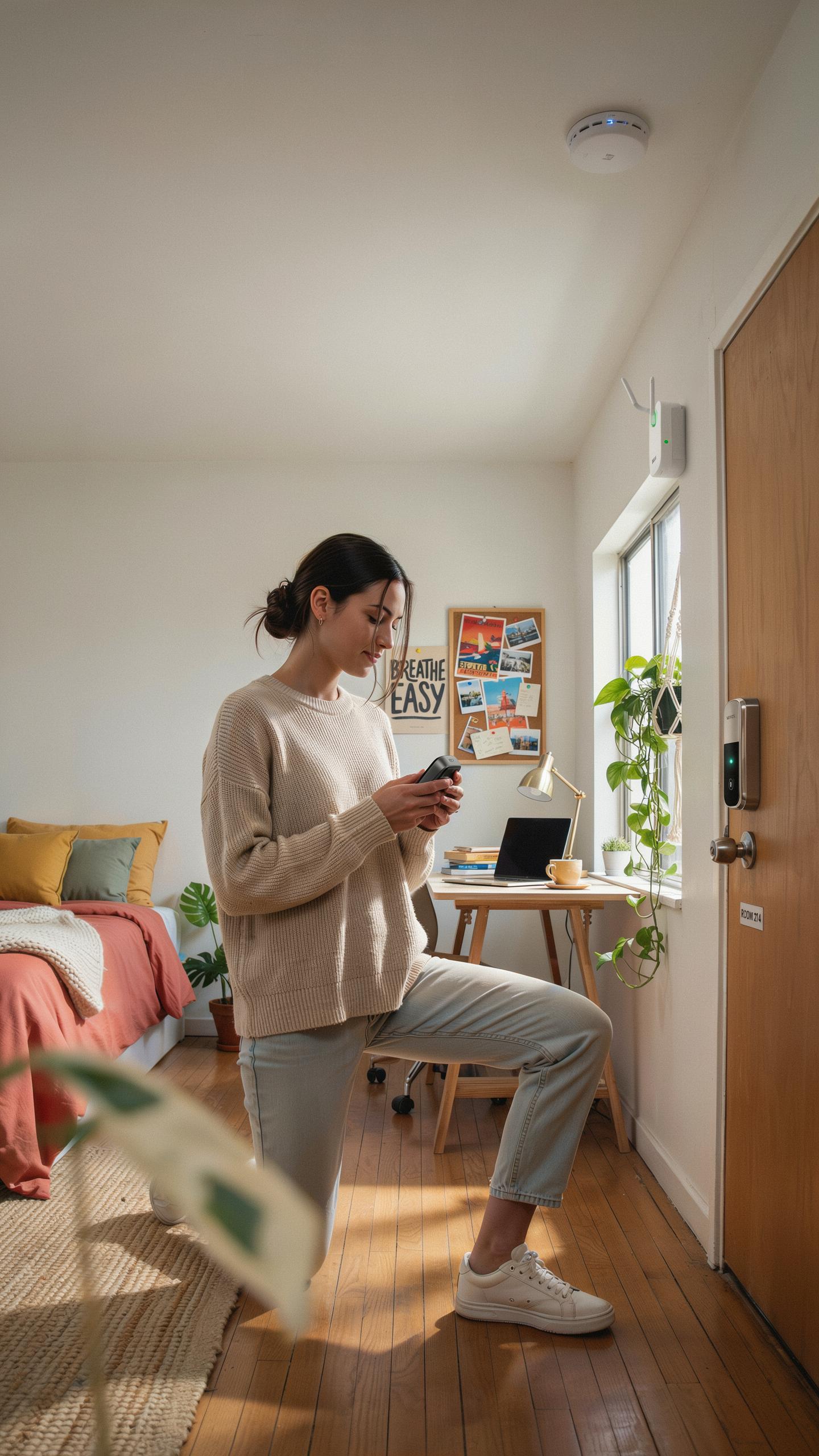
Cameras capture incidents after they happen. Safes and locks prevent them from happening at all. A personal safe stores laptops, cash, passports, and electronics when you leave your room. Bolt it to furniture or the floor so roommates or visitors cannot move it. Additional door locks add a second barrier. Many dorms allow removable locks that don’t damage walls. Install one on your bedroom door if you have a private room or share with one trusted person. Test the lock mechanism before relying on it.
Roommate theft represents a real problem on campuses. You control access to your valuables through safes and locks, not through hoping someone acts ethically. Door reinforcement kits strengthen frames against forced entry. A safe with a minimum 30-minute fire rating protects documents and hard drives. Choose locks rated for residential use, not decorative hardware. These tools work alongside cameras by reducing theft opportunities altogether.
In our shared college journey, a watchful eye, like a caring elder, ensures our memories are built on trust and peace of mind.
College Safety Tips Dorm Room: General Practices
Window security starts with knowing what you have. Older dorms often have single-pane windows that open fully. Close and lock them before leaving your room or sleeping. Ground floor rooms face higher risk from window entry. Install window stops that limit opening to four inches if your dorm allows modifications. Test your locks regularly. Report broken hardware to maintenance immediately, not weeks later.

Awareness beats equipment. Know your roommates and their friends. Notice who enters common areas and when. Report suspicious behavior to campus security without delay. Don’t leave valuables unattended in study lounges or libraries. Communicate with your dorm community about incidents. Security depends on collective vigilance. Campus security departments track patterns across buildings. Your report of one theft might connect to five others they already know about.
Addressing Concerns Fake Security Camera For Apartment Options
The Deterrent Effect Of Dummy Cameras
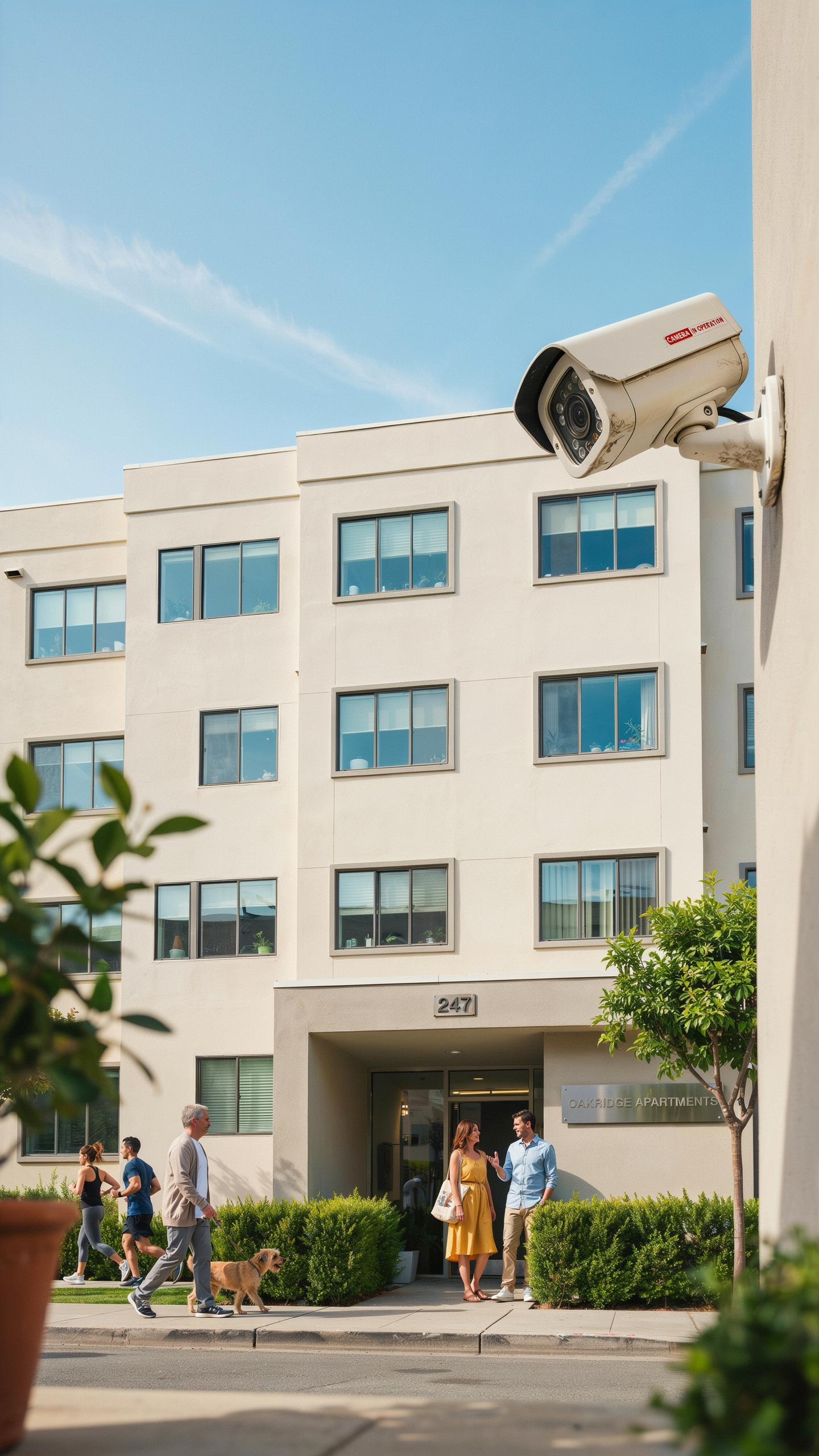
Dummy cameras work through basic psychology. Most people avoid areas where they think surveillance exists. A visible camera, real or fake, signals monitoring. This perception alone stops many theft and vandalism incidents before they happen. Dummy cameras cost far less than functional systems while delivering the same visual deterrent.
The deterrent effect depends on camera placement and visibility. A dummy camera mounted at eye level in a hallway does more work than one hidden in a corner. People must see it to feel watched. Placement matters more than authenticity when your goal is prevention through visibility alone.
When A Fake Camera Is An Appropriate Solution
Fake cameras make sense in dorms when real surveillance raises legal or privacy issues. Shared spaces like lounges and hallways benefit from the visual deterrent without the complexity of data storage, consent forms, or footage management. They address security concerns without the operational burden of actual recording systems.

Use dummy cameras as a temporary measure while budgeting for real systems. They work well in low-risk areas where deterrence matters more than evidence collection. However, dummy cameras fail if theft or vandalism occurs and you need recorded proof. Know the difference between what you need: prevention or accountability.
Maintaining Your Dorm Room Security Setup
Regular System Checks And Updates
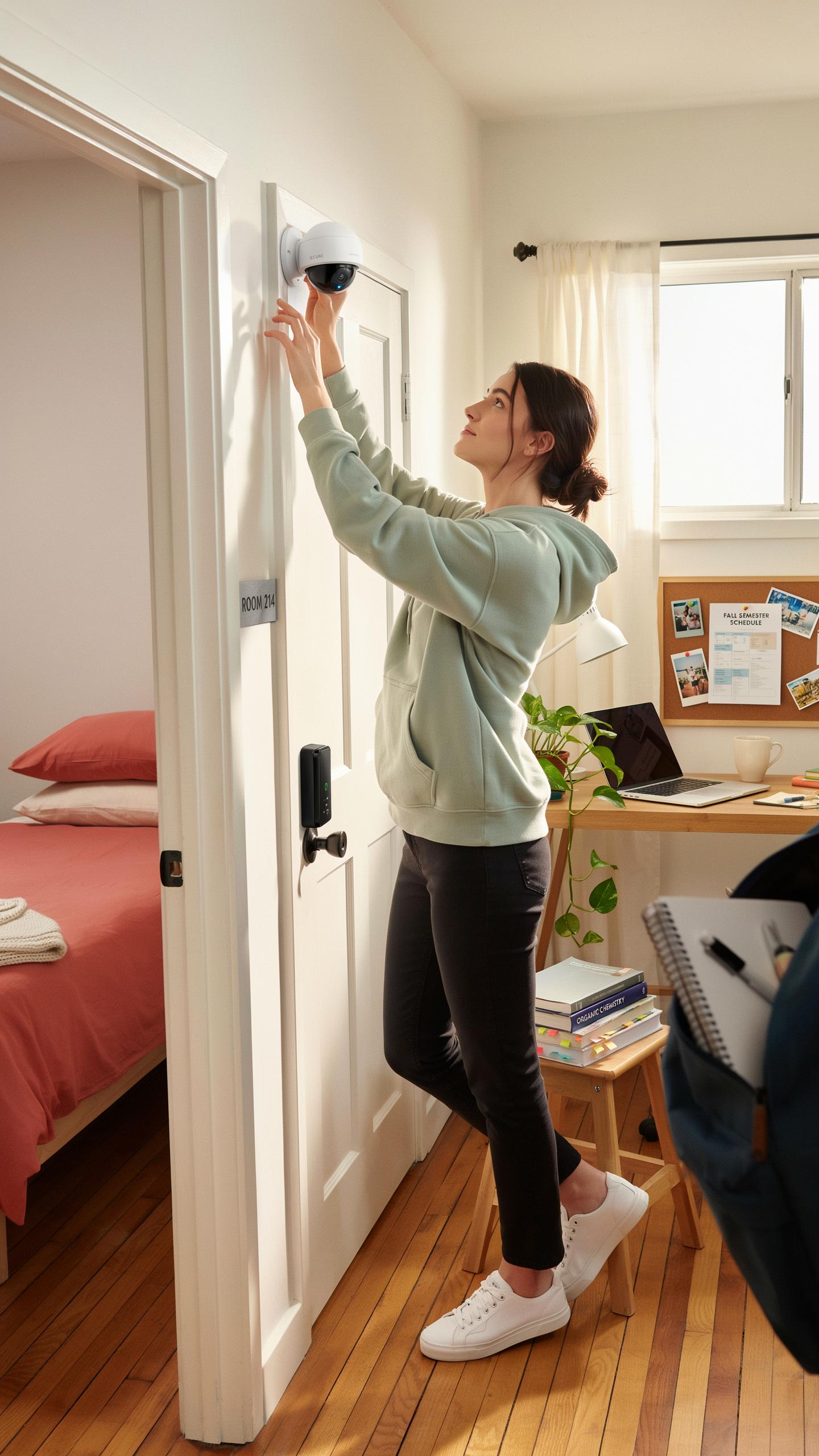
Battery drain happens fast in dorm environments. Check camera batteries weekly during the semester. Most wireless models lose 10-15% charge monthly in standby mode. Replace batteries before they hit 20% to avoid gaps in coverage. Test the camera connection to your phone app monthly to confirm the feed streams without lag or disconnection errors.
Software updates patch security vulnerabilities and fix bugs that cause recording failures. Check your camera manufacturer’s app for pending updates every two weeks. Install updates immediately when available, not weeks later. Delayed updates leave your shared space footage exposed to hacking. Restart the camera after each update completes to ensure proper function.
Troubleshooting Common Camera Issues
Connectivity drops kill your system’s value. If your camera disconnects repeatedly, move your WiFi router closer to the camera or switch to the 2.4GHz band instead of 5GHz. Dorm walls block signals more than you expect. Restart your router and camera together. Most reconnection issues resolve within 60 seconds of this simple reset.

Recording failures stem from storage limits or app glitches. Check if your cloud storage quota is full and delete old footage to free space. Force close the app completely and reopen it. If playback still fails, uninstall and reinstall the app on your phone. Test recording by triggering motion alerts manually. If these steps fail, contact manufacturer support with your model number and error code.
Roommate Tips Infographic Living Harmoniously With Security
Creating A Shared Understanding Of Security Measures
Start with a direct conversation before installing any camera. Discuss why you need security coverage, what areas the camera will monitor, and how footage storage works. Document your agreement in writing. This prevents misunderstandings and establishes that security serves the dorm, not surveillance of individuals. Both roommates must consent to camera placement and operation.
Establish clear boundaries about camera access and footage review. Define who can view recordings, under what circumstances, and for how long you retain footage. Specify that cameras cover common areas only, never private sleeping spaces or bathrooms. Review these rules quarterly or when roommate situations change. Written agreements protect both parties and reduce conflict before it starts.
Resolving Disputes And Addressing Privacy Concerns
Privacy concerns surface quickly when cameras enter shared dorms. Address complaints immediately rather than letting resentment build. Listen to your roommate’s specific objection, whether it concerns recording times, camera angles, or data access. Adjust camera positioning or recording schedules if concerns prove valid. Most disputes stem from misalignment, not fundamental incompatibility.

Escalate unresolved disputes to your residential life staff or dorm management. They provide mediation and enforce dorm policies on security devices. Document your conversation attempts and the specific concerns raised. Your dorm likely has formal processes for roommate conflicts involving technology. Using these resources protects both your security interests and your roommate’s rights without personal confrontation.
Frequently Asked Questions

Is it even legal or ethical to use a camera for dorm room security in a shared space?
Generally, it’s legal if the camera is placed in your private area (e.g., your desk or wardrobe facing your belongings) and doesn’t record common shared areas without explicit consent from all roommates. Prioritizing open communication and agreement is crucial for ethical dorm room security camera for shared spaces.
How can I discreetly set up a dorm room security camera without it being too obvious?
For discreet dorm room security, consider mini spy cameras disguised as everyday objects like USB chargers or alarm clocks. Ensure the camera only captures your personal belongings and avoid pointing it towards shared living areas or your roommate’s private space. Communication remains key.
What are some affordable options for a basic dorm room security camera?
Many budget-friendly Wi-Fi cameras offer excellent dorm room security for shared spaces. Look for models under $50 from brands like Wyze or Blink, which often include features like motion detection and two-way audio. These are great for keeping an eye on your personal items without breaking the bank.



