Minimal Desk Setup The Foundation Of Your Home Office
Choosing The Right Desk And Chair
Your desk and chair determine whether you work comfortably or develop back pain within weeks. A desk needs only enough surface area for your monitor, keyboard, and one reference item. Standard depths of 24 to 30 inches work for most home setups. Height matters more than aesthetics. Your elbows should bend at 90 degrees when typing. Most work surfaces between 28 and 30 inches tall hit this mark for average-height adults.
Chair selection directly impacts productivity and long-term health. Skip gaming chairs and luxury brands. Instead, buy used office chairs from commercial liquidators or Facebook Marketplace. Look for models with adjustable seat height, lumbar support, and armrests. Test before buying. Sit for five minutes. Your lower back should feel supported, not strained. Budget-friendly options under $150 exist if you shop used markets rather than retail.
Decluttering For Focus: Essential Desk Accessories
Clutter kills focus and wastes time. You spend energy locating items instead of working. Start with one small storage solution like a desk organizer or filing tray. Keep only items you use daily on the desktop itself. Everything else goes in drawers or storage bins. Vertical storage like wall shelves multiplies usable space without eating desk real estate.
Cable management prevents tangled messes that slow you down. Cheap velcro straps or clips cost under five dollars and contain wires immediately. Label each cable at both ends so you identify connections without tracing. A simple power strip with an on-off switch consolidates cords into one location. This setup takes thirty minutes to arrange and saves hours monthly by eliminating cable confusion.
Cozy Workspace Creating An Inviting Environment
Lighting Your Way: Budget Friendly Illumination
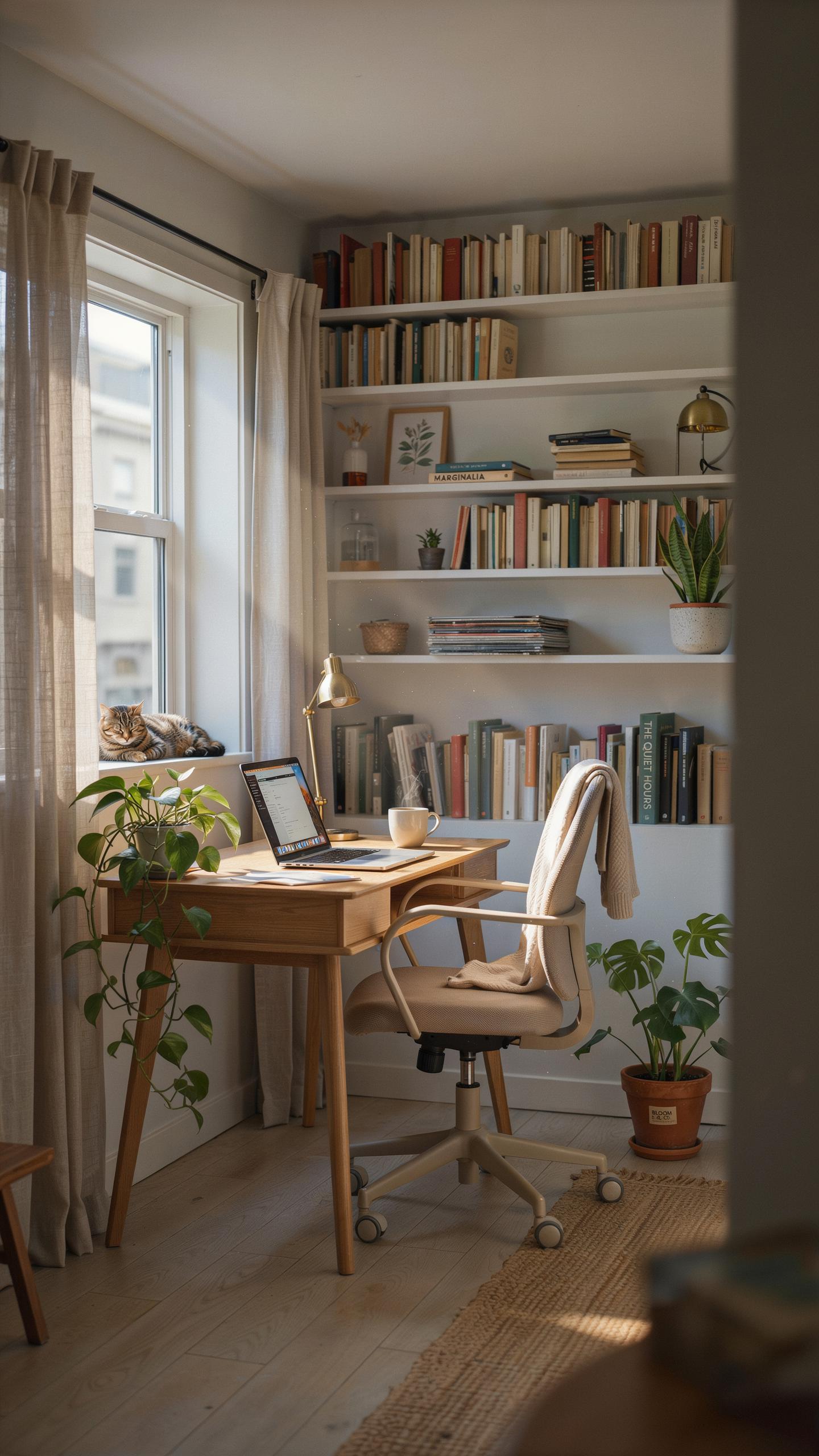
Natural light boosts productivity and reduces eye strain. Position your desk near a window when possible. This cuts artificial lighting costs and improves mood through circadian rhythm alignment. If windows aren’t available, prioritize task lighting over ambient light to save money and energy.
LED bulbs cost more upfront but deliver 75% energy savings versus incandescent options. A basic desk lamp with adjustable brightness runs under 20 dollars. Avoid overhead lighting alone, which creates harsh shadows and causes fatigue. Layer your lighting with one focused source on your work surface and softer ambient light elsewhere in the room.
With a little ingenuity and a lot of heart, my first home office felt like a palace, built with thrift store treasures and a dream.
Personal Touches: Adding Warmth To Your Work Zone
Low cost items reshape your workspace psychology. A single plant under 10 dollars improves air quality and breaks visual monotony. Thrift stores stock frames, desk organizers, and decorative pieces for a fraction of retail prices. These additions signal to your brain that this space matters, boosting focus and engagement during work hours.

Color choice matters more than decoration quantity. Neutral backgrounds reduce visual noise and eye fatigue during long work sessions. Add one or two accent colors through affordable items like a desk mat or small storage boxes. This approach costs minimal money while creating clear separation between your work zone and living areas.
Desk Space Optimizing Your Layout For Productivity

Ergonomic Arrangement: Positioning Your Tech
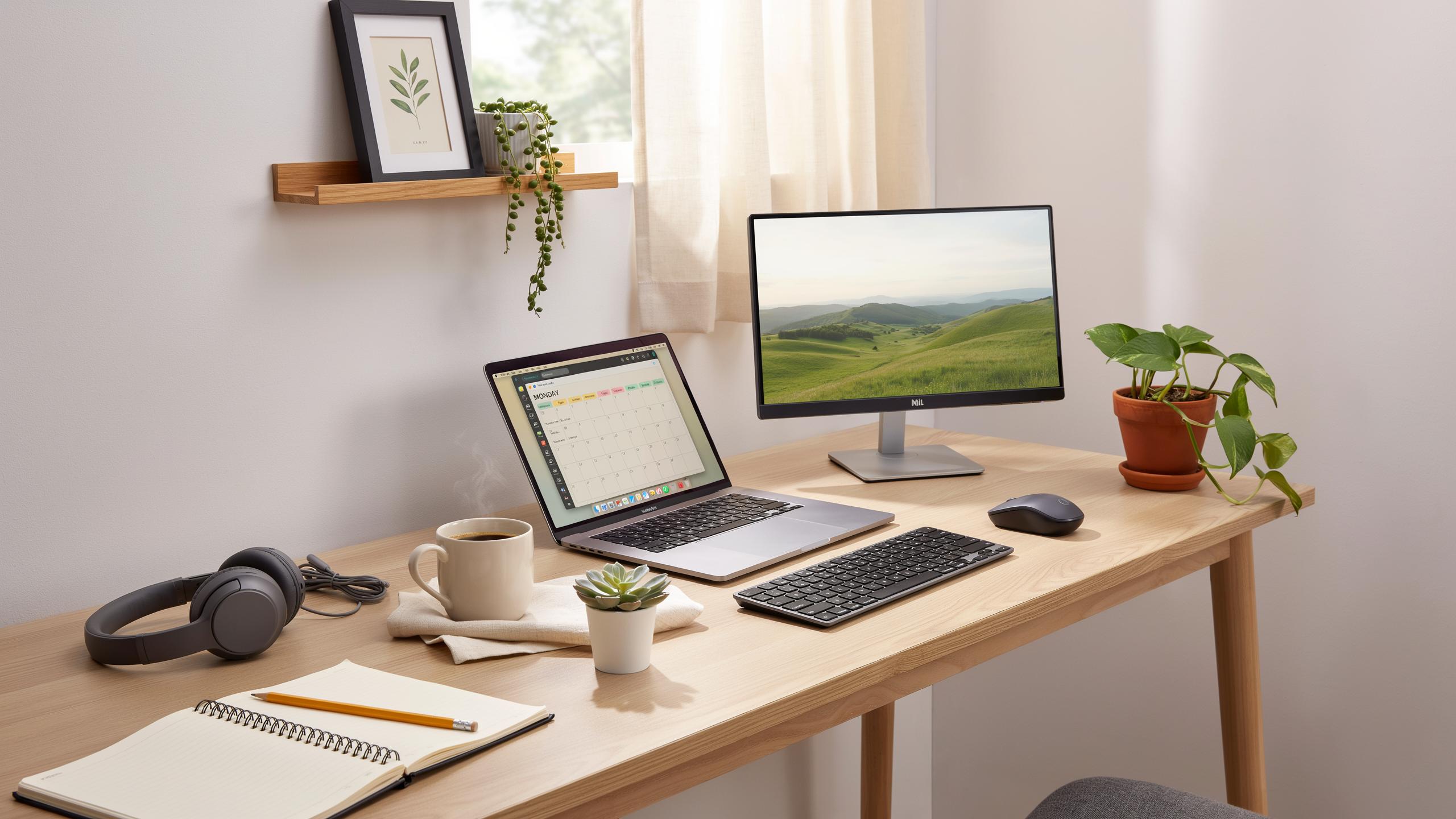
Monitor placement matters because your eyes focus on screens for hours daily. Position your monitor arm’s length away at eye level. This prevents neck strain and reduces eye fatigue. Keep your keyboard and mouse at elbow height when seated. Your forearms should stay parallel to the ground. Adjust your chair so your feet rest flat on the floor or a footrest.
Budget options work just as well as expensive setups. Use monitor stands or stacked books to raise screens to eye level. A basic desk riser lifts your keyboard surface without costing much. Position your mouse close to your keyboard to minimize arm extension. Test different arrangements for a week before finalizing your setup. Small adjustments compound into major comfort gains over months of work.
Cable Management: Taming The Tangled Mess
Cable clutter wastes time and creates a chaotic workspace. Group cables by device and route them behind your desk. Use velcro cable ties or fabric straps to bundle wires together. These cost under five dollars and reposition easily when you change equipment. Label each cable at both ends with tape and a marker. This saves hours when you need to troubleshoot or relocate your setup.

Adhesive cable clips mount directly to your desk or wall without permanent damage. They guide wires along surfaces and keep them off the floor. Route power cables along one side and data cables along another to prevent interference. A basic power strip with surge protection consolidates multiple plugs into one location. Cheap surge strips cost between ten and twenty dollars and protect your equipment from electrical spikes.
Set Up Work Desk Essential Hardware On A Budget
The Core Components: Computer, Monitor, And Peripherals
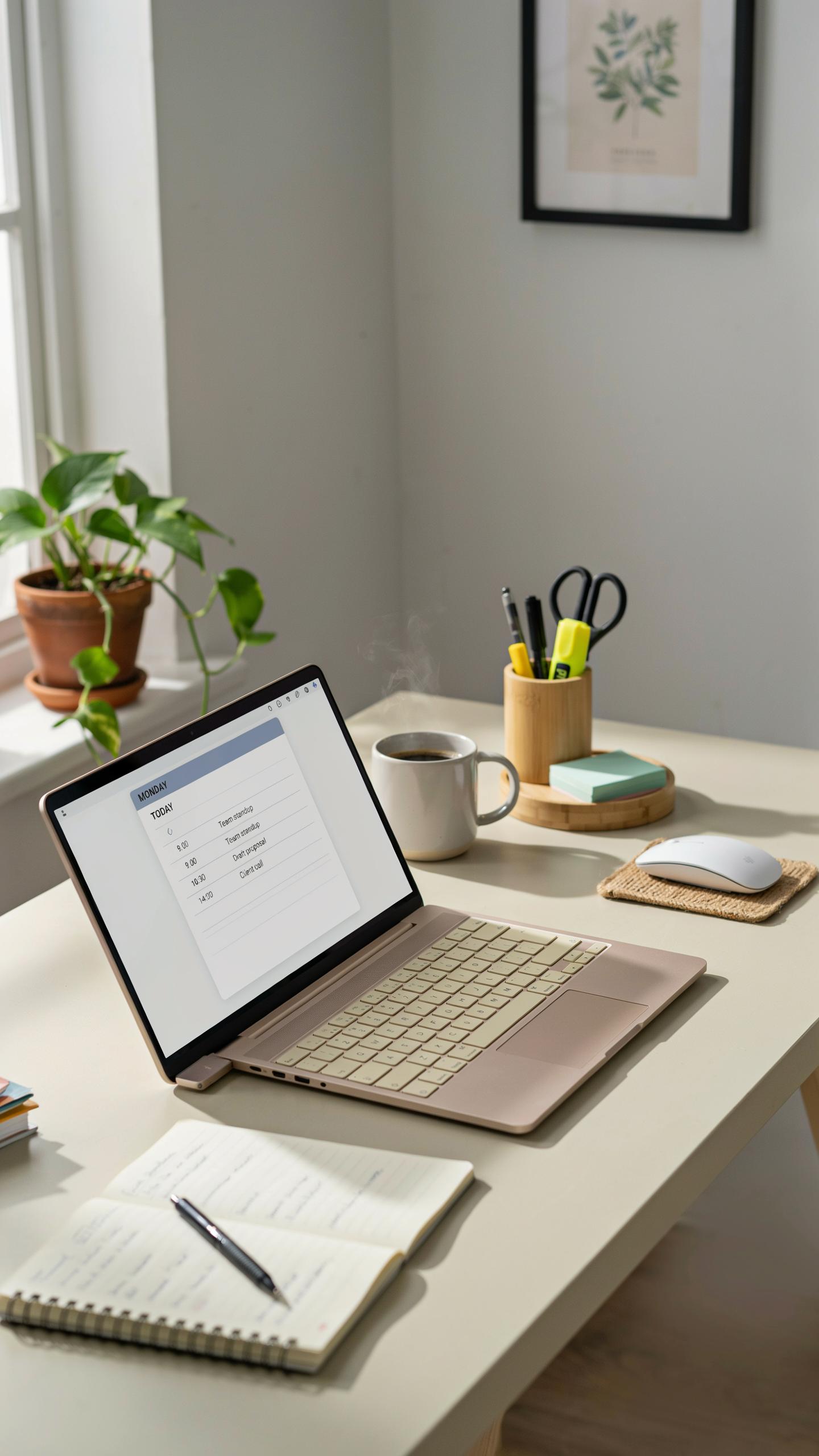
You need three things to work: a computer that runs your software, a monitor to see what you’re doing, and input devices that let you control it. Buy refurbished or previous-generation models instead of new. They perform the same tasks at half the cost. Desktop computers cost less than laptops with equal specs. A single monitor beats squinting at a laptop screen all day.
A used 24-inch monitor costs 80 to 150 dollars and lasts years. Pair it with a refurbished desktop that has at least 8GB of RAM and a solid state drive. Skip expensive keyboards and mice. Budget options from established brands work fine for typing and clicking. You save money by buying components separately rather than pre-built bundles.
Connectivity Solutions: Internet And Networking
Internet speed determines your productivity. Video calls drop on slow connections. File uploads stall. Email lags. You need at least 25 megabits per second download and 5 megabits per second upload. Check what your area offers before signing a contract. Many providers throttle speeds during peak hours, so test actual performance times.

Budget routers run 30 to 60 dollars and handle standard work tasks. Place your router in the center of your workspace to reach all areas. Ethernet cables cost under 20 dollars and provide faster, more stable connections than WiFi. Run a cable directly to your computer if possible. If WiFi is your only option, position the router away from walls and metal objects to reduce interference.
Software Engineer Desk Tools For Specialized Roles
Open Source Software: Powerful And Free Alternatives
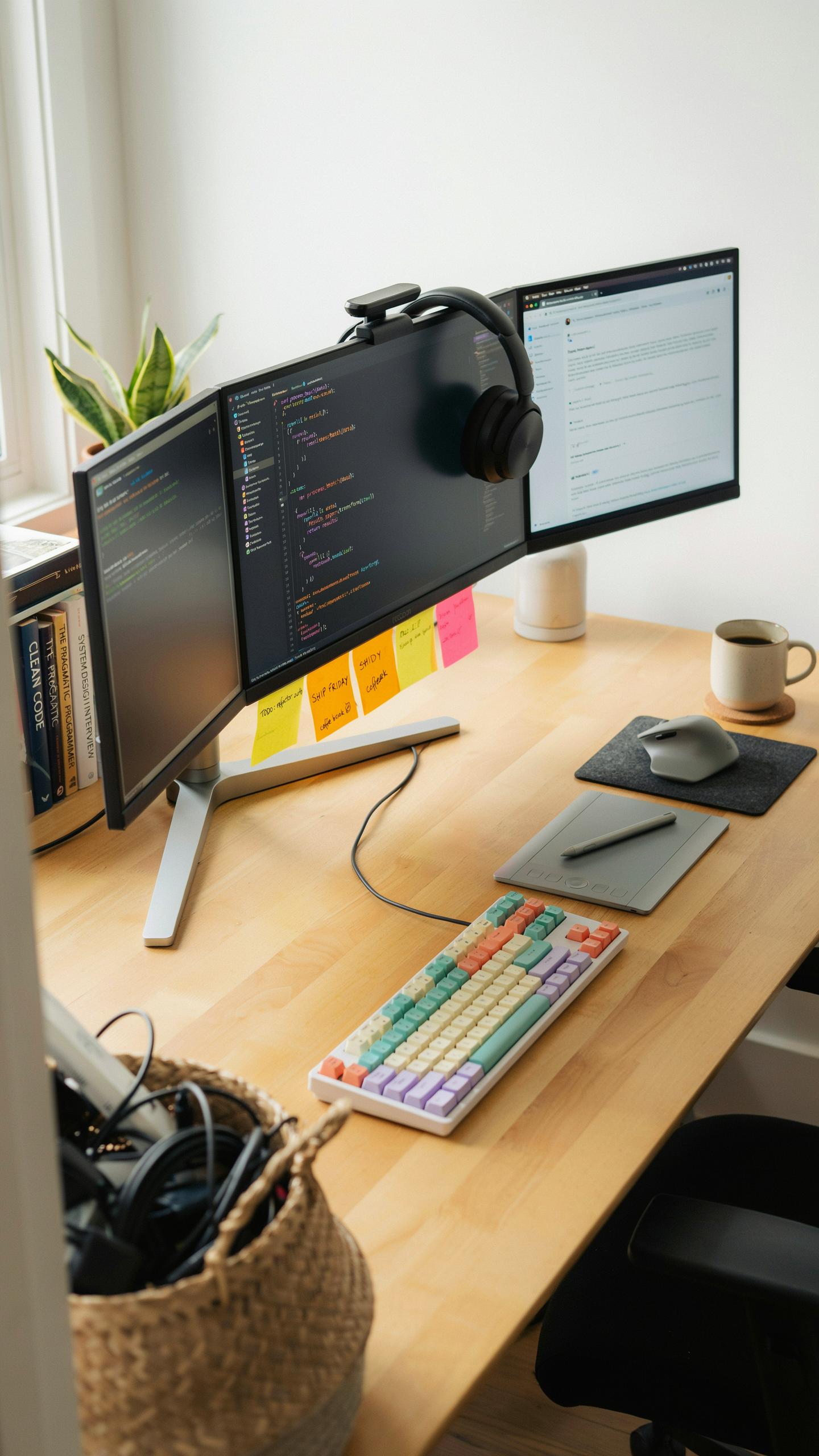
Linux distributions like Ubuntu run zero licensing costs and power production servers globally. VS Code, maintained by Microsoft but open-source, handles coding across languages without subscription fees. Git version control remains the industry standard and costs nothing. These tools eliminate software licensing from your budget entirely while matching commercial alternatives in capability.
GIMP replaces Photoshop for image editing when design work intersects your development duties. LibreOffice handles documentation without Microsoft Office subscriptions. Blender suits 3D visualization tasks if your role requires it. Open-source ecosystems mature through collective contribution, meaning you access enterprise-grade tools without enterprise pricing.
Cloud Services: Scalable And Affordable Resources
AWS Free Tier provides compute, storage, and database resources monthly within usage limits. GitHub includes free repositories with Actions for continuous integration pipelines. Google Cloud and Azure offer comparable free tier programs for developers building and testing projects. You scale infrastructure cost alongside actual demand rather than paying fixed monthly fees upfront.

Docker containerization works free and standardizes development environments across machines. Free tier services typically cover personal projects and small team workflows. You upgrade only when production traffic or data storage demands exceed thresholds. This approach keeps infrastructure costs near zero during setup and early development phases.
Office Room Designs Making The Most Of Small Spaces
Multi Functional Furniture: Maximizing Utility
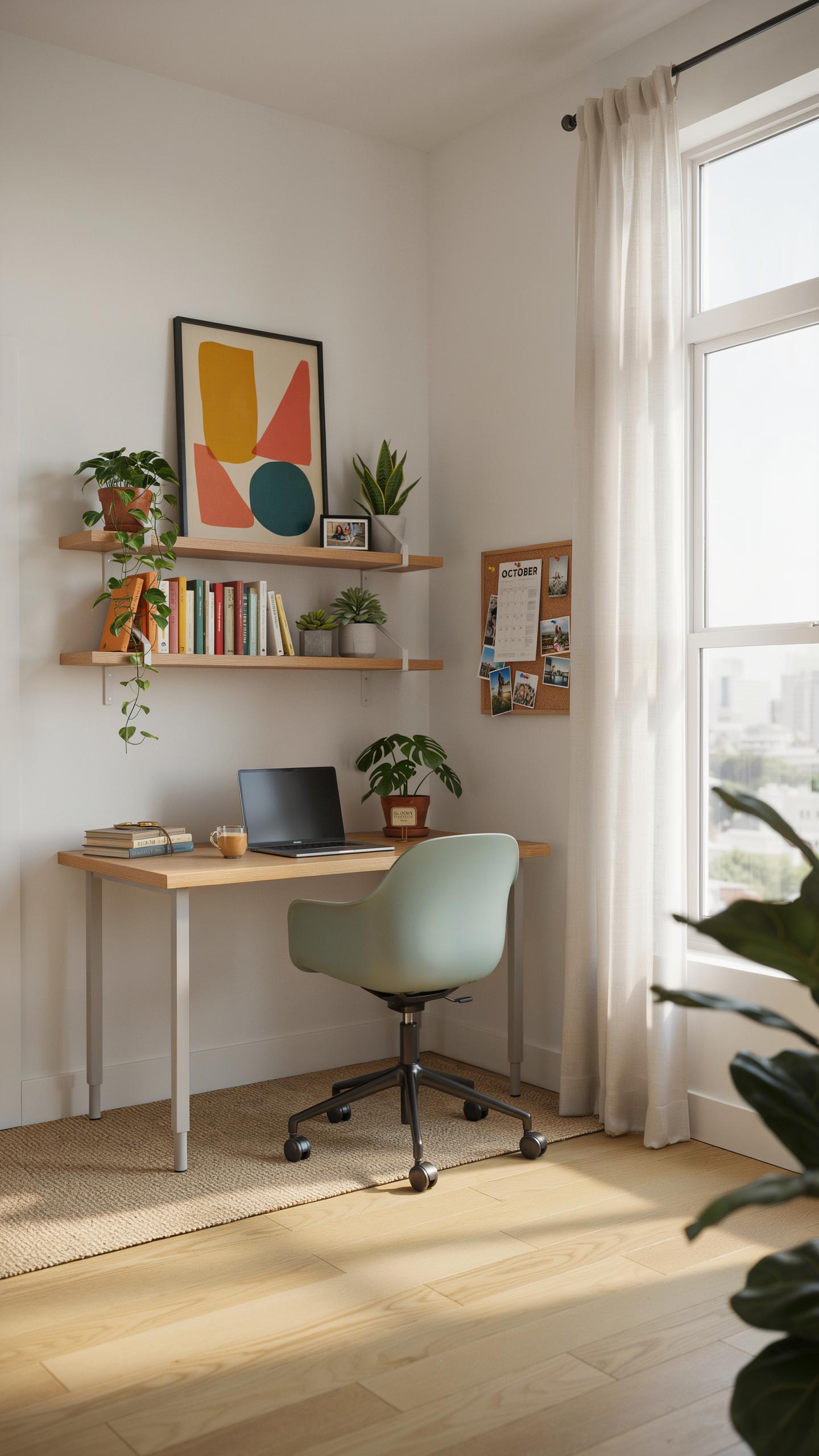
Dual purpose furniture cuts costs and saves floor space simultaneously. A desk with built in shelving eliminates the need for separate storage units. Wall mounted fold down desks consume minimal space when not in use. Storage ottomans hold equipment while serving as seating. These choices matter because square footage costs money and clutter kills productivity.
Real estate constraints force decisions. Buy pieces that earn their space by doing multiple jobs. A desk with drawers handles files and supplies without adding another piece. Rolling carts move between tasks and tuck into corners. Your budget stretches further when you buy one item instead of three. Function determines value, not appearance.
Vertical Storage: Utilizing Wall Space
Walls represent unused real estate in most home offices. Floor space stays open for movement and work surfaces when you use vertical storage. Wall mounted shelves hold books, equipment, and supplies without consuming desk territory. Pegboards organize cables and small tools visibly. Floating shelves cost less than filing cabinets and work harder. Height becomes your advantage in cramped rooms.

Installation matters more than aesthetics here. Properly anchored shelves hold weight safely and free your desk for actual work. Wall space costs nothing compared to furniture footprints. Start low and build upward to maximize access to frequently used items. Cables route along walls using clips and conduit. This approach transforms wasted vertical space into operational storage that improves workflow efficiency.
Small Room Setup Creative Solutions For Compact Areas
Strategic Layouts: Planning For Efficiency
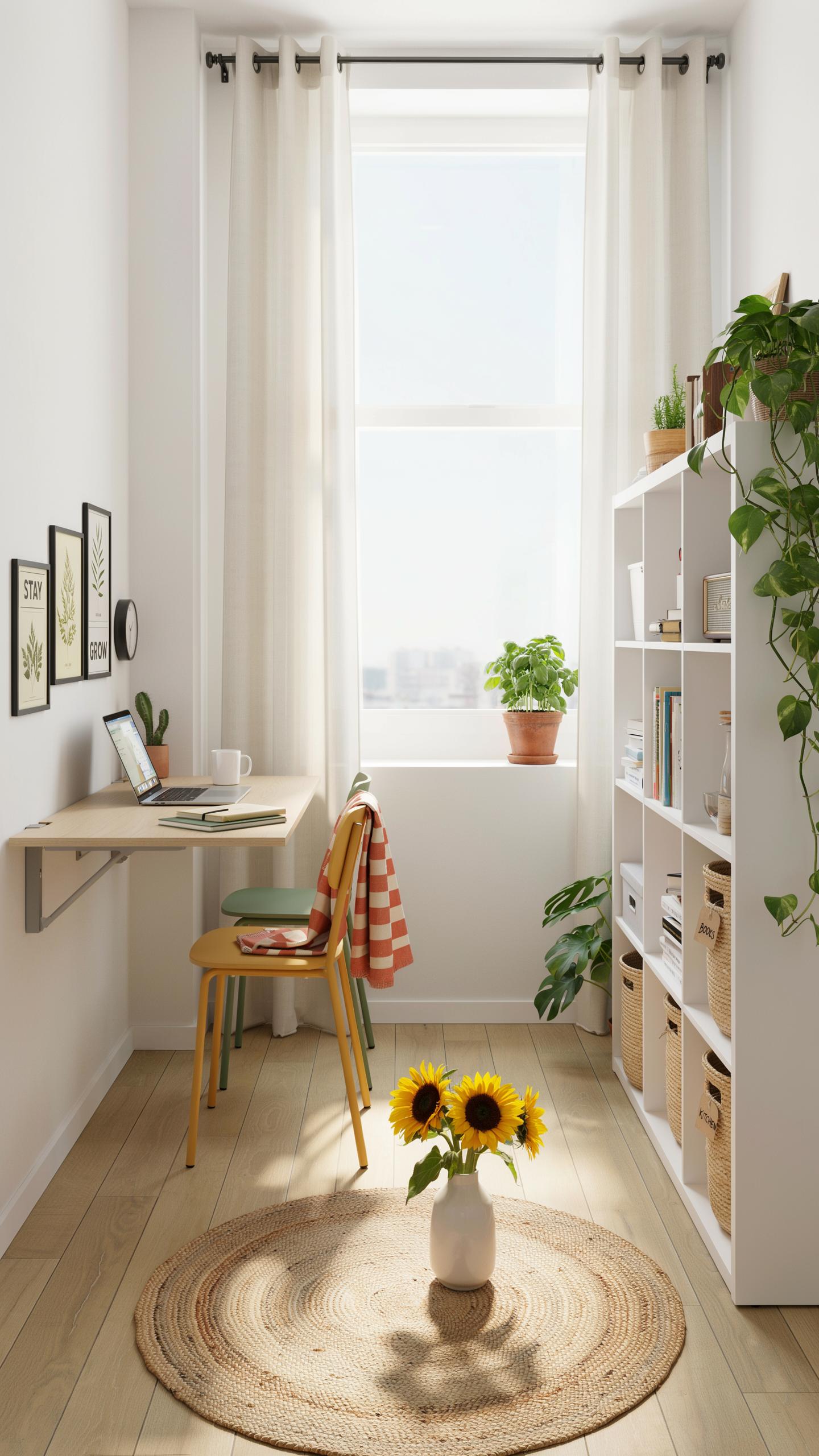
Start with your room’s natural light source and electrical outlets. Position your desk perpendicular to windows to avoid screen glare while maintaining daylight access. Place your monitor arm on a wall mount instead of using desk space. This single move reclaims 12 to 18 inches of surface area. Route cables behind furniture or through cable management clips attached to walls and desk edges.
Vertical storage replaces horizontal sprawl in tight spaces. Wall-mounted shelves above your desk hold monitors, documents, and equipment without consuming floor real estate. Use the corner behind your door for a filing cabinet or storage unit. A narrow rolling cart fits between your desk and wall, providing mobile storage you can tuck away during video calls.
Sound Management: Minimizing Distractions
Soft materials absorb sound waves and cost far less than professional acoustic panels. Bookshelves filled with books naturally dampen noise. Hang a heavy curtain or tapestry on the wall opposite your desk. Place area rugs under your desk to reduce echoing from hard flooring. These items work because sound dissipates when it hits dense material rather than bouncing off hard surfaces.

Isolate your workspace from household noise by sealing gaps under doors and around windows with weatherstripping tape. Position your desk away from shared walls where roommates or family members work. Use a white noise app or fan to mask background sounds during calls. Noise cancellation headphones offer a direct solution when environmental fixes fall short.
Tech Desk Setup Home Office Essential Accessories For Productivity
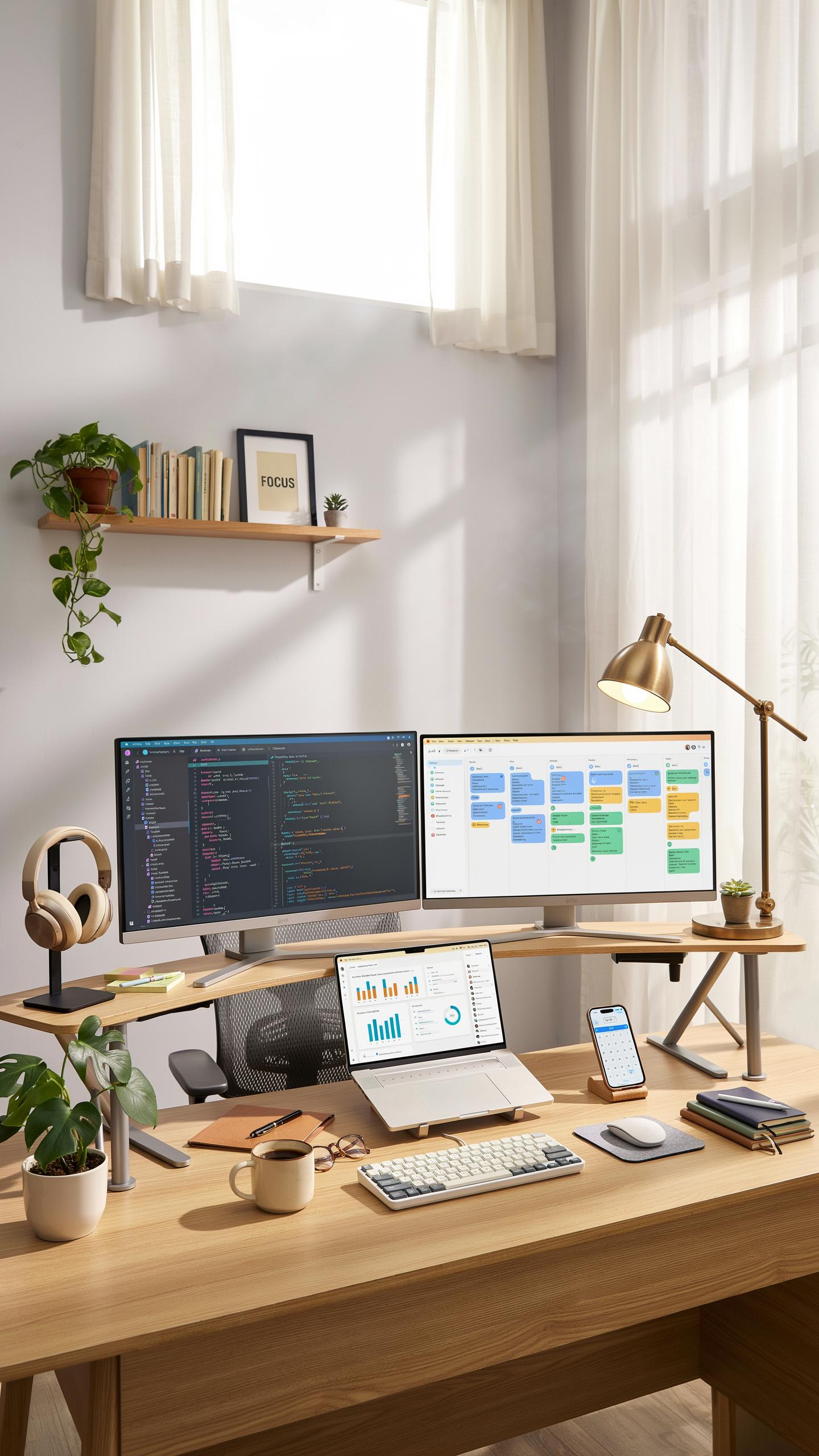
Audio And Visual: Communication On A Shoestring
Clear communication requires working gear, not expensive gear. Budget webcams from established manufacturers deliver 1080p resolution at 30 frames per second, which meets video call standards. A USB microphone eliminates background noise better than built-in laptop audio. Both items cost under 50 dollars combined and connect directly to your computer without software complications.
Test your audio and video before meetings. Position your webcam at eye level to avoid unflattering angles and improve how colleagues perceive you on screen. A basic microphone placement six inches from your mouth captures voice clearly. These fundamentals matter more than equipment price tags.
Power And Protection: Keeping Your Gear Safe
Surge protectors safeguard against voltage spikes that destroy electronics instantly. A quality surge protector costs 15 to 25 dollars and includes multiple outlets for your monitor, computer, and peripherals. Power strips add outlets but lack surge protection, so buy surge protectors instead. Place one near your desk to consolidate all connections in one accessible location.

Unplug gear during thunderstorms or extended absences. Surge protectors deteriorate over time and lose effectiveness after absorbing multiple surges. Replace yours every three to five years depending on electrical storms in your area. This simple maintenance prevents replacing expensive equipment unexpectedly.
Frequently Asked Questions

I’m just starting to work from home; what are the absolute essentials for a functional tech setup without breaking the bank?
For a basic work from home tech setup on a budget, prioritize a reliable laptop or desktop, a comfortable keyboard and mouse, and a stable internet connection. Many tasks can be accomplished with just these core items, allowing you to gradually upgrade as your needs evolve and budget permits.
How can I improve my existing home office tech setup without spending a lot of money on new equipment?
To enhance your current work from home tech setup on a budget, consider optimizing software, utilizing free online tools for productivity, and improving ergonomics with items you already own (like stacking books for monitor height). Look for open-source alternatives to paid software and explore second-hand accessories.
What are some accessible and affordable alternatives to expensive monitors or webcams for a tight budget?
For budget-friendly monitor alternatives, consider using an old TV if you have one, or explore refurbished monitors. Instead of a high-end webcam, your smartphone often has a surprisingly good camera that can be used with free apps, providing an excellent work from home tech setup on a budget.



