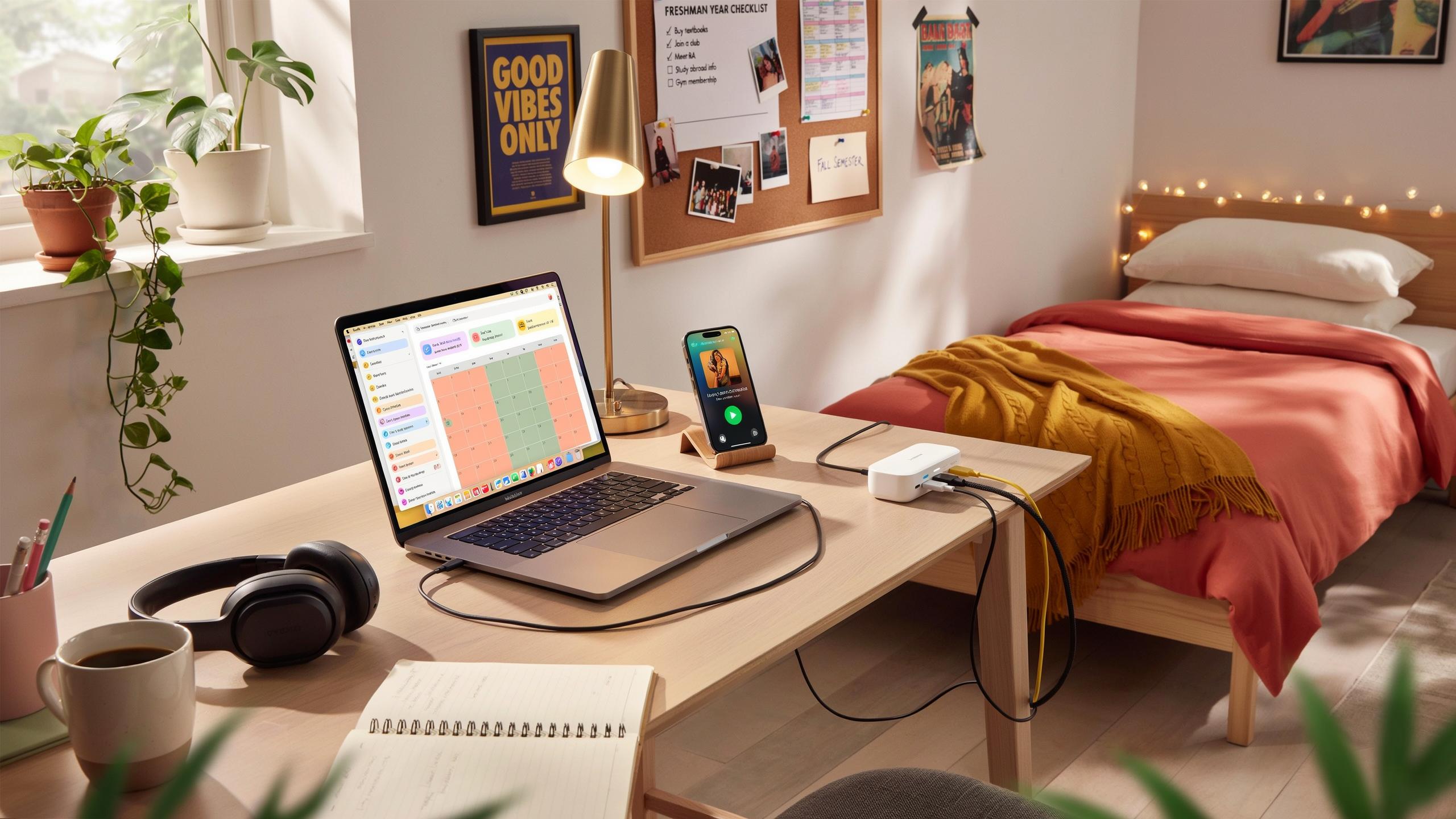
Setting Up Your Study Space Tech College Things You Need
Laptop And Accessories
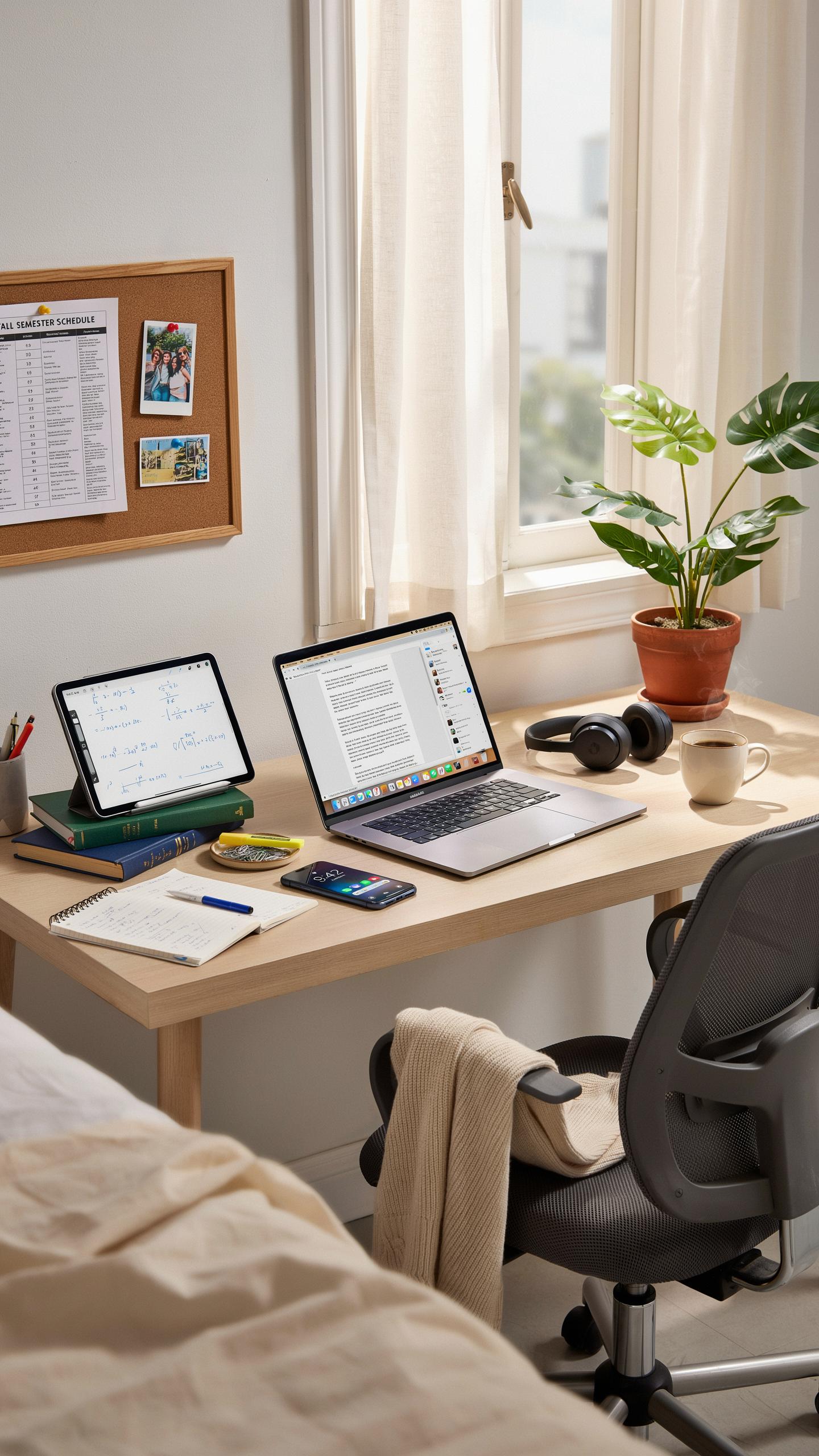
Your laptop is the foundation of college work. You need a device that runs your coursework software, handles video calls, and lasts through full days of classes. Most colleges support both Windows and Mac systems. Choose based on what your major uses. Engineering students often need Windows. Liberal arts programs typically support both equally. Battery life matters more than raw speed for dorm life. Aim for at least eight hours between charges.
A laptop stand elevates your screen to eye level and prevents neck strain during study sessions. External keyboards and mice reduce fatigue during long work periods. USB-C hubs add ports for external drives and monitors. A quality laptop bag protects your device during transport between classes and dorms. These accessories cost between 50 and 200 dollars combined. They transform your laptop into an actual workstation instead of a cramped notebook replacement.
Printer And Scanner Solutions
Most dorms prohibit personal printers due to space and fire code restrictions. Check your college’s specific rules before purchasing one. Many universities operate printing stations in library buildings and residence halls. You load your documents online and pick them up within hours. This system costs far less than owning equipment and eliminates storage problems in tight dorm rooms.
Scanning documents happens through your smartphone camera in 2024. Free apps like Adobe Scan and Microsoft Lens capture documents, convert them to PDFs, and organize files automatically. These tools work without additional hardware or software purchases. If you must scan physical materials regularly, visit your library’s scanning station instead. This approach keeps your dorm space functional and respects your roommate’s needs.

Staying Connected Uni Dorm Essentials For Communication

Reliable Wi Fi And Networking Gear
Your dorm internet connection determines your ability to attend classes, submit assignments, and maintain contact with instructors and peers. Most universities provide Wi-Fi through campus networks, but coverage varies by building and room location. Dead zones exist in many dorms despite institutional infrastructure investments. A personal mesh Wi-Fi system or extender fills gaps that slow your work and disrupt video calls during critical moments.
Purchase a dual-band or tri-band router if your dorm permit allows personal networking hardware. Check your housing agreement first, as some institutions restrict independent equipment. An Ethernet cable provides backup connectivity when Wi-Fi fails and delivers faster speeds for large file uploads or downloads. Keep at least one cable in your setup for reliability during peak usage hours when wireless networks become congested.
Headphones And Microphones For Online Classes
Quality audio equipment matters because instructors hear you and you hear them during lectures and group projects. Built-in laptop microphones and speakers create feedback loops and pick up dorm noise that annoys classmates. External microphones isolate your voice and eliminate echo that derails collaboration. Headphones prevent sound from disturbing roommates during early morning or late night coursework sessions.

Select closed-back headphones that block ambient dorm noise so you focus on course content without distraction. A USB or 3.5mm microphone sits on your desk and connects directly to your computer for plug-and-play setup. Test your audio before group presentations or class participation to catch technical issues in advance. Many students skip this step and discover problems during graded moments when fixes become impossible.
Powering Your Devices Dorm Room Needs Packing Lists
Surge Protectors And Power Strips
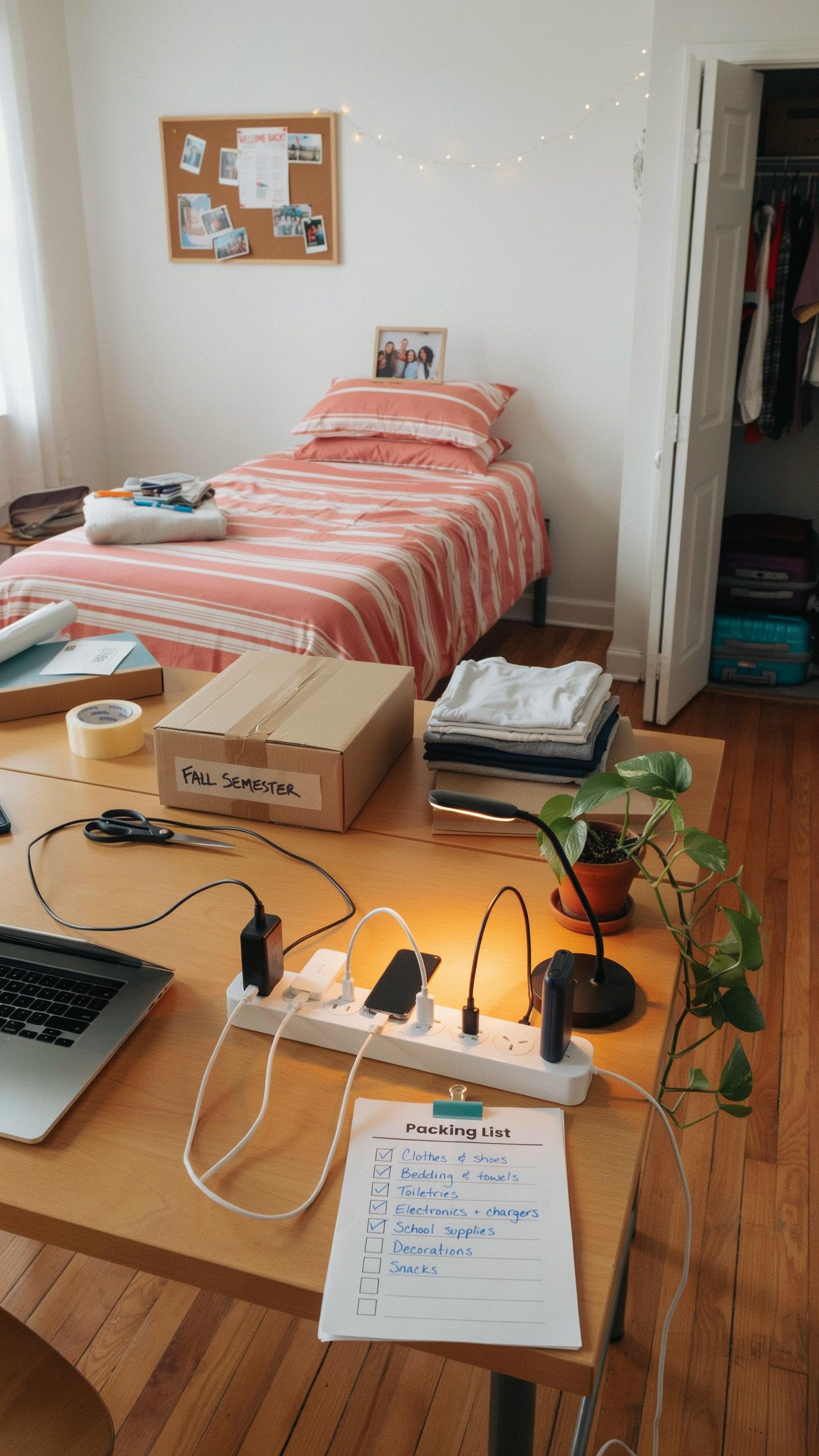
Dorm rooms have limited outlets. Most units feature two to four outlets total, often positioned far from your bed, desk, or study area. You need surge protection because it prevents damage from power spikes. Lightning strikes, utility company errors, and faulty wiring cause these spikes. Your laptop, phone, and gaming equipment suffer permanent damage without this protection.
- Six-outlet surge protector strip: Provides multiple outlets in one compact unit. Includes on/off switch and built-in circuit breaker for safety.
- Flat extension cord surge strip: Low-profile design fits behind furniture and under desks without creating tripping hazards.
- USB integrated surge protector: Combines traditional outlets with 4-6 USB ports. Charges phones and tablets without needing adapters.
- Vertical power strip with mounting bracket: Attaches to walls or furniture legs. Maximizes space in cramped dorms without occupying floor area.
- Heavy-duty surge protector: Higher joule rating protects against stronger power surges. Essential if your dorm experiences frequent electrical fluctuations.
Purchase a surge protector with at least 1000 joules. Check that your strip has an indicator light showing when protection is active. Replace any surge protector after it absorbs a major power surge, since internal components degrade after impact.
Portable Chargers And Power Banks
Power banks store electrical charge and deliver it to your devices on demand. Capacity matters here. A 10000mAh bank charges a smartphone two to three times. A 20000mAh bank charges larger devices like tablets and provides multiple phone charges.

Battery degradation happens gradually over time with all power banks. Most quality units last two to three years before capacity noticeably drops. Buy banks with multiple output ports so you charge phones and other devices simultaneously. Fast charging technology reduces charging time but generates more heat, so monitor temperature during use.
Entertainment And Downtime Tech Dorm List Moving Checklist
Streaming Devices And Smart Displays
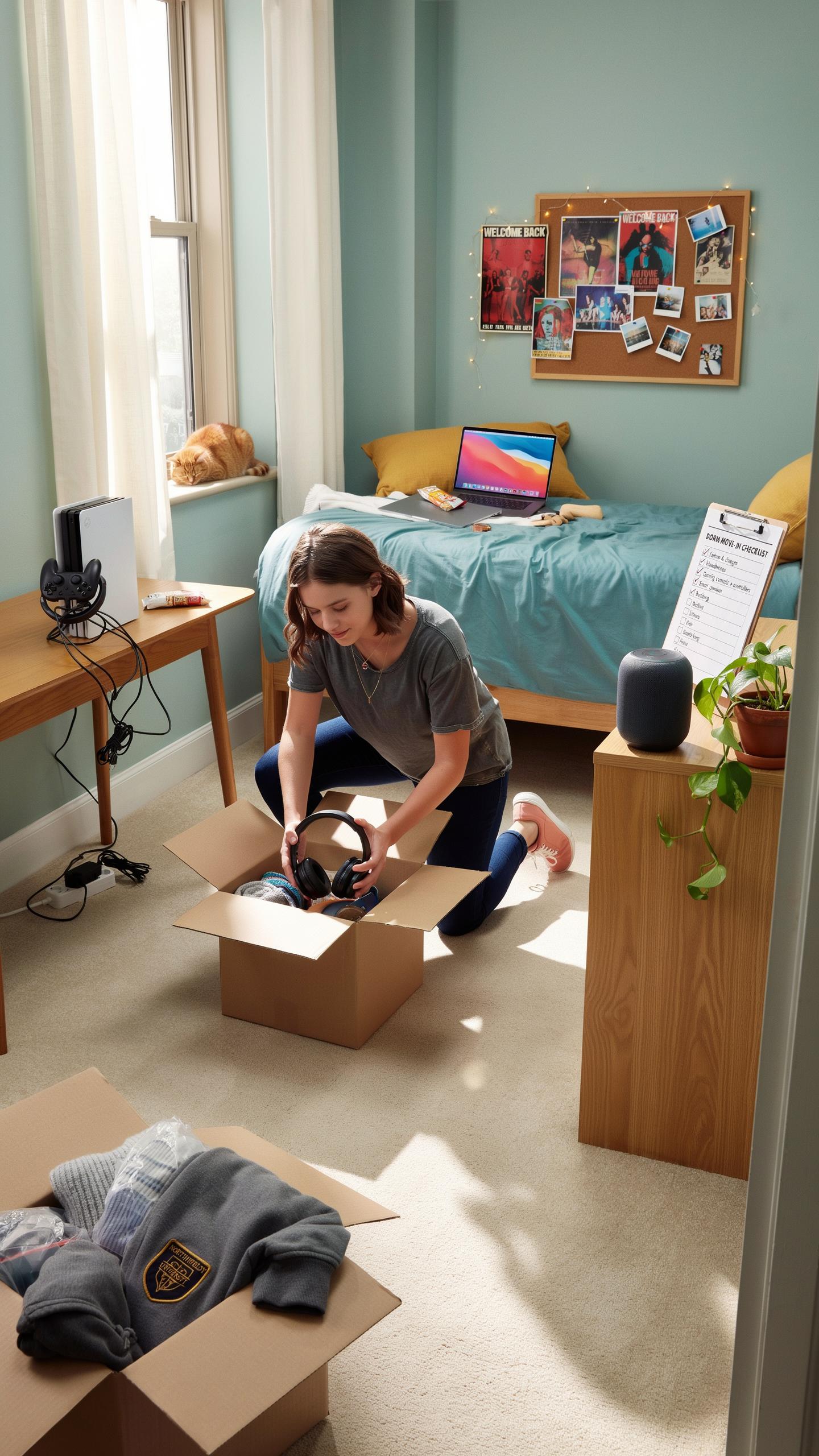
Streaming devices solve a real problem in dorms: shared internet bandwidth and limited screen real estate. A dedicated streaming device like a Roku, Apple TV, or Fire Stick connects to your dorm TV or monitor. This separates streaming traffic from your laptop work. You control what plays without disrupting roommates studying. Installation takes minutes and requires only an HDMI port and power outlet.
Smart displays like Amazon Echo Show or Google Nest Hub serve dual purposes in tight dorm spaces. They function as alarm clocks, weather stations, and music players without occupying desk real estate. Voice control eliminates fumbling with phones during late-night study sessions. These devices work on standard dorm WiFi and require minimal setup time to become operational.
Gaming Consoles And Accessories
Gaming consoles demand honest assessment of dorm reality: space constraints and noise complaints. A Nintendo Switch or Steam Deck offer portability your roommate respects. PS5 or Xbox Series X require dedicated desk space and generate noise neighbors will hear. Check your dorm contract before purchasing. Consoles draw continuous power and need ventilation room to prevent overheating in confined spaces.

Controllers and peripherals matter more than the console itself in dorms. Wireless controllers eliminate cable clutter on shared desks. A quality headset protects your roommate from game audio while keeping you immersed. External SSDs expand storage without cluttering your physical space. Purchase only what fits your actual gaming schedule, not your ideal gaming fantasy.
Smart Living In Your Dorm Dorm Room Essentials List
Smart Lighting Solutions
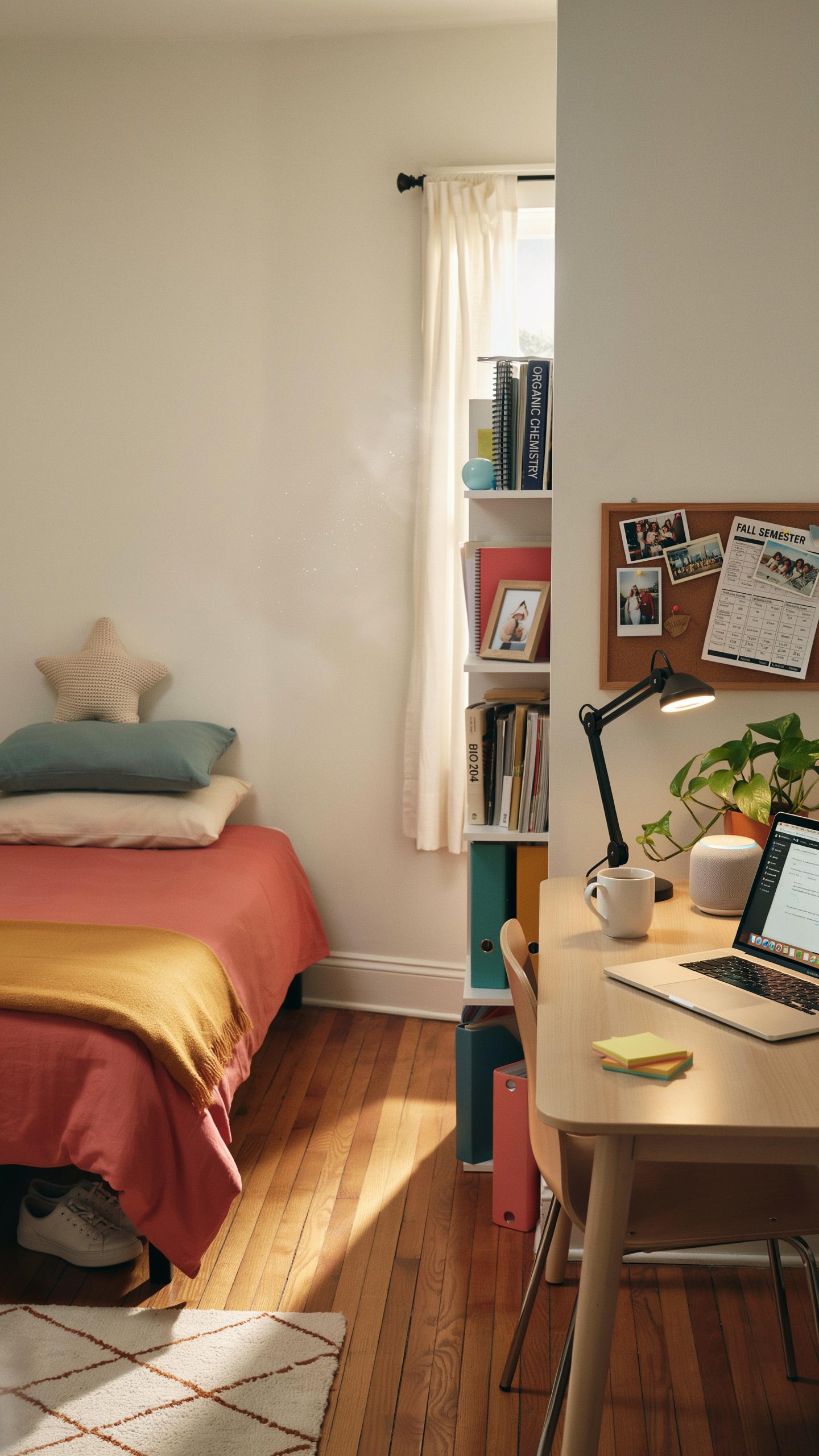
Dorm rooms come with basic ceiling fixtures that create harsh shadows and waste energy. Smart bulbs replace standard bulbs without rewiring your space. You control brightness and color temperature from your phone or voice commands. This matters because you study at night, sleep during the day, and need flexibility without permission from your RA. One bulb costs between 10 and 30 dollars and lasts years.
Smart lights solve three dorm problems at once: they reduce eye strain during late night study sessions, they help regulate your sleep cycle by adjusting color temperature, and they eliminate the need for multiple desk lamps cluttering your limited space. Most smart bulbs work with standard lamp fixtures and don’t require installation knowledge. You keep your deposit intact since you remove them before moving out.
From first logins to late-night study sessions, your tech essentials are more than gadgets—they’re your bridge to new knowledge and lasting memories.
Voice Assistants For Convenience
Voice assistants like Amazon Echo Dot or Google Home Mini give you hands-free control over your dorm environment. They manage smart lights, set timers for studying, play music during workouts, and answer quick questions without touching your phone. Size matters in a dorm because these devices measure under four inches tall. They plug into any outlet and connect to your dorm wifi within minutes.

Voice assistants handle roommate coordination efficiently by setting shared reminders and alarms for group projects. They stream music and podcasts during cooking or cleaning without keeping your hands busy. Most importantly, they minimize phone distractions during study hours because you give commands verbally instead of scrolling through apps. Basic models cost under 50 dollars and deliver utility far beyond their price.
Security And Safety Tech Dorm Essentials Checklist
Laptop Locks And Cable Organizers
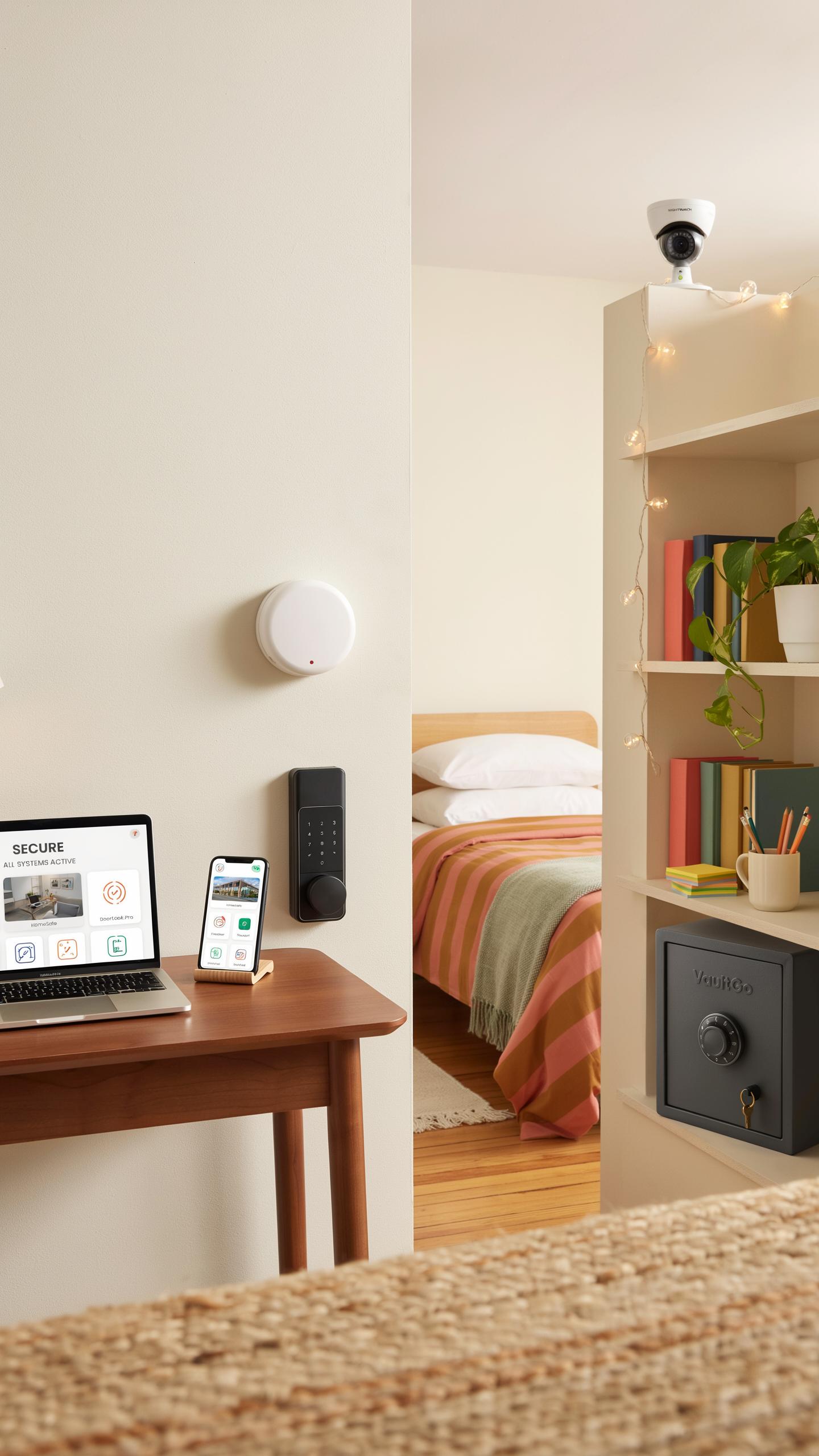
Laptop theft from dorms happens regularly. A cable lock runs through your laptop’s security slot and attaches to a fixed object like a desk or bed frame. This deters opportunistic theft when you leave your room. The lock costs between 15 and 40 dollars and takes seconds to deploy. It doesn’t prevent determined theft, but it removes your device from easy grab-and-go situations.
Cable organizers serve a different purpose but matter for security and safety. They bundle charging cables, headphones, and power cords into organized groups. Tangled cables create fire hazards and tripping risks in tight dorm spaces. Velcro straps, cable clips, and cord sleeves keep wires contained and accessible. Good cable management prevents accidents and makes it easier to account for your expensive equipment daily.
Personal Safety Alarms
Personal safety alarms are small devices that emit loud noise when activated. They attach to keychains or backpacks and typically produce sound levels between 100 and 130 decibels. Most activate by pulling a pin or pressing a button. The noise alerts people nearby and can disorient an attacker. These devices cost 10 to 25 dollars and require no training to use effectively.

Dorm security includes awareness of your surroundings, buddy systems, and reporting suspicious activity to campus police. A personal alarm serves as one tool in a larger safety strategy, not a complete solution. Keep the alarm accessible, not buried in a backpack pocket. Test it periodically to confirm the battery works. Share your safety plan with roommates and know where campus security offices and emergency phones are located on your campus.
Organization And Storage College Essentials

External Hard Drives And Cloud Storage
Your laptop’s storage fills fast. Between coursework, projects, and media files, you need backup systems immediately. External hard drives store large files locally and work without internet. Cloud storage keeps files accessible from any device anywhere. You need both because each serves different purposes and protects against data loss.
External drives cost between 50 and 150 dollars depending on capacity. A 1TB drive handles most undergraduate needs for four years. Cloud storage like Google Drive or OneDrive offer free tiers with 15GB to 100GB limits. Paid plans run 2 to 10 dollars monthly for 100GB to 2TB. Having redundant storage prevents losing semester projects or research to hardware failure.
Cable Management Solutions
Tangled cables create fire hazards, damage equipment, and waste time troubleshooting. A dorm desk with three devices generates six to eight cables fast. Cable organizers, clips, and sleeves prevent knots and protect cord integrity. Proper management keeps your workspace functional and reduces accidental unplugging during study sessions.

Cable boxes cost 10 to 25 dollars and keep cords contained behind desks. Velcro straps run 5 to 15 dollars for a pack of reusable clips. Label each cable’s purpose with tape or markers to identify connections quickly. Organize cables by device, not randomly, so you find what you need in seconds.
Health And Wellness Tech Move In Checklist
Fitness Trackers And Smartwatches
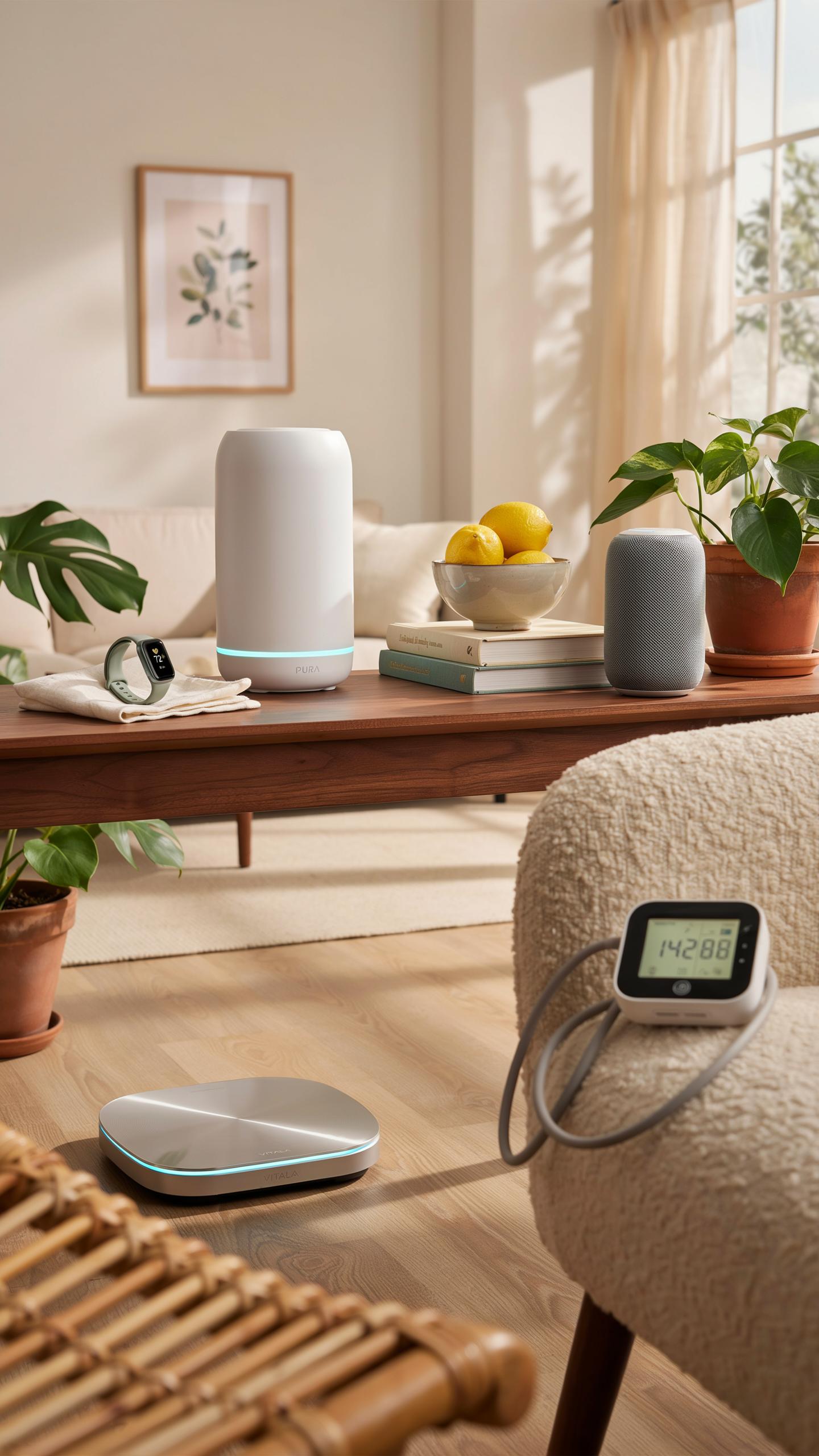
Fitness trackers and smartwatches monitor heart rate, step count, and sleep patterns. College students benefit from tracking activity levels during sedentary study sessions. These devices sync with smartphones to log data. Most models last five to seven days on a single charge. The data reveals whether you’re meeting basic movement targets during demanding academic schedules.
Smartwatches add functionality beyond fitness tracking. They display notifications, control music, and handle calls without pulling out your phone during lectures. Battery life varies from one to three days depending on model. Prices range from budget options around fifty dollars to premium brands exceeding three hundred dollars. Choose based on your actual usage patterns, not marketing hype about features you won’t use.
Noise Canceling Devices For Better Sleep
Sleep quality directly impacts academic performance and immune function. Noise canceling earplugs or headphones block dormitory sounds like hallway conversations, roommate snoring, and building HVAC systems. Active noise cancellation uses microphones to detect external sounds and generate opposing sound waves. Passive noise isolation through foam or silicone earpieces works without batteries. Both approaches reduce sleep disruption significantly in shared living spaces.

Earbuds designed for sleep offer smaller profiles than standard headphones, preventing discomfort when sleeping on your side. White noise machines or dedicated sleep apps paired with basic earbuds provide another option. Battery life for active noise canceling sleep earbuds ranges from six to ten hours. Costs vary from thirty dollars for passive options to one hundred fifty dollars for advanced active models. Prioritize comfort and battery life over brand recognition when selecting sleep audio devices.
Tech For An Eco Friendly Dorm Dorm Checklist
Smart Plugs For Energy Saving
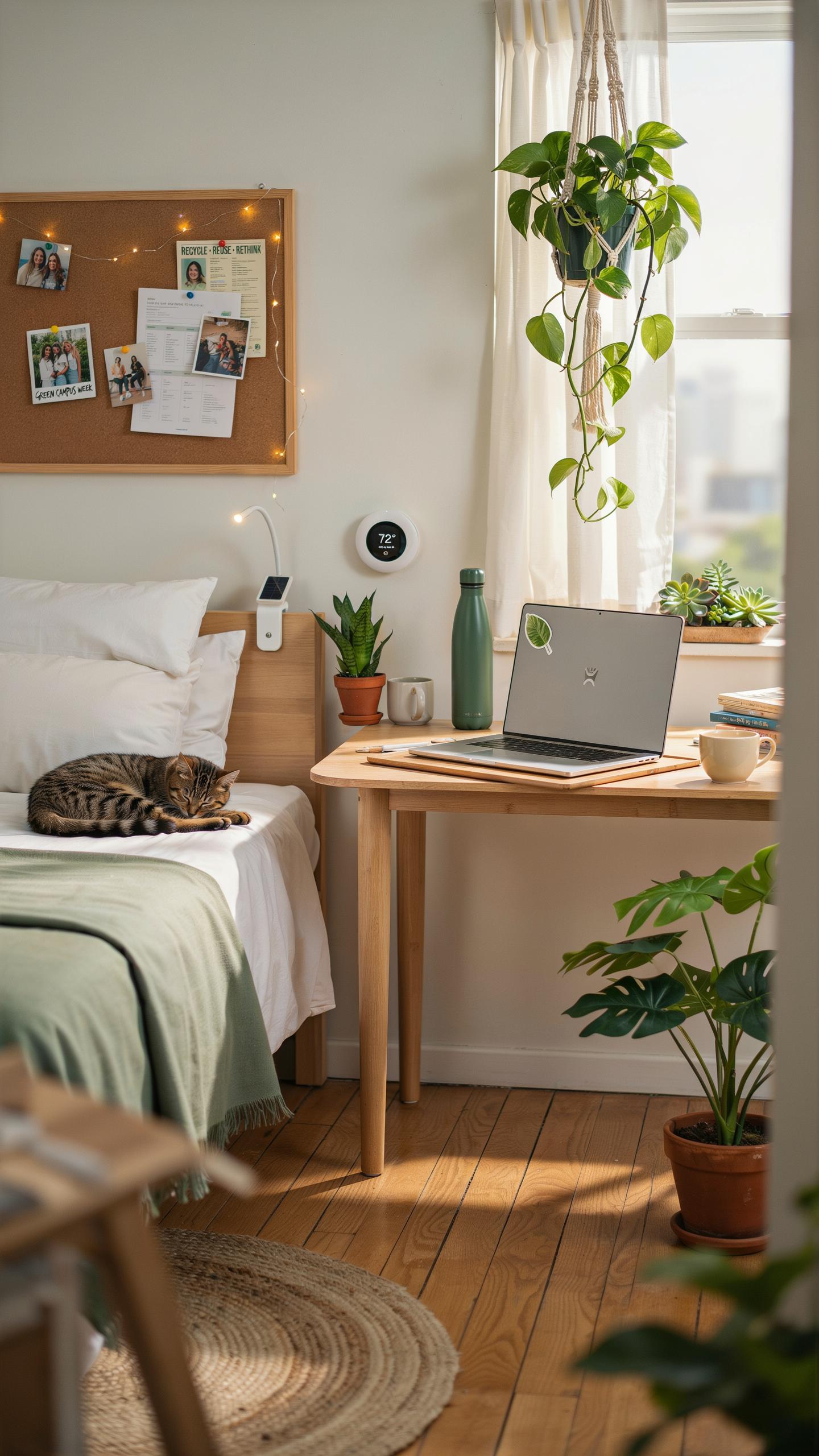
Smart plugs cut energy waste by letting you control power remotely and schedule device shutdowns automatically. Dorms drain power constantly from devices left plugged in during standby mode. A single smart plug costs between fifteen and thirty dollars and pays for itself within months through reduced electricity bills. Most models work with smartphone apps or voice assistants for convenient management.
Smart plugs eliminate phantom power drain from phone chargers, monitors, and gaming systems sitting idle. They let you set timers so devices power down after specific periods or at set times daily. Many dorms charge flat utility fees, but some bill by usage, making smart plugs financially smart. Install them on entertainment systems and desk equipment to see measurable reductions in your dorm’s energy consumption.
Rechargeable Batteries And Chargers
Rechargeable batteries replace disposable alkaline cells for flashlights, remote controls, and portable speakers. A quality rechargeable battery lasts for hundreds of charge cycles, eliminating repeated purchases of single use batteries. Modern lithium ion and NiMH batteries hold charges longer than older generations and resist memory effect degradation. Bringing a dedicated multi battery charger to your dorm covers most power needs for everyday devices.
A four slot smart charger with indicator lights costs roughly twenty to forty dollars and handles AA, AAA, and other common sizes simultaneously. This single tool replaces buying countless individual batteries throughout your college years. Rechargeable systems also reduce landfill waste since you discard fewer dead batteries annually. Stock your dorm with eight to twelve rechargeable batteries to keep all devices powered without constant trips to buy replacements.
Frequently Asked Questions

What are the absolute must-have tech items for a college dorm room, especially for a freshman?
For a successful start, a reliable laptop is paramount. Beyond that, consider a multi-port charger for all your devices, quality headphones for studying, and an external hard drive for backups. These core items form a solid college dorm tech essentials checklist, ensuring you’re prepared for academics and communication.
How can I best organize all my tech gadgets and their charging cables in a small dorm room?
Cable management is key! Utilize adhesive cable clips to secure wires along desk edges or walls. A multi-port charging station with individual slots can keep devices tidy. Consider a small drawer organizer or a bedside caddy to keep frequently used tech accessible without cluttering your limited space.
I’m on a tight budget. What are some affordable alternatives or ways to save money on my college dorm tech essentials checklist?
Don’t break the bank! Look for refurbished electronics from reputable sellers, which often come with warranties. Consider an external monitor instead of a second laptop if your current one is decent. Prioritize multi-functional devices, and check if your college offers tech rentals or student discounts on software.



