
Why A Portable Printer Is A College StudentS Best Friend

Convenience At Your Fingertips
Campus printing labs operate on limited schedules and often have long queues during peak academic periods. A portable printer in your dorm means you print documents whenever you need them, without waiting or traveling across campus. This eliminates frustration when deadlines hit late at night or early morning before classes.
Portable printers handle the documents college students actually print: essays, study guides, lab reports, and assignment handouts. You maintain control over your printing timeline and avoid the dependency on shared resources that frequently malfunction or run out of paper and ink.
Cost Effectiveness Over Time
Campus printing services charge per page, typically ranging from five to ten cents depending on whether you print in black and white or color. A student printing 50 pages weekly accumulates significant costs across a semester or academic year without owning a printer.
Portable printers require an upfront investment but cost substantially less per page once you own the device. Ink cartridges last through hundreds of pages, making the per-page cost drop significantly compared to paying campus rates repeatedly throughout your college years.

Understanding Different Types Of Portable Printers
Inkjet Vs Thermal Printer Technology
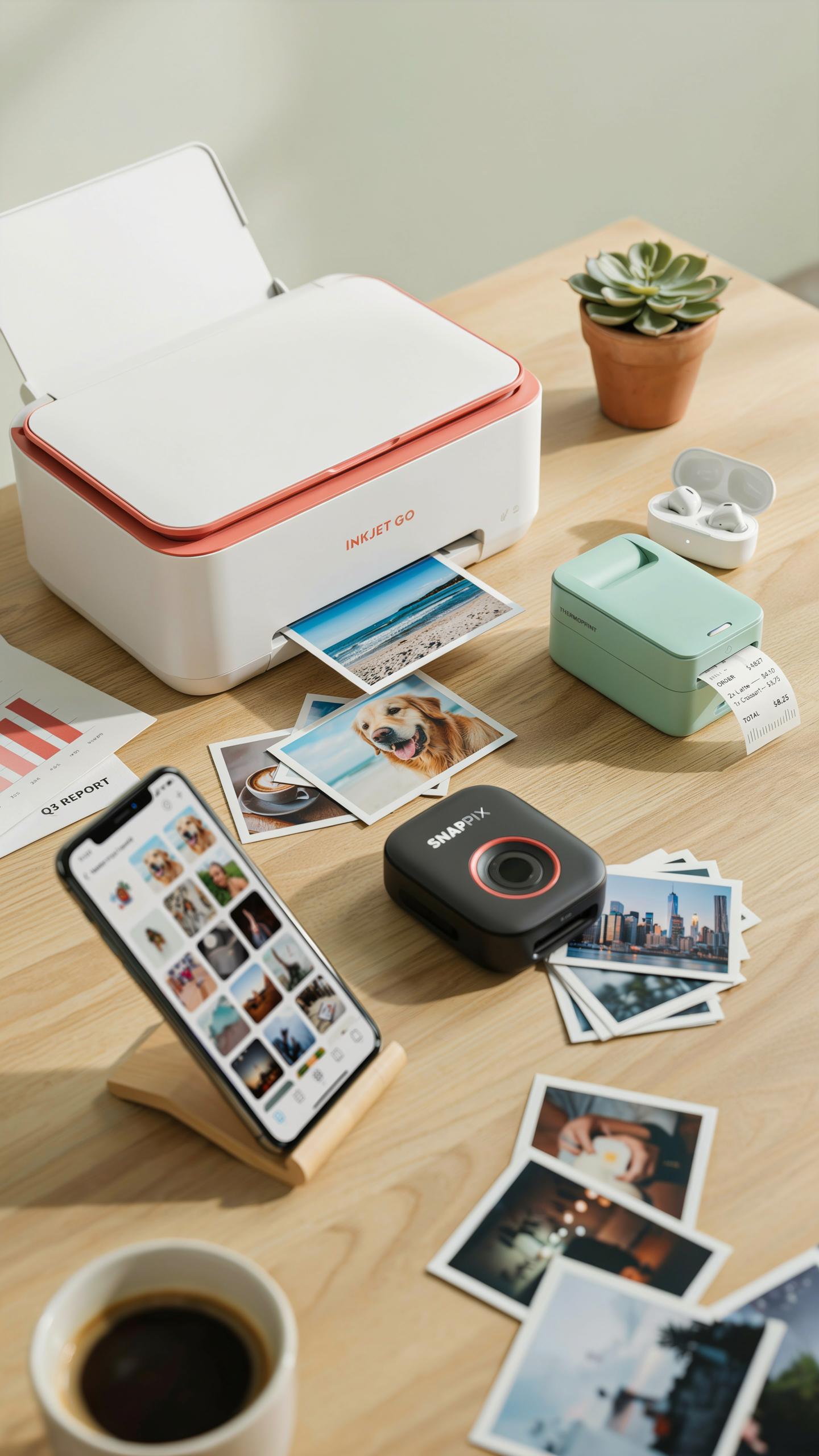
Inkjet printers spray liquid ink onto paper through tiny nozzles. They produce color output and handle various paper types. Thermal printers use heat to create images on special paper without ink cartridges. For college students, inkjet offers flexibility for assignments and photos. Thermal suits students who print mainly documents and want zero ink maintenance.
Inkjet printers cost less upfront but drain wallets through cartridge replacements. A single color cartridge runs between 15 and 25 dollars. Thermal printers eliminate this expense entirely. However, thermal paper costs more per page than standard paper. Thermal output fades over months or years if exposed to heat or light. Students needing permanent records should choose inkjet. Those printing temporary labels or shipping documents benefit from thermal’s speed and simplicity.
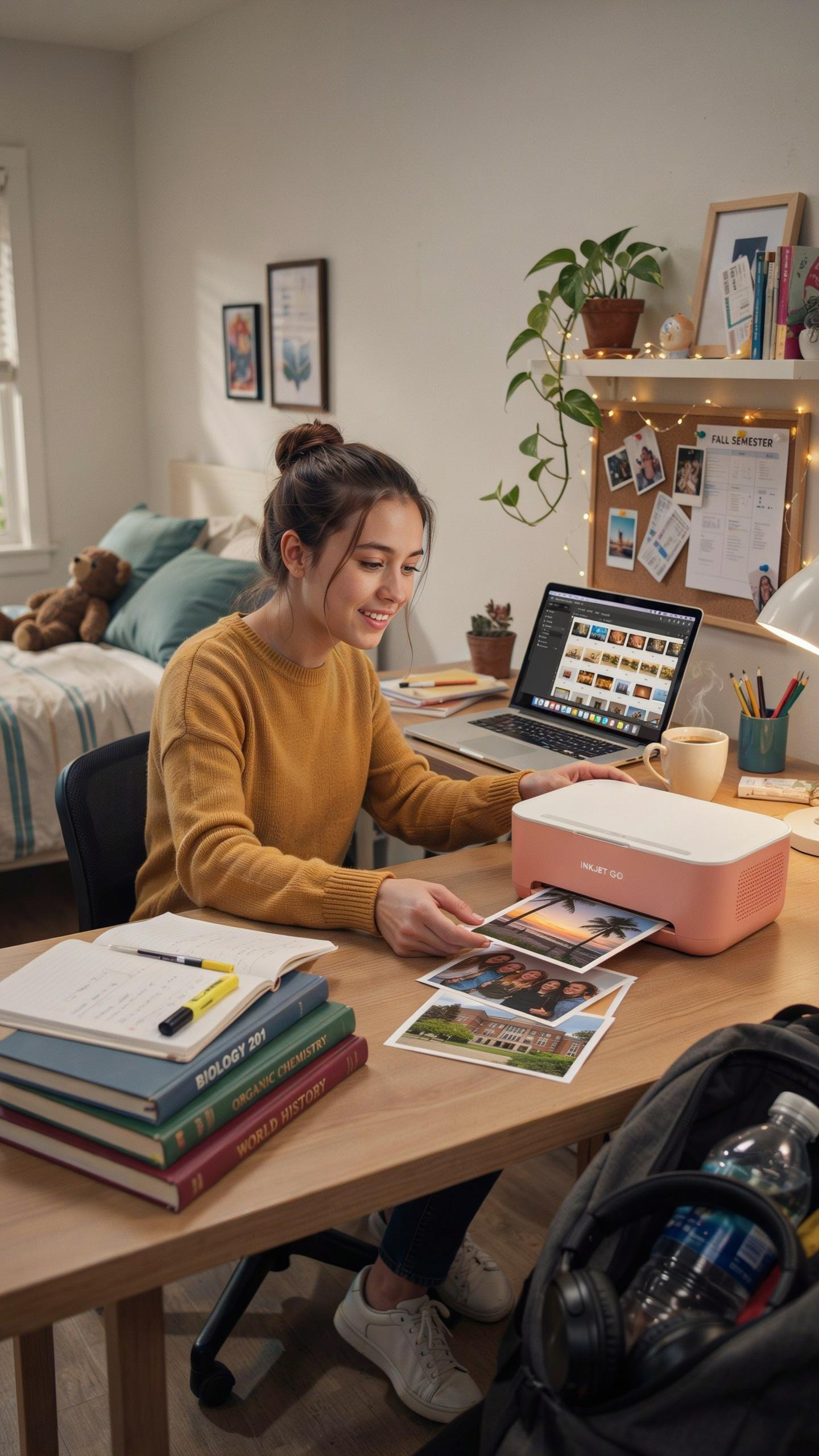
In the quiet hum of a dorm room, a portable printer doesn’t just put ink to paper; it prints memories, projects, and the very essence of your college journey.
Mini Portable Printer Vs Standard Portable Models
Mini portable printers weigh under two pounds and fit backpack pockets. They print 2×3 or 4×6 inch photos and small documents. Standard portable models weigh three to five pounds and print standard letter size pages. Mini printers prioritize mobility over functionality. Standard portables sacrifice some compactness to deliver full document printing capability.

Choose mini if you print photos occasionally and travel constantly. Their batteries last through several printing sessions on campus. Standard portables handle coursework assignments and research papers without limitations. They accommodate regular paper sizes your professors expect. Battery life drops faster on standard models due to larger print heads. Weight becomes a factor if you move between campus buildings daily. Consider your primary printing need before choosing between these categories.
Key Features To Look For In A Portable Printer For College Students

Battery Life And Charging Options
Battery life determines whether your printer works when you need it. Most portable printers run 40 to 100 pages per charge. In a dorm setting, you print assignments sporadically, not continuously. Long battery life means fewer charging cycles and more reliable printing during critical moments like midterm season.
Charging options matter more than you think. USB-C charges faster than micro-USB and works with most modern devices. Some printers charge via standard USB ports found on laptops and power banks. Verify the charging port before buying. A printer that matches your existing cables eliminates another item you need to carry.
Connectivity Bluetooth Printer And Wireless Options
Bluetooth printing cuts the cable requirement entirely. You send documents directly from your smartphone or laptop without finding a USB cable. This matters in dorms where space is limited and cable management becomes a hassle. Bluetooth works reliably within 30 feet, covering most dorm rooms and common areas.

Wi-Fi connectivity expands your options further. Multiple people can print from the same network without pairing individually. This works well if roommates need access too. However, verify that the printer supports your college’s network security protocol. Some campus networks use authentication methods that older printers cannot handle.
The Best Portable Printer For Academic Success
Printing Papers Notes And Handouts
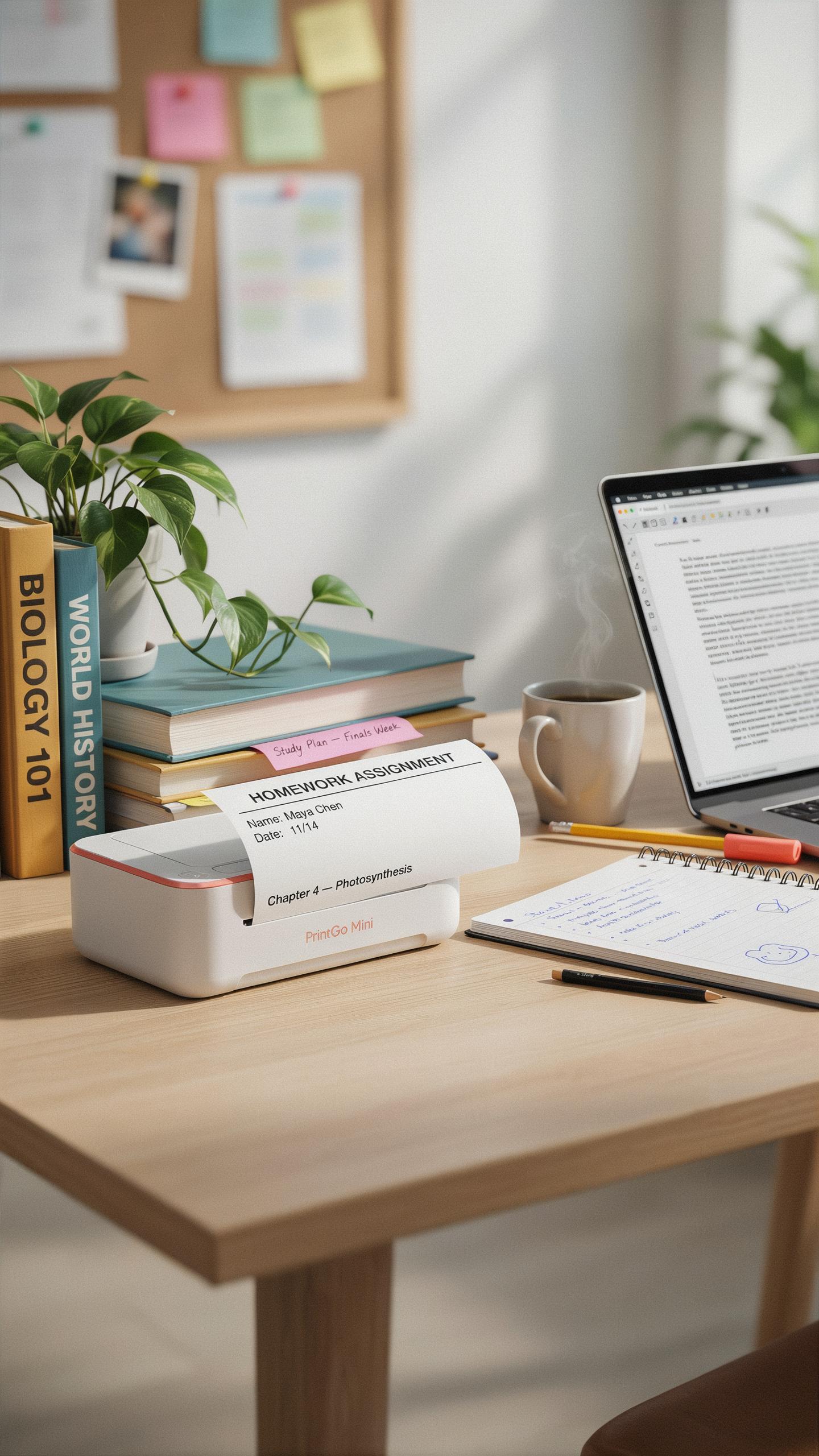
Academic work demands fast, reliable printing. Portable printers excel at handling standard letter-size paper and produce black and white output suitable for lecture notes, study guides, and assignment drafts. Print speed matters because students often print on tight deadlines. Most compact models print between 8 and 10 pages per minute, which handles typical academic volumes without delays.
Resolution quality affects readability of printed materials. A minimum of 600 dots per inch produces clear text for notes and study materials. Battery life determines whether you can print in the library, dorm, or between classes without hunting for power outlets. Models with 2 to 3 hour battery runtimes keep you mobile throughout a typical study session.
Compatibility With Academic Software
Operating system compatibility directly impacts your workflow. Windows and macOS dominate college campuses, and nearly all portable printers support both through standard drivers or cloud printing services. Check manufacturer specifications before purchasing to confirm your specific laptop or tablet will connect without compatibility issues that waste time during deadlines.

Document format support ensures you print what professors assign. PDF printing works universally across all portable models and handles course materials, syllabi, and research articles. Some printers support direct printing from mobile apps, eliminating the need to transfer files to a computer first. Verify cloud printing options like AirPrint or Google Cloud Print so you can print from any device on campus networks.
Beyond Academics A Mini Printer For School And Personal Use
Creative Applications: Photo Printer And Sticker Maker
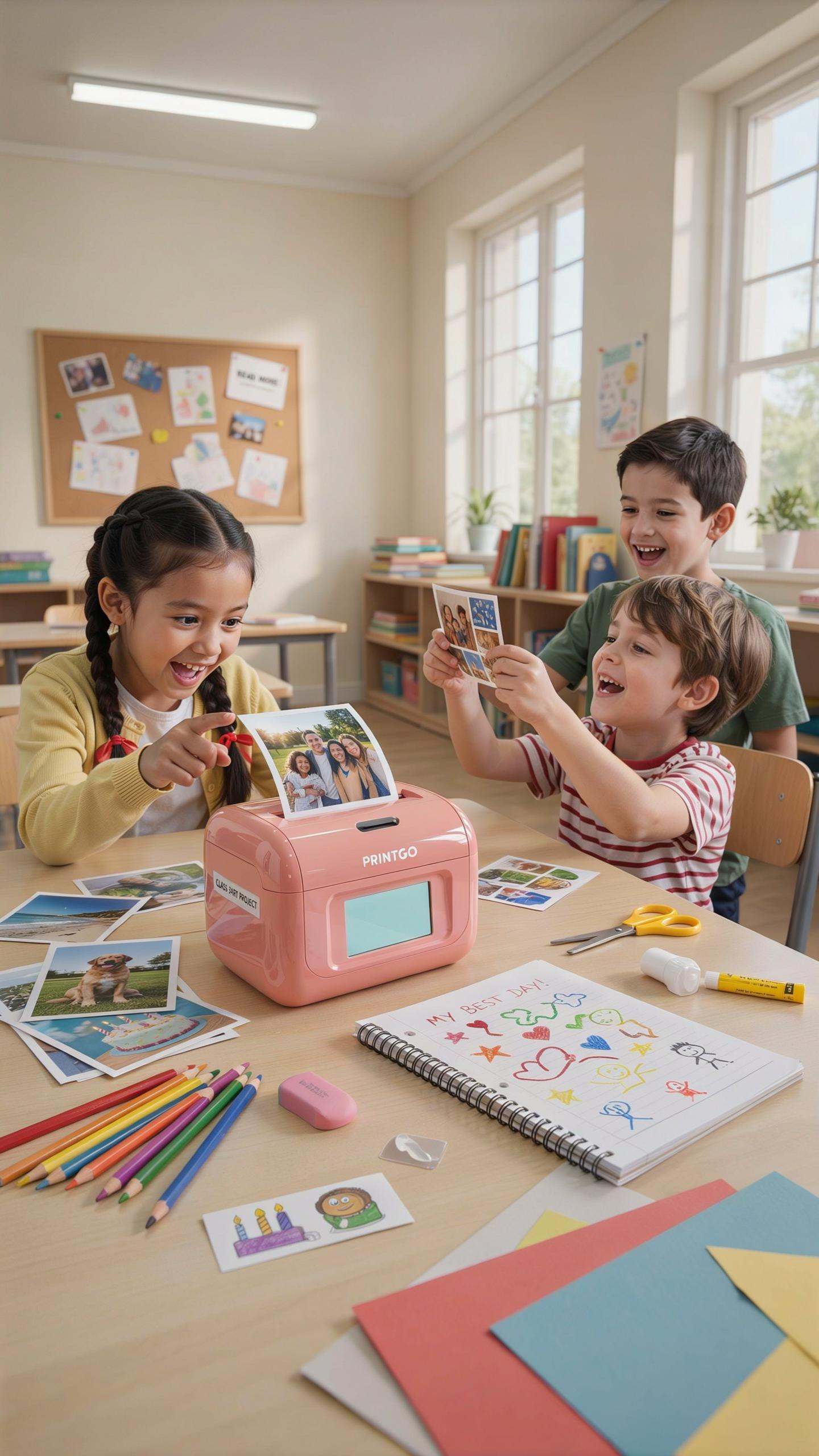
Portable photo printers serve functions beyond coursework. These devices print images directly from phones or cameras without requiring a computer. Students use them to create physical copies of memories from campus events, social gatherings, and travel. The prints work as immediate gifts or wall decorations for dorm rooms. Photo printers produce tangible keepsakes that digital files cannot replicate.
The market offers compact photo printers in two formats: inkjet and thermal. Inkjet models print color images on standard photo paper. Thermal printers use heat to produce images on special paper without liquid ink. Both types fit in backpacks and operate on battery power. Most deliver prints in wallet to 4×6 inch sizes within minutes of printing.
The Versatility Of A Sticker Printer
Sticker printers create adhesive labels for organization and personalization. Students label textbooks, water bottles, laptops, and storage containers with printed stickers. The stickers help identify belongings in shared dorm spaces and reduce mix-ups during group study sessions. Sticker printers use roll or sheet-fed label media that comes in various sizes. The output drives practical organization while adding visual identity to personal items.

Beyond organization, sticker printers support hobby applications like scrapbooking and journaling. Students create custom stickers from photos, designs, or hand-drawn artwork. They add these stickers to planners, notebooks, and correspondence. The process takes minutes and costs less than purchasing pre-made stickers. This capability makes sticker printers functional tools for both administrative and creative purposes in dorm life.
Top Portable Printer Brands And Models For Dorm Life
Review Of Leading Portable Printer Brands
HP and Canon dominate the portable printer market through established manufacturing infrastructure and wide distribution networks. HP’s Sprocket and Envy lines target students with compact designs and wireless connectivity. Canon’s Selphy series focuses on photo printing with thermal technology that requires no ink cartridges. Both brands maintain consistent product quality and parts availability, critical factors for dorm users who need reliable service.
Epson and Brother offer alternatives with different technical approaches. Epson’s PictureMate line uses dye sublimation for high quality output in small form factors. Brother’s portable label and document printers serve niche needs like organization and administrative tasks. These brands compete through specialized features rather than mass market appeal, making them viable for students with specific printing requirements beyond standard documents.
Recommended Models For Different Budgets
Students operating on tight budgets should consider the HP Sprocket or Fujifilm Instax Share, both priced between 130 and 180 dollars. These models print small format photos using smartphone connectivity and require minimal desk space. Print quality emphasizes visual appeal over document sharpness, making them suitable for decorative purposes and social media content printing rather than coursework.

Mid range options like the Canon Selphy CP1300 or HP Envy Photo 6032 cost between 200 and 300 dollars and handle both photos and documents effectively. The Selphy CP1300 excels at portable photo printing with cartridge free operation. The Envy Photo 6032 provides wireless printing for mixed use cases. Students with higher budgets who need portable document printing should evaluate Brother VC 500W or Epson WorkForce Pro models priced above 300 dollars, though these sacrifice portability for output capacity and print speed.
Setting Up Your Wireless Bluetooth Printer In A Dorm Room
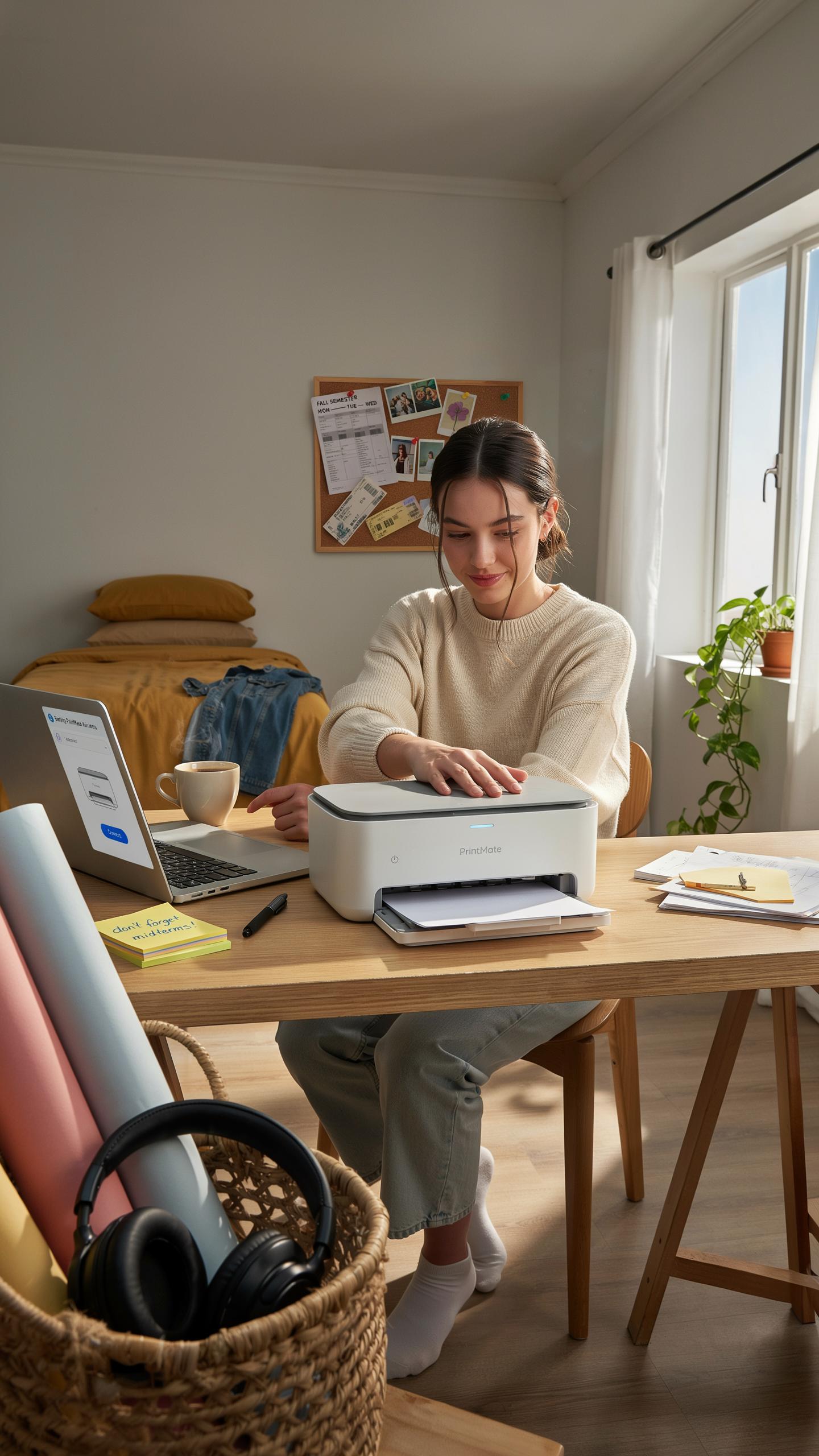
Step By Step Connection Guide
Start by placing your printer within 30 feet of your device. Power on the printer and enable Bluetooth mode using its control panel or settings menu. On your phone or laptop, open Bluetooth settings and search for available devices. Select your printer from the list when it appears. Enter the default PIN if prompted, usually found in the printer manual or on the device itself.
After pairing completes, install the printer manufacturer’s app or driver software on your device. Download the correct version for your operating system from the manufacturer’s website. Open the app and select your printer from the device list. Run a test print to confirm the connection works. Keep the printer firmware updated through the app to avoid compatibility issues with your devices.
Troubleshooting Common Connectivity Issues
If your printer stops responding, restart both the printer and your device. Power off completely, wait 30 seconds, then turn everything back on. Check that Bluetooth remains enabled on both devices throughout this process. Move closer to the printer to rule out range problems. Interference from microwaves, routers, or other wireless devices can disrupt the connection, so relocate your printer away from these sources.

When the printer fails to print after connecting successfully, check your device’s print queue and cancel stuck jobs. Unpair the printer completely and pair it again using fresh Bluetooth settings. Verify you are sending documents to the correct printer if multiple printers are available. Update or reinstall the printer driver software if pairing succeeds but printing fails. Contact the manufacturer’s support team with your printer model number if these steps do not resolve the issue.
Maximizing Your Portable Printer Tips And Tricks
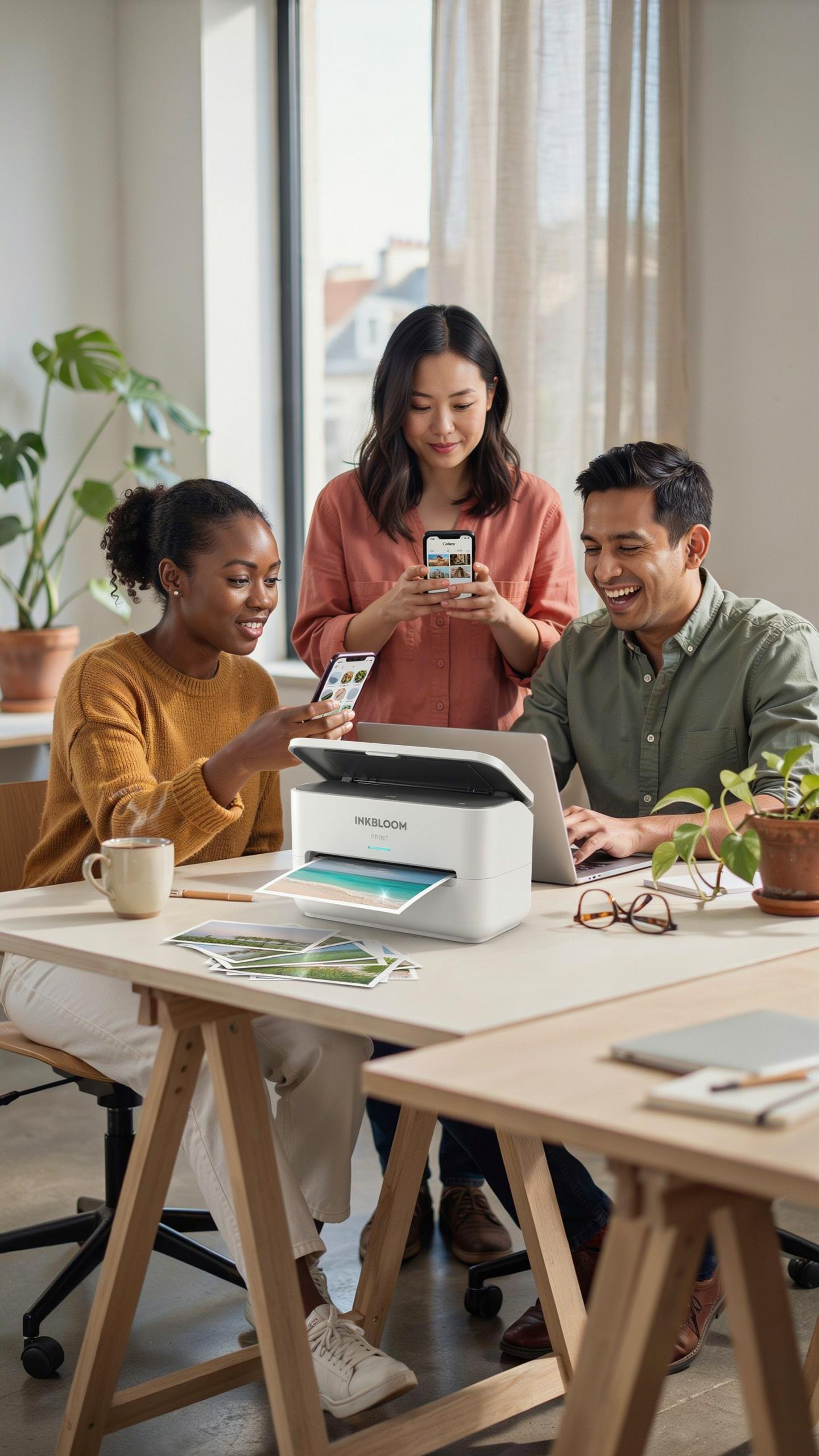
Conserving Ink And Paper
Print only what you need. Review documents on screen before printing. Use draft mode for internal notes and study materials. Enable two-sided printing when your printer supports it. Adjust margin settings to fit more content per page. These changes cut ink consumption significantly without sacrificing readability for academic work.
Use digital workflows wherever possible. Submit assignments online instead of printing copies. Take notes digitally in class. Store lecture slides on your laptop. Reserve printing for essential documents like study guides, exams, and final drafts. This approach saves money and reduces clutter in your dorm room.
Maintenance And Care For Longevity
Clean your printer’s print head monthly using the built-in cleaning cycle. Run this function through your printer’s settings menu. Check for paper dust inside the device regularly. Store your portable printer in a cool, dry location away from humidity and direct sunlight. These actions prevent clogs and extend hardware lifespan by months.

Replace ink cartridges before they run completely empty. Dried cartridges cause print head damage that costs more to fix than replacement ink. Store unused cartridges in their original sealed packaging at room temperature. Avoid leaving your printer unused for extended periods. Run a cleaning cycle before each printing session after storage to maintain consistent output quality.
Portable Printer Accessories Every Student Needs
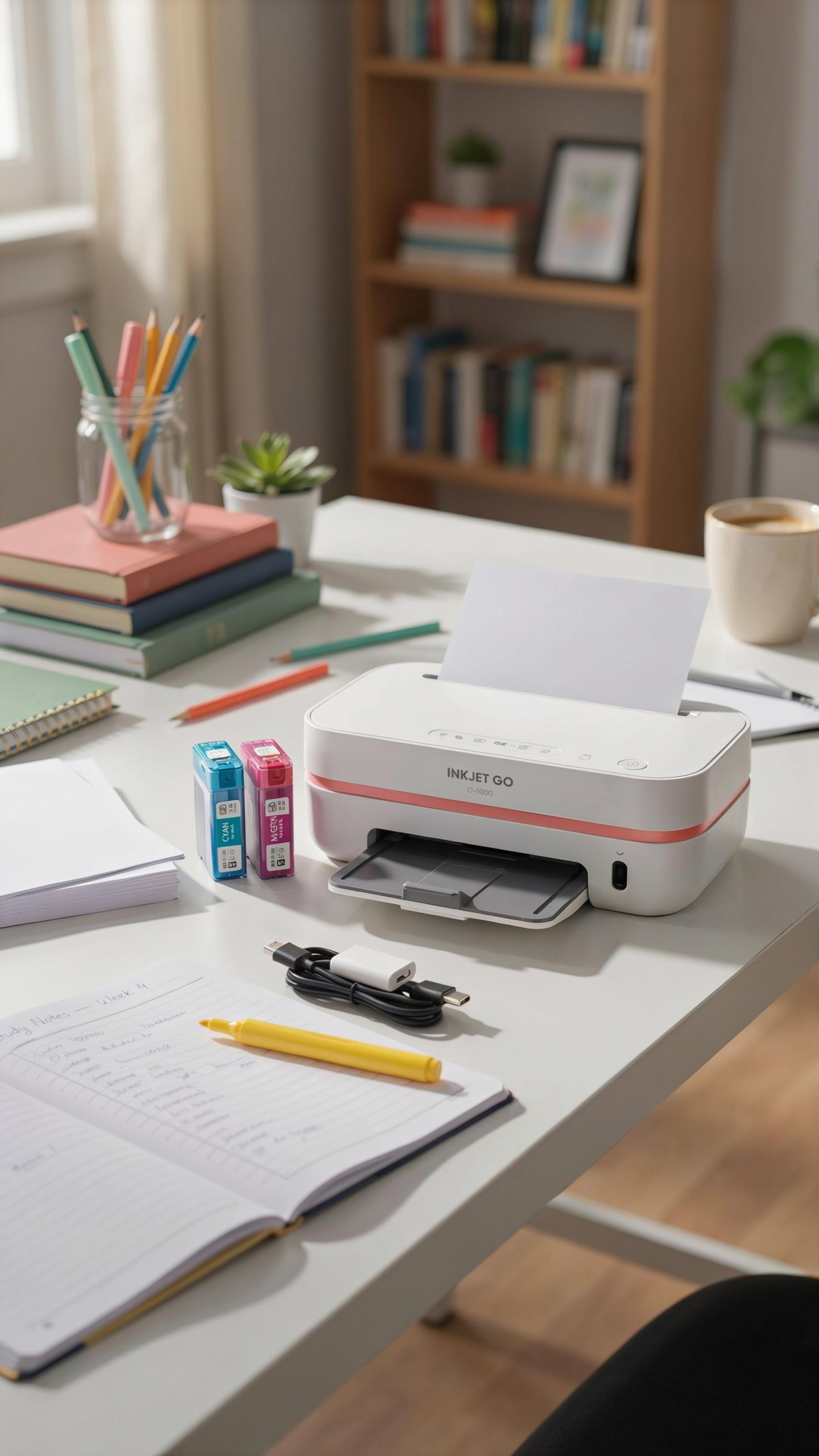
Essential Supplies Paper And Ink Thermal Rolls
Running out of ink or paper during exam week kills productivity. Stock consumables before you need them. Most portable printers use either inkjet cartridges or thermal paper rolls, depending on the model type. Know your printer’s specifications and buy the right supplies upfront.
- Replacement Ink Cartridges: Standard consumable for inkjet portable printers. Buy compatible cartridges from the manufacturer or verified third-party sellers. Generic options cost less but may void warranties or produce lower quality output.
- Thermal Paper Rolls: Required for thermal printers like HP Sprocket or Fujifilm Instax Share. Rolls come in standard widths, typically 2 inches wide. Stock multiple rolls since thermal printers burn through paper faster than inkjet models.
- Multipurpose Copy Paper: Standard 20-pound white paper works for most inkjet portable printers. Buy in reams of 500 sheets. Keep extra paper in your dorm since most portable printers hold limited paper capacity.
- Photo Paper: Glossy or matte photo paper produces lab-quality prints from portable photo printers. Paper thickness varies by brand, typically 4×6 or 5×7 inch formats. Essential if your printer focuses on photo output.
- Toner Cartridges: Portable laser printers use toner instead of liquid ink. Toner cartridges last longer than inkjet cartridges but cost more upfront. Verify exact cartridge model before purchasing for your specific printer.
Buy consumables in bulk to save money and avoid last-minute shortages. Most portable printers run out of supplies at inconvenient times. Plan your purchases around assignment deadlines and exam schedules.
Protective Cases And Carrying Solutions
Your portable printer gets tossed in backpacks, moved between dorms, and hauled home for breaks. Damage from drops or pressure ruins the internal mechanisms. A protective case prevents costly repairs and extends printer lifespan significantly.
Hard cases offer maximum protection against impacts and pressure. Look for cases with foam padding and reinforced corners. EVA or polycarbonate shells absorb shock from accidental drops. Soft carrying bags work for light transport within campus but provide less protection during rough handling. Choose based on how often you move your printer and how far you travel with it.
Making The Right Choice Your Portable Printer Investment
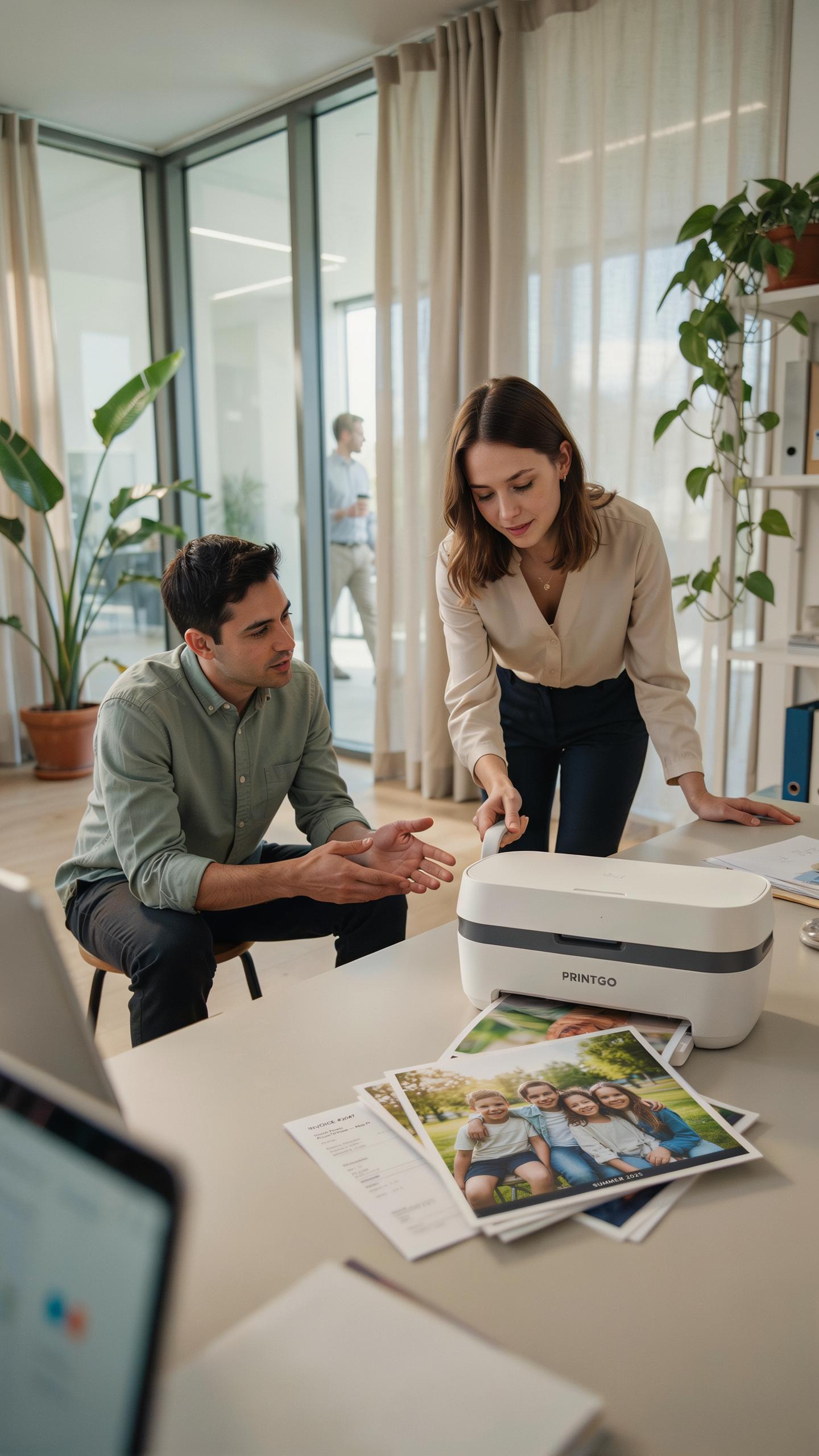
Balancing Features, Price, And Portability
Start by identifying what you actually print. Most college students need black and white documents. Color printing matters only if you handle design work or presentations regularly. Weight and battery life directly impact daily usability in dorm settings. A printer under two pounds with eight hour battery life serves most students better than a heavier model with marginal feature upgrades. Price range matters: entry level portable printers run 150 to 250 dollars, while advanced models exceed 400 dollars. Determine your real needs before spending extra on features you won’t use.
Consider your printing frequency and volume. Students printing ten pages weekly have different requirements than those printing fifty pages daily. Ink or toner costs accumulate fast. Check the cost per page before buying. Some budget models cost more per page than premium options over time. Connectivity options matter too. Ensure the printer works with your laptop and phone through USB, WiFi, or Bluetooth. Verify compatibility with your operating system before committing to any model.
Future Proofing Your Printing Needs
Your printing demands will shift across your college years. Freshman year usually involves light printing, while upper level courses demand more volume for research papers and lab reports. Choose a printer that handles your peak requirements, not your current baseline. A device supporting both wireless and wired connections adapts to different dorm setups and future living situations. Battery technology improves steadily, so focus on current battery performance rather than betting on future advancements you cannot predict today.
Ink or toner availability determines long term viability. Older printer models sometimes face supply chain issues within three to five years. Select brands with established distribution networks and replacement cartridge availability. Read owner reviews specifically about cartridge costs and availability after two years of use. Your portable printer should remain functional and cost effective through your entire college tenure and beyond. Prioritize models from manufacturers with proven track records supporting their products long term.
Frequently Asked Questions

What exactly is a portable printer and why would a college student need one?
A portable printer is a compact, lightweight device designed for on-the-go printing. For college students, it means instant access to print lecture notes, assignments, or study guides directly from their dorm room or even the library. It saves trips to campus labs and can be a real time-saver during crunch time, making it a true dorm-life essential.
How do I connect a portable printer for college students to my devices?
Most portable printers connect wirelessly via Bluetooth or Wi-Fi to your laptop, tablet, or smartphone. Simply turn on the printer, enable Bluetooth or Wi-Fi on your device, and follow the manufacturer’s pairing instructions. Some models also offer USB connectivity. It’s usually a quick and straightforward process, ensuring you can print whenever inspiration strikes.
Are there affordable options for a portable printer for college students, or are they typically expensive?
Absolutely! While features vary, many excellent and affordable portable printer for college students options exist. You can find basic models that handle everyday documents well for under $100. Consider factors like print quality, battery life, and ink costs when budgeting, but rest assured, there’s a great option for nearly every student’s wallet.



