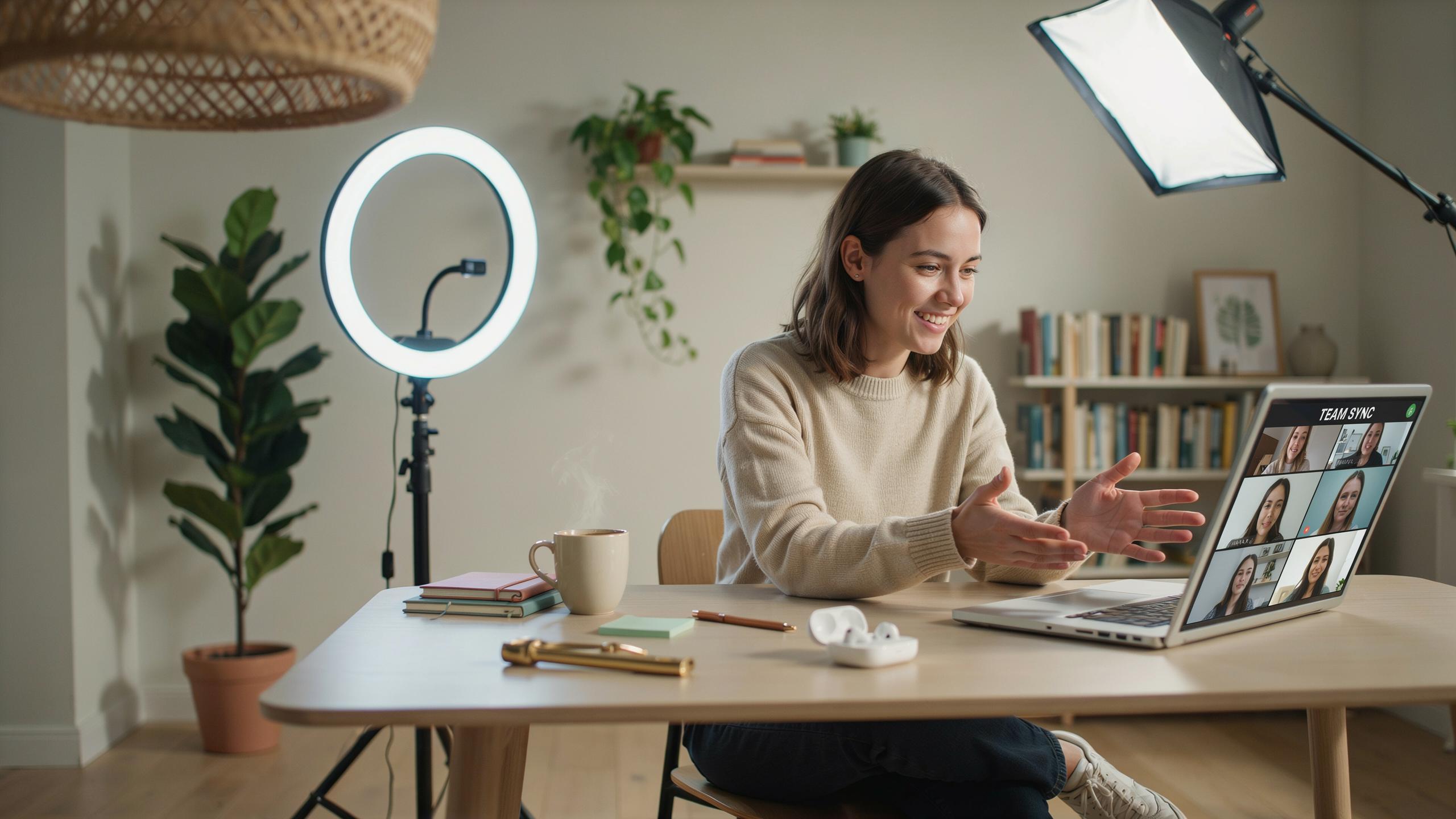
The Importance Of Good Lighting For Remote Work
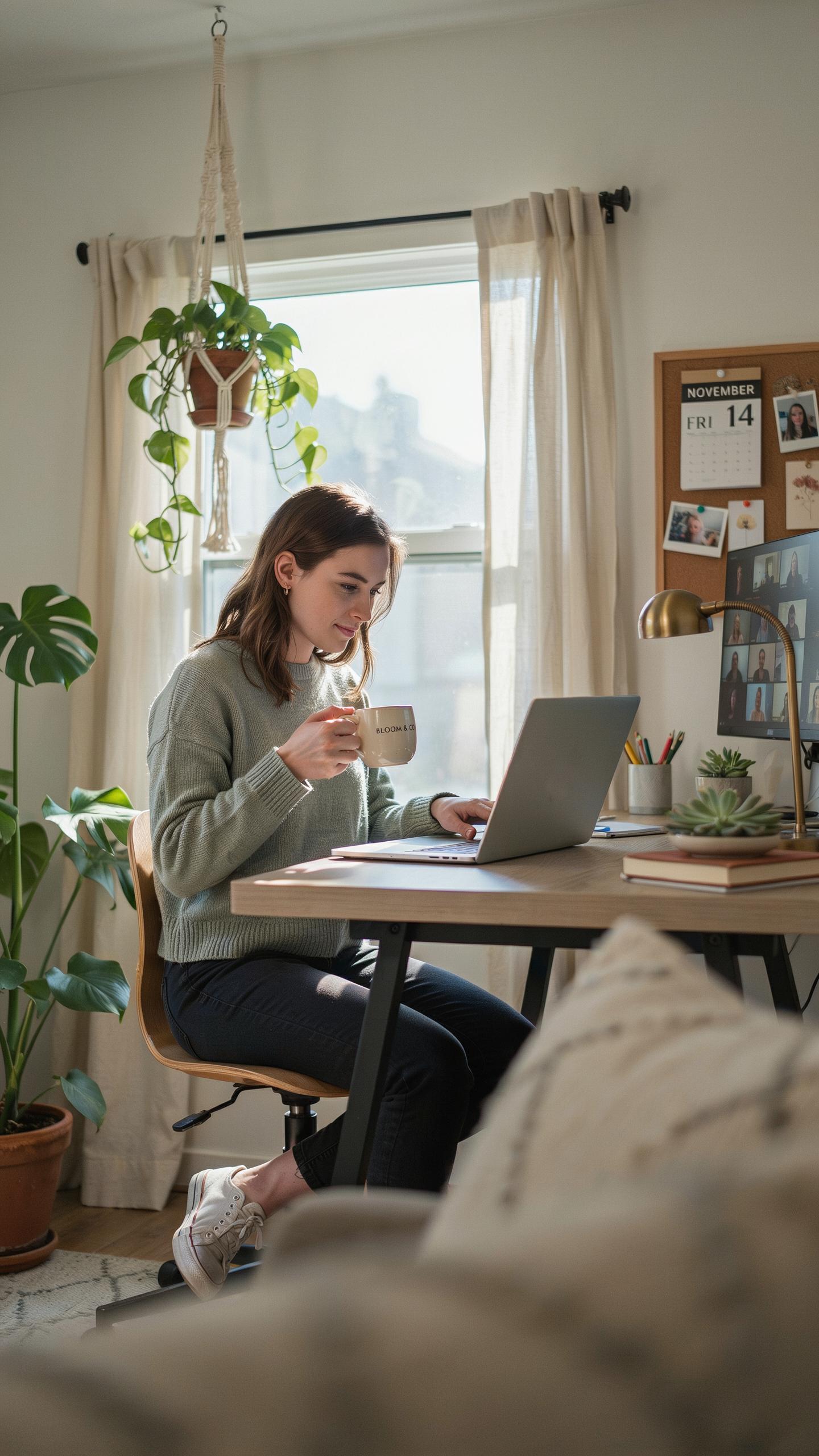
Professionalism And First Impressions
On camera, lighting determines how others perceive you. Poor lighting makes you appear tired, disengaged, or unprepared. Good lighting shows your face clearly and makes you look alert. This matters in job interviews, client calls, and team meetings. Your appearance directly affects credibility and how seriously people take you.
Lighting quality signals professionalism before you speak. Shadows under your eyes, backlighting that silhouettes your face, or dim footage all undermine your message. Proper lighting removes these barriers and lets your competence shine through. Remote work means your screen presence is your only presence. Invest in it.
Combating Zoom Fatigue With Better Visuals
Poor lighting creates visual confusion that exhausts your brain and your audience’s brain. When someone’s face is hard to read, viewers work harder to interpret expressions and emotions. This effort drains energy and reduces meeting effectiveness. Better lighting makes faces visible and expressions clear. Clear visuals mean less cognitive load for everyone on the call.
Fatigue compounds over multiple calls. Video conferencing already strains eyes and attention. Add dim or uneven lighting and the strain multiplies. Good lighting reduces this strain by showing faces naturally. You and your colleagues can read each other’s reactions without squinting or leaning closer. This improves communication and cuts meeting exhaustion.

Understanding Video Lighting Basics For Your Home Office
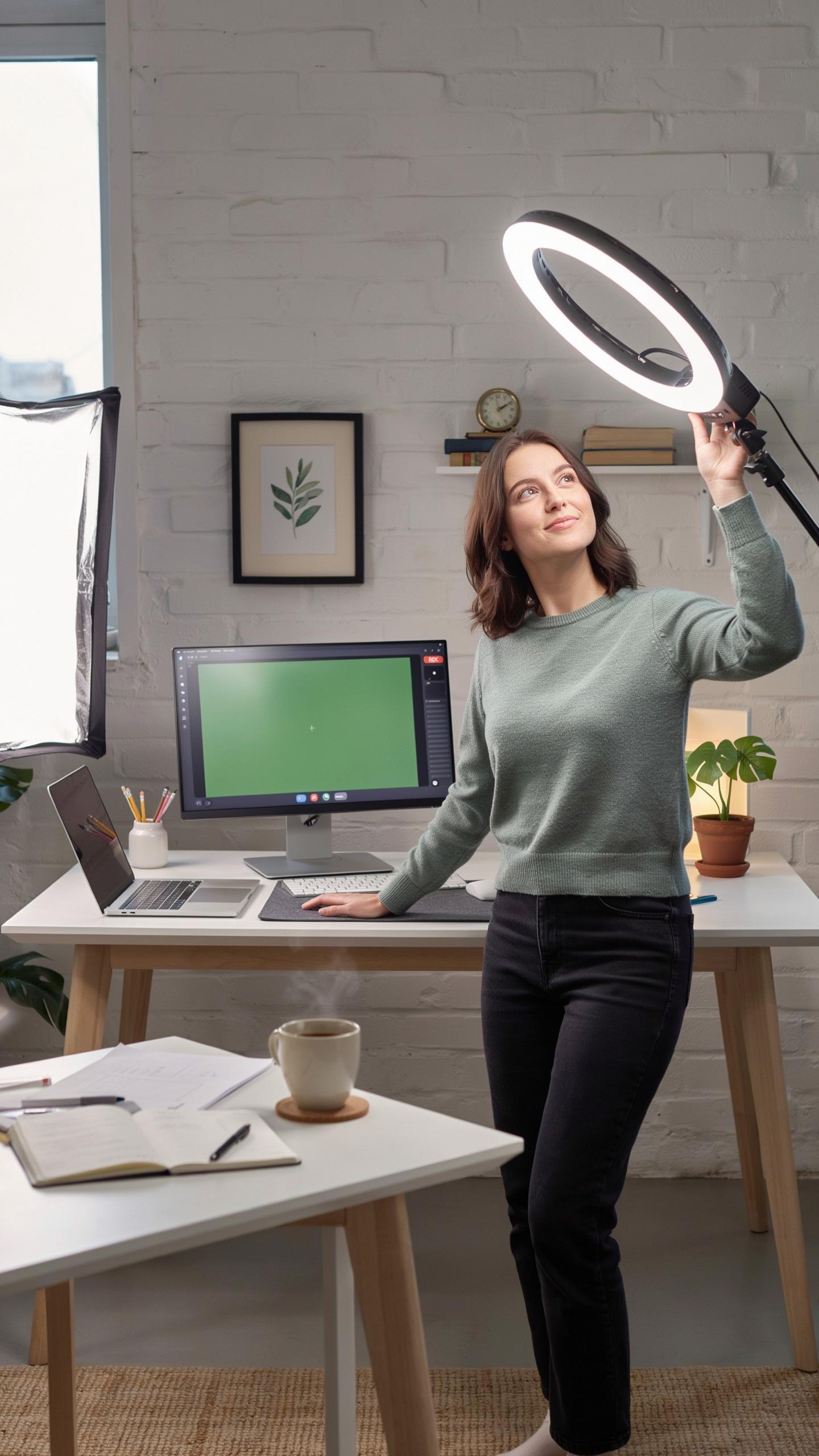
Key Lighting Principles Three Point Lighting Explained
Three-point lighting is the industry standard for positioning light sources around a subject. The key light serves as your primary illumination, positioned at 45 degrees to one side of your face. The fill light reduces shadows by bouncing light from the opposite side. The backlight separates you from the background, creating depth and dimension in your frame.
This system works because it mimics natural sunlight patterns. Your key light does most of the work, handling the main illumination. Your fill light prevents harsh shadows that make you look tired or unfriendly. Your backlight adds visual separation, making you stand out from your background instead of blending into it. Together, these three sources create balanced, professional-looking video calls.
Color Temperature And Its Impact On Your Appearance
Color temperature measures light wavelength in Kelvin units. Lower Kelvin values (2700K to 3000K) produce warm, yellowish tones that feel comfortable and approachable. Higher Kelvin values (5000K to 6500K) produce cool, bluish tones that feel clinical and sharp. Your choice directly impacts how viewers perceive your mood and professionalism.

Warm light flatters skin tones and creates an inviting atmosphere for client calls or team meetings. Cool light works better when you need to appear alert and focused, such as technical presentations. Most home office setups benefit from 3500K to 4100K, which balances warmth with clarity. Test both settings during non-critical calls to determine what works best for your space and skin tone.
How To Improve Video Call Lighting Instantly
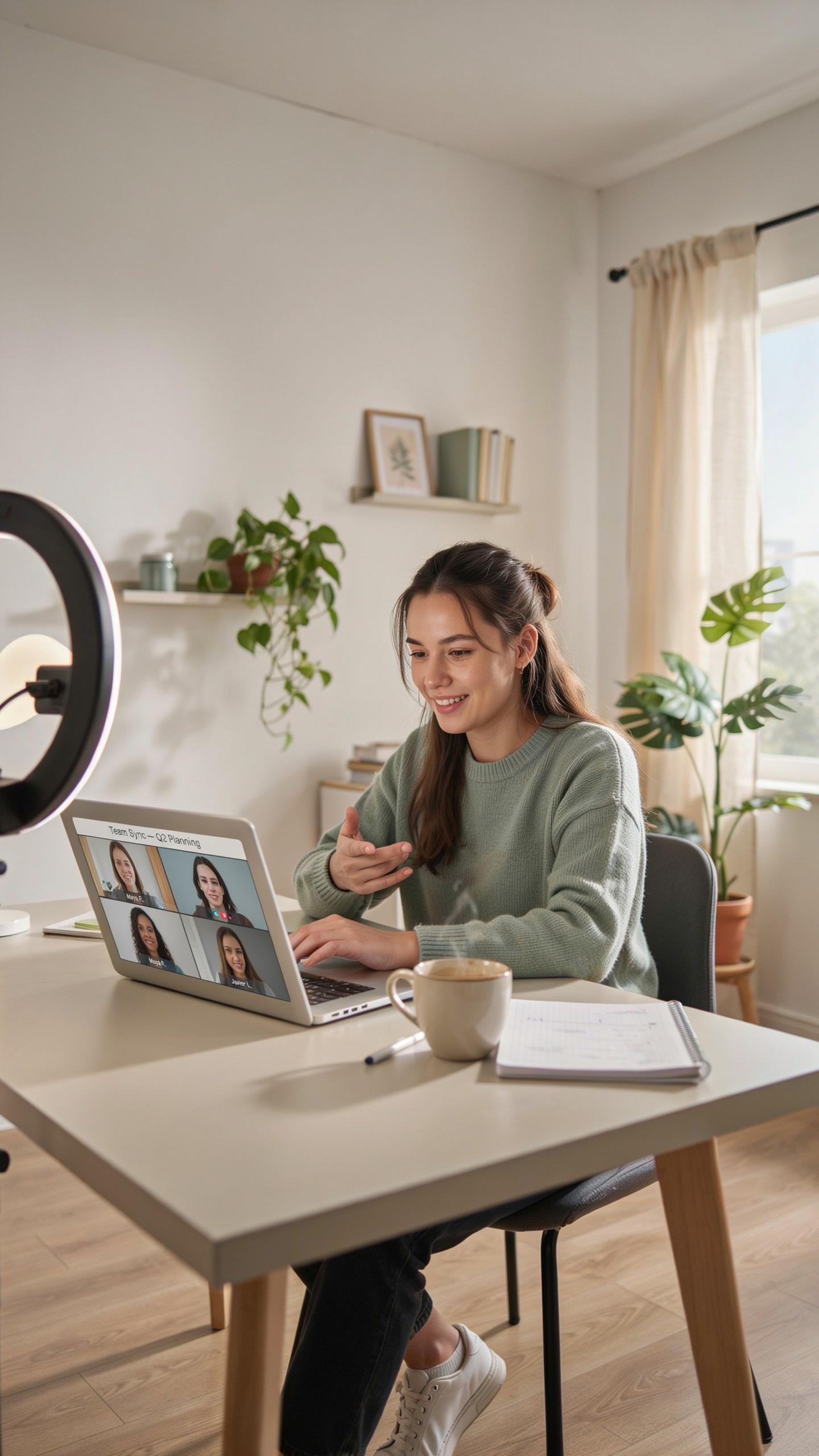
Leveraging Natural Light: Positioning Your Desk
Position your desk to face a window during daytime video calls. This places light directly on your face, eliminating shadows and reducing the need for artificial sources. Backlighting creates silhouettes and forces your camera to adjust exposure incorrectly. Your face becomes dark while the background blows out. Window placement matters more than any lighting kit you can buy.
Test your setup before important calls. Move your desk if your window faces the wrong direction. Morning and afternoon light quality differs, so check both times. Cloudy days provide softer, more flattering light than direct sun. Adjust your monitor position so you don’t have to turn away from the light source during conversations.
DIY Solutions: Household Items As Light Sources
Grab your desk lamp and angle it toward your face at a 45-degree angle. Position it slightly above eye level to create natural looking shadows. Avoid pointing it directly at your camera, which causes glare and washes out your features. A simple lamp produces measurable improvement over no supplemental light.

White poster board or foam core acts as a reflector for existing light. Place it opposite your main light source to bounce illumination onto shadowed areas of your face. This technique costs nothing and requires only items most homes contain. Experiment with placement to balance light across your entire face evenly.
Essential Components Of A Webcam Light For Zoom Meeting Kit
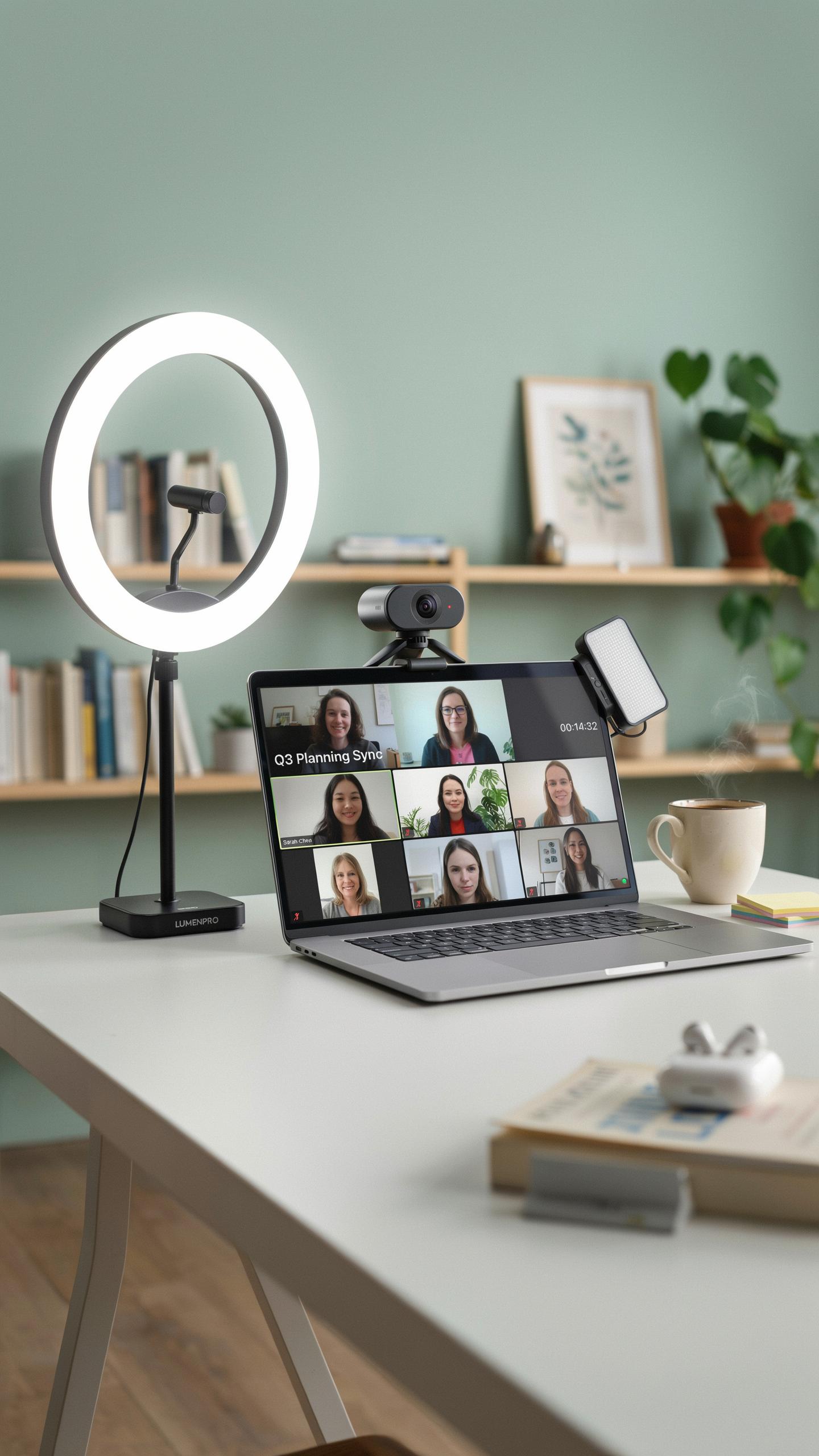
Ring Lights: Even Illumination And Eye Sparkle
Ring lights deliver consistent light across your face from a single source. The circular design eliminates harsh shadows and creates uniform brightness from forehead to chin. Most ring lights offer adjustable brightness levels and color temperature controls, letting you shift between warm and cool tones based on your room and preference. This flexibility matters for video calls because it prevents overexposure or underexposure depending on your camera settings.
The catchlight effect ring lights produce is a practical benefit, not a vanity feature. When light bounces off the ring and into your eyes, it creates visible highlights that make you appear more alert and engaged on camera. Remote workers benefit from this because it compensates for the flattening effect of webcam lenses and creates a more three-dimensional appearance in video calls.
Panel Lights: Soft And Diffused Lighting For A Natural Look
Panel lights use large surface areas to spread illumination evenly across your workspace. Unlike ring lights that concentrate light in one direction, panels scatter light softly, reducing glare on your monitor and reducing eye strain during long video calls. Most quality panel lights include removable diffusion covers that further soften the output, allowing you to control how harsh or gentle the light feels on your face and surroundings.

Panel lights work well when positioned at a 45-degree angle to your face, typically on either side of your monitor. This positioning mimics natural window light and prevents the direct, frontal look that ring lights create. Many come with adjustable stands and mounting options, giving you flexibility to adapt the setup as your desk arrangement changes or as you test different angles for optimal results.
Choosing The Best Lighting For Zoom Meetings For Your Needs
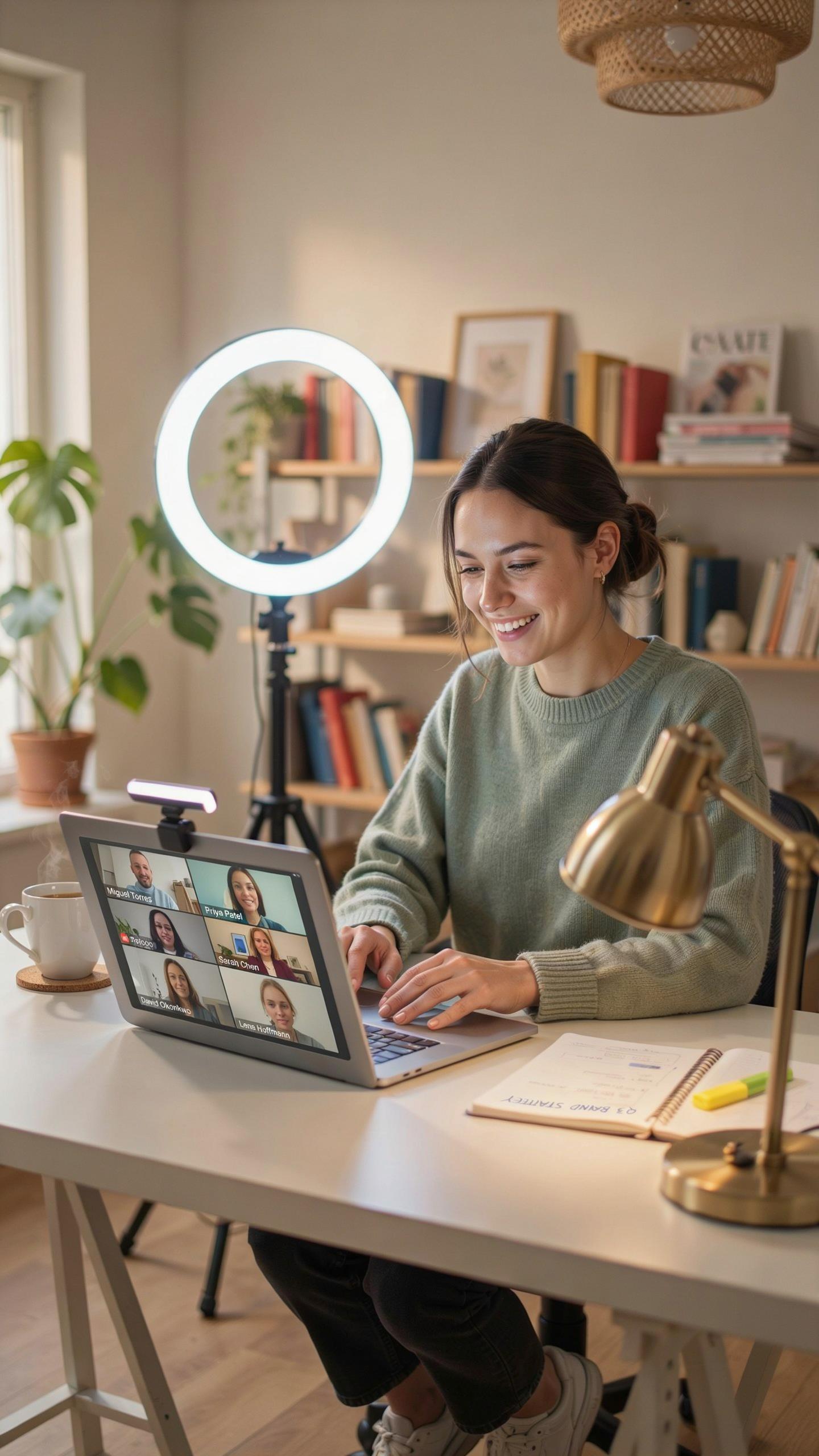
Budget Friendly Options: Getting Started Without Breaking The Bank
Entry level lighting kits cost between 30 and 100 dollars and deliver measurable improvements over no supplemental lighting. Ring lights with adjustable color temperature eliminate harsh shadows on your face. Clamp lights with daylight bulbs mount to desks or monitors. These solutions solve the core problem: insufficient light reaching your camera sensor during video calls.
Compact LED panels offer flexibility for tight spaces. They run on USB power and fit in small home offices. You control brightness and color temperature with simple controls. These kits ship with basic stands and diffusers. Start with one light source positioned at a 45 degree angle to your face to reduce shadows and improve clarity on camera.
In every frame, illuminate your presence, for a warm glow often lights the way to connection, even across the miles.
Advanced Setups: Professional Grade Lighting For Content Creators
Professional lighting kits range from 300 to 2000 dollars and include features like color grading capability and wireless control systems. Higher wattage output lights handle larger spaces and maintain consistent exposure during dynamic camera movements. Barn doors, softboxes, and other modifiers shape light direction and quality. Key light, fill light, and back light create dimensional video that reads well on screens.

Creators benefit from lights with broad dimming ranges and precise color matching. You achieve studio quality video without renting facilities. Modular systems let you add lights as your needs grow. Professional kits include light stands, diffusion materials, and cases for transport and protection during setup and breakdown.
Selfie Light Vs Dedicated Video Call Lighting
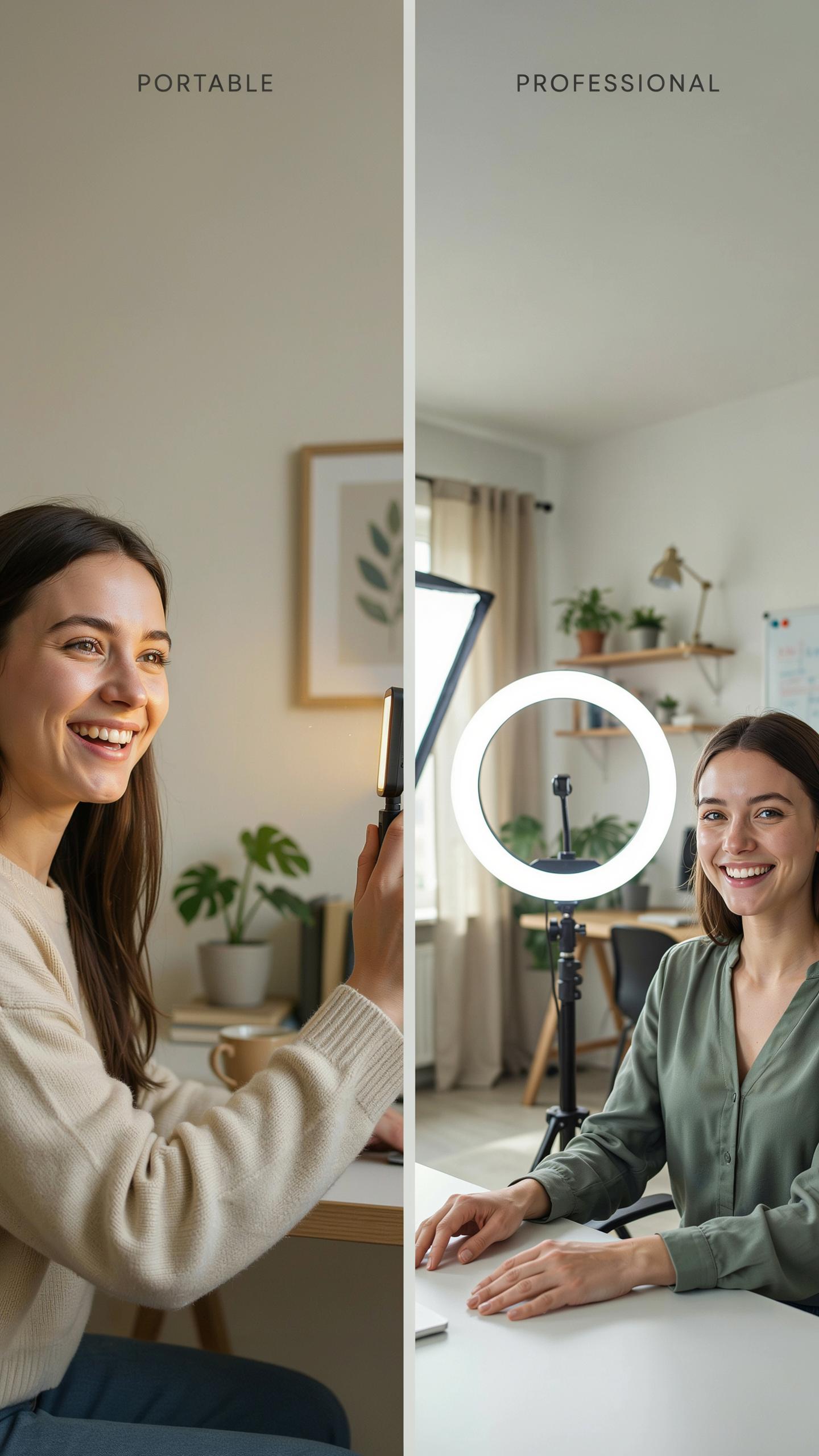
When A Selfie Light Suffices: Casual Calls And Portability
Selfie lights work for quick video calls or informal meetings. They clip directly to your phone or laptop and require minimal setup. The compact form factor makes them ideal for travel or working from different locations throughout your home or office.
However, selfie lights deliver limited output and narrow coverage. They illuminate your face adequately for a single device but struggle with larger desk setups or multiple monitors. Use them only for occasional calls where appearance matters less than convenience.
Limitations Of Selfie Lights For Professional Remote Work
Selfie lights lack the power and adjustability required for consistent professional video presence. Most models produce harsh shadows around your eyes and jawline because they emit from a single point close to your face. Extended use in longer meetings exposes these optical shortcomings quickly.

Dedicated video call lighting kits use diffusion panels and multiple positioning options to eliminate shadows and create even facial illumination. They deliver superior color temperature consistency and brightness control across entire video call sessions. For professional remote work, these kits outperform selfie lights in every technical metric that impacts how clients and colleagues perceive you on camera.
Optimizing Your Environment For Lighting For Zoom Meetings
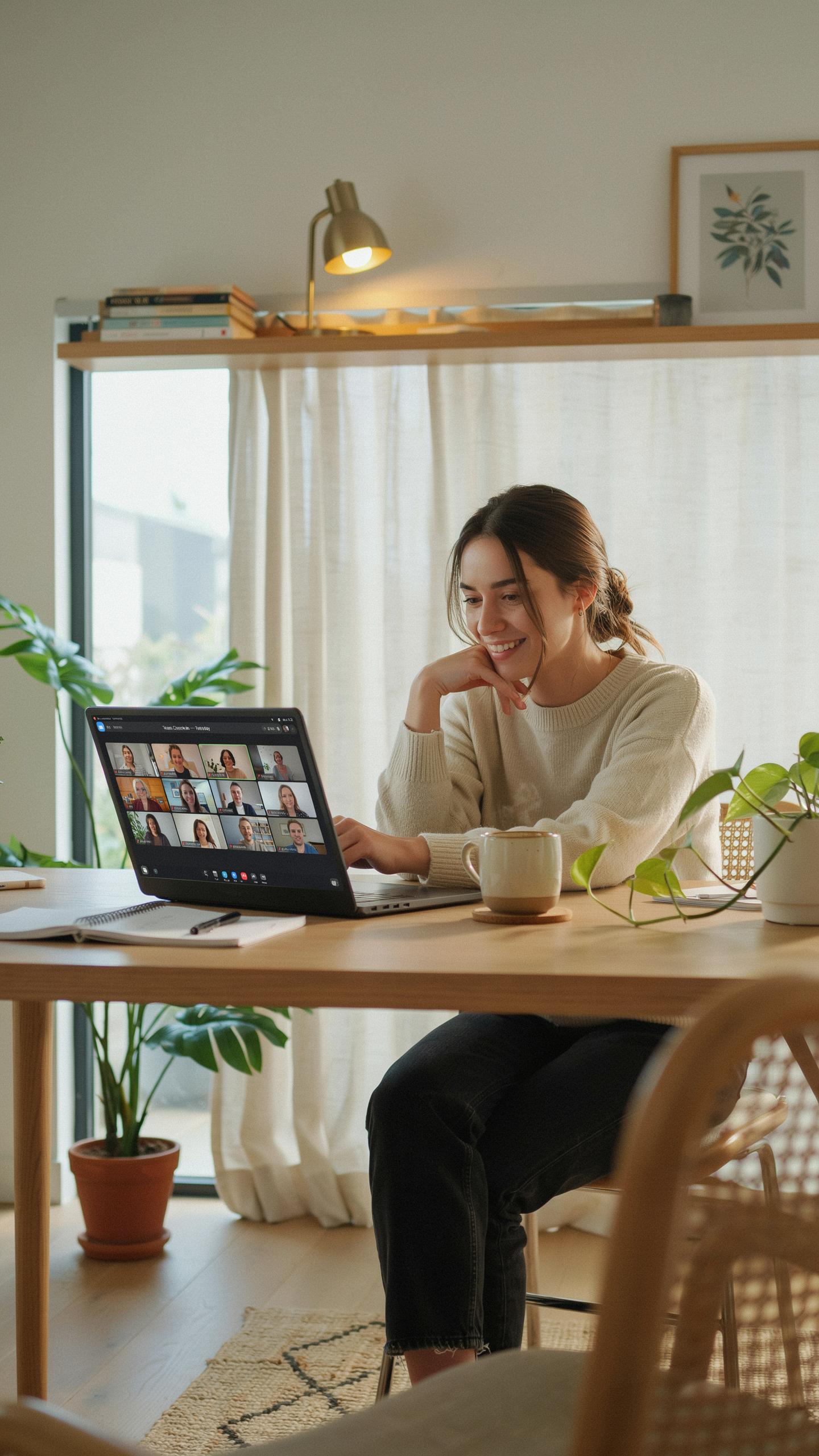
Background Considerations: Avoiding Distractions And Enhancing Depth
Your background directly impacts how others perceive you on camera. A cluttered or chaotic backdrop divides viewer attention between you and visual noise. Choose a space with minimal objects, neutral colors, and some depth behind you to create professional distance from the wall.
Depth in your background matters tactically. Position yourself at least two to three feet from the wall behind you. This separation creates visual layering that makes you stand out from the background and prevents a flat, cramped appearance that reads as unprofessional on video calls.
Reducing Glare And Reflections On Glasses
Glasses create two problems on video calls: reflections that hide your eyes and glare that distracts viewers. Light bouncing off lens surfaces at certain angles blocks eye contact and breaks connection with participants. Solving this requires adjusting your light position, not buying new glasses.

Raise your key light source slightly above eye level and angle it downward. This positioning directs light over your glasses rather than into them, eliminating most reflections. If glare persists, add a diffuser between the light and your face to soften and spread the light beam, reducing harsh reflections completely.
Maintenance And Best Practices For Your Video Call Lighting Kit For Remote Workers
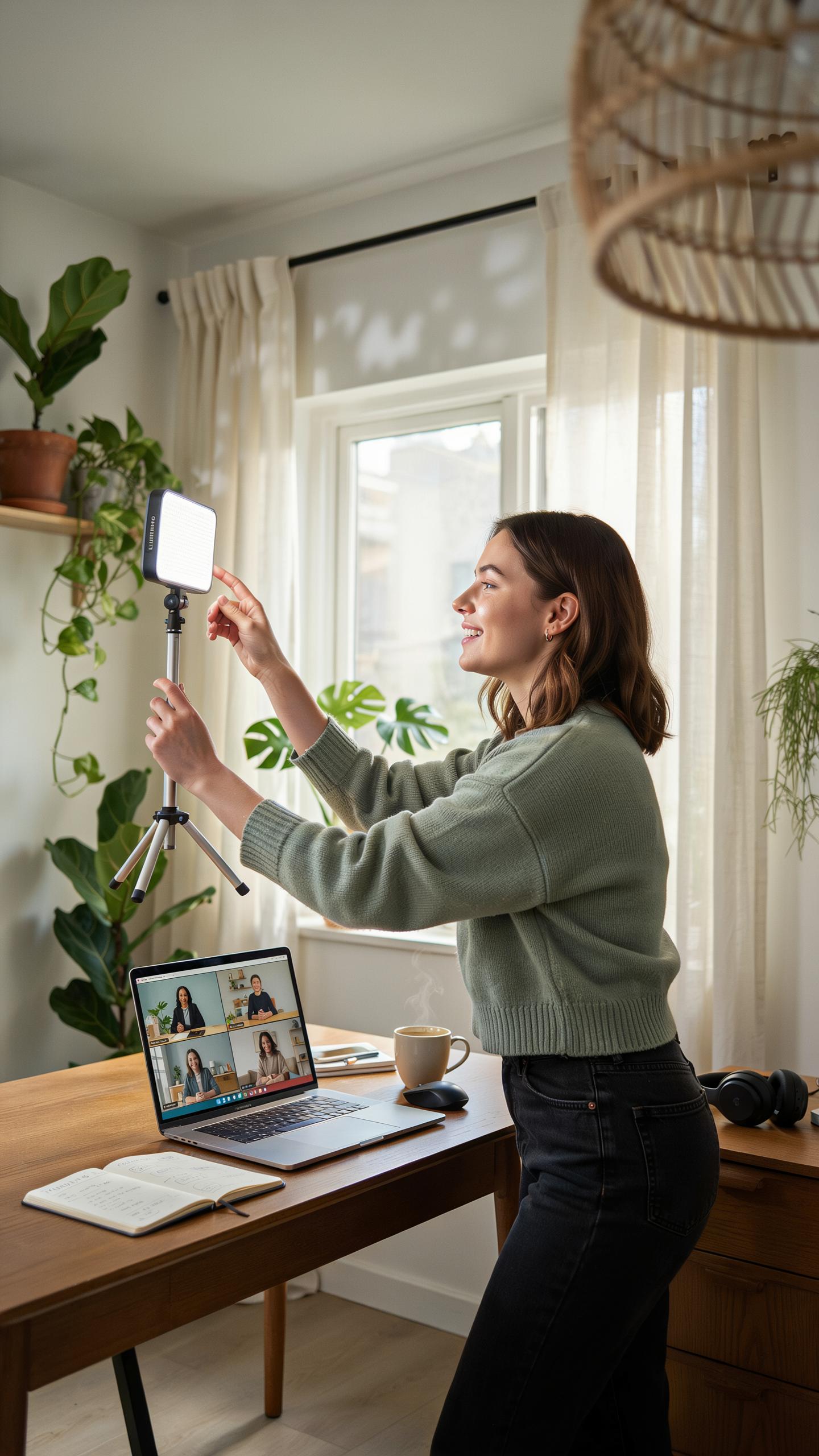
Cleaning And Storing Your Lighting Equipment
Dust accumulates on light fixtures and reduces output by blocking emission. Clean bulbs and diffusers weekly with a soft, lint-free cloth. Never use water or solvents on electrical components. Unplug all equipment before cleaning. This routine prevents performance degradation and extends fixture lifespan significantly.
- LED Bulbs: Wipe with dry microfiber cloth only. LED surfaces attract dust that dims output. Store in original packaging when not in use to prevent physical damage and contamination.
- Softboxes and Diffusers: Remove fabric covers monthly and inspect for tears or discoloration. Hand wash covers in lukewarm water with mild detergent. Air dry completely before reattaching to prevent mold growth.
- Light Stands and Tripods: Wipe metal components with dry cloth to prevent corrosion. Check locking mechanisms for debris. Tighten all joints periodically to ensure stability during use.
- Power Cables and Connections: Inspect cables for cuts or fraying before each session. Store coiled loosely to avoid kinks that damage internal wiring. Replace damaged cables immediately to prevent fire hazards.
- Storage Environment: Keep equipment in climate-controlled space between 50-85 degrees Fahrenheit. Use sealed storage containers to block dust and moisture. Avoid basements or attics where temperature and humidity fluctuate.
Store your lighting kit in a dry location away from direct sunlight. Heat degrades bulb lifespan and plastic components. Organize equipment in protective cases with labeled compartments. This system saves setup time and prevents accidental damage during storage or transport.
Troubleshooting Common Lighting Issues
Flickering occurs when power supply delivers inconsistent voltage to bulbs. Check that all cables connect firmly to fixtures and outlets. Test outlets using other devices to confirm power delivery. Swap bulbs to isolate whether the issue stems from the bulb or fixture. If flickering persists, the power supply may be failing and requires replacement.

Inconsistent brightness indicates either a loose connection or dimmer switch malfunction. Verify all connectors seat properly at both ends. Disable any dimmer settings in your lighting software or hardware controls. If you use smart bulbs, update firmware through the manufacturer’s app to fix brightness calibration issues. Inadequate power supply capacity for multiple lights simultaneously also causes dimming, so verify your outlet can handle total wattage draw.
Frequently Asked Questions
What exactly is a video call lighting kit for remote workers and why do I need one?
A video call lighting kit for remote workers is a set of lights, often LED panels or ring lights, designed to improve your appearance on virtual calls. It eliminates shadows, brightens your face, and ensures you look professional and engaged, making a huge difference in how you present yourself to colleagues and clients from your home office.
How do I properly set up and position a video call lighting kit for the best results?
For optimal lighting, position your video call lighting kit directly in front of you, slightly above eye level. This minimizes shadows under your eyes and chin. If using multiple lights, place one slightly off-center and the other to fill in any remaining shadows, creating a soft, even glow.
Are there affordable video call lighting kit options that still provide good quality for remote work?
Absolutely! You don’t need to break the bank for a quality video call lighting kit. Many excellent, budget-friendly options exist, including clip-on ring lights or small LED panels that connect via USB. These provide significant improvement for remote workers without a large investment, making professional lighting accessible to all.



