Why A Student Planner Gadget Is Essential For College Students

The Demands Of Modern Student Life
College students manage multiple competing priorities simultaneously. Classes demand attendance and preparation. Assignments pile up with staggered deadlines. Extracurricular activities require time commitments. Part-time jobs provide income but consume hours. Social obligations maintain relationships. Sleep becomes a negotiable resource. Without a system to track these demands, deadlines slip through the cracks and stress multiplies.
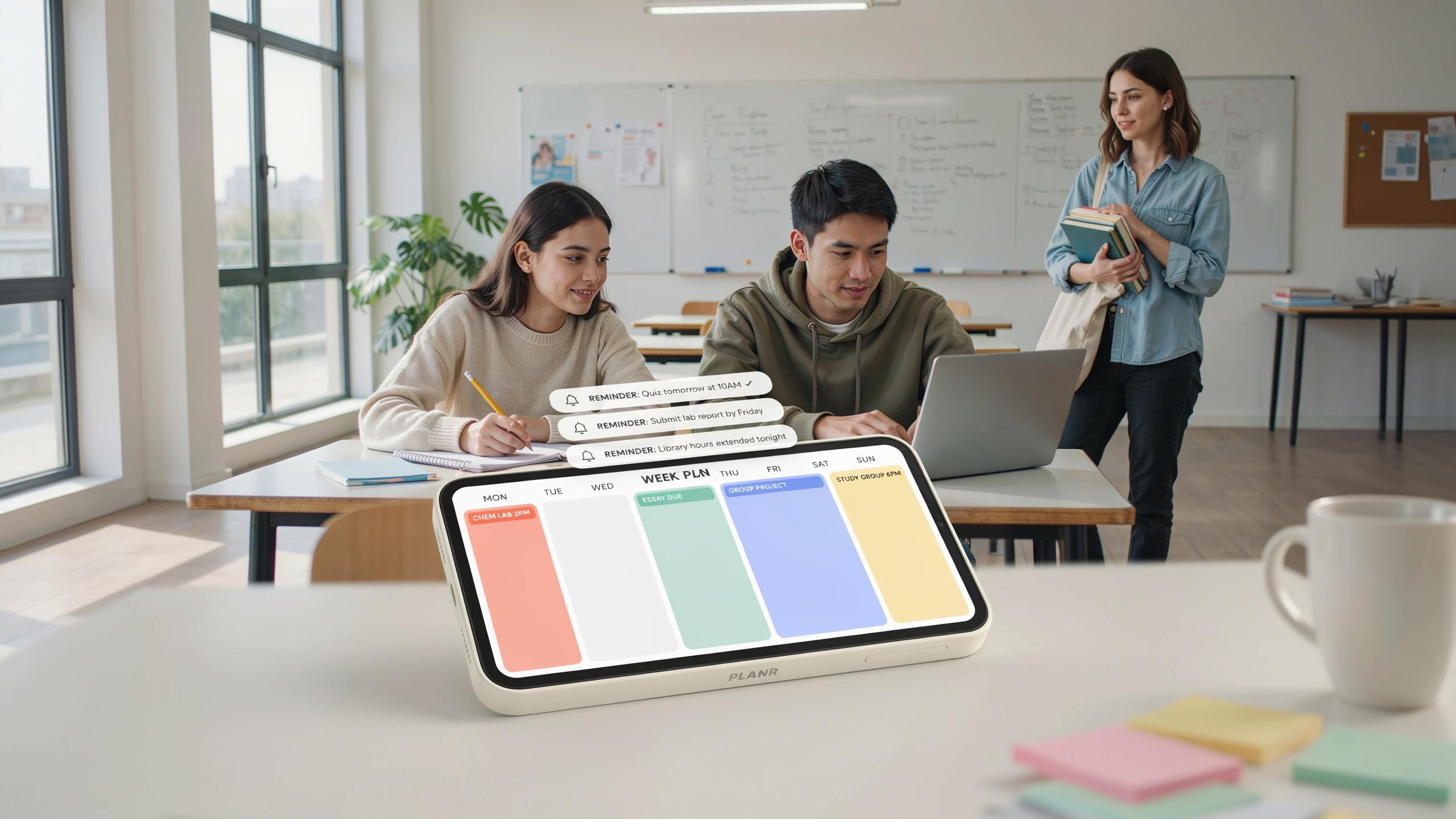
A student planner gadget with reminders solves this coordination problem directly. It captures all commitments in one place. Reminders fire at strategic moments before deadlines arrive. The gadget eliminates the mental load of remembering what comes next. Students focus energy on actual work instead of worrying about forgotten tasks.
Bridging The Gap From Traditional To Digital Planners
Paper planners require manual entry and manual review. You write an assignment due date. You must flip pages to find it later. You remember to check the planner before it slips your mind. This process breaks down under high volume. A student planner gadget with reminders automates the critical step of notification. The system alerts you on schedule without requiring manual checking.
Digital planners integrate with other tools you already use. Calendar apps sync with your planner. Email notifications reach you directly. Mobile alerts arrive on your phone. Rescheduling takes seconds instead of erasing and rewriting. These features create workflow efficiency that paper simply cannot match. The time saved compounds across a semester.

Key Features Of An Effective Student Planner Gadget
Customizable Reminders For Every Task
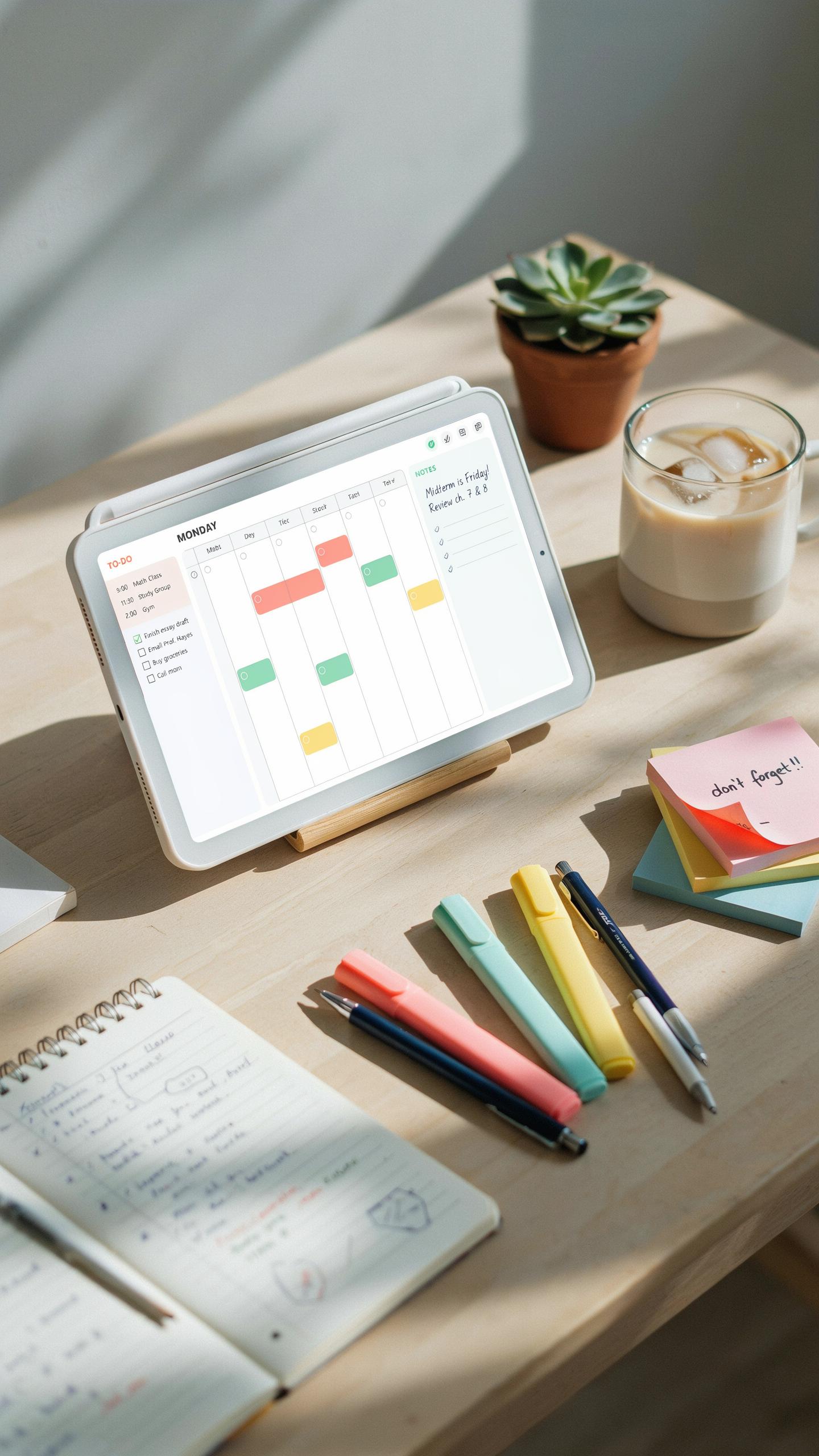
A functional student planner gadget lets you set different reminder types based on your schedule. Recurring reminders handle regular classes that happen every week. One-time alerts notify you about specific assignment deadlines. Location-based reminders trigger when you arrive at certain campus buildings or study areas, pushing notifications exactly when you need them.
The reminder system works best when you control the timing and frequency. Set reminders minutes before class starts, hours before deadlines, or days ahead for major projects. Most gadgets let you choose notification methods: push alerts, emails, or SMS messages. This flexibility prevents missed commitments without overwhelming you with constant notifications throughout the day.
Let your planner be a gentle whisper from your past self, guiding you through the bustling days with warmth and purpose. Remember, every little reminder is a step closer to your dreams.
Integration With Academic Tools And Calendars
Student planner gadgets function best when they connect to your existing systems. Integration with Canvas, Blackboard, or other learning management systems pulls your assignments and due dates automatically. Connection to Google Calendar or Outlook syncs your class schedule with personal commitments, eliminating duplicate entry work.

This unified approach keeps all your academic information in one accessible location. You avoid checking multiple apps or platforms to find assignment details or class times. Synchronization happens in real-time or on regular intervals, ensuring you always see current deadlines and schedule changes across all your devices.
Enhancing Academic Success With A Student Planner

Proactive Exam Preparation
A student planner gadget functions as a scheduling tool that moves exam dates from your head into a structured system. You schedule study blocks weeks before exams, assign deadlines to review chapters, and set automatic reminders that trigger days in advance. This eliminates the cramming cycle that destroys retention and increases anxiety.
The device tracks your progress on long-term assignments by breaking them into milestones. You mark completed sections, identify gaps in understanding, and adjust your study pace accordingly. Reminders push you to start earlier, giving your brain time to consolidate information rather than forcing recall under pressure.
Optimizing Study Time And Task Management
Breaking large projects into smaller tasks is where these gadgets deliver tangible results. Instead of facing a ten-page paper as one overwhelming block, you split it into research, outline, draft, and revision phases. Each task gets its own deadline and reminder, which prevents procrastination by making progress visible and measurable.

The visual representation of deadlines on a planner creates accountability without requiring willpower alone. You see exactly when tasks are due and how many days remain. This clarity motivates timely work because the deadline becomes concrete rather than abstract, and you avoid the performance drop that happens when multiple deadlines collide.
Making The Right Choice Selecting Your Student Planner

Factors To Consider: User Interface And Accessibility
A confusing interface defeats the purpose of a planner. You need a gadget that takes seconds to navigate, not minutes to figure out. The best student planners prioritize clarity over features. Check whether the app or device responds quickly to your inputs and displays information without cluttering your screen with unnecessary options.
Accessibility features matter more than marketing promises. Can you read the text without straining? Do reminders arrive on time? Test the gadget before committing. Try creating a sample assignment, setting a reminder, and checking if notifications actually reach you. Poor accessibility transforms a productivity tool into a distraction machine.
Free Vs Paid Options: What To Expect
Free versions of student planner gadgets cover core functions. Most offer basic task creation, calendar views, and simple reminders. You get what you need to track assignments and deadlines without spending money. These versions work for students who want straightforward planning without complexity or extra features.

Paid subscriptions add functionality that costs money to maintain. Cloud synchronization across devices, integration with email and calendar apps, and ad-free experiences typically require payment. Evaluate whether advanced features solve actual problems in your workflow. Many students complete semesters successfully on free plans. Only upgrade if you genuinely use premium functions, not because marketing suggests you should.
Beyond Academics Planning Your Day For A Balanced Student Life

Incorporating Social And Personal Engagements
A student planner gadget with reminders blocks out time for activities beyond coursework. These tools let you schedule friend meetups, club meetings, gym sessions, and downtime in the same interface where you manage assignments. This prevents academic obligations from consuming your entire calendar and forces intentional allocation of personal time.
The reminder function ensures you actually show up for social commitments. Notifications alert you to upcoming events before they slip your mind. When your planner treats social time with the same importance as exam prep, you build a sustainable rhythm instead of burning out midway through the semester.
Tracking Habits And Goals For Overall Well Being
Advanced student planner gadgets include habit tracking features that monitor recurring behaviors like exercise, sleep, and reading. You log daily progress and watch patterns emerge over weeks. This data reveals which habits stick and which ones need adjustment, giving you concrete feedback instead of relying on memory or guesswork.

Goal setting functions within these planners let you define specific objectives and track movement toward them. Whether learning a language or maintaining consistent workout frequency, the gadget becomes your accountability partner. Reminders prompt you to take action steps daily, transforming vague intentions into measurable progress that compounds throughout the semester.
Tips For Maximizing Your Student Planner Gadget

Regular Updates And Review Sessions
Consistency drives results with student planner gadgets. Update your planner daily as new assignments and deadlines arrive. This prevents tasks from slipping through cracks and keeps your workload visible. Stale information in your planner becomes worthless. You stop trusting it and revert to mental tracking, which fails under pressure.
Weekly review sessions anchor your planning routine. Set aside time every Sunday or Monday to scan the week ahead. Identify deadlines, exam dates, and project milestones. Adjust priorities based on what matters most. This 20-minute investment prevents last-minute scrambling and keeps you ahead of your semester.
Utilizing Color Coding And Tagging For Clarity
Digital planner gadgets let you organize tasks by subject, priority level, or task type through color-coding and tagging features. Assign one color to math assignments, another to essays, another to exams. This visual system cuts through clutter instantly. You see patterns in your workload without reading every entry. Priority tagging separates urgent items from routine tasks.

The payoff is reduced cognitive load. Your brain processes visual patterns faster than reading text. When you open your planner, urgent items jump out. You make faster decisions about what to tackle first. This system works whether you use a digital app or a gadget with physical buttons and a screen.
The Future Of The Student Planner AI And Automation

Predictive Scheduling And Smart Reminders
AI-powered student planner gadgets now analyze your past behavior to forecast when you work best. These systems examine your completion patterns, note-taking habits, and response times to deadlines. The gadget then recommends specific time slots for tackling assignments. Smart reminders adjust their frequency and timing based on how you actually respond to notifications, not generic schedules.
Current planner gadgets with AI integration learn which reminder methods work for individual users. Some students respond better to visual alerts while others need audio cues. The system tests different reminder types and intensities, then optimizes based on task completion rates. This means fewer irrelevant notifications and higher task follow-through for busy semesters.
Automated Task Delegation And Collaboration Features
Emerging student planner gadgets streamline group project coordination by automating task assignment based on team member schedules and skill levels. The system identifies available time slots across all team members and suggests optimal work windows. Task dependencies automatically update when one member completes their portion, alerting dependent team members instantly.

Future planners will integrate directly with communication platforms to eliminate constant back-and-forth messaging about project status. Built-in collaboration features allow students to assign tasks, track progress, and share files without switching applications. This consolidation reduces coordination overhead and keeps projects moving forward during intense academic periods.
Success Planner Strategies How Top Students Use Their Gadgets

Breaking Down Large Projects
High-achieving students treat large assignments as collections of smaller tasks rather than monolithic problems. They enter each project into their planner gadget and immediately break it into concrete sub-tasks with individual deadlines. This segmentation reduces cognitive load and creates clear progress checkpoints throughout the semester.
Student planner gadgets with reminders allow these learners to set notifications for each sub-task independently. By spacing notifications across weeks, students maintain consistent momentum rather than facing last-minute pressure. The gadget’s reminder function transforms vague due dates into actionable daily work blocks that students actually complete.
Prioritizing Tasks Effectively
Top students use their planner gadgets to rank tasks by urgency and importance rather than processing everything equally. The Eisenhower Matrix framework helps them categorize assignments into quadrants: urgent and important, important but not urgent, urgent but not important, and neither. Their gadget’s built-in rating system or custom tags enable quick visual sorting.

Effective prioritization means addressing critical tasks first and scheduling less pressing work during lower-energy periods. Student planner gadgets with reminders let users set hierarchical notifications so important tasks alert them repeatedly while minor tasks appear only once. This system ensures students tackle what matters most before distractions consume their available time.
From Digital To Printable Combining The Best Of Both Worlds

The Appeal Of Student Planner Printable Templates
Digital planners dominate student organization today, but printable templates serve a real function. Writing by hand engages different cognitive pathways than typing. Students retain information better when they physically write deadlines, assignments, and notes. Printable templates let students capture this benefit without abandoning digital tools entirely. They work alongside apps and software as a complementary system.
Printable templates come in standardized formats that students can customize. Many digital planner apps export or generate PDF versions for printing. Students print weekly layouts, monthly overviews, or subject specific pages as needed. This flexibility addresses a core truth: not all students learn or organize the same way. Some need screens. Others need paper. The smartest students use both.
When A Hybrid Approach Works Best
A hybrid system splits responsibilities between digital and printable components strategically. Digital planners excel at reminders, notifications, and time based alerts across devices. Printable templates work better for brainstorming, note taking, and detailed project planning. This separation means students get reminder functionality where it matters most while maintaining the tactile benefits of writing for deep learning tasks.
Students with heavy course loads benefit most from hybrid setups. They use digital reminders for assignment deadlines and class times, which keeps them accountable automatically. They print weekly planning sheets for detailed note organization and study breakdowns. This combination reduces missed deadlines through notifications while improving retention through handwritten planning. The system works because each tool handles what it does best.
Frequently Asked Questions
What exactly is a student planner gadget with reminders, and how does it differ from a traditional paper planner?
A student planner gadget with reminders is an electronic device or app designed to help students organize their academic life. Unlike paper planners, it offers digital features like automated alerts, syncing across devices, and often integrates with calendars, making it a highly dynamic and interactive tool for busy semesters.
How can I effectively set up a student planner gadget with reminders to manage multiple assignments and deadlines?
To effectively set up your student planner gadget with reminders, categorize tasks by course, input all assignment due dates, and break larger projects into smaller, manageable steps. Schedule dedicated study blocks and set recurring reminders for regular commitments to stay on top of your workload.
Are there affordable options for a student planner gadget with reminders, or are they generally expensive?
Absolutely! Many excellent student planner gadget with reminders options are available at various price points. Free or low-cost apps often provide robust features, and even dedicated devices can be found affordably. Focus on functionality over brand for the best value without breaking your budget.



