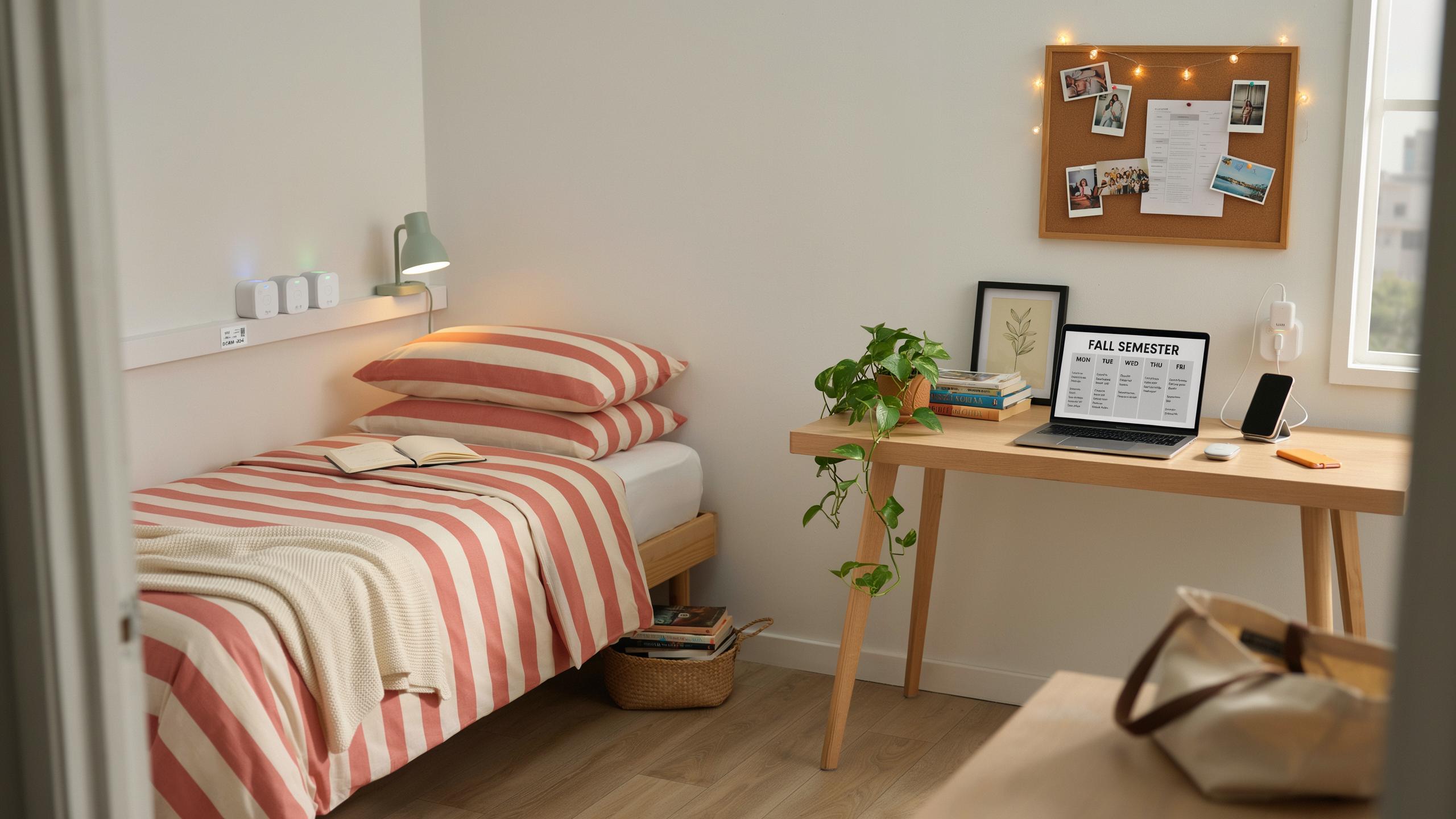
Why Smart Plugs Are Dorm Room Essentials
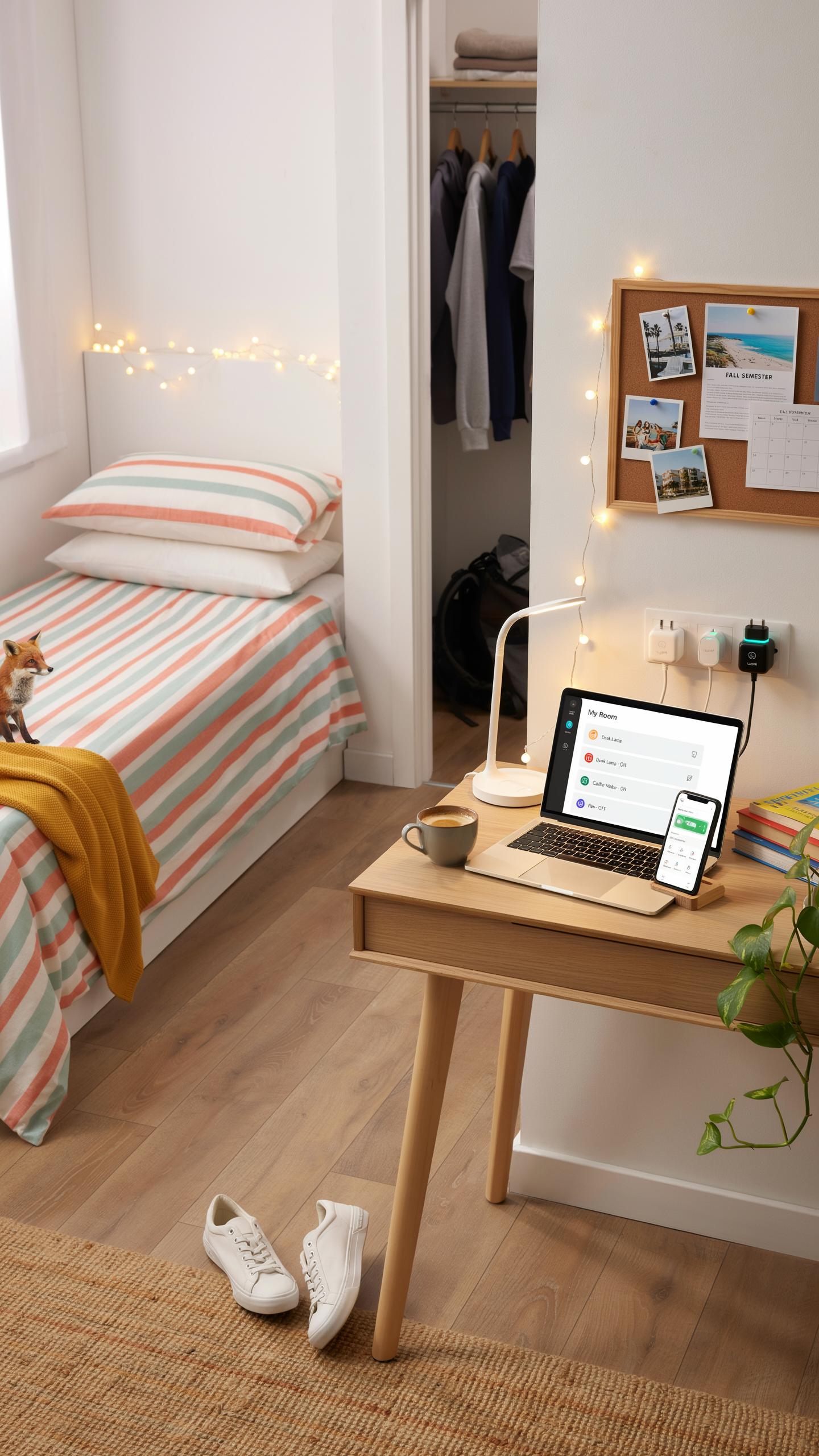
Understanding The Benefits Of Smart Plugs In A Dorm Setting
Smart plugs solve a core dorm problem: managing multiple devices from one location without physical access. You plug a device into the smart plug, control it remotely via smartphone app or voice command, and eliminate the need to walk across your room repeatedly. This matters in tight spaces where your desk, bed, and outlet layout force you into inefficient movement patterns.
Smart plugs also create accountability in shared living spaces. When roommates use equipment, you can monitor usage remotely and set schedules that prevent conflicts over common devices like printers or chargers. You eliminate arguments about who left something running and establish clear, automated usage windows that everyone can see and respect.
Enhancing Safety And Energy Efficiency With Smart Technology
Smart plugs cut energy waste by letting you power down devices completely instead of leaving them in standby mode. Standby drain costs money and accelerates battery degradation in rechargeable devices. Smart plugs detect when devices finish charging and cut power automatically, protecting your equipment and reducing your electricity bill over a semester.
Safety improves because smart plugs prevent overload situations and fire hazards from daisy-chained power strips. You distribute power across multiple plugs rather than stacking adapters. Overheating risks drop significantly. Remote shutdown capability also means you can kill power to a malfunctioning device instantly without touching it, a critical advantage if you spot sparking or unusual heat from across campus.
Choosing The Right Smart Plugs For Your Dorm
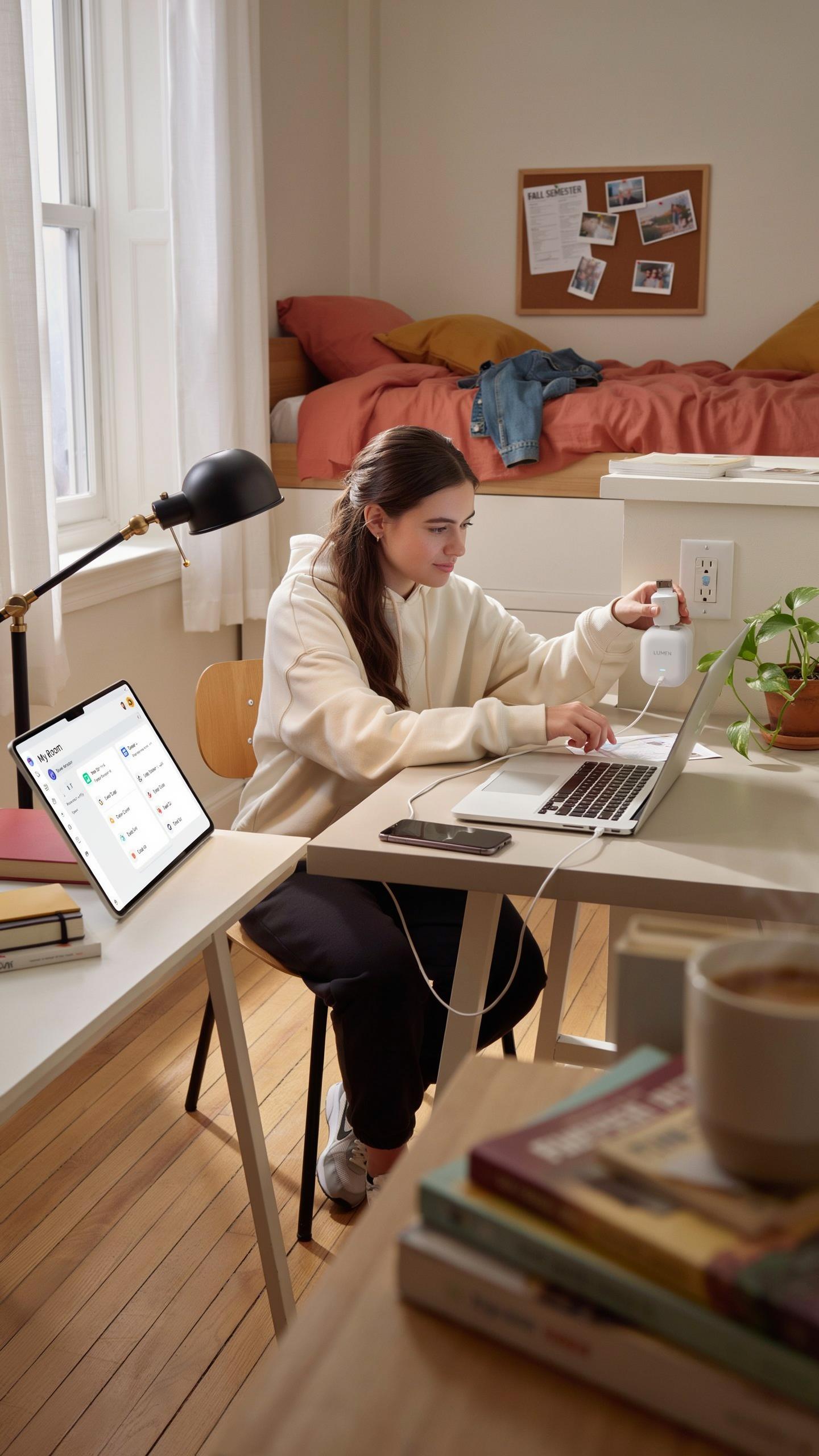
Key Features To Look For In Dorm Room Smart Plugs
Start with power capacity ratings. Your smart plug must handle the total wattage of devices you connect simultaneously. Most dorm devices run between 500 and 1500 watts. Check the plug’s maximum load capacity against your actual needs. Undersized plugs create fire hazards and void warranties. Overloaded circuits trip breakers and damage equipment.
Look for remote on and off functionality through smartphone apps or voice commands. This feature lets you control devices from class or your bed without walking to the outlet. Scheduling capabilities matter too. Set devices to power down automatically at specific times, reducing energy waste and preventing accidental overheating. Energy monitoring shows real consumption data so you track which devices drain power fastest.
In the cozy chaos of dorm life, let smart plugs be your silent guardians, keeping memories bright and worries dim.
Compatibility With Dorm Wi Fi Networks And Devices
Your smart plug needs to connect to your dorm’s specific Wi-Fi network setup. Most college networks use standard 2.4GHz or 5GHz frequencies. Check your plug’s compatibility before purchase. Some plugs only work on 2.4GHz bands, creating connection problems on newer networks. Contact your dorm’s IT department for network specifications before buying.

Verify app compatibility with your phone’s operating system. iOS and Android versions matter here. Outdated plugs may not support current app versions, leaving you unable to control the device after updates. Test the plug’s connection stability on your dorm network. Unstable connections cause frequent disconnections, making remote control unreliable when you need it most.
Integrating Smart Plugs With Dorm Room Essentials
Smart Plugs For Lighting And Small Appliances
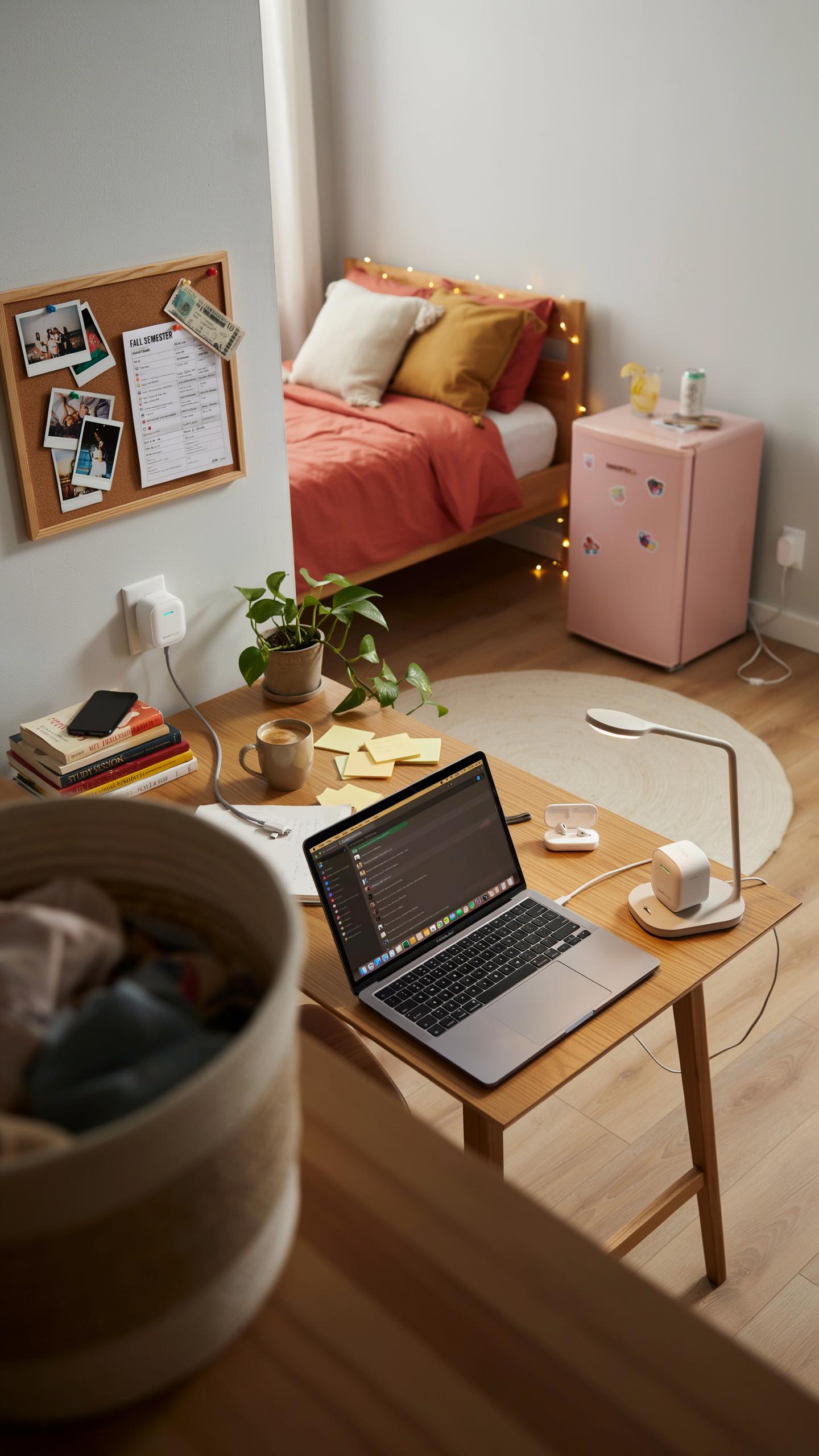
Smart plugs control desk lamps, overhead lights, and small appliances through your phone or voice commands. They eliminate the need to physically reach outlets behind furniture or in tight spaces. Most dorm rooms have limited outlet access, making smart plugs a practical solution for managing multiple devices from one location. You schedule lights to turn on before you wake up or off when you leave for class. This saves energy and prevents the common mistake of forgetting to power down devices.
Smart plugs work with existing lamps and appliances without replacement. You plug the device into the smart plug, then plug that into the wall outlet. Compatibility matters here: verify your appliances work with your chosen smart plug brand before purchasing. Budget-friendly options exist from established brands that integrate with major ecosystems like Google Home or Amazon Alexa. Dorm residents benefit from remote access, especially when managing multiple devices across different room locations during study sessions or when away for breaks.
Optimizing Charging Stations With Smart Plugs And USB Adapters
Smart plugs paired with multi-port USB adapters centralize your charging setup. Most dorm students charge phones, tablets, laptops, and wireless earbuds simultaneously. A single smart plug controlling a USB hub eliminates the need for multiple wall outlets and reduces clutter. You schedule charging sessions to occur during off-peak hours if your dorm has time-based electricity rates. This approach also prevents overcharging by automatically cutting power after set durations, which extends battery lifespan over time.

USB adapter quality directly impacts charging speed and device safety. Look for adapters with multiple ports that support various charging standards like USB-C, USB-A, and Lightning connectors. Smart plugs add monitoring capabilities, showing real-time power consumption of your charging station. This data reveals which devices drain the most power, helping you make informed decisions about usage patterns. Position your smart plug and USB hub near your desk for convenient access and simplified cable management throughout the semester.
Smart Plugs For Workspace Design And Study Areas
Creating An Efficient And Organized Study Environment
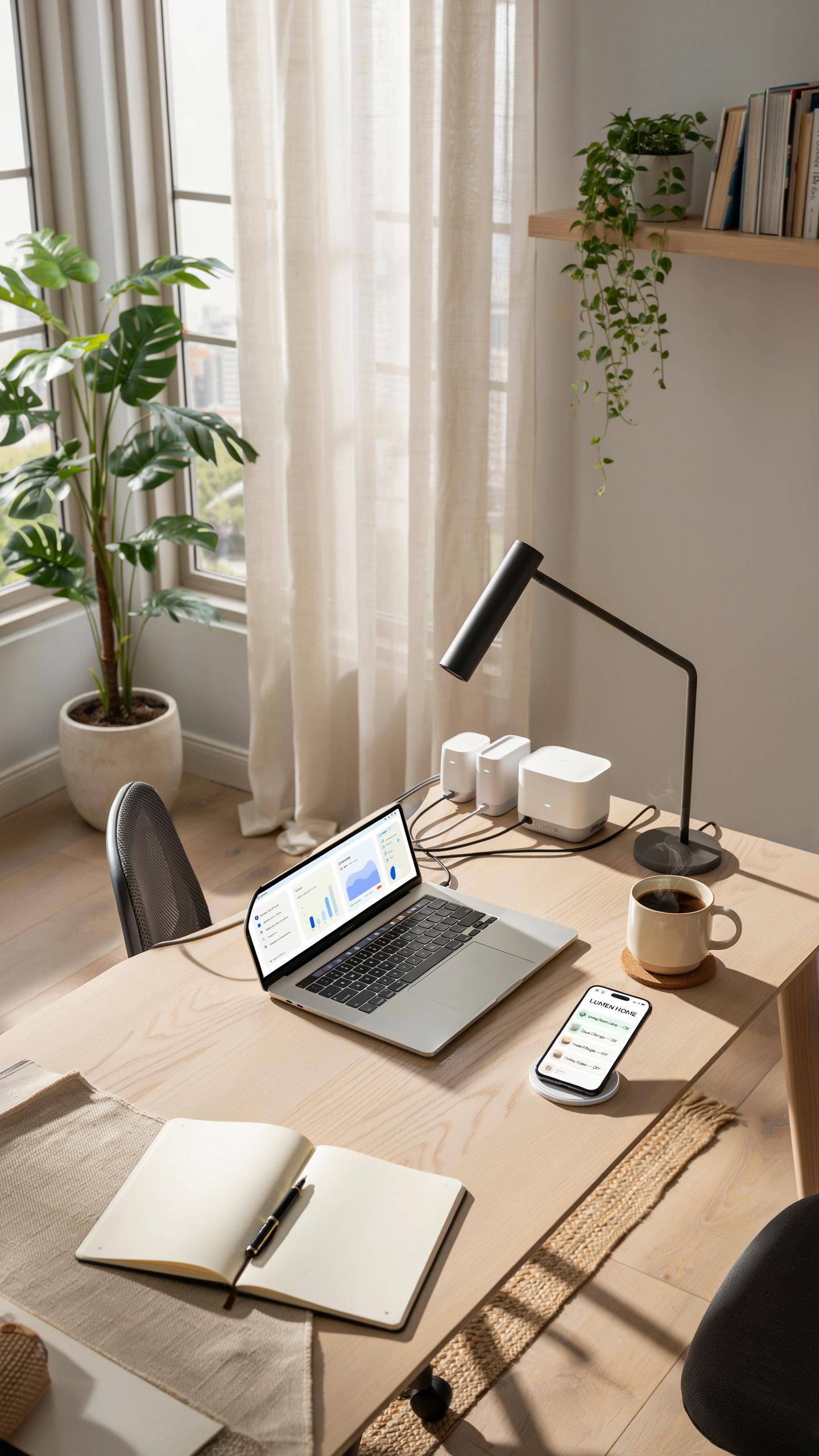
Smart plugs turn your desk into a controlled workspace. You plug your lamp, monitor, and charging devices into smart outlets, then control them from your phone or voice commands. This eliminates the need to crawl behind furniture to flip switches manually. You reduce physical clutter by centralizing power management to a single interface. Your study area stays organized because cables stay plugged in and powered down remotely.
Smart plugs solve the real problem of dorm desks: limited outlet access. Most dorm rooms have two to four outlets serving an entire wall. Smart plugs stack multiple devices into one outlet through power strips, then you manage each device independently through scheduling. You turn off your monitor at a set time to prevent studying past your intended hours. You power down your laptop charger when fully charged, eliminating wasted energy and heat generation on your desk.
Managing Electronics And Reducing Clutter With Smart Plugs
Desk clutter comes from devices staying powered all day. Your phone charger draws power even when disconnected. Your desk lamp sits on constantly. Your external hard drive runs unnecessarily. Smart plugs let you power down entire device categories on schedule. You set your chargers to turn off at midnight. You schedule your desk lamp to activate only during study hours. This approach removes dead devices from your workspace mentally and physically.

Cable management improves when you control power through smart plugs rather than manual switches. You eliminate the need for visible on-off switches on individual devices. Cables run cleanly to outlets controlled by a single smart plug or power strip. You organize your desk by function: one smart plug for charging devices, another for lighting, another for computer peripherals. This strategy keeps your study area functional without excess wiring or clutter visible during video calls or room inspections.
Safety First Smart Plugs With Surge Protector Features
Protecting Your Devices From Power Surges
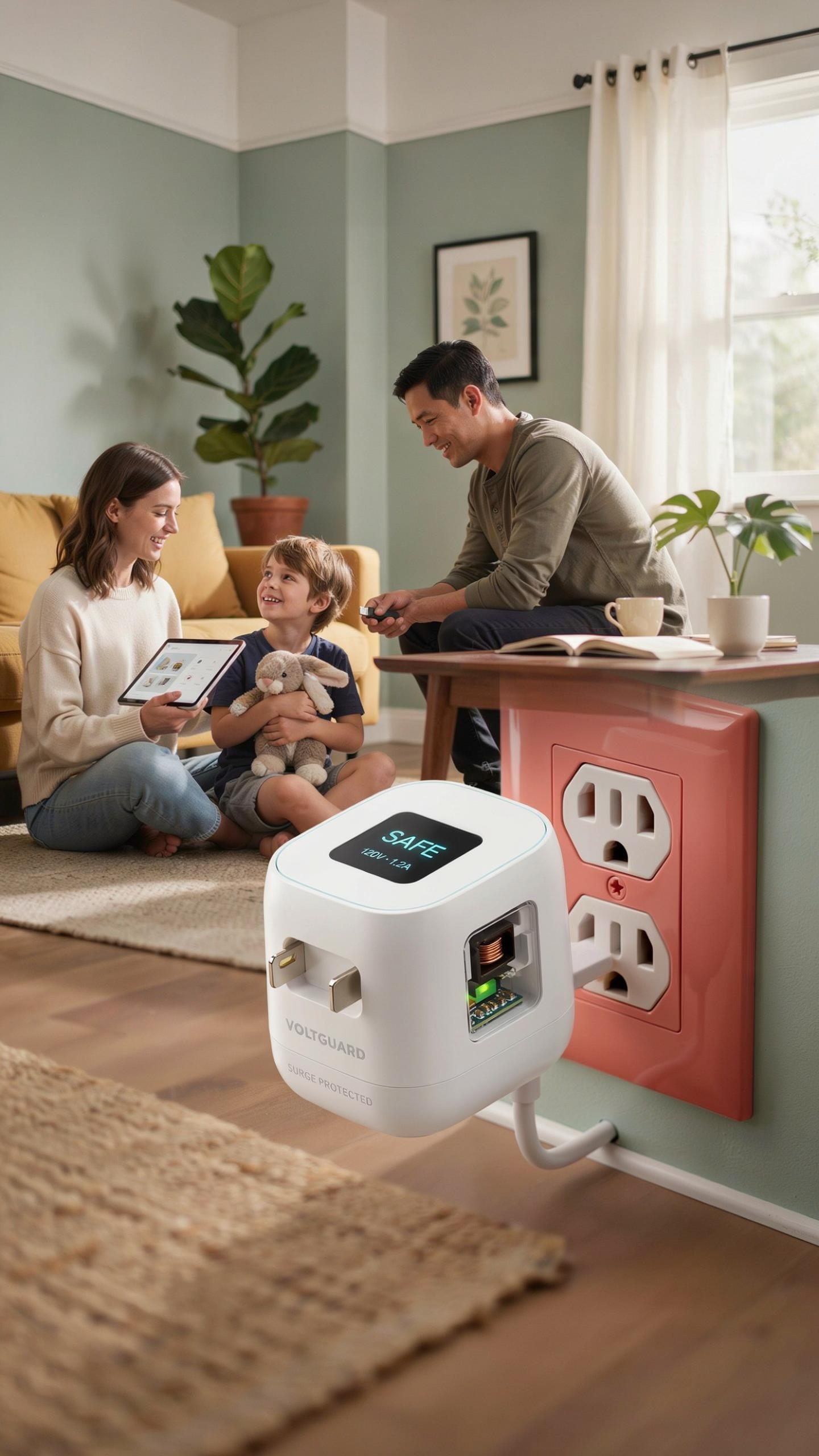
Power surges happen when electrical voltage spikes above normal levels. Dorms experience surges from lightning strikes, utility company switching, and heavy appliance usage on shared circuits. A surge reaching your laptop, phone charger, or gaming console can destroy components instantly. Smart plugs with built-in surge protection absorb these voltage spikes before they reach your gear.
Surge protection works through metal oxide varistors (MOVs) or similar components that divert excess current. When voltage exceeds safe thresholds, the MOV activates and routes the surge to ground. This action happens in nanoseconds, protecting connected devices. Quality surge-protected smart plugs typically handle surges up to 1000 joules or higher, which covers most common dorm scenarios.
Understanding Electrical Safety In Dorm Rooms
Dorm electrical systems often run at full capacity during peak usage hours. Multiple students plugging in devices simultaneously creates demand that strains circuits. Overloaded circuits generate heat in wiring and outlet components, creating fire risk. Smart plugs with surge protection add a safety layer by preventing dangerous voltage fluctuations that compound overload problems.

Check your dorm’s circuit capacity before connecting multiple power-hungry devices to one outlet. Smart plugs with individual on-off controls let you manage power draw room by room. Never daisy-chain power strips together or plug a surge-protected smart plug into another surge-protected unit. This creates redundant protection that actually reduces effectiveness and increases fire hazard in confined dorm spaces.
Maximizing Outlets With Outlet Extender And Power Strip With USB Connection
Strategic Placement Of Outlet Extenders And Power Strips
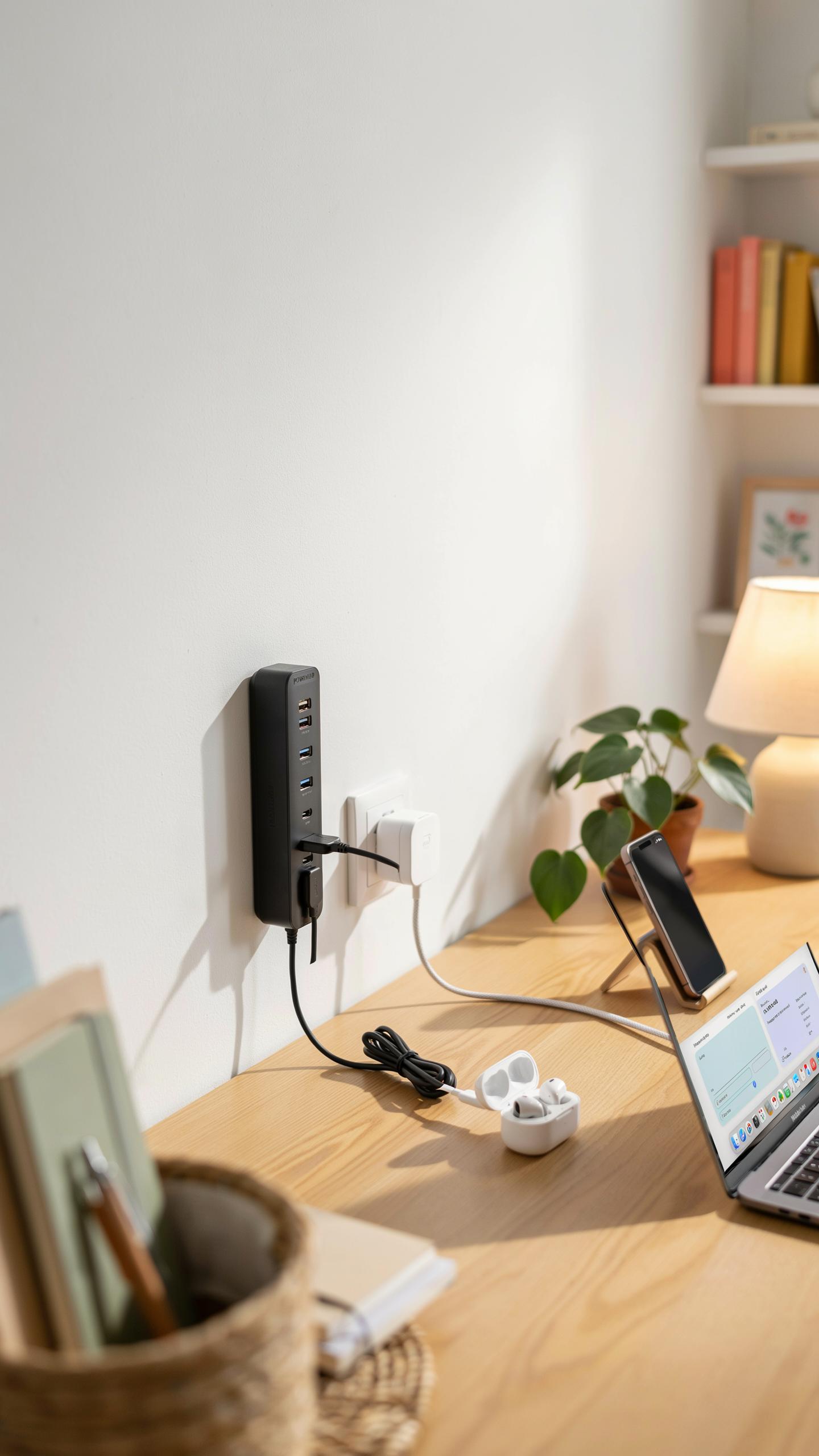
Outlet extenders and power strips solve the fundamental problem of dorm rooms: insufficient outlets. Most dorms provide two to four outlets per room, forcing students to choose between charging devices or powering equipment. Placement matters because poor positioning creates fire hazards and reduces accessibility. Install power strips on desks or nightstands where you actually use devices, not hidden behind furniture where heat cannot escape.
Position outlet extenders away from water sources like sinks and windows. Never run cords under carpets, rugs, or mattresses, as friction generates heat and triggers fires. Keep power strips visible and accessible for regular inspection. Avoid stacking multiple power strips together or daisy-chaining them, which overloads circuits and creates dangerous heat buildup. Place strips at least six inches from walls to allow proper ventilation around the unit.
Choosing The Best Power Strip With USB For Dorm Use
Power strips with integrated USB ports eliminate the need for separate wall adapters, freeing up outlet space for laptops and other high-power devices. Select strips with at least two to three USB ports and four standard outlets minimum. Check the total amperage rating, which should match your dorm’s electrical capacity. Buy strips with surge protection built in, rated for at least 1000 joules of protection.

Look for power strips with individual on-off switches for each outlet or USB port. This feature lets you control power to specific devices without unplugging cords. Choose strips with overload protection that automatically cuts power if circuits exceed safe limits. Verify the USB ports support fast charging speeds if you plan to charge phones and tablets regularly. Avoid cheap units without safety certifications, which increase electrocution and fire risk significantly.
Advanced Uses Scheduling And Automation For Room Essentials
Setting Schedules For Lights And Appliances With Smart Plugs
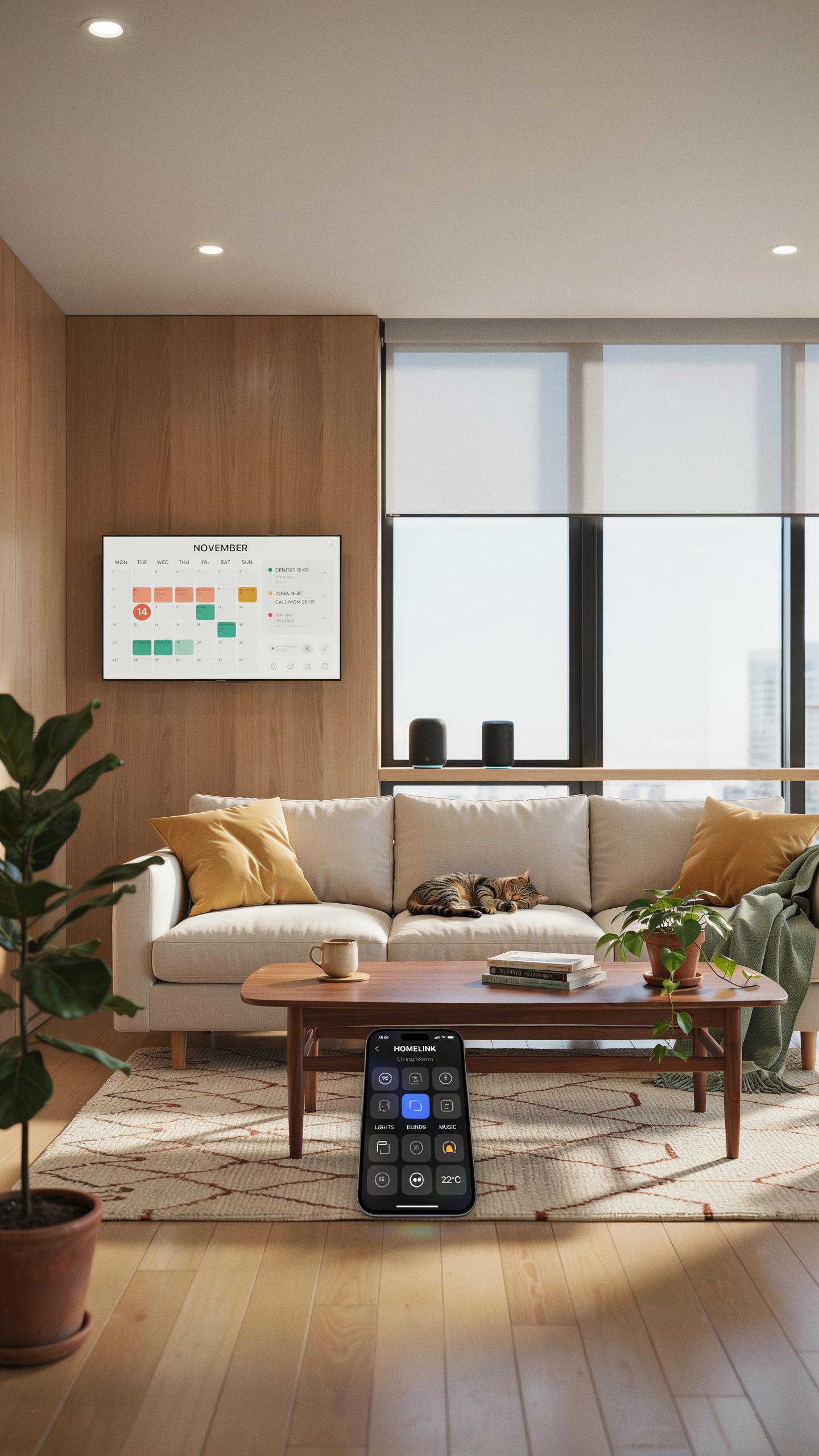
Most smart plugs connect through WiFi or Bluetooth to a mobile app or voice assistant. You set specific times for devices to turn on or off automatically. This removes manual switching and prevents devices from running when you forget about them. Scheduling works for any plugged-in device.
- Lights: Program lights to turn on at sunset and off at midnight. This creates consistent lighting without manual intervention each night.
- Desk Fans: Schedule fans to run during study hours only. Saves power when you’re in class or away from your dorm.
- Phone Chargers: Set chargers to activate during off-peak hours. Reduces battery stress and prevents overcharging damage over time.
- Laptop Docking Stations: Automate power to shut down after a set time. Prevents leaving devices powered during sleep hours unnecessarily.
- Mini Fridges: Program temperature cycles or standby modes at specific times. Extends appliance lifespan and reduces electricity consumption significantly.
- Humidifiers: Schedule operation for nighttime hours only. Maintains consistent air quality without running all day long.
Most apps allow you to create multiple schedules for weekdays versus weekends. Recurring schedules repeat automatically each day or on chosen days. Sunrise and sunset modes adjust automatically based on your location. This eliminates repetitive manual scheduling and adapts to seasonal changes.
Automating Your Dorm Room For Convenience And Security
Automation goes beyond simple scheduling by triggering actions based on conditions or events. Smart plugs work with motion sensors, door sensors, and time-based routines through hub systems or apps. You create if-then rules like “if motion detected, turn on lights.” This reduces tasks and improves room safety simultaneously.

Geofencing triggers actions when you leave or arrive at your dorm. Your lights turn off automatically when your phone leaves campus. When you return, entry lights activate before you unlock the door. These routines prevent coming home to a dark room and reduce wasted power when no one occupies the space.
Troubleshooting And Best Practices For Dorm Smart Plugs
Common Issues And How To Resolve Them
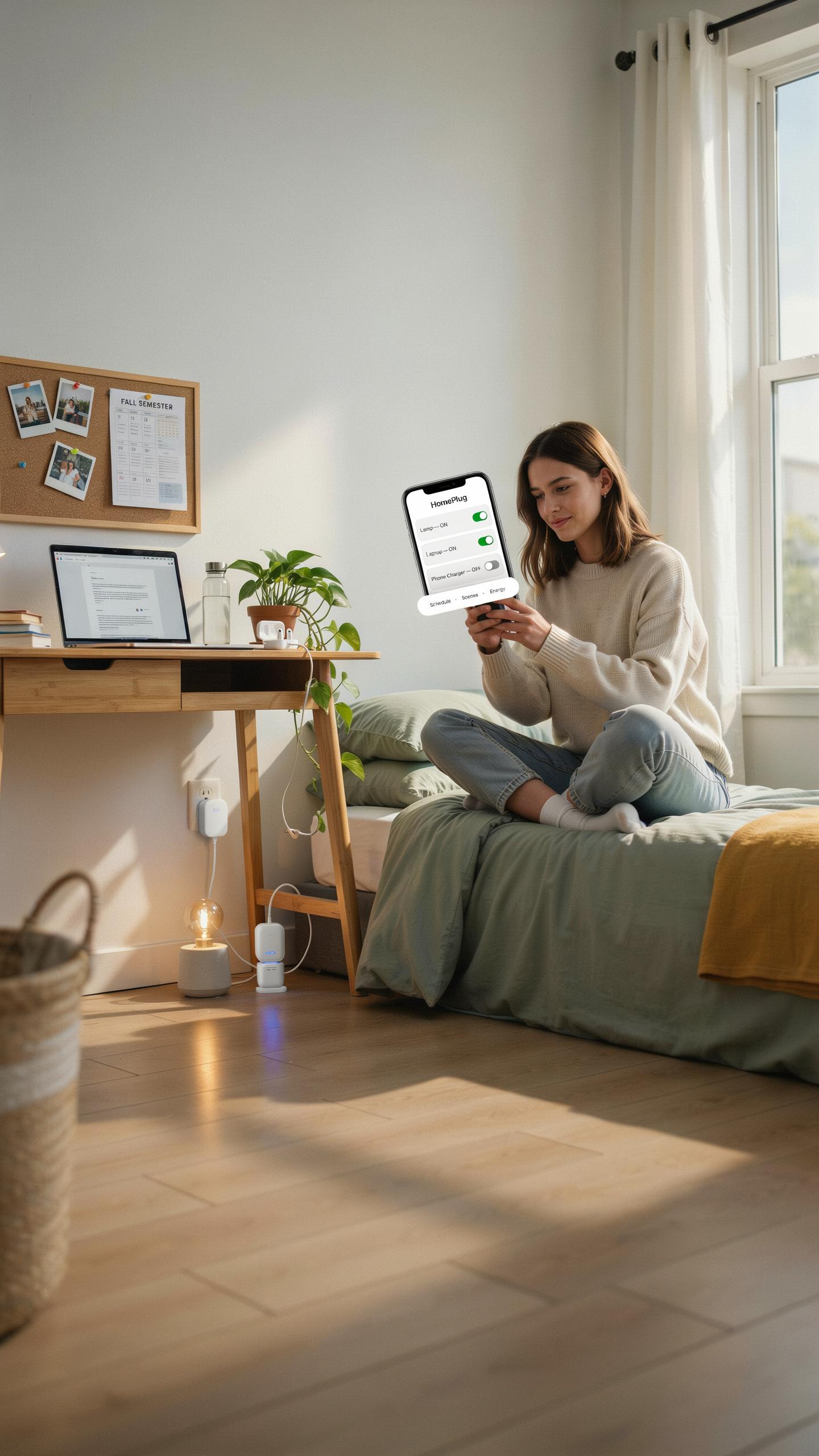
Smart plugs disconnect from WiFi when your router sits too far away or when signal strength drops below usable levels. Move the plug closer to your router or relocate the router to a central location in your dorm. Interference from microwaves, cordless phones, and neighboring networks also causes disconnections. Check your WiFi channel settings and switch to less crowded channels like 1, 6, or 11 on the 2.4GHz band.
The app fails to recognize your smart plug when the device and phone use different WiFi networks. Verify both your phone and plug connect to the same network and frequency band. Reset the plug by holding the button for ten seconds, then reconnect it to your WiFi through the app. Update your app and plug firmware regularly because outdated versions create compatibility problems that prevent proper communication.
Maintenance Tips For Longevity And Optimal Performance
Dust buildup on smart plug vents blocks airflow and causes overheating, which shortens the device lifespan. Wipe your plug monthly with a dry microfiber cloth to remove dust and debris. Never spray liquid cleaners directly on the device. Keep plugs away from moisture and humid environments since water damage ruins internal circuits permanently.

Unplug devices during extended breaks and power down smart plugs when not monitoring usage for weeks. This practice prevents phantom load drain and reduces fire risk from devices sitting idle. Check cord connections monthly to ensure cables fit snugly in both the outlet and the plug itself. Loose connections generate heat and increase electrical failure odds significantly.
Frequently Asked Questions

What exactly are dorm room smart plug essentials and why do I need them?
Dorm room smart plug essentials are devices that plug into your wall outlets, allowing you to control electronics remotely via an app or voice commands. They’re crucial for safety in a dorm by enabling easy power-off for items like curling irons or fairy lights, preventing potential fire hazards and giving you peace of mind.
How can I best use dorm room smart plug essentials to manage my devices and save energy?
Utilize dorm room smart plug essentials to schedule when lights, chargers, or fans turn on and off automatically. You can also group devices to power down with a single command, ensuring no electronics are left running unnecessarily when you leave your room, thus saving energy and reducing your electricity bill.
Are dorm room smart plug essentials expensive, and are there budget-friendly options available?
Absolutely! While some smart plugs can be pricier, many affordable options exist. Look for single-outlet smart plugs from reputable brands, often available in multi-packs, which can significantly reduce the cost per unit. These budget-friendly dorm room smart plug essentials still offer excellent functionality and safety features.



