Why A Portable Scanner Is Essential For Students

Organization And Accessibility
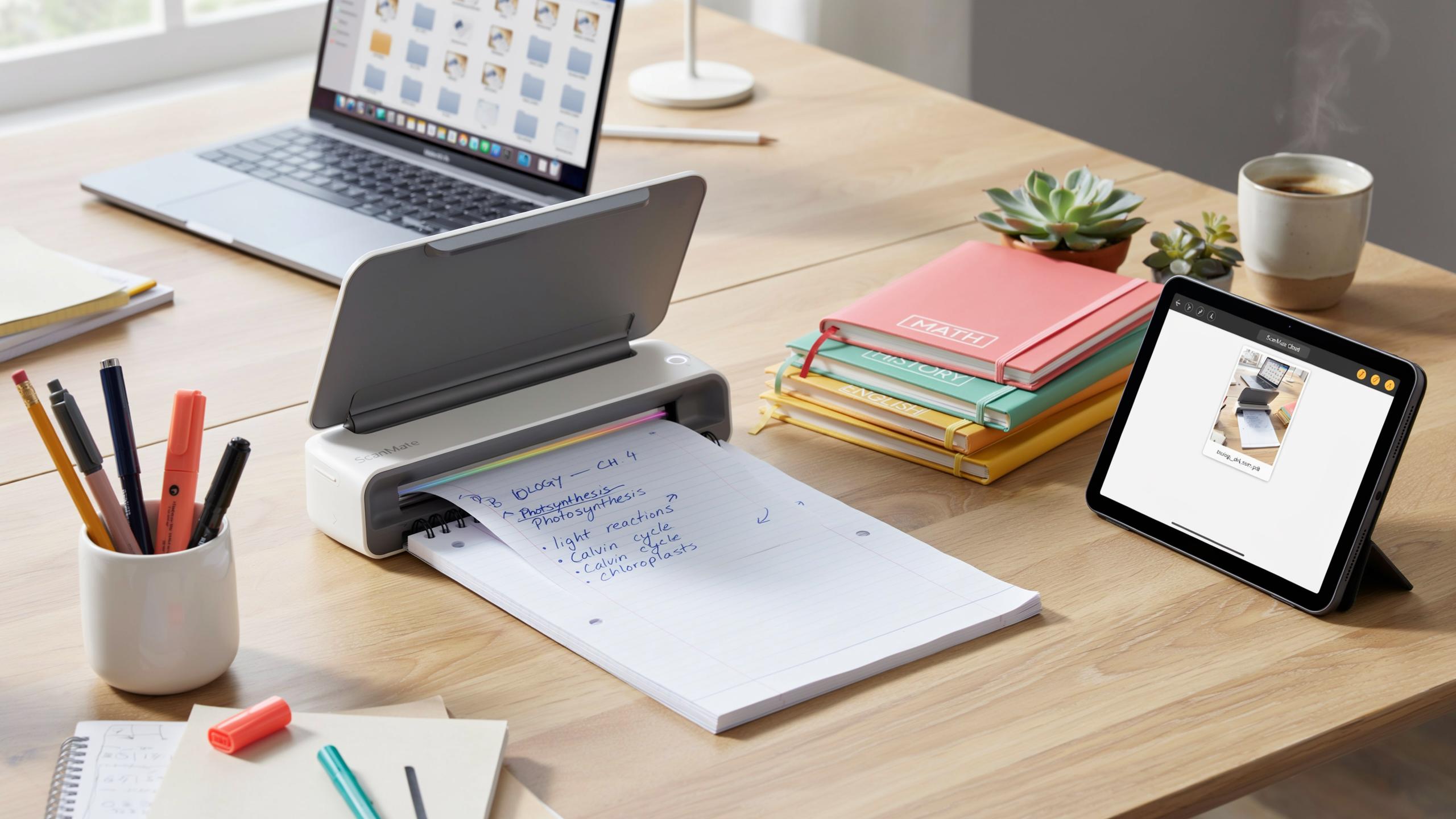
Digital notes live in searchable formats. You find specific information in seconds instead of flipping through notebooks. Cloud storage syncs across devices, so your notes exist on your phone, tablet, and computer simultaneously. This accessibility means you study effectively whether you’re in the library, at home, or between classes. Paper notes stay locked in physical notebooks.
Portable scanners create a centralized repository for all course materials. You organize by subject, date, or topic within digital folders. This structure replaces the chaos of loose papers and scattered notebooks. You access everything from one location with consistent naming conventions. Lost notes become impossible when they live in the cloud.
Sustainability And Reduced Clutter
Paper consumption drops significantly when you digitize instead of keeping physical copies. One scanner replaces the need for multiple notebooks across semesters and years. Your desk space clears up immediately. Storage requirements shrink to zero since files occupy minimal digital space. This shift reduces both personal clutter and environmental waste from paper production.
Digitization eliminates the cycle of accumulating and discarding old notebooks. You preserve notes indefinitely without physical deterioration or storage concerns. Moving between locations becomes easier without boxes of papers. The upfront investment in a scanner pays off through reduced paper purchases over time. Your study environment becomes more organized and functional.

Understanding Different Types Of Portable Document Scanners

Handheld Vs Sheet Fed Scanners
Handheld scanners require you to move the device across the page manually. You control the speed and angle, which means accuracy depends on your technique. These work well for odd sized materials like notebook pages, textbook excerpts, and documents you cannot flatten. Sheet fed scanners feed paper through automatically at a consistent speed. You load the page and the machine handles the rest. These deliver uniform results and process documents faster, but they need flat, single sheets to operate properly.
Handheld scanners offer flexibility that sheet fed models cannot match. They fit in backpacks and require minimal setup space in dorm rooms or classrooms. The trade off is slower scanning speed and potential image quality issues from inconsistent hand movement. Sheet fed scanners work best when you have stacks of standard sized papers to digitize. They produce clean, professional results for textbook pages and lecture handouts. Choose handheld if your notes vary in size and format. Pick sheet fed if you need speed and consistency with uniform documents.
Wireless Document Scanner Capabilities
Wireless scanners connect directly to your phone, tablet, or laptop via WiFi or Bluetooth. This eliminates cable clutter and speeds up file transfers to cloud storage platforms. Students benefit from instant access to scanned notes across multiple devices without syncing delays. The connection happens automatically once you pair the scanner initially. You scan notes in the library and access them immediately in your dorm room through any internet connected device.

Wireless functionality transforms your scanning workflow from a desktop task to a mobile one. You can organize notes into digital folders during the scanning process itself using companion apps. Files transfer to Google Drive, OneDrive, or Dropbox in real time without manual uploads. Battery drain on wireless scanners is minimal compared to older models since modern Bluetooth uses low energy protocols. This capability matters most when you attend lectures across campus and need flexibility to digitize notes anywhere, anytime.
Key Features To Look For In A Compact Document Scanner
Scan Quality And Resolution
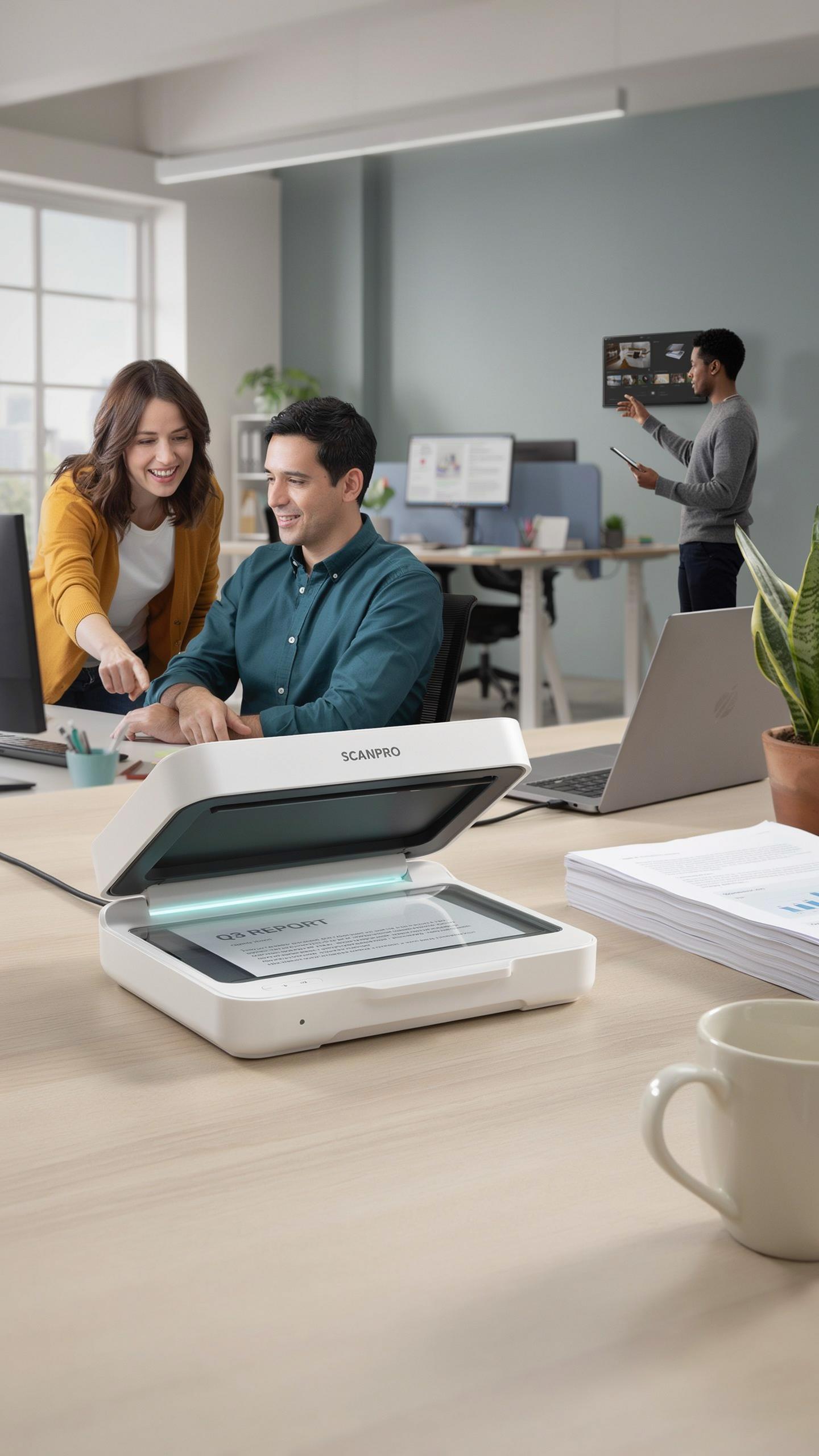
DPI directly determines whether your digitized notes remain readable. Most portable scanners operate between 600 and 1200 DPI. At 600 DPI, handwriting and printed text stay legible for typical school notes. Push to 1200 DPI if you need to capture fine details or small fonts. Higher DPI settings increase file sizes and slow scanning speed, creating a trade-off you must evaluate based on your actual needs.
Resolution matters most when you zoom into scanned pages later. Lower DPI produces blurry or pixelated text that defeats the purpose of digitization. Test scanners before purchasing by comparing sample scans at different DPI levels. Your school notes likely don’t require maximum resolution, so 600 DPI typically handles diagrams, equations, and handwritten content effectively without bloating your digital files.
Preserve the stories held within your handwritten notes; a portable scanner bridges yesterday’s learning with tomorrow’s discoveries.
Portability And Power Source
Battery life determines how long you can scan without hunting for outlets. Most compact scanners run 10 to 40 pages per charge, depending on model and battery capacity. USB-powered options require cables or power banks, adding gear to carry. Built-in lithium batteries eliminate dependency on external power during lectures or study sessions, making them practical for constant classroom use.

Weight and dimensions directly impact whether you actually bring the scanner places. Portable models range from 2 to 4 pounds, fitting into backpacks without strain. Smaller scanners sacrifice battery capacity or scanning speed for convenience. Evaluate your daily routine: if you scan notes between classes, prioritize lightweight design and extended battery life. If you scan primarily at home or the library, battery capacity matters less than scan quality.
Integrating A Digital Document Scanner Into Your Workflow

Software And Cloud Integration
OCR software converts scanned images into searchable text files. Most portable scanners come bundled with OCR tools that extract text from photos and documents. Accuracy rates typically range from 90-98% depending on note quality and handwriting legibility. You need clean scans for reliable text extraction. Poor lighting or angled shots reduce OCR performance significantly.
Cloud integration matters because it eliminates manual file transfers. Scanners that sync directly with Google Drive, Dropbox, or OneDrive save time. You access notes across devices instantly without email attachments or USB cables. Choose scanners that support your existing cloud ecosystem rather than adding new platforms to manage.
Efficient Scanning Techniques
Flatten pages before scanning to eliminate shadows and wrinkles. Hold the scanner perpendicular to the page surface for consistent results. Scan in well-lit areas to capture text detail. Batch scan multiple pages without stopping between shots if your scanner allows continuous mode. This approach cuts scanning time by 40-60% compared to one-page-at-a-time workflows.

Remove staples and paper clips that cause jams or gaps in scans. Organize notes chronologically or by subject before scanning so you retrieve specific documents quickly later. Test your scanner settings on one page first to verify image quality. Adjust resolution or contrast if needed before processing entire stacks of notes.
Maximizing Productivity With A Mobile Document Scanner Tool

Real Time Digitization On The Go
Scanning notes during lectures captures information while it remains fresh in your mind. Immediate digitization prevents the lag between taking notes and processing them later. You stop the decay of memory that occurs when you delay converting handwritten material into digital format. Mobile scanners eliminate the friction of waiting until you reach a desk or computer.
Real time scanning creates a direct pipeline from classroom to digital archive. You build a searchable database as the semester progresses rather than facing a backlog at semester end. This approach reduces the cognitive load of managing paper and tracking which notes you have converted. The act of scanning reinforces information retention through active engagement with the material.
Annotation And Editing Features
Scanned notes transform into editable text through optical character recognition technology. You can highlight, underline, and add margin notes directly in your scanner app or connected software. These tools let you organize information by topic, date, or subject without rewriting content. Editing capabilities turn static images into living documents you refine during study sessions.

Collaboration becomes seamless when you share annotated scans with classmates or study groups. You attach scanned notes to emails, upload them to cloud storage, or embed them in shared documents. Multiple people can review and comment on the same scanned material simultaneously. This workflow accelerates group study sessions and reduces time spent coordinating who has which notes.
Choosing A High Resolution Scanner For Documents
Understanding Image Quality
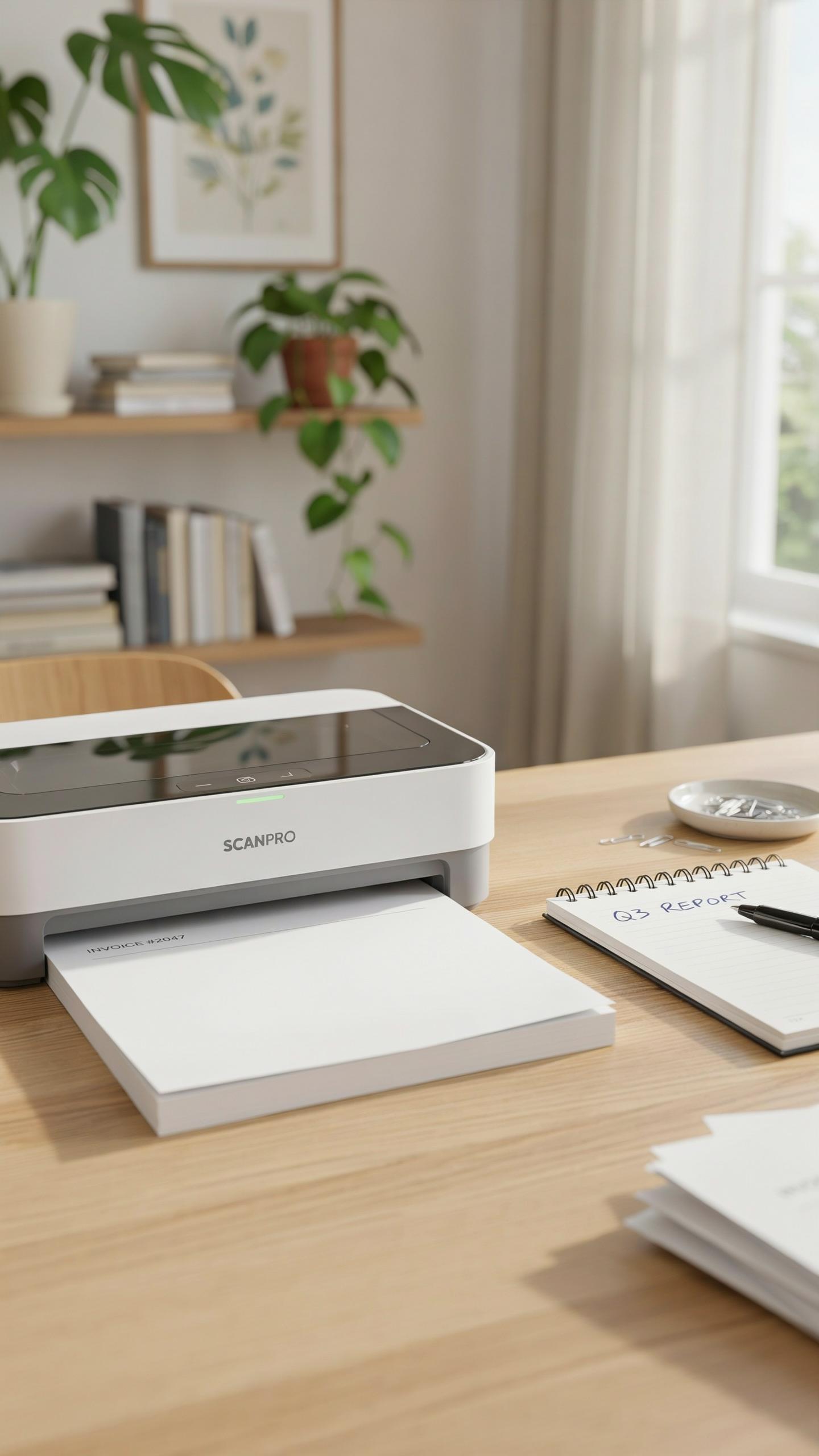
Resolution measures how many dots per inch a scanner captures. Higher DPI numbers mean finer detail in your scans. For school notes, 300 DPI captures text clearly enough for reading and archiving. 600 DPI handles handwriting with better precision. Go higher only if you scan images or diagrams regularly. Most students waste money on overkill specs they never use.
The type of sensor matters more than raw DPI claims. CIS sensors work well for flat documents and cost less. CCD sensors deliver better color accuracy but add weight. Your scanner must handle paper thickness without jamming. Test scanners with actual notebook pages before buying, not marketing materials.
Comparing Top Models For Students
Portable scanners designed for students balance speed, size, and cost. You need something that fits in a backpack without adding pounds. The scanning software must be reliable and work across devices. These factors determine whether you actually use the scanner consistently or it gathers dust.
- Fujitsu ScanSnap iX100: Weighs under one pound, scans at 300 DPI, works with iOS and Android via WiFi, battery lasts about 50 pages per charge.
- Brother DS 740D: Compact handheld design, captures 600 DPI, includes software for organizing documents, connects via USB or wireless to laptops.
- Epson WorkForce ES 50: Portable flatbed scanner, handles 300 DPI effectively, lightweight frame, supports both Windows and Mac systems directly.
- Aura Document Camera: Phone based scanning solution, captures notes through your camera, 300 DPI quality, requires no separate hardware investment.
- Canon P 215II: Sheet fed scanner, processes one page at a time, delivers 300 DPI scans, battery powered for on campus use.

Student priorities differ based on workflow. Some need speed for processing entire notebooks between classes. Others prioritize image quality for diagrams and equations. Battery life matters if you scan frequently outside campus buildings. Pick based on your actual usage pattern, not feature lists.
Budget Friendly Portable Scanners For Students

Finding Value Without Compromising Quality
Affordable portable scanners exist in the 100 to 300 dollar range and deliver functional performance for note digitization. Focus on core specs: resolution of at least 600 DPI, USB connectivity, and compatibility with your device. Skip premium features you won’t use. Brands like Fujitsu, Epson, and Brother offer budget models that handle document scanning without frills.
Battery life matters more than brand recognition when you’re scanning between classes. A portable scanner needs three to five hours of continuous operation to justify campus use. Check actual user reports on runtime rather than manufacturer claims. Compare warranty terms and customer support responsiveness, which directly impact your ability to troubleshoot problems mid semester.
Second Hand And Refurbished Options
Refurbished portable scanners cost 30 to 50 percent less than new units and ship with manufacturer warranties covering defects. Buy from certified refurbisher programs through major brands or authorized retailers, not third party marketplaces where warranty coverage becomes unclear. These units undergo factory testing and parts replacement before resale. You get equivalent performance at lower cost with legitimate guarantee protection.

Used scanners from university surplus stores or student resale platforms require careful inspection of the scanning head and roller components. These parts wear from friction and determine scan quality directly. Request sample scans before purchasing. Check that all cables and software licenses transfer to you. Budget conscious students often find viable used scanners priced 40 to 60 dollars below refurbished equivalents, provided mechanical condition checks out.
Troubleshooting Common Portable Scanner Issues

Connectivity Problems And Solutions
Most portable scanners connect via USB or wireless protocols. USB connections fail when cables have internal damage or when you use low-power ports on older computers. Test the cable with another device first. Try different USB ports on your computer, starting with ports directly on the motherboard rather than hub extensions. Restart both the scanner and computer to reset the connection state.
Wireless scanners drop connections due to distance, interference, or outdated drivers. Move the scanner closer to your router to eliminate range issues. Check for competing devices like microwaves or cordless phones operating on the same frequency band. Update your scanner’s firmware and your computer’s driver software through the manufacturer’s support page. Forget the wireless network on your scanner and reconnect it fresh.
Scan Quality And Paper Jams
Scan quality degrades when dirt accumulates on the scanner’s optical lens or rollers. Clean the lens with a dry microfiber cloth after every 50 to 100 scans. Avoid liquids or excessive pressure during cleaning. Check your scanner settings to ensure you’re not using excessive compression or low resolution settings. Match your resolution to your actual need: 300 DPI works for notes, while higher resolution causes larger files without benefit.

Paper jams happen when you feed wrinkled, bent, or stapled pages into the scanner. Inspect each page before scanning and remove any staples or paperclips. Fan the stack of papers to separate them before feeding. Don’t force jammed paper out of the scanner. Power off the device and carefully open the access panel to remove stuck pages. Consult your manual for the specific location of jam-clearing panels on your model.
Future Of Note Digitization Beyond The Easy Document Scanner

AI And Smart Scanning Technologies
Machine learning algorithms now power scanning software that recognizes handwriting, printed text, and mixed formats simultaneously. Modern portable scanners use optical character recognition to convert images into searchable text files. This eliminates manual typing and reduces digitization time by half or more. Neural networks train on millions of document samples to improve accuracy with each scan. Integration with cloud services allows instant backup and cross-device access without extra steps.
Advanced sensors in newer portable scanners detect page boundaries automatically and crop images precisely. Some devices now correct lighting issues and skewed angles in real time during capture. Software learns individual handwriting patterns over time, improving recognition rates for personal notation styles. These capabilities reduce post-processing work significantly. Students spend less time cleaning up scans and more time studying the actual content.
Impact On Study Habits And Learning
Digitized notes enable faster searching and cross-referencing across multiple subjects and semesters. Students retrieve specific information in seconds instead of flipping through physical notebooks. This speed changes how students organize information mentally and prepare for exams. Searchable notes reduce cramming inefficiency. Study sessions become targeted rather than scattered.
Better organization through digital scanning creates accountability in note-taking behavior itself. Students write more deliberately when they know notes will be archived and searchable. This intentionality strengthens initial learning during the lecture. Collaborative features in cloud platforms allow peer review and shared study groups. Combined digitization and collaboration reshape how students approach academic material from day one.
Frequently Asked Questions

What exactly is a portable scanner for digitizing school notes, and why would I need one?
A portable scanner for digitizing school notes is a compact device that quickly converts physical handwritten or printed notes into digital files. It’s incredibly useful for students to organize, search, and backup their study materials, preventing loss and making revision more efficient. Say goodbye to bulky binders and hello to accessible digital archives!
How do I choose the best portable scanner for digitizing school notes on a budget?
When selecting a portable scanner for digitizing school notes on a budget, prioritize models with good OCR (Optical Character Recognition) capabilities for searchable text and reliable battery life. Look for options that connect easily to your devices and offer satisfactory resolution without unnecessary premium features to keep costs down.
Can a portable scanner actually help me improve my study habits and academic performance?
Absolutely! Using a portable scanner to digitize your notes allows for better organization, as you can easily categorize and search through your material. This accessibility can lead to more consistent review, creating flashcards from scanned text, and ultimately a deeper understanding of subjects, thus improving academic performance.



