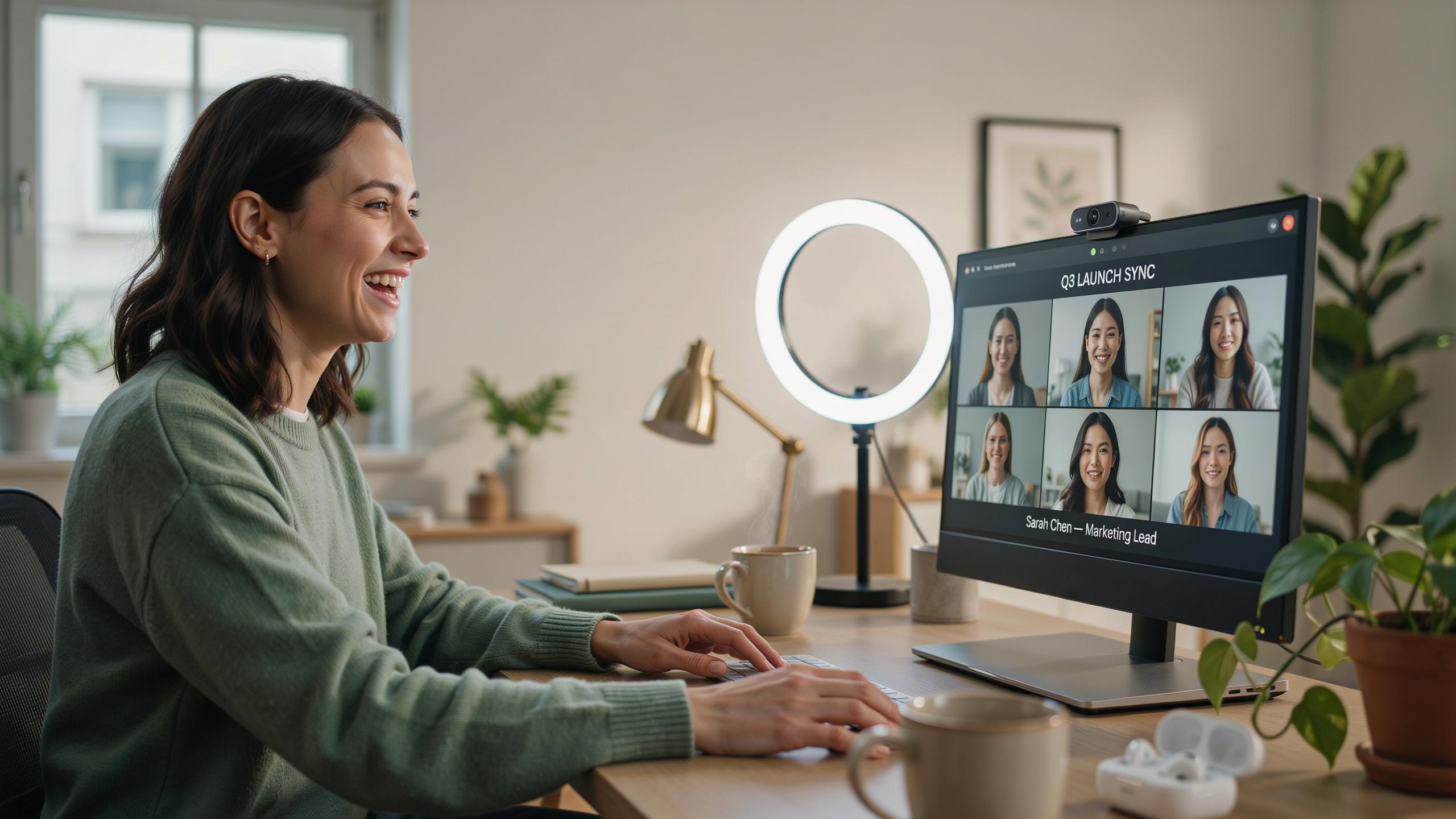
Elevate Your Video Conferencing With A Webcam Light
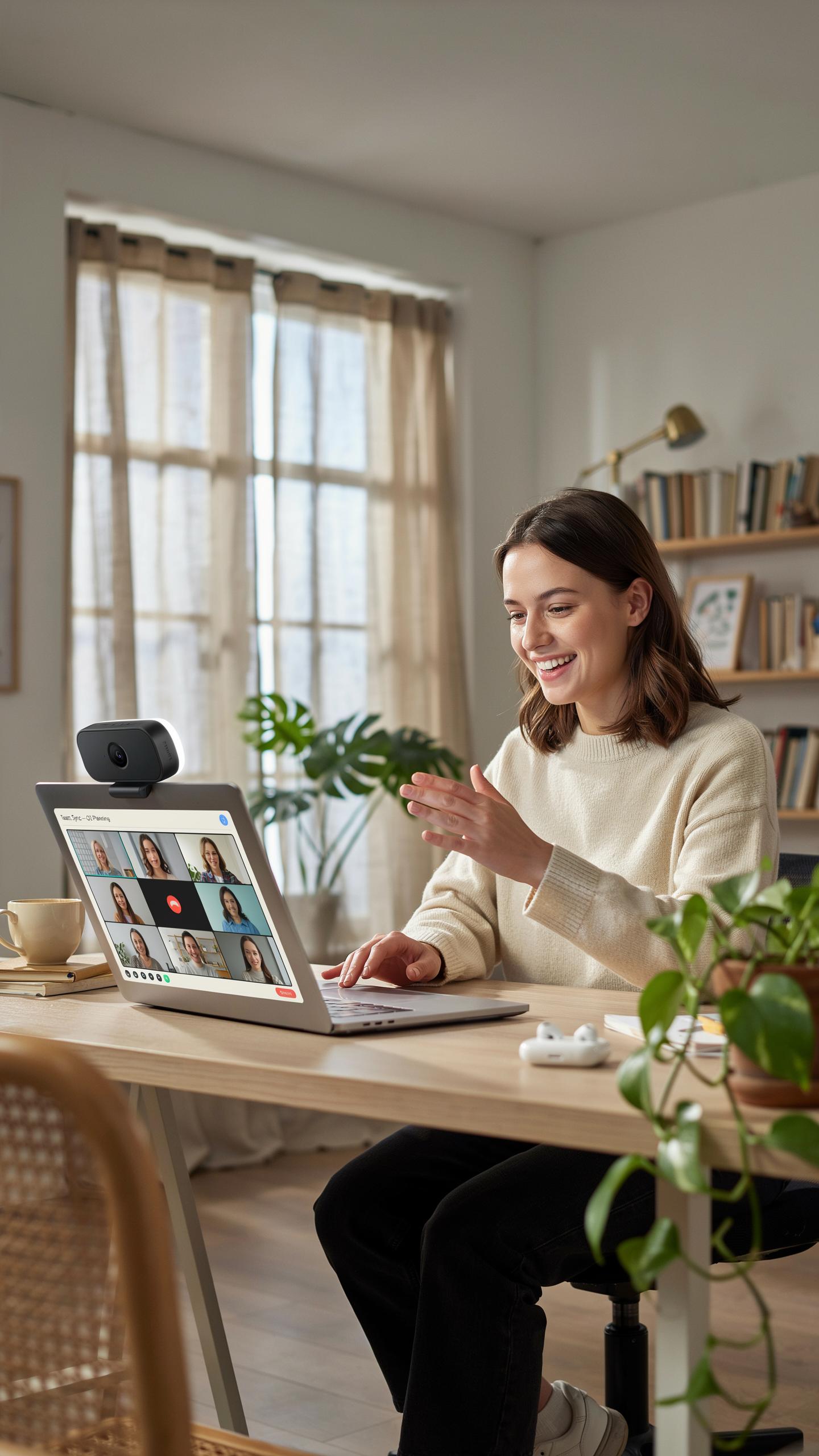
The Importance Of Good Lighting In Video Conferencing
Poor lighting creates shadows on your face, washes out skin tone, and forces your camera to compensate with digital noise. Viewers unconsciously judge professionalism based on image quality within the first few seconds. Proper lighting eliminates these technical failures and ensures people focus on your message, not squinting at a dark screen.
Lighting directly impacts how others perceive your competence and trustworthiness. Dim or backlit setups signal technical neglect or low effort. Forward-facing illumination flattens unflattering shadows, evens skin tone, and makes you appear more engaged and present. This matters in job interviews, client calls, and leadership presentations where first impressions determine outcomes.
Benefits Of A Dedicated Webcam Light For Video Conferencing
A dedicated light source gives you control over how you appear on camera. Unlike relying on ambient room lighting, a purpose-built webcam light delivers consistent illumination regardless of time of day or window position. This consistency translates to stable video quality across all your calls, eliminating the variables that sabotage your professional image.
Ring lights specifically provide even illumination around your face with minimal shadows. They reduce eye strain for viewers by eliminating harsh contrast. The light source sits near your camera lens, minimizing unflattering angles. This setup removes the guesswork from lighting and delivers immediate results without expensive studio equipment or technical expertise.

Why A Quality Webcam With Ring Light Is Essential For Professional Calls

Enhancing Visual Clarity And Detail
A quality webcam captures video at higher resolution and with better sensor performance than built-in laptop cameras. This means sharper facial features, accurate skin tones, and clearer detail in your background. A ring light eliminates shadows on your face by positioning illumination directly around the camera lens, creating even light distribution across your features.
Ring lights reduce the contrast between your face and background. This makes video compression algorithms work more efficiently, which means your video stream stays crisp even on lower bandwidth connections. The result is a feed that looks intentional rather than accidental, which viewers notice immediately.
The Impact Of Professional Appearance In Virtual Interactions
How you appear on camera directly affects how others perceive your competence. Research in communication shows that poor lighting and blurry video quality register as unprofessionalism within seconds. Clients, employers, and colleagues form opinions based on visual presentation before you speak a single word.

A webcam with ring light removes variables that undermine credibility. You control the narrative through your appearance rather than leaving it to inconsistent room lighting or camera limitations. This control translates to confidence during calls because you know the other person sees you at your best, not fighting against poor conditions.
Understanding The Benefits Of A Selfie Ring Light For Your Setup
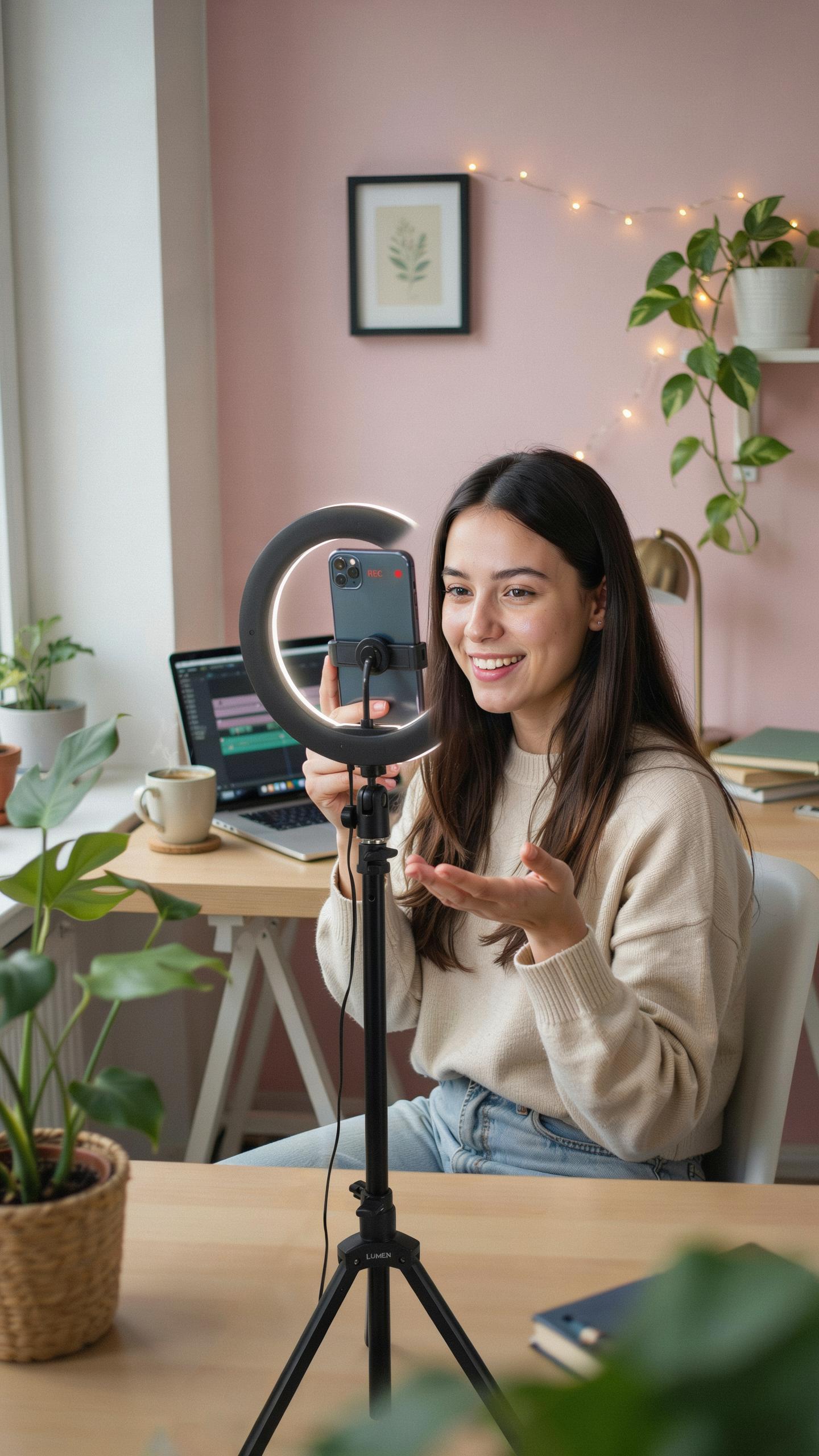
Eliminating Shadows And Uneven Lighting
A ring light positions illumination directly around your camera lens. This circular arrangement throws light evenly across your face from all angles. The result is flat, uniform coverage that removes harsh shadows under your eyes, chin, and cheekbones. You get consistent brightness across your entire face without dark spots or contrast issues that standard overhead lighting creates.
The geometry of ring lights matters here. Because the light source wraps around the camera, it minimizes the distance between light and subject. Closer light means less shadow formation. Your facial features receive equal exposure regardless of head position or slight movements during calls. This technical advantage applies to every skin tone and face shape equally.
Achieving A Soft Professional Glow
Ring lights produce diffused illumination that softens skin texture. The circular light pattern fills in fine lines and reduces the appearance of blemishes without distorting your actual features. Your skin appears cleaner and more refined on camera. Video call participants see a polished version of you that still looks natural and not artificially filtered.

The color temperature of ring lights matters for professional appearance. Most quality units output neutral white light around 5500K, matching daylight standards. This prevents your face from looking too warm or cold on screen. Your complexion displays accurately while still benefiting from the flattering, shadow-free illumination that the ring design provides throughout your entire video call.
Key Features To Look For In An LED Ring Light For Webcams
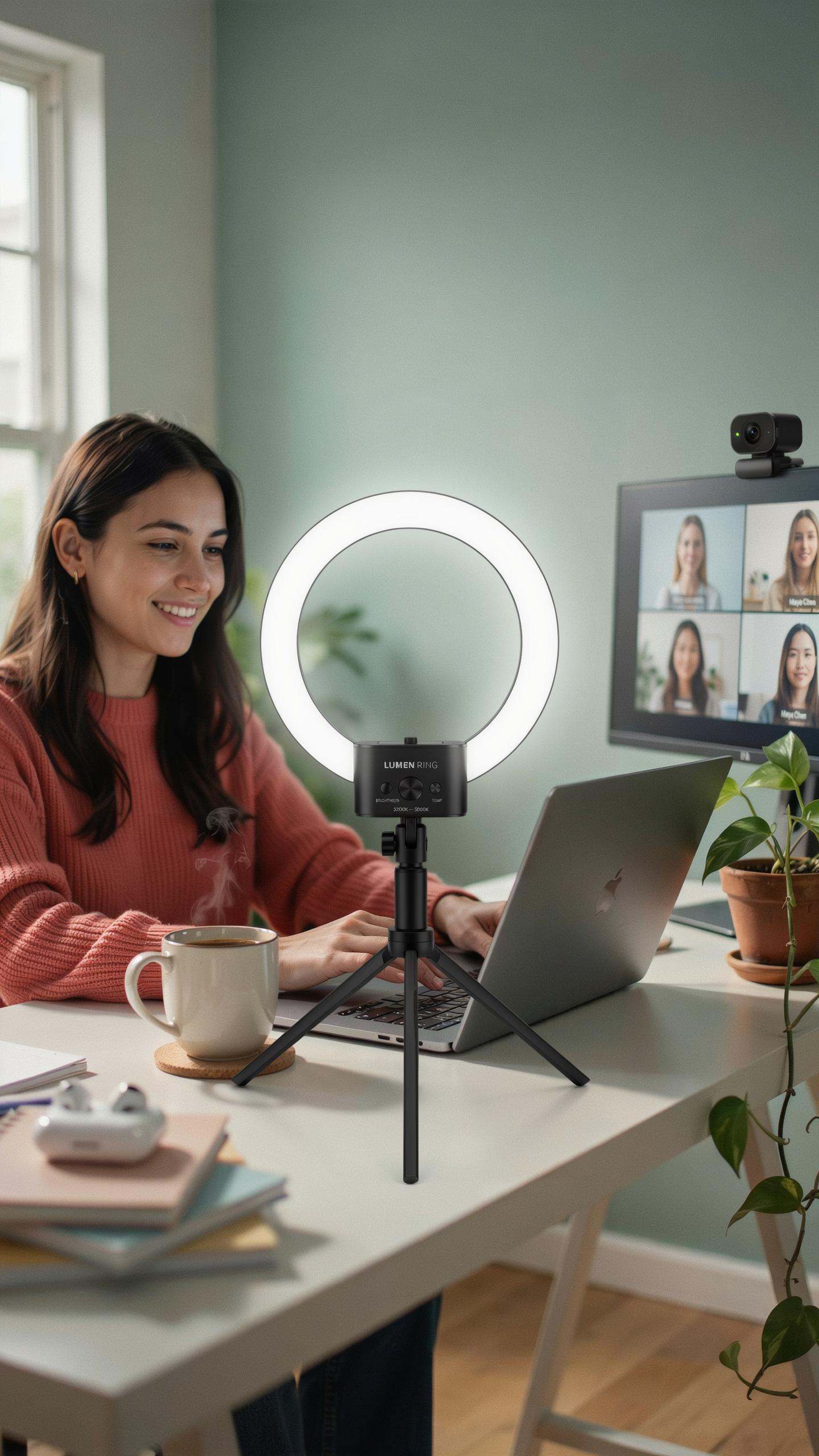
Brightness And Color Temperature Adjustability
Lighting conditions vary across rooms and times of day. A ring light with adjustable brightness lets you control output from dim to full power without replacing equipment. This matters because harsh overhead light creates shadows on your face, while insufficient light makes video grainy. Color temperature adjustment shifts light between warm and cool tones. Warm light feels natural for morning calls. Cool light works better under fluorescent office settings. You need both controls to match your environment and skin tone presentation.
Most professional setups use ring lights with brightness ranges between 10 and 100 percent output. Color temperature typically adjusts across a range from 3000K to 6500K, covering warm to daylight tones. This flexibility means one light works for multiple spaces without additional gear. The ability to dial in exact settings eliminates the need to reposition equipment or add supplementary lights.
Size Portability And Mounting Options For Your Led Ring
Physical dimensions determine whether a ring light fits your desk or requires extra space. Smaller rings measure 6 to 8 inches in diameter and sit on a desk with a tripod base. Larger rings span 12 to 18 inches and provide more even light across your face but demand dedicated real estate. Measure your available space before purchasing. Transport matters if you move between locations. Lightweight models under 2 pounds pack easily into bags. Heavier units stay put once positioned.

Mounting options dictate how you attach the light to your setup. C-clamp mounts grip desk edges without taking surface space. Ball head mounts provide angle adjustment for precise light direction. Tripod bases offer stability but consume floor or desk room. Some rings include phone or webcam holders at the center, eliminating the need for separate equipment. Choose mounting based on your desk configuration and whether you need quick adjustments during calls.
Achieving Optimal Lighting Your Webcam Light For Zoom Meetings
Best Practices For Positioning Your Webcam Light For Zoom
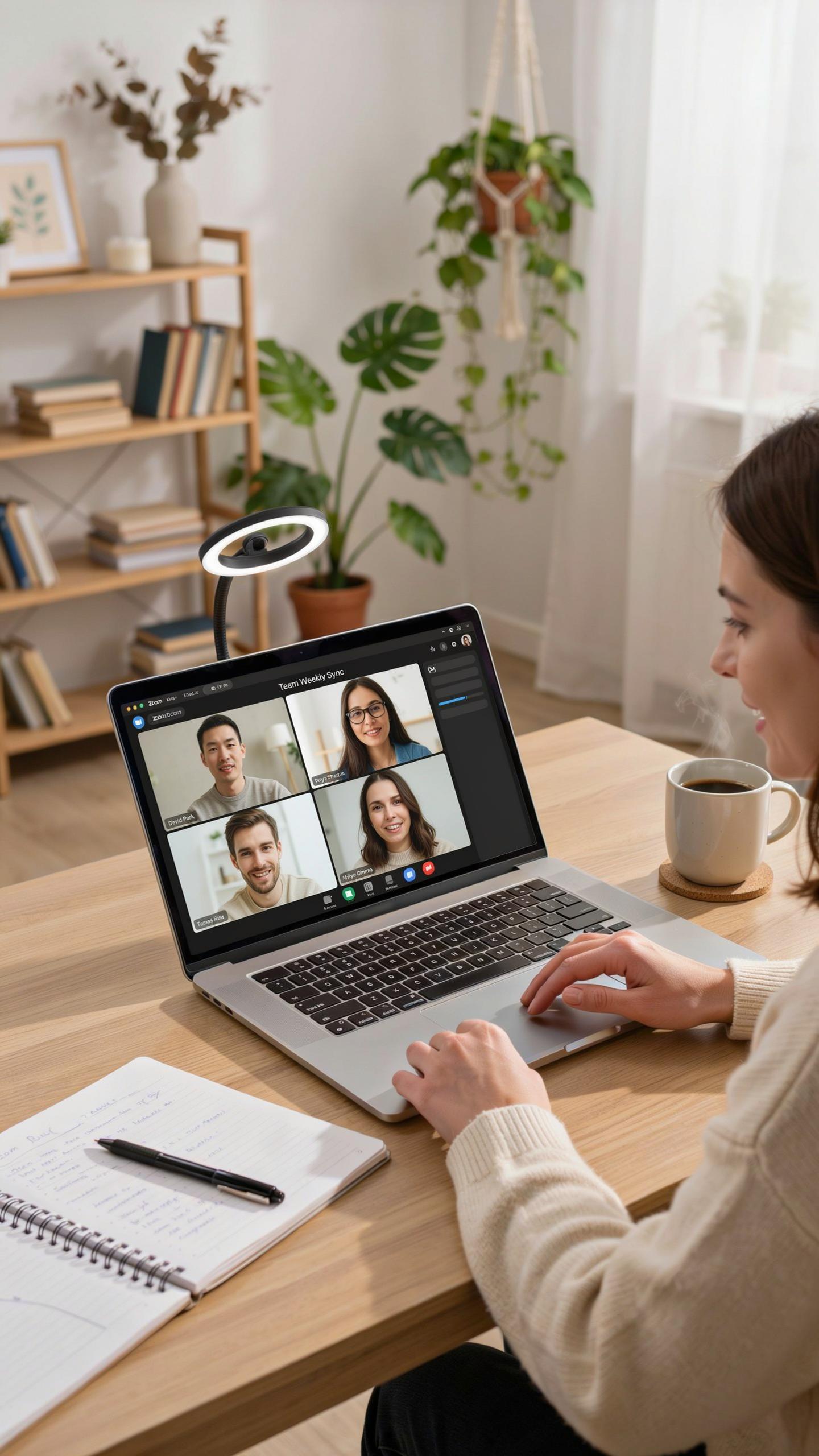
Position your ring light directly above or slightly above your webcam, angled toward your face at 45 degrees. This placement eliminates harsh shadows under your eyes and chin. The light should sit between 12 to 24 inches from your face. Distance matters. Too close creates blown-out skin tones. Too far reduces its impact on reducing shadows and creating even illumination across your face.
Avoid placing the ring light behind your monitor or at extreme angles. Side lighting creates unflattering shadows that undermine professionalism. The goal is front-facing, even light that flatters your features without causing squinting or discomfort. Test your positioning before important calls. Move the light incrementally and observe the changes in your video preview. You need consistent, controllable illumination that you can replicate daily.
Remember those old home movies, how we wished for a little extra glow? Now, our video calls connect us across distances, making every interaction shine with professional warmth.
Integrating Your Light With Zoom Settings For Ideal Exposure
Open Zoom’s video settings before your call. Navigate to Settings, then Video, then Camera. Adjust the brightness slider based on your ring light setup. Start at 50 percent and increase or decrease in 10 percent increments while watching the preview. Your face should appear naturally lit without blown-out whites or crushed blacks. The background should remain visible but not compete with your face for attention.

Disable Zoom’s automatic light correction if available. This feature often conflicts with your ring light’s output and creates unpredictable results. Manual control gives you consistency. Check your video preview every time you position your light or change your room. Different times of day affect ambient light. Adjust Zoom’s brightness setting accordingly to maintain professional appearance throughout the day.
Beyond Illumination Enhancing Audio With Noise Cancelling Webcams
The Role Of Clear Audio In Professional Video Calls
Video calls fail when people cannot hear you clearly. Poor audio damages credibility faster than poor video. Meeting participants miss critical information, ask for repetition, and lose focus. Your message gets diluted regardless of ring light quality. Audio quality directly impacts how others perceive your professionalism and competence during remote communication.
Webcams with integrated microphones often pick up every ambient sound in your space. Fan noise, keyboard clicks, and background chatter compete with your voice. Participants struggle to distinguish your words from the clutter. Investing in a webcam with quality audio capture prevents these communication breakdowns. Clear audio ensures your message lands intact every single time.
How Noise Cancelling Technology Improves Your Sound Quality
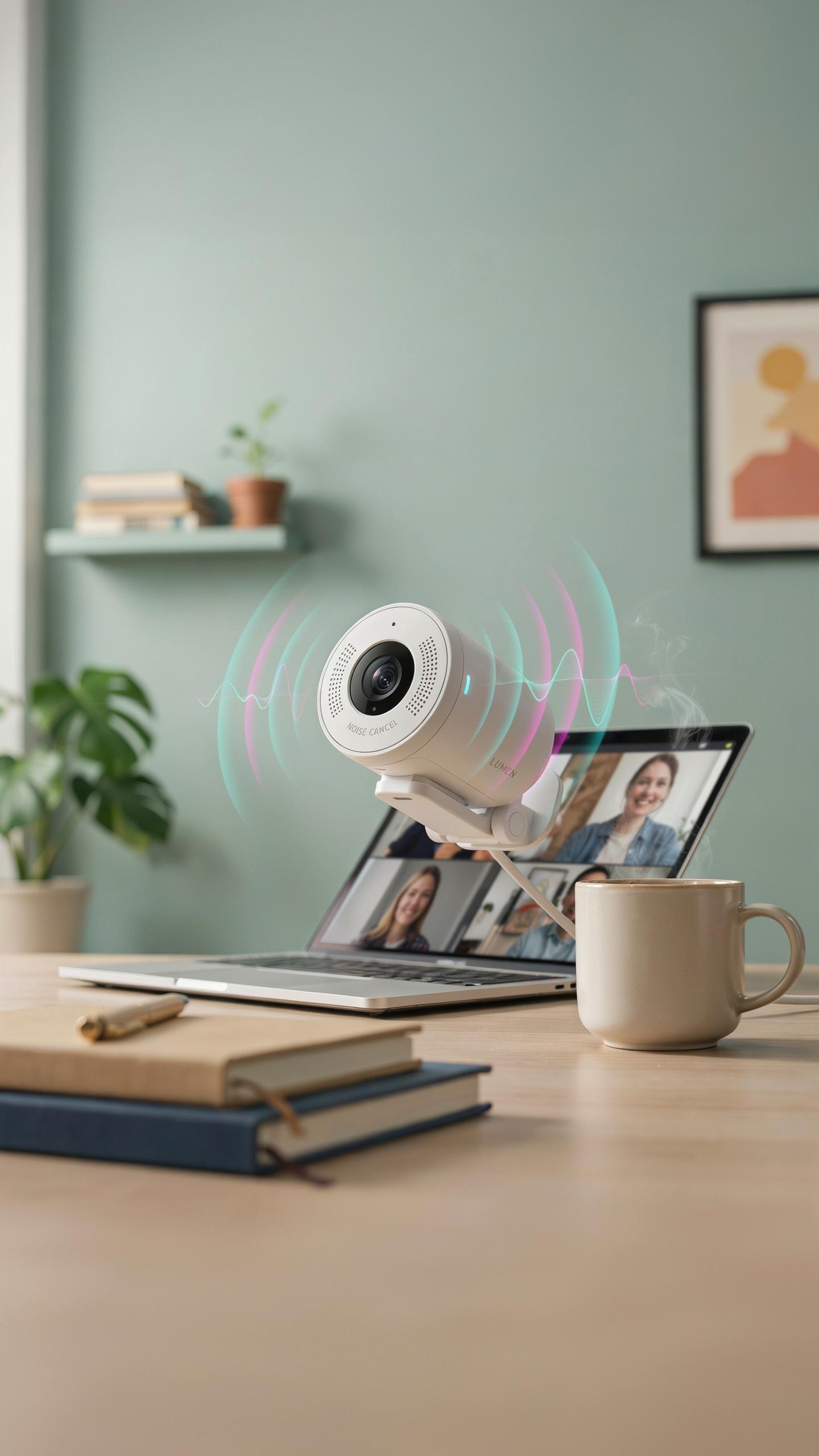
Noise cancelling microphones use directional recording patterns to isolate your voice. They prioritize sound coming directly from you while reducing ambient noise from other directions. Digital processing then filters out constant background sounds like HVAC systems. The microphone learns and suppresses these patterns in real time. Your voice remains clear and centered in the audio output.

Webcams equipped with noise cancelling technology handle imperfect office environments effectively. Video call participants hear you without hearing your air conditioning unit or street traffic. The microphone adapts to your speaking distance and volume. This technical approach delivers professional audio quality from any workspace. You maintain communication clarity even in less than ideal acoustic conditions.
Setting Up Your Webcam With Ring Light For The Best Professional Look
Step By Step Guide To Assembling Your Setup
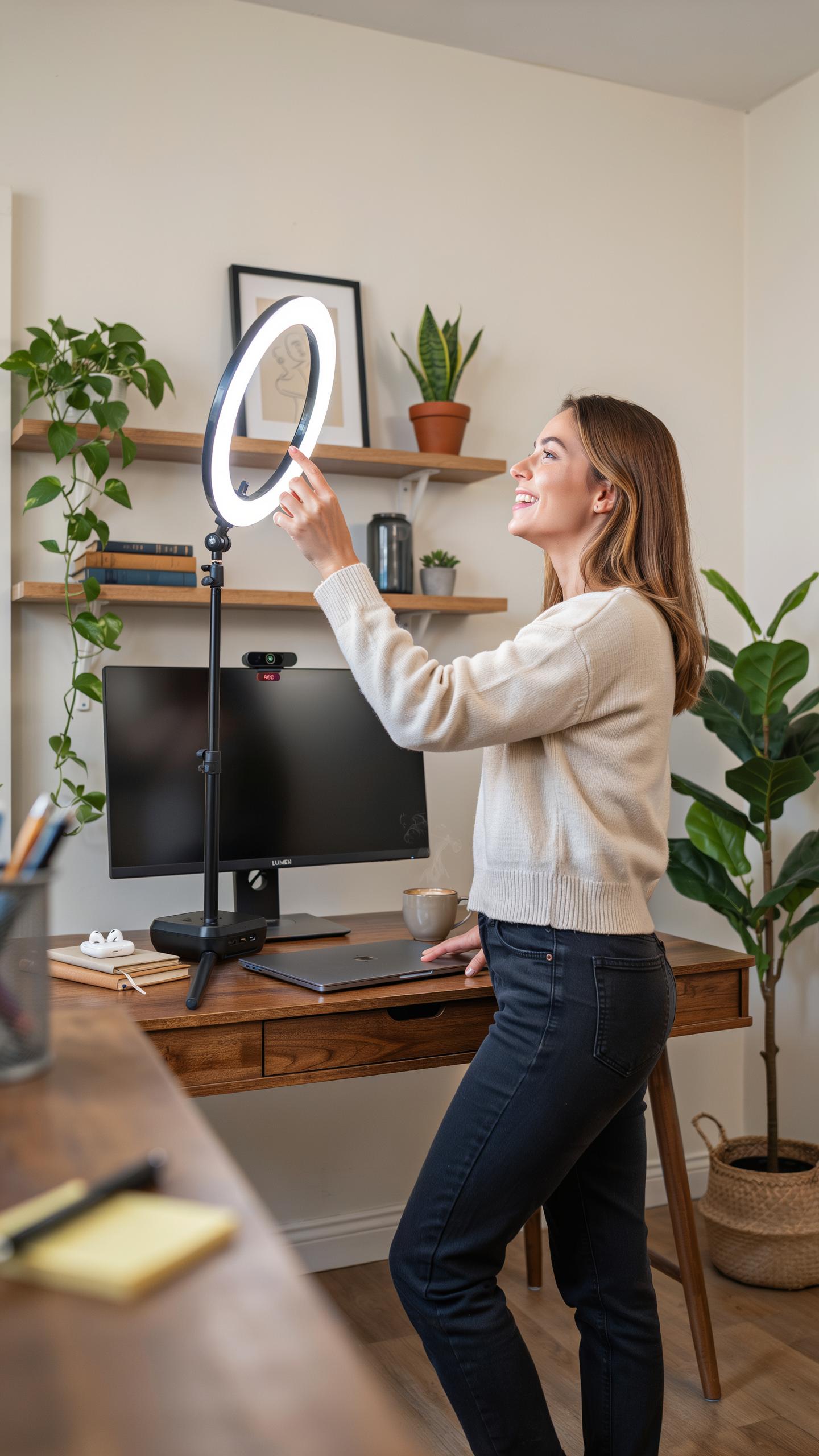
Start by choosing a stable mounting location for your webcam. Position it at eye level on your monitor, laptop screen, or a dedicated stand. This prevents unflattering angles that distort your face and neck. Secure the webcam using the included clip or mount, ensuring it does not shift during video calls.
Next, attach your ring light to its stand or mount system. Most ring lights use either a tripod base or a desk clamp. Position the light about 12 to 18 inches from your face, centered slightly above eye level. Connect both devices to power sources, then plug them into your computer via USB or connect to your network if they support wireless connectivity.
Tips For Optimal Ring Light Placement
Position your ring light directly in front of you at a 90-degree angle to your camera lens. This frontal placement eliminates harsh shadows on your face and neck. The circular design of the ring light creates even illumination across your features without creating unflattering highlights or dark spots under your eyes or chin.
- Distance from face: Keep the light 12 to 18 inches away to avoid overexposure and washed-out skin tones in your video feed.
- Height adjustment: Position the light slightly above eye level, angled downward at 15 to 20 degrees for flattering facial shadows.
- Centering with camera: Align the ring light so your camera lens sits near its center opening for maximum light distribution.
- Brightness settings: Start at 50 percent brightness and adjust up or down based on your room lighting and skin tone visibility.
- Background consideration: Ensure the light does not create glare on windows or reflective surfaces behind you during calls.
- Monitor reflection: Angle your ring light to avoid bouncing light directly into your monitor, which causes screen glare and distraction.

Test your setup with a practice video call before important meetings. Record yourself or do a test call with a colleague to verify lighting quality, camera framing, and overall appearance. Adjust the ring light intensity or position based on the results. Most professional appearances require minimal adjustments once you establish your baseline setup.
Top Recommendations For A Professional Webcam With Ring Light For Video Calls
Factors To Consider When Choosing A Combined Unit
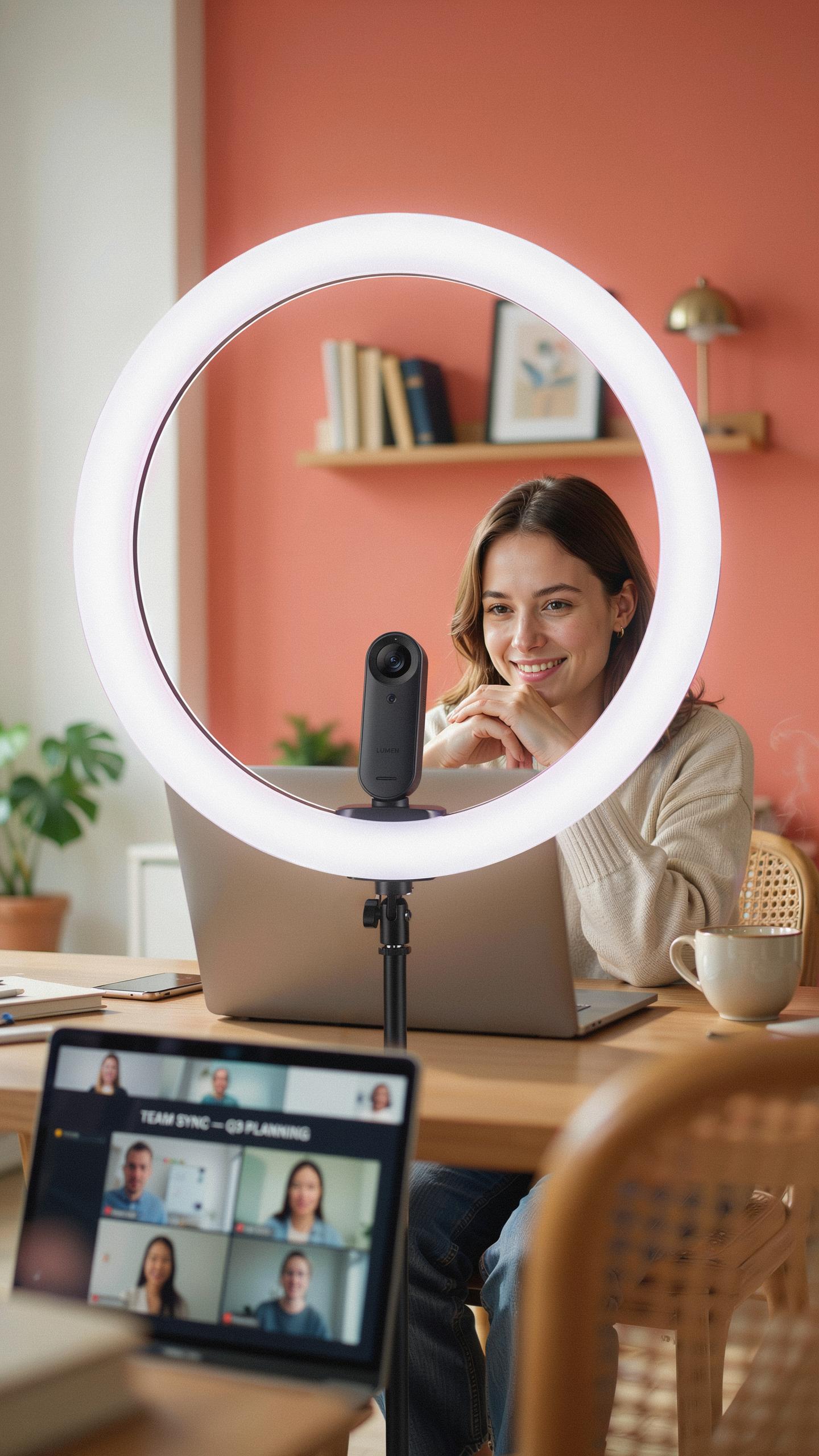
Resolution determines how sharp your image appears on screen. A 1080p minimum is standard for professional calls. Higher resolutions like 1440p or 4K offer better detail but require stronger internet bandwidth and processing power. Choose based on your actual meeting platform requirements, not marketing hype. Most video conferencing software caps quality anyway, making excessive resolution wasteful.
Ring light positioning affects shadow elimination and skin tone accuracy. Front-mounted lights work best for direct overhead angles. Side-mounted options provide flexibility for different desk setups. Check the color temperature range, ideally between 3000K and 6500K, to match various lighting conditions. Adjustable brightness prevents overexposure during screen sharing and reduces eye strain during long calls.
Suggested Models And Brands For Various Budgets
Budget-conscious buyers find solid options under 100 dollars. Logitech C920 paired with basic ring lights offers reliable performance for startups and freelancers. Razer Kiyo combines decent optics with built-in red ring lighting at accessible price points. These solutions sacrifice some customization but deliver functional video quality for daily use.

Mid-range units between 150 to 300 dollars provide better build quality and control. Elgato Facecam works with dedicated ring light accessories for professional streaming setups. Creative and Anker produce webcam kits that bundle integrated solutions with adjustable color temperatures. These models serve small business owners and content creators needing reliable equipment without premium pricing.
Premium integrated systems exceed 300 dollars and target production professionals. Logitech Brio combines 4K capture with advanced autofocus and works alongside higher-end ring lights. Razer Pro Click and companion lighting setups deliver studio-grade results for agencies and corporate environments. Investment at this level justifies superior optical sensors, faster autofocus, and wider compatibility with professional software.
Frequently Asked Questions

What exactly is a webcam with a ring light, and why is it beneficial for video calls?
A webcam with ring light for video calls is an integrated device combining a camera with a circular LED light source. This setup expertly illuminates your face evenly, reducing harsh shadows and making you appear more polished and professional on screen, even in dimly lit environments. It’s a simple upgrade for superior video quality.
How do I properly position and adjust my webcam with ring light for the best video call appearance?
For optimal results, position your webcam so the ring light is directly facing you, slightly above eye level. Experiment with the light’s brightness and color temperature settings to find what flatters your skin tone and environment most. Ensure your face is centered, creating a professional and engaging presence during your video calls.
Are there affordable options for a quality webcam with ring light, or are they typically expensive?
Absolutely! You can find excellent budget-friendly options for a webcam with ring light for video calls. While high-end models exist, many affordable webcams offer integrated ring lights, delivering significant improvements in video quality without breaking the bank. Look for brands known for good value and positive user reviews.



