What Is A Wireless Charging Desk Mat
Definition And Functionality
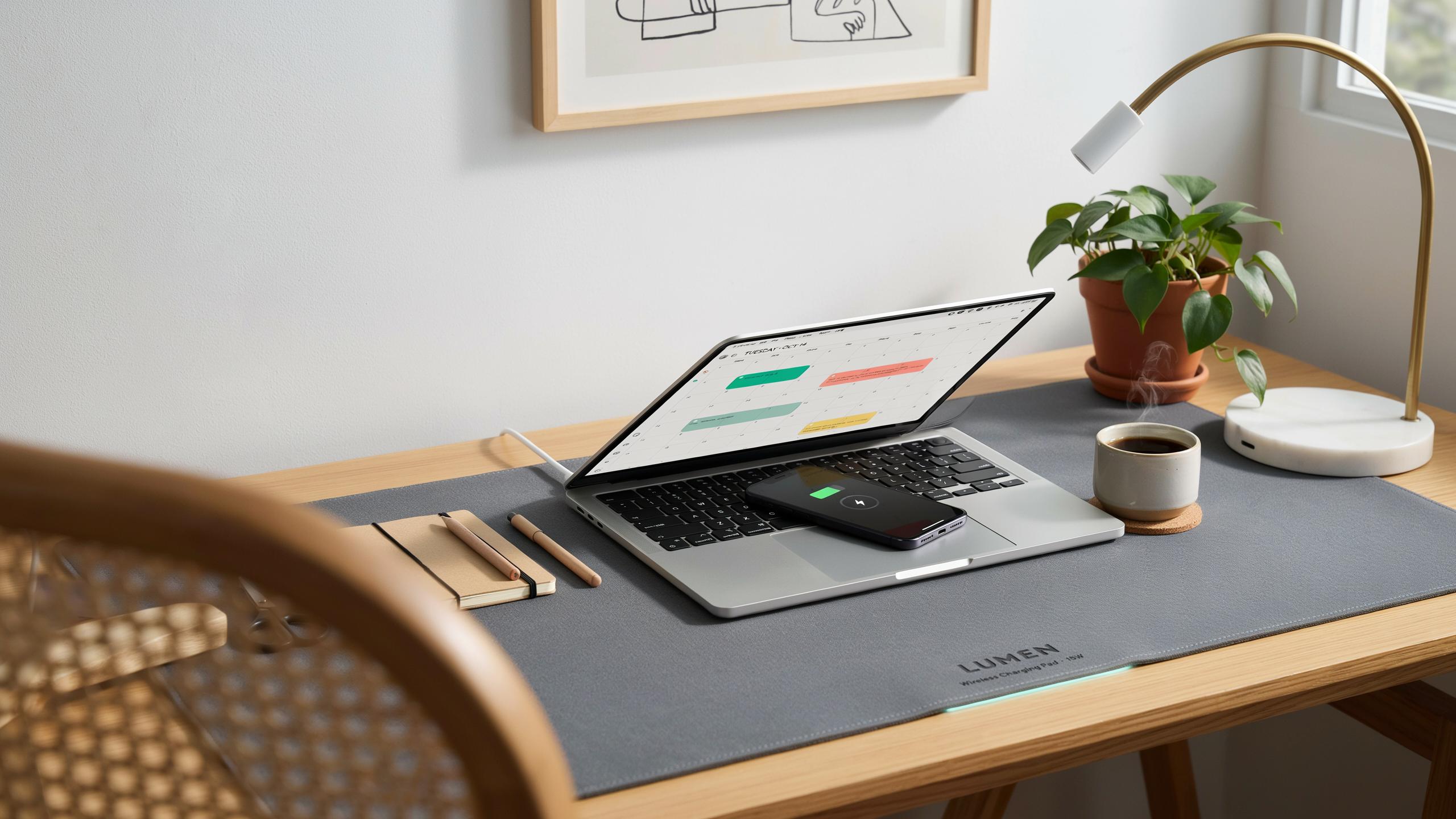
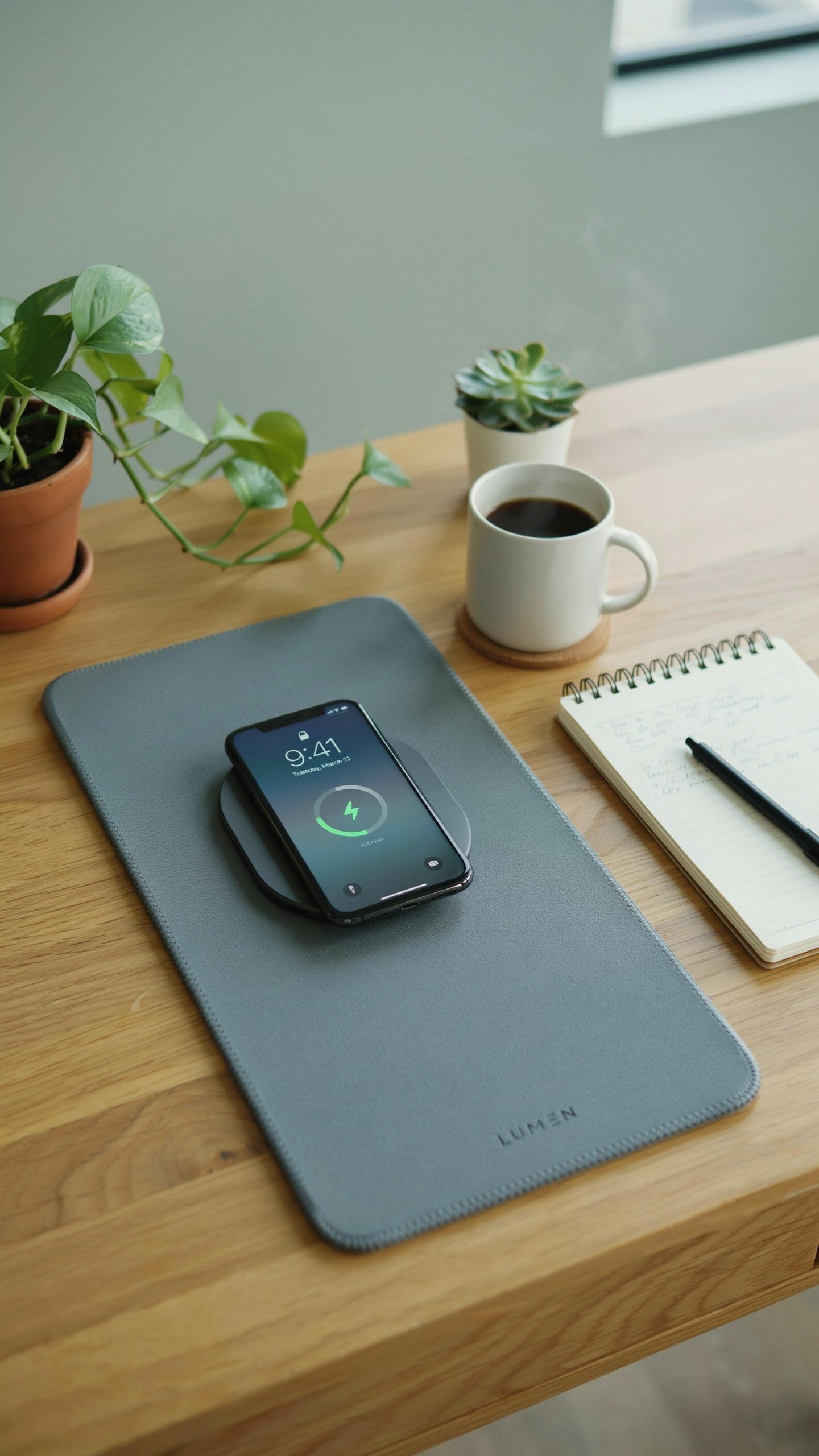
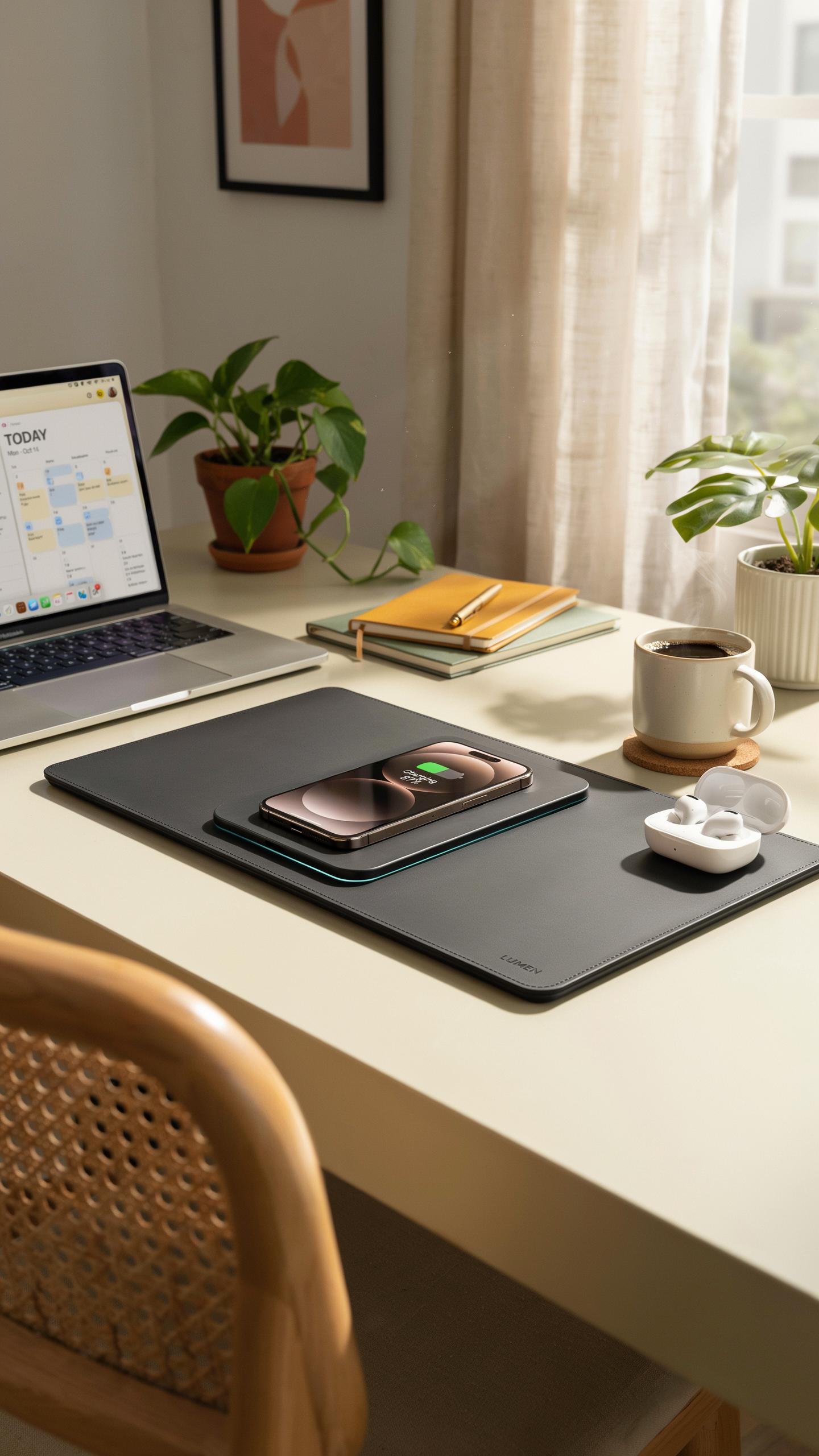
A wireless charging desk mat is a flat work surface that combines a traditional desk pad with built-in wireless charging coils. The mat uses Qi wireless charging technology, the global standard for cordless power transfer. You place your compatible phone or device on the mat surface, and it charges without cables or connectors. The charging happens through electromagnetic induction, transferring energy across small distances without direct contact.
The mat integrates multiple charging coils across its surface to charge devices placed anywhere on top. Most models include pass-through charging ports and USB connections along the edges for wired devices. The surface remains functional as a regular desk pad for writing, mousing, and working. Built-in safety features prevent overcharging and manage heat generation during operation.
Evolution Of The Desk Mat
Desk mats emerged as practical accessories in offices during the mid-20th century, primarily protecting wooden surfaces from scratches and stains. Manufacturers initially produced them from leather, felt, and rubber materials. As computer usage expanded through offices in the 1980s and 1990s, desk pads evolved to include mouse pads and cable management features. Materials improved to accommodate keyboards and monitors, becoming essential ergonomic tools.
Wireless charging integration arrived in the 2010s as smartphone adoption accelerated and Qi charging became standardized. Companies recognized the opportunity to combine two desk essentials into one product, eliminating cord clutter. Early versions appeared around 2015 to 2017 as manufacturers experimented with embedding charging coils into desk surfaces. Modern wireless charging mats represent the convergence of workspace organization and device charging convenience, driven by the need for cleaner, cable-free desk environments.

Key Benefits For A Tidy Desk Setup

Eliminating Cable Clutter
A wireless charging desk mat removes the need for multiple charging cables on your work surface. Instead of managing separate cords for phones, earbuds, and smartwatches, you place devices directly on the mat. This consolidation reduces cable tangling and eliminates the visual mess of wires running across your desk. One mat replaces what would otherwise be three to five individual charging cables taking up valuable real estate.
The space you recover becomes immediately usable. Without cables snaking around your monitor, keyboard, or desk organizers, you gain clear pathways for work materials and other tools. This freed space reduces decision fatigue when arranging your workspace. You no longer waste mental energy thinking about where to hide or route cables, allowing focus to shift entirely to your actual work.
Enhancing Aesthetics And Workspace Organization
Wireless charging desk mats create visual uniformity on your work surface. Most mats feature neutral colors and flat profiles that blend into modern desk designs without drawing attention. This aesthetic consistency supports minimalist workspace principles by keeping visual distractions to a minimum. A single cohesive mat looks intentional and designed, whereas multiple cables scattered across your desk appear disorganized and temporary.

Organization improves when charging devices no longer compete for outlet access under your desk. You eliminate the need for power strips, extension cords, and the routing decisions those require. The mat’s designated charging zone establishes a clear protocol for device placement, making your workflow more predictable. This structured approach reinforces good habits around keeping your desk organized and ready for focused work sessions.
Integrating A Wireless Charging Desk Mat Into Your Charging Desk
Seamless Power Integration
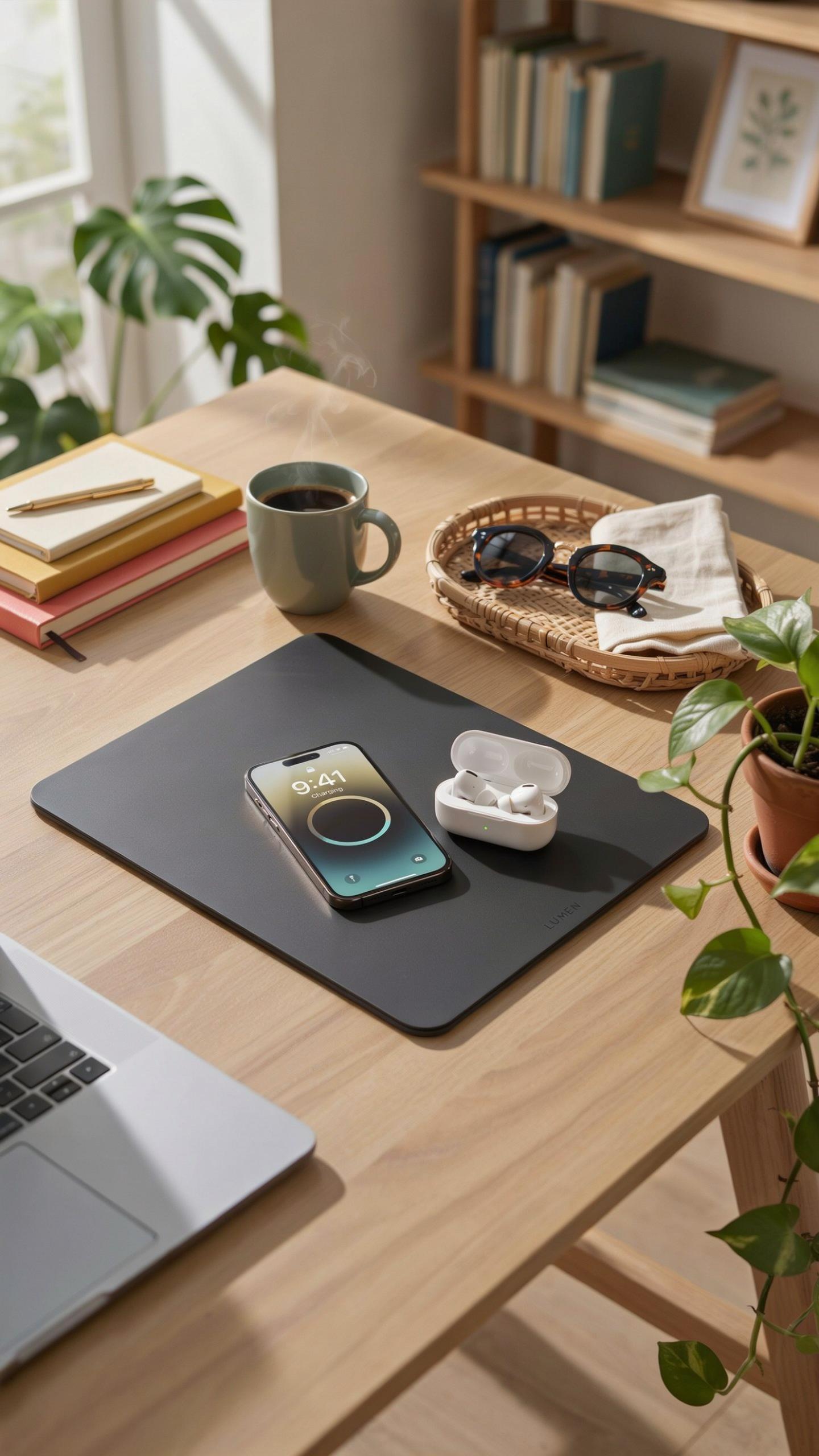
A wireless charging desk mat connects to a single power outlet via USB-C or micro-USB cable. This eliminates the need for multiple charging cables scattered across your workspace. The mat sits flat on your desk surface and transmits power through the Qi wireless charging standard, which uses electromagnetic induction to charge compatible devices placed on top.
The power adapter plugs into your existing outlet infrastructure. Most mats draw between 5 to 15 watts depending on the model and number of charging zones. Setup requires no special wiring, modifications, or electrician involvement. You place the mat, connect one cable, and start charging immediately without additional adapters or outlet solutions.
Remember how simple mornings felt as a child, with everything just where it should be? A tidy desk, like those cherished memories, brings a quiet joy and sparks innovation.
Compatibility With Various Devices
Wireless charging desk mats work with any device that supports Qi charging technology. This includes most modern smartphones from Apple, Samsung, Google, and OnePlus. The mat also charges wireless earbuds, smartwatches, and portable power banks equipped with Qi receivers.

Compatibility extends to older devices through wireless charging receiver cases or adapters. These thin cases add Qi capability to phones that lack built-in wireless charging. Your desk mat functions as a universal charging hub for multiple device types simultaneously, depending on the mat’s zone configuration. Check individual device specifications to confirm Qi support before purchasing.
The Alti Wireless Charging Desk Mat A Closer Look
Features And Design
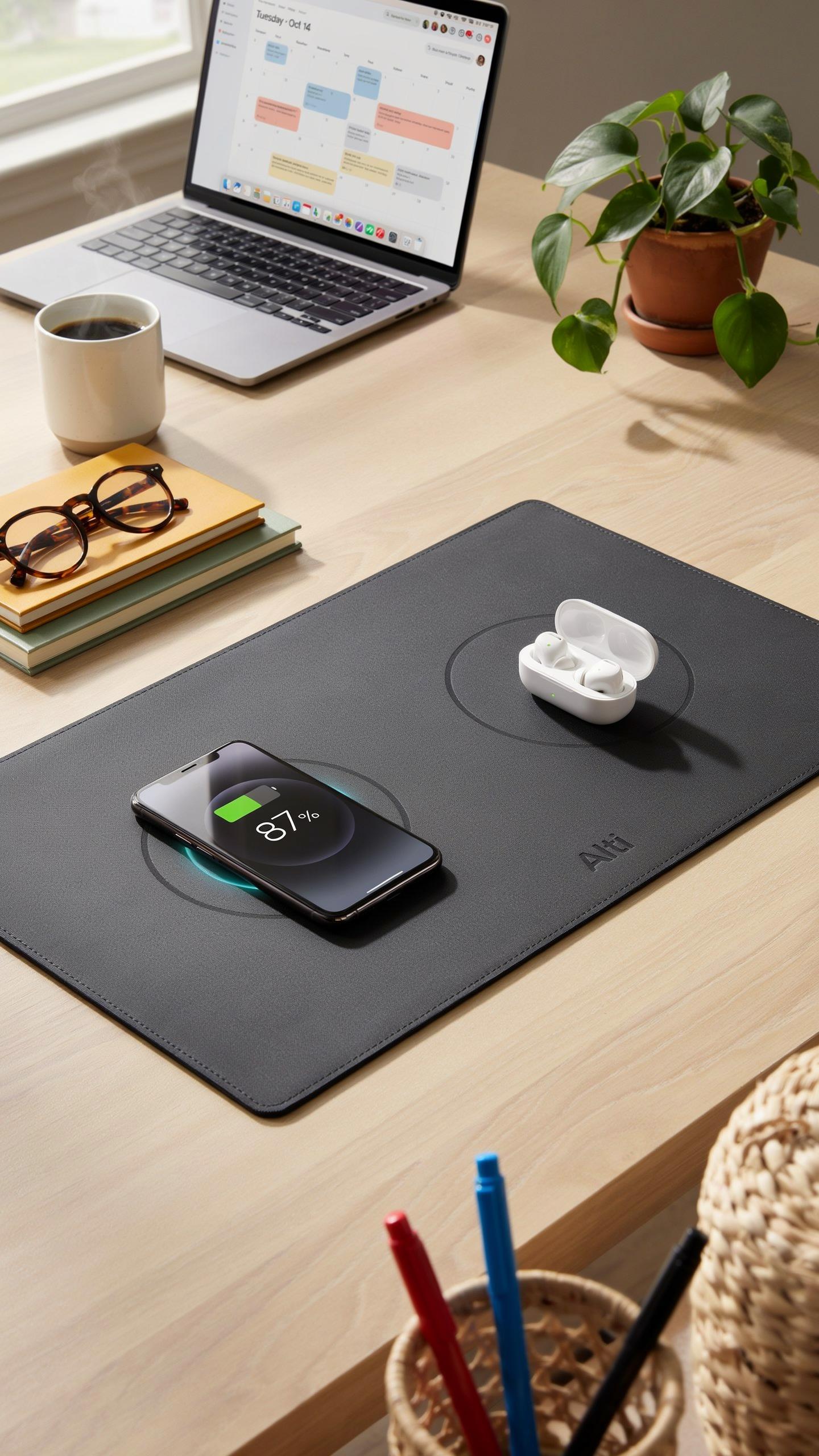
Premium wireless charging desk mats typically use rubber or fabric surfaces bonded to underlying charging coils. The Alti model follows this construction pattern with a low-profile design that sits flat against your desk surface. Materials chosen for these mats prioritize durability and heat dissipation. The charging area accommodates standard smartphone sizes, while the mat itself measures approximately 24 by 14 inches, providing workspace alongside the charging zone.
The coil arrangement in premium models distributes power evenly across the charging surface. This prevents dead zones where devices fail to charge properly. The mat’s edge construction prevents fraying and maintains structural integrity over time. Thickness typically ranges from 3 to 5 millimeters, allowing devices to rest naturally without awkward positioning or propping.
User Experience And Efficiency
A wireless charging desk mat eliminates cable clutter by consolidating charging into a single integrated surface. Your phone charges while you work, requiring no cable swaps or hunting for outlets. The mat functions as both workspace and charging station, reducing desk real estate needed for separate accessories. Placement near your work area means devices stay within reach and maintain charge throughout the day.

Workflow efficiency improves when charging happens passively during regular desk use. The mat removes the friction of plugging and unplugging devices repeatedly. Users report faster task switching since devices charge continuously without manual intervention. The consistent power delivery prevents the performance dips that occur when devices drop to low battery states during intensive work sessions.
Choosing The Right Wireless Charging Desk Mat For Your Desk
Factors To Consider Size Material And Charging Speed
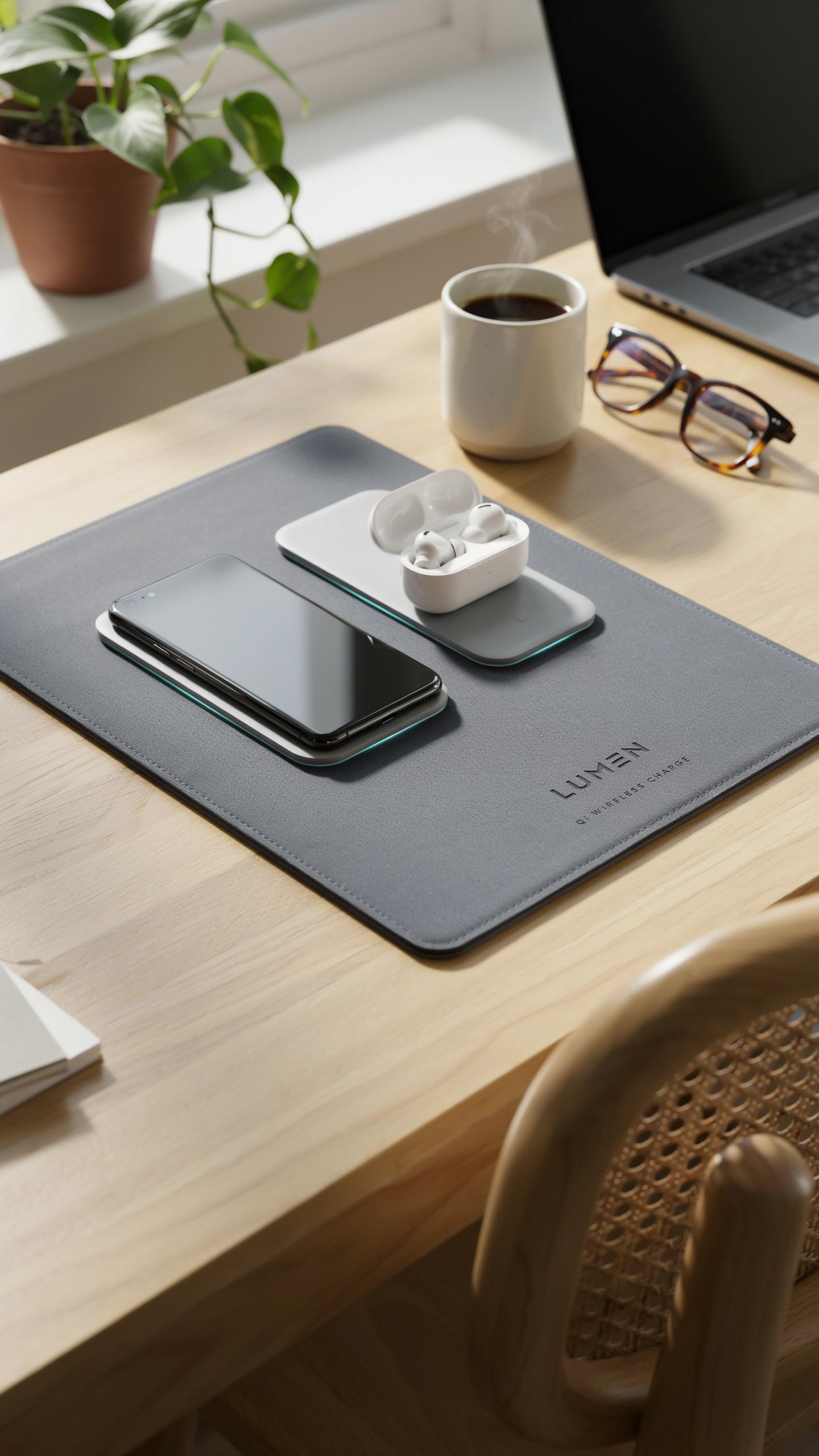
Your desk dimensions dictate mat size. Measure your workspace width and depth before purchasing. Most mats range from 24 to 36 inches wide. Larger mats accommodate multiple devices. Smaller mats fit compact desks. Consider future device additions when selecting size. Undersized mats limit functionality and defeat the purpose of upgrading your setup.
Material choice affects durability and device safety. Rubber bases prevent slipping on smooth surfaces. Fabric tops protect device screens and backs from scratches. Synthetic leather offers easy cleaning and professional appearance. PVC and polyester materials resist wear better than cheaper alternatives. Check charging speed specifications, measured in watts. Standard speeds run 5W to 15W for phones and 10W to 20W for tablets.
Matching Your Desk Aesthetic
Color and finish matter for visual cohesion. Black and gray mats work with most office styles. Leather finishes suggest professional environments. Fabric textures add warmth to minimalist setups. Match your mat to existing desk accessories like monitors stands or keyboard trays. Consider your overall color palette before committing to purchase. Mismatched surfaces create visual clutter and undermine workspace organization.

Thickness impacts desk profile and cable management. Thin mats under 5mm sit flush with desktops. Thicker mats around 8mm create subtle elevation for devices. Built in cable channels keep wires organized and hidden. Integrated storage compartments add functionality without sacrificing aesthetics. Your mat should solve cable chaos, not create it. Choose designs that support your actual workflow, not theoretical ideals.
Beyond Charging Additional Functions Of A Modern Desk Mat
Mouse Pad And Writing Surface Capabilities
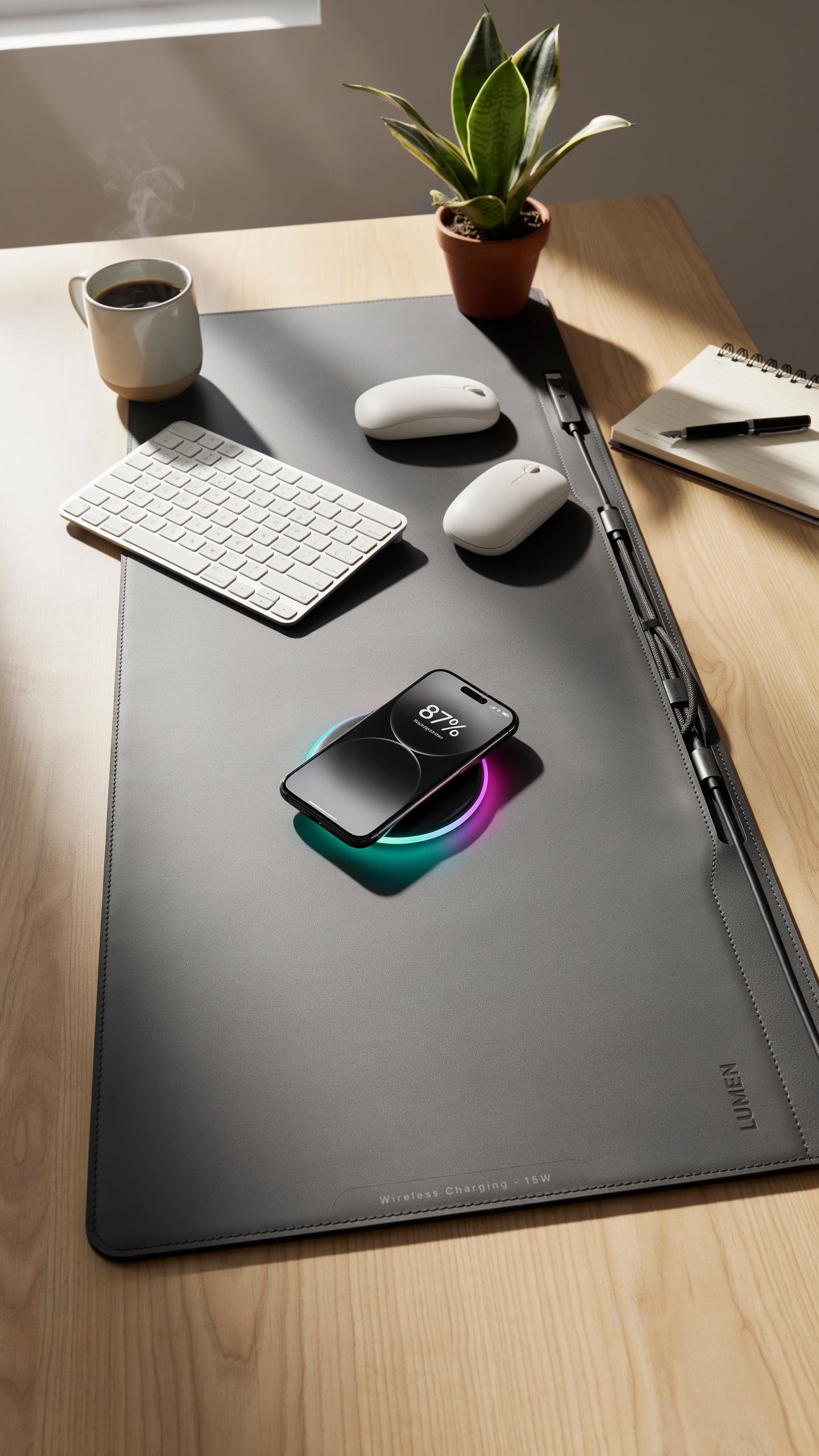
A wireless charging desk mat replaces the need for separate accessories by combining mouse pad and work surface into one product. The top layer uses materials designed for smooth mouse tracking, typically microfiber or fabric blends that reduce friction and provide consistent sensor response. You eliminate clutter by consolidating three items into one functional piece that sits flat on your desk.
The writing surface performs as a standard desk pad would. Paper slides smoothly across the top layer without catching or bunching. Pens glide without resistance, and the material resists ink stains better than bare wood or laminate. You gain a comfortable writing experience while maintaining the charging functionality underneath, making the mat work harder for your space.
Protection For Your Desk Surface
A desk mat acts as a physical barrier between your desk and daily hazards like scratches, moisture, and heat. Keyboard feet, monitor stands, and desk accessories create contact points that damage wood or laminate finishes over time. The mat absorbs this wear instead of your desk taking the impact directly.

Spills and liquid damage get stopped at the mat rather than seeping into wood grain or veneer. Coffee, water, and other liquids bead up on treated surfaces and wipe away cleanly. Heat from electronics transfers into the mat material, protecting your desk from thermal discoloration and damage that prolonged exposure causes.
Maximizing Productivity With A Smart Work Space

Optimizing Your Ergonomics
A wireless charging desk mat eliminates cable clutter that forces you to position devices awkwardly. Removing tangled cords from your workspace lets you arrange your monitor, keyboard, and phone at proper heights. This setup reduces neck strain and wrist tension by letting you maintain neutral posture throughout your workday.
Charging cables typically create visual and physical obstacles on your desk surface. When your phone charges wirelessly on the mat, you remove one more reason to reach across your workspace or twist your body. Better device placement means less compensatory movement and fewer pressure points on your shoulders and back over time.
Creating A Focused Environment
A clutter-free desk reduces cognitive load. Your brain processes visual chaos as distraction, forcing it to work harder to maintain focus. A wireless charging mat consolidates your charging area into one intentional zone, leaving your remaining desk space clear for actual work tasks and nothing else.

Clean surfaces trigger measurable psychological responses. You move faster between tasks when you aren’t navigating around cables and chargers. A focused workspace trains your mind to associate your desk with productivity, not frustration. This environmental control directly impacts how quickly you enter and maintain deep work mode.
Maintenance And Care For Your Wireless Charging Desk Mat
Cleaning And Longevity Tips
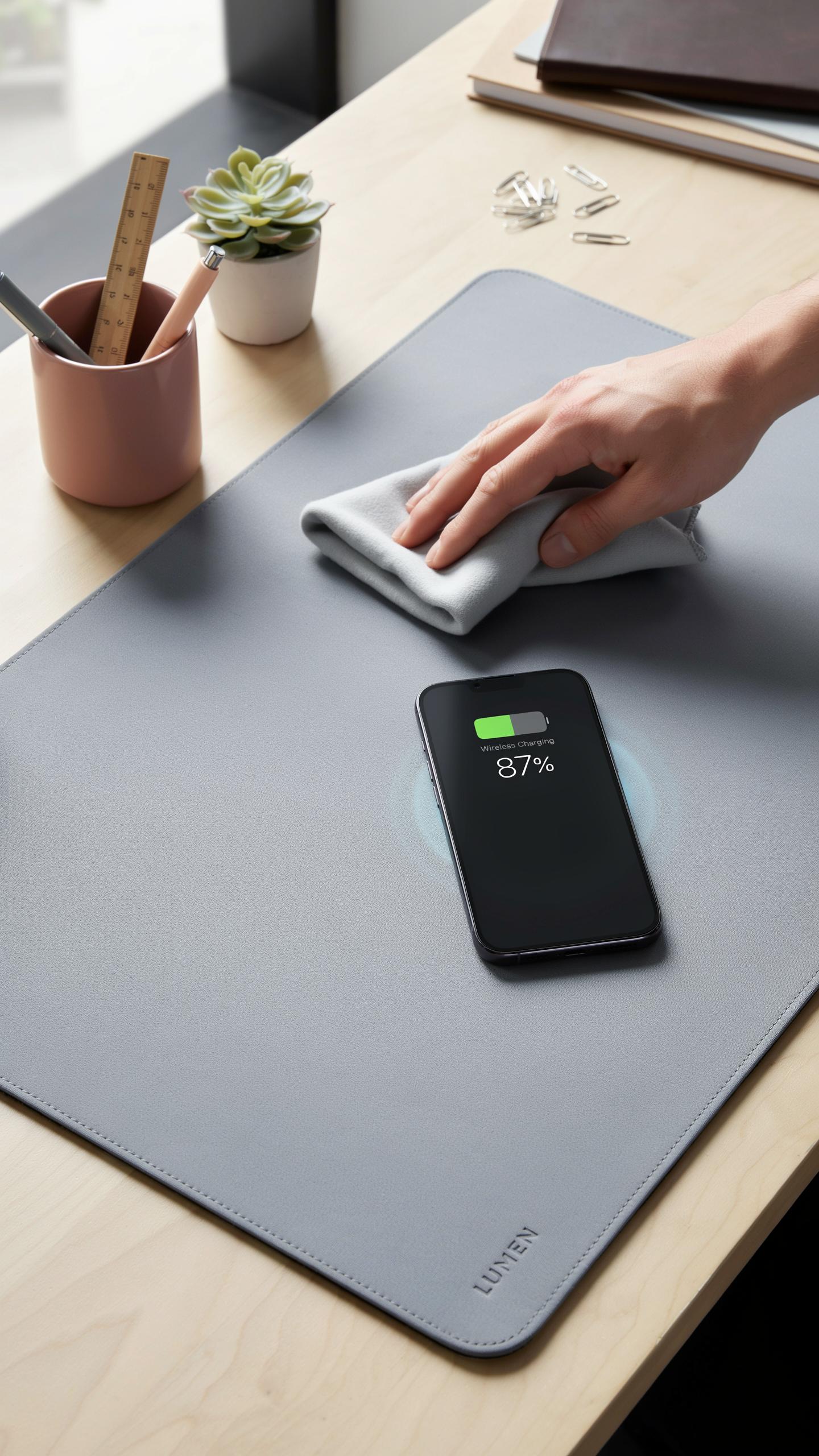
Dust and debris accumulate on charging surfaces and reduce efficiency. Wipe your mat weekly with a dry microfiber cloth. For stubborn dirt, use a slightly damp cloth with mild soap. Avoid excessive moisture near the charging coils. Let the mat dry completely before plugging it back in. Store the mat in a cool, dry environment when not in use to prevent material degradation.
The mat’s lifespan depends on how you treat it. Keep liquids away from the charging area. Never bend or fold the mat excessively, as this damages internal coil connections. Check the power cable regularly for wear or damage. Replace the cable immediately if you spot fraying or exposed wires. Proper storage extends functionality by years.
Troubleshooting Common Charging Issues
Your device may stop charging if foreign objects sit between the phone and mat. Remove all cases thicker than 5 millimeters. Metal objects like coins or keys block the magnetic field. Clean both the device back and mat surface thoroughly. Reposition your phone to ensure the coil alignment matches the mat’s charging zone. Test with another device to isolate whether the problem is the mat or phone.

Check your power outlet if charging stops completely. Plug a lamp or other device into the outlet to confirm power flows. Inspect the charging cable for damage or loose connections. If the cable is damaged, replace it with an original manufacturer cable. Restart your device if it charges intermittently. Contact the manufacturer if issues persist after these steps.
The Future Of Desk Technology And Phone Charging
Emerging Trends In Wireless Power
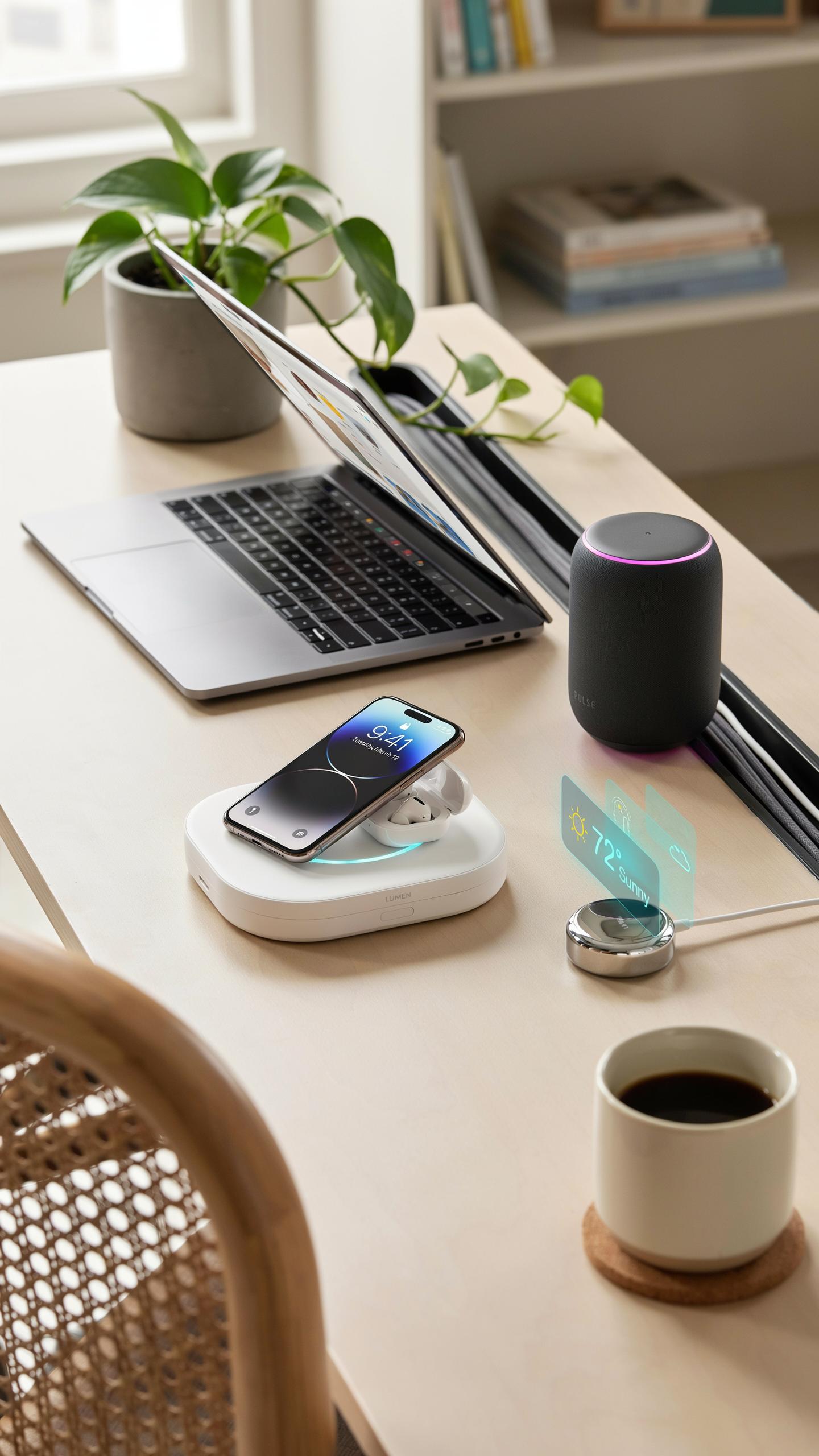
Wireless charging technology continues to advance beyond simple pad-based systems. The Qi standard remains the dominant protocol, but manufacturers are pushing faster charging speeds and greater efficiency. Multi-device charging on single surfaces is becoming standard rather than exception. Foreign object detection improves constantly, reducing heat generation and device damage risk during charging cycles.
The next phase focuses on charging distance and angular freedom. Current desk mats require near-perfect device placement. Future iterations will tolerate greater spatial variance, allowing phones to charge from multiple positions on the same mat. This shift reduces user frustration and increases practical adoption rates for office and home environments.
Integration With Smart Home And Office Systems
Wireless charging desk mats will function as data collection points within larger smart environments. Devices charging on mats can communicate usage patterns to connected systems, triggering automations like lighting adjustments or calendar synchronization. This integration transforms a simple charging surface into an active component of workspace intelligence.
Manufacturers are exploring bidirectional communication between desk mats and connected devices. Advanced systems could detect which device is present and automatically optimize power delivery or trigger device-specific settings. Office environments will benefit most from this integration, where standardized desk setups create predictable ecosystems for workplace management and employee productivity tracking.
Is A Wireless Charging Desk Mat The Right Choice For Your Desk
Assessing Your Needs And Usage Patterns
Start by counting how many devices you charge daily. If you charge a smartphone, smartwatch, and earbuds regularly, a wireless charging desk mat consolidates these into one surface. The mat eliminates cable clutter and reduces the time spent plugging devices in and unplugging them throughout your workday.
Next, evaluate your desk space. Wireless charging mats range from small rectangular pads to full desk-covering surfaces. Measure your available area and determine how much real estate you can dedicate to charging. Factor in whether you need the charging function, a mouse pad, or both combined into one product.
Final Considerations For A Modern Workspace
A wireless charging desk mat works best for people who prioritize organization and efficiency. If your devices support Qi wireless charging, the mat eliminates the friction of traditional cables. This setup reduces desk clutter, minimizes tangled wires, and speeds up your daily routine without requiring new device investments.
Invest in a wireless charging desk mat if your workflow demands quick device access and clean aesthetics. The upfront cost pays dividends through reduced cable replacement, improved desk organization, and simplified charging routines. Transform your workspace into a functional, streamlined environment that supports both productivity and device management.
Frequently Asked Questions

What exactly is a wireless charging desk mat and how does it work?
A wireless charging desk mat is an innovative accessory that combines a comfortable surface for your desk with a built-in wireless charging pad. It works using electromagnetic induction; simply place your compatible smartphone or other device on the designated charging area on the mat, and it will begin to power up without needing any cables. It’s a fantastic way to declutter your workspace.
How do I choose the right size and material for my wireless charging desk mat?
Consider the dimensions of your desk and the items you keep on it. Measure the area you want the mat to cover, ensuring it accommodates your keyboard, mouse, and any other peripherals. For materials, options like PU leather offer durability and a sleek look, while some fabrics provide a softer feel. Think about ease of cleaning and your aesthetic preference.
Are wireless charging desk mats generally expensive, and are there budget-friendly options available?
While some premium wireless charging desk mats can be an investment, there are definitely budget-friendly options available that still offer great functionality and style. Prices vary based on size, material, charging speed, and additional features like integrated hubs. You can find quality mats across various price points to suit your needs without breaking the bank.



