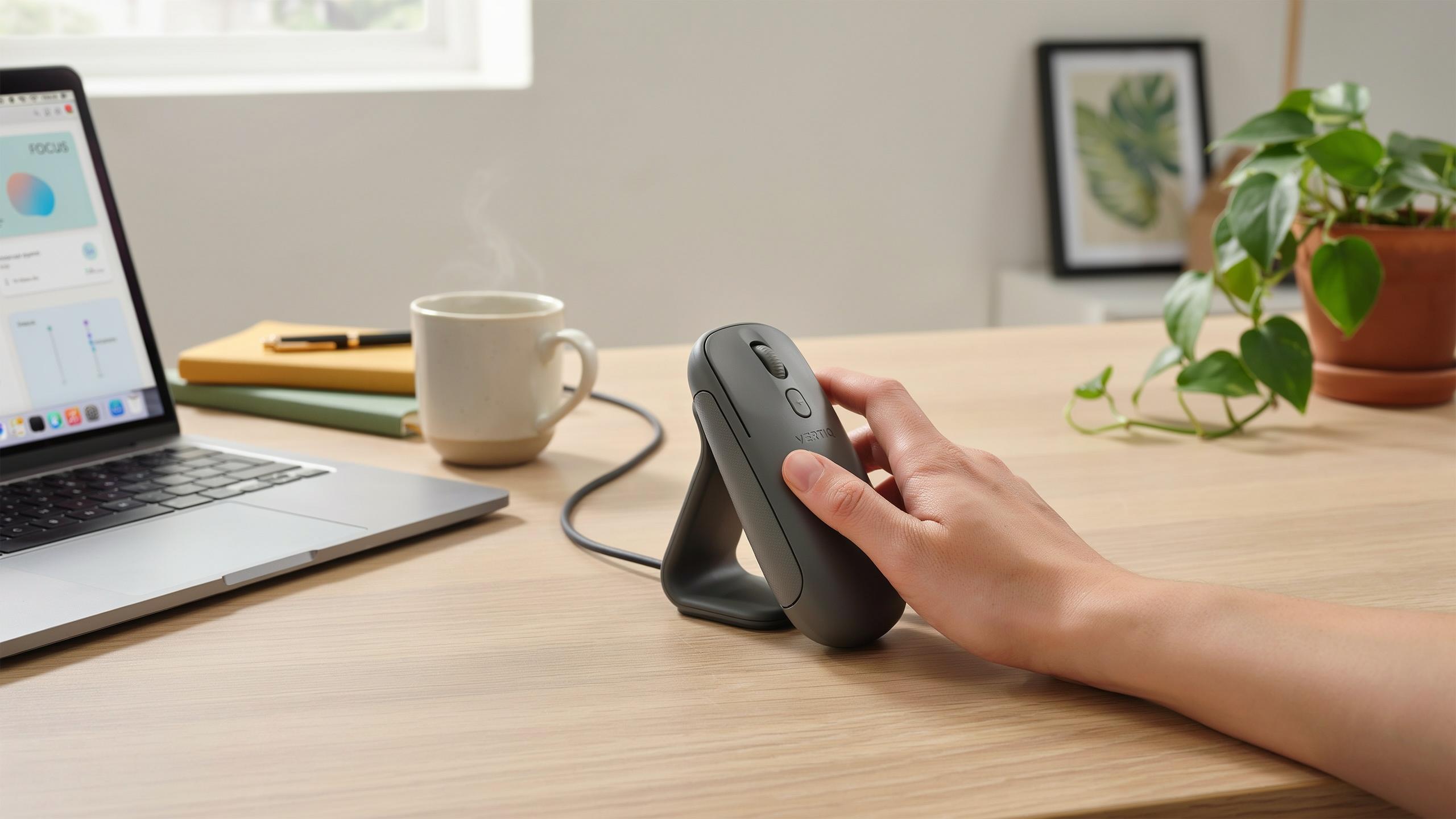
Understanding Wrist Pain At Work And The Need For An Ergonomic Mouse

Causes Of Wrist Pain In The Workplace
Desk work creates specific wrist strain patterns. Repetitive clicking, prolonged gripping, and awkward hand positioning during eight-hour workdays trigger inflammation in the tendons and nerves running through the wrist. The median nerve compression causes tingling and numbness, commonly called Carpal Tunnel Syndrome. Repetitive Strain Injury (RSI) develops gradually from constant micro-movements without proper breaks or support.
Poor desk setup accelerates wrist damage. Most workers position their mouse too high or too far from their body, forcing the wrist into extension or deviation. This unnatural angle strains the flexor and extensor tendons repeatedly. Combined with inadequate arm support and high-speed clicking demands, wrist pain progresses from mild discomfort to chronic conditions that affect work performance and sleep quality.
The Impact Of Traditional Mice On Wrist Health
Standard mouse designs force the forearm into pronation, a twisted palm-down position. This rotation strains the rotator cuff muscles and compresses nerves in the forearm. The grip-and-click motion requires constant wrist tension, preventing the small muscles from relaxing. Over months, this sustained contraction creates trigger points and reduces blood flow to the tissues.
The traditional mouse geometry locks your wrist in a compromised position for hours daily. Your hand must curl around the curved shape while maintaining upward pressure to control the cursor. This posture elevates your forearm above your hand, forcing the wrist into extension. The repetitive clicking action then compounds the strain, making traditional mice a direct cause of workplace wrist pain for millions of desk workers globally.

What Is An Ergonomic Vertical Mouse A Deep Dive Into Ergonomic Mouse Design
Defining The Vertical Mouse
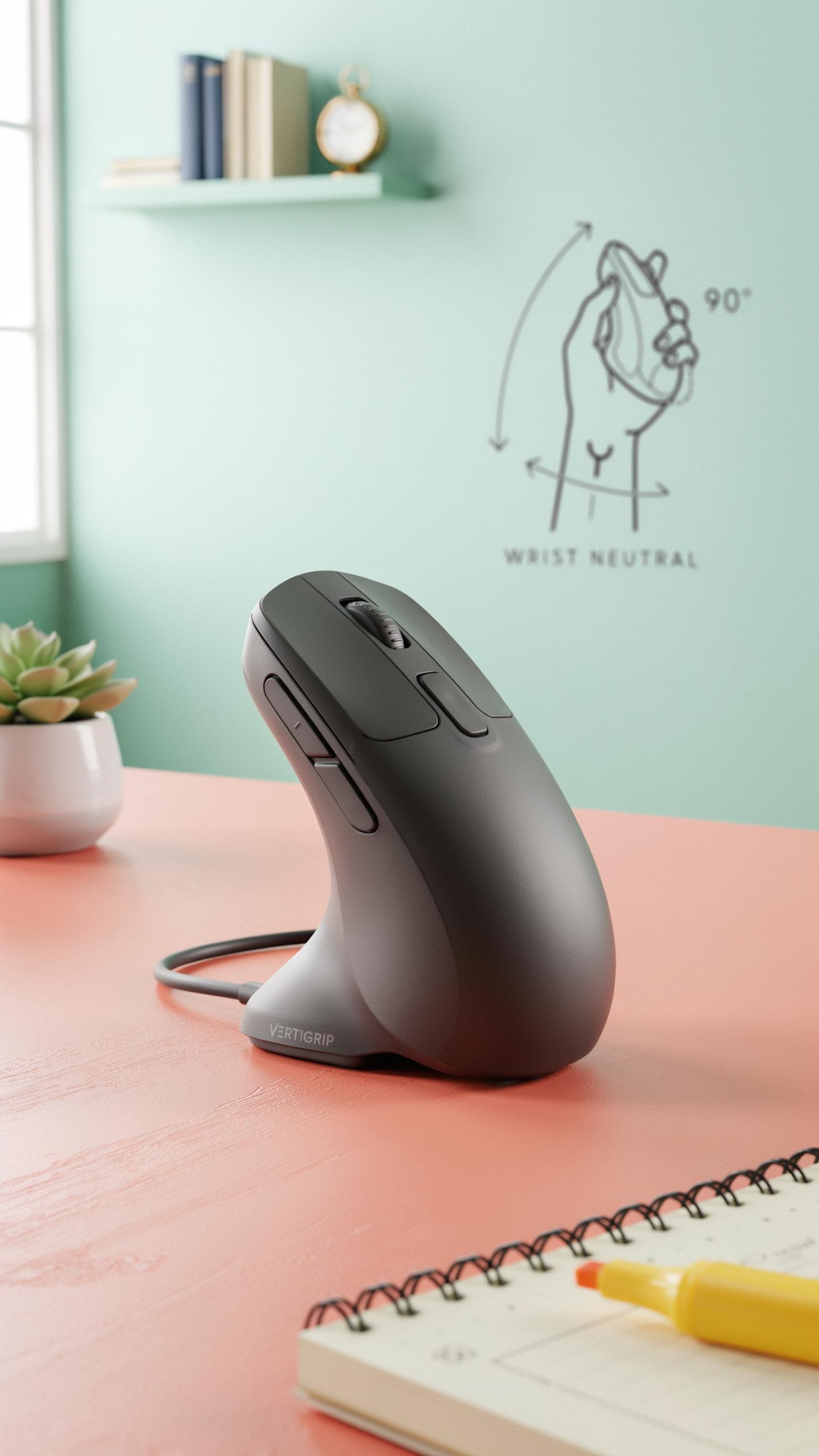
A vertical mouse positions your hand in a handshake grip rather than a flat, pronated position. Your forearm stays neutral, parallel to the ground, eliminating the twisting motion that causes wrist strain. The mouse body stands upright, forcing your fingers and thumb into a natural alignment that matches how your arm hangs at rest. This design directly counters the repetitive stress of traditional flat mice.
The handshake grip reduces pronation, the inward rotation of your forearm that happens with conventional mice. Your wrist maintains a straight line from elbow to fingertips, removing the constant micro-movements that accumulate strain throughout the workday. The neutral position decreases tension in the flexor and extensor muscles of your forearm. Over time, this prevents the inflammation and pain associated with repetitive strain injuries.
Remember that gentle curve, a soothing embrace for your wrist? Your future self with grateful hands is smiling back at you, thanking you for this thoughtful relief.
Key Design Elements For Optimal Ergonomics
Button placement determines how much your fingers move to click. Effective vertical mice position primary buttons directly under your index and middle fingers without requiring lateral hand shifts. Secondary buttons stay accessible on the side without forcing thumb extension or wrist deviation. Scroll wheels should sit within easy reach of your thumb or fingers to prevent reaching movements that disrupt neutral wrist alignment.

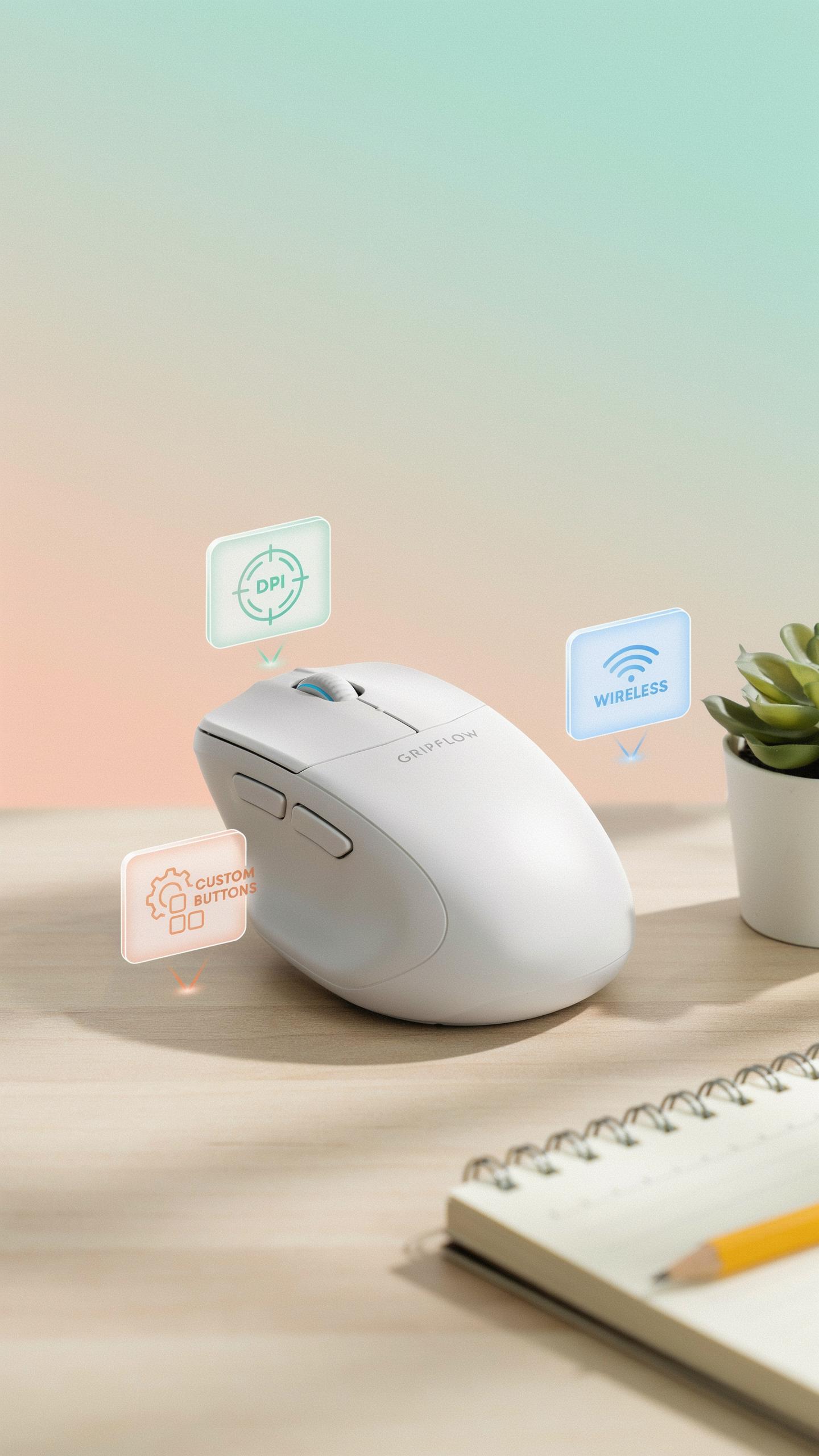
Customizable settings allow you to adjust sensitivity and button functions to your workflow. DPI settings let you control cursor speed without excessive hand movement. Programmable buttons reduce the need to reach across your keyboard or reposition your hand for common tasks. Grip width options accommodate different hand sizes, preventing the cramping that occurs when your grip exceeds your hand’s natural span.
Benefits Of Using A Vertical Mouse Ergonomic For Wrist Pain Relief

Reducing Strain And Promoting Neutral Posture
A vertical mouse positions your hand in a handshake orientation rather than the pronated flat position of traditional mice. This alignment keeps your forearm, wrist, and hand in a straighter line, reducing the rotational stress on the radius and ulna bones. The change eliminates constant internal rotation that standard mice demand, which is the root cause of cumulative wrist tension throughout workdays.
The neutral posture vertical mice create decreases pressure on flexor and extensor tendons running through your wrist. These tendons experience less compression when your hand stays centered rather than twisted inward. Users report immediate comfort improvements because the muscles and nerves in the forearm no longer work against anatomical misalignment during extended computer sessions.
Preventing And Alleviating Repetitive Strain Injuries RSIs
Repetitive strain injuries develop from sustained poor positioning combined with repetitive clicking motions. Vertical mice interrupt this cycle by removing the pronation component that accelerates tendon irritation and nerve compression. Consistent use prevents the inflammatory cascade that leads to conditions like carpal tunnel syndrome and lateral epicondylitis, which compound over months of traditional mouse use.

For users already experiencing RSI symptoms, vertical mice provide measurable relief by reducing aggravating movements during the workday. The hand position minimizes the micro-movements that irritate already inflamed tendons and nerves. Switching to a vertical mouse early in RSI development often stops progression and allows existing inflammation to resolve without requiring medical intervention.
Key Features To Look For In The Best Ergonomic Mouse
Adjustability, Size, And Grip Comfort
Hand size determines how well a vertical mouse controls wrist position and reduces strain. A mouse too small forces your hand into compensatory angles. A mouse too large causes excessive finger and palm stretching. Your palm should rest flat against the back support without gaps or overhang. The grip surface should accommodate your hand width without forcing your fingers into unnatural spread positions.
Adjustable features let you customize the mouse to your specific anatomy and work style. Look for mice with removable thumb rests that fit different hand sizes. Height adjustment changes the angle of your palm relative to your forearm. Sensitivity settings let you reduce the amount of wrist movement needed to navigate your screen. These variables directly impact how much strain your wrist experiences during an eight hour workday.
Material Quality And Durability
Construction materials affect both comfort and lifespan. Rubberized grips maintain consistent traction without sliding during long use sessions. Hard plastic shells on budget models wear faster and develop slick surfaces that require compensatory grip pressure. Memory foam or gel padding in palm rests deteriorates within 12 to 18 months of daily use. Metal internal components resist flexing better than all plastic frames under repeated clicking stress.

Build quality determines whether the mouse stays functional for years or becomes unusable within months. Seams that separate allow dust and sweat to enter the internal mechanisms. Buttons that use mechanical switches rated for 20 million clicks last longer than cheaper alternatives rated for 5 million clicks. Cable strain relief at the USB connection prevents wire damage from repeated bending. Poor quality solder joints inside the circuit board fail when the mouse experiences temperature changes or physical stress.
Wireless Mouse Vs Wired Connectivity Options For Your Ergonomic Setup

Advantages Of A Wireless Ergonomic Mouse
Wireless ergonomic mice eliminate cable constraints that force your arm into fixed positions. You move freely across your desk without a cord pulling or snagging. This flexibility reduces strain from reaching around obstacles. Portability matters for people who switch between workstations or travel with laptops regularly.
Modern wireless mice use either Bluetooth or proprietary 2.4GHz receivers. Battery life on quality models runs for weeks or months on a single charge. You avoid the cable management hassle that clutters desk space. Wireless connectivity gives you genuine movement freedom, which directly supports wrist and forearm relief during extended work sessions.
Considerations For Wired Ergonomic Mice
Wired mice deliver zero latency and never require battery replacement or charging. The cable connection guarantees consistent power delivery without interruptions or lag. This matters for precision work where millisecond delays affect performance. Wired options cost less than wireless alternatives and eliminate battery failure risks entirely.

Wired ergonomic mice work reliably in environments with heavy wireless interference. You never experience dropped connections or unexpected disconnections mid workflow. The direct USB connection means you plug in once and never worry about power management. For stationary workstations where you do not move the mouse far from your desk position, a wired setup removes one variable from your injury prevention strategy.
Integrating The Vertical Mouse Into Your Mac OS Or PC Workflow
Compatibility And Setup For Different Operating Systems
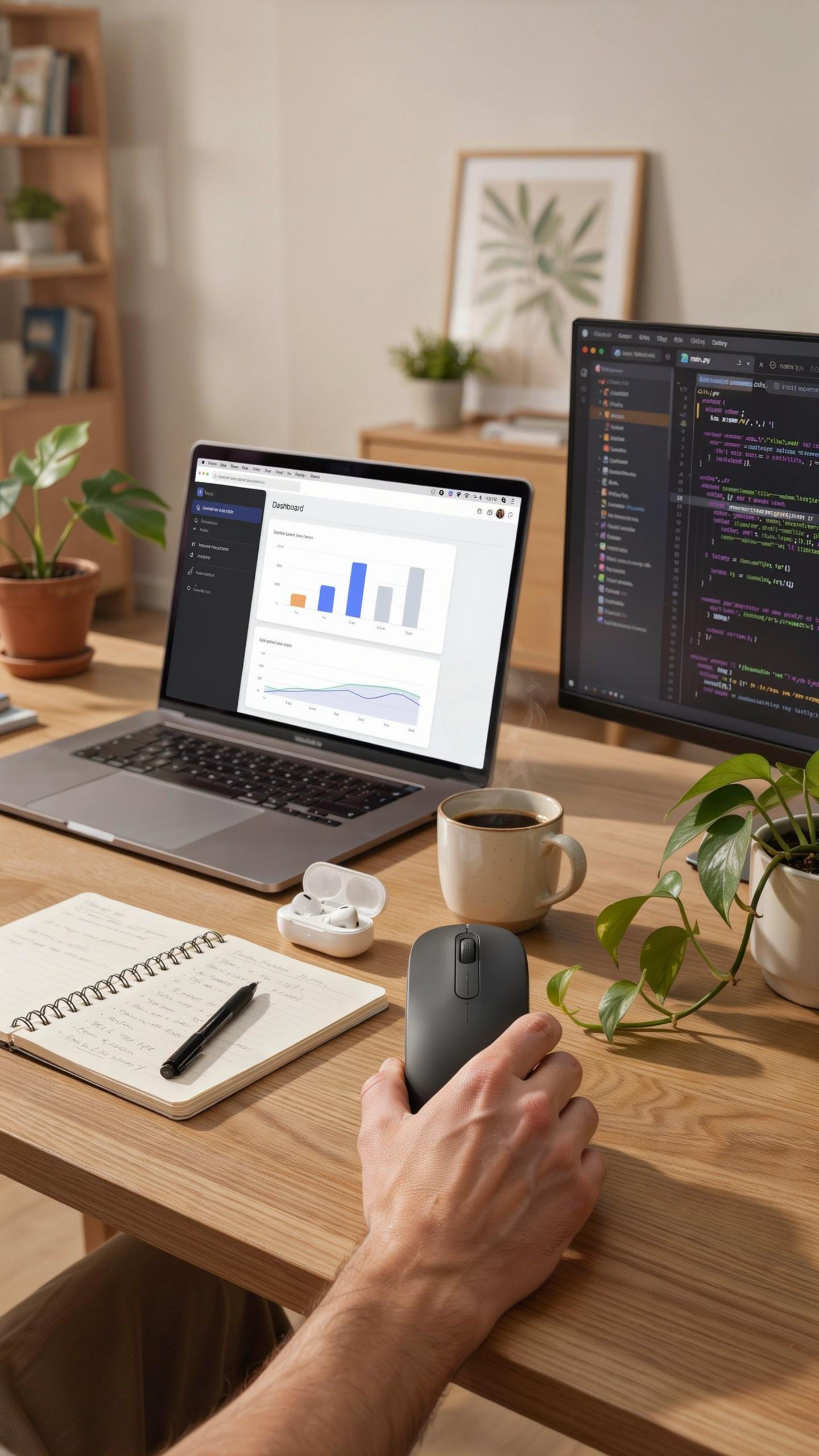
Most ergonomic vertical mice connect via USB receiver or Bluetooth to both Mac OS and Windows systems without requiring drivers for basic functionality. Plug the receiver into an available USB port or enable Bluetooth pairing through your system settings. The mouse appears as a standard input device within seconds. Mac OS and Windows recognize vertical mice identically because they follow universal input device standards established by the USB Implementers Forum.
Advanced features like programmable buttons or adjustable DPI settings require manufacturer-specific software installation. Visit the mouse manufacturer’s website and download drivers for your operating system version. Install the software, restart your computer if prompted, and the control panel appears in System Preferences on Mac or Control Panel on Windows. This software acts as the bridge between your mouse hardware and operating system customization tools.
Customizing Settings For Enhanced Productivity
Mouse sensitivity adjustment directly impacts wrist strain reduction and work efficiency. Lower DPI settings reduce hand movements needed to traverse your screen, which decreases repetitive motion stress on the wrist joint. Most vertical mice allow DPI adjustment between 800 and 3200 settings through manufacturer software. Test different sensitivity levels during actual work tasks to identify the threshold where precision meets comfort and speed.

Button remapping transforms vertical mice into productivity tools tailored to your workflow. Assign frequently used functions like copy, paste, or application switching to programmable side buttons. This eliminates reaching for keyboard shortcuts and reduces cumulative wrist strain from keyboard interaction patterns. Configure these mappings through the mouse software control panel, then save profiles for different applications if your mouse supports application specific settings.
Complementary Ergonomic Computer Accessories For Comprehensive Wrist Health

Ergonomic Keyboards And Wrist Rests
A vertical mouse alone cannot fix poor wrist alignment at the keyboard. An ergonomic keyboard positions your hands in a neutral state, reducing ulnar deviation where your wrist bends toward your pinky. Pairing this with a vertical mouse creates consistency across your entire input setup. The keyboard’s split or curved design removes strain from your forearms and shoulders while your hands rest in their natural position.
Wrist rests provide critical support during typing. They hold your wrist at the correct height so you don’t drop your hand below keyboard level during work. Quality wrist rests use memory foam or gel materials that conform to your wrist shape without restricting blood flow. Combined with a vertical mouse that keeps your palm facing inward, this pairing addresses wrist pain from multiple angles. Most wrist pain stems from poor positioning across all input devices, not just your mouse.
Adjustable Desks And Monitor Arms
Your desk height determines whether a vertical mouse can function properly. A desk that is too high forces your arm upward, negating the benefits of the mouse’s ergonomic design. Adjustable standing desks let you modify height based on your chair and arm length. This flexibility prevents static postures that accumulate stress over hours of work. Height adjustment is not a luxury. It is a requirement for any ergonomic setup targeting wrist pain.

Monitor arms move your screen to eye level without requiring neck flexion or extension. Poor monitor placement forces you to reach forward or look downward, which tightens your neck and shoulders and pulls your arm forward. This forward reach increases stress on your wrist as you compensate for body position. A monitor arm paired with a vertical mouse and proper desk height eliminates these compensation patterns. The workstation setup matters as much as the mouse itself when addressing wrist pain.
How To Design Ergonomic Mouse Usage Habits For Optimal Comfort

Best Practices For Ergonomic Mouse Positioning
Position your mouse at elbow height when seated. Your forearm should stay parallel to the ground. Place the mouse close to your body, roughly six inches from the edge of your desk. This reduces shoulder strain and prevents reaching. Keep your wrist neutral, not bent up or down. Your upper arm should stay relaxed against your torso.
- Desk Height Alignment: Adjust your desk so your elbows form a 90-degree angle when your arms rest naturally. This prevents downward wrist angles that create tension.
- Mouse Pad Placement: Position your mouse pad directly in front of you at the same level as your keyboard. This keeps your wrist straight during movement.
- Arm Support: Use a desk pad or ergonomic arm rest to support your forearm. This distributes pressure and reduces isolated wrist load during extended work.
- Vertical Mouse Height: Keep the vertical mouse positioned so your palm faces inward naturally. Your thumb should rest on the side, not twisted upward.
- Break Frequency: Take a two to three minute break every 30 minutes. Step away from your desk and move your arms. This interrupts continuous strain cycles.
- Movement Range: Move your entire arm when possible instead of just your wrist. Use your shoulder and elbow to guide cursor movements on screen.
Consistent positioning prevents compensation injuries. Your body adapts quickly to correct setup. Within one to two weeks, proper alignment becomes automatic. Maintain these habits daily for sustained relief and injury prevention.
Performing Regular Stretching And Exercises
Perform wrist flexor stretches every two hours. Extend one arm straight with your palm up. Use your other hand to gently pull your fingers back toward your forearm. Hold for 15 to 20 seconds on each side. This counters the constant gripping and flexing from mouse use and reduces cumulative tension.

Strengthen your forearm muscles with resistance exercises. Use a light resistance band or hand strengthener for two to three minutes daily. Perform wrist rotations, extensions, and flexion movements in controlled motions. Strong muscles support your wrist during daily tasks and reduce injury risk from repetitive strain.
Making The Switch Embracing The Ergonomic Vertical Mouse

Overcoming The Initial Adjustment Period
Your hand and fingers need time to adapt to a vertical mouse’s pronated grip. Most users experience a two to four week transition period where coordination feels awkward. Your muscle memory is rewired toward a traditional flat mouse. Start by using the vertical mouse for short work sessions, then gradually increase duration as your hand adjusts. Expect reduced speed and precision during the first week.
The learning curve is real but temporary. Your brain will establish new neural pathways within days. Some users report faster adjustment when they commit fully rather than switching back and forth between mice. Keep your traditional mouse accessible for heavy clicking tasks during week one. This hybrid approach reduces frustration while your hand builds competency with the vertical design.
Long Term Benefits For Health And Productivity
An ergonomic vertical mouse reduces repetitive stress on your wrist, forearm, and shoulder over months and years of use. Your typing speed typically returns to baseline within three weeks. The sustained benefit is decreased pain intensity during and after work. Your focus improves when physical discomfort drops significantly. Many users report fewer afternoon fatigue sessions and better overall work quality.
Investing in a vertical mouse pays dividends through injury prevention. You lower your risk of developing or worsening conditions like carpal tunnel syndrome and tendinitis. Your productivity gains compound as pain-free work sessions stack up. The upfront adjustment cost is minimal compared to chronic pain management or lost work time. Your long-term career trajectory benefits from maintaining healthy wrist function.
Frequently Asked Questions

What exactly is an ergonomic vertical mouse, and how does it help with wrist pain?
An ergonomic vertical mouse is designed to position your hand in a natural, handshake-like posture, aligning your wrist and forearm. This reduces pronation, a twisting motion that often contributes to discomfort. By maintaining this neutral position, an ergonomic vertical mouse for wrist pain can significantly alleviate strain and improve comfort during long work sessions.
How do I properly use an ergonomic vertical mouse to maximize its benefits for wrist pain relief?
To properly use an ergonomic vertical mouse for wrist pain, hold it as you would shake someone’s hand, ensuring your thumb rests comfortably and your fingers drape naturally over the buttons. Avoid gripping too tightly. Experiment with sensitivity settings to minimize large movements, allowing your forearm to do the work rather than just your wrist.
Are there affordable options for an ergonomic vertical mouse, or are they typically expensive?
Absolutely! While some high-end models exist, you can find effective and affordable ergonomic vertical mouse options. Many brands offer quality vertical mice in a variety of price ranges. Look for reliable brands with good reviews, as even budget-friendly models can provide significant relief from wrist discomfort.



