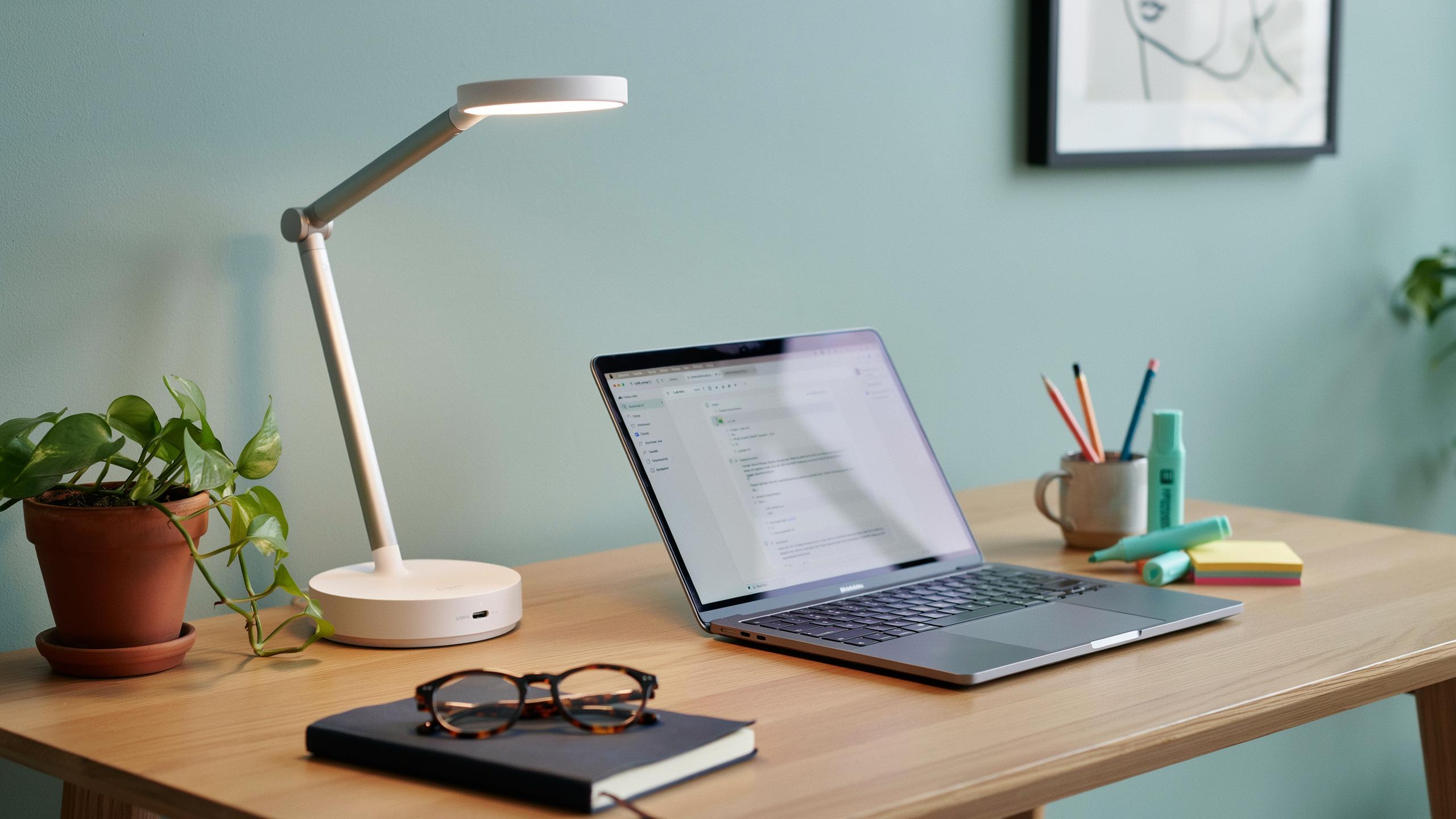
The Evolution Of The Desk Lamp In Modern Desk Setup
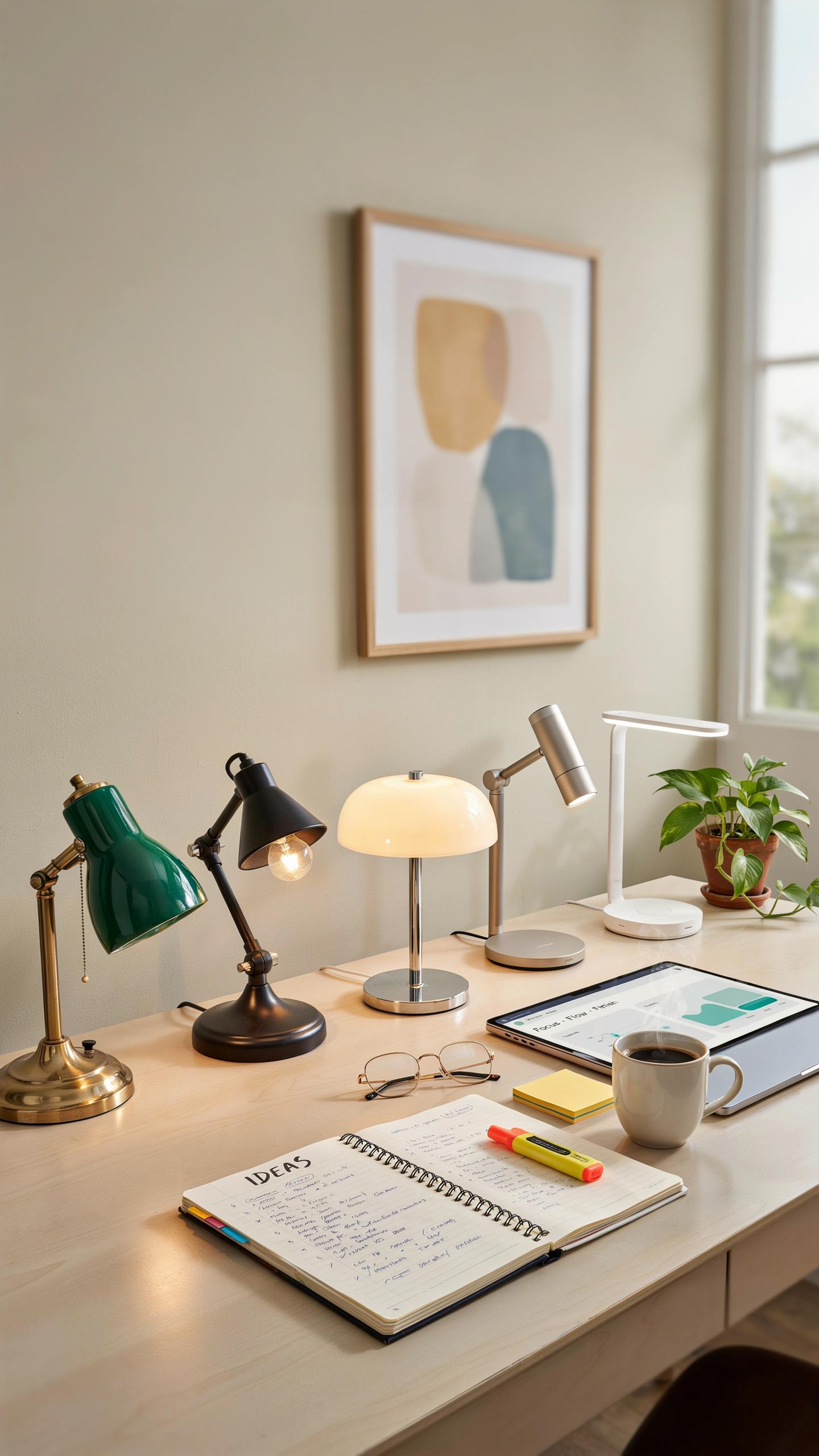
From Incandescent To LED Desk Lamp: A Bright Transformation
Incandescent desk lamps dominated workspaces for over a century. They generated heat, consumed significant power, and required frequent bulb replacements. LED technology disrupted this model by delivering focused light output while consuming 75 percent less energy. The shift from incandescent to LED represented a fundamental change in how professionals light their work environments.
LED desk lamps now offer adjustable color temperatures and brightness levels that incandescent models never could. Modern LED fixtures reach full brightness instantly without warm-up time. They last 25,000 to 50,000 hours compared to incandescent bulbs lasting 1,000 hours. This longevity directly reduces maintenance costs and downtime in professional settings.
Why Integrated USB Charging Is A Game Changer For Your Desk Workflow
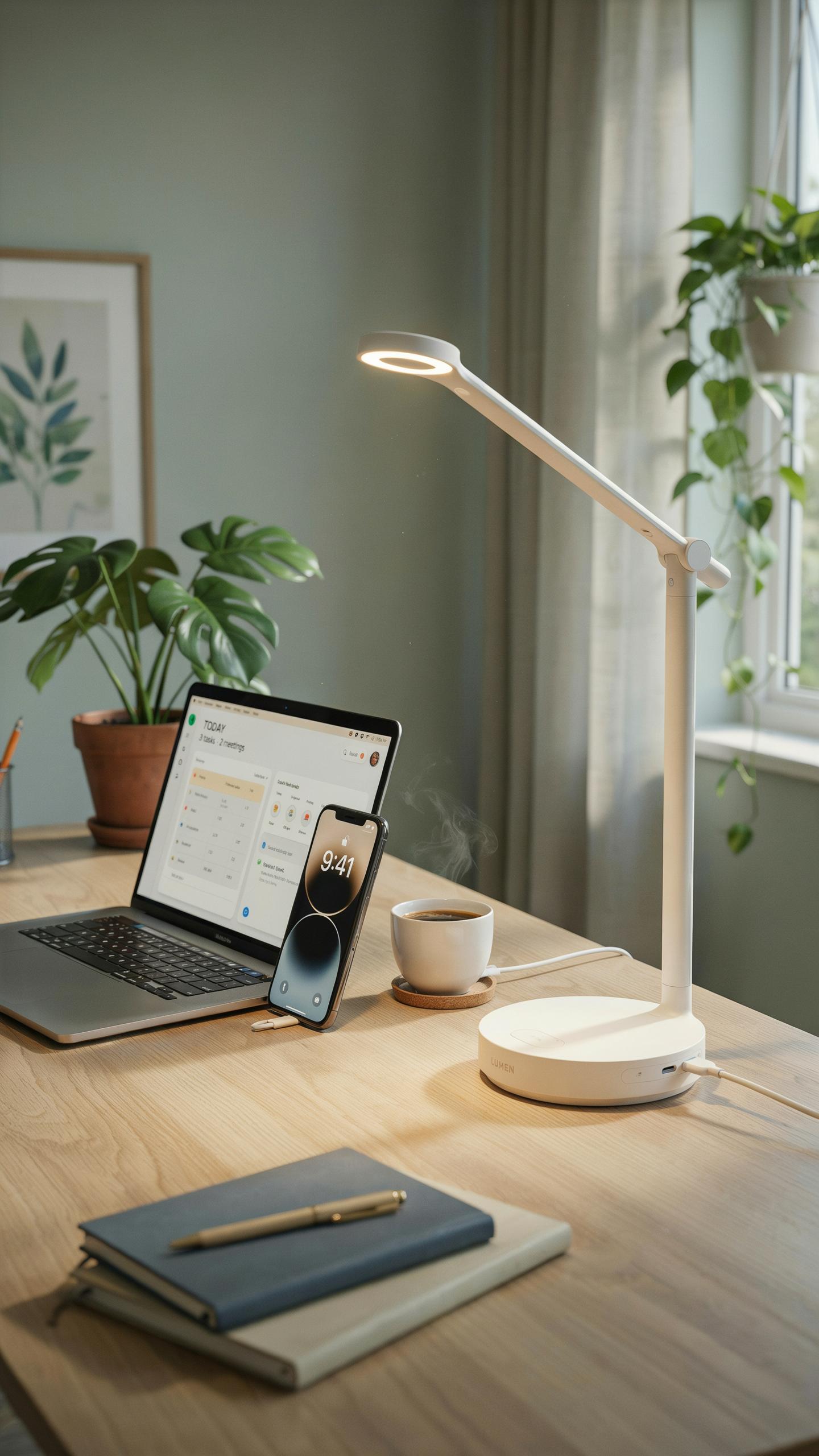
Integrated USB charging eliminates cable clutter on your desk surface. Instead of managing separate power strips for your lamp and devices, one power source handles both functions. This consolidation reclaims desk real estate and reduces the number of outlets you need. A smart desk lamp with USB charging built into the base transforms your setup into a functional power hub.
USB ports on desk lamps charge phones, tablets, and wireless earbuds during work hours. You keep devices within arm’s reach without sacrificing workspace. This accessibility improves workflow efficiency by removing the friction of searching for available outlets. The charging capability converts what was purely a lighting tool into active infrastructure supporting your daily productivity demands.

Key Features Of A Smart Desk Lamp
Customizable Lighting Color Temperature And Brightness Control
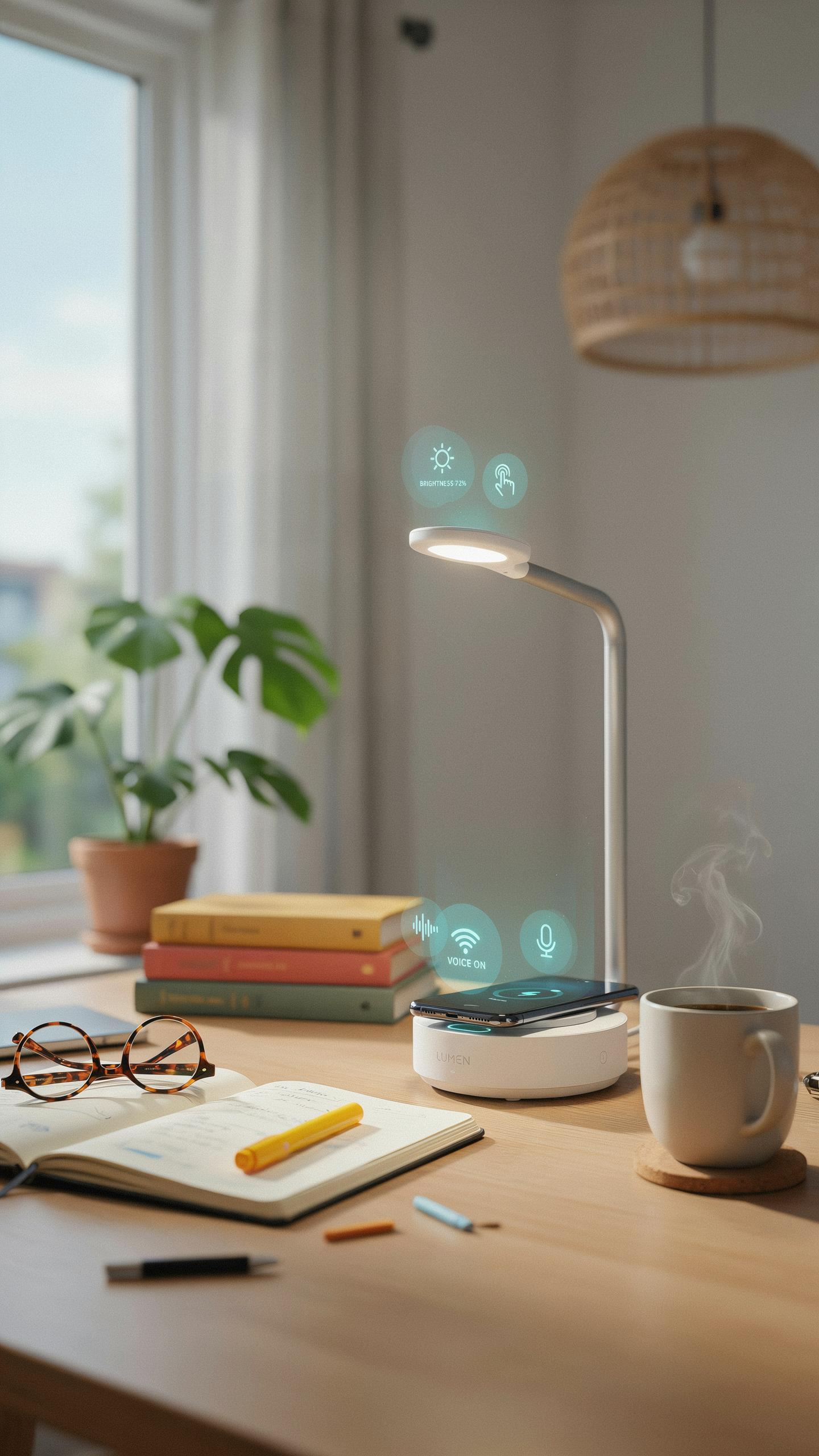
Color temperature adjustment ranges from warm light around 2700K to cool light at 6500K or higher. This capability matters because different tasks demand different light wavelengths. Warm light reduces eye strain during evening work. Cool light enhances focus and alertness during daytime productivity. Users control these settings through companion apps or physical controls on the lamp base.
Brightness control operates independently from color temperature settings. Most smart desk lamps offer dimming ranges from 10 percent to 100 percent output. This separation gives users precise control over light intensity without forcing color adjustments. The USB charging base often includes touch-sensitive buttons that let users adjust brightness on the fly without reaching for a smartphone or remote.
Intuitive Touch Control And Smart Connectivity Options
Touch controls on the lamp base respond to finger contact without requiring pressure. Users tap zones on the base to toggle power, adjust brightness, or cycle through preset lighting modes. These buttons eliminate the need for traditional switches. Voice commands through Alexa, Google Assistant, or similar platforms offer hands-free operation. WiFi connectivity lets users schedule lighting changes or control the lamp remotely from anywhere with internet access.
Smart connectivity integrates the lamp into existing home automation systems. The lamp communicates with other smart devices to create unified lighting scenes. Users program the lamp to activate specific light settings at scheduled times. Bluetooth pairing provides local control without relying on WiFi connectivity. Most models sync with circadian rhythm apps to align lighting with natural sleep cycle patterns throughout the day.
Enhancing Your Desk Setup With Integrated USB Charging
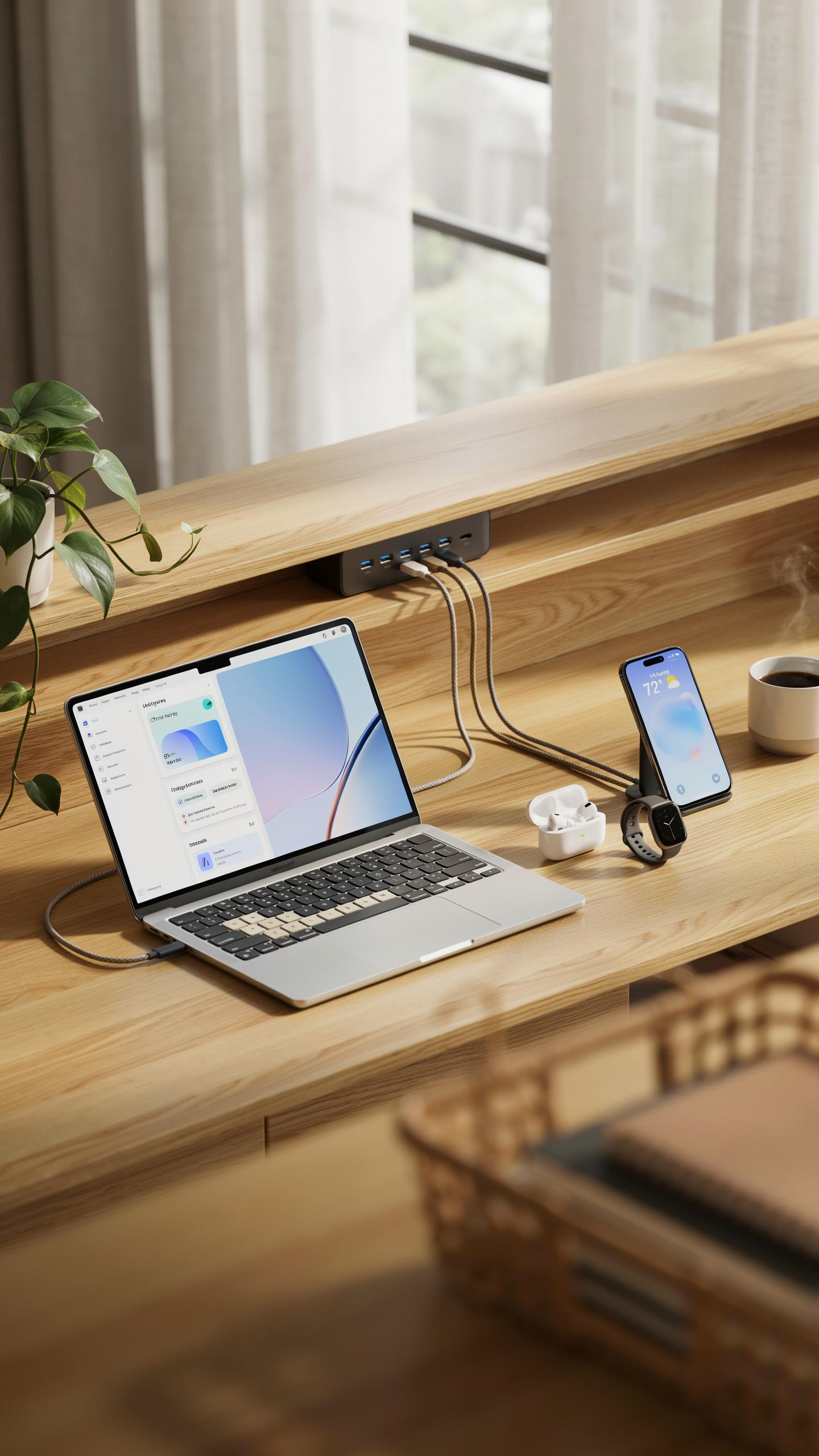
Declutter Your Desk The Convenience Of Built In Charging Ports
A smart desk lamp with USB charging eliminates cable sprawl. You consolidate power delivery into one fixture instead of running separate chargers across your workspace. This reduces the number of outlets you need and minimizes visual clutter. The lamp base houses the charging port, so your desk surface stays clear for actual work.
Built-in USB ports on lamps address a real problem: limited outlet access. Most desks sit against walls with few nearby power sources. Adding USB charging directly to your lamp creates a charging station where you already have light. You plug one cable into the wall and gain both illumination and power distribution from a single point.
Powering Your Tech Gadgets Smartphones Tablets And Wearables
Modern desk work requires constant device power. Smartphones, tablets, and wireless earbuds all need charging during the workday. A lamp with USB output lets you top up devices without leaving your desk or hunting for an outlet. The charging happens passively while you work, keeping your devices ready for the next task.
USB charging ports on desk lamps typically deliver 1 to 2.4 amps per port depending on the model. This speed works for phones and most tablets. Wearables like smartwatches charge even faster since they draw less current. You charge multiple devices simultaneously when the lamp has dual or triple USB outputs, which most quality models do.
Smart Lighting For Optimized Eye Care
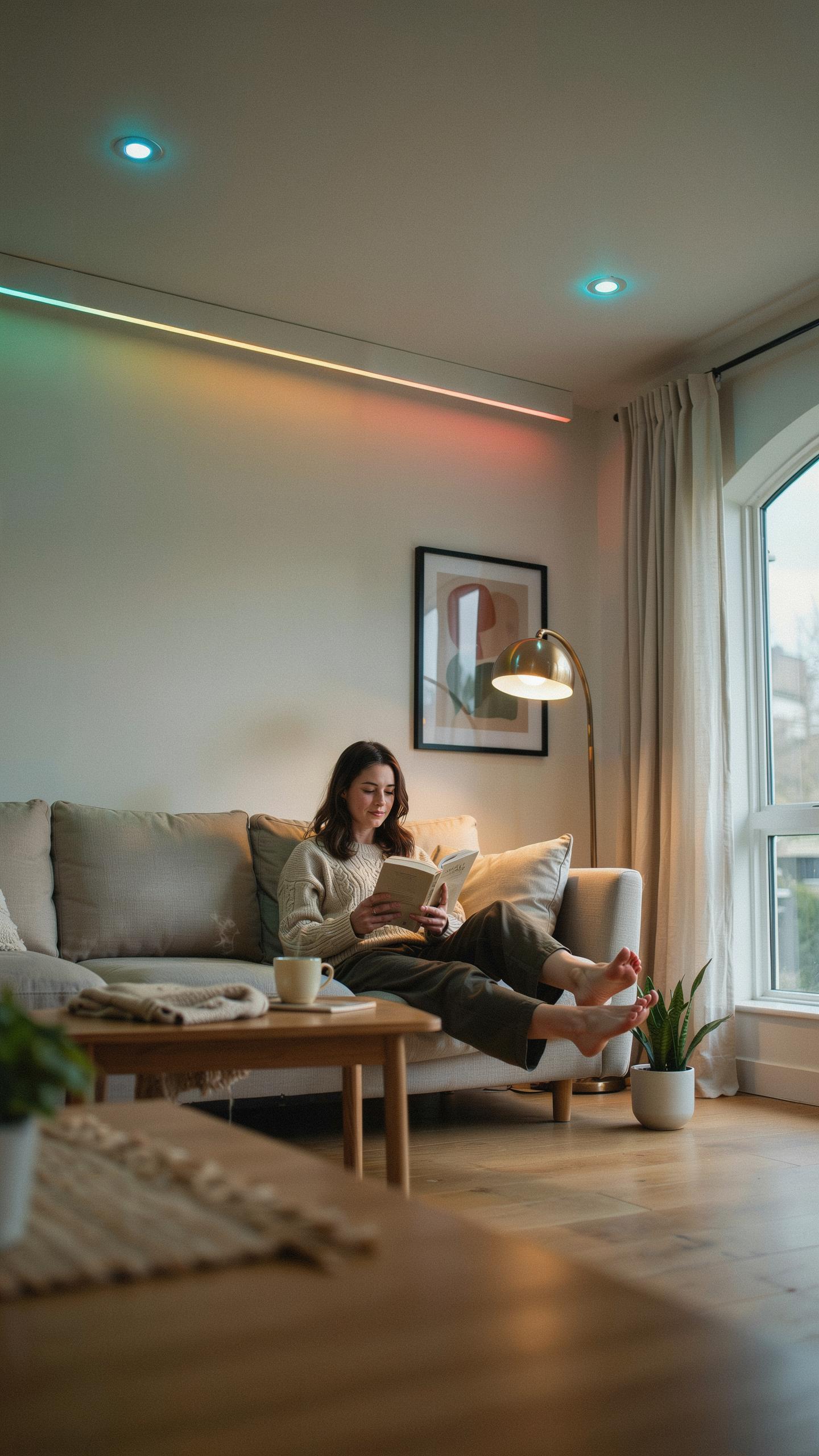
Reducing Eye Strain The Benefits Of Glare Free And Flicker Free Lighting
Eye strain happens when your eyes work harder than necessary. Glare forces your pupils to compensate for excess light reflection. Flicker, even imperceptible flicker from cheap LED bulbs, triggers fatigue over hours. Smart desk lamps eliminate both problems through direct light sources and constant current drivers that prevent voltage fluctuations. The result is sustained focus without discomfort.
Traditional incandescent bulbs and poorly designed LEDs flicker at 60 hertz or higher. Your eyes detect these frequency changes subconsciously, causing tension in the ciliary muscles. Smart lamps use quality power supplies that maintain steady current delivery. Anti glare technology, such as diffusers and indirect lighting angles, reduces harsh reflections on screens and paper. Hours of work become hours of actual productivity.
Personalized Brightness For Different Tasks And Times Of Day
Task switching requires different light intensities. Reading documents demands higher brightness. Coding or design work needs lower brightness to reduce monitor contrast. Smart lamps adjust output instantly through app controls or touch interfaces. You match lighting to what you’re doing right now, not what worked yesterday.

Circadian rhythm alignment matters for sustained focus and sleep quality. Morning tasks benefit from cooler color temperatures around 5000K to 6500K. Evening work performs better at warmer 2700K to 3000K tones. Smart lamps with color temperature adjustment and scheduling automate these shifts. Your body stays synchronized while you control nothing manually.
Seamless Integration Into Your Smart Desk Ecosystem
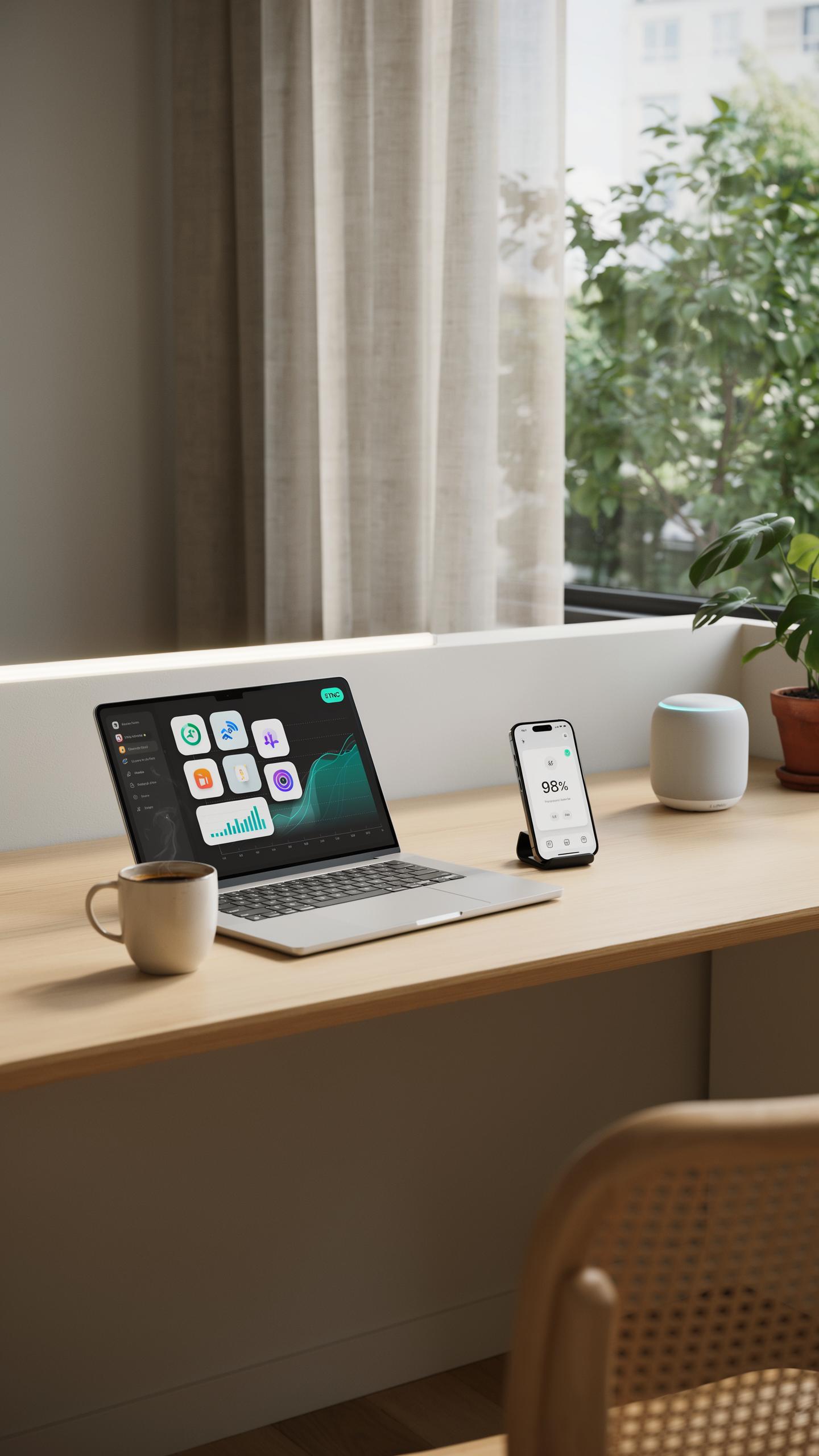
Voice Control And App Integration For Ultimate Convenience
Most smart desk lamps with USB charging connect to major voice assistants like Amazon Alexa or Google Assistant. You control brightness, color temperature, and power through voice commands without touching the lamp. The companion mobile app lets you adjust settings remotely from anywhere you have internet access. Setup takes minutes through standard WiFi pairing protocols.
The integration eliminates friction from your workflow. You dim lights hands-free during video calls, boost brightness for detailed work, or trigger preset scenes with a single command. Apps store your preferred settings and usage history. Switching between tasks requires no physical interaction with the lamp itself.
Automating Your Lighting: Schedules, Sensors, And Presence Detection
Smart desk lamps automate lighting based on time-of-day schedules you configure in their apps. You set the lamp to gradually brighten at wake time and dim before bed, supporting circadian rhythm alignment. Some models include ambient light sensors that adjust output based on natural light levels. Motion sensors detect when you leave your desk and turn the lamp off automatically.
Presence detection combines multiple sensors to understand occupancy patterns. The lamp learns your routine and adapts lighting without manual input. Scheduling features work independently of your device, so automation continues even if your phone disconnects from WiFi. You can create conditional triggers like turning on the lamp when your calendar shows a meeting starting.
Design And Aesthetics A Desk Accessory That Elevates Your Space
Modern And Minimalist Designs To Complement Any Decor
Smart desk lamps with USB charging follow contemporary design principles that prioritize function over ornamentation. Manufacturers strip away unnecessary elements to create clean lines and compact footprints. These lamps work in corporate offices, home studios, and bedrooms because they avoid visual clutter. The minimalist approach means the lamp integrates into existing workspaces without demanding attention.
Most models feature neutral color palettes like matte black, white, or brushed metal finishes. The USB port integrates directly into the base rather than dangling as an afterthought. This design choice reduces cable management problems and keeps your desk surface organized. The lamp becomes a single unified tool instead of a lamp plus a charging adapter.
Material Choices And Build Quality For Durability And Style
Aluminum and steel dominate the construction of quality smart desk lamps because these metals handle thermal stress from LEDs without warping or degrading. The base typically weighs enough to prevent tipping when you charge devices with moderate cable tension. Plastic components appear only where necessary for electrical isolation and cost efficiency.
LED heads use either polycarbonate or acrylic diffusers to distribute light evenly across your work surface. These materials resist yellowing over years of use better than lower-grade plastics. The joints where the head connects to the arm use metal brackets that maintain rigidity without flexing. Build quality directly determines how long the lamp performs before internal components fail.
Choosing The Best Smart Desk Lamp With USB Charging
Factors To Consider Lumens Color Temperature Range And USB Output
Lumens determine brightness output and direct task performance. A desk lamp needs 400 to 1000 lumens for effective reading and detailed work. Higher lumens consume more power, so balance your needs against energy use. Color temperature ranges from 2700K to 6500K. Warmer light at 2700K reduces eye strain during evening work. Cooler light at 5000K to 6500K boosts alertness and productivity during daytime hours. USB output capacity matters for charging speed. Most desk lamps offer 1 to 2.4 amps of USB power, which charges phones at standard speeds.
- Lumens Output: 400 to 1000 lumens covers most desk tasks. Higher lumens drain battery faster on cordless models. Match lumens to your workspace size and task requirements.
- Color Temperature Range: 2700K warm light reduces fatigue. 5000K to 6500K cool light increases focus. Adjustable ranges give you flexibility throughout the day.
- USB Port Specifications: Check amperage ratings. 1 amp charges slowly. 2.4 amps delivers standard charging speed for most phones and tablets.
- Power Consumption: LED models draw 5 to 15 watts. Lower wattage reduces electricity costs over time. Check energy efficiency ratings before purchase.
- Dimmability: Touch controls or app-based dimming lets you adjust brightness. Dimming extends bulb life and reduces power draw during low-light tasks.
USB charging adds utility without sacrificing lamp function. Placement matters when using the USB port. Ensure the charging cable reaches your desk surface without creating clutter. Test the USB connection strength before buying. Weak ports fail quickly under daily use and damage charging cables.
Top Brands And Recommended Models For Various Budgets
Budget models between fifty and one hundred dollars offer basic smart features and USB charging without advanced controls. Brands like TaoTronics and LEPOWER deliver functional designs that handle everyday desk work. These models provide 500 to 700 lumens with single color temperature settings or limited ranges. USB output stays at 1 amp, which covers phone charging adequately. Build quality varies in this range, so check user reviews for durability issues.
Mid-range options from one hundred fifty to three hundred dollars bring better controls and brighter output. BenQ and Philips Hue models offer app connectivity, voice control integration, and improved color rendering. Lumens reach 800 to 1200 with full adjustable color temperatures from 2700K to 6500K. USB ports typically support 2 amp output for faster charging. Premium materials and better manufacturing justify the price difference for heavy daily use.
Installation And Setup Of Your New Tech Gadget
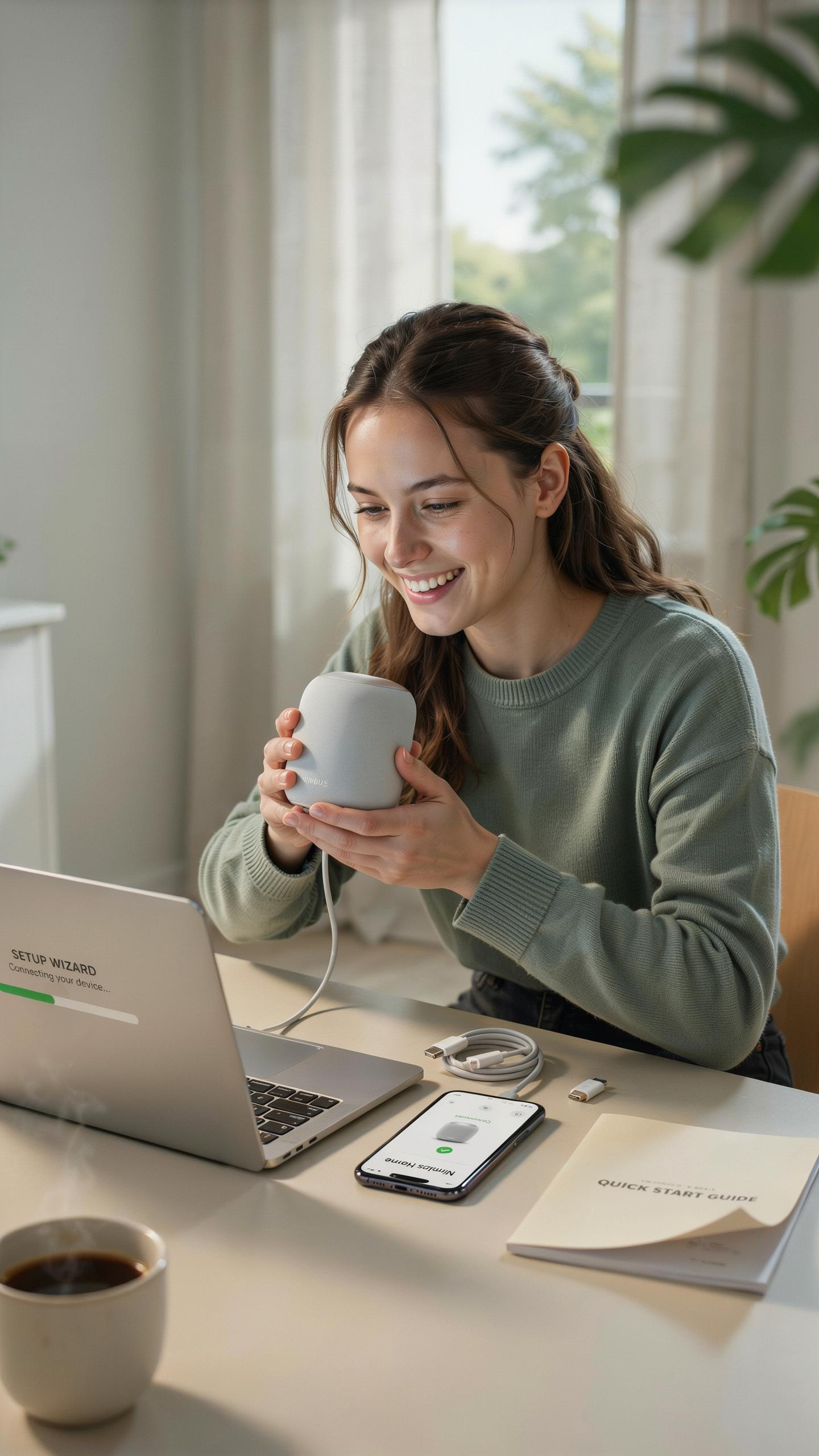
Unboxing And Basic Assembly Getting Started
Remove the lamp from its packaging and inspect all components immediately. Check for the lamp head, base unit with integrated USB ports, power cable, and documentation. Most models arrive partially assembled. You attach the lamp head to the base by aligning the connector and twisting clockwise until snug. Do not force connections.
The USB charging ports sit on the base for accessibility. Verify the ports function before full setup by testing with a compatible device. Position the lamp on your desk near a power outlet. Plug the power cable into a wall outlet and then into the base. The lamp powers on automatically or requires a single button press depending on the model.
Connecting To Your Smart Home Network And App
Download the manufacturer’s app on your smartphone before powering on the lamp. Most apps require account creation with email verification. Open the app and select “Add Device” or “Pair New Device.” Put the lamp in pairing mode by pressing the designated button on the base, typically held for three seconds until an indicator light flashes.

Select your Wi Fi network from the app and enter your password when prompted. The lamp connects within seconds to minutes depending on signal strength. Name the lamp something descriptive like “Desk Lamp Office” for easy identification in your smart home ecosystem. Test basic functions through the app, including brightness adjustment and any color temperature settings. The lamp now responds to app commands and works with your existing smart home setup.
Troubleshooting Common Issues With Smart Desk Accessories
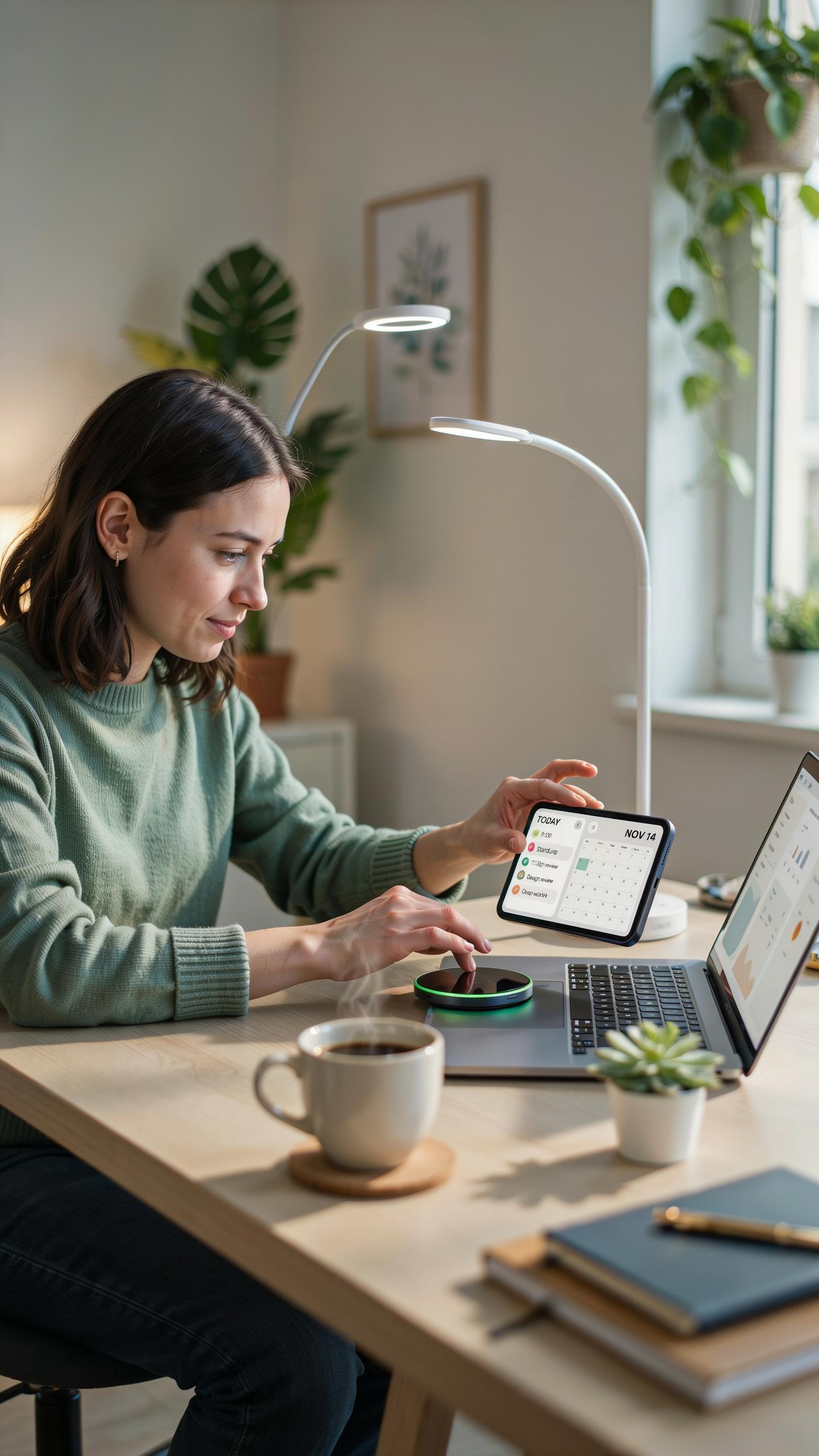
Addressing Connectivity Problems And App Glitches
Most connectivity failures stem from weak WiFi signals or outdated app versions. Move the lamp closer to your router and verify your phone and lamp firmware are current. Restart both devices by unplugging the lamp for 30 seconds and force-closing the app. Check that your lamp uses 2.4GHz frequency, as many smart devices don’t support 5GHz networks properly.
App crashes typically occur when too many background processes run simultaneously. Clear the app cache through your phone settings and reinstall if problems persist. Ensure your phone has adequate storage space, as insufficient memory prevents the app from functioning. Contact the manufacturer’s support if the lamp fails to reconnect after these steps.
Every inventor desires to illuminate our lives, not just with light, but with the quiet hum of progress and connection, a beacon on our shared journey.
Maximizing Charging Efficiency And Device Compatibility
USB port output varies between lamp models, typically ranging from 1 amp to 2.1 amps. Check your lamp’s specifications and match them to your device’s charging requirements to prevent slow charging or damage. Using the original USB cable provided with the lamp ensures optimal power delivery and reduces compatibility issues. Lower amperage outputs charge phones slower but work fine for devices like wireless earbuds or smartwatches.
Heat buildup around the USB port indicates potential overload or damaged circuitry. Unplug devices immediately if the port becomes warm during charging. Avoid leaving devices plugged in continuously, as this degrades both the port and the battery over time. Rotate between devices and monitor charging temperatures regularly to extend equipment lifespan.
The Future Of Smart Lighting And Desk Accessories
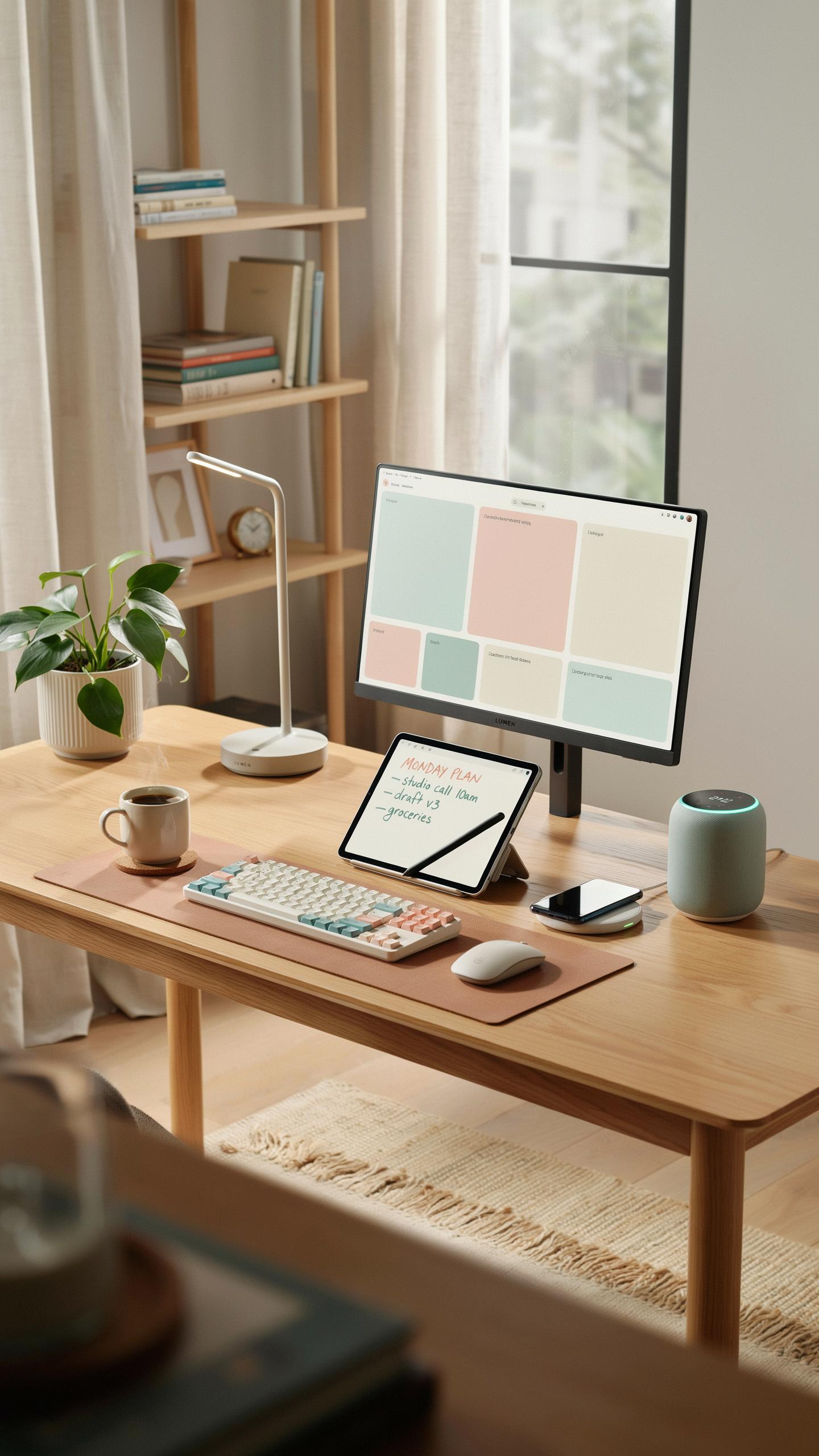
Emerging Technologies Wireless Charging And Advanced Sensors
Wireless charging integration into desk lamps remains technically feasible but faces adoption barriers. Manufacturers can embed Qi charging coils into lamp bases, eliminating USB cable clutter. Current implementations exist in premium models, though costs remain elevated. The technology transfers power efficiently at distances under two inches. Most wireless charging systems generate minimal heat in properly designed enclosures.
Advanced motion sensors and ambient light sensors drive the next generation of desk lamp functionality. These sensors automatically adjust brightness based on room conditions and user presence. Motion detection triggers on and off cycles, reducing energy consumption. Light sensors prevent eye strain by matching screen brightness levels. Integration with smart home platforms allows remote control and scheduling through existing ecosystems.
Anticipating The Next Generation Of Smart Desk Innovations
Future desk lamps will combine modular designs with customizable interfaces. Users will swap components like charging modules, light heads, and sensor packages without replacing entire units. This approach extends product lifespan and reduces electronic waste. Manufacturing will shift toward standardized connection points across brands. Repairability becomes a selling point as sustainability concerns drive purchasing decisions.
Smart desk lamps will integrate deeper with productivity software and workplace systems. Calendar integration will trigger lighting adjustments before meetings or focus sessions. Circadian rhythm alignment will become standard through color temperature shifts throughout the day. USB power delivery will upgrade to faster standards as device charging needs increase. Voice control integration with major platforms will become expected rather than premium features.
Frequently Asked Questions

What exactly is a smart desk lamp with USB charging, and how does it differ from a regular desk lamp?
A smart desk lamp with USB charging integrated into its base is a modern lighting solution that offers more than just illumination. Unlike traditional lamps, it often connects to Wi-Fi, allowing for app control of brightness and color temperature. The built-in USB port adds convenience, letting you charge devices directly from the lamp, decluttering your workspace.
How do I connect my new smart desk lamp with USB charging to my smart home system or app?
Connecting your smart desk lamp with USB charging is usually straightforward. Most models require you to download the manufacturer’s specific app, then follow in-app instructions to pair the lamp via Wi-Fi or Bluetooth. For smart home integration, you’ll typically link the lamp’s app to your existing smart home platform, like Amazon Alexa or Google Home.
Are there affordable options available if I’m looking for a smart desk lamp with USB charging on a budget?
Absolutely! While some high-end models can be pricey, there are many accessible and budget-friendly smart desk lamp with USB charging options available. Many brands offer essential smart features and reliable USB charging without the premium cost, making this convenient technology available to everyone looking to upgrade their workspace.



