
The Ergonomic Advantage Of An Adjustable Laptop Stand

Understanding Poor Posture Risks
Laptops force your head down and forward. Your neck bends at an angle that strains the cervical spine. Over hours, this compounds into chronic neck pain, shoulder tension, and upper back stiffness. The average human head weighs ten to twelve pounds. Every degree your chin drops multiplies the force your neck supports. Extended laptop use without proper positioning accelerates these problems.
Poor posture triggers a cascade of issues beyond immediate discomfort. Forward head position restricts blood flow and compresses nerves. It alters your breathing mechanics by collapsing your chest. Your shoulders hunch to compensate, creating trigger points in your trapezius and levator scapulae muscles. These conditions worsen over weeks and months, leading to chronic headaches and reduced work capacity.
How An Adjustable Laptop Stand Improves Posture
An adjustable laptop stand raises your screen to eye level. This eliminates the downward head tilt that causes strain. Your neck stays neutral instead of flexing forward. Your shoulders relax into their natural position. Your spine aligns vertically, distributing weight evenly across your vertebrae. This shift happens immediately when you raise the screen height correctly.
Proper screen positioning reduces muscle activation in your neck and shoulders. Your trapezius and cervical erector spinae work less hard to support your head. Your breathing opens up as your chest expands without compression. An adjustable stand lets you modify height based on your chair, desk, and monitor distance. This flexibility ensures your setup matches your body, not the other way around.

Finding Your Perfect Adjustable Laptop Stand For Desk
Key Features To Consider
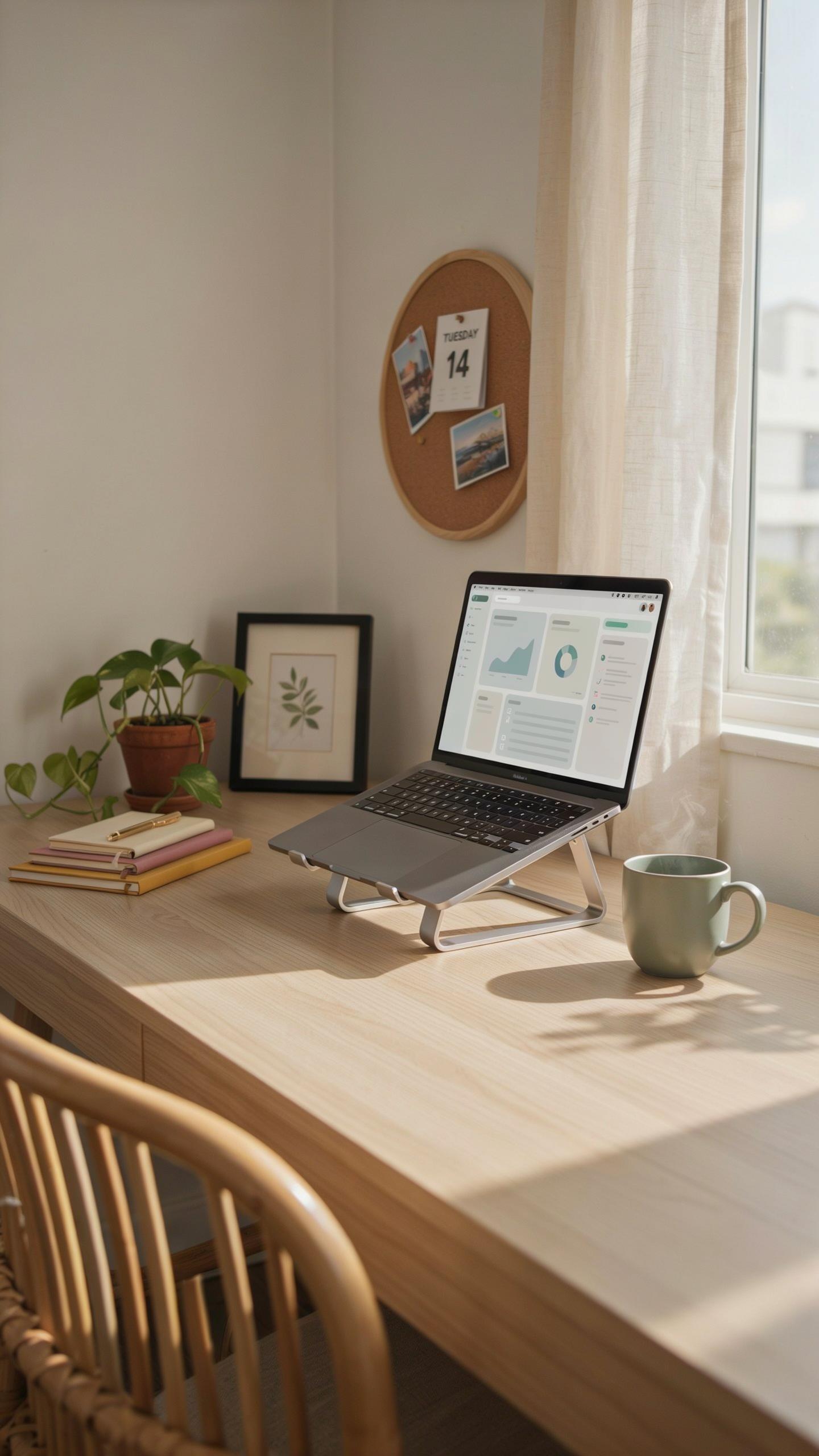
Height range directly impacts your ability to position the screen at eye level. Most stands adjust between 4 to 6 inches, though some extend up to 10 inches. Measure your current seating position and desk height before purchasing. The difference between a 4-inch and 8-inch range determines whether you can achieve proper neck alignment for your specific setup.
Tilt capabilities matter because they let you angle the screen for reduced glare and viewing comfort. Forward tilt typically ranges from 0 to 15 degrees. Stability during tilt is critical, especially with larger laptops over 15 inches. Test the stand’s base width and weight distribution when angled, as wobbling defeats the purpose of ergonomic positioning.
Material And Build Quality
Aluminum stands offer lightweight construction without sacrificing rigidity. They resist corrosion and maintain their position under laptop weight without sagging over time. Steel alternatives provide similar stability but add weight and bulk to your desk. Plastic reinforced bases work for budget models supporting laptops under 10 pounds, but they show wear quickly with repeated adjustments.

The material choice directly affects how the stand performs in humid or temperature-changing environments. Aluminum withstands these conditions better than plastic, which can become brittle or warp. Metal components in the adjustment mechanism prevent slipping better than plastic threads or hinges. Your material selection depends on laptop weight, adjustment frequency, and how long you expect the stand to function without degradation.
Beyond Posture Additional Benefits Of A Laptop Holder

Enhanced Airflow And Cooling
Elevating your laptop creates space underneath the device. Air flows freely around the base and underside where heat concentrates. This constant airflow removes hot air that normally gets trapped against your desk surface. Better cooling directly extends your laptop’s lifespan by reducing thermal stress on internal components.
Laptops run hotter when placed flat on desks because the vents get partially blocked. Components like the CPU and GPU degrade faster under sustained high temperatures. A stand lifts the laptop high enough to allow unrestricted ventilation from all angles. Your battery also benefits from cooler operating temperatures, maintaining charge capacity longer over time.
Optimizing Your Workspace With Desk Accessories
A laptop stand anchors your entire desk setup by creating a clear focal point. Monitor arms, keyboard trays, and external mice integrate around the elevated laptop position. This coordinated arrangement eliminates clutter and gives you more usable surface area. Your workflow becomes more efficient because everything sits within natural reach zones.

Pairing a stand with cable management tools keeps wires organized and off your work surface. External keyboards and mice connect to your raised laptop without creating a tangled mess. Desk drawers and shelves then hold items you use less frequently. A cohesive setup reduces distractions and lets you focus on actual work tasks.
The Portability Factor Foldable Laptop Stand Options

Ideal For Travel And Remote Work
Foldable laptop stands solve a real problem for workers who move between locations. They collapse into compact sizes that fit inside laptop bags or backpacks without adding bulk. You pack them once and deploy them anywhere you need a screen at eye level. Remote workers switching between home, coffee shops, and client offices get consistent posture support without carrying heavy equipment.
The weight difference matters in daily life. Most foldable stands weigh between one and three pounds. Compare that to fixed desk stands that stay put and add nothing to your commute. Portability means you maintain proper ergonomics whether you work from your kitchen table or a hotel room. You control your setup, not your location.
Quick Setup And Storage For A Clean Desk
Foldable designs fold flat in seconds and store vertically in closets, drawers, or wall-mounted racks. This matters if you share your workspace with others or lack permanent desk real estate. When you finish work, you collapse the stand and reclaim your desk surface. You get a clean workspace without clutter between work sessions.

Storage footprint stays minimal because collapsed stands take up roughly the thickness of a notebook. Many workers keep theirs propped against a wall or inside a cabinet beside their desk. This approach works for small apartments and shared spaces where desk space commands premium value. Your workspace adapts to your actual needs rather than staying occupied by gear you use for specific hours.
Adjustable Laptop Stand For Desk Amazon A BuyerS Guide
Navigating Online Marketplaces
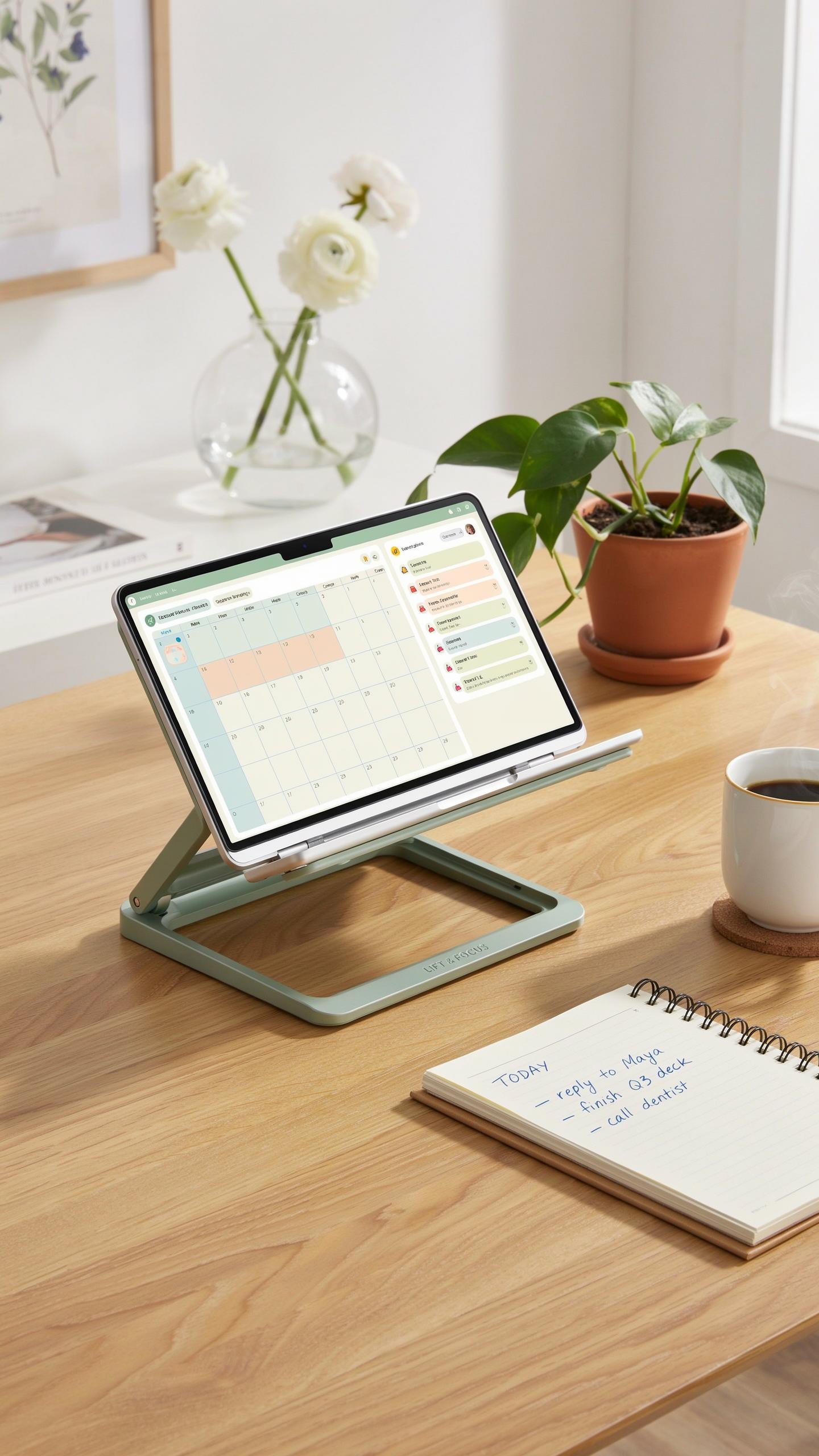
Amazon’s filtering system lets you sort by price, height range, and material type. Use these filters to narrow results before reading reviews. Verified purchases carry more weight than unverified ones. Check the review dates to see if newer models have different issues than older stock. Sellers with high ratings and fast shipping typically ship the same products consistently.
Read the negative reviews first. They reveal actual problems like wobbling, cheap materials, or missing parts. Look for patterns in complaints rather than isolated complaints. Check the Q&A section where customers ask specific questions about weight capacity and height range. This section often contains answers from both the seller and verified buyers who tested the product.
Comparing Brands And Models
Focus on three measurable specs when comparing: height range, weight capacity, and base footprint. Height range matters because incorrect laptop positioning wastes the stand’s purpose. Weight capacity ensures stability under your specific laptop. Base footprint determines if the stand fits your desk space. Compare these specs across brands using the product comparison feature on Amazon.

Material construction affects durability and price. Aluminum stands hold weight better than plastic but cost more. Steel offers mid-range pricing with solid weight capacity. Bamboo provides a desk aesthetic but requires checking the support frame underneath. Read reviews specifically mentioning material performance after six months of use. This reveals whether cheaper options fail early or hold up adequately.
Setting Up Your Laptop Stand For Better Posture
Optimal Height And Distance
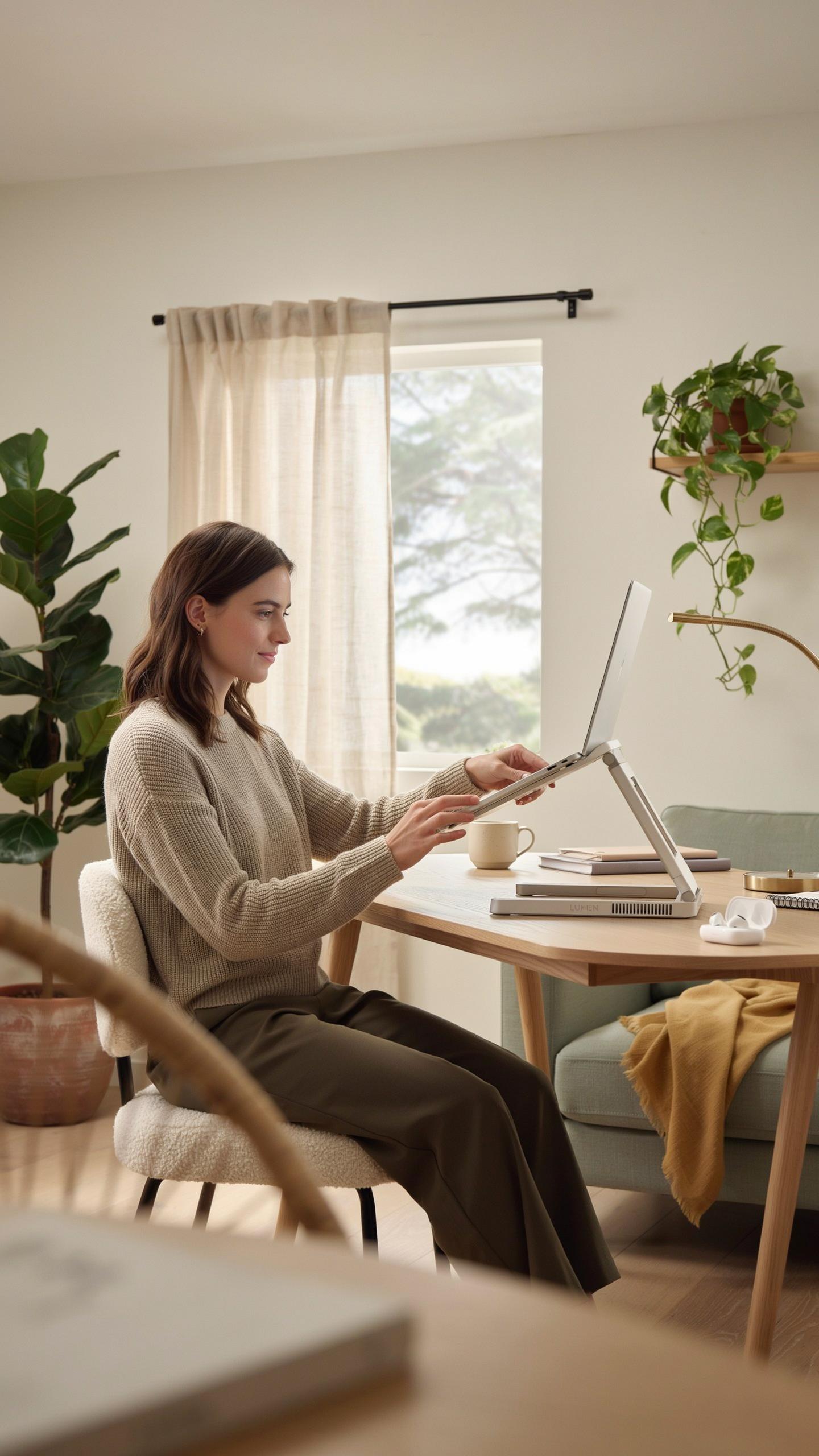
Your monitor should sit at eye level when you sit upright with your shoulders relaxed. Position the top of your screen roughly 15 to 20 inches from your eyes. This distance prevents you from tilting your head down, which strains your neck and upper back over time. Adjust your stand height so your elbows bend at 90 degrees when your hands rest on the keyboard.
Most adjustable laptop stands offer height ranges between 4 and 20 inches. Measure from your seated eye level to determine where your screen needs to sit. Your screen should be directly in front of you, not off to one side. Test the setup for one hour before committing to this configuration.
Remember those days of hunching over, wishing for a simpler way to sit tall? With a gentle lift, your desk becomes a haven for comfortable, productive posture.
Integrating With External Peripherals
Pair your elevated laptop with a separate keyboard and mouse to maintain proper arm alignment. Place the keyboard directly in front of you at elbow height. This setup prevents your arms from reaching upward or inward, which causes shoulder and wrist strain. The mouse should sit at the same height as your keyboard for consistency.

When using an external keyboard, position it on your desk surface below the raised laptop screen. Your forearms stay parallel to the ground and your wrists stay neutral. This arrangement isolates your laptop screen as a display tool only, not a typing surface. Wireless peripherals eliminate cable clutter and give you layout flexibility for your workspace.
Maintain A Clean Desk With Your Laptop Stand
Cable Management Solutions
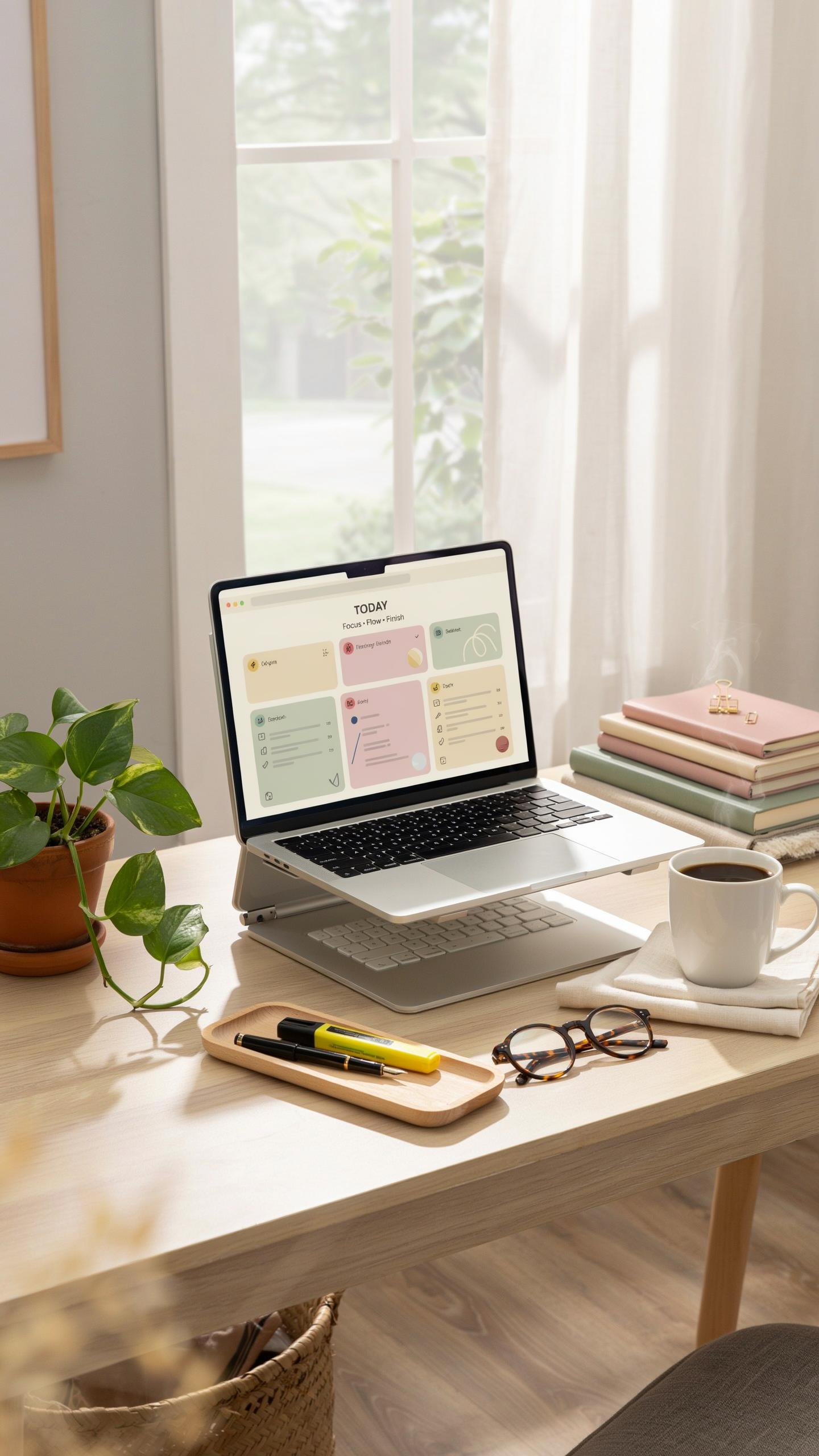
A laptop stand elevates your screen and creates routing opportunities for cables below the elevated platform. This vertical arrangement separates power cords, USB cables, and charging wires from your primary work surface. Most stands feature open designs that expose cable paths, giving you control over wire placement and visibility.
- Cable clips and ties: Attach adhesive-backed clips to stand legs or desk edges to bundle and route cables in organized pathways away from your workspace.
- Under-desk cable trays: Mount shallow trays beneath your stand to collect and conceal multiple cables in one location, reducing surface clutter.
- Velcro cable wraps: Use reusable velcro straps to bundle cables together, making them easier to move when reconfiguring your setup.
- Cable sleeves: Thread multiple wires through fabric sleeves that compress them into single, neat bundles running down stand legs.
- Desktop grommets: Install rubber-lined holes through your desk surface near the stand base to route cables downward, keeping them hidden from view.
Organized cables reduce accidental disconnections, improve airflow around your equipment, and make your desk look professional. You can access wires quickly when you need adjustments or replacements without searching through tangled mess.
Maximizing Desk Space
A laptop stand frees up surface area directly in front of you by moving your monitor vertically upward. This reclaimed space accommodates your keyboard, mouse, documents, and work materials that require immediate access. The stand footprint typically occupies only a few square inches of desk real estate while providing substantial height adjustment.

Your work surface transforms into functional territory instead of laptop platform. You gain room for notepads, coffee cups, desk organizers, and reference materials. This opens pathways for a more organized workflow without requiring a larger desk or secondary furniture.
The Longevity Of Your Laptop Stand
Proper Care And Maintenance
An adjustable laptop stand requires minimal upkeep to function for years. Wipe down metal or plastic surfaces monthly with a dry cloth to remove dust and debris. Check all adjustment mechanisms quarterly to ensure they move freely without resistance. Tighten any loose fasteners with the appropriate tools before they cause structural failure.
Keep your stand away from extreme temperatures and moisture. Heat warps materials and compromises joints. Humidity corrodes metal components and causes wood to swell. Store the stand in a climate controlled environment when not in use. Follow the manufacturer’s cleaning instructions to avoid damaging finishes or moving parts.
Troubleshooting Common Issues
Wobbling indicates loose connection points or uneven weight distribution. Verify your laptop sits centered on the platform. Check all bolts, screws, and locking mechanisms for tightness. Reposition the stand on a level surface away from desk edges. Shims placed under feet correct minor surface irregularities.

Stuck adjustment mechanisms usually result from dust accumulation or material buildup. Apply a dry lubricant like silicone spray to joints and sliding parts. Work the mechanism back and forth gently to restore movement. Avoid oil based lubricants that attract dust. If parts remain stuck after cleaning, contact the manufacturer for replacement components rather than forcing movement.
Beyond The Desk Alternative Uses For A Laptop Stand

Creative Applications In The Home
A laptop stand works in any room where you need screen elevation and viewing angle control. The kitchen becomes functional when you prop a recipe or video at eye level while cooking. The bedroom turns into a workspace for remote work or streaming without neck strain. Living rooms transform into entertainment zones with stands positioning screens for group viewing. Bedside tables gain utility for morning routines and late-night browsing without laptop weight on your body.
- Kitchen Counter Cooking: Position recipe videos or digital cookbooks at eye level to avoid bending down or holding your device while preparing meals.
- Bedroom Entertainment: Mount your laptop on a stand to watch content from bed without holding it or straining your neck at awkward angles.
- Living Room Streaming: Create a stationary viewing setup for movies or shows on a coffee table or console where multiple people can watch comfortably.
- Bathroom Mirror Mounted: Some stands attach to mirrors for morning routines like virtual coaching or video calls while getting ready.
- Nightstand Reading: Elevate your laptop for e-reading or journaling before sleep without the weight in your hands or on your lap.
A laptop stand turns stationary devices into flexible tools throughout your home. You eliminate the need to hold or balance equipment across multiple rooms. This mobility matters for households where one person works from different locations during the day. Stands collapse or fold for easy transport between spaces. The investment pays dividends when you use the stand daily across multiple areas.
Enhancing Presentations And Collaborations
Portable laptop stands elevate your screen during client meetings and team collaborations. Your audience sees the display better when it sits at eye level rather than on a flat desk. This angle shift reduces glare and improves visibility from across a conference table. Remote participants on video calls see you more clearly when your camera sits at proper height. The stand positions your device so you maintain eye contact while presenting information.
Educational settings benefit when instructors use stands to display materials to classrooms. Students engage better when screens sit at appropriate heights rather than forcing downward viewing angles. Training sessions improve when laptops position at presenter height for comfortable teaching. Stand usage signals professionalism and preparation to clients and colleagues. Portable models travel to off-site meetings, training venues, and collaborative workspaces without extra bulk or weight.
Frequently Asked Questions

What exactly is an adjustable laptop stand for a desk, and how can it help me?
An adjustable laptop stand for a desk is a device designed to elevate your laptop screen to eye level, improving your posture. By raising your screen, it helps you avoid slouching, reducing neck, back, and shoulder strain, making your work or study sessions much more comfortable and ergonomic.
How do I properly set up and adjust my new adjustable laptop stand for my desk to ensure good posture?
To properly set up your adjustable laptop stand for a desk, position it so the top of your screen is at eye level when you’re sitting upright. Your arms should be at a comfortable 90-degree angle when typing. Experiment with different heights and angles until you find the sweet spot that feels most natural and supports a straight spine.
Are there affordable adjustable laptop stands for desks that still offer good quality and ergonomic benefits?
Absolutely! You don’t need to break the bank for a great adjustable laptop stand for a desk. Many budget-friendly options on the market offer impressive durability and excellent ergonomic benefits. Look for stands made from sturdy aluminum or durable plastic with good adjustability features.



