The Allure Of The Vintage Typewriter Keyboard Aesthetic

Nostalgia And Modernity
Vintage typewriter keyboards tap into a real market demand. People want tactile feedback and distinctive sound during typing. Modern mechanical keyboards recreate the mechanical switch technology from actual typewriters. These devices pair retro industrial design with contemporary USB connectivity and wireless options. The result satisfies users seeking both function and form from their input devices.
The design bridge works because it addresses genuine workflow preferences. Typists report improved focus when using keyboards with audible key response. The weight and key travel of mechanical switches differ markedly from standard membrane keyboards. Vintage aesthetics signal intentional design choices rather than mass production shortcuts. This positioning appeals to professionals and creatives who view their workspace as functional equipment.
Enhancing Your Workspace
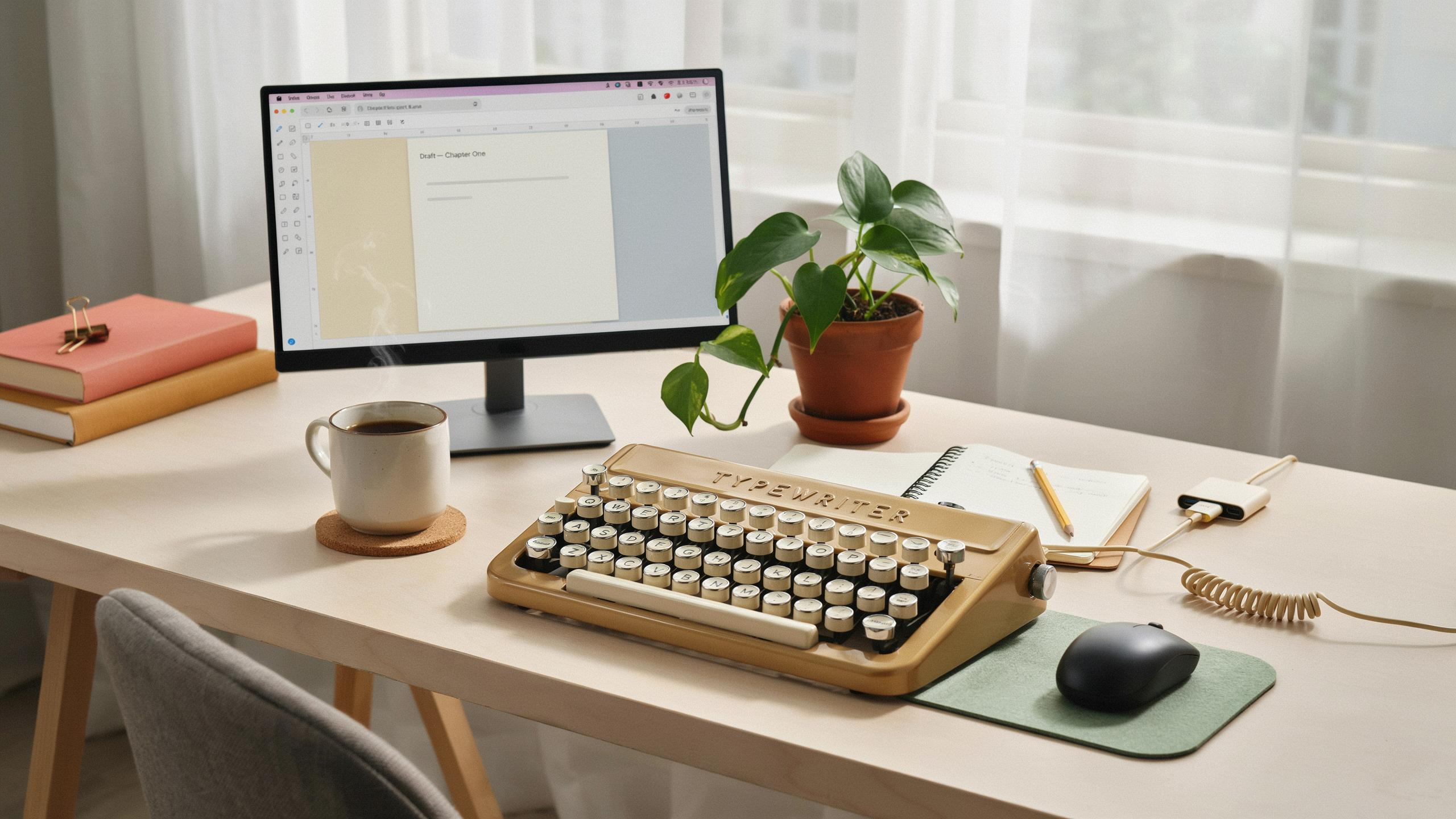
A vintage typewriter keyboard changes desk dynamics immediately. The visual weight draws attention as a centerpiece rather than a peripheral device. Materials like brushed aluminum, cast iron feet, and keycap legends in contrasting colors create visual hierarchy on your desk. Workspace photography and video conferencing benefit from distinctive equipment visible in frame. The keyboard becomes a statement about how you approach work.
Workspace transformation extends to workflow psychology. Sound serves as an audio marker for focused work sessions. The mechanical action provides sensory engagement that reduces screen fatigue during extended typing. Desk organization naturally improves around a keyboard that demands respect as equipment. Visible investment in quality input devices signals seriousness to yourself and others in your environment.

What Defines A Typewriter Inspired Mechanical Keyboard
Key Features And Design Elements
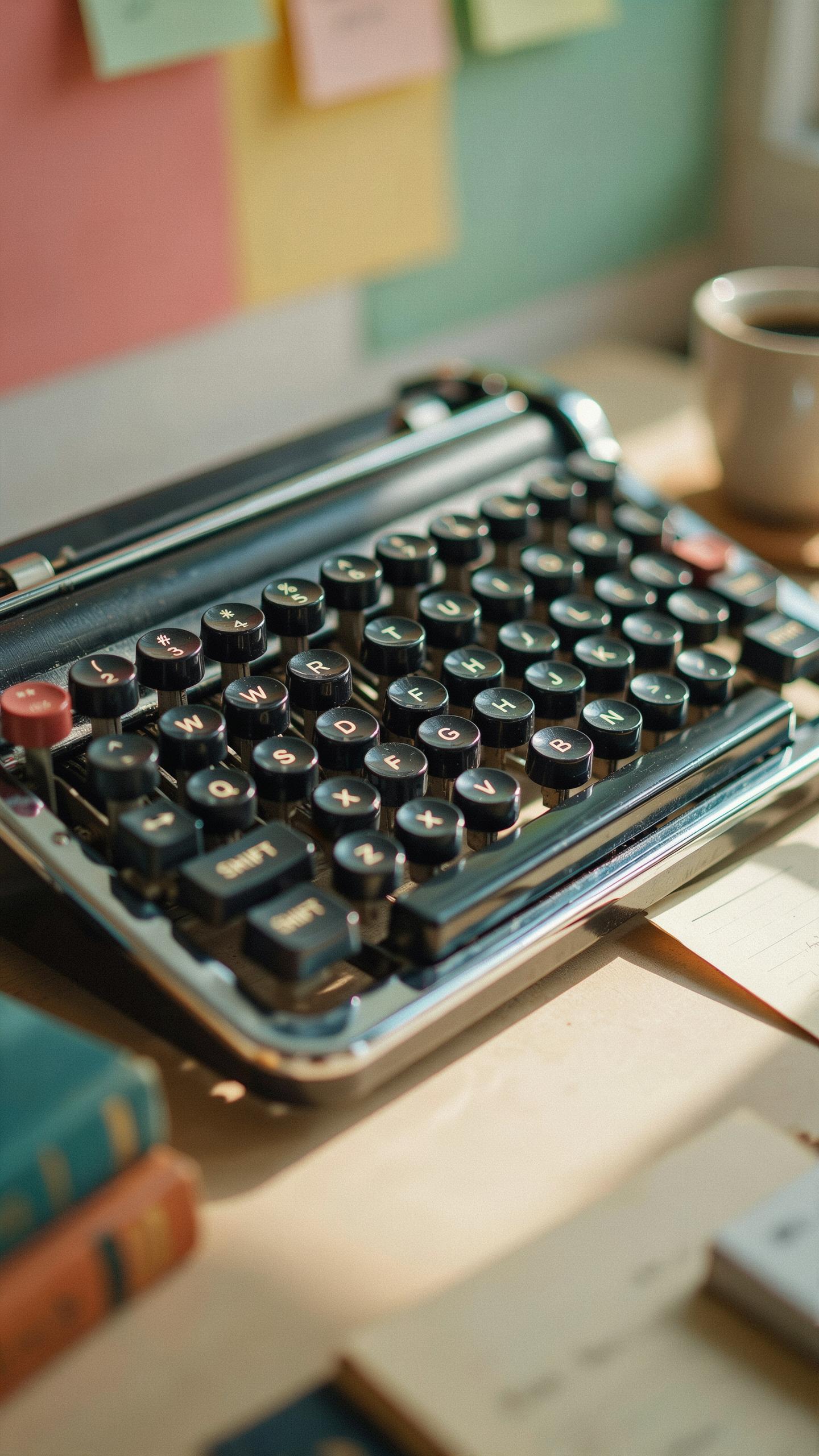
Typewriter inspired mechanical keyboards replicate the physical form and aesthetic of machines from the 1950s through 1970s. Round keycaps mimic the spherical shape of traditional typewriter keys. Metallic frames, typically steel or aluminum, provide durability and visual weight. The layouts often feature a standard QWERTY arrangement found on mechanical typewriters. Designers incorporate color schemes matching vintage models: cream, black, olive, or two-tone finishes.
The construction prioritizes tactile feedback and audible click responses that echo original typewriter mechanisms. Keys mount on stabilizers that reduce wobble during typing. The keyboard body sits elevated, mimicking the angled desk position of vintage machines. Materials include PBT plastic for keycaps and powder-coated metal for the chassis. These design choices transform a modern input device into a functional reproduction of typing machines from decades past.
Mechanical Switches For A Retro Feel
Mechanical switches deliver the physical resistance and acoustic feedback absent in modern rubber dome keyboards. Each switch contains a spring and stem that produces a distinct tactile bump when pressed. Clicky switches like Cherry MX Blue or Outemu equivalents generate audible feedback matching typewriter keystroke sounds. Tactile variants provide bump feedback without noise, bridging vintage experience with office environments. Linear switches offer smooth travel without tactile interruption, appealing to users prioritizing speed over sensation.

The switch mechanism determines keystroke depth, required force, and overall typing rhythm. Vintage typewriter keyboards required approximately 50 to 80 grams of actuation force per keystroke. Modern mechanical switches offer comparable resistance levels, replicating that deliberate typing experience. Switch quality influences longevity and consistency across thousands of keypresses. Users selecting mechanical keyboards gain genuine typewriter-adjacent input that standard keyboards cannot provide.
Top Picks For Vintage Typewriter Style Keyboard Gadgets
Popular Brands And Models
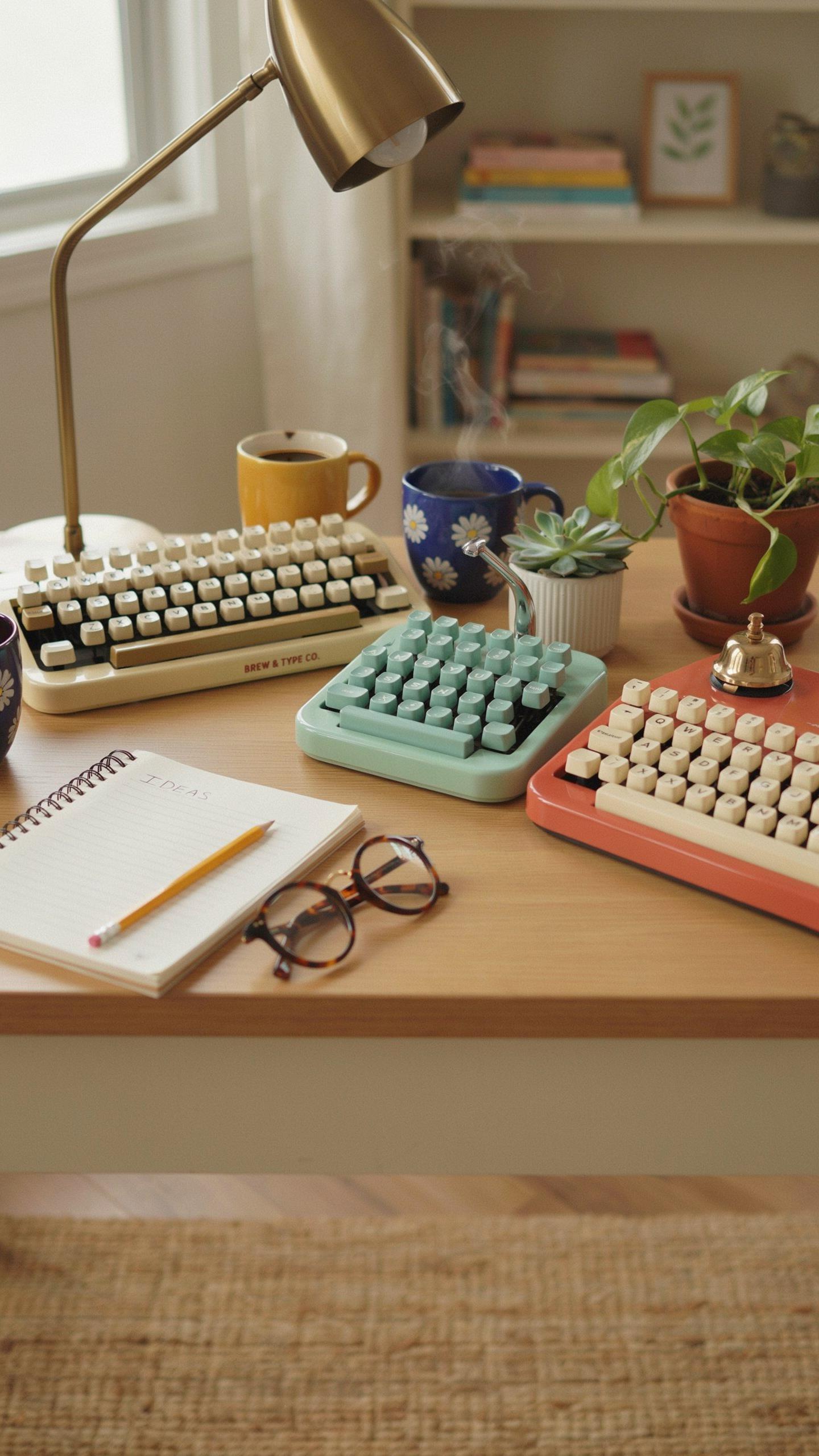
Mechanica and Typewriter keyboards dominate the current market because they deliver tactile feedback and audible keystroke sounds that mirror mechanical typewriters. Brands like Keychron, Nuphy, and Varmilo manufacture wireless and wired options with spring-loaded switches that produce the distinctive click and clack users seek. Models vary in key material, ranging from ABS plastic to PBT keycaps, with layouts available in full-size, 75-percent, and 60-percent configurations to match different workspace setups.
The Nuphy Halo75 and Keychron C1 represent entry-level choices with solid build quality and affordable pricing. Mid-range options like Varmilo keyboards offer customization through hot-swap switches and programmable keys. High-end models from brands like Leopold and HHKB feature premium materials, refined engineering, and longer product lifecycles. Each tier targets different user priorities: budget-conscious buyers, customization enthusiasts, and professionals demanding durability.
Key Considerations When Buying
Switch type matters most because it determines the typing experience and noise output. Mechanical switches fall into linear, tactile, and clicky categories. Linear switches require consistent downward pressure. Tactile switches provide a bump midway through the keystroke. Clicky switches produce an audible sound with that bump. Budget ranges from 60 dollars for basic models to over 300 dollars for premium keyboards with custom builds and specialty materials.

Connectivity options affect workflow flexibility. Wired keyboards eliminate latency and charging concerns but restrict movement. Wireless models add convenience for desk organization but require battery management. Programmability varies across models. Some keyboards lock users into fixed layouts while others allow complete key remapping through software. Layout size determines desk footprint and portability. Full-size boards occupy more space but include number pads. Compact layouts save space but require function key combinations for special characters.
The Qwerkywriter Typewriter Inspired Keyboard A Closer Look
Design And Functionality
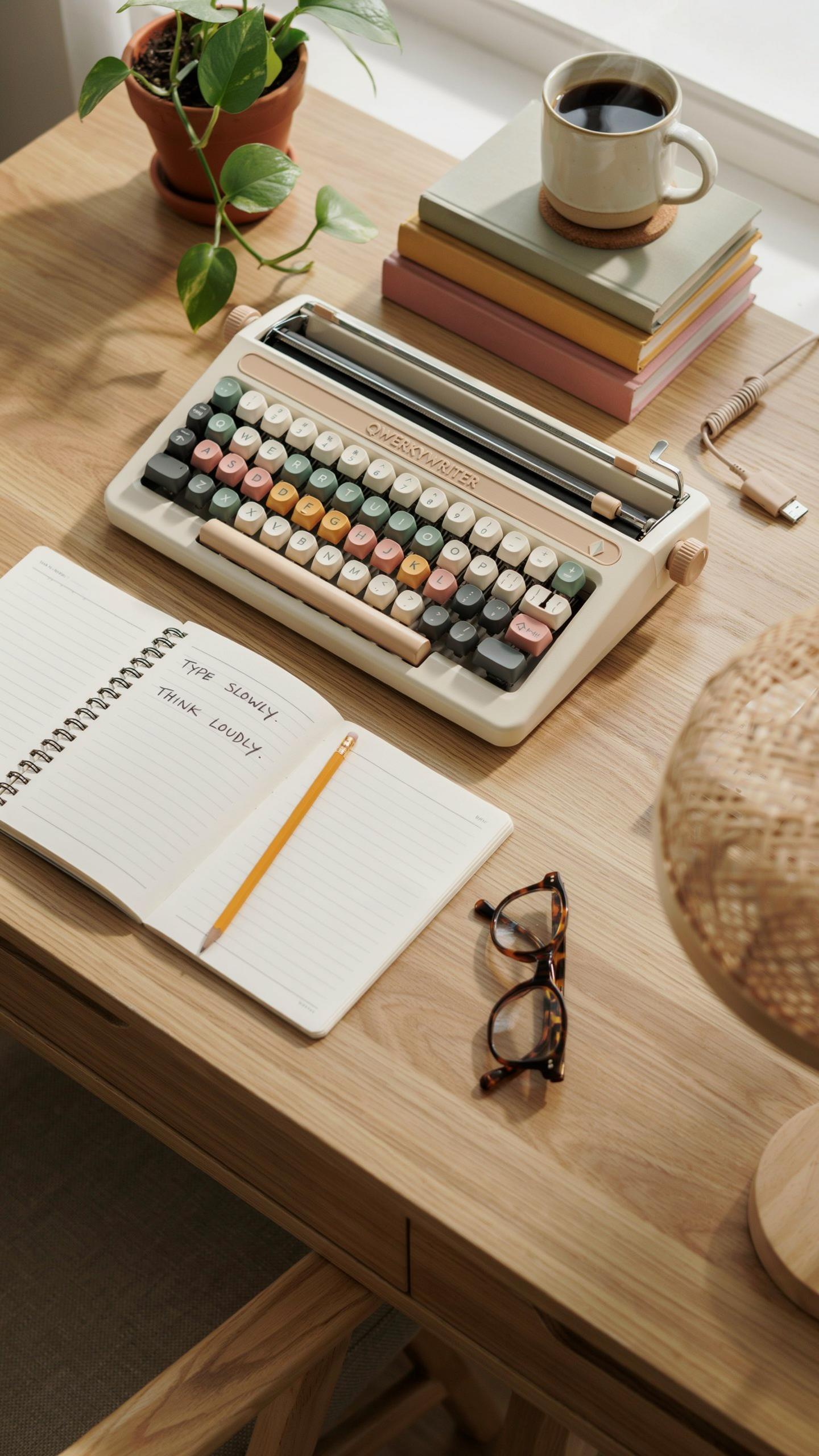
The Qwerkywriter combines mechanical switches with a typewriter aesthetic through its physical construction. The keyboard features individual key caps styled after traditional typewriter design, complete with cylindrical shapes and rounded tops. A carriage return lever sits at the side, functioning as a media control or programmable button rather than performing actual carriage movement. The frame uses wood and metal construction to replicate vintage typewriter weight and presence on a desk.
Key switches under the Qwerkywriter vary by model generation. Earlier versions used Cherry MX mechanical switches, while newer iterations incorporated custom mechanical switches designed for the product. The keyboard connects via USB to modern computers and includes programmable keys through software. Backlighting options exist on certain models, though vintage typewriter keyboards historically had no illumination. Sound dampening differs from standard mechanical keyboards, producing less audible click noise than some enthusiasts expect.
User Experience And Customization
Users report the Qwerkywriter delivers tactile feedback consistent with typing on actual mechanical switches. The weight and resistance differ from modern chiclet keyboards, requiring adjustment for those accustomed to lighter touch inputs. Key travel distance matches standard mechanical keyboard depth, not actual typewriter key throw. Typing accuracy remains identical to other mechanical keyboards once users adapt to the larger key spacing and cylindrical tops.

Customization occurs primarily through software rather than hardware modification. Users reprogram the carriage return lever, media buttons, and macro keys to execute custom functions. Software allows users to adjust key sensitivity and assign specific actions to multiple key combinations. The typewriter design itself resists physical modification due to its integrated frame construction, limiting hardware customization compared to traditional modular mechanical keyboards.
Integrating A Vintage Keyboard Into Your PC Setup
Connectivity Options Wired Vs Wireless
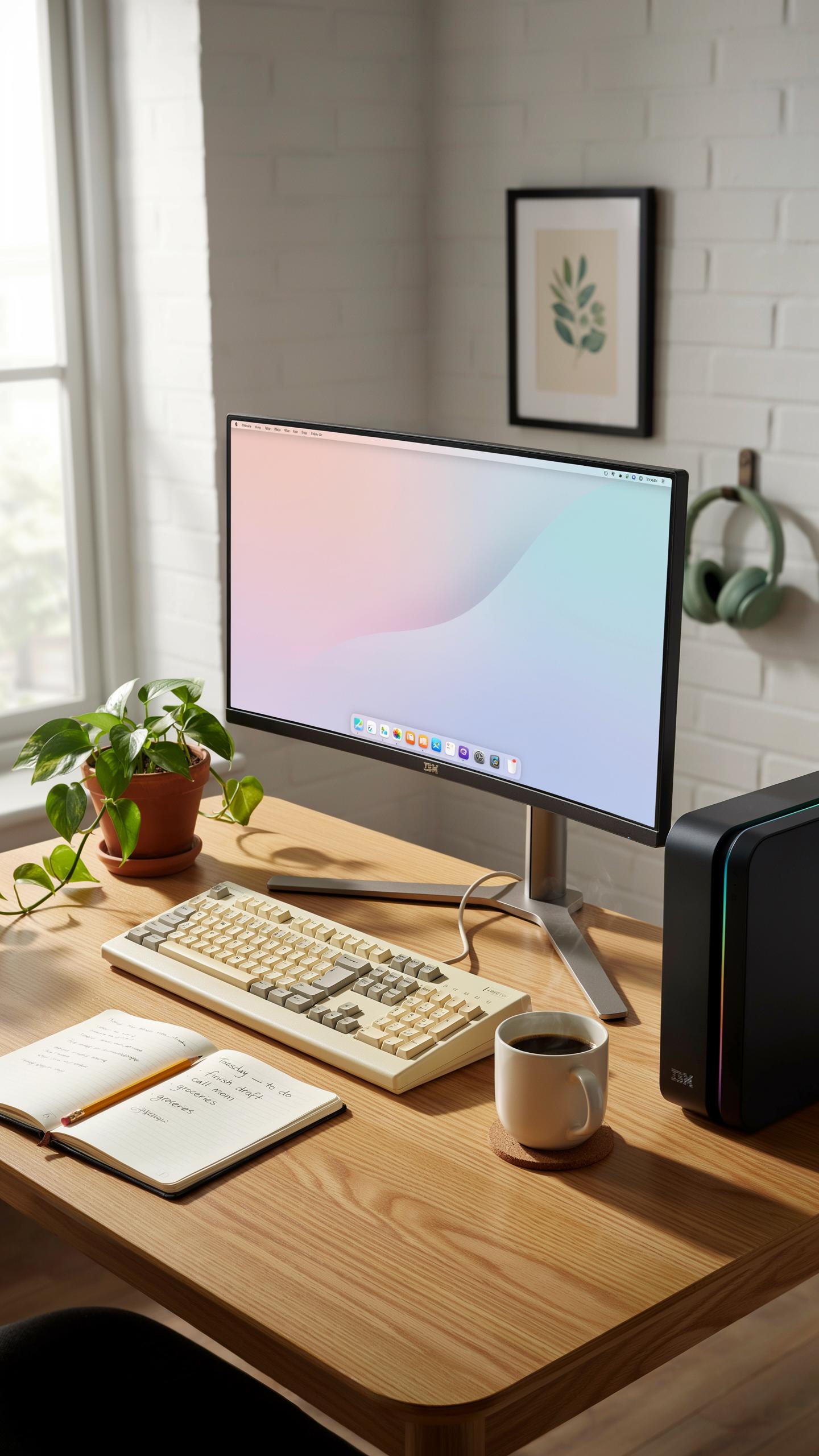
Wired connections remain the most reliable method for vintage typewriter style keyboards. USB connections handle modern keyboards without compatibility issues. PS/2 adapters work for older mechanical keyboards but require a restart to register. Wired keyboards draw power directly from your PC, eliminating battery concerns. This approach guarantees consistent performance without latency or connection drops.
Wireless options exist but present trade offs with vintage keyboards. Bluetooth adapters retrofit some mechanical boards, though compatibility varies by model. Radio frequency dongles offer stability for wireless vintage keyboards. Battery life becomes a maintenance factor you must monitor regularly. Wired setups remain superior if your desk layout allows cable management without clutter.
Driver Installation And Compatibility
Modern operating systems recognize most vintage style keyboards without driver installation. Windows and Mac OS detect standard USB keyboards automatically upon connection. Verify your keyboard manufacturer’s website for OS specific drivers if basic functionality fails. Older mechanical switches may require firmware updates for full feature access. Test all keys immediately after connection to confirm proper registration across your operating system.
Compatibility issues stem from non standard key layouts or specialized function keys. Legacy PS/2 keyboards need adapter converters and system reboots for recognition. Update your system drivers periodically to maintain stability with mechanical keyboards. Custom key mapping software resolves layout conflicts between vintage boards and modern software. Contact manufacturer support directly if your vintage keyboard remains unresponsive after standard troubleshooting steps.
Beyond Aesthetics The Practical Benefits Of A Retro Typewriter Keyboard
Typing Experience And Ergonomics
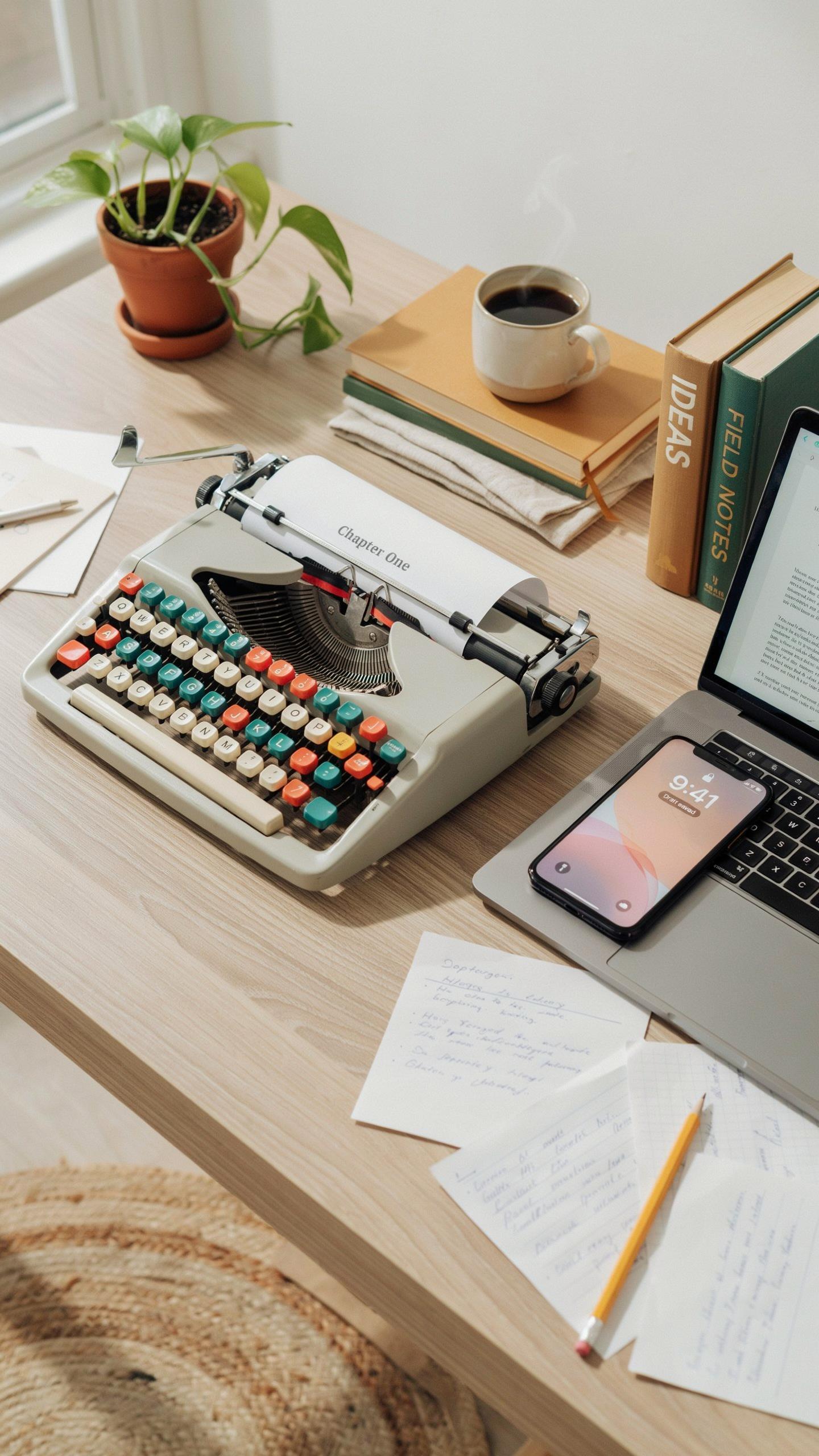
Vintage typewriter keyboards deliver a distinct tactile response that modern keyboards cannot replicate. The mechanical switches found in many retro designs require deliberate key presses, forcing users to maintain proper finger positioning and posture. This feedback loop reduces typing errors and promotes consistent hand placement. Users report less finger fatigue during extended writing sessions because the switch resistance distributes force more evenly across fingers rather than concentrating pressure on specific joints.
The key spacing and depth on typewriter style keyboards follows ergonomic principles developed over decades of mechanical design. Keys sit at angles that align with natural finger curves, reducing wrist strain during long work periods. The elevated typing angle on many models positions wrists in a neutral state rather than bent downward. This geometry matches how hands rest naturally, which decreases repetitive strain injuries that plague users of low-profile modern keyboards.
Durability And Build Quality
Vintage typewriter style keyboards use robust materials that withstand years of heavy use. Metal frames, reinforced plastic housings, and mechanical switches rated for millions of keystrokes form the foundation of these devices. Unlike membrane keyboards that degrade quickly, mechanical components maintain consistent performance throughout their lifespan. The construction methods mirror industrial equipment design rather than consumer electronics, prioritizing longevity over cost reduction.

The individual key mechanisms in these keyboards allow targeted repairs without replacing entire units. Users can swap out worn switches or repair broken keycaps using readily available parts. This modularity extends keyboard life and reduces electronic waste compared to disposable modern alternatives. The build quality reflects pre-planned obsolescence standards from earlier manufacturing eras, when products were designed to function reliably for decades rather than replacement cycles of two to three years.
Maintaining Your Vintage Inspired Mechanical Keyboard
Cleaning And Care Tips
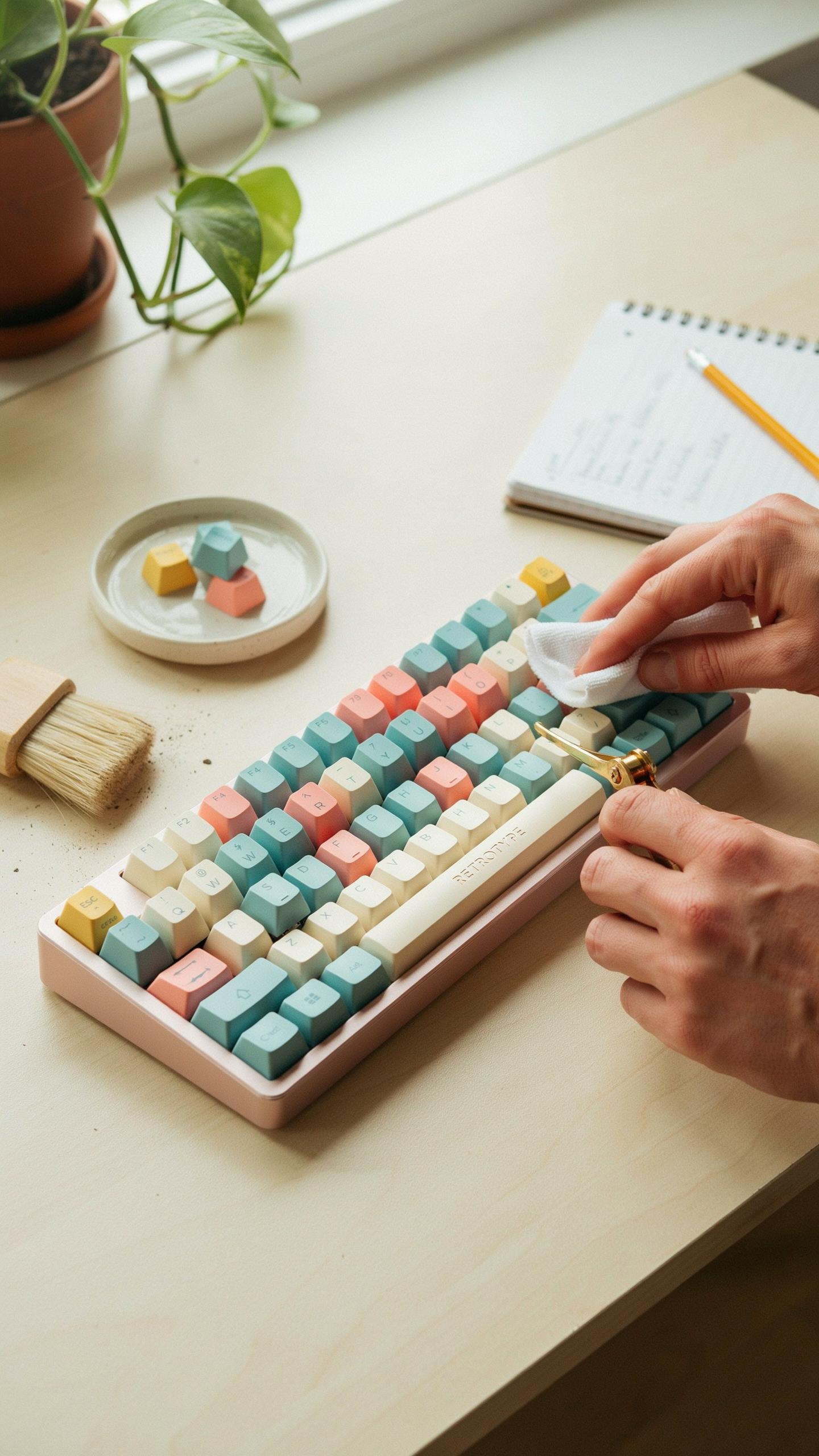
Dust accumulates between keys and under keycaps on mechanical keyboards. Remove keycaps using a keycap puller to access the switch stems. Use a soft brush or compressed air to dislodge debris from the switch housing. Wipe keycaps with a slightly damp microfiber cloth. Never submerge the keyboard in water, as moisture damages switch mechanisms and circuitry.
Stabilizers require periodic cleaning to prevent sticking spacebar and shift key problems. Access stabilizers by removing relevant keycaps and gently brushing away dust. Apply a small amount of lubricant formulated for mechanical switches to stabilizer bars if they feel gritty. Test key response after cleaning. Store your keyboard in a dry environment away from direct sunlight and extreme temperature fluctuations.
Troubleshooting Common Issues
Keys register multiple times when pressed once, called chatter. This occurs when switch contacts wear or accumulate dust. Clean the affected switch first using compressed air. If chatter persists, the switch stem requires replacement. Mechanical keyboard switches are modular, so you can remove and install new switches without soldering on hot-swap boards.

Unresponsive keys or entire sections failing indicate connection problems or failed switches. Check that the USB cable connects securely to both the keyboard and computer. Restart your computer to reset the keyboard connection. Test individual switches with keycap removal to identify which switch failed. Hot-swap mechanical keyboards allow you to replace individual switches; soldered boards require desoldering and resoldering by someone with proper equipment.
DIY Projects Creating Your Own Typewriter Keyboard
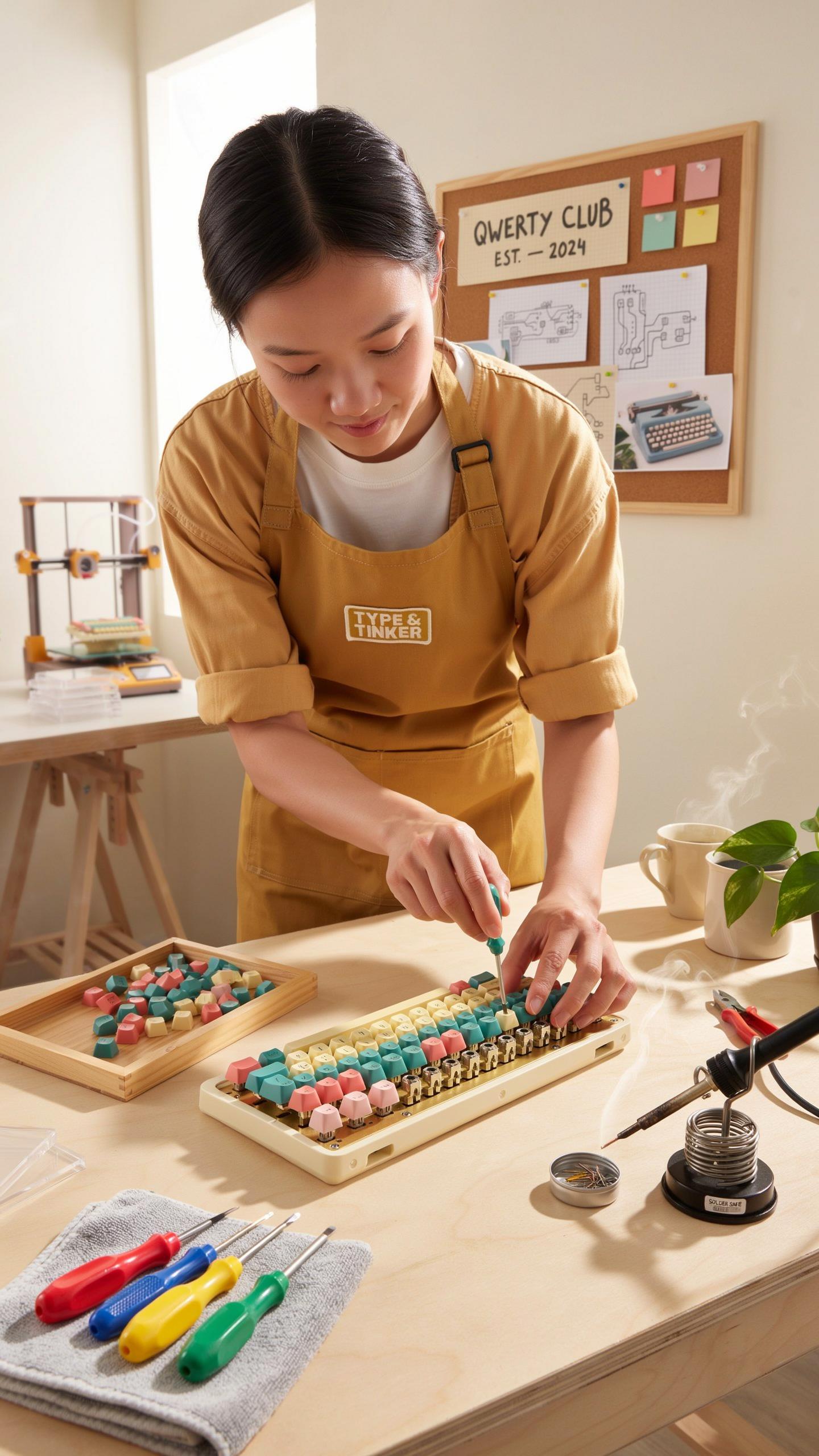
Sourcing Components And Materials
You need mechanical switches that match typewriter feel. Cherry MX or Gateron switches provide the tactile feedback that replicates mechanical typewriter action. Hunt for switches with higher actuation force and pronounced tactile bump. Vintage switch options like Alps or Matias offer authentic clicky response. Start with reputable mechanical keyboard suppliers like Mechanicalkeyboards.com, KBDfans, or Keychron for quality baseline components.
- Mechanical Switches: Cherry MX, Gateron, or Kailh switches rated 60-80 grams with tactile feedback for typewriter-like response and durability.
- PCB Boards: Choose hot-swap or solder-type PCB boards sized 60%, 75%, or full-size depending on your layout preference and wiring capability.
- Keycaps: Find SA profile or OEM profile keycaps in cream, beige, or black colorways that visually match typewriter aesthetics and vintage design.
- Stabilizers: Screw-in or clip-in stabilizers for spacebar and shift keys prevent wobble and ensure consistent keystroke feel across larger keys.
- Housing And Case: Metal or plastic cases in retro colors work well. Aluminum cases offer durability while plastic provides weight and authentic vintage appearance.
- Cables And Connectors: USB-C or mini-USB cables supply power. Coiled cables in black or cream mimic typewriter cord aesthetics if you prefer wired setups.
Stabilizer quality directly impacts typing experience on spacebar and modifier keys. Poor stabilizers create uneven key travel and hollow sounds. Budget components fail faster under repeated stress. Source stabilizers separately from keyboard kits if the included option feels cheap. Test stabilizer smoothness before final assembly. Lubrication with PTFE-based lubricants reduces rattle without affecting tactile response. This step separates mediocre builds from functional machines.
Let the past click and clack into your present, transforming keystrokes into a symphony of nostalgic charm. Every press can be a step back in time, yet propel you forward with unique inspiration.
Assembly And Customization Guide
Start by organizing all components in order before assembly begins. Lay out your PCB, switches, stabilizers, and case on a clean workspace. Install stabilizers first on the PCB according to manufacturer instructions. Stabilizers mount under spacebar, shift, enter, and backspace keys. Align them correctly or they catch during switch insertion. Work methodically to avoid bent pins or reversed components. Double-check orientation before moving forward.
Insert switches into the PCB or case after stabilizers mount. For hot-swap boards, push switches firmly until they click into the hot-swap sockets. For solder-type boards, align switch pins into PCB holes and solder connections with a 30-40 watt iron. Use thin solder and brief contact to avoid damaging components. Test each switch registers on your computer after soldering three to four keys. Catch errors early rather than discovering problems after complete assembly.
Lubricate switches if you want reduced noise and smoother feel. Apply thin lube lines on switch stems and spring rails. Do not over-lubricate or you dull the tactile bump. Stabilizers benefit from lubrication but switches with pronounced tactile feedback need restraint. Some typists prefer unmolested switches for maximum feedback. Install keycaps only after you confirm all switches function properly. Press each key and verify the character registers on screen before finalizing.
Test the completed build through multiple typing sessions before declaring it finished. Check for chattering keys, stuck switches, or unresponsive areas. Identify loose stabilizers causing rattle during rest position. Adjust case foam or add layers if the sound profile feels hollow or lacks warmth. Customize RGB lighting if your PCB supports it, though mechanical typewriter authenticity typically means no backlighting. Fine-tune your setup based on real-world use rather than assumptions.
The Evolution Of The Typewriter And Its Digital Legacy

From Manual To Electric: A Brief History
The typewriter emerged in the late 1800s as a mechanical solution to replace handwriting. Early models used individual key levers connected to type slugs that struck paper through an inked ribbon. Manufacturers refined these machines through the early 1900s, establishing the QWERTY layout that remains standard today. This layout addressed mechanical limitations rather than typing efficiency, preventing key jams during fast typing.
Electric typewriters arrived in the mid-20th century, replacing mechanical key strikes with motor-driven type slugs. IBM dominated this market with models like the Selectric, introducing interchangeable type heads and consistent striking force. Electric machines reduced physical effort and increased typing speed, but they maintained the core tactile feedback that typists valued. These innovations shaped user expectations for keyboard feel that manufacturers still reference in modern vintage-style keyboards.
How Typewriters Influenced Modern Keyboards
Typewriter design established the physical spacing and layout conventions that PC keyboards still follow. The key travel distance, feedback resistance, and audible click became user preferences that manufacturers maintain in modern products. Vintage typewriter style keyboards deliberately replicate these mechanical characteristics through mechanical switches and precise key spacing. This nostalgia-driven market exists because digital typing never fully replicated the satisfying tactile experience of mechanical typewriters.
The QWERTY layout transferred directly from typewriters to computer keyboards, and manufacturers have never abandoned it despite superior alternatives. Key caps shaped like typewriter keys became an aesthetic choice rather than functional necessity. Mechanical keyboard enthusiasts specifically seek switches that mimic the sound and feel of manual typewriter key strikes. This influence demonstrates how industrial design from the 1800s continues dictating how people interact with computers today.
Where To Buy A Vintage Keyboard For Your PC
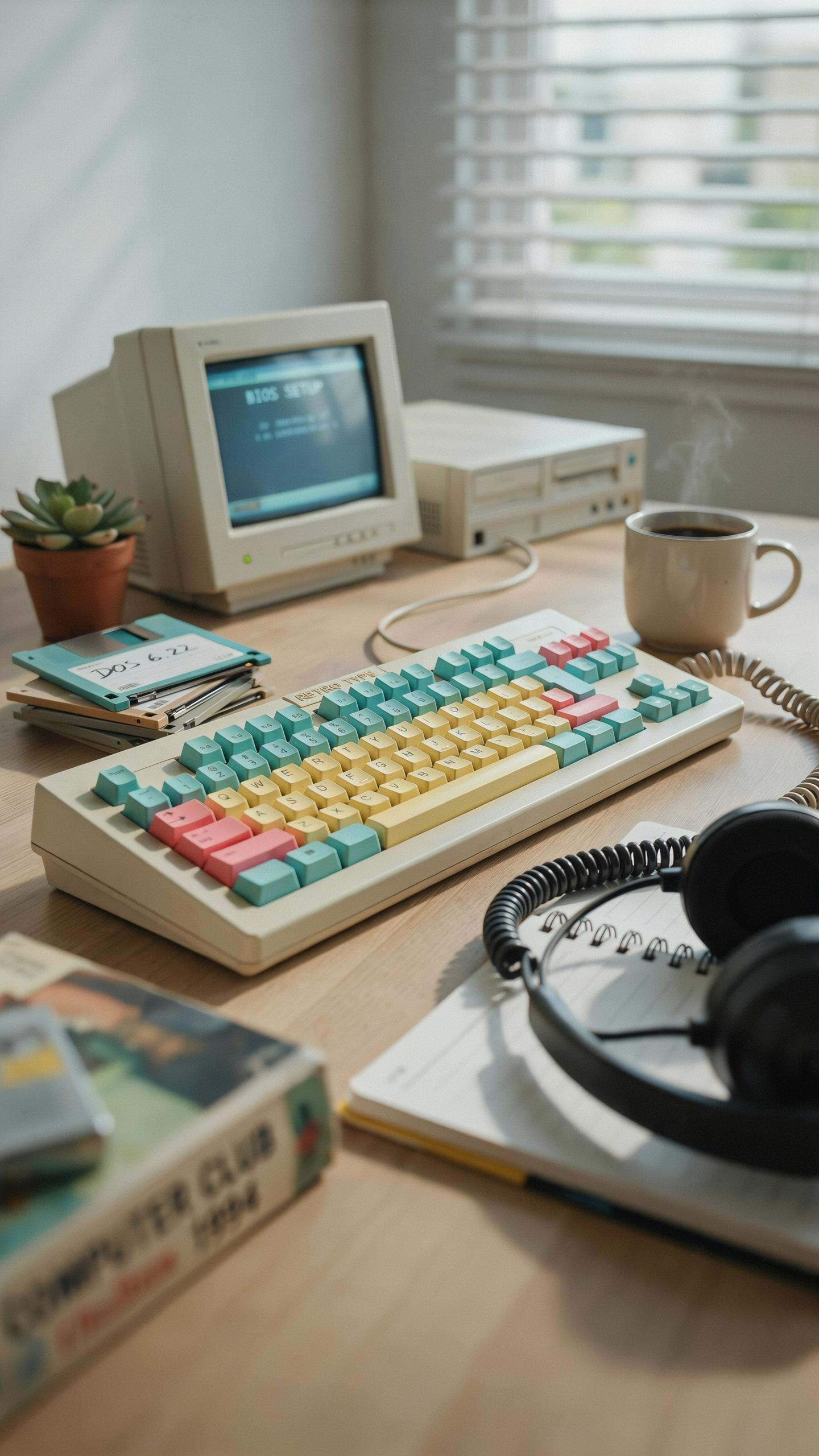
Online Retailers And Marketplaces
Amazon and eBay dominate the vintage typewriter keyboard market. Both platforms host sellers offering mechanical keyboards with typewriter aesthetics, ranging from budget models under 50 dollars to premium options exceeding 200 dollars. Amazon provides buyer protection and fast shipping. eBay offers auctions where prices fluctuate based on demand and rarity.
Etsy specializes in handcrafted and refurbished typewriter keyboards. Makers on this platform often restore actual vintage machines or build new keyboards using vintage components and keycaps. Prices run higher than mass-market retailers, but quality control improves significantly. Shipping times extend due to custom production timelines.
Specialty Stores And Second Hand Options
Local electronics recyclers and computer repair shops stock used mechanical keyboards. These shops typically price items lower than online marketplaces since overhead costs are minimal. Visiting in person lets you test keyboards before purchase and avoid shipping costs. Selection varies dramatically by location and seasonal inventory.
Estate sales and antique markets yield genuine vintage typewriter keyboards for restoration projects. Prices depend on mechanical condition and rarity of the model. These venues require time investment and travel, but offer superior value compared to retail channels. Condition assessment becomes critical since vendors rarely provide technical specifications or testing data.
Frequently Asked Questions
What exactly is a vintage typewriter style keyboard for PC setups, and why are they becoming popular?
A vintage typewriter style keyboard for PC is a modern keyboard designed to mimic the aesthetic and tactile feel of traditional typewriters. They often feature round keycaps, clicky switches, and metallic accents, bringing a touch of retro charm to your desk. Their popularity stems from a desire for unique aesthetics and a more satisfying typing experience.
How do I connect a vintage typewriter style keyboard to my computer, and are they compatible with all operating systems?
Most vintage typewriter style keyboards connect easily via USB, either wired or wirelessly through Bluetooth, just like any standard modern keyboard. They are generally compatible with Windows, macOS, and Linux, making a vintage typewriter style keyboard for PC setups a versatile choice for nearly any user.
Are there affordable options for a vintage typewriter style keyboard, or are they typically expensive?
While some high-end vintage typewriter style keyboards can be an investment, there are definitely more budget-friendly options available. You can find models ranging from around $50 to several hundred dollars, depending on features, build quality, and brand. It’s worth exploring different retailers to find a great option that fits your budget.



