The Enduring Charm Of The Vintage Record Player
Nostalgia And Aesthetics
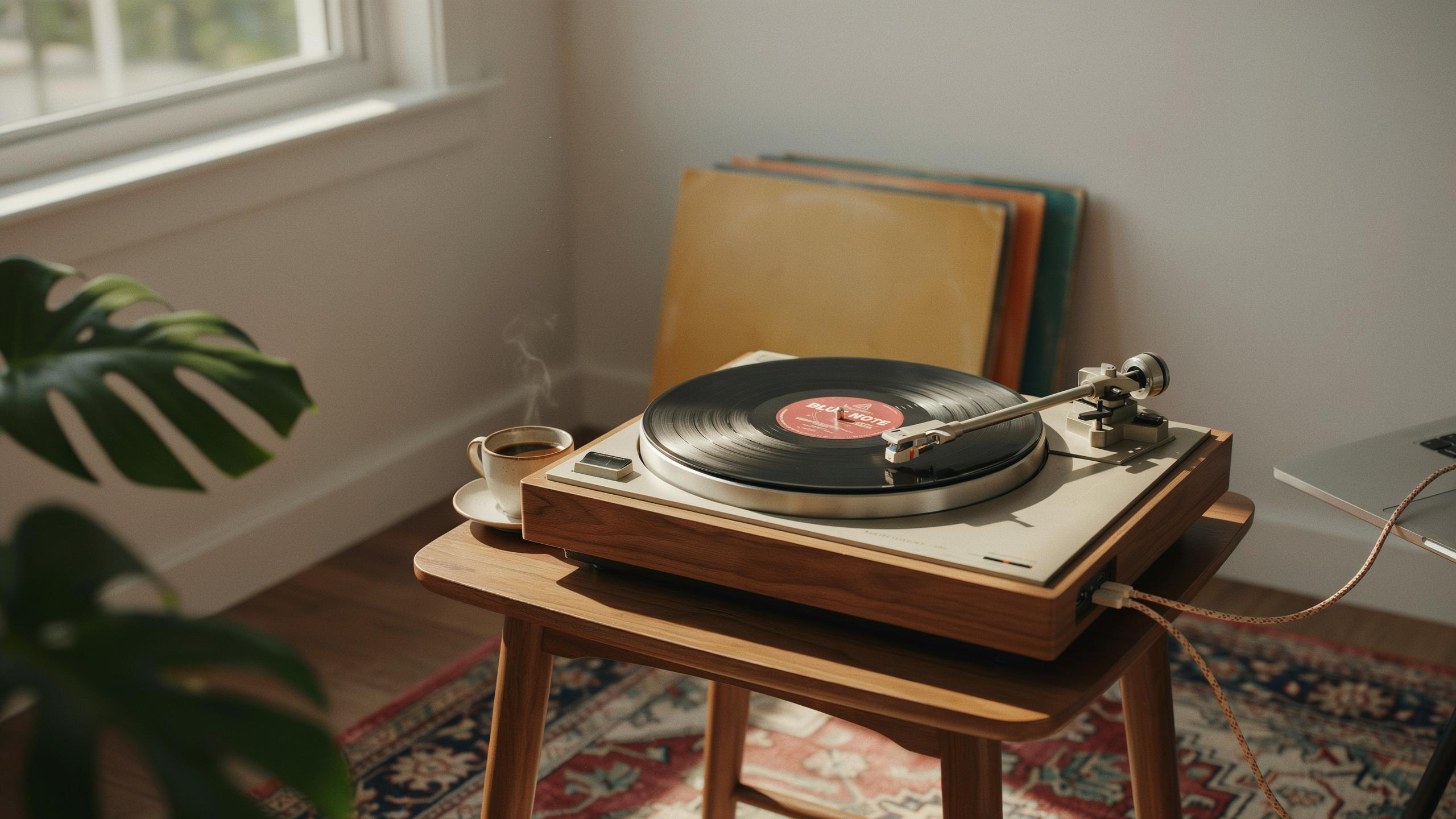
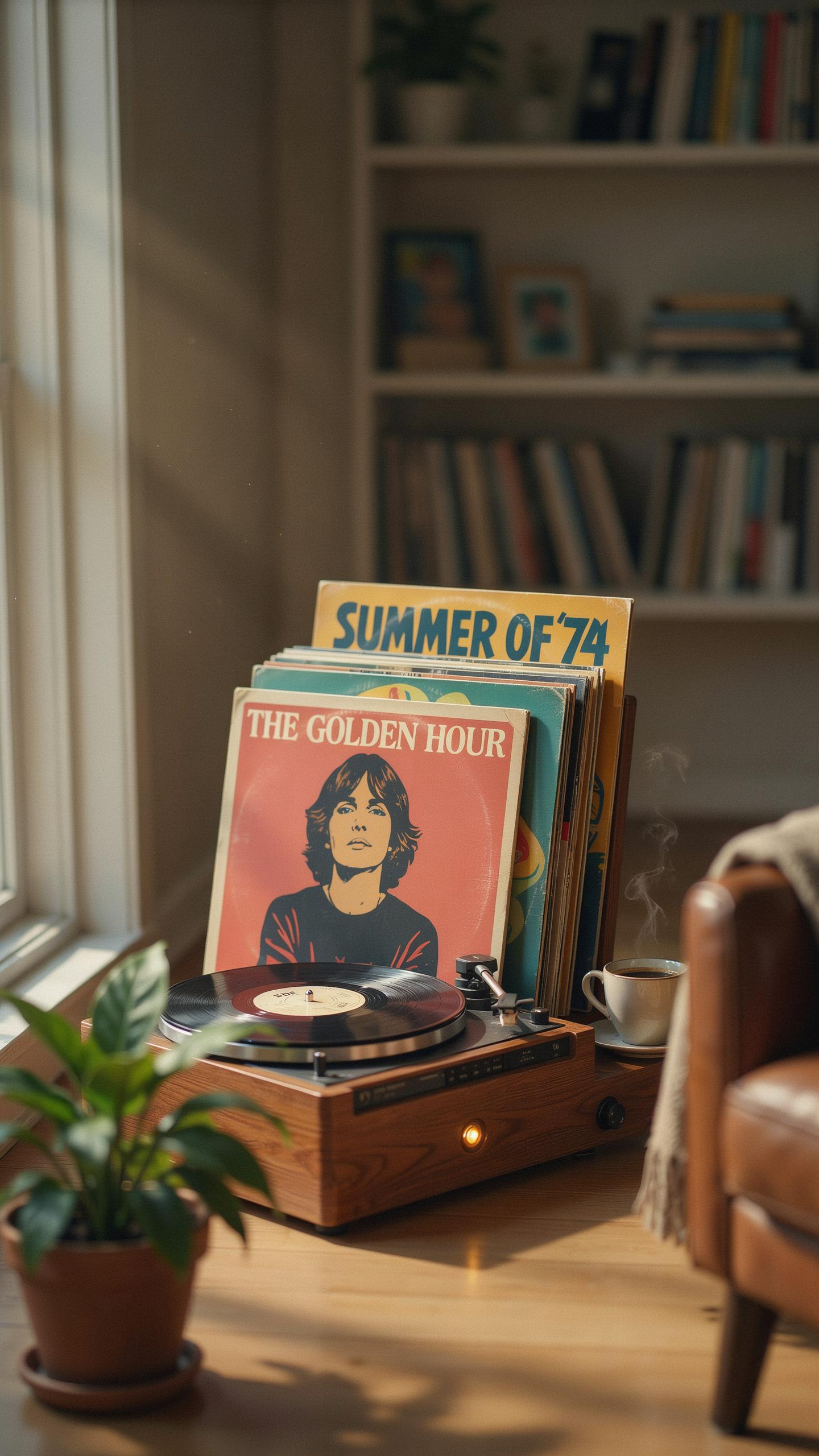
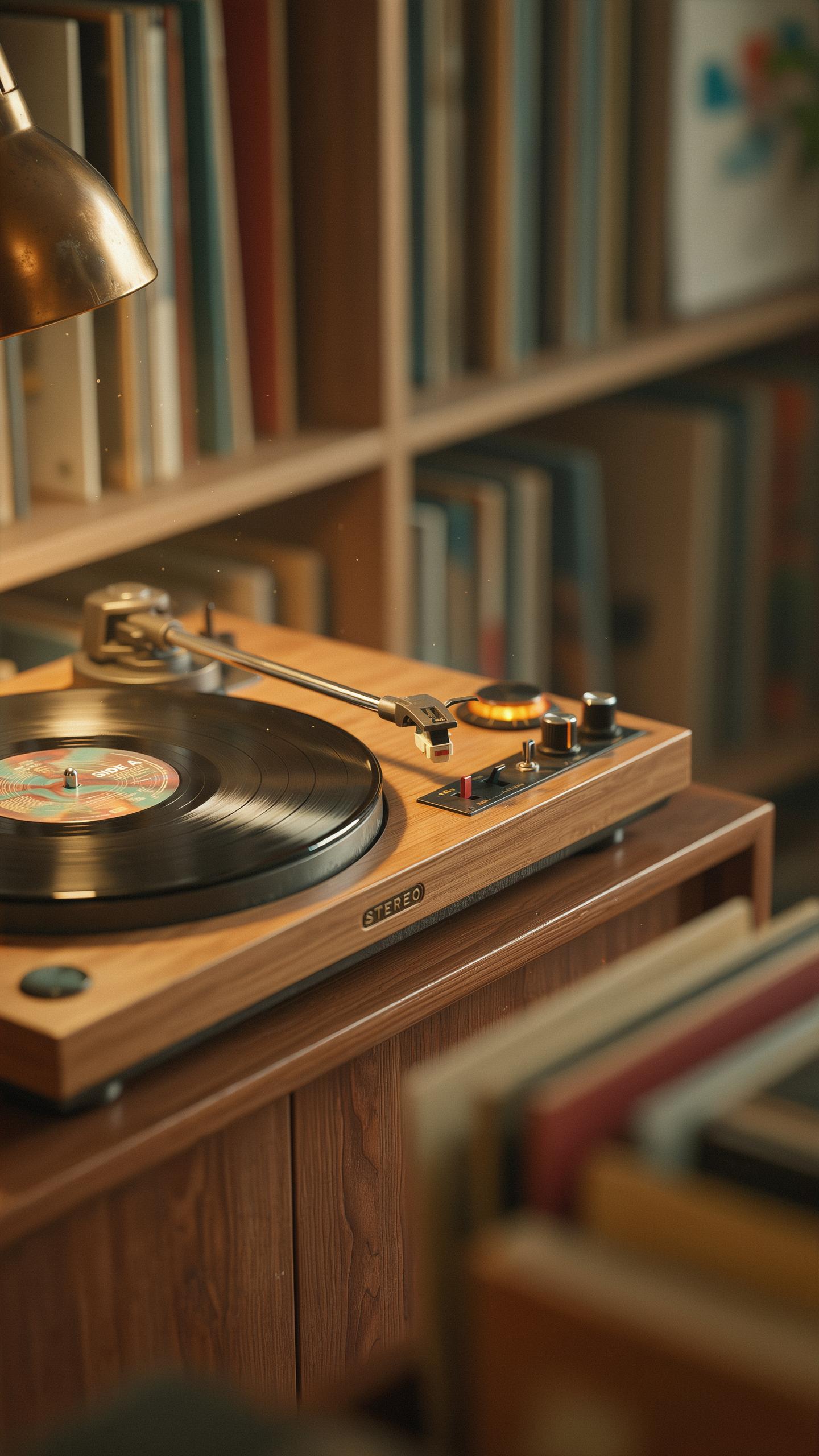
Vintage style turntables tap into real design preferences rooted in mid-century industrial design. These units replicate the physical form factor of 1950s through 1970s record players. Wood cabinets, metal tone arms, and analog controls define the visual language. Consumers choose these models because they match existing home decor or evoke a specific era they value.
The aesthetic appeal drives purchasing decisions independent of audio quality. Vintage styled turntables signal deliberate design choices in living spaces. They occupy physical space differently than modern digital devices. This tangible presence creates functional room decoration that streaming services cannot replicate.
Why Analog Still Matters
Vinyl records produce measurable sonic characteristics that differ from digital formats. The groove geometry creates harmonic content shaped by the physical playback process. Stylus tracking generates natural compression and frequency response curves specific to analog playback. These technical properties deliver a listening experience distinct from lossy or lossless digital files.
Modern vintage style turntables with USB recording capture this analog character while enabling digital archiving. The USB function converts vinyl playback to digital files without removing the analog stage. This hybrid approach preserves the sonic qualities of the vinyl while creating accessible digital copies. Listeners gain access to both formats from a single playback source.

What Is A Vintage Style Turntable With USB Recording
Defining The Hybrid Device
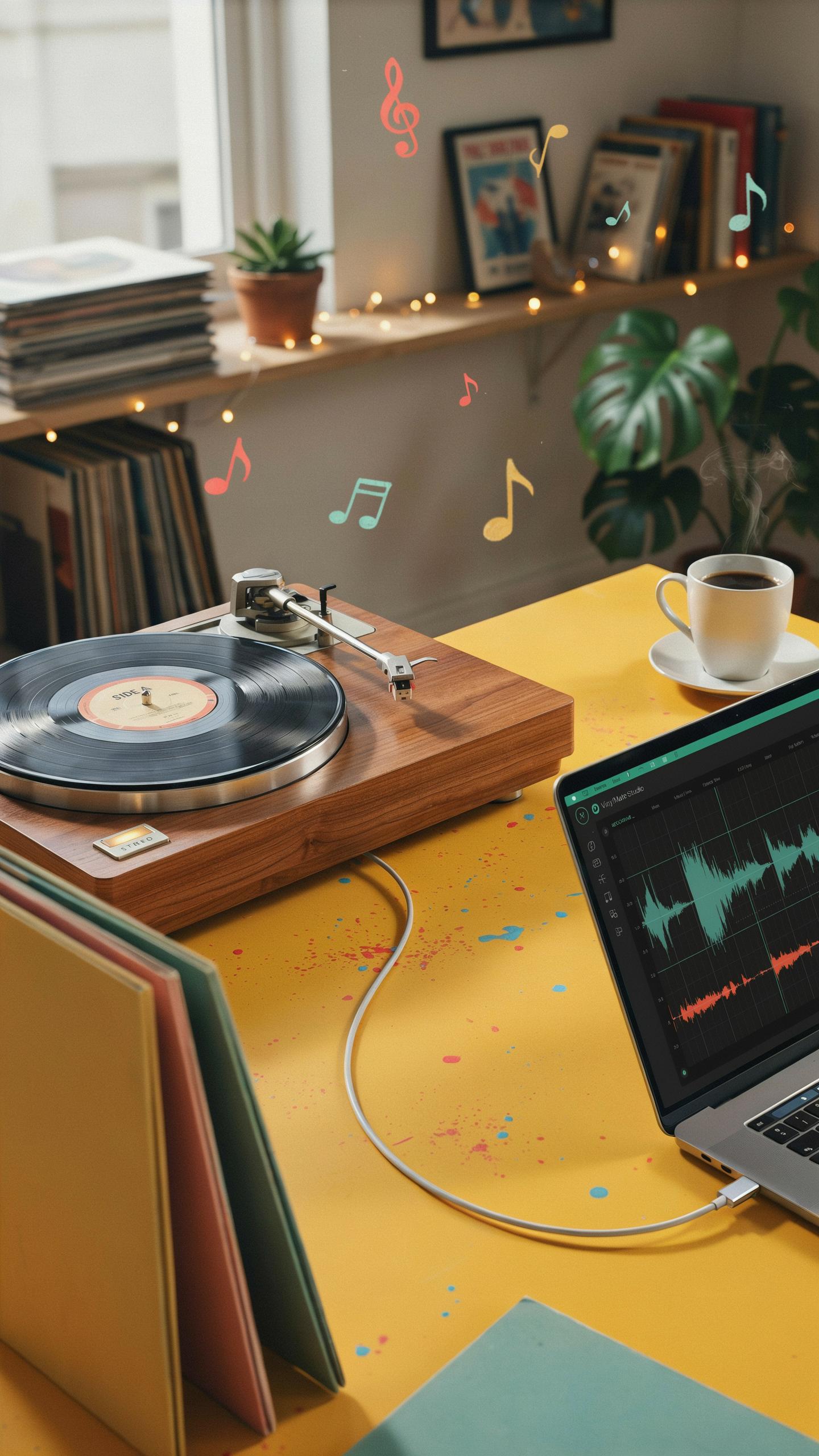
A vintage style turntable with USB recording combines mechanical turntable design with digital conversion technology. The device plays vinyl records using traditional cartridge and stylus mechanics while simultaneously converting the audio signal to digital format through built-in analog-to-digital converters. This means one machine handles both analog playback and file creation without requiring separate equipment.
The exterior mimics mid-century turntable aesthetics, featuring wooden bases, metal tonearms, and retro controls. However, internal components include modern electronics and USB ports absent from original designs. Manufacturers engineer these devices to appeal to users who want authentic vinyl playback experiences while capturing music in formats compatible with computers and digital storage systems.
Bridging The Analog Digital Divide
These turntables solve a practical problem for vinyl collectors. Traditional turntables output only audio for speakers or headphones. Vintage style models with USB recording capture that audio signal and encode it into WAV, MP3, or FLAC files that users can store, organize, and access digitally. The process preserves vinyl collections in modern formats without sacrificing the mechanical playback quality.

Users get tactile control over their music library through physical records while gaining the convenience of digital access. Connecting to a computer via USB port initiates recording software that captures audio in real-time as records play. This approach respects the sonic characteristics of vinyl while acknowledging that digital storage and portability matter to contemporary listeners.
Preserving Your Vinyl Collection With USB Recording
Digitizing Your Old Vinyl
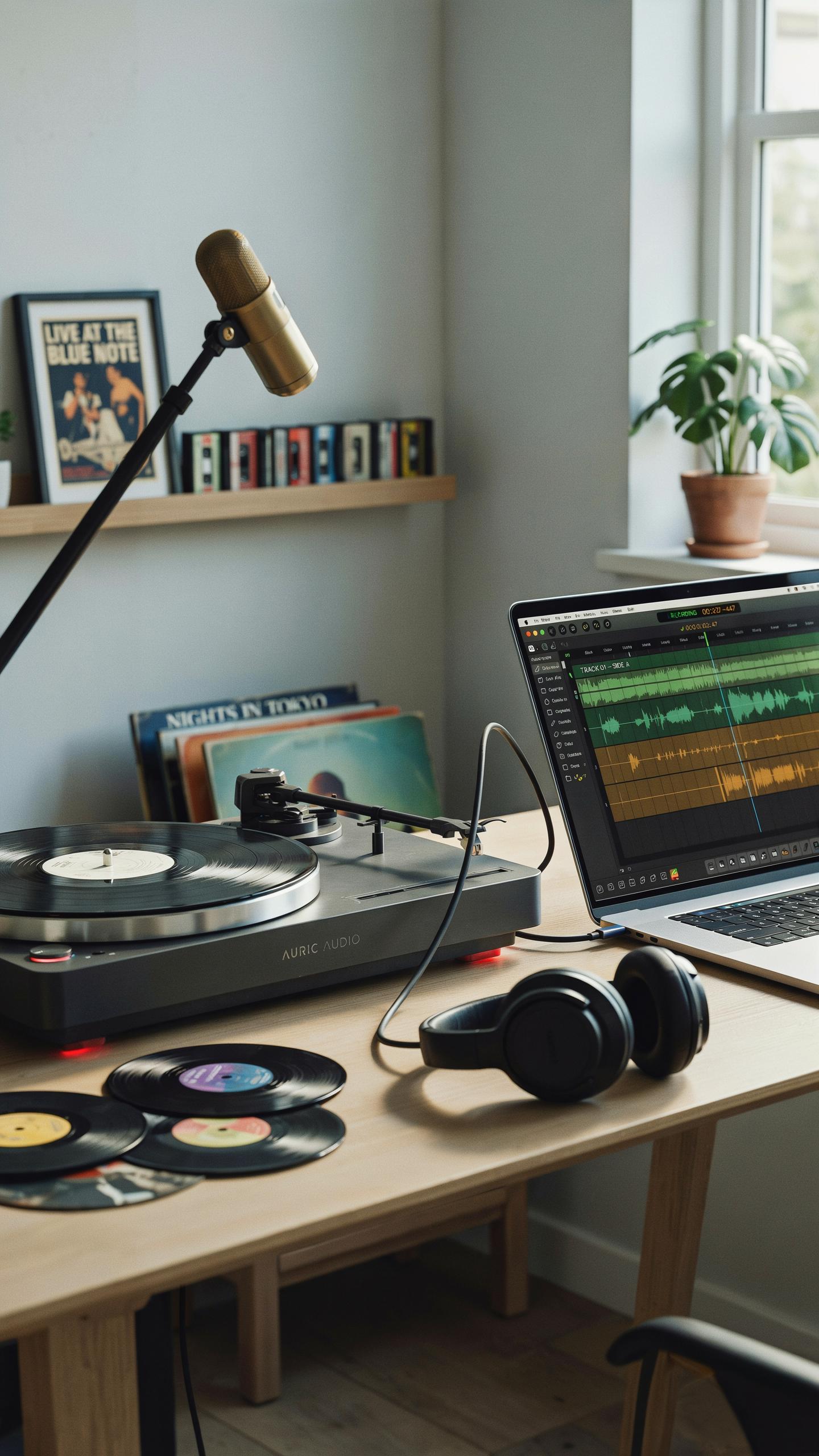
Converting vinyl to digital requires basic equipment and a methodical approach. A vintage style turntable with USB recording capability connects directly to your computer via USB cable. The turntable’s built-in preamp amplifies the signal from the stylus, and recording software captures the audio output as digital files.
- Connect the turntable to your computer: Plug the USB cable into both the turntable and an available USB port on your computer. The system recognizes the device as an audio input source automatically.
- Select your recording software: Use Audacity, which is free and compatible with Windows and Mac systems. Alternative options include Adobe Audition or specialized vinyl recording software bundled with some turntables.
- Set recording levels: Adjust input levels in your software to prevent distortion. Aim for peaks between negative 6 and negative 3 decibels on your recording meter for optimal quality.
- Clean your records before digitizing: Remove dust and debris from vinyl surfaces with a soft brush or microfiber cloth. Dirty records produce inferior digital files and increase stylus wear during playback.
- Record at 44.1 kHz or higher: Use a sample rate of at least 44.1 kHz, which matches CD quality standards. Higher sample rates like 48 kHz capture more detail but create larger file sizes.
- Save files in lossless formats: Export recordings as WAV or FLAC files to preserve audio quality without compression. MP3 compression reduces file size but permanently removes audio data.
The entire digitization process takes one to two hours per album, depending on record length and software processing time. Plan sessions around album side lengths, typically 20 to 30 minutes per side on standard vinyl records.
Bringing back the soulful crackle of yesterday’s records, with a modern twist that lets their magic live on forever, is a beautiful preservation of history.
Benefits Of Digital Archiving
Digital archiving protects your vinyl investment from physical degradation. Every time you play a record, the stylus makes microscopic contact with grooves, causing incremental wear. Converting albums to digital eliminates the need for frequent playback while preserving the original sound quality indefinitely.

Digital files expand your listening options dramatically. Stream recordings across multiple devices, create playlists mixing different albums, and access your collection without handling fragile records. Digital backup copies provide protection against loss from environmental damage, theft, or accidents that could destroy irreplaceable vinyl originals.
Key Features To Look For In A Vintage Turntable
USB Connectivity And Software
USB connectivity on vintage style turntables serves one purpose: converting analog vinyl signals into digital files. The recording process depends on the turntable’s preamp quality and the software’s ability to capture without distortion. Check whether the USB connection supports plug and play operation or requires driver installation on your computer.
Software matters because it determines your editing capabilities after recording. Basic software lets you trim tracks and adjust levels. Advanced options include noise reduction and track splitting. Test the software interface before purchasing to confirm it works with your operating system. Poor software design creates workflow friction that wastes time during digitization projects.
Playback Speeds And Stylus Quality
Vinyl records spin at three standard speeds: 33 1/3 RPM for albums, 45 RPM for singles, and 78 RPM for older shellac records. A turntable supporting all three speeds handles most vinyl collections. Missing even one speed limits your library’s usability. Check the motor’s ability to maintain consistent speed under load, as speed variations degrade sound quality during recording.

Stylus quality directly impacts sound fidelity and record longevity. A worn or cheap stylus damages grooves and produces muddy recordings. Diamond styli outperform sapphire alternatives in durability and tracking accuracy. Verify that replacement styli are available for your turntable model before buying. Spending extra on quality stylus prevents repeated purchases and protects your vinyl investment during playback and digitization.
Beyond The Turntable All In One Music Centers

Integrated Audio Solutions
Music centers bundle turntables with CD players, cassette decks, and AM/FM radios into single units. This approach emerged in the 1980s and 1990s as manufacturers consolidated consumer audio equipment. Vintage style models replicate this aesthetic while adding USB recording capabilities. The integration simplifies setup and eliminates cable clutter between separate devices.
USB recording on all in one centers captures audio from any source directly to a computer or external drive. Turntable inputs feed vinyl recordings through the unit’s preamp into USB outputs. CD and cassette playback also route through USB for digital archiving. This consolidation makes format conversion straightforward without external hardware.
Space Saving And Versatile Options
Single unit music centers reduce furniture footprint compared to stacking separate components. A vintage style center occupies less surface area than turntable plus CD player plus cassette deck plus radio. Desktop space becomes precious in small apartments and dorm rooms. Consolidated equipment also reduces power outlet demand and cable management complexity.
Format versatility matters when your music library spans decades. Vinyl, CDs, and cassettes all play from one device without swapping equipment. USB recording lets you digitize everything into a unified digital library. One remote control and unified controls beat managing multiple devices simultaneously.
Sound Quality And Built In Speakers

Understanding Audio Output
The turntable’s tonearm, stylus, and cartridge generate the initial signal from vinyl grooves. This signal reaches the preamp, which amplifies weak signals to usable levels. The preamp quality directly impacts clarity and noise floor. USB recording captures this output digitally, so preamp performance affects both speaker sound and file quality. Poor preamp design introduces hum and distortion before sound even reaches speakers or your computer.
Vintage style turntables vary in output quality based on component selection. Motor stability affects wow and flutter, which degrade sound at any volume level. Bearing quality determines speed consistency. Tonearm mass and tracking force influence how accurately the stylus follows grooves. These mechanical factors matter more than speaker wattage when chasing actual sound quality. USB recording exposes these deficiencies immediately in digital files.
The Role Of Built In Speakers And External Stereo Speakers
Most vintage style turntables include built-in speakers for convenience and portability. These compact speakers handle casual listening but lack depth and dynamic range. They’re suitable for background music and quick audits of vinyl condition. Built-in speakers consume power and add bulk to the chassis. For serious listening or archiving vinyl to digital files, external speakers deliver measurably better results.

External stereo speakers separate the signal path from the turntable, reducing electromagnetic interference. Active speakers include amplification and connect directly to the turntable’s RCA outputs. Passive speakers require a separate amplifier. External systems reveal problems in your vinyl collection and turntable setup that built-in speakers mask. When recording to USB, external speakers during playback won’t affect the digital file quality, so use whichever setup suits your immediate listening preference.
Comparing Vintage Style Vinyl Players To Modern Record Players
Design Vs. Functionality
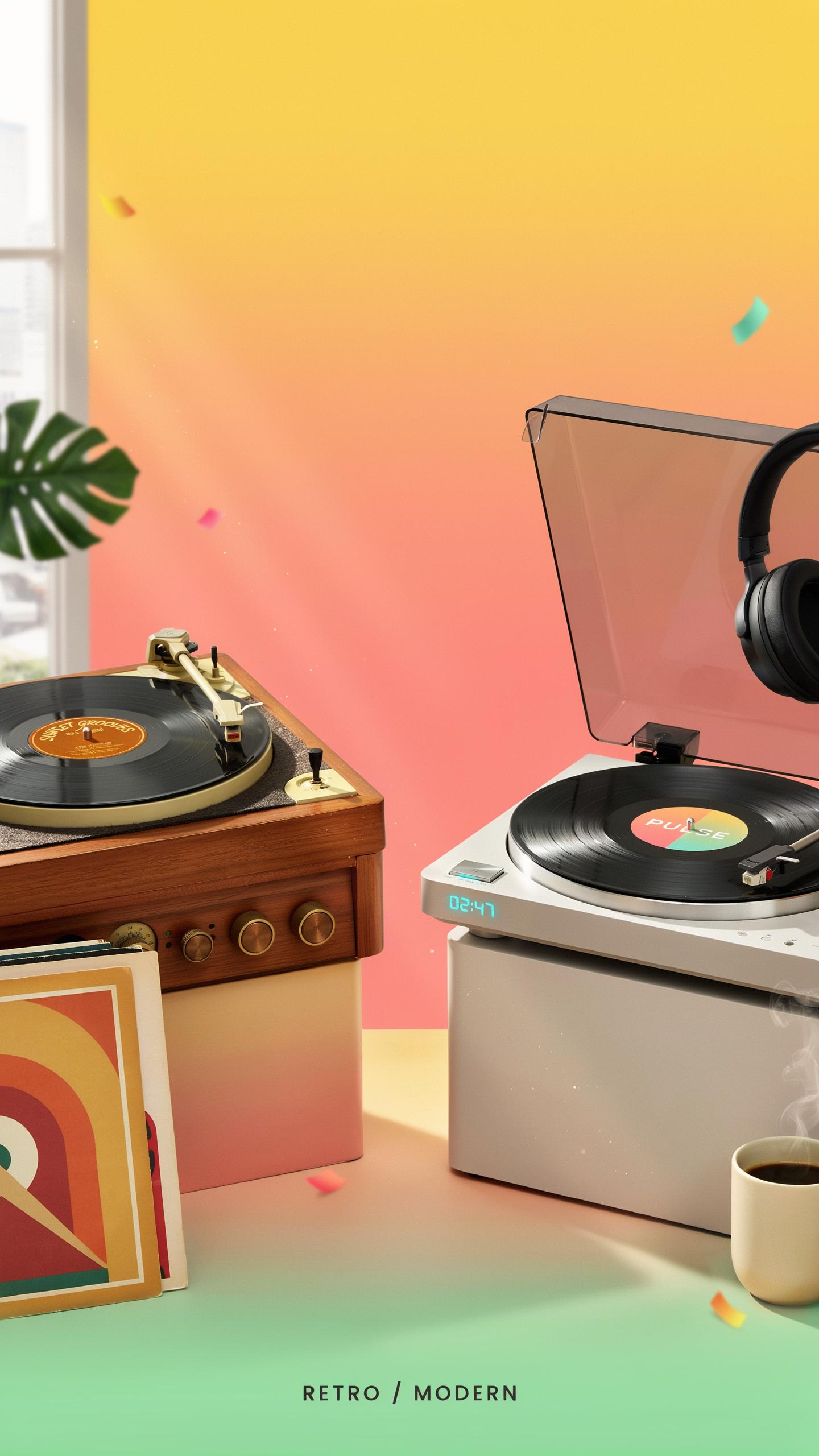
Vintage style turntables prioritize 1970s and 1980s aesthetics through wood cabinets, analog controls, and retro button layouts. Modern players optimize for performance with direct drive motors, precision tonearms, and digital interfaces. The trade-off is real. You choose between how it looks and how it performs. USB recording capability bridges this gap by adding contemporary functionality to retro designs without sacrificing visual appeal.
Vintage styled units sacrifice some audio precision for nostalgia. Heavy plinth materials reduce vibration but add weight. Manual tone arm cueing requires skill. Modern equivalents use automatic start functions and superior isolation techniques. A vintage style turntable with USB recording accepts this compromise. It delivers acceptable sound quality while capturing vinyl to digital formats. This approach serves people who value the experience over pure technical specifications.
Targeting Different Audiences
Vintage style players appeal to collectors and decorators who use turntables as furniture pieces. These buyers prioritize room aesthetics and nostalgic value over technical performance metrics. They want their turntable visible and discussed. USB recording addresses their secondary need: preserving vinyl without demanding complex setups. This demographic accepts trade-offs between sound quality and visual presence in their homes.

Pure modern players target audiophiles and serious music enthusiasts who measure sound output with test equipment. They demand minimal distortion, flat frequency response, and precise tracking force adjustment. USB recording is secondary to them. Vintage style units with USB capture appeal to a middle group: people who want retro charm but also need practical digital recording for archival or portable listening. This audience weighs aesthetics equally with basic functionality.
Maintaining Your Vintage Style Turntable

Care For Your Vinyl Player
Dust accumulates on turntable surfaces and inside the tonearm assembly. Use a soft brush to remove dust from the platter, motor housing, and tonearm weekly. For USB recording turntables, keep the connection ports dry and free from debris. A microfiber cloth handles light cleaning on the exterior casing without damaging finishes or paint.
The platter requires regular attention to spin smoothly. Wipe the platter surface with a slightly damp cloth to remove dust that affects playback. Never use harsh chemicals or excessive water near the motor or electrical components. Check that all moving parts rotate freely and that no foreign material enters the turntable’s internal mechanisms.
Stylus And Belt Replacement
The stylus wears down gradually with every record played and eventually produces distorted sound. Replace the stylus every 500 to 1000 hours of playing time, depending on usage patterns and record quality. A worn stylus damages vinyl records during playback, so timely replacement protects your collection. Consult your turntable’s manual for the correct replacement part number specific to your model.

The drive belt transfers motor power to the platter and stretches over time. When the platter slows down or fails to maintain consistent speed, the belt likely needs replacement. Most vintage style turntables use rubber belts that become brittle or lose elasticity after several years. Order a replacement belt designed for your specific turntable model and follow the manual’s removal and installation instructions carefully.
The Best Vintage Style Turntables With USB Recording
Top Picks For Enthusiasts
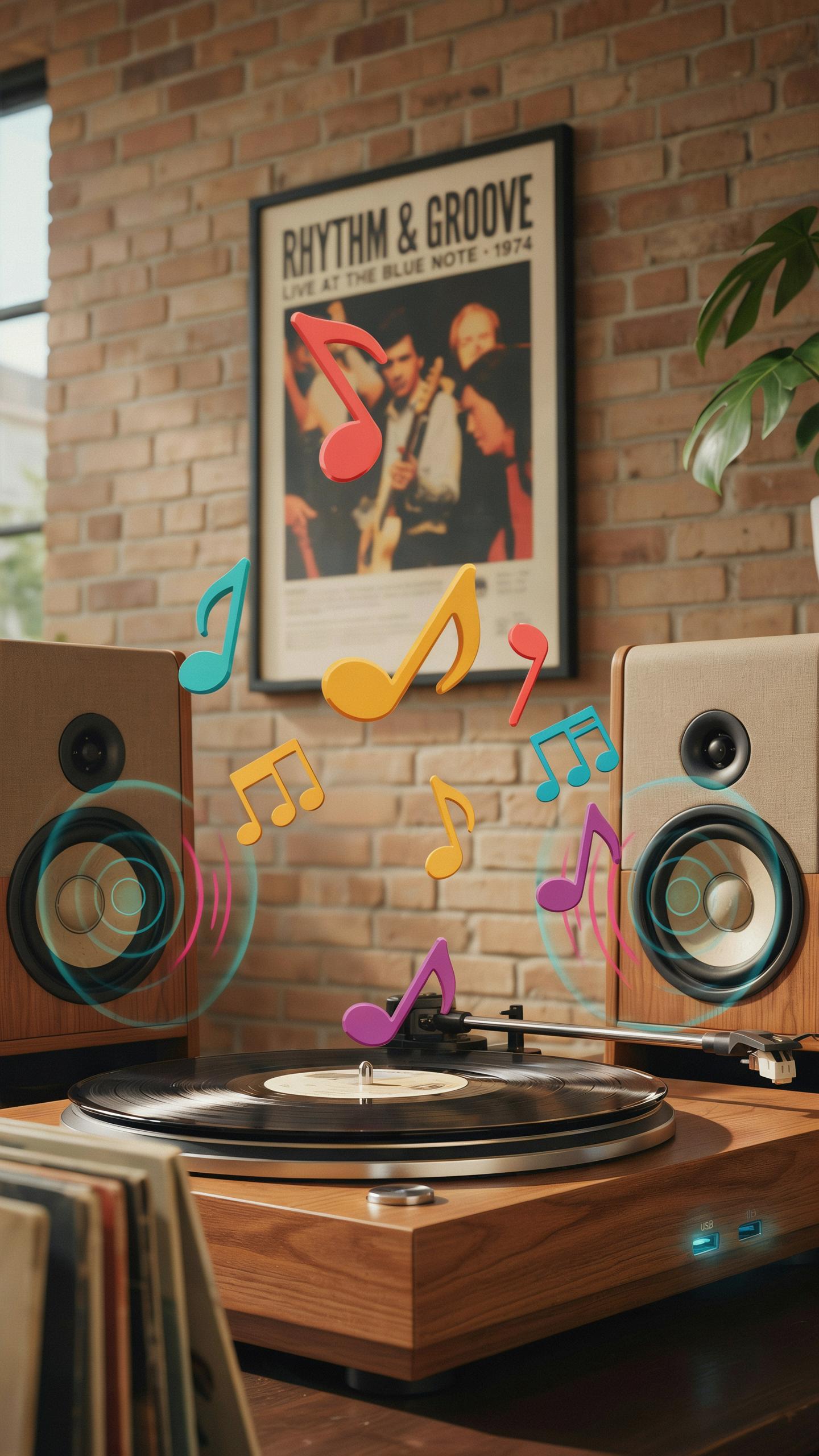
High-end vintage style turntables combine mid-century design elements with modern USB recording technology. These units feature solid construction, quality tonearms, and reliable cartridges that capture vinyl accurately. Brands like Audio Technica, Victrola, and 1byOne produce models that balance aesthetic appeal with functional performance. USB connectivity allows direct digital transfer to computers without external equipment.
Premium models include built-in preamps, adjustable speed controls, and dust covers that protect your investment. Many offer three-speed operation supporting 33 1/3, 45, and 78 RPM records. Direct drive or belt drive motors provide consistent playback. These turntables deliver superior sound quality compared to entry-level alternatives, justifying their higher price point.
Budget Friendly Options
Affordable vintage style turntables with USB recording start around 80 to 150 dollars. These models sacrifice some build quality but maintain core functionality for casual listeners and budget-conscious collectors. Brands like Crosley, Suitcase turntables, and basic Audio Technica variants occupy this space. USB recording works identically to expensive units, capturing files at standard bit rates.
Budget options typically feature automatic shutoff, dust covers, and adequate cartridges for regular play. Belt drive systems work fine for recreational use despite heavier platters on pricier models. Sound quality remains acceptable for background listening and casual vinyl enjoyment. These turntables suit beginners testing whether vinyl fits their listening habits.
Frequently Asked Questions

What exactly is a vintage style turntable with USB recording, and why would I want one?
A vintage style turntable with USB recording blends classic aesthetics with modern functionality. It allows you to enjoy your vinyl records with a nostalgic feel, while also letting you digitally preserve your favorite tunes onto your computer. This combination offers the best of both worlds for music lovers and collectors.
How do I actually record my old vinyl records using a vintage style turntable with USB recording?
It’s surprisingly simple! Most vintage style turntables with USB recording come with included software or are compatible with popular audio recording programs. You connect the turntable to your computer via USB, place your vinyl, and hit record in the software. You can then save your tracks as MP3s or other digital formats.
Are vintage style turntables with USB recording typically expensive, or are there affordable options for beginners?
There’s a wide range of pricing for vintage style turntables with USB recording, making them accessible for various budgets. You can find excellent entry-level models that offer great sound and recording capabilities without breaking the bank, perfect for anyone looking to dip their toes into the world of vinyl and digital preservation.



