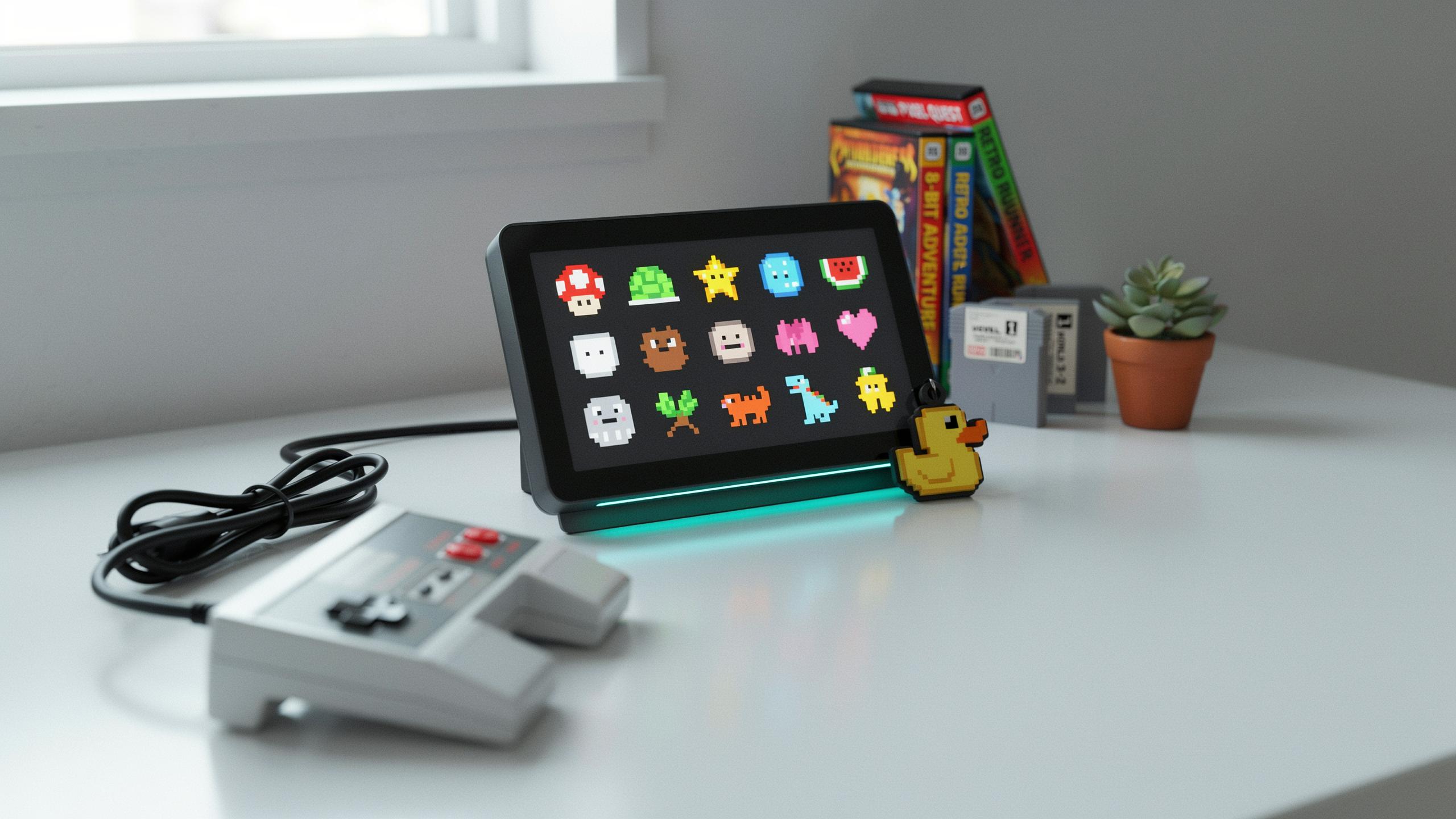
What Is A Retro Pixel Art Digital Photo Frame
Defining Pixel Art And Its Cultural Impact
Pixel art is a digital art form using small colored squares called pixels as the basic building block. Artists arrange these pixels to create images, characters, and scenes. The technique emerged in the 1970s and 1980s when computer hardware limitations made high-resolution graphics impossible. Early arcade games and home consoles used pixel art out of necessity, not choice. This constraint drove creative problem-solving that defined an entire era of gaming culture.
The cultural impact of pixel art extends far beyond its technical origins. Iconic game characters like Mario and Pac-Man became recognizable worldwide through pixel art design. The aesthetic proved so powerful that it persisted even after technology eliminated the need for it. Today, pixel art represents nostalgia, accessibility, and deliberate artistic choice. Gaming communities and indie developers actively choose pixel art for its visual identity and connection to gaming history.
The Evolution Of Digital Photo Frames
Digital photo frames emerged in the early 2000s as technology advanced. These devices replaced printed photo albums by displaying images on small screens. Early models offered basic functionality like automatic slideshows and simple menu systems. Storage capacity improved rapidly, allowing frames to hold thousands of images. Screen technology evolved from low-resolution displays to higher-quality LCD and later LED screens.
Retro pixel art digital photo frames represent a deliberate design choice to merge current technology with classic aesthetics. Manufacturers recognized that gaming fans and nostalgia-driven consumers wanted devices that matched their interests. These frames display images in pixel art style or feature retro-inspired designs resembling vintage gaming hardware. They bridge the gap between functional modern devices and the visual language of 1980s and 1990s gaming. This convergence created a niche product category that appeals to specific audiences seeking authentic retro aesthetics.

Why Gaming Fans Love The 8 Bit Frame Aesthetic

Nostalgia For Classic Video Games
Gaming fans grew up with 8-bit and 16-bit graphics. These pixels defined their childhood entertainment. The NES, SNES, and arcade cabinets shaped how they see digital imagery. A retro pixel art frame recreates that direct connection to formative gaming experiences.
The visual language of pixel art remains instantly recognizable. Gamers trained their eyes on low resolution displays and blocky sprites for decades. That aesthetic became hardwired into their visual preferences. Modern pixel art frames trigger immediate emotional responses tied to actual gameplay memories.
Connecting With Gaming History
Pixel art represents a legitimate design movement born from technical constraints. Early developers created meaning within 16×16 sprite limitations. This forced ingenuity produced culturally significant visual content that still resonates today. A pixel frame honors that historical achievement directly.

Gaming history spans over four decades of continuous visual evolution. Pixel art occupies a specific and important chapter in that timeline. Collectors and enthusiasts value tangible ways to acknowledge this legacy. Displaying pixel art in a retro frame validates gaming culture as worthy of preservation.
Beyond The Computer Window Border Displaying Your Digital Retro Game Graphics
Curating Pixel Art Collections
Start by defining your collection’s scope. Decide whether you want arcade-era graphics from the 1980s, 16-bit console art from the 1990s, or a mix across decades. Your frame’s resolution determines what displays well. Most retro pixel art digital frames max out at 800×480 or 1024×768 pixels, which suits pixel art perfectly since scaling maintains the blocky aesthetic without distortion.
Source your images deliberately. Emulation communities, ROM documentation sites, and game preservation archives offer authentic in-game screenshots. Ensure files are PNG or BMP format to preserve the original pixel structure without compression artifacts. Organize folders by game title, series, or console generation for quick navigation through your frame’s menu system.
Let these pixelated memories on your frame remind you that the best adventures, like the greatest games, are always worth revisiting.
Showcasing Game Screenshots And Fan Art
Game screenshots work better on these frames than any other content type. The low resolution matches how these games originally displayed, creating an authentic presentation. Screenshots from actual gameplay capture the intended experience without modification. Pull directly from emulator captures or official documentation rather than fan-modified versions to maintain historical accuracy.

Fan art adds variety but requires curation. Verify the artist and source before displaying to respect creator rights. Pixel art fan works should match your original game resolution range for consistent display quality. Rotate between official screenshots and fan contributions to maintain visual interest without diluting the retro gaming focus that justifies owning the frame.
The Gaming Photo Frame More Than Just Pictures
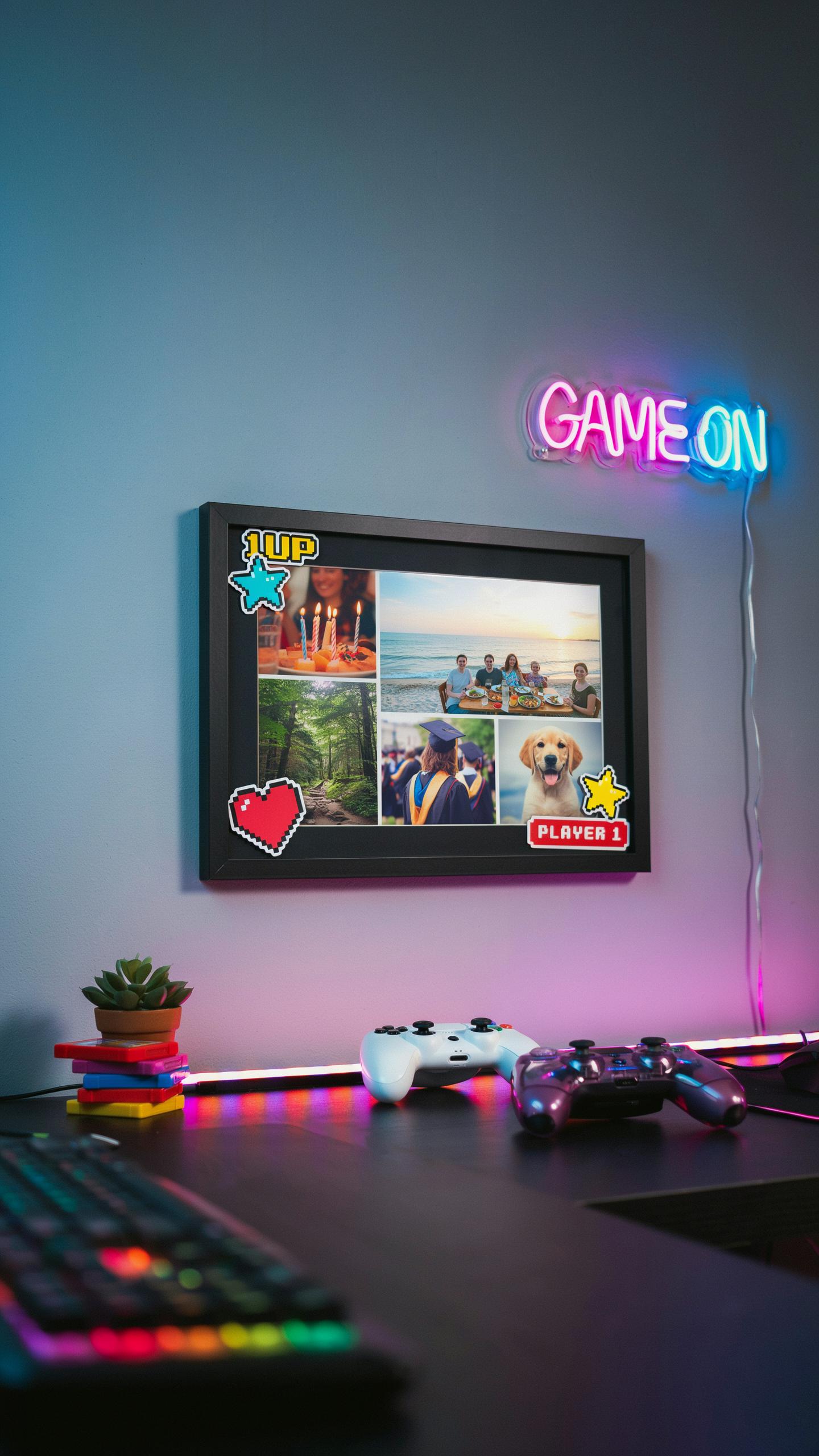
Interactive Features And Animations
Retro pixel art digital photo frames integrate motion and user input to move beyond static displays. Animation functions cycle through images using sprite-based movements that mimic 8-bit and 16-bit game aesthetics. Users control transitions through buttons or touch interfaces, creating engagement layers absent in standard frames. The core mechanic centers on delivering visual feedback that reinforces retro gaming nostalgia through deliberate design choices rooted in classic arcade and console hardware limitations.
Animation quality depends on the device’s processing power and screen refresh rate. Frames running at 60Hz deliver smoother transitions than lower refresh rates, though lower rates can intentionally preserve authentic 8-bit choppiness. Some models feature parallax scrolling effects where background and foreground layers move at different speeds. These technical specifications directly impact whether animations feel authentic to the gaming era they emulate.
Sound Integration For An Immersive Experience
Audio output transforms the photo frame from visual-only device into a multisensory experience. Built-in speakers or headphone jacks allow users to pair images with chiptune music, sound effects from classic games, or ambient audio tracks. The timing between image transitions and audio cues creates psychological associations that trigger gaming memories. Devices with adjustable volume and audio output options provide flexibility for different display environments.

Sound quality varies significantly based on speaker hardware and amplification. Frames with stereo output deliver better spatial audio than mono speakers. Some models support audio file formats compatible with retro gaming music styles, particularly formats associated with classic soundtracks. Battery consumption increases when audio runs continuously, requiring users to balance immersion against operational runtime.
Pixel Photo Frame Choosing The Right Display

Screen Resolution And Pixel Density
Resolution determines how many pixels render on your display. Higher resolution means more pixels per inch, which affects image clarity. For retro pixel art, lower resolutions like 320×240 or 640×480 actually preserve the aesthetic. Going higher than 1080p introduces scaling issues that blur the pixelated look you want. Match your frame’s resolution to the art style you display.
Pixel density matters because it controls the physical size of each pixel on screen. A 7-inch frame at 480p shows visible pixels. A 10-inch frame at the same resolution stretches pixels larger. Gaming fans appreciate seeing the individual pixels as intended by original artists. Choose density based on viewing distance and whether you want pixel visibility.
Aspect Ratios And Display Technologies
Aspect ratio determines frame proportions. Classic games use 4:3 ratio like old arcade cabinets. Modern pixel art varies between 16:9, 1:1, and custom ratios. Your frame must support the ratios of art you plan to display. Mismatched ratios force letterboxing or image distortion, destroying the visual effect.

Display technology affects color accuracy and viewing angles. IPS panels show consistent colors from wide angles. VA panels offer higher contrast but narrower viewing angles. TN panels have poor color reproduction. For pixel art accuracy, IPS technology delivers reliable color representation across the frame’s visible area.
Old Computers Inspired Design Blending Retro With Modern Tech
Aesthetics Of Vintage Computing
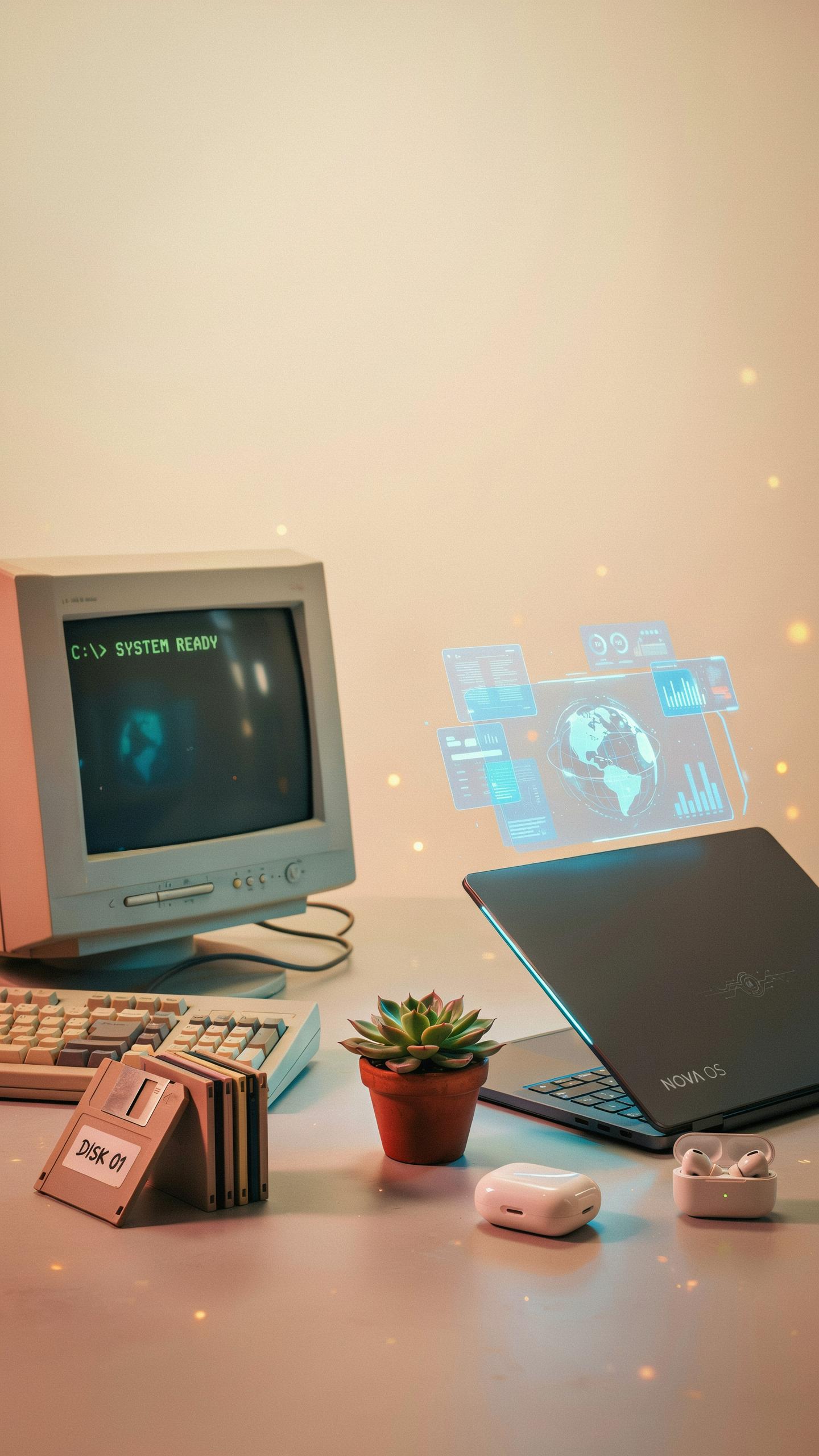
The design language of retro pixel art frames draws directly from 1980s and 1990s computing hardware. These devices featured blocky proportions, limited color palettes, and visible pixel structures due to technical constraints. Manufacturers built machines with beige or gray plastic casings that prioritized function over form. Gaming systems like the Nintendo Entertainment System established visual conventions that defined an entire era. Modern pixel art frames replicate these design elements intentionally, using them as aesthetic markers rather than technical necessities.
This intentional recreation serves a specific purpose: establishing visual continuity with the source material. A pixel art frame displaying retro game artwork or 8-bit graphics achieves coherence through matching its exterior to its content. The frame becomes an extension of the artwork rather than a contrasting container. Designers achieve this by employing similar color schemes, chunky bezels, and boxy silhouettes found in period hardware. The result is environmental authenticity that enhances the viewing experience for gaming enthusiasts.
Modern Functionality In A Retro Shell
Retro pixel art frames house current technology within vintage inspired casings. LCD or LED displays operate at modern resolutions, though manufacturers often limit screen refresh rates or add pixel filters to maintain aesthetic consistency. Internal components include standard digital frame features: SD card slots, USB connectivity, and basic image processing capabilities. Battery systems and power management operate according to contemporary standards. This architecture allows users to navigate menus, upload images, and adjust settings using modern interfaces hidden beneath retro exterior design.

The technical approach prioritizes user experience while maintaining visual coherence. Manufacturers embed touchscreen interfaces, wireless connectivity, and cloud synchronization into devices that appear mechanically simple. Control schemes may use physical buttons styled after vintage keypads rather than touch inputs. Display technology handles color reproduction and brightness levels beyond what 1980s screens could achieve. This combination delivers practical functionality for everyday use while preserving the retro gaming aesthetic that attracted the user initially.
The Arcade Frame Bringing The Classics Home
Recreating The Arcade Experience
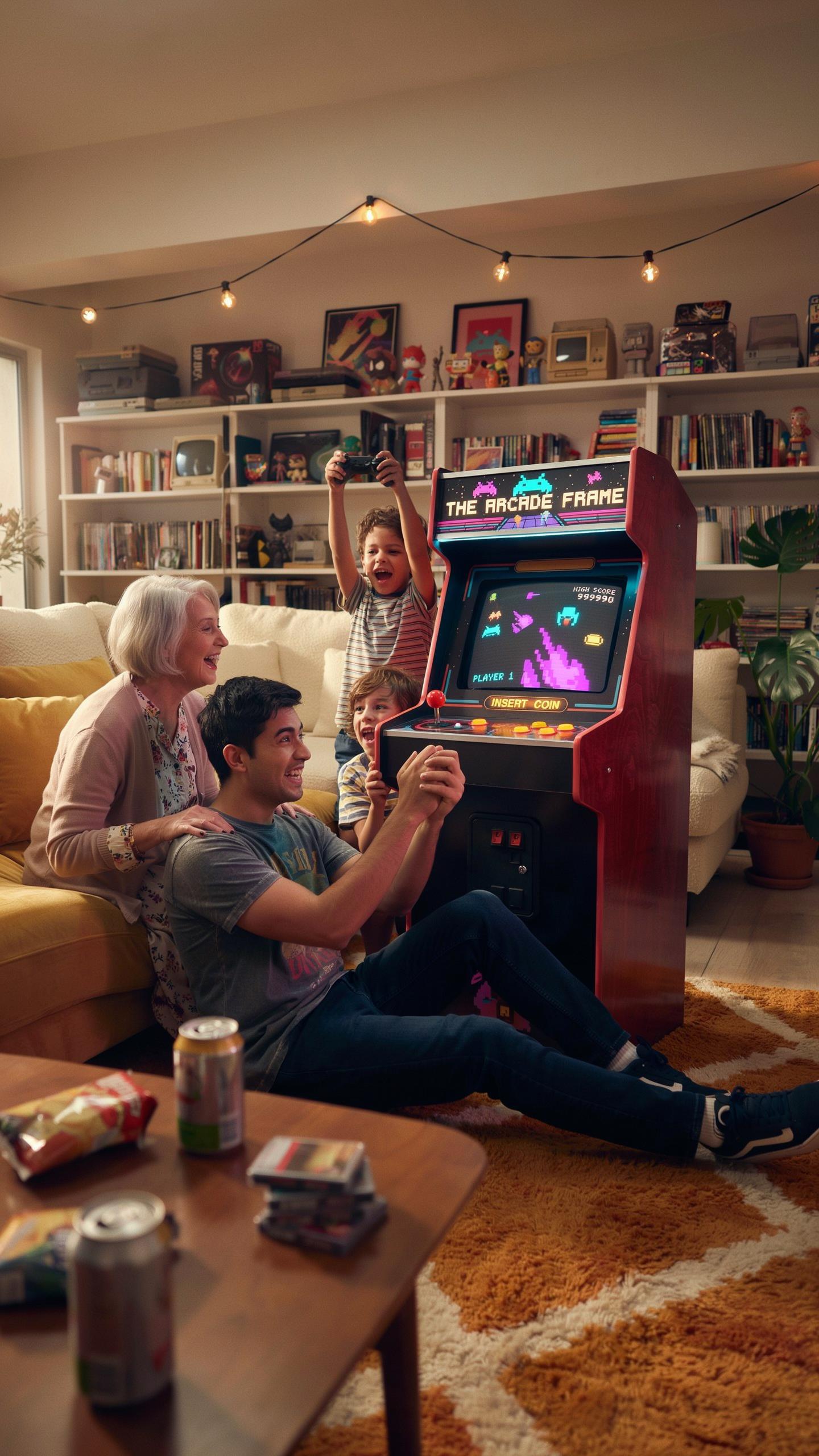
A retro pixel art digital photo frame replicates arcade cabinet aesthetics through hardware design and software presentation. The frame mimics CRT monitor dimensions, bezel proportions, and control panel layouts from 1980s and 1990s arcade machines. Display technology matters here. Modern screens render pixel art without smoothing filters, preserving the blocky visual signature of classic arcade games. This technical choice directly impacts authenticity.
The frame’s interaction model determines user engagement. Physical buttons or joystick inputs on the device frame echo arcade control schemes. Navigation menus use typefaces and color palettes sourced from actual arcade interfaces. Owners recognize these design signals immediately. The experience extends beyond image display into environmental recreation, transforming a room corner into functional arcade nostalgia.
Displaying Iconic Arcade Game Art
Pixel art from arcade games translates directly into retro digital photo frames without conversion loss. Games like Pac Man, Donkey Kong, and Space Invaders generated 8-bit and 16-bit sprite work that remains visually coherent at frame resolutions. Sprite sheets function as ready-made artwork galleries. The frame’s display size accommodates these assets at native resolution or scaled multiples without degradation.

Curating arcade game art requires sourcing authentic assets from original game code or ROM documentation. Custom artwork mimicking arcade aesthetics fills gaps in official archives. Resolution flexibility matters operationally. Frames supporting multiple image sizes allow mixing high-resolution fan art with original low-resolution sprites. This range lets owners build cohesive galleries reflecting their specific arcade preferences and gaming history.
Retro Video Game Overlay Customization And Personalization
Customizing Borders And Themes
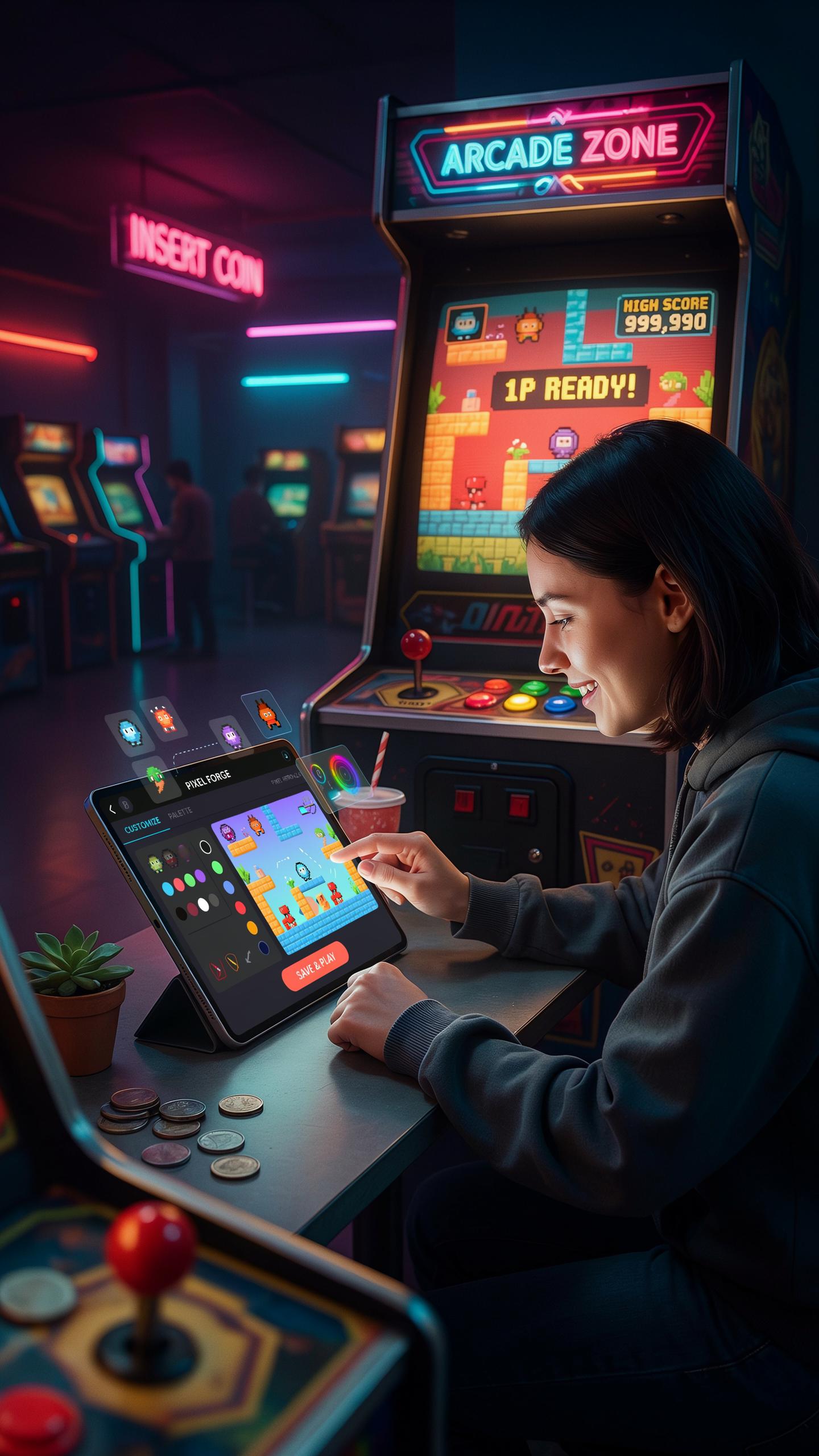
Retro pixel art digital photo frames let you swap borders and themes to match your display goals. Most models offer preset border options that mimic classic arcade cabinets, NES cartridge art, or Game Boy aesthetics. You control the look directly through the frame’s menu system or companion app. This customization changes how your photos appear without affecting the actual image files. The frame stores multiple theme profiles, so you switch between them instantly based on mood or occasion.
Border and theme changes work because they’re display layer modifications. The frame renders your photo inside the selected border style. Some frames let you adjust border thickness and color independently. You can match borders to your room décor or rotate themes seasonally. This level of control keeps the frame relevant across different settings and uses without requiring hardware changes.
User Generated Content And Community
Gaming communities actively share custom borders and themes online through forums and social media groups. Users create pixel art overlays inspired by specific games, consoles, and retro aesthetics. These files get distributed as downloadable packages you load onto your frame via USB or cloud sync. The sharing accelerates because the barrier to entry stays low. Most frames accept standard image formats for custom borders, making creation accessible to non-programmers.
- Reddit communities: Dedicated subreddits host thousands of user-made borders and themes specifically designed for retro pixel frames.
- Discord servers: Gaming and electronics channels maintain active libraries where users post new designs weekly and request specific aesthetics.
- Etsy and Gumroad: Creators sell curated border packs and theme bundles tailored to specific games or console generations.
- GitHub repositories: Open source projects host free border templates and editing tools that anyone can modify and redistribute.
- Frame manufacturer forums: Official brand communities showcase official themes alongside community creations with direct download links.

Community contributions drive adoption because gamers want authenticity in their displays. A user who grew up with Sega Genesis can download borders that recreate that exact visual language. The network effect means more active communities produce more content faster. Frames with robust customization and easy file transfer attract larger user bases, which generate more third party content, which attracts more buyers.
Instagram Frame Sharing Your Pixelated Memories

Social Media Integration
Most retro pixel art digital photo frames lack native social media connectivity. You cannot sync directly from Instagram or Facebook to these devices. Instead, you download images to your computer first, then transfer files via USB or SD card to the frame. This workflow demands extra steps but maintains the frame’s simplicity and low power consumption. Some frames support cloud storage services like Google Photos or Dropbox through WiFi, eliminating the manual transfer entirely.
The integration advantage matters for gaming fans who want to display pixel art collections or retro game screenshots. You curate content offline, which prevents accidental sharing of private images. WiFi-enabled frames update automatically when new images upload to your cloud account. This approach preserves the intentional curation that pixel art demands. Direct social media feeds would dilute the aesthetic with mixed content quality.
Sharing Your Frame’S Content
Taking photos of your pixel art digital photo frame and posting to Instagram creates a feedback loop. The photograph captures the display quality and lighting conditions that define how others perceive your collection. Gaming communities on Reddit and Discord value high-quality documentation of retro displays. You control the narrative by choosing which images to feature and which to hide. Lighting matters significantly since harsh angles wash out pixel details.
Export individual images directly from your frame’s storage to share across platforms. Many frames store files as standard JPEG or PNG formats compatible with any social media site. Document your frame’s display rotation by capturing time-lapse videos, which perform well on Instagram Reels. Gaming subreddits dedicated to retro aesthetics actively engage with pixel art frame content. This approach builds community around your collection without requiring the frame itself to post automatically.
Where To Find Your Perfect Retro Pixel Art Digital Photo Frame
Online Retailers And Specialty Shops
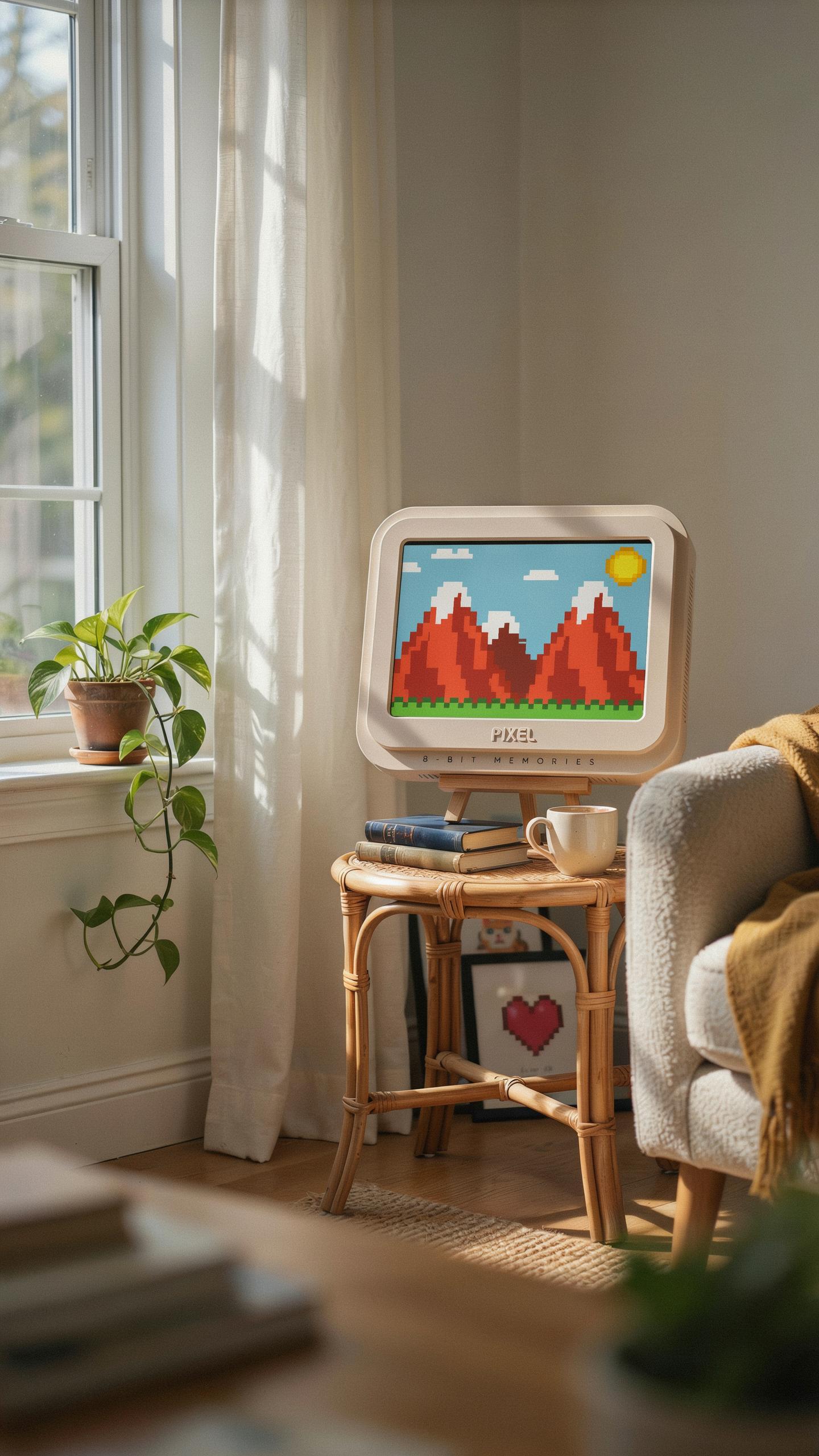
Amazon stocks the largest inventory of retro pixel art frames. You find both established brands and newer makers there. Etsy connects you directly with independent creators who build custom units. eBay offers used and vintage options at lower prices. Specialty electronics retailers like B&H Photo focus on quality products with solid return policies.
- Amazon: Massive selection with fast shipping. Filter by resolution, screen size, and price. Read user reviews before purchasing to verify build quality and actual display performance.
- Etsy: Connect with makers who understand pixel art aesthetics. Many offer customization options for casing and display settings. You communicate directly with creators about your specific needs.
- eBay: Access used and vintage digital frames at discounted rates. Verify seller ratings carefully. Check product photos closely for damage or screen degradation before bidding.
- B&H Photo: Established retailer with knowledgeable support staff. Offers detailed product specifications and comparison tools. Return policies protect your investment if the frame doesn’t meet expectations.
- Specialty Gaming Retailers: Shops like GameStop and independent game stores sometimes stock retro hardware. Stock varies by location. Call ahead to confirm availability and pricing before visiting.
Comparison shopping across platforms saves money and reveals true market pricing. Check return windows carefully since digital frame technology varies significantly between manufacturers. Shipping costs matter on lower priced items, so factor total cost into your decision.
DIY Options And Custom Builds
Building your own retro pixel art frame requires basic electronics knowledge and specific components. You source a small LCD or e-ink display, a Raspberry Pi or Arduino microcontroller, and a case. Communities on Reddit and GitHub provide open source code and build guides. This approach costs less than commercial options but demands your time and troubleshooting skills.
Custom build projects let you control display resolution, refresh rate, and image processing directly. You select hardware that matches your specific pixel art needs rather than accepting manufacturer compromises. Many builders document their work online, providing blueprints others can follow. This route suits people comfortable with soldering, coding, and iterating through problems. Pre-built kits from makers simplify the process but still require assembly and basic technical competency.
Frequently Asked Questions

What exactly is a retro pixel art digital photo frame and why would a gaming fan want one?
A retro pixel art digital photo frame is a unique device that displays photos, animations, or even custom pixel art in a charming, nostalgic 8-bit style. Gaming fans adore them because they evoke classic video game aesthetics, allowing them to showcase their love for gaming culture in a stylish and personalized way.
How do I upload my own pixel art or photos to my retro pixel art digital photo frame?
Most retro pixel art digital photo frames come with user-friendly companion apps for your smartphone or tablet. Simply connect your frame to the app, then easily upload your favorite pixel art creations, GIFs, or even converted photos. It’s a fun and straightforward way to customize your display!
Are retro pixel art digital photo frames generally affordable, or are they a luxury item for gaming enthusiasts?
The good news is that there’s a range of retro pixel art digital photo frame options available to suit different budgets. While some premium models offer advanced features, many excellent and affordable choices exist, making this cool gadget accessible for most gaming fans looking to add a touch of retro charm to their space.



