Understanding Monitor Light Bars
What Are Monitor Light Bars
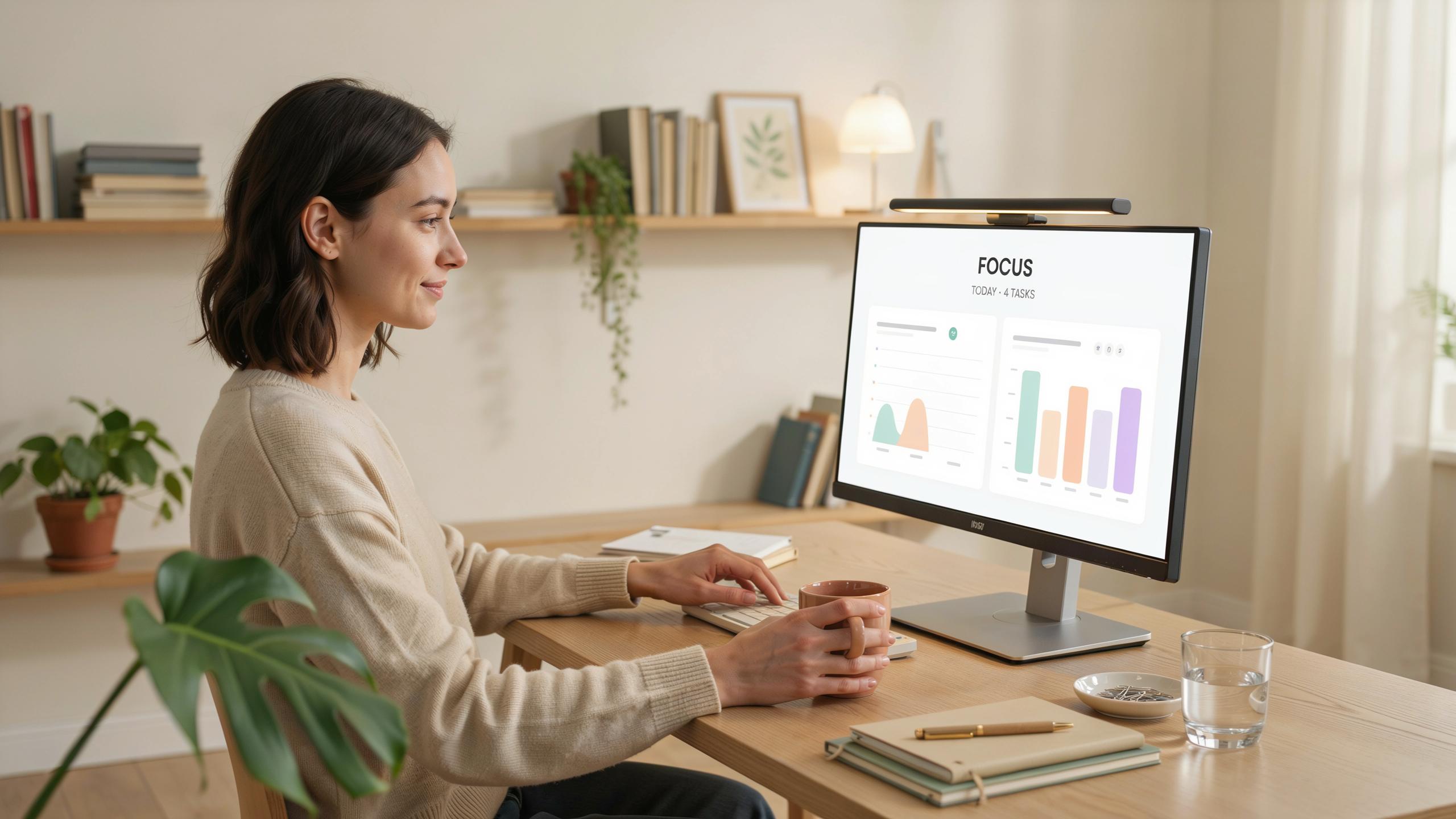
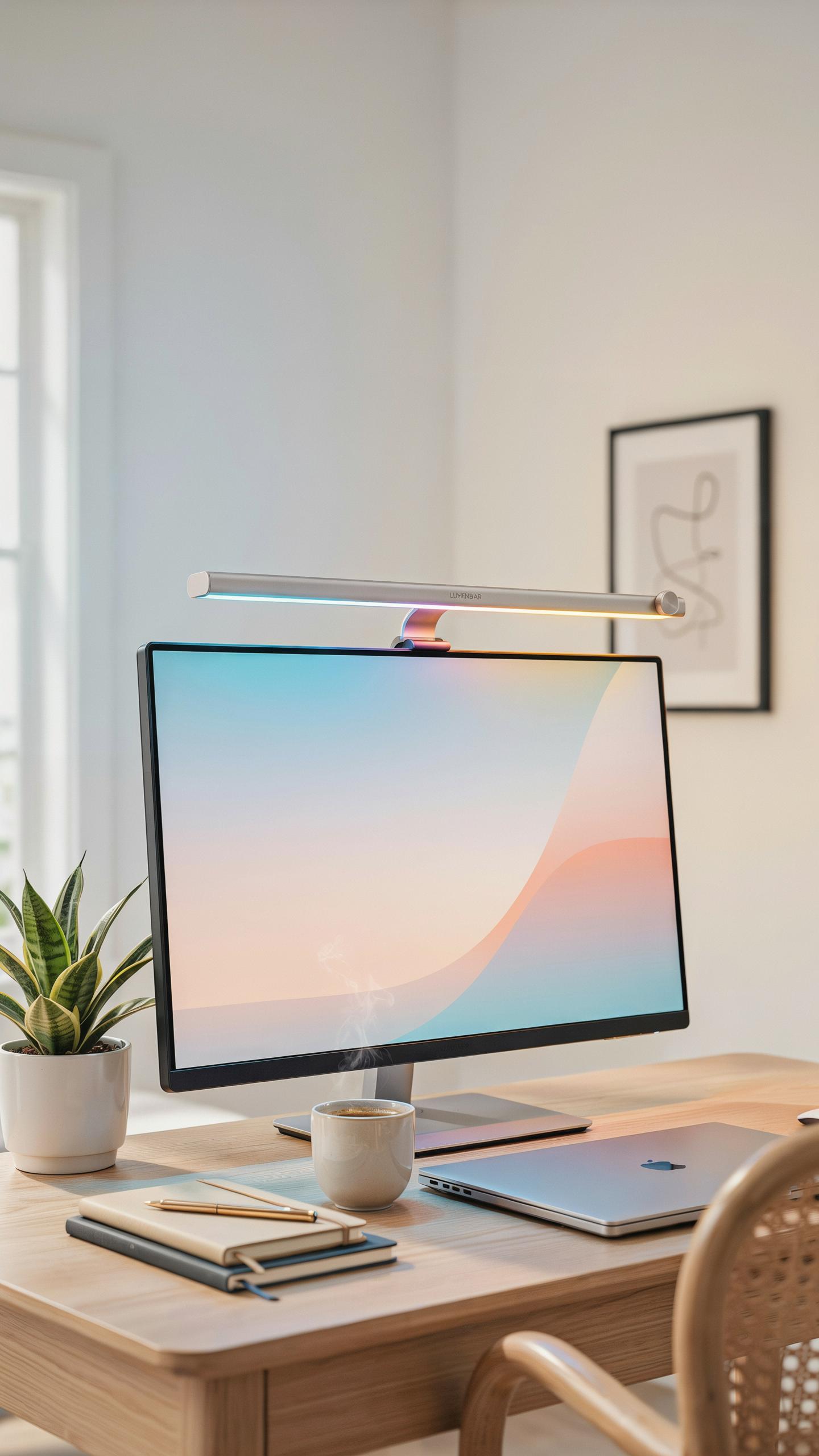
A monitor light bar is a lighting device that attaches to the top of your display. It directs light downward onto your desk and keyboard area. The design keeps light off your screen itself, reducing glare and reflections. These bars mount directly above the monitor bezel using a clip or adhesive mechanism. Most operate through USB power, eliminating extra cables and outlets.
Monitor light bars differ from traditional desk lamps by their positioning and light distribution. They sit between your eyes and the work surface, creating indirect illumination. This placement targets the actual work area rather than lighting the entire room. The proximity to your monitor lets you control ambient light without adjusting screen brightness. Quality models use LED technology for consistent, flicker-free output.
How Do Monitor Light Bars Work
Monitor light bars reduce eye strain through controlled indirect lighting. They illuminate your desk surface and keyboard while keeping direct light away from your screen. This setup prevents the contrast shock your eyes experience when staring at a bright screen surrounded by darkness. Your pupils don’t need to constantly adjust between extreme brightness levels. The result is measurable reduction in eye fatigue during extended work sessions.
The LED technology in these bars produces light at specific color temperatures, typically ranging from warm to cool white. Most allow adjustment between 2700K (warm) and 6500K (cool) settings to match your preferences and time of day. Some models include dimming controls to match your ambient room lighting. Flicker-free operation means the light doesn’t pulse at rates your eyes detect, which prevents additional strain. USB power delivery keeps setup simple and desk space uncluttered.

Combatting Eye Strain With Bar Lighting
Common Causes Of Digital Eye Strain
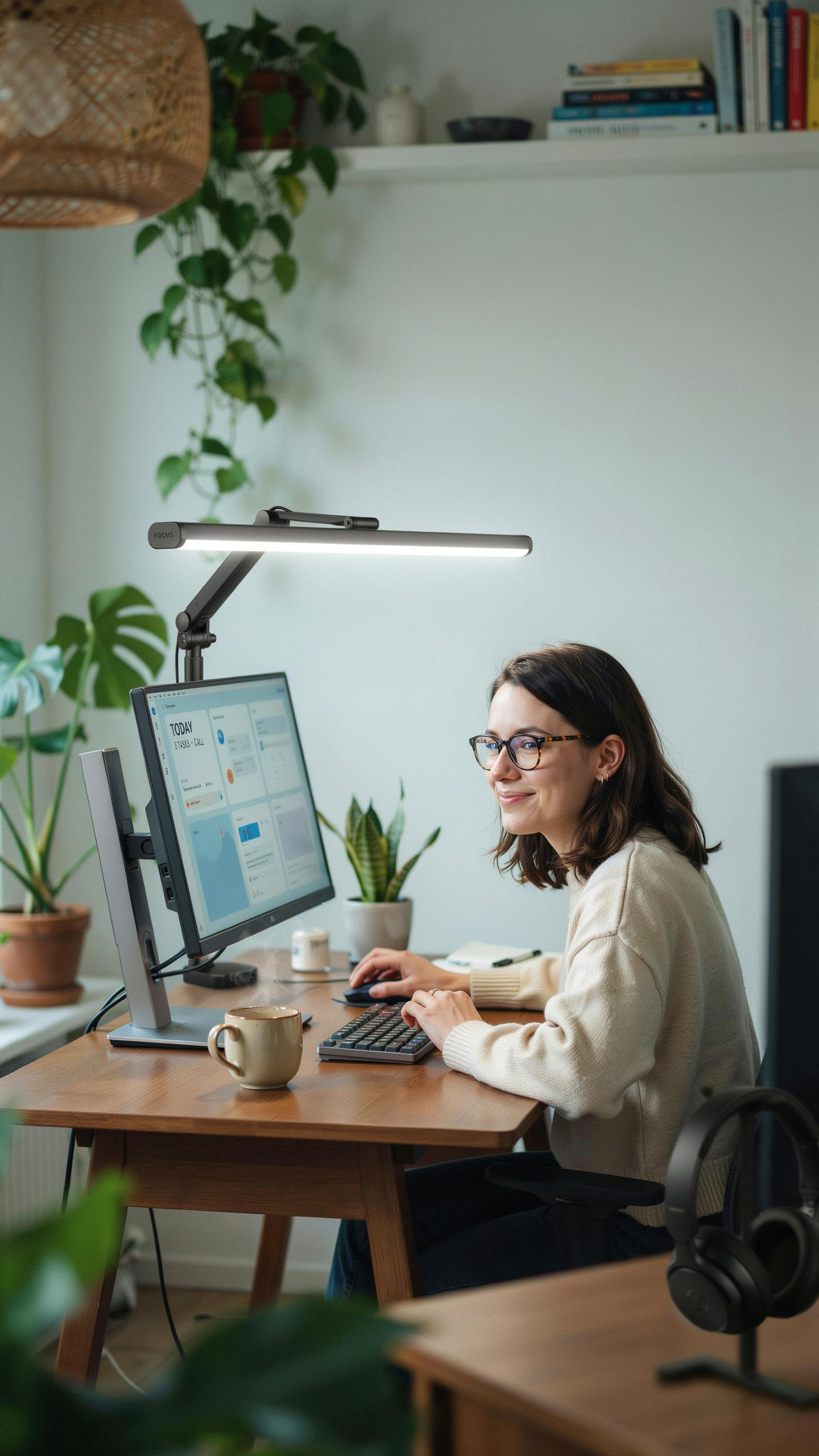
Digital eye strain results from prolonged screen exposure without adequate lighting adjustment. Screens emit blue light that suppresses melatonin production, disrupting your circadian rhythm. Your eyes work harder to focus on pixel-based displays compared to printed text. Reduced blink rates during screen time cause tear film breakdown. Room lighting mismatches with screen brightness create contrast that forces constant pupil adjustment.
Monitor light bars address these mechanical problems directly. They position light at screen level rather than overhead, eliminating glare and reflection. This placement reduces the contrast between your screen and surroundings. Your eyes maintain consistent focus without constant adaptation. Bar lighting stabilizes the visual field, lowering the demand on your eye muscles during extended work periods.
How Monitor Light Bars Alleviate Eye Discomfort
Monitor light bars reduce strain through targeted illumination of your work surface. The light sits at the top of your display, casting even illumination across your desk and keyboard. This setup eliminates shadows and dark zones that force your eyes to readjust. The concentrated beam prevents overhead light from creating screen glare. Your workspace becomes visually uniform, reducing eye fatigue from constant refocusing.

Bar lighting also enables blue light reduction at the source. Many models include color temperature controls, allowing you to shift from cooler to warmer tones as daylight changes. Lower color temperatures in evening hours align with your natural sleep cycle. This adjustment minimizes melatonin suppression that screen use causes. Combined with proper positioning, light bars create work conditions that sustain comfort during full workdays.
Benefits For Your Desk Setup
Improving Workspace Ergonomics
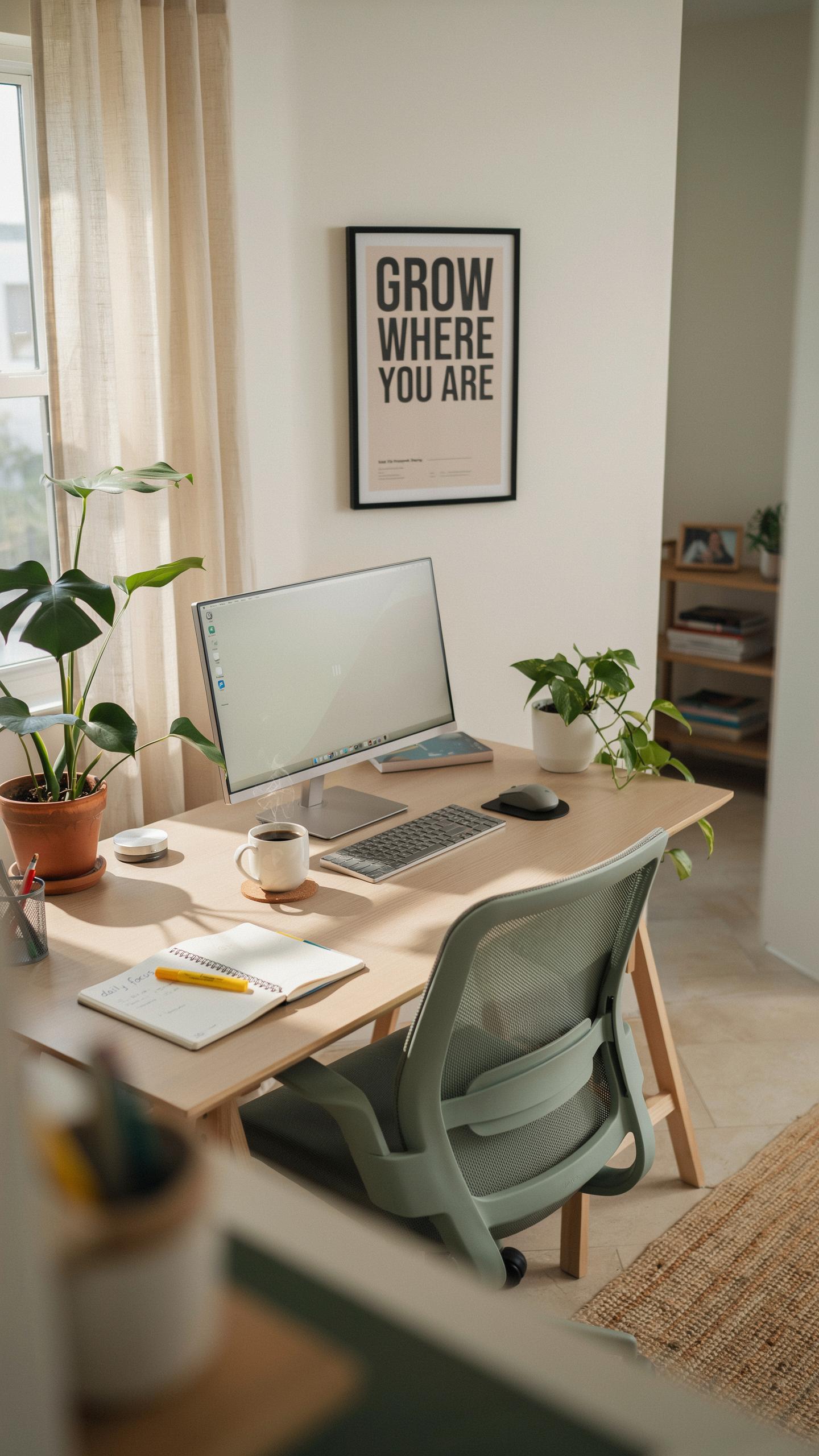
A monitor light bar positions illumination directly above your screen, eliminating shadows cast by overhead lights or desk lamps. This placement reduces the need to reposition your monitor or adjust your body to find better lighting. Proper light placement keeps your head aligned with your spine and prevents you from tilting your neck downward to escape glare.
The light bar removes the conflict between screen brightness and ambient light. Your eyes no longer work overtime to process contrast between a bright monitor and dark surroundings. This reduces the muscle fatigue in your eye’s ciliary muscles, which control focus and accommodation throughout the workday.
Creating An Optimal Lighting Environment
Monitor light bars deliver uniform illumination across your entire screen without hot spots or uneven brightness. This consistency prevents your pupils from constantly dilating and contracting as they scan across different brightness zones. Your eyes maintain a stable focus point, which decreases fatigue during extended work sessions.
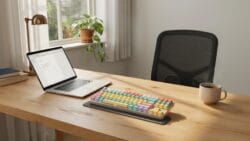
The light bar matches your monitor’s color temperature when properly configured. This alignment eliminates the jarring contrast between warm ambient light and cool blue screen light. Your circadian rhythm stays more stable when light sources work in harmony rather than conflict, which reduces strain during evening work hours.
Essential Desk Accessories
Integrating With Other Desk Accessories
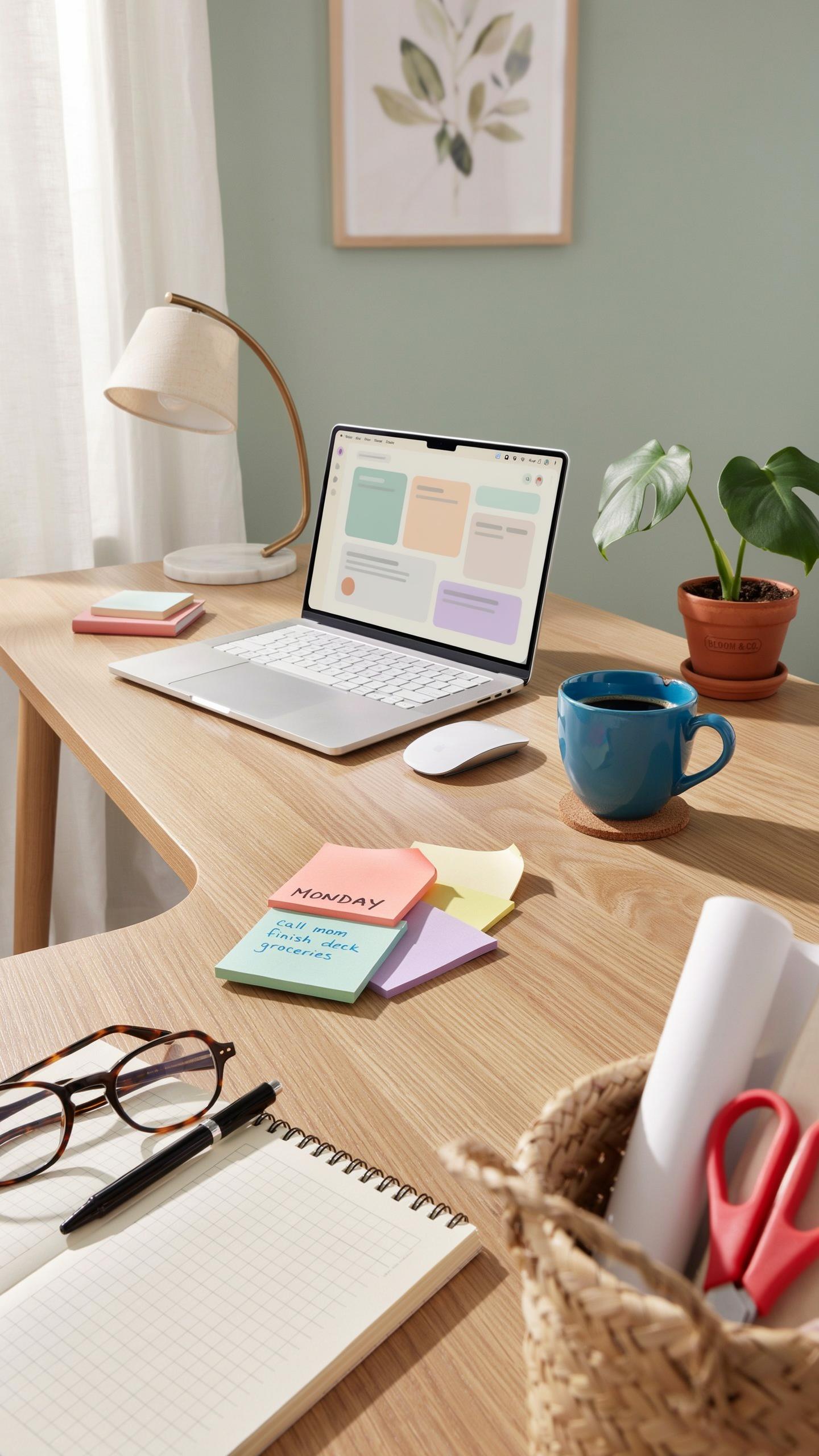
A monitor light bar works within your existing setup, not against it. Position it above your monitor without blocking ventilation or cable paths. Most light bars mount via clamp or adhesive bracket, leaving your desk surface clear. This matters because clutter increases eye movement and cognitive load. Your light bar becomes one component in a layered system rather than an isolated tool.
Combine your monitor light bar with task lighting and ambient light for balanced illumination. This three-tier approach reduces contrast between your screen and surroundings, which directly decreases eye strain. Your monitor light bar handles direct screen glare. Task lighting covers your work surface. Ambient light fills the room. Each serves a specific function. Together they eliminate the dark patches that force your eyes to constantly readjust.
Optimizing Your Entire Workstation For Comfort
Monitor position matters as much as monitor light bar placement. Your screen should sit at arm’s length, with the top edge at or slightly below eye level. Poor monitor height forces your neck and eyes into unnatural positions, overwhelming any benefit from specialized lighting. Your light bar performance depends on this foundation. Adjust monitor height using a stand or arm before fine-tuning your lighting setup.
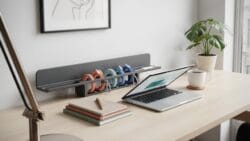
Keyboard and mouse placement directly influence how your eyes move during work. These should sit close to your body at elbow height, preventing you from reaching or twisting. When your posture stays neutral, your eyes maintain consistent distance from the screen. Your monitor light bar then works as intended without compensating for awkward positioning. Test your setup by working for one hour and noting where tension builds. Adjust accordingly.
Home Office Lighting Solutions
Brightening Your Home Office
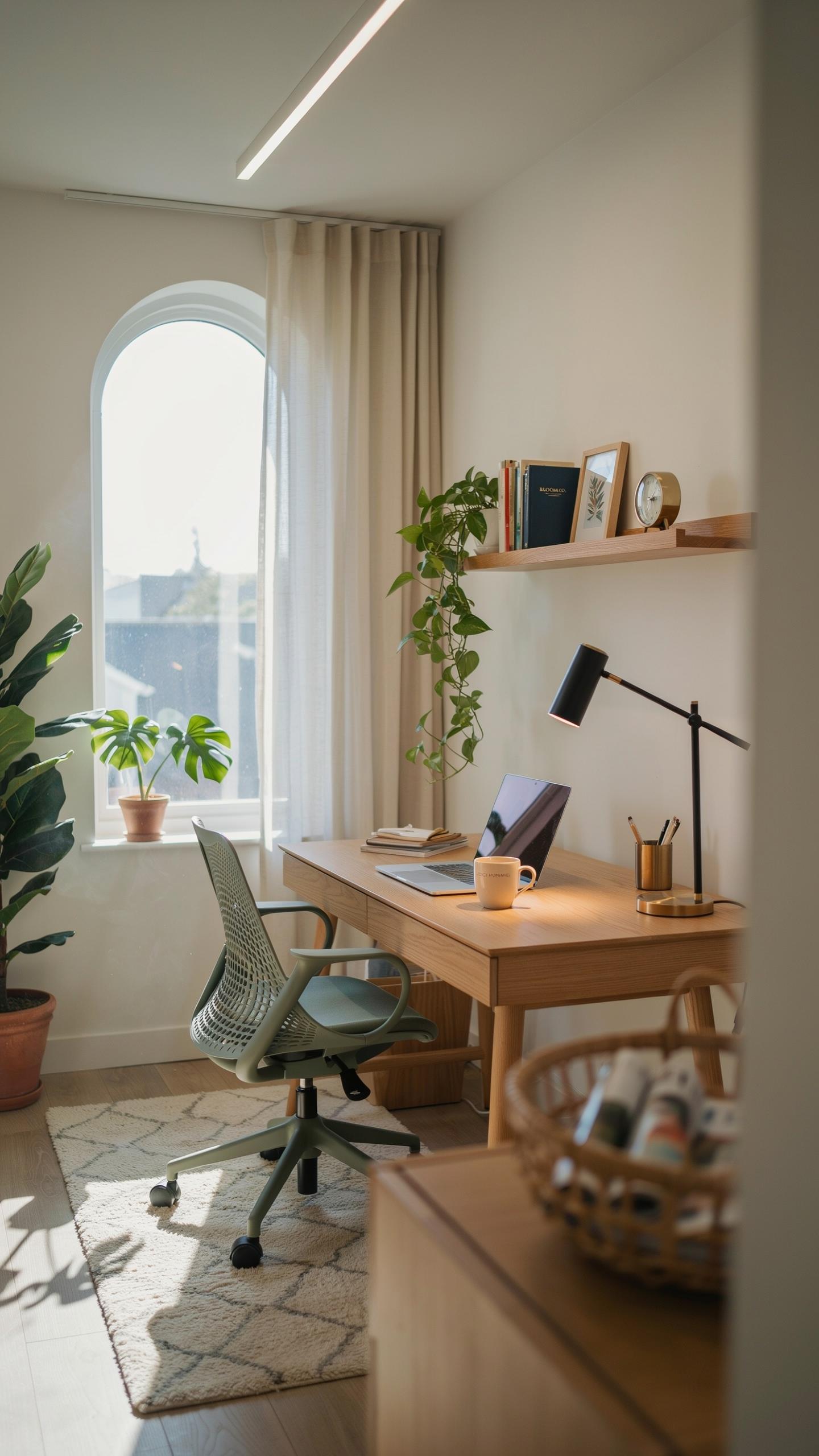
Your home office needs enough light to eliminate screen glare and reduce eye strain. Insufficient lighting forces your eyes to work harder, especially when viewing a monitor. Natural light remains the gold standard, but position your desk to avoid direct sunlight on your screen. If natural light is limited, supplement with overhead fixtures and task lighting positioned strategically around your workspace.
A monitor light bar solves the core problem by directing light onto your desk surface and keyboard rather than your screen. This approach prevents the contrast between a bright monitor and dark surroundings that triggers eye fatigue. Mount the light bar above your monitor to illuminate your work area without creating reflections on your display. Proper brightness levels match your monitor’s output, creating visual balance across your entire workspace.
Balancing Ambient And Task Lighting For Productivity
Ambient lighting sets your workspace baseline, while task lighting handles specific work zones. Most home offices rely too heavily on one or the other, creating either dim, fatiguing conditions or harsh shadows. Aim for ambient light around 300 to 500 lux, then add focused task lighting at your desk. This two-layer approach reduces the workload on your eyes and maintains consistent visibility throughout your day.
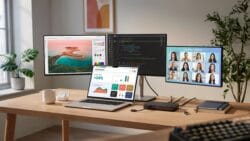
Monitor light bars function as task lighting specifically designed for screen work environments. They deliver targeted illumination where you need it most, reducing the demand on your eyes to adapt between bright and dark areas. Position your ambient light source away from your screen to avoid backlighting effects. Adjust both light sources to work together, creating a comfortable visual field that supports sustained focus without fatigue.
Gaming Setup Enhancements
Reducing Glare For Gamers
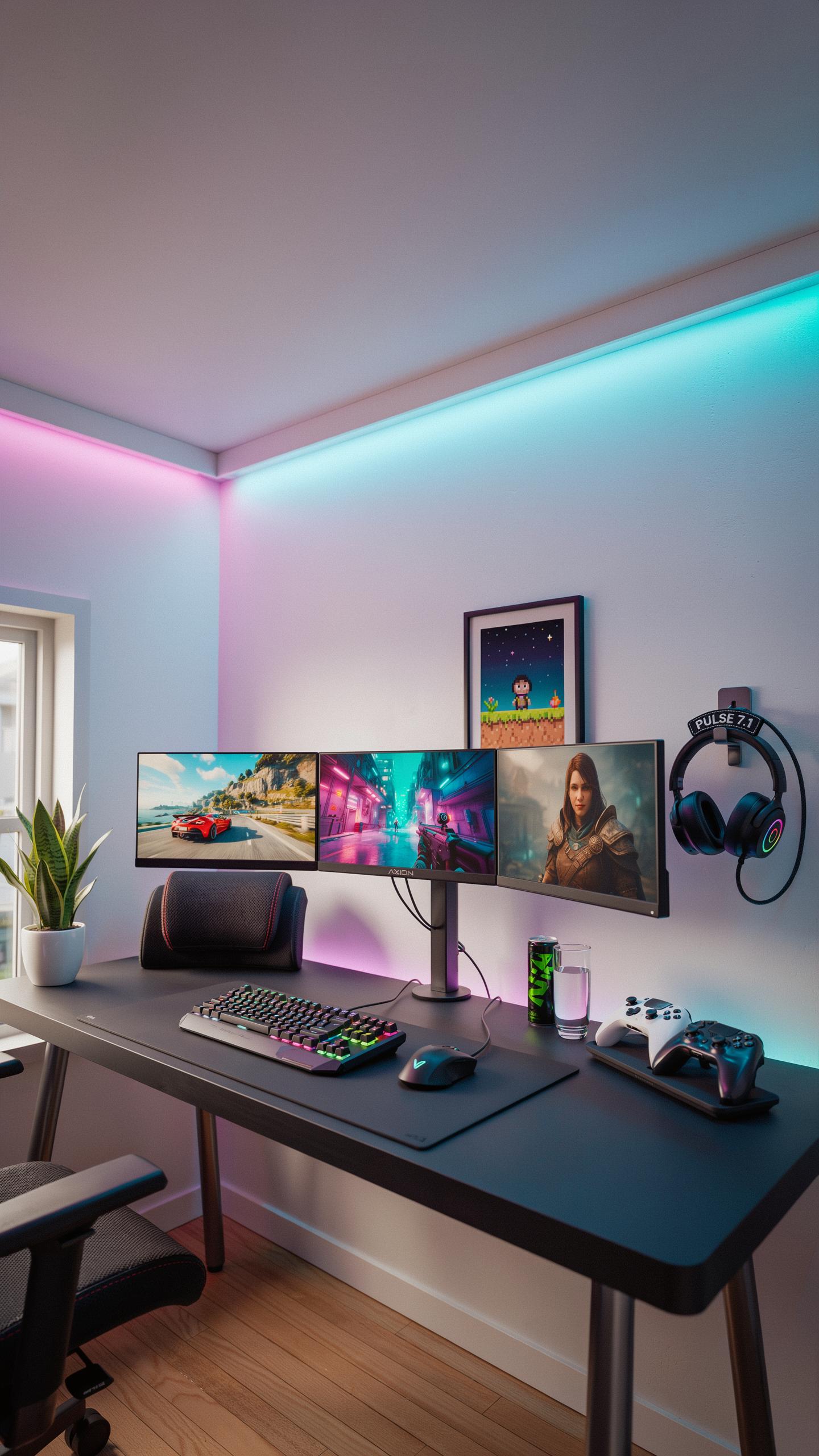
Glare destroys gaming performance and accelerates eye fatigue. A monitor light bar sits above your screen and directs light downward onto your desk and keyboard. This eliminates the contrast between your bright monitor and dark surroundings, which is the primary cause of eye strain during extended gaming sessions.
Position your light bar directly above the monitor’s top bezel. Adjust brightness to match your monitor’s output, not exceed it. This keeps ambient light consistent across your visual field. You eliminate the reflex squinting that happens when your eyes adjust between bright and dark areas repeatedly.
Immersive Gaming Experience
Monitor light bars enhance immersion by reducing the visual jar of transitioning between game content and your dark room. Your brain processes the game world more naturally when peripheral lighting matches the on screen action. This removes the distraction of eye strain and lets you focus on gameplay mechanics and reaction time.
Sync your light bar to your monitor’s color temperature. Many modern bars offer warm tones during evening play and cooler tones during day sessions. This alignment keeps your eyes engaged with the screen rather than fighting environmental lighting inconsistencies that break concentration during critical game moments.
The Tech Gadgets Advantage
Innovative Features Of Light Bars
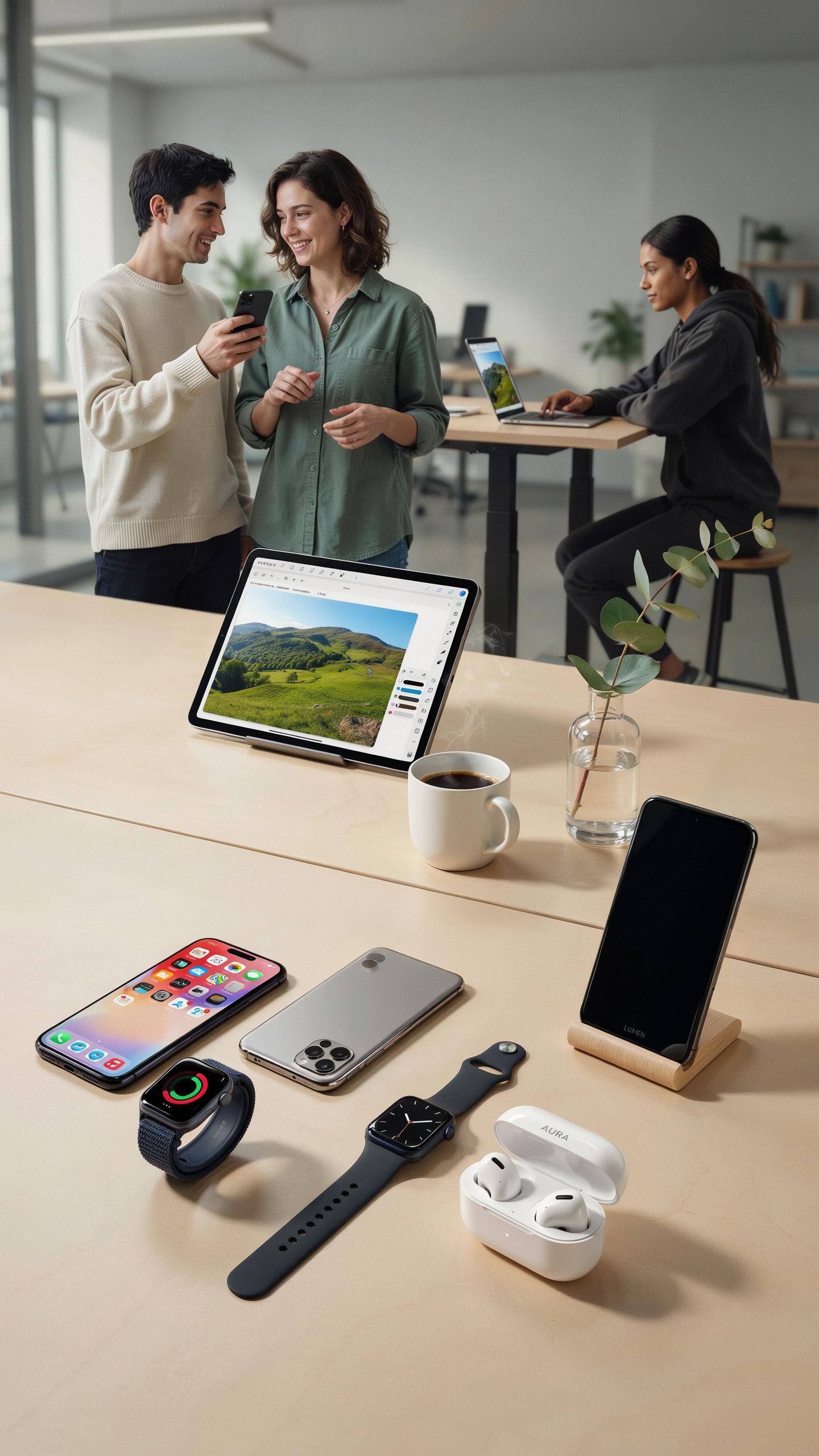
Monitor light bars use LED technology positioned above or on the monitor frame to direct light toward your workspace instead of your screen. This design reduces the contrast between your bright display and dark surroundings, which lowers eye strain. The LEDs emit warm color temperatures that match ambient light, creating consistency across your visual field without creating glare on your screen.
Most modern light bars include brightness adjustment and color temperature control. You dial in the exact light level and warmth your workspace needs. Some models detect ambient light automatically and adjust output accordingly. These features let you match lighting to different times of day and work tasks without manual intervention each time.
Smart Lighting Integration
Monitor light bars connect to your computer via USB, allowing software control of brightness and color temperature. Some integrate with existing smart home systems through Wi-Fi or Bluetooth connectivity. This means you can adjust your light bar settings from your phone or include it in automated lighting routines that match your work schedule.

Integration with office systems becomes practical when light bars sync with calendar applications or productivity software. Your light bar can shift to cooler temperatures during focus time and warmer tones during breaks. This automation removes friction from managing your lighting environment and ensures consistent settings without manual adjustments throughout your workday.
Optimizing Your Office Setup
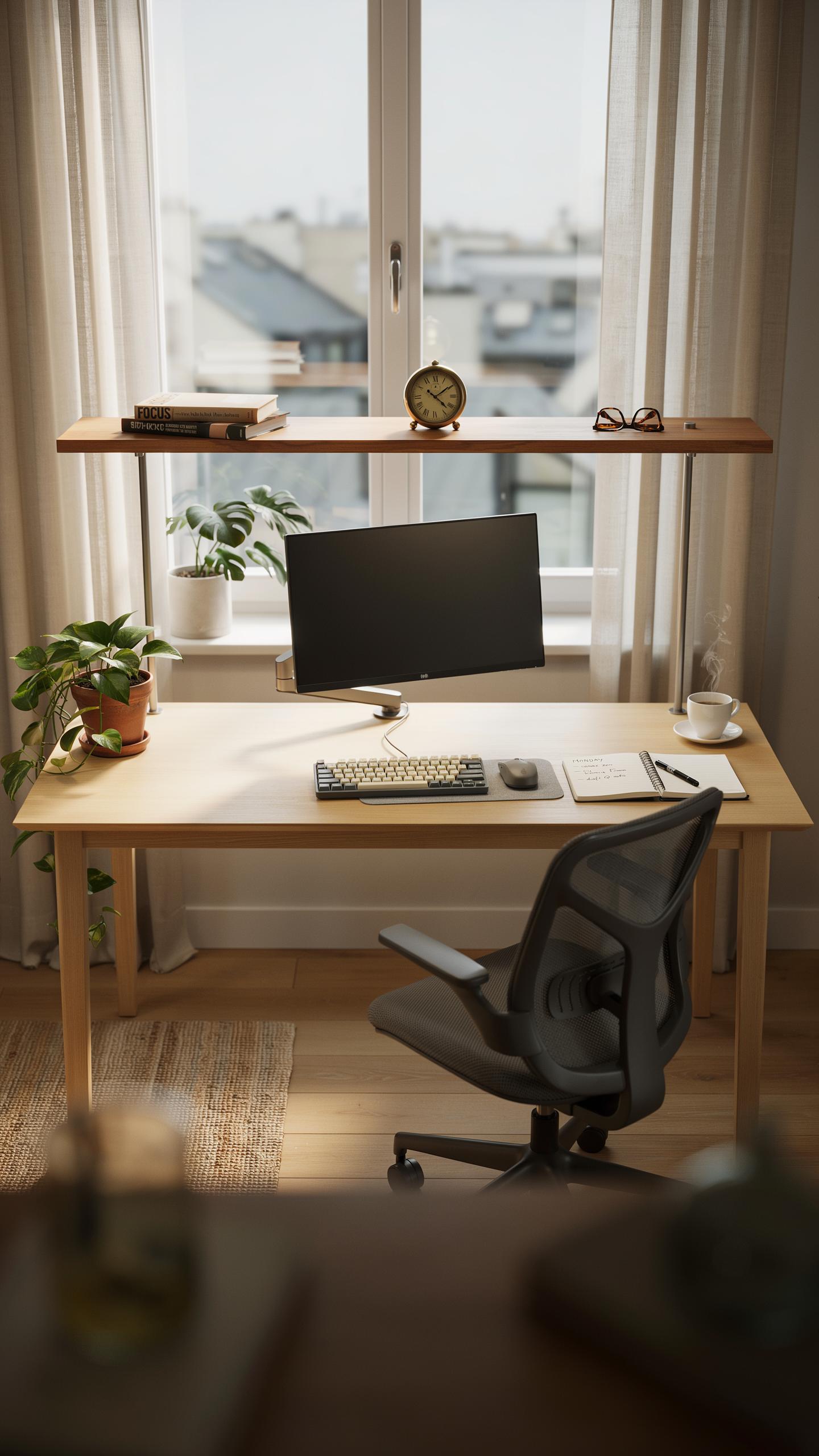
Professional And Ergonomic Office
Your desk height determines monitor positioning. Set your desk so your elbows rest at 90 degrees when your arms hang naturally. Position your monitor 20 to 26 inches from your eyes, with the top of the screen at or slightly below eye level. This prevents neck strain and reduces the need to adjust your head position constantly throughout the day.
A monitor light bar mounts directly above your screen to illuminate your desk and keyboard without creating glare on the display. Position the light bar to cast even illumination across your work surface. Adjust brightness and color temperature to match your ambient lighting. Proper placement eliminates shadows on your keyboard and reduces the contrast between your bright monitor and dark surroundings, which decreases eye fatigue significantly.
Remember those gentle glows of the old lamps, softly illuminating your books? A monitor light bar brings that comforting embrace to your screen, easing your eyes through the longest of days.
Improving Focus And Productivity In The Office
A monitor light bar reduces eye strain by controlling the lighting environment around your screen. When desk lighting is dim or uneven, your eyes work harder to process visual information. The light bar provides consistent illumination that lets your eyes focus on work tasks without constant adjustment. This sustained consistency improves concentration during long work sessions and reduces the mental fatigue that comes from fighting poor lighting.

Controlling glare and reflection directly impacts your ability to sustain focus on detailed work. A monitor light bar eliminates the need for overhead lighting that often creates screen reflections. Without reflections and harsh shadows, you maintain better visual clarity on text and design work. This stability in your visual environment means your brain expends less energy on processing visual disruptions and more energy on actual work output.
Creating An Ideal Work Space
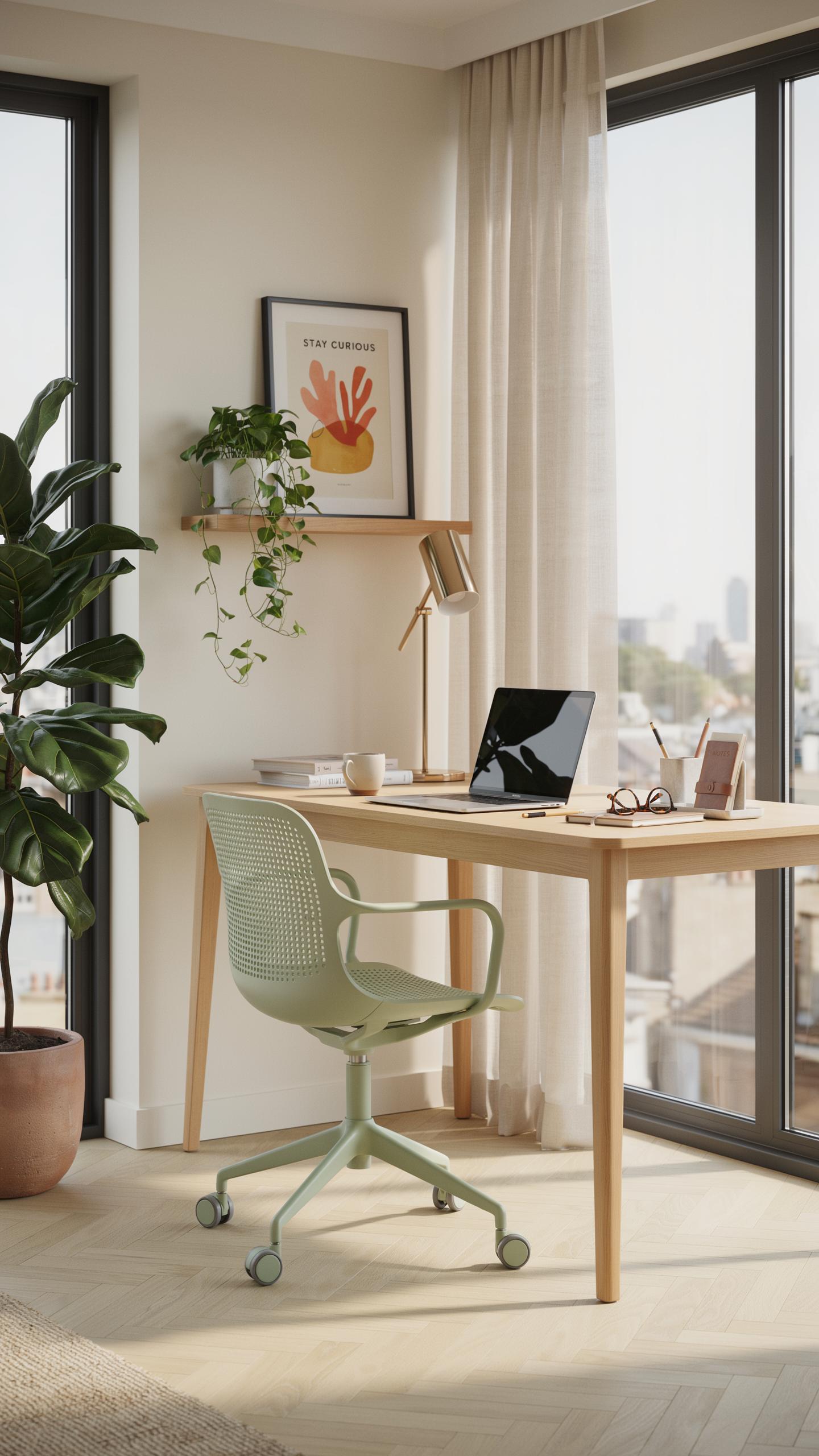
Designing A Comfortable And Healthy Work Space
Your workspace setup determines whether you experience eye strain or maintain visual comfort during eight-hour workdays. Monitor light bars reduce glare and ambient light reflection on your screen surface. Position your monitor 20 to 26 inches from your eyes, with the top of the screen at or slightly below eye level. This distance and angle minimize focusing effort and neck tension.
A monitor light bar mounts above your screen and directs light downward onto your desk and keyboard. This positioning prevents light from bouncing off your monitor surface into your eyes. Proper desk height, chair support, and monitor placement work together with task lighting to create an ergonomic setup. Your workspace layout directly impacts how much strain your eyes experience throughout the day.
Long Term Benefits Of Proper Lighting For Well Being
Consistent proper lighting reduces cumulative eye fatigue over months and years of desk work. When you use a monitor light bar correctly, your eyes maintain stable focus without constant adjustment to changing light conditions. Reduced eye strain translates to fewer headaches, less neck tension, and improved sleep quality at night. Your body experiences less stress when your visual system operates efficiently throughout the workday.
Long-term workspace optimization with appropriate lighting supports sustained productivity without health decline. Workers who maintain proper lighting experience fewer vision problems and report better overall comfort during extended computer use. Investing in ergonomic lighting now prevents the gradual vision deterioration that develops from years of inadequate workspace design. Your long-term eye health depends on the daily habits you build through proper workspace setup.
Frequently Asked Questions

What exactly is a monitor light bar and how does it help with eye strain?
A monitor light bar is a slim LED light that sits atop your display, directing illumination downwards onto your desk without casting glare on the screen itself. This creates balanced lighting, reducing the high contrast between your bright monitor and a dark room, which is a major contributor to eye fatigue and strain during long work days.
How do I properly install a monitor light bar to maximize its benefits for reducing eye strain?
Installation is typically tool-free and straightforward. Most monitor light bars simply rest on top of your monitor, secured by a counterweight. Ensure the light is centered and adjust its angle so the beam primarily illuminates your workspace and keyboard, not directly onto your screen, to optimize its effectiveness against eye strain. Many connect via USB for power.
Are there affordable options for a monitor light bar if I’m on a tight budget but still need eye relief?
Absolutely! While premium models exist, you can find effective monitor light bars at various price points. Look for reputable brands offering basic features like adjustable brightness and color temperature. Even budget-friendly options can make a significant difference in reducing eye strain during long work days without breaking the bank.



