What Is A Gaming Mouse Pad With Wireless Charging
Definition And Functionality
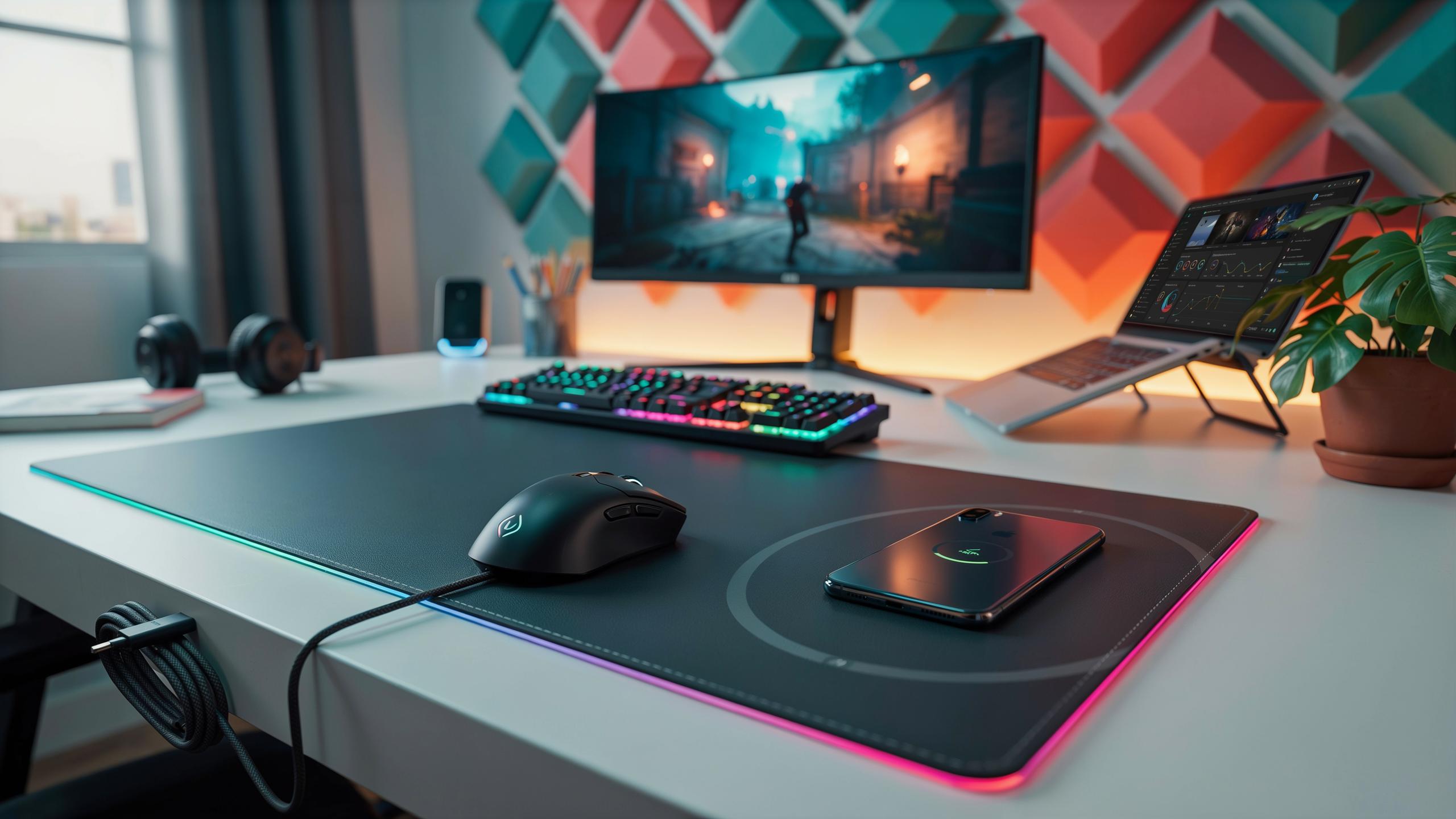
A gaming mouse pad with wireless charging combines two separate tools into one surface. The pad features a standard gaming mouse pad on top with a wireless charging coil embedded underneath. You place your wireless charging compatible mouse on the pad, and it charges while you work or play. The charging happens through electromagnetic induction, the same technology found in smartphone wireless chargers.
These pads require a power cable connected to an outlet or USB port to operate. The charging surface typically measures between 300x250mm and 400x500mm, covering standard mouse movement areas. Most models output 5 to 10 watts of power, sufficient for gaming mice with small batteries. The pad surface itself uses standard gaming materials like cloth or hard plastic to maintain mouse precision and tracking accuracy.
Evolution Of The Gaming Desk Setup
Gaming desk setups evolved from basic setups with a mouse and keyboard to complex systems with multiple peripherals. Early gaming rigs required separate charging docks for mice, creating desk clutter and cable management problems. Wireless mice became standard around the mid-2010s, but charging them remained inconvenient and disconnected from the desk workspace. Gamers needed solutions that eliminated desk space waste while maintaining performance standards.
Integrated wireless charging on mouse pads emerged as a direct response to this problem. Manufacturers recognized that gamers spent hours at their desks and wanted fewer objects occupying space. Combining the mouse pad with charging eliminated the need for separate charging stations. This integration reflects a broader trend toward consolidation in gaming peripherals, where multifunctional designs replace single-purpose tools.

Benefits Of Integrating Wireless Charging Into Your Gaming Mouse Pad
Streamlined Cable Management
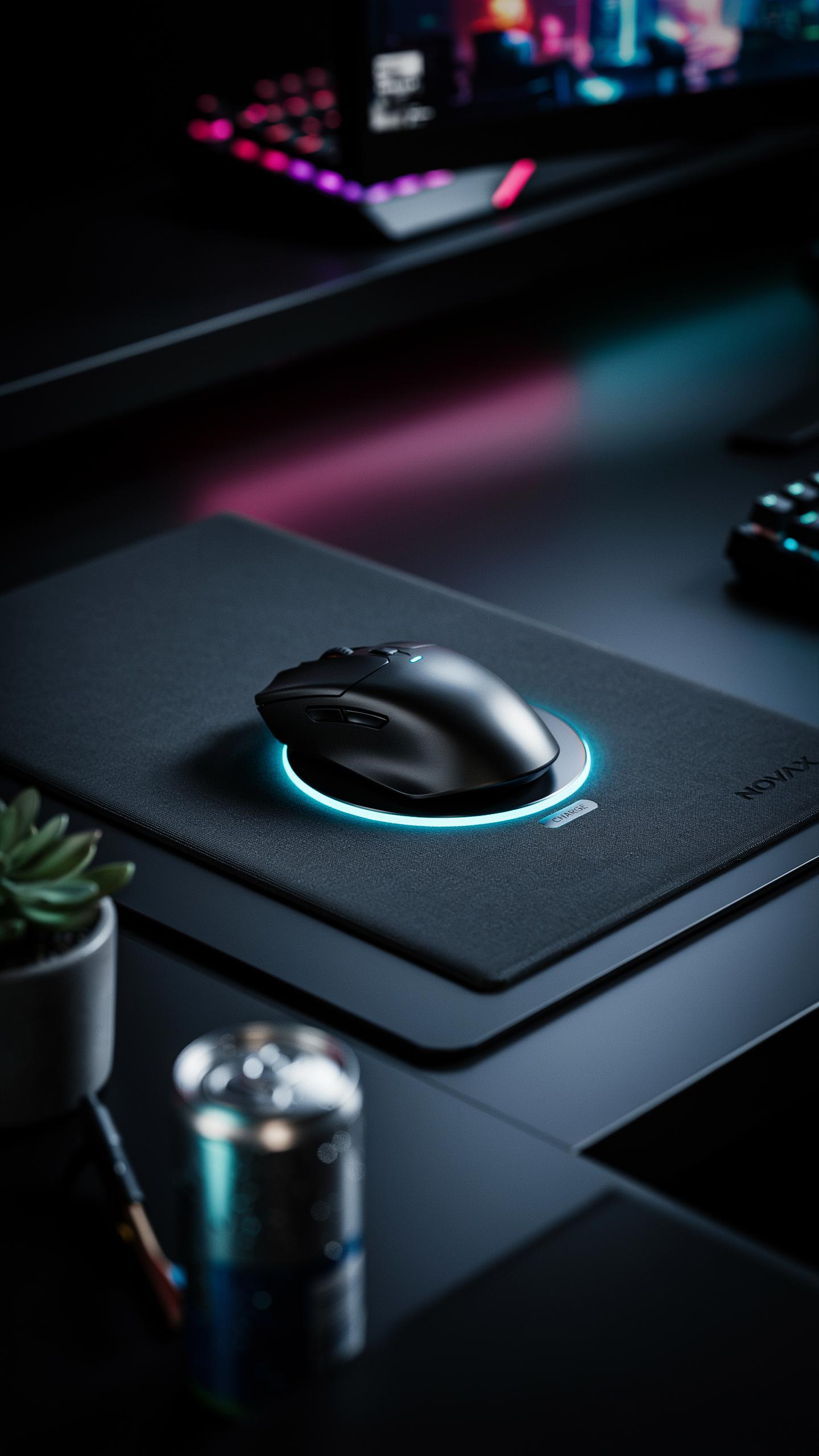
A wireless charging mouse pad eliminates the need for a separate charging cable running across your desk. This removes physical clutter and creates a cleaner visual workspace. Your mouse sits on the pad and charges through inductive technology, requiring only a single power connection to the pad itself. The reduction in cables directly improves desk organization and reduces the tangle of wires that typically accumulates in gaming setups.
The aesthetic improvement extends beyond cable reduction. A single power input to the pad means fewer visible connections behind your monitor or on your desktop perimeter. Your mouse charges passively while you work or play, and the pad occupies space your mouse already needs. This integration saves physical real estate and simplifies the visual hierarchy of your gaming environment.
Uninterrupted Gaming Sessions
Your gaming mouse maintains a constant charge whenever it rests on the pad. This eliminates the scenario where your mouse dies mid-session because you forgot to charge it separately. Compatible devices like wireless headsets or controllers can also charge on multi-device pads, creating a central charging hub. Your focus stays on gameplay rather than battery management.

The convenience extends to work sessions that precede or follow gaming. Your mouse charges during breaks, meetings, or when sitting idle at your desk. Modern wireless mice draw minimal power when charging, so energy consumption remains negligible. This passive charging approach means your mouse is always ready when you need it, without requiring active attention or planning.
Key Features To Look For In A Wireless Charging Gaming Mouse Pad
Charging Technology And Compatibility
Wireless charging pads use electromagnetic induction to transfer power. The Qi standard dominates the market and handles most smartphone and accessory charging needs. Check your mouse model against the pad’s specifications before buying. Not all wireless mice support charging, and pad output varies from 5W to 15W depending on the model.
Different manufacturers implement charging coils at different locations within their mouse designs. A pad with adjustable or multiple charging zones accommodates various mouse shapes and brands. Some pads only work with mice from their own manufacturer. Verify compatibility through the product manual or manufacturer website to avoid purchasing an incompatible unit.
Surface Material And Tracking Performance
The mouse pad surface directly impacts tracking accuracy and speed during gameplay. Hard pads offer faster glide and lower friction, while cloth surfaces provide better control and durability. Gaming mice with wireless charging typically come bundled with matched surface materials optimized for their sensors. Mismatched surfaces can cause tracking inconsistencies and degrade your competitive performance.

Quality matters because cheap materials wear quickly and create dead zones where the sensor struggles. Premium cloth maintains consistent texture through extended use while hard surfaces resist peeling and delamination. Surface thickness also affects feel and stability. A pad between 2mm and 4mm thick balances responsiveness with comfort during extended gaming sessions.
Enhancing Your Desk Setup With RGB LED Lighting
Aesthetic Appeal Of RGB LED
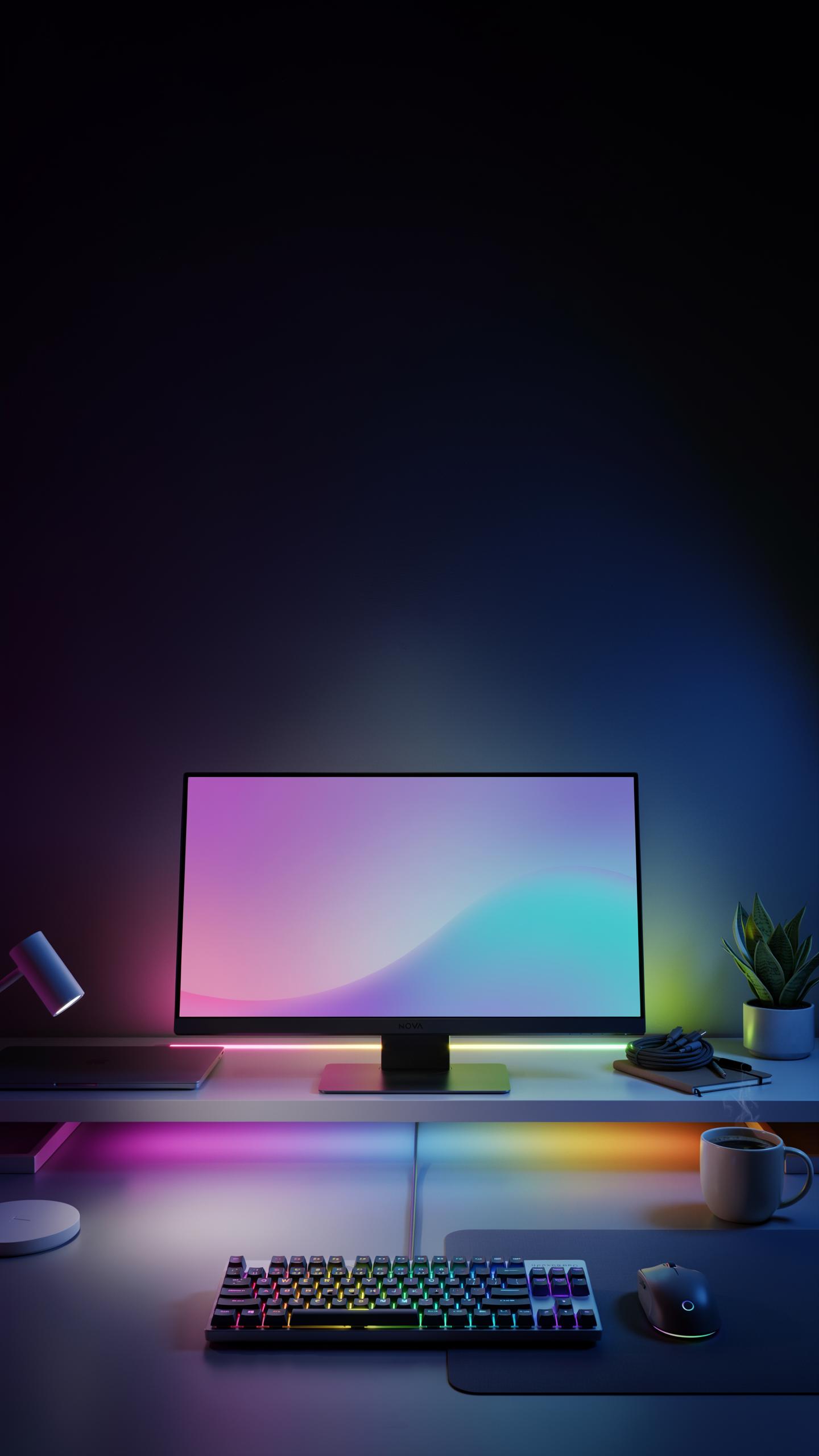
RGB LED lighting transforms a gaming desk from functional to visually intentional. Most wireless charging mouse pads with RGB integrate LED strips around the perimeter or beneath the surface. Users control color output through proprietary software or hardware buttons. This customization lets you match your lighting to your room, monitor, or personal preference. The lighting itself doesn’t impact gaming performance, but it does reduce eye strain in dark environments by providing ambient illumination around your work surface.
RGB options range from single-color static modes to dynamic effects like breathing, strobing, or color-cycling patterns. Quality implementations offer brightness adjustment and the ability to save multiple profiles for different gaming sessions or times of day. The lighting consumes minimal power, typically drawing from your mouse pad’s wireless charging circuit or a separate USB connection. This means RGB functionality adds visual depth without meaningful battery drain on your mouse itself.
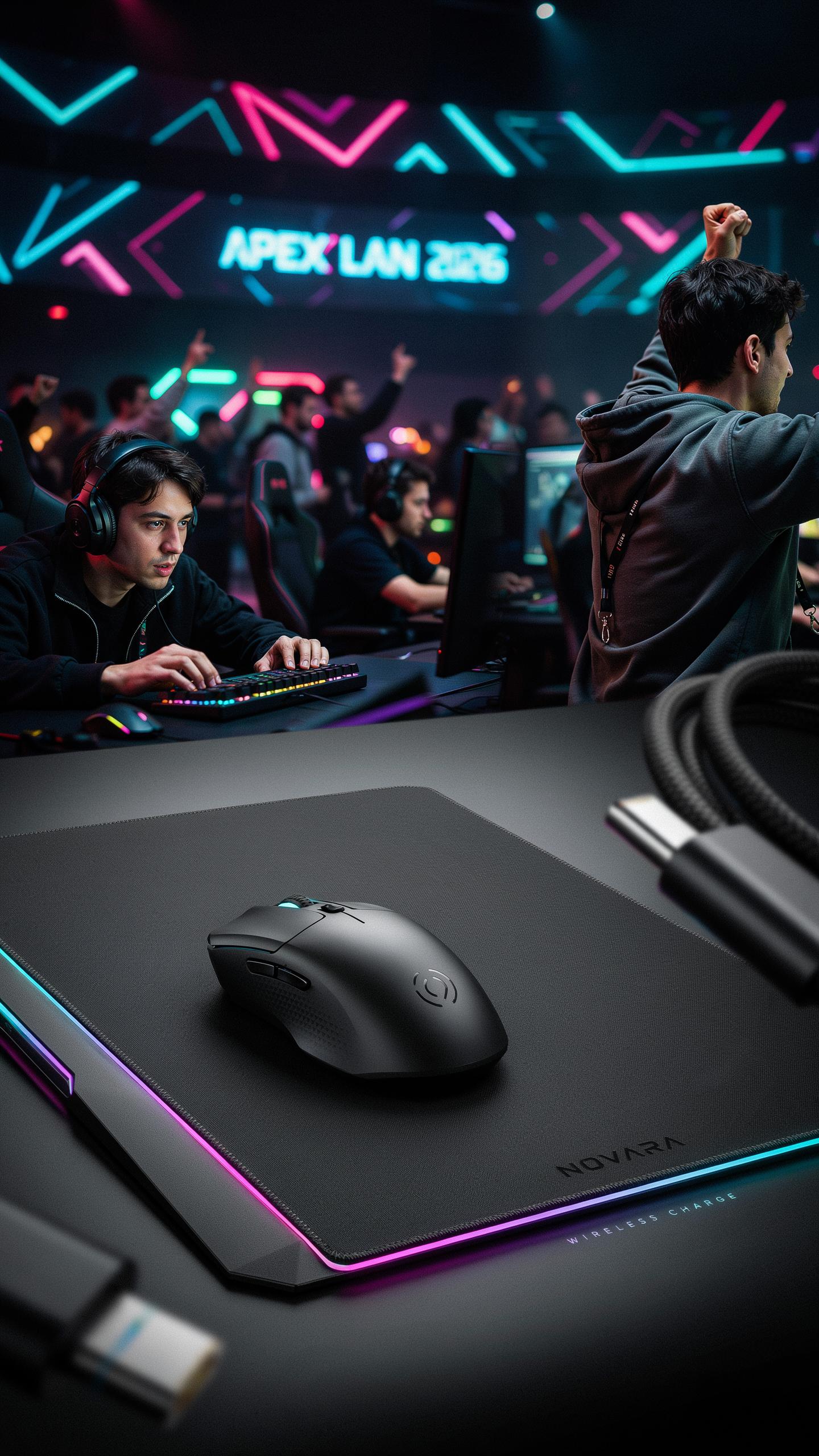
Remember those epic LAN parties, where every detail mattered? Now, imagine your trusty mouse pad becoming the quiet power-up for endless adventures, just as we always dreamed.
Synchronization With Other Peripherals
RGB synchronization requires compatible ecosystem products and software that communicate across devices. Brands like Corsair, SteelSeries, and Razer offer software platforms that link mouse pads, keyboards, headsets, and other peripherals to one unified lighting system. When you set your mouse pad to a specific color or effect, compatible devices mirror that choice across your entire desk. This creates cohesion without manual configuration of each device independently.
Cross-brand synchronization remains limited. Most manufacturers prioritize their own ecosystems rather than supporting competitors. Some mouse pads work with generic RGB controllers or third-party software like OpenRGB, but compatibility varies. Before purchasing a wireless charging mouse pad with RGB, verify that your existing peripherals support the same lighting software or standard. Mismatched systems force you to control lighting separately, defeating the unified aesthetic goal.
Beyond Gaming Versatile Charging Desk Solutions
Charging Smartphones And Accessories
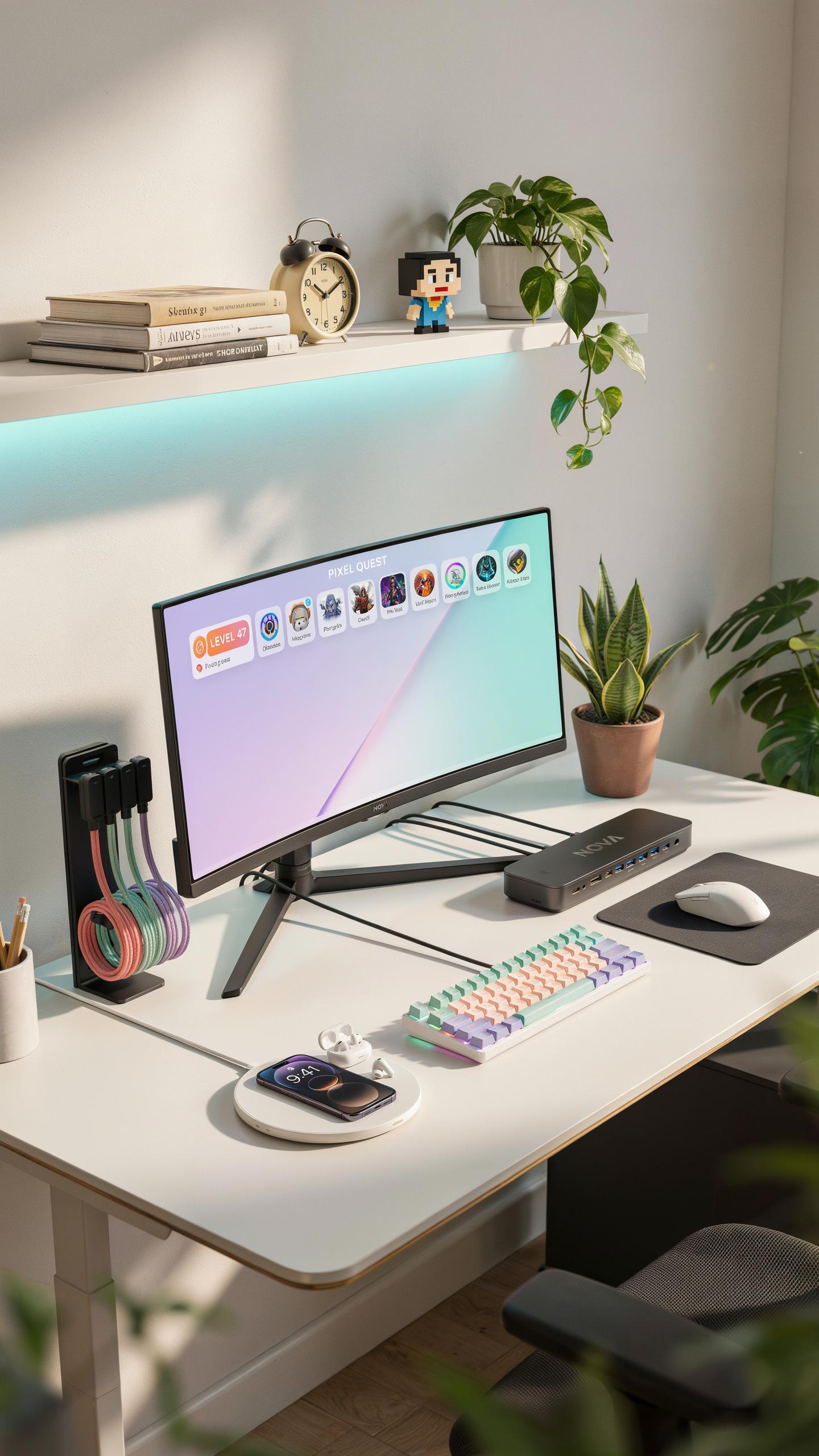
Most gaming mouse pads with wireless charging use Qi technology, the same standard that powers smartphone charging. Your phone sits on the pad surface while your mouse occupies the center, eliminating the need for separate charging cables on your desk. This setup works with any Qi-enabled device, including certain earbuds, smartwatches, and gaming headsets with wireless charging cases.
The charging speed depends on the pad’s wattage output and your device’s charging specifications. Standard gaming mouse pads deliver 5 to 15 watts, which charges phones at normal speeds rather than fast-charging rates. Distance matters too. Your phone charges only when placed directly on the charging zone, typically the outer edges of the pad where your mouse doesn’t travel.
Maximizing Workspace Efficiency
A combined mouse pad and charging solution reduces desk clutter by consolidating three functions into one surface: mouse tracking, device charging, and desk real estate. You eliminate the need for separate charging cables, wall adapters, and dedicated charging spots. This creates a cleaner visual workspace and reduces cable management overhead.

The consolidated design frees up valuable outlet access for other equipment like monitors, keyboards, or desk lamps. Your workspace becomes more organized because charging happens passively as you work, not as an active task requiring attention. One power connection to the pad replaces multiple connections, simplifying your entire desk setup while maintaining full functionality for both gaming and daily device maintenance.
Selecting The Right Size And Shape For Your Mouse Pad
Standard Vs. Extended Mouse Pads
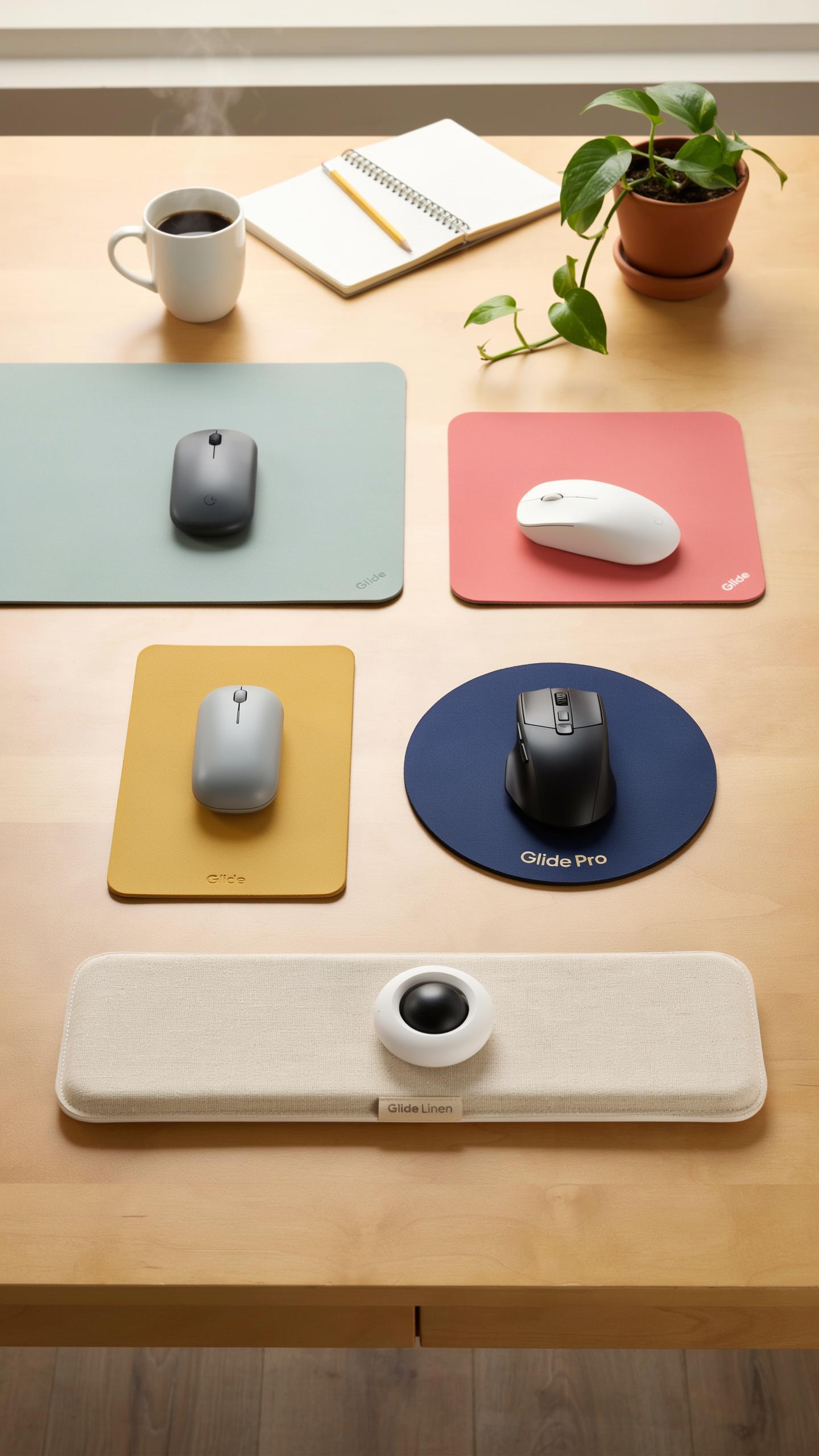
Standard mouse pads measure around 10 by 12 inches. They fit most desk setups without consuming excessive surface area. Extended pads range from 16 to 36 inches wide and accommodate both your mouse and keyboard on one surface. Choose standard if your desk space is limited. Pick extended if you want consolidated equipment placement and prefer larger movement areas for gaming.
Wireless charging integration affects pad thickness and weight differently across sizes. Standard pads with charging remain portable and easy to reposition. Extended pads with charging stay relatively flat but require adequate desk real estate and stable power placement underneath. Your mouse tracking surface doesn’t change based on pad size, so focus on desk configuration and how much space you actually use during play sessions.
Accommodating Your Gaming Keyboard And Peripherals
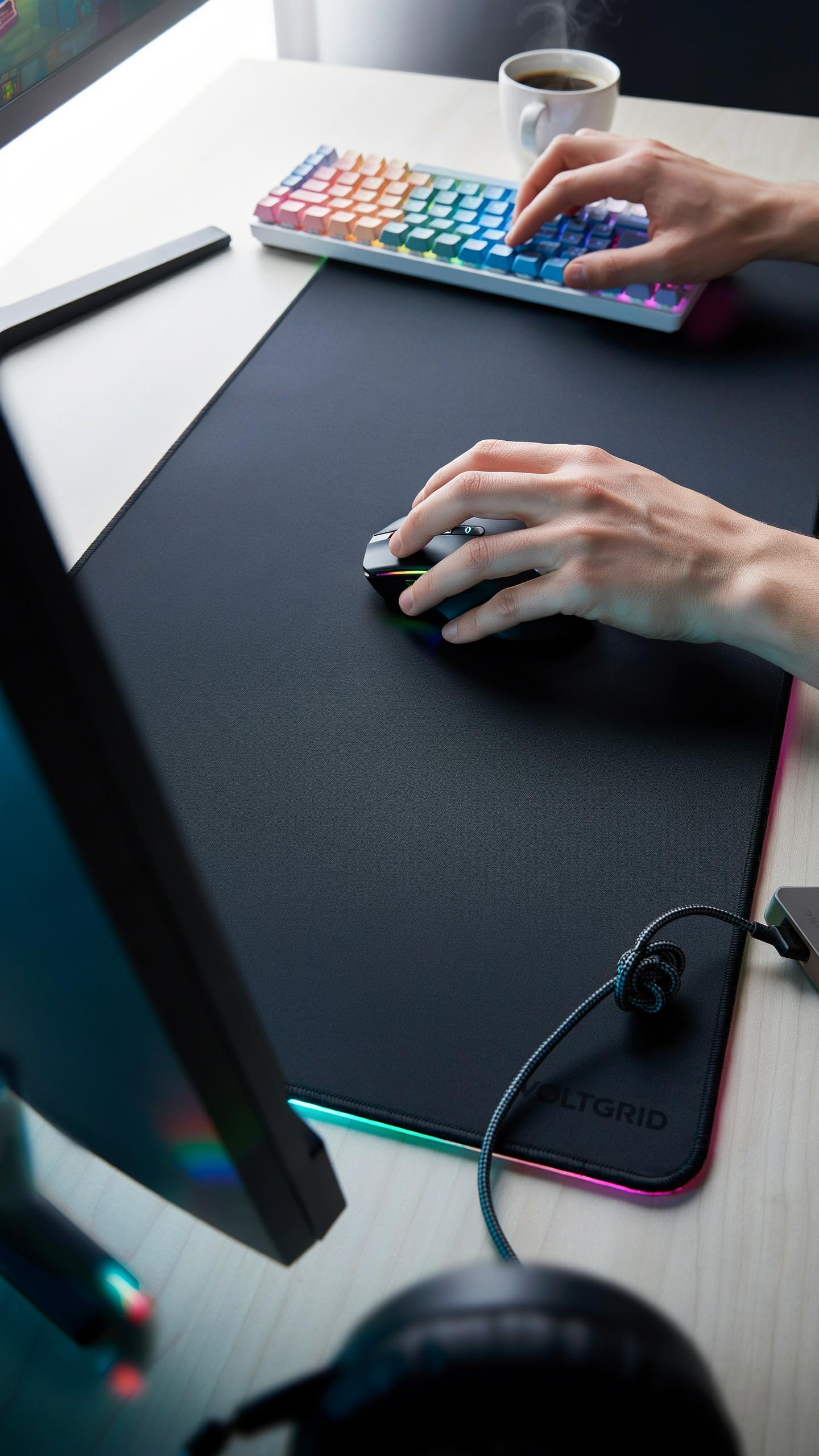
Extended mouse pads with wireless charging solve the keyboard placement problem directly. Your gaming keyboard sits on the same surface as your mouse, eliminating gaps between devices. This setup reduces clutter and keeps your hand transition smooth between typing and aiming. Standard pads force your keyboard onto bare desk space, which works fine if your desk supports it comfortably.
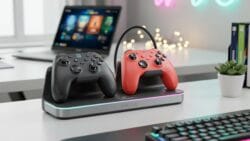
Consider cable management when placing a keyboard on your charging pad. The charging coil needs contact with your mouse receiver underneath, so keyboard weight shouldn’t compress it unevenly. Test your specific keyboard to ensure it won’t obstruct charging efficiency. Most extended pads distribute pressure evenly, but heavier mechanical keyboards may require confirmation before committing to the layout.
Durability And Maintenance Of Your Gaming Mouse Pad
Materials And Construction Quality
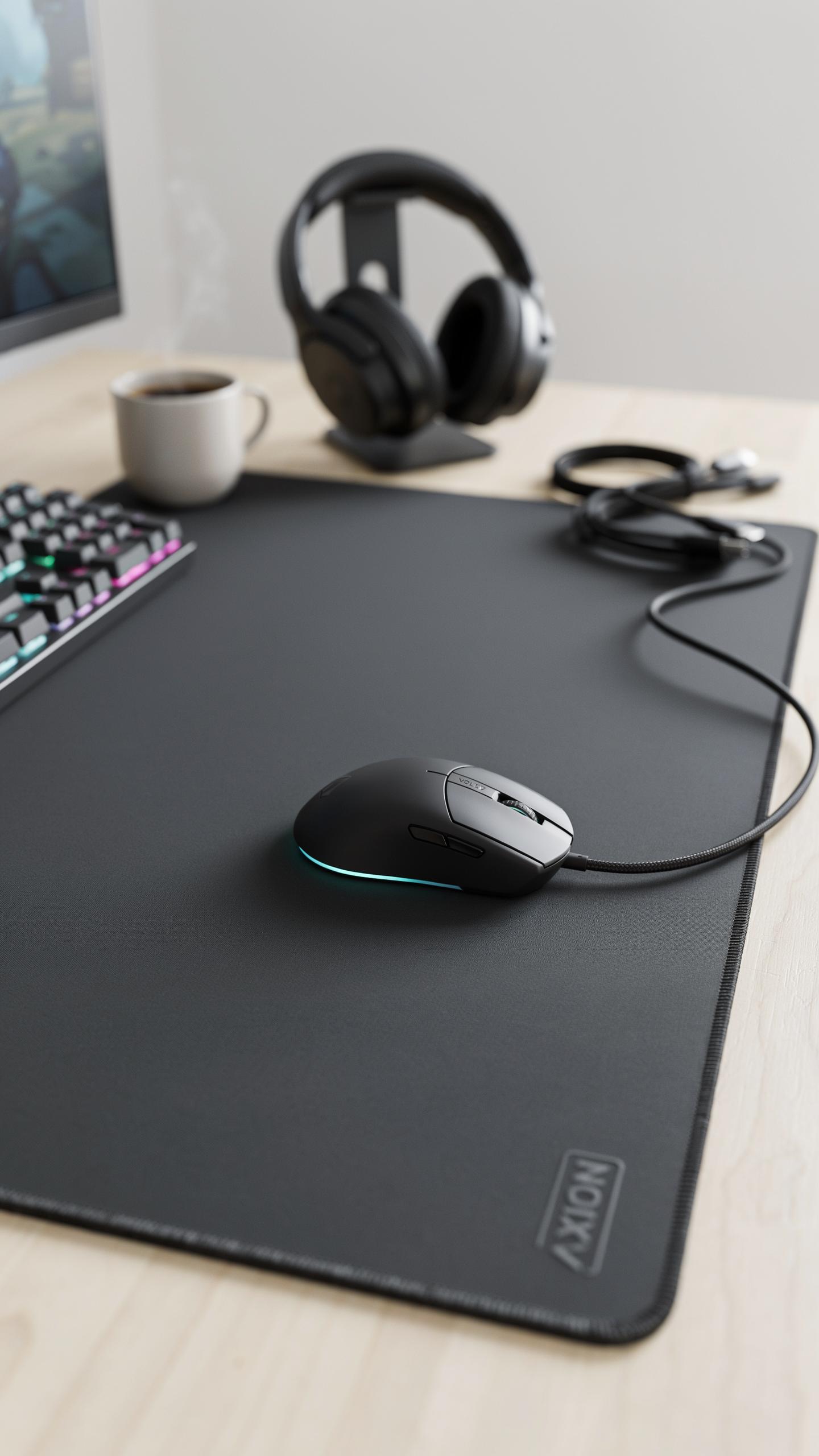
The surface material directly determines how long your pad resists wear. Most gaming mouse pads use woven fabric or hard plastic bases. Fabric pads typically last 1 to 3 years with heavy use before fraying occurs. Hard surface pads resist damage longer but can crack if dropped or flexed repeatedly.
The wireless charging component adds complexity to construction. The charging coil sits beneath the surface layer, making separation critical for longevity. Quality pads use reinforced stitching around edges to prevent the charging circuit from exposure. Poor construction allows moisture and dust to reach electrical components, causing charging failures.
Cleaning And Care For Optimal Performance
Regular cleaning maintains tracking accuracy and charging efficiency. Dust buildup on the surface degrades mouse sensor performance. Charging coil debris reduces power transfer speed. You must clean weekly for consistent performance.
- Dry Cloth Method: Wipe the surface with a microfiber cloth daily to remove dust and skin oils that accumulate during gaming sessions.
- Mild Soap Solution: Mix water with gentle dish soap, dampen a cloth, and wipe the surface. Never soak the pad or submerge it completely.
- Avoid Harsh Chemicals: Skip bleach, acetone, and alcohol-based cleaners as they damage fabric weave and corrode charging components.
- Edge Maintenance: Clean seams and stitching with a soft brush to prevent moisture and debris from entering the charging circuitry.
- Charging Port Care: Keep the charging input port dry and free of lint using compressed air when needed.
- Drying Protocol: Air dry the pad completely before use. Never use heat sources like hairdryers that can damage internal electronics.

Store your pad flat in a dry environment away from direct sunlight. UV exposure breaks down fabric and plastic over time. Keep the pad away from liquids and extreme temperature swings. Proper storage between gaming sessions adds years to overall lifespan and maintains charging reliability.
Compatibility With Your Gaming Mouse And Other Devices
QI Enabled Device Support
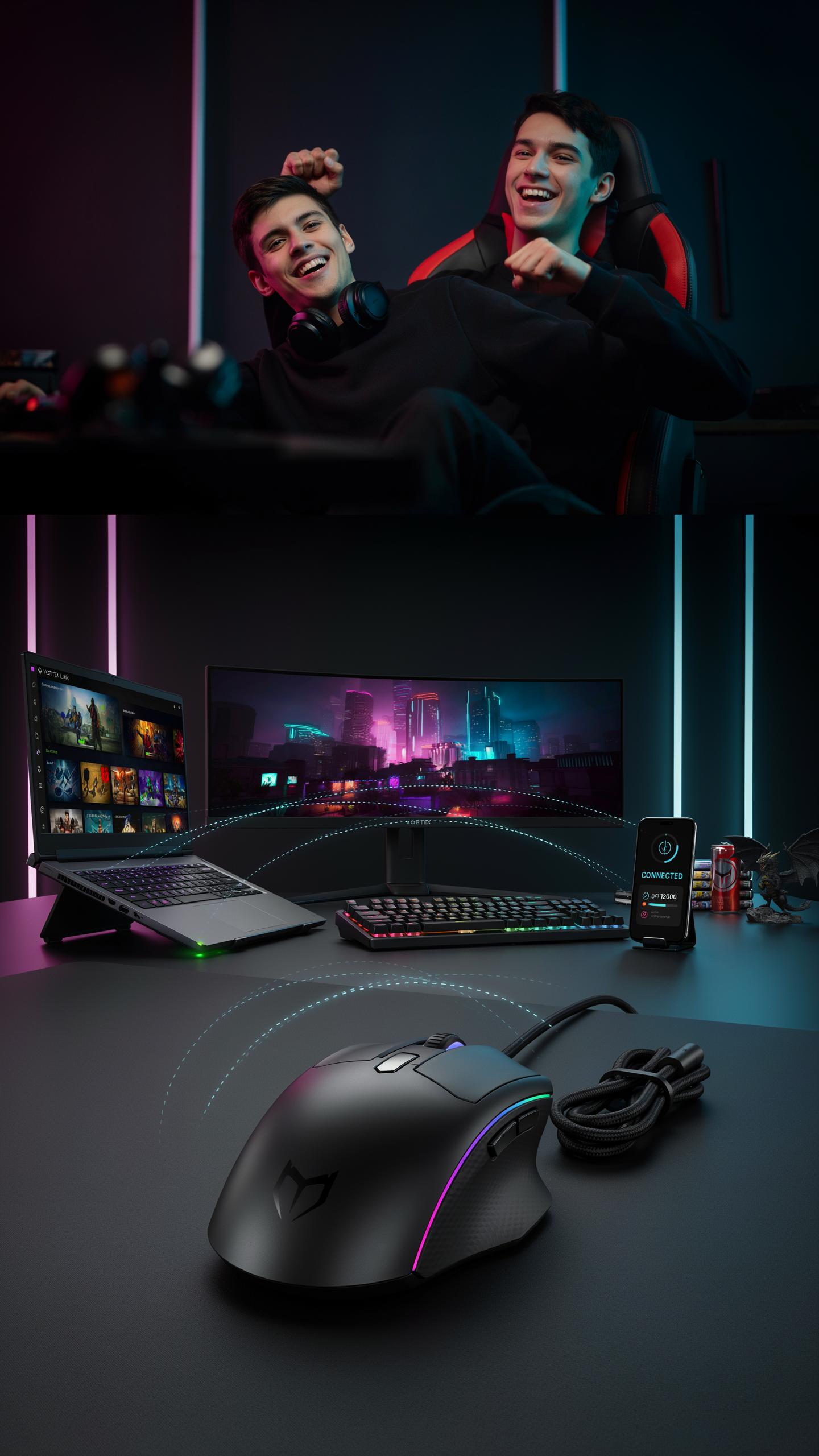
The Qi standard defines wireless charging at 5 watts for most consumer devices. Your gaming mouse pad with wireless charging uses this same technology. This means any Qi-certified mouse works with your pad without modification. Qi certification matters because it guarantees the charging coil meets power delivery standards. Check your mouse manual for the Qi logo to confirm compatibility before purchase.
Qi chargers use magnetic induction to transfer power across a small gap. Your mouse sits on the pad and charges automatically. The distance between mouse and charging coil affects efficiency. Most gaming mouse pads maintain this gap within 5 millimeters for optimal charging speed. This distance keeps the pad thin enough for comfortable mouse movement while charging happens underneath.
Brand Specific Wireless Charging Ecosystems
Corsair, SteelSeries, and Razer each developed proprietary wireless charging systems for their mice. These systems use Qi technology but add custom firmware to optimize charging speed for their specific mouse models. A SteelSeries mouse charges faster on a SteelSeries pad than on a generic Qi charger. The difference comes from matched power profiles between mouse and pad hardware. Cross brand charging works but delivers slower speeds than matched ecosystems.
Some gaming brands lock wireless charging to their product lines through software limitations. Corsair mice pair to Corsair pads through companion apps that manage power delivery rates. This approach guarantees reliability but reduces flexibility. Generic Qi pads still charge brand specific mice, but manufacturers cannot optimize the experience. Your choice between brand ecosystems depends on whether you value speed optimization over flexibility.
Top Gaming Mouse Pad Brands With Wireless Charging
Review Of Leading Manufacturers
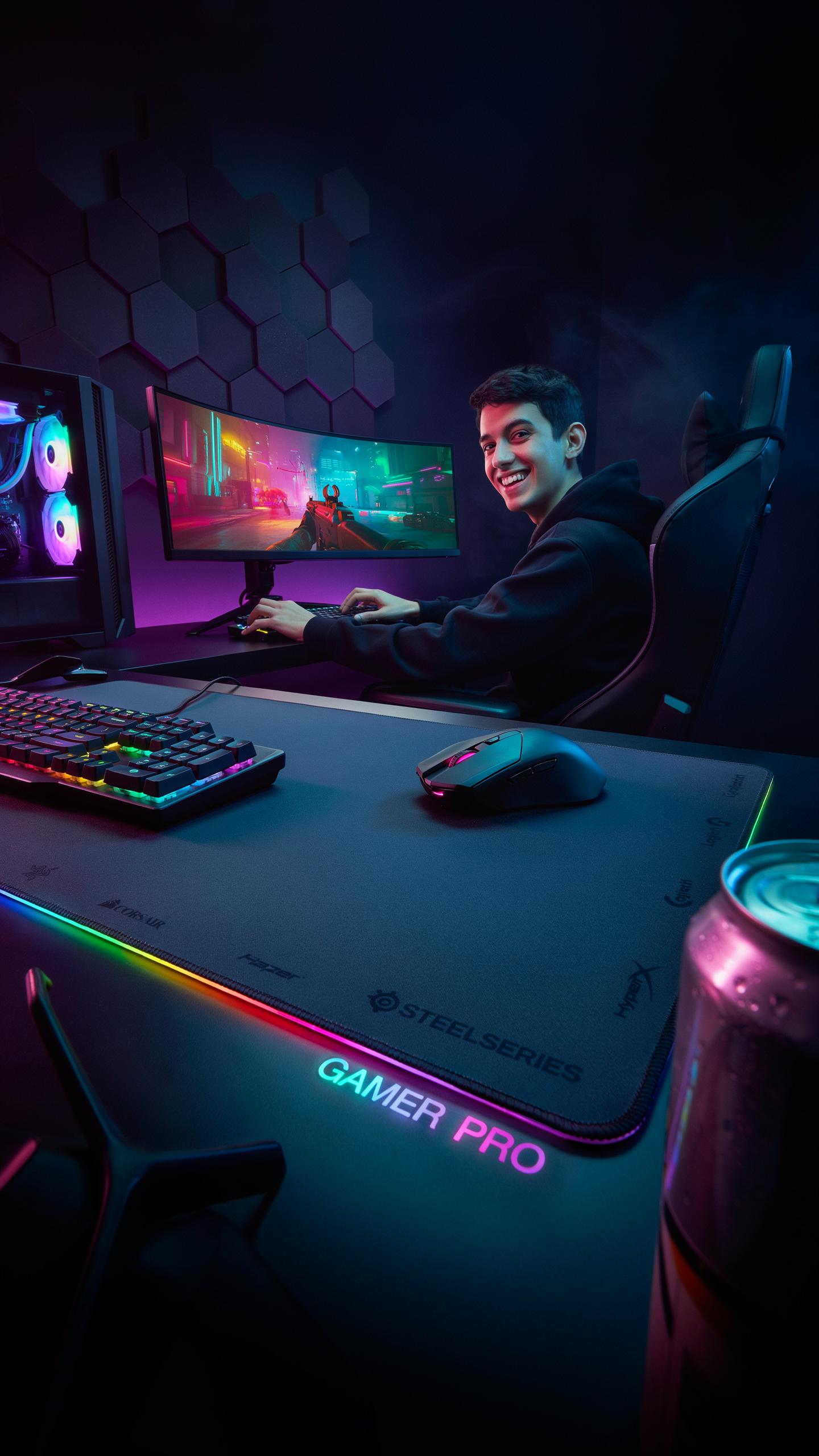
The wireless charging mouse pad market remains niche. Most major gaming peripheral manufacturers like Corsair, SteelSeries, and Razer have not released dedicated wireless charging pads as core products. Instead, smaller specialized manufacturers and emerging brands dominate this segment. Companies focusing on desk ecosystems and productivity gear have entered the space, recognizing demand from users seeking cable consolidation.
The products that exist typically combine standard mouse pad materials with Qi wireless charging technology underneath. Manufacturing requires integrating charging coils without compromising surface texture or mouse tracking performance. This technical constraint explains why adoption remains limited among established brands prioritizing their core mouse and keyboard lineups over peripheral experimentation.
Key Models And Their Differentiating Features
ASUS ROG Hone Ace Aim Lab Edition integrates wireless charging but targets a specific audience through partnership with Aim Lab. The pad combines hard surface tracking with charging capability. However, availability varies by region and stock remains inconsistent. The positioning emphasizes esports training rather than general gaming convenience.
Other emerging products focus on desk organization by combining charging with cable management features. Some models offer modular designs allowing users to attach charging pads to existing mouse pad surfaces. Differentiation hinges on charging speed, foreign object detection, and whether the pad maintains consistent surface properties for competitive gaming. Most products sacrifice some durability or tracking consistency compared to premium gaming pads without integrated charging technology.
Is A Gaming Mouse Pad With Wireless Charging Worth The Investment
Cost Vs Benefits Analysis
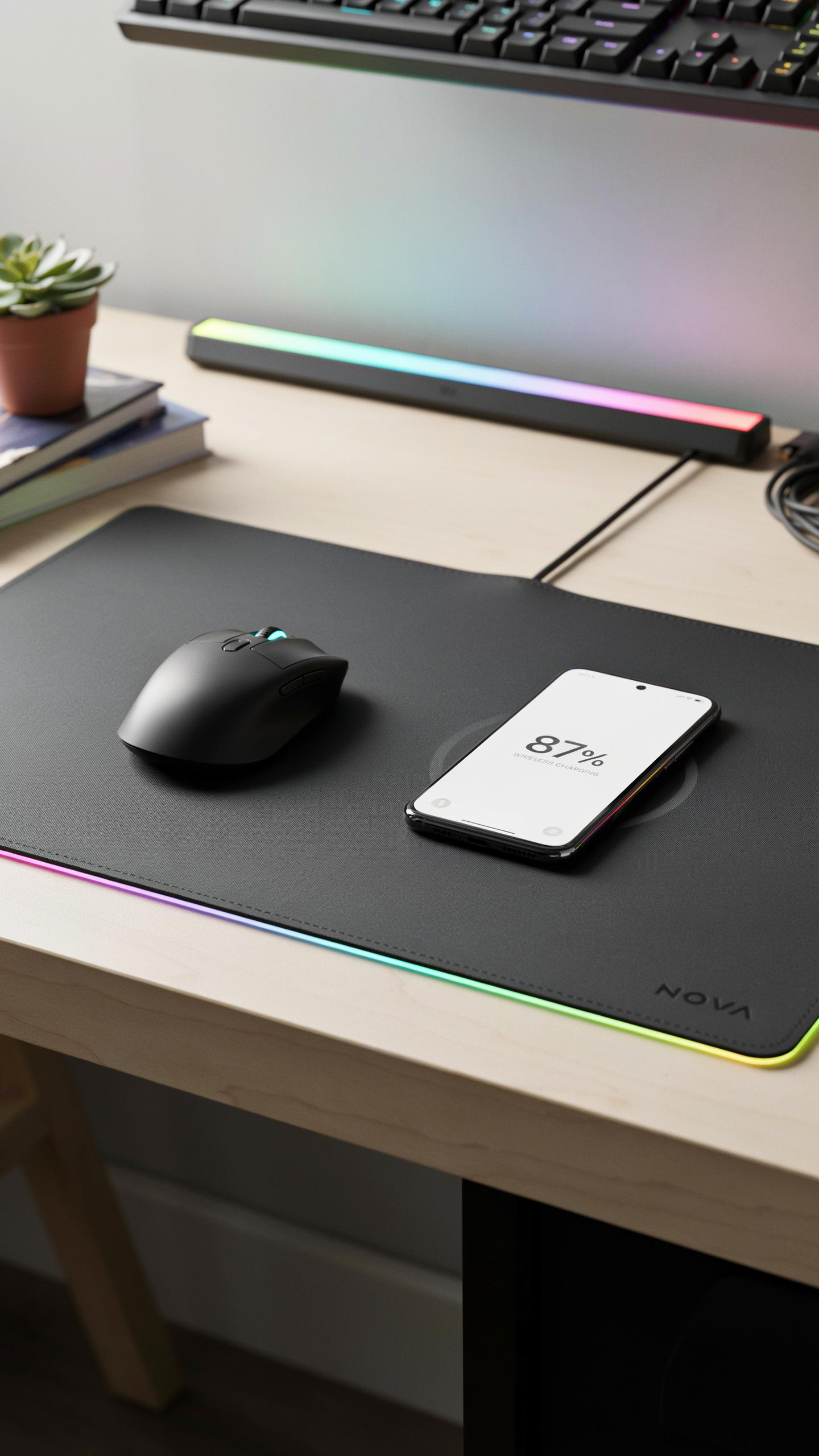
Gaming mouse pads with wireless charging range from 80 to 200 dollars depending on brand and features. Standard pads cost 20 to 50 dollars. The price difference reflects the charging hardware, cable management, and surface quality built into premium models. You pay for convenience and desk consolidation.
The real value depends on your setup. Wireless charging eliminates one cable from your desk. If you already own a compatible mouse, you gain charging functionality without buying new peripherals. The surface quality of these pads typically matches or exceeds standard gaming pads. Performance and aesthetics improve simultaneously, making the cost justifiable for organized desk spaces.
Future Proofing Your Gaming Desk Setup
Wireless charging technology follows the Qi standard, which most manufacturers have adopted since 2015. This means compatibility expands as more gaming mice add charging coils. Your pad remains relevant as your peripheral collection grows over time. You avoid replacing equipment due to outdated charging ports or proprietary systems.
These pads standardize around USB Type-C power inputs for the charging base itself. This connection type dominates modern electronics and will likely remain standard for the next decade. Your investment protects against rapid obsolescence. The mat surface technology in quality pads resists wear and maintains performance consistency, ensuring long-term value even as your mouse changes.
Frequently Asked Questions

What exactly is a gaming mouse pad with wireless charging?
A gaming mouse pad with wireless charging is an innovative accessory that combines a high-performance surface for your gaming mouse with an integrated Qi-compatible charging coil. This allows you to power up your wireless mouse, smartphone, or other Qi-enabled devices simply by placing them on the designated charging spot, all while you game!
How do I set up and use my new gaming mouse pad with wireless charging?
Setting up your gaming mouse pad with wireless charging is super easy! Simply plug the mouse pad’s USB cable into an available port on your computer or a wall adapter. Place your compatible wireless mouse or smartphone on the charging zone, usually indicated on the pad, and it will begin to charge automatically. Enjoy seamless power while you play!
Are these wireless charging mouse pads an expensive upgrade, or are there affordable options?
While some premium models exist, you’ll be happy to know that gaming mouse pads with wireless charging are available across a wide range of price points. Many reputable brands offer excellent, budget-friendly options that provide both reliable charging and a comfortable gaming surface without breaking the bank. It’s an accessible upgrade for any gamer!



