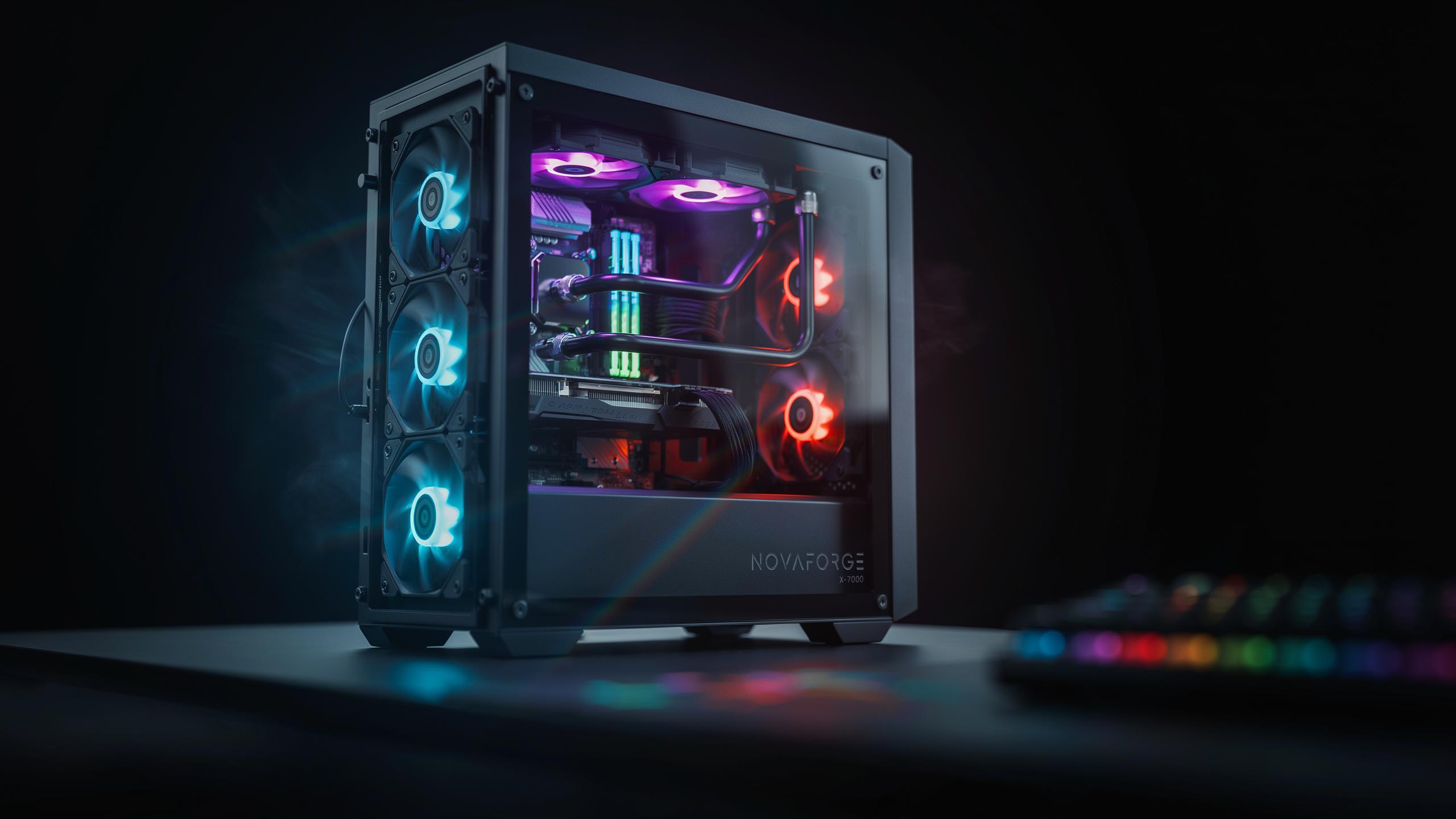
The Allure Of RGB PC Case Fans For Airflow
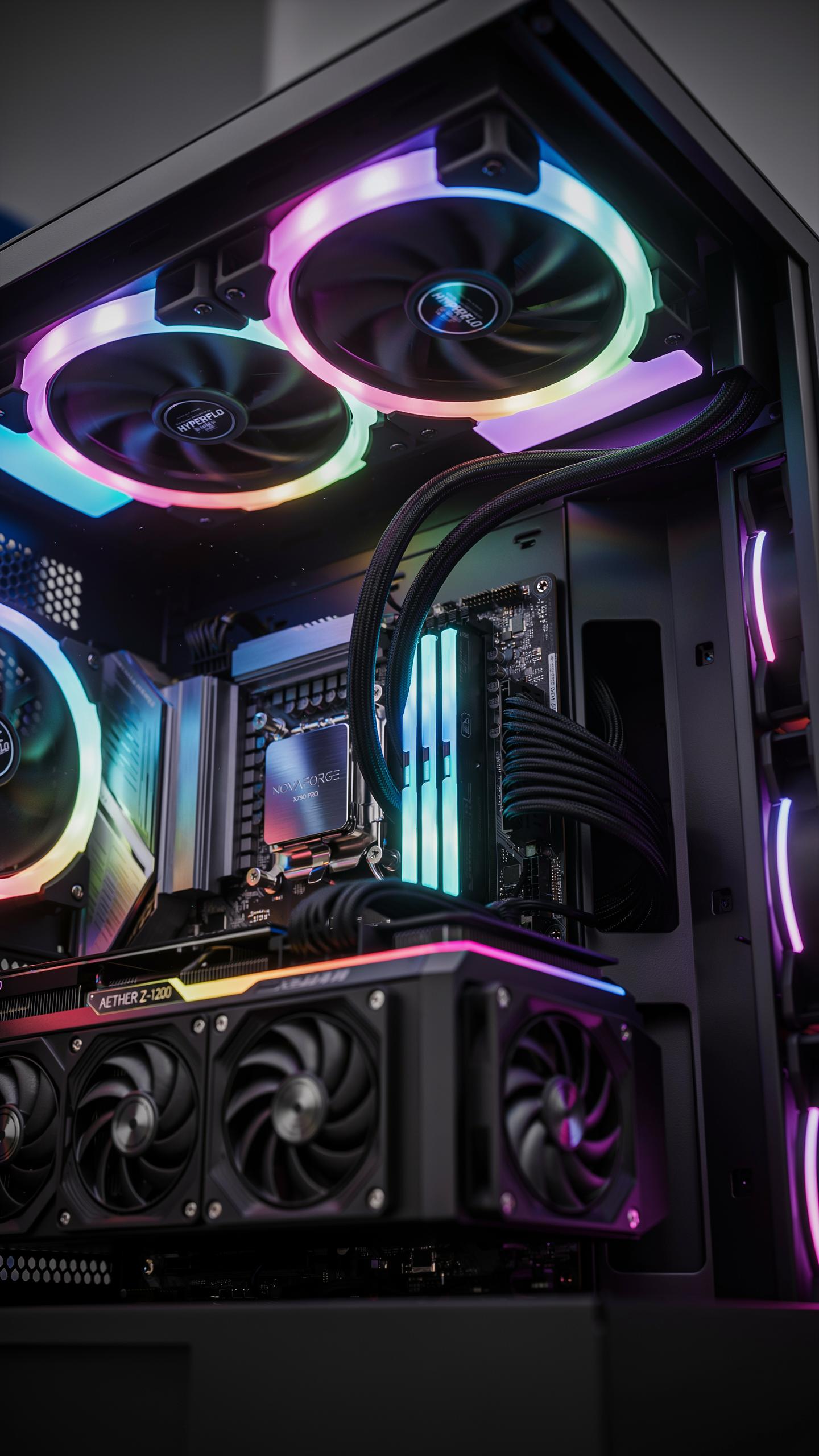
Airflow Importance In Computer Case
Proper airflow directly impacts CPU and GPU temperatures. Hot components throttle performance and degrade faster. Without adequate air movement, heat builds inside the case and damages internal parts. Strategic fan placement pulls cool air in and pushes hot air out, maintaining stable operating temperatures that keep your system running at full capacity.
RGB case fans serve dual purposes: they move air and display customizable lighting. The fans themselves function identically to non-RGB models, pulling the same volume of air through the case. RGB capability adds no performance penalty. You get temperature control plus visual customization from a single component installed in your case.
Enhancing Aesthetics With RGB Lighting
RGB lighting lets you sync fan colors with your motherboard, graphics card, and other components. Most modern motherboards include RGB headers that control fan lighting through software. You match your entire build to a single color scheme or create dynamic lighting effects that respond to system activity. This unified aesthetic transforms a standard computer into a visually cohesive setup.
RGB fans come in standard sizes: 120mm and 140mm diameters. These sizes fit most modern cases without modification. Popular RGB fan brands include Corsair, NZXT, Lian Li, and Thermaltake. Each offers lighting software that lets you customize colors, brightness, and effects independent of airflow performance.

Key Considerations When Choosing RGB PC Case Fans
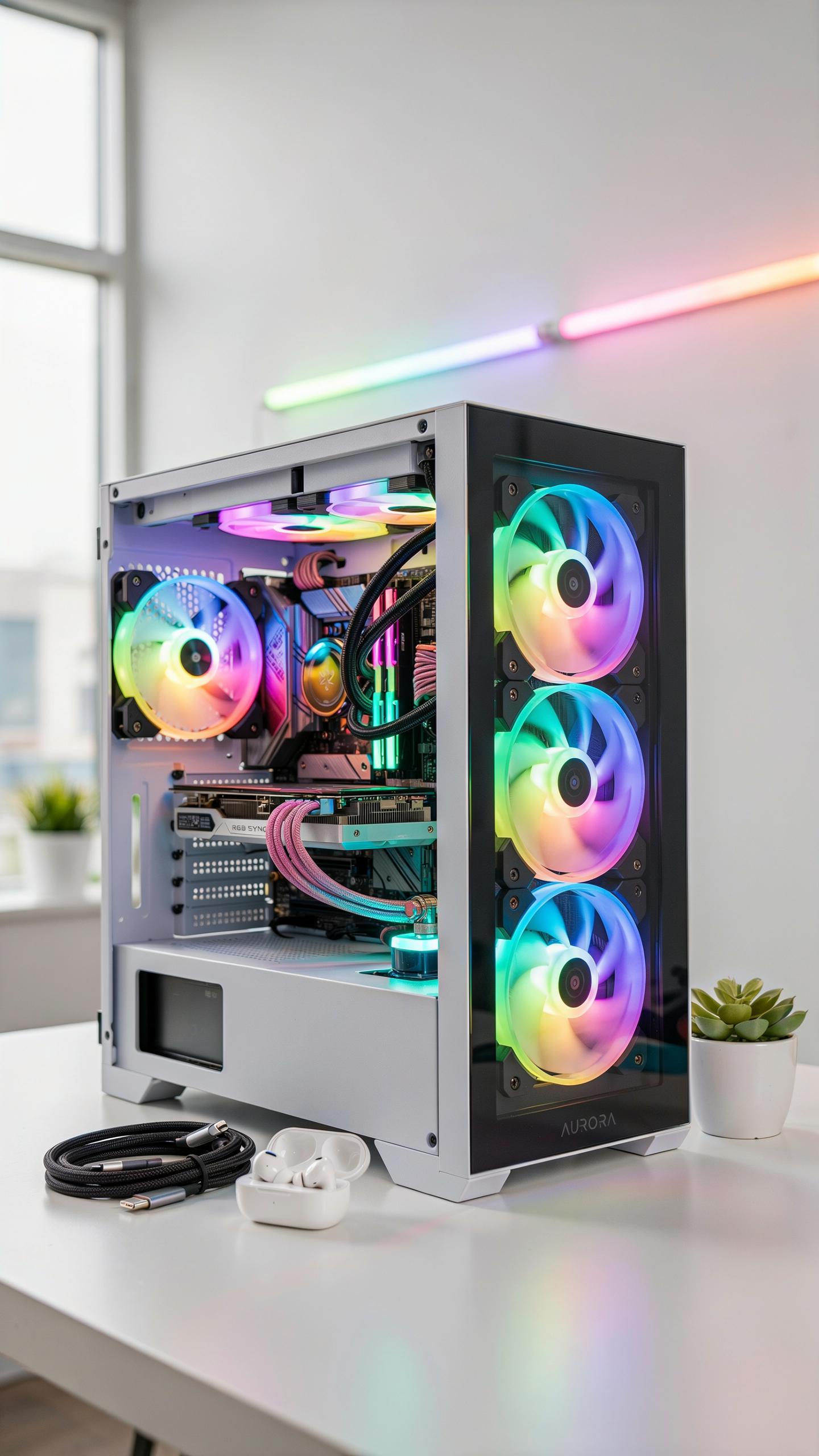
Fan Size And Compatibility With PC Cases
PC cases accept standardized fan sizes measured in millimeters. Common sizes are 120mm, 140mm, 180mm, and 200mm. Your case manual specifies which sizes fit each mounting location. Installing the wrong size wastes money and creates installation headaches. Measure your case’s fan mounts before purchasing RGB fans to avoid compatibility issues.
Larger fans move more air at lower RPM, which reduces noise. A 140mm fan delivers better airflow than a 120mm fan at the same speed. Check mounting bracket orientation on your case. Some locations accept only specific sizes. Verify that RGB cable routing won’t interfere with your motherboard or other components before finalizing your choice.
Static Pressure Vs Airflow Fans
Static pressure fans feature curved blades and higher resistance to obstruction. They push air effectively through radiators, filters, and dense components. Airflow fans have flatter, more open blade designs. They move larger volumes of air through unobstructed spaces like case interiors. Mixing fan types strategically improves overall cooling performance. Use static pressure fans for restricted areas and airflow fans for open zones.

Radiator-mounted fans must have static pressure ratings to work efficiently. Intake and exhaust fans in open case areas benefit from airflow-optimized designs. RPM ratings tell only part of the story. A 2000 RPM static pressure fan outperforms a 2500 RPM airflow fan when mounted on a radiator. Match fan type to your specific case setup and cooling components.
Optimizing Airflow And Minimizing Noise Levels
Strategies For Optimal Airflow Configuration
Intake and exhaust fan placement determines cooling efficiency. Position intake fans at the front and bottom of your case. Position exhaust fans at the rear and top. This setup creates negative to neutral pressure, pulling cool air through components and pushing hot air out. Balanced pressure prevents hot spots and maintains consistent temperatures across your system.
Fan count matters less than placement strategy. A case with two well-positioned fans outperforms one with four poorly placed fans. Most builds benefit from at least one intake and one exhaust. Larger cases allow multiple intake fans to increase air volume. Monitor temperatures after installation to verify your configuration works for your specific hardware and case design.
Reducing Fan Noise For A Quieter Pc Setup
PWM control directly reduces noise by lowering fan speed when temperatures drop. Connect PWM fans to your motherboard or a dedicated fan controller. Set curves that keep fans off during idle periods and ramp speed only when needed. This approach cuts noise without sacrificing thermal performance. Many motherboards include pre configured curves that work well for standard builds.

Anti vibration mounts isolate fan vibration from your case chassis. Rubber or foam mounts absorb vibration energy before it transfers to metal surfaces. Install mounts between fan frames and case panels. This method eliminates the humming and rattling that amplifies noise in enclosed spaces. Budget models work as effectively as premium options for vibration isolation.
RGB Ecosystems And Software Control
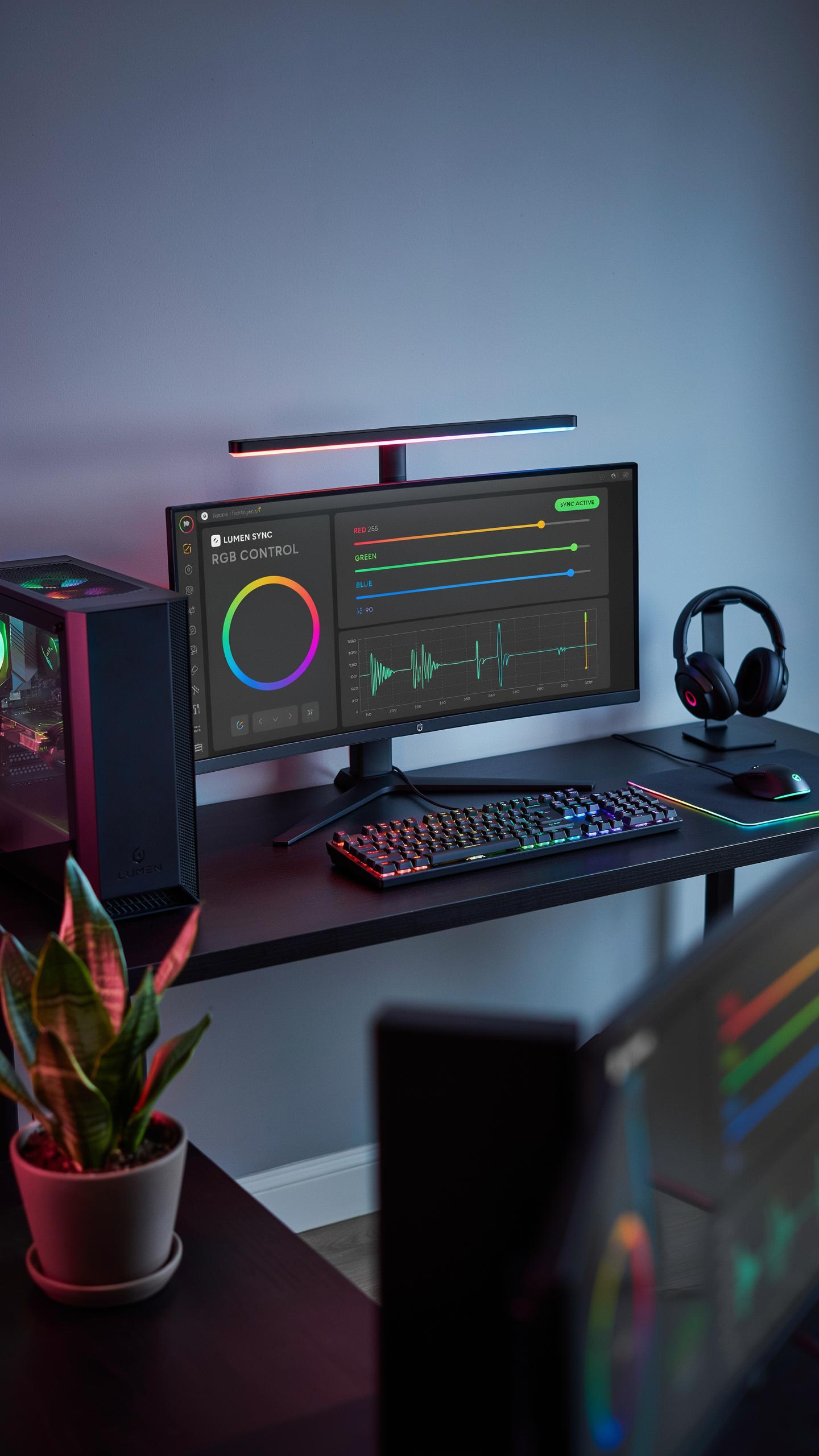
Understanding RGB Hubs And Daisy Chain Functionality
RGB hubs consolidate multiple fan connections into a single point. This reduces cable clutter inside your case and simplifies power management. Most hubs connect to a single motherboard header, eliminating the need for individual connections per fan. Daisy chaining allows fans to connect sequentially, passing signal and power down the line.
- Hub types: Standalone hubs receive power from PSU or motherboard, then distribute RGB signals to connected fans simultaneously without daisy chaining.
- Daisy chain connectors: Fans feature input and output ports allowing sequential connection. Signal passes through each fan to the next, requiring only one header on your motherboard.
- Controller boxes: External controllers manage RGB independently of motherboard. These units receive power directly and control fan lighting without software integration requirements.
- Motherboard integration: Some hubs connect to motherboard headers, allowing BIOS or software to manage fan lighting alongside system monitoring and fan speed control.
- Cable organization: Hubs reduce individual fan cables from five or more down to one or two connections, freeing up motherboard space and improving internal airflow paths.
Daisy chain capability matters for cable management and cost efficiency. You avoid purchasing separate controllers and reduce motherboard header dependency. However, verify your motherboard supports the specific hub or daisy chain protocol before purchasing fans. Incompatibility creates frustration and forces expensive replacements.
Software For Customizing Lighting Effects
Manufacturer software controls RGB output through dedicated applications installed on your PC. Programs like Corsair iCUE, NZXT CAM, Lian Li UNI FAN software, and others offer real-time lighting adjustments. These tools synchronize fan lighting with other RGB components in your build, creating cohesive visual effects across your entire system. Software typically runs on Windows or macOS and communicates with hubs via USB or motherboard headers.
Lighting customization options include color selection, brightness adjustment, animation patterns, and synchronization timing. Most software supports preset profiles you can activate or modify based on your preferences. Some applications link fan lighting to CPU or GPU temperatures, adjusting colors based on system load. Advanced features enable reactive lighting that responds to music or on-screen events through audio detection technology.
Installation And Cable Management In Your Custom Build

Step By Step Fan Installation Guide
Start by identifying your case’s fan mounting locations. Most cases have pre-drilled holes on the front, rear, and top panels. Check your case manual for thread size, usually M3 or M4. Power off your system completely before installing fans. Remove the side panel to access internal mounting points. Position fans with intake pointing inward and exhaust pointing outward to establish proper airflow direction.
Align the fan frame with the mounting holes. Insert screws through the fan mounting holes into the case. Tighten screws evenly in a cross pattern to avoid warping the fan frame. Do not over-tighten, as this damages plastic mounting tabs. Connect the fan’s power connector to either the motherboard header or a dedicated fan controller. Connect the RGB power cable to an RGB header or controller if your motherboard supports it.
Effective Cable Management For A Clean Pc Setup
Route all cables behind the motherboard tray using the case’s rear compartment. Group fan cables together and secure them with velcro straps or cable clips. Keep RGB cables separate from power cables to prevent electromagnetic interference. Run cables along the case edges rather than across the interior. This approach clears airflow paths and reduces obstruction to fan intake and exhaust zones.

Use cable ties strategically to maintain tension without pinching wires. Leave slack in cables to prevent strain on connectors during component removal. Label cables at connection points for faster troubleshooting during future upgrades. Organize cables so they don’t block radiator mounting positions or future expansion slots. Proper cable routing improves maintenance access and reduces dust accumulation in critical airflow areas.
Durability And Lifespan Of RGB PC Case Fans
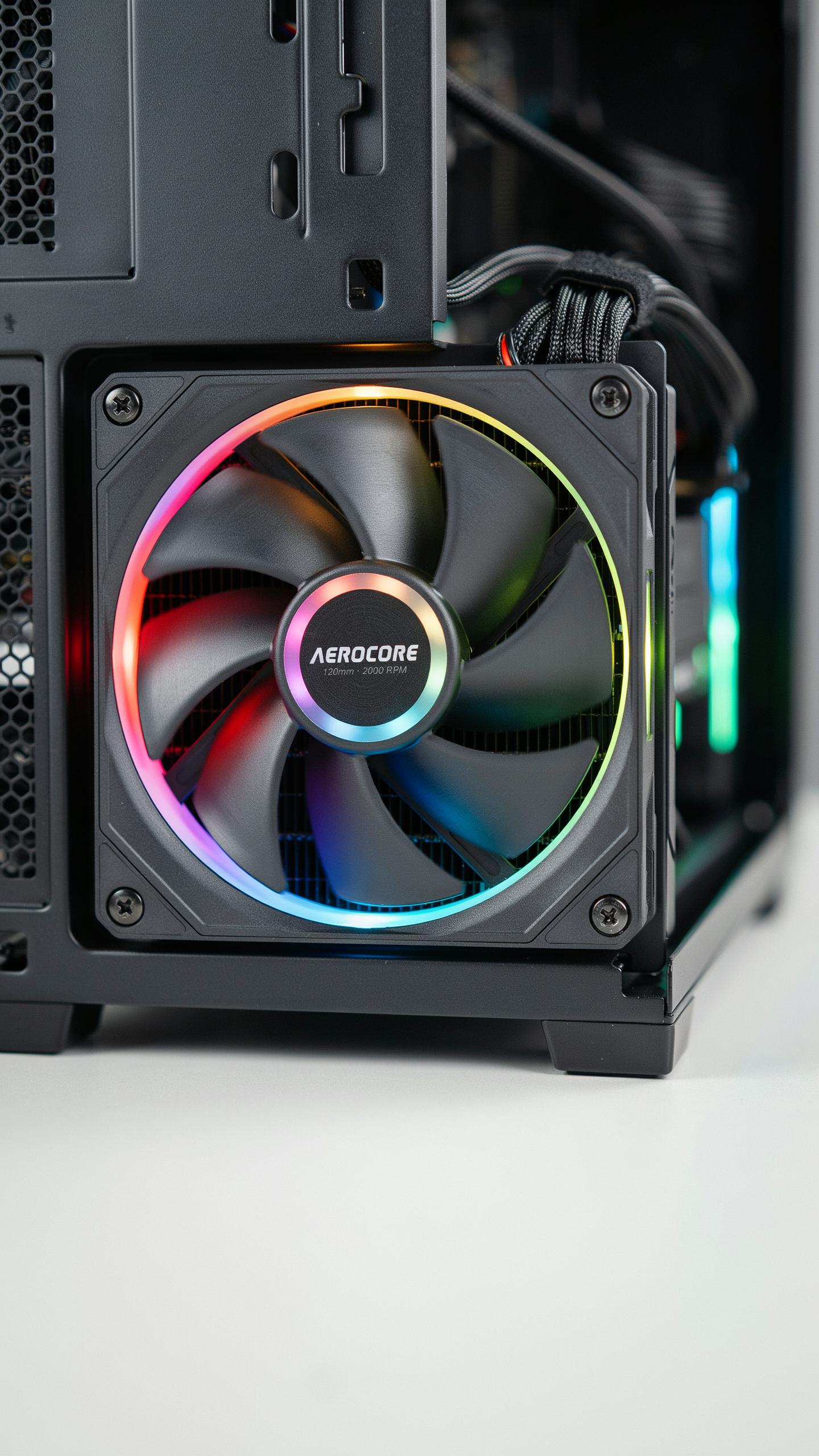
Bearing Types And Their Impact On Longevity
Fan bearings directly determine how long your RGB case fans operate before failure. Sleeve bearings use oil-impregnated material to reduce friction. They’re cheap but wear out faster, typically lasting 20,000 to 40,000 hours. Ball bearings use rolling spheres and last longer, around 50,000 to 100,000 hours. Hydraulic bearings combine oil and ball bearing technology for extended life. Magnetic levitation bearings eliminate physical contact entirely, offering the longest lifespan but at higher cost.
Your bearing choice impacts both noise and reliability. Sleeve bearings generate more vibration and noise as they age. Ball and hydraulic bearings maintain consistent performance longer but cost more upfront. Magnetic levitation fans run quietest and last longest, making them ideal for systems running 24/7. Premium RGB fans use ball or magnetic bearings because users expect durability alongside aesthetics. Budget RGB fans often use sleeve bearings to hit lower price points, knowing replacement cycles will be shorter.
Remember those vibrant arcade nights? Now, your PC can glow with that same spirited energy, keeping everything cool while looking undeniably cool.
Maintenance Tips For Extended Fan Life
Dust accumulation kills RGB case fans faster than anything else. Dust clogs the bearing area and reduces airflow, forcing fans to work harder and overheat. Clean your fans every three to six months using compressed air or a soft brush. Remove dust from both the fan blades and the housing where the bearing sits. This single action extends fan life by years and maintains the RGB lighting’s brightness.

Monitor fan speed and noise levels regularly to catch degradation early. Fans that suddenly spin slower or sound grinding are failing internally. Replace failing fans immediately to prevent component damage from overheating. Keep your case well-ventilated to reduce dust intake in the first place. Proper cable management inside the case also prevents accidental fan damage from movement or pressure.
Comparing Leading RGB Fan Brands For Best Pc Performance
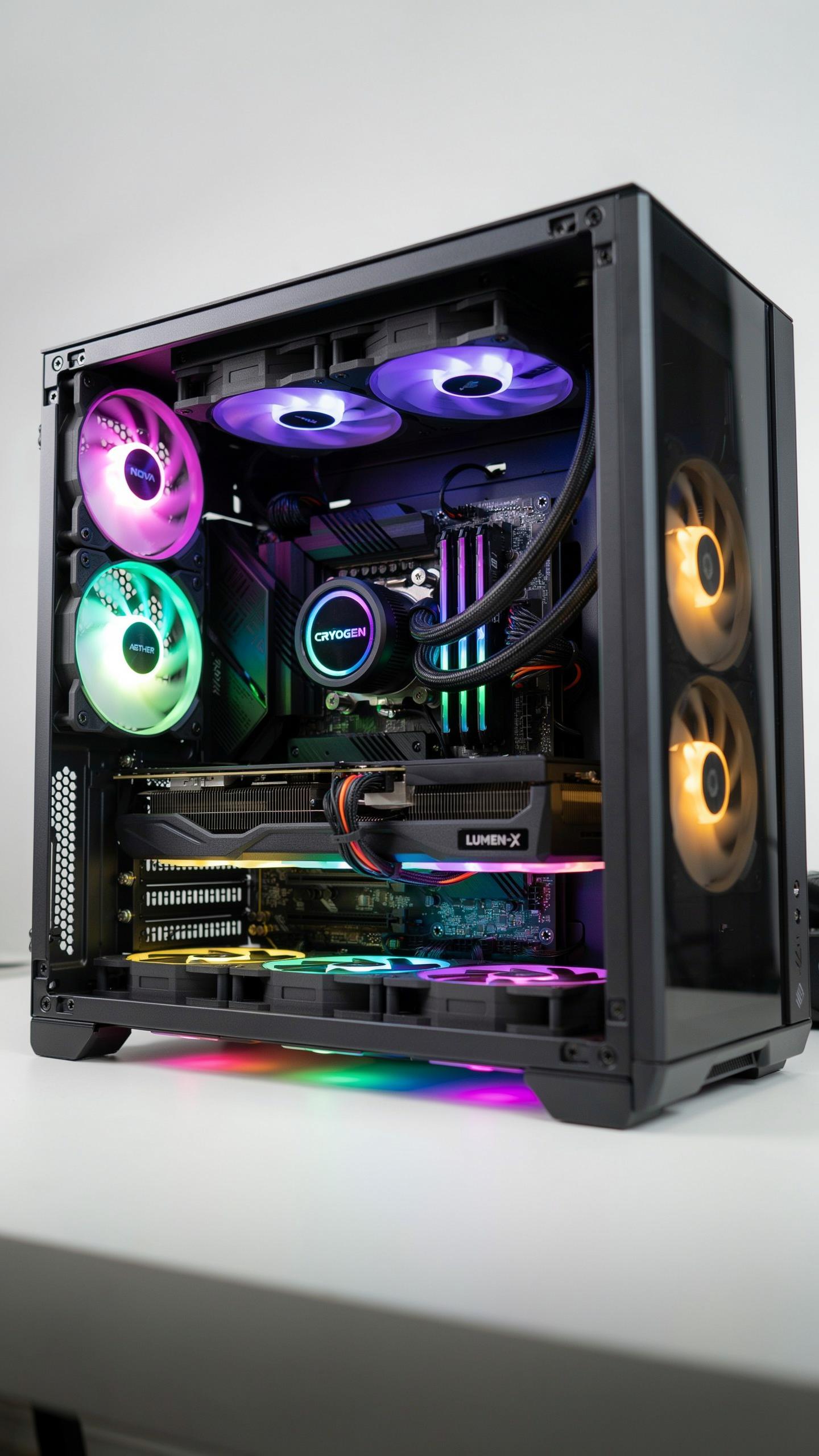
Key Features And Unique Selling Points
Corsair dominates the RGB fan market with integrated lighting control through iCUE software and consistent airflow performance across their ML and LL series. Noctua focuses on static pressure and CFM efficiency with their Chromax line, sacrificing traditional RGB for controlled lighting strips. NZXT Aer RGB fans deliver synchronized lighting through CAM software and maintain balanced airflow metrics. Be Quiet specializes in noise reduction over RGB prominence, targeting users who prioritize silent operation. Lian Li and Fractal Design emphasize case integration, designing fans that work seamlessly with their chassis aesthetics.
MSI and ASUS entered the market through their gaming divisions, bundling RGB fans with motherboard RGB headers for unified ecosystem control. Thermaltake positions mid-range options with software-free lighting alternatives using controller boxes. Each brand trades off between lighting intensity, noise levels, static pressure, and airflow volume. Performance metrics vary significantly based on blade design, motor quality, and bearing type. Your choice depends on whether you prioritize case aesthetics, cooling performance, or budget constraints.
Value For Money In The RGB Fan Market
Budget-tier RGB fans from Thermaltake, Rosewill, and Cougar cost 10 to 15 dollars per unit but often sacrifice bearing longevity and lighting consistency. Mid-range options from Corsair, NZXT, and Lian Li run 18 to 30 dollars per fan with reliable performance and software support. Premium tiers from Noctua and Be Quiet exceed 30 dollars per unit, delivering superior static pressure and minimal noise, though RGB features remain basic or secondary.

The cost per CFM ratio heavily favors mid-range brands when balancing RGB features, control software, and airflow performance. Budget fans require replacement sooner due to bearing wear, negating initial savings. Premium brands justify cost through longevity and noise reduction rather than RGB flashiness. Buying three mid-range 120mm fans typically outperforms one premium option for cooling while maintaining RGB functionality. Match your spending to actual case cooling demands, not lighting preferences alone.
Special Features Infinity Mirror And Beyond

The Visual Impact Of Infinity Mirror Fans
Infinity mirror fans use parallel reflective surfaces to create the illusion of depth and endless light tunnels. The effect works through strategically positioned mirrors or reflective materials behind RGB LEDs. Light bounces between these surfaces, multiplying the visual output and creating a tunnel-like appearance. This design choice adds visual complexity without increasing component count. The effect remains visible from the side or front of your case, making it a display feature rather than a functional advantage for airflow.
Infinity mirror fans deliver measurable visual impact in dark room environments where contrast matters most. The depth effect distinguishes your build from standard single-plane RGB lighting. These fans cost more than conventional RGB options due to the mirror construction and precision alignment required. Performance airflow characteristics remain unchanged by the mirror design. You pay exclusively for aesthetic enhancement, not thermal improvement.
Other Innovative RGB Fan Technologies
Addressable RGB (aRGB) fans use individual LED control to display millions of color combinations and synchronized animations across multiple fans. Unlike standard RGB fans that run all LEDs in one color, aRGB fans assign unique colors to each diode. Control happens through dedicated motherboard headers or standalone hub controllers. This technology enables per-LED customization and creates complex visual patterns impossible with basic RGB fans. aRGB fans integrate with gaming peripherals for coordinated lighting across your entire setup.

Intelligent control systems in modern RGB fans connect to software that responds to system performance metrics in real time. Some fans adjust colors based on CPU or GPU temperature, displaying green at safe levels and transitioning through yellow to red as heat increases. Advanced controllers offer scheduling, profile saving, and cloud sync capabilities. These systems add functional value by providing visual feedback on system status. The software integration varies significantly between manufacturers, so verify compatibility before purchasing.
Troubleshooting Common RGB Fan Issues
Diagnosing And Fixing Lighting Malfunctions
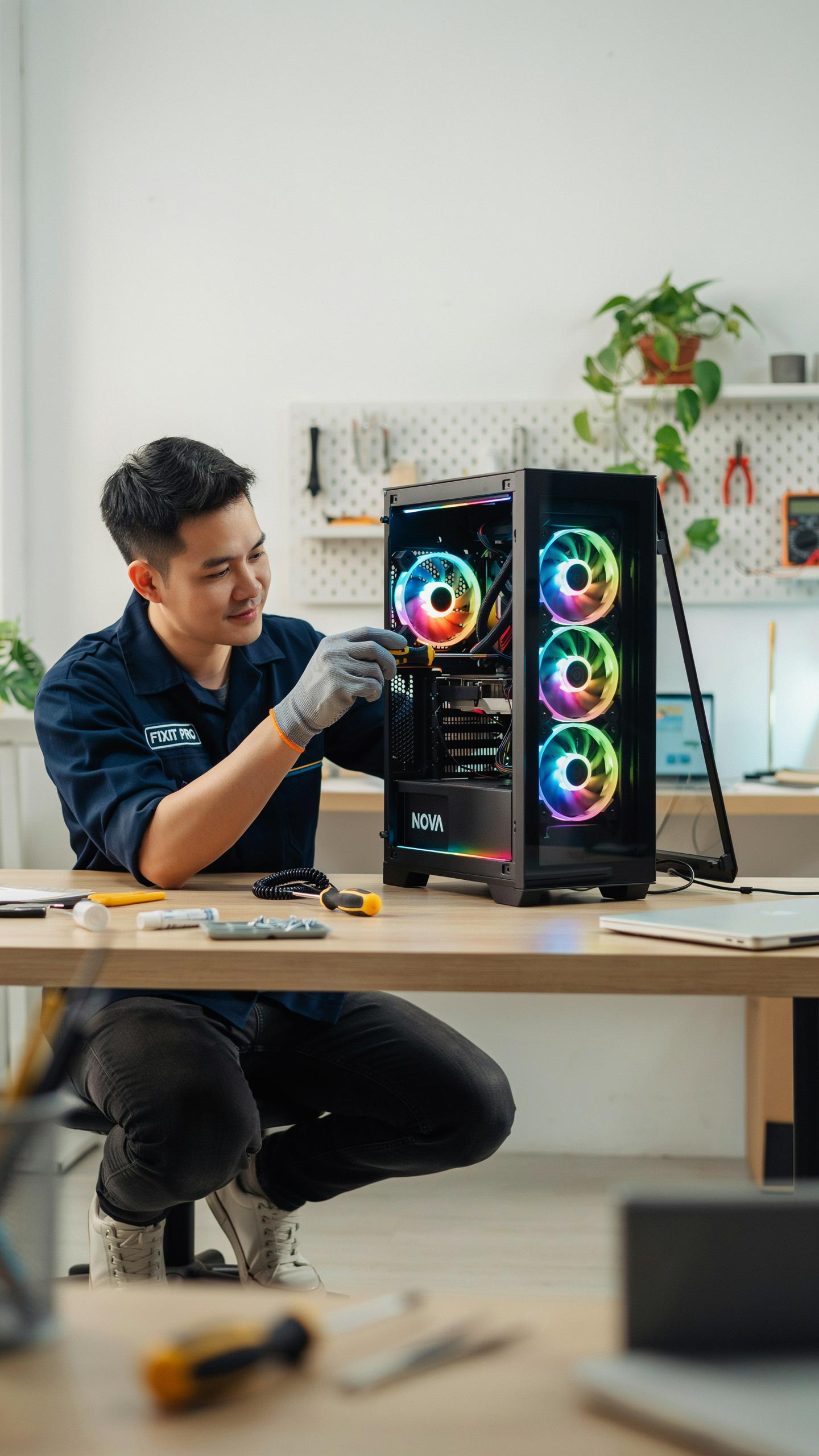
RGB lighting fails for three core reasons: software driver issues, USB header disconnection, or controller hardware failure. Start by checking Device Manager for unrecognized devices or missing drivers. Reinstall manufacturer software from the official website, not third-party sources. Restart your PC after installation completes. If software shows no devices detected, power down and reseat the USB header connection on your motherboard.
Physical inspection comes next. Examine the RGB cable where it connects to the fan hub and motherboard header for bent pins or loose connectors. A partially inserted connector causes intermittent lighting on some LEDs while others work normally. If reseating fails, the controller board inside the fan hub may have failed and requires replacement. Test with a different RGB software if available to isolate software from hardware issues.
Resolving Airflow And Noise Related Problems
Insufficient airflow stems from three issues: incorrect fan orientation, blockage, or insufficient fan quantity for case size. Intake fans must pull air into the case from front or bottom. Exhaust fans push air out the rear or top. Blocked filters choke airflow dramatically. Clean filters every two to four weeks depending on your environment. If your case has three intake slots but only one fan installed, airflow cannot match your system’s heat output.
Excess fan noise indicates either poor fan quality, high RPM operation, or resonance with case panels. Lower the fan curve in BIOS or fan control software to reduce RPM below 1500 when possible. Check for loose fan mounting brackets that vibrate against the case. Isolate the case from your desk using rubber pads or stands. If noise persists after these steps, the fan bearing has worn out and replacement is necessary.
Future Trends In RGB PC Case Fans And Computer Case Design
Emerging Technologies In Fan Design
Manufacturers are shifting toward materials like carbon fiber reinforced polymers and ceramic blade coatings to reduce weight while increasing durability. These materials dissipate heat more efficiently than traditional plastics. Motor designs are moving toward magnetic bearing systems that eliminate friction points, extending fan lifespan and reducing noise. PWM controllers are becoming more sophisticated, allowing granular speed adjustments based on real time temperature data. Some manufacturers are experimenting with direct integration between fan motors and RGB controllers to streamline wiring.
Brushless DC motors are becoming the standard across higher end RGB fans due to their reliability and efficiency. Smart fan hubs now support multiple control protocols, including traditional PWM, DC voltage control, and newer wireless standards. Advanced bearing designs like fluid dynamic bearings and magnetic suspension reduce vibration transmission to case frames. Thermal management software increasingly communicates directly with fan controllers, enabling autonomous responses to system temperature changes without user intervention.
The Evolution Of Computer Case Aesthetics
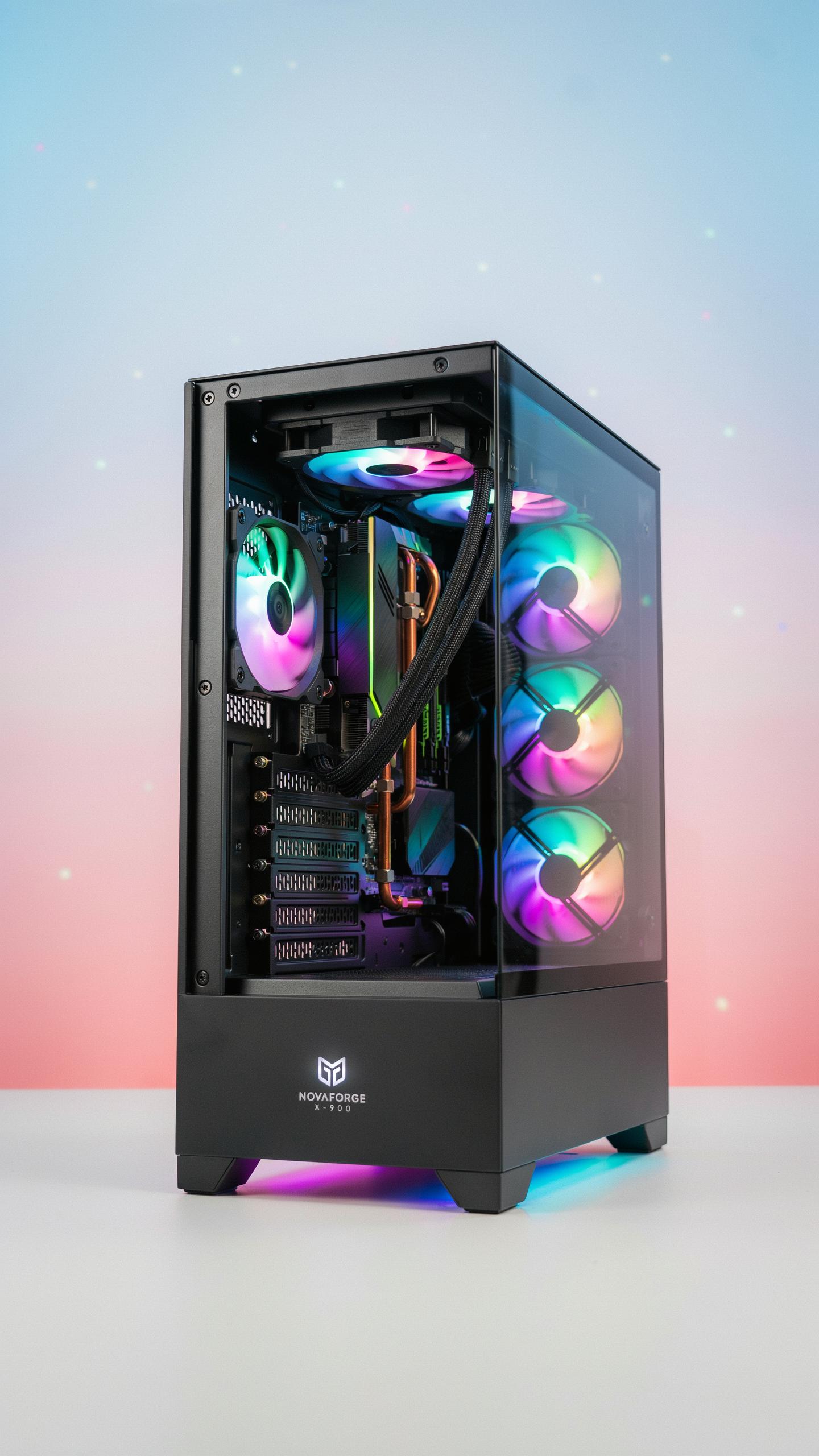
RGB lighting integration is moving beyond simple diode placement toward full substrate integration where LEDs sit flush with fan frames. This shift reduces visual gaps and creates cleaner sightlines through tempered glass panels. Case designers now prioritize optimal fan placement for both airflow efficiency and RGB visibility, treating lighting paths as structural considerations. The trend favors minimalist cable management, with integrated RGB hubs moving into rear panel areas. Modular fan mounting systems allow users to reconfigure fan layouts without structural modifications.
Case manufacturers are designing dual chamber architectures specifically to separate RGB showcase zones from functional airflow zones. Front panel glass panels are becoming larger and positioned lower to display fan arrays more prominently. Tempered glass quality is improving, reducing distortion of RGB light patterns. Internal lighting diffusers are becoming standard to distribute LED output evenly across fan blades. Future cases will likely feature customizable shrouds that redirect light paths without blocking airflow.
Frequently Asked Questions

What exactly are RGB PC case fans, and why would I want them for my computer?
RGB PC case fans are computer fans that integrate customizable LED lighting (Red, Green, Blue) with their primary function of cooling your PC. Beyond just air circulation, they add significant aesthetic appeal, allowing you to personalize your build with vibrant colors and dynamic lighting effects, making your computer both efficient and visually striking.
How do I practically install and connect RGB PC case fans to ensure both good airflow and lighting control?
Installing RGB PC case fans involves mounting them to your case in optimal positions for airflow (e.g., front intake, rear exhaust). For lighting, connect their RGB cables to either a dedicated RGB header on your motherboard or a separate RGB controller. This allows you to manage the lighting effects through software or physical buttons, perfectly blending airflow and aesthetics.
Are there affordable options for RGB PC case fans for airflow, or are they always a premium upgrade?
While some high-end RGB PC case fans offer advanced features, there are many affordable options available that still provide excellent airflow and vibrant RGB lighting. Look for multi-pack deals or brands known for budget-friendly components. You can definitely enhance your PC’s look and cooling without breaking the bank with well-chosen rgb pc case fans for airflow.



