Why A Portable SSD Is A Game Changer For Gaming Storage
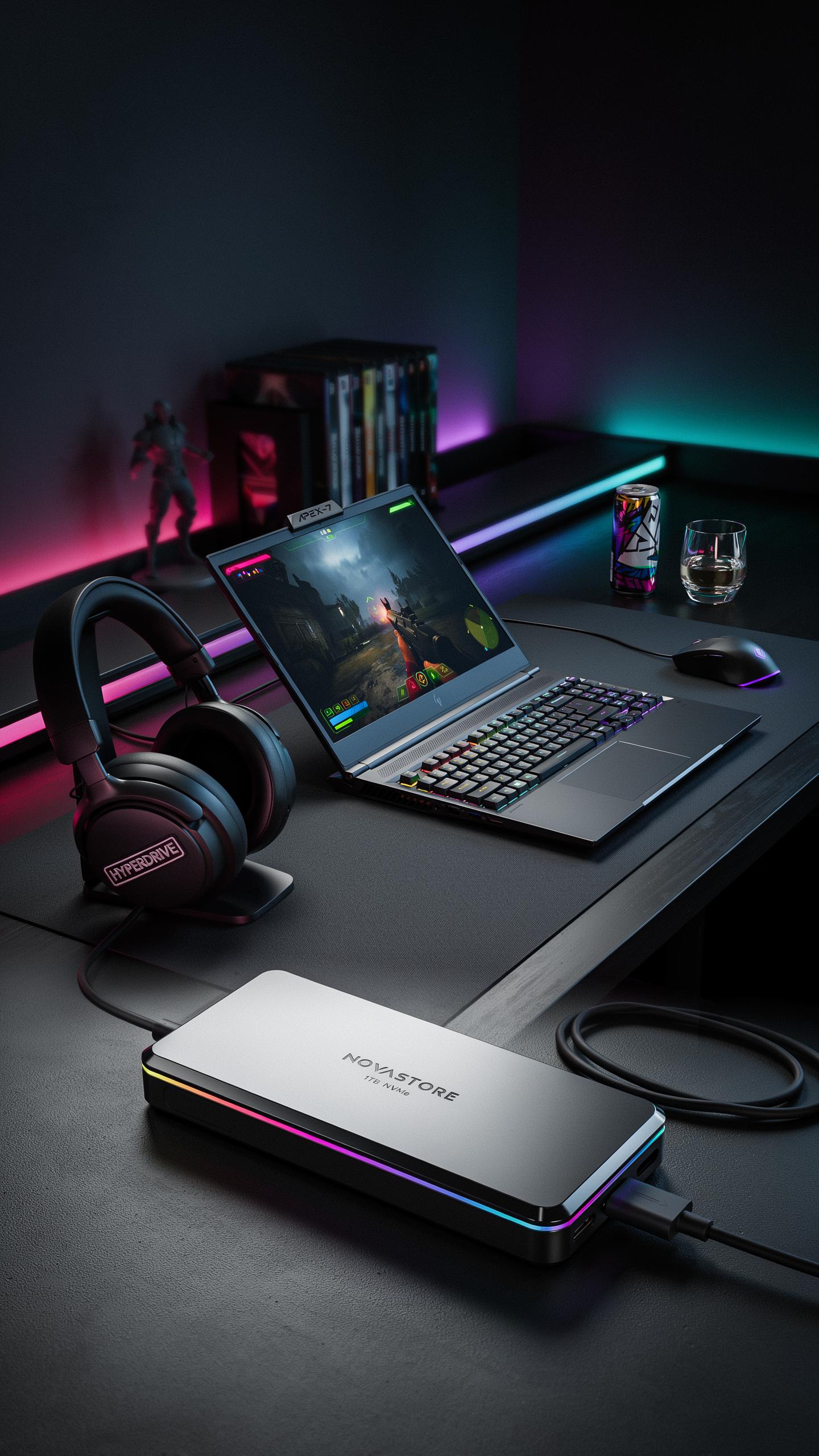
Speed And Performance
SSDs eliminate the mechanical delays that plague hard disk drives. Traditional HDDs use spinning platters and moving read heads to access data. SSDs use flash memory with no moving parts, delivering data instantly. This difference translates directly to faster game launches, quicker level loads, and smoother gameplay. Modern games demand rapid data access, and SSDs meet that demand consistently.
Game engines stream assets during play. When your storage can’t keep pace, frame rates drop and stuttering occurs. SSDs maintain the data flow engines expect. You get stable framerates and responsive controls throughout extended gaming sessions. The performance gap between SSDs and HDDs in gaming isn’t theoretical—it’s measurable and noticeable within minutes of gameplay.
The Need For Speed
Slow storage creates cascading problems in modern gaming. When a game waits for data, everything pauses. Characters freeze mid animation. Environments fail to render completely. Combat becomes unresponsive. These aren’t minor inconveniences—they fundamentally break the gaming experience. Players expect instant feedback, and slow storage prevents developers from delivering it.
Load times directly impact how often you engage with games. A five minute load screen between levels discourages play sessions. SSDs cut that to under thirty seconds. You spend more time playing and less time staring at loading bars. In open world games with seamless environments, SSD speed determines whether you experience smooth exploration or constant stuttering and pop in.

Choosing The Right Portable Storage For Gaming
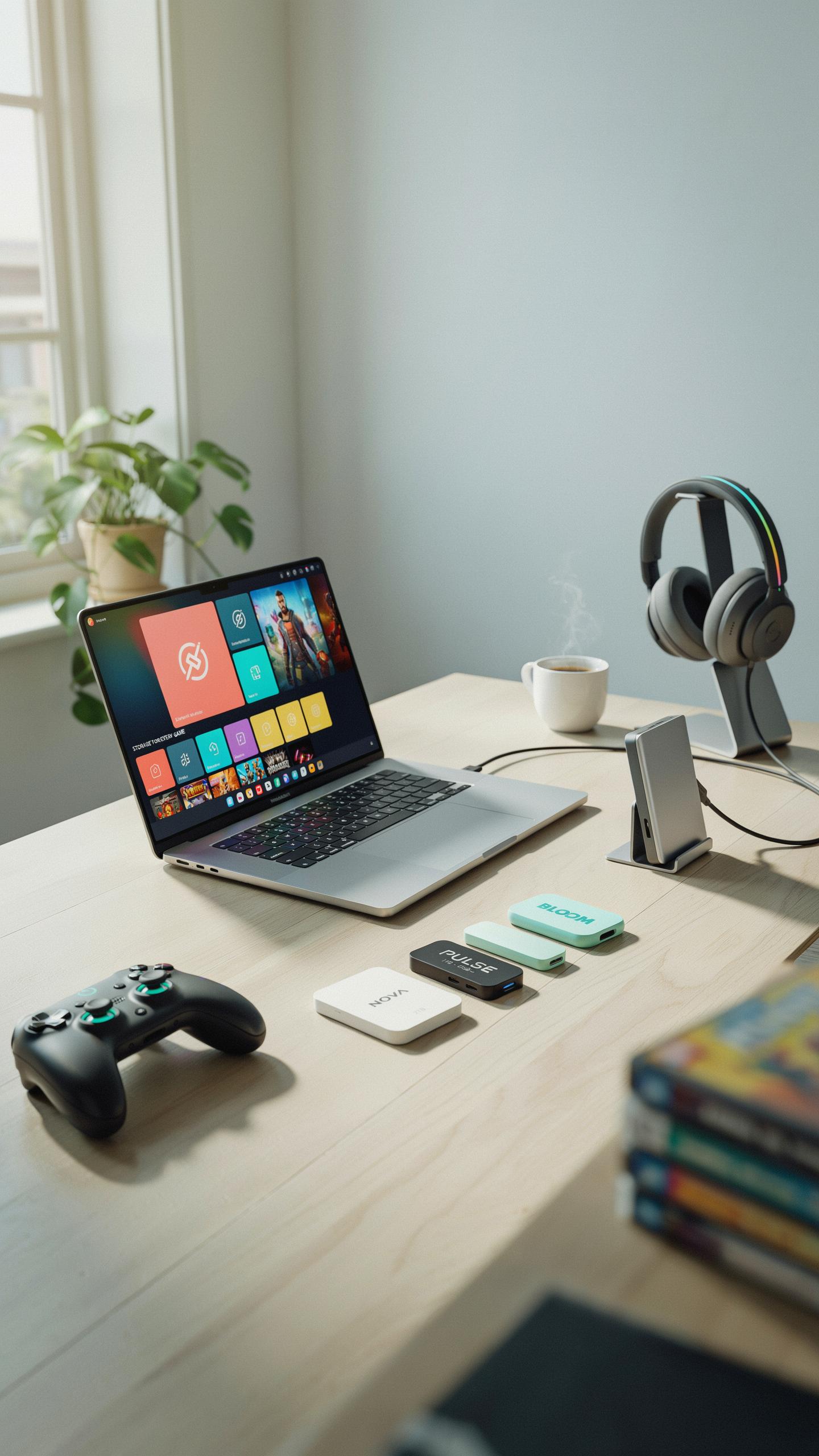
Key Factors To Consider
Read and write speeds determine how fast your games load and install. Look for drives offering at least 400 MB/s read speeds for smooth performance. Most modern portable SSDs hit 500-1050 MB/s depending on the interface standard. Capacity ranges from 256GB to 4TB, with 1TB being the practical sweet spot for most gamers holding 10-15 AAA titles.
Interface technology directly impacts speed potential. USB 3.2 Gen 2 drives reach up to 1050 MB/s theoretical maximum. Thunderbolt 3 or 4 interfaces offer similar speeds but require compatible devices. Your motherboard or laptop must support the interface standard you choose, otherwise you’ll bottleneck performance regardless of the drive’s specifications.
SSD Vs Traditional External Hard Drive
SSDs access data electronically with no moving parts, delivering 10 to 40 times faster speeds than mechanical hard drives. Hard drives use spinning platters and moving read heads, inherently limiting performance to 100-150 MB/s maximum. For gaming, this speed difference means five-minute load times on a hard drive versus 30 seconds on an SSD. SSDs also withstand physical shock and drops better, critical for portable devices you’ll transport regularly.

Hard drives cost less per terabyte, but that advantage disappears when you factor in wasted time. Game installations and transfers take hours on mechanical drives. SSDs eliminate this bottleneck entirely. Since most gamers value time over minimal cost savings, SSDs dominate portable gaming storage today. The performance gap is too significant to ignore.
Top Portable SSDs For Gaming
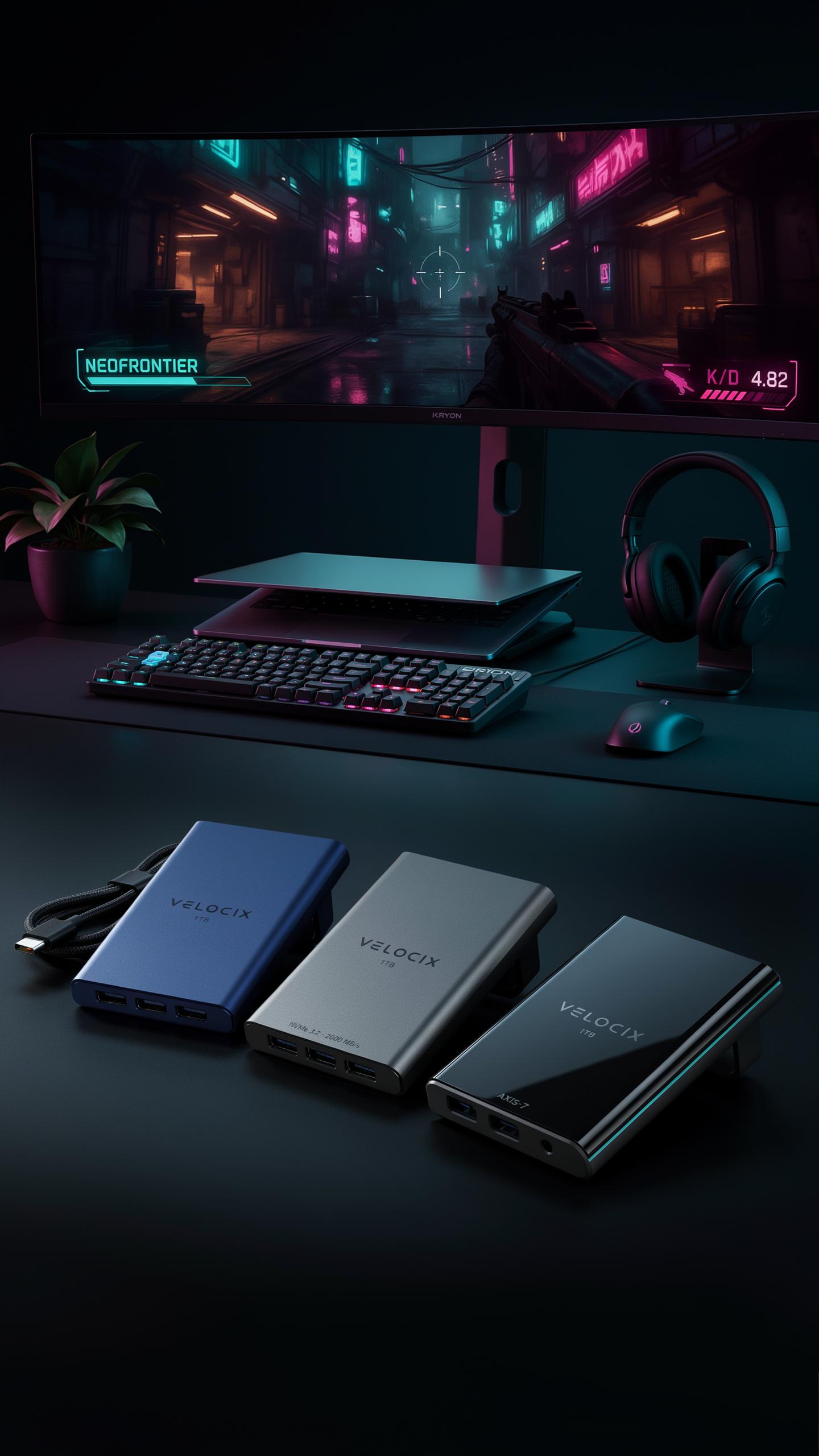
Leading Brands And Models
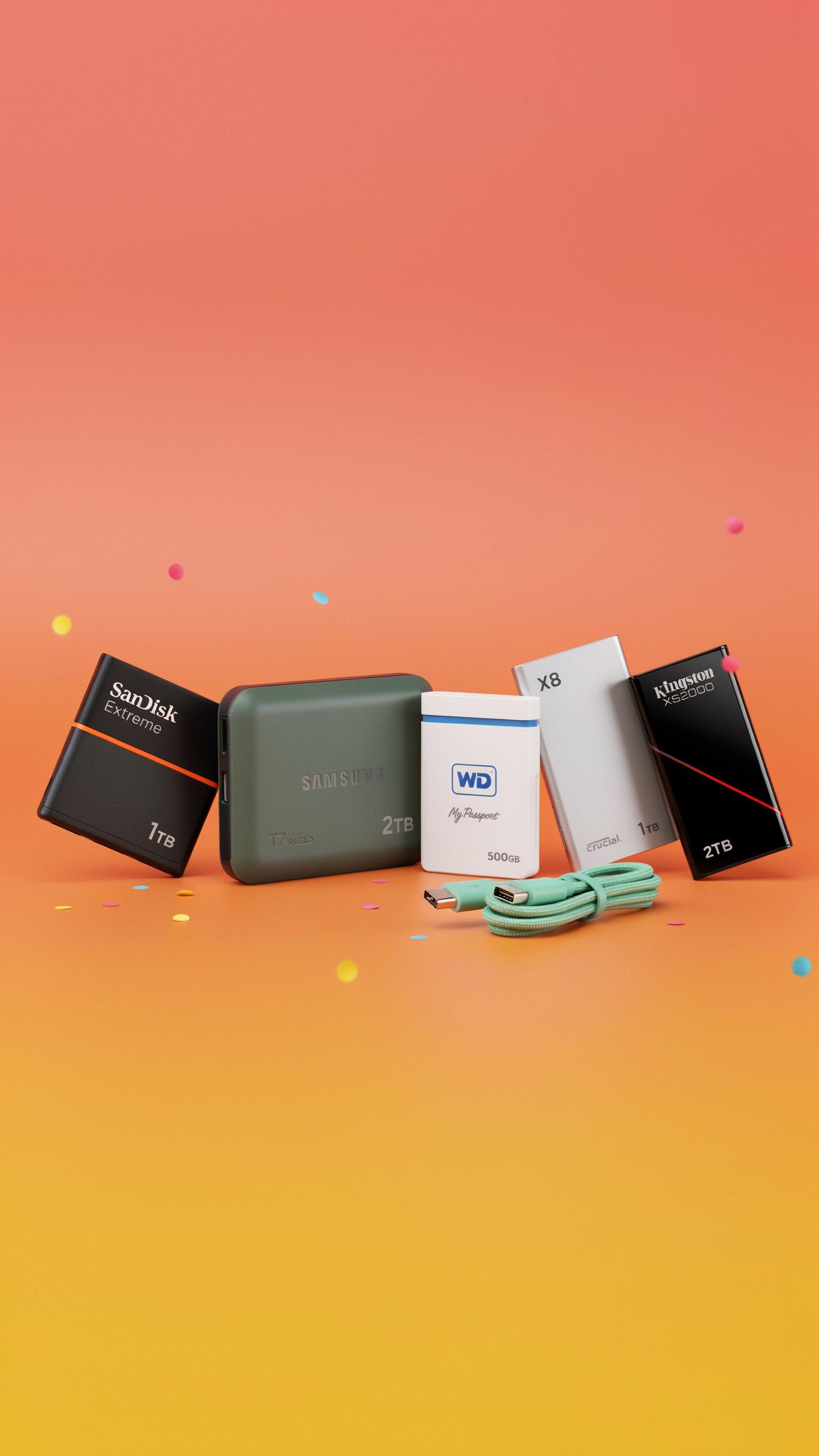
SanDisk Extreme Portable SSD delivers consistent read speeds around 1050 MB/s on current models. The 2TB capacity provides enough space for multiple AAA titles without constant file management. Samsung T5 and T7 series offer comparable performance with encrypted storage options. Crucial X8 and WD My Passport SSD remain competitive alternatives with strong reliability records. These drives handle sustained gaming workloads without thermal throttling during extended sessions.
Build quality separates tier-one brands from cheaper alternatives. Metal enclosures protect internal components from drops and impacts. Shock resistance ratings vary between models, with some surviving falls from desk height. Warranty coverage typically spans three to five years. Real-world durability data shows these established brands maintain performance consistency over 2-3 year ownership periods.
What To Look For In A Gaming SSD
Read speeds of 1000 MB/s or higher transfer game files in seconds rather than minutes. Write speed consistency matters when installing multiple games back-to-back. Buffer capacity prevents speed drops after transferring large files sequentially. Thermal management prevents throttling during peak performance demands. USB 3.2 Gen 2 connectivity becomes the baseline standard for current gaming setups.

Physical durability directly impacts longevity in mobile gaming scenarios. Compact form factors fit laptop bags and fit alongside consoles without bulk. Weight under 300 grams reduces fatigue during transport. Rugged designs with reinforced connectors survive frequent plugging and unplugging. Operating temperature ranges should support both hot and cold environments for traveling gamers.
Installation And Setup Of Your Compact Black Storage Device
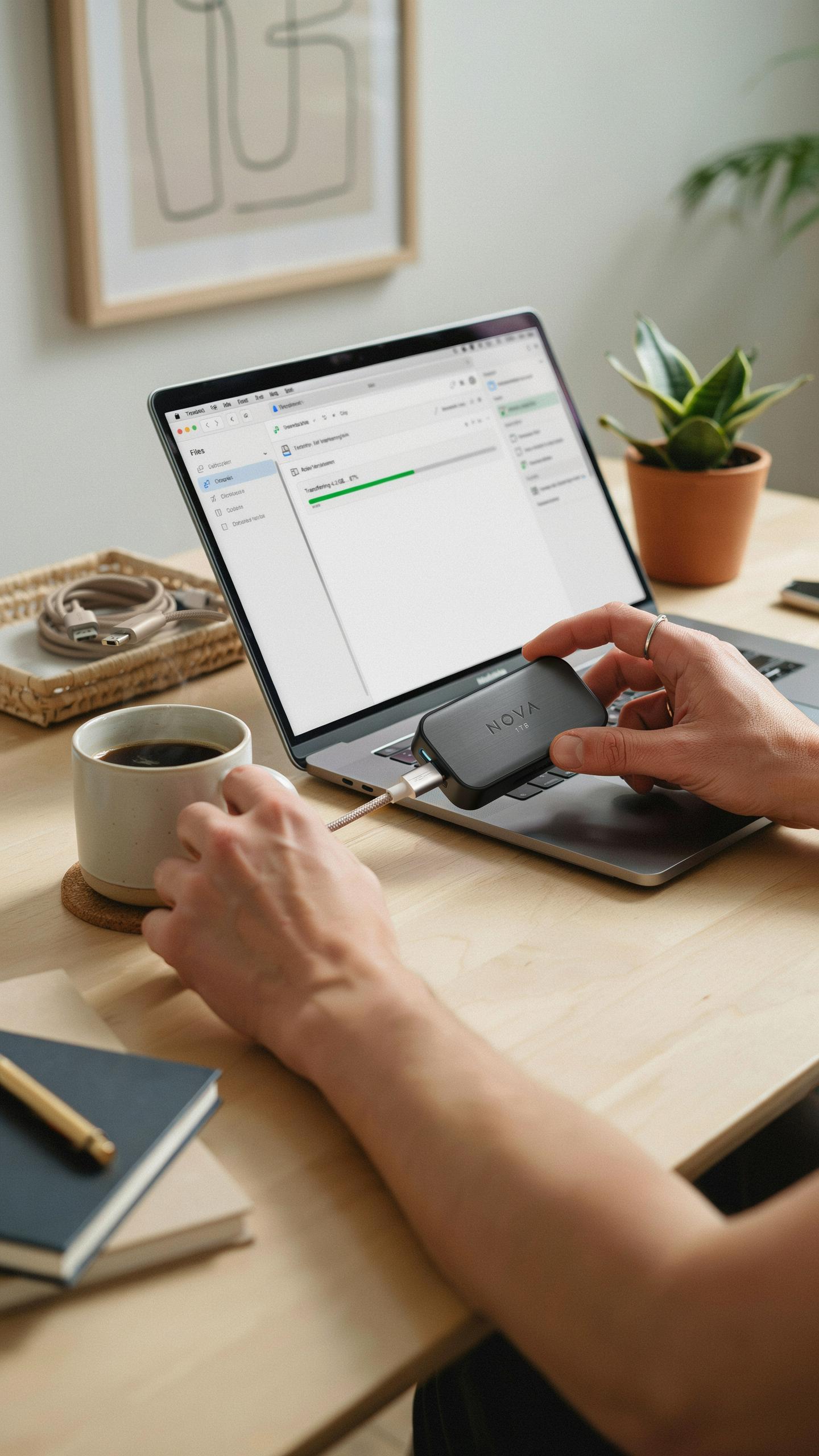
Plug And Play Simplicity
Connect your portable SSD to your computer using the included USB cable. Most modern drives use USB 3.1 or Thunderbolt 3 connectors. Windows and Mac systems recognize the drive within seconds. No driver installation is required. Your operating system treats it like any external hard drive.
Format the drive only if you need to change file systems. Windows defaults to NTFS, which works for gaming on PC. Mac users should format to APFS for optimal performance. Most portable SSDs ship pre-formatted and ready to use immediately. Skip formatting unless you have a specific reason to change it.
Remember those long loading screens, where our adventures paused indefinitely? With a portable SSD, we’re not just playing, we’re reliving the thrill of instant access to uncharted worlds.
Optimizing For Gaming
Move game libraries to your portable SSD to reduce load times. On Steam, add the drive location in Settings under Storage. Epic Games Launcher and other platforms have similar options. Point your installation folder to the portable SSD and install new games there. Existing games transfer quickly using built-in move or copy functions.
Disable sleep modes and power management for the portable SSD during gaming sessions. Windows users should check Device Manager settings to prevent disconnection. Ensure your USB port provides full power delivery, especially on laptops with multiple ports. Connect directly to the motherboard USB headers when possible rather than hub connections. This prevents bandwidth bottlenecks and maintains consistent read and write speeds during extended gaming sessions.
Benefits Beyond Speed Portability And Convenience Of Tech Gadgets

Gaming On The Go
Portable SSD drives let you carry 1TB to 4TB of games in your pocket. You load your entire library onto one device and play on any compatible system. No reinstalling. No waiting for downloads on different networks. You move between PC, PlayStation, or Xbox without leaving games behind. This solves a real problem: storage limits on individual devices and time wasted downloading the same titles repeatedly.
The practical advantage is simple. You own your games physically on the drive, not just access rights on a cloud server. If you travel, visit friends, or use multiple gaming setups, you play without friction. Latency stays low because games run locally from the drive. You eliminate dependency on internet speed at each location, which matters when you’re competing or progressing through single-player content.
A Must Have Among Tech Gadgets
Portable SSDs work across Windows PCs, Macs, PlayStation 5, and Xbox Series X/S. This cross-platform compatibility makes them core tools for modern gaming. You’re not locked into one ecosystem. One drive serves multiple purposes: games, backups, video editing files, or work projects. This versatility justifies the investment over single-use storage solutions.
Speed and flexibility define modern tech gadgets, and portable SSDs deliver both. They read and write at 400-1050MB per second depending on the model and interface. You move large files fast. You boot games quickly from external storage. For gamers who own multiple devices or travel frequently, a portable SSD becomes non-negotiable infrastructure, not an optional accessory.
Maximizing Performance Of Your Storage Devices
Maintaining Drive Health
Your portable SSD needs active maintenance to sustain performance. Enable TRIM support on your operating system. TRIM tells the drive which data blocks are no longer in use, allowing the controller to manage storage more efficiently. Without TRIM, write speeds degrade over time as the drive struggles to find available space. Check your system settings to verify TRIM is enabled.
Heat management directly impacts drive lifespan and speed. Keep your portable SSD in ambient temperatures between 0 and 60 degrees Celsius during operation. Avoid prolonged exposure to direct sunlight or enclosed spaces where heat accumulates. Use the drive in well-ventilated areas during gaming sessions. Excessive heat reduces performance and accelerates component degradation.
Firmware Updates And Drivers
Manufacturers release firmware updates to fix bugs, improve compatibility, and boost performance. Check the drive manufacturer’s website monthly for new releases. Connect your portable SSD to a computer with stable power and internet. Download the latest firmware from the official source only. Never interrupt the update process. Install updates during off-peak gaming times to avoid corrupted files.
Driver updates matter when your SSD connects through Thunderbolt or USB controllers. Outdated drivers cause connection instability and reduced speeds. Windows and macOS release system updates that include improved storage drivers. Install all available updates for your operating system. Verify your drive maintains rated speeds after each update by running benchmark software.
Comparing Portable SSDs Sandisk SSD 1TB External Vs Other Capacities
Capacity Considerations For Gaming
A 1TB portable SSD holds roughly 10 to 15 modern AAA games, depending on file sizes. Games like Call of Duty or Final Fantasy XVI consume 100GB-plus individually. Most casual gamers with 20 to 30 titles in rotation find 1TB sufficient. However, players who maintain larger libraries or frequently download new releases need 2TB or more capacity.
2TB models store 20 to 30 games comfortably and reduce the need for constant uninstalls. 4TB options accommodate entire game libraries without juggling storage. Your choice depends on how many games you keep installed simultaneously. Calculate your typical library size and add 20 percent buffer for system overhead and future purchases.
Cost Effectiveness Vs. Performance
SSD prices per terabyte drop significantly at higher capacities. A 1TB drive costs roughly 1.5 to 2 times more per GB than a 2TB model. For gamers planning to expand storage within two years, buying 2TB upfront saves money compared to purchasing another drive later. Budget constraints matter, but the long-term math favors larger capacities for active gamers.

Performance differences between capacities are negligible for gaming workloads. A 1TB and 2TB portable SSD from the same manufacturer deliver identical read and write speeds. The real decision is whether you pay more now for larger capacity or accept the replacement cost later. Most strategic buyers choose 2TB as the break-even point between affordability and practicality.
Future Proofing Your Gaming Setup With Fast Storage
Next Gen Console Compatibility
PlayStation 5 and Xbox Series X both support external USB 3.1 storage expansion. This means you connect a portable SSD directly to your console and immediately gain extra capacity. The console recognizes the drive and lets you store additional games on it. You cannot play PS5 optimized games directly from external storage, but you can store them and transfer them to internal storage when needed.
- PlayStation 5: Supports external SSD expansion via USB 3.1 port for game storage and transfer capabilities.
- Xbox Series X and S: Allow external drives for backward compatible games with full play functionality directly from the drive.
- Transfer Speed: USB 3.1 portable SSDs move games between storage at approximately 400-500 MB per second on both platforms.
- Storage Capacity: Consoles accept portable SSDs ranging from 256GB to 4TB or larger depending on manufacturer specifications.
- Future Updates: Both console manufacturers continue supporting external storage as standard features without requiring hardware revisions.
Portable SSDs eliminate the need to delete games to make room for new releases. You swap drives or transfer titles as your library grows. This workflow matters for serious gamers who maintain hundreds of installed titles across multiple platforms.
The Evolution Of Storage Beyond The Flash Drive
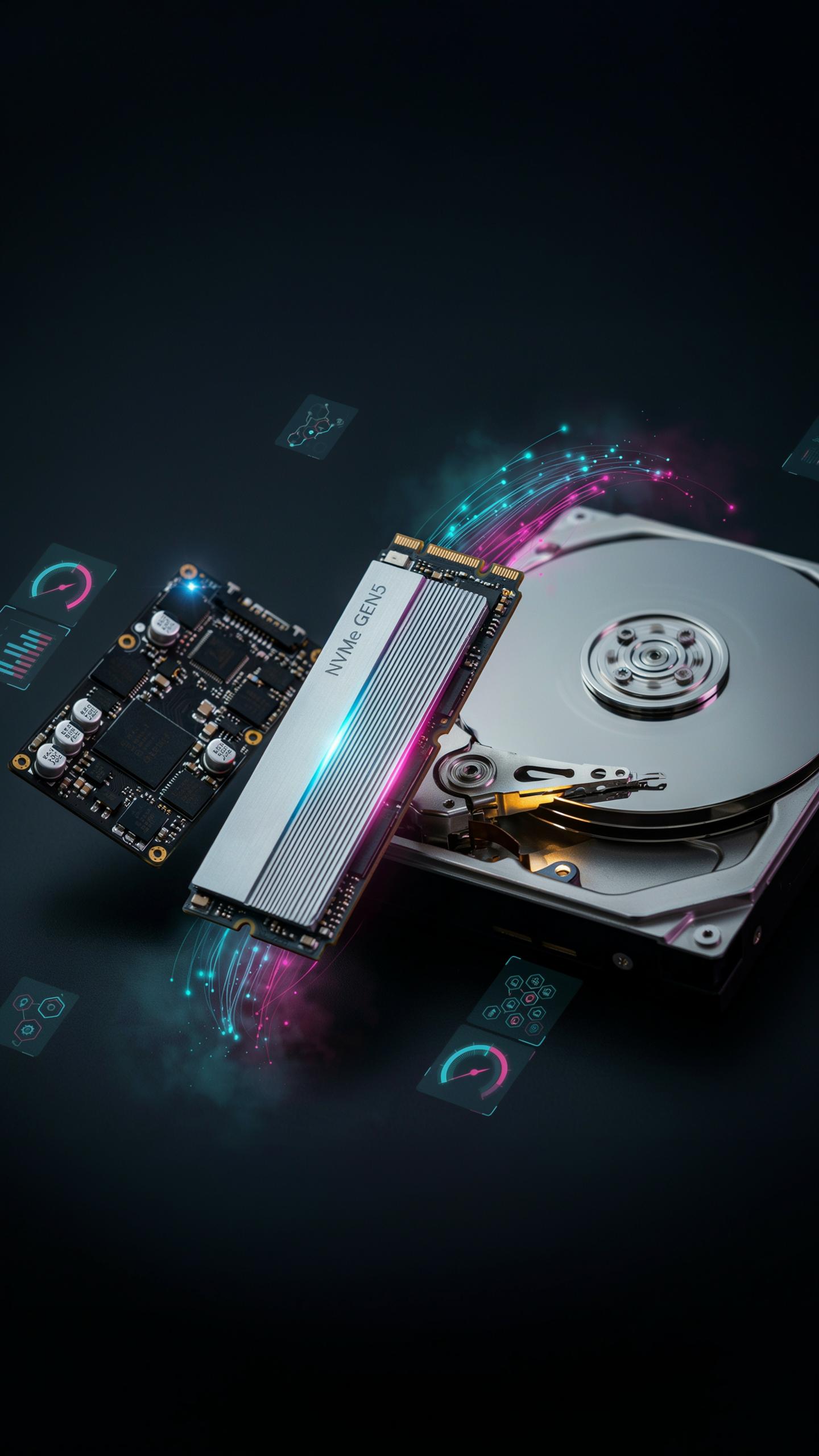
Storage technology has moved from mechanical spinning drives to solid state architecture. Flash memory dominated portable storage for years, but NAND flash technology continues evolving. Newer controllers optimize speed and reliability beyond what older drive designs achieve. TLC and QLC NAND variants pack more capacity into smaller physical footprints while maintaining performance benchmarks that matter for gaming workloads.
PCIe 4.0 and emerging PCIe 5.0 interfaces represent the next tier. These protocols enable faster data transfer rates than current USB 3.1 connections. As gaming consoles and PCs adopt these standards, portable storage will follow. Manufacturers already produce prototype drives ready for these interfaces, meaning your current setup might benefit from planned generational upgrades within the next hardware cycle.
Troubleshooting Common Issues With Your Portable Hard Drive

Connectivity Problems
Your portable SSD may fail to appear on your system for straightforward reasons. Check the USB cable first, then try a different port on your computer. Ports accumulate debris and wear out over time. Test the drive on another device to isolate whether the problem stems from your computer or the drive itself. Windows and macOS sometimes need driver updates to recognize new hardware properly.
If the drive connects intermittently, the issue usually lies with cable quality or port damage. Replace the cable with a certified USB 3.1 or Thunderbolt cable matching your drive’s specifications. Avoid using extension cables or unpowered hubs, which degrade signal strength. Test directly into your computer’s native ports. Intermittent connections can corrupt your game files, so consistency matters before storing critical data.
Performance Drops
When your portable SSD reads or writes slower than expected, inspect the physical connection first. A loose or damaged cable reduces bandwidth drastically. Ensure the cable sits fully seated in both the drive and your computer. Bent connectors prevent proper contact and trigger thermal throttling as the drive works harder to maintain communication.
Port degradation also tanks performance. Your computer’s USB ports may suffer wear from repeated insertions. Try every available port on your computer to identify which perform best. Update your system firmware and chipset drivers, as outdated drivers create bottlenecks between your drive and processor. Monitor drive temperature using software, since excessive heat causes automatic slowdowns to protect the flash memory inside.
Frequently Asked Questions

What exactly is a portable SSD and why is it good for gaming?
A portable SSD (Solid State Drive) is a compact, external storage device that uses flash memory. Unlike traditional hard drives, it has no moving parts, making it incredibly fast. For gaming, this means significantly reduced loading times, smoother gameplay, and easy transport of your game library between different setups.
How do I connect and start using a portable SSD drive for gaming storage?
Connecting a portable SSD drive for gaming storage is very straightforward! Simply plug it into an available USB port on your PC or console. Most modern portable SSDs are “plug-and-play,” meaning your system will automatically recognize them. You can then manage your game installations and transfers through your platform’s storage settings.
Are portable SSDs for gaming generally affordable, or are they a significant investment?
While not as cheap as traditional external hard drives, portable SSDs have become much more affordable, especially for popular capacities. Investing in a portable SSD drive for gaming storage offers excellent value for the performance boost you get, drastically improving your gaming experience without breaking the bank for essential models.



