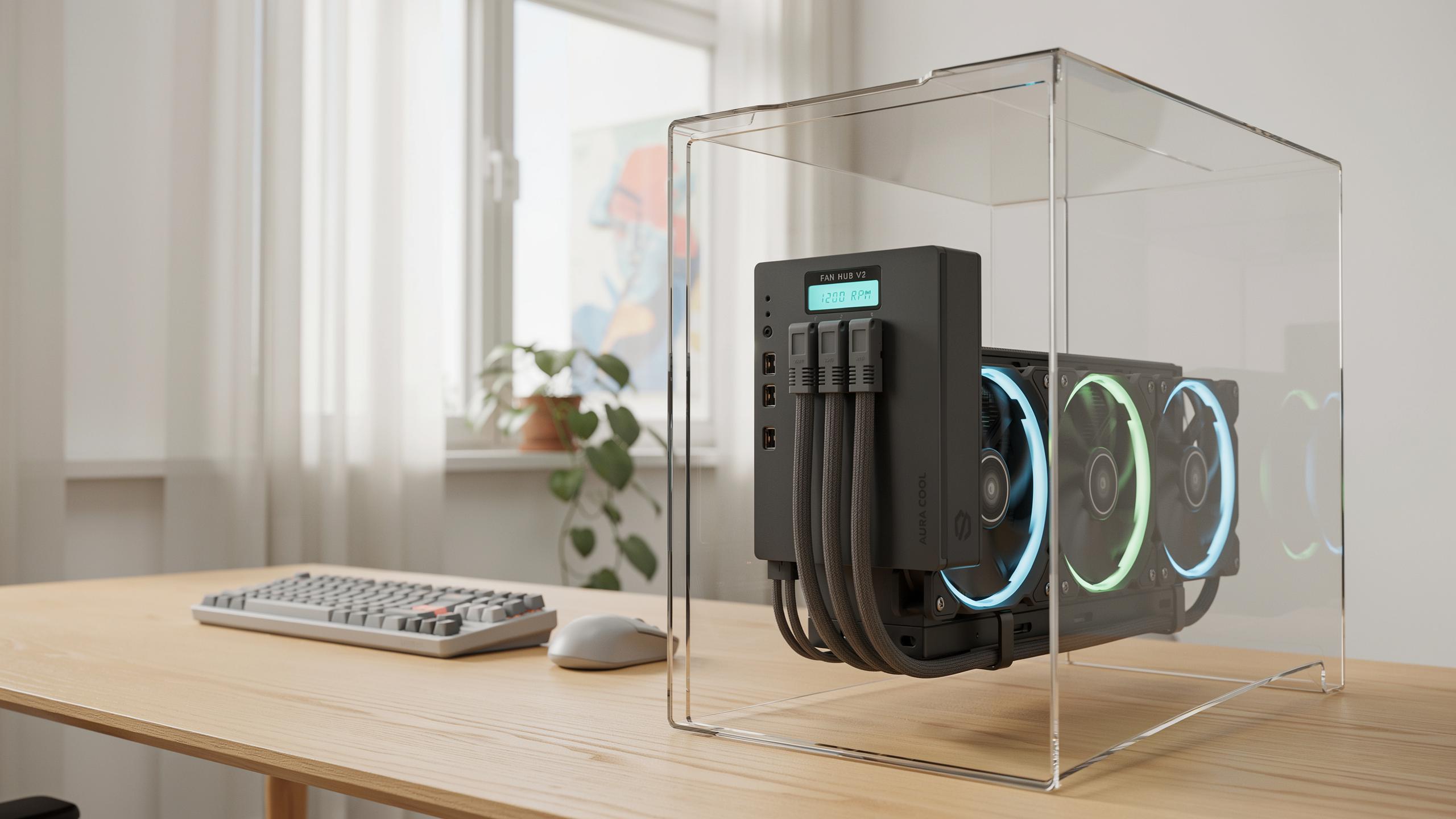
Understanding The Need For A PC Cooling Fan Controller Hub
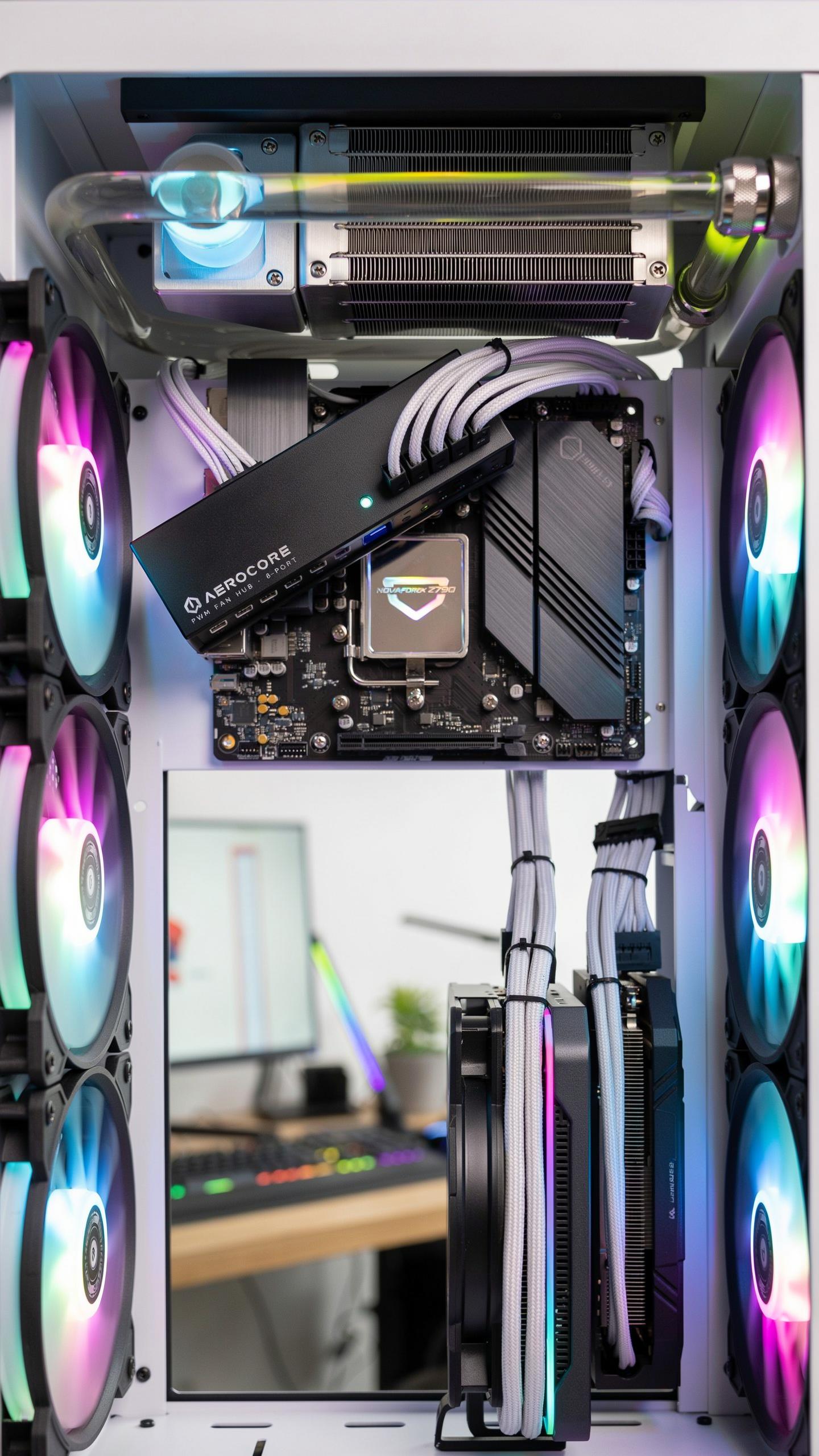
Why Stock Fan Control Falls Short In PC Cases
Most motherboards ship with basic fan control tied to CPU temperature alone. This one-dimensional approach ignores case airflow, GPU heat, and individual user preferences. Stock BIOS fan curves ramp speeds too aggressively to stay safe, forcing fans to run harder than necessary. A dedicated controller hub decouples fan management from the motherboard, letting you set independent curves for each fan based on actual conditions.
Stock solutions lack granularity. Motherboard PWM headers typically offer three to four fan connections with limited curve customization. You cannot target specific zones or adjust response times precisely. A controller hub adds expandability and logic. You gain multiple independent channels, each responding to different temperature sensors, delivering thermal performance without forcing unnecessary noise.
The Impact Of Fan Noise On Your Computing Experience
Fan noise directly affects focus and comfort during extended computing sessions. Constant whirring creates cognitive load that wears on users over hours. High-speed fans generate noise proportional to their RPM, with doubling speed producing roughly eight times more noise. A controller hub lets you reduce baseline fan speeds during light workloads, keeping systems quiet when cooling demands are low.
Precision fan control eliminates the on-off cycling that irritates users most. Stock fans often spike to full speed then drop repeatedly as temperatures fluctuate. A properly configured controller smooths these transitions using gradual ramps and hysteresis settings. Result: a more predictable acoustic experience that does not interrupt workflow or distract during focused work.

What Is A PC Cooling Fan Controller Hub
Definition And Purpose Of The Hub
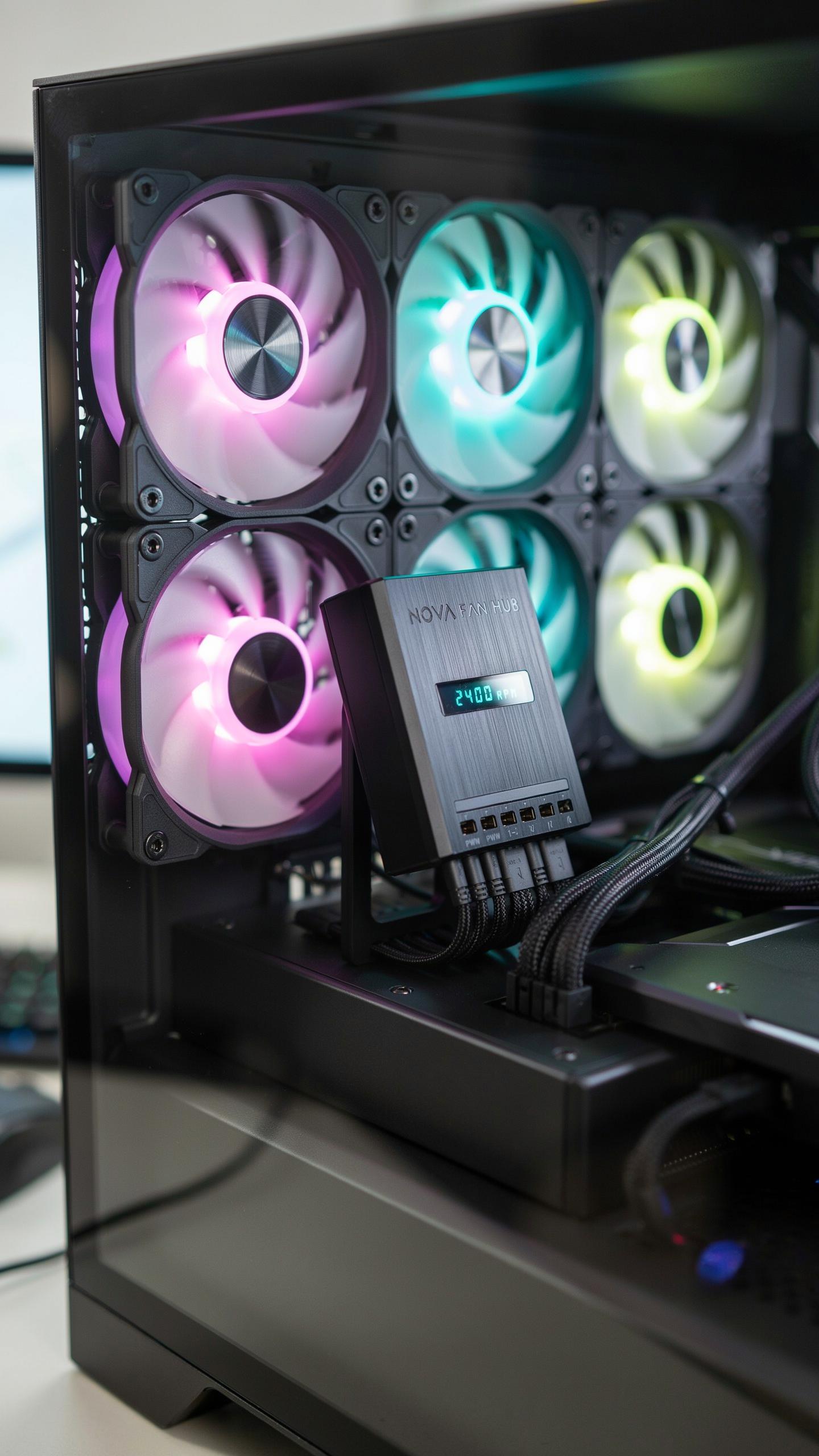
A PC cooling fan controller hub is a device that consolidates multiple cooling fan connections into one centralized control point. It manages fan speed, power distribution, and monitoring signals across all connected fans. This hub eliminates the need to connect individual fans directly to your motherboard, freeing up limited fan headers and simplifying cable management throughout your case.
The hub receives power from your system and outputs it to fans while accepting control signals from your motherboard or software. It acts as an intermediary between your fans and PC, allowing dynamic speed adjustments based on temperature readings. This centralization reduces motherboard strain and enables more sophisticated cooling profiles than direct connections allow.
How It Connects To Your PC Computer
These hubs typically connect to your PC’s power supply via a SATA or Molex connector, which provides the necessary power to drive multiple fans simultaneously. The hub then connects to your motherboard through a USB header or fan header, allowing your system to send control signals and receive monitoring data from the connected fans.

This dual connection method means the hub handles power delivery separately from control signals. Your motherboard communicates with the hub through the USB header, sending speed adjustment commands and receiving RPM feedback from each fan. Power flows directly from your PSU through the hub to the fans, bypassing the motherboard’s limited power delivery capabilities entirely.
Key Features To Look For In A PC Cooling Fan Controller Hub
PWM Vs. Voltage Control For Optimal Fan Speed
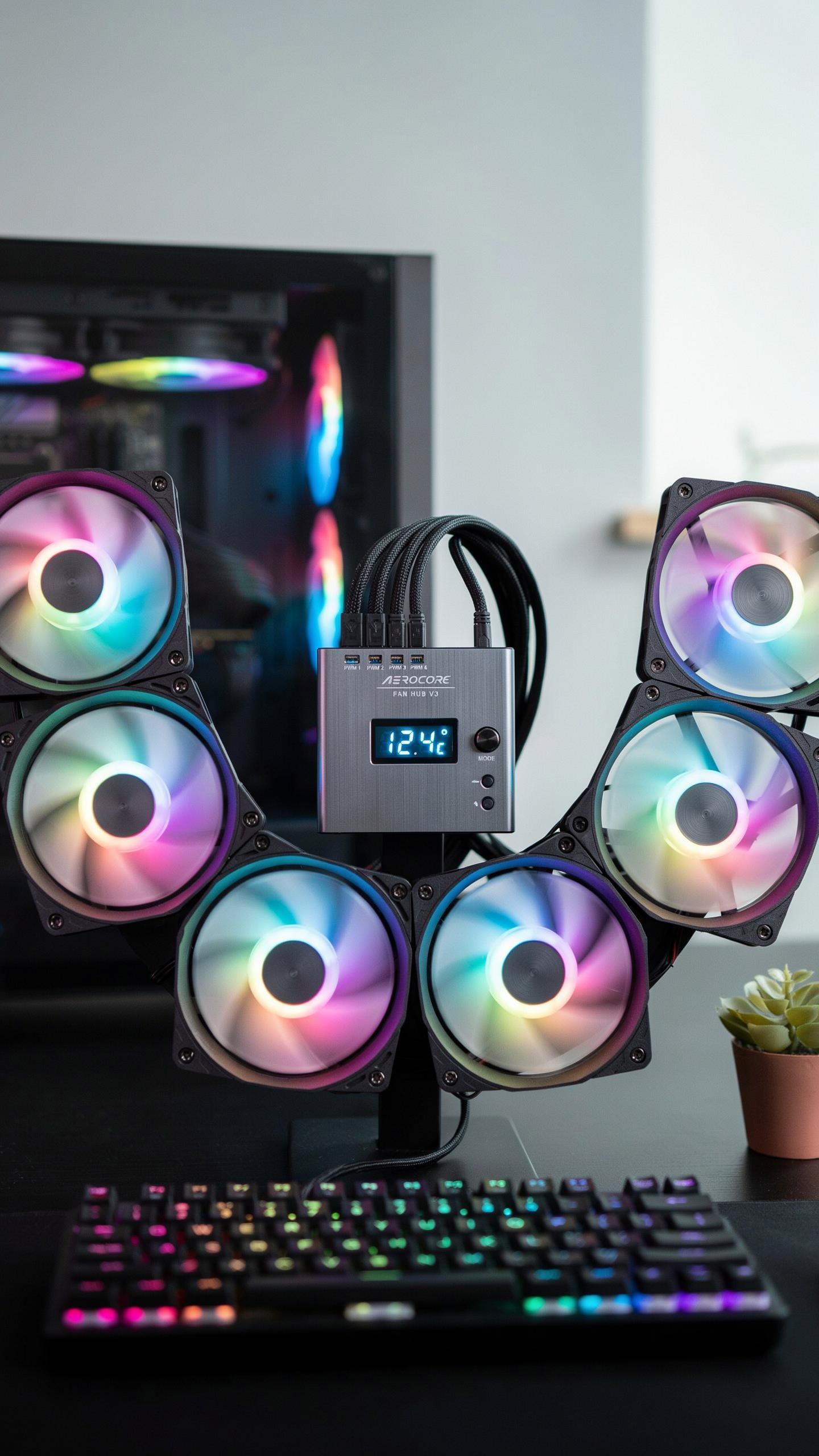
PWM, or Pulse Width Modulation, adjusts fan speed by rapidly switching power on and off rather than reducing voltage. This method provides finer speed control and maintains consistent fan performance across the entire speed range. PWM lets you dial in precise RPM values, giving you more granular adjustment compared to older voltage-based systems that can cause fans to stall at low speeds.
Voltage control reduces power delivery to fans, lowering speed proportionally. This older approach works but sacrifices precision and can damage fan motors over time due to insufficient electrical current. Most modern controller hubs default to PWM because it delivers better fan lifespan and more reliable speed adjustments across all cooling scenarios.
Software Vs. Hardware Control Options
Software-based control through PC applications offers real-time monitoring, temperature-based fan curves, and detailed performance data. You view fan RPM, temperature readings, and adjust settings directly from your desktop. This approach suits users who want automation and detailed diagnostics without manual intervention during gaming or heavy workloads.

Hardware controls like physical buttons or remote controls eliminate software dependencies and system overhead. You adjust fan speeds instantly without booting into software or navigating menus. This option appeals to users who prefer simplicity, those running minimal operating systems, or anyone who wants immediate hands-on adjustment without computer involvement.
Installation Of A PC Cooling Fan Controller Hub In Your Computer Case
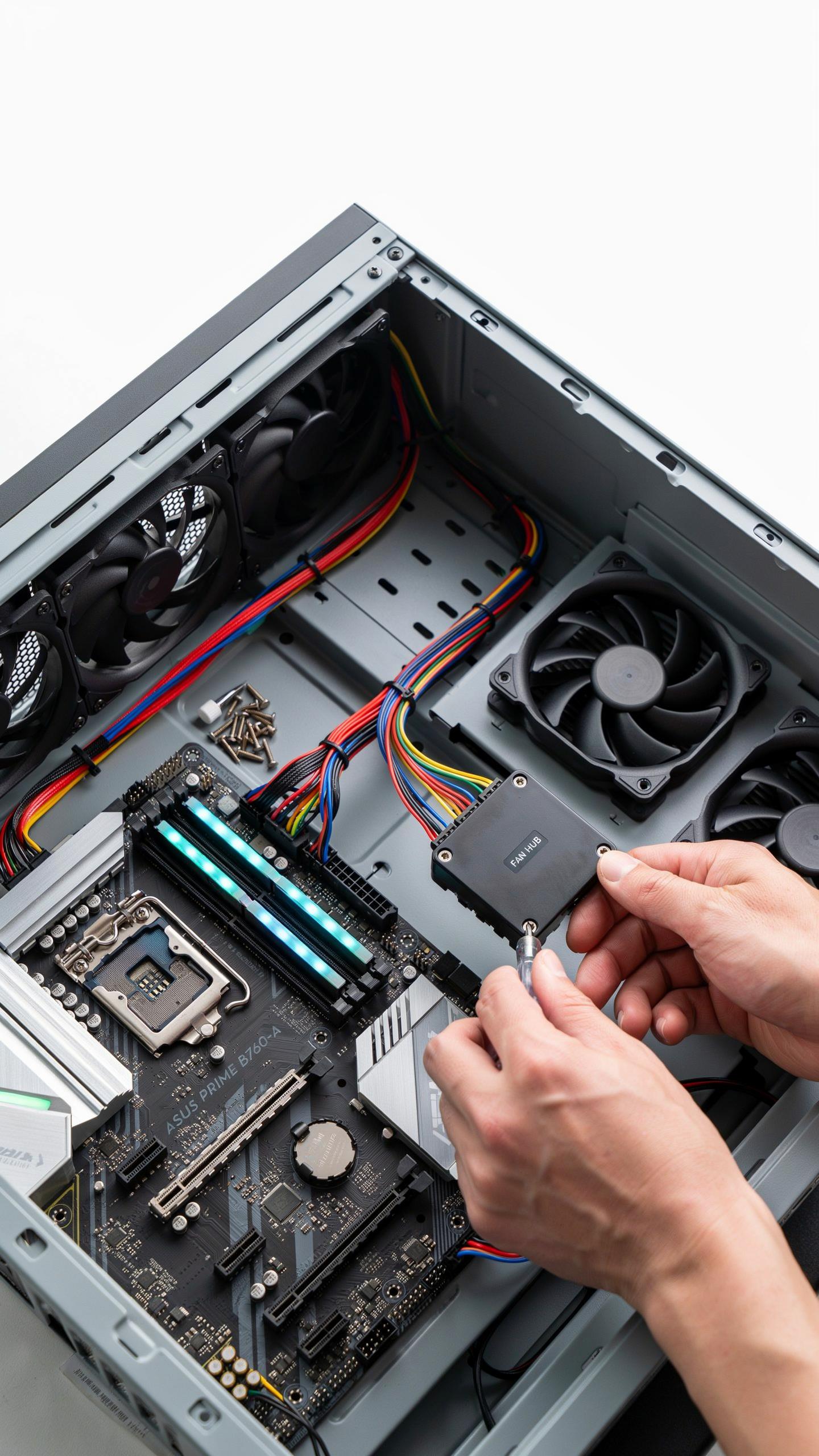
Mounting Locations Within The Computer Case
Controller hubs mount in specific locations to preserve airflow and maintain cable management. Drive bays house hubs effectively when you remove unused optical or floppy drives. Behind the motherboard tray works for compact installations. Some cases feature dedicated controller mounting brackets. Position the hub away from heat sources like the power supply or CPU cooler.
Access matters during installation and future maintenance. Choose a location where you can comfortably reach the hub without removing major components. Vibration transfer to the case degrades noise performance, so isolate the hub with rubber grommets or mounting foam. Cable length determines practical placement options. Test positioning before permanently securing the hub to ensure all fan connectors reach without strain.
Connecting Your Cooling Fan Array
Fan header orientation determines proper operation. Match the positive and negative pins on each fan connector to the corresponding hub ports. Red wires connect to positive terminals, black wires to ground. Forcing connectors damages pins and causes fans to malfunction or fail entirely. Most hubs use standard 4-pin Molex or PWM connectors that accept industry-standard fan connectors.
Secure connections prevent disconnections during operation. Push connectors firmly until they seat completely. Check each connection after installation by gently tugging on the wires. Loose connections cause intermittent fan failures and unpredictable noise levels. Route cables away from fan blades and moving components. Label each fan connection on the hub to simplify future troubleshooting or adjustments.
Achieving Quieter Builds Strategies With A PC Cooling Fan Controller Hub
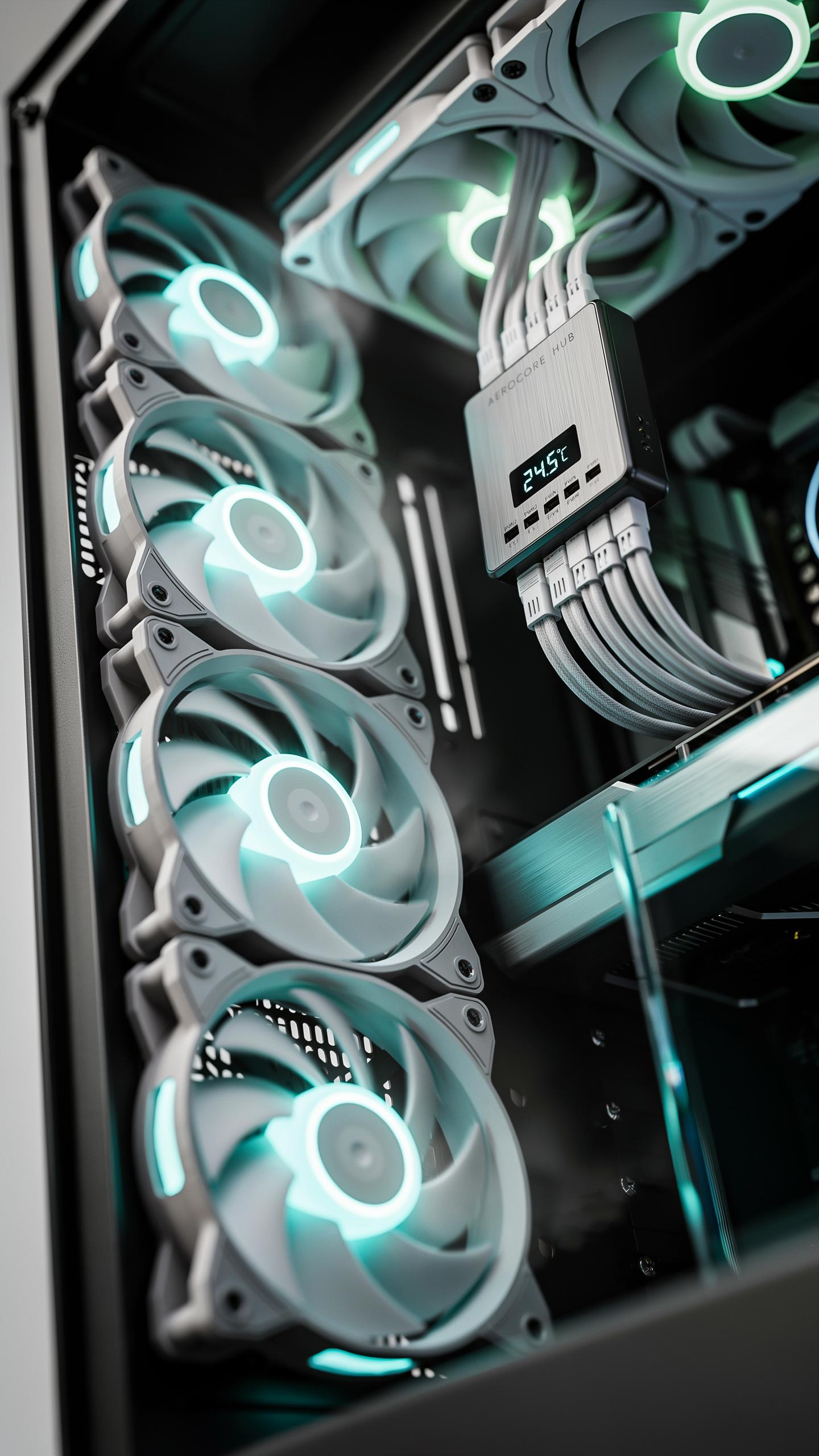
Setting Up Custom Fan Curves For Noise Reduction
Custom fan curves solve a core problem: fans run at full speed even when your system barely needs cooling. A controller hub lets you program fan speed to respond only to actual temperature changes. This means fans stay slow during web browsing, video playback, and light tasks. You eliminate noise during periods when cooling demand is low. The result is a system that runs quiet most of the time.
Temperature thresholds define when fans ramp up their speed. Set a baseline where fans spin slowly at idle temperatures, typically around 30 to 40 degrees Celsius. Create intermediate steps that gradually increase speed as temperatures rise. This staged approach prevents sudden fan acceleration that creates audible noise spikes. Your system delivers cooling exactly when needed, no more, no less.
Balancing Airflow And Acoustics For The Ideal Fan
Controller hubs give you direct control over individual fans in your setup, enabling precise tuning of each fan’s role. Some fans prioritize airflow volume while others focus on static pressure for dense radiators or heatsinks. Testing different speed combinations reveals which configuration delivers sufficient cooling with minimal noise. This experimentation defines your optimal acoustic signature.
- Static Pressure Fans: Designed for restrictive environments like radiators and heatsinks, these fans push air through resistance more efficiently than airflow-optimized models.
- Airflow Optimized Fans: Built for open case environments, these fans move high volumes of air at lower noise levels when obstruction is minimal.
- RPM Range Compatibility: Verify your controller hub supports the full RPM range of each fan type to avoid performance limitations or incompatible speed profiles.
- Decibel Ratings: Compare manufacturer noise specs at equivalent speeds to identify quieter performers, understanding that dB ratings vary by measurement distance and methodology.
- Fan Size Variation: Larger diameter fans move equivalent air volumes at lower speeds than smaller fans, reducing noise while maintaining cooling capacity.

Temperature monitoring during load testing confirms whether your balanced configuration maintains safe operating ranges. Adjust curves downward if temperatures stay within acceptable limits during typical workloads. This conservative approach prioritizes silence without sacrificing system stability or component lifespan.
Advanced Features And Connectivity With Your Motherboard
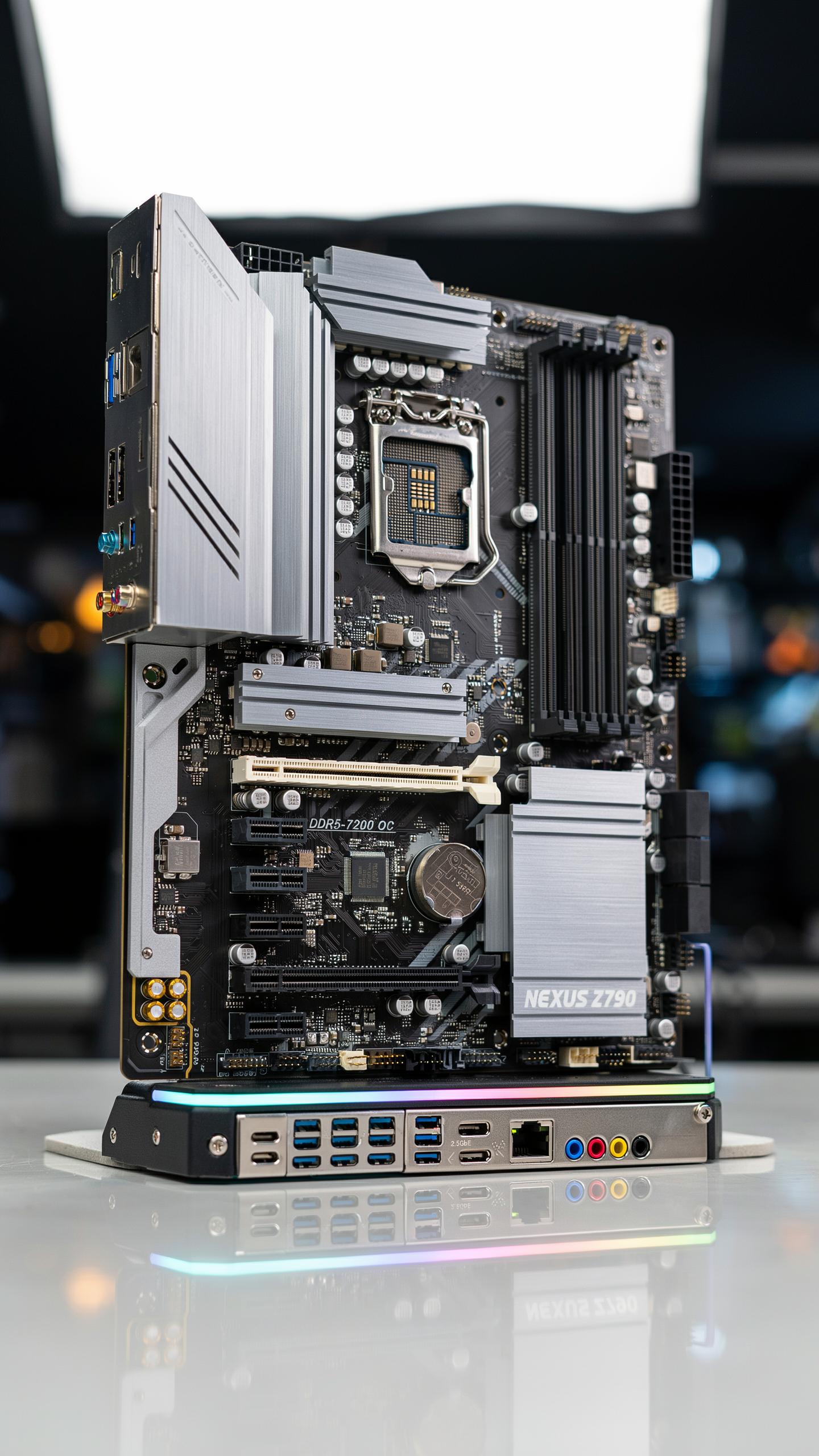
RGB Lighting Synchronization And Control
Modern pc cooling fan controller hubs bundle RGB control into their software ecosystem. This means you manage fan speed and lighting effects through a single application instead of juggling multiple programs. The hub connects to your motherboard via USB or proprietary connectors, allowing it to communicate lighting data across all connected components simultaneously.
Synchronization works because manufacturers design their hubs to recognize compatible RGB headers on fans and components. Your motherboard’s RGB header becomes unnecessary when the controller hub takes over this function. You get unified control, reduced cable clutter, and the ability to create lighting scenes that match your fan curves and system performance in real time.
Like a maestro conducting a symphony, a well-tuned cooling hub orchestrates quiet, bringing peaceful harmony to your digital world, a gentle hum reminiscent of simpler times.
Temperature Sensor Integration And Automated Control
Advanced hubs ship with external temperature sensors that mount directly in your case or attach to specific components. These sensors feed thermal data to the controller, which then adjusts fan speeds automatically based on your programmed curves. This approach bypasses your motherboard’s limited thermal monitoring resources, freeing CPU cycles for other tasks.

The benefit here is accuracy and responsiveness. Motherboard sensors sit in one location and miss localized heat pockets inside your case. External sensors placed strategically catch real conditions faster, triggering fan adjustments before temperatures spike. Your pc cooling fan controller hub becomes the primary thermal management tool, leaving your motherboard to handle what it does best.
Troubleshooting Common Issues With A PC Cooling Fan Controller Hub
Diagnosing Fan Not Spinning Or Incorrect Fan Speed Readings
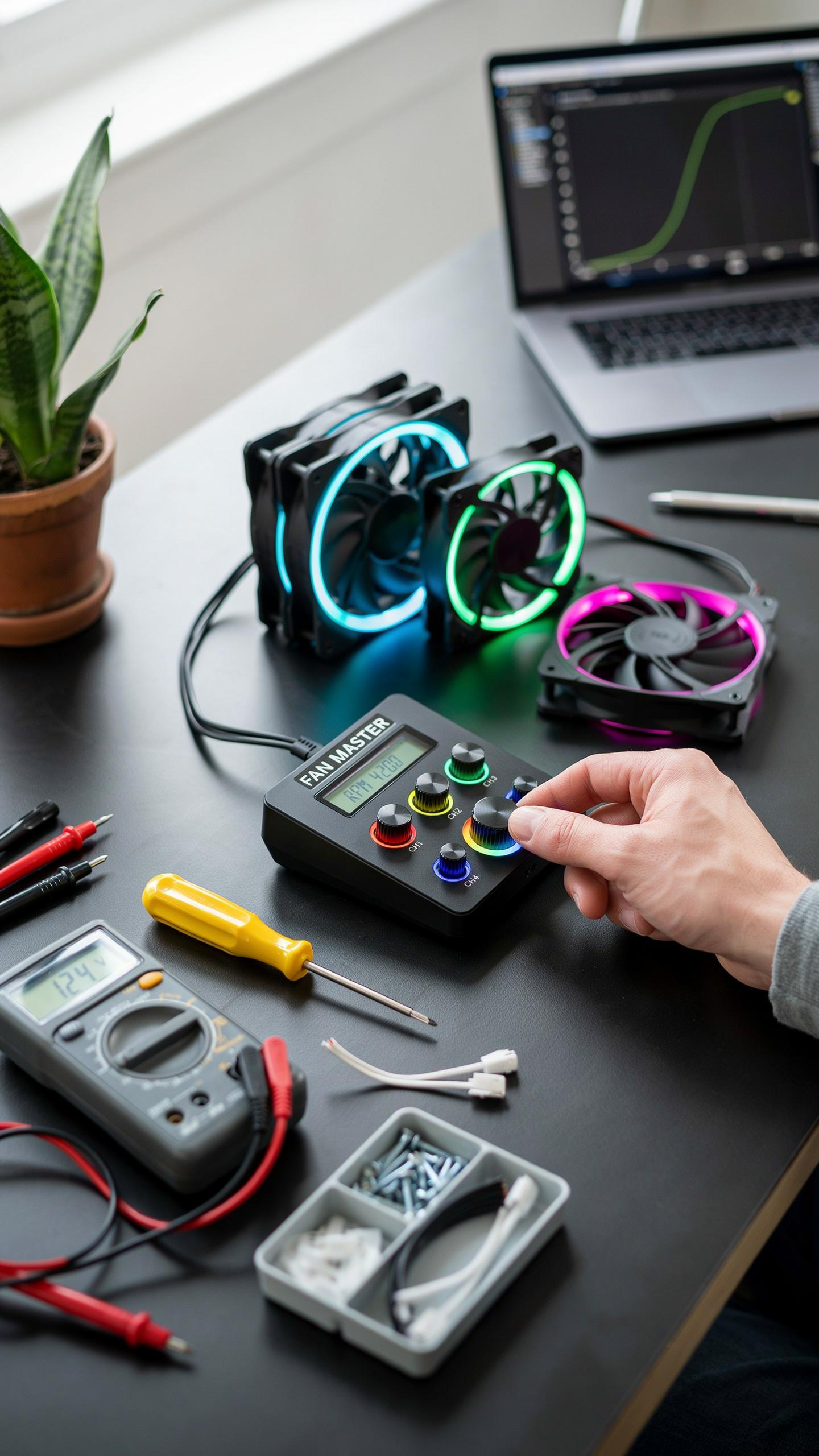
A fan that won’t spin or reports wrong speeds usually stems from three sources: power delivery, connection integrity, or firmware glitches. Start by checking the power cable from your PSU to the hub. Verify the fan connector seats fully into the hub port. Look for bent pins or debris blocking the connection. A loose connection kills power to the fan entirely.
Next, check your hub’s software or BIOS settings for manual speed controls. Some hubs default fans to zero percent on startup. Reset the hub to factory settings if available, as minor firmware bugs sometimes prevent proper fan detection. If the fan still doesn’t spin after these checks, test it on a different hub port to isolate whether the problem is the fan or the hub itself.
Software Conflicts And Driver Issues
Outdated hub drivers cause recognition failures and incorrect speed reporting. Download the latest driver from your hub manufacturer’s website and install it fresh. Uninstall the old version first through Device Manager to prevent conflicts. Many users overlook this step and waste time chasing phantom problems that a driver update solves instantly.

Other system monitoring software can conflict with your hub’s control software. Programs like CPU-Z, GPU-Z, or third-party fan controllers sometimes fight for hub access. Close these applications completely and disable them from startup. Test hub functionality with only the manufacturer’s software running. Once you confirm the hub works, add other programs back one at a time to identify which one causes conflicts.
Choosing The Right PC Cooling Fan Controller Hub For Your Setup
Compatibility With Your Existing Computer Components
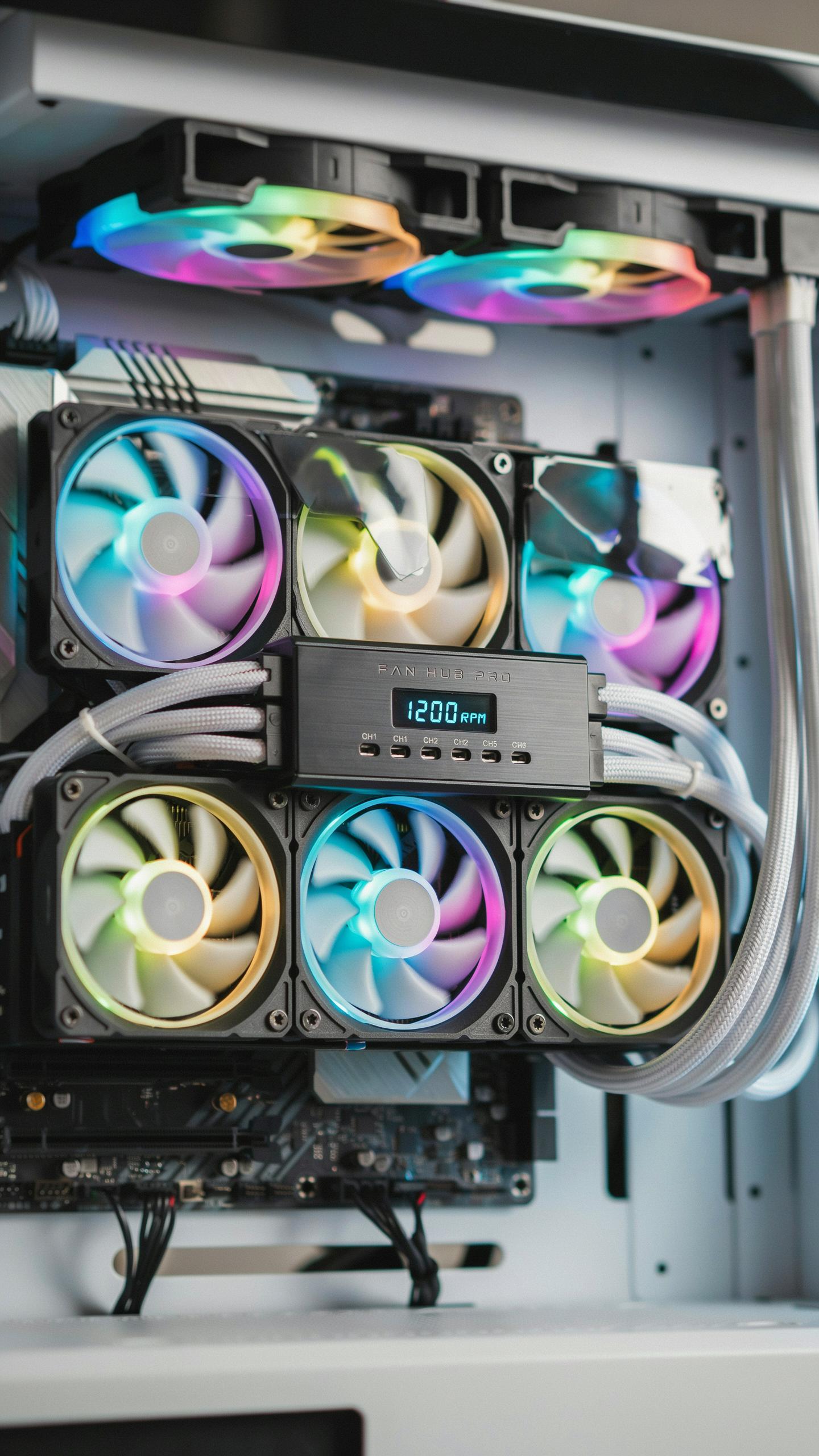
Check your fan connectors first. Most PC fans use either 3-pin or 4-pin PWM connectors. A 3-pin fan runs at fixed speeds or basic voltage control. A 4-pin PWM fan accepts pulse-width modulation signals for precise speed adjustment. Your hub must match what your fans require. Mixing incompatible connectors wastes money and creates installation problems.
Verify your motherboard has available headers. Fan hubs connect to motherboard headers or SATA power. Count your current connections and available slots before purchasing. Measure your case interior dimensions to ensure the hub fits without blocking airflow or cable routing. Tight spaces create installation headaches and prevent proper ventilation around components.
Considering Budget And Brand Reputation For Your Pc Computer
Research brands with proven track records. NZXT, Corsair, Lian Li, and Phanteks manufacture reliable hubs backed by user reviews and warranty support. Lower cost hubs often lack build quality and customer service. Read independent reviews on tech forums where users report real-world performance and failure rates over time.
Match features to your needs and spending limits. Basic hubs start around 20 to 40 dollars and control fan speed only. Premium models with RGB lighting, software control, and multiple channels cost 60 to 150 dollars. Identify which features you actually use versus paying for extras. Buy what solves your cooling problem, not what looks impressive on a spec sheet.
Frequently Asked Questions

What exactly is a PC cooling fan controller hub and why would I need one?
A PC cooling fan controller hub is a centralized device that connects and powers multiple cooling fans in your computer, allowing you to control their speed. You need one to manage fan noise, optimize airflow, and keep your components cool, leading to a quieter and more efficient PC experience.
How do I connect and set up a PC cooling fan controller hub in my computer?
Connecting a PC cooling fan controller hub typically involves mounting it in a drive bay or behind the motherboard tray. You’ll then connect its power cable to your PSU and individual fans to the hub’s ports. Finally, you might connect a data cable to your motherboard for software control.
Are there affordable PC cooling fan controller hub options available, or are they typically expensive?
Absolutely! There’s a wide range of PC cooling fan controller hub options catering to different budgets. Basic fan hubs that simply provide more fan headers are quite affordable. More advanced models with sophisticated software control or RGB features will naturally be a bit more expensive, but good value can be found.



