Why A Controller Charging Dock Is Essential For Every Gamer
The Frustration Of Dead Batteries
Mid-game controller failure kills momentum. You’re in a critical moment, and your controller powers down. The battery dies without warning, forcing you to stop playing and find a charger. This happens because controllers drain power during extended sessions. Standard charging methods require cables, fumbling with ports, and downtime. Gamers lose time and immersion when batteries fail at the wrong moment.
Dead batteries create a cascading problem. You need a backup controller ready, but managing multiple devices across a room becomes chaotic. Cables tangle. Chargers go missing. You waste minutes searching for the right connection method. This disruption breaks your gaming flow and frustrates any player who wants consistent, uninterrupted sessions. The problem compounds when multiple controllers need charging simultaneously.
Benefits Of A Dedicated Charging Station
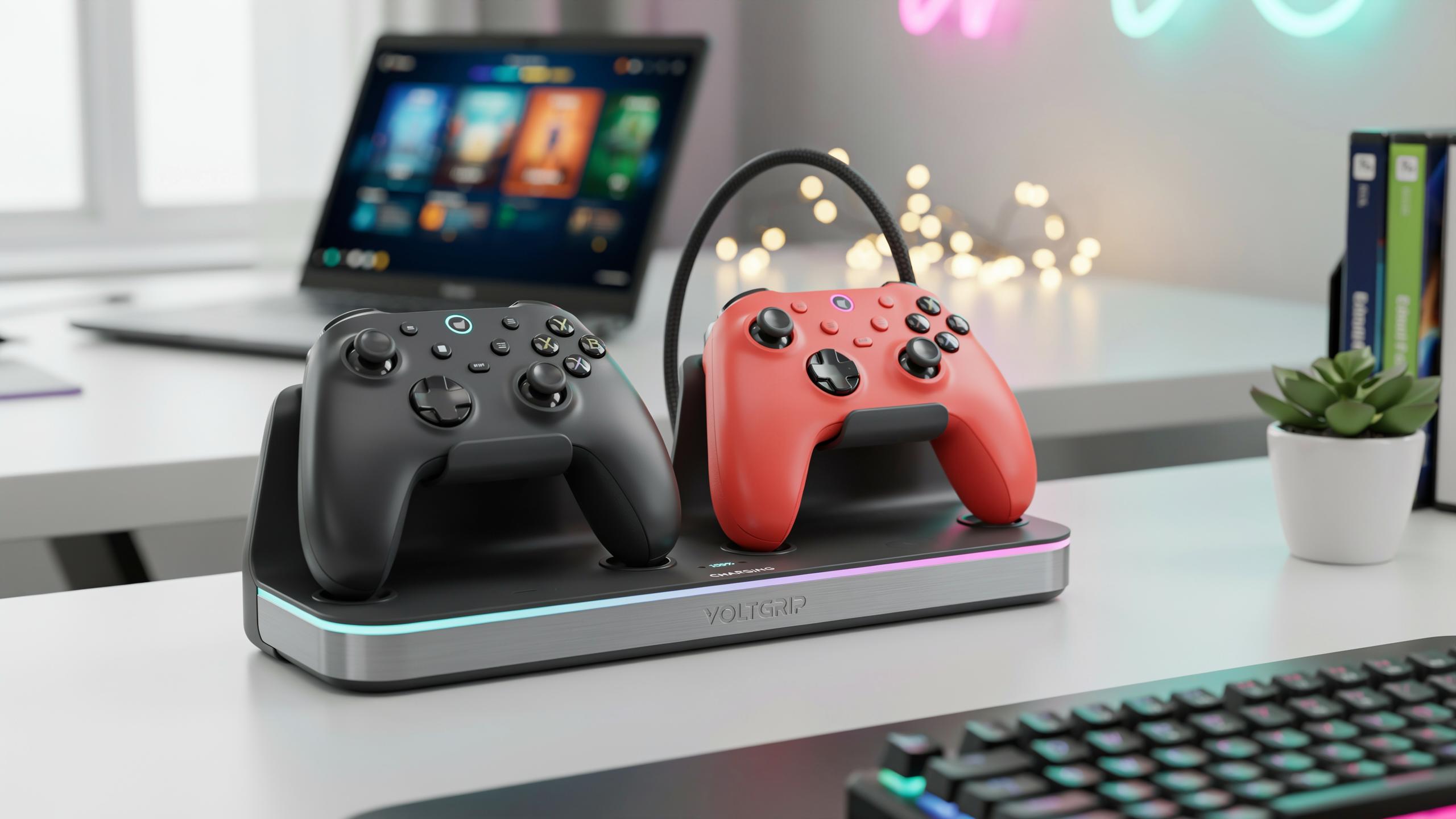
A charging dock centralizes all controller charging in one designated spot. You place controllers on the dock after each session. They charge automatically without fumbling with cables or ports. The dock stays visible and accessible on your desk or entertainment center. This single location eliminates the hunt for chargers and the cable mess that comes with traditional charging methods.
Organization becomes automatic with a charging station. You know exactly where your controllers are at all times. Backup controllers stay ready for multiplayer sessions or when your primary controller needs charging. The dock keeps your gaming space clean and functional. You eliminate clutter from loose cables and scattered devices. This straightforward system saves time before every gaming session and removes the stress of unexpected battery failures during gameplay.

Understanding Different Types Of Charging Docks For Game Console
Wired Vs. Wireless Charging Dock Options
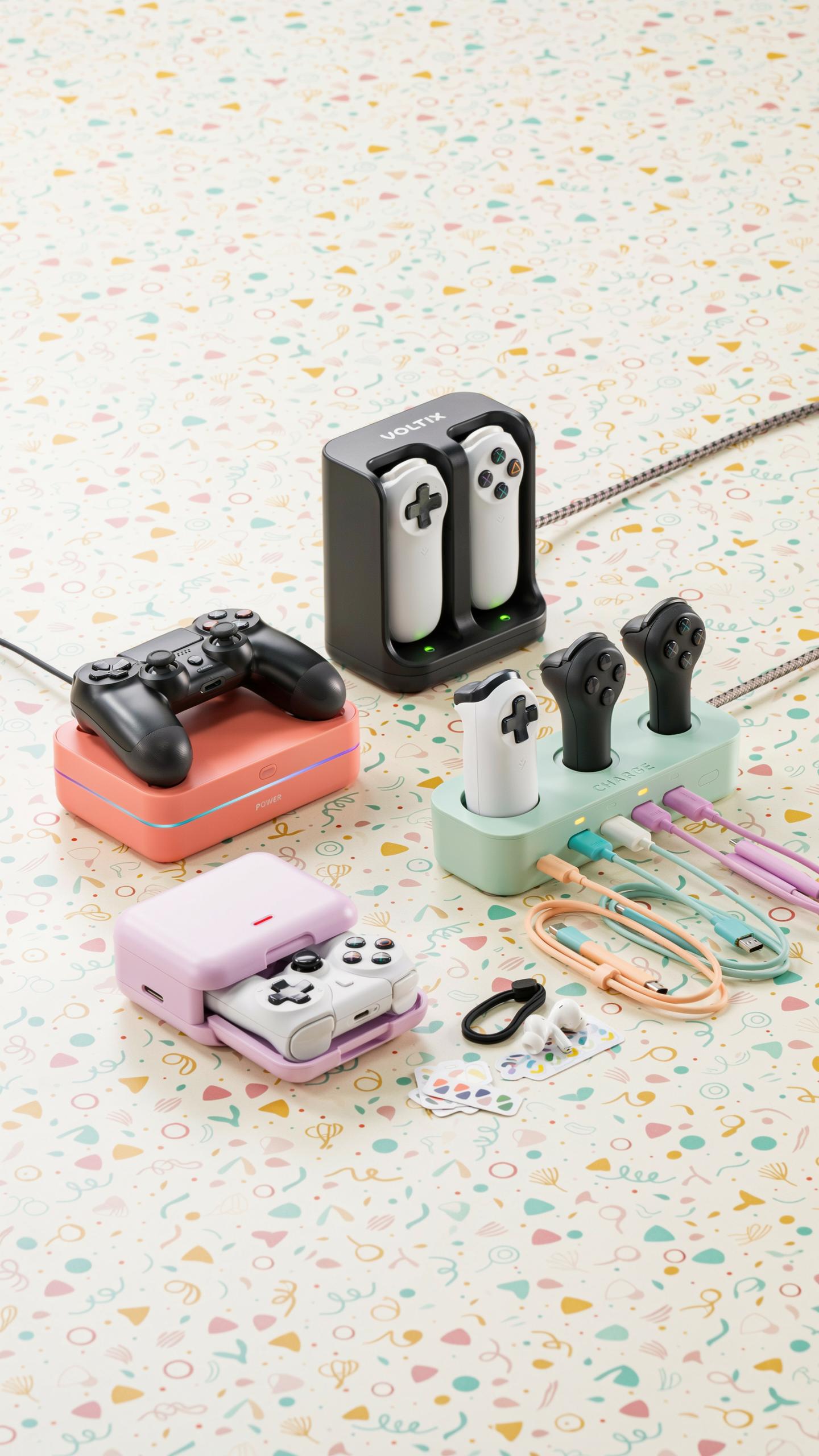
Wired charging docks use direct electrical connections. The controller plugs into a USB cable or proprietary connector on the dock. This method transfers power immediately without conversion losses. Wired docks work with virtually any controller as long as the connector matches. They charge faster than wireless alternatives and cost less to manufacture.
Wireless charging docks use induction technology. A charging coil in the dock creates a magnetic field that transfers power to a receiver coil inside the controller. This eliminates physical connectors and reduces wear. Wireless docks require controllers with built in induction receivers. Apple and some gaming manufacturers use this approach, though adoption remains limited in mainstream console gaming.
Single Vs. Multi Controller Charging Station
Single controller docks occupy minimal space on desks or shelves. These docks charge one gamepad at a time. They suit players with one primary controller or limited desk real estate. Single docks typically cost between fifteen and thirty dollars. They work for casual gamers who don’t need simultaneous charging for multiple controllers.

Multi-controller charging stations accommodate two to four controllers simultaneously. They become necessary for competitive households or content creators who swap controllers frequently. These docks range from thirty to seventy dollars depending on design and build quality. Multi-station docks reduce clutter by consolidating all charging in one location. They save time during gaming sessions by ensuring backup controllers stay ready for use.
The Best Ps4 Controller Dock Keeping Your Playstation 4 Ready
Features To Look For In A Ps4 Charging Dock
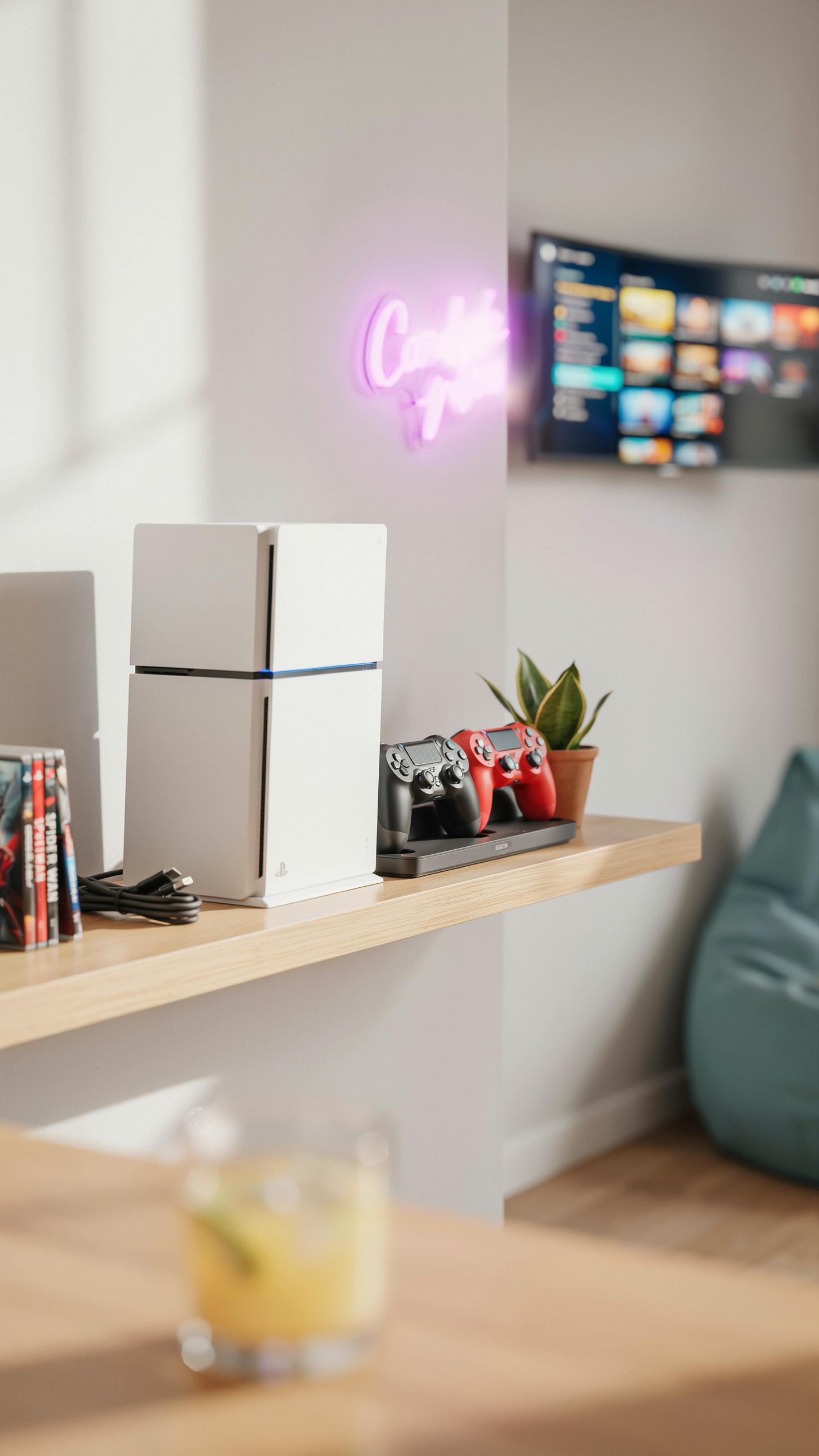
A PS4 controller dock must deliver consistent power transfer to the DualShock 4 battery. Charging speed matters because controllers need quick turnaround between gaming sessions. Look for docks that fully charge a depleted battery in two to three hours. The USB connection type determines speed and reliability. Standard micro-USB connections work, but some docks use proprietary connectors for faster charging.
Indicator lights serve a tactical purpose on any charging dock. A red light signals active charging while a green light indicates a full battery. These visual cues eliminate guesswork and prevent overcharging damage. Secure docking mechanisms keep controllers stable during the charging process. The dock must hold the controller firmly without wobbling or disconnecting prematurely. Non-slip materials on contact points prevent controllers from sliding out unexpectedly.
Top Ps4 Controller Dock Models Reviewed
The PowerA Charging Station stands out as a practical option for PS4 owners. This dual-dock design charges two controllers simultaneously using standard USB power. The dock features LED indicators for each slot and weighs around two pounds. It connects via USB cable to the PS4 console or any power adapter. Manufacturing uses durable plastic construction rated for extended use without degradation.

Third-party manufacturers like Nyxi and AmazonBasics offer competitive charging solutions at lower price points. These docks typically charge one or two controllers and use straightforward plug-and-play connections. They deliver reliable performance without additional features that inflate costs. Official PlayStation charging accessories remain limited, forcing most players to choose third-party options. The market offers functional alternatives that meet core charging requirements without premium pricing.
Elevate Your Xbox Gaming With An Xbox Controller Charging Dock
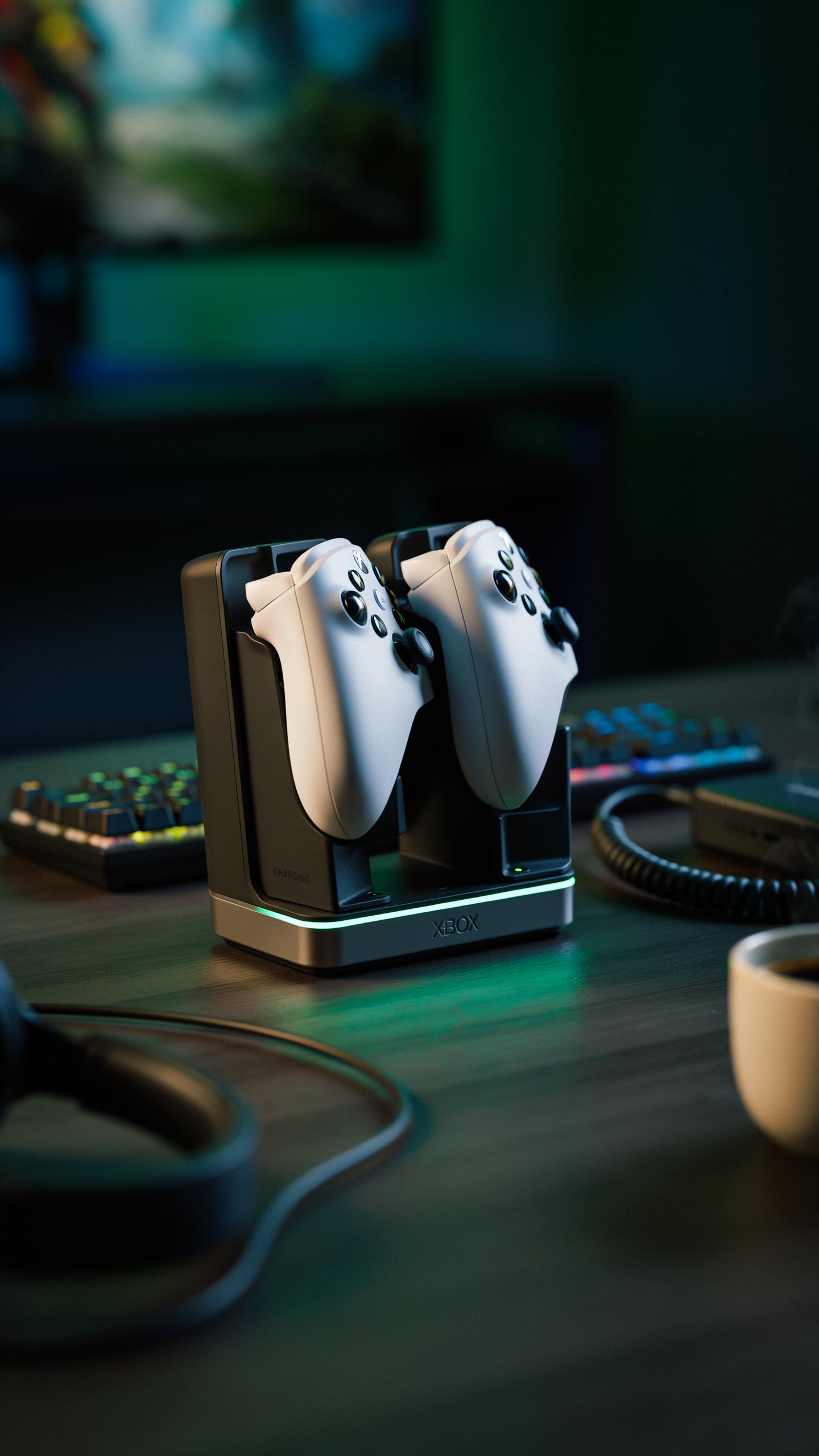
Finding The Ideal Xbox Charging Solution
Xbox controller charging docks must accommodate either AA battery packs or built-in rechargeable batteries depending on your controller model. Xbox Series X and Series S controllers use AA batteries, while some third-party docks support the older Xbox One controller battery pack system. Compatibility matters because a dock designed for one battery type won’t charge the other effectively, wasting your money and leaving you with dead controllers mid-session.
Aesthetic appeal ranks second to function but still matters for your setup. Most charging docks sit on your entertainment center or desk, so design should complement your gaming space without taking up excessive room. Console integration refers to whether the dock syncs with your Xbox system and how it organizes your controllers. Choose a dock that matches your controller quantity and fits your physical space constraints before buying.
Recommended Xbox Controller Charging Dock Options
Official Microsoft charging solutions provide the safest route since they’re engineered specifically for Xbox hardware and come with manufacturer support. The Xbox Series X and Series S controller charging dock officially supports rapid charging for up to two controllers simultaneously using the proprietary rechargeable battery pack sold separately. This dock integrates seamlessly with newer Xbox systems and maintains consistent charge quality over extended use periods.
Third-party docks from brands like Energizer and PowerA offer budget-friendly alternatives with additional features like LED status indicators and higher controller capacity. These options often charge multiple controllers at once and typically cost less than official Microsoft products while delivering reliable performance. Verify third-party dock reviews specifically mention Xbox Series X or Series S compatibility before purchasing, as older designs may not work with current-generation hardware.
Powering Up Your Playstation 5 The Ps5 Controller Charging Station
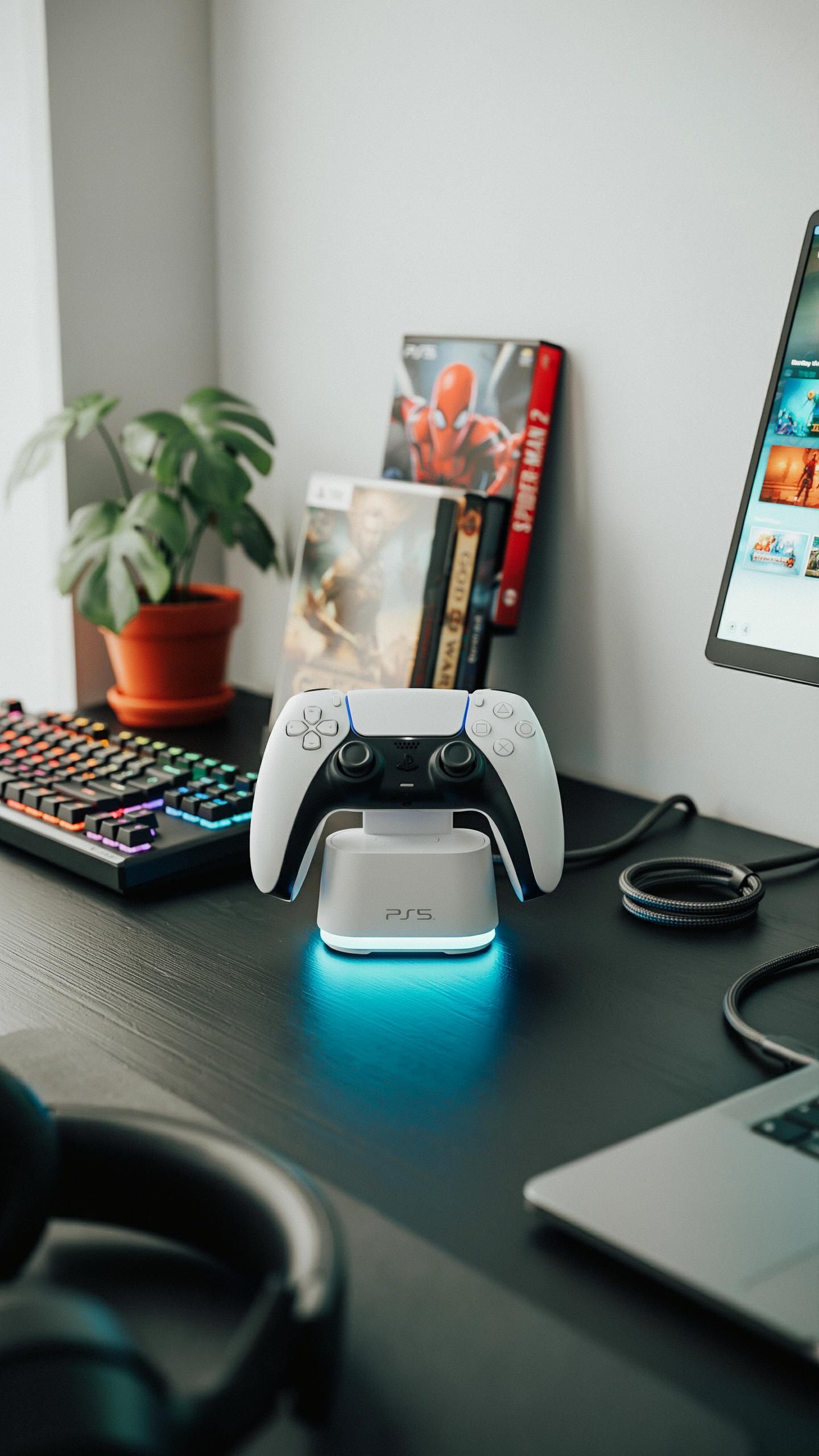
Unique Charging Needs Of The Dualsense Controller
The DualSense controller uses a built-in lithium-ion battery that charges via USB-C cable. Sony designed the controller to hold a charge for roughly 4 to 9 hours during gameplay, depending on usage intensity and feature settings. The battery degrades over time with repeated charge cycles, making proper charging infrastructure important for long-term controller lifespan and performance reliability.
DualSense controllers charge at their fastest using the official Sony USB-C cable connected to a power adapter rated for sufficient output. Third-party charging docks must deliver adequate amperage to match Sony’s specifications. Overcharging or using undersized power sources can slow charging speeds and potentially damage the battery’s internal cells over extended periods.
Choosing The Right Ps5 Charging Station
A reliable PS5 charging dock holds the controller securely during charging without applying pressure to the buttons or analog sticks. Look for docks with rubberized contact points to prevent metal-to-metal corrosion. The dock should accommodate the controller’s weight without sliding or tipping, ensuring consistent charging connection throughout the process without user intervention.

Select docks that include LED indicators showing charging status and fully charged states. Verify the power adapter included meets minimum amperage requirements for the dock’s design. Check reviews for reports of charging inconsistency or controllers that fail to charge when seated in the dock, as these issues indicate poor electrical contact design or substandard manufacturing quality.
Beyond Just Charging Additional Console Accessories And Features
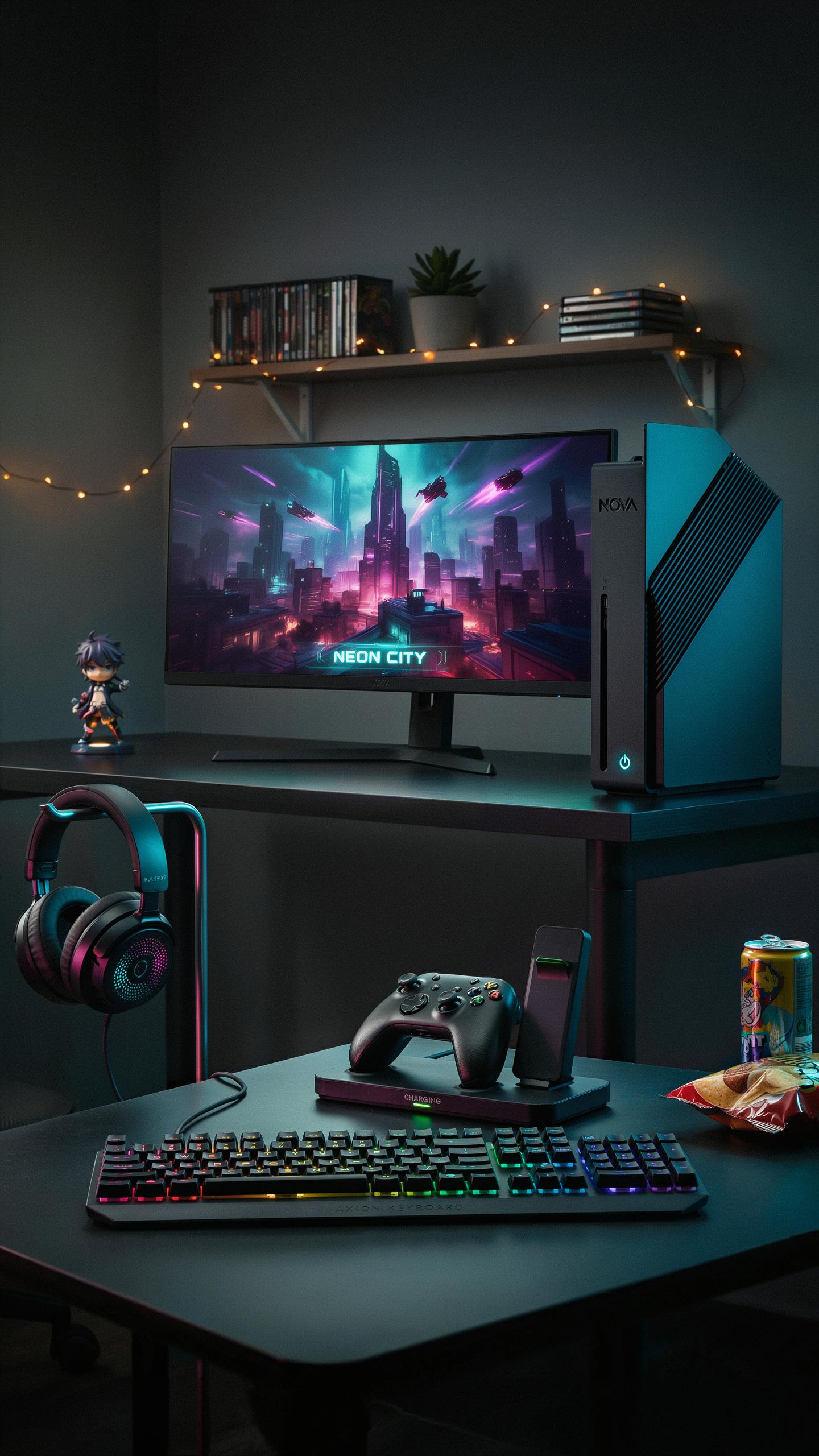
Integrated USB Ports And Storage
Modern charging docks extend functionality beyond power delivery. Many models include USB passthrough ports that let you connect additional devices while the dock sits on your entertainment center. This eliminates the need to reach behind your console or unplug cables repeatedly. Storage compartments built into the dock base hold extra controllers, cables, or small accessories within arm’s reach during gaming sessions.
The practical benefit is consolidation. A single dock handles charging, device connectivity, and storage in one footprint. You reduce cable clutter on your desk or shelf. Controller storage prevents damage from dropping devices on hard floors. Built in cable management keeps USB connections organized and prevents tangling that degrades connection quality over time.
Aesthetic Integration With Your Gaming Setup
A charging dock matches your console’s color and material finish when chosen correctly. Manufacturers design most docks to complement official hardware aesthetics. Black matte finishes pair with standard console designs. White or custom color options work for themed setups. The dock’s profile should fit your shelf space without dominating the visual landscape of your gaming area.

Design matters because your charging dock sits in plain sight during every gaming session. Poor aesthetics disrupt the intentional look you’ve built around your console. Quality docks use the same plastic or metal materials as the console itself. This consistency creates a unified appearance rather than an afterthought accessory. Strategic placement on shelving or entertainment stands keeps the dock visible but not intrusive.
Choosing The Right Docking Station Key Considerations

Compatibility With Your Game Console And Controllers
Verify compatibility before purchasing any docking station. Different console generations use different charging standards and connector types. PlayStation controllers differ from Xbox controllers. Nintendo controllers operate on separate charging protocols. A dock built for PlayStation 5 won’t charge Xbox Series X controllers. Check the manufacturer’s specifications against your exact console model and controller version. Incompatibility wastes money and leaves you with a useless accessory.
Console manufacturers occasionally update controller designs mid-generation. Newer controller versions sometimes use different charging ports than earlier models from the same generation. Verify your specific controller model number matches the dock’s compatibility list. Many third-party manufacturers produce docks for multiple platforms, but each dock typically serves one console family. Buy the dock that matches what you own, not what you plan to buy later.
There’s a quiet magic in knowing your adventures will never be cut short, always ready for the next level. It’s like finding that perfect save point, but for real life.
Durability And Build Quality Of Charging Dock
Select docks constructed from materials that resist wear and maintain electrical safety. Plastic docks work but degrade faster than alternatives. Metal or reinforced polymer frames provide better stability and longevity. Check the connector design for wear resistance. Docks with loose connectors fail within months. Quality docks use spring-loaded contacts or precision-fitted charging pins that hold secure connections.
Examine the dock’s thermal management features. Cheap docks generate excessive heat during charging cycles. Look for docks with ventilation or heat dissipation design. The power adapter quality matters equally as the dock itself. Underpowered adapters cause slow charging and controller damage. Verify the wattage output matches the dock’s specifications. A well-built dock with a quality power supply lasts years without degradation or battery damage.
Maximizing Your Gaming Experience With A Centralized Power Source
Tips For Optimal Controller Battery Health
Proper charging habits directly extend controller lifespan and maintain consistent performance during gameplay. Most modern console controllers use lithium ion batteries that degrade over time regardless of use patterns. Docking stations eliminate repeated plug and unplug cycles that damage charging ports on both the controller and dock itself.
- Charge Before Complete Depletion: Stop using controllers when battery drops to 20 percent. This prevents deep discharge cycles that accelerate battery degradation and reduce overall capacity over months of use.
- Use Official Or Certified Docks: Third party chargers may deliver inconsistent voltage. Official docking stations regulate power flow precisely, protecting battery cells from overcharging damage.
- Maintain Room Temperature Storage: Keep controllers and docks between 50 and 85 degrees Fahrenheit. Heat accelerates chemical reactions inside batteries, shortening their functional lifespan significantly.
- Avoid Leaving Controllers Docked Indefinitely: Remove controllers after reaching full charge. Continuous trickle charging generates unnecessary heat that degrades battery chemistry over extended periods.
- Replace Batteries When Capacity Drops: Most controller batteries lose 20 percent capacity yearly. When playtime between charges drops noticeably, replacement becomes more economical than frequent charging cycles.
A centralized charging dock creates accountability for battery management. You see unused controllers sitting in the dock, prompting regular use rotation that prevents any single unit from overheating during storage periods.
The Future Of Console Controller Charging
Manufacturers currently explore solid state battery technology for next generation controllers. These designs promise higher energy density and faster charging times compared to lithium ion cells used in current generation hardware. Integration with wireless charging pads removes mechanical connector wear entirely, addressing the primary failure point in existing dock systems.

Adaptive charging algorithms represent another development path forward. Future docks will likely communicate directly with controller firmware to adjust voltage and current based on real time battery health data. This approach mirrors smartphone charging practices already proven effective at extending battery longevity while reducing user intervention and decision making around optimal charge timing.
Frequently Asked Questions

What exactly is a controller charging dock, and how does it help with dead batteries?
A controller charging dock for console is a convenient station where you plug in your game controllers to recharge their internal batteries. Instead of constantly swapping out AA batteries or fumbling with USB cables, a dock keeps your controllers powered up and ready for your next gaming session, effectively ending those frustrating moments of a dead battery mid-game.
How do I choose the right controller charging dock for my specific game console?
When selecting a controller charging dock for your console, it’s crucial to ensure compatibility. Look for docks specifically designed for your console model (e.g., PlayStation, Xbox, Switch). Consider features like charging speed, how many controllers it can charge simultaneously, and if it has LED indicators to show charging status.
Are there affordable controller charging dock options that still perform well?
Absolutely! You don’t need to break the bank for a reliable controller charging dock. While premium options exist, many budget-friendly docks offer efficient charging and sturdy designs. Look for reputable brands with good customer reviews, and prioritize features essential for your gaming setup rather than just the most expensive choice.



