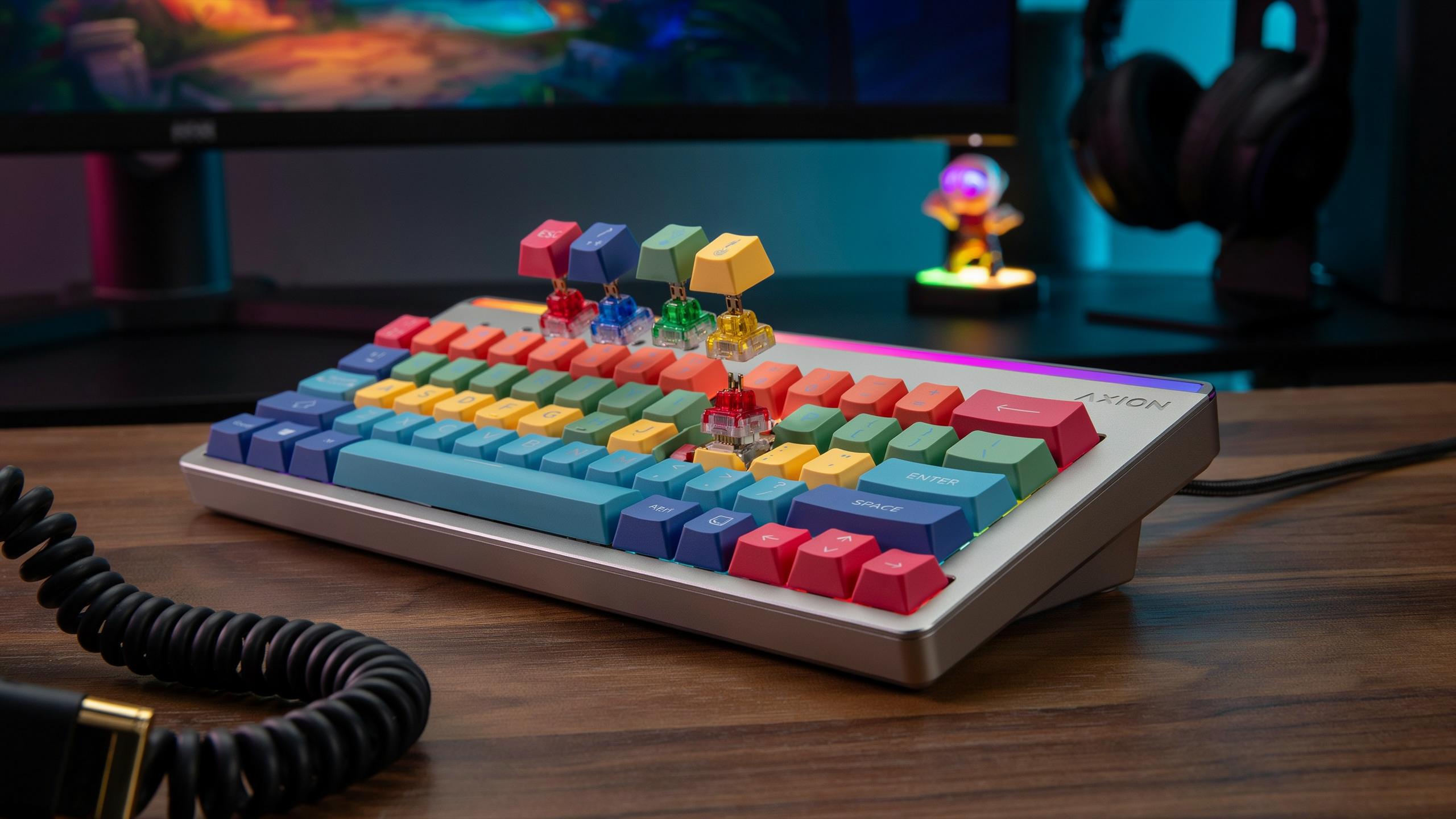
Understanding Mechanical Keyboard Switches
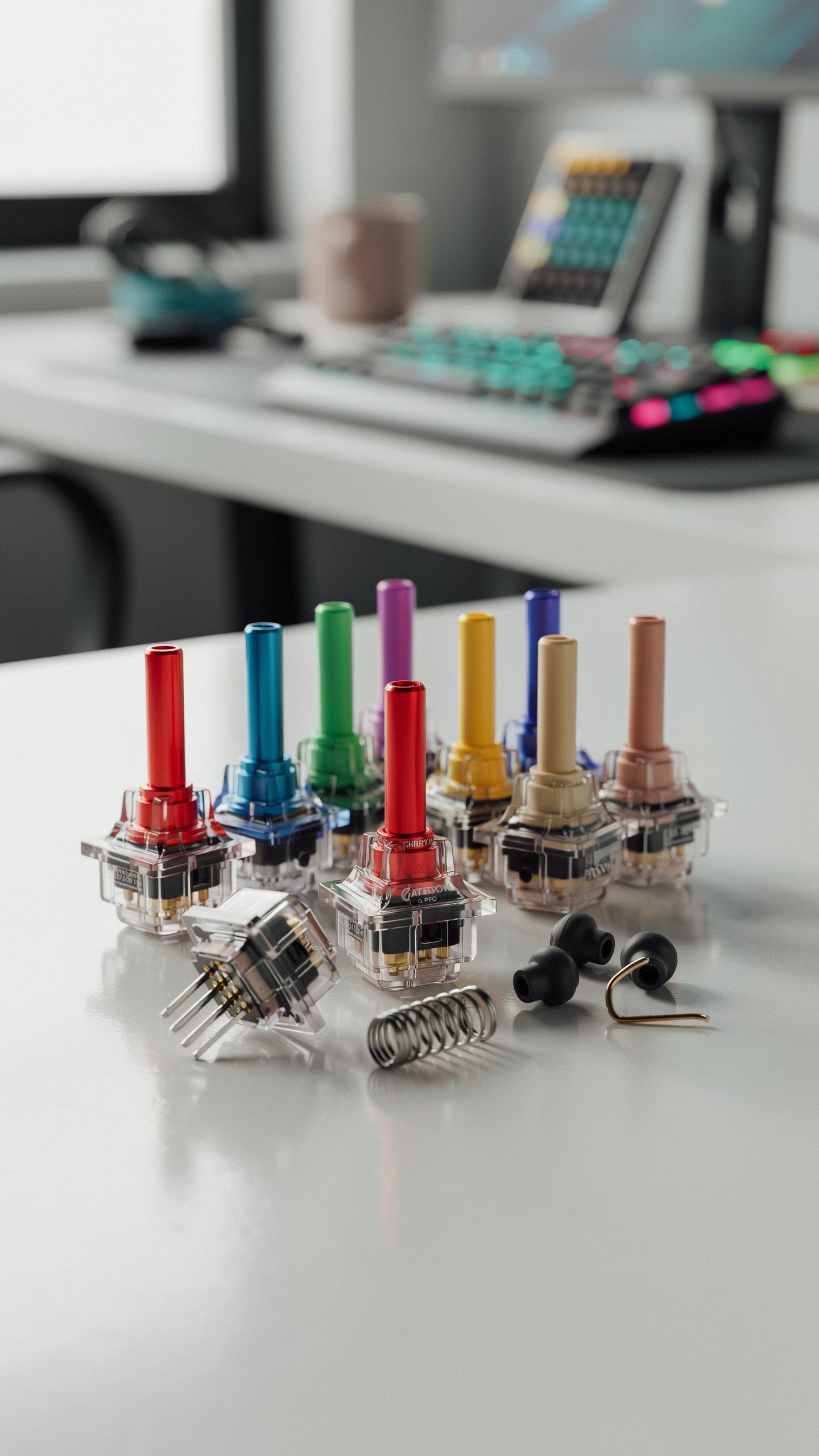
What Exactly Are Mechanical Keyboard Switches
Mechanical keyboard switches are individual input devices that sit beneath each key. They register your keypress through physical movement rather than capacitive sensing or rubber domes. Each switch contains moving parts that complete an electrical circuit when activated. This design delivers tactile feedback and audible confirmation of registration. Gamers rely on this consistency for competitive play and precision input.
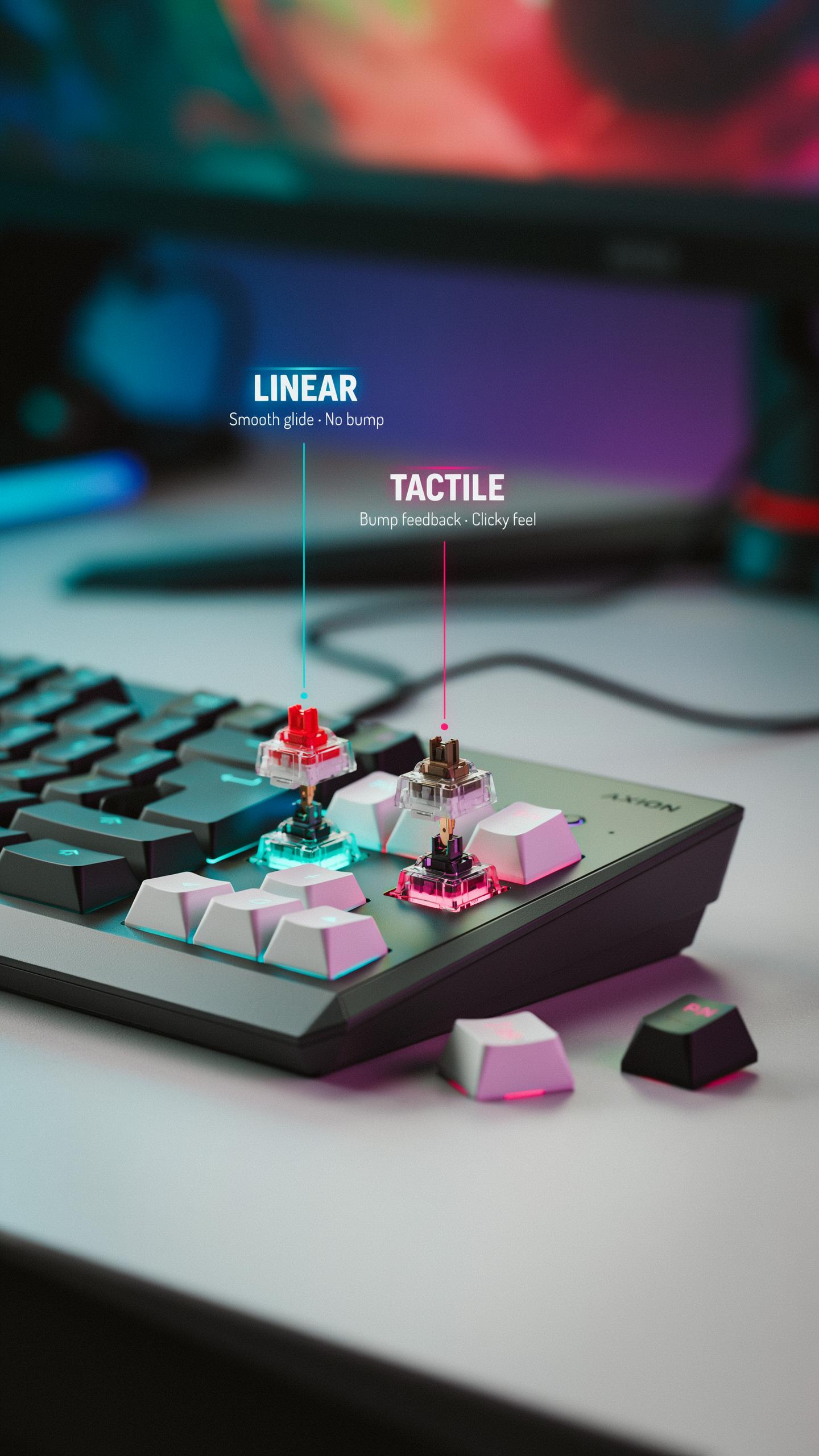
Switches come in three core types: linear, tactile, and clicky. Linear switches move straight down with no resistance change. Tactile switches include a bump mid-press that signals activation without noise. Clicky switches combine the bump with an audible click sound. Your choice depends on game type, preference for feedback, and whether noise matters in your environment.
The Core Components Of A Switch
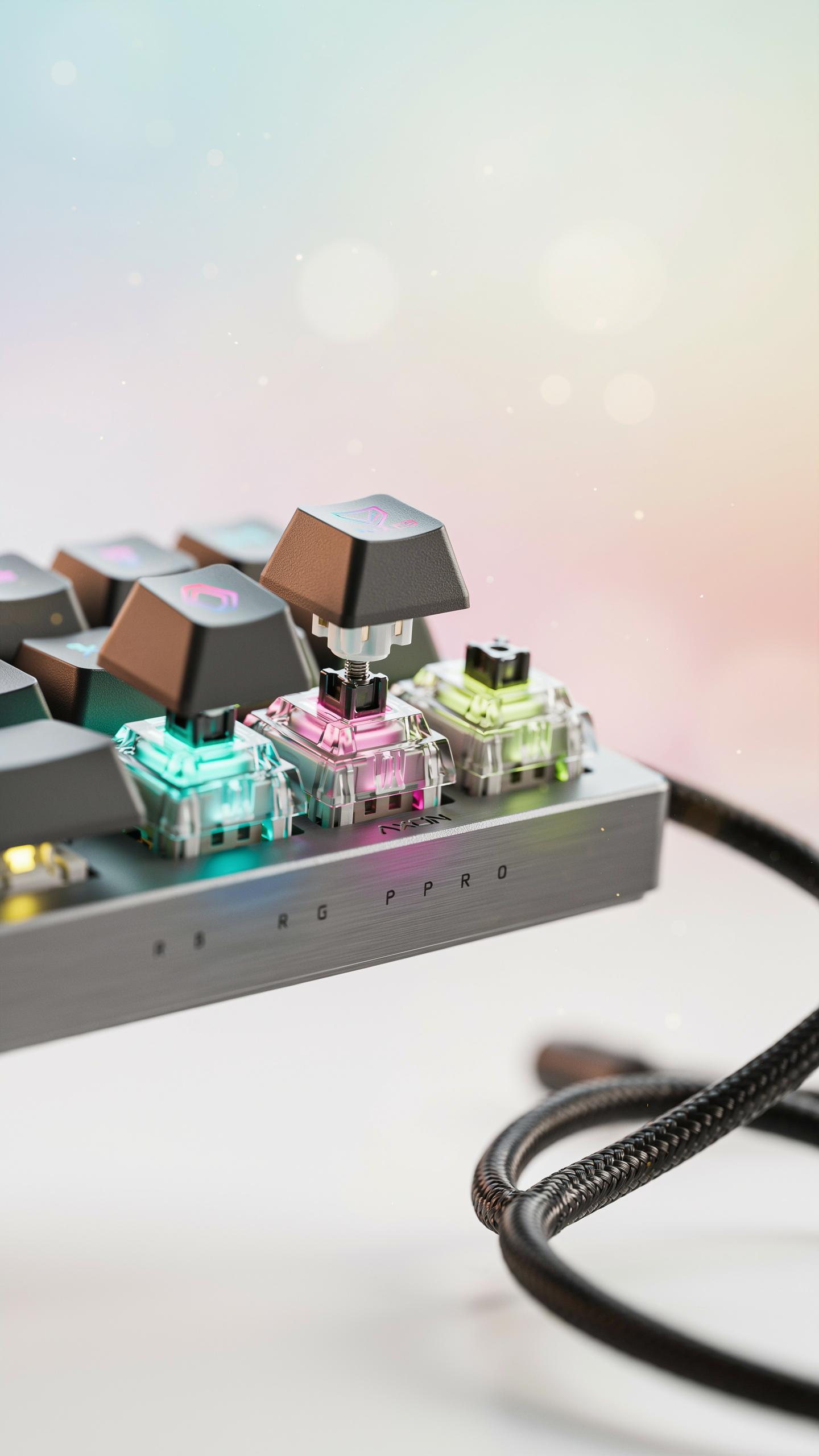
Every mechanical switch contains a stem, spring, housing, and contact plate. The stem moves vertically inside the housing when you press the key. A spring beneath the stem provides resistance and returns it to resting position after you release. The contact plate closes an electrical circuit at the bottom of the housing to register your input. These four parts work together to create the switch’s feel and response.
The housing material typically consists of plastic, usually nylon or polycarbonate. Higher quality housings fit components more precisely, reducing wobble and inconsistency. The spring determines actuation force, measured in centinewtons (cN). Most gaming switches use springs between 45cN and 80cN. Lighter springs respond faster but risk accidental presses. Heavier springs demand more finger effort but prevent unintended inputs during intense gaming sessions.

The Importance Of Choosing Keyboard Switches For Gaming
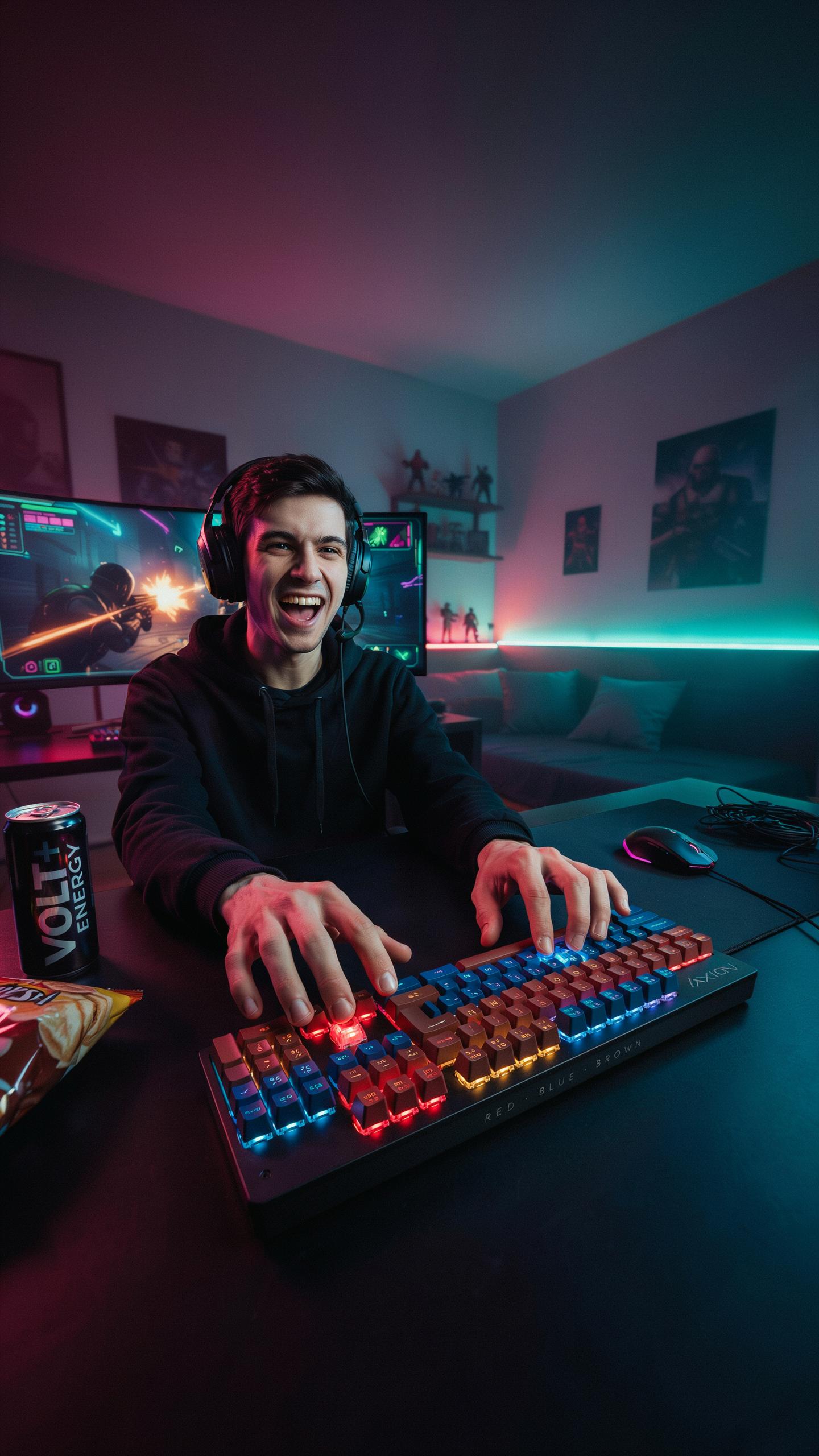
How Switches Impact Gaming Performance
Switch type determines your response time and consistency in competitive games. Linear switches offer smooth, uninterrupted travel without tactile feedback. Tactile switches provide bump feedback during actuation. Clicky switches add audible confirmation. Each design affects how fast you can execute commands and how accurately you repeat inputs across multiple keystrokes during intense gameplay sessions.
Actuation force and travel distance directly influence your ability to maintain precision under pressure. Light switches require less finger effort, reducing fatigue during extended play. Heavy switches demand more force but offer stability for accidental presses. Travel distance affects how deep you must press before registration occurs. Gaming demands consistency, so matching your switch specifications to your playstyle prevents missed inputs and wasted reaction time.
Ergonomics And Comfort In Gaming
Long gaming sessions expose weaknesses in your setup. Switches with poor tactile feedback force you to press harder to confirm actuation, straining your fingers and wrist. Quality switches deliver clear feedback at lower actuation points, allowing your hands to relax between keystrokes. Repetitive strain accumulates over hours. Choosing ergonomically sound switches prevents injury and maintains your peak performance level throughout extended play.

Switch housing design affects how your fingers interact with the keyboard during rapid inputs. Smooth, stable switches reduce sideways wobble that forces wrist compensation. Consistent actuation points eliminate the need for varied finger pressure across different keys. Your hands must move efficiently without fighting the keyboard. Proper switch selection keeps your hands comfortable and your movements efficient, directly supporting your gaming endurance and accuracy.
Categorizing Mechanical Keyboard Switches
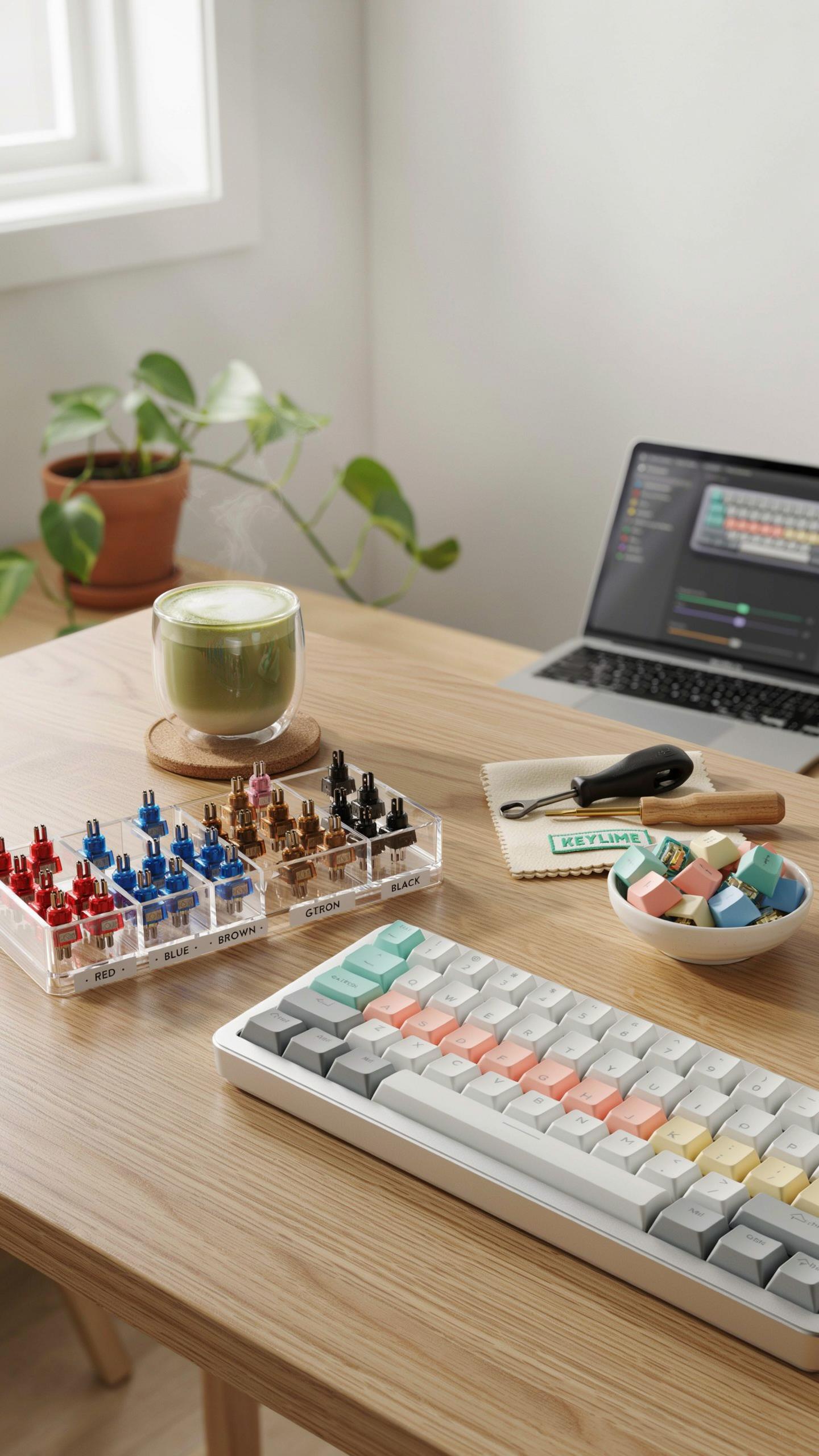
Linear Switches: Smooth And Consistent
Linear switches move straight down without interruption. They produce no tactile bump or audible click during the keystroke. The stem travels from top to bottom in one fluid motion. This design eliminates all resistance points between actuation and bottoming out. Linear switches register the keypress at a specific depth, then continue to the bottom without feedback.
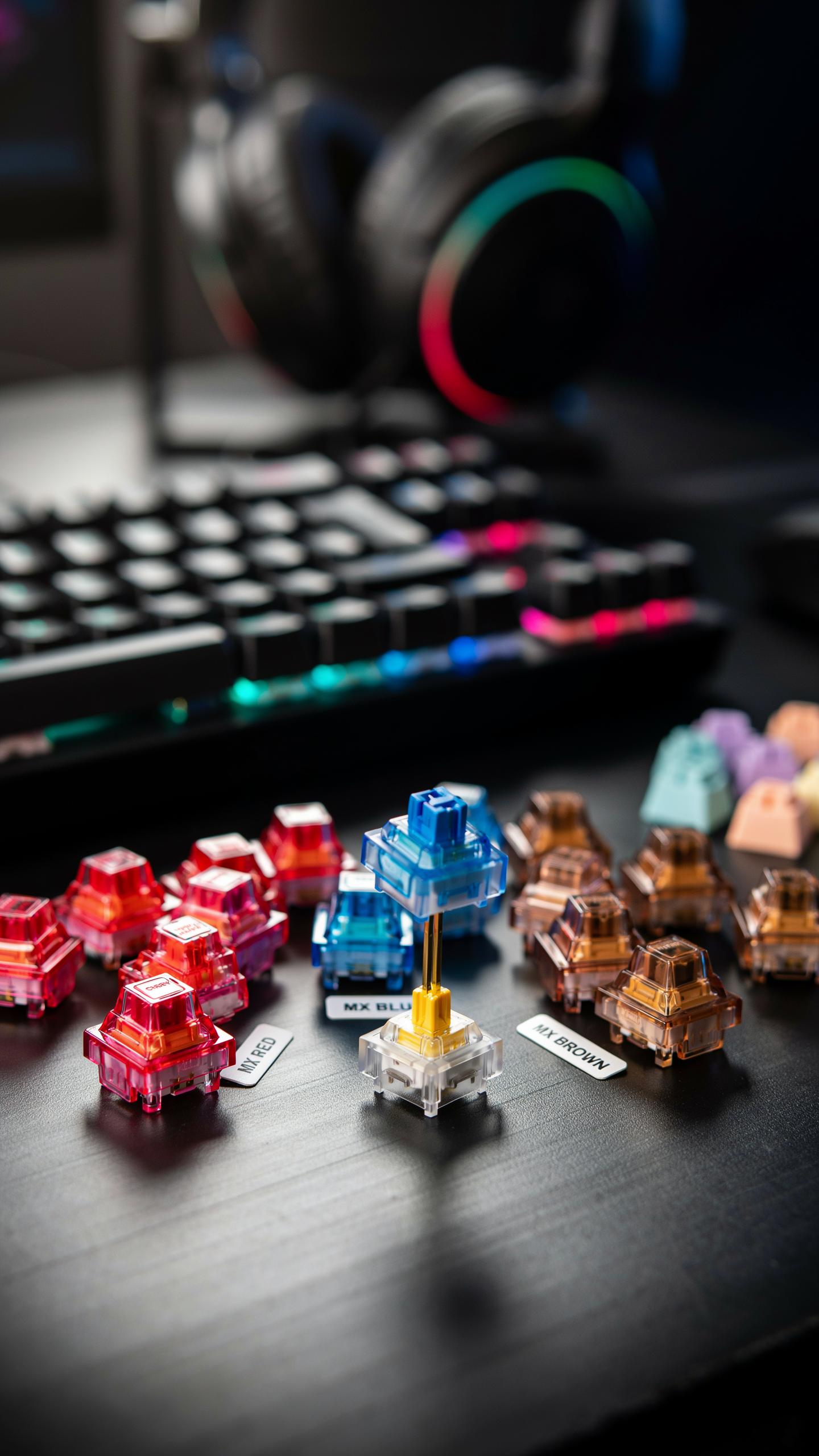
Gamers choose linear switches for speed and predictability. There is no tactile distraction during rapid inputs. The smooth motion reduces finger fatigue during extended gaming sessions. Examples include Cherry MX Red and Gateron Yellow switches. These switches suit fast-paced games where milliseconds matter and consistent performance wins matches.
Tactile Switches: Feedback You Can Feel
Tactile switches include a physical bump in the middle of the keystroke. This bump lets your finger know the switch has registered the keypress. The stem encounters resistance at the actuation point, then moves past it to complete the press. You feel this moment happen, but there is no audible click. Tactile feedback helps gamers confirm input registration without relying on sound.

Many gamers prefer tactile switches for precision and control. The bump provides confirmation without the noise of clicky switches. This design suits strategy games and shooters where deliberate, verified inputs matter. Cherry MX Brown and Gateron Brown switches deliver moderate tactile feedback. Heavier tactile switches like Cherry MX Clear offer stronger bumps for gamers who want pronounced feedback during gameplay.
Choosing The Right Keyboard Switch Linear Vs Tactile For Gamers
Why Linear Switches Often Preferred For Fast Paced Games
Linear switches move straight down without interruption. No tactile bump means no resistance during the keystroke. Your finger travels the same distance every time. Games demanding rapid inputs benefit from this consistency. You press, the switch registers, no delays. Reaction time improves when switches operate smoothly without feedback bumps slowing your motion down.
Competitive games exploit linear switch speed. Fighting games, shooters, and real-time strategy titles reward fast actuation. Players chain commands faster on linear switches because each keystroke feels identical. You develop muscle memory quicker. The brain learns predictable movement patterns. Linear switches eliminate variables that could slow your gameplay or create inconsistent responses during critical moments.
When Tactile Switches Can Enhance Your Gaming
Tactile switches give feedback at the actuation point. The bump tells you when the switch registers without pressing further. This matters in games where accidental inputs cause problems. You press once, feel confirmation, move to the next action. Tactical feedback reduces double-taps and missed inputs from overshooting the actuation point unnecessarily during intense sessions.
Some gamers prefer tactile switches for slower-paced games. Turn-based strategy, RPGs, and puzzle games don’t punish tactile delay. The feedback actually helps you confirm commands registered correctly before moving forward. You make fewer mistakes when you receive physical confirmation of each keystroke. Tactile switches suit deliberate gameplay where accuracy beats raw speed.
Key Characteristics Of Gaming Switches
Actuation Force And Gaming Responsiveness
Actuation force measures the pressure needed to trigger a keystroke. Most gaming switches range from 45 to 80 grams of force. Lower actuation force means faster input with less finger fatigue. Higher force provides stability but demands more effort per keystroke. Your choice depends on gaming genre and personal grip strength.
Lighter switches excel in fast-paced games requiring rapid inputs. Shooters benefit from 45 to 50 gram switches for quick reactions. Heavier switches offer control in strategy games where accidental presses cost matches. Test both weights before committing. Gaming sessions last hours, and cumulative fatigue from heavy switches impacts performance over time.
Travel Distance And Its Impact On Speed
Travel distance is the total range a switch moves from rest to actuation. Most gaming switches travel between 3.5 and 4.0 millimeters before registering input. Shorter distances reduce response time because keystrokes complete faster. Longer distances increase feedback but add milliseconds to each action. In competitive gaming, these milliseconds compound across thousands of keypresses.

Optical and mechanical switches achieve different travel distances through design. Linear switches travel uniformly without interruption. Tactile switches reach actuation before bottoming out, allowing you to stop early. Speed-focused gamers prefer switches with shorter total travel under 3.5 millimeters. Precision matters in titles where frame-perfect timing determines victory or defeat.
Popular Mechanical Keyboard Switch Brands For Gamers
Cherry MX: The Industry Standard
Cherry introduced the MX switch in 1985 and still dominates the mechanical keyboard market. Their switches set the template that competitors copy. Cherry MX Red, Brown, and Black variants remain the most common switches in gaming keyboards today. The company maintains tight tolerances and consistent quality across batches. Most gamers recognize Cherry branding as a reliability marker.
Cherry’s patent protection expired in the early 2000s, which opened the market to competitors. However, Cherry maintains leadership through consistent manufacturing and brand recognition among gamers. Their switches cost more than alternatives, but many buyers accept the premium for proven performance. Cherry continues releasing new switch variants to stay competitive in the gaming space.
The click and clack of a well-chosen switch isn’t just a sound; it’s the rhythm of your next epic victory, a tactile memory in the making.
Gateron, Kailh, And Other Contenders
Gateron manufactures switches in China with looser tolerances than Cherry but lower costs. Their switches perform similarly to Cherry equivalents in gaming scenarios. Gateron Red and Black switches gain popularity in budget-conscious builds. The brand delivers reliable performance at 30 to 50 percent lower prices than Cherry. Gamers often cannot detect practical differences during gameplay between Gateron and Cherry switches.
Kailh produces switches for multiple market segments, including gaming boards and custom builds. Their BOX switches introduced a different stem design that reduces wobble compared to traditional cross-stem designs. Outemu, a subsidiary of Kailh, supplies switches to many budget gaming keyboards. These brands competed directly with Cherry by offering functional alternatives at lower price points. Gamers benefit from this competition through lower prices and expanded switch options across all budget levels.
Gaming Setup Testing Switches Before You Buy
The Value Of Switch Testers
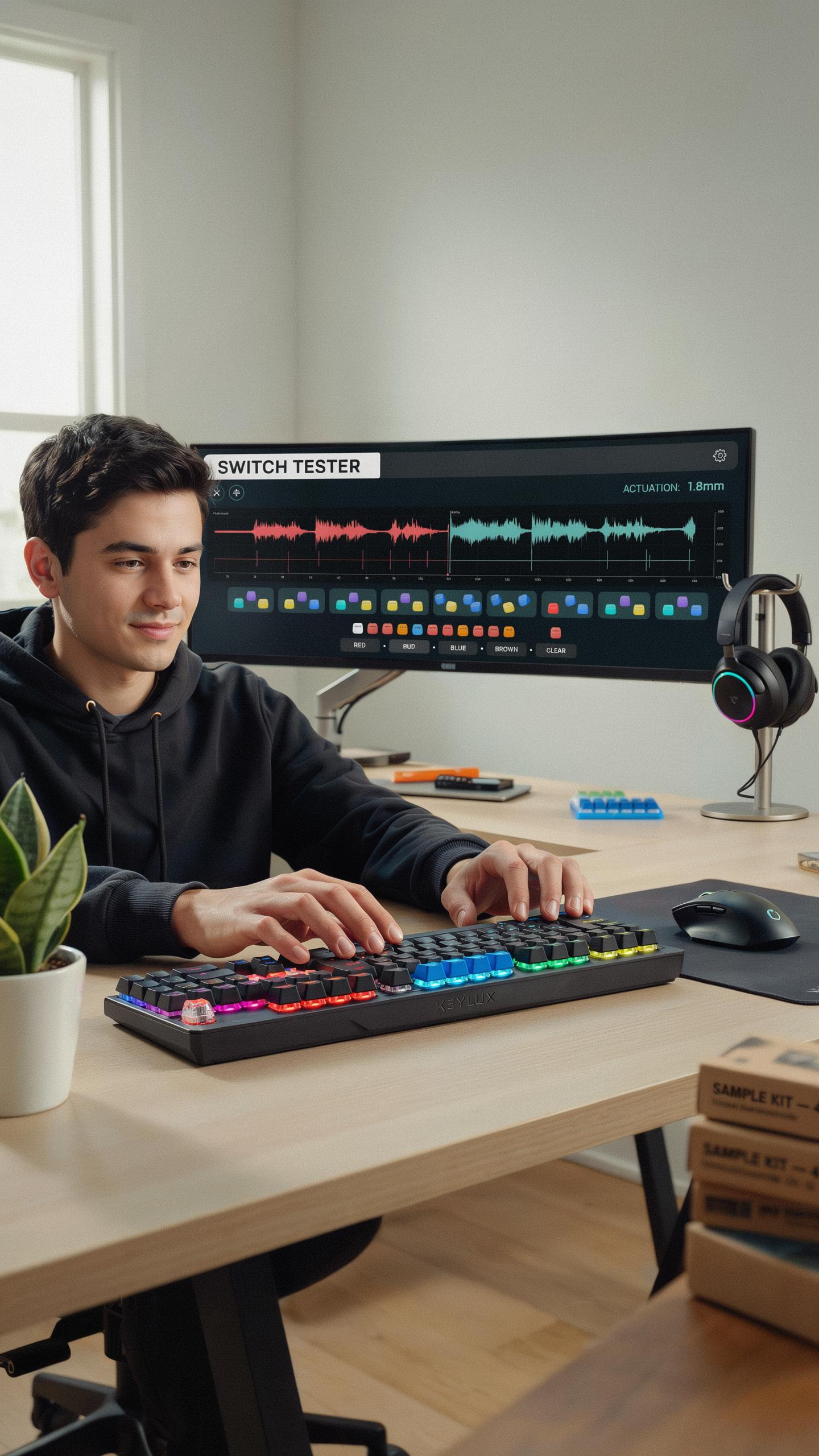
Switch testers let you experience multiple switch types without committing to a full keyboard purchase. These compact devices hold four to nine individual switches, typically representing different categories like linear, tactile, and clicky options. Testing switches hands-on reveals critical information about actuation feel, sound profile, and resistance that no description can replicate. You interact with the exact mechanism you’ll use hundreds of times daily during gaming sessions.
Switch testers cost between 15 and 40 dollars and pay for themselves by preventing expensive keyboard mistakes. Gaming requires consistent finger positioning and muscle memory, so the wrong switch creates friction that degrades performance over months. Most mechanical keyboard manufacturers and retailers sell testers online. Testing at home eliminates pressure, lets you compare switches side by side, and gives you time to understand your actual preferences versus marketing claims.
Attending Gaming Events Or Visiting Stores
Local computer shops and gaming cafes often display multiple keyboard brands with different switch options. You can test switches under realistic conditions while gaming rather than just pressing keys in isolation. Staff at these locations typically understand switch mechanics and can explain how specific switches perform in competitive versus casual gaming contexts. This direct experience reveals whether you prefer audible feedback during gameplay or silent switches that reduce distractions.

Gaming conventions and esports events feature vendor booths where manufacturers showcase current switch technology. These events provide access to premium keyboards and specialty switches you won’t find in standard retail stores. Talking directly with product specialists clarifies the technical differences between switches and how they impact your specific game genre. Testing switches in a social environment helps you make confident decisions before spending significant money on a board that matches your actual needs.
Upgrade Your Mechanical Keyboard Hot Swappable Boards
What Is A Hot Swappable Keyboard
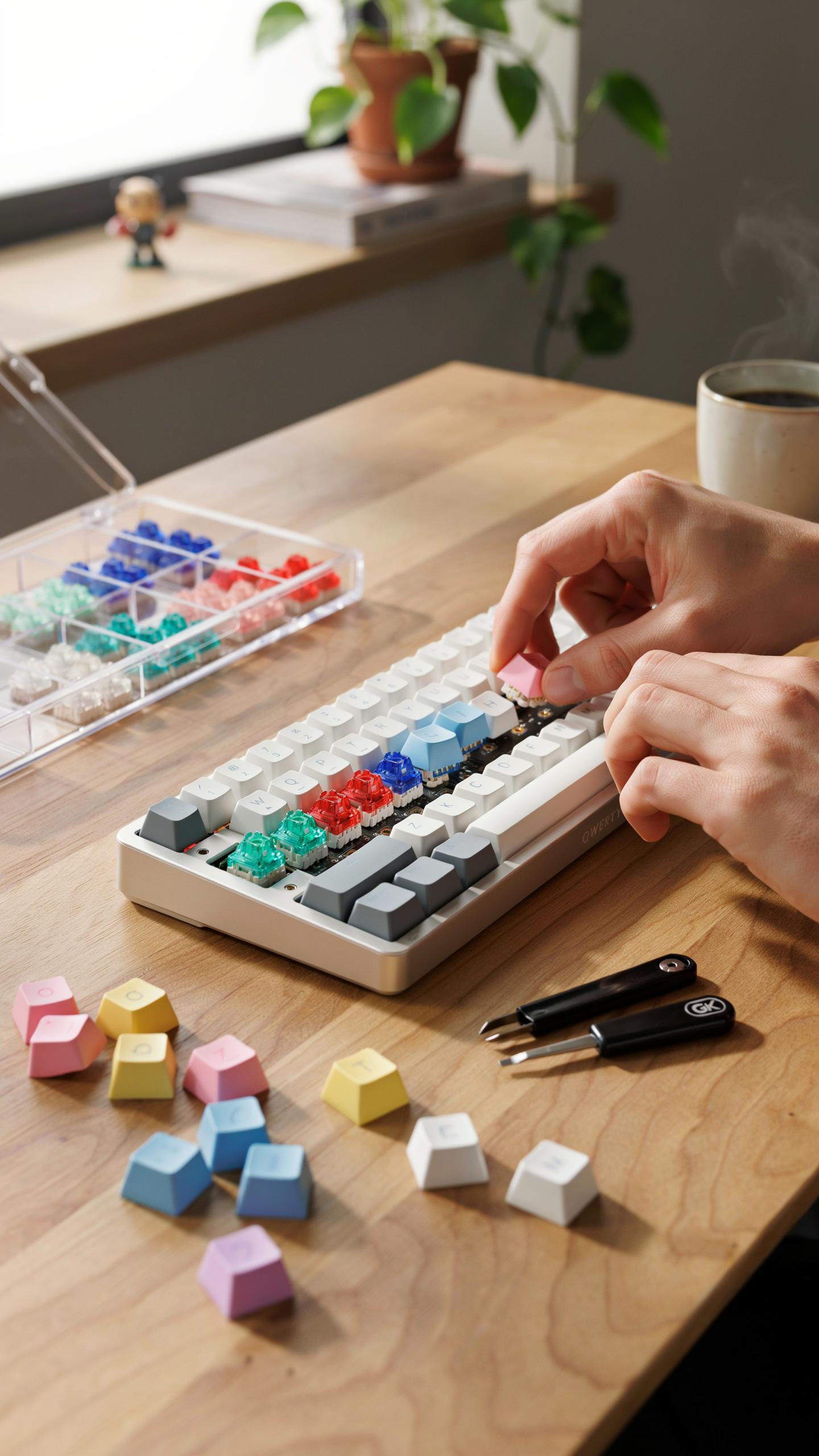
A hot swappable keyboard lets you remove and replace switches without soldering. The keyboard uses a socket mechanism, typically a PCB mounted housing, that holds each switch in place through friction and a locking clip. You pull out a switch, insert a new one, and it clicks into position. This design eliminates the need for a soldering iron and desoldering equipment.
Hot swappable boards emerged in the mechanical keyboard market during the mid 2010s. Manufacturers developed sockets to make switch replacement accessible to users without technical skills. Today most gaming keyboards marketed to consumers use some form of hot swappable technology. This accessibility changed how gamers approach keyboard customization and experimentation.
The Benefits For Gamers And Customization
Hot swappable keyboards eliminate the trial and error cost of buying a complete new board when you want different switch types. You test linear switches one week, swap to tactile switches the next week, and revert to your original switches without financial penalty. This flexibility means you actually discover what switch feel works best for your playstyle instead of guessing. The ability to experiment drives informed purchases and genuine preference rather than brand loyalty.

Customization extends beyond switches to the entire keyboard ecosystem. You add stabilizers, change keycaps, modify switch springs, and adjust switch housing without replacing the base unit. Gamers build keyboards that match their specific needs for different games. A fighting game setup differs from an FPS setup, and hot swappable architecture accommodates both without buying multiple boards.
WASD Keyboard Layout Mechanical And Beyond Keyboard Keys And Layouts
Standard Vs Compact Layouts For Gaming
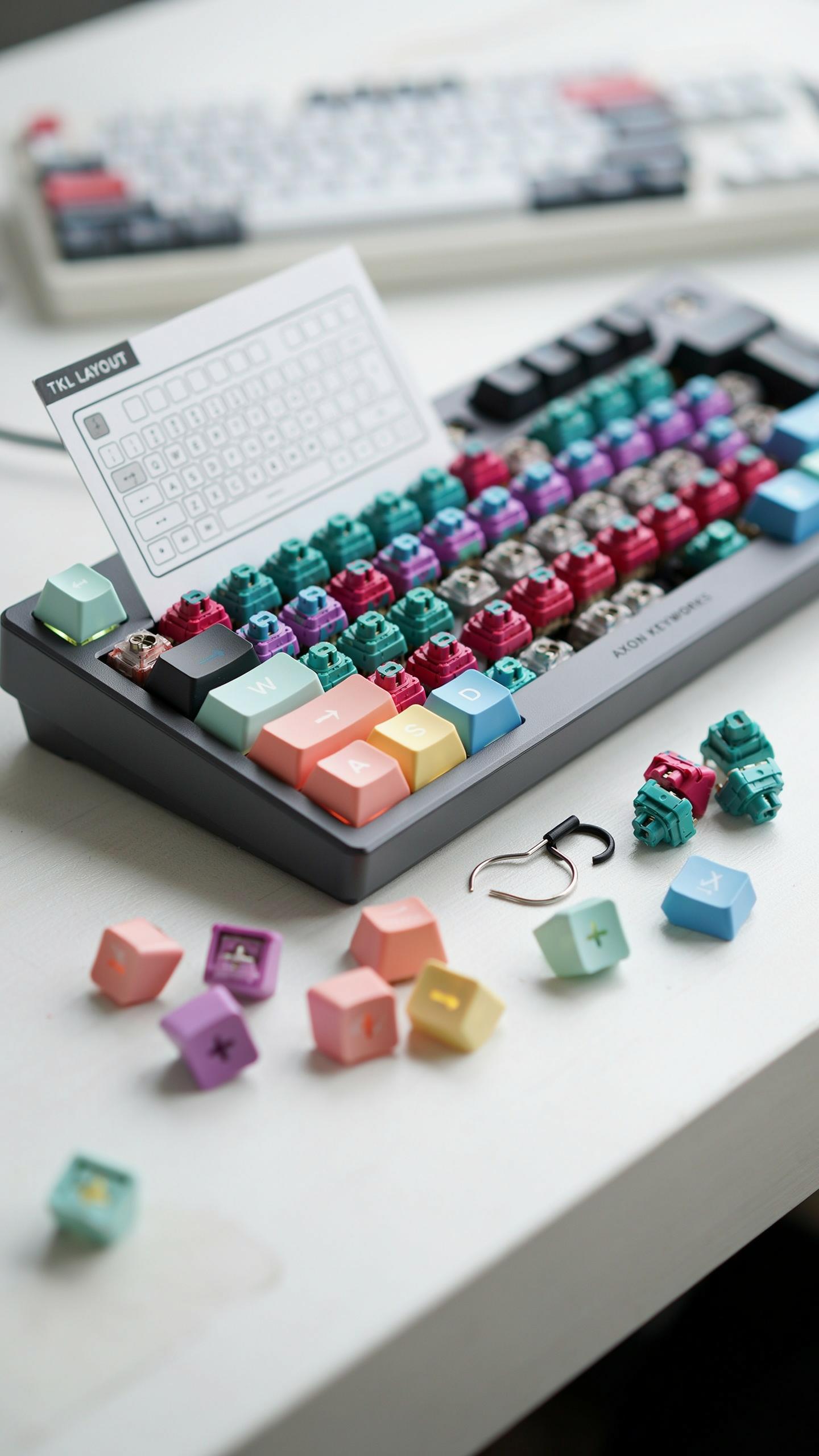
WASD positioning dominates gaming because it places your left hand in a natural resting position for movement keys. Standard full-size keyboards (104 keys) keep WASD in the bottom left corner with consistent spacing. This layout gives you room for thumb access to spacebar and pinky reach to Ctrl, Shift, and Alt without hand strain during long sessions.
Compact layouts like 60% and 75% keyboards reduce key count but maintain WASD functionality. They eliminate the numpad and some function rows, forcing you into a tighter hand position. For fast-paced shooters, compact boards work fine if you rebind abilities. For MMOs requiring frequent numpad access, standard layouts prevent mistakes during intense moments.
Customizing Keycaps And Experience
Keycap material directly affects tactile feedback and durability during gaming. ABS plastic is cheaper but wears smooth faster, losing texture after months of heavy use. PBT plastic holds its surface longer and resists shine, making it the better choice for gamers who play daily.
Keycap profiles like OEM, Cherry, and SA alter hand positioning and comfort. OEM and Cherry profiles keep hands relatively flat, reducing fatigue during marathon sessions. SA profiles raise your hands higher, which some gamers prefer but others find tiring. Test different profiles before committing, since preference depends on your hand size and grip style.
Frequently Asked Questions

What exactly are mechanical keyboard switches, and why are they important for gamers?
Mechanical keyboard switches are the individual mechanisms under each keycap that register your presses. For gamers, their choice significantly impacts typing feel, response time, and overall performance. Our mechanical keyboard switches guide for gamers explains how different switch types offer distinct tactile feedback, sound profiles, and actuation forces, crucial for optimal gaming.
How can I “test drive” different mechanical keyboard switches before committing to a purchase?
The best way to try out various switches is by getting a switch tester. These small boards feature multiple switch types, allowing you to feel and hear the differences without buying a full keyboard. Many tech stores also have display keyboards you can try, which is a great practical step when using a mechanical keyboard switches guide for gamers.
Are quality mechanical keyboard switches only available at a high price point for a first-time buyer?
Absolutely not! While premium switches exist, there are many excellent, budget-friendly options that still offer fantastic performance and durability. Our mechanical keyboard switches guide for gamers covers accessible choices that provide a great entry point into the world of custom keyboards without breaking the bank, proving quality doesn’t always equal high cost.



