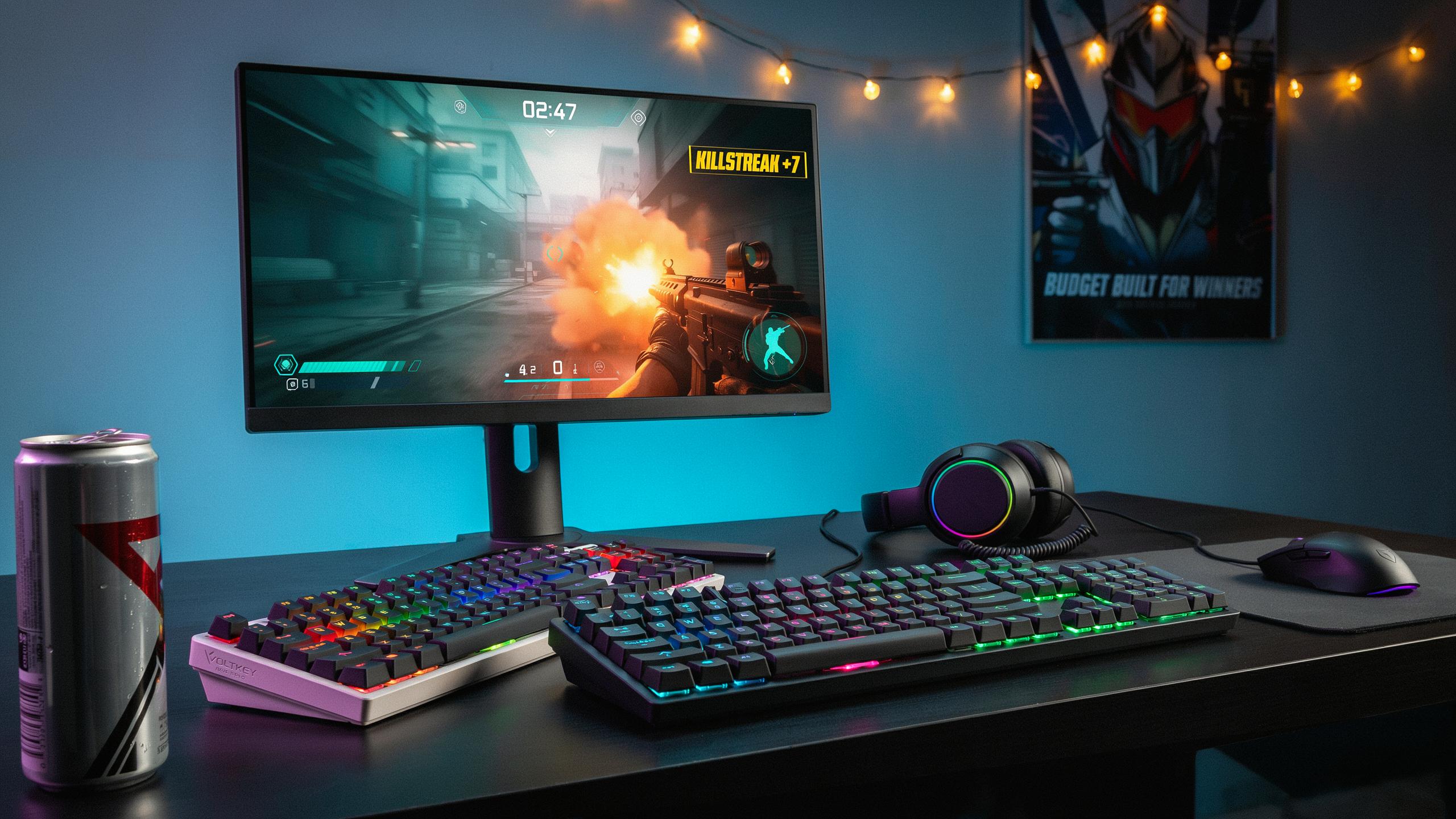
Why An RGB Mechanical Keyboard For Your Gaming Setup
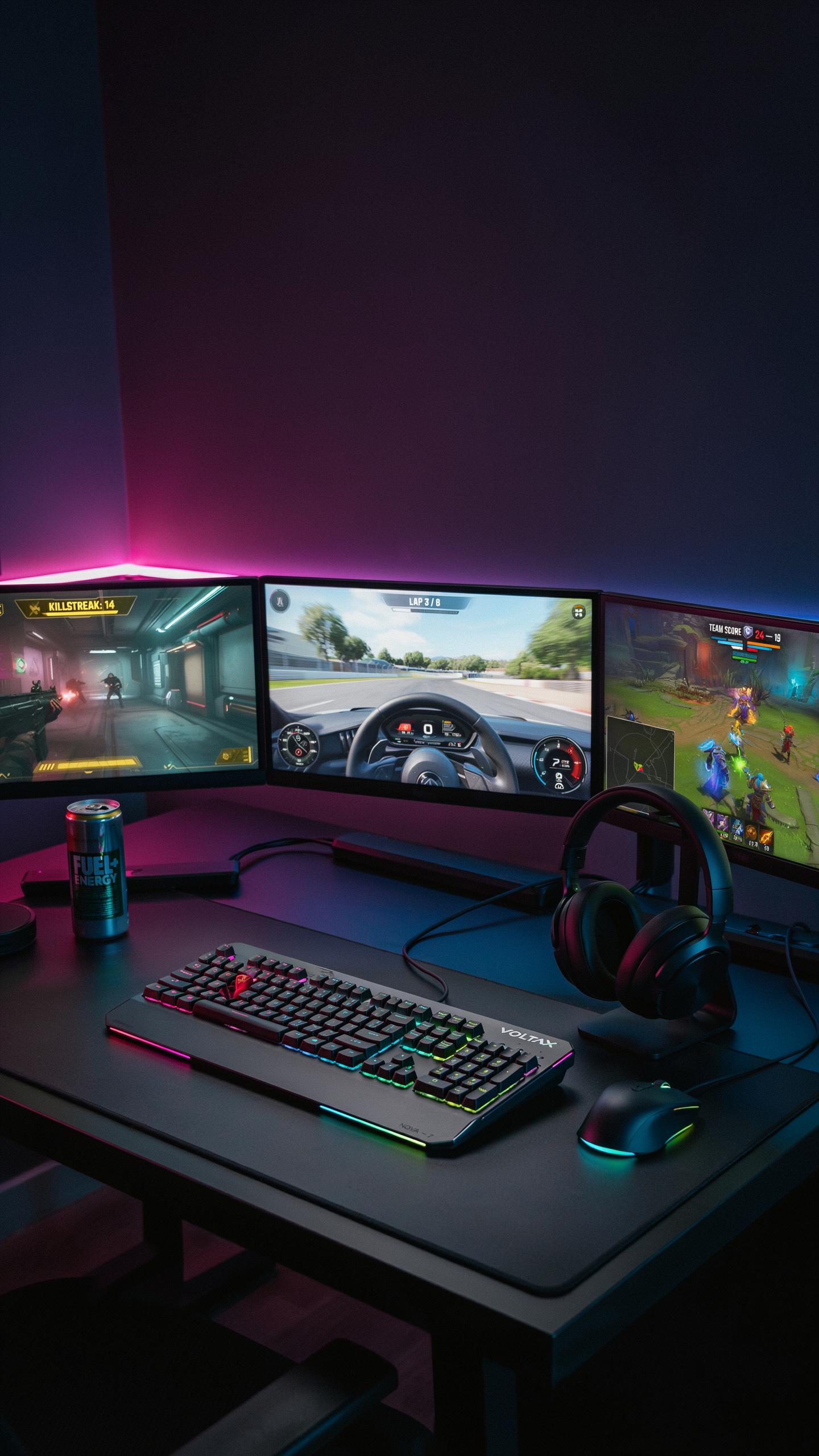
Tactile Feedback And Responsiveness
Mechanical switches give you physical feedback when you press each key. This feedback comes from the switch mechanism moving through a defined path. You feel and hear confirmation that the keystroke registered. Gamers benefit because they know exactly when a command executes. No guessing. No accidental inputs. The response time matters in competitive gaming where milliseconds decide outcomes.
Different switch types offer different feedback profiles. Linear switches move smoothly without tactile bumps. Tactile switches have a bump in the middle of the press. Clicky switches combine the bump with an audible click. Choose based on your game type and personal preference. Faster games reward linear switches for speed. Strategy games work fine with tactile or clicky switches where speed matters less than intention.
Aesthetic Appeal Of RGB Lighting
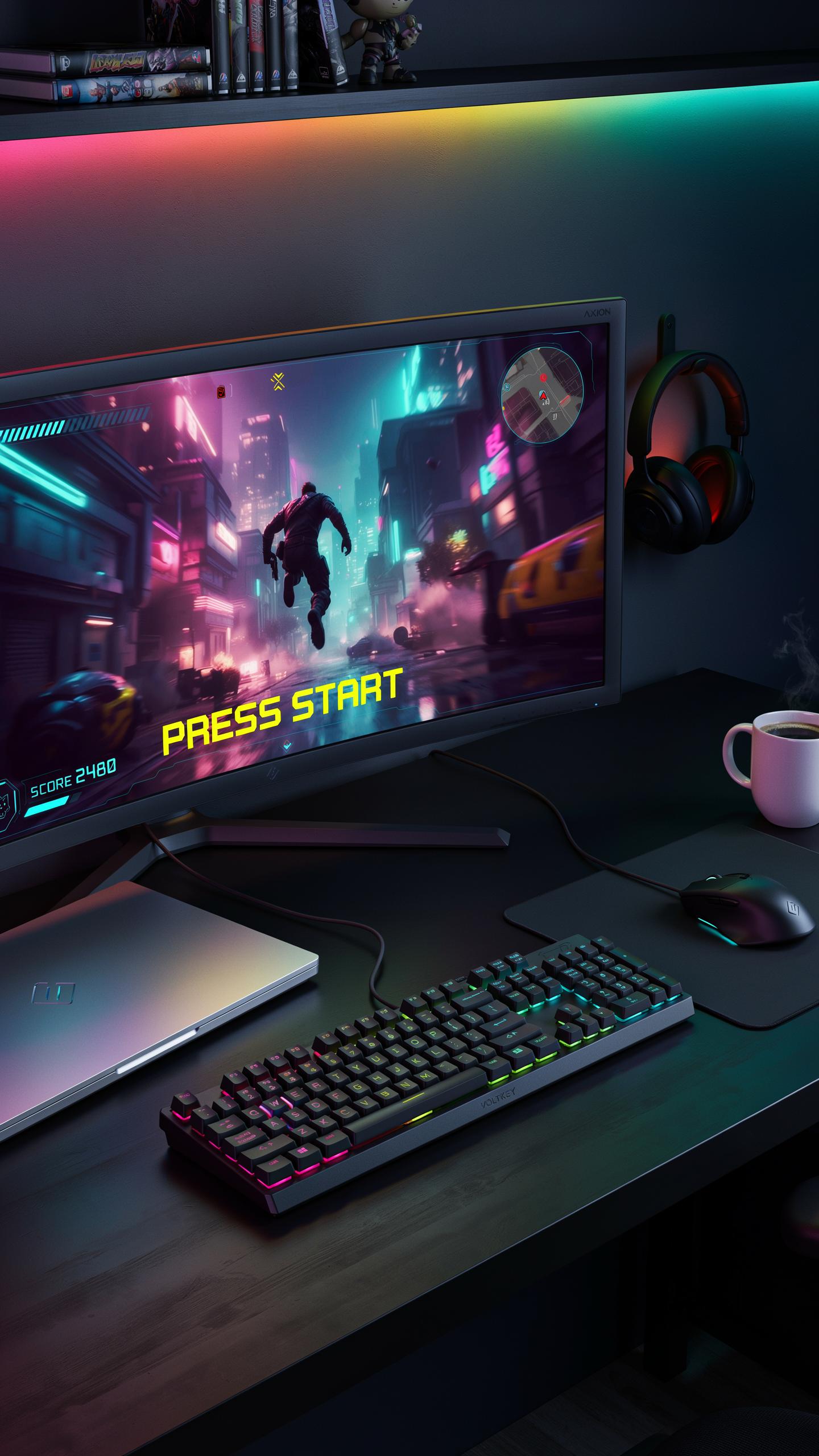
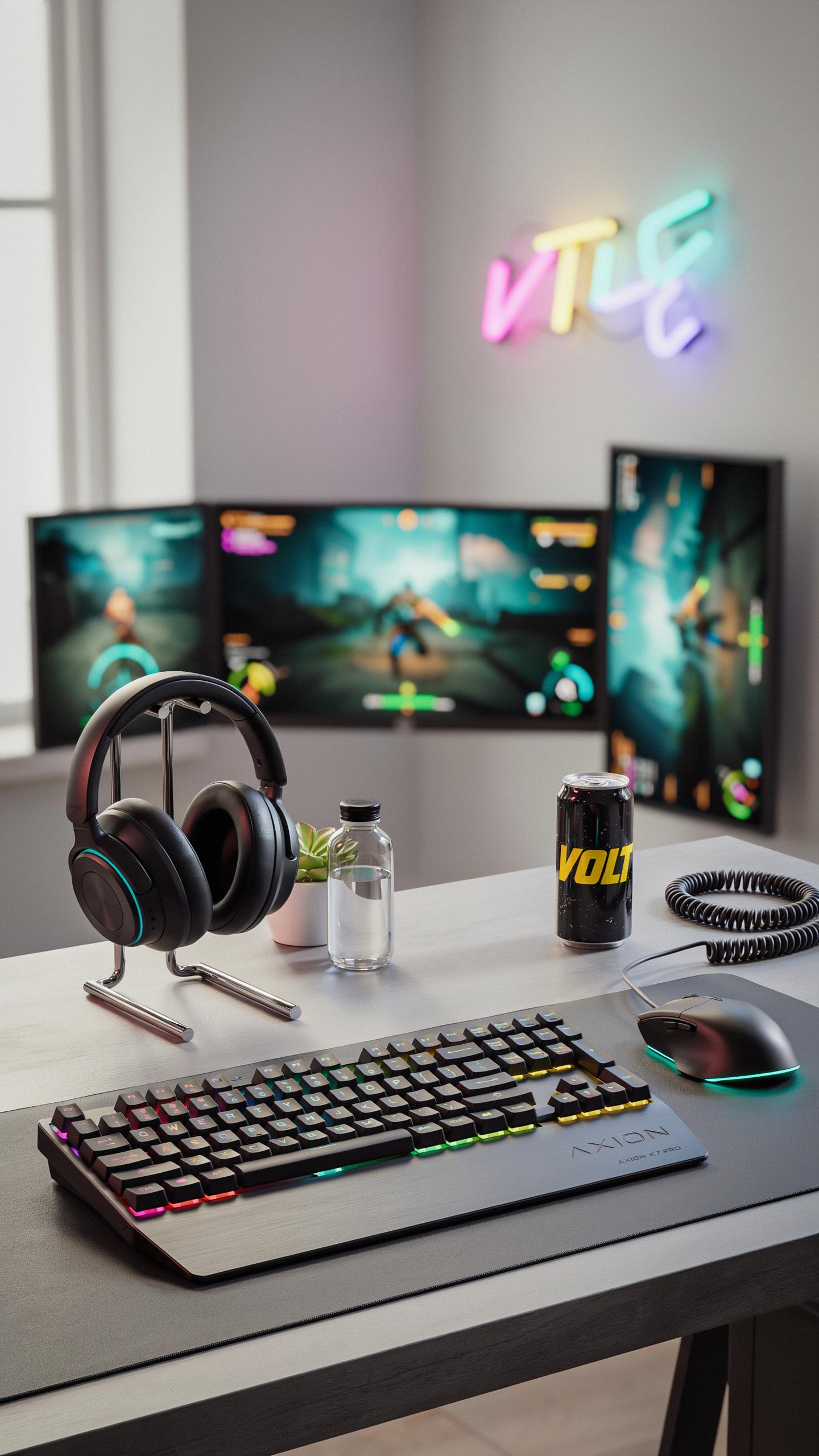
RGB lighting lets you customize your keyboard to match your desk setup. You control the color of each key or the entire keyboard. Most gaming keyboards offer multiple lighting modes. You can set static colors, breathing effects, or reactive lighting that responds to your keystrokes. The customization extends to software that syncs with other RGB devices on your desk.
The visual component affects your gaming environment and mental state. A coordinated desk setup with matching RGB colors creates a cohesive workspace. You spend hours at your desk during gaming sessions. The environment influences your focus and motivation. RGB lighting transforms a basic desk into a personalized gaming station that reflects your style and enhances the experience without adding distraction during actual gameplay.

Understanding Mechanical Keyboard Switches For Gaming Gear
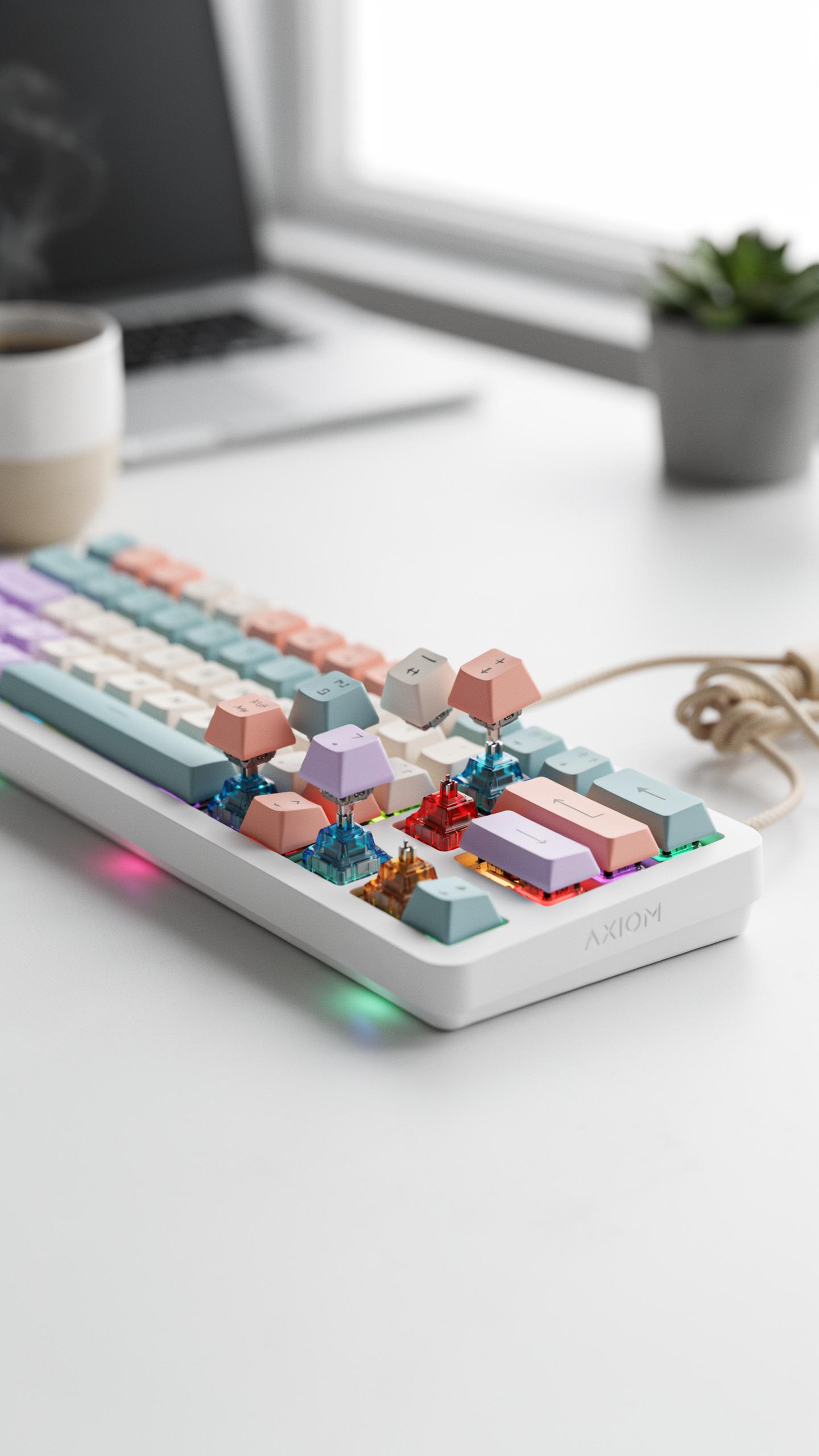
Linear, Tactile, And Clicky: The Three Main Types
Linear switches move straight down without interruption. The stem travels from top to bottom in one smooth motion. This design eliminates tactile feedback and sound. Gamers favor linear switches for fast-paced titles because they respond instantly without delay. Examples include Cherry MX Red and Gateron Red switches. Linear switches demand consistent finger pressure throughout the keystroke.
Tactile switches provide bump feedback mid-press without clicking noise. You feel resistance as the stem reaches the actuation point. This bump confirms key registration without the loud sound. Tactical shooters and strategy games benefit from tactile feedback. Cherry MX Brown and Outemu Brown switches deliver this middle-ground experience. Tactile switches work well for hybrid gaming and typing tasks.
Clicky switches combine tactile bump with audible click sound. The click indicates actuation as the stem hits the bump. This creates both physical and audio confirmation of key presses. Clicky switches excel in turn-based games where speed matters less than precision. Cherry MX Blue and Kailh Box White switches produce the strongest click. Many gamers avoid clicky switches in competitive settings due to noise and distraction.
Popular Budget Friendly Switch Options
Gateron switches compete directly with Cherry MX alternatives at lower costs. Gateron produces linear, tactile, and clicky variants across multiple color grades. The switches use similar stem designs but cost 30 to 50 percent less. Budget keyboards under 60 dollars frequently use Gateron Red or Brown switches. Gateron switches perform reliably for entry-level gaming setups.

Outemu switches represent the most affordable mechanical option in the market. These switches power many sub-40 dollar keyboards worldwide. Outemu offers all three switch types with basic but functional design. The switches feel slightly mushier than premium alternatives due to looser tolerances. Outemu switches still deliver mechanical keyboard experience without premium pricing. Gamers upgrading from membrane keyboards notice immediate performance gains with Outemu switches.
Huano switches provide mid-range value between budget and premium tiers. These switches appear in 50 to 80 dollar keyboards from various manufacturers. Huano delivers smoother operation than Outemu with better consistency. The switches handle sustained gaming sessions without fatigue issues. Lesser-known brands often use Huano switches to balance cost and quality. Budget-conscious gamers find solid performance without overspending on switch technology.
Essential Features For A Budget RGB Mechanical Keyboard
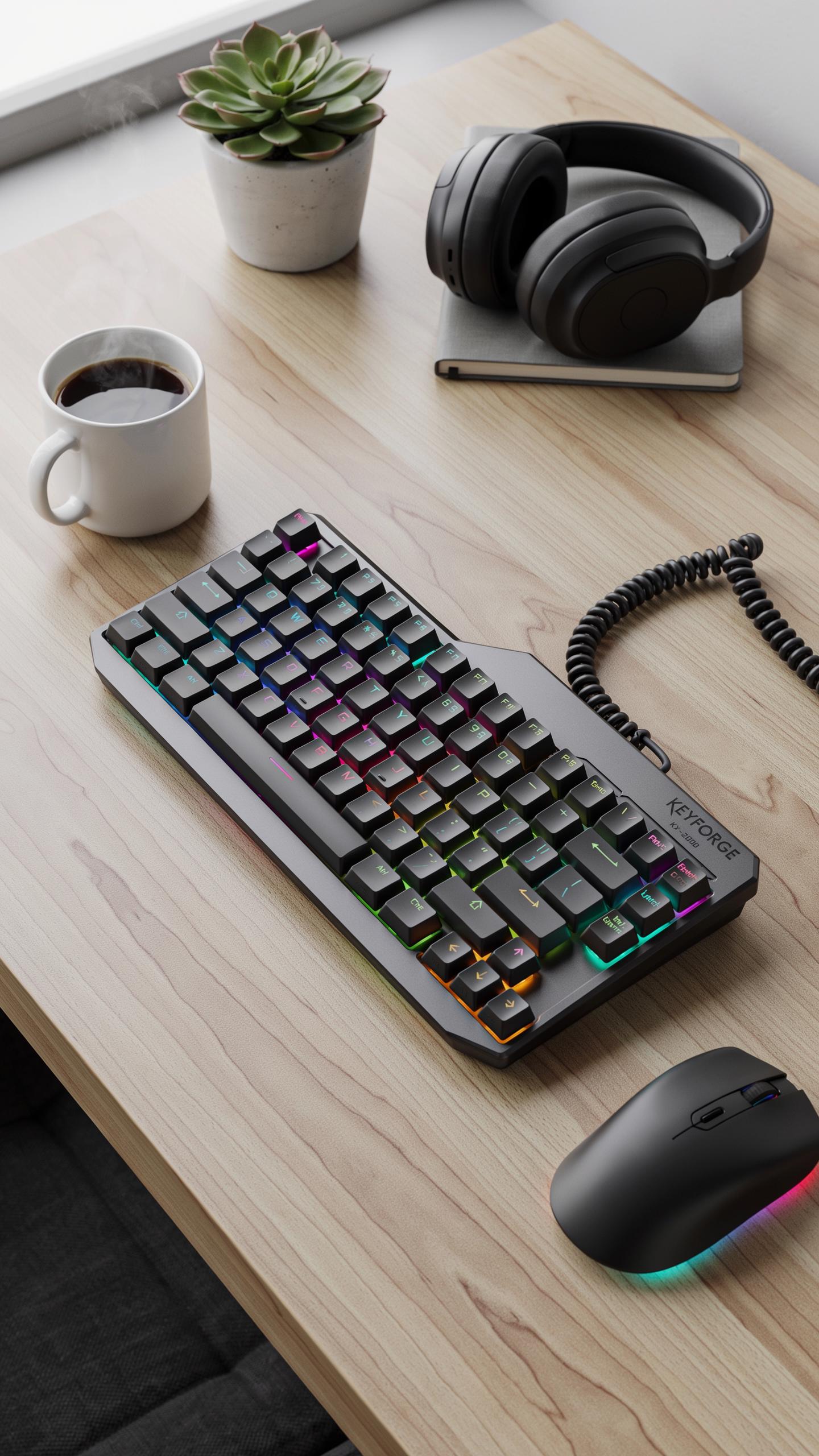
N Key Rollover And Anti Ghosting
N-key rollover means the keyboard registers every key press simultaneously, regardless of how many keys you press at once. Anti-ghosting prevents the keyboard from dropping inputs when you press multiple keys during intense gameplay. Competitive games demand this. You need every command registered instantly. Budget keyboards often cut corners here, so verify the specs before buying.
Most budget RGB mechanical keyboards claim n-key rollover but deliver partial rollover instead. True full n-key rollover costs more to implement. Check the product specifications and user reviews. Test the keyboard in-store if possible. Press multiple keys rapidly and confirm each registers. This separates keyboards built for gaming from keyboards built for typing.
Customizable RGB Lighting Modes
Budget RGB mechanical keyboards offer basic lighting customization through software or onboard controls. You can adjust brightness, change colors, and select preset effects like breathing, wave, and reactive modes. These options cost manufacturers little to implement. They market heavily on RGB customization to justify the price point. The software ranges from intuitive to bloated, so download and test it before purchasing.
Reactive lighting modes trigger color changes when you press keys, adding visual feedback during gameplay. Breathing effects pulse the backlight rhythmically. Wave effects sweep across the keyboard. Budget keyboards typically include 5 to 15 preset modes. Customization depth varies significantly between brands. Some keyboards allow per-key color assignment while others offer only global color control. Research the specific model’s software capabilities to ensure it meets your preferences.
Top Budget RGB Mechanical Keyboard Brands And Models
Reputable Brands Offering Value
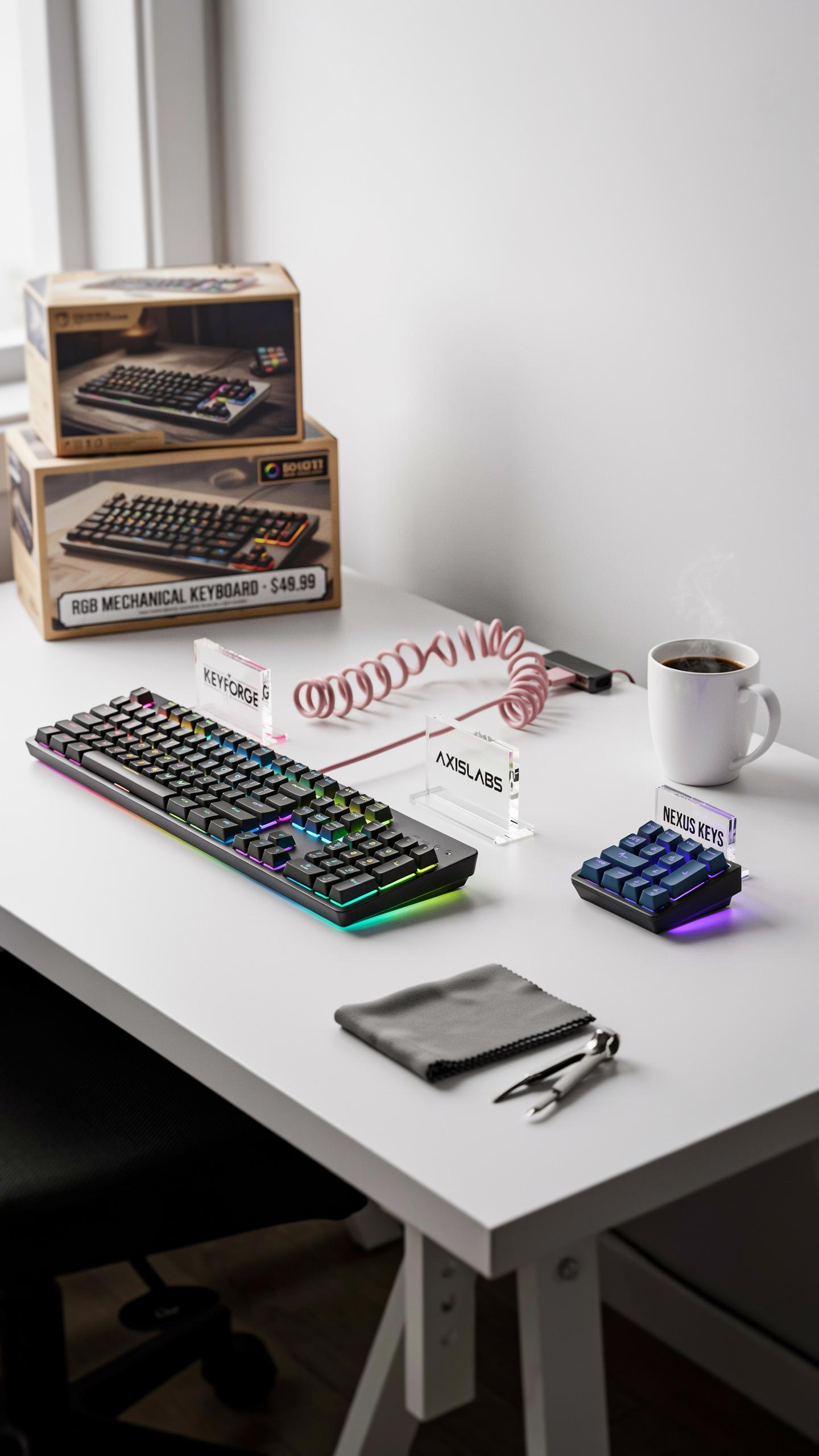
Corsair, SteelSeries, and ASUS ROG produce entry-level mechanical keyboards that don’t sacrifice build quality. These manufacturers use proven switch suppliers and consistent quality control across budget lines. They maintain warranties and customer support infrastructure, reducing risk when buying at lower price points. Their budget offerings typically use stabilizers and PCB designs that match mid-range products, just with fewer bells attached.
Razer and Logitech compete aggressively in the budget segment by leveraging their own switch manufacturing. Razer’s mechanical switches and Logitech’s Romer-G variants provide cost efficiency through vertical integration. Tecware and Epomaker offer competitive alternatives by focusing on core keyboard functionality without brand markup. These brands prioritize actual performance metrics over marketing language, making them reliable for gaming on limited budgets.
Specific Models For Your Gaming PC Setup
The Corsair K55 RGB Pro delivers membrane switches with RGB at affordable prices, targeting players who want lighting without mechanical actuation costs. The SteelSeries Apex Pro Mini uses opto-mechanical switches in a compact form factor, cutting costs through smaller footprint and reduced key count. Razer’s Ornata line bridges membrane and mechanical with hybrid construction, offering faster response than full membrane at lower cost than pure mechanical builds.
ASUS ROG Strix Scope II 96 Wireless provides mechanical switches, wireless connectivity, and RGB without premium pricing. The Logitech G413 SE uses mechanical switches in a straightforward aluminum frame design that prioritizes durability over aesthetics. Tecware Phantom uses Outemu switches, a reliable third-party manufacturer, paired with solid stabilizers and hot-swap compatibility for future upgrades without replacing the entire keyboard.
Setting Up Your New RGB Mechanical Keyboard
Plug And Play Installation
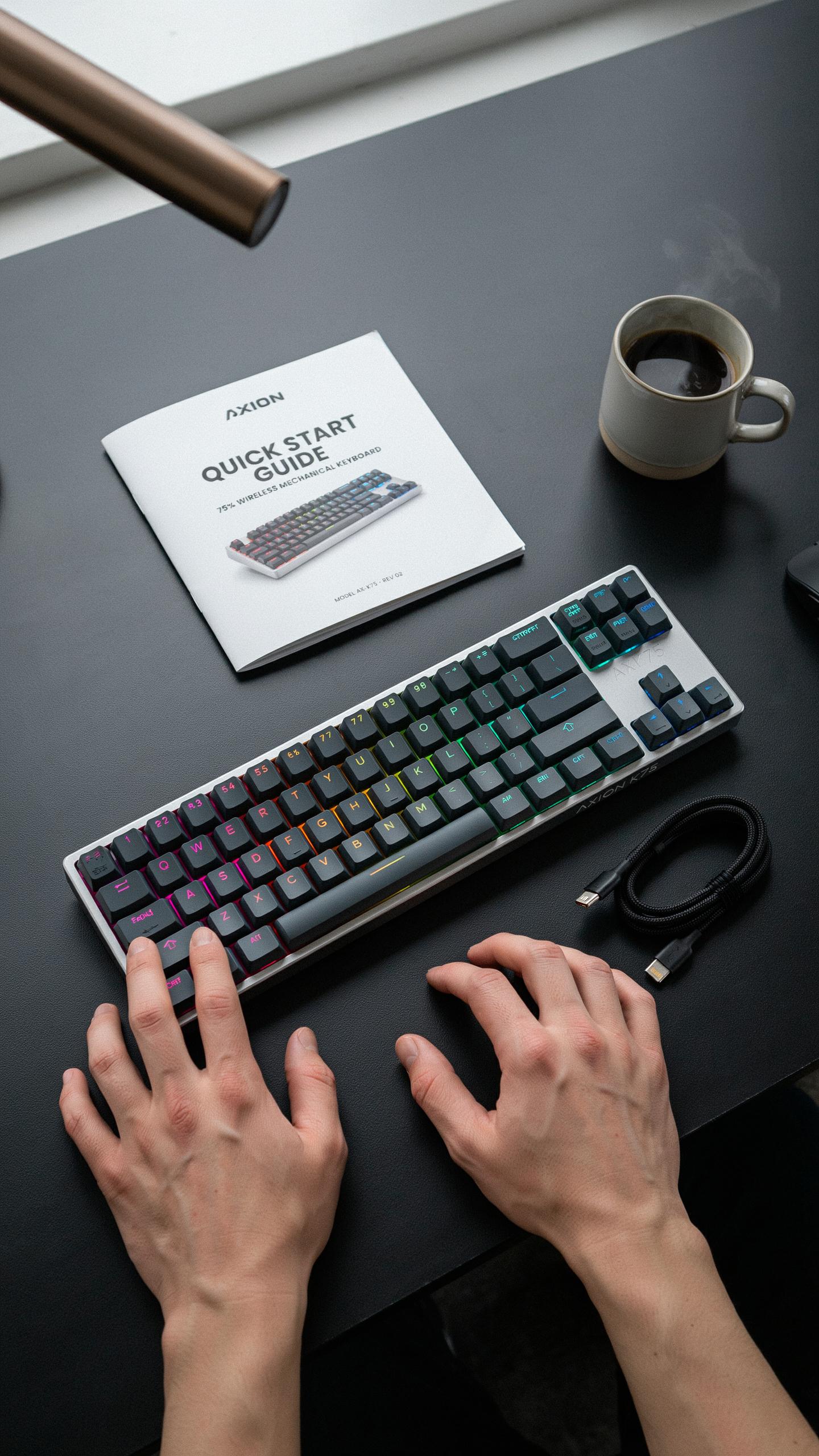
Most budget RGB mechanical keyboards connect via USB and require zero configuration to function. Plug the cable into your computer, and the keyboard activates immediately. You can start gaming right away without drivers or software. The keyboard registers key presses and sends them to your system just like any standard input device.
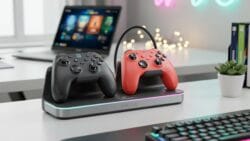
RGB lighting typically defaults to a preset pattern when you first connect the keyboard. Some models cycle through colors automatically. Others display a single color or static pattern. You can change these settings later through dedicated software if your keyboard supports it. The plug-and-play experience means no delays between purchase and gameplay.
The journey to a legendary setup begins with that first satisfying click, even on a budget, illuminating your victories with a spectrum of hard-earned brilliance. Remember, every great gamer started somewhere, and your vibrant keyboard is a testament to the dreams we pursued.
Software Customization For Your Gaming Setup
Most gaming keyboard manufacturers provide proprietary software to control RGB lighting and reprogram keys. Download the software from the manufacturer’s website and install it on your computer. Once installed, connect your keyboard and launch the application. The software detects your keyboard model automatically. From there, you access lighting options, macro recording, and key reassignment features.
RGB customization software lets you set individual key colors, lighting effects, and brightness levels. You can create profiles for different games and save them. Macro recording allows you to program complex key sequences into single keys for competitive advantage. Key reassignment lets you remap any key to perform a different function. Software updates from manufacturers occasionally add new effects and features to existing keyboards.
Optimizing Your Gaming Desk Setup With RGB Keyboards
Ergonomics And Comfort For Long Sessions
Position your keyboard at elbow height when sitting with your back against the chair. Your wrists should remain neutral, not bent upward or downward. Place the keyboard directly in front of you, aligned with your shoulders. This alignment reduces strain on your wrists, forearms, and shoulders during extended gaming sessions. Adjust your chair height first, then position the keyboard to match your natural arm position.
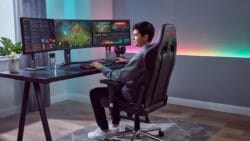
Take breaks every hour to stretch your hands, wrists, and shoulders. Fatigue accumulates over time and degrades both performance and comfort. Use a wrist rest on your desk to support your forearms when you’re not actively typing or gaming. Quality mechanical keyboards with proper spacing between keys help maintain correct hand positioning. Your keyboard choice directly impacts how long you can play without discomfort.
Integrating RGB With Other Tech Gadgets
Most gaming peripherals now include RGB synchronization software. Connect your RGB keyboard, mouse, and headset to the same control software to create unified lighting effects. Brands like Corsair, Razer, and SteelSeries offer ecosystem software that coordinates colors across devices. This integration requires all devices to support the same protocol or software platform. Check compatibility before purchasing to ensure your keyboard works with your existing setup.
Configure lighting profiles that match your gaming scenarios. Use subtle colors for competitive games where distraction is harmful. Enable dynamic effects during casual gaming sessions. Sync RGB intensity to game audio for immersive experiences when supported. Reduce RGB brightness during late-night gaming to limit eye strain. Consistent lighting across your desk also improves visual focus by eliminating color conflicts between peripherals.
Maintenance Tips For Your RGB Mechanical Keyboard
Cleaning Your Keyboard For Longevity
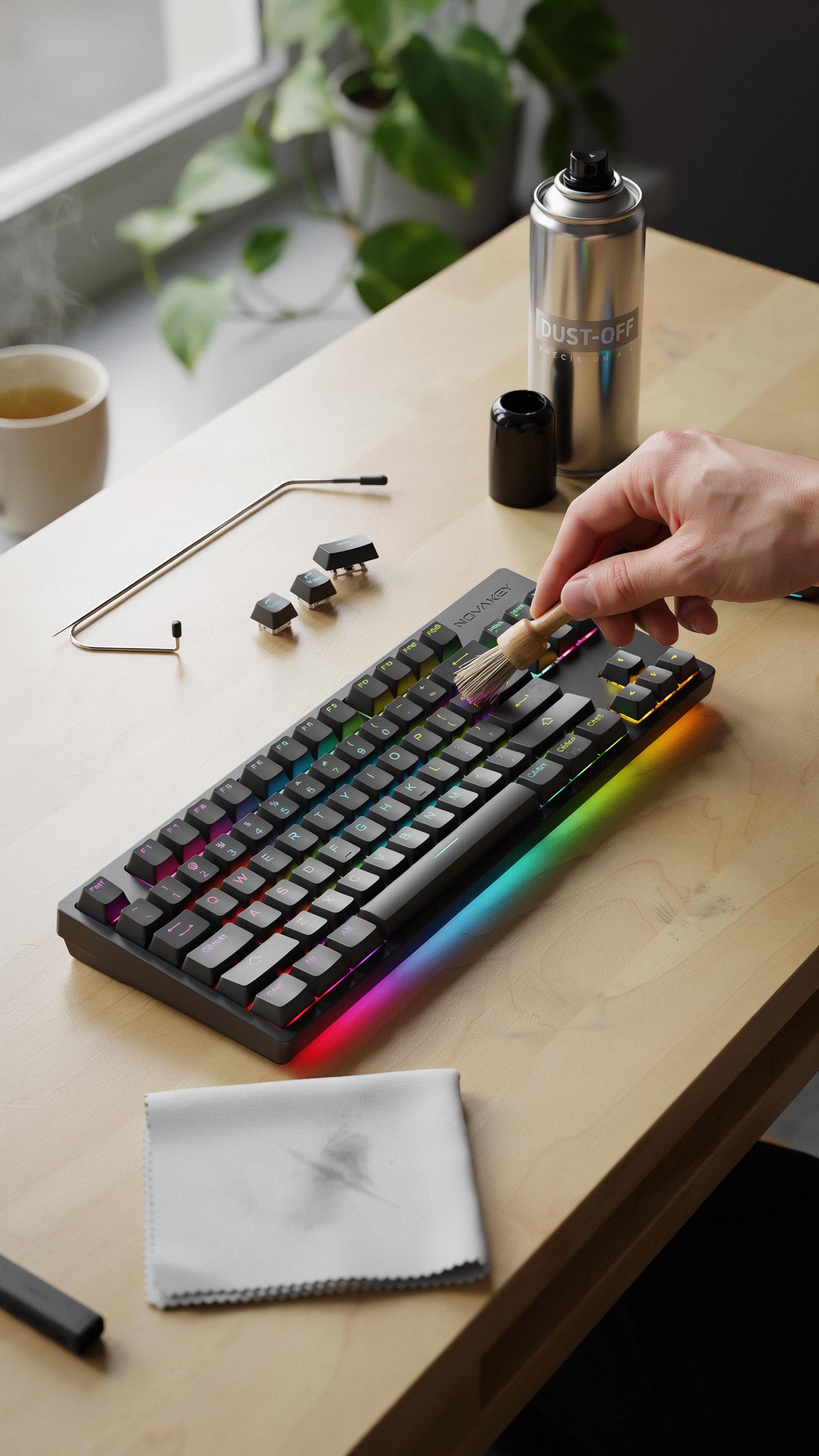
Dust and debris accumulate inside mechanical keyboards and degrade performance over time. Remove keycaps monthly and use a soft brush or compressed air to clear debris from the switch stems and PCB. Wipe keycaps with a slightly damp microfiber cloth. Avoid liquid cleaners on the keyboard itself. Target the areas where your fingers rest, as these collect the most buildup.
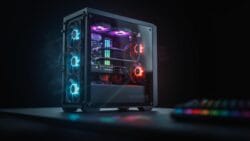
For deep cleaning, desolder switches only if you have experience or send the keyboard to a professional. Most users maintain keyboards adequately through regular external cleaning. Keep the keyboard in a dry environment away from direct sunlight. Elevated humidity causes oxidation on PCB contacts and switch springs. Store your keyboard covered when not in use to minimize dust exposure between gaming sessions.
Troubleshooting Common Issues
Sticky keys respond to switch stem cleaning with compressed air or careful disassembly and cleaning. Remove the affected keycap and spray compressed air directly into the switch. If stickiness persists, desolder the switch and rinse the stem and housing in distilled water. Allow complete drying before reinstalling. Most sticky key issues stem from liquid spills or dust particles lodged in the mechanism.
Unresponsive RGB lighting typically indicates a loose connection on the LED header or a dead LED strip. Check the cable connections inside the keyboard enclosure and reseat any loose connectors. If individual LEDs fail, the entire LED strip often requires replacement. Test the keyboard’s RGB software on another computer to rule out driver issues. Faulty firmware occasionally causes RGB problems, so update your keyboard software through the manufacturer’s utility.
Upgrading Your Gaming Gear When To Consider A New Keyboard
Signs It’S Time For An Upgrade
Your keyboard degrades with use. Keys lose responsiveness after millions of actuations. Mechanical switches wear out. RGB lighting dims or fails completely. If you miss inputs during competitive play, your keyboard causes the problem. Sticky keys, unresponsive switches, or dead LED zones mean replacement time.

Physical damage accelerates the need for upgrade. Cracked stabilizers affect spacebar performance. Broken switches compromise your aim and reaction time. Spilled liquids corrode PCBs even if the board survives initially. Gaming demands precision. Worn equipment costs you matches and rank. Replace keyboards showing these signs immediately.
Future Proofing Your Gaming PC Setup
Invest in keyboards with standard switch types. Proprietary switches lock you into one manufacturer. Mechanical keyboards with Cherry MX or comparable switches remain relevant for years. Parts stay available. Repairs happen easily. This matters when your keyboard fails mid-season.
Build your setup around wired connections or reliable wireless protocols. 2.4GHz wireless performs better than Bluetooth for gaming. Wired eliminates battery concerns entirely. RGB mechanical keyboards built with quality stabilizers and hot-swap sockets outlast disposable boards. Choose keyboards that support firmware updates. This protects against future software changes and competitive rule shifts in esports titles.
Building A Complete Gaming Setup On A Budget
Balancing Performance And Cost For Your Video Game Room
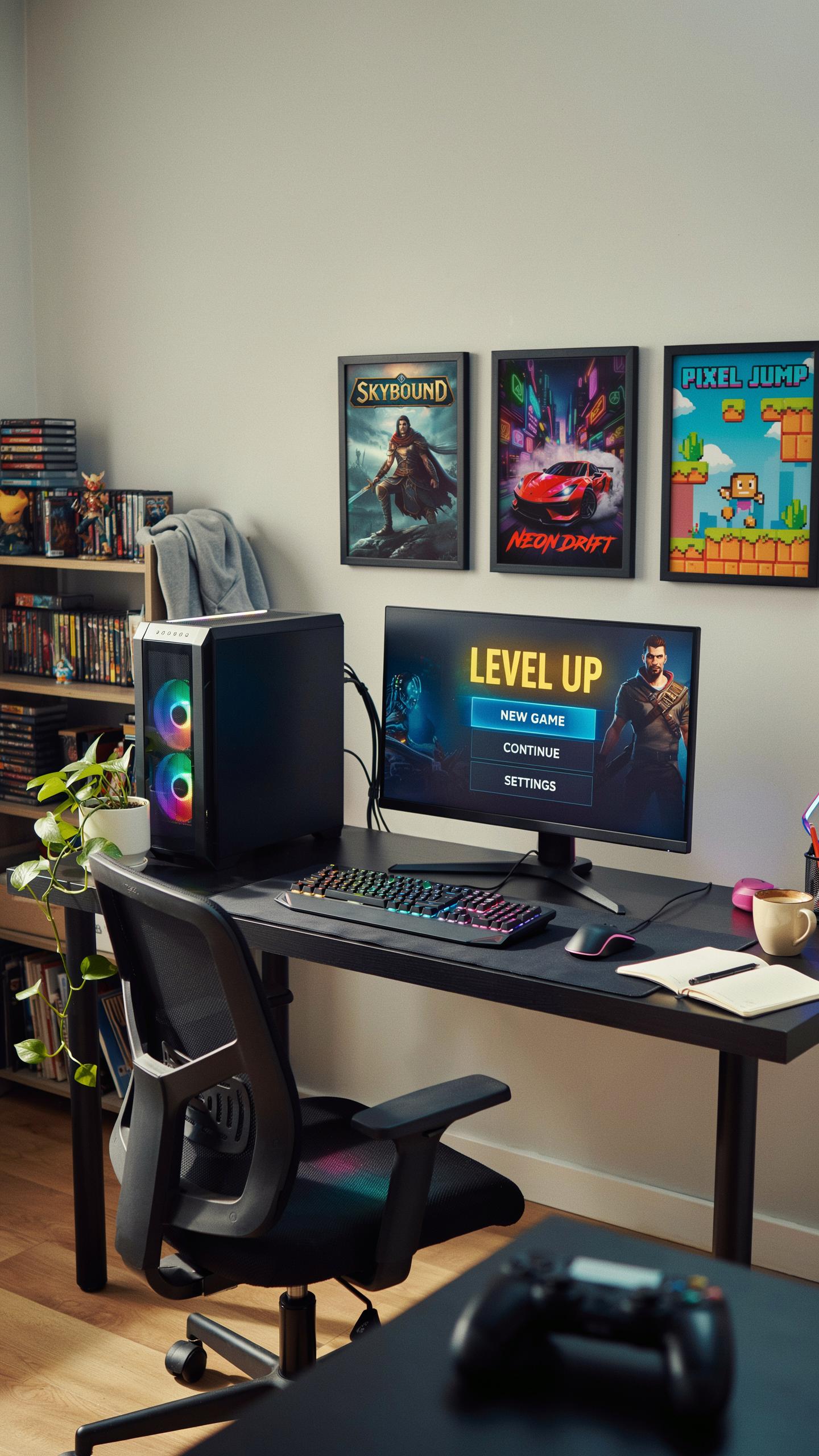
Your gaming setup requires strategic spending across multiple components. A mechanical keyboard handles input, but your monitor, mouse, and PC tower demand equal attention. Allocate roughly 15 to 20 percent of your total budget to peripherals, including your RGB mechanical keyboard. This prevents overspending on one item while starving other critical components.
Prioritize based on actual performance impact. A budget RGB mechanical keyboard delivers responsive switches and adequate lighting without draining funds. Your monitor refresh rate and GPU determine frame rates far more than keyboard aesthetics. Spend on what moves your gameplay first, then enhance with RGB and lighting effects afterward.
Beyond The Keyboard: Other Essential Budget Tech Gadgets
A solid gaming setup extends past your RGB mechanical keyboard for gaming setup. Budget peripherals handle specific functions that boost your competitive edge and comfort during long sessions. Smart prioritization here stretches your dollars further while maintaining functional quality across your entire workspace.
- Budget Gaming Mouse: Wired mice under 40 dollars offer reliable sensors and quick response times. Optical sensors work well for most games without sacrificing performance.
- Monitor Arm or Stand: A proper stand reduces neck strain during extended play. Budget models hold your display stable without costing more than 30 to 50 dollars.
- Mouse Pad: A large cloth pad costs under 20 dollars and improves mouse tracking consistency. Size matters more than brand for general gaming purposes.
- Headset or Budget Speakers: Audio clarity matters for competitive play. Entry level gaming headsets run 40 to 60 dollars with adequate drivers for callouts.
- Cable Management Tools: Velcro straps and clips under 15 dollars organize your desk. Clean setups reduce clutter and improve airflow around components.
These peripherals work alongside your RGB mechanical keyboard to create a functional gaming environment. None require premium pricing to deliver real results. Focus on ergonomics and reliability over brand names when shopping these categories.
Frequently Asked Questions

What exactly is an RGB mechanical keyboard and why is it good for gaming?
An RGB mechanical keyboard uses individual switches under each key, providing satisfying tactile feedback and faster response times crucial for gaming. The “RGB” refers to the customizable, vibrant backlighting that allows you to personalize your gaming setup, creating an immersive and visually dynamic experience.
How can I customize the lighting effects on my budget RGB mechanical keyboard for my gaming setup?
Most budget RGB mechanical keyboards come with dedicated software or on-board controls (often accessed with function keys) that allow you to customize lighting patterns, colors, and brightness. Experiment with different modes, from static colors to dynamic waves, to perfectly match your **rgb mechanical keyboard for gaming setup** aesthetics and mood.
Can I really get a good quality RGB mechanical keyboard without spending a fortune?
Absolutely! The market for **rgb mechanical keyboard for gaming setup** options has expanded significantly, offering excellent budget-friendly choices. Many brands now provide durable mechanical switches, vibrant RGB lighting, and solid build quality at a fraction of the cost of premium models, making them accessible for all gamers.



