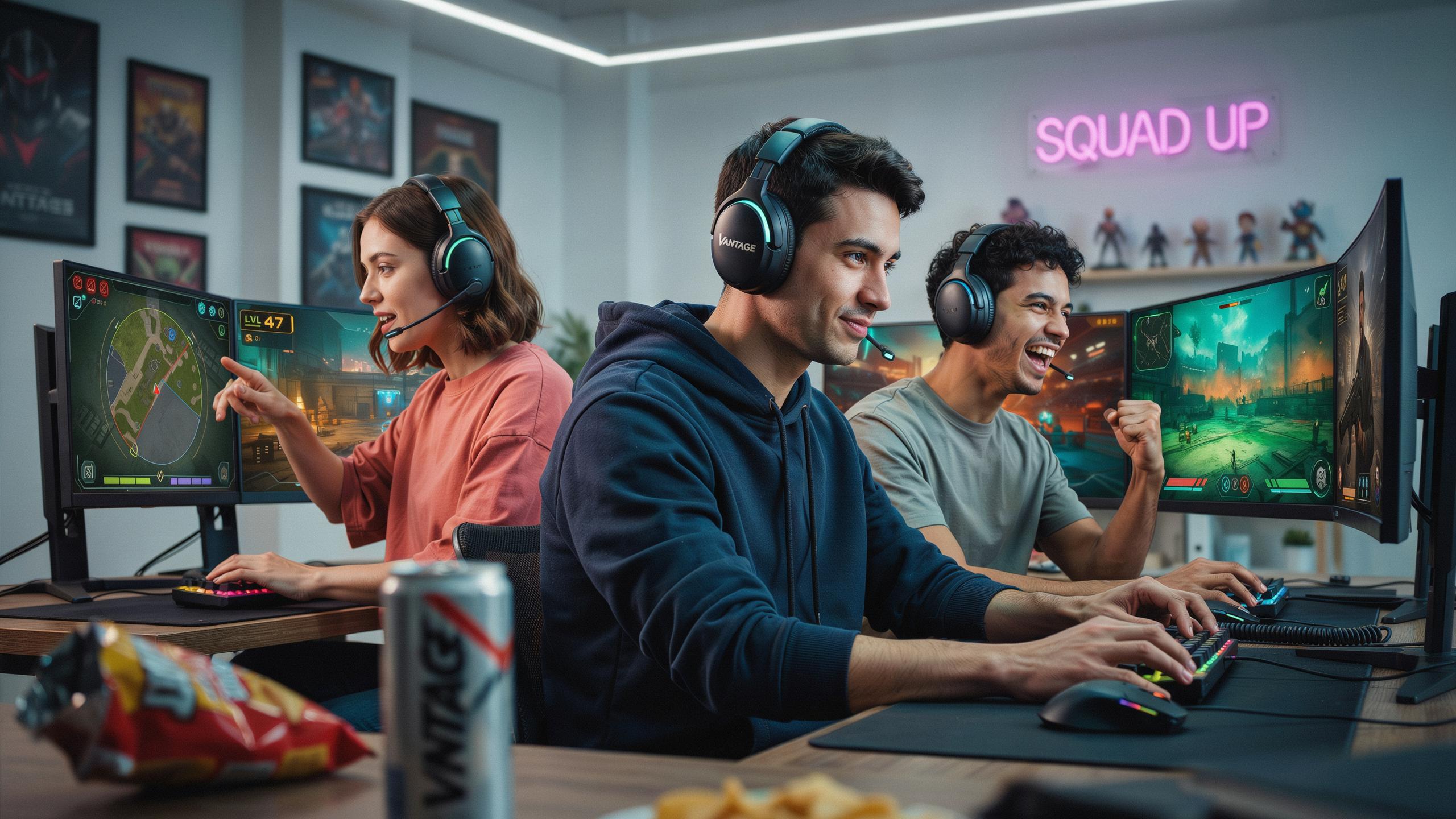
The Importance Of A Clear Mic In Online Gaming Headsets
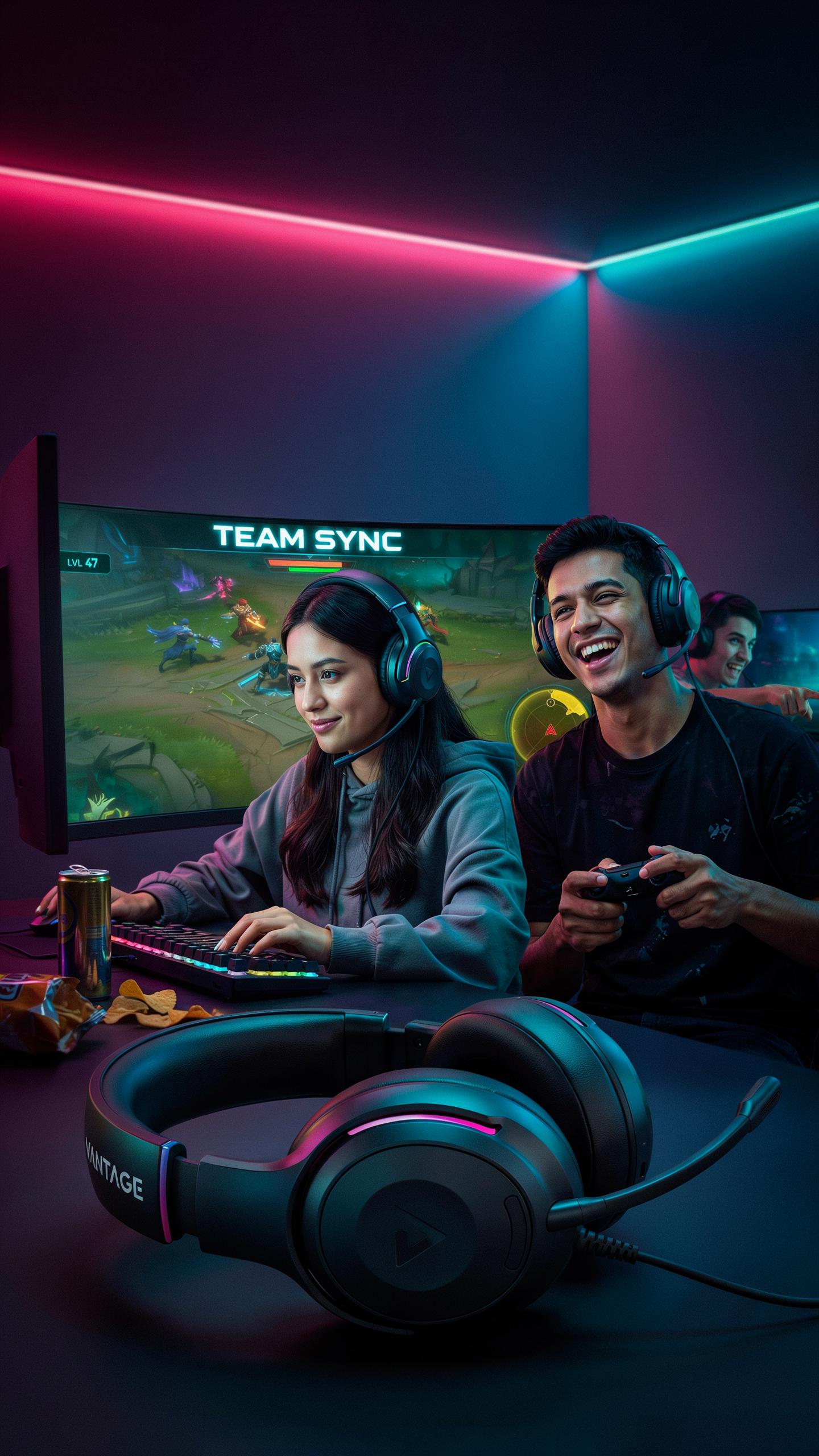
Communication Is Key
Team-based games require rapid information exchange. Players call out enemy positions, coordinate strategies, and assign roles in real time. A gaming headset with clear mic ensures teammates hear instructions without repetition. This speed matters. In competitive matches, delayed or garbled callouts cost rounds and games. Clear audio transmission reduces the cognitive load on teammates who must decode unclear messages.
Microphone clarity directly affects tactical execution. When players hear precise callouts, they react faster and make better decisions. A poor mic forces teammates to ask for clarification, wasting seconds in time-sensitive situations. Quality audio reproduction in headsets lets players focus on gameplay rather than straining to understand what was said. This translates to measurable performance gains in ranked and competitive environments.
Avoiding Misunderstandings
Distorted microphone audio breeds frustration and conflict within teams. Players misinterpret callouts, blame teammates for failures, and morale drops. A gaming headset with clear mic eliminates this friction. When communication is clean, teams attribute mistakes to strategy gaps rather than technical failures. This keeps focus on actual gameplay and team cohesion.
Background noise and audio artifacts create confusion during critical moments. A teammate might hear static instead of a location call or miss enemy information entirely. Clear microphone performance reduces these errors. Teams that invest in quality audio equipment solve communication problems before they impact performance. Reliable mic clarity builds trust among players and keeps discussions productive.

Key Features To Look For In A Gaming Headset
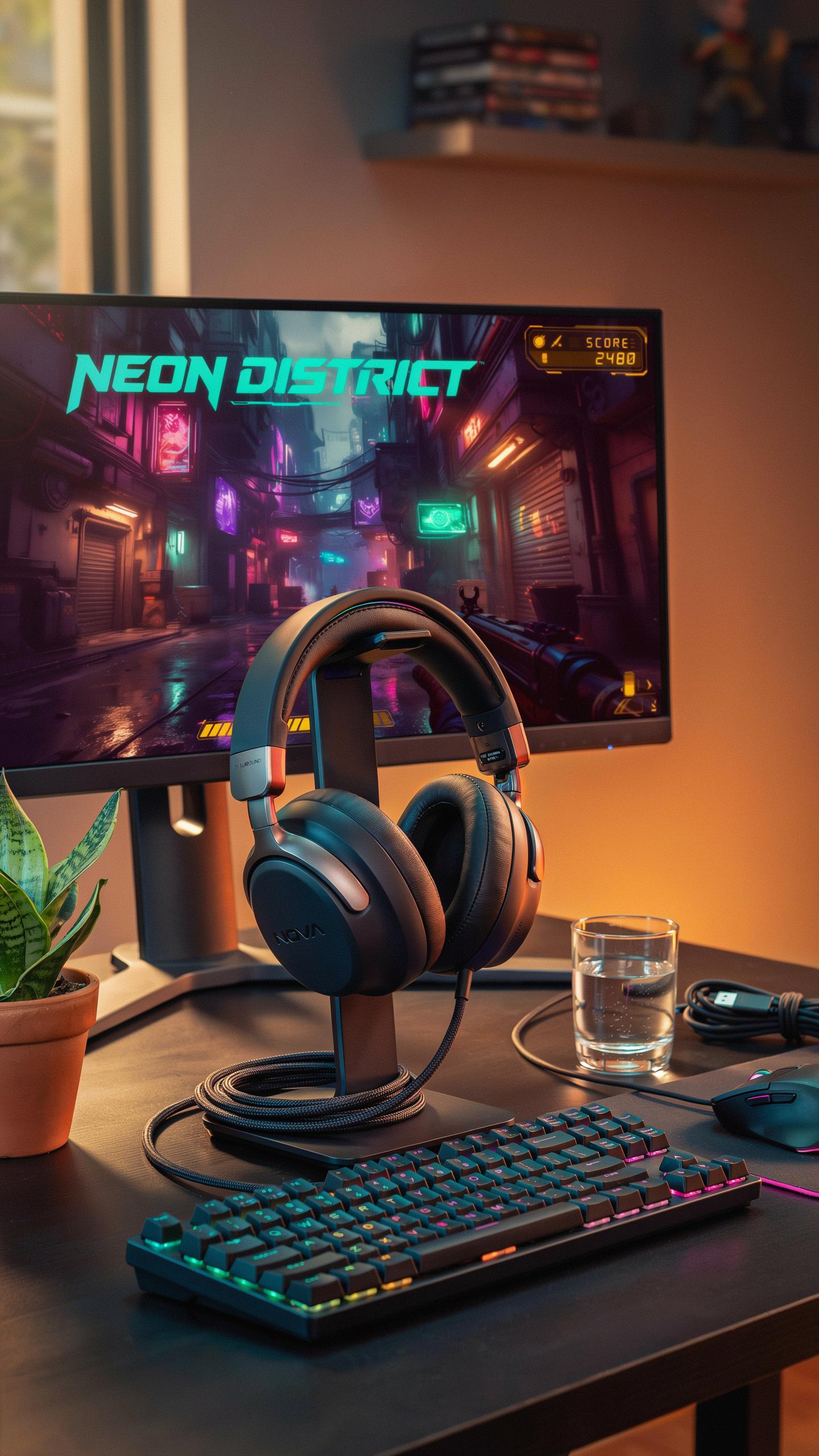
Microphone Technology
Noise cancellation in gaming headsets works through two methods: passive isolation and active noise reduction. Passive isolation uses physical design to block external sound. Active noise cancellation generates inverse sound waves to cancel ambient noise. For team play, you need your mic to capture your voice clearly while rejecting background noise from fans, keyboard clicks, and room activity.
Unidirectional microphones pick up sound from one direction, typically where your mouth sits. This design rejects side and rear noise sources automatically. Detachable microphones offer flexibility. You swap them out for repairs or upgrades without replacing the entire headset. Boom arm length and positioning affect how well the mic captures your voice relative to your mouth placement.
Comfort And Build Quality
Adjustable headbands distribute weight across your head and prevent pressure points during extended sessions. Headbands with multiple adjustment positions accommodate different head sizes. Breathable earcup materials like mesh or perforated synthetic leather reduce heat buildup during long gaming hours. Memory foam earcups conform to ear shape and maintain comfort over time without permanent deformation.

Durable construction matters for longevity and value. Steel or aluminum headband frames withstand repeated adjustment and accidental drops. Reinforced cable connections at the jack and headset reduce failure points from daily movement. Gaming sessions lasting six to eight hours demand materials that resist sweat damage and material degradation without compromised audio performance over months of use.
Wired Vs Wireless Gaming Headset Considerations
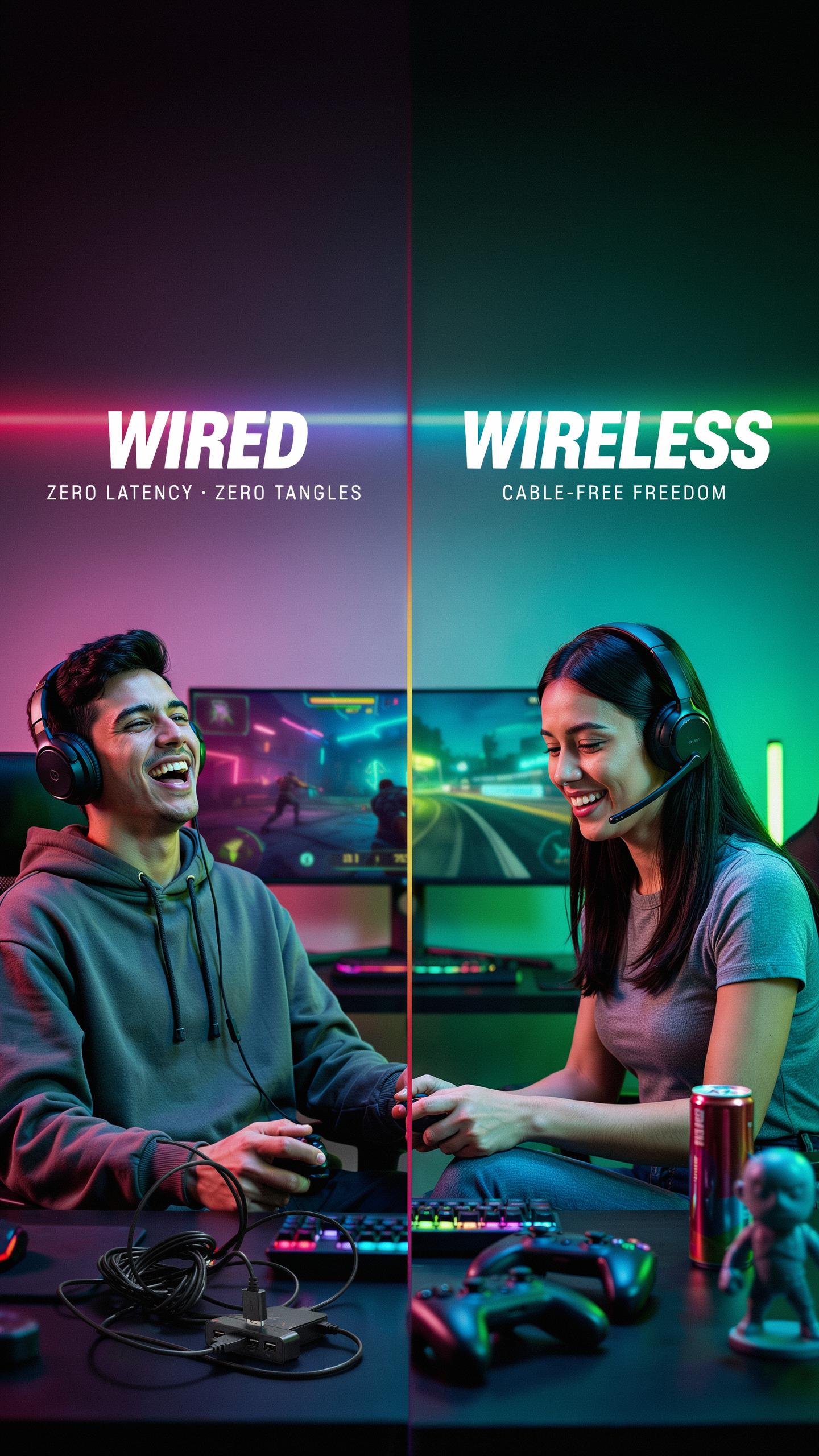
Wired Headsets: Reliability And Audio Fidelity
Wired gaming headsets eliminate battery dependency, delivering consistent power to drivers and microphone components throughout extended gaming sessions. The direct connection removes latency concerns that plague wireless systems. Audio travels through copper conductors without compression or signal loss. Microphones in wired headsets maintain stable input levels without power fluctuations. This consistency matters for team communication where clarity determines tactical execution.
Cable management requires desk planning, but the payoff is predictable performance. Wired headsets won’t disconnect mid-match due to interference or battery depletion. The fixed connection ensures your mic remains responsive when calling out enemy positions. Professional esports teams favor wired models for this exact reason. You sacrifice mobility for absolute reliability when stakes are high.
Wireless Headsets: Freedom And Convenience
Wireless gaming headsets eliminate cable clutter and allow movement around your gaming space without disconnection concerns. Modern wireless protocols like 2.4GHz and Bluetooth deliver audio with minimal perceptible latency for gaming applications. You can stand, stretch, or shift positions without managing cables. The freedom translates to comfort during marathon gaming sessions. Battery life on quality models spans 20 to 40 hours between charges.
Trade offs include potential interference from other wireless devices in your home. Microphones in wireless headsets depend on battery voltage for consistent input gain. Interference from WiFi, microwaves, or nearby wireless devices can degrade voice clarity. You must monitor battery levels to avoid mid-session power loss. Wireless works well for casual play where minor audio fluctuations don’t derail team coordination.
Experience Immersion With Surround Sound
Virtual Surround Sound
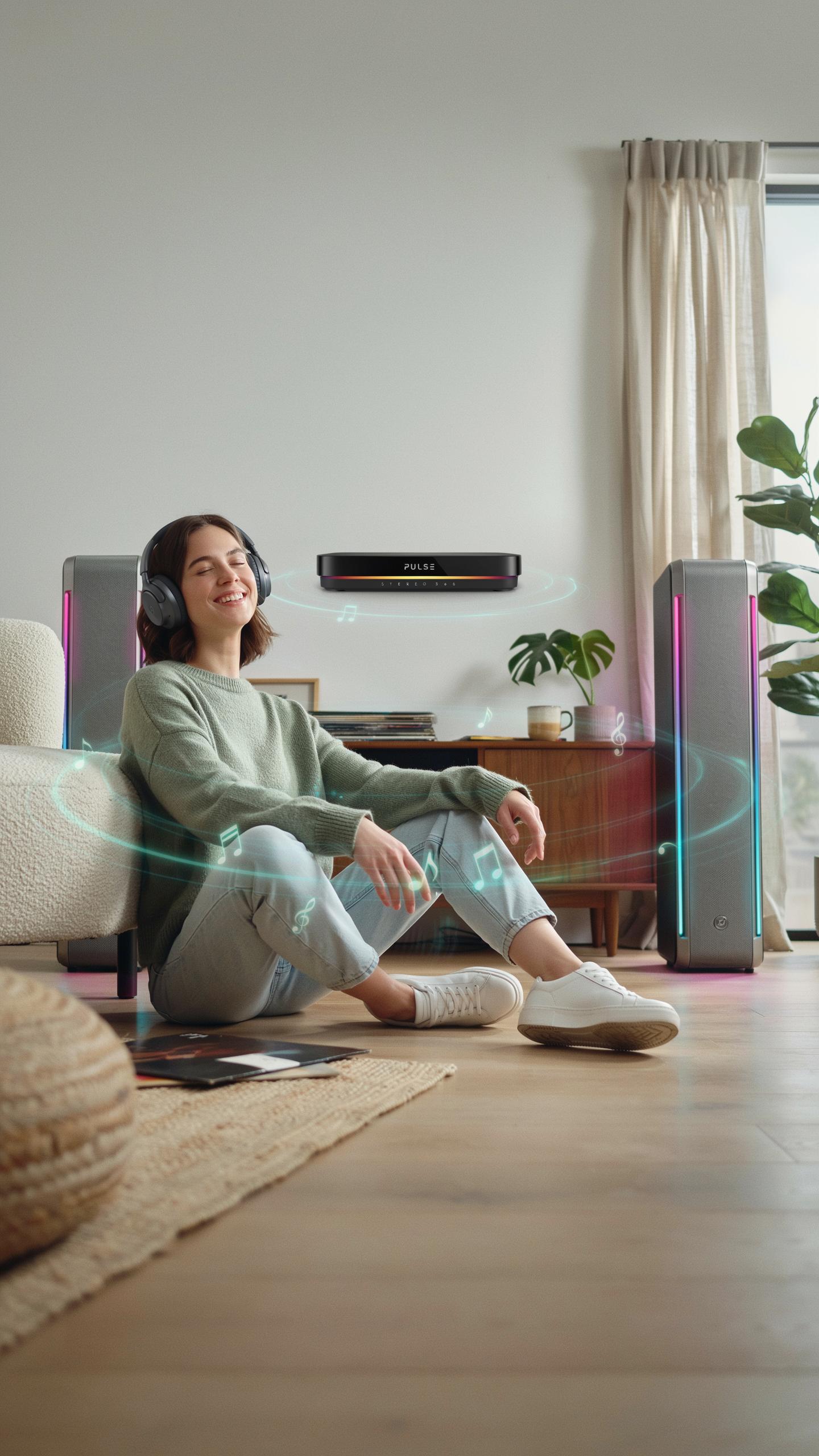
Virtual surround sound uses DSP (digital signal processing) to create directional audio cues from two drivers. The software analyzes game audio and applies filtering to simulate where sounds originate in 3D space. This approach works well for competitive shooters where you need to pinpoint enemy position from footsteps or gunfire direction.
Virtual surround works on any headset with basic stereo drivers. Game engines and headset manufacturers use HRTF (Head Related Transfer Function) algorithms to trick your ears into perceiving height and depth. Most gaming headsets marketed for surround use virtual technology because it’s cheaper to implement than physical multi-driver designs.
Remember those epic nights with your clan, where every call was crisp and every plan perfectly heard? A clear mic wasn’t just gear; it was the voice of victory, binding us as one.
True Surround Sound
True surround sound headsets pack multiple drivers into each earcup to deliver dedicated channels for front, side, and rear audio. Brands like Dolby Atmos and DTS:X support this architecture when hardware has enough drivers to handle distinct audio streams. This method produces more accurate positional audio but adds weight and cost to the headset.

True surround requires more complex internal wiring and larger earcups to house multiple drivers without sacrificing comfort. The benefit over virtual surround is reduced latency in audio processing since directional information comes from hardware positioning rather than software calculation. For team-based competitive gaming, the marginal improvement in spatial accuracy typically doesn’t justify the added bulk and price over quality virtual surround.
Compatibility Across Gaming Platforms Headset
PC Gaming Compatibility
PC gaming headsets dominate the market because PCs support multiple connection types simultaneously. USB connections, 3.5mm jacks, and wireless dongles all work on desktop and laptop systems. This flexibility lets you choose based on your setup and preference. Most PC headsets include software for equalizer adjustments and mic monitoring.
PC platforms also support the widest range of microphone customization options through driver software and third party applications. You can adjust mic sensitivity, noise gates, and audio profiles without touching physical controls. This technical advantage makes PC the preferred platform for competitive gamers who need precise audio tuning. The software ecosystem remains unmatched by other platforms.
Console And Mobile Connectivity
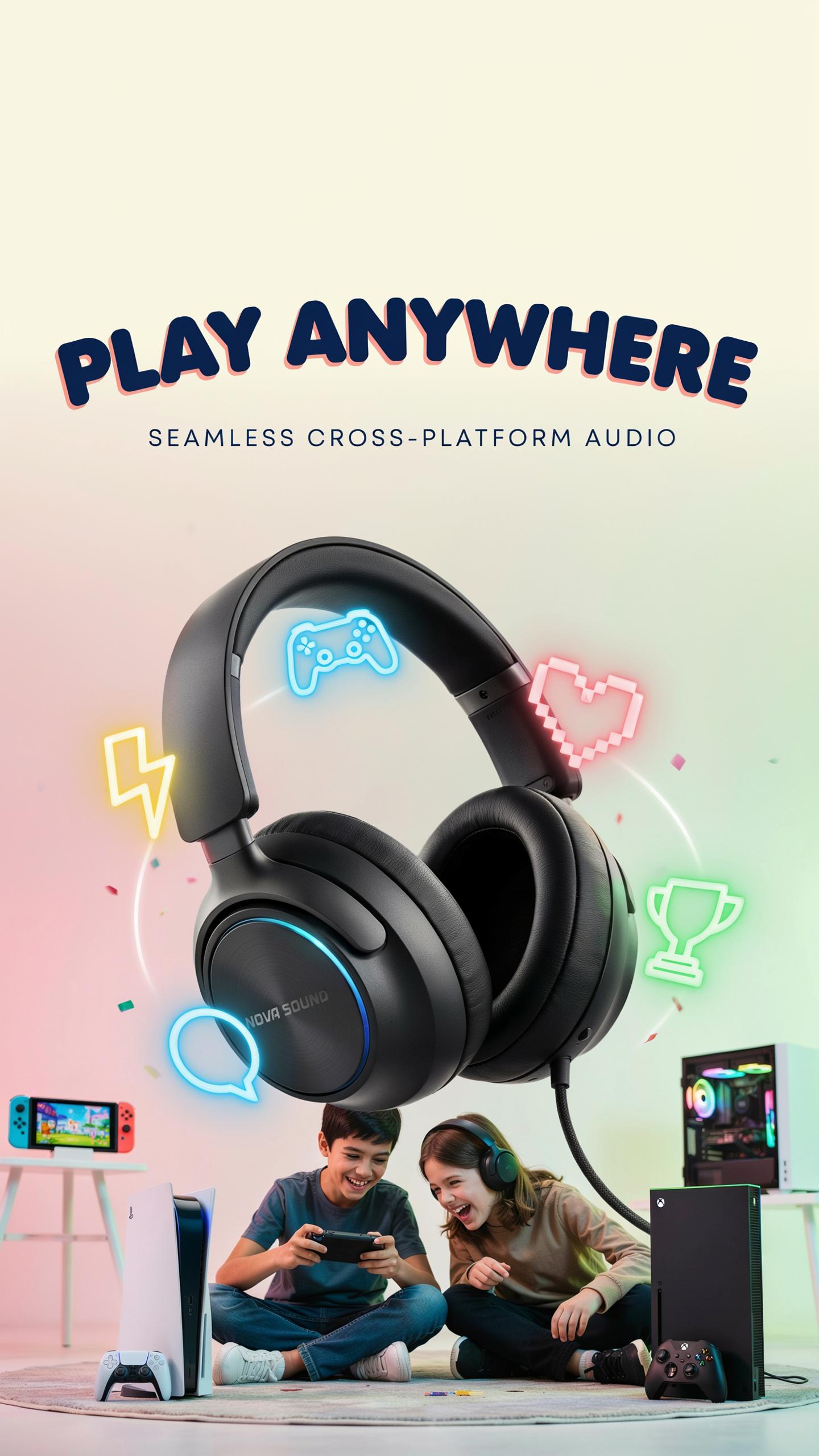
Console compatibility requires specific attention to connection standards. PlayStation 5 and Xbox Series X accept USB headsets and wireless adapters but not all models work universally. Nintendo Switch limits you to 3.5mm jack connections or USB dongles through the dock. Mobile devices primarily use 3.5mm jacks or Bluetooth, though many newer phones eliminated the jack entirely.
Cross platform headsets must prioritize universal standards to function across multiple systems. Look for models offering both USB and 3.5mm options or strong Bluetooth implementation for maximum flexibility. Some headsets include multiple detachable cables to adapt to different platforms. Verify compatibility before purchasing if you play on multiple systems regularly.
Top Gaming Headset Brands For Clear Microphones Best Gaming Headset
Industry Leading Manufacturers
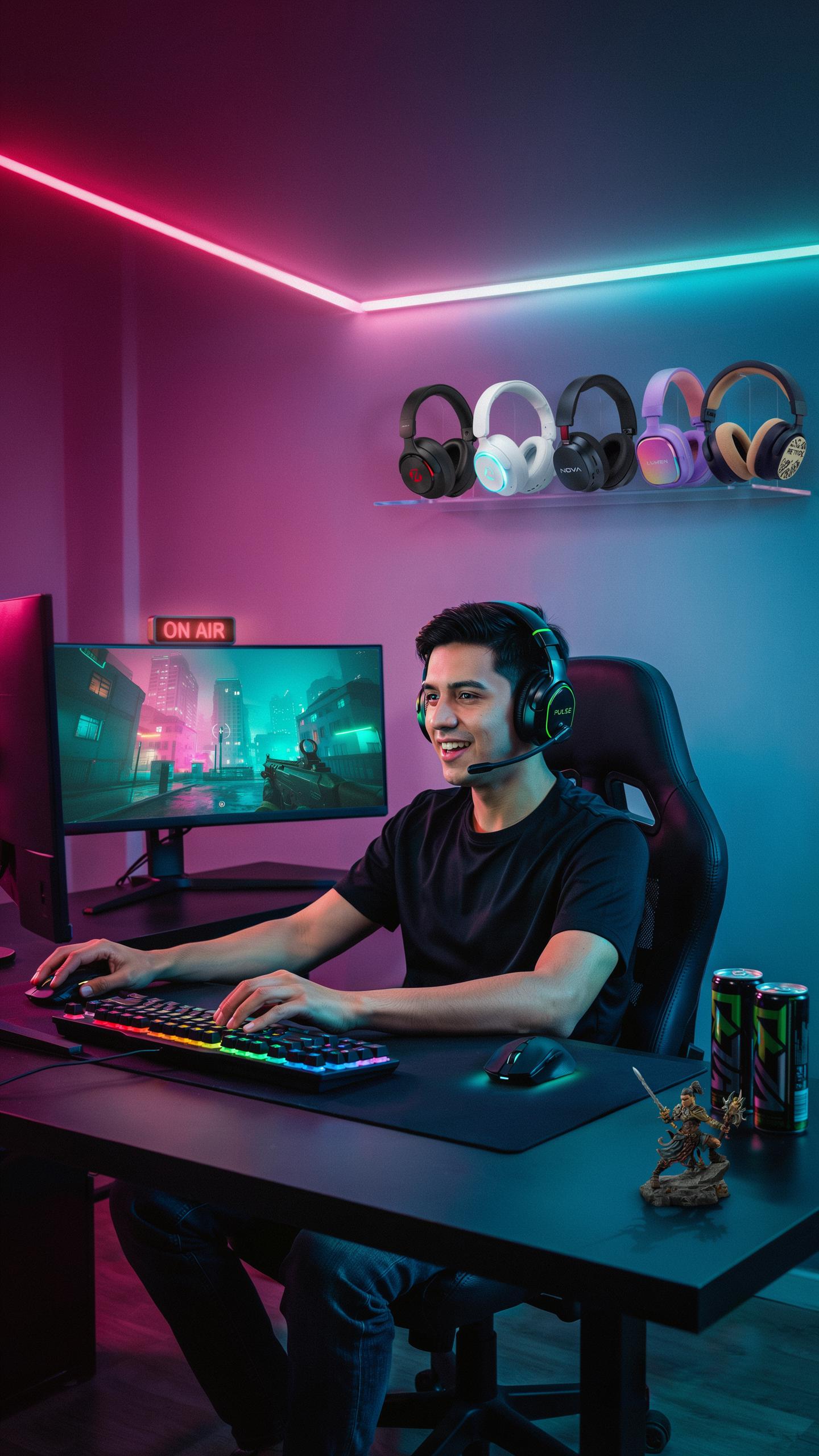
SteelSeries, HyperX, and Corsair dominate the gaming headset market by engineering microphones specifically for voice clarity during competitive play. These manufacturers invest in noise-cancellation technology and directional mic pickup patterns that isolate player voice from background noise. Their design approach focuses on reducing echo and distortion in team communications rather than pursuing excessive audio frequencies.
Audio Technica, a legacy manufacturer since 1962, applies studio microphone principles to gaming hardware. The company uses unidirectional mic designs that capture voice directly while rejecting ambient sound from multiple angles. Turtle Beach and SCUF prioritize microphone testing in actual gaming environments, adjusting sensitivity levels and frequency response based on how voices perform during competitive matches rather than laboratory settings.
Community Recommended Options
Competitive gamers consistently report clear microphone performance from HyperX Cloud III and SteelSeries Arctis Nova Pro models. These headsets use cardioid microphone patterns that focus on voice capture directly in front of the mic while reducing side and rear noise pickup. Tournament players prioritize these models because teammates report understanding callouts without asking for repeats, a critical factor in ranked play.

Corsair Void RGB Elite and SCUF H6 headsets appear frequently in gaming community forums for microphone reliability during long sessions. Users report minimal mic fatigue, where voice clarity remains consistent after eight-plus hours of use. The microphone boom arms on these models feature detent positions that maintain consistent distance from the mouth, preventing volume fluctuations mid-match that distract teammates during critical moments.
Optimizing Your Gaming Setup For Voice Clarity
Microphone Placement And Settings
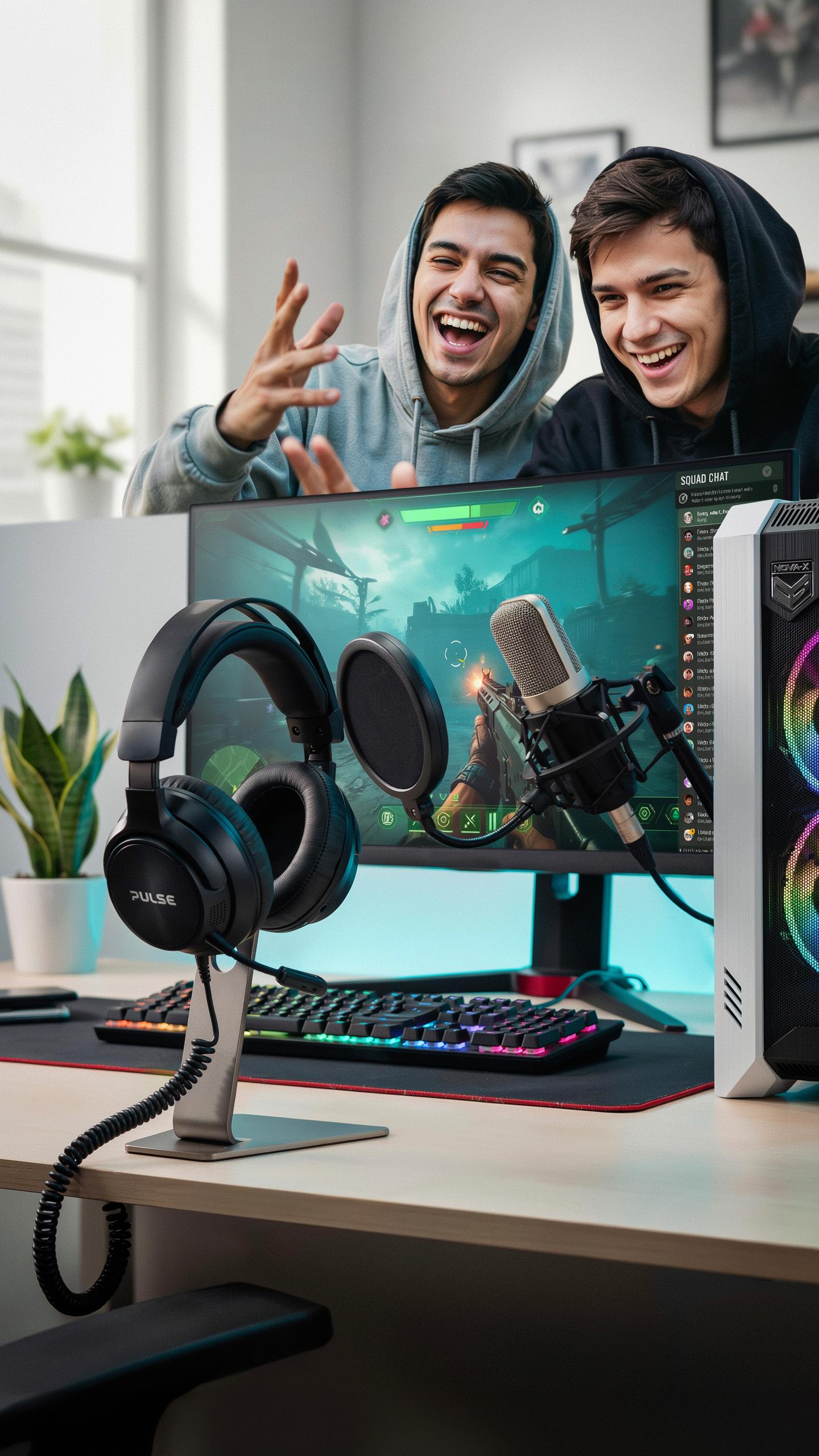
Position your headset microphone 1 to 2 inches from the corner of your mouth. This distance captures your voice while rejecting sound coming from other angles. Angling the mic slightly downward prevents plosives, the sharp sounds from P and B consonants that distort transmission and annoy teammates.
Access your headset’s software or your operating system’s audio settings to adjust microphone gain. Set gain around 75 to 85 percent of maximum. Higher settings amplify background noise along with your voice. Lower settings force teammates to ask you to repeat yourself. Test in actual gameplay to find your optimal level.
Minimizing Background Noise
Gaming rooms generate constant noise that undermines voice clarity. Fans, mechanical keyboards, mouse clicks, and room vibrations all compete with your voice transmission. Isolating these sources prevents wasting bandwidth on unwanted audio while your critical callouts remain sharp and intelligible.
- Close nearby windows and doors: Outside traffic, weather, and neighborhood activity travel through gaps. Sealing these openings reduces ambient sound reaching your microphone significantly.
- Use noise-dampening materials: Soft furnishings like carpets, curtains, and foam panels absorb sound reflections. Hard surfaces bounce noise around rooms and amplify background audio.
- Relocate mechanical devices: Position loud fans, PC towers, and routers away from your microphone. Distance reduces how much noise your headset picks up during voice transmission.
- Switch to silent peripherals: Mechanical keyboards and aggressive mouse models produce clicks that teammates hear constantly. Membrane or optical switches generate less audible noise during gameplay.
- Enable noise gate features: Most gaming headset software includes noise gate functions that mute audio below a certain threshold. Set this threshold just below your normal speaking volume.
Apply these tactics in combination for maximum effect. A single solution rarely eliminates all background interference. Test changes during ranked matches where communication matters most.
Achieving The Ultimate Online Team Play Experience Gaming Headphones
Balancing Audio And Communication
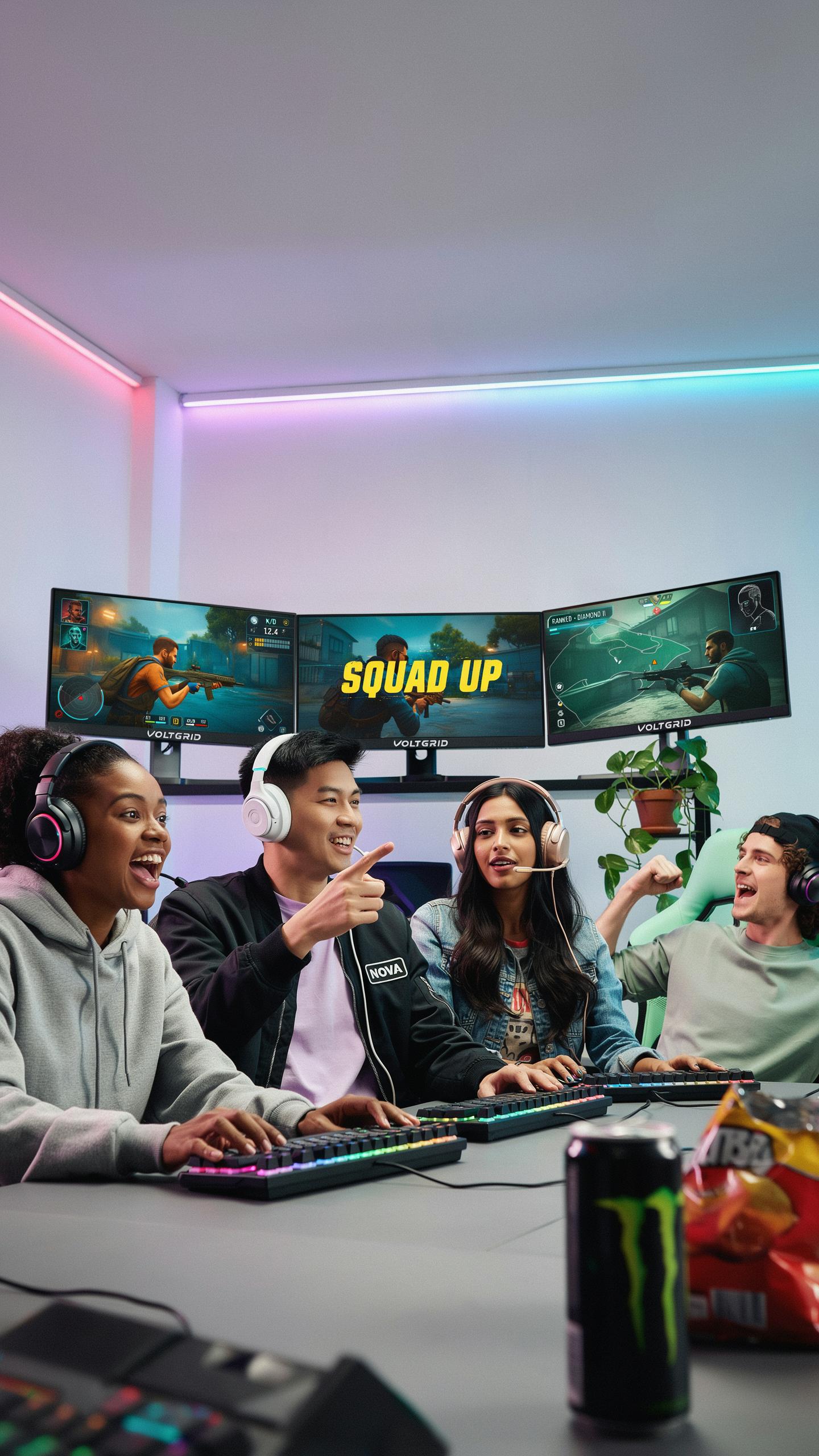
Your gaming headset with clear mic must deliver audio without drowning out voice communication. Most modern headsets use separate audio channels for game sound and voice chat. Adjust in-game audio levels to sit below voice chat frequency ranges. This prevents your teammates’ callouts from getting buried under gunfire or explosions. Test your balance during actual gameplay, not in menus. Different games require different adjustments based on sound design.
The microphone itself needs isolation from game audio feedback. Use unidirectional microphone patterns that pick up only your voice. Position the mic 2-3 inches from your mouth for optimal capture. Mute your speakers or lower them if you hear echo during team comms. Hardware gain settings on your headset control input levels independently of output levels. Balancing these two channels separately prevents audio bleed and maintains team coordination.
Future Trends In Gaming Audio
Spatial audio technology continues advancing beyond standard stereo imaging. Modern headsets now incorporate head tracking and object-based audio that creates precise 360-degree soundscapes. This technology helps teams locate enemy positions faster through sound cues alone. Windows Sonic and Dolby Atmos integration on gaming headsets makes this accessible without console limitations. Expect wider adoption across budget and mid-range headsets in coming years.

Microphone technology moves toward AI-powered noise cancellation that distinguishes voice from environmental sound. Hardware manufacturers develop directional microphones that ignore keyboard clicks and background noise. Voice activity detection improves to reduce false triggers during gameplay. Battery-powered active noise cancellation spreads to wireless gaming headsets. These advancements benefit both solo players and teams by ensuring communication clarity regardless of environment.
Frequently Asked Questions
What’s the most important feature to look for in a gaming headset for team play?
The most important feature for online team play is undoubtedly a clear microphone. Your teammates need to understand every callout and strategy without distortion or background noise. Look for headsets with noise-canceling or unidirectional mics to ensure your communication is crystal clear, making for a much better gaming experience.
How can I ensure my gaming headset with clear mic sounds professional and not muffled during calls?
To ensure your gaming headset with clear mic sounds professional, check its positioning. The mic should be close to your mouth, but not directly in front to avoid plosives. Adjust your audio settings within your game or communication software, enabling noise suppression if available, and perform a mic test before diving into team play.
Are there affordable gaming headsets with clear mics that still perform well for serious gamers?
Absolutely! You don’t need to break the bank to find a high-performing gaming headset with clear mic. Many brands offer excellent budget-friendly options that prioritize microphone clarity and comfortable design. Look for wired options, as they often provide better value and reliable audio performance compared to wireless counterparts at similar price points.



