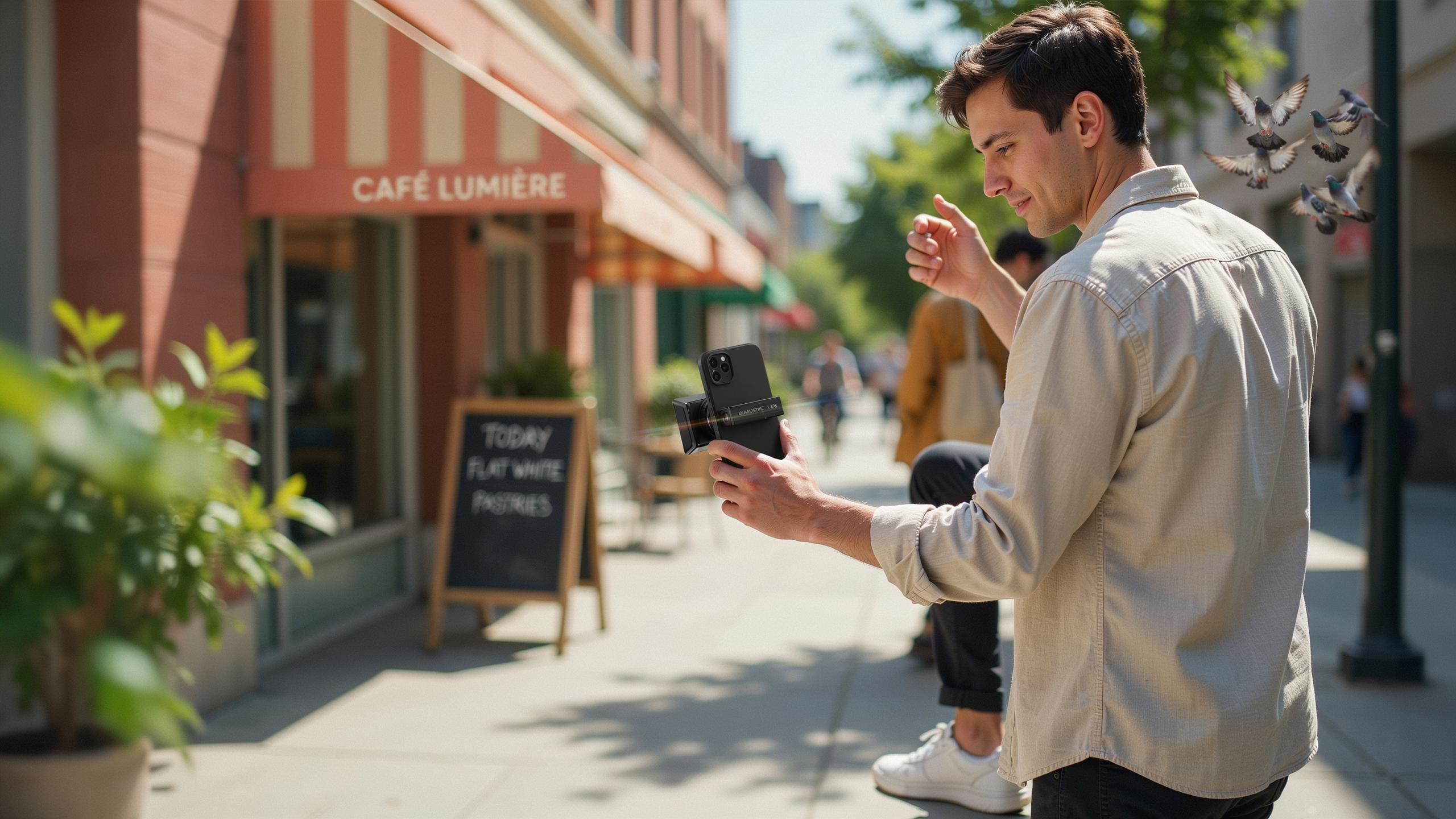
What Is An Anamorphic Lens And Why Filmmakers Love It
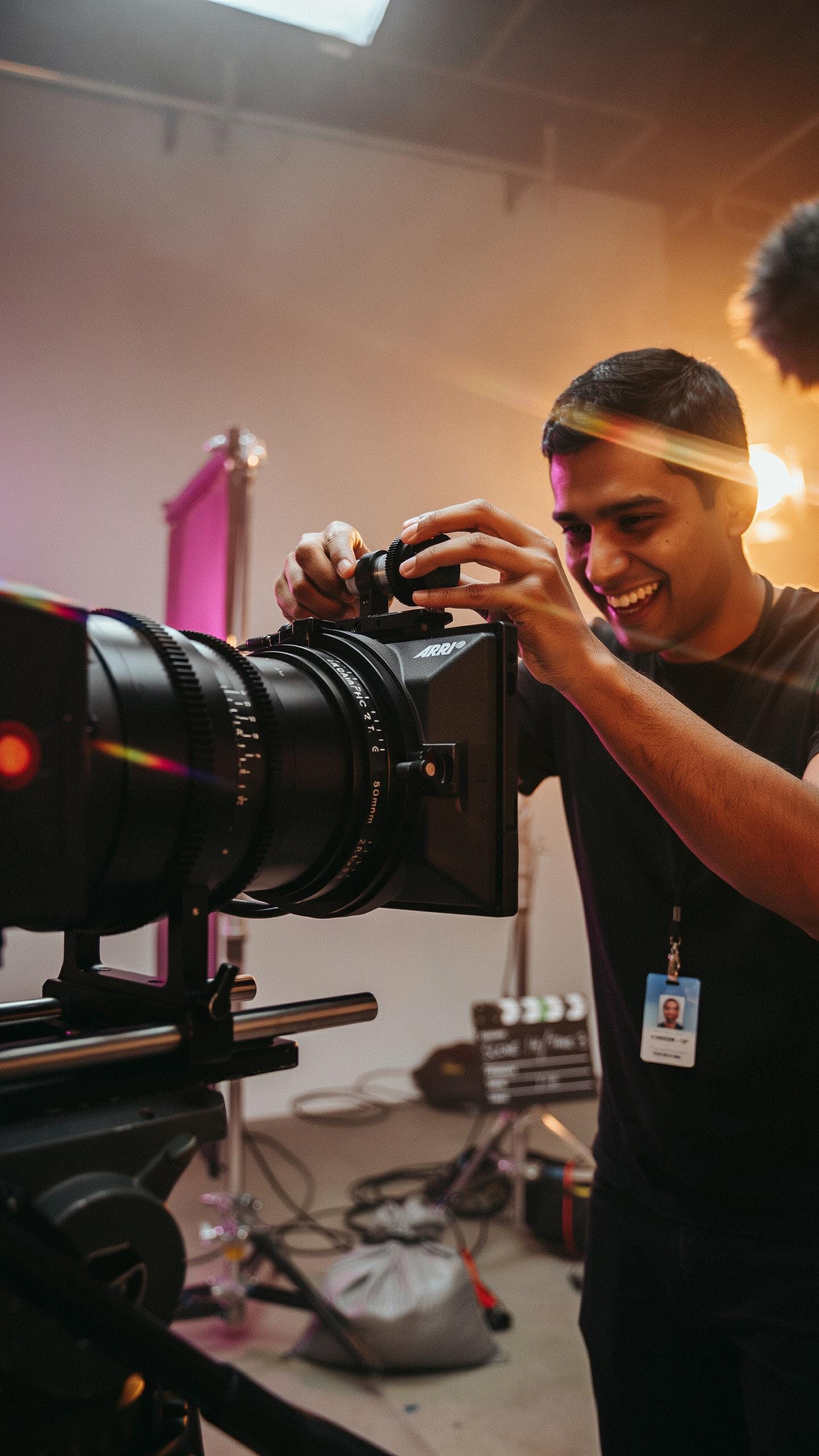
Understanding The Anamorphic Effect
Anamorphic lenses compress the image horizontally during capture, then expand it during playback. This creates a wider aspect ratio than the sensor naturally records. The result is a cinematic look that audiences recognize from theatrical releases. The compression happens through a cylindrical lens element that squeezes the image horizontally while leaving vertical compression untouched.
Filmmakers choose anamorphic lenses for two distinct visual markers. First, they produce oval bokeh instead of circular, creating recognizable out-of-focus shapes. Second, they deliver widescreen framing without cropping, preserving more vertical information than standard wide lenses. These characteristics became synonymous with high-end cinema, making them valuable for professional and semi-professional productions seeking that specific aesthetic.
The History And Evolution Of Anamorphic Lenses
Anamorphic technology emerged in cinema during the 1950s as studios competed with television. The format solved a specific problem: theaters needed a way to fill wider screens without investing in new camera systems. Henri Chrétien invented the CinemaScope process, which used anamorphic lenses to compress wide images onto standard film stock. This technique became the dominant widescreen standard throughout the era and remained central to theatrical filmmaking.
Smartphone anamorphic adapters represent a direct adaptation of this century-old principle. Manufacturers mount cylindrical lens elements in front of phone cameras to replicate the compression effect. These adapters emerged as smartphone filmmaking gained serious traction in the 2010s. The technology translates established cinema language directly to mobile devices, letting creators achieve theatrical looks without expensive cinema cameras or post-production work.

The Rise Of Smartphone Filmmaking And Anamorphic Lenses

Democratizing Filmmaking With Mobile Devices
Smartphones have removed the barrier to entry for video production. Ten years ago, professional video equipment cost thousands of dollars and required technical expertise. Today, every smartphone ships with capable video sensors and processing power. This shift means creators, journalists, and small businesses can produce broadcast-quality content without major capital investment. The tools are in your pocket.
Production timelines have compressed dramatically. You shoot, edit, and publish from the same device. This speed matters. News organizations use smartphones for breaking coverage. Independent filmmakers build audiences without studio backing. The hardware democratization created a talent pool that would never exist in the expensive equipment era. Skill now matters more than budget.
Why Anamorphic Lenses Are Perfect For Smartphone Filmmakers
Anamorphic lenses deliver the cinematic look that audiences expect from premium content. They compress the image horizontally while preserving vertical information, creating the distinctive wide-format aesthetic associated with theatrical films. Smartphone cameras produce clean digital video but lack character. Anamorphic optics add intentional distortion and flare that signals production value. The format tells viewers this content matters.

Anamorphic lenses are practical additions to smartphone rigs. They mount via simple clip systems on existing lens adapters without requiring internal modifications. The optical compression creates a focal length multiplication effect, effectively extending your reach. You get creative control over depth of field and focus throw. For smartphone filmmakers, anamorphic adapters deliver professional results through straightforward mechanical solutions rather than complex software workarounds.
Choosing The Right Anamorphic Lens For Your Smartphone
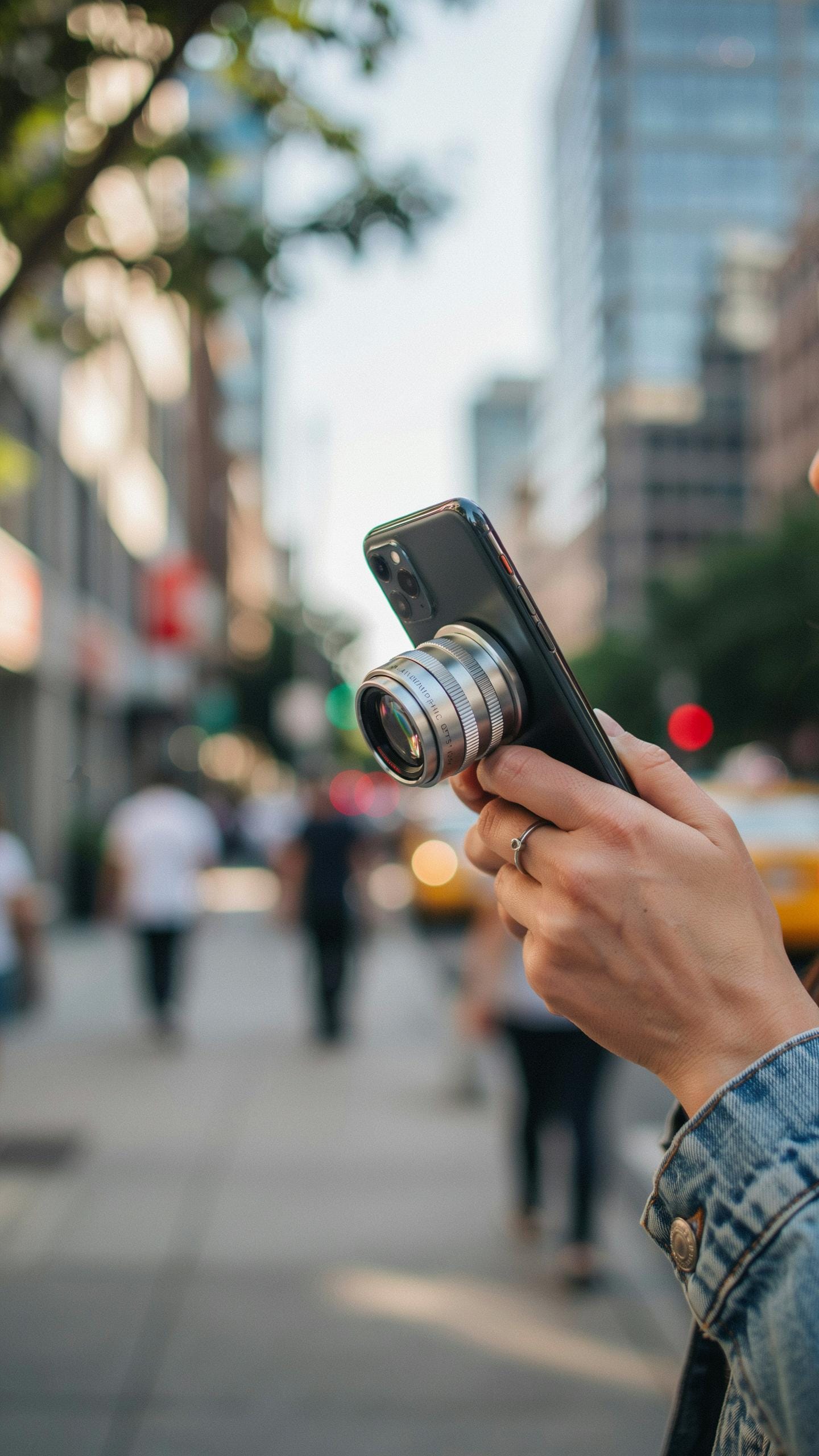
Key Factors When Selecting An Anamorphic Lens
Squeeze factor determines how much horizontal compression the lens applies to your image. Most smartphone anamorphic lenses offer either 1.33x or 1.5x squeeze ratios. A 1.33x squeeze creates subtle letterboxing and works well for narrative content. A 1.5x squeeze produces more dramatic cinematic framing. Higher squeeze factors deliver stronger anamorphic aesthetics but require more horizontal screen real estate during shooting and editing.
Build quality directly impacts durability and optical performance. Premium anamorphic lenses use multi-coated glass elements that reduce flares and aberrations. Cheaper models often suffer from internal reflections and color shifts. Check mounting compatibility with your specific phone model and case setup. Weather sealing matters if you shoot outdoors regularly. Metal bodies withstand drops better than plastic, though they add weight and cost.
Popular Anamorphic Lens Brands For Smartphones
Sandmarc produces dedicated smartphone anamorphic lenses with 1.33x and 1.5x squeeze options. Their lenses mount via a universal clamp system compatible with most phones and cases. Sandmarc emphasizes optical coatings to minimize lens flare and ghosting artifacts. The brand targets mobile filmmakers seeking professional results without cinema camera investment. Their accessories ecosystem includes anamorphic lens hoods and protective cases designed for field use.

Other established manufacturers like Moment and Olloclip offer anamorphic solutions with varying specifications. Moment focuses on premium optics and precise lens geometry calibrated for modern smartphone sensors. Olloclip provides compact, lightweight designs that prioritize portability over some optical performance. Each brand maintains different mounting systems, so verify compatibility before purchasing. Research user reviews on actual footage to assess optical quality differences since specs alone don’t capture real world performance variations.
Setting Up Your IPhone Cinema Rig For Anamorphic Shots
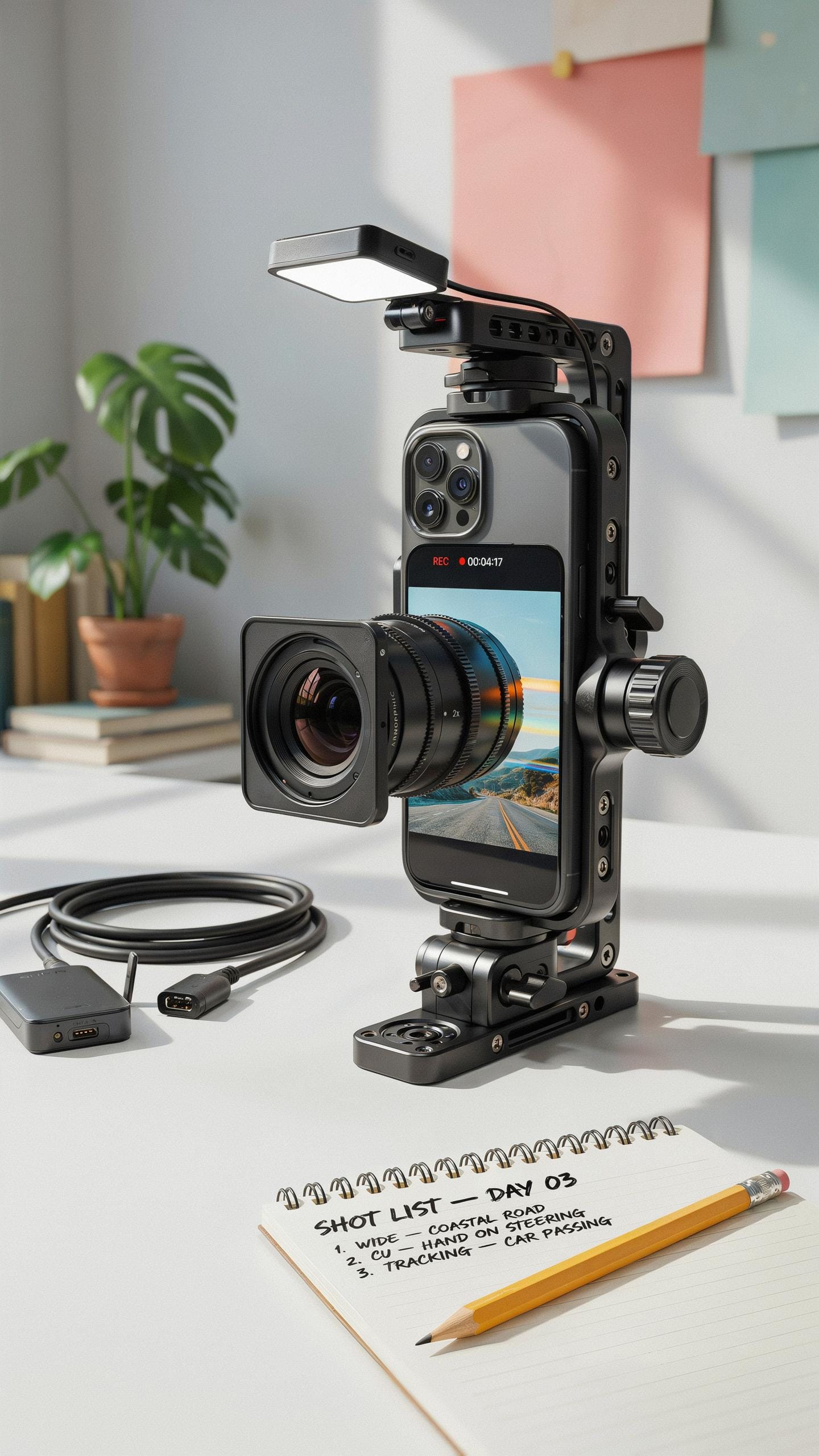
Assembling Your IPhone Cinema Rig
Your smartphone becomes a cinema camera when you layer the right components. Mount your iPhone to a rig plate using a secure phone holder that won’t slip during shooting. Attach your anamorphic lens adapter to the front of your phone’s camera. Add an external microphone on top or to the side, positioning it away from handling noise.
Connect a follow focus wheel if your anamorphic lens has manual focus capability. This wheel sits on your rig and lets you adjust focus smoothly without touching the lens. Route cables cleanly along the rig so they don’t create drag or noise during movement. Keep weight balanced to prevent the rig from feeling top-heavy or difficult to control during handheld work.
Ensuring Stability With An IPhone Stabilizer
Smooth footage separates professional anamorphic work from shaky phone videos. A three-axis gimbal eliminates camera shake and drift during walking shots or pans. Gimbals work best on rigs because the iPhone attaches to the gimbal head with balanced weight. Start with gimbal settings calibrated for your specific rig weight to avoid motors fighting the load.

Tripods provide locked stability when your anamorphic shot requires no movement. Use a fluid head tripod with smooth pan and tilt capability for controlled camera moves. For stationary shots where anamorphic flares and bokeh are your focus, tripods eliminate stabilization work entirely. Lock down your anamorphic lens focus before rolling to prevent drift during the take.
Mastering Anamorphic Lens Photography And Videography
Techniques For Capturing Stunning Anamorphic Photos
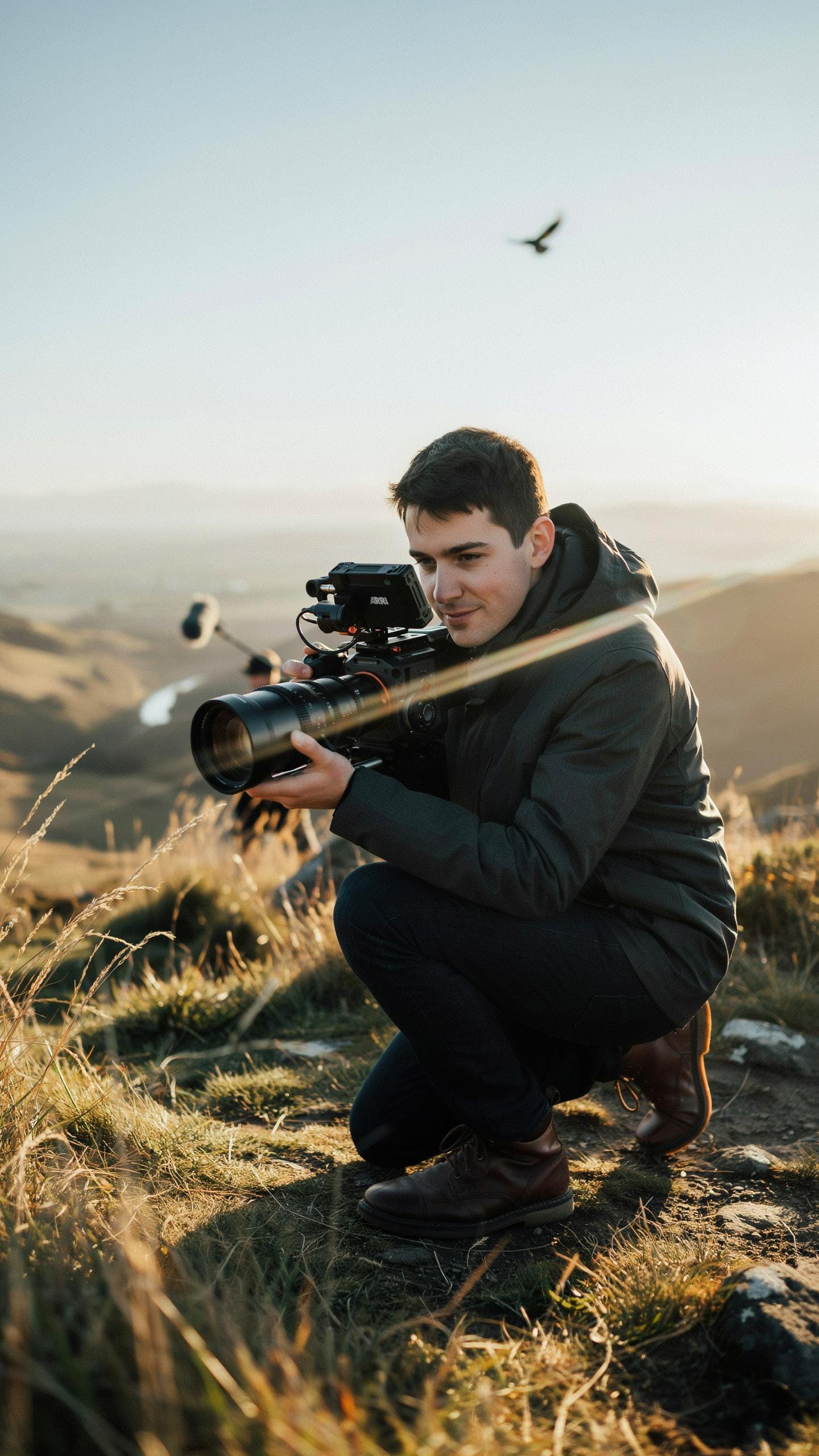
Anamorphic lenses compress the horizontal axis of your frame while maintaining vertical information. This creates wider aspect ratios and distinctive oval bokeh that standard lenses cannot replicate. Position your subject off-center to leverage the stretched field of view. Shoot at wider apertures to emphasize the characteristic bokeh shapes. Backlighting and flare work effectively with anamorphic optics because the lens design amplifies light distortion and creates signature lens artifacts.
Exposure metering requires adjustment when using anamorphic adapters on smartphones. The lens attachments reduce light transmission, forcing you to compensate with longer shutter speeds or higher ISO. Bracket your shots to account for the compressed horizontal information affecting your light meter readings. Test your specific lens and phone combination in controlled lighting before shooting critical content. The optical design means standard exposure algorithms may underexpose your images by half to one stop.
The magic of widescreen storytelling is now in the palm of your hand, capturing moments with that cinematic charm you’ve always admired. It’s like finding a treasure map to your own movie memories, made simple.
Filmmaking With Anamorphic Lenses Best Practices
Framing for anamorphic video demands wider composition than standard smartphone work. The horizontal compression means elements positioned at frame edges appear closer together than they actually are. Push your subject further into the frame than you normally would. Use negative space strategically because the stretched format magnifies any compositional imbalance. The aspect ratio typically sits between 2.4:1 and 2.66:1, requiring intentional planning for title placement and action staging.

Lighting setup changes significantly with anamorphic adapters due to reduced light transmission and altered flare characteristics. Hard light sources create pronounced anamorphic artifacts and lens flares that become part of your visual storytelling. Position key lights to exploit these lens behaviors rather than avoid them. Camera movement demands steadier support because horizontal panning appears accelerated in anamorphic format. Gimbal stabilization becomes essential for professional results, as handheld work amplifies the stretched perspective distortion.
De Squeezing And Post Production For Anamorphic Footage
Understanding The De Squeeze Process
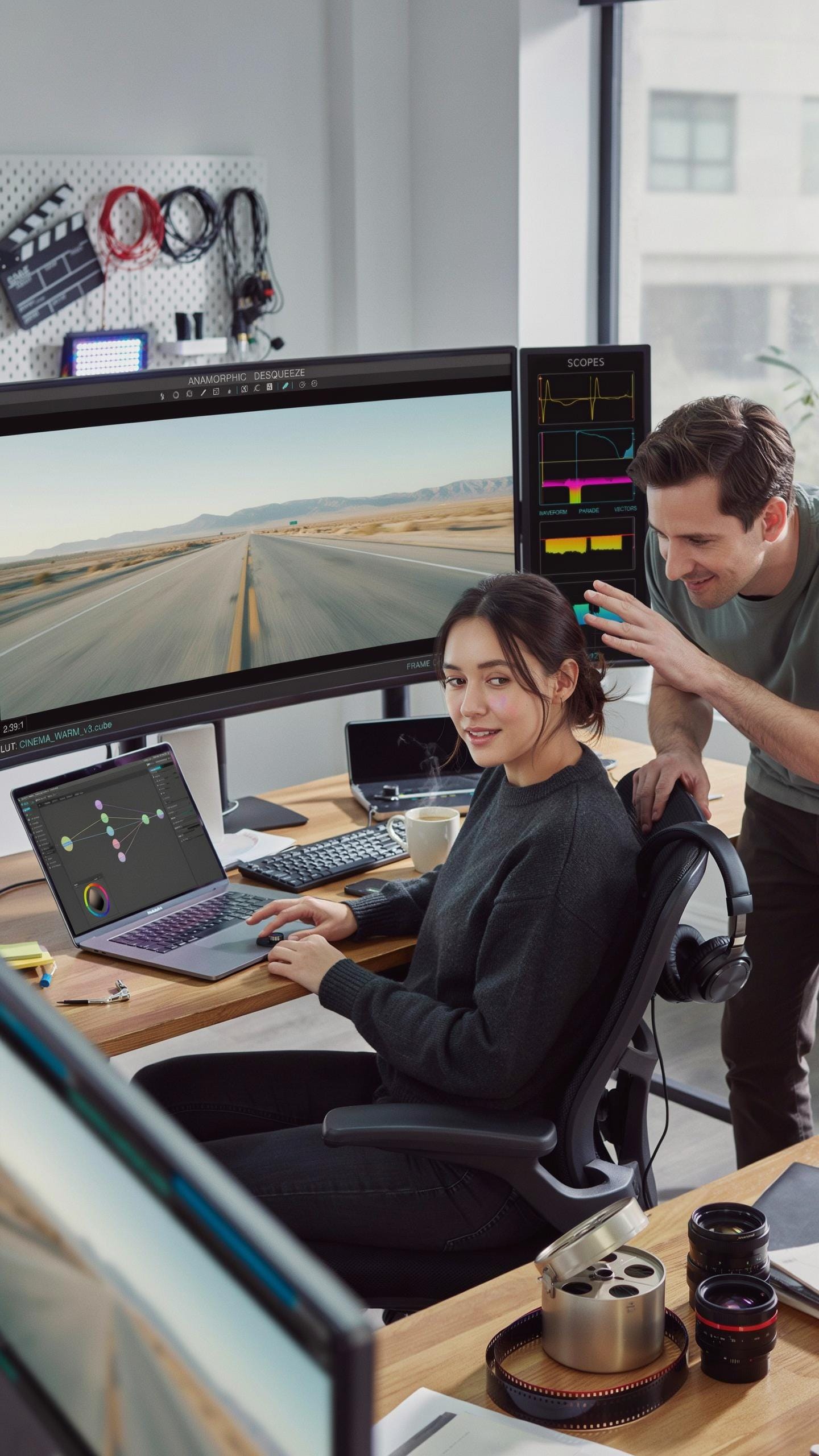
Anamorphic footage comes out horizontally compressed. Your editing software stretches it back to the proper cinematic aspect ratio. The compression ratio depends on your lens. Most smartphone anamorphic lenses use a 1.33x squeeze factor. You apply a horizontal scale adjustment to reverse this. The math is simple: multiply the width by your lens’s squeeze factor. This restores the intended framing and proportions.
De squeezing happens in the editing timeline, not during capture. You set it once per project and apply it to all clips. Some software does this automatically when you tag footage as anamorphic. Others require manual adjustment through scale or aspect ratio controls. Getting this step right determines whether your final image looks correct or stretched wrong. Test your settings on a reference clip before processing the full edit.
Editing Software And Workflows For Anamorphic Video
Adobe Premiere Pro handles anamorphic de squeezing through the Scale parameter in Effects. You can create an adjustment layer for consistent application across all footage. DaVinci Resolve offers native anamorphic support in its project settings. Set your aspect ratio there and Resolve applies de squeezing automatically to your timeline. Final Cut Pro includes anamorphic presets in its metadata options. These applications support color grading pipelines necessary for anamorphic work.
Mobile editing apps like LumaFusion and CapCut lack true anamorphic de squeezing features. These tools work better for basic cuts and transitions than color grading workflows. If you shoot anamorphic on your phone, plan to finish on desktop software. Exporting footage to a computer ensures you have proper de squeezing and grading capabilities. Desktop workflows give you precision control over the final image quality and aspect ratio accuracy.
Creative Uses For Anamorphic Lenses In Filmmaking
Achieving Cinematic Storytelling With Anamorphic Lenses
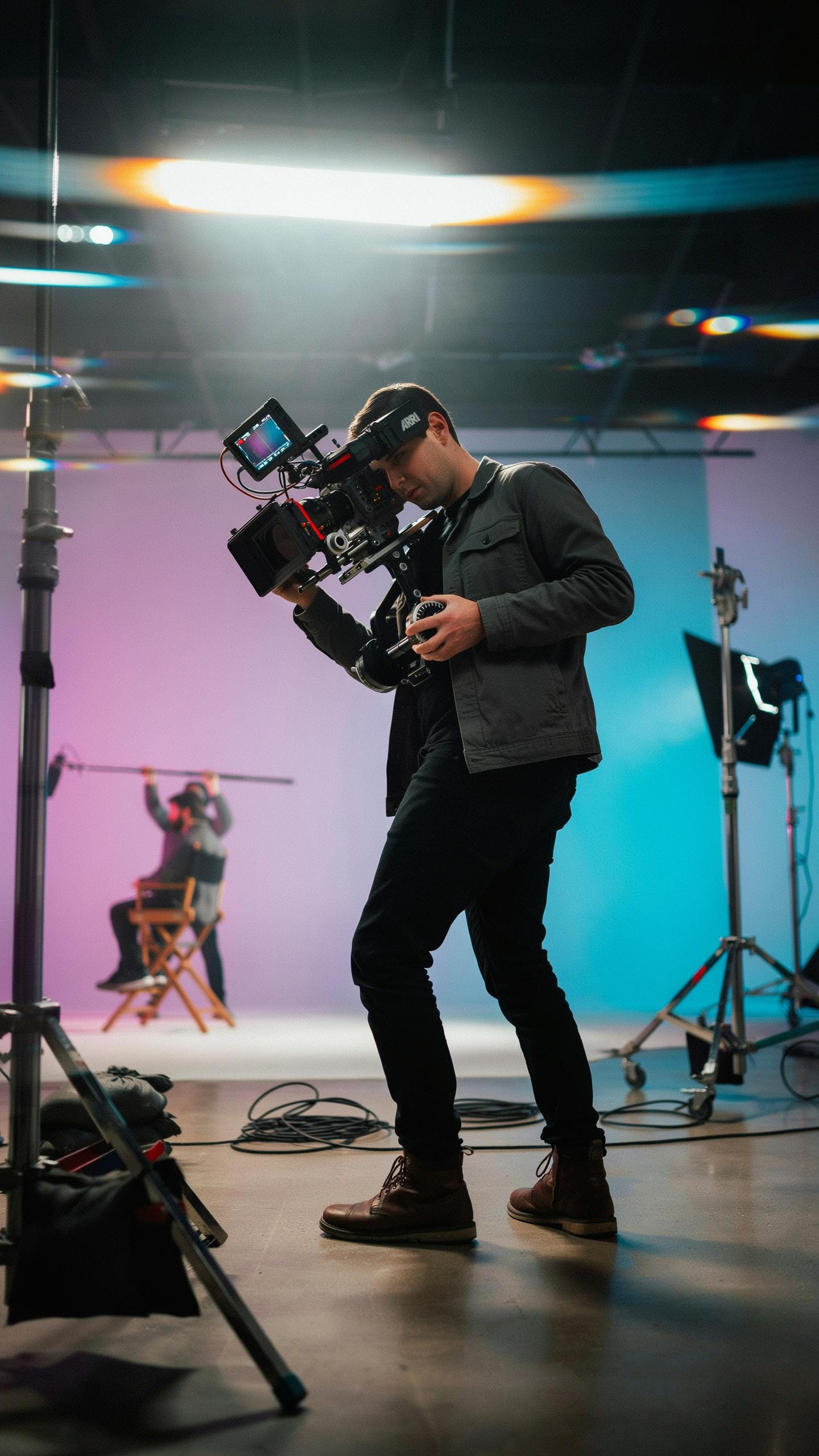
Anamorphic lenses compress the horizontal plane while preserving vertical information. This creates a wider aspect ratio that matches theatrical cinema standards. The compressed perspective changes how viewers perceive depth and scale within your frame. Wide shots feel grander. Close-ups feel more intimate. This optical property directly influences emotional response and narrative weight without requiring editing tricks or post-production manipulation.
The stretched horizontal compression also produces horizontal lens flares and elongated bokeh shapes. These optical artifacts became visual signatures of prestige cinema over decades. Modern audiences recognize these elements as markers of high-budget production value. Smartphone anamorphic adapters replicate this look by using aspherical lens elements that compress the image horizontally. You control the storytelling impact through lens choice and subject positioning, not through software filters.
Experimenting With Flare And Bokeh For Artistic Effect
Anamorphic lenses generate distinctive horizontal lens flares when bright light sources sit in frame or just outside it. The flares stretch across the image in linear patterns rather than appearing as circular artifacts. This happens because the compressed image geometry bends light differently than spherical lenses. You can position light sources deliberately to trigger these flares. The effect works particularly well during golden hour or when shooting toward practical lights like streetlamps or neon signs.

Oval bokeh in anamorphic footage appears as elongated circles rather than round shapes. The bokeh stretches horizontally, creating a recognizable aesthetic signature. Out of focus highlights separate from the main subject with clear definition and shape. This separation draws viewer attention to your subject while the stretched bokeh adds visual texture. Experiment by positioning lights behind your subject at varying distances. Adjust your aperture to change bokeh intensity and size while maintaining sharp focus on your intended subject.
Common Challenges And Solutions With Anamorphic Lenses
Addressing Technical Hurdles In Anamorphic Smartphone Filmmaking
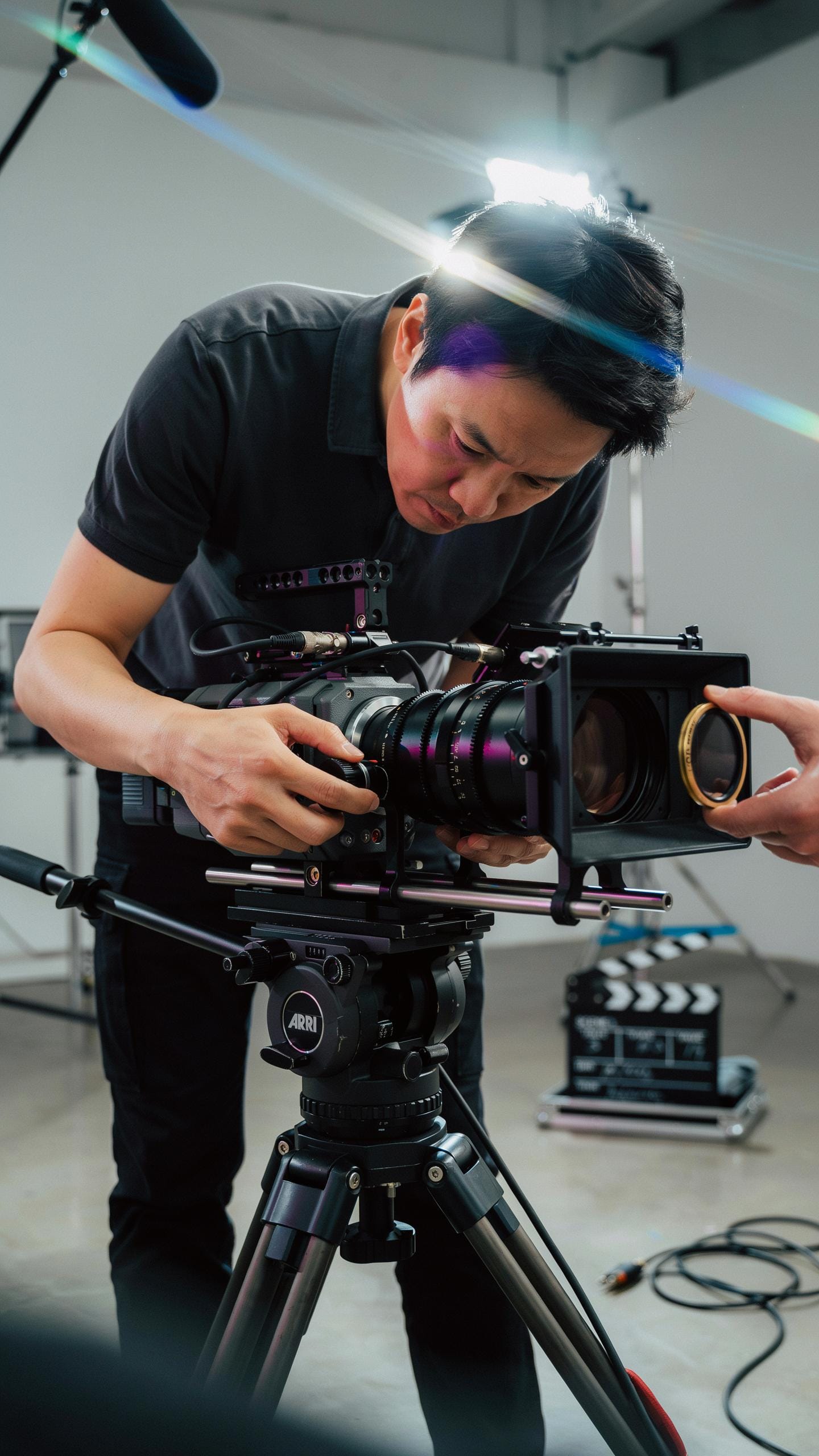
Manual focus becomes critical with anamorphic lenses because their compressed horizontal field of view creates a shallow depth of field. Your phone’s autofocus struggles to track subjects reliably through the anamorphic adapter. Use manual focus peaking when available in your recording app. Rack focus slowly and deliberately. Practice your focus pulls before shooting. Mark focus distances on your phone rig with tape for consistency during takes.
Lens distortion and vignetting are inherent to anamorphic optics, not flaws. The oval bokeh and edge softness define the anamorphic look intentionally. Cheap adapters introduce excessive distortion and purple fringing that degrades image quality beyond acceptable levels. Invest in quality glass. Adjust your framing to account for vignetting rather than fighting it. Lighting conditions demand compensation because anamorphic adapters reduce light transmission by one to two stops.
Troubleshooting And Optimizing Your Anamorphic Workflow
Color fringing appears when smartphone sensors struggle with the anamorphic adapter’s optical path. Minimize this by maintaining clean lens elements and using neutral density filters instead of pushing ISO. Always shoot in controlled lighting when possible. Clean your phone’s sensor before filming anamorphic content. Dust particles become visible at the adapter’s magnification levels.

Stability issues multiply when you add optical weight to your phone rig. A basic tripod no longer cuts it. Use a shoulder rig or gimbal specifically designed for smartphone cinema. Test your stabilization setup with actual anamorphic adapters attached before production days. Phone overheating occurs during extended anamorphic shoots because the adapter can block cooling vents and processing demands increase. Shoot in shorter intervals. Remove cases that trap heat. Keep spare phones charged and ready.
Future Of Anamorphic Lenses And Smartphone Camera Lens Attachment Technology
Innovations In Smartphone Camera Lens Attachment Design
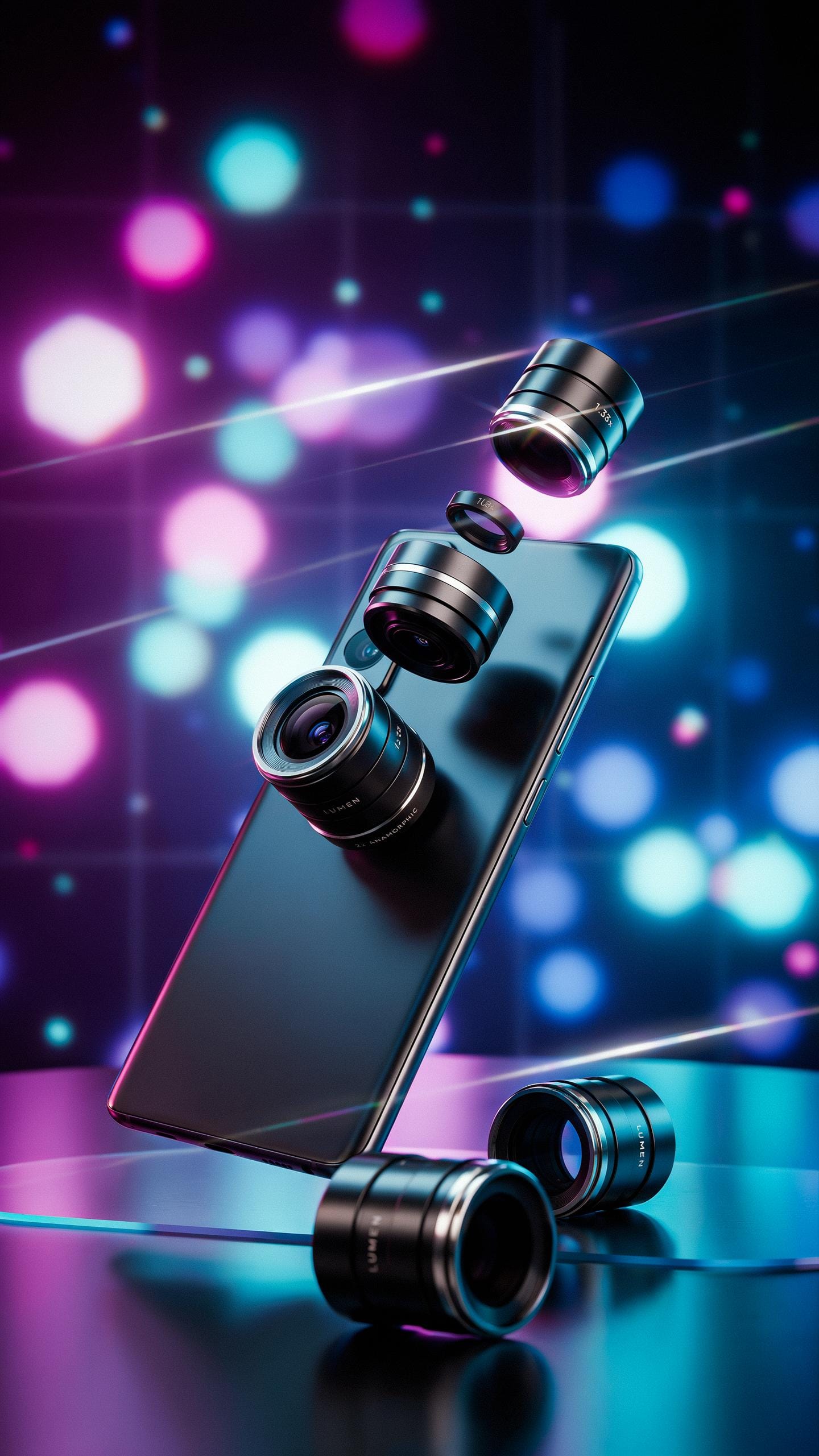
Manufacturers are moving toward magnetic mounting systems that eliminate mechanical tolerances plaguing current screw-on designs. Stronger rare-earth magnets and precision-engineered contact points reduce optical misalignment. Companies develop faster autofocus mechanisms that work with anamorphic glass without hunting for focus. Coatings now minimize flare and ghosting inherent to anamorphic optics. These refinements directly address the optical compromises that have limited smartphone anamorphic adoption among professional users.
Integration with computational photography represents the next frontier. Phones process anamorphic footage natively through dedicated ISP pipelines rather than treating it as standard video. This enables real-time stabilization optimized for the anamorphic aspect ratio. Manufacturers build anamorphic profiles into camera apps, automating exposure and white balance adjustments. Hardware-software synergy eliminates manual compensation steps that currently slow production workflows and introduce inconsistency between takes.
The Evolving Landscape Of Mobile Filmmaking
Anamorphic lenses anchor smartphone filmmaking as a legitimate production format for narrative work. Networks and streaming services now accept anamorphic smartphone footage in feature shorts and episodic content. This legitimacy drives demand for better glass and more refined attachment systems. Production houses establish anamorphic smartphone capture as standard for specific project types. The shift reflects practical economics: anamorphic smartphones deliver specific visual signatures faster and cheaper than full-frame rigs.
Aspiring filmmakers adopt anamorphic smartphones earlier in their careers due to declining hardware costs and accessibility. Technical barriers that existed five years ago no longer prevent entry-level experimentation. This democratization accelerates the normalization of anamorphic smartphone work across education and independent production. Future cinematographers will cut their teeth on anamorphic smartphones before graduating to larger formats. The tool moves from niche accessory to foundational technique in modern filmmaking education and practice.
Frequently Asked Questions

What exactly is an anamorphic lens and why would I want one for my smartphone filmmaking?
An anamorphic lens for smartphone filmmaking is a special optic that squeezes a wider field of view horizontally onto your phone’s sensor. When de-squeezed in editing, it creates the cinematic widescreen aspect ratio, distinctive oval bokeh, and often horizontal lens flares, giving your mobile videos a professional, film-like aesthetic.
How do I attach and calibrate an anamorphic lens to my specific smartphone model?
Most anamorphic lenses come with a clip or a dedicated phone case that securely mounts the lens over your phone’s main camera. Calibration usually involves aligning the lens horizontally with your phone’s camera. Many companion apps for anamorphic lenses also offer digital de-squeeze functionality and framing guides for simpler setup.
Are there affordable options for an anamorphic lens for smartphone filmmaking, or is it a luxury accessory?
Absolutely! While professional-grade anamorphic lenses can be pricey, there are several budget-friendly options available perfect for beginners. Many brands offer starter kits that include a high-quality anamorphic lens for smartphone filmmaking at a fraction of the cost, making this cinematic tool accessible to more creators.



