What Is A Bluetooth Remote Shutter For Phone
Explanation
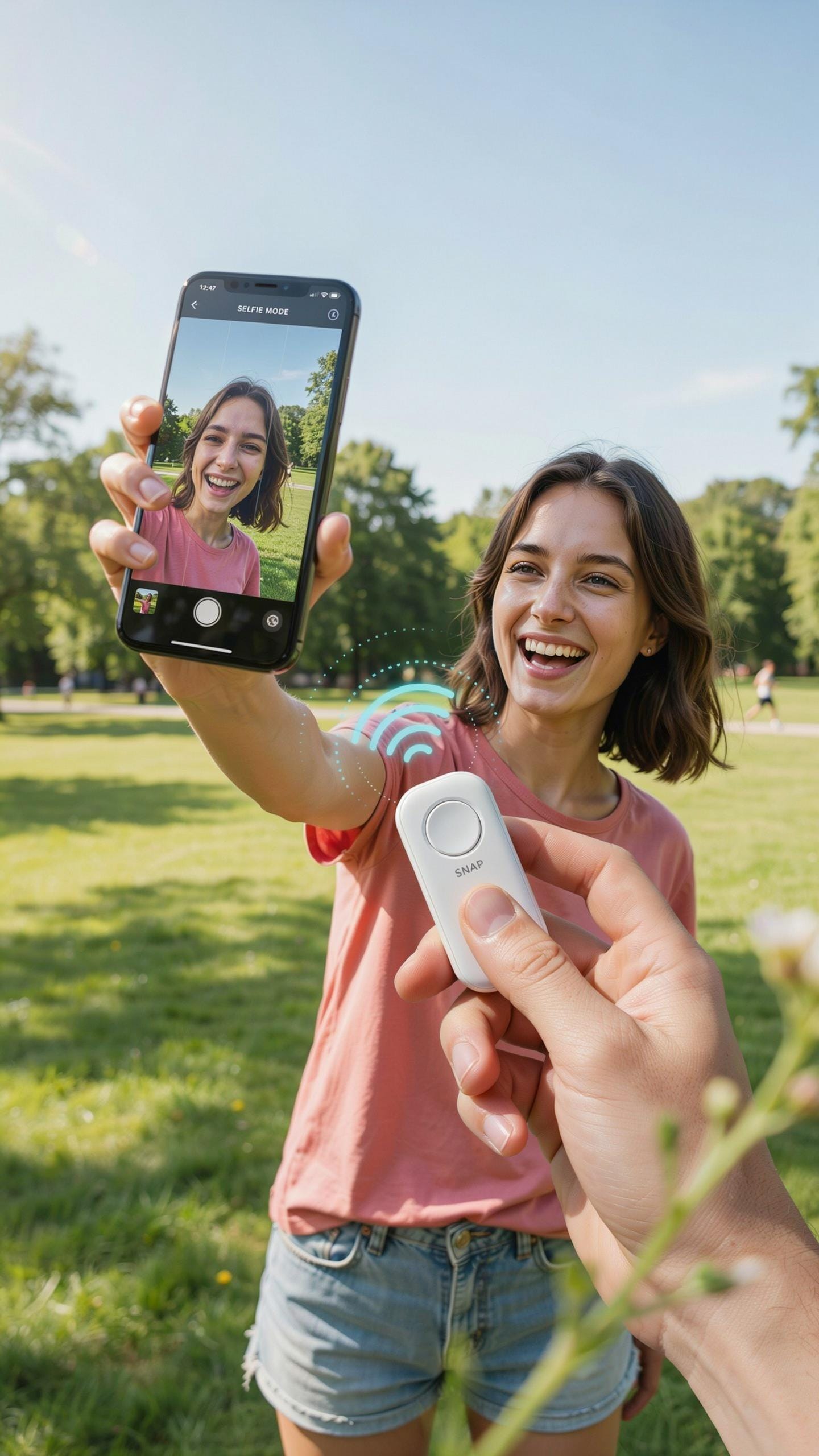
A Bluetooth remote shutter is a wireless device that pairs with your smartphone via Bluetooth connectivity. The device transmits a signal to your phone’s camera app, triggering the shutter without requiring you to touch the device. Most models work with both iOS and Android phones through standard camera applications or third-party apps.
The remote typically uses a button mechanism that sends a Bluetooth command to activate your phone’s camera function. This connection happens instantly, allowing near real-time photo capture. The devices range in size from small key fobs to larger handheld remotes, with most powered by replaceable batteries or rechargeable lithium cells.
Mechanism
This device eliminates camera shake by removing the need to physically press your phone’s screen to capture images. When you press the remote’s button, the Bluetooth signal reaches your phone without any physical contact, resulting in sharper photos. The photographer can now position themselves in the frame alongside others instead of standing behind the camera.
The remote communicates with your phone through paired Bluetooth protocols, typically requiring a one-time setup process. Once paired, the connection automatically re-establishes when both devices are in range. This functionality works at distances between 15 to 100 feet depending on the device model and environmental interference from walls or other obstacles.

Why Use A Bluetooth Remote Shutter For Group Photos

Inclusion
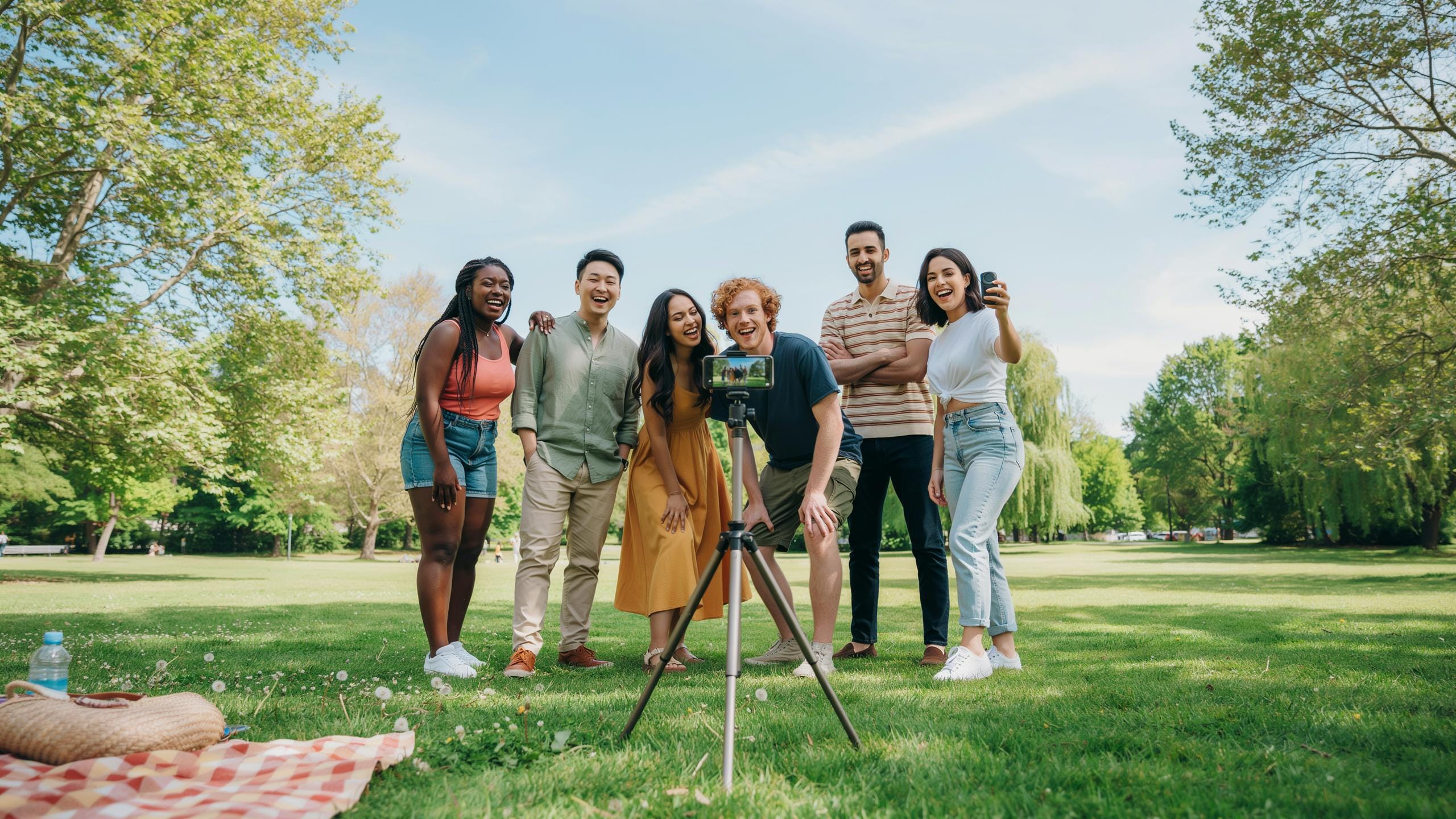
A bluetooth remote shutter solves a core problem with group photography: the photographer gets left out. When you use the phone’s physical button, you must either set a timer or hand the phone to someone else. Both methods create friction. A remote keeps you in control and in the frame. You trigger the shutter from your position in the group, ensuring you capture the moment with everyone present.
The remote eliminates the need for timers or asking someone to hold your phone. You stay focused on positioning and framing rather than scrambling to get into position before a countdown ends. This saves time and reduces missed shots. Your presence in group photos becomes the default, not an afterthought.
Stability
Pressing your phone’s shutter button creates micro movements that blur photos. Your finger applies force directly to the device, causing vibration at the moment of capture. A bluetooth remote fires the shutter wirelessly, cutting this contact entirely. The result is sharper images with better detail, especially in indoor or low light group settings where movement shows more clearly.

Camera shake compounds when multiple people stand close together, amplifying any small motion through the frame. Removing the physical button press eliminates one major source of this blur. Your group photos gain clarity and definition without requiring additional equipment like tripods or stabilizers. This improvement matters most when lighting is poor or you’re shooting at slower speeds.
Compatibility Bluetooth Remote Shutter And Your Phone
Universal
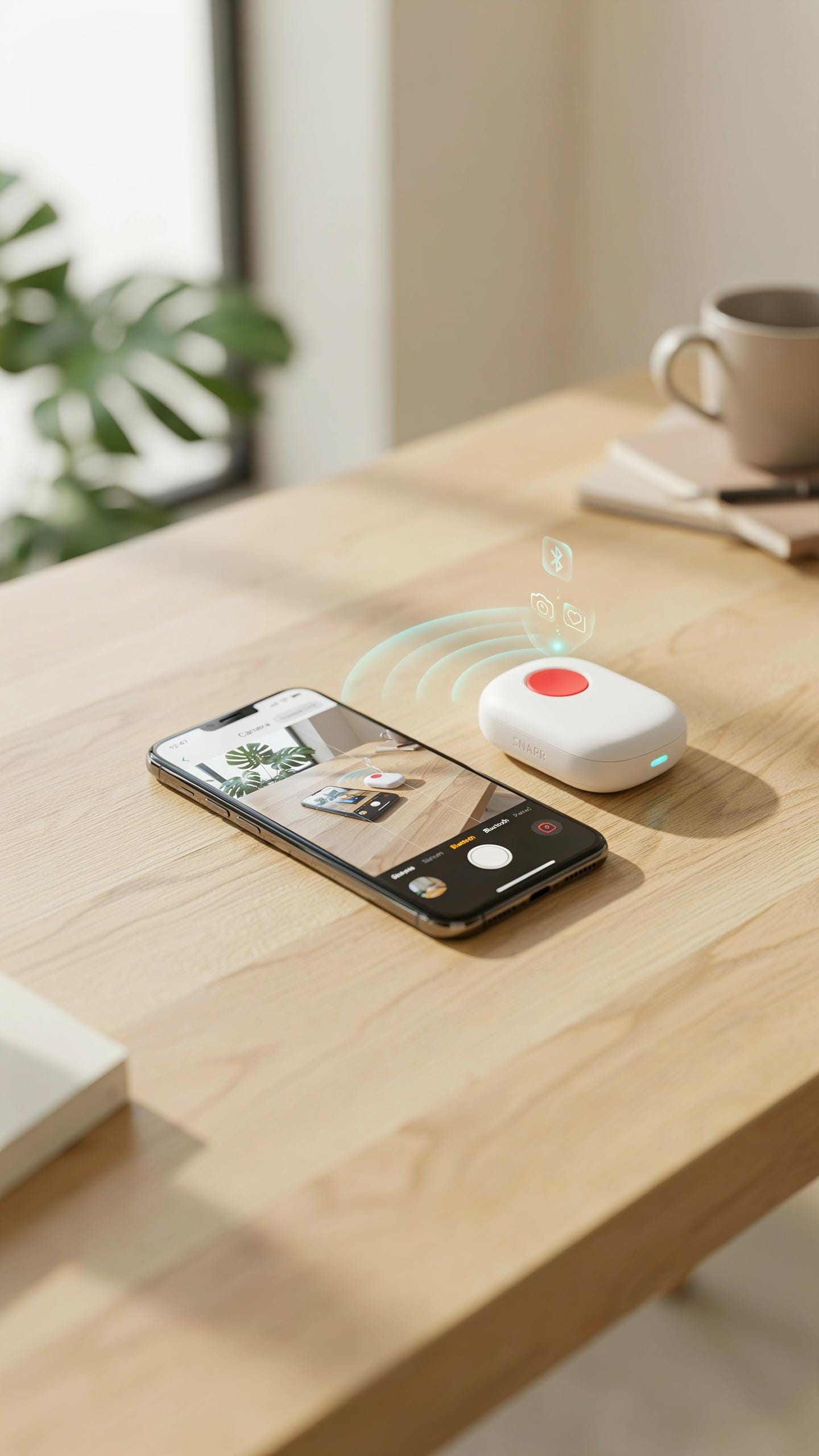
Bluetooth remote shutters work with both iOS and Android devices without requiring special versions. The remote itself contains no operating system specific code. It transmits a standard Bluetooth signal that triggers the camera app on your phone. This works because both platforms support the same Bluetooth protocols for camera control. You buy one remote and use it across multiple phones without limitations.
The remote communicates through Bluetooth HID, or Human Interface Device protocol. This is the same standard that connects wireless keyboards and mice to computers. Your phone recognizes the remote as an input device and interprets the signal as a shutter command. No app installation is required for basic functionality on either platform. This universal approach eliminates compatibility headaches entirely.
Those shared smiles, captured with ease from a distance, become the sweetest memories we revisit again and again.
Pairing
Connect your Bluetooth remote shutter to your phone using the standard pairing process found in your phone’s settings. Turn on the remote and enable Bluetooth on your device. Navigate to your Bluetooth settings menu and select the remote when it appears in available devices. The pairing completes in seconds once both devices recognize each other. After initial pairing, the remote connects automatically when powered on.

Pairing only needs to happen once per device. Your phone remembers the remote and reconnects without user input on subsequent uses. If you switch phones, repeat the pairing process on the new device. The remote itself stores pairing information for multiple phones simultaneously, though it typically connects to the most recently paired device first. This flexibility makes the remote practical for people with multiple smartphones.
Features To Look For In A Remote Camera Shutter
Range
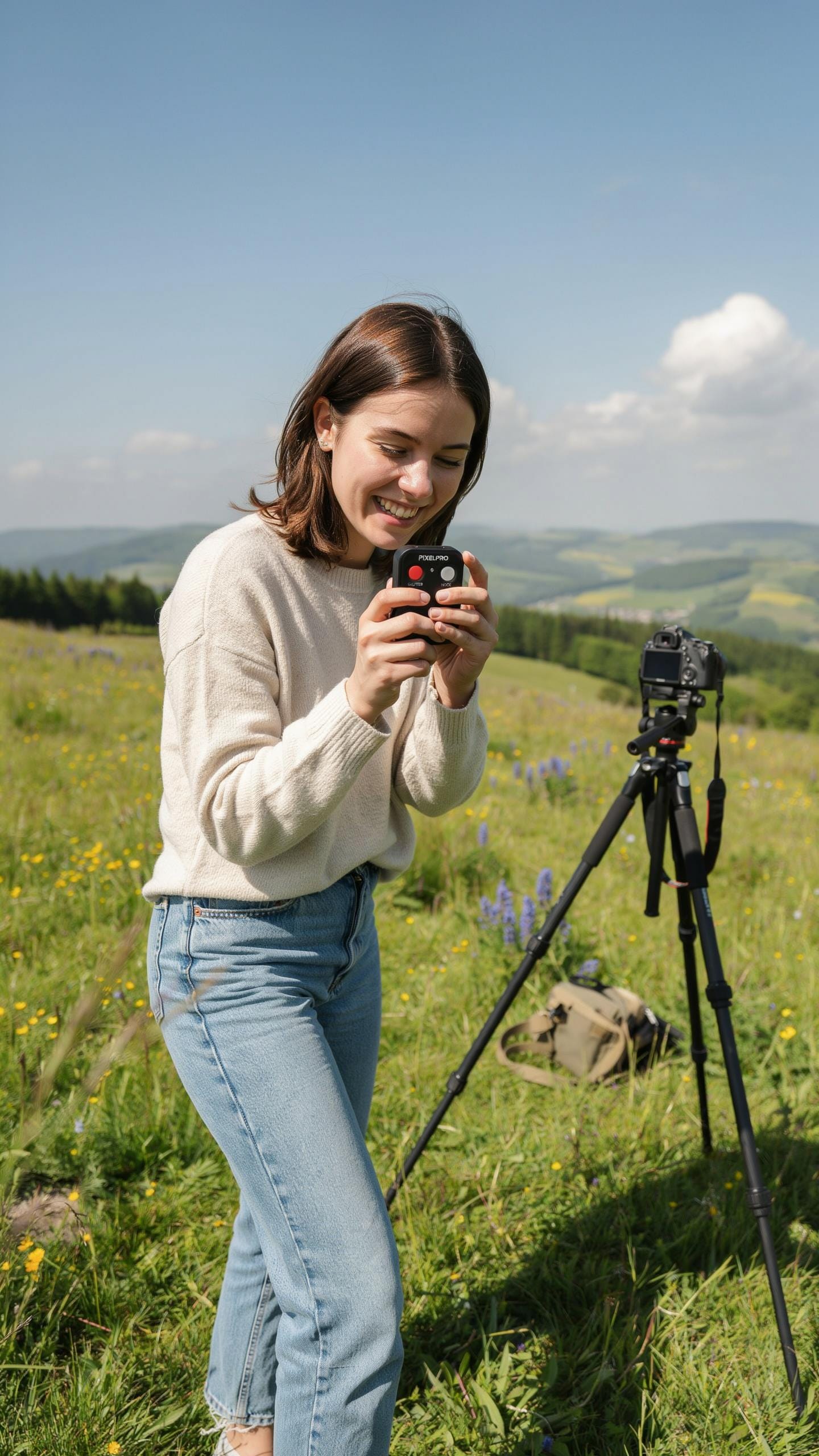
Bluetooth range determines how far you can stand from your phone while triggering the shutter. Most remotes operate effectively between 30 to 100 feet, depending on the specific model and Bluetooth version. Longer range matters when you need distance between yourself and the camera during group shots.
Check the manufacturer’s specifications for actual range in open spaces. Obstacles like walls and dense crowds reduce effective distance significantly. For outdoor group photos, a 50-foot minimum range gives you practical flexibility in positioning both the camera and yourself within the frame.
Design
A compact remote fits easily in your pocket or bag without adding bulk to your gear. Durable materials like rubber and plastic withstand drops and regular handling during photo sessions. Weight should stay minimal so the device doesn’t feel like a burden during extended use.

Look for remotes with simple button layouts that work without looking. A single large shutter button eliminates fumbling or accidental presses. Ergonomic grip design prevents slipping when your hands are wet or cold during outdoor group photography sessions.
Setting Up Your Wireless Bluetooth Shutter
Pairing Steps
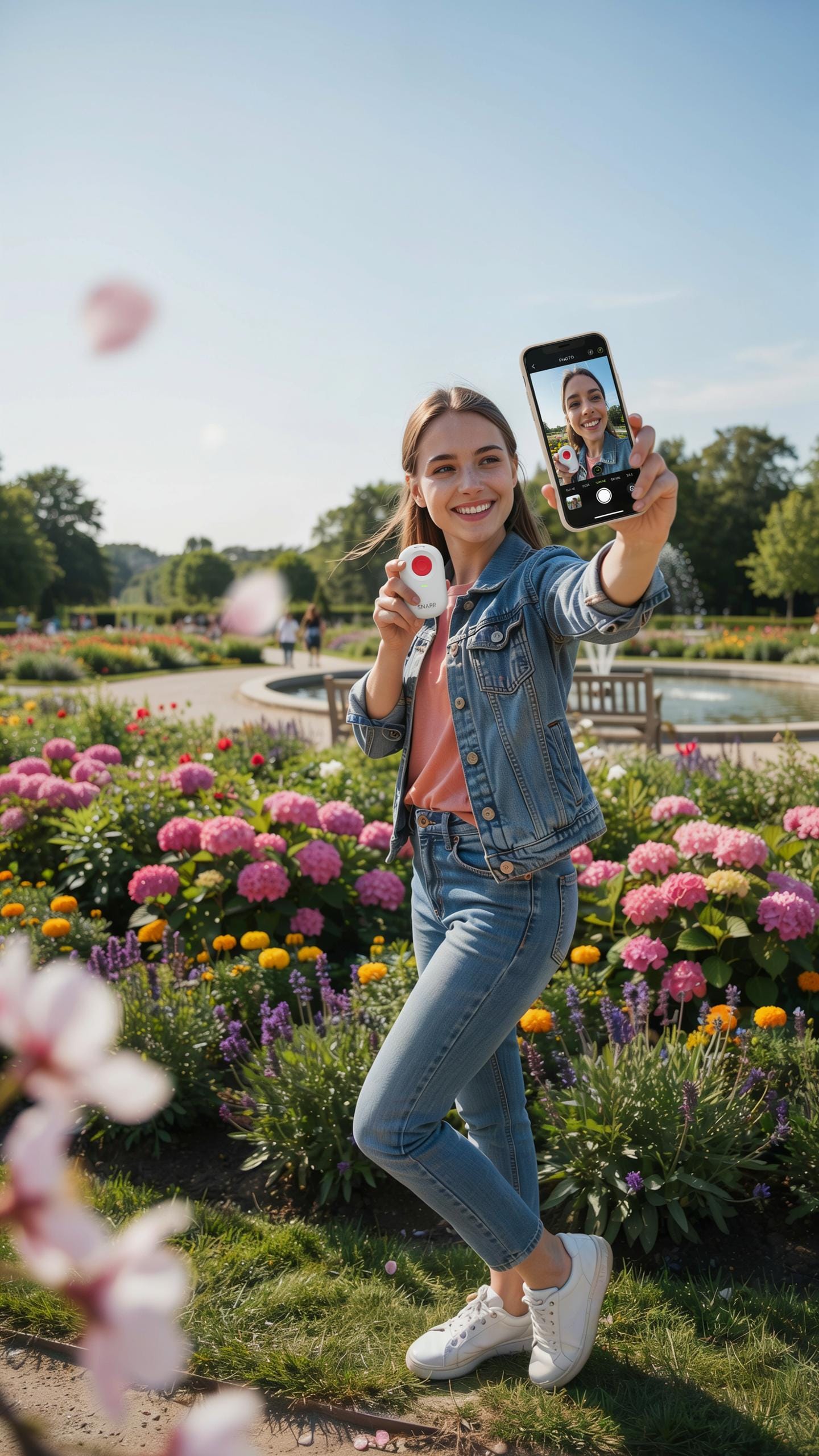
Power on your remote shutter first. Most remotes have a dedicated power button or switch. Then activate Bluetooth on your phone by going to Settings and toggling Bluetooth on. Your phone will scan for available devices. The remote shutter will appear in the list once it broadcasts its signal. Select it to establish the connection.
The pairing process completes in seconds once you select the device. Your phone will confirm the connection status, usually showing the remote name with a connected indicator. Some remotes require you to press a button during pairing to confirm. After pairing succeeds, your phone remembers the remote for future sessions. Reconnection happens automatically when both devices power on near each other.
Camera Settings
Open your phone’s native camera app or third party camera application before using the remote. The remote shutter sends a signal that triggers the standard capture button command. Your app must be actively running and on the camera screen to receive this input. Some apps respond only to native camera controls, so test compatibility beforehand if using specialized photography software.
Position yourself in frame and verify the camera displays your intended shot. The remote transmits the capture signal instantaneously when you press its button. Your phone captures the image using whatever settings your camera app has active, including resolution and burst mode. No additional setup within the camera interface is required once the remote pairs successfully.
Maximizing Group Photos With A Tripod And Selfie Light
Stability Tripod
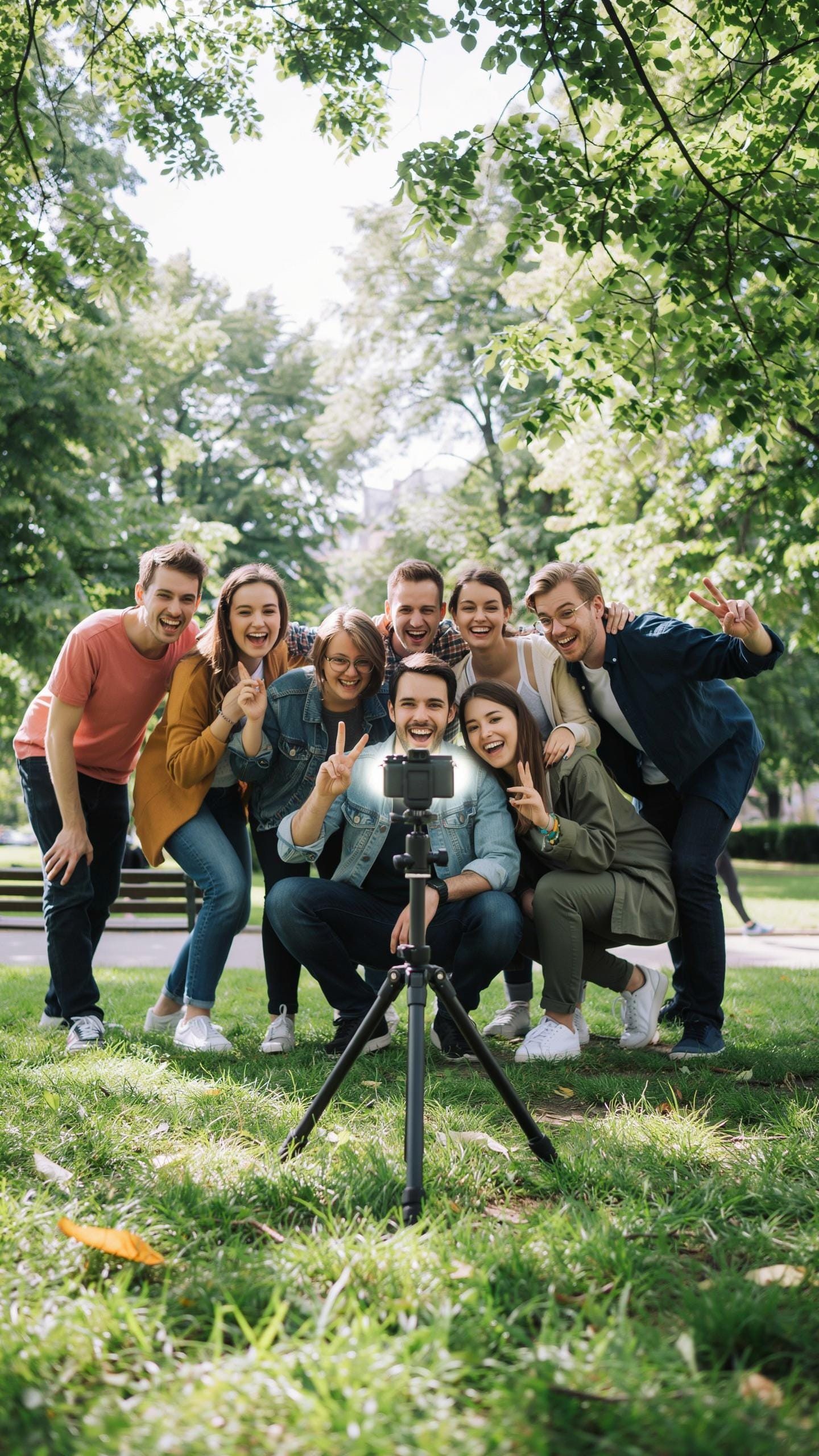
A tripod eliminates camera shake that ruins group photos. When you use a Bluetooth remote shutter with a tripod, you remove the need to hold your phone steady while pressing the shutter button. The camera stays perfectly framed while you position yourself in the shot. This setup handles longer exposures without blur, critical for indoor group settings with lower light.
Tripods work with any phone through universal mounts that grip your device securely. Your Bluetooth remote triggers the shutter from anywhere within range, typically 30 feet. You control timing without rushing back to the phone or asking someone to tap the screen. For group photos, this means sharp images every time, especially when shooting multiple takes to catch everyone with eyes open.
Lighting Selfie Light
A selfie light floods your group with consistent, directional illumination. Phone cameras struggle with uneven lighting where some faces fall into shadow. Adding a dedicated light source ensures everyone gets the same exposure level across their faces. Bluetooth remotes pair with selfie lights that mount near your phone on the tripod.

This setup solves the backlit group photo problem where faces go dark against bright backgrounds. Selfie lights run on batteries and mount easily to tripod arms or phone holders. Combined with your Bluetooth remote shutter, you control both the light and camera trigger independently. The result is evenly lit group photos with proper skin tones and facial detail from every angle in the frame.
Beyond Group Photos Other Uses For Remote Controls
Self Portraits
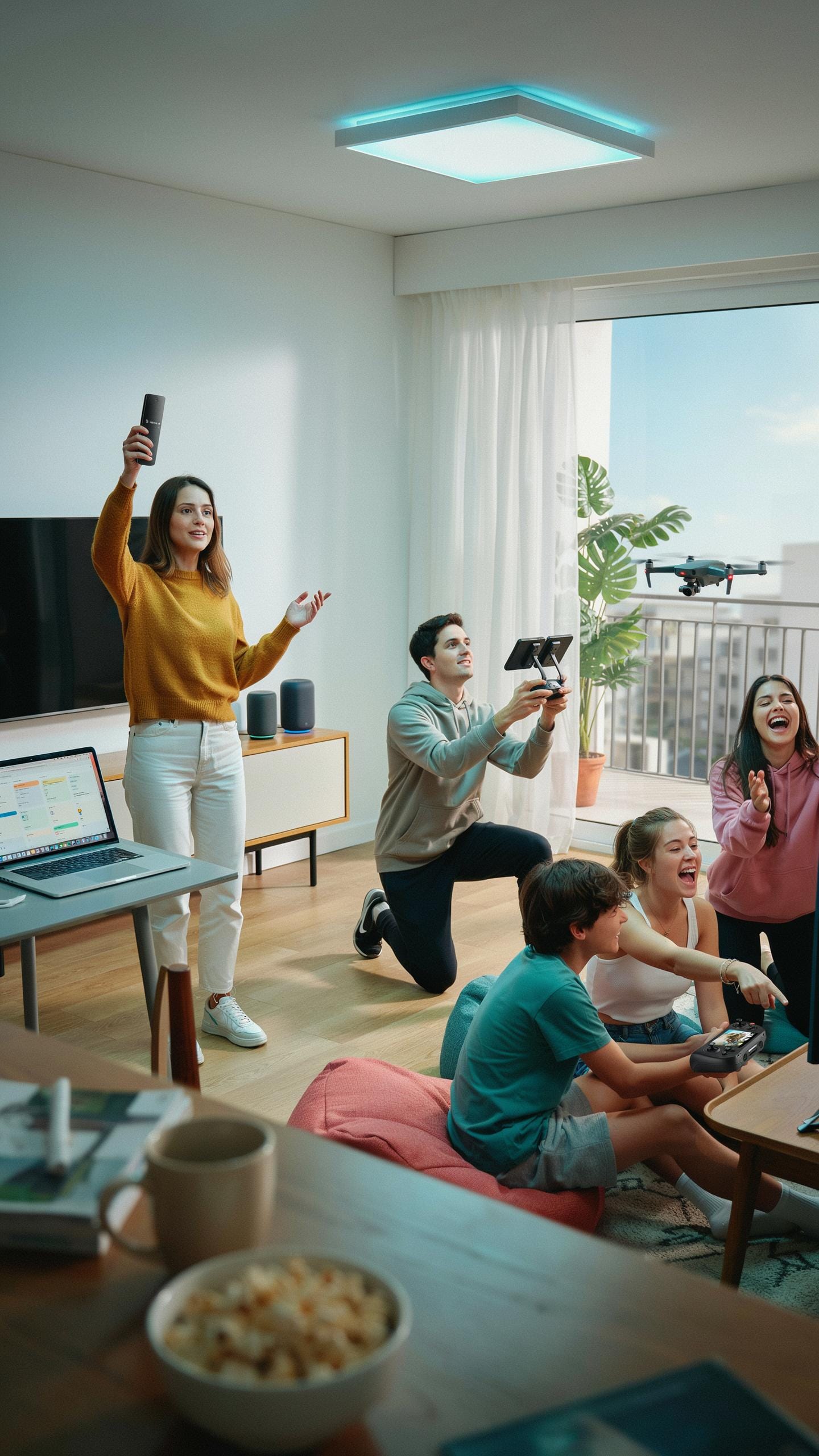
A remote shutter eliminates the need to hold your phone while positioning yourself in frame. You stand naturally without contorting your arm or anchoring the device awkwardly. The remote triggers the camera from a distance, letting you focus on your pose and expression instead of managing the phone’s position.
Self-portrait work benefits from this hands-free approach because you control the exact moment of capture. You adjust your angle, lighting, and positioning without rushing to hit a screen button. This workflow produces more intentional shots with better composition and genuine expressions.
Long Exposure
Long exposure photography requires absolute camera stability to avoid blur during extended shutter times. Pressing the screen physically moves the phone and introduces vibration that degrades image quality. A remote shutter eliminates this contact, keeping the phone completely still while the sensor captures light over several seconds or minutes.

Night sky and landscape photographers rely on this stability for sharp results. The remote trigger means no hand contact with the phone during the exposure window. This technique produces crisp stars, smooth water movement, and clear detail in low-light scenes that would blur with manual triggering.
Troubleshooting Common Issues With Bluetooth Camera Shutter
Connection Problems
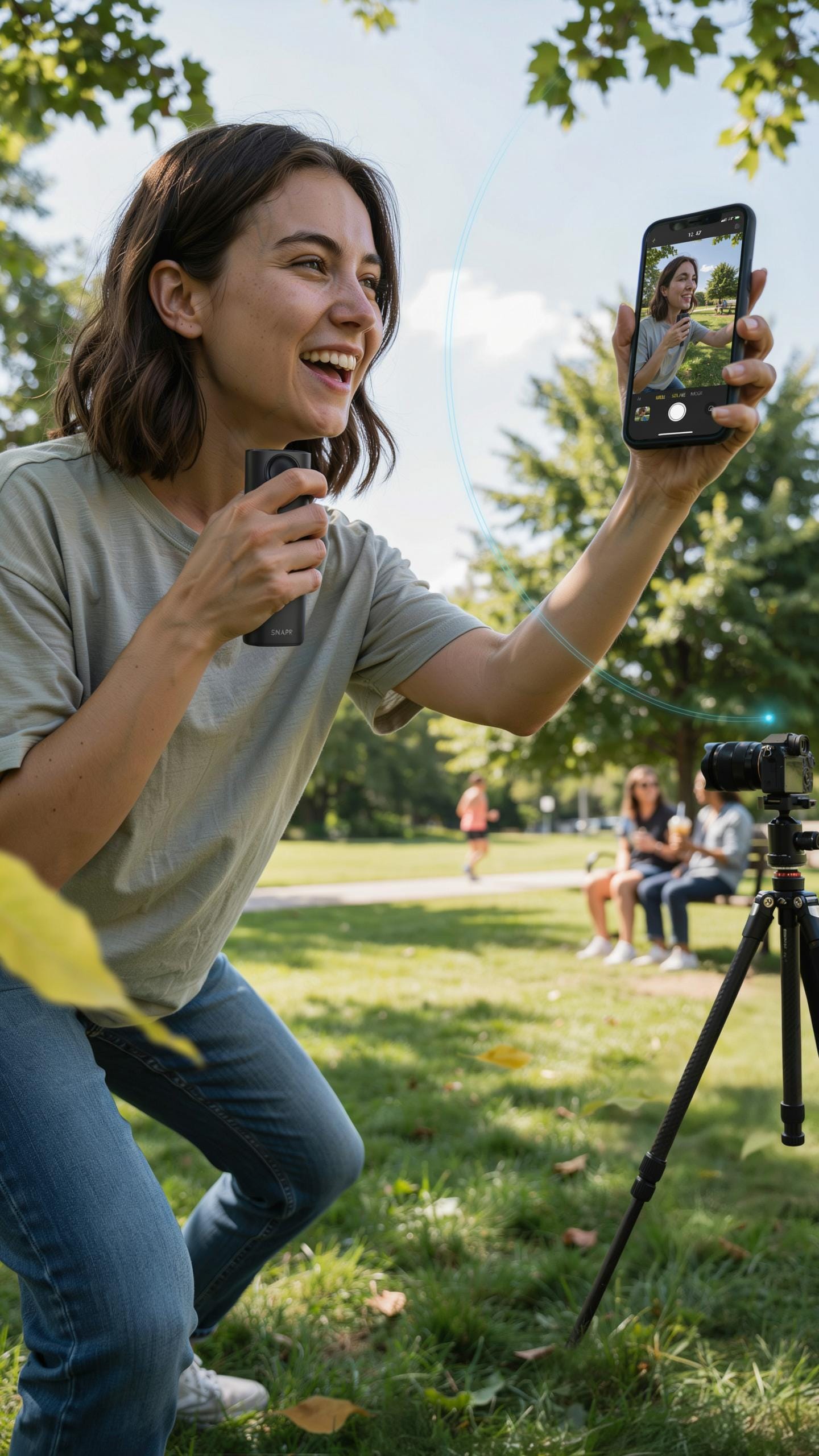
Bluetooth remotes fail to connect when either device has Bluetooth disabled or when the pairing process was incomplete. Start by checking your phone’s Bluetooth settings and confirming the remote is powered on. Restart both devices completely, then attempt pairing again. Most connection drops happen because one device never entered pairing mode properly.
If restarting fails, unpair the remote entirely and start fresh. Delete the remote from your phone’s Bluetooth settings, then power cycle both devices before re-pairing. Interference from other wireless devices in your area can also disrupt the signal. Move away from WiFi routers, microwaves, or other Bluetooth devices if connection remains unstable.
Battery Life
A dying battery in your remote shutter causes intermittent connectivity and delayed shutter response. Check your remote’s battery indicator if it has one, or replace the batteries preemptively if you haven’t done so in several months. Low voltage prevents the remote from transmitting a strong Bluetooth signal to your phone.

Battery drain accelerates when you leave Bluetooth running on both devices after use. Power off your remote when not shooting to extend battery life between replacements. Most quality remotes use standard AAA or coin cell batteries that cost little to replace, making this the fastest troubleshooting step when performance drops.
Choosing The Best Bluetooth Remote Shutter For Your Needs
Budget
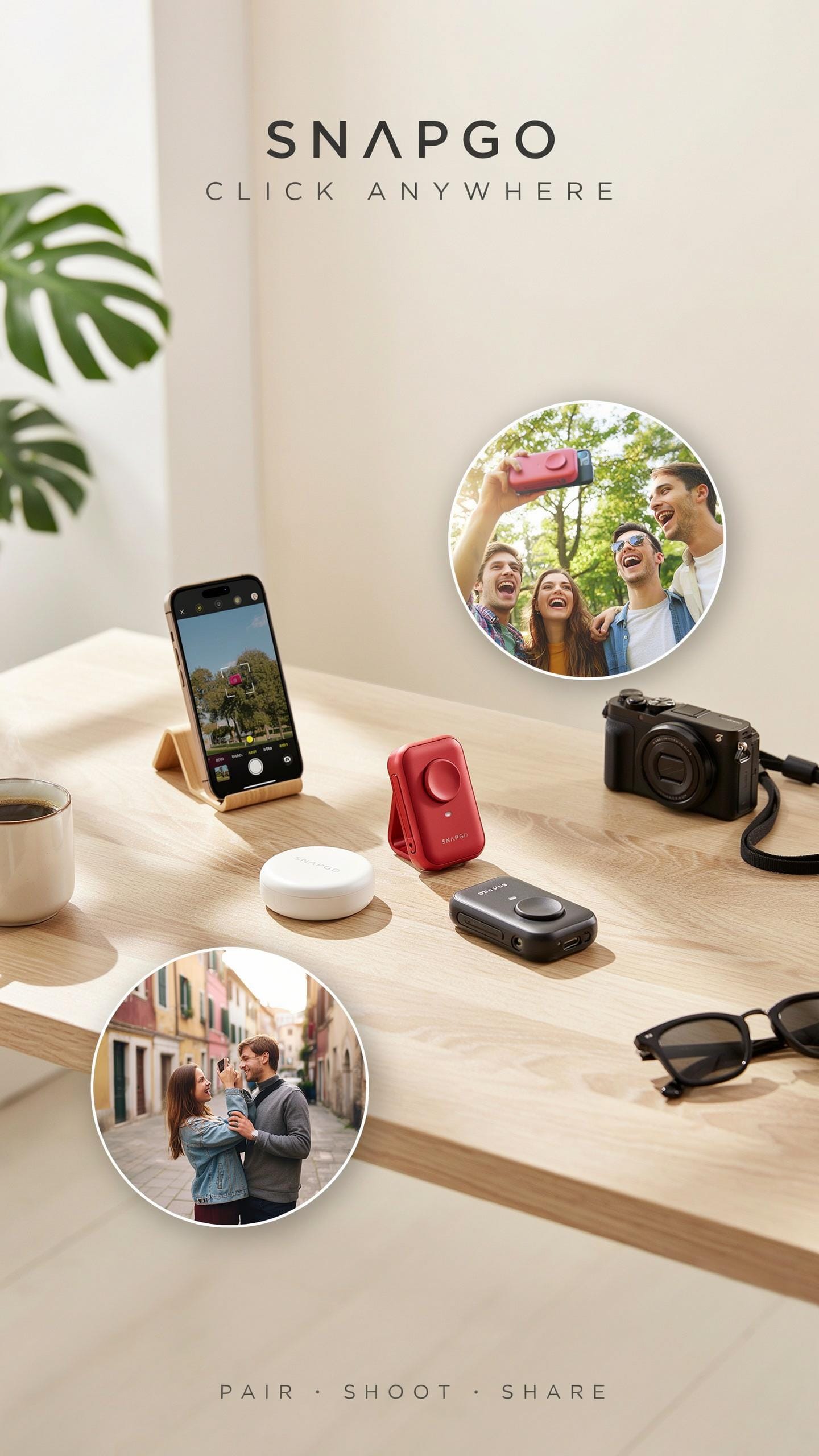
Bluetooth remote shutters range from $15 to $60 depending on build quality and brand. Budget models work fine for casual users taking occasional group photos. Mid-range options $25 to $40 offer better battery life and wider phone compatibility. Premium models cost more but add durability and extended range. Determine your usage frequency first, then match it to your budget tier.
Your actual spending depends on how often you shoot and what phone you own. Generic brands save money upfront but may fail sooner. Name brands cost more but provide reliability and customer support. Calculate cost per use over two years to justify your investment. Most casual users never need to spend above $35.
Features List
Look beyond basic shutter control when comparing models. Some remotes integrate with multiple camera apps, expanding your shooting options. Others offer video recording buttons for recording group footage. Battery life varies widely, affecting how often you recharge. Weight and pocket size matter for portability during events.
- Video Recording Control: Ability to start and stop video capture remotely. Essential if you film group moments instead of just photographing them. Most mid-range models include this feature.
- Multi App Compatibility: Works with default camera apps and third-party options like Instagram or Snapchat. Broader compatibility means more shooting flexibility across different apps.
- Extended Bluetooth Range: 30 feet or more lets you move freely from your phone. Standard range is 20 to 30 feet. Longer range costs more but provides better positioning options.
- Battery Life: Expect 20 to 40 hours of continuous use per charge on quality models. Poor battery drains in weeks of intermittent use. Check manufacturer specs rather than trusting marketing claims.
- Dual Device Pairing: Connects to multiple phones simultaneously or switches between devices quickly. Useful if you and a friend want to share one remote or backup devices fail.
Test compatibility with your specific phone model before buying. Some remotes work only on iOS or Android, limiting your options. Read user reviews on actual phone models you own to avoid returns. Feature bloat adds cost without improving group photo results.
Maintaining Your Bluetooth Remote Shutter
Storage
Store your remote in a protective case when not in use. A case prevents physical damage from drops, impacts, and pressure. Most remotes use plastic housings that crack easily. Cases also shield the device from dust and moisture exposure. This practice directly extends your remote’s operational lifespan and keeps buttons responsive.
Keep the remote away from extreme temperatures and humidity. Heat damages internal circuits and battery components. Moisture corrodes metal contacts and triggers short circuits. Store it in a cool, dry location at room temperature. Proper storage prevents costly repairs and premature replacement needs.
Cleaning
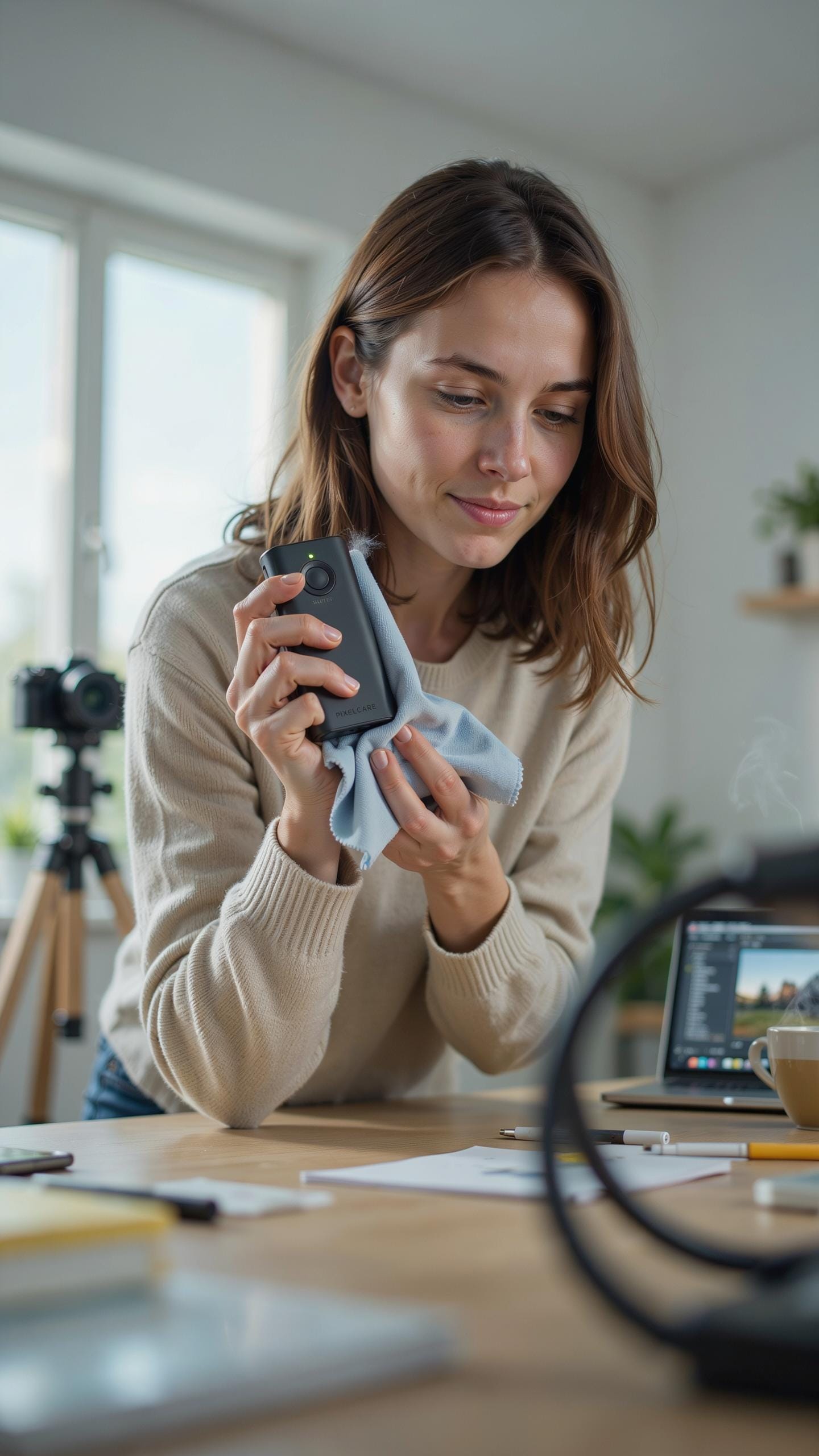
Wipe the remote with a soft, dry cloth regularly. Dust accumulates on buttons and surfaces, affecting performance. Use gentle pressure to avoid damaging the plastic casing. Focus on button areas where debris collects most frequently. This removes grime that can jam mechanisms or interfere with contact points.
Never use liquids, solvents, or abrasive materials on the remote. Water penetrates seams and destroys internal electronics instantly. Harsh chemicals strip paint and damage plastic components. If dirt resists cloth cleaning, use a slightly dampened cloth with distilled water only. Dry completely before storing or using the device.
Frequently Asked Questions

What exactly is a bluetooth remote shutter for a phone and how does it work?
A bluetooth remote shutter for phone is a small, handheld device that connects wirelessly to your smartphone. It acts as an external button, allowing you to trigger your phone’s camera from a distance. This is perfect for group shots, selfies, or any situation where you want to avoid touching your phone and potentially shaking it.
How do I connect my bluetooth remote shutter to my smartphone for the first time?
Connecting your bluetooth remote shutter for phone is straightforward. First, ensure your shutter is charged and powered on. Then, go to your phone’s Bluetooth settings and scan for new devices. Select your shutter’s name from the list to pair them. Once paired, open your phone’s camera app, and pressing the shutter button on the remote will take a picture!
Are bluetooth remote shutters an expensive accessory, or are there affordable options available?
Thankfully, bluetooth remote shutters are quite affordable and accessible! You can find many reliable and effective models online and in electronics stores for under $15-$20. They’re a fantastic, budget-friendly investment for anyone looking to improve their phone photography, especially for capturing great group photos.



