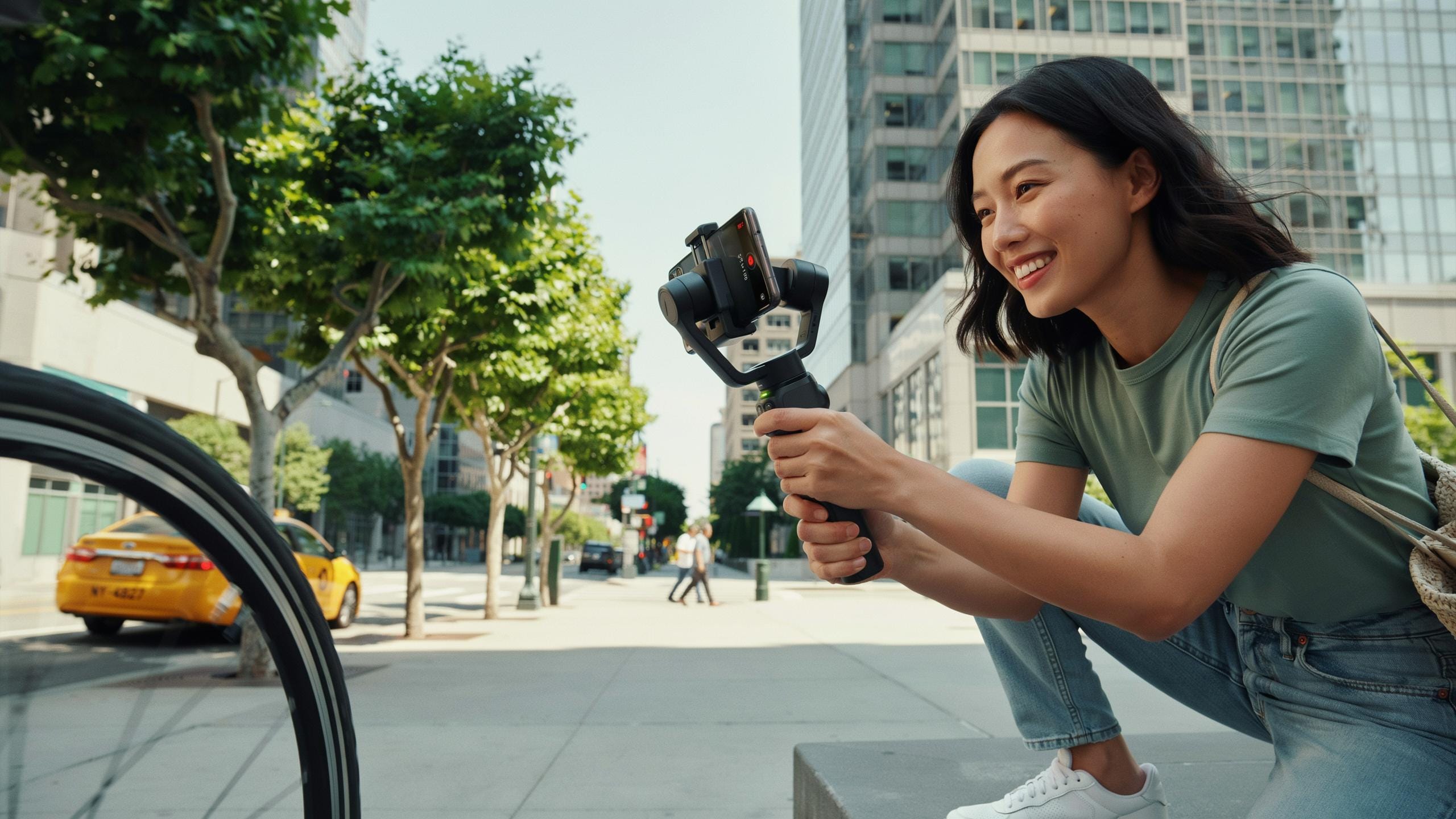
Why You Need A Phone Gimbal Stabilizer For Smooth Video

The Problem With Handheld Footage
Smartphone cameras capture sharp images, but your hands introduce movement that degrades video quality. Even slight tremors create visible jitter that distracts viewers and makes content look amateur. Natural hand sway compounds with walking, turning, or any body motion, amplifying the shake effect in recorded footage.
Standard image stabilization built into phones helps but cannot eliminate all movement. The software crops and shifts the image to compensate, which reduces effective resolution and still leaves residual motion in fast or complex shots. Professional-grade smoothness requires hardware intervention, not just digital correction.
How A Gimbal Solves The Problem
A phone gimbal uses motorized axes and gyroscopic sensors to counteract movement in real time. The device detects motion and adjusts its arms to keep your phone stable, maintaining a level horizon and smooth pans regardless of how you move. Motors respond within milliseconds to correct drift before it reaches the camera sensor.
Gimbals work through mechanical stabilization rather than cropping your frame like software does. You retain full resolution and field of view while achieving broadcast-quality smoothness. The result is footage that looks professional without requiring expensive cinema cameras or post production stabilization work.

Best Phone Gimbal For Vlogging And Everyday Use

Features Essential For Vlogging
Weight matters more than specs on paper. A gimbal under two pounds lets you shoot for hours without arm fatigue. Quick-release phone mounts save time between shots. Battery life of eight hours or more means you finish your vlog without swapping batteries mid-shoot. Pan and tilt motors that respond instantly to input keep your footage smooth without lag.
Portability determines whether you actually carry the gimbal. Compact designs fold down to fit backpacks or camera bags. Quick startup time gets you recording within seconds of powering on. Simple button layouts let you operate the gimbal without pulling out a manual. These factors separate gimbals you use daily from ones that collect dust.
Top Picks For Casual Creators
DJI OM6 delivers solid stabilization with lightweight construction around 1.2 pounds. The built-in extension rod expands framing options without extra gear. App integration provides basic features for beginners without overwhelming controls. Real-time tracking works reliably when you need hands-free recording during movement.

Zhiyun Smooth 5S offers three-axis stabilization in a compact form factor. The phone clamp design works with phones of various sizes and weights. Fill lights attach directly to the gimbal for vlogging in low light. Long battery life extends shooting sessions on location without frequent recharging.
Gimbal For Smartphone And IPhone Compatibility Matters
Universal Smartphone Compatibility
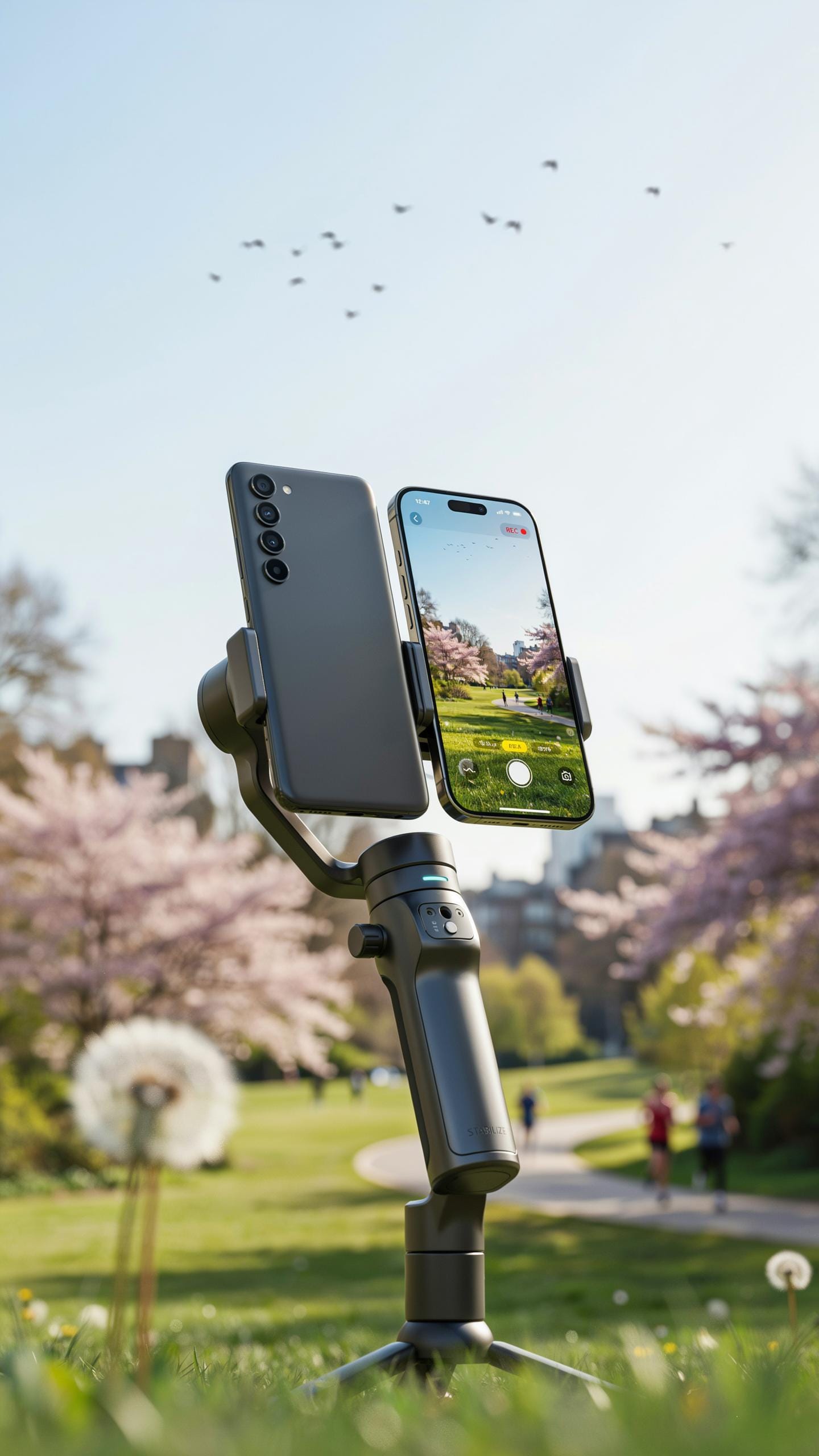
Phone gimbals ship with adjustable mounting systems that grip devices ranging from 55mm to 85mm in width. This range covers most Android phones and iPhones currently in use. The clamp mechanism uses rubber pads or silicone grips to prevent slipping without damaging the device. Motorized gimbals balance differently based on phone weight and size, so you adjust counterweights or motor tension to compensate.
Most gimbals work with phones that weigh between 85 and 210 grams. Heavier phones demand more motor power and drain batteries faster. Lighter phones may feel unstable without proper weight distribution. Before buying, check the gimbal’s weight rating and ensure your phone falls within the manufacturer’s specified range.
Specific Gimbal For IPhone Models
iPhone users benefit from gimbals engineered with iOS optimization. DJI, for example, built the Osmo Mobile series with native iOS app integration. This integration gives iPhone owners direct access to gimbal controls, AI tracking, and motion timelapse features without third-party workarounds. The app communicates with the gimbal’s motors through Bluetooth for seamless performance.

iPhone-specific gimbals include vertical format locking for TikTok and Instagram Stories. This feature prevents accidental orientation shifts during recording. iOS gimbals also support Apple’s motion framework for smoother stabilization curves. If you shoot primarily on iPhone, a gimbal with native app support reduces setup time and improves footage quality through direct hardware communication.
Understanding Features How To Choose A Gimbal Stabilizer
Key Stabilizer Features To Consider
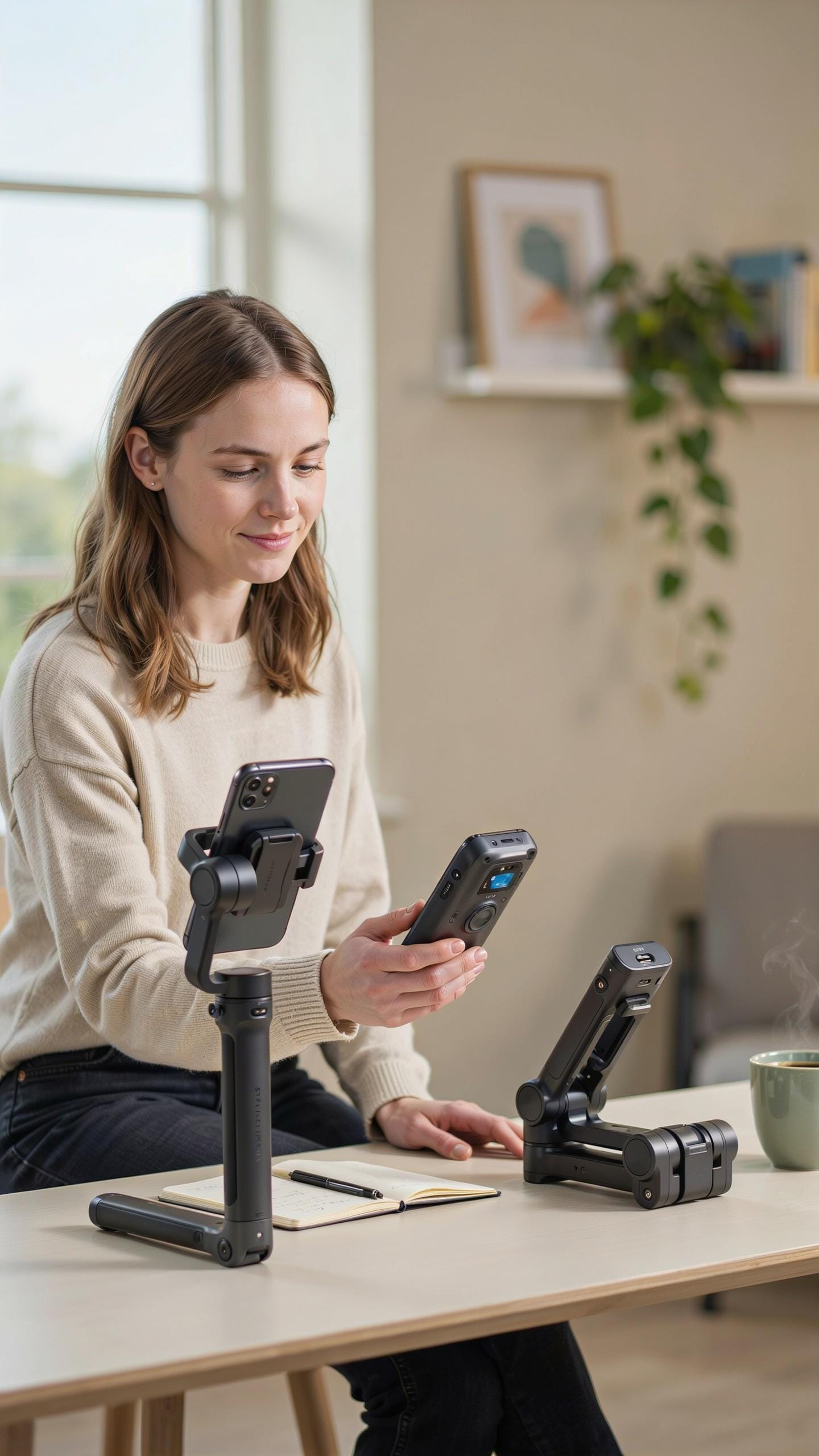
Battery life directly impacts shooting sessions. Most gimbals run between 8 to 15 hours per charge. You need enough runtime for your typical shoot without carrying multiple backup batteries. Check the manufacturer specs rather than relying on estimates. Runtime varies based on motor load and usage patterns.
Axis stabilization determines video smoothness and usability. Two-axis gimbals stabilize pan and tilt, handling most handheld movements. Three-axis gimbals add roll correction, eliminating horizon tilt. Three-axis models cost more but deliver noticeably smoother footage. Pick based on your shooting style and budget constraints.
Ergonomics And Build Quality
Grip comfort matters during long shooting sessions. Poor ergonomics cause hand fatigue and shaky footage. The handle should fit your hand size naturally without forcing awkward angles. Rubber or foam grips reduce slipping and improve control. Weight distribution affects how balanced the gimbal feels during operation.

Durable construction withstands frequent use and accidental bumps. Aluminum and magnesium alloy bodies resist damage better than plastic. Check hinge points and motor mounts for reinforcement. Quality build means fewer repairs and longer equipment lifespan. Test the gimbal’s weight in your hands before committing to purchase.
The Popular Choice DJI Osmo Mobile Series
Evolution Of DJI Osmo Mobile
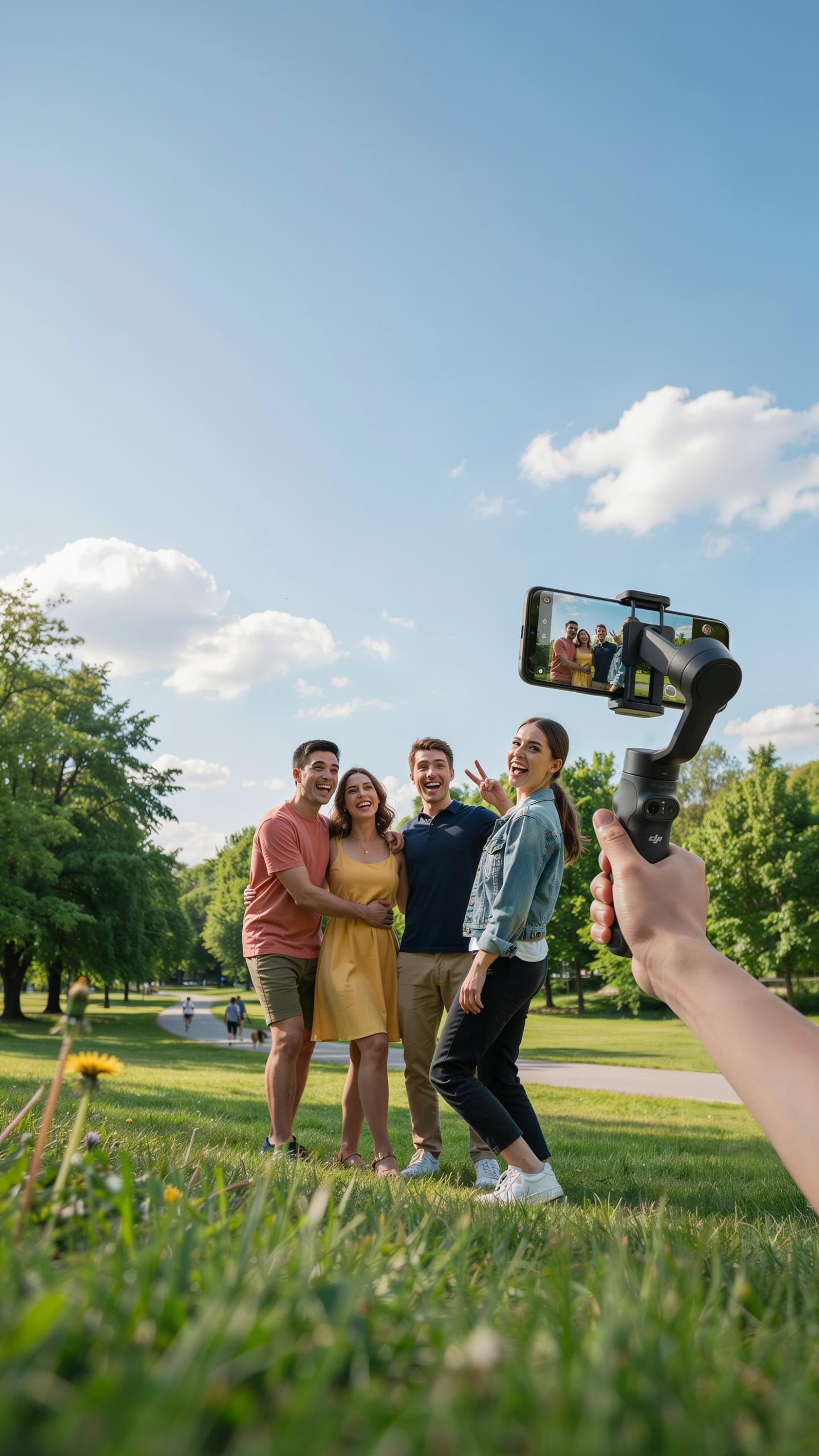
DJI released the first Osmo Mobile in 2015, establishing the gimbal category for smartphones. The company refined the design across subsequent generations, improving motor response and battery life with each iteration. The series progressed from basic three-axis stabilization to incorporating AI-powered tracking and advanced software features. Current models deliver stabilization that handles fast pans, tilts, and lateral movement without noticeable jitter or lag.
The Osmo Mobile lineup expanded to support larger phones and tablets over time. DJI added magnetic phone mounts, upgraded grip ergonomics, and integrated wireless charging in newer versions. These refinements addressed real user pain points rather than adding unnecessary features. The brand maintained backward compatibility with older accessories, reducing replacement costs for existing users upgrading to newer models.
Why DJI Osmo Mobile Stands Out
DJI built the Osmo Mobile’s reputation on motor performance and app functionality. The gimbal responds quickly to user input and maintains smooth video even during rapid movements. The DJI Mimo app offers real-time editing, cloud storage integration, and preset filming modes that work without manual adjustment. Users control focus, exposure, and zoom directly from the app, eliminating fumbling with phone settings during recording.

The gimbal’s tracking algorithm follows subjects automatically using portrait mode and object detection. Battery performance consistently reaches four to six hours depending on usage intensity and model generation. Build quality remains consistent across the line, with users reporting durability after extended field use. Support and firmware updates arrive regularly, keeping the gimbal relevant as phone technology evolves.
White Smartphone Gimbal Stabilizer Style And Substance
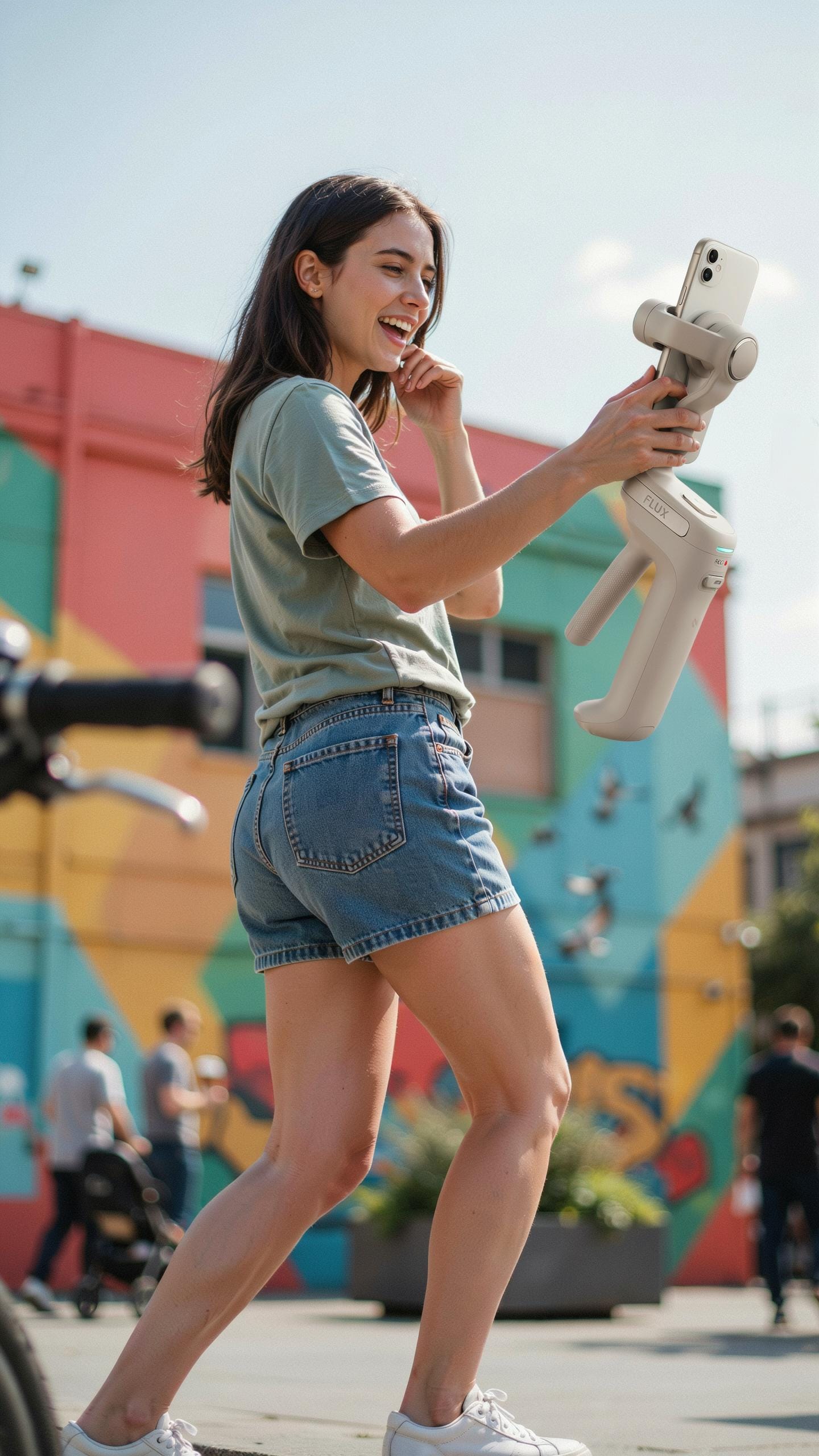
Aesthetic Appeal Of White Gimbals
White gimbals serve a functional purpose beyond aesthetics. They match modern smartphone designs, particularly white or silver devices. White finishes reduce heat absorption compared to dark colors, a practical advantage during extended outdoor shooting sessions. Manufacturers offer white models because they appeal to users seeking visual consistency with their gear setup.
The white color does nothing to improve stabilization performance. It remains a surface treatment choice. Users select white gimbals for personal preference and visual cohesion with their equipment ecosystem. The underlying mechanics and motor performance stay identical regardless of finish color.
Performance Beyond Color
Gimbal stabilization relies on three-axis motors, algorithms, and balance calibration. These core functions operate the same whether your unit is white, black, or any other color. What matters is motor quality, battery capacity, payload rating, and software responsiveness. Evaluate gimbals on these specifications, not finish options.

Color choice becomes secondary to feature comparison. Check stabilization modes, connection speed, app compatibility, and motor responsiveness. White finish attracts certain users, but performance metrics determine actual video quality. Select based on what the gimbal delivers functionally, then choose your preferred color if multiple options exist for that model.
Best Gimbal For Videography Professional Grade Results
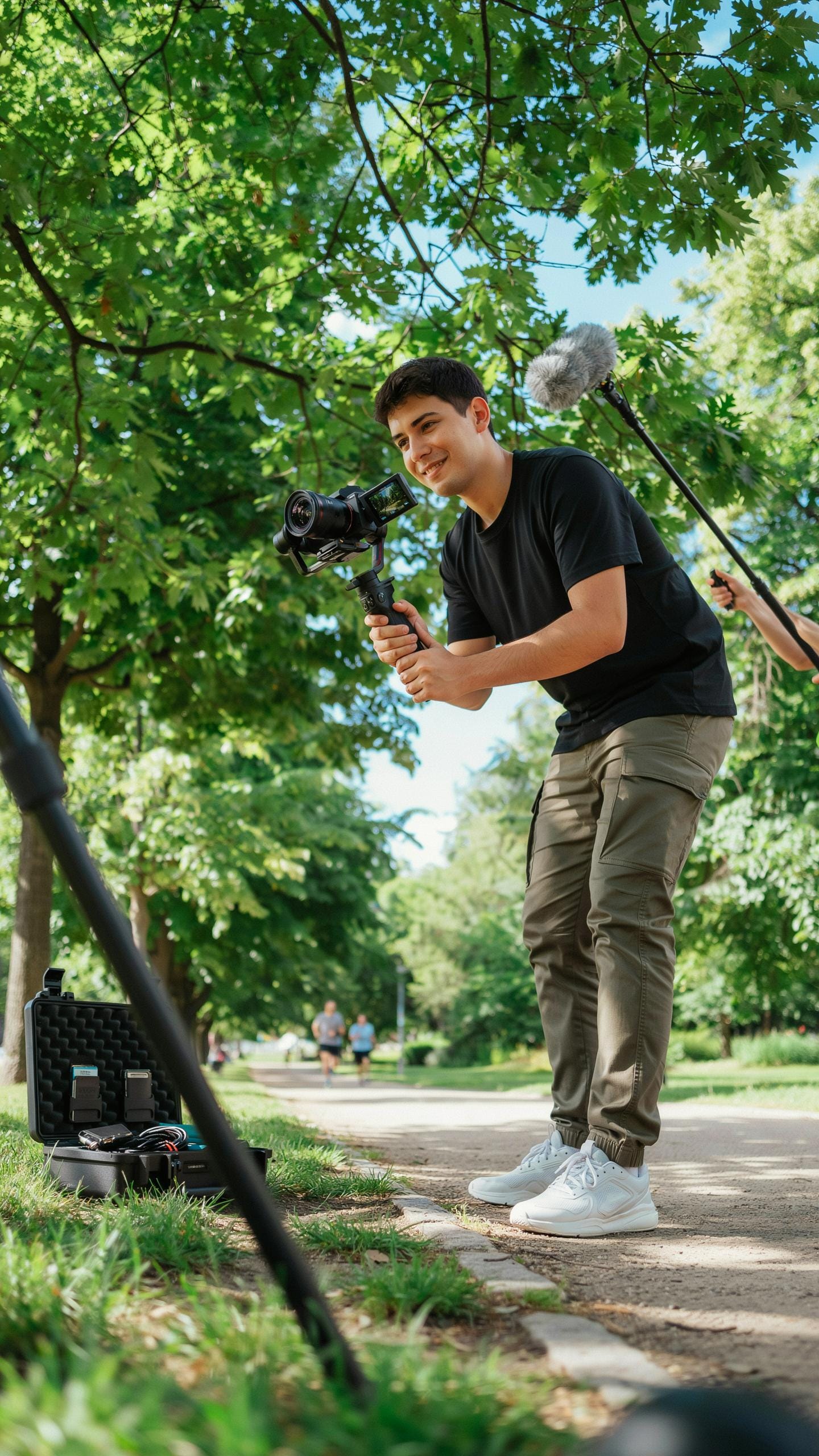
When You Need More Than Basic Stabilization
Basic gimbals handle casual video work. Professional videography demands more. Advanced gimbals deliver precise motor control, higher payload capacity, and extended runtime. They support heavier phones and external lenses. These tools enable complex shots that consumer models cannot execute. You gain access to advanced features like object tracking and panorama modes.
Higher payload capacity matters when you attach external microphones, lights, or additional lenses to your phone. Advanced gimbals stabilize these rigs without stuttering or drift. Battery life extends significantly, supporting longer shooting sessions without recharging. The build quality withstands demanding production environments and repeated handling. Motor responsiveness improves, letting you execute smooth pans and dynamic movements that enhance storytelling.
With a gimbal, your memories are no longer shaky dreams, but beautifully preserved moments, just as you experienced them, ready to be relived with every smooth frame.
Movi Gimbal For IPhone And Advanced Users
Movi gimbals represent a specific category focused on iPhone stabilization with professional specifications. These devices target content creators and production companies that require cinema quality output. Movi prioritizes precision over price. The stabilization algorithm manages complex movements while maintaining focus accuracy. Users report minimal jello effect and reliable performance across varied lighting conditions.
- 3 Axis Stabilization: Movi gimbals control pan, tilt, and roll simultaneously for true cinematic motion across all planes.
- Object Tracking: Advanced algorithms follow subjects automatically, maintaining frame composition without manual adjustment during movement.
- Payload Capacity: Movi gimbals support heavier iPhone rigs with external attachments like microphones and lighting equipment without performance degradation.
- Wireless Control: Dedicated app interfaces allow remote operation, preset creation, and motion profile customization from a distance.
- Extended Battery Life: Professional models maintain stabilization for multiple hours, reducing downtime during extended production shoots.

Movi gimbals integrate into professional workflows where consistency matters. Production teams use them for documentary work, commercial production, and high end social content. The learning curve exists but rewards users with capability that justifies investment. These gimbals handle the physical demands of professional work without compromising image quality.
Maximizing Your Gimbal Tips And Tricks
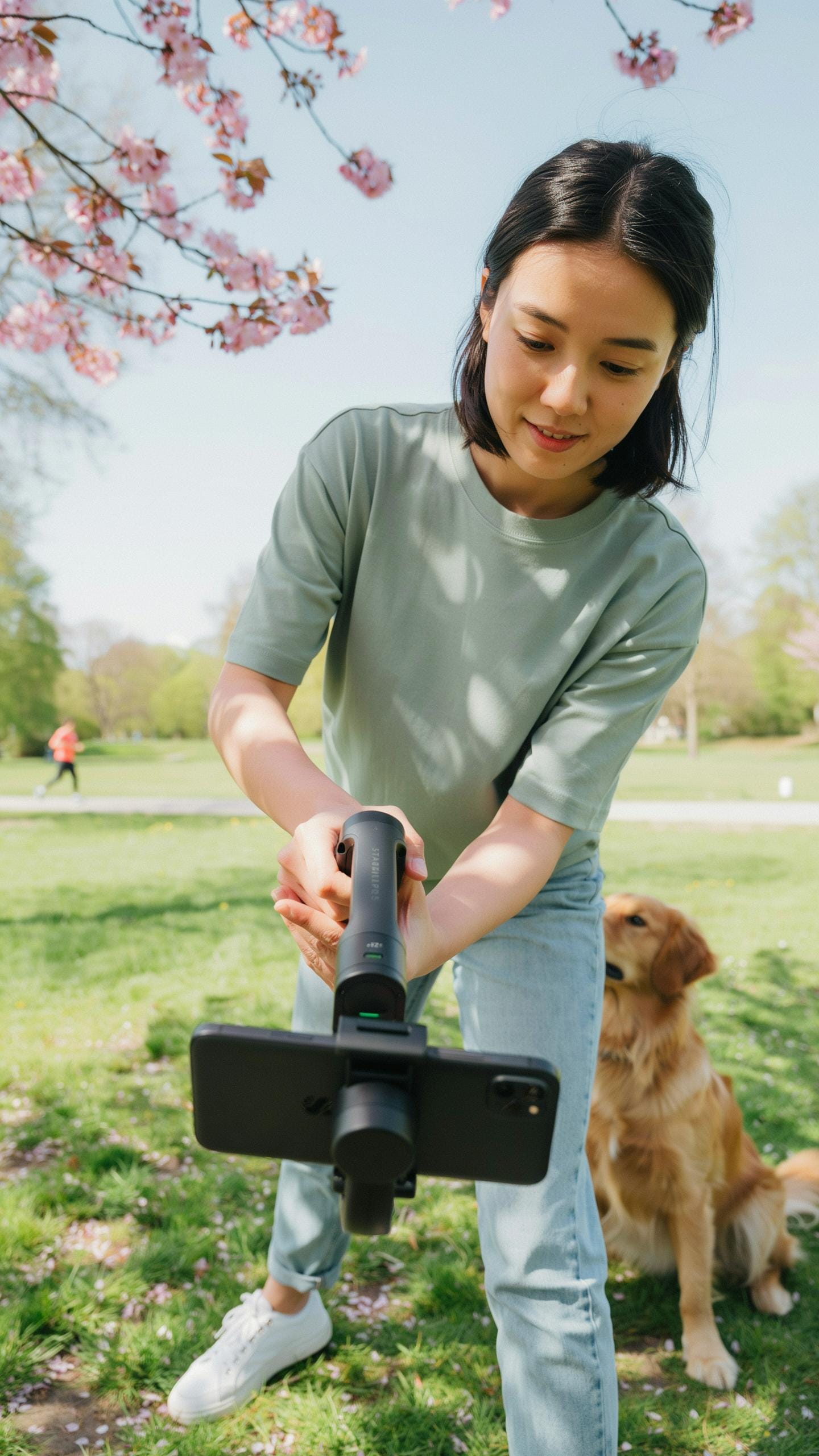
Essential Shooting Techniques
Phone balance directly impacts gimbal performance. Mount your phone at the gimbal’s center of gravity, not at the edges. Check that weight distributes evenly left to right. Unbalanced phones force motors to work harder, draining battery and reducing stabilization quality. Calibrate your gimbal before each shoot using the manufacturer’s app. Most gimbals have a calibration mode that takes 30 seconds.
Different shooting modes serve different purposes. Pan mode follows horizontal movement while keeping vertical axis locked. Follow mode tracks all movement simultaneously. FPV mode mimics first person perspective for dynamic footage. Slow your panning speed to 50 percent of maximum to maintain smoothness. Move your arms deliberately without jerking. Let the gimbal do the work rather than forcing movements.
Post Production Workflow
Stabilization in post production corrects gimbal footage that still has minor shake. Warp stabilizer in Adobe Premiere or similar software analyzes footage and removes residual jitter. Apply stabilization conservatively since excessive correction crops your frame. Color correction and contrast adjustments make gimbal footage pop on screen. Smooth transitions between clips hide any remaining stabilization gaps. Export at your native frame rate to maintain fluidity.

Audio deserves attention equal to video stabilization. Gimbal motors produce audible noise that requires replacement during post production. Layer in fresh audio from external microphones or ambient recordings. Sync replacement audio precisely with lip movements and action. Sound design elevates perceived production value more than most creators realize. Mix levels so dialogue sits 6 to 12 decibels above background noise.
Frequently Asked Questions

What exactly is a phone gimbal stabilizer and why would I need one for my videos?
A phone gimbal stabilizer is a device that uses motors and sensors to keep your smartphone level and steady while you’re filming. This eliminates shaky footage, resulting in incredibly smooth, professional-looking videos, even when you’re moving. It’s a game-changer for anyone wanting to elevate their mobile videography!
How do I properly balance my phone on a gimbal stabilizer for the best results?
Balancing your phone on a gimbal stabilizer is crucial. First, physically adjust your phone within the mount until it stays level when the gimbal is off. Then, depending on your specific phone gimbal stabilizer, you’ll typically power it on and let the motors fine-tune the balance automatically. Always check your manual for precise instructions!
Are there affordable phone gimbal stabilizers that still deliver good quality video stabilization?
Absolutely! You don’t need to break the bank to get a good phone gimbal stabilizer. Many reputable brands offer excellent entry-level and mid-range options that provide fantastic stabilization for everyday use and social media content. Look for features like ease of use and battery life in a phone gimbal stabilizer review.



