What Is A Ring Light For Phone Video
Explanation
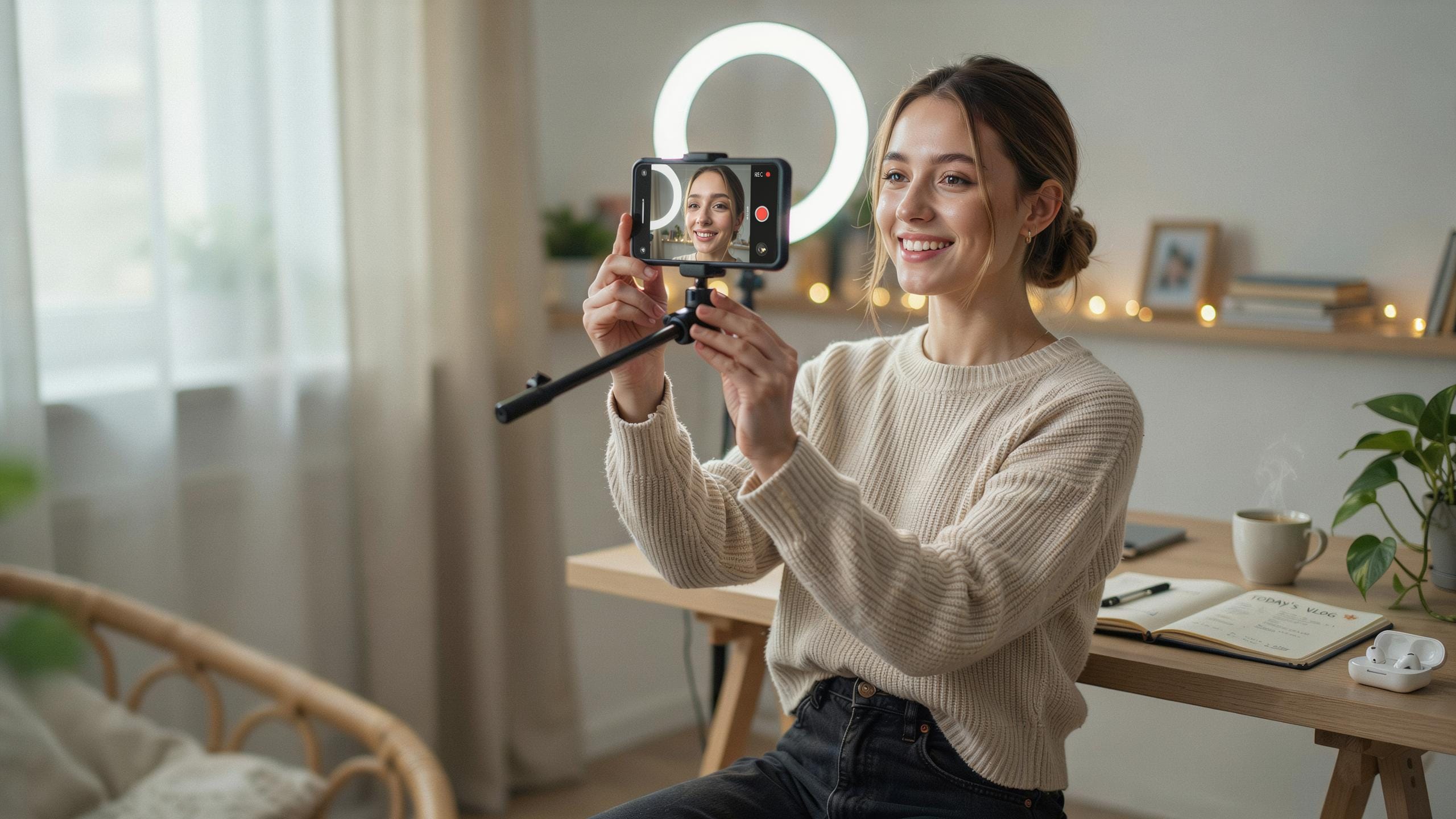
A ring light is a circular lighting tool that mounts around your phone camera or sits separately nearby. The circular design positions light sources evenly around the lens, eliminating shadows on your subject’s face and body. This setup works because light comes from all angles simultaneously, creating flat, even illumination without dark spots.
Ring lights come in different sizes and power levels. Most beginner models range from 6 to 18 inches in diameter. They use LED bulbs that produce adjustable brightness and color temperature settings. The phone attaches to the light’s center mount, placing your face directly in the light’s focal point during recording.
Benefits
Ring lights solve the core problem beginners face: bad lighting tanks video quality. They produce professional-looking footage instantly because shadows disappear and skin tones appear natural. You avoid expensive studio setups while getting studio-level results. This matters for vlogging, tutorials, product reviews, and any content where your face appears on screen.
The practical benefit extends beyond aesthetics. Ring lights reduce eye strain during long recording sessions since the light distributes evenly rather than creating bright spots. They also work during video calls, making you appear sharp and polished. Most models include dimming controls, so you adjust brightness to match any room without buying multiple lights.

Why You Need A Ring Light For Quality Phone Videos
Impact On Quality
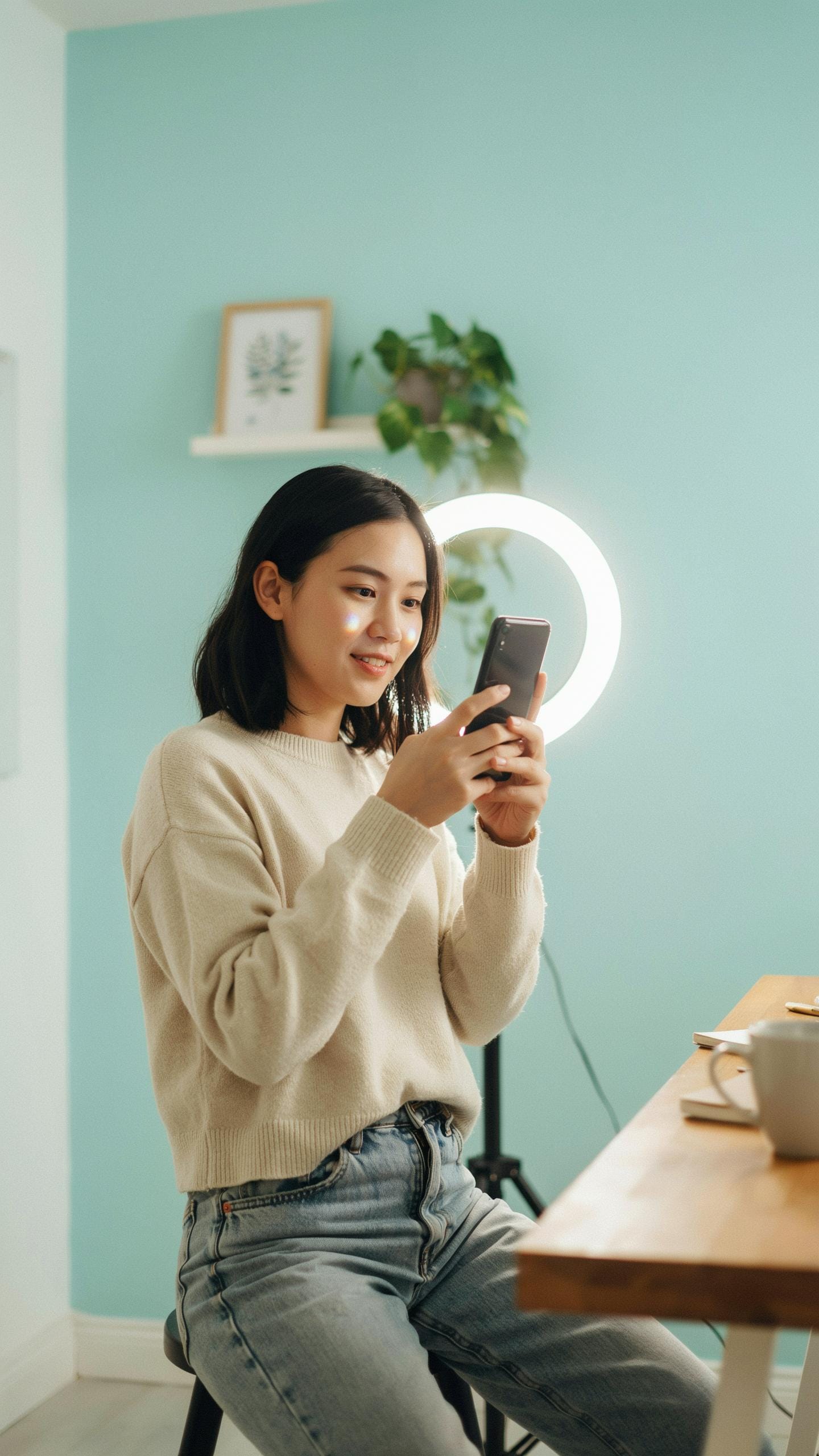
Poor lighting ruins phone videos. Your camera sensor struggles in dim conditions, producing grainy, noisy footage. Shadows fall unevenly across your face, creating unflattering contrast. A ring light solves this problem by delivering consistent, directional light that eliminates shadows and grain. The circular design places light evenly around your subject, mimicking professional studio setups.
Ring lights produce soft, diffused illumination. This removes harsh shadows that make you look tired or unprofessional. Your phone’s camera captures clean video with accurate color reproduction and minimal noise. The result is footage that looks intentional and polished, not like a quick phone recording.
Professional Results
Your smartphone camera is capable hardware. The limiting factor is light, not the device itself. Add a ring light and your videos match the quality of dedicated cameras used five years ago. This shifts how viewers perceive your content. Better lighting builds credibility instantly and makes people take your message seriously.

Content creators use ring lights to stand out. The investment is small, the return is measurable. More polished videos get more engagement, more shares, and more audience growth. Viewers subconsciously trust videos that look professionally lit. Ring lights deliver that trust through pure technical execution.
Types Of Led Ring Light For Beginners
Desktop Models
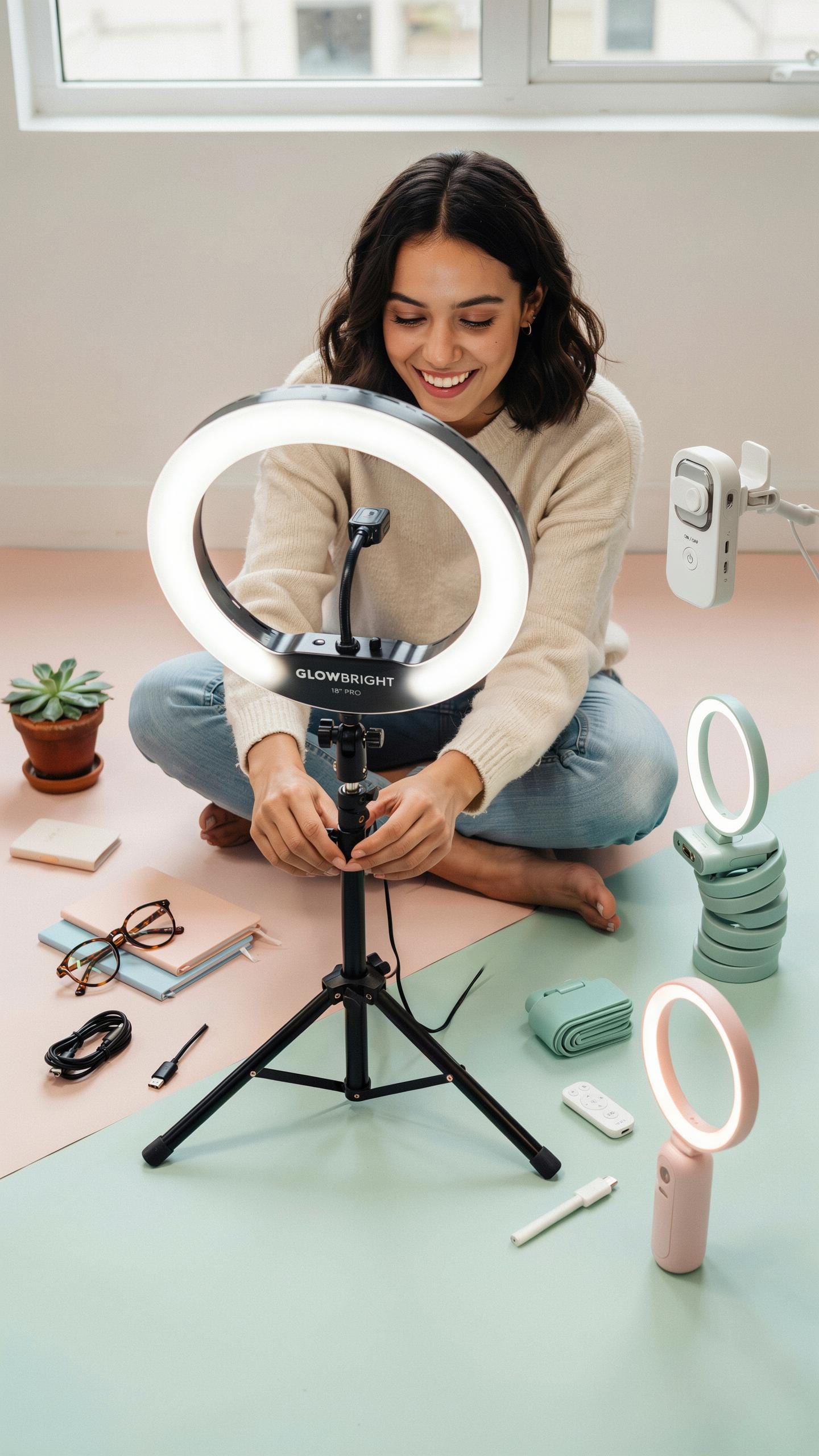
Desktop ring lights mount directly onto your desk or table. USB power runs them from your computer or power adapter. They typically measure 6 to 10 inches in diameter. This size works for close-up content like makeup tutorials, product reviews, and unboxing videos. Setup takes minutes. You position the light, plug it in, and place your phone in the center ring.
These models cost between 20 and 60 dollars. Compact size means they fit small spaces and dorm rooms. The fixed position limits versatility, but that trade-off keeps costs down. Beginners use them because they require no additional equipment. No tripod needed. No assembly required. Just power and positioning.
Standing Models
Freestanding ring lights sit on the floor or a sturdy stand. Height adjusts from three to six feet. The phone mount rotates and tilts for different angles. These handle full-body shots, interview-style videos, and workout content. They work in larger rooms where you need distance between the light and your subject.

Standing models come with a phone tripod included in most cases. Price ranges from 40 to 150 dollars depending on build quality and materials. The adjustable height and angle mean one light covers multiple shooting scenarios. Beginners choose this option when they plan to expand content types over time. You get flexibility without buying separate equipment.
Features To Look For In A Ring Light Video Setup
Brightness And Color Temperature
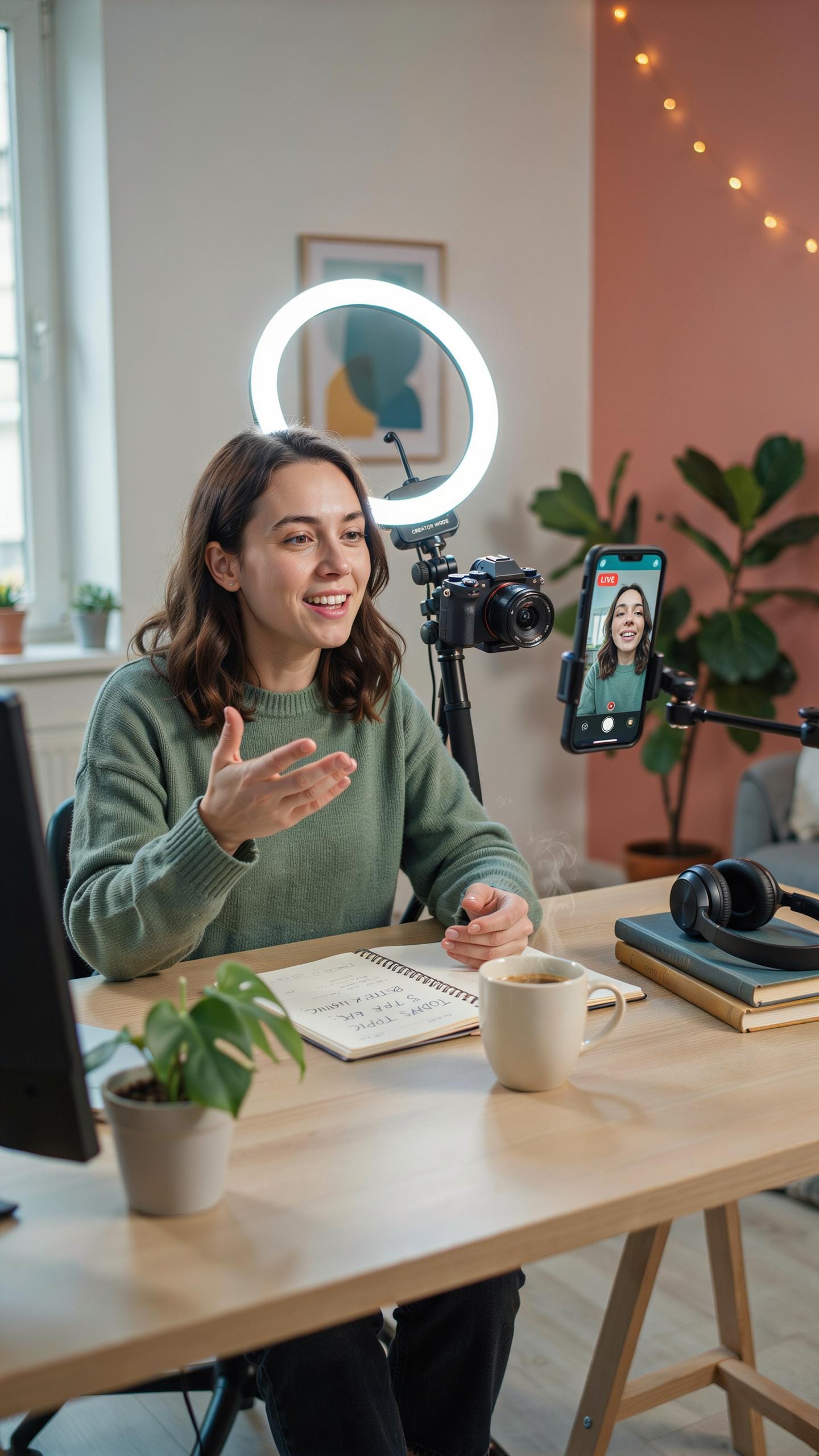
Adjustable brightness controls let you dial in the exact light intensity your phone camera needs. Most ring lights offer a range from 10 to 100 percent output. Color temperature adjustment shifts light between warm tones around 3000K and cool tones around 6500K. This flexibility matters because phone cameras expose differently under varying light conditions, and matching your environment prevents blown-out or underexposed footage.
Your content dictates which color temperature you choose. Warm light works for interviews and talking head videos because it flatters skin tones. Cool light suits product demonstrations and technical content where accuracy matters more than aesthetics. Without both controls, you’re locked into one look and cannot adapt to different shooting scenarios or client requirements.
Remember your first video, glowing with a simple idea and the soft, forgiving light of a ring light. That’s where every big name started, simply sharing their spark.
Phone Mount And Tripod
A ring light with an integrated phone mount eliminates the need for separate accessories and reduces setup time. The mount should grip your phone securely without blocking camera access or audio ports. Look for mounts that rotate between portrait and landscape orientations. This built-in design keeps your phone centered in the ring light’s glow, ensuring even illumination across your face or subject.

A sturdy tripod base keeps everything stable during recording and prevents wobbling when you move or gesture. Height adjustment lets you position the light at eye level for flattering angles on talking head content. Stability matters because shaky footage damages credibility even when your lighting is perfect. Beginners especially benefit from tripods because they free both hands and remove the physical challenge of holding equipment steady while recording.
How To Use Ring Light With Phone For Best Results
Positioning Tips
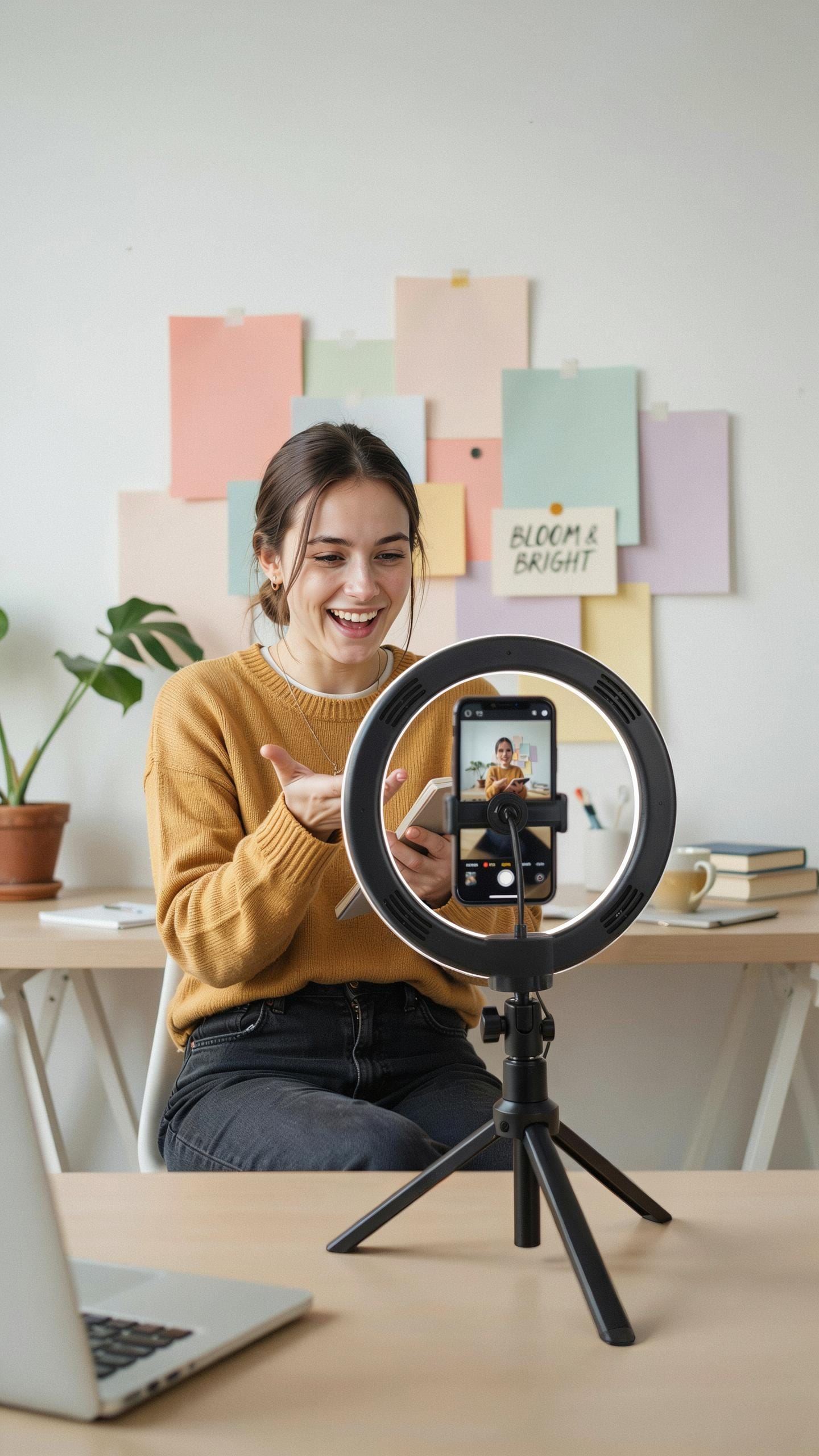
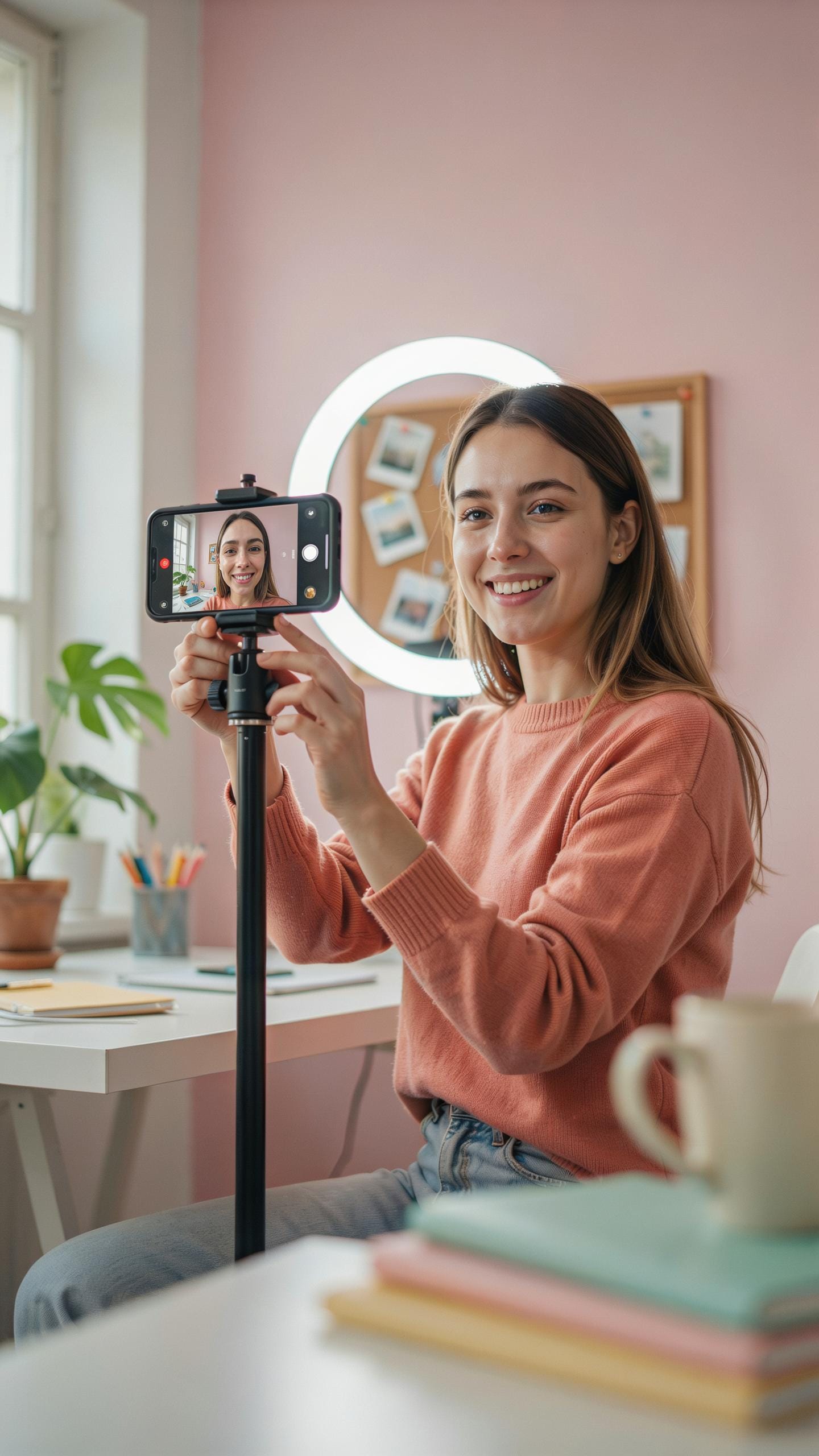
Place the ring light directly in front of you at eye level. Position your phone in the center of the ring. This setup delivers even light across your face and creates the catchlight effect in your eyes. The centered position eliminates harsh shadows and gives you consistent, professional-looking illumination for every video you shoot.
Adjust the ring light height as you film. Your eyes should sit roughly in the middle of the ring’s opening. If the light sits too high, shadows appear under your eyes and cheekbones. Too low, and you get unflattering upward angles. Test different heights before you start recording to find what works for your face shape and camera angle.
Experimenting With Settings
Most ring lights offer brightness adjustment and color temperature control. Start at 50 percent brightness and move up or down based on your environment and skin tone. Warmer temperatures around 3200K work for indoor content. Cooler temperatures around 5500K suit daylight content. Your specific look depends on what message you want to send to your audience.
Record test footage at different settings before committing to a full shoot. Check playback on your actual phone screen, not just your eye. Lighting that looks good in person sometimes reads differently on camera. Take notes on which brightness and temperature combinations produce results you want to use. This data saves setup time on future shoots and helps you maintain consistent quality.
Essential Accessories For Your Ring Light And Phone Tripod
Remote Control
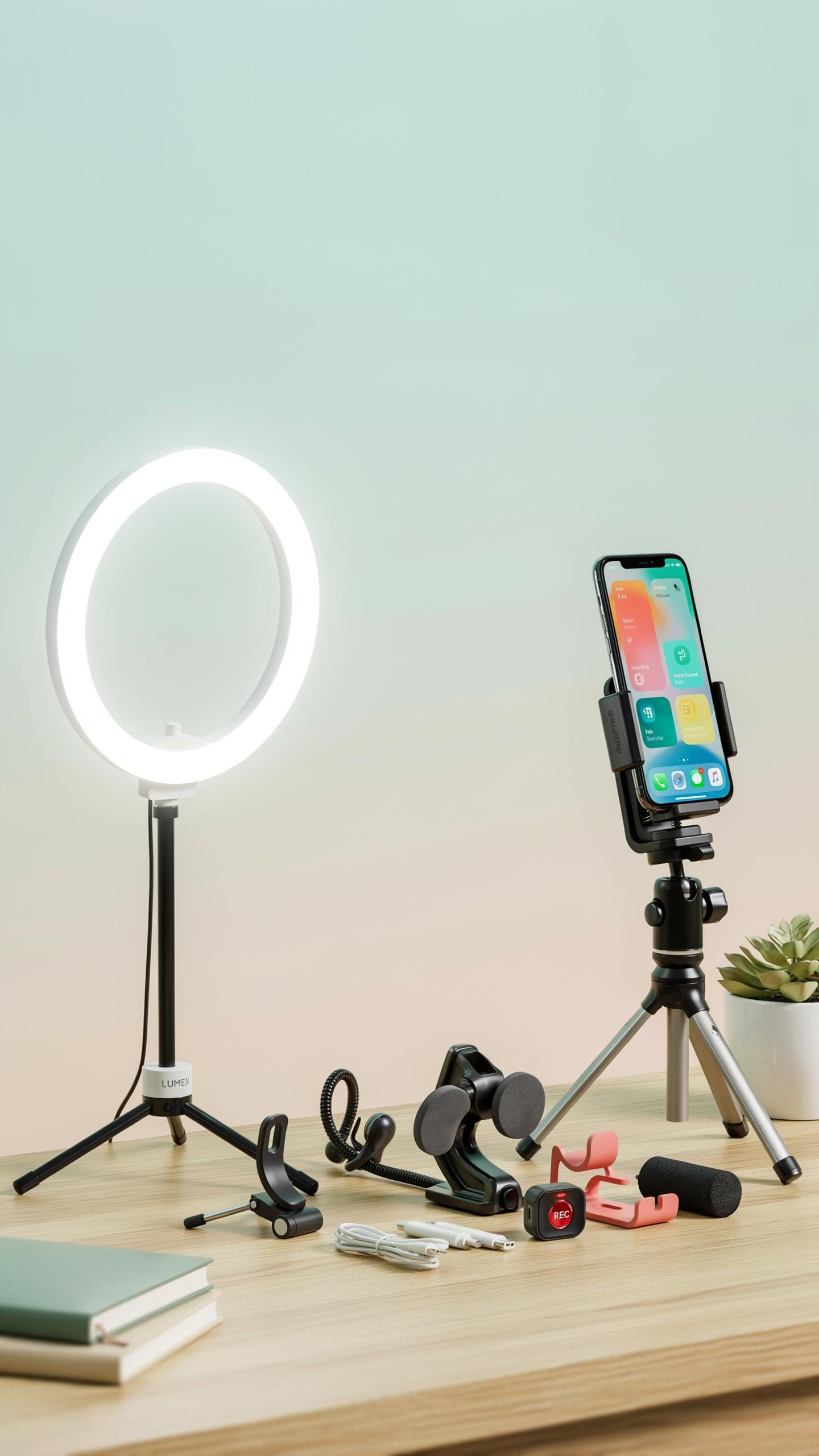
A Bluetooth remote control eliminates camera shake by letting you trigger recordings and photos without touching your phone. This matters when you’re positioned in front of the camera or need both hands free. Self-shooting becomes practical instead of fumbling with on-screen buttons that cause unwanted movement.
Remote controls work at distances up to 30 feet depending on the model. You hold the device, press the button, and your phone captures footage without any physical contact. This single tool transforms how stable your videos look and how natural your delivery becomes on camera.
Power Options
Rechargeable batteries and power banks keep your ring light running during extended shoots without access to wall outlets. Portability matters when you film outside, at events, or in multiple locations throughout your day. A portable power solution prevents your equipment from dying mid-session and losing productivity.
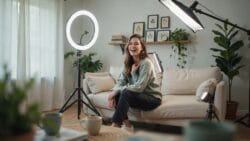
Most ring lights draw between 10 to 30 watts depending on brightness level and LED quality. A standard 20,000 mAh power bank runs most ring lights for 4 to 8 hours continuously. Choose USB-C or rechargeable battery models to reduce waste and control your operating costs over time.
Selfie Ring Light Vs Studio Ring Light WhatS The Difference
Size And Portability
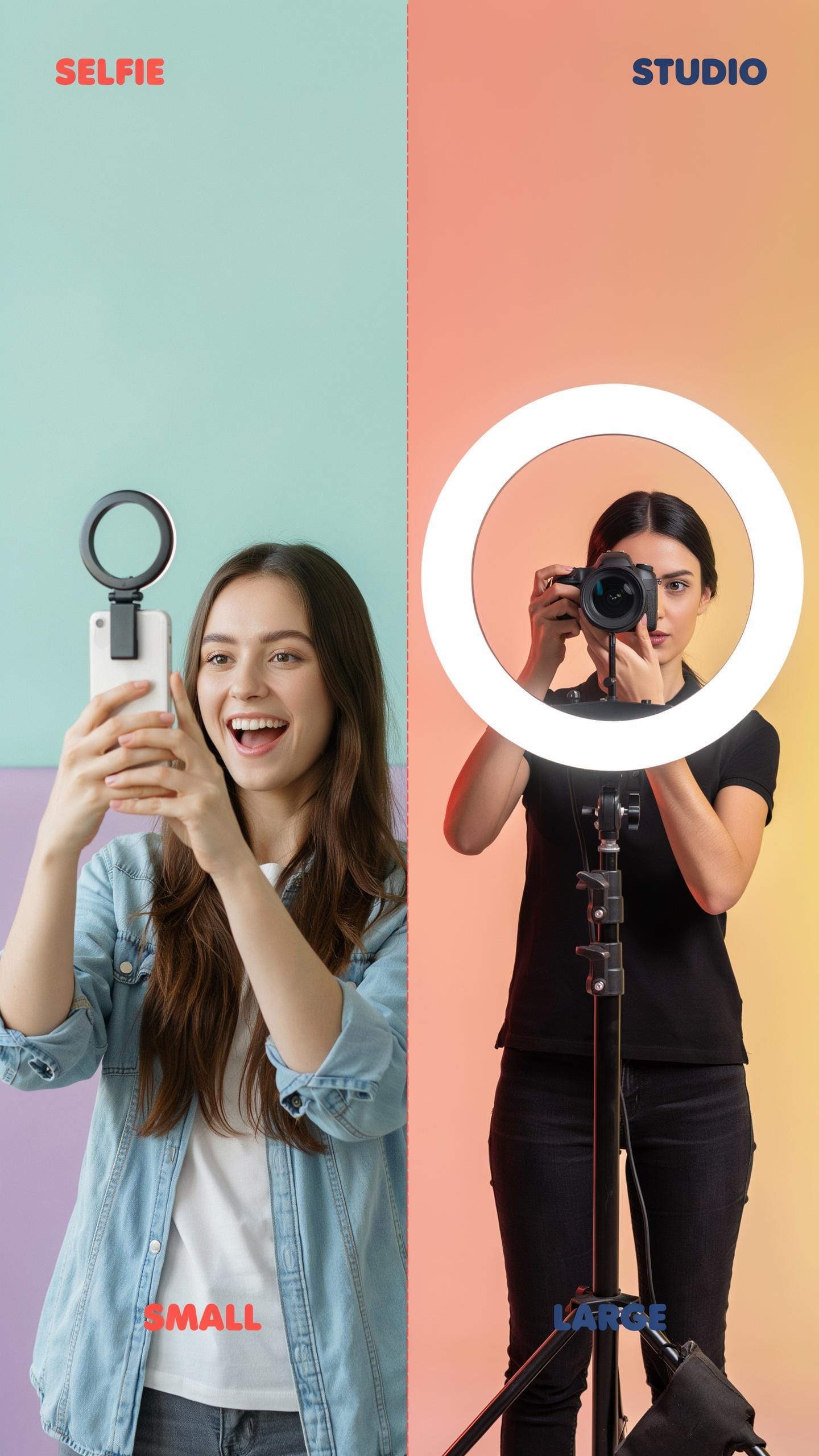
Selfie ring lights max out around 6 to 8 inches in diameter. They weigh under a pound and clip onto phone holders or small tabletop stands. Studio ring lights reach 18 inches or larger and require dedicated tripods rated for heavier loads. Portability differs drastically. Selfie models fit in bags. Studio models need transport cases or vehicle space.
Studio ring lights demand permanent or semi-permanent setups. They stay mounted on stands between shoots. Selfie models move between locations in minutes. If you film in different rooms or outdoors, the compact size matters operationally. Setup time directly impacts your workflow.
Intended Use
Selfie ring lights handle quick content: social media clips, TikToks, and casual video calls. They provide basic fill light without requiring an external power source in many cases. Studio lights target extended sessions with strict color consistency. They power sustained production for YouTube, podcasts, and professional content creation. Power output separates the two categories fundamentally.

Quick shoots demand minimal setup. Selfie lights answer this need efficiently. Extended production demands reliability and output stability that only studio lights deliver. If you film for 30 minutes or more, studio equipment prevents performance drops. Match your tool to your actual filming duration.
Enhancing Your Content With A Mini Selfie Ring Light
On The Go Lighting
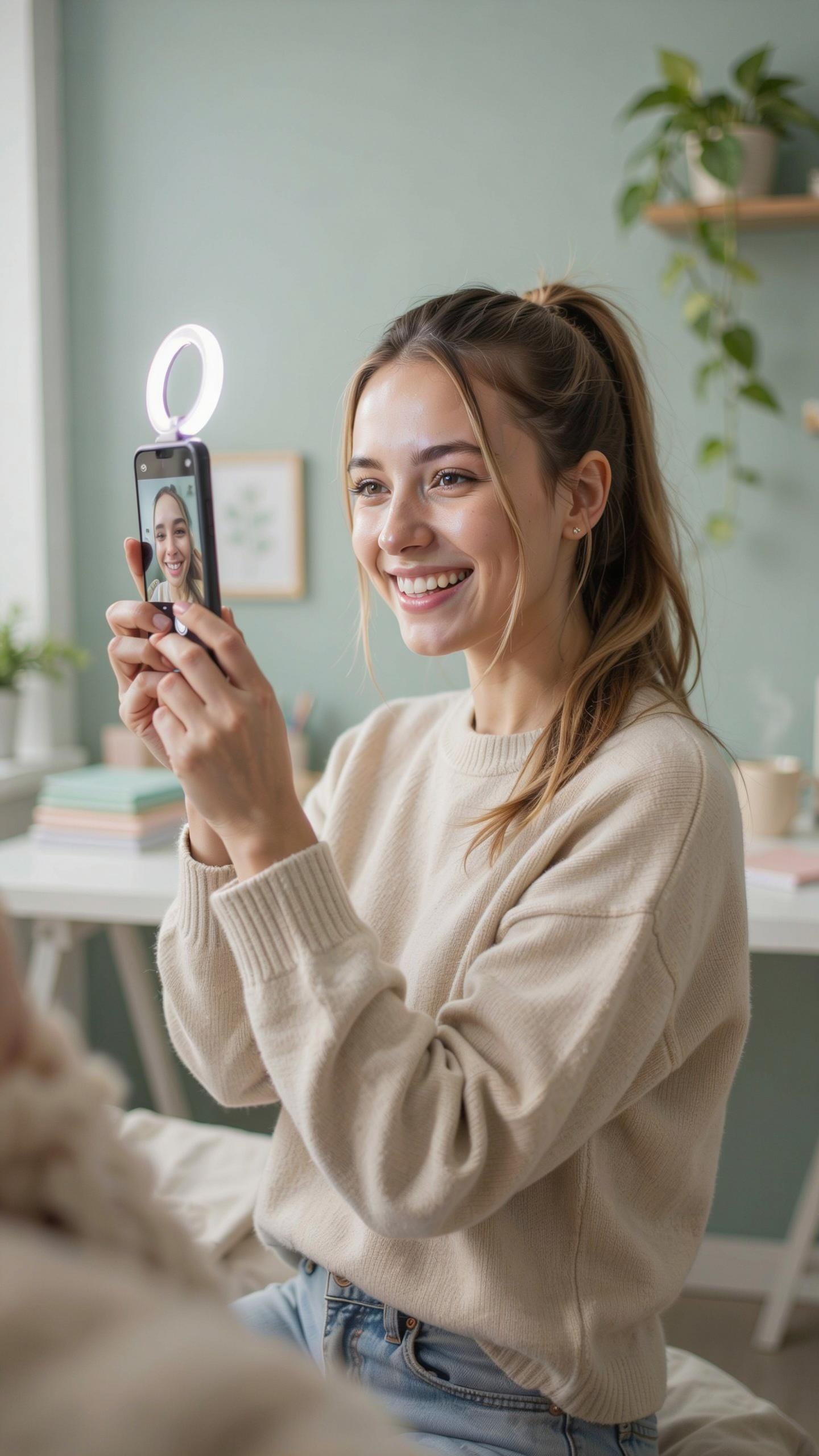
Mini ring lights solve a real problem for content creators who move between locations. You carry one in a bag or pocket and deploy it instantly when you need it. The compact form factor eliminates the excuse of poor lighting during video calls, interviews, or spontaneous content captures in coffee shops, offices, or outdoor spaces where natural light fails you.
These devices work because they sit close to your phone’s camera lens, cutting through shadows and reducing unflattering contrast on your face. Battery powered options run for hours on a single charge. You plug them into your phone’s charging port or connect via Bluetooth. The result is consistent, flattering illumination without requiring a full studio setup or waiting for ideal natural light conditions.
Creative Uses
Mini ring lights do more than fix bad lighting situations. They create intentional visual effects that improve your content’s production value. The circular light source produces distinctive catchlights in eyes and reflective surfaces, making product shots pop and drawing viewer attention exactly where you want it.

Use a mini ring light as fill light when shooting against bright windows or outdoors in harsh sunlight. Position it to the side rather than directly ahead for subtle three dimensional lighting that adds depth to your footage. You control the intensity on most models, allowing you to dial in exactly the amount of light your scene requires. This flexibility turns a single tool into multiple lighting solutions without buying additional gear.
Troubleshooting Common Ring Light And Phone Lighting Issues
Uneven Lighting
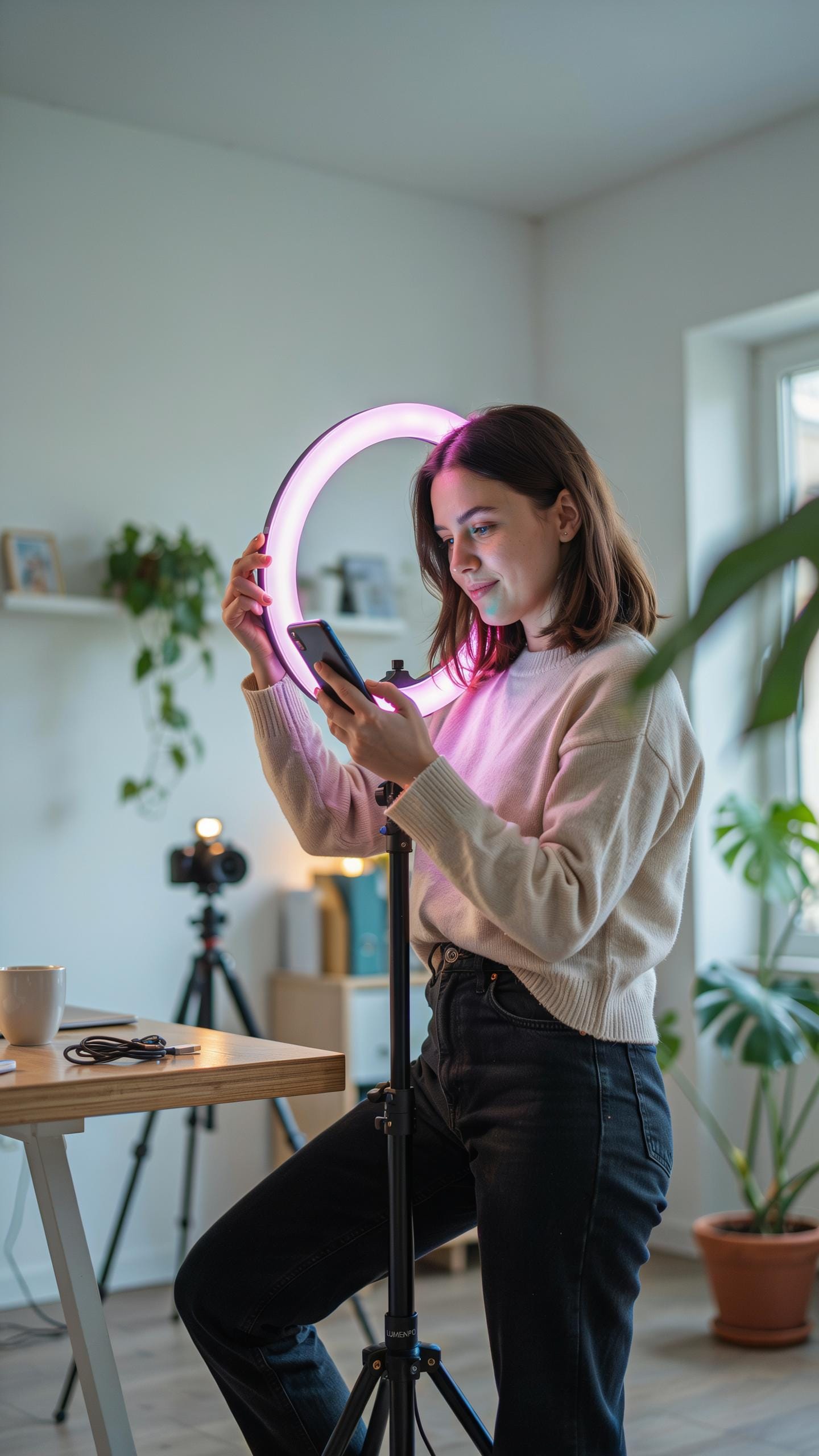
Position your ring light directly in front of your face, centered with your phone camera. The light should sit at eye level or slightly above. Uneven patches appear when the ring light angles toward one side or sits too close to your face. Move back until the illumination spreads evenly across your entire face and neck.
Distance matters more than brightness settings. If one side of your face looks darker, the ring light is too close on that side or angled wrong. Adjust incrementally. Check your phone’s preview before recording. Most uneven lighting issues resolve by centering the light source and maintaining consistent distance from your face.
Glare And Reflections
Tilt your phone screen away from the ring light to kill direct reflections. If you wear glasses, angle the light slightly upward or downward so it doesn’t bounce directly into the lens. Small adjustments prevent the washed out appearance that kills video quality. Test angles in your preview before you start recording.
Position yourself far enough from the ring light that reflections don’t dominate your image. The sweet spot typically sits 12 to 18 inches away. If glare persists on your glasses, consider shooting without them or moving the light source further to the side. Your phone’s camera sensor will thank you.
Top Tips For Beginners Using A Ring Light For Phone Videos
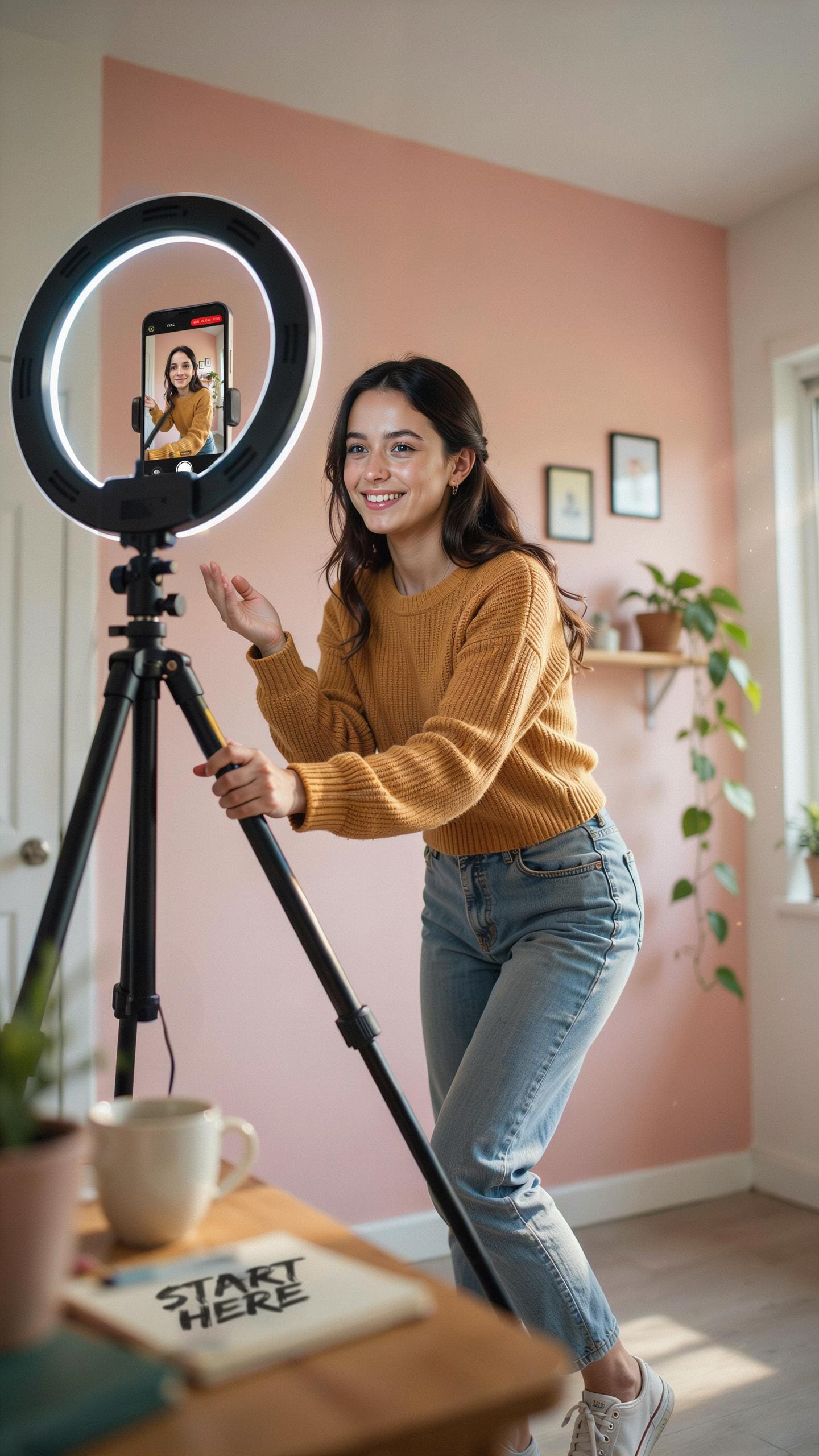
Quick Setup Guide
Assembling your ring light takes minutes. Most models ship with a phone mount that slides into the center of the ring. Attach your phone securely to prevent drops during recording. The mount should hold your device at the center axis of the light.
- Assemble the ring light base: Connect the stand legs to the central pole and tighten all connections. Check stability before mounting your phone.
- Attach your phone to the mount: Slide your phone into the holder and secure it with the provided clips. Ensure the phone sits centered in the ring.
- Position at eye level: Place the ring light directly in front of you at eye height. This angle eliminates shadows under eyes and chin.
- Adjust brightness: Turn the dial or use the control panel to set light intensity. Start at 50 percent and increase as needed for your space.
- Set color temperature: Most ring lights toggle between warm 3200K and cool 5600K settings. Choose warm for indoor environments and cool for daylight conditions.
- Test record and review: Record 30 seconds of footage, then playback on your phone screen. Check for shadows, glare, and overall skin tone before starting your actual content.
Adjustments happen in real time. Watch your phone screen while recording to spot issues immediately. Reposition the light if harsh shadows appear on your face or neck. Test different brightness levels to find what looks natural for your camera and room setup.
Maximize Your Output
Consistent lighting directly improves how viewers perceive your content. Ring lights eliminate the uneven shadows that phone built-in lights create. Your face appears clearer, colors look accurate, and text or products on screen display properly. Viewers engage more with content they can see clearly without strain.
Investing time to understand your specific ring light settings compounds results over time. Different room types require different brightness and temperature combinations. Indoor rooms need warm light to match existing bulbs. Outdoor or naturally bright spaces need cooler settings to balance daylight. Record test videos weekly as you create content. Your eye trains to spot what works best for your audience and recording space. Better lighting habits become automatic within two to three weeks of consistent use.
Frequently Asked Questions

What exactly is a ring light and why do I need one for my phone videos?
A ring light is a circular light source that illuminates your face evenly, minimizing shadows and giving your phone videos a polished, professional look. For beginners, it’s an effortless way to upgrade video quality, making you appear brighter and more engaging on camera without complex lighting setups.
How do I properly set up and position a ring light for phone videos to get the best results?
Position your ring light directly in front of you, at eye level, ensuring your phone is secured within its center. This direct alignment eliminates harsh shadows and provides flattering, uniform lighting. Experiment with distance; closer light means softer illumination for your phone videos.
Are there affordable ring light options for phone videos that still offer good quality for a beginner?
Absolutely! You can find excellent, budget-friendly ring light for phone videos that are perfect for beginners. Many come with adjustable brightness and color temperature, a phone holder, and a stable stand, proving you don’t need to spend a lot for significant improvement in your video quality.



