
The Essential Role Of A Portable Charger For Laptop Users

Why Every Laptop User Needs A Portable Power Source
Laptops have become work and entertainment tools that people rely on constantly. Battery life on modern laptops ranges from 4 to 12 hours depending on usage and model. Long flights, remote work sites, and areas without outlets create real power gaps that interrupt productivity and communication.
A high-capacity power bank solves this problem directly. You gain hours of additional work time without searching for wall outlets. This extends your laptop’s usable time and keeps you connected when it matters most during travel or emergencies.
Understanding Portable Charger Capacities: MAh And Wh
Power banks use two measurement units to describe capacity: milliamp hours (mAh) and watt hours (Wh). mAh measures charge quantity while Wh measures actual energy output. For laptop charging, Wh is the more relevant metric because it directly shows how much power the bank can deliver to your device.
A power bank with 50,000 mAh capacity might deliver far less actual laptop charging power than the number suggests. Wh ratings eliminate confusion by showing real usable energy. Always compare Wh numbers when choosing a power bank for laptops to ensure you get genuine charging capability, not inflated specifications.

Key Features To Look For In A High Capacity Power Bank For Laptops
Output Ports And Compatibility USB C Power Delivery PD
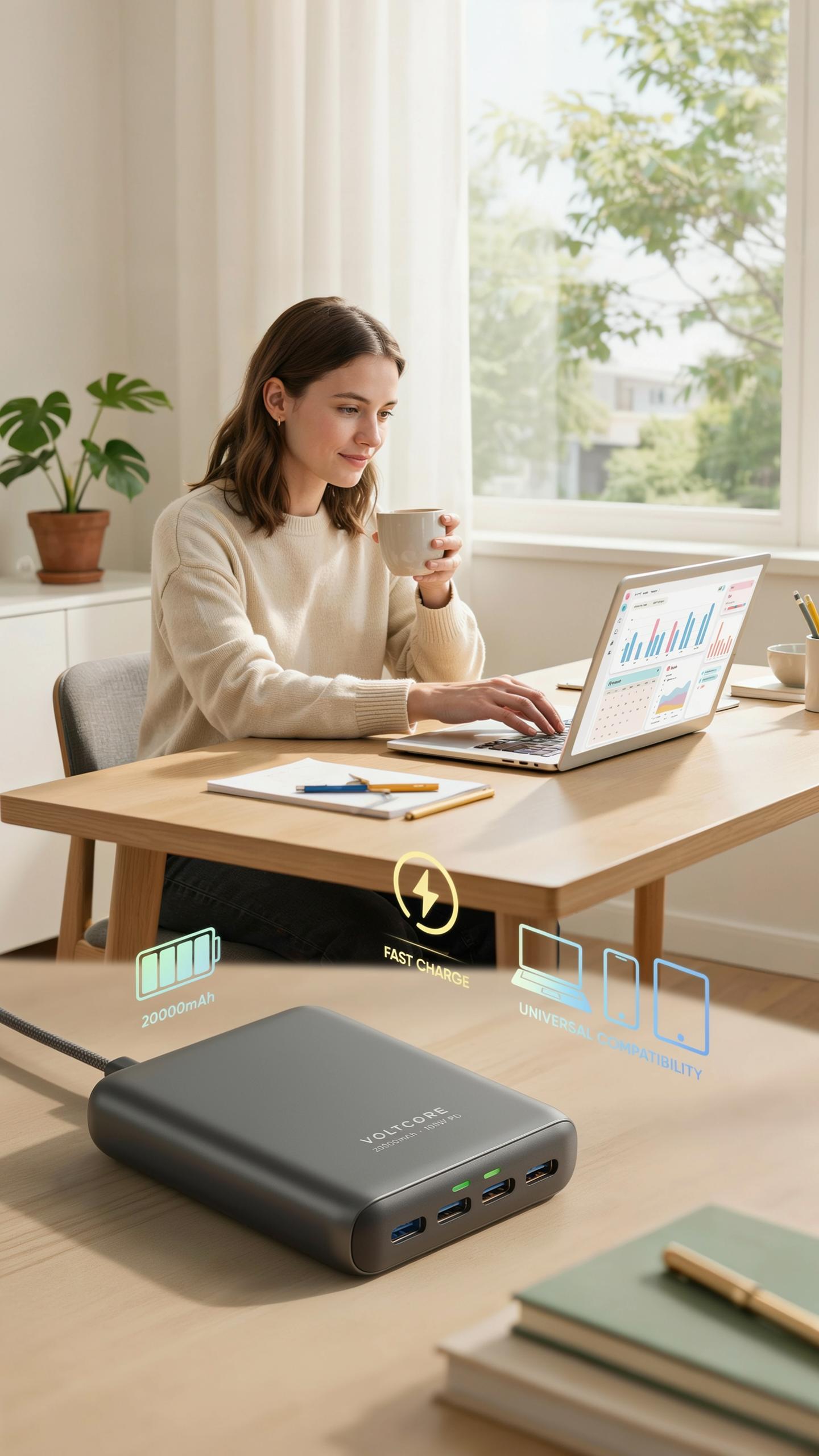
USB-C Power Delivery is the standard for laptop charging. It delivers power efficiently through a single connector, eliminating the need for proprietary cables. Power banks rated at 65W, 100W, or higher PD output can charge most laptops at full speed. Without adequate PD wattage, your laptop charges slowly or remains stagnant during use.
USB-A ports serve secondary functions on power banks. They charge phones and tablets at standard speeds. A quality laptop power bank includes both USB-C PD and USB-A outputs. This dual-port setup lets you charge your laptop and phone simultaneously without compromises.
Battery Cell Technology And Safety Features
Lithium-ion and lithium-polymer cells dominate the market. Li-ion cells offer higher energy density and lower cost. Li-polymer cells provide flexibility in design and slightly better safety profiles. Both require robust protection circuits to prevent failures that damage connected devices.

Overcharge protection, short-circuit protection, and temperature control are non-negotiable. These features stop the battery from exceeding safe voltage levels. Temperature sensors cut power if cells overheat. Quality power banks include multiple protection layers to ensure your laptop and the power bank remain safe during extended charging cycles.
Optimizing Your Remote Work Setup With A Portable Charger

Maintaining Productivity In Remote Locations With Portable Power
A high-capacity power bank eliminates the need to hunt for outlets while working remotely. You work from cafes, parks, or trains without interruption. The device charges your laptop directly, keeping your work session active until you reach a charging location. This removes the constraint that ties remote workers to desk environments.
Battery anxiety disappears when you carry adequate power. You extend work sessions by hours without seeking infrastructure. Remote locations become viable workspaces instead of obstacles. A portable charger transforms your laptop from a tethered device into a truly mobile tool.
Choosing The Right Capacity For Your Laptop And Workload
Calculate your power bank capacity by multiplying your laptop’s battery watt-hours by the number of full charges you need. Most modern laptops draw between 45 to 100 watts. A laptop with a 60-watt-hour battery requires a 60-watt-hour power bank for one full charge. Real-world conditions demand 20 to 30 percent more capacity due to charging inefficiencies.

Match capacity to your actual work rhythm. A four-hour workday needs less capacity than an eight-hour field assignment. Video conferencing drains batteries faster than document editing. Assess your typical usage patterns, then select a power bank rated 20 to 30 percent above your calculated minimum. This buffer accounts for device aging and environmental factors that reduce charging efficiency over time.
Exploring Different Power Bank Design And Portability Options
Compact Vs. High Capacity: Balancing Size And Power
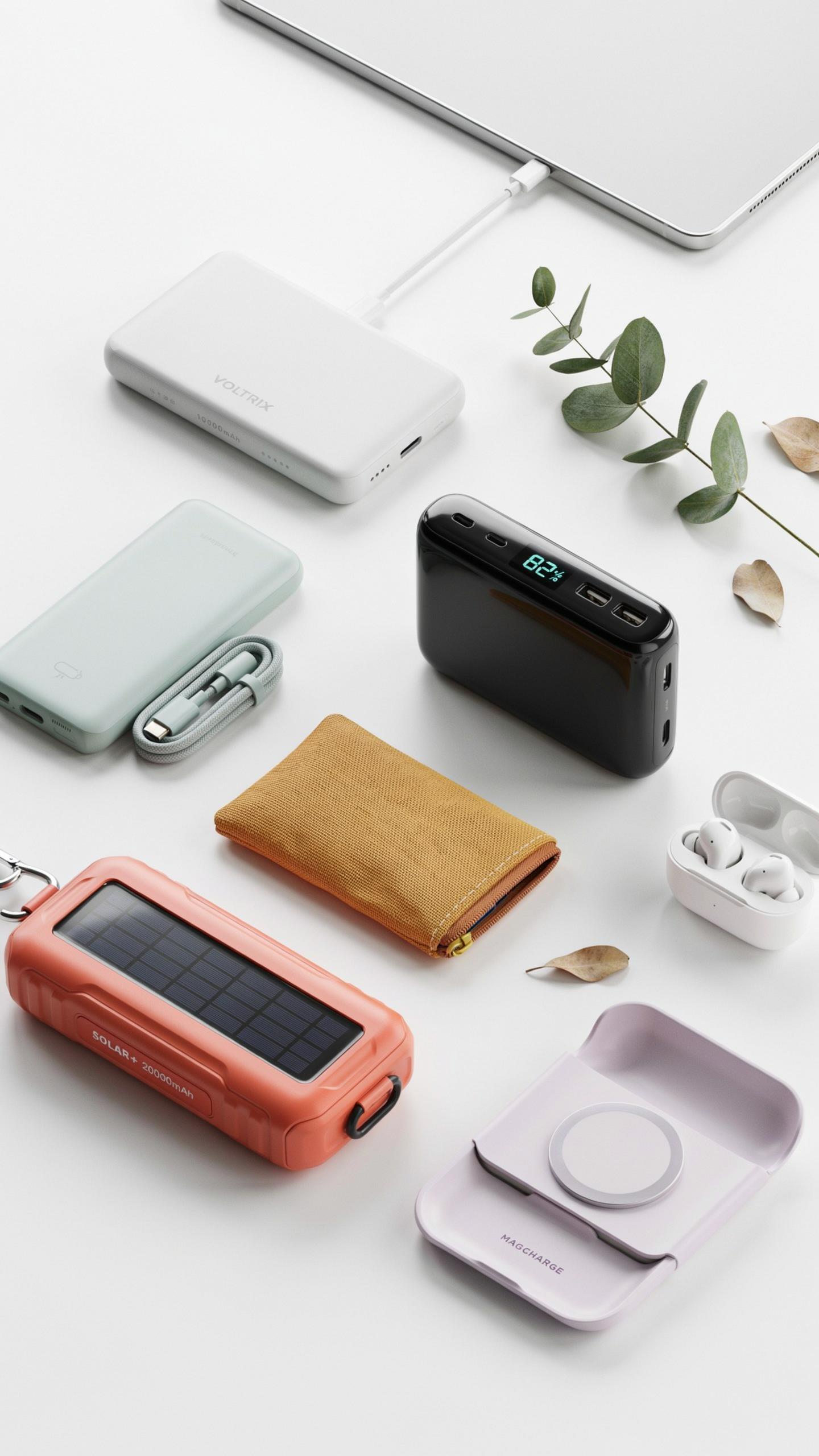
Compact power banks under 10,000mAh weigh less than one pound and fit in jacket pockets. They charge phones once or twice but cannot power laptops. High-capacity models between 25,000mAh and 65,000mAh weigh two to four pounds and occupy backpack space. They deliver multiple laptop charges. Your choice depends on trip length and device count. Weekend trips favor compact units. Extended travel demands high-capacity power.
The trade-off is direct and unavoidable. Higher capacity means more weight and volume. Compact designs sacrifice power output and charge cycles. Most laptop chargers require 60W to 100W output. Smaller banks deliver 20W to 45W maximum. You gain portability but lose functionality with compact options. High-capacity banks enable true laptop independence at the cost of pack weight.
Rugged Designs For Outdoor Adventures And Durability
Rugged power banks use reinforced polymers and aluminum frames to withstand drops and impacts. Water resistance ratings from IPX4 to IPX8 protect against rain, sand, and accidental submersion. Drop-tested models survive falls up to six feet onto concrete. These designs add weight and bulk compared to standard units. Outdoor professionals and adventure travelers prioritize durability over minimalist packaging.

Military-grade materials increase cost by 20 to 40 percent but extend lifespan significantly. Sealed ports prevent dust and moisture ingress during extreme conditions. Rubberized grips prevent slipping in wet environments. Shock-absorbing corners distribute impact force away from internal components. Test these units before purchase to confirm your grip comfort and button responsiveness in field conditions.
Fast Charging Technologies Powering Up Your Tech Gadgets Quickly
Understanding Quick Charge And Other Rapid Charging Standards
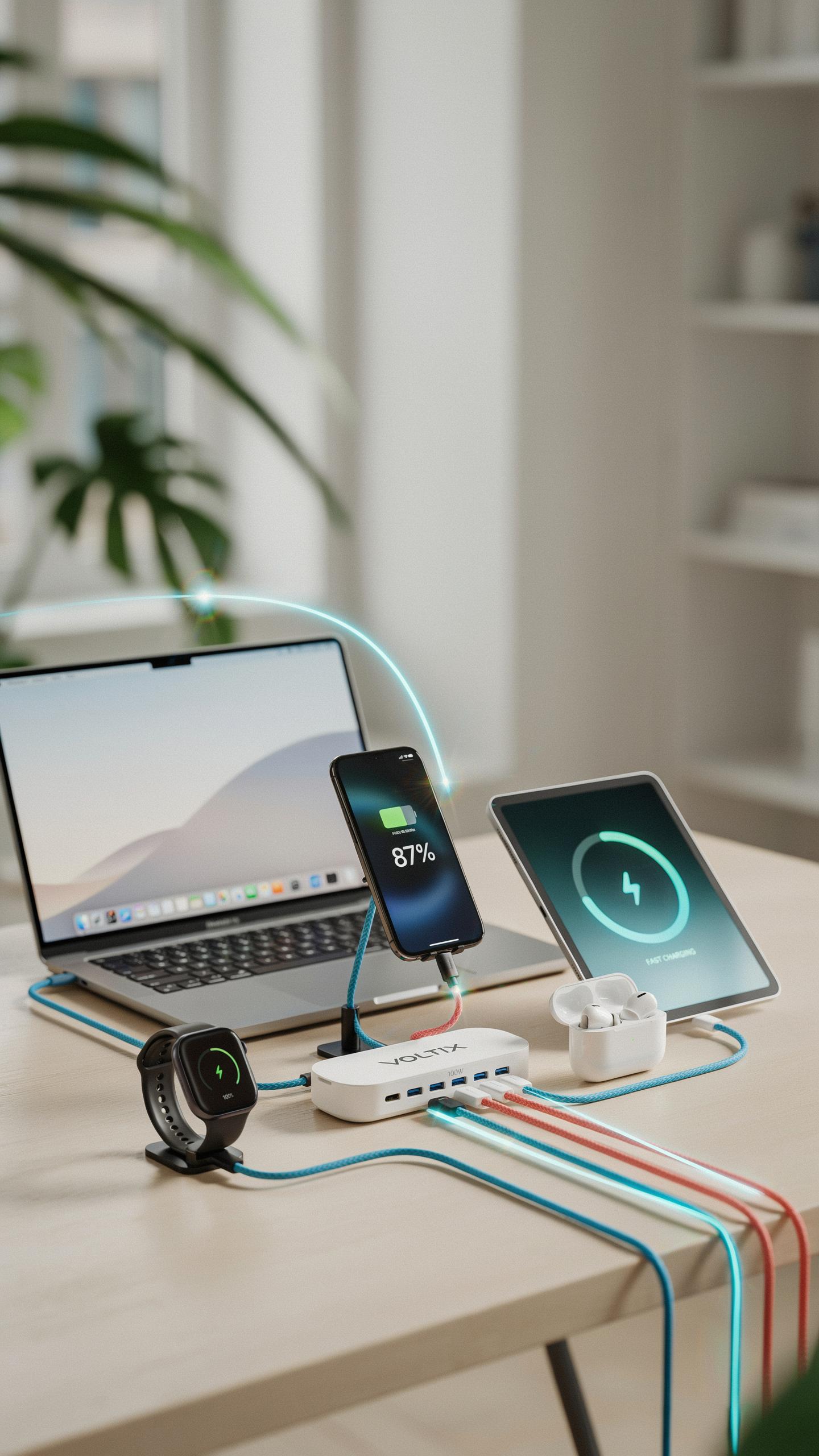
USB Power Delivery (USB-PD) is the current standard for laptop charging through USB-C ports. It delivers up to 240 watts across different voltage levels, allowing laptops to charge at speeds comparable to wall chargers. Quick Charge, developed by Qualcomm, focuses primarily on phones and tablets, reaching up to 120 watts on newer versions. Power banks supporting USB-PD handle laptops directly, while Quick Charge variants suit mobile devices more effectively.
The voltage negotiation process determines charging speed. USB-PD uses intelligent communication between the power bank and device to select the correct power level. A laptop requiring 65 watts will draw that specific amount from a compatible USB-PD power bank. Devices without USB-PD support cannot access these faster speeds, making standard compatibility critical when purchasing a high-capacity power bank for laptops.
The Benefits Of Bidirectional Fast Charging For Input And Output
Bidirectional fast charging means the power bank accepts incoming power as rapidly as it delivers outgoing power. A power bank that supports 140-watt input charges its own battery in 30 to 45 minutes using a compatible charger. This capability eliminates downtime between charging cycles during travel. You charge the power bank fast, then immediately charge your laptop or devices without delay.

Output bidirectionality ensures the power bank delivers maximum wattage while charging. A 240-watt capable power bank sends full power to your laptop while simultaneously accepting charge from a wall outlet if plugged in. This dual functionality is essential for field work, remote locations, or situations where you need continuous device availability. Bidirectional support transforms a power bank from a backup tool into an active power management system.
Beyond Laptops Charging Tablets And Other Tech Gadgets
Multi Device Charging Capabilities Of Modern Power Banks
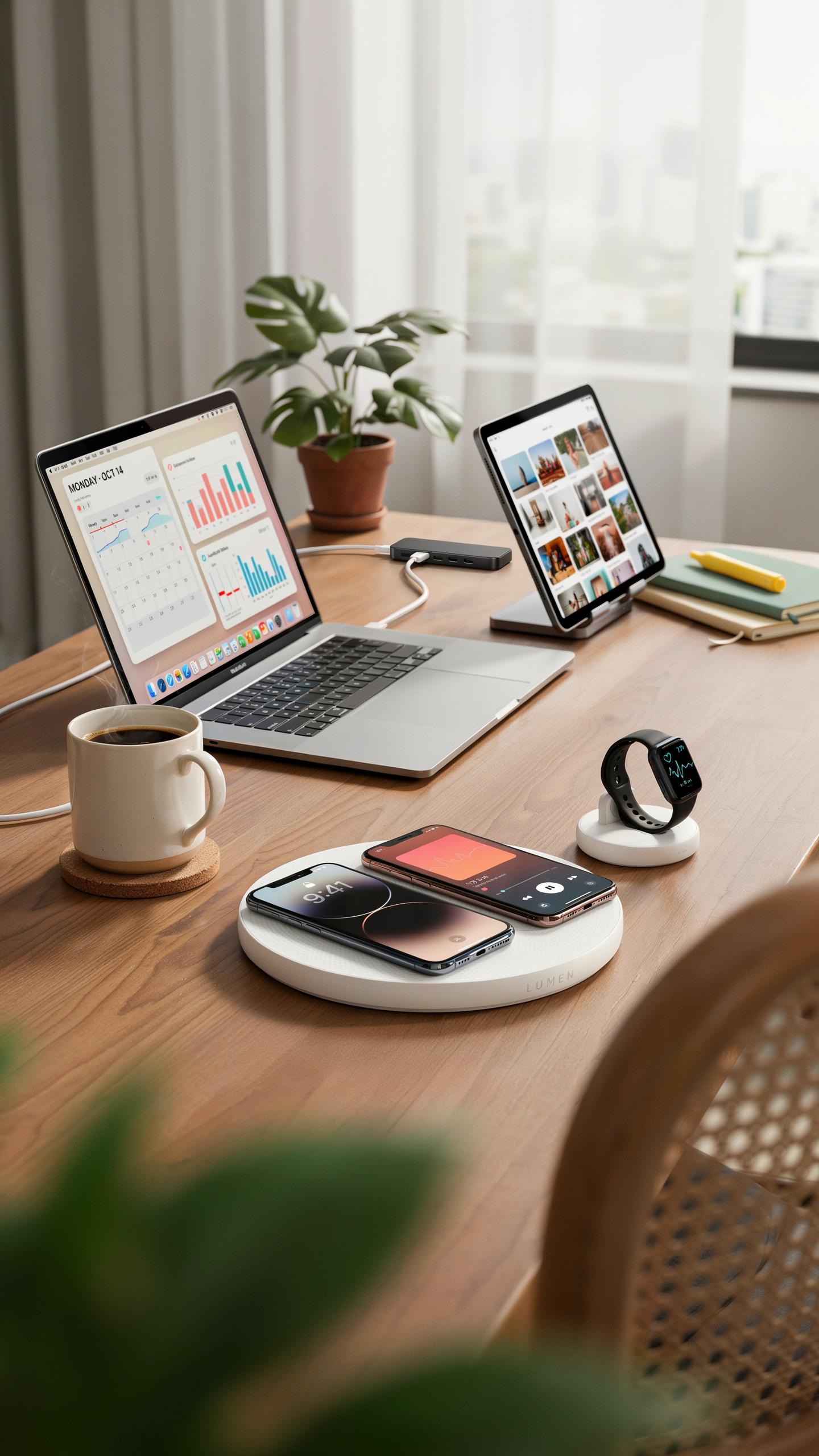
High-capacity power banks deliver multiple output ports that handle simultaneous charging. Most models include USB-C ports, USB-A ports, and wireless charging pads. This setup lets you charge a laptop on one port while tablets and phones use others. The power distribution happens in real-time without requiring manual switching or sequential charging cycles.
Power delivery technology determines how efficiently multi-device charging works. Modern power banks allocate wattage across ports based on what devices connect. A laptop pulls 65-100W while a smartphone takes 18-30W. The power bank adjusts output automatically so each device receives appropriate current without degrading performance or safety.
Remember those long journeys where inspiration struck mid-flight or deep in the wilderness? With a reliable power bank, your creativity can now soar as far as your adventures take you.
Prioritizing Charging: Efficiently Powering All Your Devices
Charge your laptop first when time is limited. Laptops require sustained high wattage and drain capacity quickly. Once your laptop reaches 80 percent, connect secondary devices like tablets. This approach prevents the power bank from throttling laptop charging midway through a critical work session.

Stagger charging times strategically by connecting devices with smaller batteries last. Smartwatches and earbuds charge fully in minutes using minimal power. Plug these in after your laptop and tablet are established on their charging cycle. This method maximizes overall efficiency and ensures your most power-hungry devices get dedicated wattage when they need it most.
Choosing The Right Laptop Charger Brand Reputation And Reviews

Researching Reputable Brands For Reliability And Customer Support
Established brands like Anker, RAVPower, and Baseus dominate the laptop power bank market because they maintain consistent quality standards and responsive customer service operations. These manufacturers invest in component sourcing, testing protocols, and warranty programs that protect your investment. They replace defective units quickly and provide clear documentation for troubleshooting.
Smaller or unknown brands cut corners on internal circuitry, safety certifications, and post-purchase support. When your power bank fails mid-trip, you need a company with actual customer service infrastructure. Check whether the brand offers direct email support, replacement procedures, and warranty terms that extend beyond basic legal minimums.
Leveraging User Reviews And Expert Opinions For Informed Decisions
Real user reviews on Amazon, Reddit, and tech forums reveal failure patterns that manufacturers won’t mention. Look for reviews with specific details about charging speed, heat generation, and long-term durability after six months of use. Expert reviewers from outlets like TechRadar and Wirecutter conduct controlled tests that measure actual output versus manufacturer claims.

Cross-reference multiple review sources because individual outliers exist everywhere. One negative review means little, but when ten reviewers report the same overheating issue, you’ve identified a real problem. Pay attention to reviews from people with your exact laptop model, since compatibility varies based on power requirements and connector types.
Maximizing The Lifespan Of Your Portable Power Bank
Proper Charging And Storage Practices For Battery Health
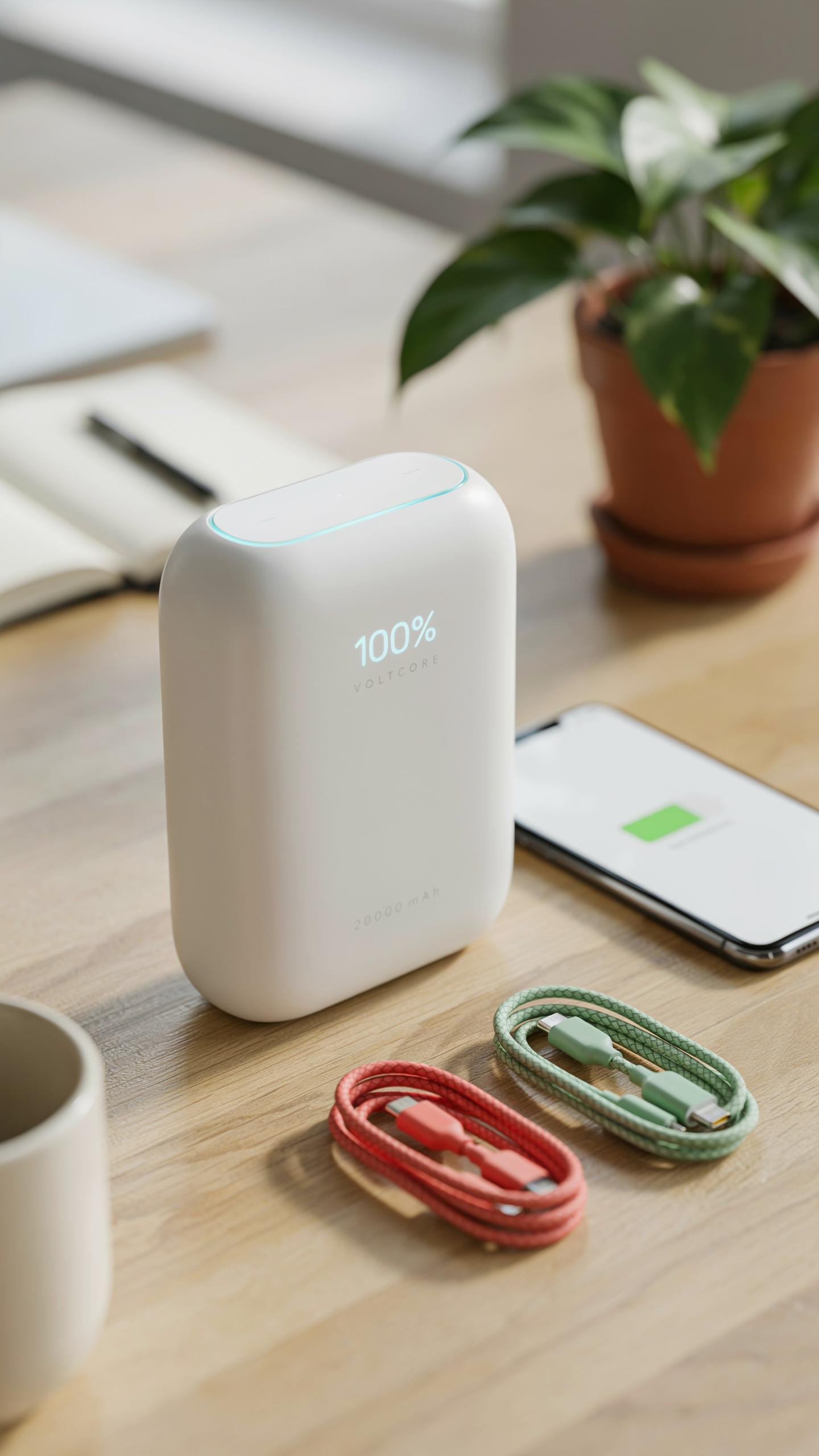
Lithium-ion batteries degrade over time regardless of use. Heat accelerates this process. Store your power bank in a cool, dry environment between 50 and 77 degrees Fahrenheit. Avoid leaving it in direct sunlight, hot cars, or near heat sources. Charge it in similar conditions. These practices slow chemical breakdown and preserve capacity over months and years.
- Charge between 20 and 80 percent: Keeping cells away from full and empty states reduces stress on the battery chemistry and extends cycle life significantly.
- Use the original charger: Third-party chargers may deliver incorrect voltage or current, damaging internal cells or triggering safety shutoffs prematurely.
- Avoid complete discharge: Draining a power bank to zero percent can damage battery cells and prevent them from accepting a proper charge afterward.
- Store at 50 percent charge: If storing long-term, charge the power bank to approximately 50 percent before placing it away for weeks or months.
- Disconnect unused devices: Remove cables and connected devices after charging stops to prevent parasitic drain that slowly depletes stored energy.
- Monitor temperature during use: If the power bank feels hot during charging or discharging, stop immediately and let it cool before resuming operation.
Power banks lose capacity gradually after hundreds of charge cycles. Most models retain 80 percent of original capacity after 300 to 500 complete cycles. Following these guidelines stretches that timeline. Replacing a degraded power bank beats discovering a dead device during travel.
Tips For Safe Travel With High Capacity Power Banks Aviation Regulations
The FAA and international aviation authorities limit power banks on flights based on watt-hour capacity. Devices under 100 watt-hours travel in carry-on bags without restriction. Devices between 100 and 160 watt-hours require airline approval and limited quantities. Most airlines allow one or two units in this range. Anything above 160 watt-hours is prohibited entirely on passenger aircraft.

Check your power bank’s specifications before packing. Manufacturers print watt-hours on the label or user manual. Calculate it yourself by multiplying voltage by amp-hours if needed. Contact your airline 24 hours before departure if you carry a unit between 100 and 160 watt-hours. Rules differ by carrier and international route. Document your device specifications. Bringing prohibited equipment triggers confiscation and potential fines.
Future Trends In Portable Charger Technology

Advancements In Battery Technology And Charging Efficiency
Solid state batteries replace liquid electrolytes with solid materials. This shift reduces flammability risks and increases energy density. Manufacturers can pack more capacity into smaller form factors. Solid state technology also extends cycle life significantly. These batteries will appear in premium power banks within the next several years as production scales up.
Gallium nitride chargers replace silicon in power conversion circuits. GaN technology cuts heat generation and improves efficiency during conversion. This means faster charging with less wasted energy. Smaller charging adapters now deliver higher wattages because GaN handles power density better. High capacity power banks paired with GaN chargers will charge laptops 20 to 30 percent faster than current standards.
Integration With Renewable Energy Sources Solar Charging
Solar integrated power banks combine photovoltaic panels directly into the device body. These panels trickle charge the battery during daylight exposure. Output remains modest compared to wall outlets, but offsets drain during outdoor use. Manufacturers embed panels on the back or sides to maximize sun exposure without adding bulk. This feature targets users in remote locations or extended outdoor deployments.
Hybrid solar and wall charging models provide flexibility for extended trips. Users charge fully before departure, then rely on solar to extend runtime. Panel efficiency varies with cloud cover and angle, so solar acts as a supplement rather than primary charging source. Realistic expectations matter here. Solar panels on power banks deliver 5 to 15 watts in direct sunlight, which maintains rather than rapidly refills laptop batteries.
Frequently Asked Questions

What exactly is a high-capacity power bank for laptops, and why do I need one?
A high-capacity power bank for laptops is a portable battery designed to charge your computer and other devices when you’re away from an outlet. It’s essential for remote work, travel, or any time you need reliable power on the go, ensuring your productivity or entertainment isn’t interrupted.
How do I choose the right high-capacity power bank for my specific laptop model?
To choose the right high-capacity power bank, first check your laptop’s power requirements (voltage and wattage) usually found on its original charger. Then, look for a power bank that matches or exceeds these specifications, often indicated by its Watt-hour (Wh) rating and output ports like USB-C Power Delivery.
Are high-capacity power banks for laptops generally expensive, and are there affordable options that still perform well?
While some high-capacity power banks for laptops can be an investment, there are definitely affordable options that offer great value. Look for reputable brands during sales or consider models with slightly lower capacity if your usage is moderate. Prioritizing essential features over premium add-ons can also help keep costs down.



