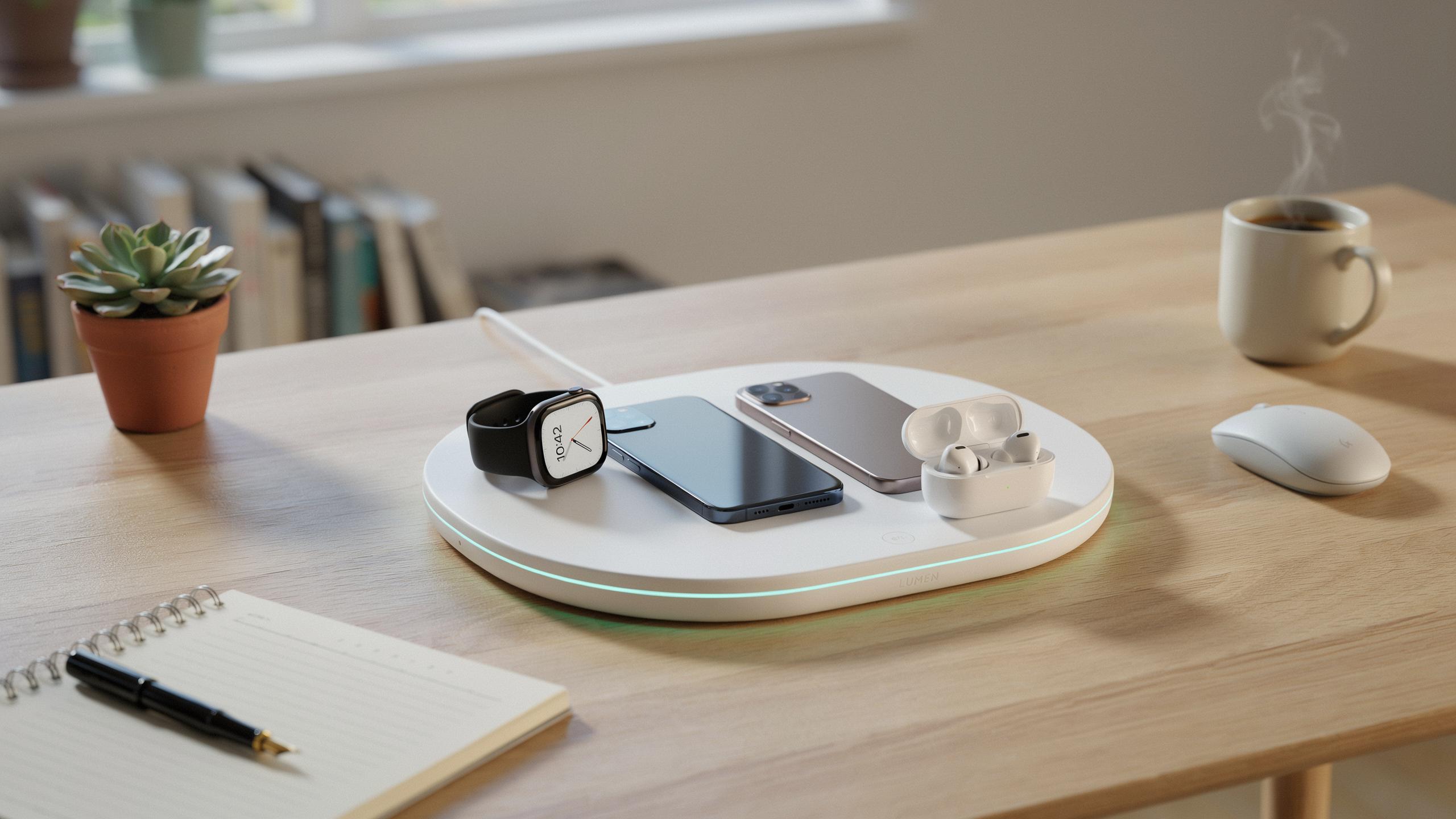
The Evolution Of Wireless Charging Pad Technology
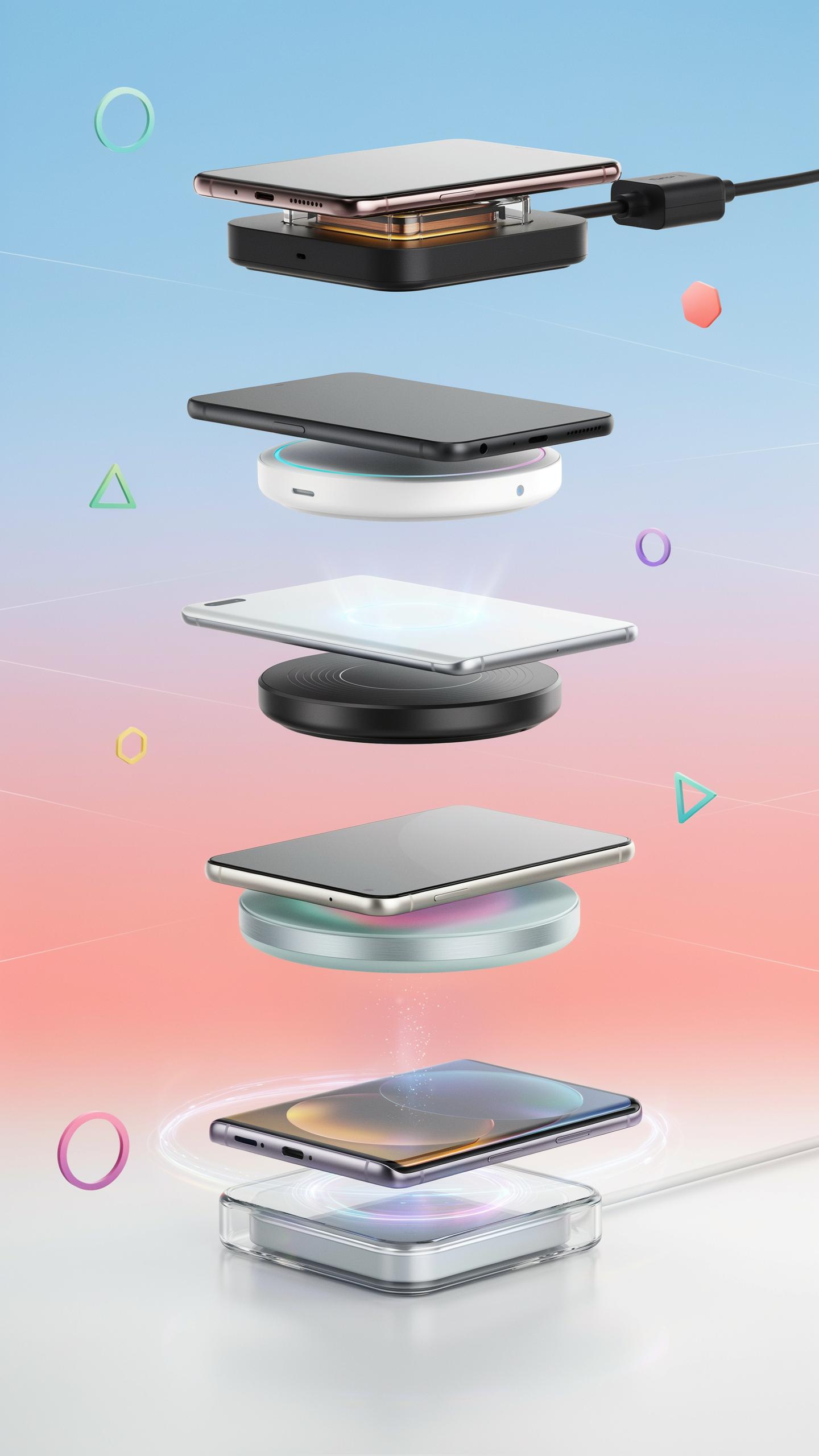
From Single Coils To Multi Device Arrays: A Brief History
Early wireless charging relied on single inductive coils. One coil transmitted power. One device received it. This approach worked but lacked flexibility. Users had to position their phone precisely on the charging pad. Any misalignment meant slower charging or no charging at all. Manufacturers quickly recognized the limitation.
The industry moved toward multiple coil arrays in the mid 2010s. Companies embedded several coils into charging pads. These coils worked together to create larger charging zones. Users could place devices almost anywhere on the pad and still charge. This solved the alignment problem. Multi coil pads became the standard for mainstream wireless charging solutions.
Understanding Qi: The Universal Standard For Wireless Power
The Wireless Power Consortium established Qi in 2008. Qi set the technical rules for inductive wireless charging. It defined coil specifications, power levels, and safety protocols. Without Qi, every manufacturer would use different standards. Devices from one brand wouldn’t work with another brand’s charger. Qi created interoperability across the entire industry.
Qi certifies charging pads and devices that meet its requirements. The standard supports multiple power levels for different device types. Smartphones typically charge at 5 watts or 7.5 watts. Some tablets and smartwatches charge at lower wattages. Qi compliance ensures devices communicate safely with charging pads to prevent overheating and battery damage.

Why Choose A Wireless Charging Pad For Multiple Gadgets
Decluttering Your Space: The Aesthetic And Practical Benefits
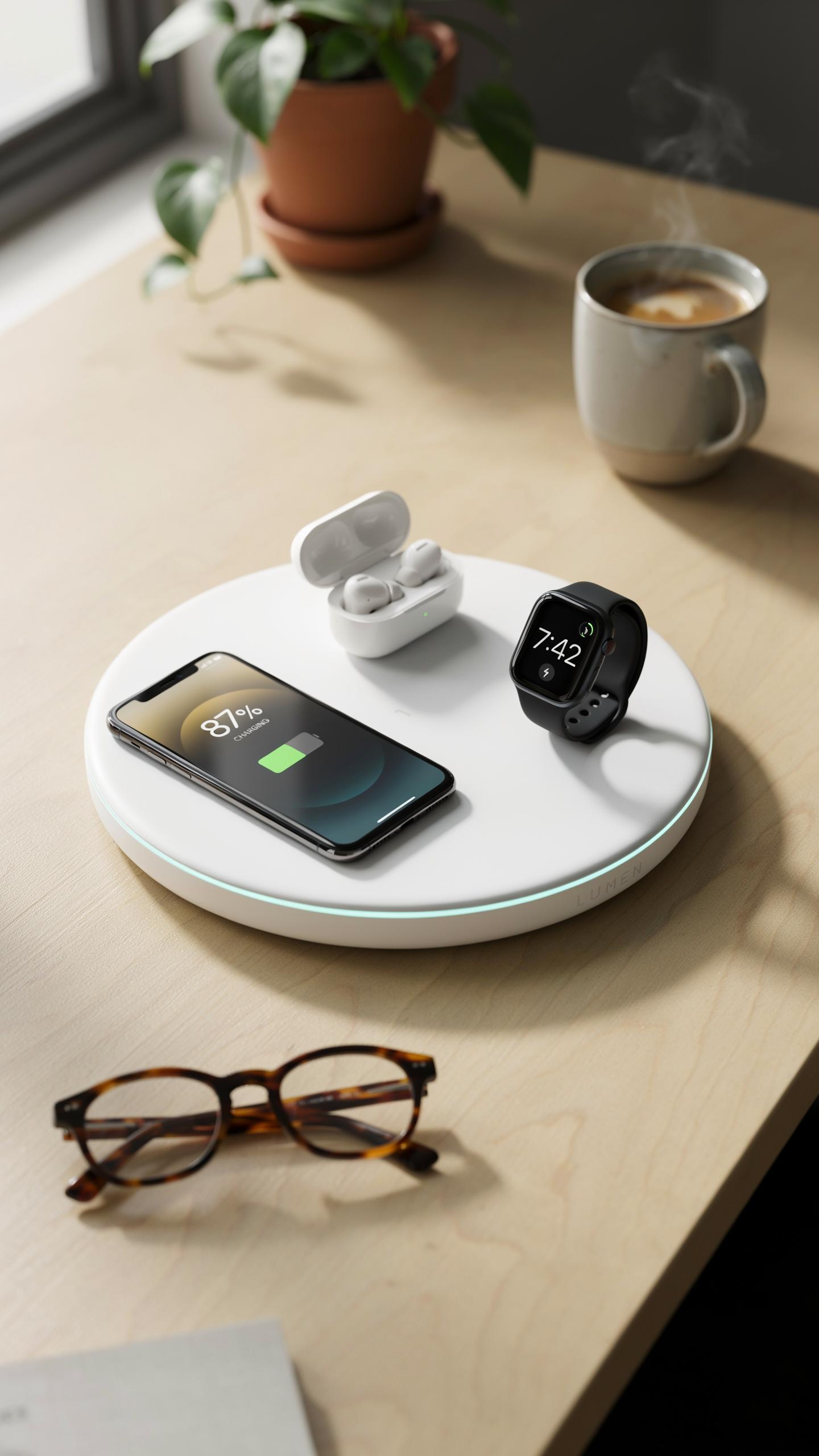
A single wireless charging pad eliminates multiple cords from your desk, nightstand, or workspace. This reduction in cable clutter directly improves visual organization and makes areas easier to clean. You move from a tangled mess of chargers to one unified charging zone. The psychological benefit of reduced visual complexity translates into a more focused environment. Most users report immediate improvements in workspace functionality once they consolidate charging infrastructure.
Wireless pads for multiple devices typically occupy the same physical footprint as two or three traditional chargers. The space savings compound over time as you no longer need separate power outlets for each device. You reclaim counter space, drawer room, and cable management resources. This consolidation applies equally to home offices, bedrooms, and commercial spaces. The practical outcome is a cleaner setup that requires less maintenance and reorganization.
In a world buzzing with connection, imagine the simple joy of effortlessly powering all your beloved devices, together. This guide is a gentle invitation to that harmonious future, remembering the days when tangled cords were our only option.
Convenience Redefined: Charging Multiple Devices Simultaneously
Multi device wireless charging pads charge phones, tablets, and wearables at the same time without manual intervention. You place devices on the pad and charging begins automatically through electromagnetic induction. No cable swapping or charging sequence planning required. The simultaneous charging model saves cumulative time across daily routines. Morning preparation becomes faster when all devices reach full charge without managing individual chargers.
Battery management becomes simplified with consolidated charging zones. Devices charge at manufacturer approved rates determined by the pad’s power distribution system. You eliminate the problem of devices competing for outlet priority or power supply allocation. Users maintain consistent device readiness without tracking which device charged last or whether all devices reached adequate battery levels. This reliability removes a category of daily planning friction entirely.
Key Features To Look For In A Wireless Charger Station
Power Output And Charging Speed For Various Devices
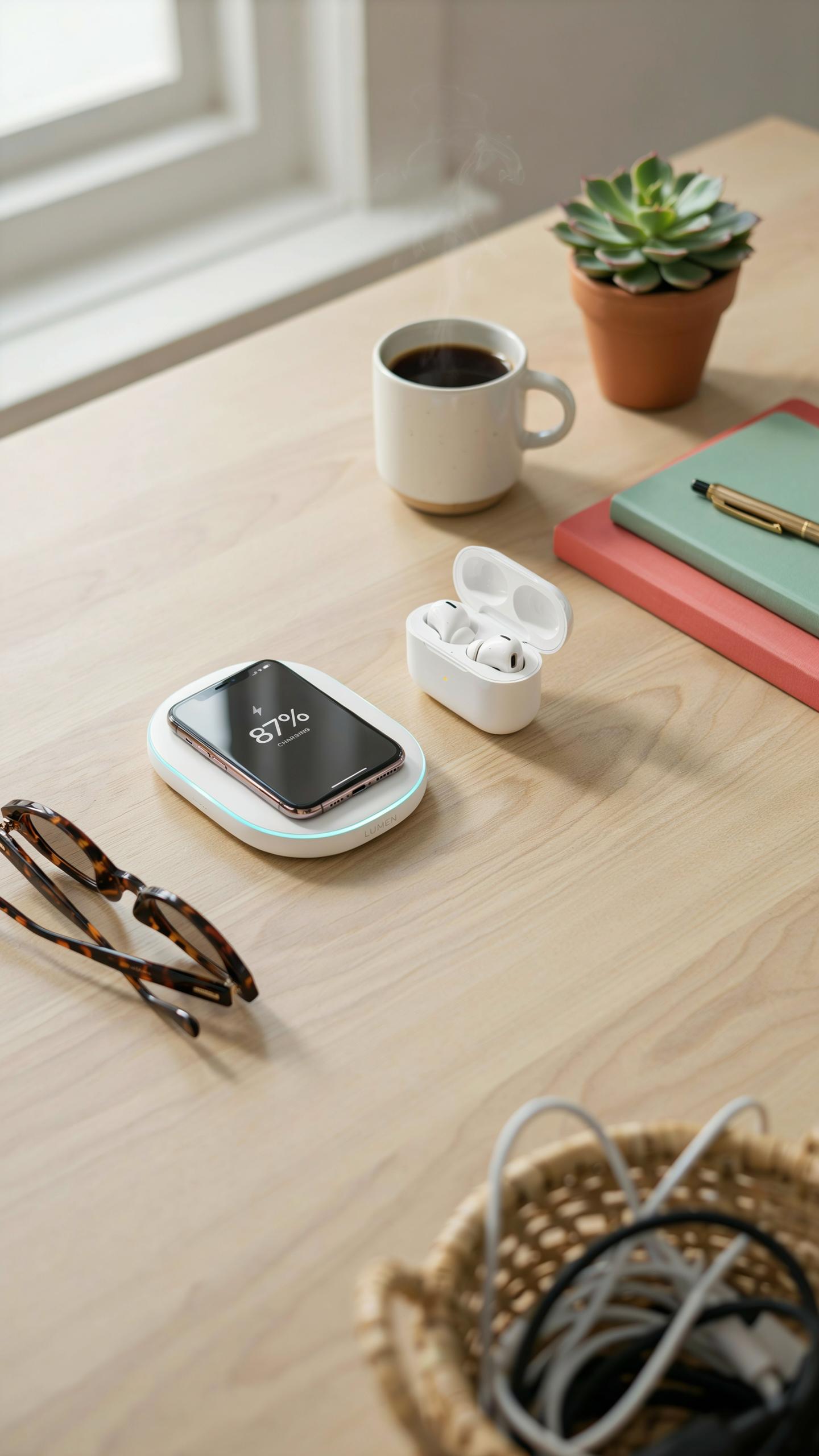
Power output determines how fast your devices charge. Most wireless chargers deliver between 5 watts and 15 watts. Phones typically charge at 10 watts. Tablets and smartwatches require different wattage levels. A multi-device station needs sufficient power delivery to handle simultaneous charging without slowing down individual devices. Check the specifications for total wattage capacity across all charging zones.
Charging speed depends on both the charger’s output and the device’s receiving capability. Not all devices support the same wattage. Your phone might accept 15 watts while your earbuds accept only 5 watts. A quality multi-device charger distributes power intelligently across connected devices. This prevents bottlenecks and keeps charging times reasonable even when multiple items sit on the pad simultaneously.
Safety Features: Overcharge Protection And Foreign Object Detection
Overcharge protection stops the charger from sending excess power once a device reaches full capacity. This prevents battery degradation and extends device lifespan. Most reputable chargers use either voltage regulation or smart chip technology to monitor battery levels. The charger automatically reduces or halts power flow when devices are fully charged. This feature protects your investment in expensive phones and accessories.
Foreign object detection identifies non-compatible items or metallic objects on the charging surface. This technology prevents damage from charging credit cards, keys, or coins accidentally left on the pad. The charger detects the presence of foreign objects and either refuses to activate or triggers a safety shutdown. Modern multi-device stations use electromagnetic field analysis to distinguish between legitimate devices and obstacles, keeping your electronics safe from electrical damage.
Best Wireless Charging Pad Options For Apple Ecosystem Users

Charging Your IPhone, Apple Watch, And Airpods On One All In One Charger Apple
Apple offers the MagSafe ecosystem as its primary multi-device charging solution. The MagSafe charger magnetically attaches to iPhones, delivering up to 15W wireless power. Users need separate chargers for Apple Watch and AirPods, as no single Apple-branded pad charges all three devices simultaneously. Third-party manufacturers produce combination pads that charge multiple Apple devices, though compatibility varies by model year and product generation.
The practical reality: Apple doesn’t manufacture an all-in-one charging pad for iPhone, Watch, and AirPods together. Users combining these devices typically use the Apple Watch magnetic charging puck and a separate MagSafe iPhone charger. AirPods charge via a Lightning or USB-C case depending on the model. Some consumers stack multiple chargers or use third-party options designed for this specific use case.
Optimizing For Airpods Apple And Other Accessories
AirPods cases charge through either Lightning connectors or USB-C ports, depending on generation and model. Users cannot wirelessly charge AirPods directly through a standard wireless charging pad designed for phones and watches. The case itself acts as the charging vessel, and only newer AirPods Pro 2 models support wireless charging of the case itself. This distinction matters when evaluating multi-device chargers.

Optimizing means understanding device requirements before purchasing. Lightning AirPods cases require connection to a wired charger or compatible charging mat with Lightning support. USB-C equipped AirPods integrate with some universal charging solutions but not traditional Qi wireless pads. Apple Watch requires its magnetic puck charger exclusively. Plan your setup knowing these limitations prevent true one-pad solutions for all three device types.
Wireless Charger Stand Vs Flat Pad Which Is Right For You
Ergonomics And Accessibility: The Benefits Of A Charger Stand
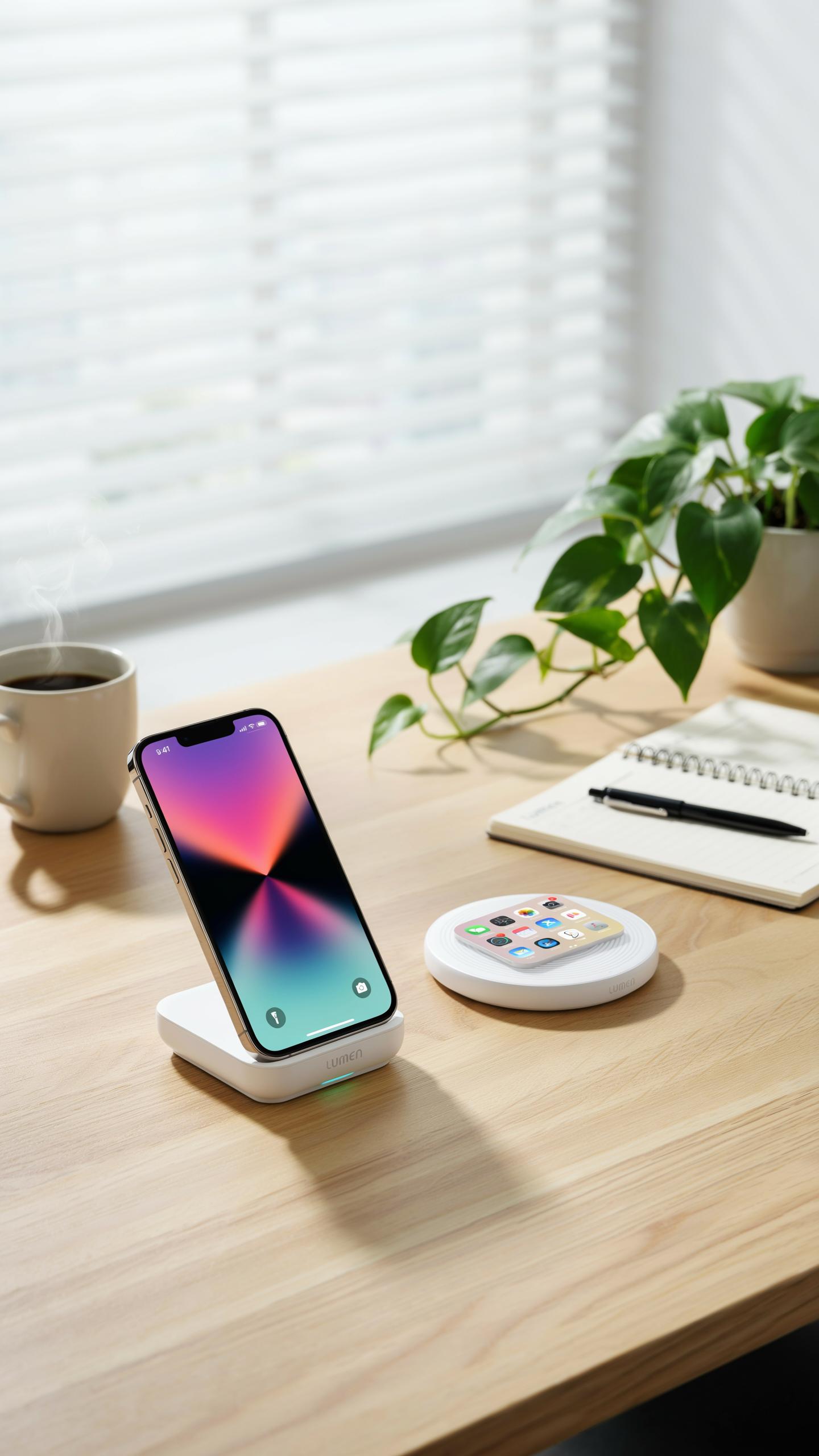
A stand positions your device at eye level or chest height while charging. This eliminates neck strain when viewing notifications, checking the time, or reading messages. Stands work as both chargers and viewing platforms, making them practical for desks and nightstands where you need screen visibility during the charging cycle.
Stands improve one-handed device access. You grab your phone without bending down or reaching across a flat surface. The elevated position reduces hand fatigue during extended use and creates clear space underneath for cable management or storage. This design choice matters most for people who charge devices in work or living areas where interaction happens constantly.
Space Saving Designs: When A Flat Pad Is Ideal
Flat pads occupy minimal footprint on desks, tables, and shelves. They slip into bags, drawers, and tight spaces where stands cannot fit. A single pad measuring eight by eight inches charges multiple devices simultaneously without demanding vertical clearance, making them practical for compact living situations and shared spaces where real estate is limited.
Flat pads work better for travel and temporary setups. You place them anywhere without worrying about stability or balance. They suit nightstands where you charge devices before sleep, since you simply place your phone down rather than positioning it on a stand. The low profile keeps cords out of sight and reduces visual clutter in minimalist environments.
The Portable Advantage Travel Charger Solutions
Compact And Foldable Designs For On The Go Charging
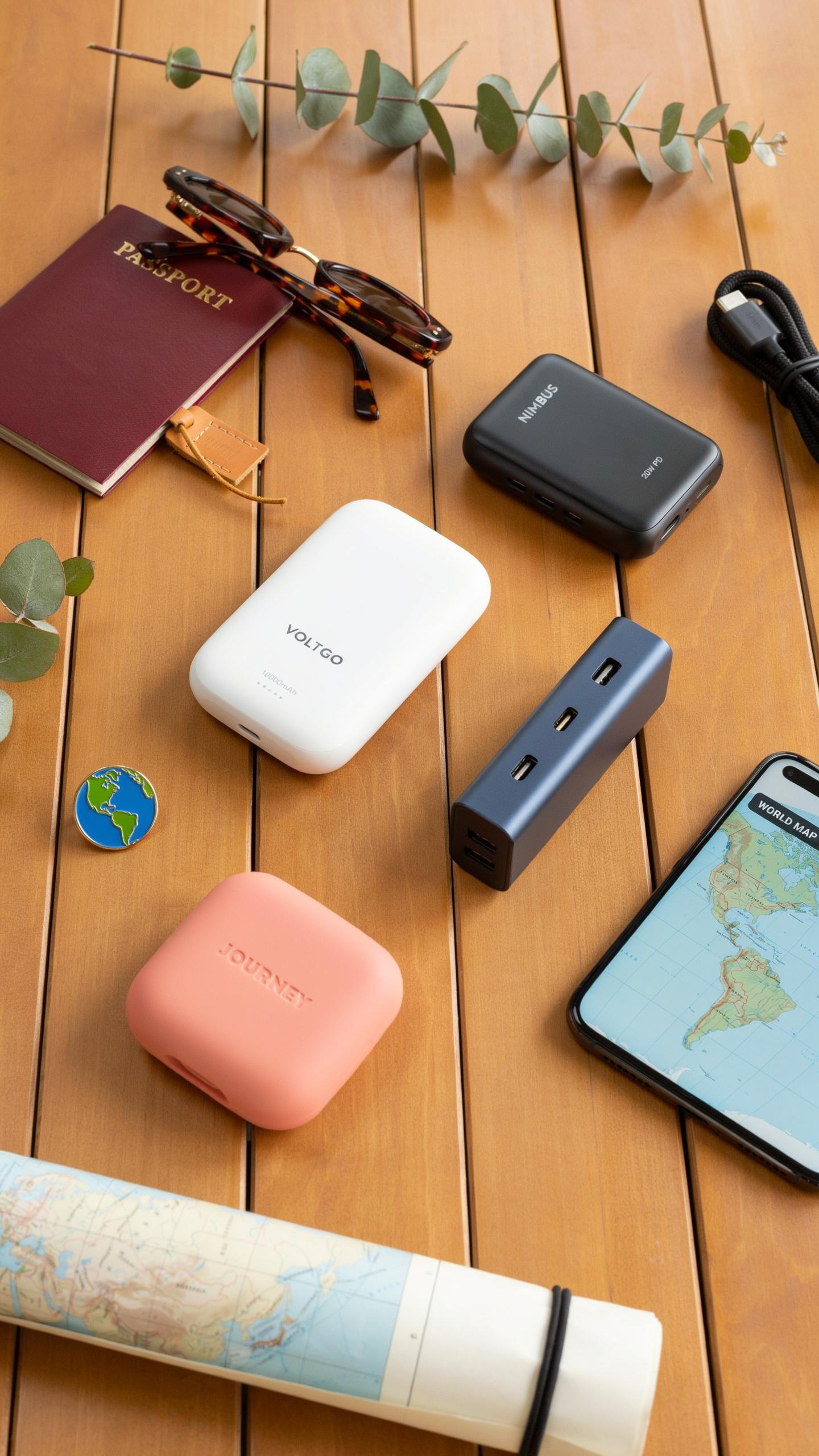
Foldable wireless charging pads reduce footprint by fifty percent compared to flat models. Manufacturers hinge the charging surface or stack components vertically. This approach lets you fit the pad into carry-on luggage, backpacks, or desk drawers without wasting space. The hinge mechanism experiences wear over time with repeated folding. Quality hinges use reinforced materials to handle thousands of open-close cycles. Budget models fail faster because manufacturers cut corners on hinge durability.
Compact designs sacrifice charging capacity and simultaneous device count. A foldable pad typically charges two to three devices instead of four or five. The tradeoff works for travelers who carry phone, watch, and earbuds. Weight drops significantly with smaller form factors. Most portable pads weigh between eight and fourteen ounces. This matters when you pack light for flights or commutes.
Powering Your Devices Anywhere: The Importance Of Portability
Portability eliminates dependency on finding wall outlets in airports, hotels, or offices. You control your charging infrastructure instead of searching for available power sources. This reduces downtime when your devices battery levels drop during travel. A portable wireless pad creates a reliable charging zone wherever you work. Battery depletion becomes manageable rather than a crisis point during important meetings or transit.

Multi device travel chargers consolidate what used to require multiple cords and adapters. You pack one pad instead of three separate cables. This streamlines packing and reduces cable tangles that consume time at security checkpoints. Portability also supports remote work situations where you move between locations frequently. The pad travels with you, maintaining your charging capability across different environments and time zones.
Integrating A Charging Dock Into Your Workspace

Desk Organization And Cable Management With A Dedicated Dock
A wireless charging pad for multiple gadgets eliminates cable sprawl on your desk. Instead of five separate charging cables tangling together, one dock handles phones, earbuds, and smartwatches simultaneously. Position the dock at the desk edge or corner to keep it accessible without consuming prime work surface. This setup reduces visual clutter and makes your workspace function better for actual tasks.
Cable management shifts from managing multiple cords to managing one power input. Run a single cable behind your desk to a power outlet or power strip. This creates a clean appearance and reduces tripping hazards near your feet. Your desk transforms from a charging station into a workspace designed for work.
Enhancing Productivity Keeping Essential Devices Charged And Ready
Devices stay charged without interrupting your workflow when positioned on a dock. Your phone remains accessible for notifications while continuously charging. Earbuds charge between meetings instead of draining mid-call. Smartwatches stay powered for health tracking throughout the day without manual intervention.

Readiness matters for productivity. A charged phone, watch, and earbuds eliminate the mental friction of wondering if devices will die during important moments. You avoid hunting for cables or adapters when battery levels drop. This mental clarity and device reliability directly support your ability to focus on work tasks.
Beyond Basic Charging Wireless Charging Station With Accessories
Built In USB Ports And Additional Functionalities
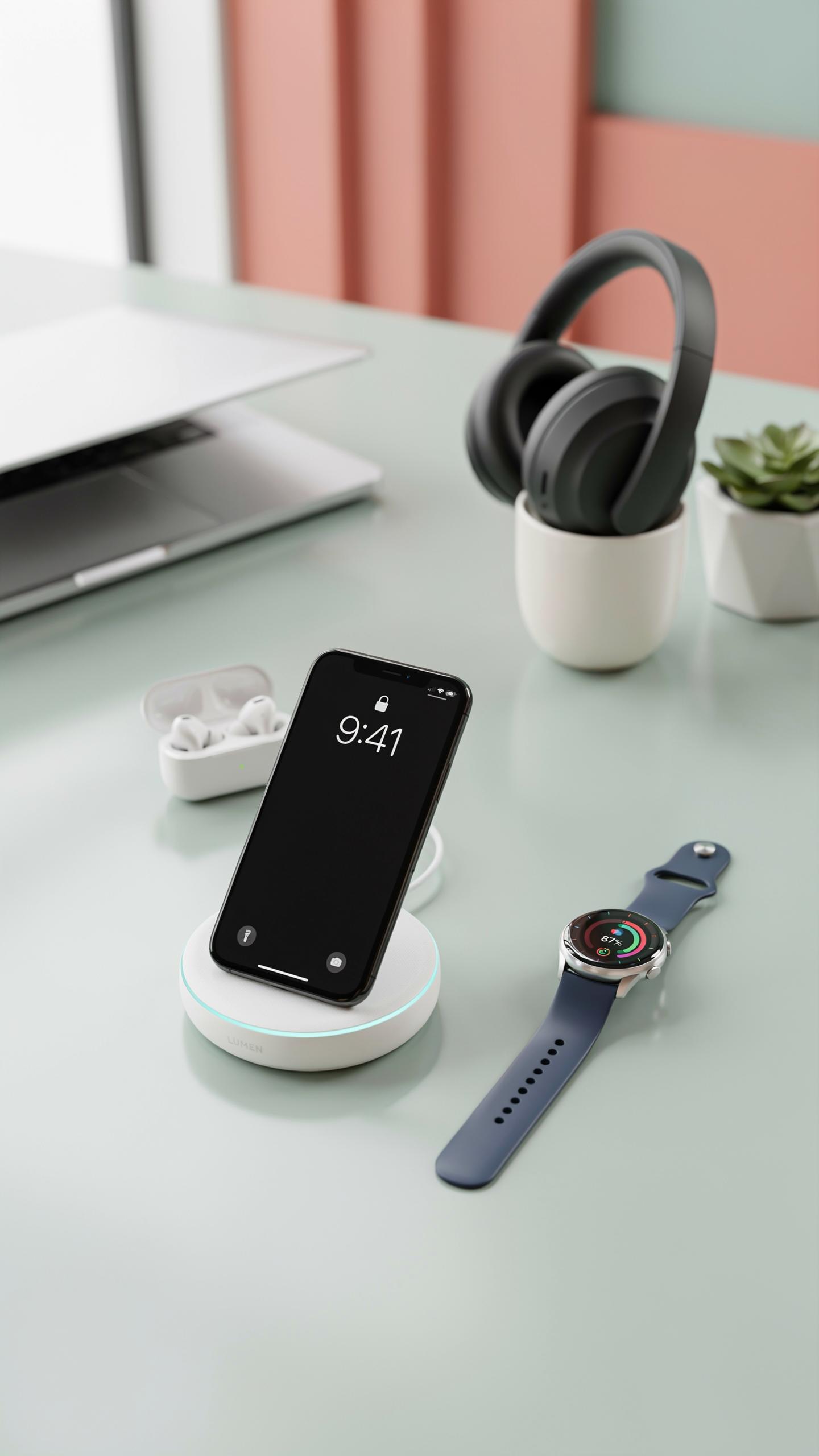
Multi-device charging stations integrate USB ports alongside wireless coils to handle wired and wireless charging simultaneously. This dual approach solves a real problem: not every device supports wireless charging. USB ports accommodate older phones, tablets, smartwatches, and accessories that still rely on wired connections. The station becomes a single hub instead of multiple chargers scattered across your desk.
Built-in USB ports come in different configurations. Some stations offer USB-A ports for older devices. Others include USB-C ports for newer phones and laptops. High-capacity models combine both types plus additional wireless pads. This flexibility means you charge everything from a single power source without adapter clutter. The station reduces cable management headaches and frees up wall outlets.
Smart Features: LED Indicators And App Control
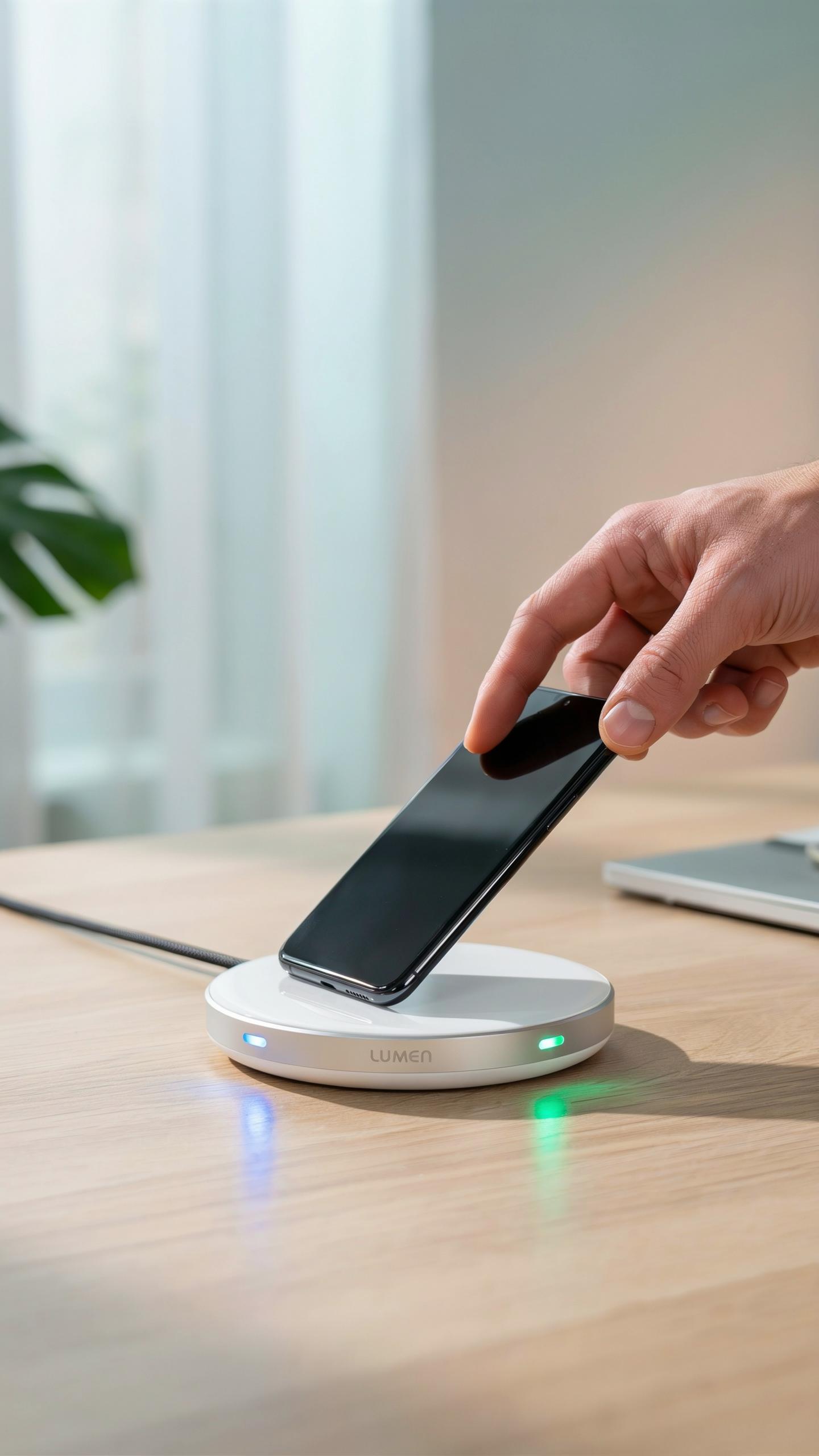
LED indicators display charging status in real time without requiring phone checks. Green lights show active charging. Blue lights indicate standby mode. Red lights signal problems like foreign object detection or misalignment. These visual cues eliminate guesswork and help you troubleshoot issues instantly. The indicators work whether your phone is locked or on another device.

App control functionality lets you monitor charging activity from your smartphone. You receive notifications when each device reaches full charge. Some apps show real time power consumption and battery levels for all connected devices. Temperature monitoring alerts you to overheating risks. Remote control features let you disable ports or adjust charging priorities through the app interface.
Troubleshooting Common Wireless Charging Issues
Optimizing Placement And Avoiding Interference
Metal objects block wireless charging signals. Keep metal phone cases, credit cards, and magnetic mounts away from charging pads. Position your pad on a flat, stable surface away from walls and metal furniture. Place devices in the center of the pad for consistent power delivery. Metal-rimmed tables or desks can reduce charging efficiency significantly.
Electromagnetic interference comes from nearby electronics. Microwaves, routers, and cordless phones operate on similar frequencies. Maintain at least three feet of distance between your charging pad and these devices. Thick materials like wood or rubber between the pad and surface reduce interference. Test your pad in different locations to find the optimal spot for charging speed.
Understanding Device Compatibility And Case Considerations
Thick cases block charging signals more than thin ones. Cases over 5mm thick often prevent adequate power transfer. Remove cases if charging fails, then test with the naked device. Leather and silicone cases typically work better than metal-reinforced options. Check your device manufacturer’s wireless charging specifications before purchasing a multi-device pad.
Not all devices support wireless charging at the same power level. Older phones may charge at 5W while newer flagship models support 15W or higher. Multi-device pads distribute power among connected devices, reducing individual charging speeds. Verify your device’s charging capability in the user manual or settings menu. Mix incompatible devices only if the pad supports variable wattage output.
Future Trends In Wireless Charging Technology
Long Distance Wireless Charging And Innovative Power Transfer
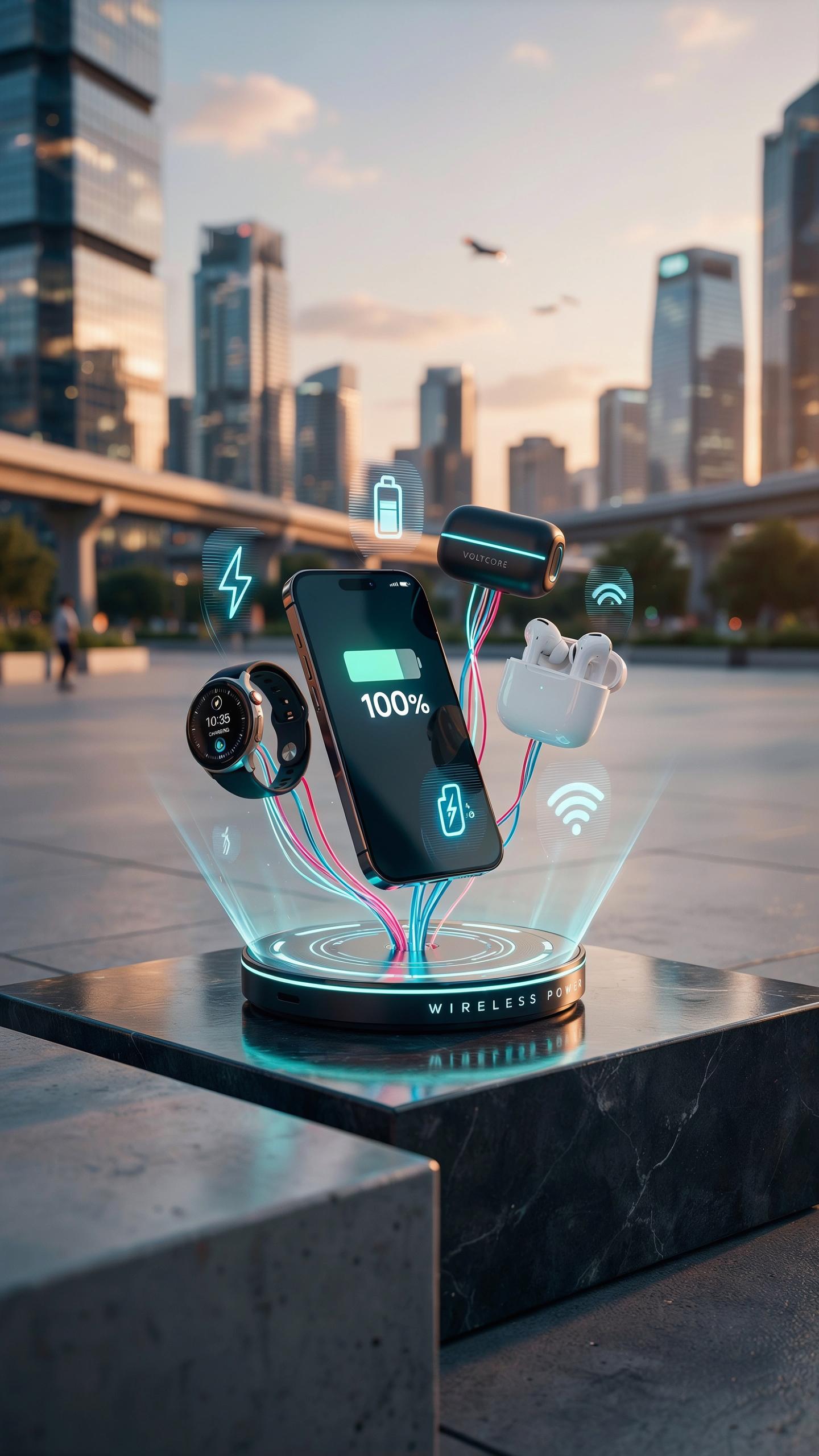
Mid-range wireless charging extends beyond contact pads. Companies are developing systems that transmit power over distances of several meters using resonant inductive coupling and radio frequency methods. These approaches reduce physical contact requirements while maintaining efficiency levels between 40 and 70 percent. Research into beamforming technology directs energy toward specific devices, minimizing wasted power and environmental concerns.
Real-world deployment faces regulatory hurdles and foreign object detection challenges. The Federal Communications Commission requires compliance with safety standards before widespread consumer adoption. Manufacturers must prove their systems prevent interference with medical devices and existing wireless communications. Current prototypes show promise in controlled environments, but scaling production requires solving cost and standardization issues.
Integration Into Furniture And Smart Home Ecosystems
Furniture makers embed charging surfaces directly into desks, nightstands, and kitchen counters. This approach eliminates visible cables and dedicated pad placement. IKEA and other manufacturers already offer tables with integrated charging capabilities. Integration reduces clutter and creates seamless user experiences in homes and offices designed for multiple device ownership.
Smart home platforms coordinate charging across ecosystem devices. Systems communicate with home automation hubs to manage power distribution and charging schedules. Smart charging prevents grid overload during peak usage times. Future implementations will prioritize devices based on battery levels and user activity patterns, optimizing energy consumption automatically throughout the home.
Frequently Asked Questions

What exactly is a multi-device wireless charging pad and how does it work?
A multi-device wireless charging pad allows you to power up several compatible electronic devices simultaneously, without needing separate cables for each. It works using electromagnetic induction, transferring energy wirelessly to your devices when they are placed on the pad’s surface, simplifying your charging routine and decluttering your space.
How do I know if my devices are compatible with a wireless charging pad for multiple gadgets?
Most modern smartphones, smartwatches, and earbuds support Qi wireless charging, which is the most common standard. To check compatibility, look for the Qi logo on your device’s specifications or consult its user manual. A quality wireless charging pad for multiple gadgets will typically specify the devices and standards it supports.
Are multi-device wireless chargers expensive, and are there affordable options available?
While some high-end multi-device wireless chargers can be a significant investment, there are many affordable and reliable options available. Prices vary based on features, brand, and charging capacity. You can find excellent budget-friendly pads that still offer efficient charging for your essential gadgets without breaking the bank.



