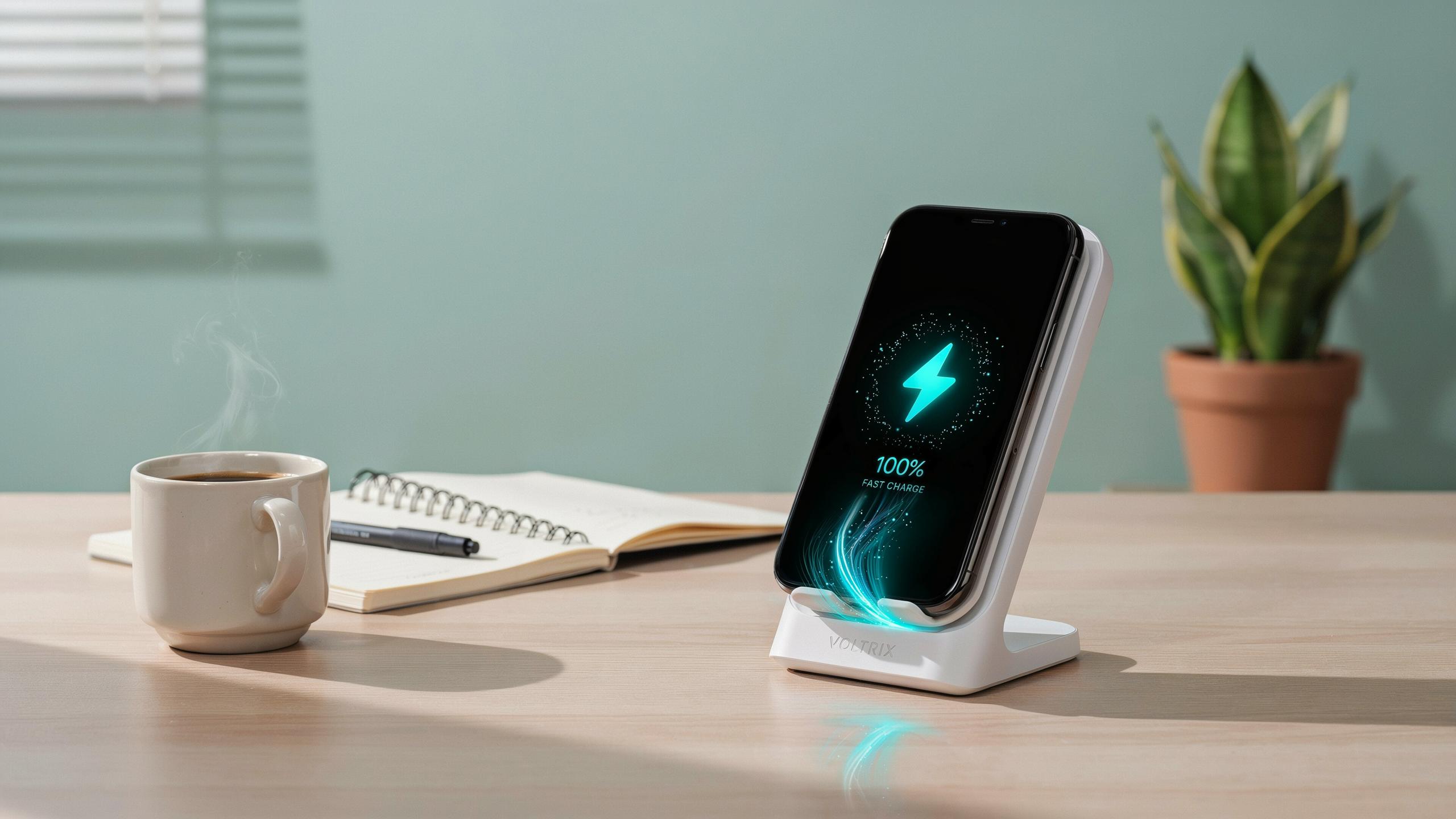
The Need For Speed Why Fast Wireless Charging Matters
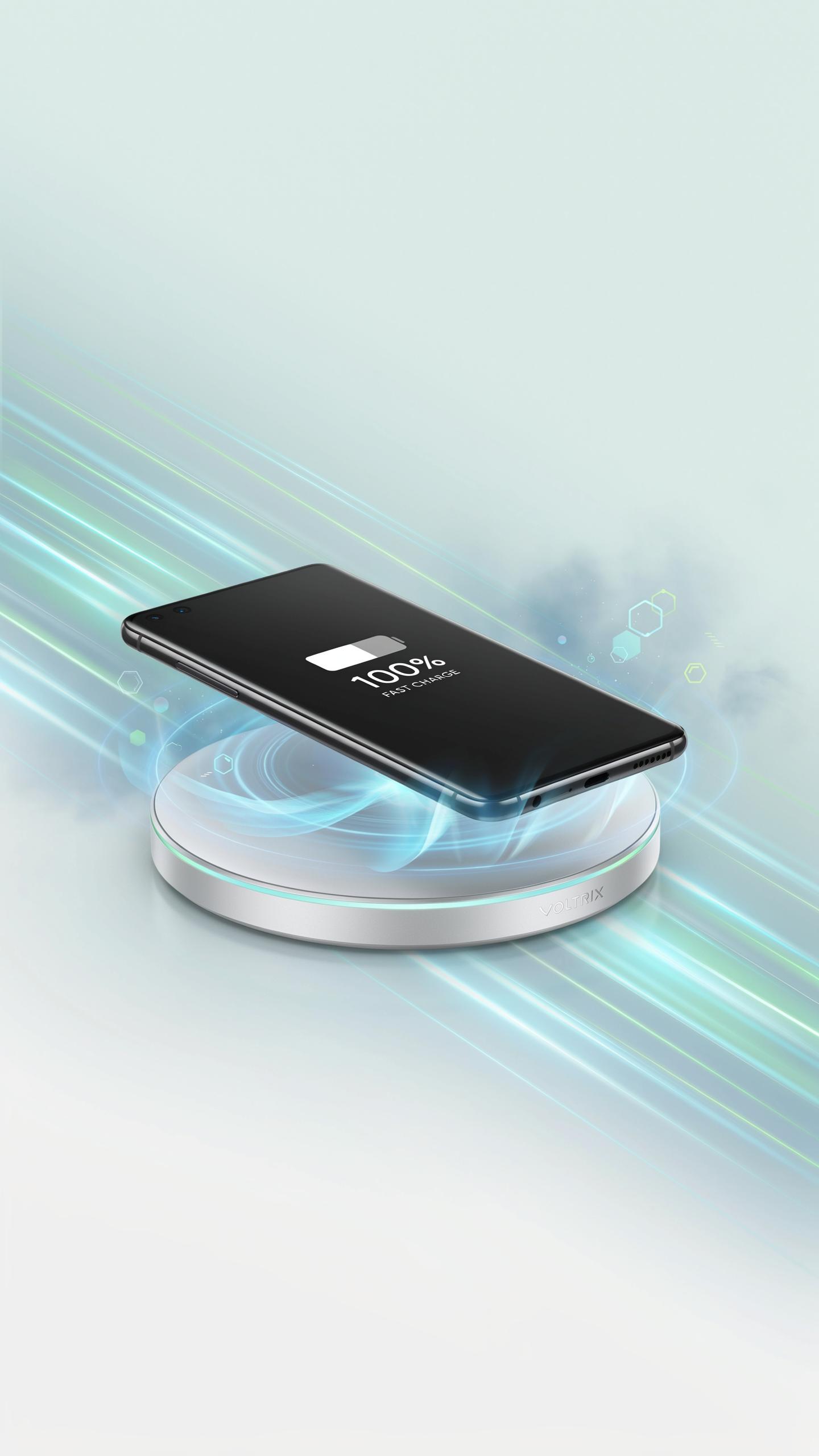
Understanding Wireless Charging Standards And Wattage
Wireless charging operates through electromagnetic induction. A coil in the charger generates a magnetic field that transfers energy to a coil in your phone. The Qi standard dominates the market and supports charging speeds up to 15 watts for phones. Higher wattage means faster charging times, directly impacting how quickly your device reaches full battery capacity.
Different phone manufacturers implement varying wattage levels. Apple supports up to 15 watts on iPhones with MagSafe. Samsung devices handle up to 15 watts on recent models. Wattage matters because it determines real-world charging speed. A 15-watt stand charges your phone considerably faster than a 5-watt alternative. Matching your charger wattage to your phone’s capability prevents energy waste and optimizes charging efficiency.
The Convenience Factor: Instant Power At Your Fingertips
Wireless charging stands eliminate cable friction from daily use. You drop your phone on the stand and walk away. No fumbling with connectors. No tangled cords cluttering your workspace. The stand keeps your phone at eye level while charging, letting you check notifications without unplugging anything. This setup transforms your desk or nightstand into a functional charging zone.
Speed combined with convenience creates a practical advantage. Your phone charges while you work, sleep, or relax. You never face the decision between using your phone and charging it. A fast wireless stand delivers enough power to charge your phone in the time you need it charged. This eliminates the mental overhead of managing battery life throughout your day.
Choosing The Best Fast Wireless Charging Stand For Your Phone
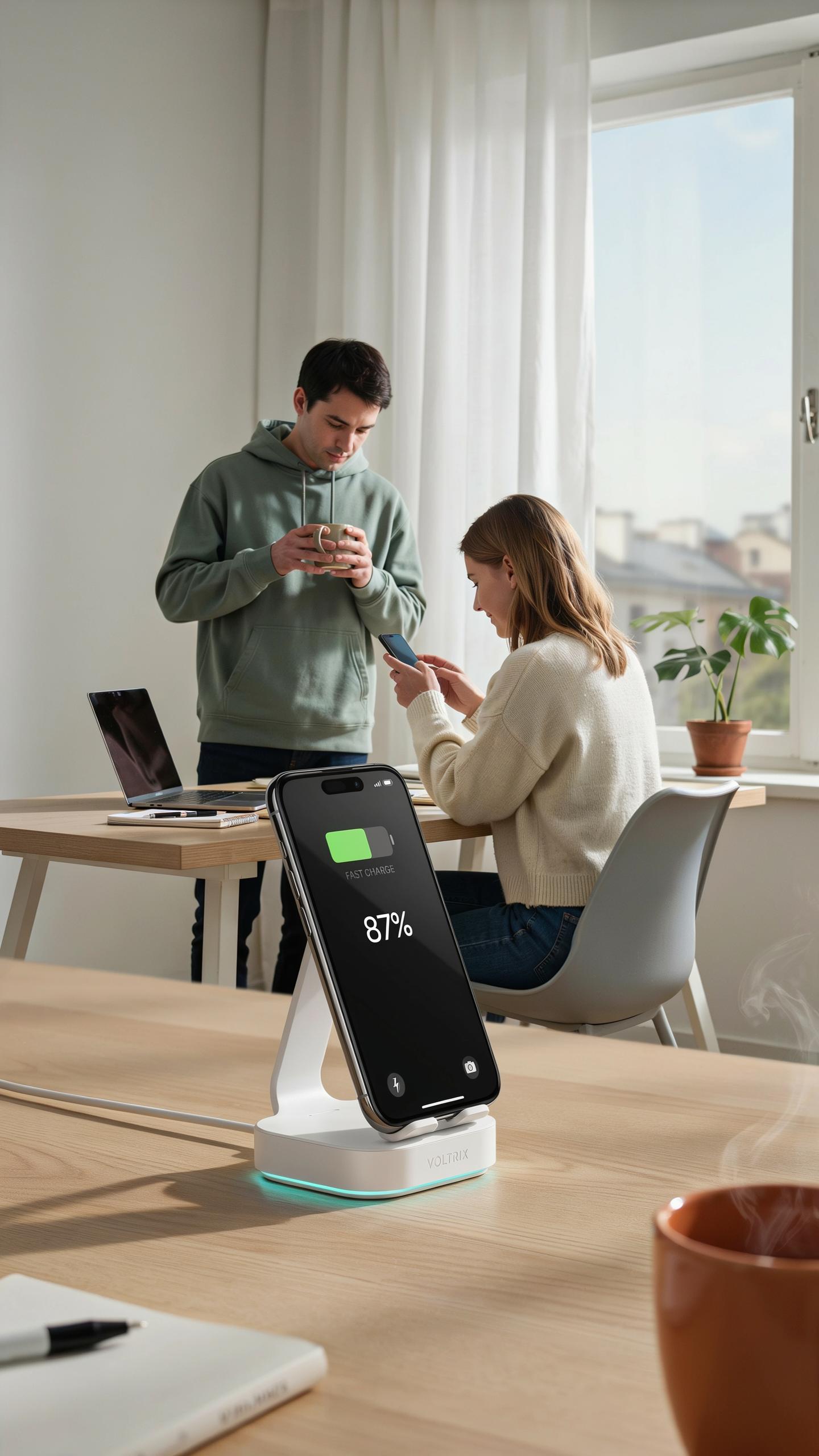
Compatibility With Your Device: IPhone And Android Considerations
Your phone’s chipset determines charging speed. iPhones support up to 15W wireless charging through Qi standard technology. Android devices vary widely, with some supporting 15W, others 20W, and premium models reaching 30W or higher. Check your device’s specifications before purchasing. A charger rated for 30W won’t deliver that speed to a phone limited to 15W. You waste money on excess capacity you cannot use.
The charging coil placement differs between phone models. Some phones center the coil, others offset it. A charging stand with an adjustable coil or multiple coil positions accommodates more devices. Misaligned coils cause charging to drop to standard speeds or fail completely. Test your specific phone model on any stand before committing to it. This prevents frustration from incompatibility.
Design And Aesthetics: Enhancing Your Desk Setup
Material choice affects both durability and heat dissipation. Aluminum and stainless steel stands conduct heat away from the phone, preventing thermal throttling that slows charging. Plastic stands trap heat and reduce charging efficiency. Metal bases also resist wear and maintain their appearance over years of use. Budget chargers use cheap plastic that degrades and discolors quickly.
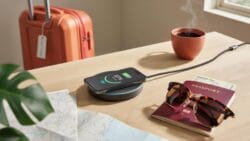
Stand height and angle matter for desk workflows. A stand between 4 to 6 inches tall positions your phone at eye level for notifications without neck strain. Angled designs between 45 to 75 degrees prevent screen glare and reduce pressure on the charging port from gravity. Flat-lying chargers force you to pick up your phone repeatedly. Choose a design that integrates into your existing desk setup without creating clutter.
Key Features Of A Premium Charger Stand
Wattage And Charging Speed What To Look For
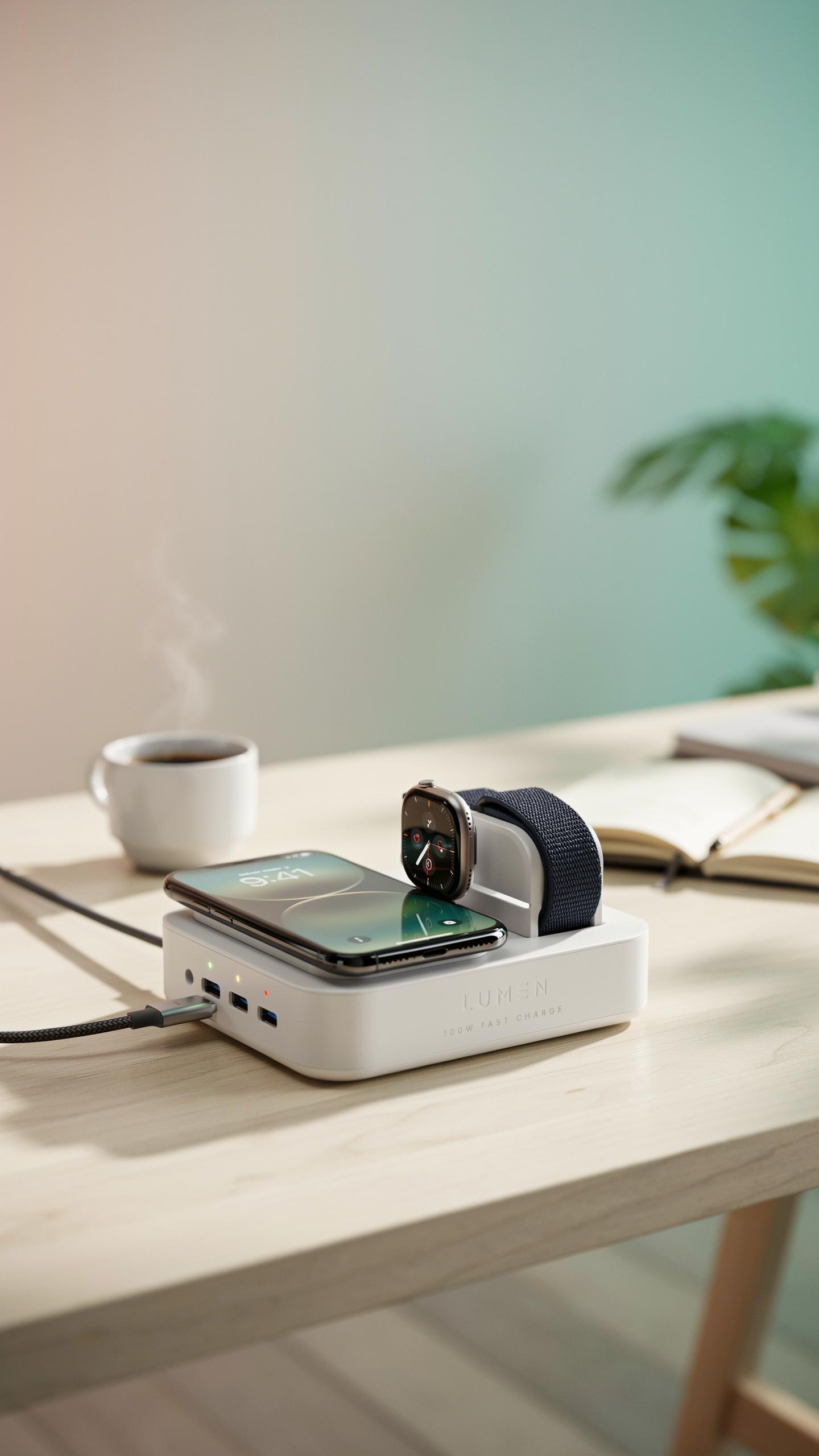
Fast wireless charging stands operate between 10W and 15W for phones. Higher wattage translates directly to faster battery replenishment. A 15W charger fills a typical phone battery roughly 30 to 40 percent faster than a 5W charger. Match the wattage to your phone’s specifications. Not all phones support maximum wattage equally.
The stand’s coil design determines efficiency. A quality coil minimizes energy loss during power transfer. Misalignment between your phone and the stand’s coil reduces charging speed significantly. Premium stands include alignment guides or positioning markers to maintain optimal contact. Test your specific phone model on any stand before committing to purchase.
Safety Protections Overcharge Overheat And Foreign Object Detection
Overcharge protection stops power delivery when your battery reaches full capacity. This prevents battery degradation and extends lifespan. Quality chargers use smart chip technology to monitor battery levels continuously. Without this protection, constant trickle charging damages lithium ion cells over months. Overheating occurs when excessive current flows through the battery simultaneously.

Foreign object detection identifies metal items on the charging surface. Metal debris causes dangerous short circuits and fire hazards. Modern chargers use electromagnetic field analysis to sense foreign objects and halt power automatically. Temperature sensors monitor the stand and phone during charging. When temperatures exceed safe thresholds, the charger reduces wattage or stops entirely. These protections work together to prevent device damage and personal injury.
Wireless Charger Technologies Qi And MagSafe Explained
Qi Certification: The Universal Standard For Wireless Charging
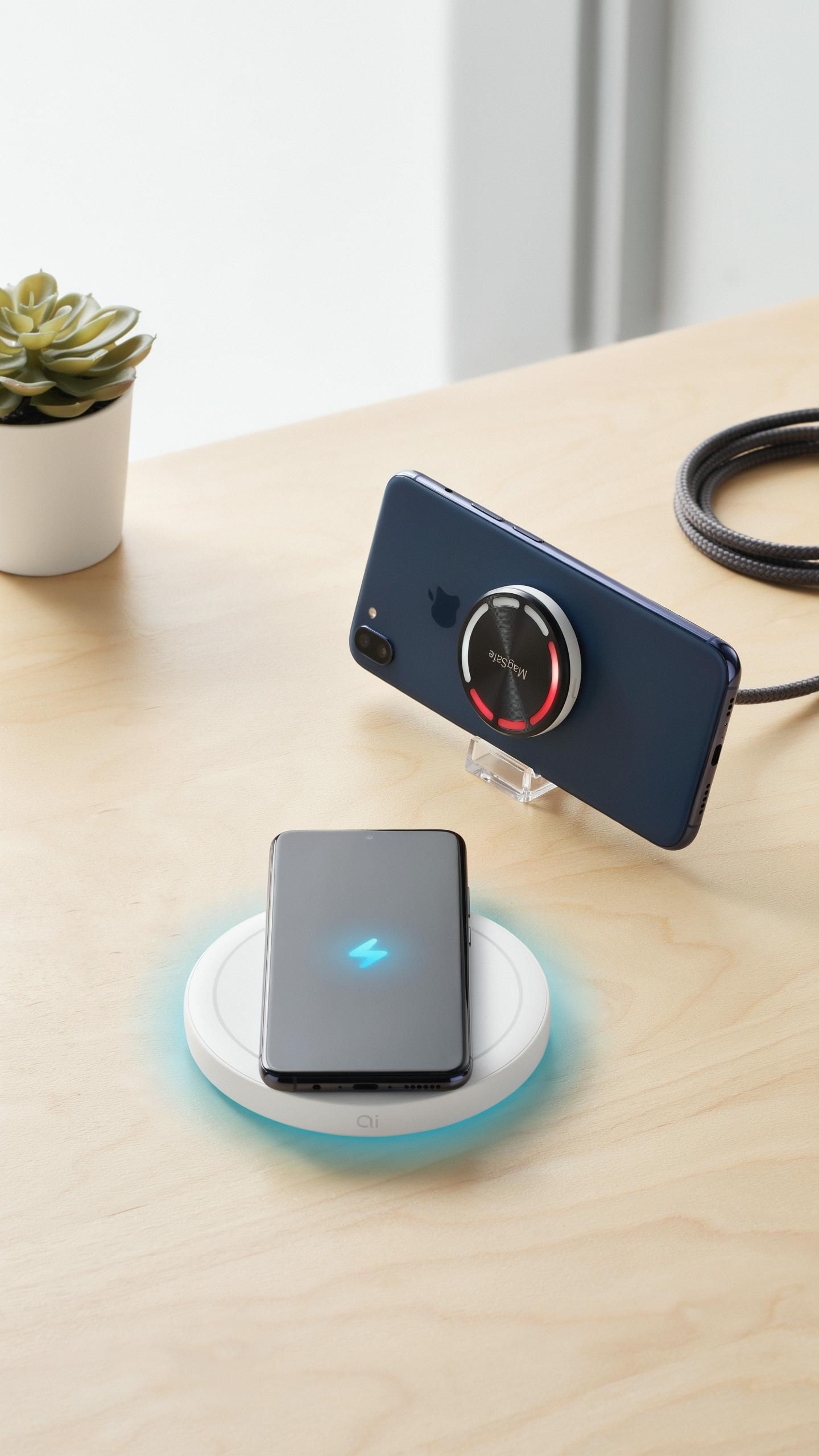
The Wireless Power Consortium established Qi as the global wireless charging standard in 2008. Qi certification means a charger meets specific power delivery requirements and safety standards. This certification ensures your phone charges safely without overheating or damaging the battery. Most Android phones and newer iPhones support Qi charging technology.
Qi chargers transmit power through electromagnetic induction, requiring a coil in both the charger and phone. The standard operates at 5 watts for baseline charging, with enhanced versions reaching 15 watts or higher. Certification protects consumers by guaranteeing foreign object detection and precise power regulation. Without Qi certification, chargers risk damaging devices or creating safety hazards during operation.
Remember those days of tangled cords and slow charges? Now, you can simply set your phone down and experience the swift, effortless power it deserves, as if magic has finally found its way home.
MagSafe For IPhone: A Magnetic Charger Revolution
Apple introduced MagSafe with the iPhone 12 in 2020, integrating magnets into the phone’s back to align charging coils precisely. MagSafe chargers snap magnetically into place, eliminating alignment guesswork that plagues traditional Qi chargers. This magnetic attachment enables faster power transfer because the coils connect with exact positioning. MagSafe delivers up to 15 watts of power to compatible iPhones.

MagSafe works alongside Qi technology rather than replacing it. The magnetic ring guides the Qi coil into perfect alignment, maximizing efficiency and charging speed. Older iPhones without MagSafe still charge via standard Qi through MagSafe-compatible stands. This hybrid approach lets Apple transition users gradually while maintaining backward compatibility with existing wireless chargers.
Optimizing Your Charging Station For Maximum Efficiency
Placement And Alignment Getting The Perfect Connection
Position your charging stand on a flat, stable surface away from metal objects and magnetic interference. Metal conducts electricity and disrupts the magnetic field that wireless chargers rely on. Place the stand on wood, plastic, or ceramic surfaces. Keep it away from metal desk organizers, filing cabinets, and steel furniture. Distance matters. Even six inches from metal can degrade charging speed by 20 to 30 percent.
Align your phone’s charging coil with the stand’s transmitter coil for optimal power transfer. Most phones have their coil positioned in the center or upper portion of the device. Check your phone’s manual or manufacturer specifications to locate the exact coil position. Center the phone on the stand’s sweet spot. Misalignment causes slower charging and increased heat generation. Even slight shifts reduce efficiency.
Case Compatibility Charging Through Your Phone Case
Most wireless charging stands work through phone cases up to 3 millimeters thick. Silicone cases, rubber cases, and thin plastic cases pose no problem. The electromagnetic field passes through these materials without significant loss. Thick cases, however, block the signal. Metal cases, magnetic cases, and reinforced armor cases completely prevent wireless charging. Remove your case or switch to a thin, non-conductive option before charging.
Some cases have metal components embedded for strength or functionality. These metal inserts disrupt the magnetic field, even if the case itself is thin. Magnets on wallet cases create additional interference. Check your case for hidden metal parts before placing your phone on the stand. If charging fails through your case, remove it and test directly on the stand. This identifies whether the case itself is the culprit.
Beyond The Basics Smart Features In Tech Gadgets
LED Indicators And Night Modes: Subtle Notifications
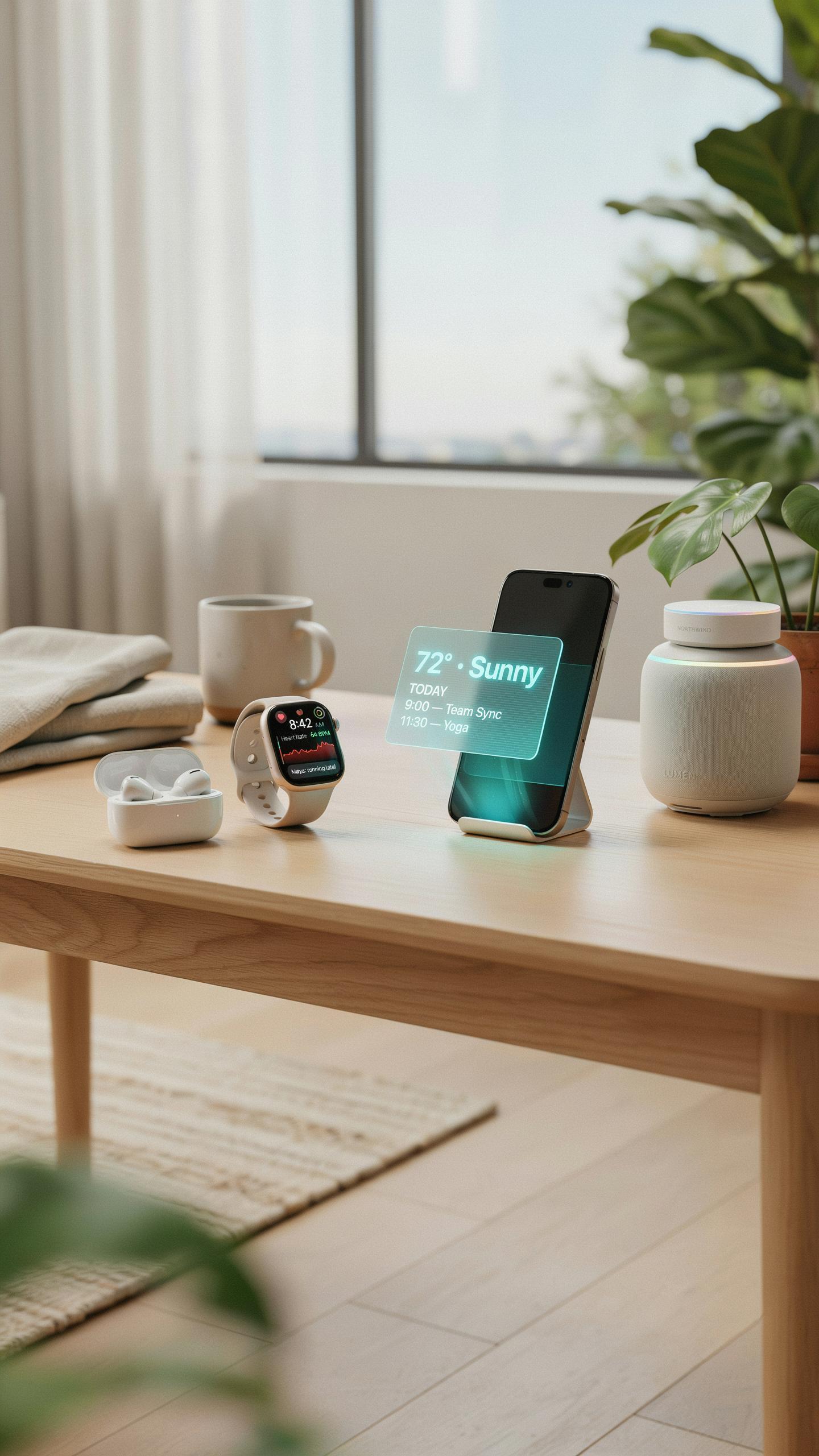
LED indicators on wireless charging stands communicate charging status without requiring you to unlock your phone. Red lights typically signal charging in progress. Green lights indicate a full battery. This visual feedback eliminates guesswork and prevents overcharging damage. Night mode dims or removes LEDs entirely, protecting your sleep environment while maintaining charging functionality.
Night mode represents a practical design choice rather than a luxury feature. Bright LEDs disrupt sleep cycles and create unnecessary light pollution in bedrooms. Manufacturers addressed this by adding toggle switches or ambient sensors that automatically reduce brightness in dark conditions. This feature costs minimal resources to implement but dramatically improves user experience during nighttime charging.
Multi Device Charging Stations: Powering All Your Cell Phone Accessories
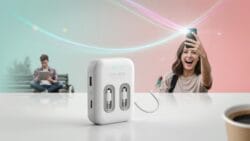
Most modern multi-device charging stations power phones, smartwatches, and earbuds simultaneously from a single outlet. This consolidation reduces cable clutter and outlet demand. Stations typically feature dedicated charging zones with different power outputs optimized for each device type. The efficiency gains matter for people with multiple Apple, Samsung, or other brand ecosystems.
- Smartwatch compatibility: Stations include curved or flat surfaces accepting common watch charging pucks from Apple Watch, Wear OS, and Fitbit devices.
- Earbud charging integration: Built in compartments or designated surfaces charge wireless earbuds simultaneously without competing for power distribution.
- Phone angle optimization: Angled charging surfaces position phones for video calls or notification viewing while charging occurs.
- Power distribution management: Internal circuits allocate wattage across ports to prevent throttling when all devices charge together.
- USB A and C ports: Additional wired ports accommodate older devices or non-wireless charging accessories requiring traditional connections.

Multi device stations solve the real problem of limited outlet access in homes and offices. Instead of plugging three chargers into different outlets, you use one station occupying minimal counter space. This approach works particularly well for nightstands where space constraints force difficult choices between functionality and organization.
Top Brands For Fast Wireless Charging Stands
Reputable Manufacturers And Their Offerings
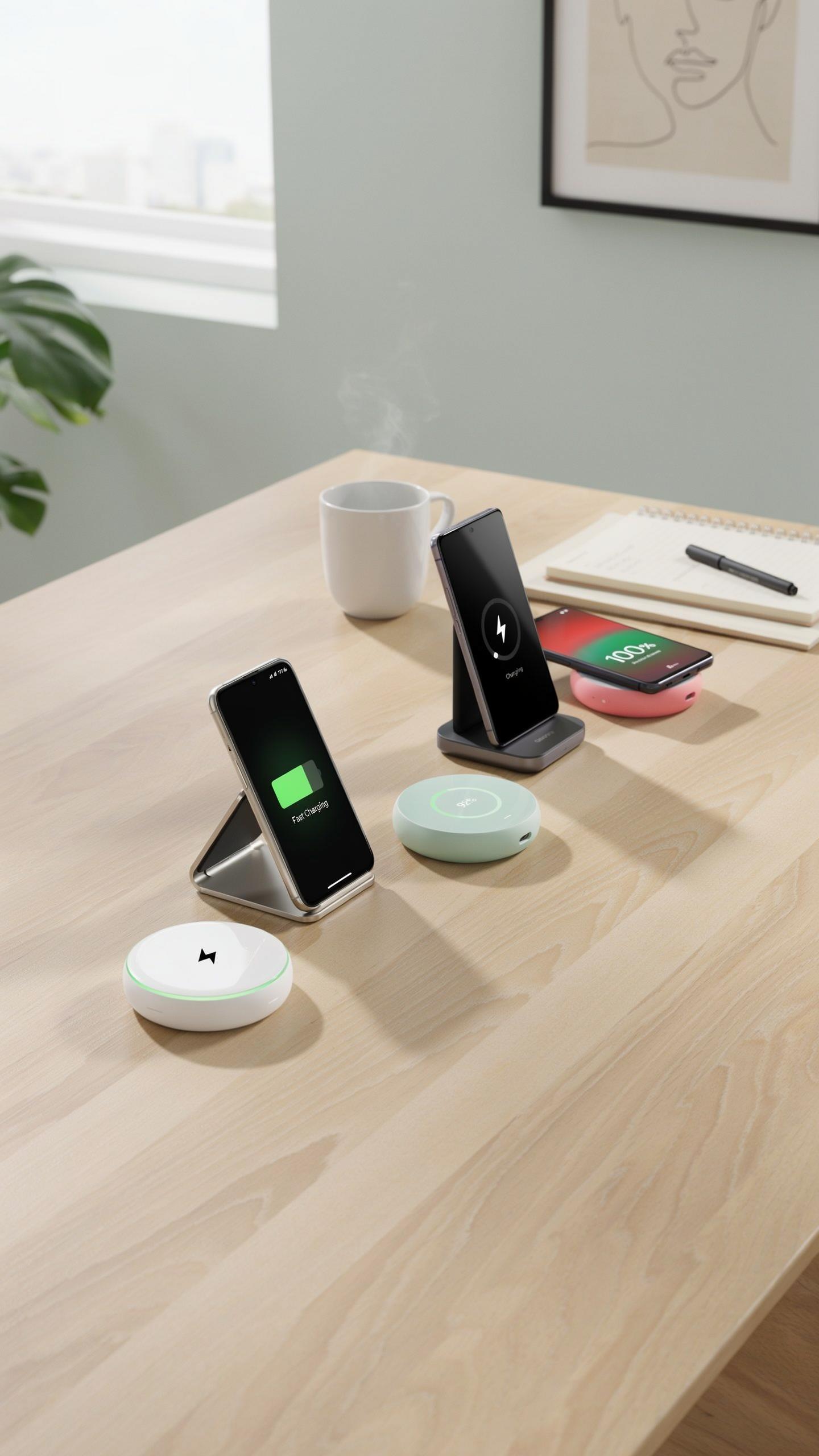
Apple, Samsung, and Belkin dominate the fast wireless charging stand market. Apple’s MagSafe ecosystem delivers 15W charging for compatible iPhones. Samsung offers 15W stands for Galaxy devices. Belkin produces multi-device stands supporting both Apple and Android platforms. These manufacturers invest heavily in safety certifications and heat management. Their products work across multiple device generations, ensuring longer usable lifespans.
Anker and RavPower provide budget-friendly alternatives without sacrificing performance. Both brands deliver 10W to 15W charging speeds. They manufacture stands with non-slip bases and temperature regulation. These companies focus on durability and value pricing. Their products pass Qi certification standards. Consumers choose these brands for reliability at lower price points compared to premium manufacturers.
Customer Reviews And Ratings Real World Performance
Real-world testing shows fast wireless charging stands perform best when phones stay within optimal distance from charging coils. Users report charging times varying between 2 to 4 hours depending on device battery capacity. Temperature management proves critical. Stands with active cooling perform better during extended charging sessions. Most users praise ease of placement and the elimination of cable wear. Negative reviews focus on slower speeds when phones use thick cases.

Rating patterns reveal consistency across platforms. Most top-performing stands score 4.2 to 4.8 out of 5 stars. Users prioritize fast charging speed and build quality in reviews. Safety features like foreign object detection receive positive feedback. Complaints center on incompatibility with certain phone models and case types. Real-world speeds typically match manufacturer claims within 10 percent variance.
Installation And Setup Of Your New Charger Stand

Unboxing And Initial Connection: A Seamless Experience
Remove the charging stand from its packaging and inspect for damage. Check that all components are present: the stand unit, power cable, and adapter. Place the stand on a flat, stable surface away from water and metal objects. Plug the adapter into a standard wall outlet. The indicator light will activate, confirming power delivery to the device.
Position your phone on the charging surface with the back facing the coils. Most stands work with phones in portrait or landscape orientation. The device will begin charging automatically without requiring manual button activation. Alignment matters. Center your phone on the pad for optimal charging speed. You’ll see a status light change color or intensity once charging starts successfully.
Troubleshooting Common Charging Issues
Your phone may not charge if metal objects sit between the device and the stand coils. Remove phone cases with thick metal components or reinforced frames. Reposition your phone to ensure the charging coils align properly. Clean the back of your phone and the top of the stand with a dry cloth. Dust and debris block the magnetic field necessary for power transfer.

If the indicator light doesn’t activate, test the power outlet with another device to confirm it works. Check that the adapter is fully inserted into both the wall outlet and the stand. Try a different power outlet in another room. Verify the cable has no visible damage or kinks. Contact the manufacturer if the light remains off after these steps.
Future Of Fast Wireless Charging And Mobile Power
Advancements In Wireless Charging Technology
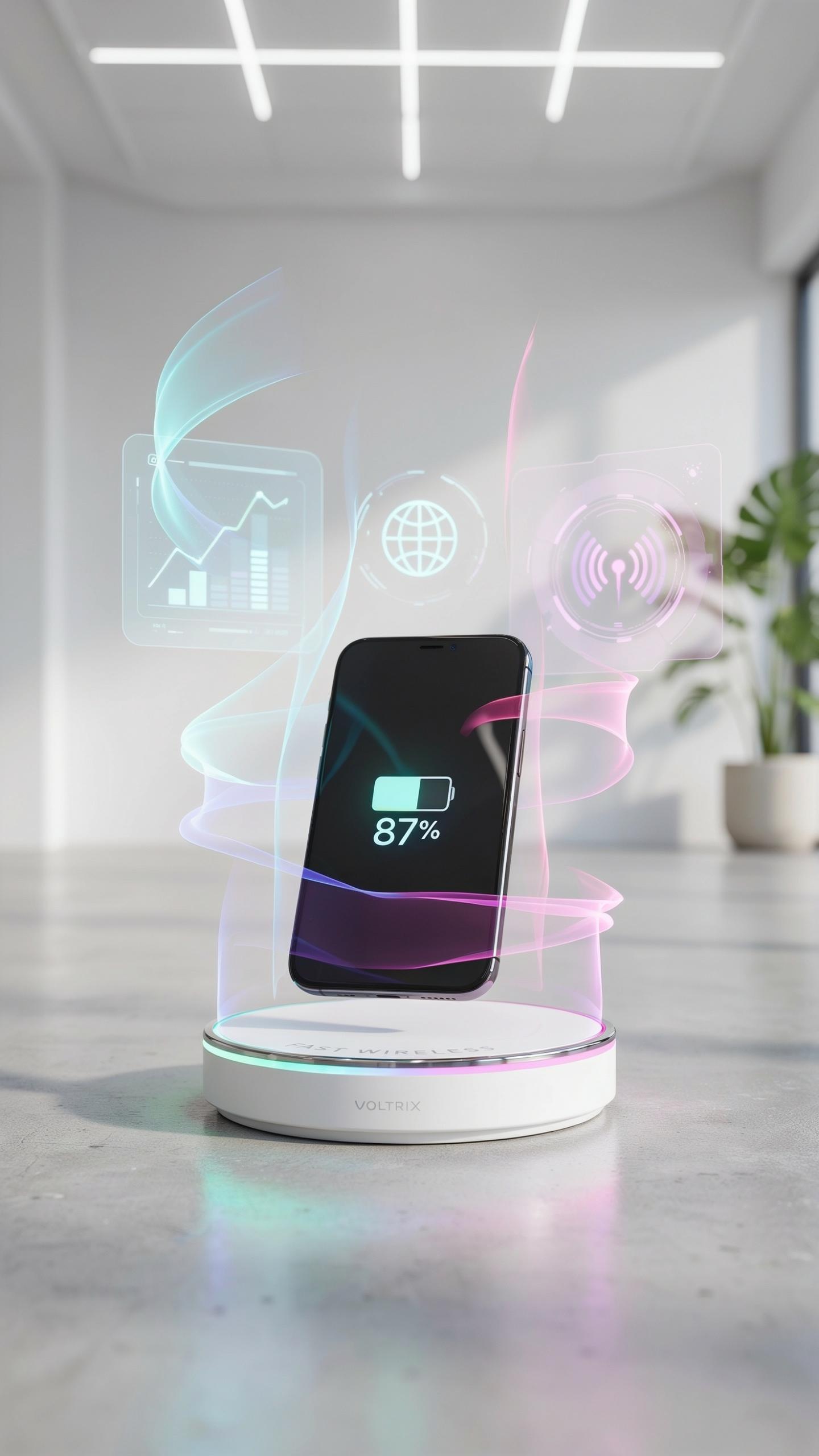
Wireless charging standards continue to evolve beyond the Qi standard that dominated the market. Manufacturers now push toward higher wattage outputs, with some chargers delivering 15W to 30W or more. The industry addresses heat management and charging efficiency as core technical challenges. Better coil design and foreign object detection improve safety. These upgrades reduce charging time gaps between wired and wireless methods.
Resonant coupling and far-field wireless power transfer represent emerging technologies under development. Resonant systems allow charging at greater distances and through obstacles compared to inductive methods. Companies invest in these approaches to eliminate physical contact requirements entirely. However, consumer adoption remains limited due to cost and standardization barriers. Real-world deployment of these technologies will depend on industry agreement and regulatory approval.
The Role Of Wireless Power In Smart Homes
Smart home ecosystems increasingly integrate wireless charging as core infrastructure rather than accessory. Furniture manufacturers embed charging surfaces into desks, nightstands, and kitchen counters. This integration reduces cable clutter and creates seamless user experiences. Homeowners benefit from simplified charging workflows across multiple devices. Smart charging also enables integration with home automation systems for power management.
Battery management systems in smart homes leverage wireless charging data to optimize energy consumption. Devices communicate charging status and power needs to central home hubs. This coordination prevents power grid strain during peak demand periods. Future systems will balance charging schedules based on renewable energy availability and time-of-use electricity rates. Wireless charging stations become nodes in larger home energy networks.
Frequently Asked Questions

What exactly is a fast wireless charging stand, and how does it differ from regular wireless chargers?
A fast wireless charging stand for phone combines the convenience of wireless charging with accelerated power delivery. Unlike standard wireless chargers, which offer slower speeds, a fast wireless charging stand utilizes technologies like Qi fast charging to quickly replenish your phone’s battery, often while holding it upright for easy viewing.
How do I ensure my phone is charging optimally on a fast wireless charging stand?
For optimal charging, place your phone directly on the center of the fast wireless charging stand, ensuring proper alignment with the charging coils. Remove any thick cases or metal objects that might obstruct the signal. Also, verify your phone supports fast wireless charging and is updated to the latest software for peak performance.
Are fast wireless charging stands expensive, and are there budget-friendly options that still perform well?
While some premium fast wireless charging stands can be an investment, there are definitely budget-friendly options available that offer excellent performance. Look for reputable brands with good reviews, often found on popular e-commerce sites. You can find reliable fast wireless charging stands that don’t break the bank and still deliver rapid power.



