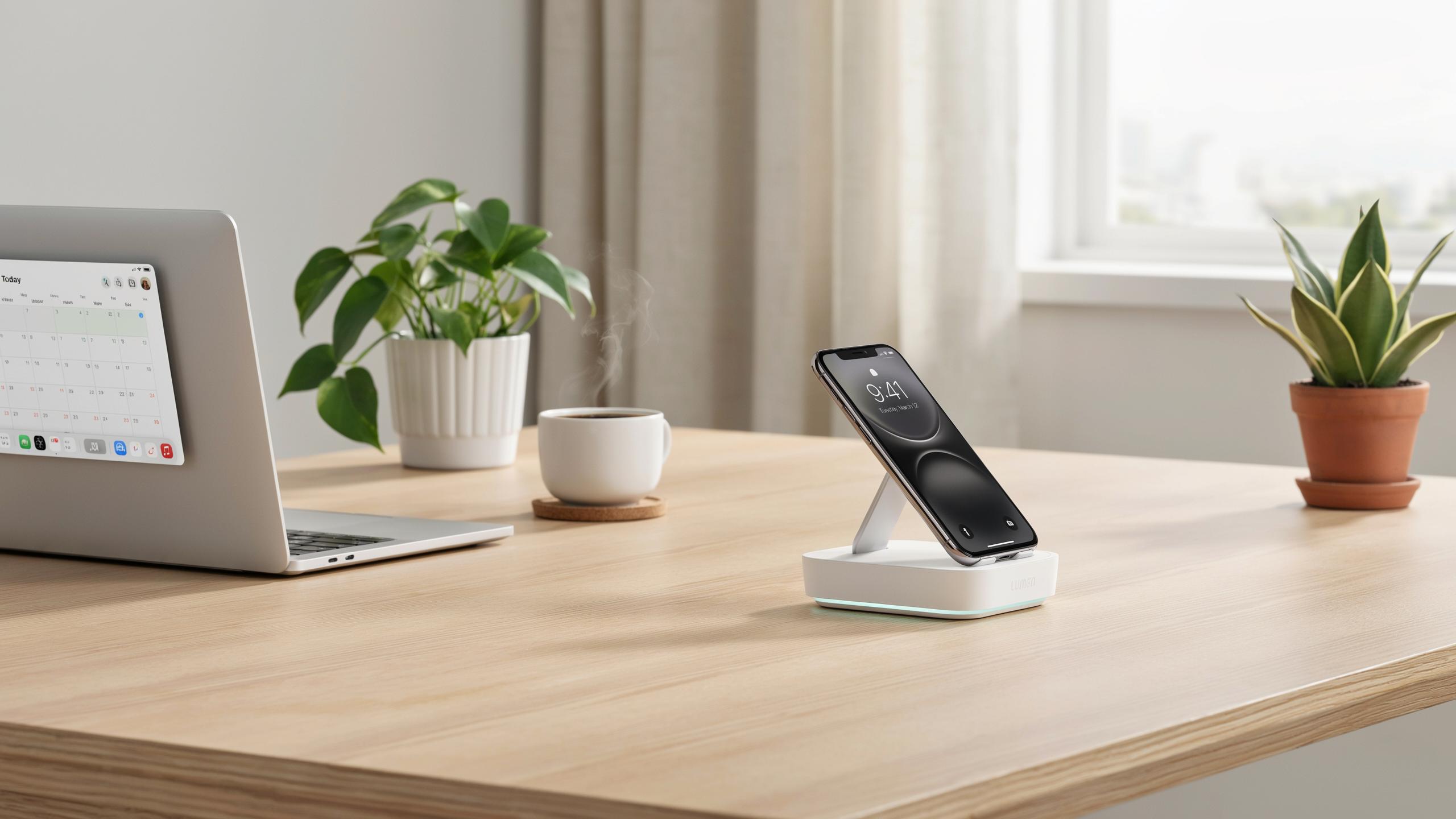
The Evolution Of The Desk Setup Beyond Wires
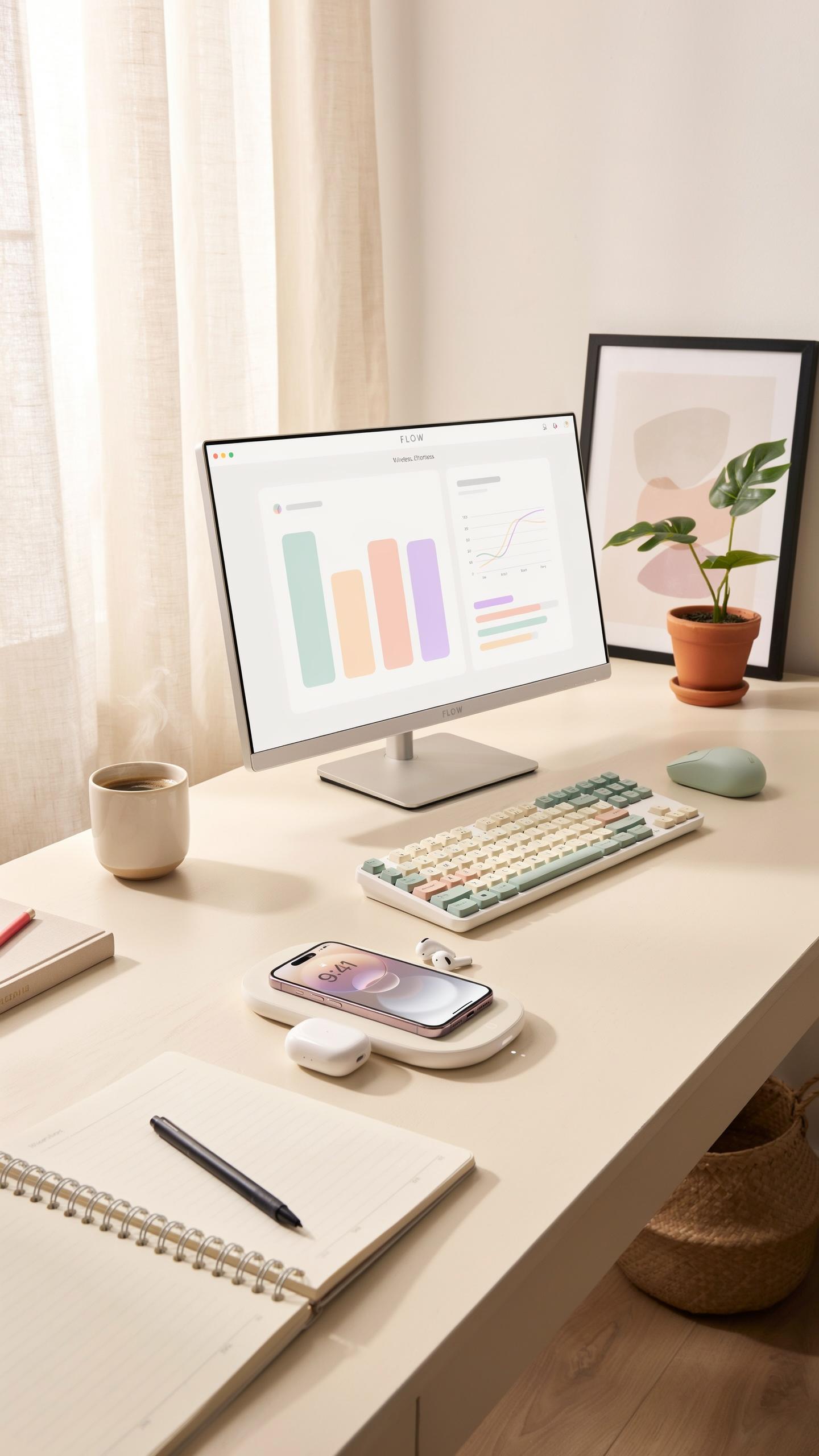
From Clutter To Clarity: The Modern Office Aesthetic
Cable management has driven office design decisions for decades. Desk surfaces accumulated charging cords, power adapters, and tangled wires that competed for limited space. This clutter forced workers to sacrifice surface area for basic device charging. The result was reduced workspace, increased visual distraction, and constant cable replacement costs. Modern offices demand solutions that reclaim desk real estate and eliminate maintenance headaches.
Wireless charging desk stands solve the fundamental problem of cable proliferation. A single stand replaces multiple charging cables and eliminates the need for dedicated power outlets near your workspace. Devices rest on a flat or angled surface while charging happens invisibly through electromagnetic induction. This approach keeps desks clear and organized without sacrificing charging capacity. The reduction in visible cables directly improves workspace aesthetics and mental clarity.
Why Wireless Charging Is A Game Changer For Productivity
Wireless charging removes friction from daily device management. Employees no longer hunt for correct cable types or troubleshoot connection issues. Devices charge whenever they rest on the stand, creating a seamless workflow without interruption. This elimination of micro-frustrations compounds throughout the workday. Studies on workplace ergonomics confirm that reduced environmental distractions improve focus and task completion rates.
Time spent managing cables translates to lost productivity. A wireless charging desk stand eliminates the decision-making process around charging location and method. Devices charge immediately upon placement without user intervention or cable connection steps. This passive charging approach integrates into existing work routines instead of disrupting them. The cumulative effect across multiple devices and workdays results in measurable productivity gains for office environments.
Understanding Wireless Charging Technology How It Works
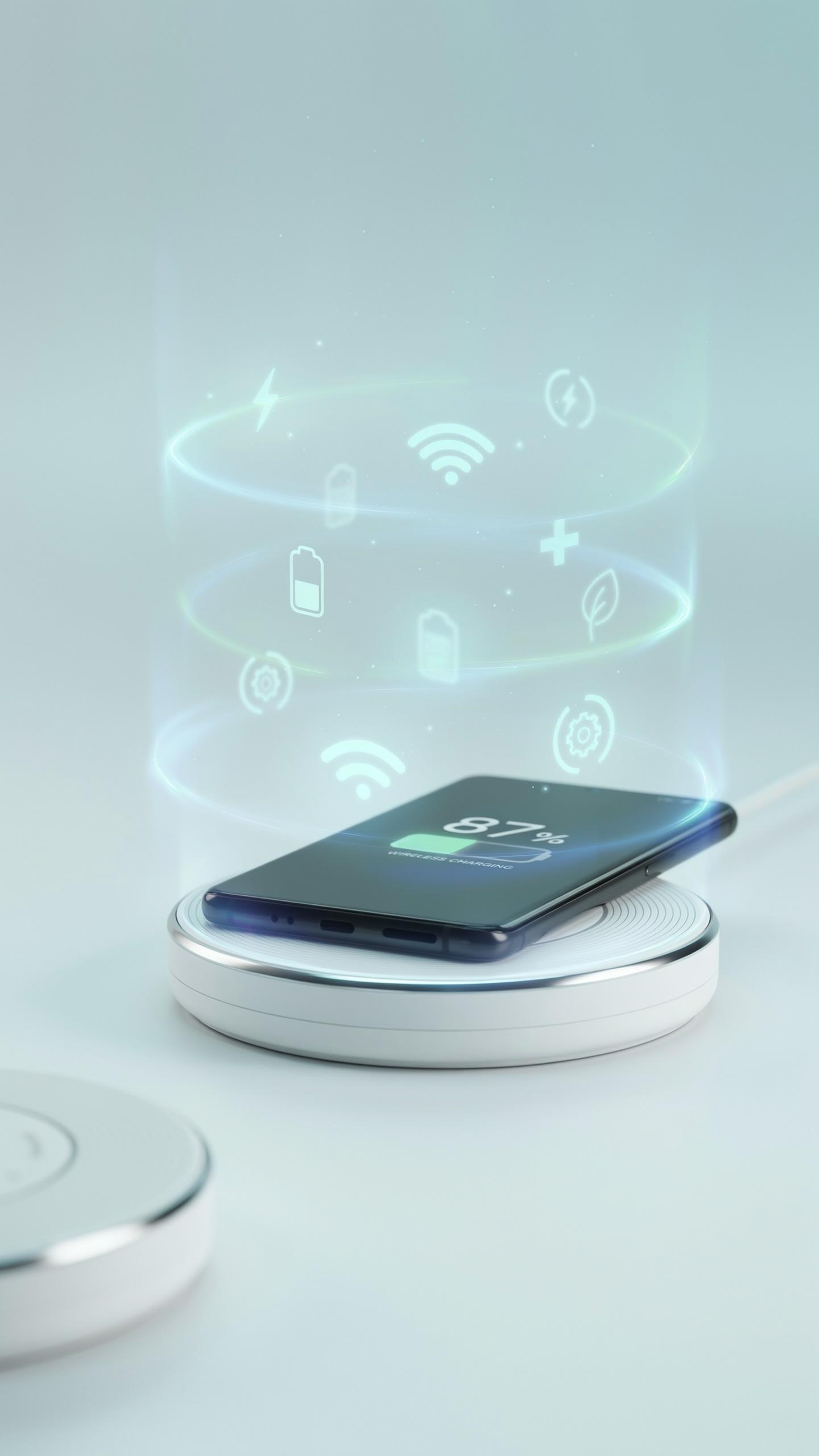
The Qi Standard: Universal Compatibility For Your Devices
The Qi standard emerged as the dominant wireless charging protocol globally. The Wireless Power Consortium established this standard to create interoperability across devices and chargers from different manufacturers. Qi certification means your phone, tablet, or earbuds will charge on any Qi-compatible desk stand without proprietary adapters or workarounds.
Qi operates at specific power levels: 5W for standard devices, 7.5W for Apple products, and up to 15W for faster charging on compatible Android phones. Your office desk stand works with any Qi-certified device without modification. This universality eliminates the need to maintain multiple charging solutions or cables for different equipment types in your workspace.
Inductive Charging Explained: Powering Up Without Cables
Inductive charging transfers energy wirelessly through electromagnetic fields between two coils. A coil in the charging stand creates an alternating magnetic field when powered on. Your device contains a matching coil that receives this energy and converts it to electrical current, charging the battery without physical contact or connectors.
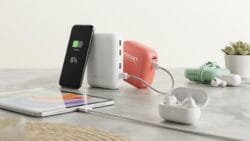
The charging coils must maintain close proximity for efficiency, typically within 4 to 8 millimeters. Metal objects between the coils reduce charging speed or prevent charging entirely. Office desk stands position the device directly on top to optimize coil alignment and ensure reliable power transfer throughout your workday without cables cluttering your desktop.
Benefits Of A Wireless Charging Desk Stand For Office Use
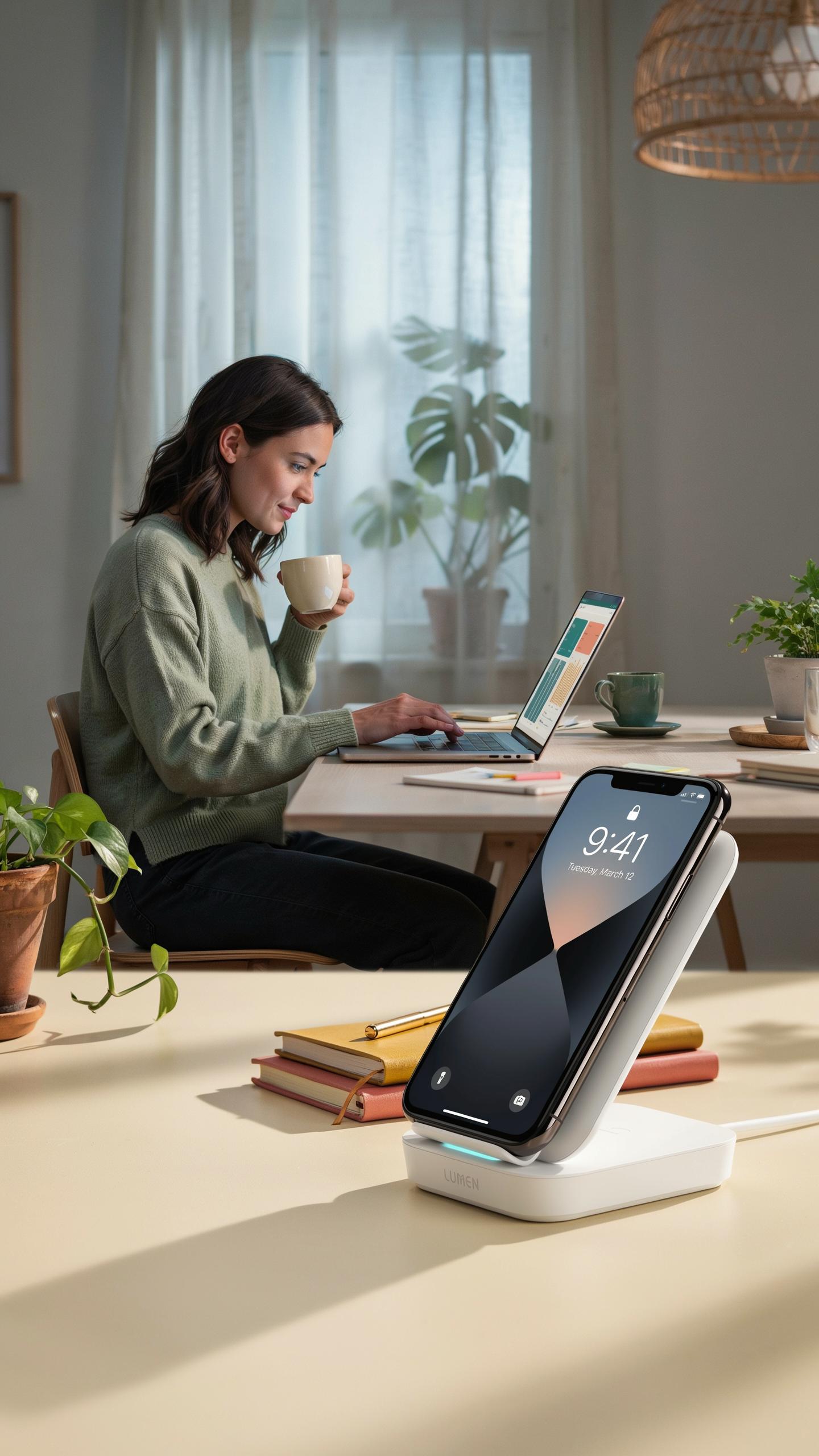
Declutter Your Desk A Minimal Desk For Maximum Focus
A wireless charging desk stand eliminates cable clutter on your work surface. Instead of managing multiple charging cables for phones and earbuds, one stand handles the job. Your desk gains usable workspace. Fewer cables mean less visual distraction pulling your attention away from actual work tasks.
The stand consolidates charging into a single location. You remove tangled wires, multiple adapters, and cable management solutions from your immediate work area. This reduction directly supports focus. Clean desk surfaces correlate with fewer cognitive interruptions during work hours.
Enhanced Accessibility Your Devices Always Charged And Within Reach
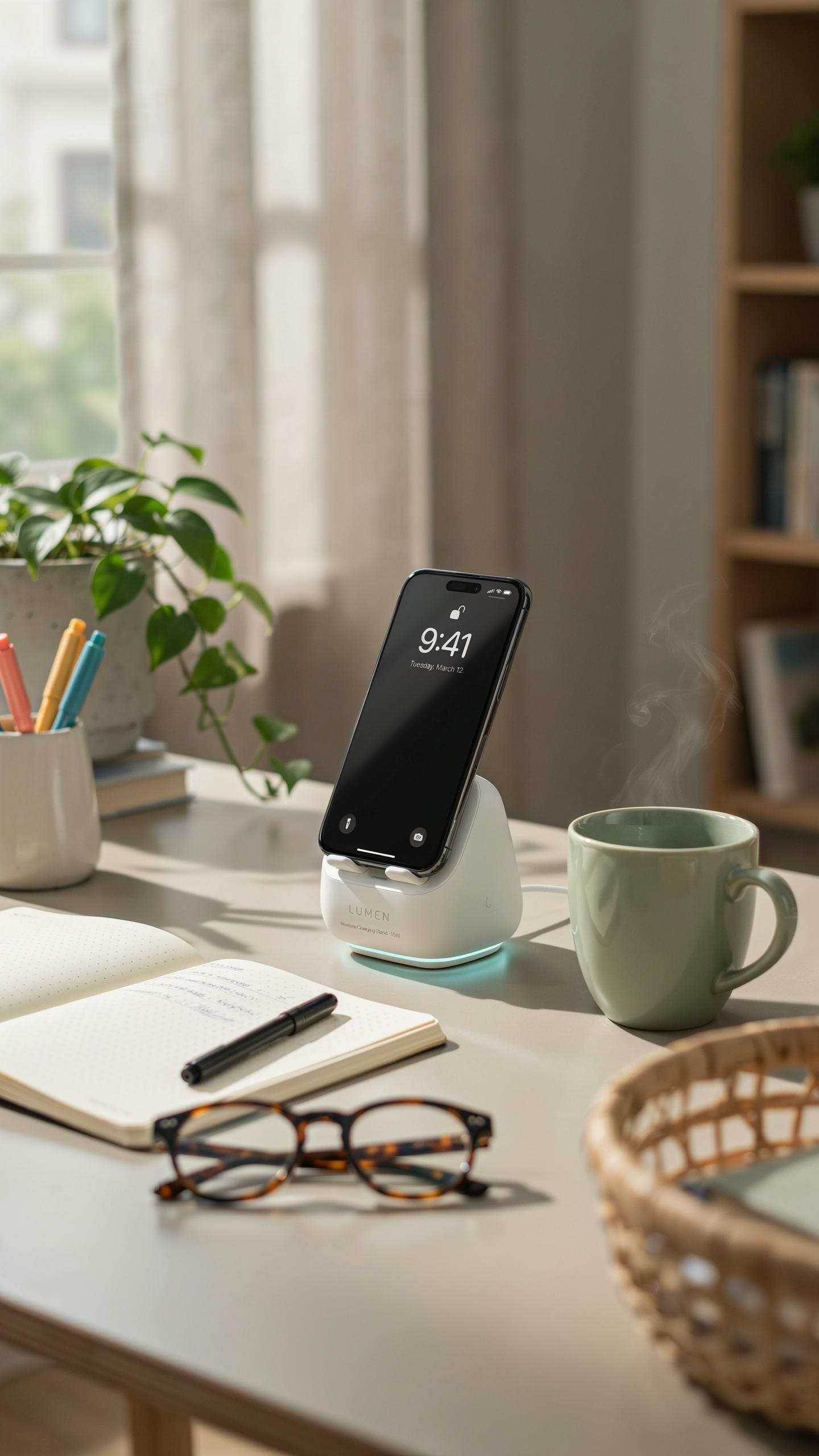
A desk stand positions your phone at eye level during charging cycles. You monitor notifications without reaching for a device buried in a drawer or bag. The stand keeps your charged device visible and accessible throughout your workday. You maintain device access while power replenishes.

Wireless charging stands support multiple device types simultaneously on many models. Your phone charges while your earbuds sit on a secondary pad. Both devices remain within arm’s reach on your desk. This arrangement eliminates the need to hunt through bags or drawers when you need a specific device.
Choosing The Right Wireless Charger Stand For Your Needs
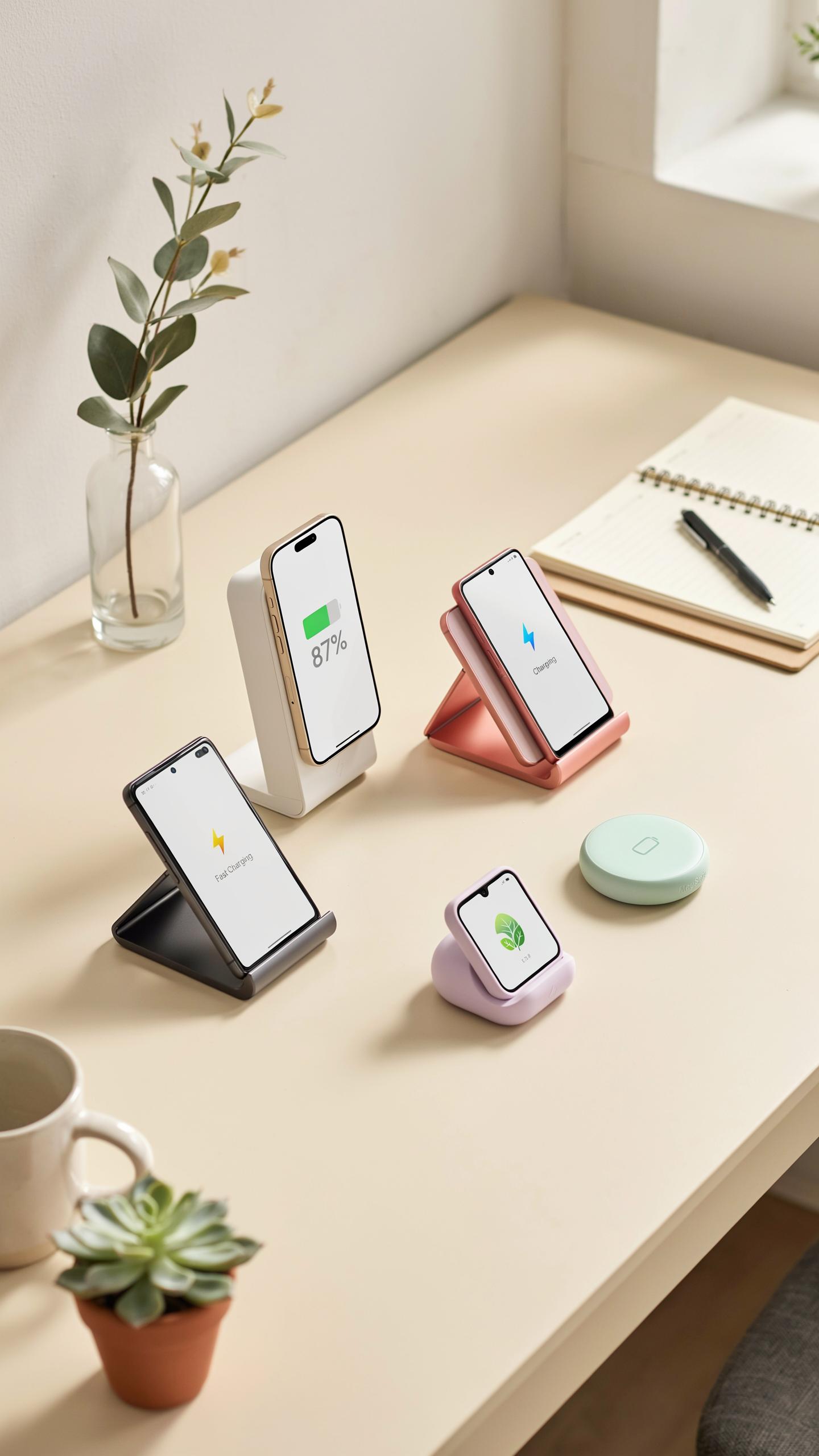
Key Features To Look For In A Charging Station
Wireless charging stands operate on electromagnetic induction. A coil in the stand transmits energy to a receiver coil in your phone. Distance matters. Most stands charge through cases up to 5mm thick. Charging speed depends on wattage output, typically ranging from 5W to 15W for office use.
- Wattage Output: Higher wattage charges faster. 10W to 15W handles most modern phones efficiently without excessive heat generation during office hours.
- Coil Positioning: Multiple coils or adjustable positioning ensures compatibility across different phone models and sizes without requiring precise alignment.
- Viewing Angle: A stand tilted 45 to 75 degrees lets you see notifications and use your phone hands-free while it charges at your desk.
- Heat Management: Quality stands include thermal regulation. Overheating damages battery longevity and reduces charging efficiency over months of daily use.
- Cable Type: USB-C and USB-A inputs offer flexibility. USB-C charges faster and works with newer devices, while USB-A ensures compatibility with existing office equipment.
- Non Slip Base: Rubber or silicone feet prevent movement during charging. Your phone stays stable when you grab it, preventing accidental drops and desk surface damage.
Build quality determines lifespan. Test the stand’s stability with a phone in it. Push down on the device. A wobbly stand creates frustration in a professional environment. Check the cable length against your desk depth. Most office setups need 4 to 6 feet of cable reach.
Material And Design Matching Your Office Aesthetics
Material choice affects both durability and appearance. Aluminum stands suit modern offices and resist wear from daily use. Plastic models cost less but yellow or crack over time. Wood accents work in traditional corporate settings. Metal bases stay cooler and support heavier phones without degrading.

Design should complement your workspace without drawing attention. Black, white, or natural finishes integrate into any desk setup. Avoid bright colors unless your office culture demands them. A stand should occupy minimal desk real estate. Compact models under 3 inches wide fit tight spaces between monitors and keyboards without creating clutter or blocking sight lines.
Integrating Your Wireless Charging Pad Into A Smart Desk Setup
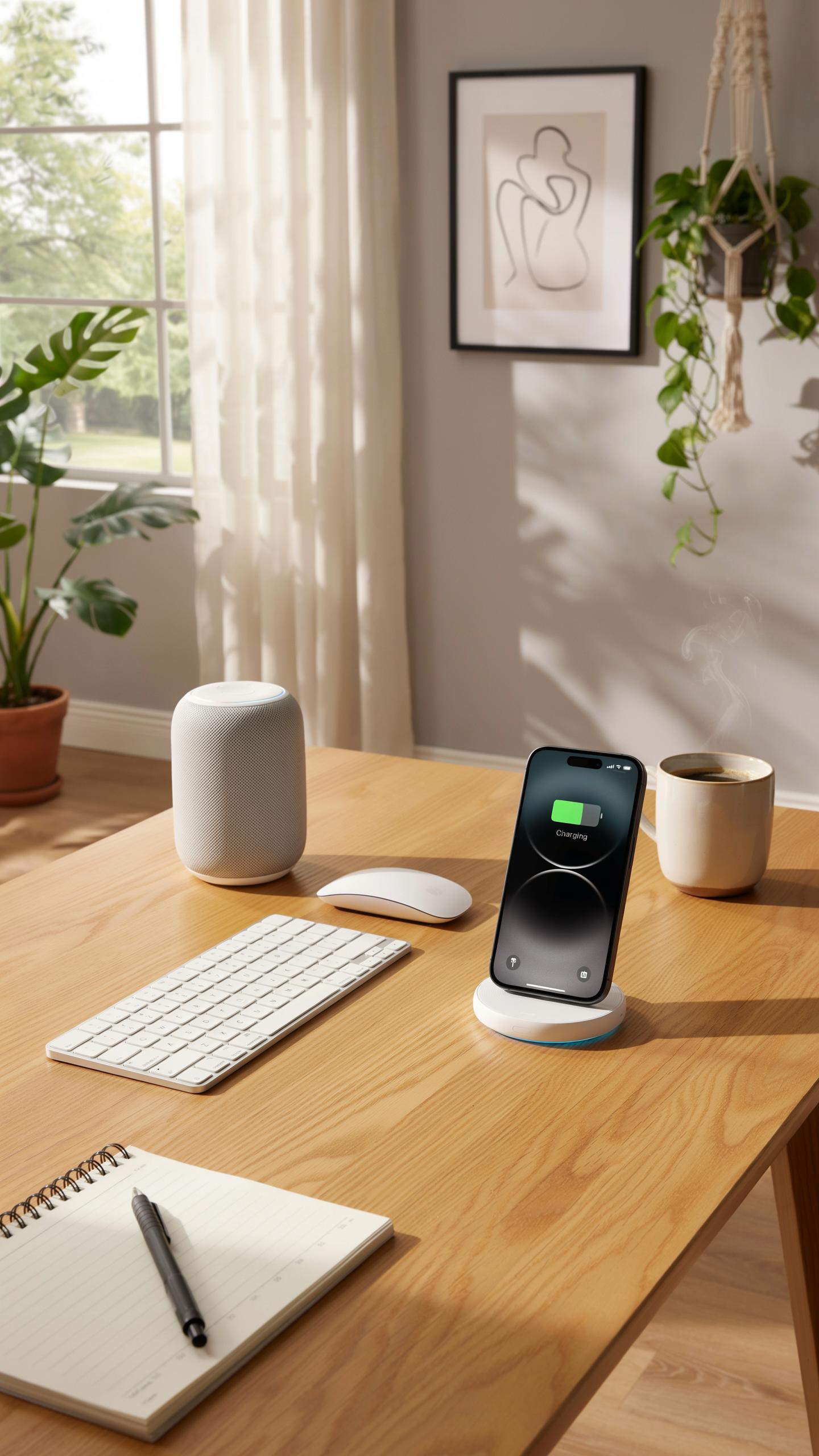
Optimizing Your Workspace With Tech Gadgets
Position your wireless charging desk stand where you naturally place your phone during work. Most people set devices down on the dominant side of their desk or near their monitor. This placement keeps your phone within arm’s reach without disrupting your primary work surface. Measure the distance from your usual work position to ensure the stand sits at a convenient spot that doesn’t interfere with keyboards, monitors, or writing space.
Cable management becomes critical when adding any device to your desk. Route the charging cable behind your monitor or along desk edges using clips or cable ties. Keep cables away from high-traffic areas where feet or chairs roll. A clean cable setup prevents tripping hazards and makes your desk appear organized. Consider whether your charging stand needs a dedicated power outlet or if you can use existing desk power strips.
Creating An Ergonomic And Efficient Charging Dock
Height matters when choosing your charging stand placement. Your phone should sit at or slightly below eye level when seated at your desk. This positioning prevents neck strain from constantly looking down at your device. Stands with adjustable angles let you tilt the screen to your preferred viewing angle. Test the stand’s stability before committing it to your workspace, especially if you have limited desk space.

Dock placement should balance accessibility with work efficiency. Position the stand where notifications and incoming calls remain visible without blocking your monitor or work area. Consider placing it to your non-dominant side if possible, keeping your primary work zone uncluttered. The stand should not obstruct cable management routes or interfere with drawer access. Test your workflow with the stand in place for several hours before finalizing its position.
Top Features Of A Premium Wireless Charging Desk Stand
Fast Charging Capabilities And Device Protection
Fast charging output matters because it reduces downtime at your desk. Premium stands deliver 15W or higher wattage to compatible devices. This translates to full charges in under two hours for most phones. The charging coil quality determines efficiency and heat generation during operation. Poor coils waste energy and create excessive heat that damages batteries over time.
Device protection relies on built in temperature control and foreign object detection. Quality stands monitor coil temperature and throttle power if heat rises too high. Foreign object detection prevents charging when metal or incompatible items sit on the pad. These safety mechanisms run continuously and add minimal cost to manufacturing but prevent costly device damage and liability issues.
Remember the days of tangled cords and searching for that elusive charger? Embrace simplicity and let your workspace reflect the effortless innovation you carry within.
Multi Device Charging And Additional USB Ports
Multi device charging capability expands the stand’s utility for office environments where multiple gadgets need power simultaneously. Premium stands include dedicated charging pads for phones and smartwatches or phones and earbuds depending on design. This eliminates cable clutter and keeps your desk organized throughout the workday. The layout must position each pad so devices don’t interfere with one another electromagnetically.
Additional USB ports on the stand provide backup charging for devices that don’t support wireless charging. Standard implementations include 2 to 4 USB ports positioned on the side or base of the stand. These ports accept your own cables for tablets, laptops, or legacy devices. USB output capacity varies by model but premium units deliver full 2.4A per port to maintain fast charging speeds across all connected devices.
Installation And Maintenance Of Your Wireless Charger

Simple Setup: Getting Started With Your New Charger Stand
Remove the stand from its packaging and inspect for damage. Place it on a flat, stable surface away from metal objects and liquids. Connect the USB power cable to the stand’s base, then plug into a wall outlet or desk power strip. Position your phone on the charging surface with its back facing down. Most stands work with any Qi-enabled device without pairing or app setup required.
Your charger activates immediately upon power connection. You do not need to download software or create accounts. The charging coil inside the stand communicates directly with your phone’s built-in Qi receiver. Some models include LED indicators that show charging status. Check your device manual to confirm Qi compatibility before first use, as older phones may not support wireless charging.
Keeping Your Wireless Charging Station Pristine
Dust accumulates on charging surfaces and reduces efficiency. Wipe the stand weekly with a dry microfiber cloth to maintain contact between your phone and the charging coil. Never submerge the stand in water or use liquid cleaners on electrical components. For stubborn debris around the base, use a soft brush or compressed air. Keep the power cable free of tangles and away from sharp edges that cause fraying.

Inspect the charging surface monthly for cracks or wear. Protective pads on metal stands can deteriorate over time and require replacement. Store the stand away from direct sunlight, heat sources, and extreme temperature fluctuations. Check cable connections periodically to ensure they remain secure and undamaged. A well-maintained stand continues delivering reliable charging performance for years without degradation.
Future Of Office Desk Setup Beyond Current Wireless Solutions

Emerging Wireless Charging Technologies And Innovations
Current wireless charging relies on magnetic induction over short distances. The next generation pushes beyond this limitation. Far-field wireless power transfer technology uses radio frequencies to deliver charge from several feet away. Companies are developing systems that transmit power through walls and obstacles. This removes the requirement for devices to sit on specific charging surfaces.
Mid-range wireless charging represents another shift. Technology developers are working on systems that charge devices from distances up to 10 feet without direct contact. This changes desk design fundamentally. Users gain freedom to position devices anywhere on their workspace. The practical benefit is clear: no more hunting for charging cables or repositioning equipment constantly throughout the day.
The Smart Office: Integrating All Your Tech Gadgets Seamlessly
Smart office environments demand integrated charging infrastructure. Wireless charging desk stands now connect to office management systems and IoT platforms. This allows teams to monitor device power levels and manage battery health across multiple devices automatically. Integration with building automation systems ensures charging priorities align with workflow demands.

The convergence of charging, connectivity, and data management creates offices where technology works invisibly behind the desk setup. Your wireless stand becomes part of a larger ecosystem. Devices charge while syncing data, updating software, and communicating with office networks simultaneously. This eliminates the fragmented approach of managing power, connectivity, and data separately. The office becomes more efficient because infrastructure handles these functions in parallel rather than in sequence.
Frequently Asked Questions

What exactly is a wireless charging desk stand, and how does it benefit my workspace?
A wireless charging desk stand is a device that elevates your phone or other Qi-enabled gadgets while simultaneously charging them without cables. This creates a much cleaner, more organized desk, reduces clutter, and ensures your devices are always powered up and easily accessible. It’s a fantastic upgrade for any modern office setup.
How do I choose the right wireless charging desk stand for my specific phone model and desk setup?
Consider your phone’s size and weight for stability, ensuring the stand offers a secure grip. Check for adjustable angles if you often use your phone hands-free. Look for a wireless charging desk stand for office use that matches your aesthetic and has sufficient power output (e.g., 7.5W for iPhones, 10W for Android) for efficient charging.
Are there affordable wireless charging desk stand options that don’t compromise on quality or functionality?
Absolutely! Many reputable brands offer excellent wireless charging desk stand models at various price points. Look for stands made from durable materials like aluminum or ABS plastic. While premium features like multiple charging coils might increase cost, you can find reliable and efficient options under $40 that still offer great value and sleek design for your office.



