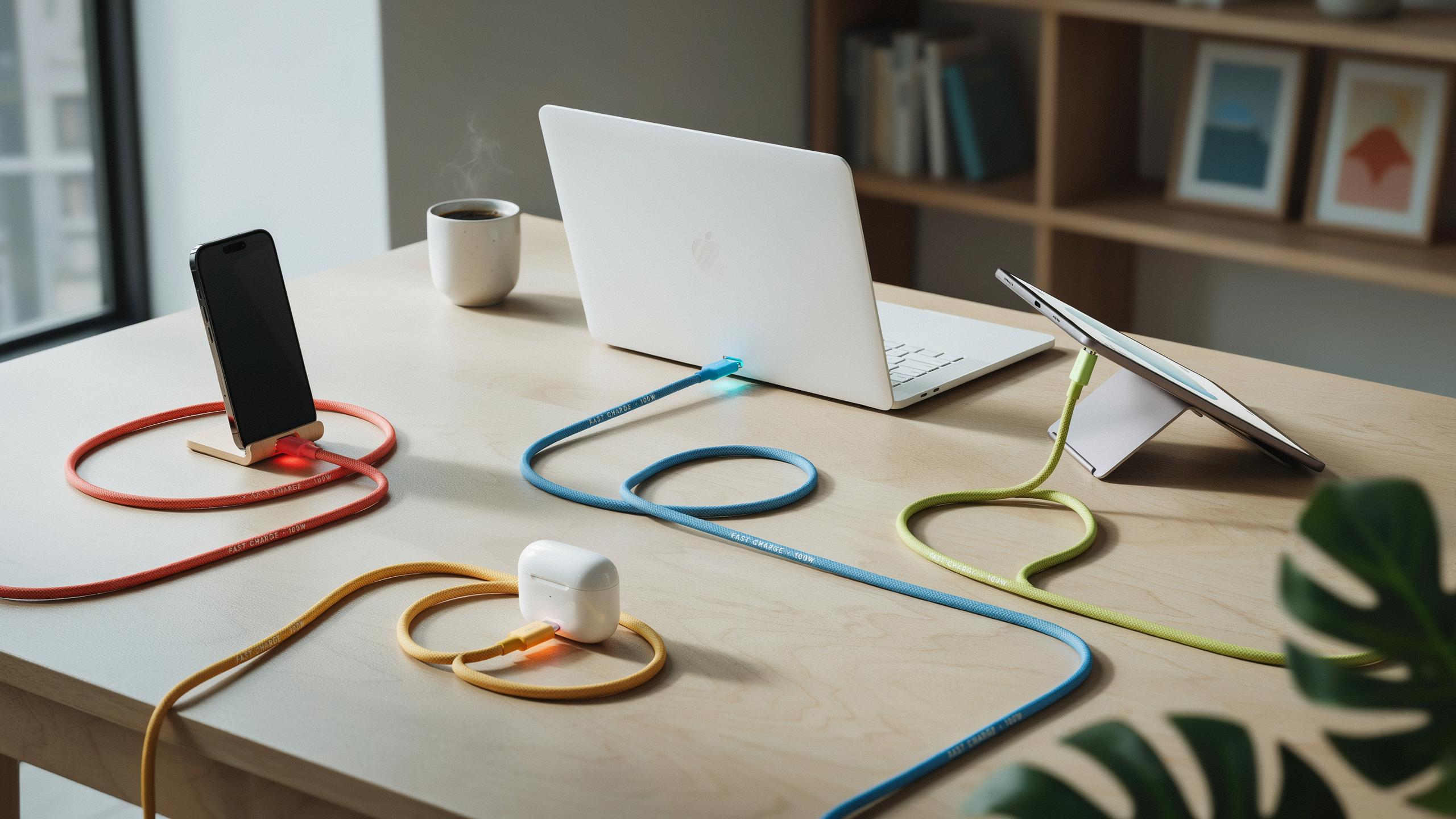
Understanding Fast Charging And USB C Cable Technology
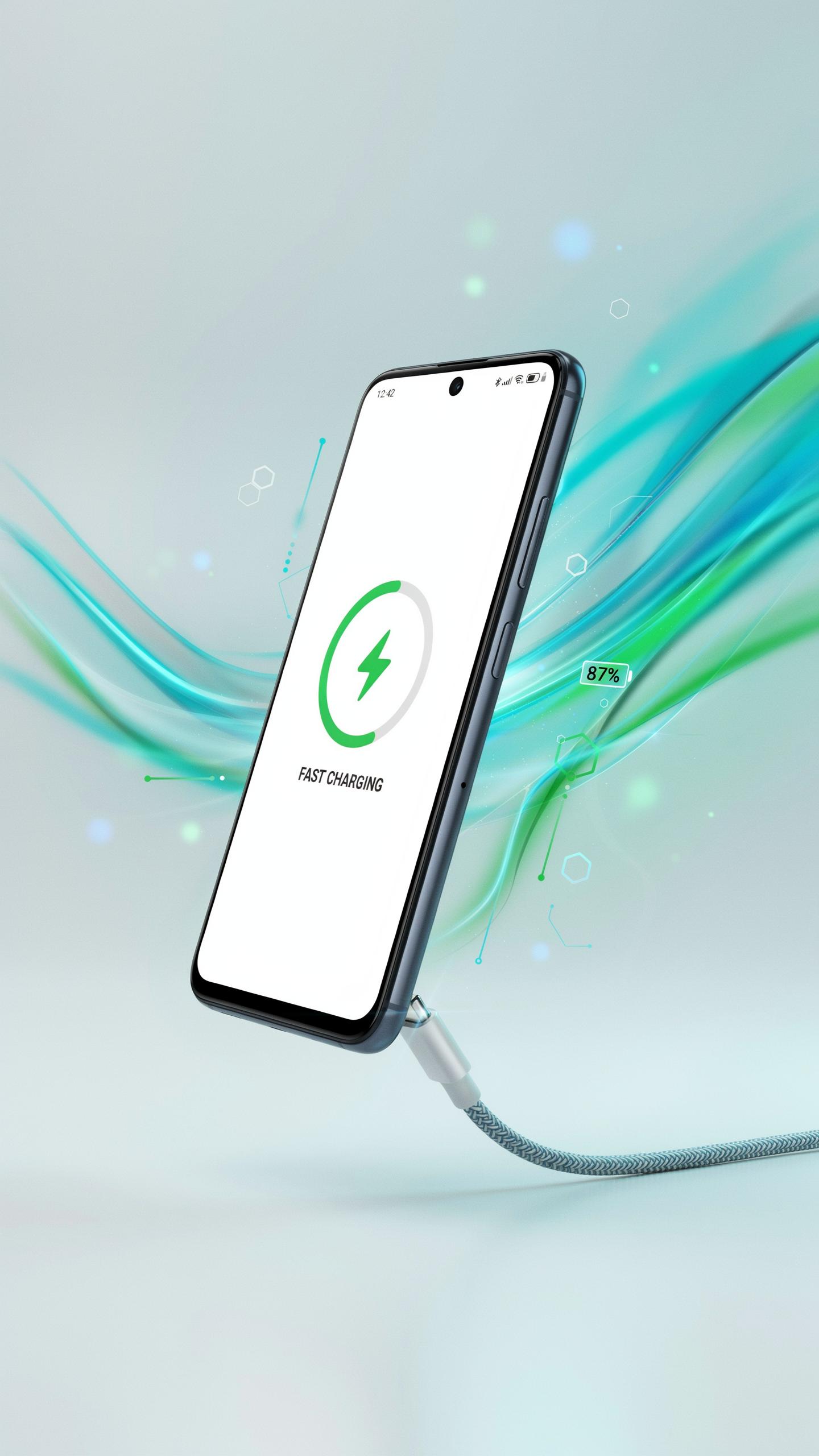
The Science Behind High Speed Charging
Fast charging works by increasing electrical current and voltage delivery to a device’s battery. USB Power Delivery (USB PD) enables this through negotiation between the cable, charger, and device. The cable must handle higher amperage safely without overheating or degrading internal conductors. Thicker gauge wires and better insulation materials directly impact how much power a cable can safely transmit without failure.
Cable resistance determines how much energy converts to heat during charging. Lower resistance means faster power delivery to your device instead of wasted heat in the cable itself. Quality cables use copper alloys with lower resistivity and multiple internal conductors to distribute current load. Connectors must maintain consistent contact and use materials that resist oxidation, which increases resistance over time and reduces charging speed.
Evolution Of USB C More Than Just A Charging Cable
USB-C emerged as a reversible connector standard that unified charging, data transfer, and video output into one port. Before USB-C, devices required separate charging cables, data cables, and video adapters. The standard supports multiple power levels, from low-power devices up to 240W for laptops and monitors. This versatility forced manufacturers to build USB-C into nearly every new device category, making it the dominant connector today.
USB-C’s evolution included introducing USB PD specifications that standardized power delivery negotiations. Early implementations limited cables to 60W, then 100W, and now 240W capabilities depending on certification level. The connector design itself prevents accidental damage from incorrect insertion, solving a major weakness of older micro USB standards. Modern USB-C cables handle simultaneous high-speed data transfer at 40 gigabits per second while delivering maximum power, eliminating the need for multiple cables per device.

Why Durability Matters For Your Charging Cable
Common Failure Points In Standard Cables
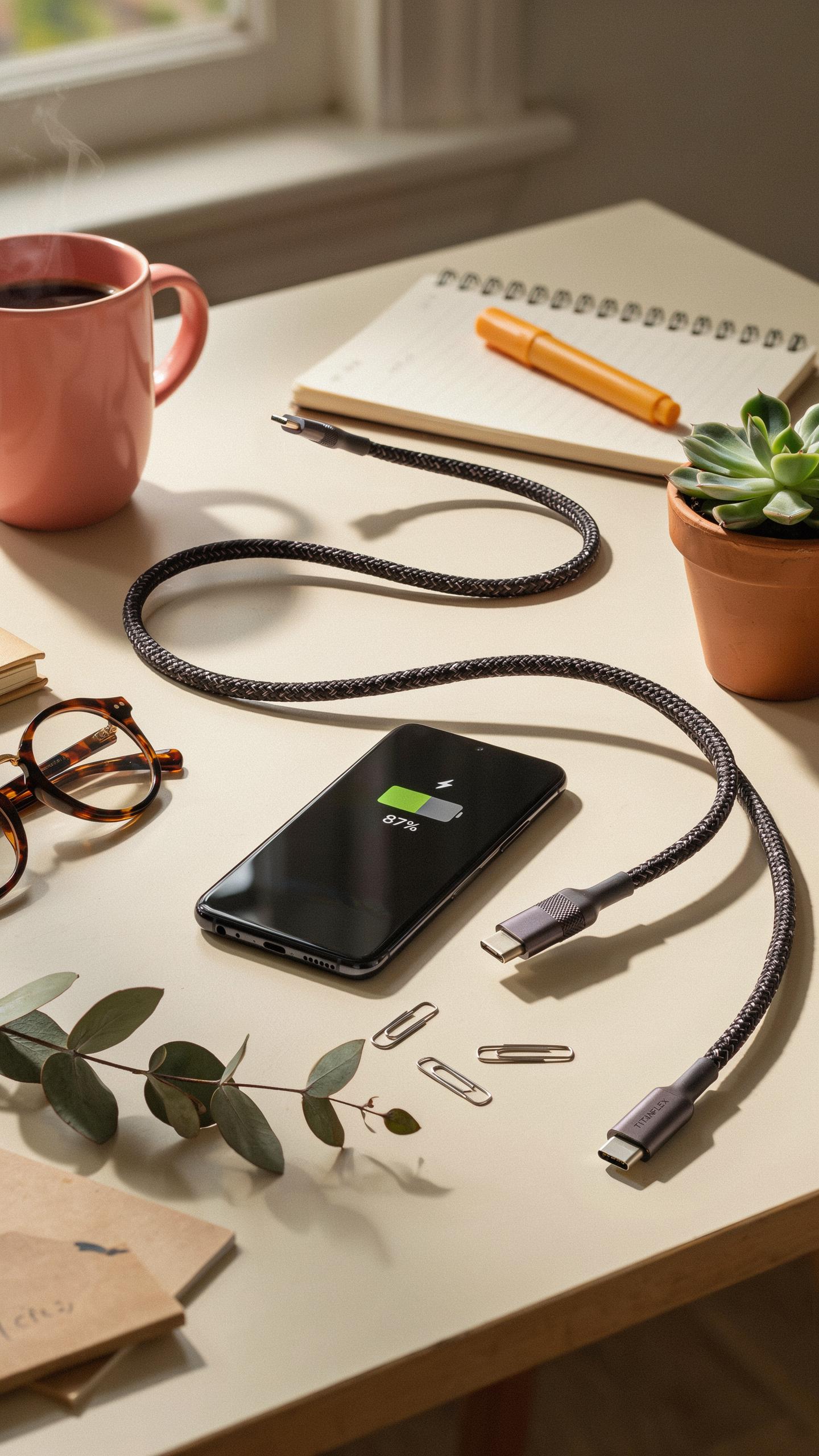
Most USB-C cables fail at the connector ends first. The connector housing cracks from repeated insertion and removal. The internal pins corrode from moisture exposure or oxidation over time. The cable jacket splits near the connector due to repetitive bending stress.
The internal wire strands break from constant flexing at connection points. Manufacturing defects in cheaper cables create weak spots that fail within weeks. Poor solder joints inside connectors fail under thermal stress from fast charging current. These failures force you to replace cables frequently, wasting money and creating frustration.
The Cost Benefit Of A Long Lasting Cable
A durable cable costs two to three times more upfront than bargain options. That higher price covers better materials, reinforced connectors, and quality manufacturing processes. A cable lasting two to three years eliminates the need for constant replacements. You save money by buying one reliable cable instead of five cheap ones that fail.

Beyond cost, durability eliminates operational downtime when your device runs out of power unexpectedly. Quality cables maintain consistent charging speeds throughout their lifespan without degradation. A cable that lasts reduces electronic waste and keeps fewer cables out of landfills. The time saved by not shopping for replacements has real value in your workflow.
Key Features Of A Durable Fast Charging USB C Cable
Material Matters: Beyond Standard Plastic
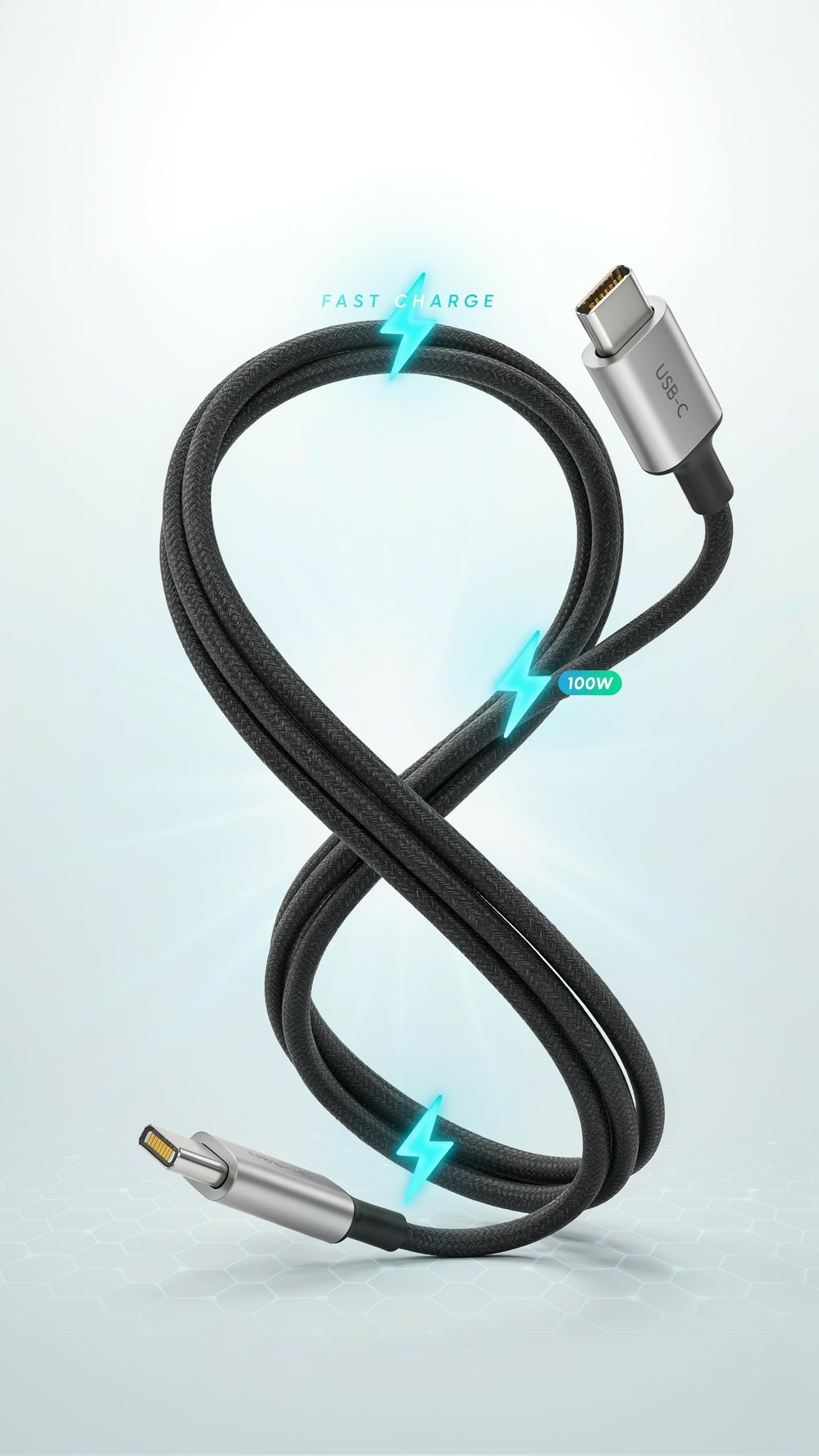
Cable jackets made from TPE (thermoplastic elastomer) or PVC outperform standard plastic because they resist cracking when bent repeatedly. TPE flexes without developing stress fractures at the connector base, the failure point for most cables. Higher quality cables use braided nylon over the jacket for additional abrasion resistance. This outer layer prevents cuts from sharp edges and reduces wear from constant movement in bags or pockets.
Copper wire gauge directly impacts longevity and charging speed. Cables with 20 to 24 AWG copper stranding handle repeated flexing without developing internal breaks that reduce conductivity. Thicker stranding means fewer micro fractures accumulate over thousands of bend cycles. The internal construction matters as much as external protection because internal wire degradation happens invisibly until the cable fails completely.
Reinforced Connectors And Strain Relief
The strain relief section where the cable meets the connector receives the most mechanical stress during daily use. Reinforced collars made from flexible rubber or TPE distribute bending force across a wider area instead of concentrating it at the connector base. This design prevents the internal wires from snapping at the connection point, which accounts for most USB-C cable failures. Metal shells around connectors also add durability by protecting the pins from lateral pressure and impact damage.

Gold plated connector pins resist oxidation and maintain conductivity through hundreds of charge cycles. Connectors designed with proper contact geometry ensure stable connections without requiring excessive force to insert or remove. Some manufacturers use reinforced PCB boards inside connectors to prevent pin misalignment from repeated use. These internal structural elements prevent charging inconsistency and dangerous connection failures that damage your device.
The Advantage Of Braided Cables Strength And Style
Understanding Braids And Their Protective Qualities
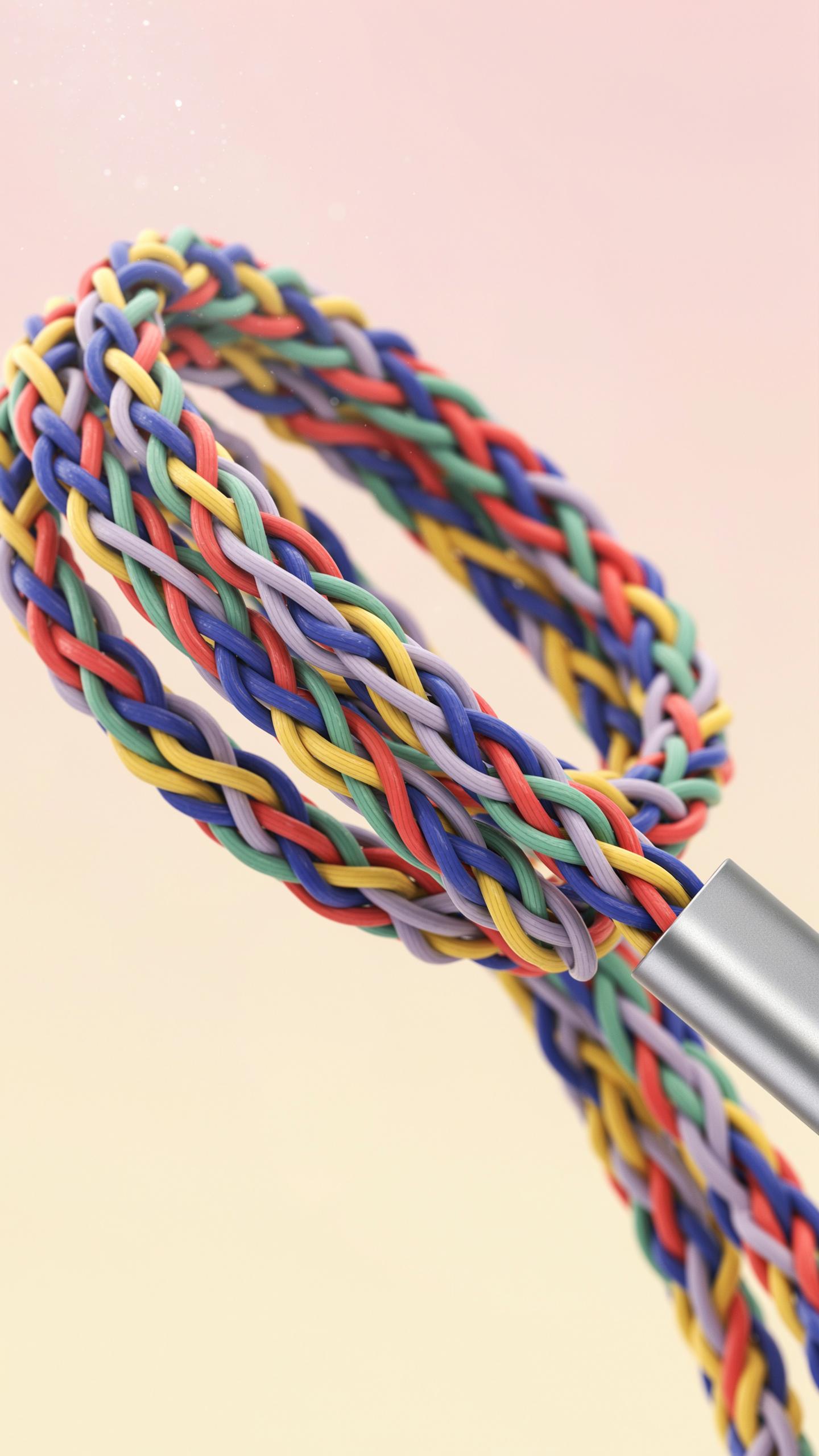
Braided cables wrap nylon or fabric around the inner wire jacket in a crisscross pattern. This weave distributes mechanical stress across multiple strands rather than concentrating it on one spot. When you bend, twist, or coil a braided cable, the outer layer absorbs the tension. The inner wires stay protected longer. This design directly reduces the failure points that plague standard rubber cables.
The braid acts as armor against daily wear. Friction from pockets, bags, and desk edges damages unbraided cables quickly. The fabric exterior of braided options resists this surface abrasion. Metal connectors remain secure to the core because the braid prevents inner wires from flexing excessively at stress points. Result: your fast charging connection stays reliable for years instead of months.
In the quiet hum of a lasting connection, our devices find their enduring power, just as we find strength in what truly endures.
Aesthetic Appeal And Tangling Prevention
Braided cables resist kinking because the rigid braid structure holds its shape. Standard rubber cables coil into knots and develop permanent creases. These kinks cut inner conductors and degrade charging speed over time. Braided construction prevents this problem mechanically. You store it however you want without worrying about damage.

Visual design matters for everyday tools you touch constantly. Braided cables come in multiple colors and textures that match modern devices. They look intentional and professional on a desk. Beyond appearance, the structured braid prevents tangling when cables sit in bags or drawers. You grab it, use it, and move on without untangling knots. This practicality adds real value to device longevity.
High Speed Data Transfer More Than Just Power

Simultaneous Charging And Data Sync
A quality fast charging USB-C cable handles power delivery and data transfer on the same connection. This matters because your device can charge while you back up files or sync applications. The cable’s internal design separates power lines from data lines, preventing interference between the two functions. Modern devices exploit this capability regularly without performance degradation.
The durability of this dual functionality depends on cable construction. Poorly made cables experience signal degradation when power delivery increases. The shielding around internal conductors deteriorates faster under heat stress from simultaneous operations. Cables built with proper shielding and quality connectors maintain stable data speeds even during high power transfer, extending their practical lifespan significantly.
Understanding USB Data Standards
USB-C supports multiple data standards that directly affect transfer speeds. USB 2.0 reaches 480 Mbps, while USB 3.0 and 3.1 achieve 5 Gbps and 10 Gbps respectively. USB 3.2 pushed speeds to 20 Gbps, and Thunderbolt 3 over USB-C reaches 40 Gbps. Your cable’s data standard determines maximum transfer rates regardless of device capability, making this specification critical when selecting cables.

Cable quality impacts whether devices actually achieve advertised data speeds. Internal conductor gauge, shielding quality, and connector design all influence signal integrity. A cable rated for USB 3.1 but built with inadequate shielding may perform at USB 2.0 speeds under real conditions. Manufacturers who invest in proper materials and construction ensure their cables deliver the speed ratings customers expect, creating cables that outlast cheaper alternatives.
Compatibility Across Your Tech Gadgets Phones Tablets And More
Universal Design Of USB C
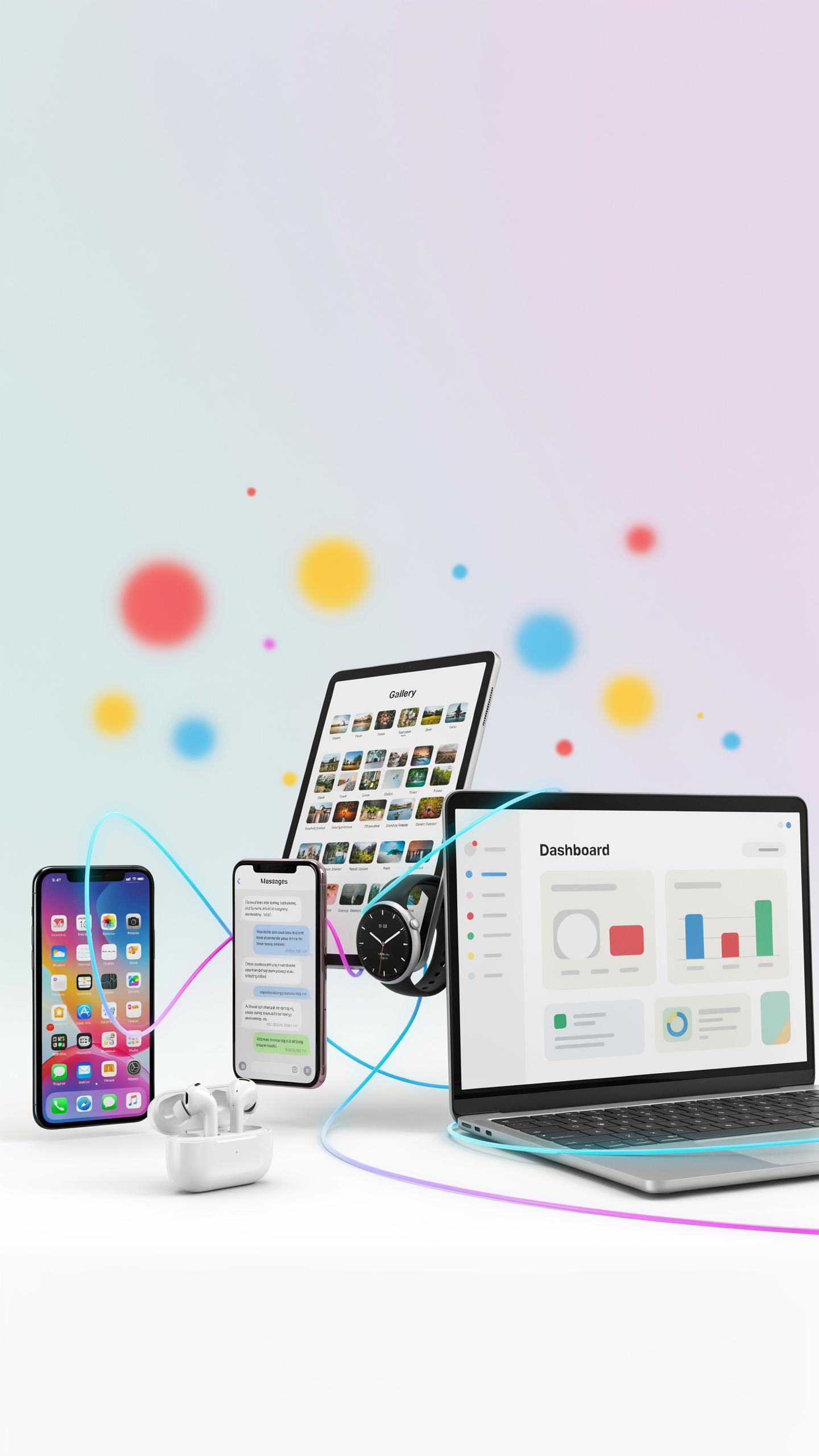
USB-C became the standard connector across consumer electronics because it solved a fundamental problem: device fragmentation. Apple, Samsung, Google, and manufacturers across the board now ship phones, tablets, and laptops with USB-C ports. This shift means one cable type charges multiple devices. No more carrying proprietary connectors for each brand. The connector design itself is reversible and symmetrical, eliminating the frustration of plugging in the wrong way.
The adoption of USB-C accelerated after regulatory pressure and industry standardization efforts. European regulations pushed manufacturers toward common charging standards. Today, nearly all flagship phones and tablets support USB-C. Budget and mid-range devices follow the same path. This universality makes durability investments worthwhile. A cable that lasts becomes genuinely useful across your entire ecosystem rather than serving a single device.
Power Delivery PD And Quick Charge QC Standards
Power Delivery and Quick Charge represent competing but often compatible fast charging protocols. USB Power Delivery is the open standard maintained by the USB Implementers Forum. It supports up to 240 watts across different voltage levels and amperage combinations. Qualcomm’s Quick Charge technology works alongside PD on most modern phones. Both protocols use the same USB-C connector but communicate different power requests to charging adapters.

Device manufacturers choose which protocol their hardware supports. Most current flagship phones support USB Power Delivery, with many also supporting Quick Charge variants. A durable USB-C cable rated for high wattage works with both standards. The cable’s quality determines whether it safely handles the full power output without degradation. This cross-compatibility is why selecting a cable built for maximum wattage protects your investment across device generations and brands.
Choosing The Right Length And Certification

Optimal Cable Lengths For Different Scenarios
Cable length directly affects your charging workflow. A 3-foot cable works best for desk setups where your device stays close to the power adapter. A 6-foot cable gives you freedom to use your phone while charging. Longer cables introduce resistance that slightly reduces charging speed, though the difference remains minimal with quality USB-C construction. Choose based on your actual usage pattern, not convenience alone.
Resistance increases measurably with length, but modern USB-C cables handle this well. A 10-foot cable poses real trade-offs for fast charging scenarios. For wall chargers in bedrooms or living rooms, 6 feet handles most situations. Car chargers benefit from shorter cables to maintain peak power delivery. Match cable length to your specific charging location before purchasing.
The Importance Of MFi And USB IF Certification
MFi certification applies to Apple products, not USB-C cables themselves. USB-IF certification proves a cable meets electrical safety and performance standards. Certified cables undergo testing for power delivery, data transfer rates, and durability under stress. Non-certified cables cut corners on internal construction, leading to faster degradation and safety risks. Buy only cables carrying USB-IF certification markings on packaging.

USB-IF certification ensures the cable handles the power output your charger delivers without overheating or failing. This matters because uncertified cables melt internally or develop shorts that damage your device. Counterfeits flood the market with cables missing proper shielding and wire gauges. Check the USB-IF database on their official website to verify any cable’s legitimacy before purchase.
Beyond The Basics Advanced Cable Features
E Marker Chips: What They Are And Why They Matter
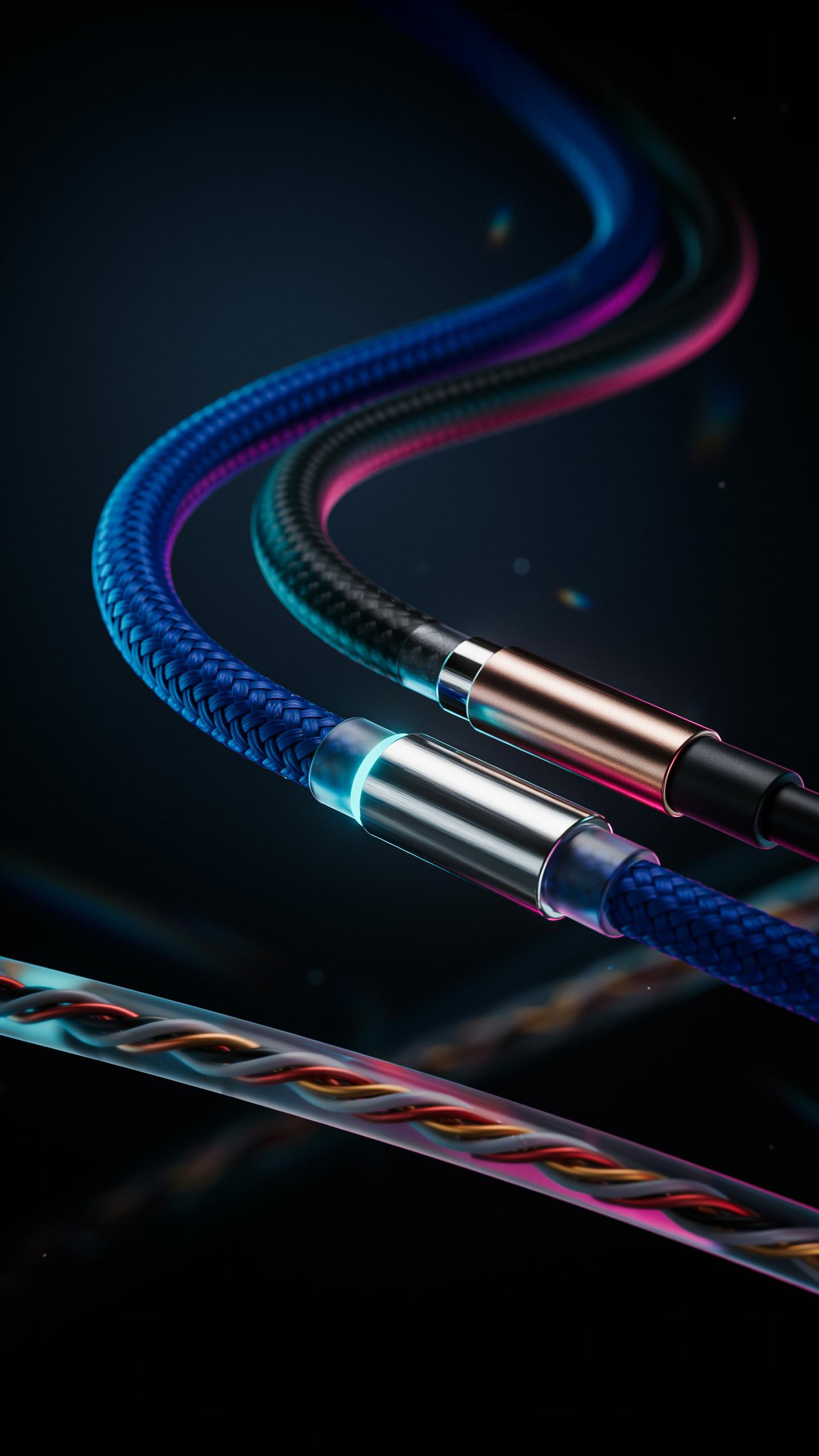
E-marker chips are microcontrollers embedded in USB-C connectors that communicate with power adapters and devices. They negotiate power delivery levels, prevent overcharging, and manage voltage flow. Without them, your phone or laptop receives whatever power the adapter sends, which causes damage over time. The chip acts as a safety intermediary between your device and the charger.
Cables without proper E-marker chips fail faster because they lack real-time power management. When voltage spikes occur, no circuit exists to regulate or cut power instantly. This causes internal connector corrosion, wire degradation, and eventual failure. Premium cables include certified E-marker chips that communicate power specifications continuously during charging sessions.
LED Indicators And Smart Features
LED indicators on cable connectors show charging status without requiring device interaction. Green lights signal active data transfer, while red or amber indicates power flow only. This visual feedback eliminates guessing about connection quality and helps troubleshoot charging problems quickly. Some cables include temperature sensors that display heat levels through color changes.

Smart features like built-in power delivery negotiation optimize charging speed automatically. The cable adjusts wattage delivery based on device requirements, preventing waste and heat buildup. Cables with these features typically include firmware that manufacturers can update, extending compatibility with newer devices. This adaptability directly extends cable lifespan by reducing thermal stress on internal components.
Maintenance Tips To Extend Your CableS Life
Proper Storage And Handling Practices
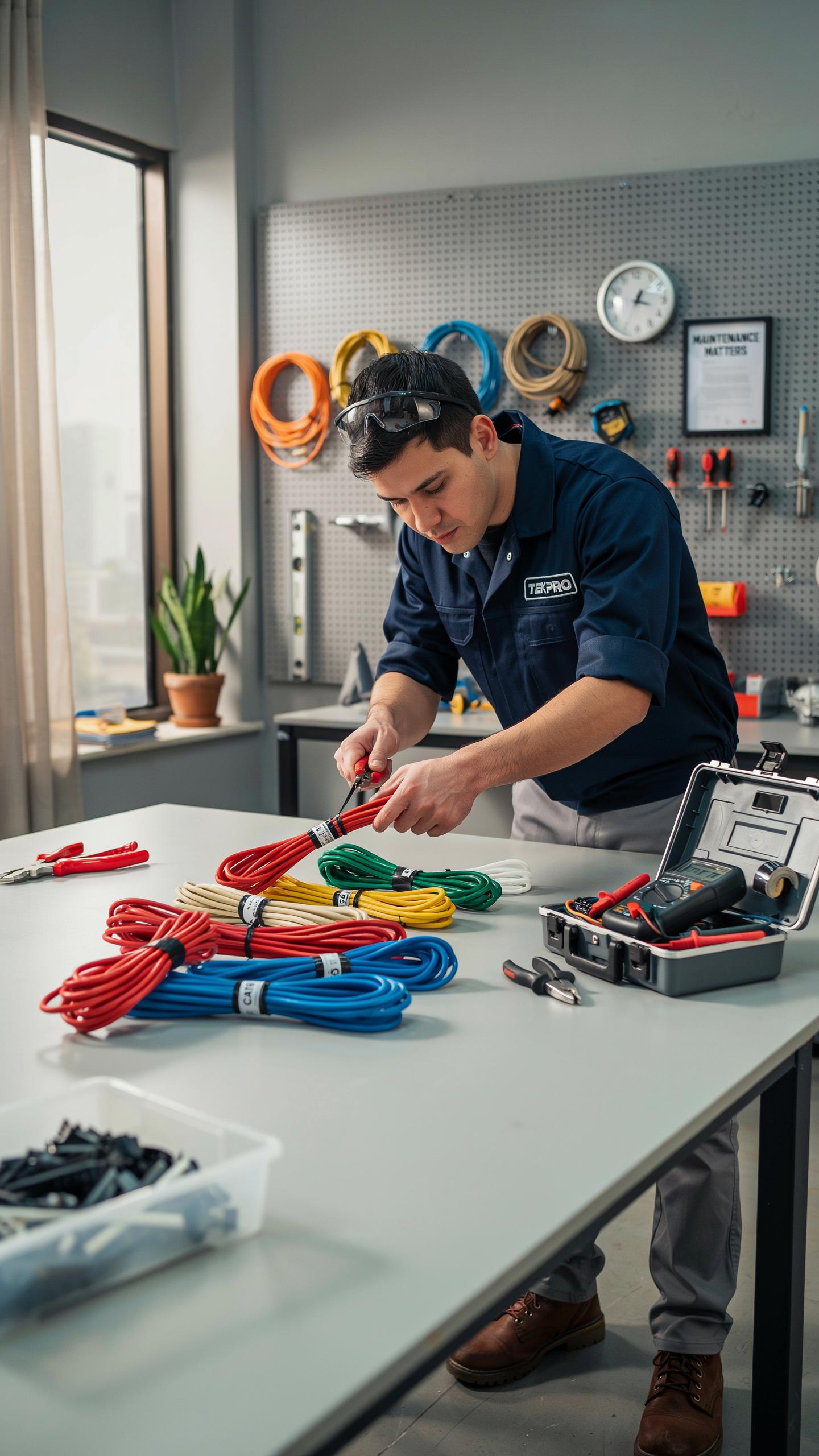
Coil your cable loosely when storing it. Tight coils create stress points where the internal conductors break. Keep cables away from heat sources, direct sunlight, and extreme temperature swings. Store them in a cool, dry environment. Avoid leaving cables plugged in and bent at sharp angles for extended periods.
Handle connectors with care. Don’t yank cables out of ports or devices. Pull straight and steady to prevent pin damage inside the USB-C connector. Never wrap cables around your device while it’s charging. This creates constant flexing that degrades the internal wiring over time.
Cleaning Your Cable Best Practices
Wipe your cable with a dry microfiber cloth monthly. This removes dust and prevents buildup around the connector ports. For stubborn debris, use a slightly damp cloth, then dry immediately. Never use harsh chemicals or abrasive materials on the cable jacket or connector.
Clean the USB-C connector pins with a dry cotton swab if you notice corrosion or discoloration. Tarnished pins reduce charging speed and create poor electrical contact. Inspect both ends of your cable regularly for visible damage, fraying, or exposed wires. Replace cables immediately if you spot internal conductors.
Making An Informed Purchase What To Look For

Evaluating Brands And Warranty Information
Reputable manufacturers back their products with clear warranty terms. Check whether the brand offers a replacement guarantee if the cable fails within a specific timeframe, typically 12 to 24 months. Companies that stand behind their cables demonstrate confidence in construction quality. Verify the warranty covers actual defects, not just accidental damage.
Research the brand’s track record through customer service interactions and return policies. Established manufacturers maintain accessible support channels and process claims without excessive friction. Brands with transparent warranty information posted on their websites reduce purchasing risk. Cross reference warranty length against competitors to identify standard industry practices versus outlier offerings.
Reading Reviews And User Feedback
User feedback reveals real world durability patterns that marketing cannot hide. Focus on reviews mentioning cable lifespan beyond six months, connector integrity, and charging consistency over time. Identify recurring failure points across multiple reviews, such as fraying at connection points or reduced charging speeds after months of use. Discard outlier reviews and concentrate on patterns from verified purchasers.
Community forums and tech subreddits contain unfiltered experiences from long term cable users. Look for specific details about how users charge devices, storage methods, and environmental conditions they expose cables to. This contextual information helps you evaluate whether a cable matches your actual usage patterns. Cross reference feedback across multiple platforms to distinguish anomalies from genuine durability issues.
Frequently Asked Questions

What makes some USB-C cables “fast charging” and why is durability so important for them?
Fast charging USB-C cables are designed with thicker gauge wires and smart chipsets to handle higher power delivery, enabling quicker device charging. Durability is crucial because these cables undergo more stress due to frequent bending and heat generation. A robust, braided exterior and reinforced connectors ensure your fast charging USB C cable that lasts through daily use.
How can I identify a high-quality, long-lasting fast charging USB-C cable when shopping online or in-store?
Look for certifications like USB-IF (USB Implementers Forum) for assured quality. Prioritize cables with braided nylon exteriors, reinforced strain relief at the connectors, and aluminum alloy housings. Read reviews mentioning longevity and performance. Investing in a trusted brand often ensures you get a fast charging USB C cable that lasts and performs reliably.
Are durable, fast charging USB-C cables significantly more expensive than standard cables, and where can I find good value?
While high-quality, durable fast charging USB-C cables can be a bit more expensive upfront, their longevity often makes them more cost-effective over time by avoiding frequent replacements. You can find good value by researching reputable brands known for durability and checking sales from major electronics retailers. Always prioritize quality over the lowest price for a truly lasting cable.



