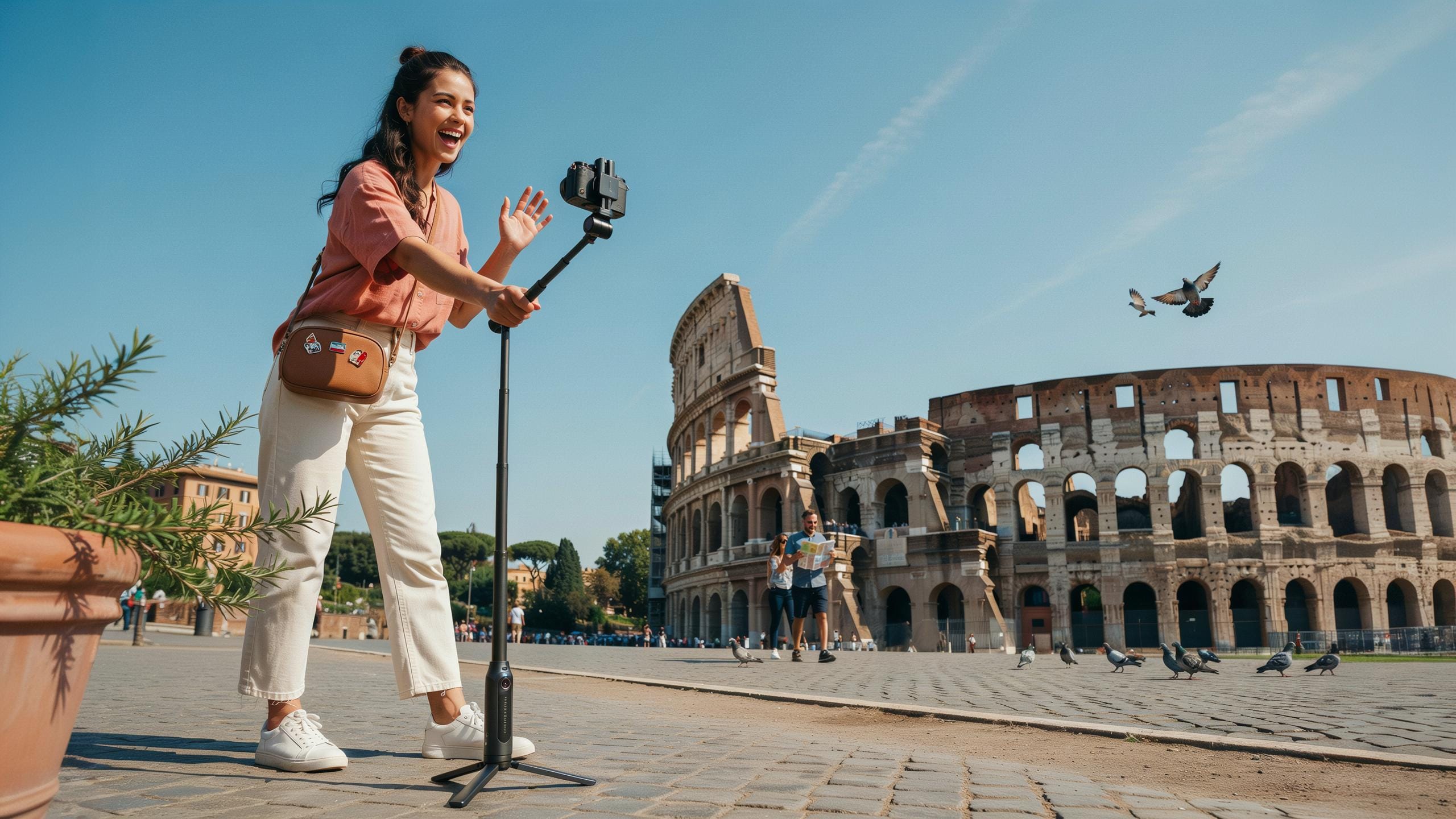
Why Every Travel Content Creator Needs A Selfie Stick With Tripod Stand
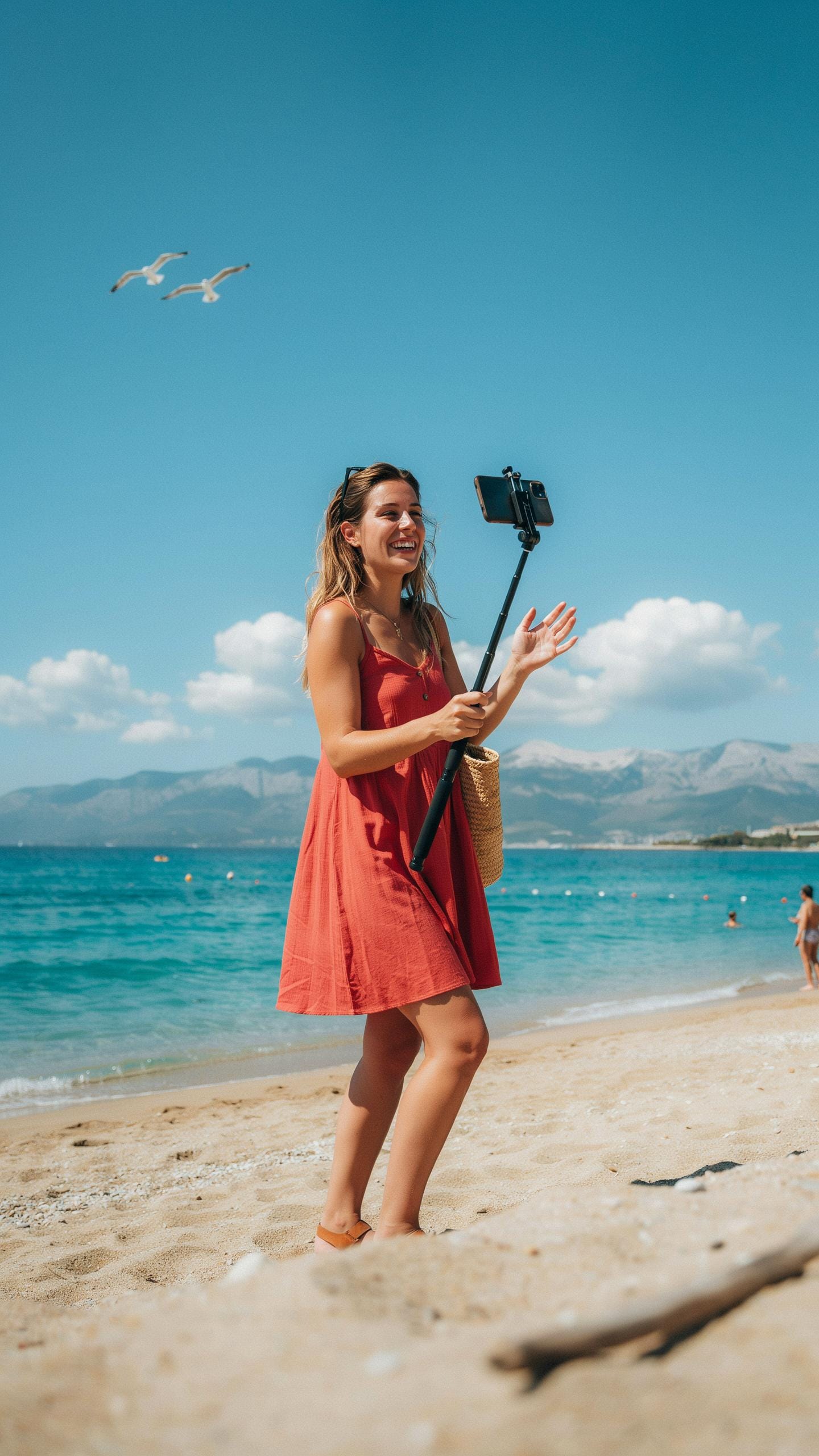
The Evolution of the Selfie Stick for Travel
The selfie stick emerged in the mid-2000s as an extension tool for cameras and phones. Early versions were simple telescoping poles with basic mounting clips. Manufacturers refined the design to reduce weight and add rotation capabilities. Travel creators adopted them because they extend reach without requiring a second person or equipment operator on location.
Modern selfie sticks for travel use aluminum or carbon fiber construction to balance durability with portability. The extension range typically reaches 20 to 40 inches when fully deployed. Rotation mechanisms allow 360-degree movement for framing shots from multiple angles. Travel content creators value this tool because it captures wider perspectives in tight spaces where tripods cannot fit or remain stable.
The Stability of a Tripod: More Than Just Selfies
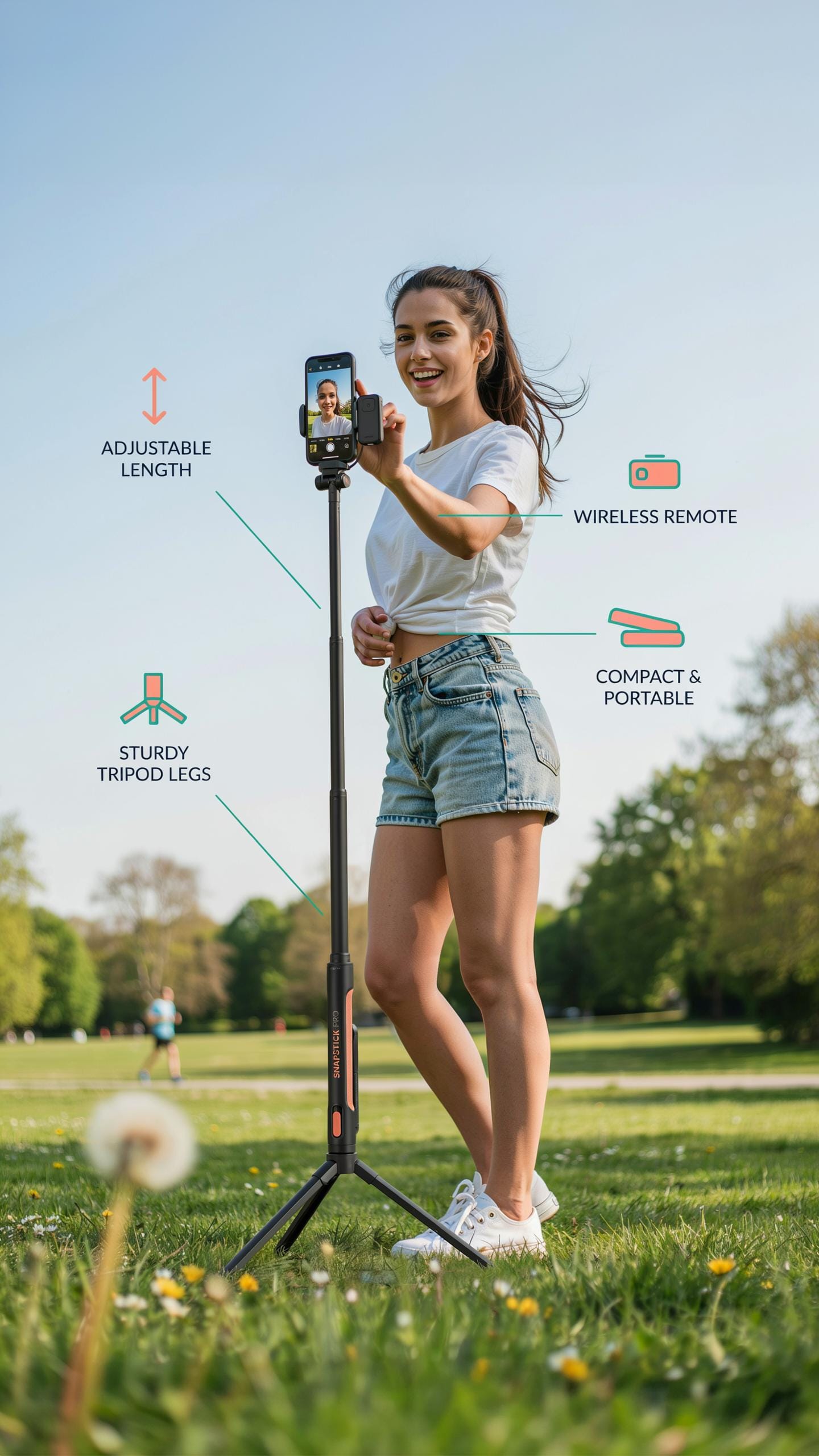
Tripods provide the structural foundation that selfie sticks cannot replicate. Three-legged stands distribute weight evenly and resist tipping on uneven terrain common in travel environments. They lock the camera position precisely, eliminating hand drift in video footage. Content creators use tripods for establishing shots, group photos, and hands-free recording during travel sequences.
Combining a selfie stick with a tripod mount creates operational flexibility for travel shooting. The tripod serves as the stationary base while the stick extends the selfie stick upward for elevated angles. This setup captures overhead shots, landscape context, and subject separation simultaneously. Travel creators save time and equipment weight by using one hybrid tool instead of carrying separate gear pieces.

Key Features To Look For In A Selfie Stick Tripod
Fill Light
Integrated fill lights serve one purpose: they solve shadow problems. Travel content creators shoot in variable lighting. Mountains cast shadows. Indoor venues have dim corners. A built-in LED light fills these gaps without requiring extra equipment. You mount the light on the stick itself, eliminating cable management and reducing your gear footprint.
Fill lights come in two brightness levels: basic and adjustable. Basic models offer fixed output around 5 watts. Adjustable versions let you dial brightness from 30 to 100 percent, giving you control over exposure and shadow depth. Battery drain matters here. Quality fill lights run 2 to 4 hours on a full charge, sufficient for a shooting day.
Wireless Bluetooth
Bluetooth remotes eliminate the wired trigger problem. You hold the phone or camera while the remote sits in your pocket. Press the button to capture without touching the device. This matters for video stability. Any hand movement before recording starts ruins the shot.
Bluetooth range typically extends 30 to 50 feet, covering most travel scenarios. Connection is instant on modern models. Pairing happens once, then the remote reconnects automatically when powered on. Battery life runs 20 to 40 hours before requiring a recharge. The remote itself weighs under 2 ounces, adding negligible load to your pack.
Choosing The Best Phone Tripod For Mobile Photography
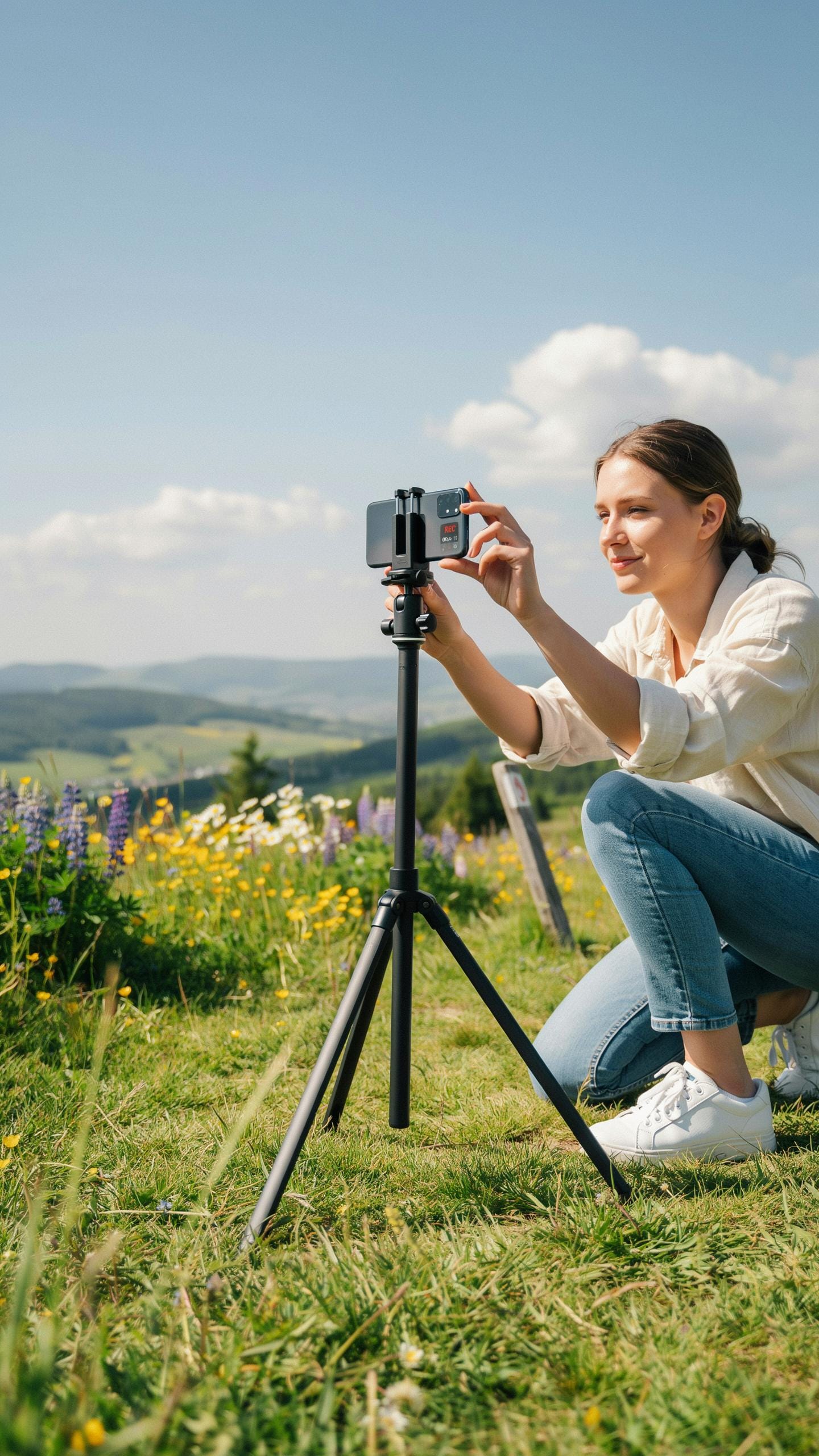
Phone Tripod
Phone tripods secure your device at fixed angles without requiring you to hold it. The mount mechanism matters most. Universal mounts use adjustable clamps that grip phones of different widths, typically ranging from 55mm to 85mm. Ball heads allow rotation in multiple directions. Fixed mounts lock your phone at one angle, reducing flexibility but increasing stability.
Compatibility depends on your phone’s weight and dimensions. Heavier phones like the iPhone 14 Pro Max or Samsung Galaxy S23 Ultra need mounts rated for 200 grams or more. Lightweight mounts fail under weight and cause your phone to slip during recording. Check the manufacturer’s weight rating before purchasing. Phone thickness also matters. Most universal mounts accommodate phones between 2.2 and 3.5 inches wide.
Mobile Photography
Stability eliminates camera shake that ruins video and blurs photos. A tripod removes the need to hold your device, freeing both hands for gestures or interaction with your environment. This matters for travel content where you document locations without visible equipment. Mount height adjustability ranges from 4 inches to 50 inches depending on the tripod model, giving you control over framing and perspective.
Phone positioning affects lighting and composition. Tripods lock your frame, preventing accidental movement during transitions or when adjusting settings. Consistent height and angle across multiple shots creates professional visual continuity. This proves critical for vlogging sequences where you record multiple takes from the same position. Stability also reduces the digital noise that low-light video sensors introduce when compensating for camera movement.
How A Selfie Stick With Tripod Stand Elevates Your Travel Content
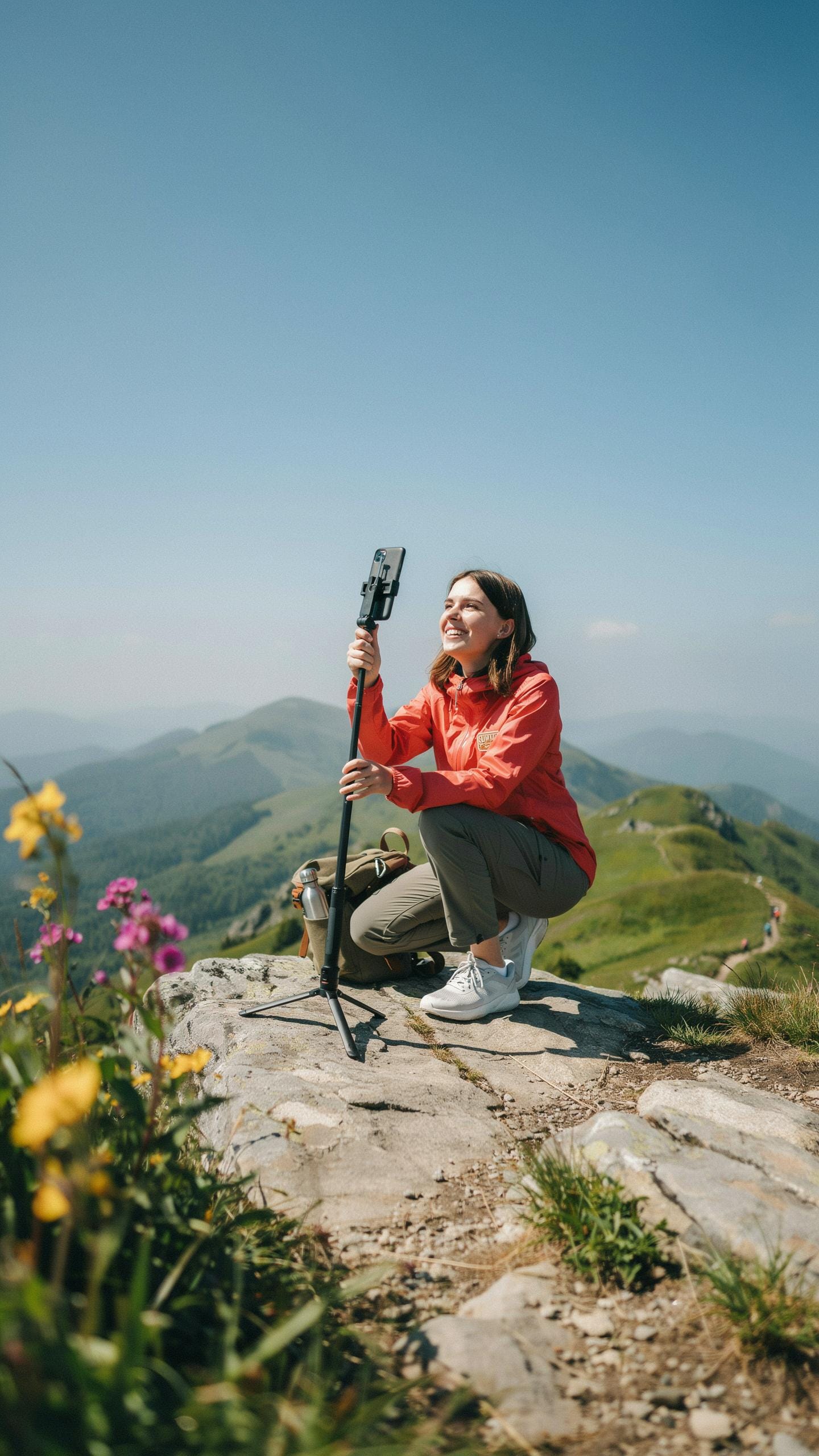
In This Moment
A selfie stick with tripod stand solves a core problem for travel creators: you need to be in the frame without sacrificing camera control. The tripod base lets you position the camera at eye level or above without holding it. This frees your hands to gesture, move naturally, or interact with your environment while recording. You capture authentic moments instead of awkward arm-extended shots.
The tripod stand also eliminates fatigue during longer shoots. Extended handheld recording tires your arm and creates shaky footage. With the tripod base deployed, you lock the camera in place and focus on performance or narration. The ball joint on most models rotates 360 degrees, giving you angle flexibility without repositioning the entire stand. You work faster and produce cleaner content.
Embrace every horizon with confidence; your travel story unfolds beautifully, one steady shot at a time.
Phone Stand Feature For Hands Free Filming
The phone stand feature converts your device into a stationary camera without needing separate equipment. Most models clamp phones 2.2 to 3.5 inches wide, securing them firmly during movement or wind. You mount your phone horizontally or vertically depending on platform requirements. This matters for Instagram Reels, TikTok, and YouTube Shorts, which have different aspect ratios.
Hands-free filming lets you demonstrate activities while staying on camera. You film yourself hiking, eating local food, or exploring markets without juggling your phone. The stand holds steady during these movements, maintaining frame consistency. You produce higher quality content because you eliminate shaky handheld footage and can focus entirely on what you are doing rather than holding the camera steady.
Mastering The Bluetooth Remote For Dynamic Shots
Bluetooth Remote
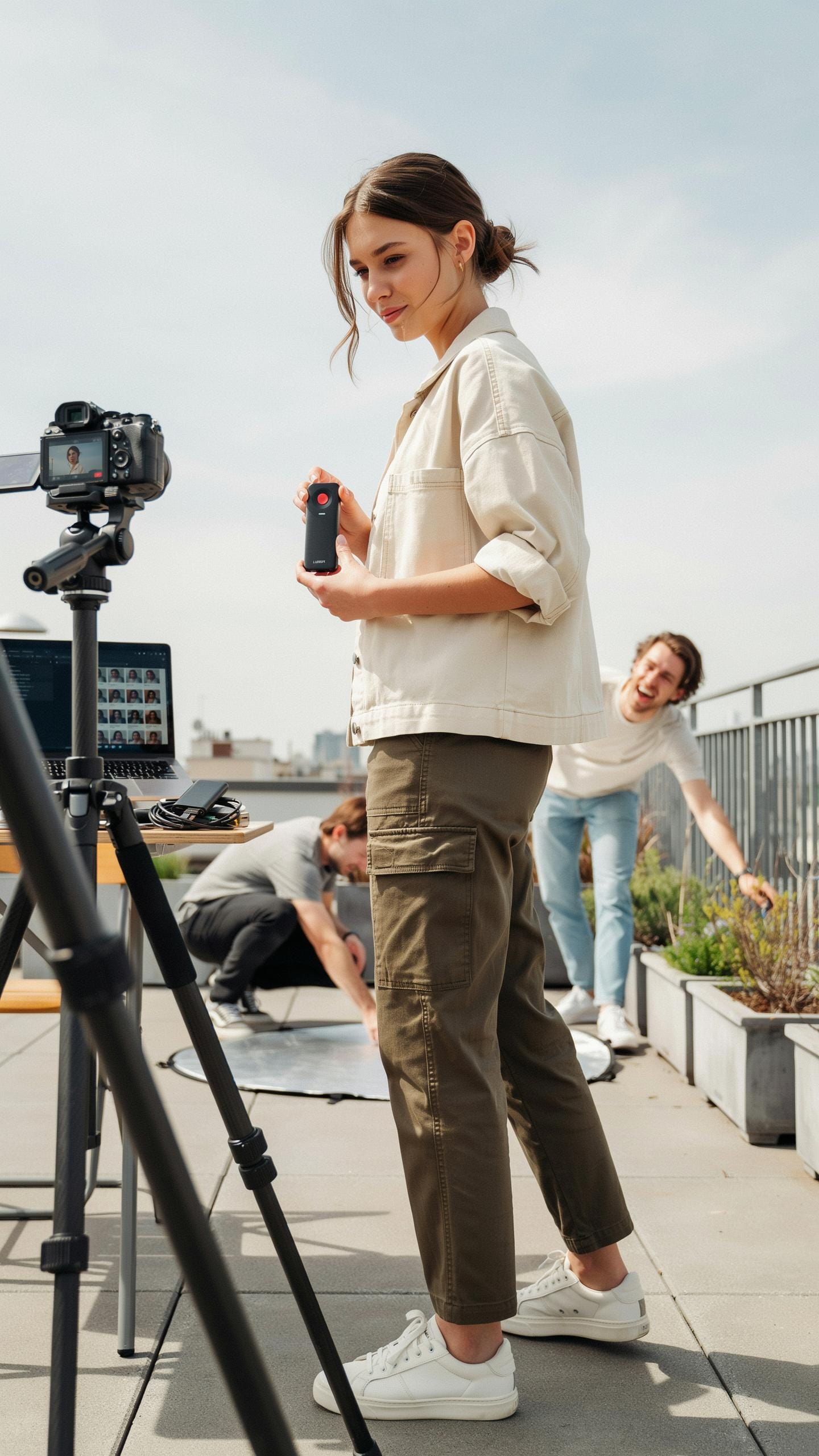
A Bluetooth remote pairs wirelessly to your smartphone or camera, triggering the shutter without physical contact. This eliminates camera shake from pressing buttons directly on devices. Most remotes operate within 30 feet of your phone. They use standard Bluetooth 4.0 or 5.0 protocols for reliable connectivity. Battery life typically ranges from weeks to months on a single charge. The remote sits in your hand or pocket during shooting, giving you complete framing control.
Travel content creators benefit from remotes because they capture natural moments without holding the device. You position your selfie stick with tripod stand, step into frame, and trigger shots remotely. This approach works for group photos, solo content, and environmental shots where your hands need freedom. Most remotes connect instantly through an app on your phone. They cost between 15 and 40 dollars depending on build quality and range capabilities.
Mobile Photography
Position your selfie stick at chest height or slightly above to capture flattering angles on yourself and your surroundings. Use the remote to take multiple shots in quick succession, then select the sharpest frame. This burst-shooting technique reduces missed moments and improves your keeper rate significantly. Step back from the device, adjust your expression, and trigger shots while maintaining natural posture.
Experiment with the remote by shooting from different distances and stick angles. Extend the stick fully, then halfway, testing how composition changes with each adjustment. Use the remote to capture yourself interacting with landmarks or local scenes. The wireless trigger lets you focus on authentic expressions rather than timing mechanical button presses. This freedom transforms your content from static poses into genuine travel moments.
Beyond Selfies Creative Uses For Your Selfie Stick And Tripod
Tripod
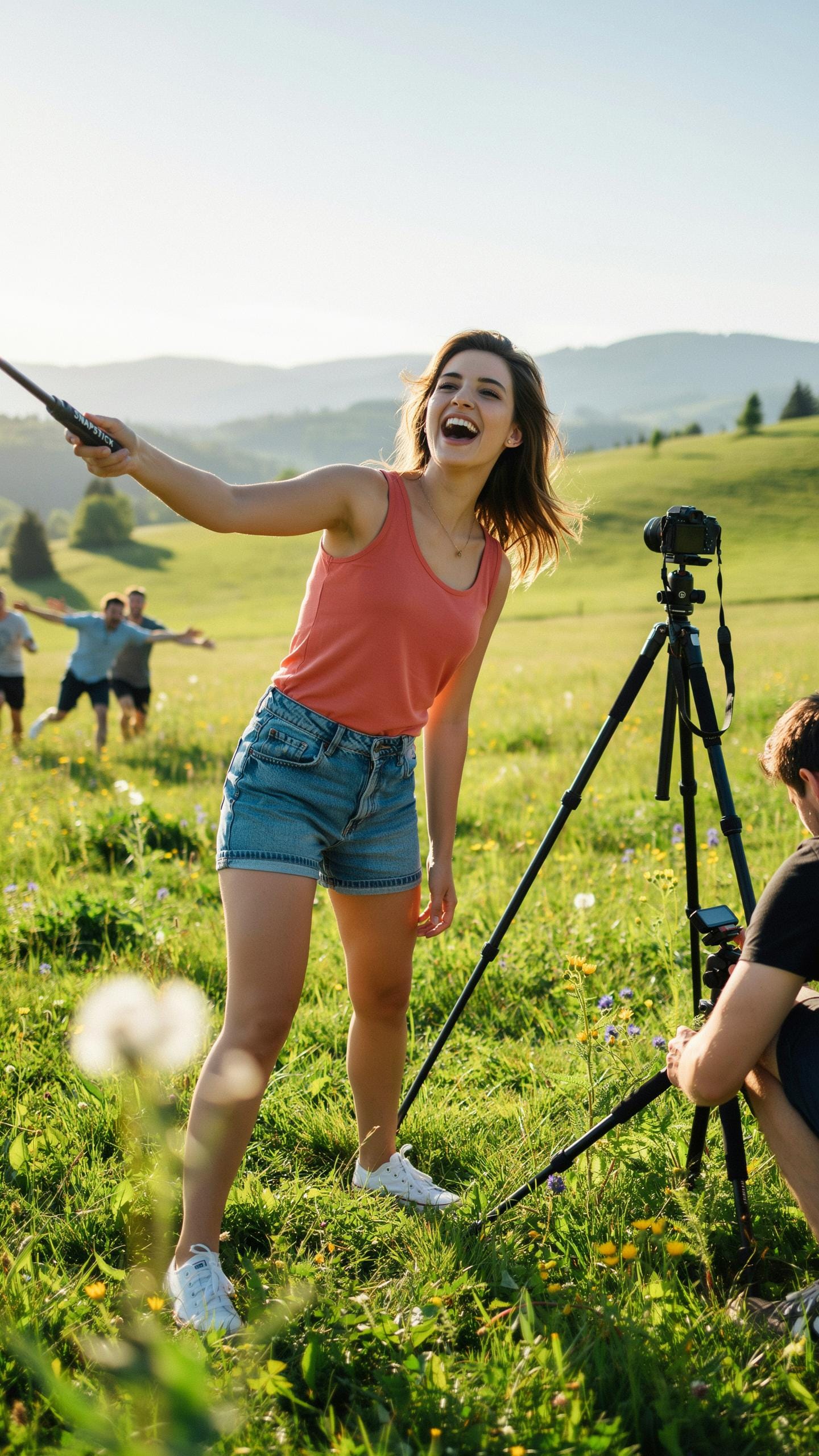
Time-lapses require stable framing over extended periods. A tripod locks your camera position while you capture hundreds of frames at intervals. Long exposures demand zero movement during capture. The tripod eliminates camera shake that ruins light trails, star photography, and flowing water effects. Set your selfie stick with tripod stand in a fixed location, dial in your interval timer, and let it work unattended for hours.
Landscape photographers use tripods for consistency across multiple shots. You compose once, then capture variations in light without reframing. This workflow saves time and produces cohesive content series. Travel creators benefit from this approach when documenting location changes throughout a day. The tripod base keeps your equipment steady on uneven terrain where handheld shooting fails.
Selfie Stick
Extend your selfie stick fully to capture wide establishing shots your arm cannot reach alone. This technique reveals context around your subject that normal arm’s length framing misses. Vloggers use extension to show their full body within environmental context. You capture both yourself and surroundings in a single frame. The reach transforms how audiences perceive scale and location authenticity.
Lower your selfie stick below waist level to film upward angles that flatten or distort perspective intentionally. Raise it overhead for downward angles that show floor details and overhead elements. Sideways angles from extended stick positions create dynamic movement during walking shots. These perspectives separate professional travel content from static phone footage. Experiment with stick angles during each location to discover shots your competitors miss.
Maintenance And Care For Your Travel Photography Gear
Phone Tripod
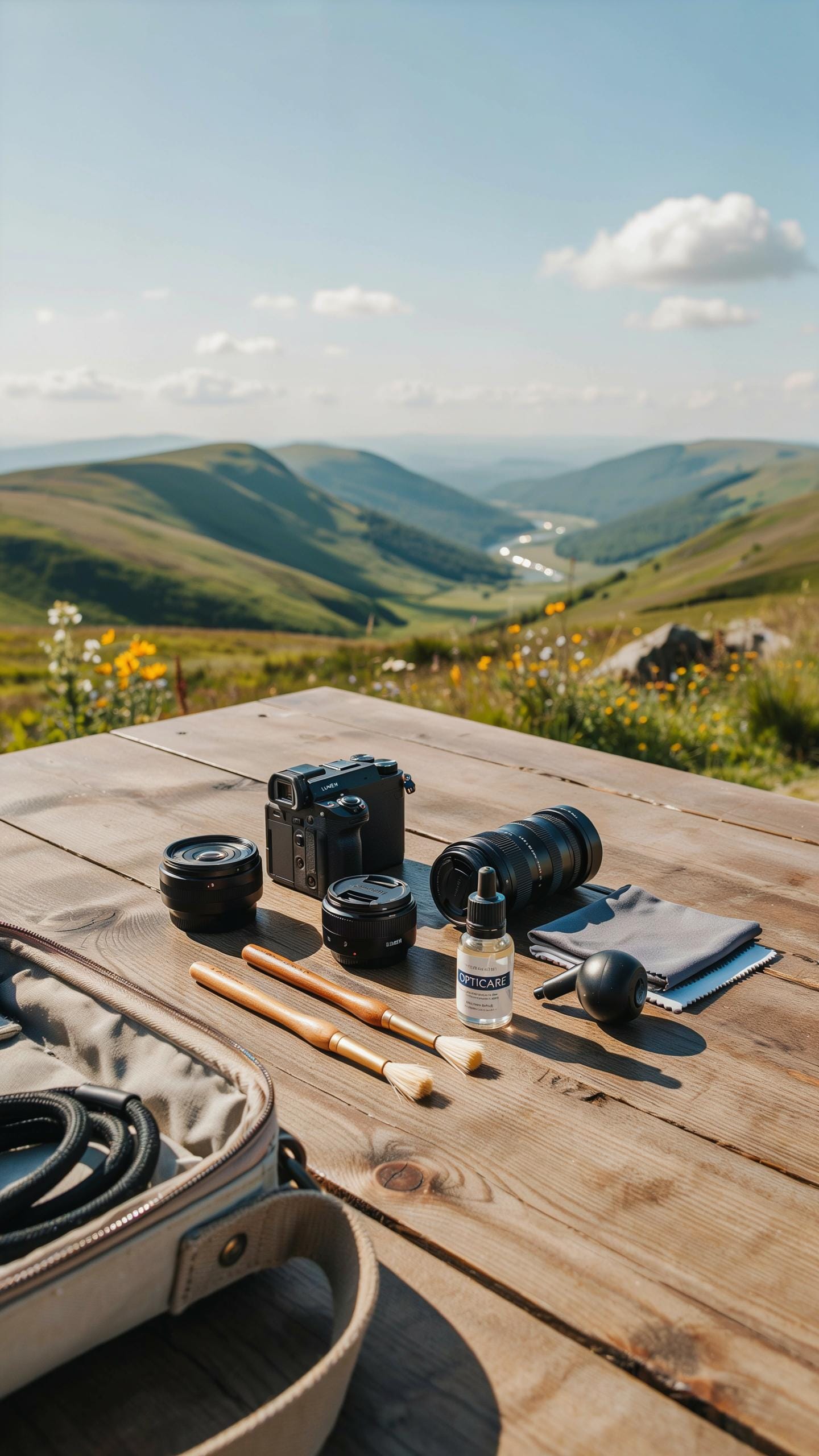
Phone tripods accumulate dirt and debris during travel. Sand gets into joints. Salt spray corrodes metal parts. Clean your tripod weekly with a dry cloth. Use a soft brush for crevices where legs meet the head. Never use water on electronic components if your tripod has Bluetooth or motorized features.
Store your tripod in a padded bag to prevent damage. Keep it away from extreme temperatures and humidity. Extended exposure to heat warps plastic components and weakens rubber grips. Check all locking mechanisms monthly. Tighten any loose screws before trips. Replace worn rubber feet immediately to maintain stability.
Selfie Stick
Selfie sticks have extending tubes that trap moisture and dust inside. Collapse and extend your stick several times monthly to prevent internal corrosion. Wipe the exterior with a microfiber cloth after each use. Pay special attention to connection points where the phone holder attaches to the pole.
Store your selfie stick fully collapsed in a dry environment. Keep it in a protective case during transport to avoid dents on the aluminum or steel shaft. Inspect the phone holder grip regularly for cracks. Replace the rubber padding when it becomes slippery. Never store it with the phone holder in extended position as this strains the mechanical lock mechanism.
Top Picks Recommended Selfie Stick With Tripod Stands For Travelers
Selfie Stick With Tripod Stand
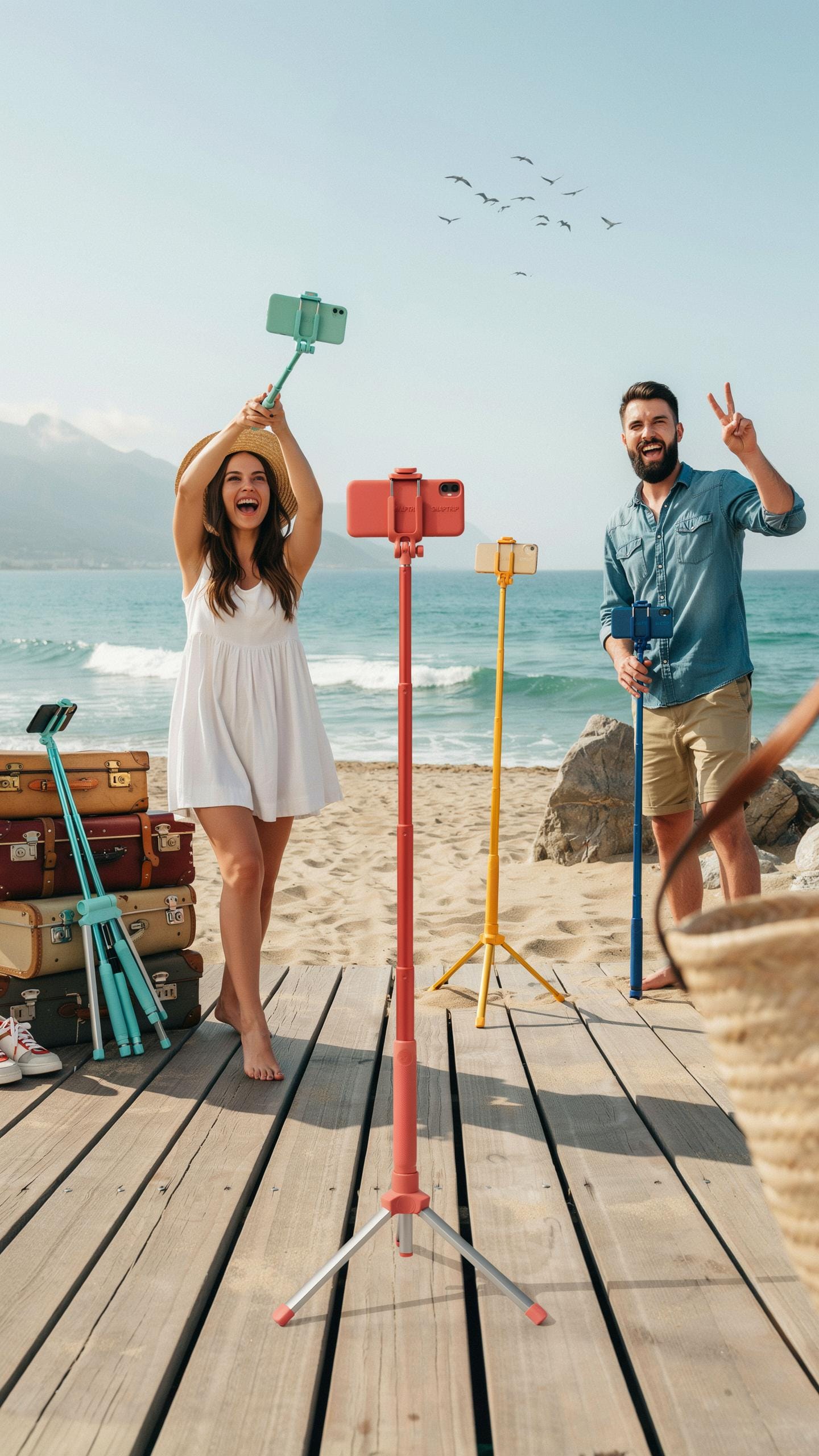
Weight and portability determine whether you actually use this gear while traveling. Look for models under two pounds that collapse to 7 inches or less. Aluminum construction balances durability with light weight better than plastic or steel. Maximum extension height matters for framing shots, so prioritize 28 to 40 inches when fully extended. Grip comfort affects shot stability and hand fatigue during long recording sessions.
- Weight capacity: Verify the model supports your phone and camera weight. Most reliable models hold 4 to 8 ounces without wobbling or tipping during tripod mode.
- Collapse length: Compact design fits luggage and backpacks easily. Models collapsing to 6 to 8 inches save significant packing space versus bulkier alternatives.
- Grip material: Rubber or foam grips prevent slipping in wet conditions. Avoid bare plastic grips that deteriorate in heat or create hand fatigue quickly.
- Tripod base stability: Wide feet prevent tipping on uneven ground. Test bases on sand, concrete, and grass to confirm they lock firmly without adjustment.
- Extension mechanism: Twist-lock sections hold position better than clip-based designs. Verify the locking system maintains position under phone weight without gradual slipping.
- Phone mounting compatibility: Universal mounts accommodate various phone widths and sizes. Check mounting range supports your specific device without requiring additional adapters.
Rotation capability between portrait and landscape modes expands your content options. Choose models with 360-degree ball heads or swivel joints for flexible framing. Test the locking mechanism to confirm it holds position during video recording without drift.
Bluetooth Remote
Most travel content creators need wireless triggers to start and stop recording hands free. Integrated Bluetooth remotes add 0.5 to 1 ounce and rarely cost more than five dollars in manufacturing. Range typically reaches 30 to 50 feet, sufficient for most travel vlogging scenarios. Battery life ranges from several months to a year depending on button press frequency and model design.
Compatibility determines whether a remote actually works with your setup. Some manufacturers lock remotes to specific selfie stick models, forcing replacement purchases. Verify the remote works with your phone through Bluetooth 4.0 or higher standards. Test the button response time and confirm it triggers video recording reliably before purchasing the entire package.
Frequently Asked Questions
What exactly is a “selfie stick with tripod stand” and why would I need one for travel?
A selfie stick with tripod stand is a versatile gadget combining an extendable monopod (selfie stick) with a stable three-legged base. It’s essential for travel content creators to capture steady shots, group photos without asking strangers, time-lapses, or hands-free vlogging, offering incredible flexibility for diverse travel scenarios.
How do I connect my smartphone to a selfie stick with tripod stand and ensure it’s secure?
Most selfie sticks with tripod stands feature an adjustable clamp or spring-loaded holder designed to accommodate various phone sizes. Simply expand the holder, insert your smartphone firmly, and ensure it’s centered. Always double-check the grip before extending or setting up your selfie stick with tripod stand to prevent accidental drops!
Are there affordable options for a good quality selfie stick with tripod stand, or do they tend to be very expensive?
Absolutely! You can find excellent, budget-friendly selfie sticks with tripod stands that offer great value without breaking the bank. Many reputable brands offer durable and reliable options under $30-$40, perfect for new travel content creators or those on a tighter budget. Focus on sturdy construction and remote shutter functionality.



