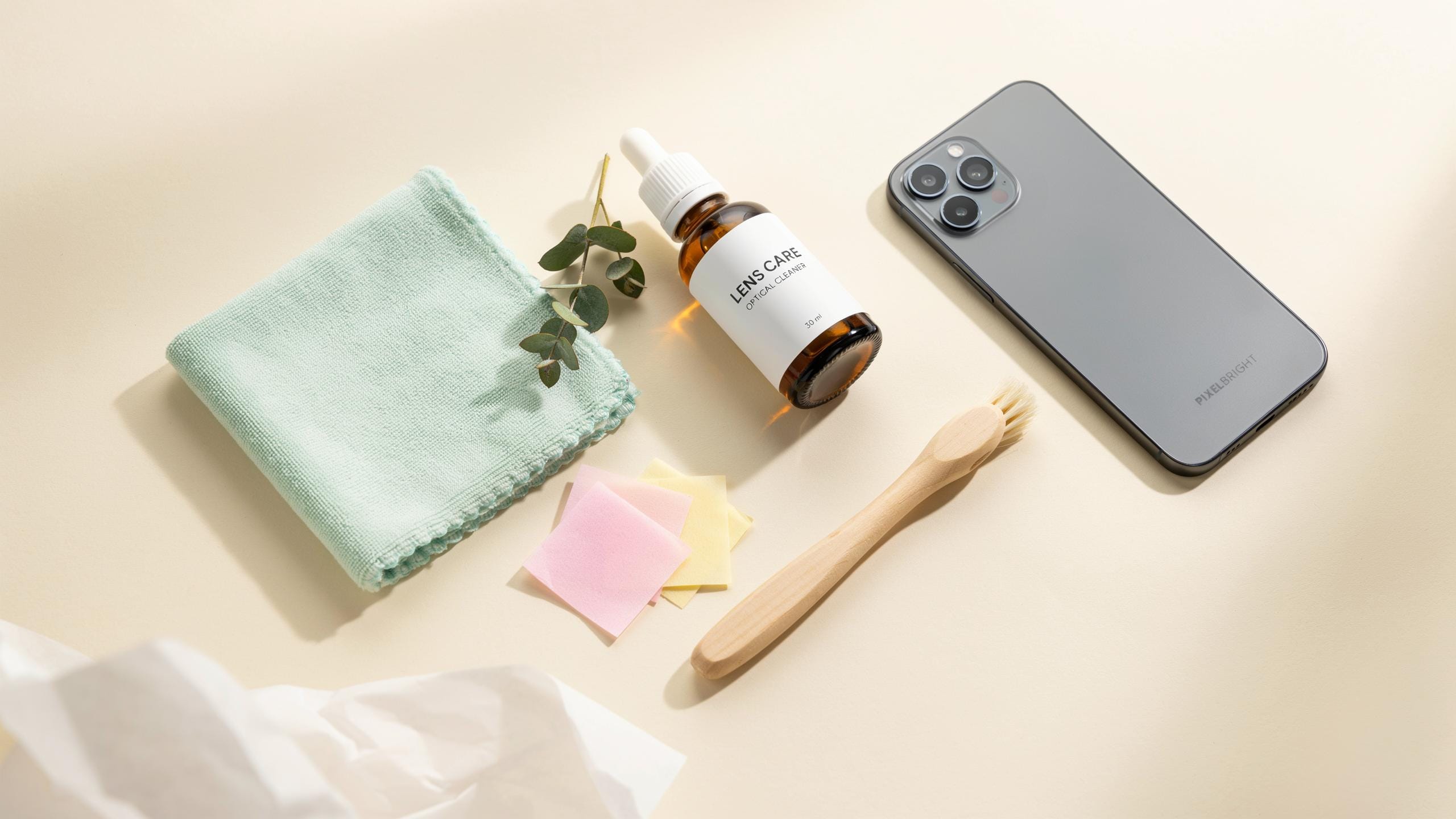
Why Every Creator Needs A Phone Camera Lens Cleaning Kit

Importance Of Clean Lens
Phone camera lenses accumulate fingerprints, dust, and oil residue from daily handling. These contaminants sit directly on your lens surface and degrade every shot you take. A dirty lens reduces light transmission to your sensor, producing hazy images with lost detail and contrast.
The lens is the first optical element your camera uses. Smudges and dust particles scatter light before it reaches your sensor. This scattering directly causes reduced sharpness, color accuracy problems, and unwanted glare or hazing in your photos and videos.
Preserving Image Clarity
A pristine lens delivers sharp, vibrant images because light travels unobstructed to your sensor. Fingerprints and dust create optical interference that softens focus and desaturates colors. Professional creators cannot accept compromised image quality from preventable lens contamination.
Maintaining a clean lens ensures consistent results across every shoot. Videos show the cumulative effect of dirty lenses through progressive loss of detail and dynamic range. Creators who clean their lenses regularly capture the quality their audience expects and their work demands.

The Core Components Of A Quality Cleaning Kit
Microfiber Cloths Explained
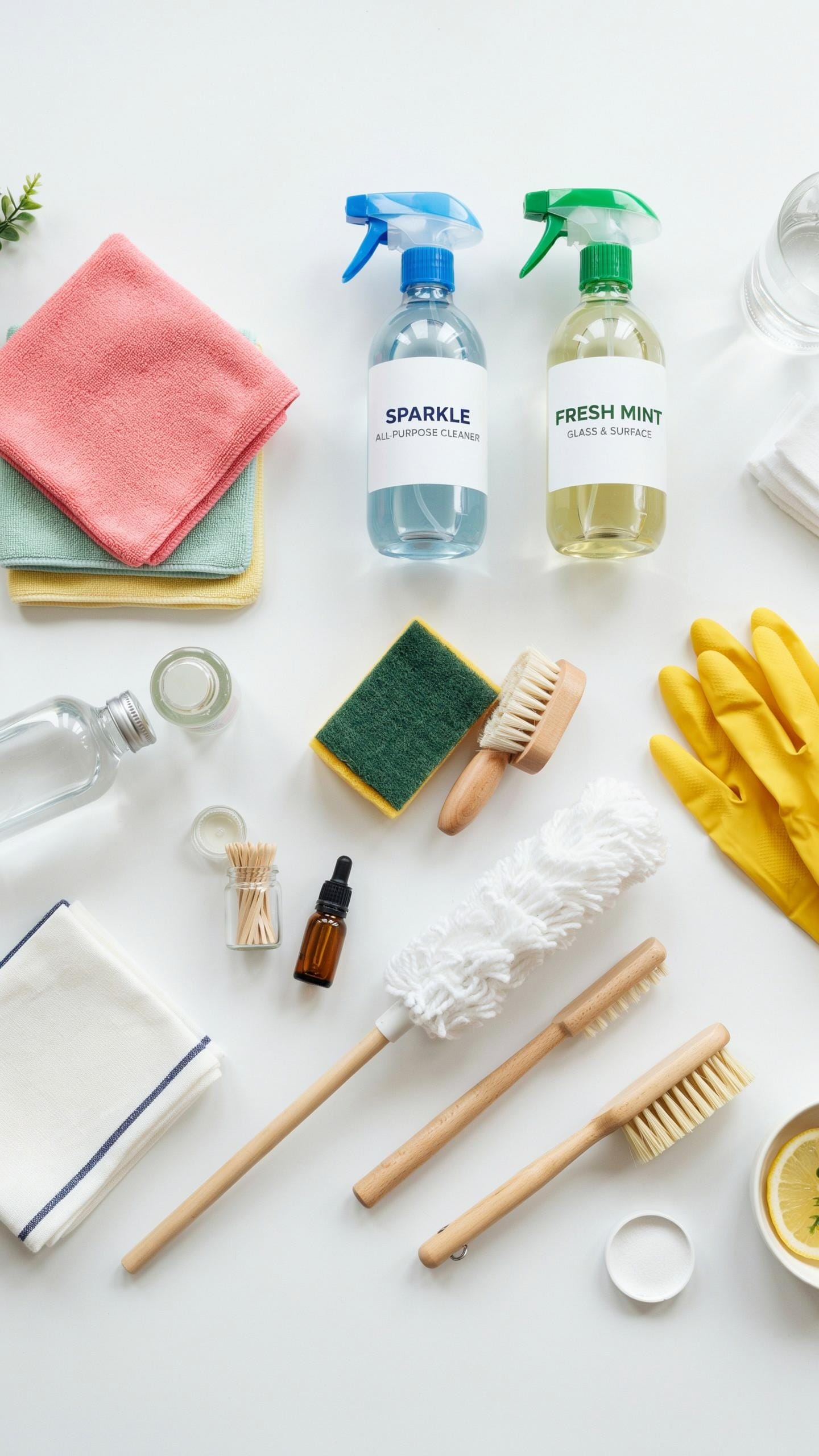
Microfiber cloths work through mechanical action, not chemical reaction. The fibers measure less than one denier in diameter, creating a structure that grabs dust and oil particles without scratching lens coatings. Phone lenses use multi-coated glass designed to be sensitive. Microfiber’s split fiber design lifts debris away from the surface rather than pushing it across, which prevents micro-scratches that degrade image quality over time.
The effectiveness of microfiber depends on fiber density and weave pattern. Tightly woven cloths trap more particles and require fewer passes to clean thoroughly. Loose weaves redeposit debris back onto the lens. Quality microfiber cloths maintain their effectiveness through dozens of washes. Avoid fabric softeners and high heat when cleaning them, as these damage the fiber structure and reduce cleaning power permanently.
Lens Cleaning Solutions
Lens cleaning solutions must have specific properties to work safely on phone camera optics. The solution needs low surface tension to break down oils, a neutral pH to avoid coating damage, and minimal residue when dried. Alcohol-based solutions like isopropyl alcohol work effectively but require correct dilution, typically 70 percent alcohol mixed with distilled water. Higher concentrations evaporate too quickly and can leave streaks or damage anti-reflective coatings.

Distilled water alone removes dust but not oil residue from fingerprints and environmental exposure. Tap water contains minerals that leave spots and can corrode coatings. Commercial lens cleaning solutions formulate their ingredients to address both concerns simultaneously while including surfactants that ensure complete evaporation without streaking. Always apply solution to the cloth first, never directly to the lens, to prevent liquid from seeping into the lens assembly where it causes internal corrosion and fungal growth.
Beyond Phone Camera Lenses Versatility Of A Good Cleaning Kit
DSLR Camera And Lens Compatibility
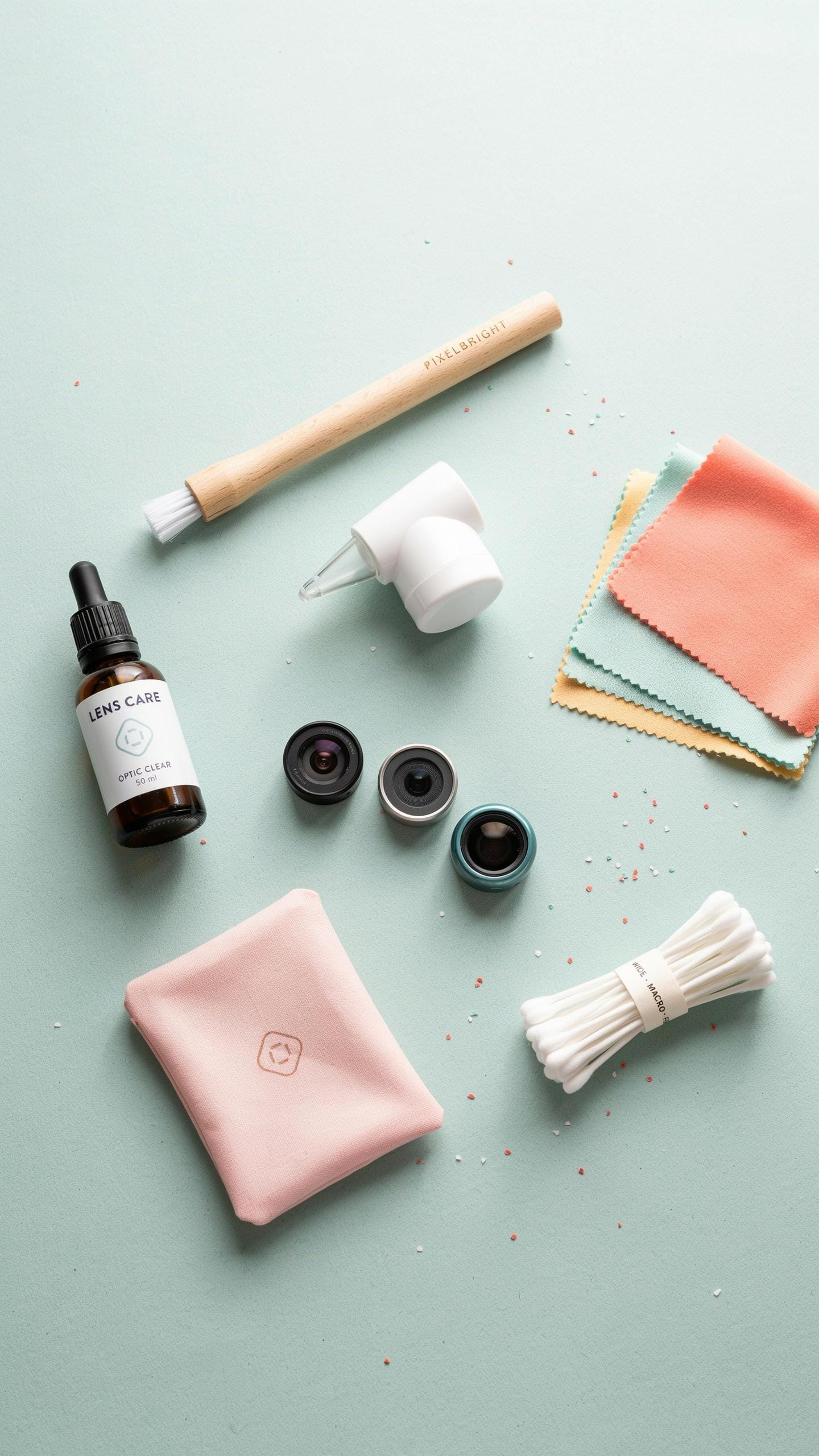
A phone camera lens cleaning kit works on DSLR cameras and lenses because the optical surfaces share identical properties. Both use glass elements that attract dust, fingerprints, and debris. The microfiber cloths, cleaning solutions, and air blowers in standard kits clean DSLR sensors, mirror boxes, and lens barrels without causing damage. The main difference is scale. DSLR sensors require more careful handling than phone lenses, but the same gentle technique applies.
DSLR systems benefit from the same toolkit approach. You use compressed air to remove particles before wiping with microfiber. Lens cleaning solution works on DSLR glass just as it works on phone optics. The key is matching the cleaning tool to the surface. Smaller brushes fit phone lenses. Larger brushes handle DSLR elements. One quality kit provides everything needed for both systems without purchasing separate equipment for each camera type.
Other Devices To Clean
Tablets and laptops contain screens that respond well to phone lens cleaning kits. Both devices use glass or protective coating that collects fingerprints and dust. Microfiber cloths clean these surfaces without scratching. Compressed air removes debris from charging ports and keyboard crevices on laptops. The cleaning solution formulas work safely on display glass without harming the device. Your phone cleaning kit becomes a multi device maintenance tool across your entire tech ecosystem.

Smartwatches and fitness trackers round out the list of devices that benefit from lens cleaning supplies. These wearables have small screens and optical heart rate sensors that require gentle cleaning. Microfiber cloths fit the compact surfaces perfectly. Air blowers clear dust from band crevices and sensor openings. A single phone camera lens cleaning kit handles routine maintenance on watches, phones, tablets, and laptops. This consolidation eliminates buying separate cleaners for each device type.
The Dangers Of Improper Cleaning For Your Camera Lens
Avoiding Scratches
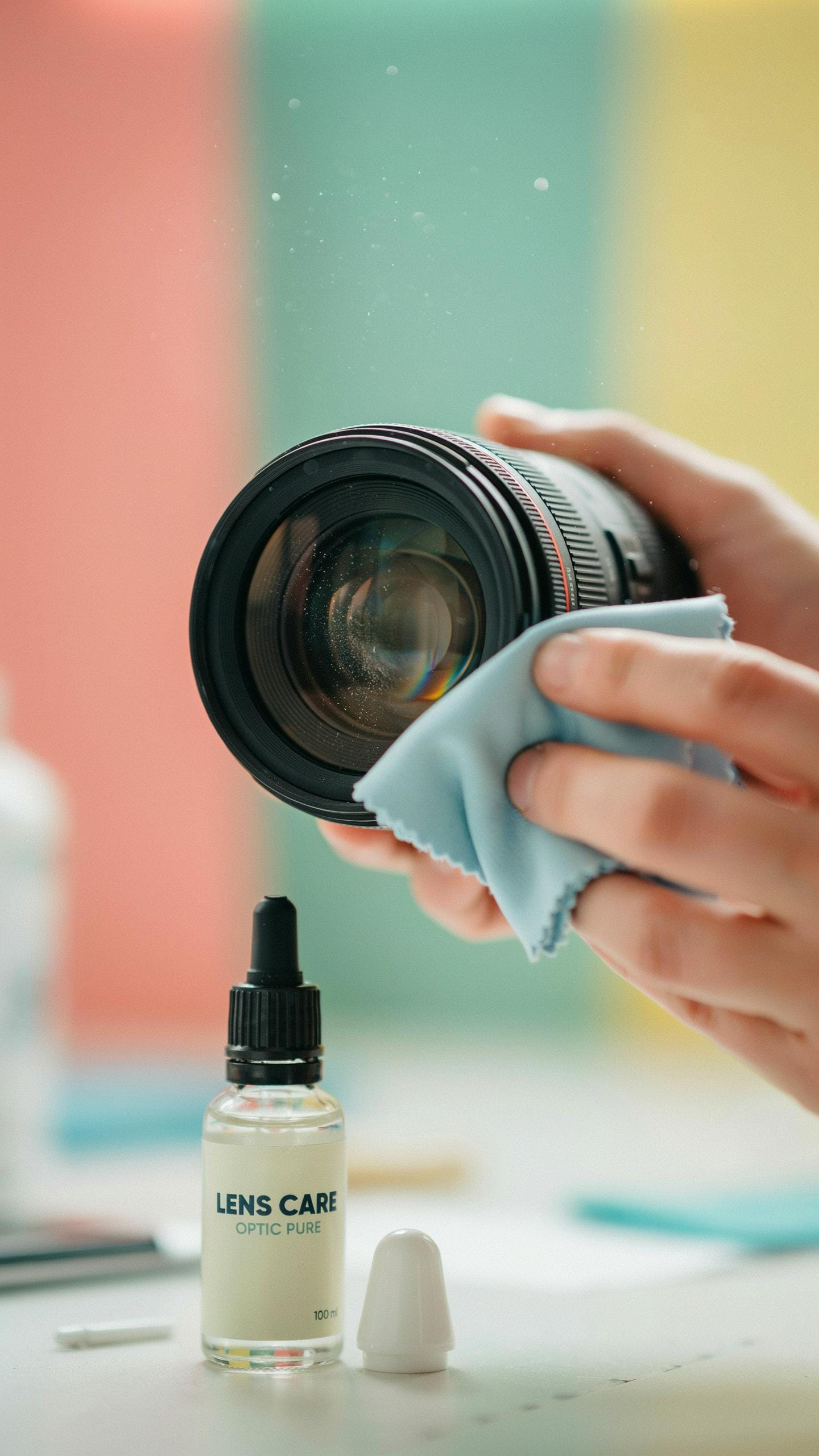
Phone camera lenses use glass or synthetic materials that scratch easily. Dust particles act as abrasives when you rub them across the surface. One careless swipe with a dry cloth creates permanent damage to your optical clarity. The lens coating, designed to reduce glare and improve light transmission, scratches first and fastest.
Use a blower to remove loose particles before any contact with the lens. Microfiber cloths work because they’re soft enough to avoid scratches when the surface is already clean. Never use paper towels, tissue, or your shirt. These materials contain fibers and wood pulp that score glass on contact. Always move in circular motions from the center outward to distribute pressure evenly.
Residue And Streaks
Wrong cleaning solutions leave chemical residue that clouds your images. Household cleaners contain ammonia or alcohol that damages lens coatings over time. Fingerprint oils smeared across glass without proper solvents create permanent hazing. Tap water deposits minerals that harden and become impossible to remove later.

Use only lens-specific solutions designed for camera optics. These formulas break down oils without attacking coatings. Distilled water combined with isopropyl alcohol in proper ratios prevents mineral buildup. Apply solution to the cloth, never directly to the lens. This prevents liquid from seeping into lens assemblies and corroding internal elements. Streak formation happens when you apply too much solution or don’t use enough cloth passes to fully dry the surface.
Step By Step Guide To Clean Phone Camera Lenses Effectively
Initial Dust Removal
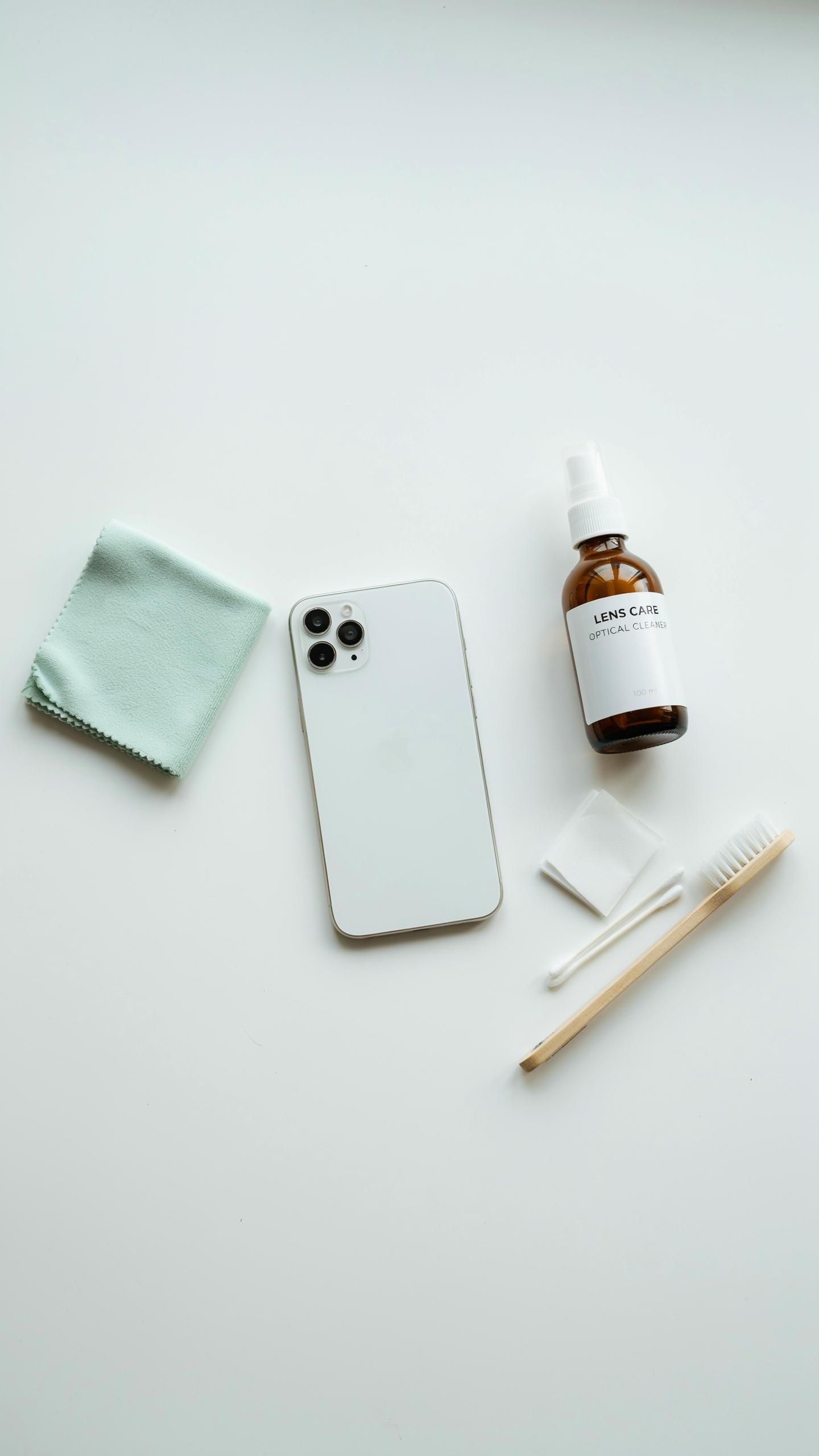
Loose dust particles scratch lenses when you wipe them directly. Use a handheld air blower or bulb blower to dislodge debris first. Hold your phone with the lens facing downward. Squeeze the blower bulb several times to force air across the lens surface. This step prevents dragging abrasive particles across your glass.
Never use compressed air cans. The pressure is too high and can force moisture into the phone’s internal components. A manual blower gives you control over air force and direction. Repeat the blowing process until no visible particles remain on the lens. This takes thirty seconds at most.
Gentle Wiping Techniques
Microfiber cloths are the only wipe medium you need. They trap oils and particles without applying pressure that damages the lens coating. Fold the cloth into a corner to concentrate contact area. Use circular motions starting from the center of the lens, moving outward. Light pressure is enough. You control the outcome through technique, not force.

One microfiber cloth lasts months when stored properly in a dry container. Wash cloths monthly in lukewarm water without soap or fabric softener. These products leave residue. Air dry completely before storing. A clean cloth prevents transferring old oils back onto your lens during the next cleaning session.
Maintaining Your Microfiber Cleaning Cloths For Optimal Use
Washing And Drying Microfiber
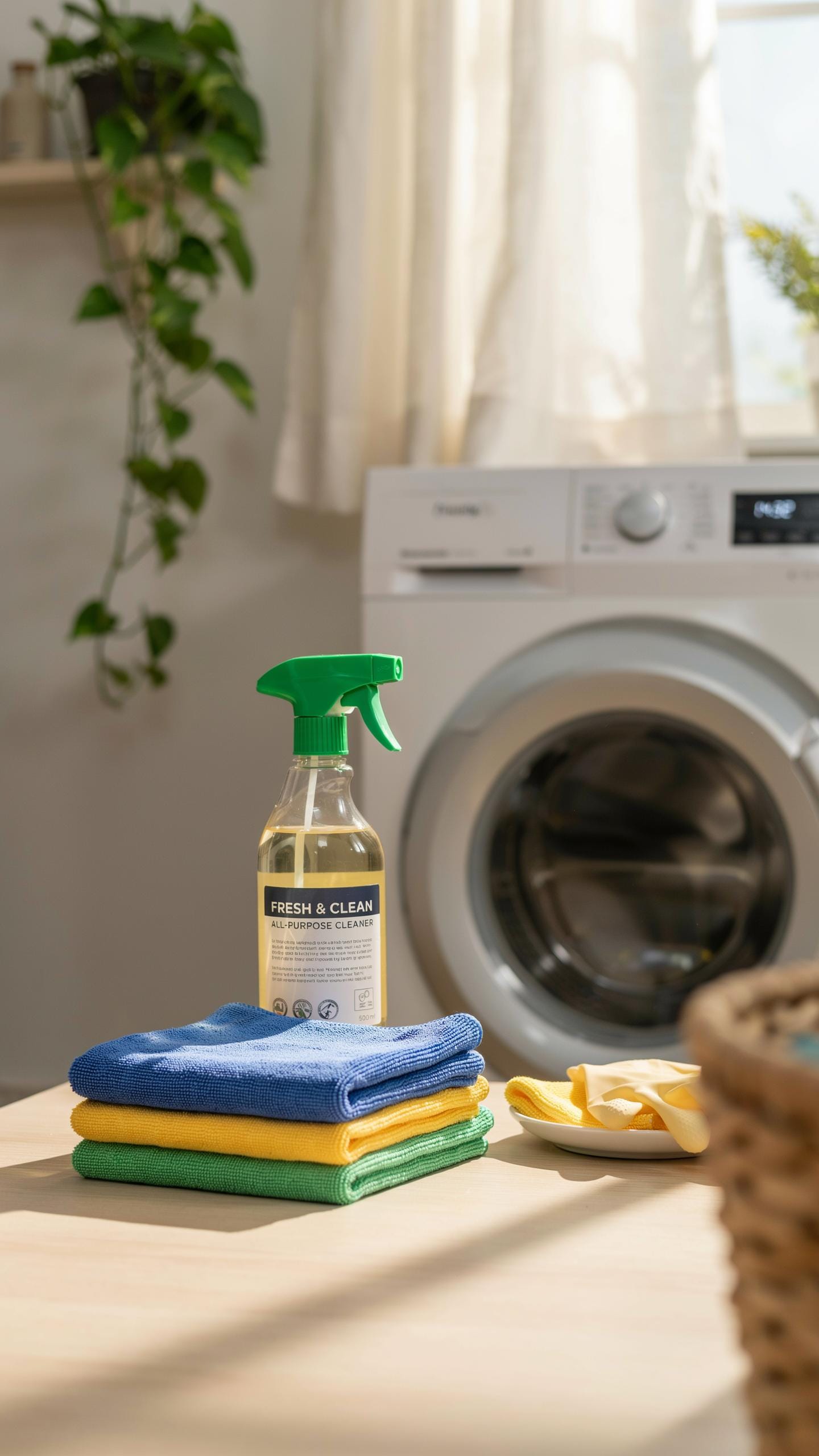
Microfiber cloths require specific washing conditions to maintain effectiveness. Use lukewarm water with mild detergent and avoid fabric softener, which clogs the fibers and reduces cleaning power. Hand wash or use a gentle machine cycle, then air dry completely before storage. Heat damages microfiber, so skip the dryer entirely.
Store clean, dry cloths in a dust-free container or sealed bag. Moisture and dust contamination compromise performance and introduce particles that scratch lenses. Check cloths for debris before each use by inspecting them under light. Proper storage extends cloth lifespan and ensures reliable cleaning performance across multiple cleaning sessions.
The world unfolds in breathtaking detail through a clean lens; cherish those moments captured, always. It’s the simple act of maintaining clarity that preserves the magic of your memories.
When To Replace Cloths
Replace microfiber cloths when they develop permanent stains, odors, or visible tears. Staining indicates the fibers have absorbed particles or residue that washing cannot remove, reducing effectiveness. Odor signals bacterial growth that persists despite cleaning attempts. Torn cloths shed fibers onto lenses, creating more damage than the cleaning prevents.

Flattened or matted fibers also signal replacement time. Microfiber works through raised filaments that trap dust and oils. Once fibers collapse from repeated use or improper washing, they lose contact with lens surfaces and become ineffective. Plan to replace cloths every 12 to 24 months depending on usage frequency and proper care adherence.
Essential Features Of A Portable Cleaning Kit For Creators On The Go

Compact Design
A portable cleaning kit needs to fit inside your camera bag without consuming valuable space. Creators on location shoots cannot afford to carry bulky equipment. The best kits measure under 6 inches in length and weigh less than 8 ounces. This size standard allows you to grab the kit with your camera gear and move between shoots without extra trips or planning around weight limits.
The design priorities for portable kits focus on stackable components and consolidated storage. Manufacturers achieve this by using slim brush designs, collapsible air blowers, and thin lens cloth rolls. You access what you need quickly without unpacking multiple items. A well designed kit keeps your workflow moving and your hands free for actual shooting.
Durable Case
The case protects cleaning supplies from dust, sand, and moisture that damage your phone camera lens. Outdoor environments introduce contamination into your kit through wind, sand storms, and water spray. A hard plastic or metal case with a secure seal prevents these elements from reaching your brushes, cloths, and cleaning solutions. You maintain kit effectiveness across multiple shoots without replacing supplies after each location.

Internal compartments organize items and prevent brushes from shedding fibers onto lens cloths. Microfiber cloths must stay isolated from particulates and debris. The case design keeps each component separated and ready for immediate use. Your cleaning tools remain functional and safe for months of professional work.
Why Investing In A Specific Phone Camera Cleaning Product Makes Sense
Formulated For Optics
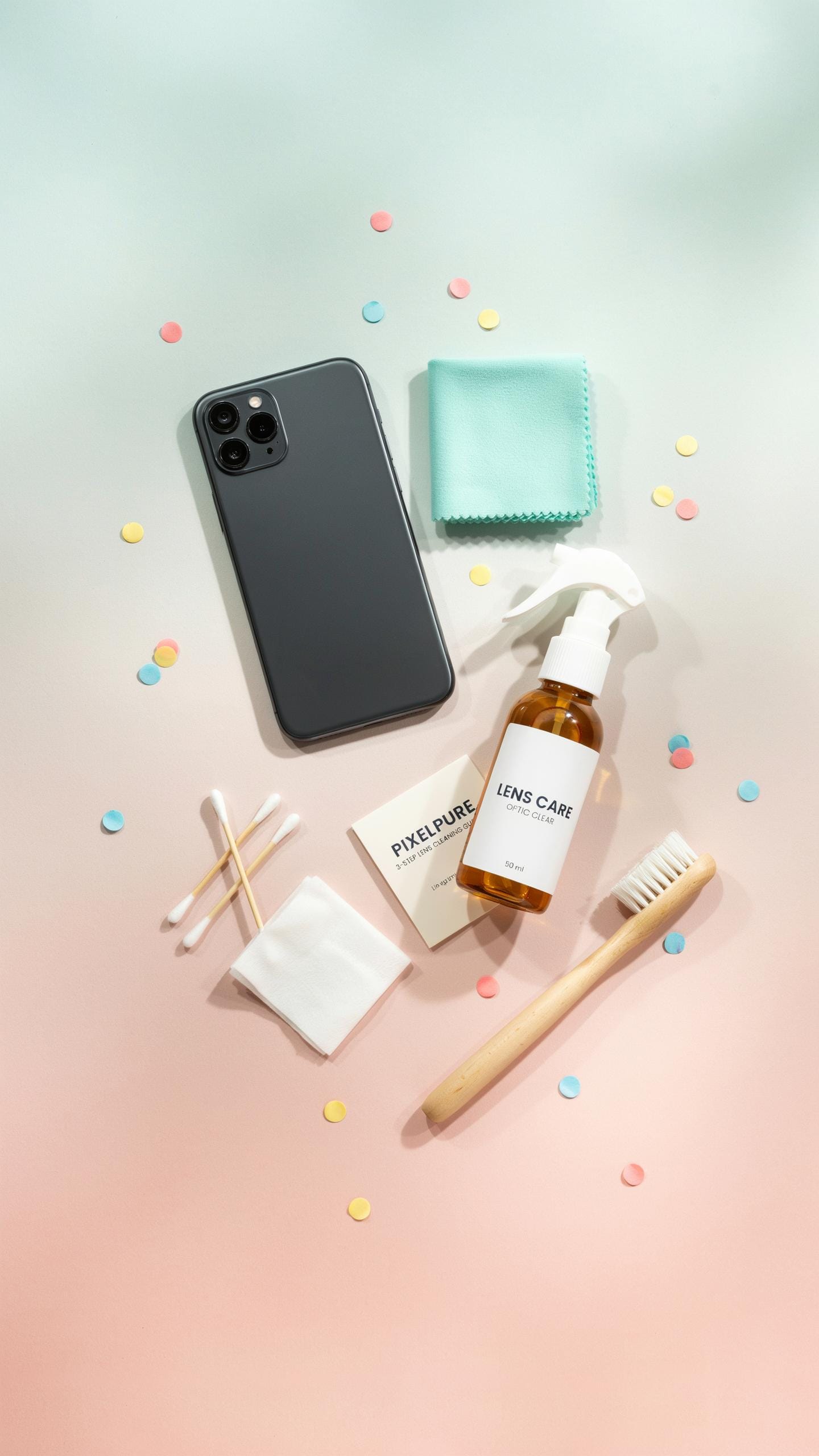
Phone camera lenses use multi-coated glass elements designed to transmit light with minimal reflection. Household cleaners contain surfactants and solvents that damage these coatings. Isopropyl alcohol solutions formulated for optics maintain coating integrity while removing oils and dust. Generic cleaners strip protective layers, degrading image quality permanently. Specialized solutions have pH balance and concentration levels calibrated for optical glass.
Dedicated cleaning solutions work without leaving residue on lens surfaces. Household products evaporate unevenly, leaving streaks and film. Optical-grade formulations dry clear without cloudiness. This difference compounds over time as residue accumulates. Your lens stays optically transparent instead of progressively hazier with each cleaning.
Longevity Of Your Device
Dust particles trapped on your lens scratch glass during future cleanings. A proper cleaning kit includes microfiber cloths that trap particles without grinding them into the surface. Regular maintenance prevents microscopic scratches that accumulate and scatter light. One scratch means reduced contrast and sharpness. Proper technique extends the optical lifespan of your phone’s camera system.

Moisture causes internal corrosion of lens mechanisms and sensor components. Using wrong cleaners introduces liquid damage risk. Optical-grade kits include materials that control moisture application precisely. Your phone’s camera stays mechanically functional longer. Replacing a phone costs more than maintaining one correctly.
Beyond The Kit Best Practices For Keeping Your Camera Lenses Clean
Protective Measures
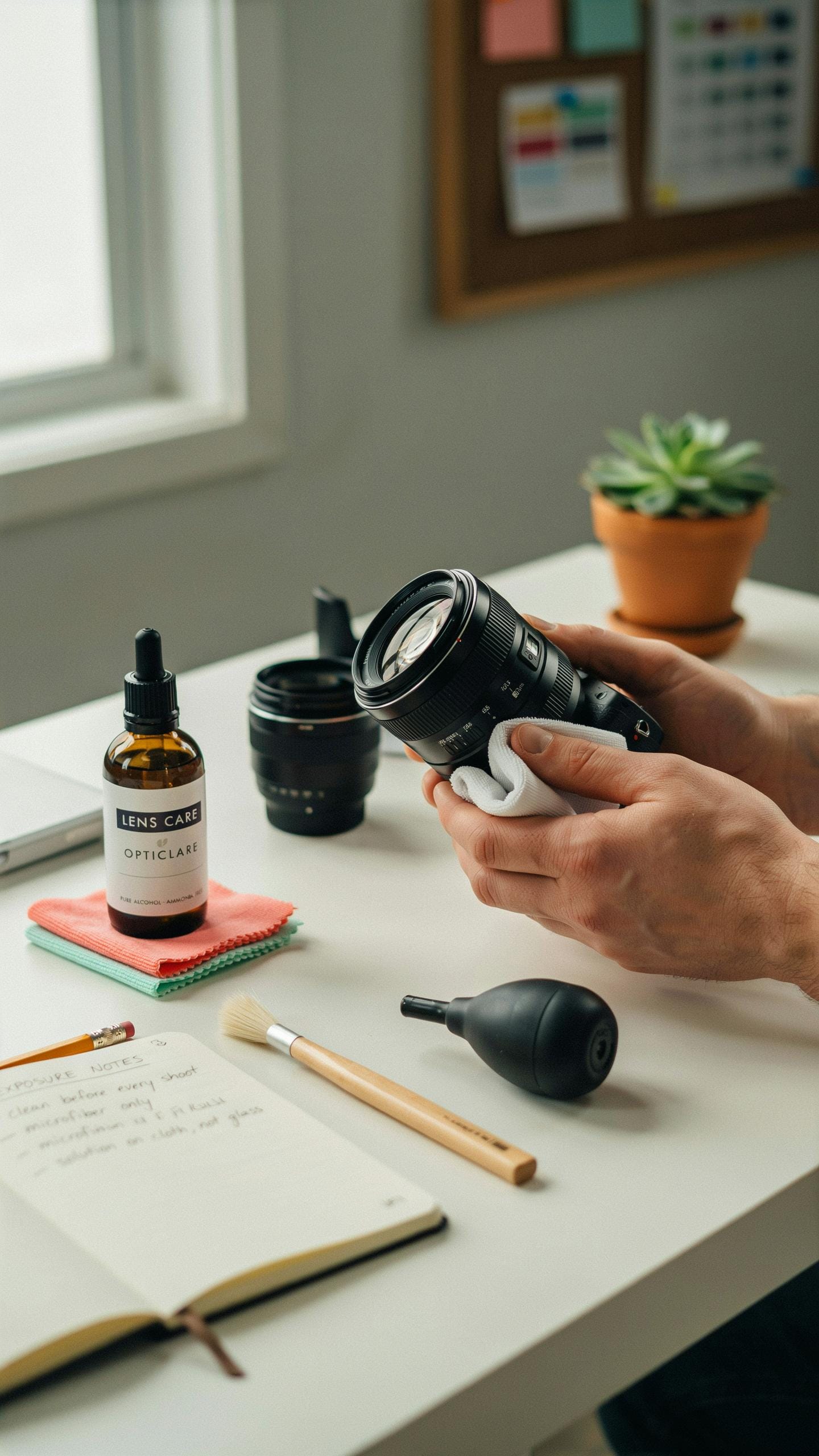
Your phone spends time in pockets, bags, and on surfaces where dust and debris accumulate. Use a protective case with a raised lens ring to create a barrier between your camera and direct contact. This simple addition stops most smudges before they happen. Keep your phone away from sand, powder, and moisture when possible.
Apply a screen protector or lens protector film to your camera module. These thin layers absorb impacts and reduce direct contact with your lens surface. Replace protectors every few months as they accumulate scratches. Store your phone in a clean microfiber pouch when not in use to minimize exposure to environmental contaminants.
Regular Maintenance Habit
Build lens cleaning into your daily routine, not just when you notice problems. Check your lens before shooting important content. This prevents low-quality images from dust or smudges you missed. Allocate thirty seconds each morning to inspect and clean if needed.
- Before important shoots: Wipe your lens with your cleaning kit before recording video or taking photos that matter for your work.
- After outdoor sessions: Clean your lens immediately after shooting outside where dust exposure is high.
- Weekly deep clean: Use your full cleaning kit once weekly to remove buildup that daily wiping misses.
- After phone contact: Clean the lens after your phone sits in a pocket or bag for extended periods.
- Temperature changes: Wipe your lens after moving between hot and cold environments where condensation forms.
- End of day check: Inspect your lens before storing your phone to catch smudges before they set.
Store your cleaning kit in an accessible location. Keep it in your camera bag or workspace where you grab it without friction. Consistency matters more than frequency. A brief daily habit prevents the need for aggressive cleaning that risks scratching your lens surface.
Choosing The Right Phone Camera Lens Cleaning Kit A CreatorS Guide
Factors To Consider
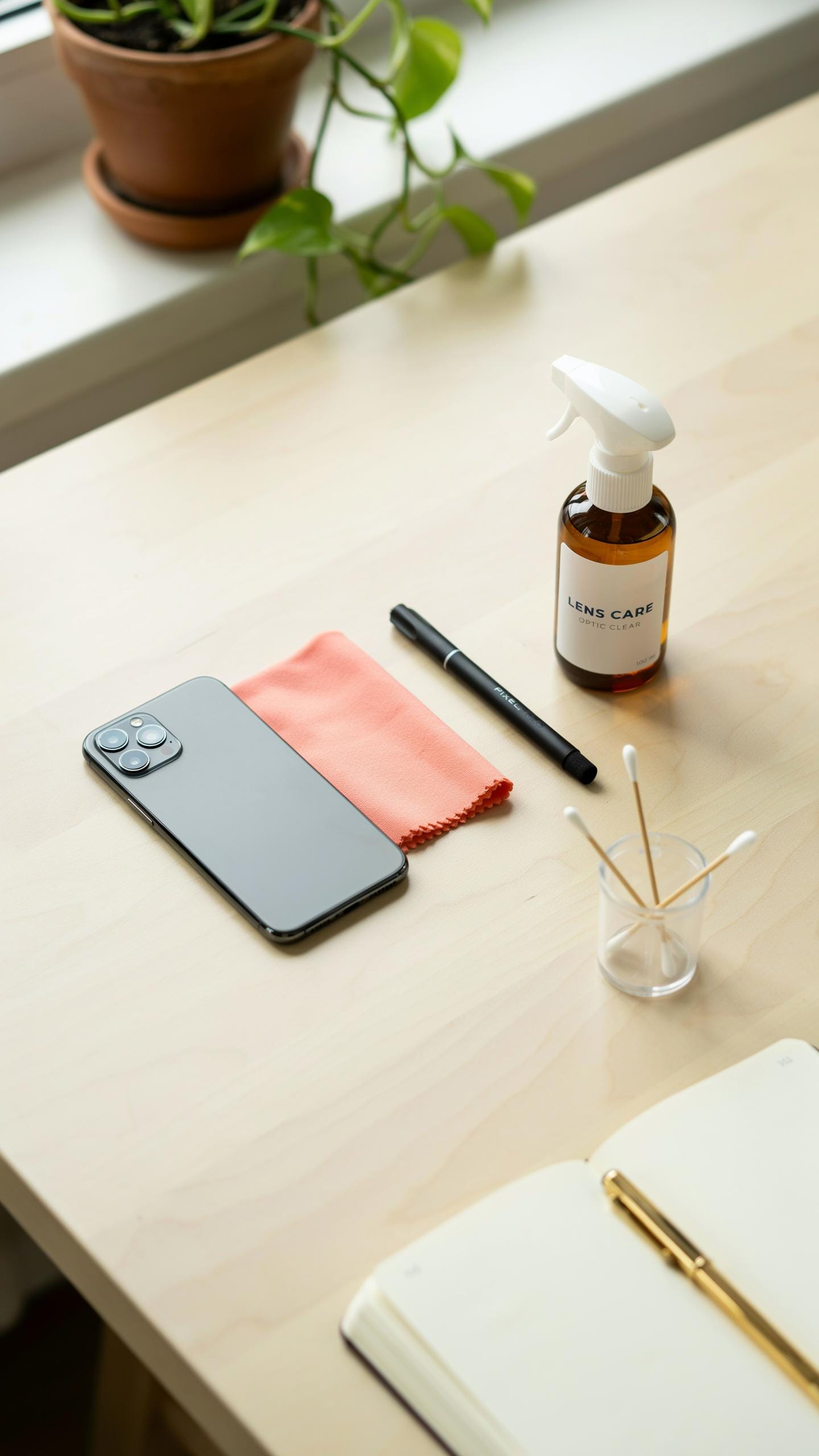
Dust and fingerprints degrade image quality directly. Phone lenses lack the protective glass that DSLR lenses have, making them vulnerable to scratches and coating damage. Your kit must include microfiber cloths, not paper or cotton. Microfiber captures particles without grinding them into the lens surface. Look for lens cleaning solution formulated for coated optics, not generic glass cleaners that leave residue.
The kit’s portability matters for on-location shooting. Compact kits fit in camera bags without taking space from gear. Check whether the kit includes lens caps and protective cases, as these prevent contamination between shoots. Air blowers should generate consistent pressure without sputtering. Avoid kits with brushes that shed bristles onto your lens.
Top Recommended Kits
Professional mobile videographers rely on kits from companies that manufacture optical cleaning products for cameras. Zeiss and Leica produce microfiber cloths and solutions designed for phone lenses. These kits typically cost between 15 and 30 dollars and include multiple cloths, solution bottles, and air blowers. Amazon Basics and other retailers offer competent kits under 10 dollars with solid cleaning cloths and basic tools.
Photography-specific retailers like B&H Photo and Adorama stock premium kits alongside budget options. Most kits include 2 to 4 microfiber cloths, one air blower, and one solution bottle with application tools. Read reviews focusing on whether users report lint residue or streaking after cleaning. Avoid extremely cheap kits under 5 dollars, as the microfiber quality typically fails and damages coatings.
Frequently Asked Questions

What exactly is a phone camera lens cleaning kit and why do I need one?
A phone camera lens cleaning kit is a collection of specialized tools, like microfiber cloths and cleaning solutions, designed to safely remove smudges, dust, and fingerprints from your phone’s camera lens. You need one to ensure your photos are always crisp and clear, free from distracting blemishes caused by a dirty lens.
What’s the best way to use a phone camera lens cleaning kit without damaging my phone?
Gently brush away any loose debris with a soft brush from your phone camera lens cleaning kit. Then, lightly mist a clean microfiber cloth with the included cleaning solution (never directly onto the lens). Wipe the lens in a circular motion, starting from the center and working outwards, for a streak-free finish.
Are expensive phone camera lens cleaning kits truly necessary, or can I get by with a more affordable option?
You don’t necessarily need the most expensive kit. Many affordable phone camera lens cleaning kit options provide excellent results. Look for kits that include a high-quality microfiber cloth and a gentle, non-abrasive cleaning solution. The key is using dedicated, safe tools rather than household alternatives.



