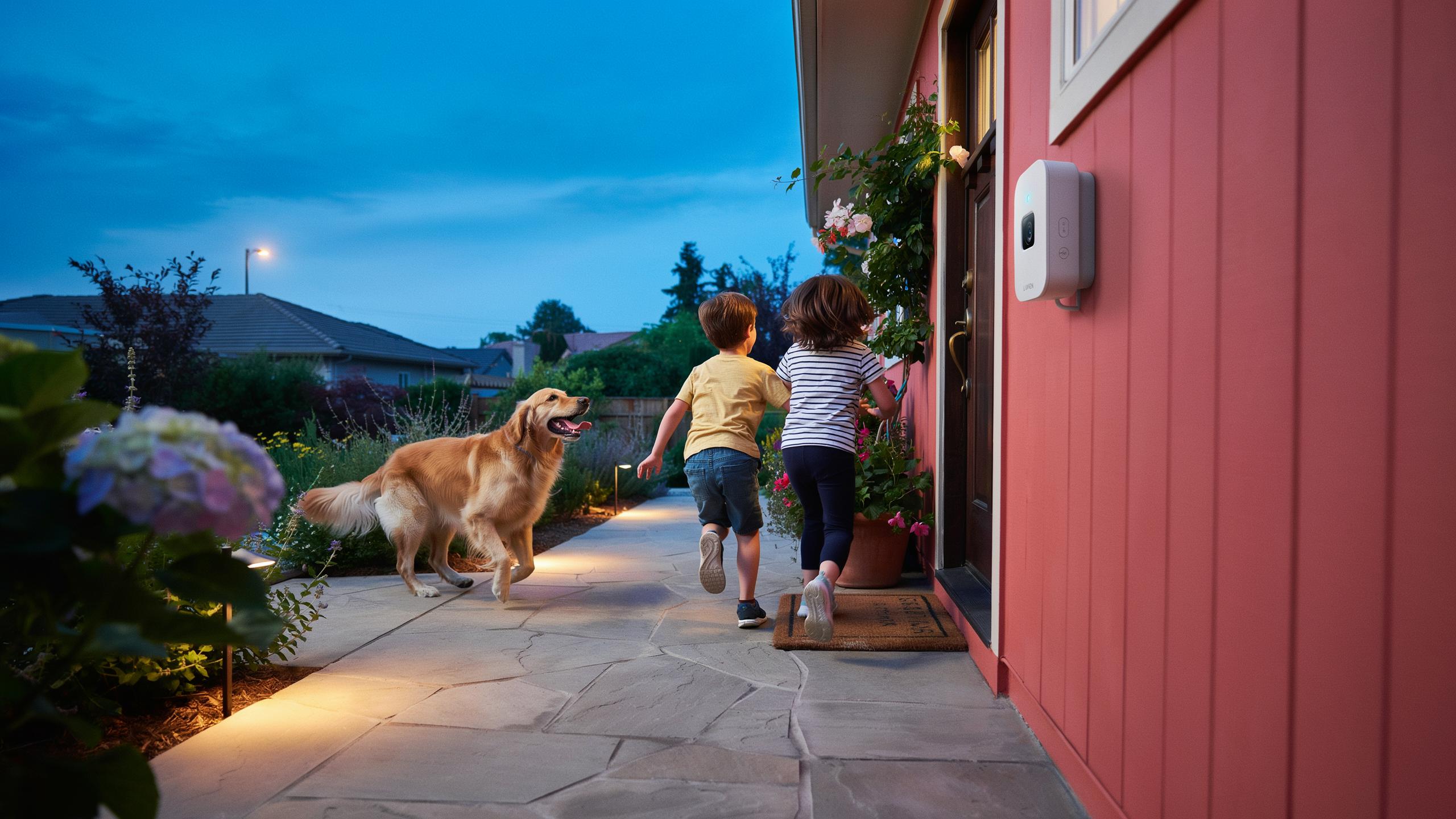
The Imperative Of Outdoor Security Lights For Every Home
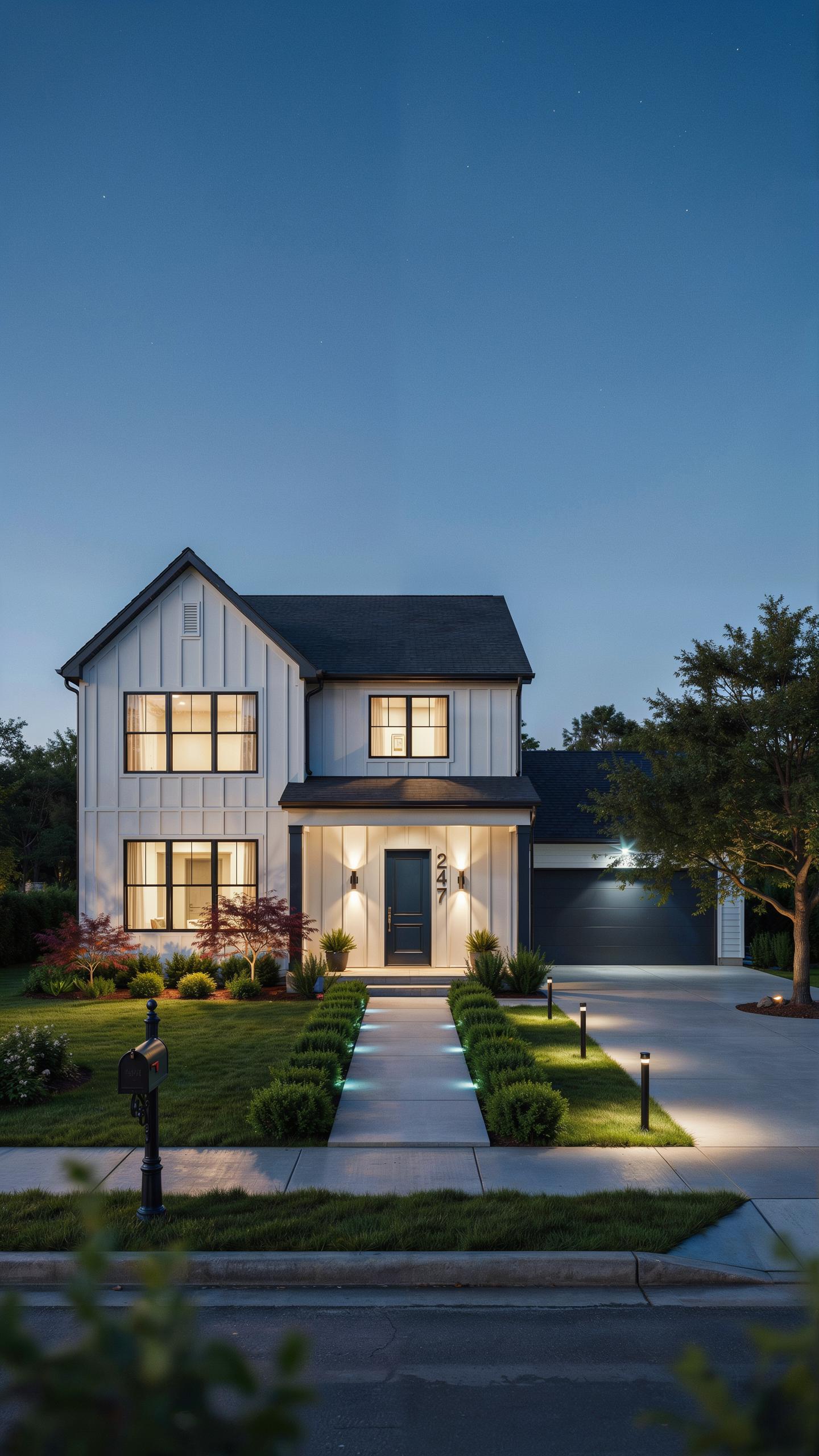
Understanding Vulnerabilities Around Entryways
Entry points represent the primary attack vector for residential break-ins. Doors, windows, and garage entries lack visibility after dark, creating gaps where intruders operate undetected. Poor lighting around these zones gives criminals time to work without exposure. Smart light sensors address this by automating illumination based on motion and ambient conditions, eliminating dark periods that enable forced entry attempts.
Entryways demand constant monitoring because they control access to your home’s interior. Standard fixed lighting fails because it either stays on unnecessarily or stays off when needed. Sensors detect movement patterns and adjust accordingly, maintaining visibility without waste. This targeted approach removes the operational window criminals depend on to breach entry points safely.
The Role Of Illumination In Deterring Intruders
Criminals avoid lit areas because exposure increases arrest risk and complicates escape routes. Research on environmental criminology shows offenders conduct site assessments before attempting entry. Properties with activated outdoor lighting experience fewer attempts than those with dark perimeters. Smart sensors create the appearance of occupancy and constant surveillance, signaling to potential intruders that the property poses unacceptable risk.
Light functions as a detection mechanism and a psychological barrier simultaneously. When sensors trigger lights instantly upon movement, they communicate active monitoring to outsiders. This response time eliminates the stealth advantage intruders need. The combination of immediate illumination and unpredictable activation patterns forces criminals to seek easier targets where they retain control over visibility conditions.
Evolution Of Motion Sensor Technology In Home Security
Key 2 1
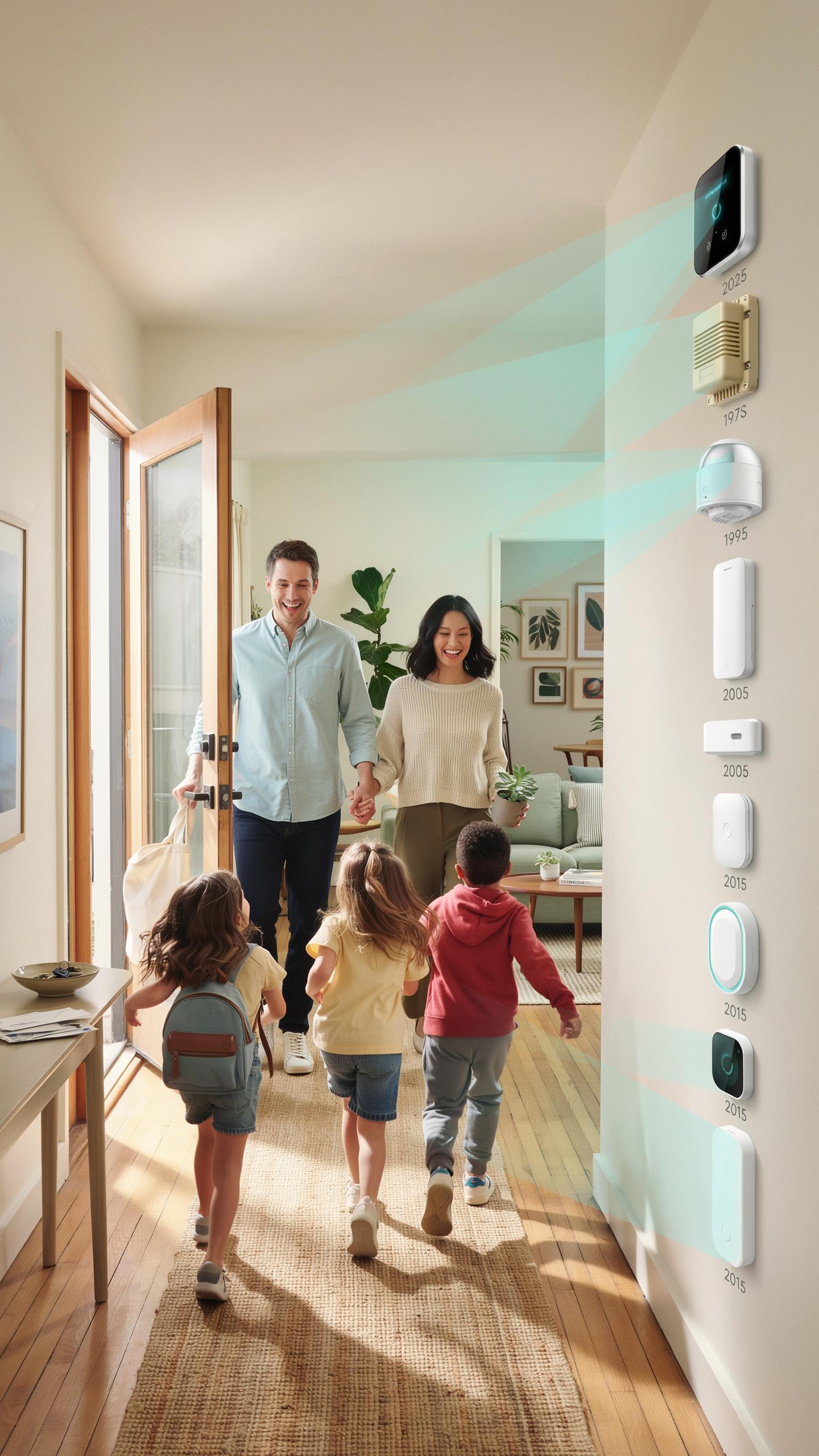
Early motion sensors relied on simple mechanical switches triggered by physical movement. These basic systems detected presence through pressure plates or trip wires. The technology was crude and prone to false alarms from animals or wind-blown objects. Homeowners needed manual activation and monitoring. Response times stretched from minutes to hours because no automated alerts existed.
Modern smart sensors use passive infrared, microwave, or dual-technology detection methods. They connect to mobile apps and cloud platforms for instant notifications. Sensors now distinguish between human movement and environmental noise. Integration with lighting systems triggers illumination automatically. Processing happens in real time, eliminating the delays that plagued older equipment.
Key 2 2
Motion sensors cut response time dramatically by alerting occupants the moment activity occurs at entry points. A person approaching a door triggers immediate notification to the homeowner’s phone. Security teams receive alerts within seconds instead of waiting for manual checks. Cameras activate simultaneously with sensor triggers, capturing evidence at the exact moment of intrusion risk. This compressed timeline forces threats to move faster and increases likelihood of identification.

Awareness expands significantly when motion data feeds directly into security ecosystems. Homeowners track patterns over days and weeks to identify regular visitors versus suspicious activity. Sensors reveal when deliveries arrive, guests approach, or unauthorized access attempts occur. Multiple sensors create zones of detection that show movement progression through property perimeters. This layered intelligence enables informed decisions about when to contact authorities or investigate personally.
Smart Light Sensor Integration For Comprehensive Protection
Key 3 1 Connecting Smart Lights To Your Home Security Ecosystem
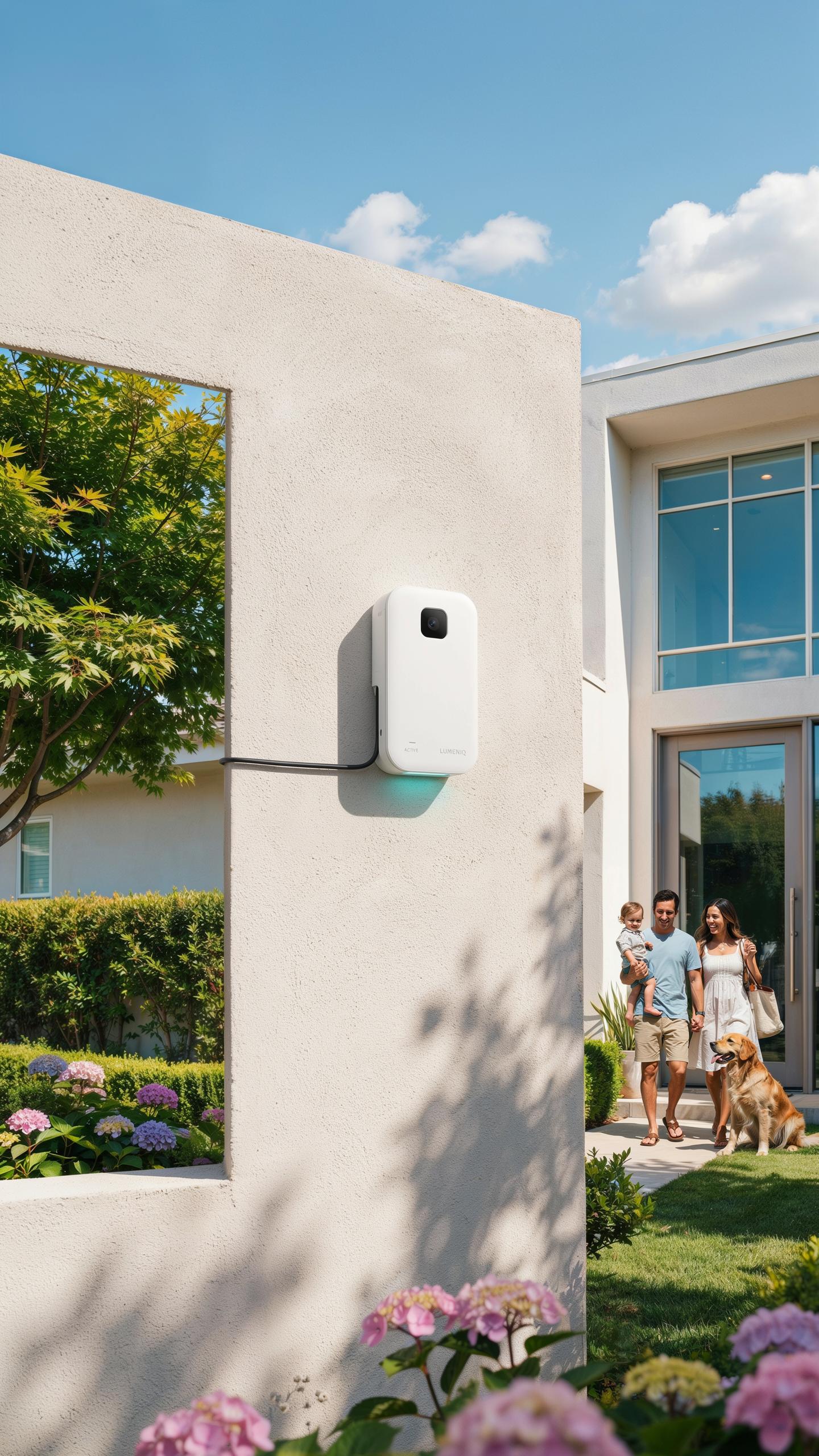
Smart light sensors connect to your security system through a central hub or direct WiFi connection. Your hub acts as the command center, receiving data from motion sensors and light detectors. The system then triggers lights based on programmed rules. Most modern systems use standard protocols like Zigbee or Z-Wave. Some use proprietary connections tied to specific brands. Integration requires compatible hardware across all devices.
Your smartphone app controls these connections remotely. You set automation rules that link sensor activity to light behavior. For example, motion detection at your front door triggers porch lights instantly. The system logs all events for review later. Proper integration eliminates gaps where entry points lack coverage. Test each connection before relying on the system for security.
Key 3 2 Customizing Detection Zones And Light Responses
Detection zones define where sensors monitor activity around entryways. You adjust sensitivity levels to reduce false triggers from passing vehicles or animals. High sensitivity catches movement near your door. Lower sensitivity ignores distant activity. Multiple zones let you prioritize critical areas like doorways over sidewalks. Proper calibration prevents alert fatigue that makes you ignore legitimate threats.

Light responses determine what happens when sensors detect motion. You can set lights to turn on at full brightness immediately or gradually. Some systems allow different responses based on time of day. Daytime motion might trigger no light response. Nighttime motion triggers maximum brightness. You customize dwell time, which controls how long lights stay on after motion stops. Adjust these settings based on your entry layout and traffic patterns.
Maximizing Security With Optimal Placement Of Motion Sensor Lights
Strategic Positioning For Front Doors Backyards And Side Gates
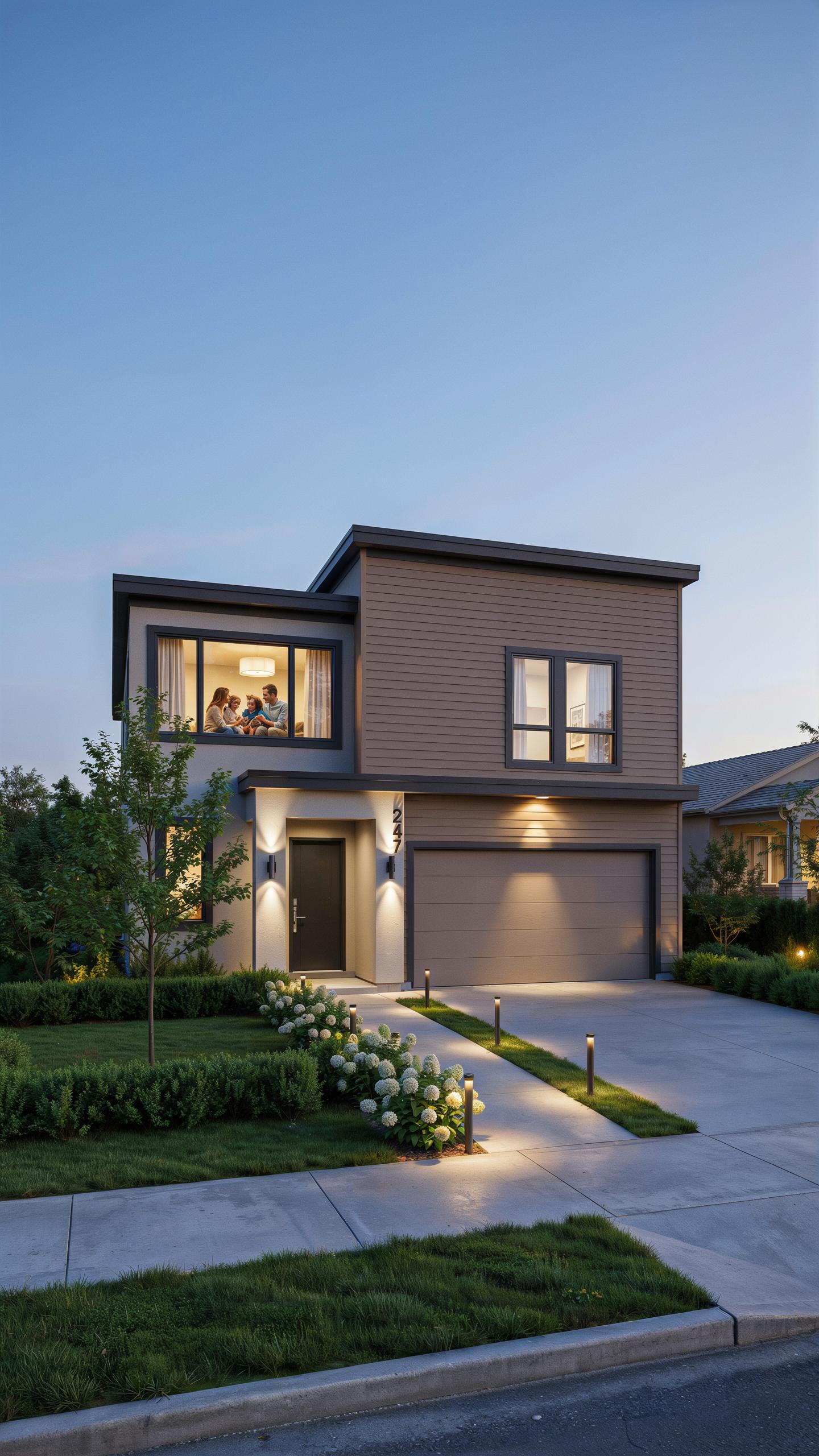
Front door placement demands sensors mounted 4 to 6 feet high on the door frame or nearby wall. This height captures human motion patterns effectively while minimizing ground-level interference from animals or debris. Position the sensor to monitor the entire entry approach, including stairs and walkways leading to your door.
Backyard sensors work best at 5 to 8 feet high on fence posts or exterior walls. Mount them to cover seating areas, storage zones, and property perimeters. Overlapping coverage from multiple sensors eliminates blind spots and creates redundancy if one unit fails or gets obstructed by weather or vegetation.
Remember those nights, porch light chasing shadows away? Now, a gentle glow awakens just for
— Unknown
Side gate placement requires sensors positioned to detect approaching motion before someone reaches the gate. Mount units at 6 feet on gate posts or adjacent fencing. Angle sensors downward slightly to capture knee-to-head height movement patterns. This positioning catches intruders while filtering out small animals moving at ground level.
Avoiding False Alarms Tips For Sensor Adjustment
Motion sensors trigger false alarms when placed too close to heat sources, moving vegetation, or high-traffic areas. Adjust sensor sensitivity settings down in environments with significant wind movement or nearby traffic. Test sensitivity levels during installation by walking through the detection zone and observing activation patterns.
- Sensitivity Range Settings: Most sensors offer adjustable ranges from 15 to 40 feet. Start at the midpoint and increase only if coverage gaps exist. Lower sensitivity prevents false triggers from wind-blown branches and passing vehicles.
- Heat Source Avoidance: Position sensors away from HVAC exhaust vents, car exhaust paths, and areas receiving direct sun reflection. Thermal variations cause phantom activations that drain battery life and reduce system reliability.
- Vegetation Management: Trim tree branches and shrubs within 2 feet of sensor lenses. Moving foliage in wind creates continuous motion detection, exhausting sensors faster and generating constant false alerts.
- Dead Zone Configuration: Use the sensor’s field adjustment to mask areas like neighboring properties, street traffic, or mailbox access. This focused detection prevents alerts from activity outside your security perimeter.
- Time Delay Adjustment: Set activation delays between 30 to 60 seconds to prevent rapid-fire triggering during extended motion events. Shorter delays catch quick threats but increase false alarms in windy conditions.
Regular sensor checks catch alignment drift from vibration or weather exposure. Clean lenses monthly to remove dust and moisture buildup that reduces detection accuracy. Document your adjustment settings so you replicate proven configurations if sensors need repositioning or replacement.
Beyond Security Aesthetic And Functional Garden Lighting
Enhancing Curb Appeal While Maintaining Security
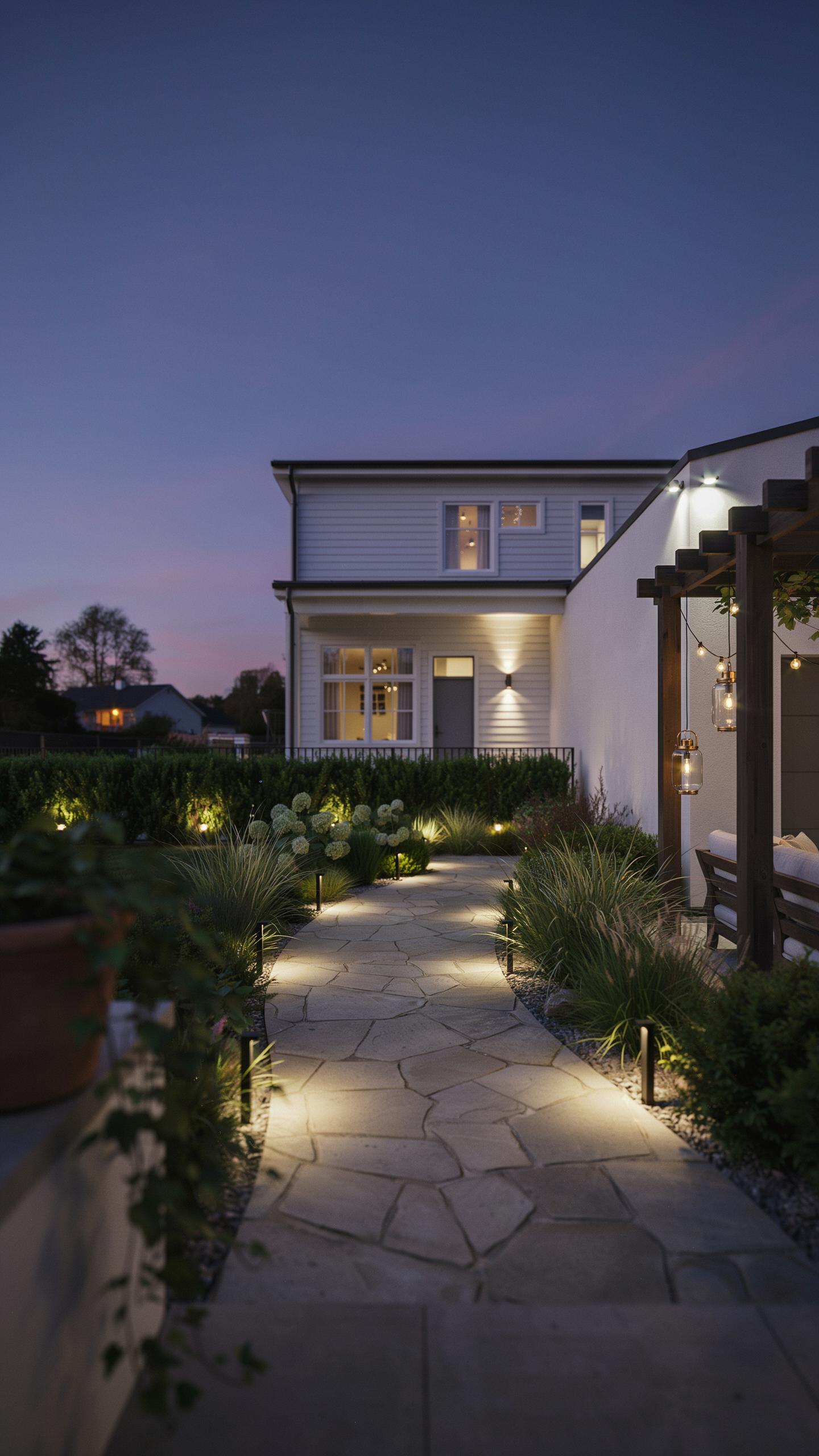
Smart light sensors balance two separate objectives: deterring threats and improving property appearance. Security lighting and landscape lighting serve different purposes, but smart sensors let you accomplish both without conflict. Warm color temperatures attract fewer insects than cooler tones, which means you can maintain visibility while reducing pest presence near entryways. Motion activation on smart sensors prevents constant brightness that degrades curb appeal, instead triggering light only when needed.

Property value increases when entryways look intentional and maintained. Smart sensors with adjustable brightness levels let you set lower illumination during inactive hours, creating ambient light that enhances design without wasting energy. Layered lighting around entryways requires coordination between flood lights for security and accent lights for visual interest. Smart sensors simplify this by activating specific fixtures based on movement patterns and time of day, eliminating manual adjustments.
Integrating Smart Lighting With Landscape Design
Landscape architects plan sight lines, material placement, and lighting zones as interconnected systems. Smart light sensors work within these zones by providing flexible activation based on occupancy rather than fixed schedules. Hardscape materials like pavers, stone, and mulch reflect light differently, so sensor placement accounts for surface angles to avoid washout. Smart sensors respond to these environmental variables automatically, adjusting to seasonal changes in vegetation and shadow patterns without reprogramming.
Outdoor lighting design requires knowledge of color rendering index (CRI) and lumens to balance security with aesthetics. Smart sensors paired with dimmable fixtures let you reduce lumen output during low-risk periods, preserving nighttime scenery while maintaining entryway safety. Plant placement around fixtures affects both security coverage and design impact. Smart sensors detect movement through vegetation more reliably when positioned to account for foliage growth patterns, ensuring consistent performance as landscaping matures.
Embracing Solar Power For Sustainable Outdoor Security Lights
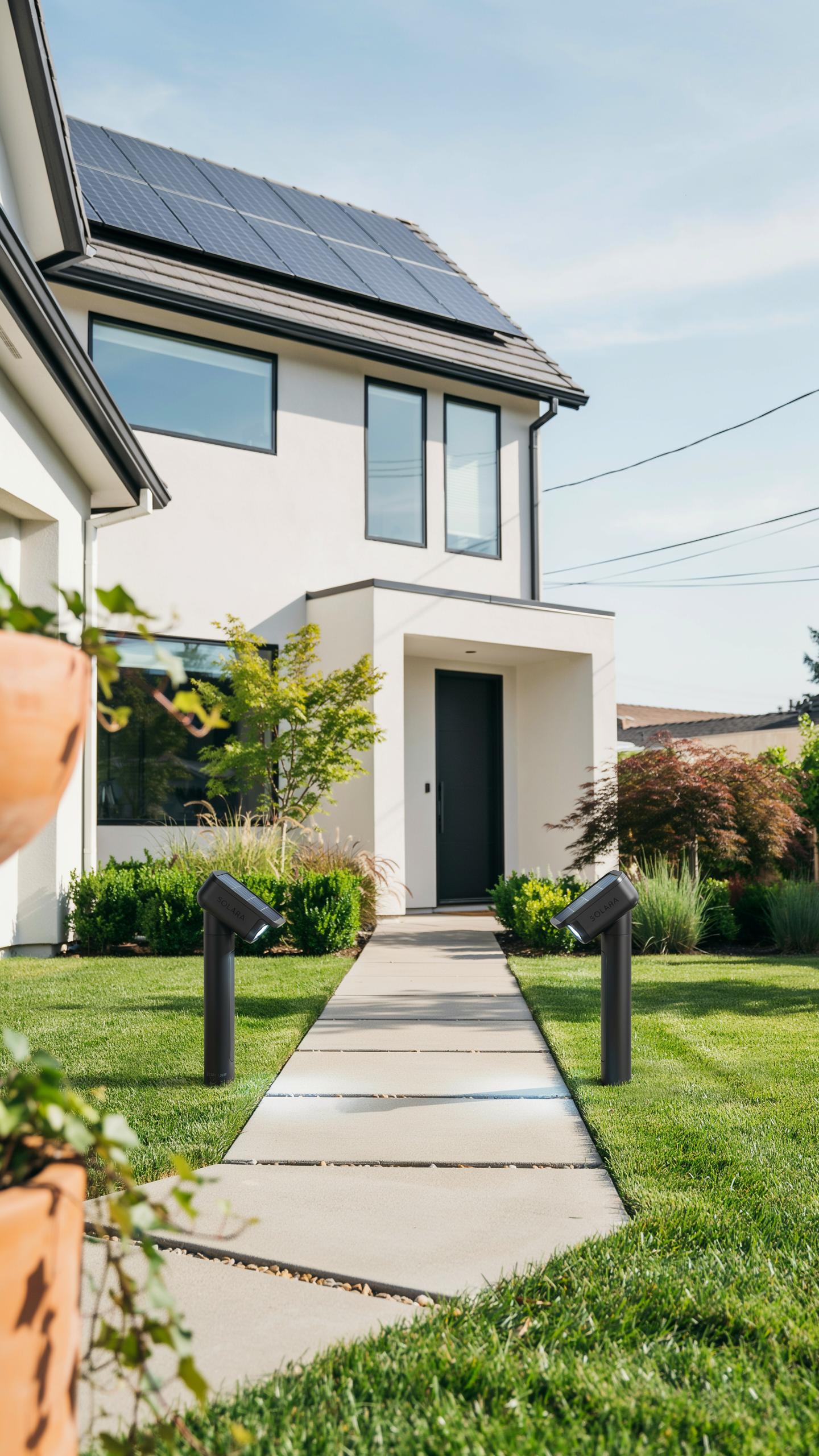
The Benefits Of Solar Powered Motion Sensor Lights
Solar-powered motion sensors eliminate your dependence on electrical wiring and grid power. They operate independently, which cuts installation costs and removes the need for trenching or running conduit to your entryways. The sensor detects motion and triggers the light only when needed, reducing energy waste. Battery systems store solar charge during daylight hours and power the light at night.

These systems work reliably in most climates where sunlight reaches the sensor panel. The upfront cost is higher than traditional wired lights, but you save money over time by avoiding electricity bills. Motion activation extends battery life significantly since the light does not run continuously. Maintenance requirements are minimal because there are no electrical connections to maintain or replace.
Installation And Maintenance For Solar Solutions
Position the solar panel to receive direct sunlight for six to eight hours daily. Mount the unit on an entryway wall, soffit, or post where it captures maximum sun exposure. Avoid shade from trees, buildings, or structures that block light during peak charging hours. Secure the mounting bracket firmly to prevent the unit from shifting or loosening over time.
Clean the solar panel every few months to remove dust, dirt, and debris that block sunlight. Replace the rechargeable battery when motion activation becomes sluggish or the light dims noticeably. Most solar units function for three to five years before battery performance degrades significantly. Check all connections and ensure the motion sensor lens remains clear and unobstructed for accurate detection.
Advanced Features Of Smart Motion Sensors For Driveway Lighting
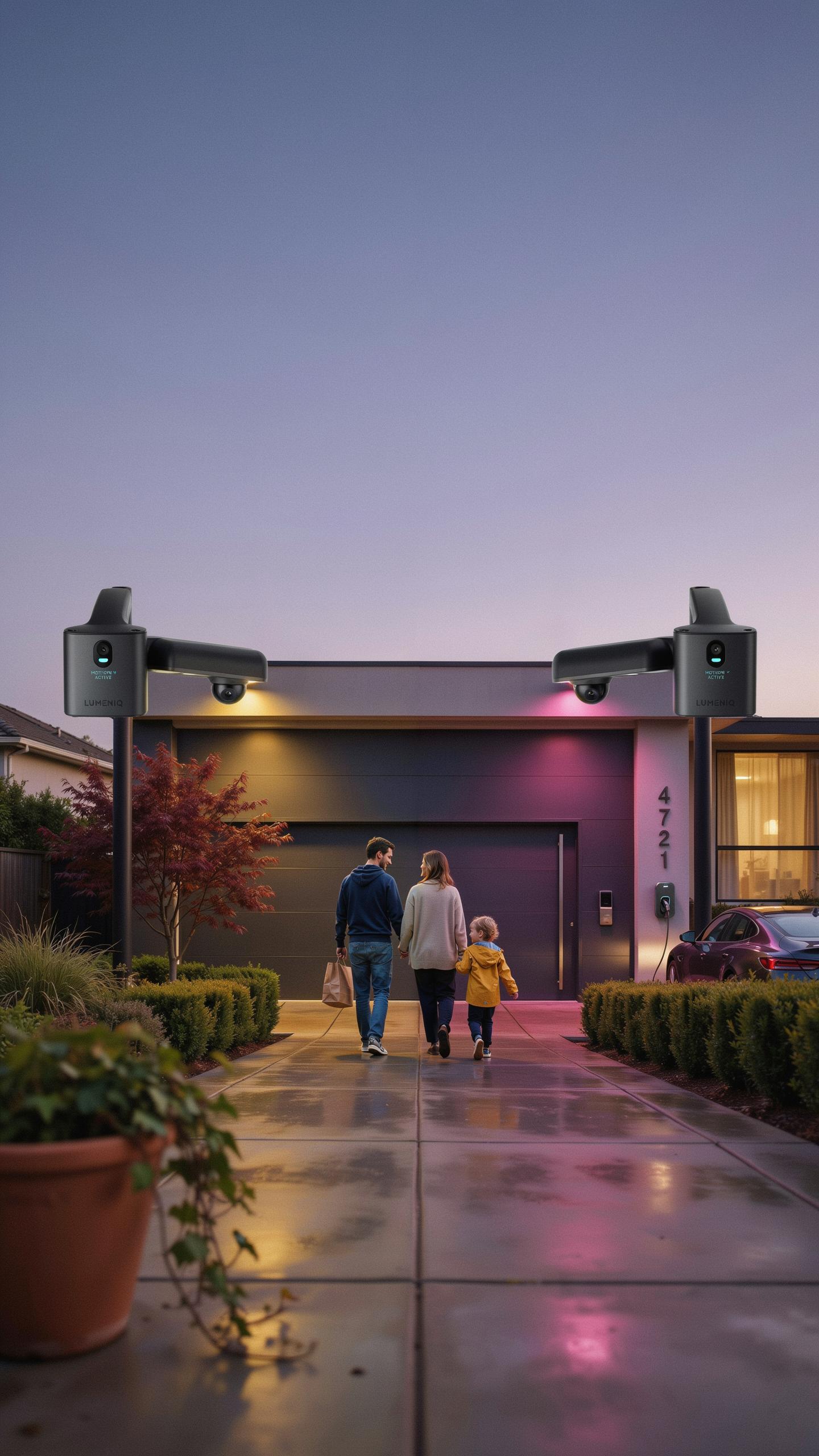
Vehicle Detection And Automated Lighting Sequences
Modern driveway motion sensors use dual-technology detection to distinguish vehicle movement from pedestrian activity. These systems combine passive infrared sensors with microwave or radar technology to track object size and speed. When a vehicle approaches, the sensor triggers lighting sequences calibrated for vehicular speed and distance. This prevents false activations from small animals or wind-blown debris. The sensor adjusts light intensity based on detection type, delivering full brightness for vehicles and reduced output for walking pedestrians.

Automated lighting sequences reduce energy waste by eliminating unnecessary full-brightness activation. Sensors program gradual dimming timers that extend light duration when vehicles remain in the detection zone. Temperature compensation features prevent sensor drift in extreme weather conditions. Driveway sensors integrate with existing electrical systems through standard 120-240 volt connections or low-voltage configurations. This flexibility allows retrofitting to current outdoor lighting infrastructure without rewiring requirements.
Smart Notifications And Remote Control Capabilities
Smart motion sensors transmit real-time alerts to smartphones and connected devices when activity occurs on your driveway. These notifications include timestamp data and sometimes camera feeds if integrated with video systems. Homeowners receive granular control over notification frequency, suppressing redundant alerts during high-traffic periods. Remote access through dedicated apps allows users to adjust sensitivity settings and lighting schedules from any location. Cloud connectivity stores activity logs for security review and pattern analysis.
- Two-Way Communication: Control lighting on demand through apps without manual switches or presence at home.
- Integration With Smart Home Hubs: Connect to existing platforms like Amazon Alexa or Google Home for voice control.
- Customizable Alert Thresholds: Set detection sensitivity to reduce false notifications from passing traffic or wildlife.
- Activity Logging: Review timestamped records of all detection events for security audits and insurance documentation.
- Scheduling Automation: Program specific lighting behaviors for different times of day or seasonal changes.
- Multiple User Access: Grant permissions to family members or property managers for coordinated control and monitoring.
Battery-powered smart sensors eliminate hardwiring complexity while maintaining full notification functionality. Lithium batteries typically last 12 to 24 months depending on activity frequency and notification volume. Wired sensors provide unlimited operation but require professional installation to integrate with existing electrical systems. Both options support encrypted data transmission to prevent unauthorized access to your driveway activity data.
Choosing The Right Smart Light Sensor System For Your Home
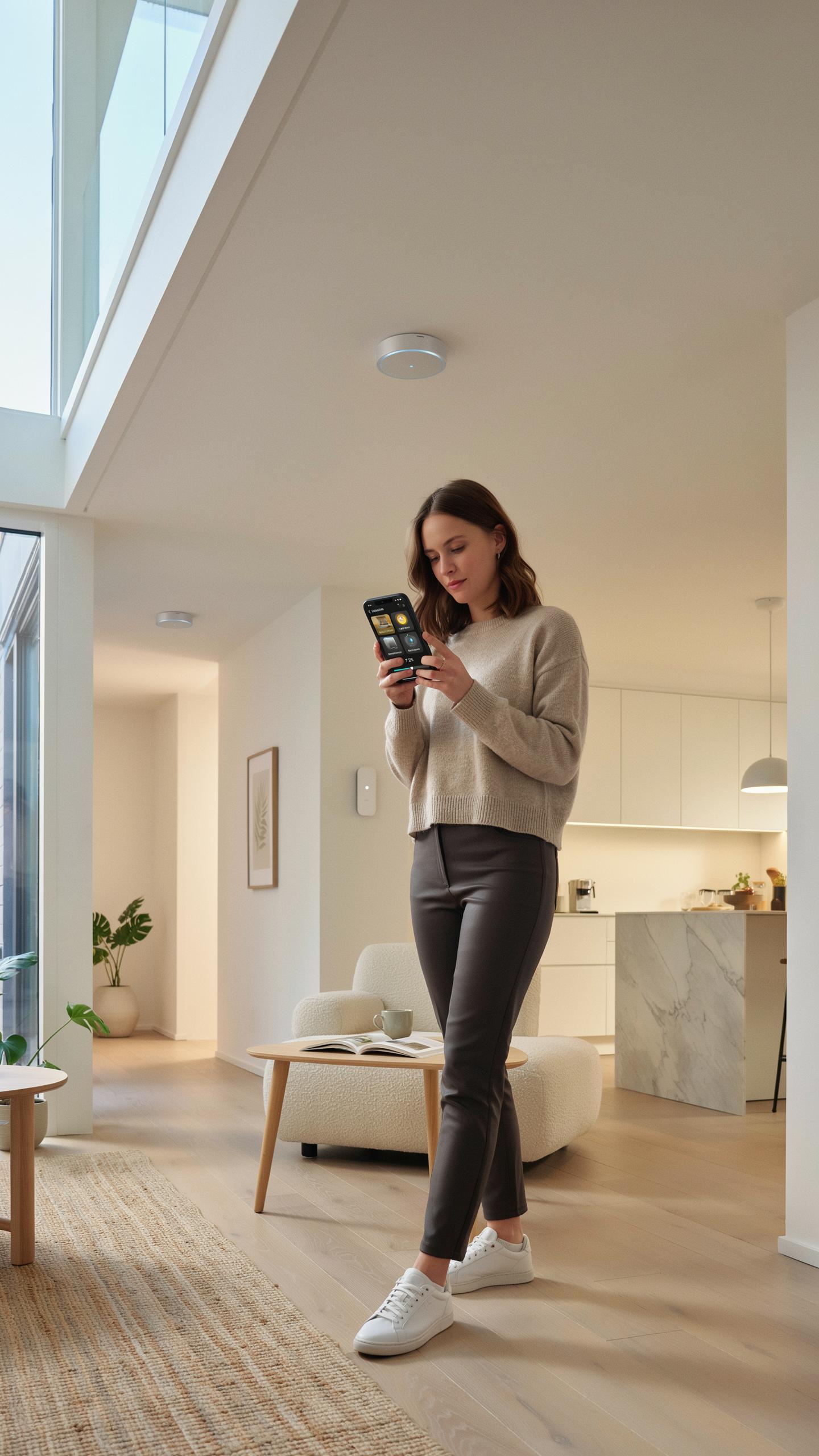
Key Assessing Your Home Security Needs And Budget
Start by identifying what you need to protect. Map your entryways, driveways, and vulnerable perimeter areas. Determine whether you need motion detection, ambient light sensing, or both. Calculate how many sensors cover your property without gaps. Budget constraints matter. Basic motion sensor lights cost between 30 and 80 dollars. Advanced smart systems with app control and integration run 150 to 400 dollars per unit.

Your installation method affects total cost. Hardwired systems require an electrician and cost more upfront. Battery powered wireless sensors install faster but need regular battery replacement. Consider maintenance costs over three to five years. Evaluate whether you want local control only or cloud based monitoring with smartphone alerts. This decision changes your system price significantly.
Key Features And Brands To Consider For Outdoor Security
Motion detection range matters in outdoor settings. Look for sensors covering 30 to 40 feet minimum at entry points. Light sensitivity adjustments prevent false triggers from passing cars or animals. PIR and microwave sensors handle different conditions. PIR works better in most residential applications. Weatherproofing must meet your climate. IP65 rating handles rain and temperature swings. Verify warranty length. Five year warranties indicate manufacturer confidence in durability.
Established brands like Ring, Wyze, and Logitech offer proven reliability. These companies provide consistent firmware updates and customer support. Sensor integration with existing smart home systems reduces complexity. Check compatibility with your hub or platform before purchasing. Response times vary by model. Quality systems trigger lights within one second of motion detection. Read verified user reviews on installation difficulty and false trigger rates to make informed decisions.
Frequently Asked Questions

What exactly is a smart light sensor for outdoor security, and how does it work to protect my home?
A smart light sensor for outdoor security automatically detects changes in light or motion, triggering connected outdoor lights to illuminate. This deters potential intruders by eliminating dark hiding spots and alerts you to activity near entryways. It provides an intelligent, automated layer of protection.
How do I choose the best placement for my smart light sensor to maximize outdoor security coverage around my front door?
For optimal coverage, position your smart light sensor for outdoor security where it can detect motion approaching all entry points, such as your front door and garage. Ensure it has a clear line of sight, avoiding obstructions like bushes, and is mounted high enough to prevent tampering while still effectively monitoring the area.
Are smart light sensors for outdoor security an expensive upgrade, or are there affordable options available for homeowners on a budget?
Don’t worry, enhancing your home’s security with a smart light sensor for outdoor security doesn’t have to break the bank! While high-end systems exist, many reliable and effective models are quite affordable. You can find excellent budget-friendly options directly from various home improvement retailers, making smart security accessible.



