Understanding Smart Plug Technology For Lamps
What Is A Smart Plug And How Does It Work?
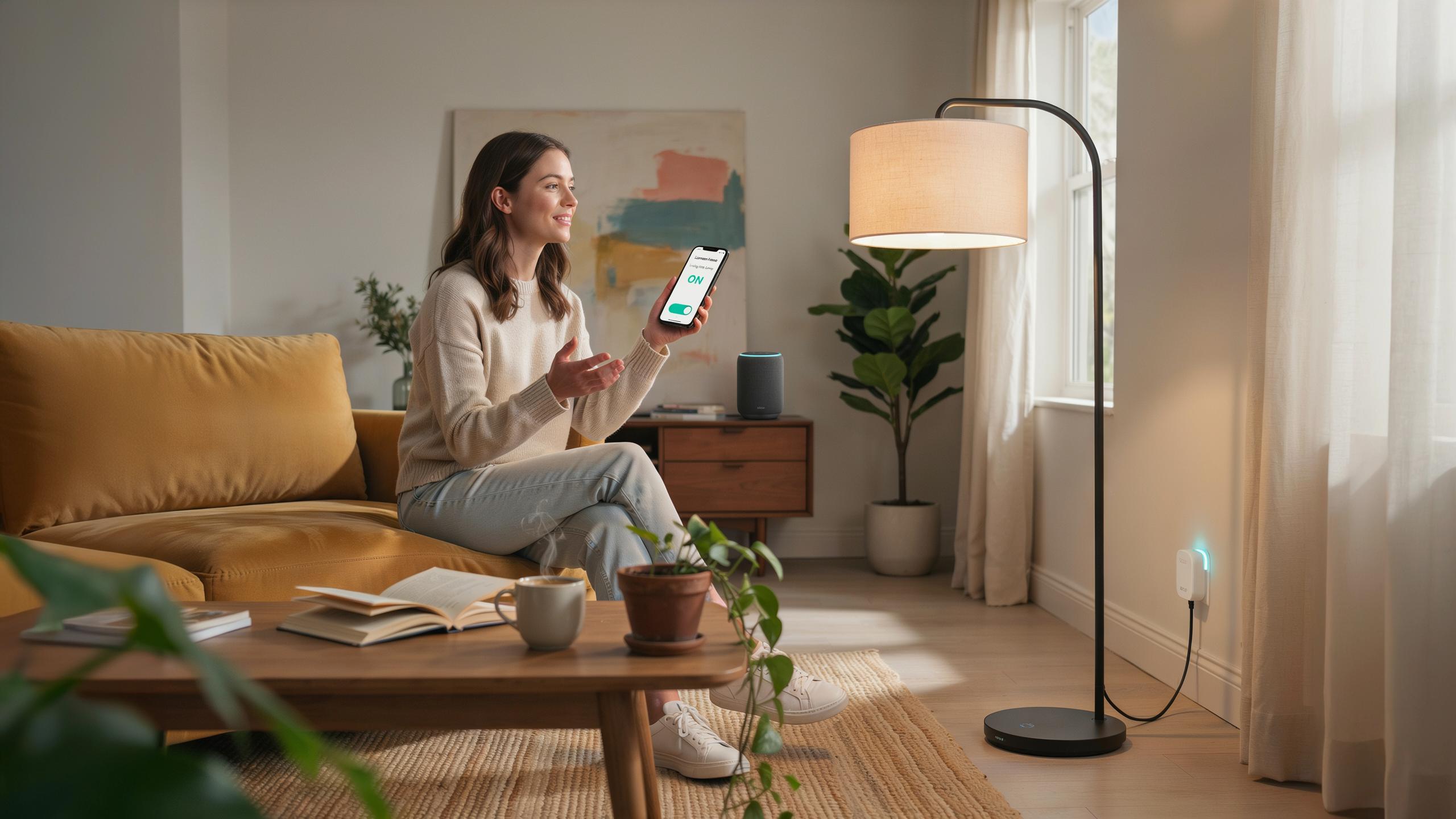
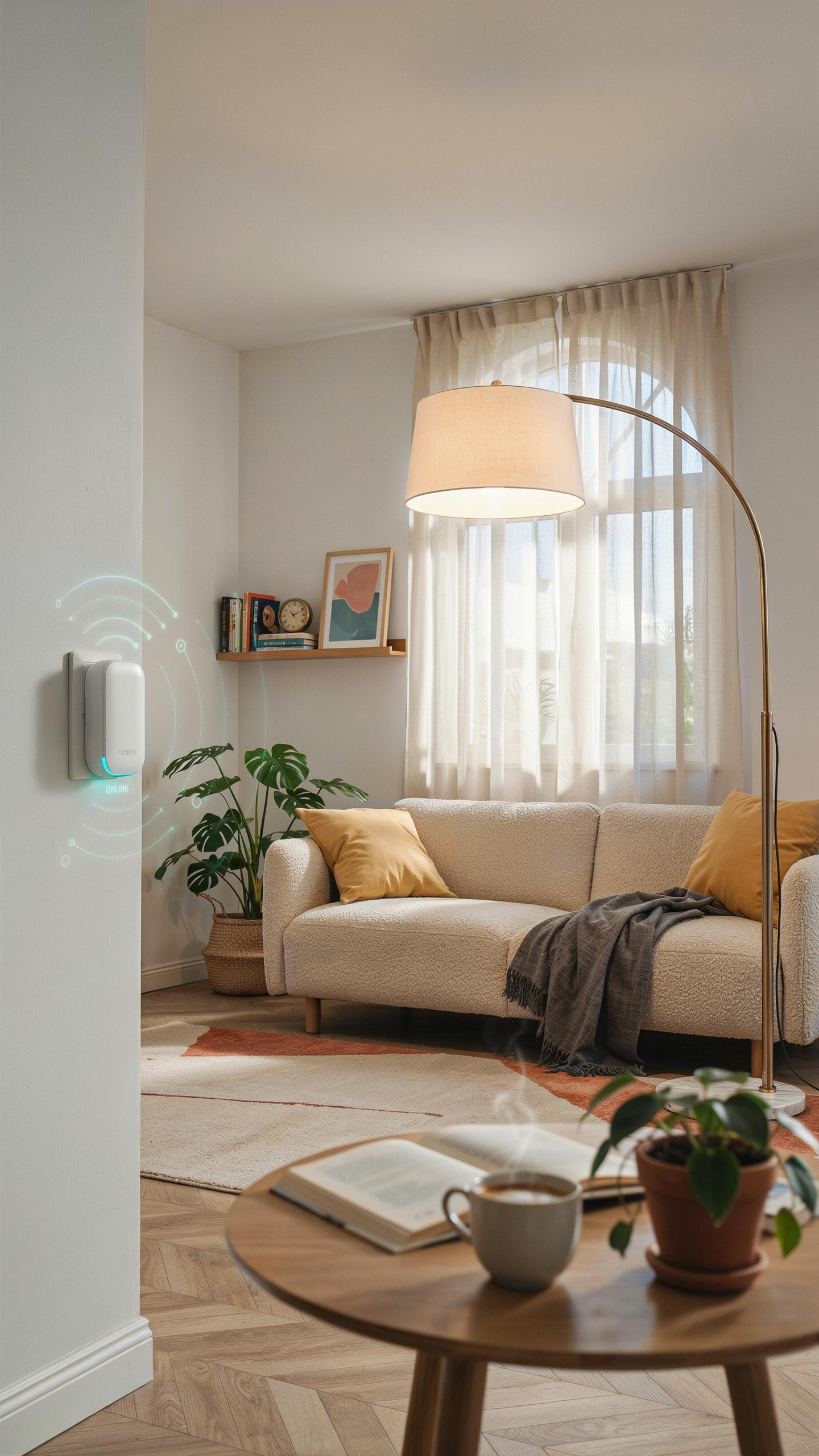
A smart plug is a device that sits between a wall outlet and your lamp. It intercepts power delivery to your lamp and allows you to control that power remotely through a smartphone app, voice assistant, or automated schedule. The plug itself contains wireless communication technology, typically WiFi or Bluetooth, that connects to your home network or directly to a voice assistant device.
The mechanics are straightforward. When you give a voice command or send a remote signal, the smart plug receives that instruction and toggles an internal relay switch on or off. This switch controls whether electricity flows to your lamp. No rewiring of your lamp is necessary because the control happens at the outlet level, not inside the lamp itself. The lamp remains completely unchanged.
Benefits Of Using Smart Plugs For Lighting Control
Smart plugs deliver immediate convenience by letting you control your lamp from anywhere using voice commands or your phone. You eliminate the need to walk to a lamp to turn it on or off. This matters most for hard-to-reach lamps, bedside lamps, or lights in multiple rooms. Voice control integrates with major assistants like Alexa and Google Assistant, making operation hands-free and fast.
Energy efficiency gains come from automation and visibility. You can schedule lamps to turn off automatically at specific times, preventing lights from running all night. Many smart plugs show real-time power consumption data, revealing which lamps waste energy. Over time, automated schedules and reduced forgotten-on lights lower your electricity bill and extend lamp bulb life by reducing unnecessary hours of operation.
Voice Control Integration The Future Of Smart Home Lighting
How Voice Control Elevates Your Lighting Experience
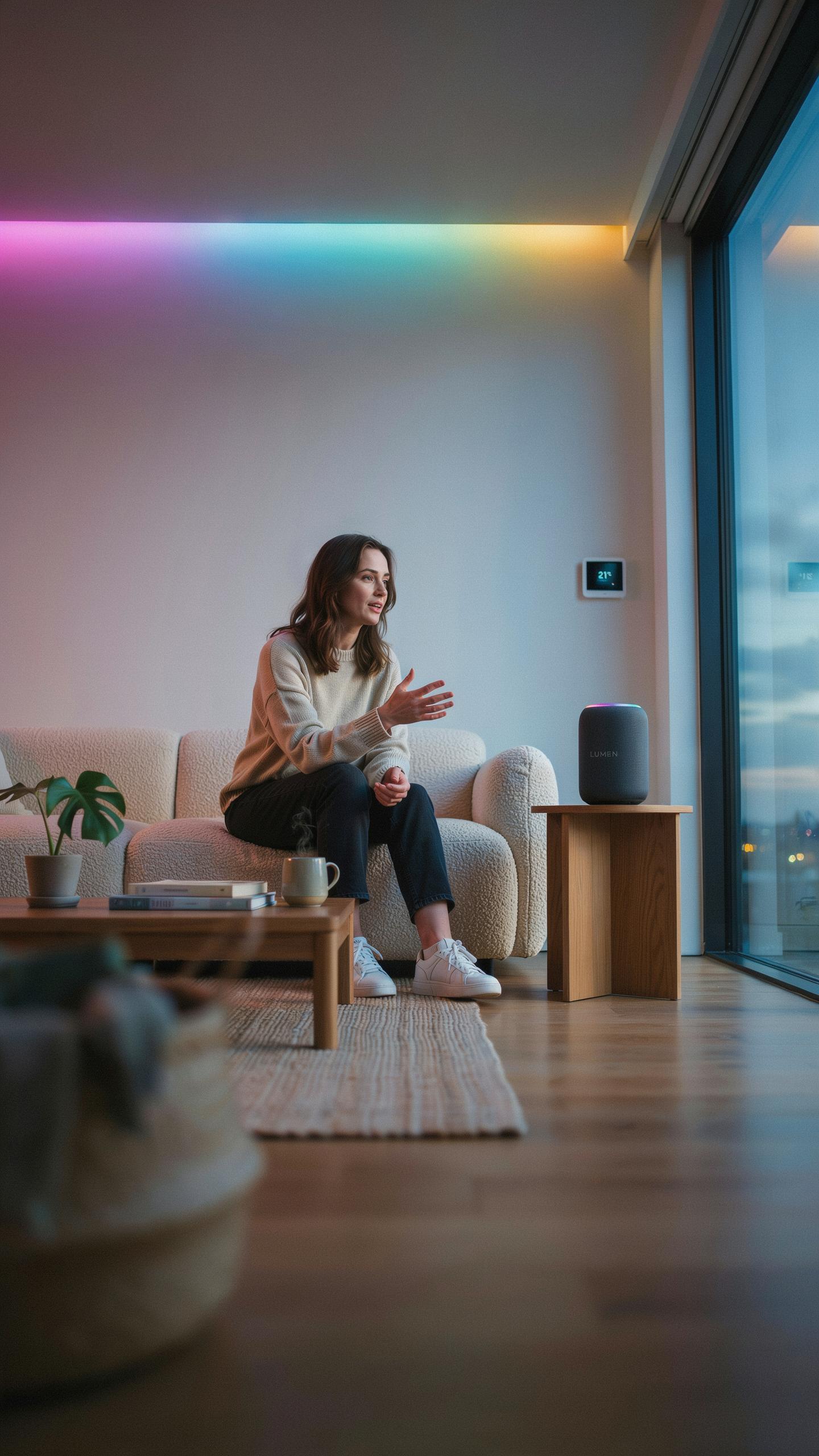
Voice commands eliminate the need to find your phone or walk to a switch. You control lamps from anywhere in the room by speaking to your voice assistant. This hands-free operation works while cooking, holding items, or lying in bed. Smart plugs make retrofit installation possible without hiring an electrician or rewiring walls. Your existing lamp becomes a voice-activated device in minutes.
Voice control reduces friction in daily routines. Instead of toggling switches manually, you adjust lighting through natural speech. Commands like “turn off the lamp” or “dim the lights to 50 percent” execute instantly. This integration transforms ordinary lamps into responsive smart devices. The result is faster access to lighting adjustments without disrupting your workflow.
Compatibility With Popular Voice Assistants Google Home
Google Home integrates directly with most smart plugs on the market. The ecosystem recognizes compatible smart plugs during setup and adds them to your home control interface. Google Assistant processes voice commands and sends signals to your plugs through your WiFi network. This connection creates a seamless bridge between your voice and your lighting. Compatibility remains stable across Google Home devices like speakers and displays.

Smart plug manufacturers design their products to work with Google Home’s communication protocols. You authenticate your account during setup, and Google Home discovers connected devices automatically. The assistant interprets your commands and activates the outlet in real time. This direct integration means you avoid third-party apps for basic voice control. Your smart plug becomes part of the Google ecosystem without additional configuration steps.
Easy Setup Smart Plug For Lamp Voice Control
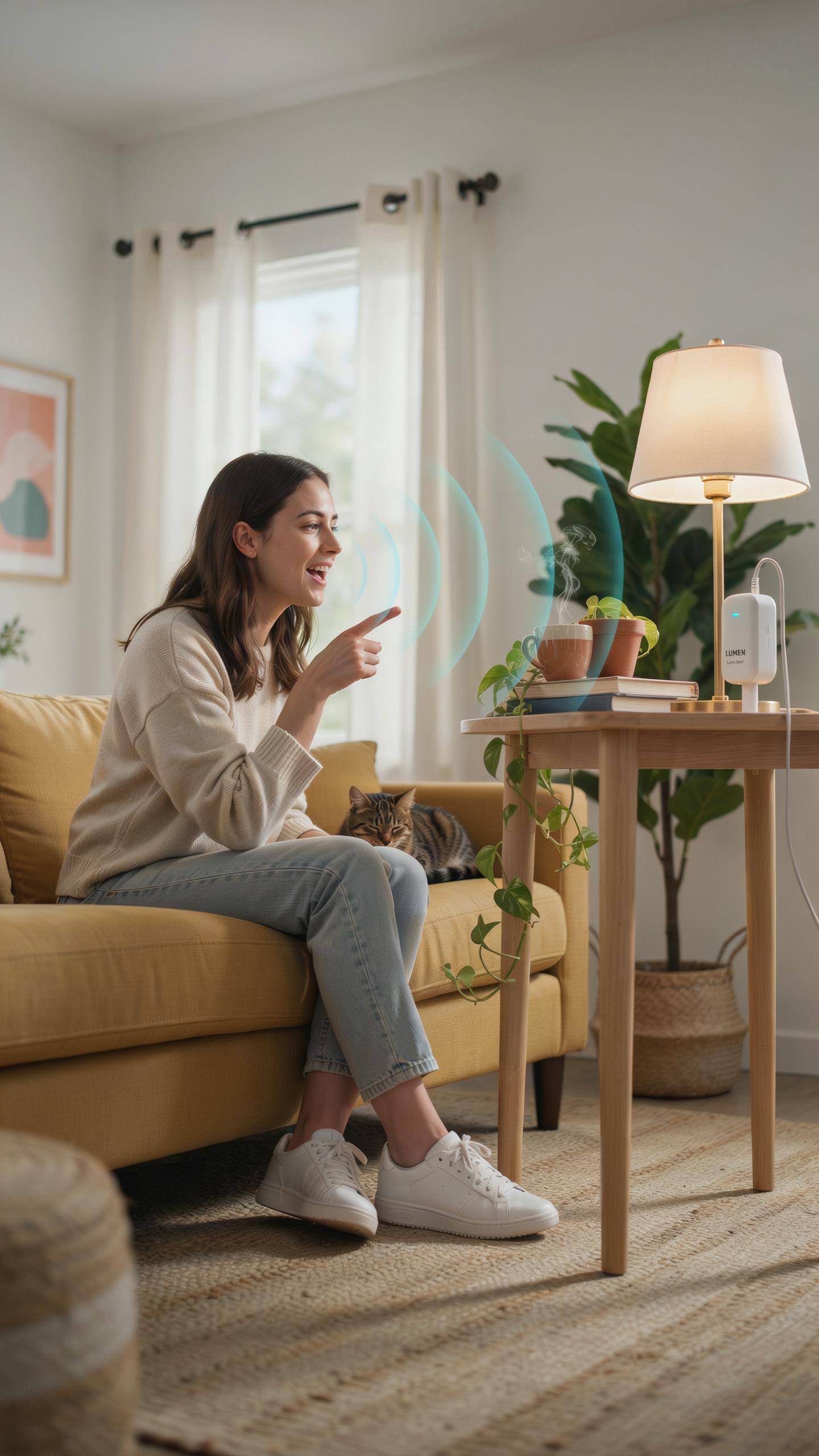
Step By Step Guide To Installing Your Smart Plug
Unbox your smart plug and inspect it for damage. Plug it directly into a standard wall outlet near your lamp. The plug will power on automatically and display a light indicator, usually blue or green. Download the companion app on your smartphone from the App Store or Google Play. Open the app and select “Add Device” or “Pair New Device.” Follow the on-screen prompts to create an account if you haven’t already. The app will guide you through connecting the plug to your home network.
Once the app recognizes your smart plug, it enters pairing mode. This typically takes two to three minutes. The plug’s indicator light will blink during this phase. Assign a name to your plug in the app, such as “Bedroom Lamp” or “Living Room Light.” Complete any remaining setup steps the app requires. Your plug is now ready to control your lamp remotely through the app. You can power the lamp on and off immediately without voice control integration yet.
Connecting Your Smart Plug To Your Wi Fi Network
Open your phone’s Wi-Fi settings and locate your home network name. Return to the smart plug app and enter your Wi-Fi network password when prompted. The app will attempt to connect the plug to your network. Ensure your phone and smart plug are on the same Wi-Fi band, typically 2.4GHz for most smart plugs. The connection process takes one to two minutes. Once connected, the app confirms the link with a notification. Your plug now has internet access for remote control from anywhere.
For voice assistant integration, link your smart plug app account to your voice assistant platform in that assistant’s app settings. Select your voice assistant, such as Alexa or Google Assistant. Authenticate your credentials and grant permission for the voice assistant to access your smart plug. The assistant will then discover your newly added plug. Test the connection by giving a voice command like “Turn on bedroom lamp.” Your lamp should respond immediately, confirming proper setup between all devices.
Customizing Your Lighting With Smart Home Automation
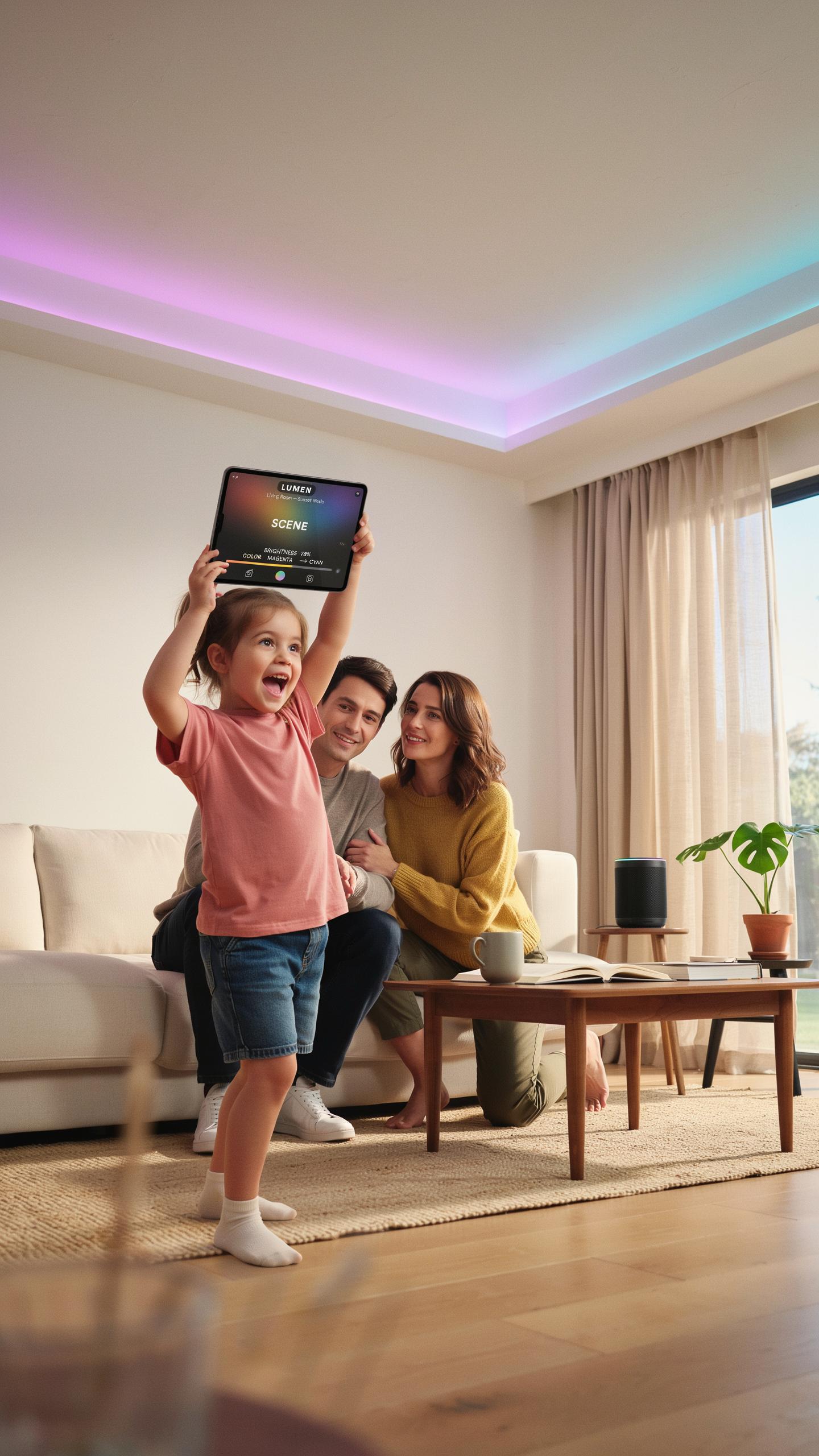
Creating Schedules And Routines With Your Smart Plug
Smart plugs let you automate lamp schedules without any manual intervention. Set your lamp to turn on at sunrise and off at bedtime. Most platforms like Alexa, Google Home, and Apple Home offer scheduling features built into their apps. Create multiple routines for different times and days to match your lifestyle.
Automated schedules cut your energy use significantly. A lamp running eight hours daily on schedule uses less power than one left on randomly. Routines handle complex sequences too. Your plug can turn on a lamp, adjust other devices, and trigger actions across your entire smart home in one command.
Using Smart Plugs For Enhanced Security And Ambiance
Smart plugs simulate occupancy when you travel by turning lamps on and off throughout the day. This randomized pattern creates the illusion that someone is home, which deters potential intruders. Schedule lights in different rooms at staggered times for maximum effect. Security researchers confirm that unpredictable lighting patterns are harder to predict than consistent ones.

Ambiance control gives you mood lighting without installing dimmers or rewiring. Adjust brightness on compatible smart bulbs plugged into your smart plug setup. Create evening routines that gradually dim lights to support better sleep. Layer multiple lamps at different brightness levels to set the exact atmosphere you want for any situation.
Smart Plug Features For Optimal Lamp Control
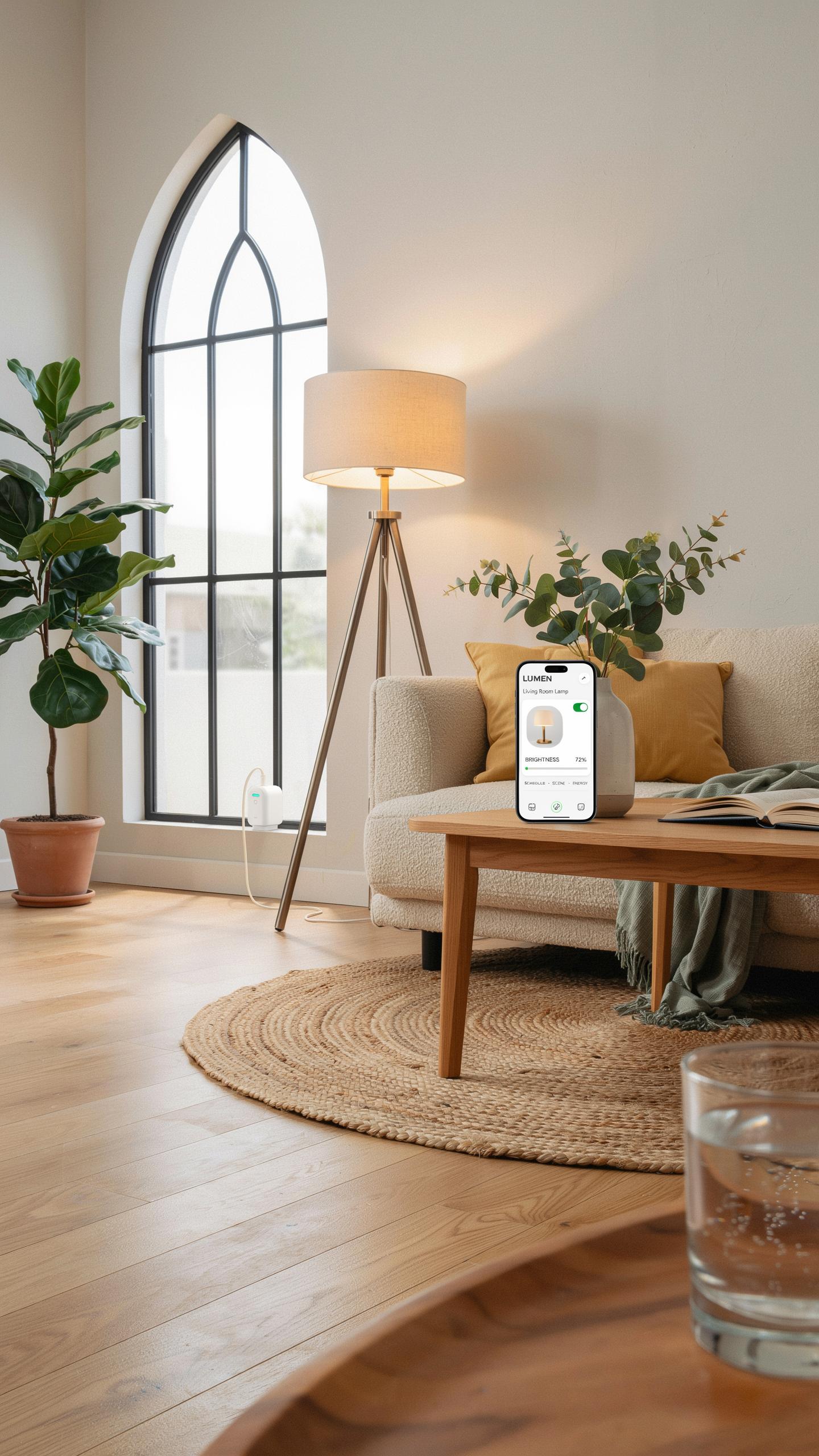
Energy Monitoring And Saving With Smart Plugs
Smart plugs track real-time power consumption for connected lamps. Most models display wattage usage and calculate kilowatt-hours over time. This data reveals which lamps drain the most energy. You identify inefficient bulbs or usage patterns quickly. The insight drives concrete decisions about lamp replacement or scheduling.
Smart plugs cut energy costs by automating lamp schedules. You set timers to turn lamps off during low-activity hours. Scheduling prevents accidental all-night operation. Some plugs offer historical usage reports you access via mobile apps. This feedback creates accountability and enables month-to-month savings tracking.
Imagine, your beloved lamp, now dancing to your every word, a touch of modern magic embracing a timeless glow, all without a single wire disturbed. It’s truly a brighter world, one simple plug at a time.
Remote Access And Control Turn Ons From Anywhere
Remote control through smartphone apps gives you lamp access from any location with internet. You turn lamps on before arriving home, creating an occupied appearance while away. This flexibility works across your house or from international locations. The control requires only the smart plug, your phone, and WiFi connectivity. No installation changes or new wiring enter the equation.

Voice commands combine with remote access for hands-free control. You issue commands through compatible voice assistants while handling other tasks. Remote scheduling means lamps activate on your preferred timeline regardless of your location. This dual approach to control maximizes convenience and security simultaneously.
Choosing The Right Smart Wifi Plug For Your Lamps
Key Features To Look For In A Smart Plug
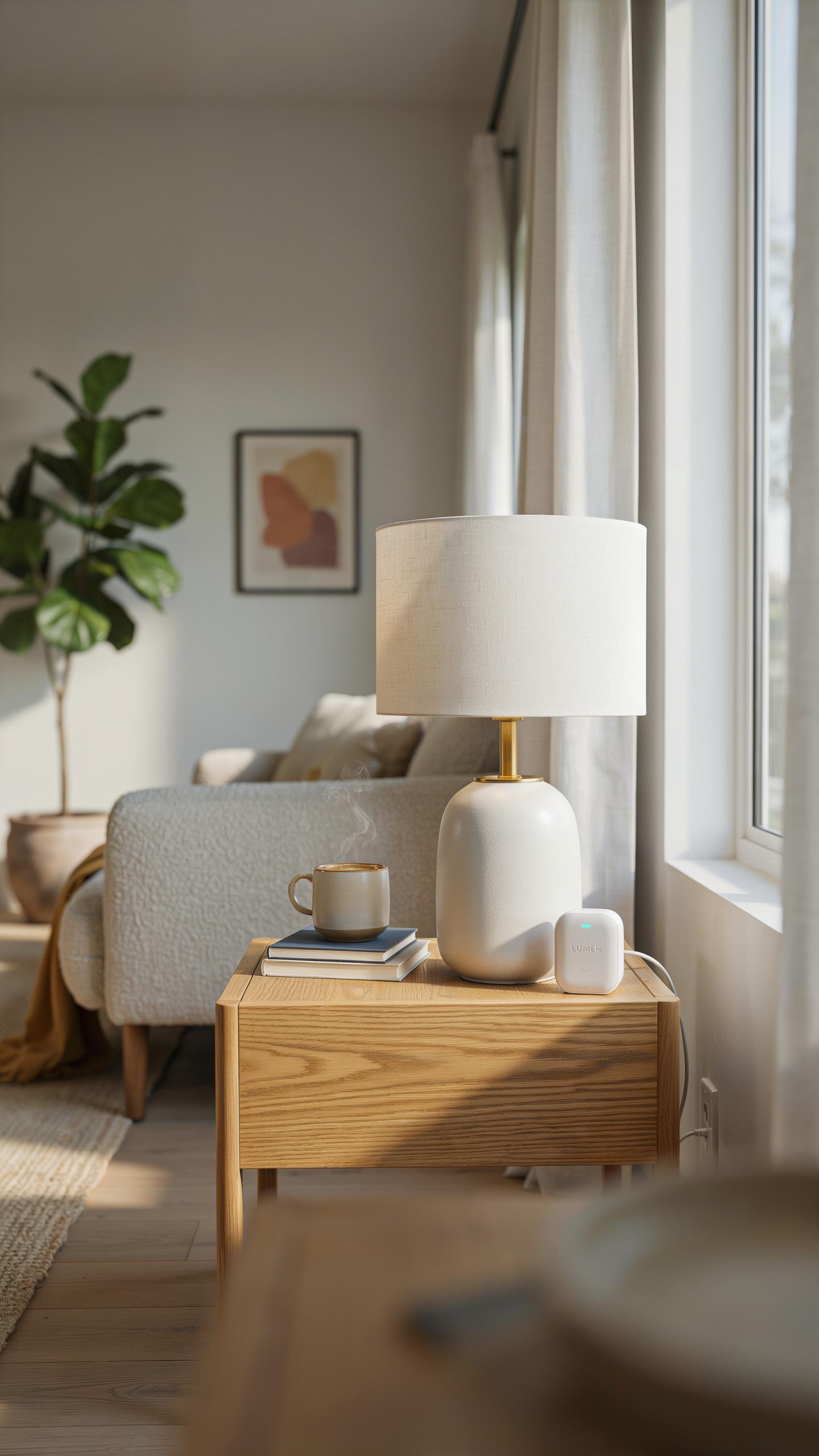
Power rating matters first. Check the plug’s wattage capacity against your lamp’s power draw. Most lamps use 40 to 100 watts, but some specialty lamps exceed this. A plug rated for at least 15 amps handles standard household lamps without risk. Undersized plugs create fire hazards and fail prematurely.
Voice assistant compatibility determines your control method. Amazon Alexa and Google Assistant dominate the market. Some plugs work with both platforms simultaneously. Others require separate accounts for each ecosystem. Check compatibility before purchasing to avoid buying incompatible hardware that forces you to choose one system over another.
Comparing Top Smart Plug Brands And Models
Amazon Smart Plug integrates seamlessly with Alexa devices. It offers basic on/off control and scheduling through the Alexa app. The design is compact and doesn’t block adjacent outlets. It lacks energy monitoring features, limiting insights into power consumption patterns for your connected lamps.

Google Nest Mini Smart Plug works primarily with Google Home and Google Assistant devices. It provides voice control and scheduling capabilities within the Google Home ecosystem. Performance remains reliable for standard lamp loads. However, integration with Alexa requires workarounds through third-party services, reducing cross-platform flexibility compared to dual-compatible options.
TP Link Kasa Smart Plug supports both Alexa and Google Assistant natively. It includes energy monitoring to track lamp usage and electricity costs. The app interface offers granular scheduling and automation routines. Build quality ranks above budget alternatives, though it costs more than entry-level single-platform plugs.
Wyze Plug delivers affordability without sacrificing core functionality. It works with Alexa and Google Assistant simultaneously. The compact form factor prevents outlet obstruction in multi-outlet strips. It lacks advanced energy tracking, requiring you to choose between cost savings and detailed power consumption data.
Troubleshooting Common Smart Plug Issues For Home Gadgets
Resolving Connectivity Problems With Your Smart Plug
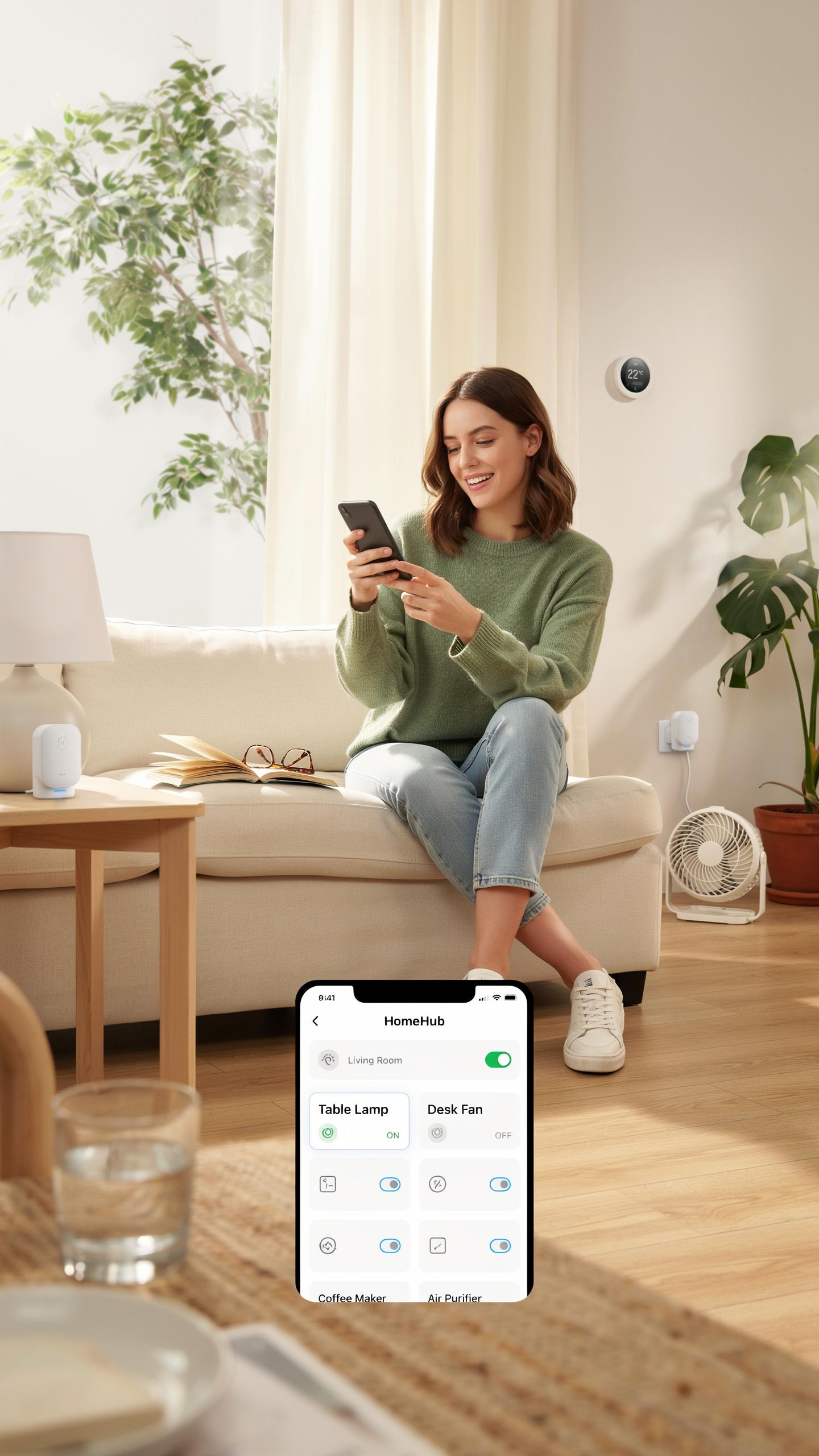
Most connectivity failures stem from distance or interference between your smart plug and router. Move the plug closer to your router or eliminate obstacles like walls and metal objects. Restart both devices by unplugging the smart plug for 30 seconds, then power it back on. Check that your Wi-Fi network broadcasts a 2.4GHz band, since most smart plugs operate on this frequency rather than 5GHz.

Your smartphone app and smart plug must connect to the same Wi-Fi network to communicate. Verify your phone and plug are on the same network before attempting pairing. If the plug still fails to connect, forget the network on your phone, restart your router, and reconnect both devices fresh. Factory reset your smart plug using its physical reset button if standard troubleshooting fails to restore connection.
Addressing Voice Control Malfunctions For Smart Home Devices
Voice commands fail when your smart plug loses connection to your voice assistant’s cloud service. Test basic device control through the manufacturer’s app first to confirm the plug itself functions properly. If app control works but voice commands don’t, check that your voice assistant and smart plug accounts are linked in the assistant’s settings or skill section.
Voice assistant recognition problems often result from incorrect wake word pronunciation or background noise interfering with microphone pickup. Speak commands clearly and consistently use the exact wake word your assistant requires. If your voice assistant struggles to recognize commands after connectivity is confirmed, disable and reinstall the smart plug skill or app integration, then relink your accounts completely.
The Future Of Smart Home Lighting And Smart Plugs
Emerging Trends In Smart Lighting Technology
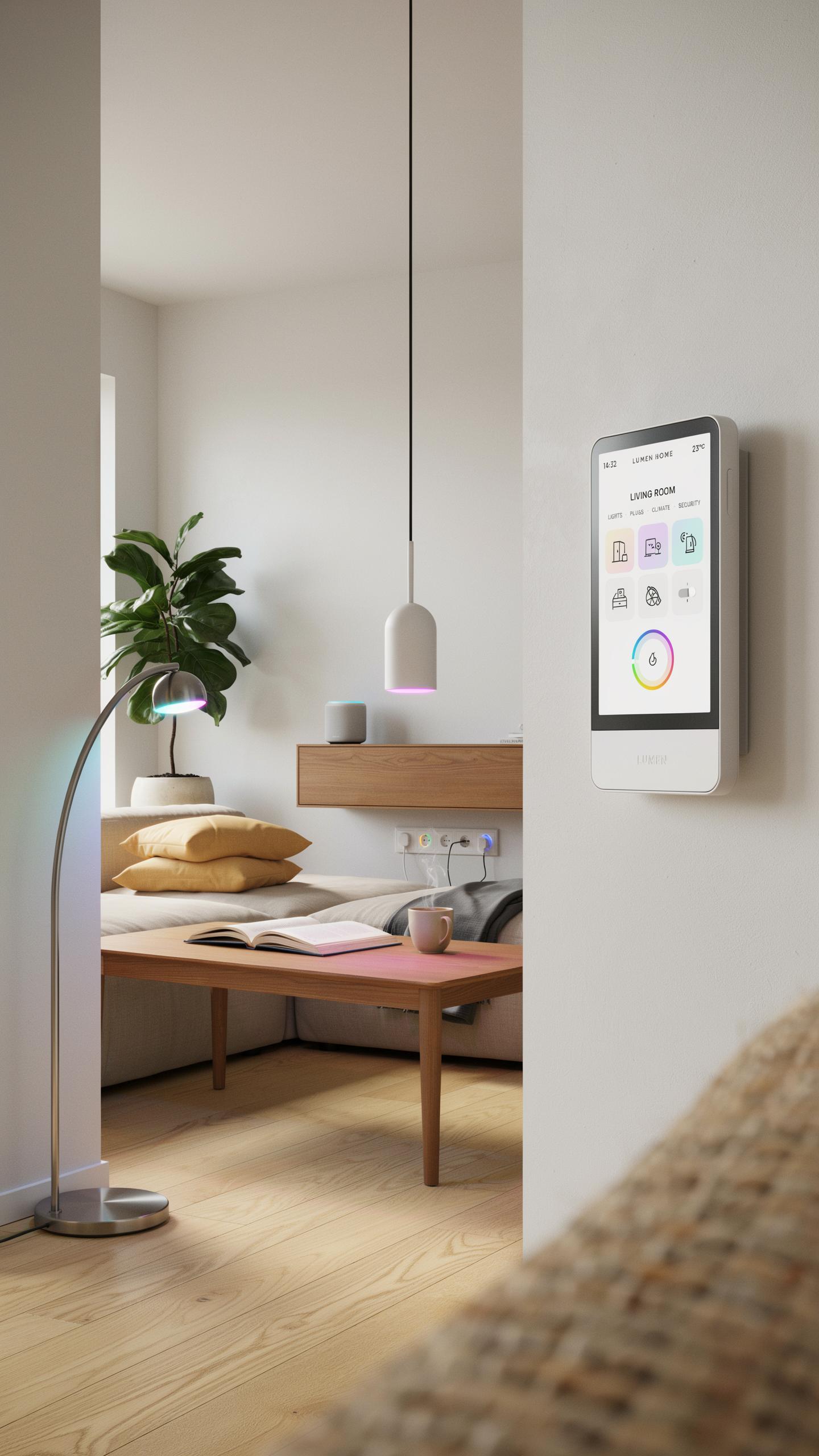
Artificial intelligence now shapes how smart lighting systems learn user behavior. Machine learning algorithms track when you turn lights on and off, then automate those patterns. Advanced motion sensors detect occupancy with greater accuracy than older infrared models. Some systems now integrate environmental data like circadian rhythms to adjust color temperature automatically. These capabilities eliminate manual control while reducing energy waste.

Voice assistants continue to improve recognition accuracy and reduce latency. Natural language processing now understands context better, meaning you can issue complex commands without exact phrasing. Energy monitoring sensors embedded in smart plugs give real-time wattage data to help identify inefficient bulbs. Integration with weather APIs allows systems to adjust lighting based on sunrise and sunset times. These advances happen incrementally, driven by processor improvements and better software algorithms.
How Smart Plugs Will Evolve With Smart Home Ecosystems
Smart plugs will transition from standalone devices to nodes in interconnected networks. Future models will communicate directly with other smart plugs and devices without relying on central hubs. Thread technology and Matter protocol standardization enable this mesh networking approach. Your smart plug for lamp voice control becomes part of a larger system that coordinates heating, cooling, and lighting simultaneously. This integration reduces response time and eliminates compatibility friction between brands.
Energy management will become the primary function of next generation smart plugs. They will track consumption patterns across all connected devices and optimize usage automatically. Some plugs will support bidirectional communication with utility companies for demand response programs. Voice control will expand beyond simple on and off commands to include scheduling, energy reporting, and predictive maintenance alerts. The smart plug evolves from a basic switch into an intelligent energy management node within your home.
Frequently Asked Questions
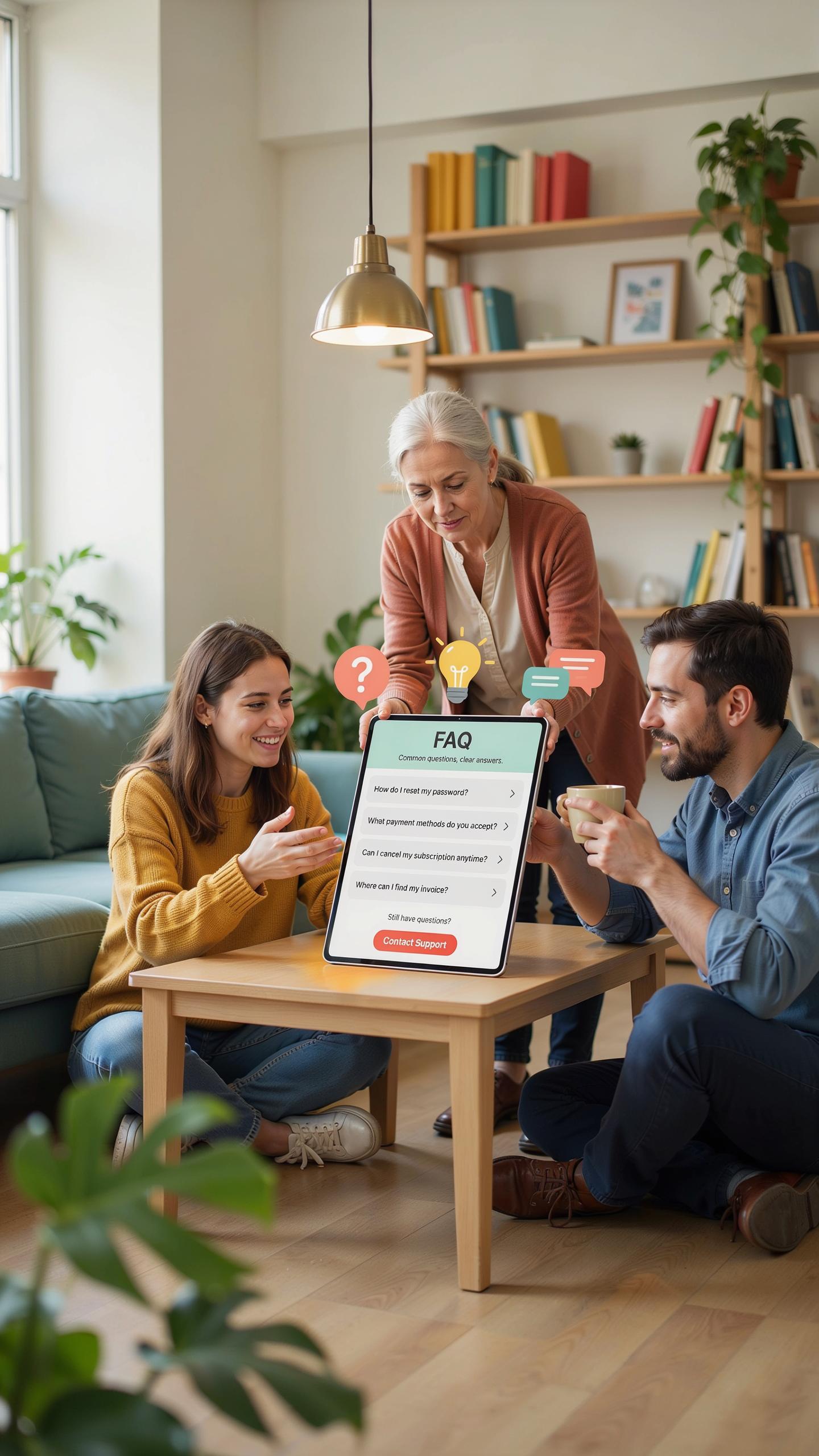
What exactly is a smart plug and how does it allow voice control for my lamp?
A smart plug is a small device that plugs into a standard electrical outlet, then your lamp plugs into it. It connects to your home Wi-Fi, allowing you to control the lamp remotely via a smartphone app or voice assistant. This lets you enjoy smart plug for lamp voice control without any complicated rewiring!
How do I set up my smart plug to control my lamp with voice commands?
First, plug your smart plug into an outlet and then your lamp into the plug. Download the smart plug’s app, connect it to your Wi-Fi, and follow the in-app instructions to “discover” the device. Then, link the smart plug app to your preferred voice assistant (like Alexa or Google Home), and you’re all set for smart plug for lamp voice control!
Are smart plugs an affordable option for adding voice control to my existing lamps?
Absolutely! Smart plugs are a very cost-effective way to upgrade your lamps to voice control. Instead of buying new smart lamps, you can use an inexpensive smart plug. This makes smart home automation accessible and budget-friendly for any home decor enthusiast.



