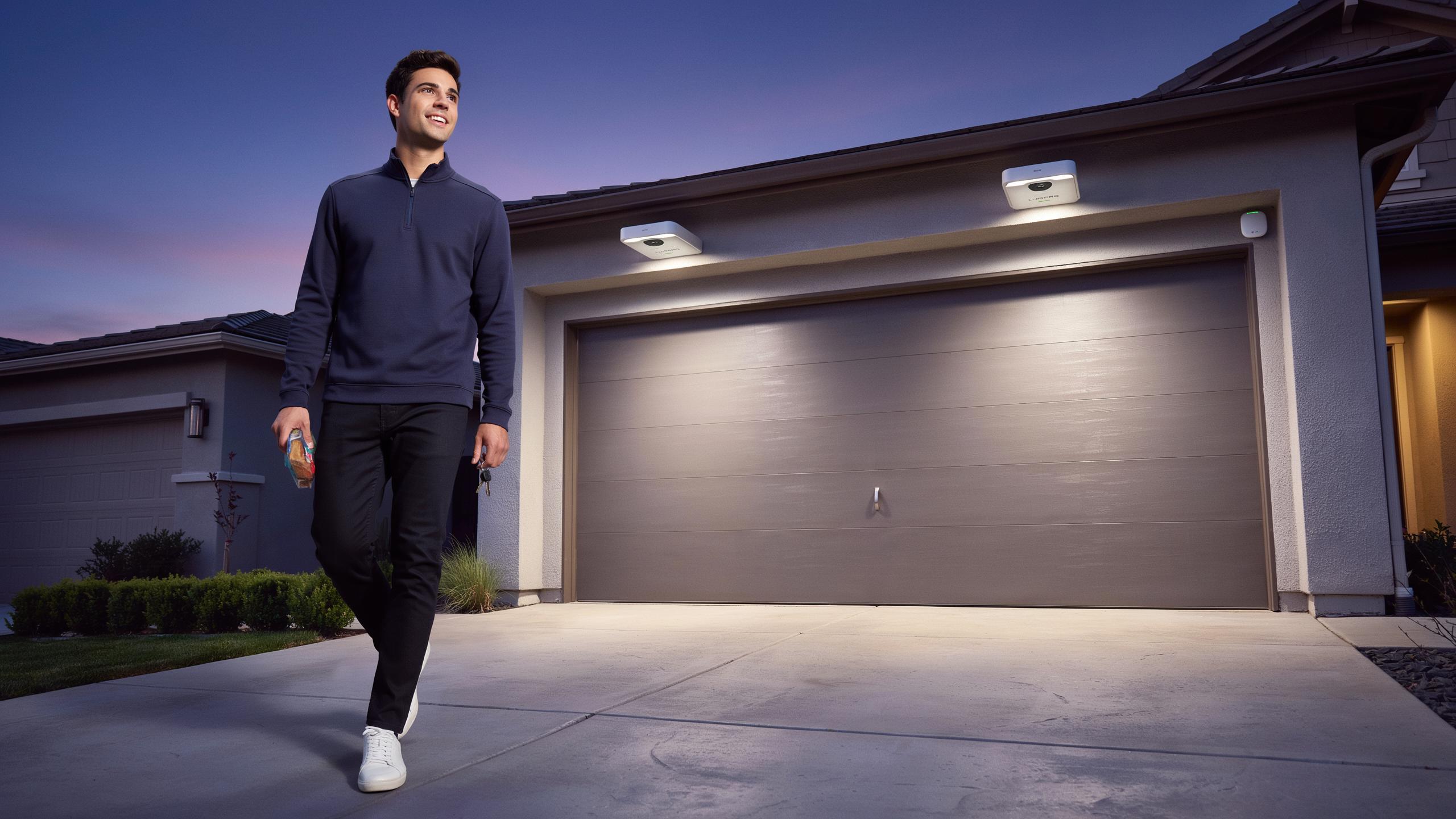
Understanding Smart Garage Light With Motion Detection For Enhanced Home Security
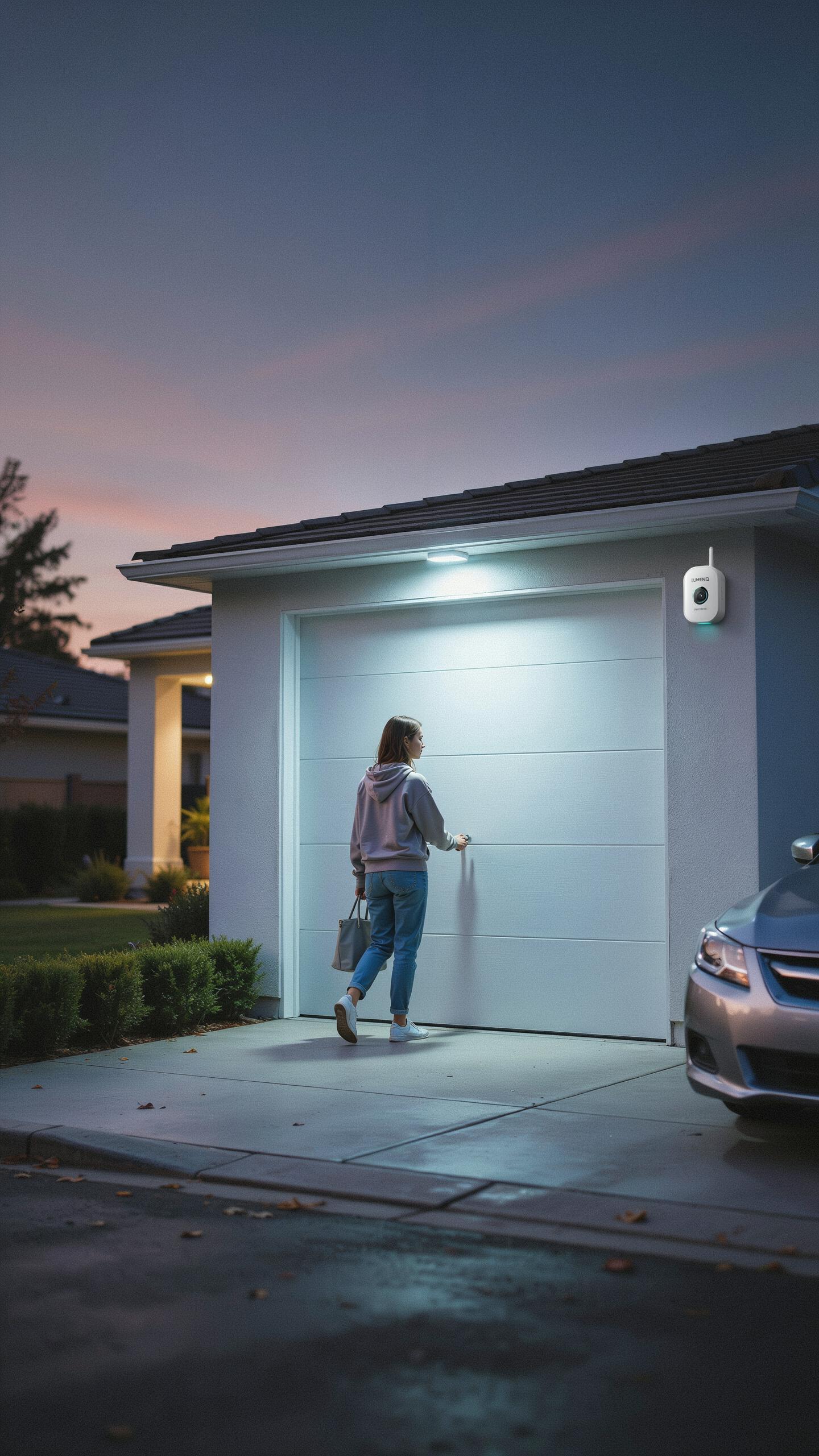
The Role Of Motion Activated Lighting In Deterring Intruders
Motion activated lights eliminate dark zones where intruders operate. When movement triggers illumination, criminals lose the cover of darkness they depend on. Studies in environmental criminology show that thieves avoid well-lit areas because visibility increases their risk of identification. A garage with motion sensing lights becomes a liability rather than an opportunity for criminal activity.
Smart motion lights create an unpredictable defense layer. Intruders cannot determine if someone is home or if the property is vacant. Traditional always-on lights telegraph absence, while motion activated systems suggest active occupancy. The psychological deterrent works regardless of whether the homeowner is present, making the garage a poor target compared to unlit alternatives nearby.
How Smart Features Integrate With Traditional Garage Lighting Systems
Smart motion sensors retrofit into existing garage wiring without requiring complete replacement. Most systems connect to standard light fixtures through adapter sockets or inline modules. Electricians can install smart motion detection in garages with conventional incandescent, fluorescent, or LED fixtures. This compatibility means homeowners avoid expensive rewiring while upgrading security capabilities.
Integration includes remote control and automation through mobile apps or home automation hubs. Smart sensors communicate scheduling preferences, adjusting sensitivity based on time of day. Users receive alerts when motion triggers at unusual hours, revealing potential security threats. These systems bridge traditional lighting infrastructure with modern connectivity, delivering security enhancement at the existing electrical foundation.
Key Features Of Smart Garage Security Lights
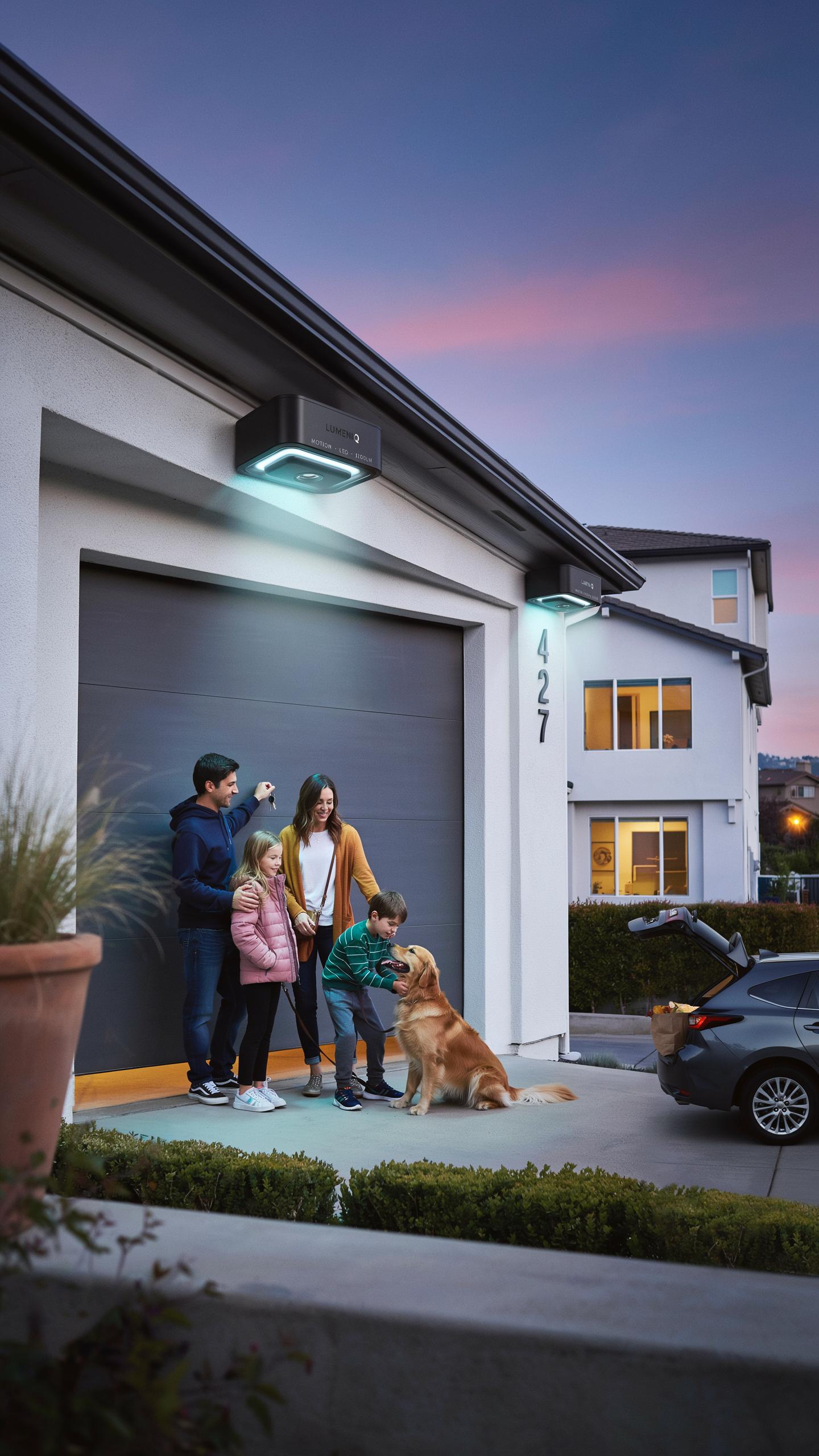
Adjustable Sensitivity And Range For Motion Sensors
Motion sensor sensitivity controls how easily the light triggers when movement occurs near the garage. Most smart garage lights offer adjustable sensitivity settings ranging from high to low. High sensitivity catches subtle movement from a distance. Low sensitivity requires closer or more deliberate motion to activate. This matters because you need to prevent false triggers from passing cars or animals while still catching genuine activity.
Range adjustment determines how far the sensor detects movement in front of your garage. Standard motion sensors cover 20 to 40 feet horizontally and 15 to 25 feet vertically, depending on the model. You can fine-tune the range through the light’s app or physical controls to match your garage layout. Narrower range reduces false activations in high-traffic areas. Wider range ensures you catch movement further away from entry points.
Integration With Existing Smart Home Ecosystems
Smart garage lights connect to major platforms like Amazon Alexa, Google Home, and Apple HomeKit. This integration lets you control the light through voice commands and existing automation routines. You can link motion detection to other devices, triggering door locks or security cameras simultaneously when motion occurs. Compatibility matters because it eliminates the need for separate apps and control systems cluttering your phone.

Check the light’s protocol before purchasing to ensure it matches your ecosystem. Most use WiFi, Bluetooth, or Zigbee connectivity. Some require a separate hub for reliable operation. Integration allows you to create conditional automations, such as keeping lights on during specific hours or disabling motion detection when you are home. This flexibility transforms a simple light into part of a coordinated security system.
Motion Sensor Benefits Beyond Security
Convenience And Energy Efficiency With Automated Lighting
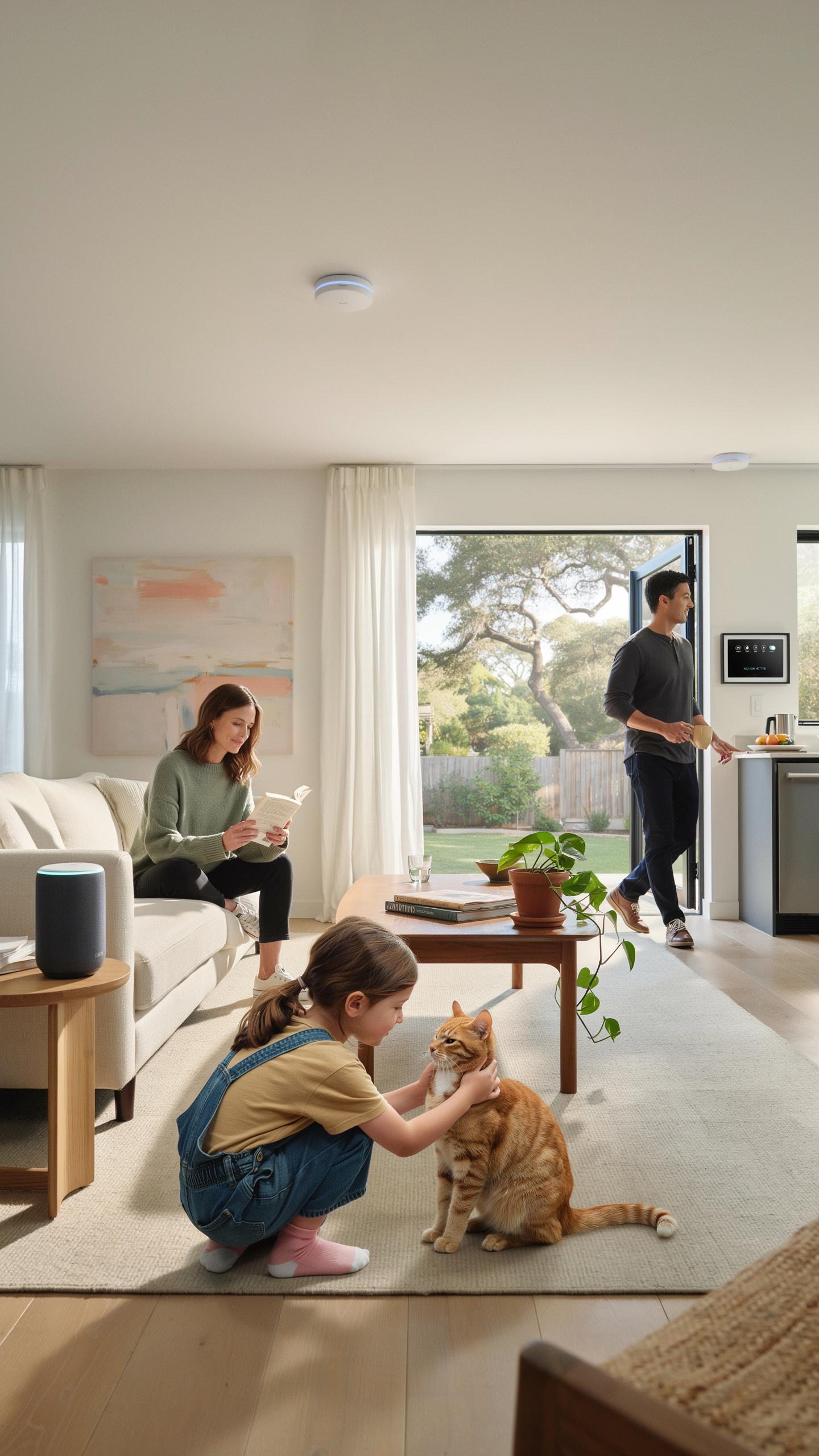
Motion sensors eliminate the need to find light switches in dark garages. The system detects movement and activates lights instantly. This automation reduces energy waste by turning lights off when no one occupies the space. Most motion sensor lights use LED technology, which consumes significantly less power than traditional incandescent bulbs. Homeowners report lower electricity bills after installing these systems.
The automatic on-off cycle prevents lights from running all night. Sensors adjust activation based on ambient light levels, so daytime motion doesn’t trigger unnecessary illumination. Users can set delay timers that keep lights on for a specified duration after motion stops. This flexibility balances convenience with cost control. Smart models integrate with home automation systems for remote scheduling and monitoring.
Hands Free Illumination Upon Entry And Exit
Entering a dark garage with hands full becomes safer and faster with motion detection. The lights activate before you reach the interior, eliminating trip hazards and fumbling for switches. Exiting follows the same pattern: motion triggers illumination as you walk toward the door. This creates a continuous lit path from vehicle to home entrance. The system works every time, regardless of weather or time of day.

Motion sensors detect movement at various distances and angles depending on the model specifications. Quality sensors trigger within one to two seconds of detecting motion. Exit scenarios benefit equally since lights activate as you leave your vehicle. No more walking through darkness or carrying groceries in shadows. The hands-free operation improves workflow for anyone using the garage multiple times daily.
Comparing Flood Lights And Other Outdoor Smart Bulb Options
Advantages Of Different Light Types For Various Garage Setups
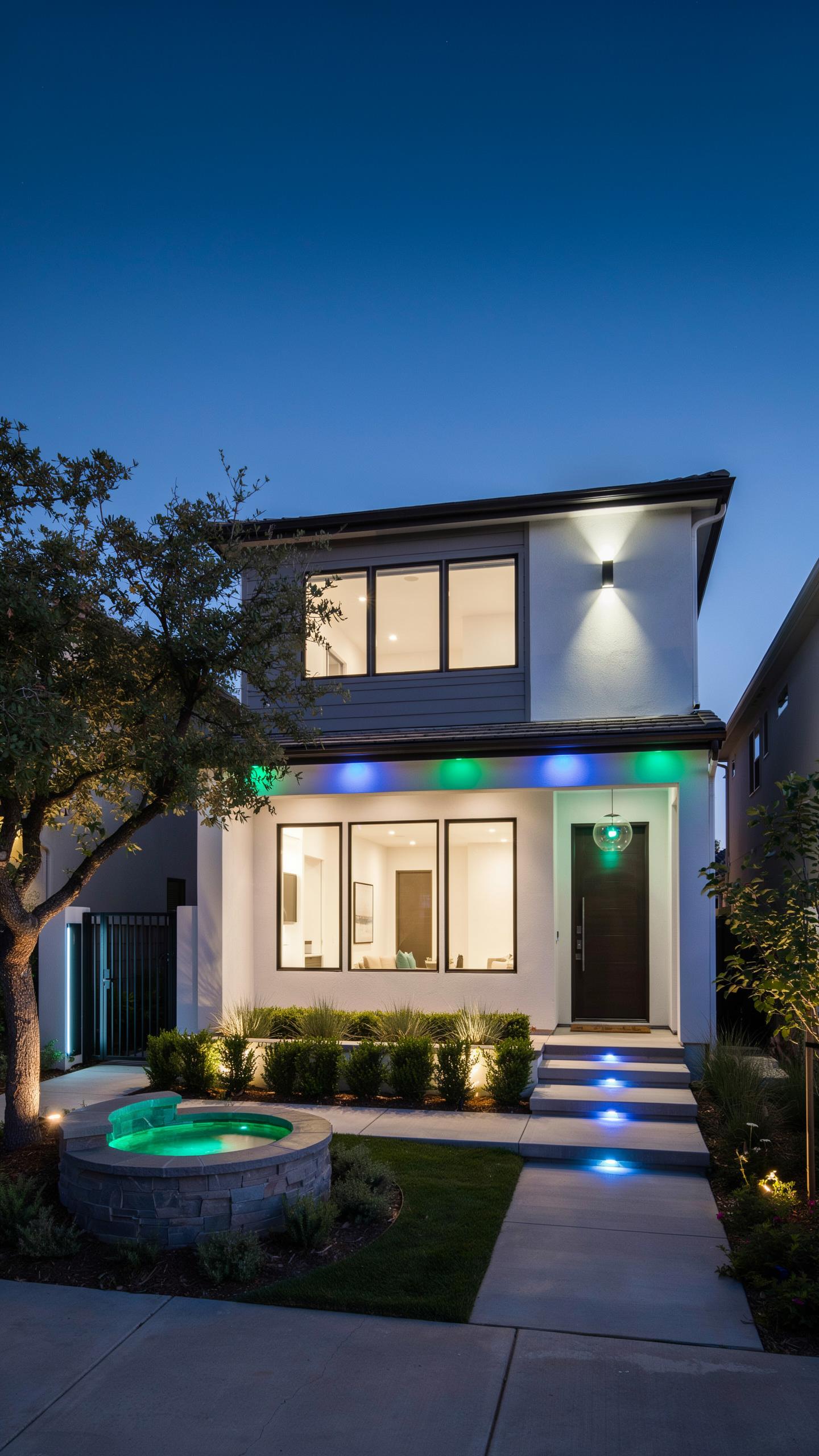
Flood lights deliver broad coverage across large areas, making them ideal for garage doors and driveway entrances. They cast light in wide patterns, typically 100 to 120 degrees, covering ground quickly with minimal fixtures. Standard A19 bulbs work better in recessed fixtures or smaller spaces where focused light matters more. Spotlights narrow beam spread to 25 to 40 degrees, concentrating brightness on specific entry points. Choose flood lights when you need uniform illumination across your entire garage perimeter.
Smart bulb compatibility varies by fixture type and wattage requirements. Flood lights often demand higher wattage to function effectively, limiting smart bulb options in some fixtures. A19 bulbs offer more smart technology choices because manufacturers produce them in greater volume. Garage setups with multiple fixture types benefit from mixing options based on coverage needs and existing hardware. Motion detection works efficiently with any bulb type when paired with compatible smart switches or sensors.
Considerations For Brightness And Beam Spread
Lumens measure light output directly. Most garage applications need 800 to 1200 lumens for adequate entry illumination. Flood lights typically produce 600 to 1500 lumens per fixture depending on wattage. Beam spread affects how that brightness distributes across space. A 100-degree flood light spreads light thinner than a 40-degree spotlight using the same lumen output.
Beam spread also determines coverage area and distance. Wide spreads cover more ground but reduce intensity in any single spot. Narrow spreads concentrate brightness further away, making them suitable for motion detection triggered at distance. Match lumens and beam angle to your garage layout. Wide open driveways need flood lights with 1000 plus lumens. Compact garage entries perform well with 800 lumen spotlights.
Installation And Setup Of Smart Motion Sensor Lights
DIY Vs Professional Installation For Smart Lighting Systems
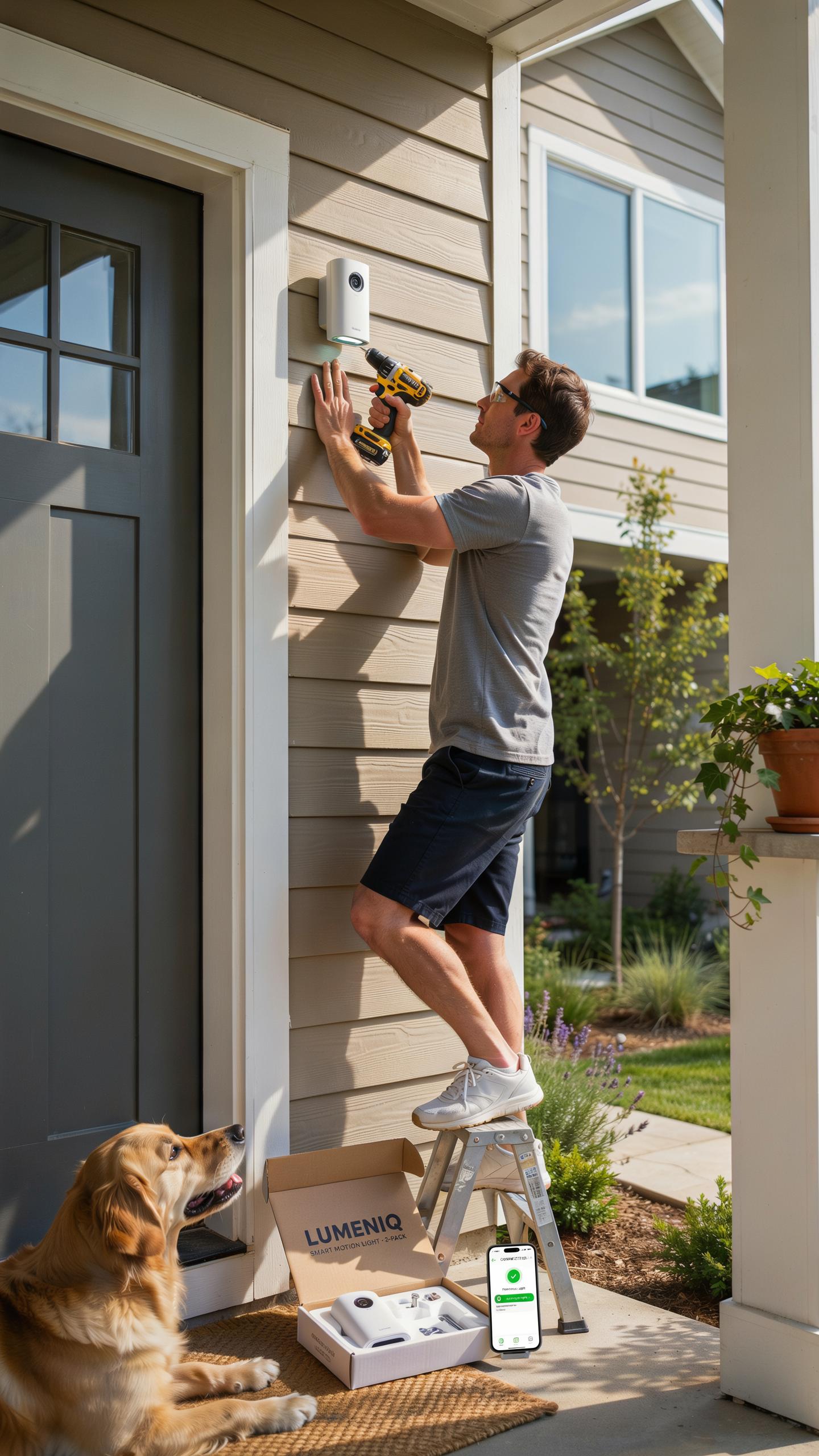
DIY installation works for most homeowners because smart garage lights are straightforward. You mount the fixture to an existing outlet or junction box, connect the power, and secure it to the wall or ceiling. The process takes thirty minutes to an hour. No special tools are required beyond a screwdriver and wire stripper. Most people succeed without calling an electrician.
Professional installation makes sense if your garage lacks proper wiring or you need new circuits. An electrician charges between one hundred and three hundred dollars for labor, depending on your location and the complexity of the job. They handle code compliance and ensure your system integrates with your home’s electrical panel safely. Use professionals if you have older wiring, uncertain about electrical work, or need permits.
Connecting To Wi Fi And Configuring Motion Detection Settings
Start by downloading the manufacturer’s app on your smartphone before installing the light. Power on the fixture and open the app to search for available networks. Select your garage light from the list and enter your Wi-Fi password. The light connects within seconds and confirms the connection on your phone.

Motion settings vary by model but follow a standard approach. Access the motion detection menu in the app and adjust sensitivity between low and high. Set the activation timer to determine how long the light stays on after detecting movement, typically between thirty seconds and ten minutes. Test the sensor by walking in front of it to verify it triggers correctly.
Advanced Functionality Light Sensor And Smart Bulb Integration
Using Ambient Light Sensors To Optimize Light Activation
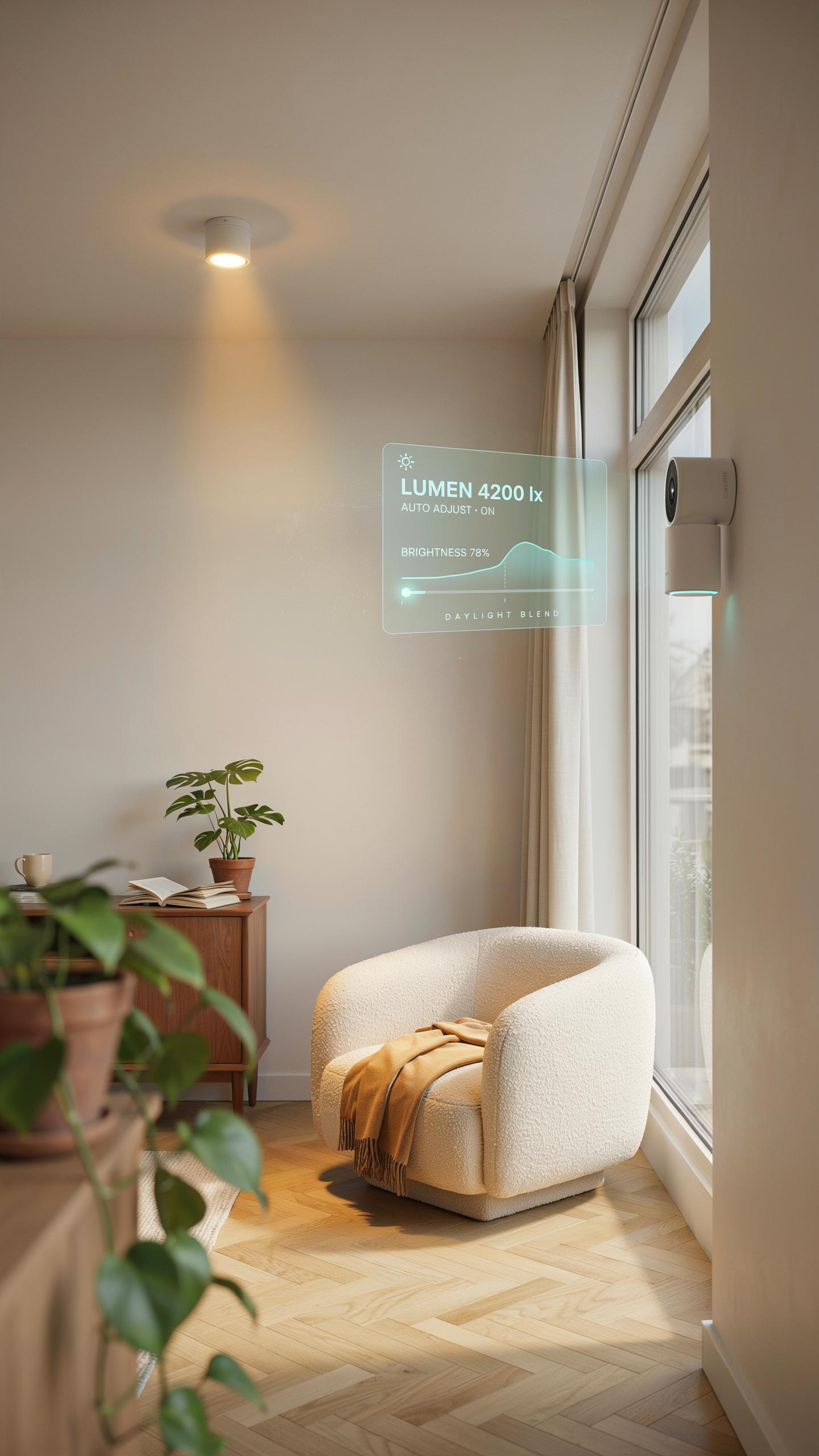
Ambient light sensors detect existing brightness levels in your garage and prevent unnecessary activation. When daylight or existing light reaches a preset threshold, the motion sensor stops triggering the lights. This feature cuts energy waste by eliminating lights during daytime hours or when sufficient natural light enters through windows or doors. Most smart garage lights let you adjust the lux threshold, giving you control over when activation occurs based on seasonal changes.
The sensor technology works through photodiodes that measure light intensity in real time. Your system compares incoming light data against your programmed threshold settings every few seconds. If ambient brightness falls below your set level, motion triggers the lights normally. If ambient brightness exceeds your threshold, the motion sensor remains inactive even during movement. This dual-sensor approach reduces electricity consumption while maintaining safety and convenience when darkness actually falls.
Let the familiar glow of your garage light greet you, a silent guardian bringing both comfort and peace of mind to your home.
Scheduling And Remote Control Capabilities Via Smart Apps
Smart apps connect your garage lights to your smartphone or tablet through Wi Fi or Bluetooth protocols. You schedule automatic on and off times without relying on motion or light sensors. Apps let you turn lights on before arriving home, turn them off when leaving, or activate them during specific hours daily. Most systems allow multiple schedules for different seasons or routines, accommodating variable sunset times throughout the year.

Remote control functionality gives you access from anywhere within your network range or internet connection. You manage individual lights or groups of lights through a centralized dashboard. Apps typically show real time status, battery levels on wireless fixtures, and usage patterns. Push notifications alert you to unusual activity or fixture failures. Integration with voice assistants like Alexa or Google Assistant adds hands free control options when you carry items into the garage.
Maximizing Home Safety With Comprehensive Smart Lighting
Integrating Garage Lights With Other Home Security Devices
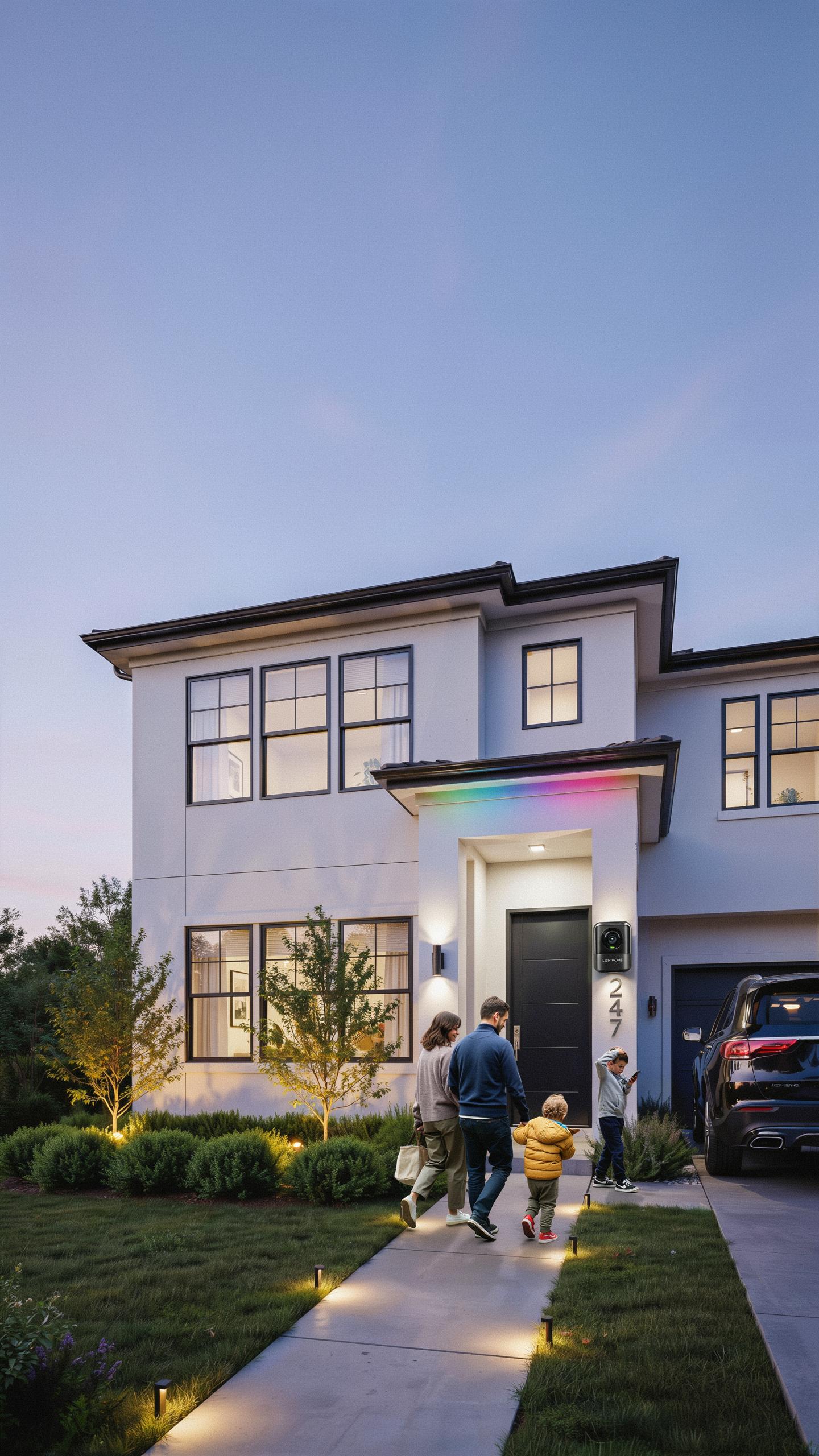
Smart garage lights work best when connected to your broader security ecosystem. Link motion-sensing garage lights to door sensors, cameras, and alarm systems through a central hub or app. This integration lets you trigger lights automatically when doors open or motion activates near entry points. Real-time alerts notify you when activity occurs. Unified control through one platform simplifies management and response times during security events.
Most systems use Wi-Fi, Z-Wave, or Zigbee protocols to communicate across devices. Ensure all equipment operates on the same network standard to avoid compatibility issues. Test the connection between your garage lights and other security devices before relying on them. Document which devices are connected and verify they respond correctly to trigger events. A weak link in your security chain creates gaps that compromise the entire system.
Tips For Optimal Placement Of Motion Sensing Lights
Strategic placement determines whether your motion-sensing lights detect threats effectively or miss activity entirely. Position lights at entry points like side doors and garage access points where intruders typically approach. Mount lights eight to ten feet high to cover wider areas and reduce blind spots near ground level. Avoid pointing lights directly at windows or reflective surfaces that create glare and reduce sensor accuracy.
- Corner mounting: Place lights at corners where two walls meet to maximize detection range and eliminate hidden areas near entry points.
- Overhead positioning: Install lights on garage ceilings to cover vehicle areas and detect movement from above for comprehensive coverage.
- Driveway angles: Position lights to illuminate the entire driveway approach, detecting vehicles or people before they reach the garage.
- Motion sensor aim: Angle sensors downward at forty-five degrees to detect human-height movement while filtering false triggers from pets or weather.
- Obstacle clearance: Keep trees, shrubs, and structures away from sensor range to prevent false activations and blocked coverage zones.

Avoid placing lights where rain, sprinklers, or passing vehicle lights trigger false alerts. Test the motion sensor’s range and sensitivity after installation by walking the perimeter at different distances. Adjust settings based on actual performance rather than default factory configurations. Most motion sensors require calibration specific to your garage layout, season, and local conditions.
Troubleshooting Common Issues With Smart Garage Lighting
Addressing False Triggers And Connectivity Problems
False triggers occur when motion sensors activate lights without actual movement present. Temperature fluctuations, direct sunlight, and reflective surfaces trigger sensors incorrectly. Adjust sensor sensitivity settings downward. Reposition the light unit away from heat sources and reflective materials. Check your app for sensitivity adjustment options specific to your model.
Connectivity problems stem from weak WiFi signals or router distance. Move your router closer to the garage or install a WiFi extender. Restart both the light unit and router to reset the connection. Verify your home network uses a stable 2.4GHz or 5GHz band. Update the companion app and firmware to the latest version available. Contact manufacturer support if issues persist after these steps.
Maintenance Tips For Prolonged Performance Of Your Smart Garage Lights
Clean the sensor lens monthly with a soft, dry cloth. Dust and debris accumulate on lenses and degrade motion detection accuracy. Inspect the lens for cracks or discoloration. Remove any obstructions blocking the sensor’s field of view. Replace protective covers if damaged during cleaning procedures.

Check battery levels quarterly if your unit uses batteries instead of hardwired power. Replace batteries before they fully deplete to prevent system failures. Test the light manually each month to confirm operational status. Inspect wiring connections for corrosion on hardwired models. Schedule firmware updates through your app when notifications appear to maintain security and performance functionality.
Frequently Asked Questions

What exactly is a smart garage light with motion detection, and why should I consider one?
A smart garage light with motion detection is an intelligent lighting system that automatically turns on when it senses movement, enhancing safety and convenience. Unlike standard lights, these smart options often integrate with home automation, offering features like scheduling or remote control. They’re a fantastic upgrade for improving security and visibility.
How do I install a smart garage light with motion detection, and what tools will I need?
Installation typically involves basic electrical knowledge. You’ll usually need a screwdriver, wire strippers, and potentially a voltage tester. Most smart garage lights with motion detection are designed for DIY installation, often replacing existing fixtures. Always consult the manufacturer’s instructions for specific wiring and mounting details to ensure safety.
Are smart garage lights with motion detection expensive, and are there budget-friendly options available?
While some advanced models can be pricier, there are indeed many budget-friendly smart garage light with motion detection options on the market. You can find reliable and effective choices at various price points, often offering excellent value for their safety and convenience features. Look for reputable brands and read reviews to find the best fit for your budget.



