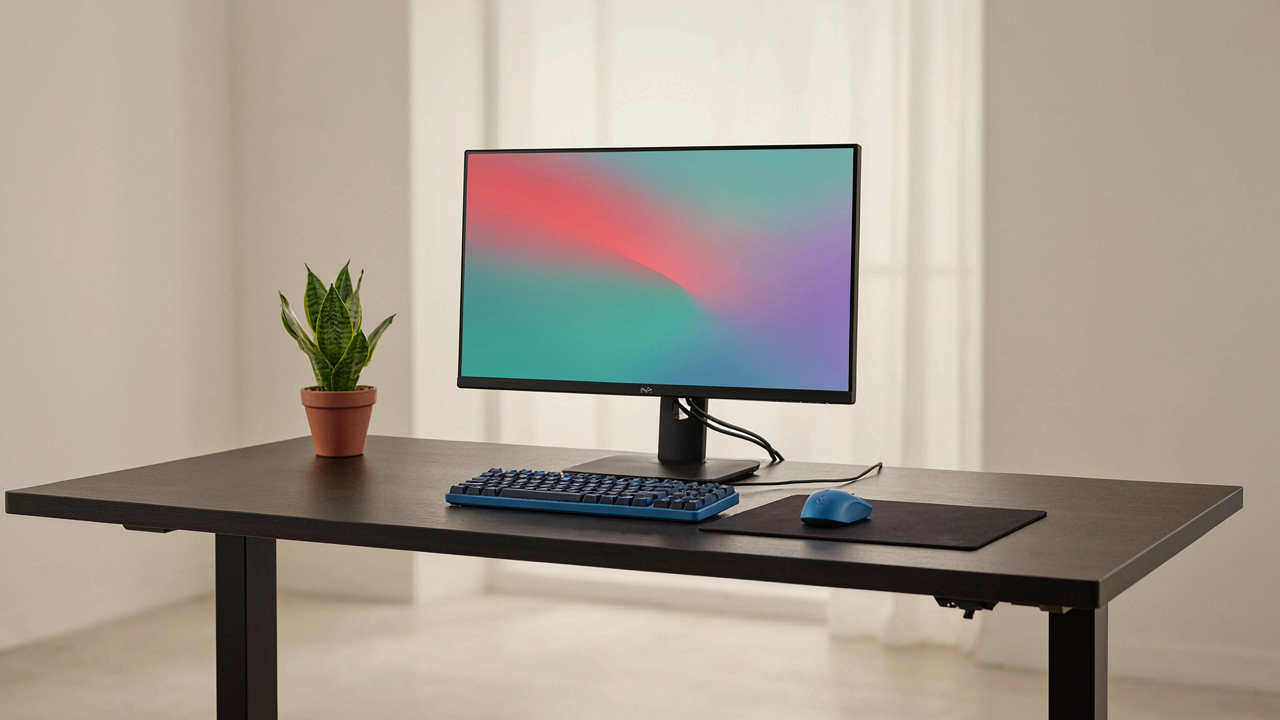
The Cognitive Load Of Cable Clutter
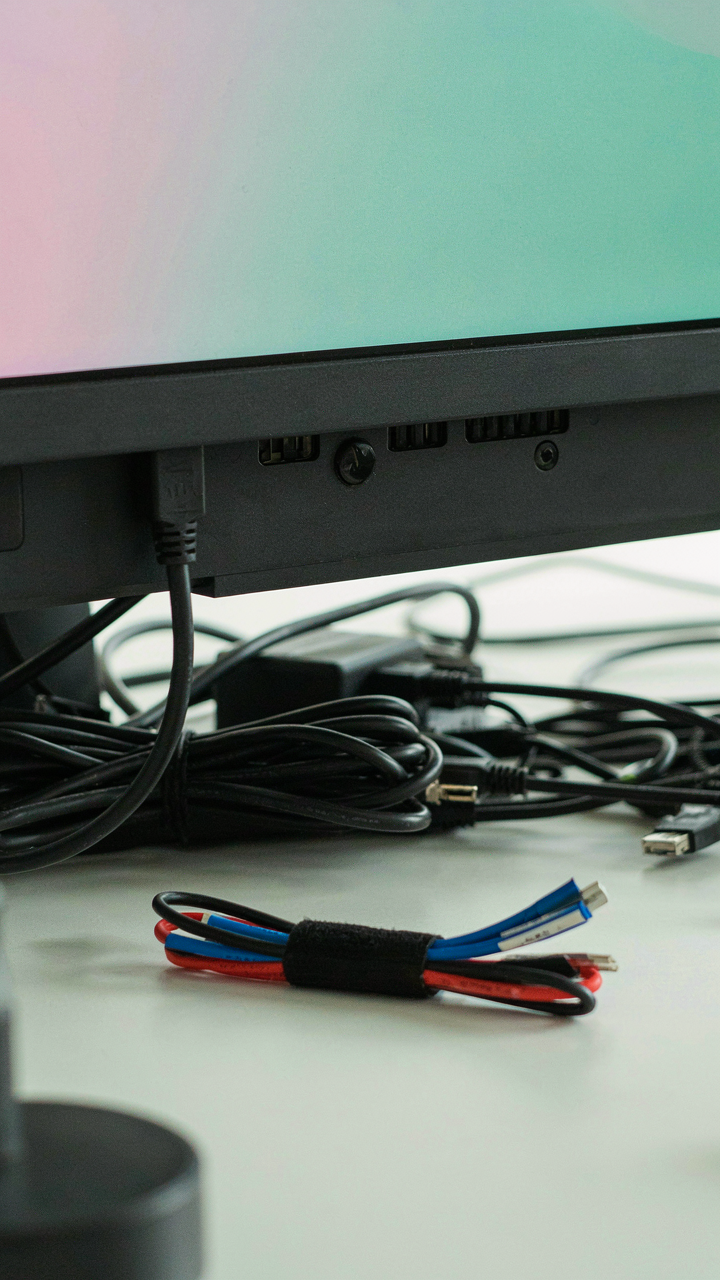
Your Brain Is Processing Cables When It Should Process Games
You’re not really bothered by messy cables. You’re bothered that your brain treats unorganized visual information as a threat. Psychology calls this visual search load. The more objects competing for attention in your field of view, the longer your prefrontal cortex spends categorizing them instead of focusing on what matters. Cables behind your monitor aren’t just aesthetic failures. They’re active drains on your processing power.
Cognitive load theory explains this precisely. When cables run loose across your desk, your brain dedicates processing cycles to sorting signal from noise. This happens at the edge of conscious awareness, which makes it worse. You don’t feel the drain happening, so you think it’s not real. It is. Organized cable runs reduce visual entropy. Your brain switches from threat detection to task focus faster. That’s the mechanism. Cable management is a performance tool, not decoration.
The Distraction Economy Of Tangled Wires
Cable tangles create decision friction every time you need to move, unplug, or adjust equipment. Each micro-interaction requires you to parse the tangle, trace a specific wire, and execute carefully. That’s not one decision. That’s three. Repeated across a week of gaming sessions, these small friction points compound into lost focus windows. Your attention doesn’t just break. It recalibrates after each interrupt. Recalibration takes time.
The common advice here is wrong. People say clean cables make you feel better. That’s true but incomplete. The real issue is interrupt tax. Every tangle forces a context switch. Neuroscience shows it takes fifteen to twenty minutes to restore full focus after a context switch. You can’t afford that during gameplay or streaming. Organized cables eliminate the decision friction entirely. Label each cable at both ends. Route power and data separately through channels. This removes the parsing step. Your hands execute. Your mind stays locked in.
Beyond Zip Ties: The “Set And Forget” Gaming Cable Management Protocol

The Infrastructure Mindset
You want this done once so you never think about it again. Most people treat cable management as decoration, but it’s actually infrastructure. Borrow the principle from civil engineering: redundancy and slack. Engineers don’t tension every cable to its breaking point. They leave buffer room because systems that run at maximum capacity fail. Your setup needs the same tolerance built in from day one.

The difference between temporary fixes and permanent ones is whether you designed for change. Zip ties are fine for short-term holds, but they don’t account for the hardware swaps you’ll make in six months. Route cables through fixed conduit now, label them at both ends, and coil excess cable with Velcro ties instead of cutting slack. The cost of doing this right once is lower than redoing it three times.
Routing Density And Future Upgrades
Overcrowding your cable channels guarantees future problems when you need to swap a monitor or add a headset. Plan for 40 percent more capacity than your current setup requires. Use cable trays or raceways rated for the diameter you’re actually using, not the exact fit. This gives you room to thread new cables without dismantling the old structure every time your GPU or peripherals change.
Label every cable at both ends before routing. Use a thermal label maker or durable tape, not pen marks that fade. When you upgrade to a new monitor or replace your headset, you can identify what you’re unplugging in ten seconds instead of tracing cables backward through your desk. The protocol is simple: route once with oversizing, label everything, and use reversible fasteners that don’t lock you into a single configuration forever.
Ergonomics Of The Invisible: Your Desk Setup And Performance

Routes That Let Your Arms Work
You care about this because bad cable routing tanks your aim and reaction time, and admitting that feels weak. Here’s the mechanism: physics calls it “friction drag,” and your cables are doing it to your mouse arm. When cables snag your wrist or catch your elbow during fast movements, you’re fighting dead weight that doesn’t register as “the game’s fault.” Your nervous system recalibrates micro-adjustments mid-motion to compensate for the resistance.

Route cables behind and below your desk, never across the playing surface. Use cable trays mounted under the desk surface or adhesive clips along the back edge to keep wires away from your arm’s sweep. Test your full range of motion before locking anything down. A mouse pad that sits flat without cable interference underneath is non-negotiable. The moment you stop thinking about cable placement is the moment it stops degrading your performance.
Strain Before You Feel Pain
The common advice here is garbage: “just be ergonomic” means nothing. Real repetitive strain injury in gaming comes from micro-collisions where your wrist catches a cable during explosive movements, forcing your forearm into compensation patterns that accumulate over hours. It’s not the static position that breaks you. It’s the interrupted motion.
Cables that cross your wrist at any angle during reach or retraction are the culprit. Run them vertically down the desk leg, then horizontally along the floor baseboards. Use a cable drop from the desk edge with enough slack so wires never become taut during your natural mouse and keyboard movement. Check this weekly because cables settle and shift. Prevention is installing the route correctly the first time, not managing pain after it starts.
The Thermal Advantage: Airflow And Cable Management
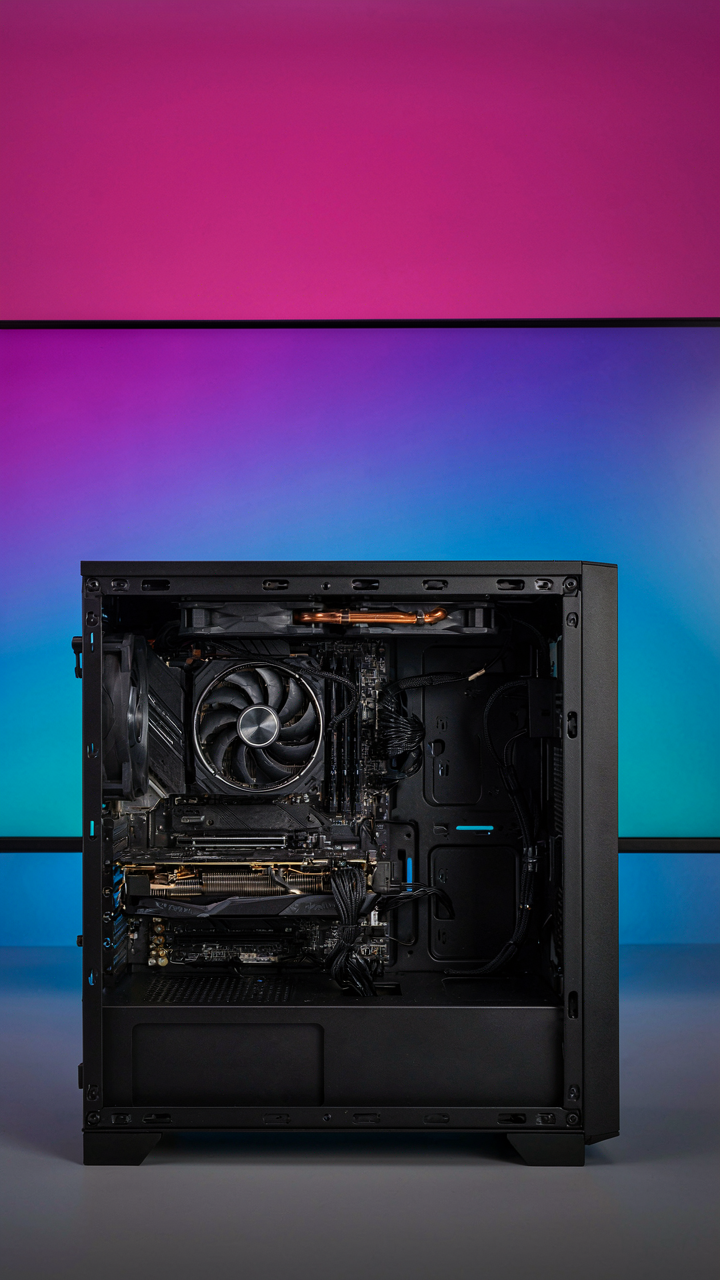
Why Your GPU Doesn’t Throttle
You care about this section because you’ve already spent money on your hardware and the idea that poor cable routing is quietly degrading performance feels like preventable waste. Here’s the mechanism: thermal dynamics operates on one principle—heat dissipates through available air pathways. Cables block those pathways. When cables obstruct intake or exhaust vents, your GPU and CPU fight hotter air, forcing thermal throttling to activate earlier than designed. The component’s clock speed drops to preserve itself. You lose frames without knowing why.

Organized cables create channels for air to move consistently through your case. Dense cable bundles around GPU fans force air to recirculate warm exhaust rather than pull fresh intake. Your system runs cooler when airflow travels in a straight line from intake to exhaust without resistance. This isn’t optimization theory—it’s fluid dynamics. Cables either enable or block convection. Most builders ignore this because they assume cable management is purely aesthetic.
When Heat Becomes A Performance Leak
Throttling happens invisibly. Your rig runs slower in demanding games because cables restrict airflow around hot components, but you’ll never see a warning. The performance loss appears as frame inconsistency or lower overall FPS during extended sessions when thermals peak. Most gamers blame their CPU or GPU instead of looking at what surrounds it. The cables behind your motherboard and around your power supply become radiators themselves if they sit against components without air movement between them.
Route cables along the case perimeter and use the space behind the motherboard tray for excess wire length. This approach keeps the center cavity clear for direct airflow paths from front intake fans through GPU fans and out the rear exhaust. Use velcro straps or cable combs to bundle wires tightly so they occupy minimal space and don’t drift into air streams. Test your GPU thermals after reorganizing—peak temperatures should drop 3 to 8 degrees if airflow was previously compromised by tangled cables.
The “Single Point Of Failure” Gaming Room Setup
Identifying Critical Connections For Reliability
You care about this because one loose cable can kill your stream, cost you a ranked match, or expose you as someone who doesn’t have their setup together. The real mechanism here borrows from systems engineering: a single point of failure is any component whose failure stops the entire operation. Your monitor cable, your internet connection, your power strip—these aren’t just wires. They’re load-bearing walls in your digital infrastructure.

Most gamers treat cables as decoration. They run them behind the desk, forget about them, then panic when the signal drops. The fix isn’t hiding cables better. It’s mapping which connections actually matter. Your monitor output, your controller receiver, your network connection—these three alone determine if you can function. Everything else is secondary. Identify these first. Everything follows from that.
Quick Swap Redundancy Without The Theater
Redundancy in aviation means having backup systems ready before the primary fails. In your gaming setup, it means having replacement cables staged and accessible before you need them, not scrambling through a drawer mid-session. Common advice says “just buy extra cables.” That’s incomplete. You need the right cables in the right places, labeled and within arm’s reach, so a swap takes thirty seconds instead of five minutes.
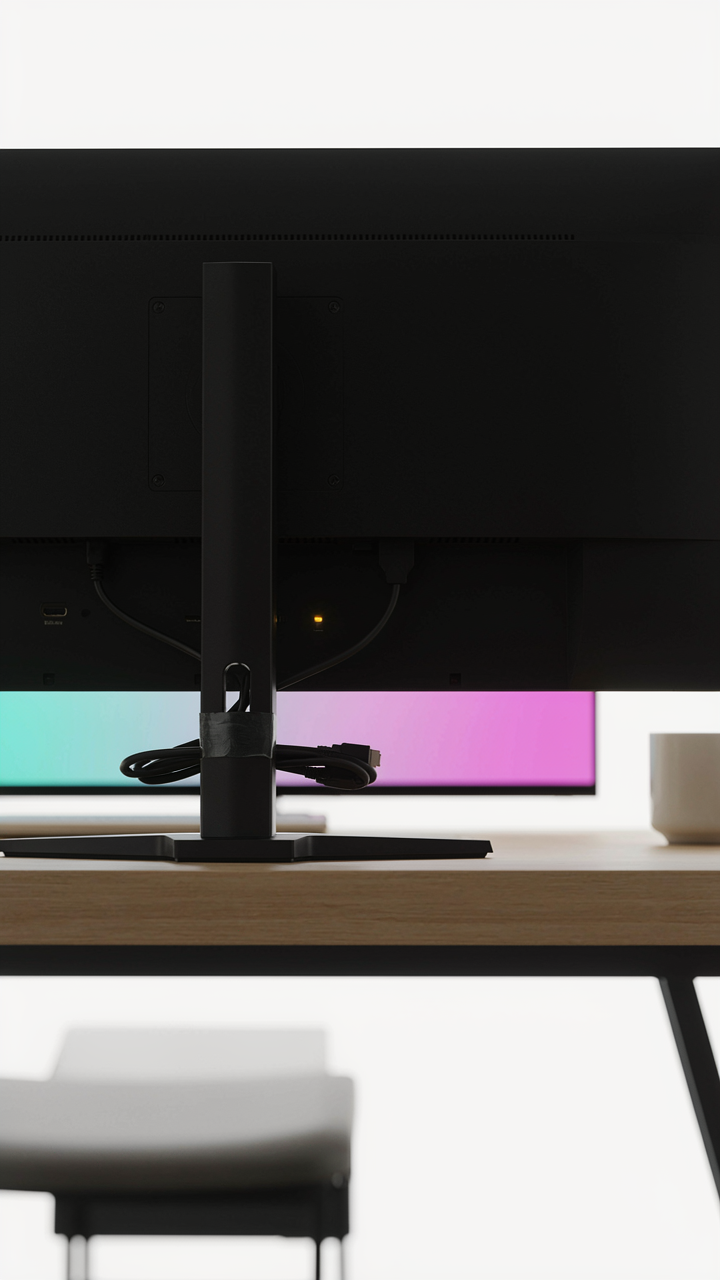
Keep a secondary HDMI or DisplayPort cable taped to the back of your monitor stand. Keep a spare USB cable for your controller receiver in your desk drawer, not your closet. Keep a second network cable coiled behind your router. The mechanism is simple: fast recovery time beats prevention because failure is inevitable. When a cable fails, your next action isn’t diagnosis. It’s replacement. Make replacement faster than the problem.
The “Clean Workspace” As A Tactical Advantage
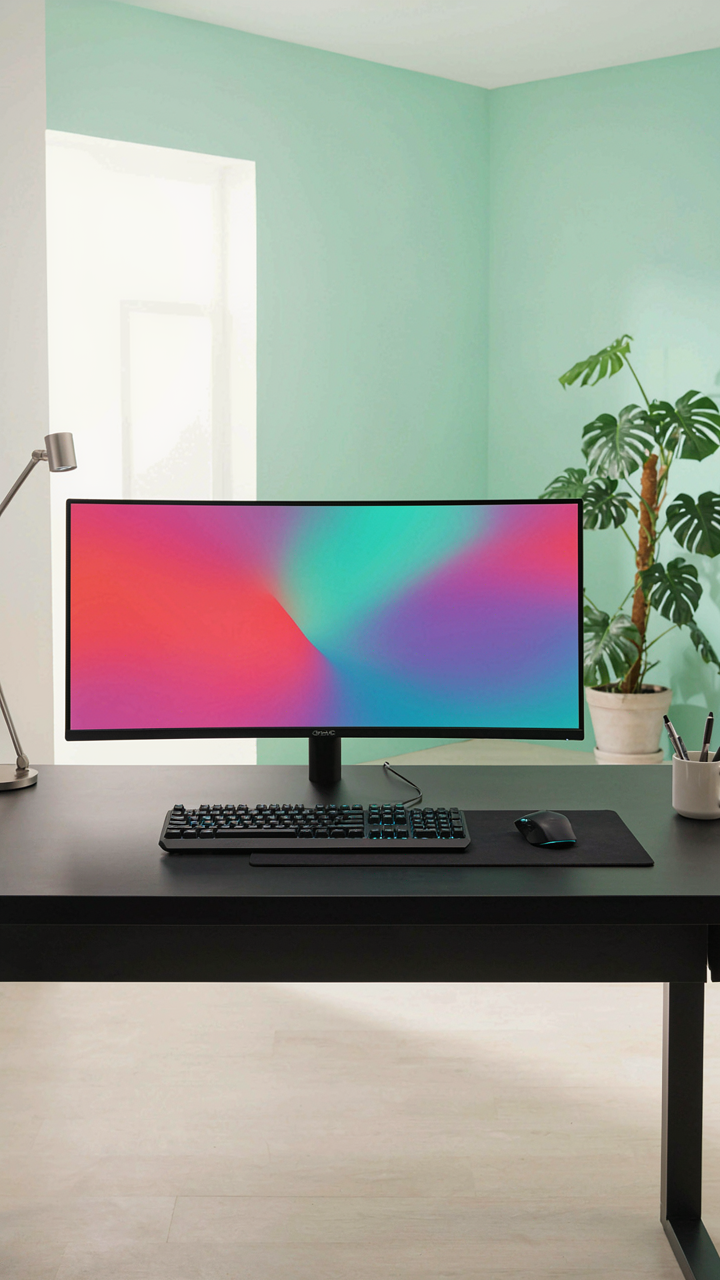
Your Brain Runs Better Without Visual Noise
You want this section because you suspect a messy desk makes you look worse than you play. Here’s the mechanism: your visual cortex processes every cable, every tangle, every dangling connector in your peripheral vision. That’s not aesthetic preference. That’s cognitive load. Neuroscience calls it “visual clutter tax”—your brain allocates processing power to irrelevant stimuli, leaving less bandwidth for the game state, enemy positioning, and mechanical execution.

Cable chaos doesn’t just look unprofessional during streams or videos. It actively competes for attention. When your eye catches a loose HDMI cable or a rat’s nest behind your monitor, your brain registers it as something that needs solving. That millisecond of processing isn’t nothing in competitive gaming. The best players minimize friction between intention and action. A cable management system removes one category of visual interference entirely.
Setup Time Collapses When Nothing Moves
Most advice says cable management “saves time.” That’s incomplete. The real mechanism is stability. Every time you adjust your setup, cables pull. Connectors shift. You reconnect. You troubleshoot. You restart. A properly managed cable system means your peripherals stay connected and your settings stay intact. You don’t rebuild your workspace every session.
When cables are routed, secured, and labeled, your startup routine becomes mechanical. You power on. You launch. You play. No diagnostics. No reconfiguring. No wrestling with tangled cords to reach a loose connection. This is the difference between losing thirty minutes to setup friction versus losing zero. Multiply that across a month and you’ve recovered ten hours of actual play time or practice. Route your main cables through sleeves or clips first, then secure secondary cables with velcro ties in consistent positions.
The Scarcity Mindset Of Cable Management DIY

When Constraint Forces Better Decisions
You want your desk to look expensive without spending money. That’s the real tension here. Economics teaches us about opportunity cost—the trade-off when you choose one resource over another. In cable management, your constraint isn’t money. It’s space. Once you accept that your desk has finite routing real estate, you stop treating every cable as equally important and start ranking them by visual impact and frequency of movement.
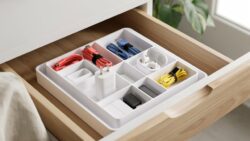
Most people buy cable management products first, then jam cables into them. You’ve got it backwards. The scarcity principle says you should inventory what you have, measure your actual routing paths, and only then allocate your physical space. Cheap velcro straps work identically to expensive ones. What matters is the decision framework you use before you buy anything.
Extracting Maximum Utility From Minimal Resources
Stop pretending you need a full cable raceway system. The average gaming setup needs three things routed: power, monitor output, and peripherals. That’s it. Everything else either stays put or gets wireless. The real utility squeeze comes from understanding which cables move and which don’t. A stationary HDMI cable behind a monitor needs different treatment than a mouse cable that gets yanked daily.
Velcro straps cost cents per unit. Cable clips cost nothing if you print them. Fishing tape runs five dollars and lasts years. Your labor—organizing the cables—is free. The mechanism that actually works is this: identify your three static cable runs, secure them with the cheapest option that prevents tangling, then leave everything else loose. Constrain your system to only what prevents visible chaos, not what creates false perfection.
The Cable Tray: Your Desk’s Hidden Infrastructure
Power Delivery And Data Pathways
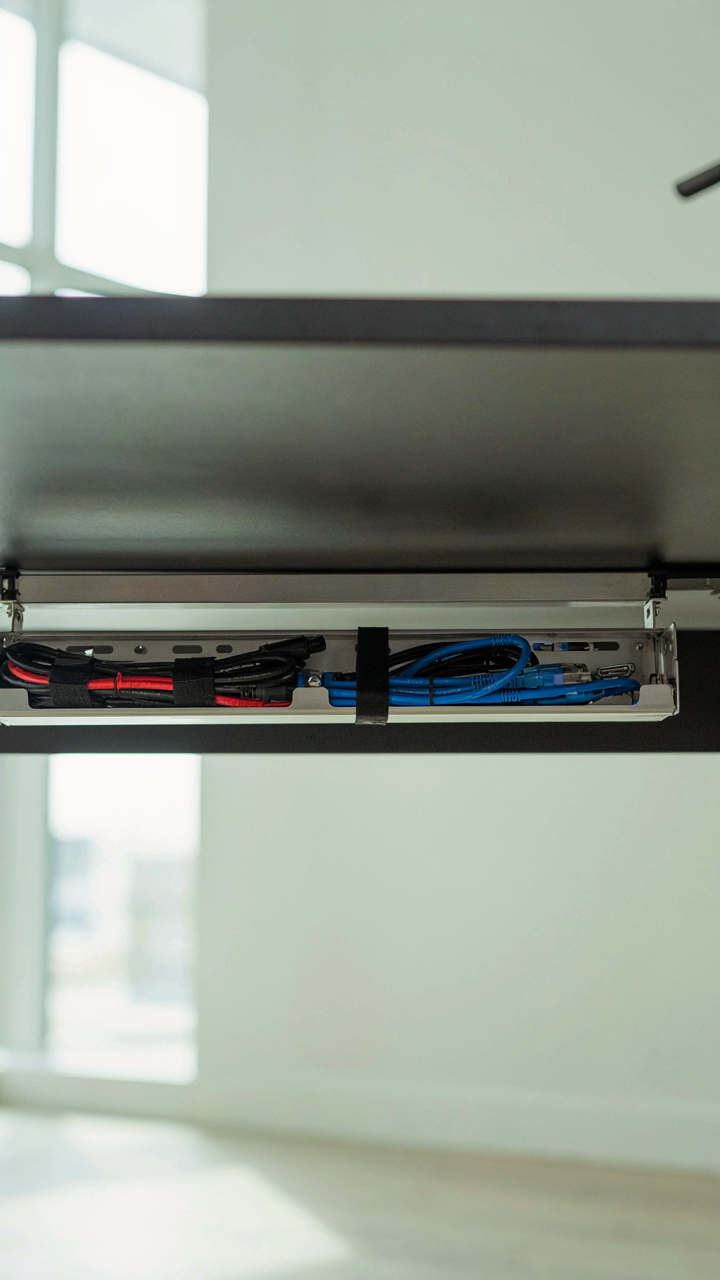
You want your setup to look intentional. That’s the real reason you care about what’s hidden. Most people hide cables and call it done, missing the actual architecture underneath. A cable tray works like electrical conduit in construction: it’s the infrastructure layer that separates routing from components. Without it, cables route randomly, pressure points form, and connectors fail early.

A tray forces decision-making before installation. You choose where power enters the desk, where data lines run, and which cables share space. This prevents the common mistake of running high-current power lines parallel to USB or audio cables, which causes signal degradation. Run power to one side, data to another. Secure the tray to the desk underside with brackets or adhesive strips, depending on your desk material. This single choice eliminates 80 percent of cable management problems.
Scaling Without Rebuilding
A modular tray system lets you add peripherals without redoing everything. Most gamers buy trays sized to their current setup and hit limits six months later. Modularity means segmented trays that clip or bolt together, not monolithic plastic channels.
- Clip-together segments: Individual sections connect end-to-end, letting you extend horizontally or add a second tier without removing existing cables.
- Vertical stackability: Some trays mount on top of each other, creating capacity for multi-monitor arms or additional power distribution without floor footprint creep.
- Removable dividers: Internal panels separate cable types without forcing permanent lanes, so you shift routing as devices change.
- Quick-release mounts: Brackets that detach from the desk frame let you swap trays entirely if your setup direction shifts.
- Expansion ports: Trays with side openings let new cables feed in mid-run instead of requiring full reroutes from the source.
The mechanism is simple: design your tray assuming future additions. Leave 40 percent unused capacity at installation. When you add a third monitor or upgrade your peripherals, you thread cables into existing space instead of engineering a new solution. This saves setup time and prevents the cable decay that happens when you force new wires into overloaded spaces.
Office Setup Principles: Adapt And Overcome
Treat Cables Like Supply Lines
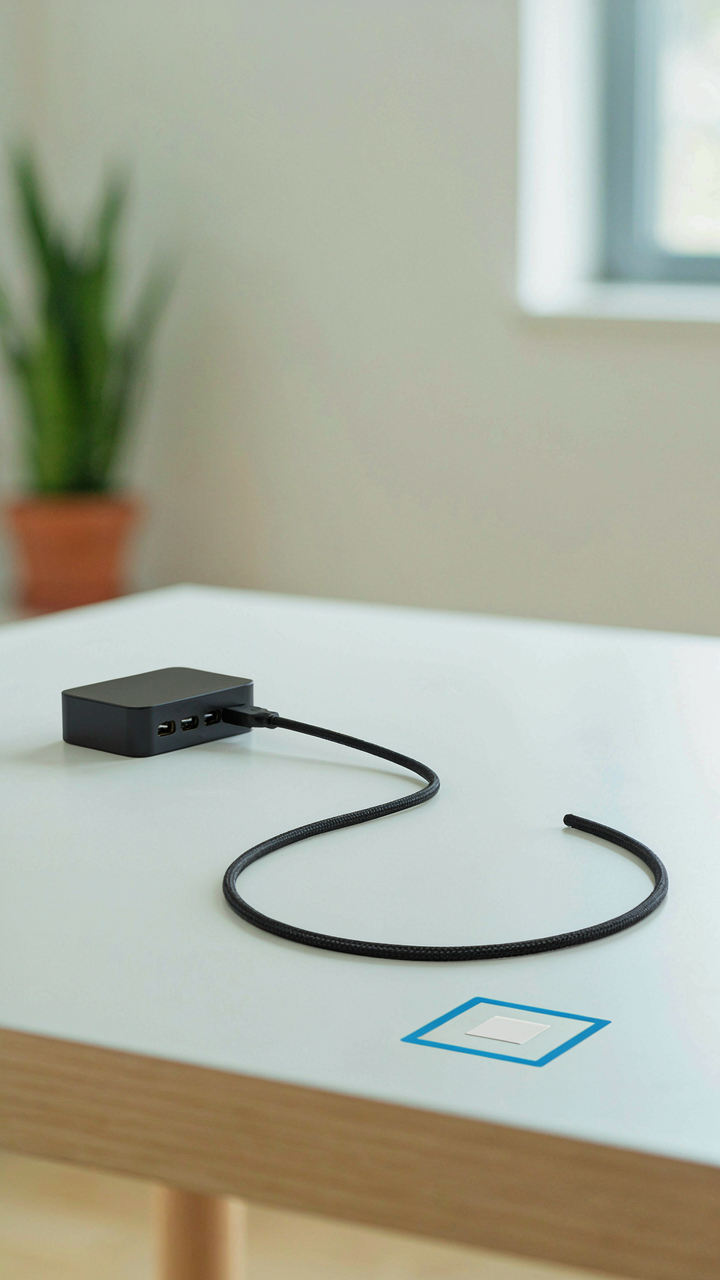
You want your setup to look intentional because chaos signals you don’t have control, and that matters more than you admit. Military logistics teaches a hard principle: eliminate redundant pathways. Apply this to cables. Every cable running to your desk is a supply line. The shortest, most direct route wins. Don’t route cables through walls, under desks, or behind monitors for aesthetic reasons alone. Route them where they create zero friction during changes.

The mechanism is this: when you need to swap a monitor, add a headset, or replace a controller, a poorly routed cable becomes an anchor. You’ll leave broken connections running to dead devices because untangling them costs effort. Direct routing means you can identify dead cables instantly and remove them. Clean supply lines force accountability. You see what you actually use versus what you don’t.
Build Redundancy Into Your Cable Strategy
Most cable advice treats redundancy as waste. It’s not. Redundancy is insurance against friction. You should have one extra cable of every critical type already routed and staged, not stored in a drawer. USB cables, HDMI, power cords for devices you rotate. When you swap equipment, the replacement cable is already in position. No searching. No improvising with adapters. No downtime.
The second layer is modular staging areas. Keep active cables in zones. Power zone on the right. Data zone on the left. Video zone behind the monitor. When you add a device, you plug it into the nearest available line in its zone, not the closest cable you find. This forces you to maintain the system instead of degrading into chaos. Update your cable map every time you change something. Written maps sound tedious until you need to troubleshoot in the dark or move your entire setup.
The Digital Detox: Reclaiming Your Gaming Sanctum

Wiring That Reflects Your Actual Priorities
You want this section to validate that your setup matters. Here’s the mechanism: your brain processes visual clutter as unresolved tasks. Neuroscience calls this “cognitive load.” In cable management terms, cognitive load is the tax you pay every time your eyes land on a tangled mess behind your monitor. That tax compounds across ten-hour sessions. It doesn’t make you slower at the game itself, but it erodes the mental bandwidth you reserve for decision-making and reaction time.
The gap between a managed setup and a chaotic one isn’t aesthetic. It’s operational. When cables route cleanly through sleeves, clips, and conduits, your environment stops competing for your attention. You’ve eliminated one category of noise. The setup becomes transparent. Your focus channels entirely into the game state, not the infrastructure holding it up.
Silence The Friction Between You And Performance
Most advice says “clean cables improve focus.” That’s incomplete. The real mechanism operates through friction reduction, borrowed from systems engineering: every cable route that requires you to mentally navigate around obstacles introduces latency into your workflow. Not processor latency. Attention latency.
A gaming setup with poor cable routing creates recurring friction points. You reach for a peripheral and your hand catches a loose cable. You need to adjust your monitor angle and three cables tangle. You power down and spend fifteen minutes untangling before you can pack up. These aren’t big events. They’re accumulated micro-interruptions that flatten your session quality. Route cables through wall conduits, behind desks, or into managed bundles so the physical space demands nothing from your cognitive resources. Then you operate at actual capacity.
The Real Problem Isn’t Rogue Cables, It’s Your Tolerance For Friction. Eliminate It Or Be Outplayed

Most gamers tolerate cable chaos because organizing feels like work. It’s not. The real cost is the friction you accept every time you reach for your headset and untangle three cables instead of grabbing one. Friction kills momentum. Momentum wins games. Pick one problem cable today—the one that annoys you most—and route it properly. Watch how that single fix compounds. Your setup doesn’t need perfection. It needs zero friction between you and play.