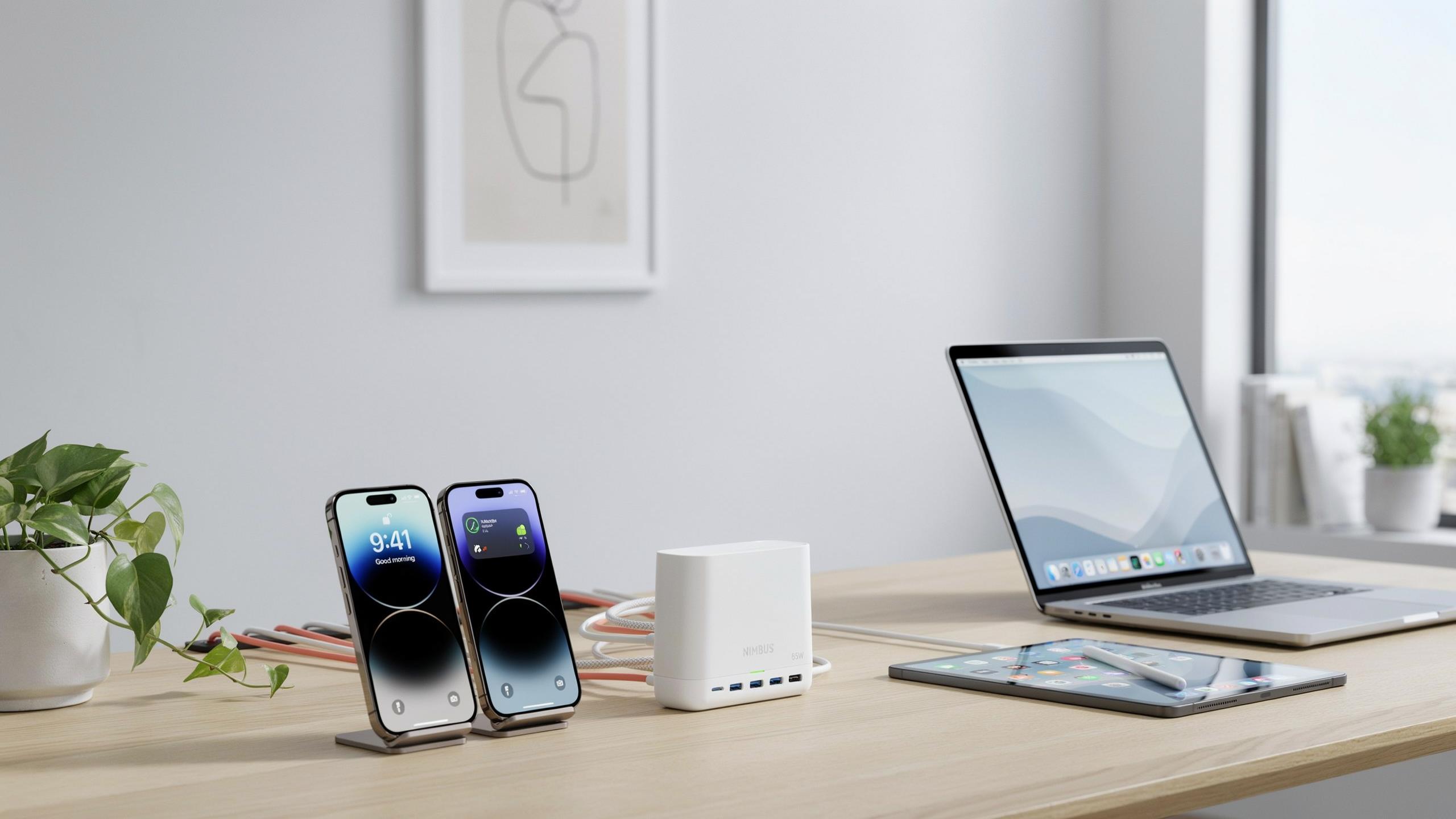
Why You Need A Charging Station Organizer For Multiple Devices
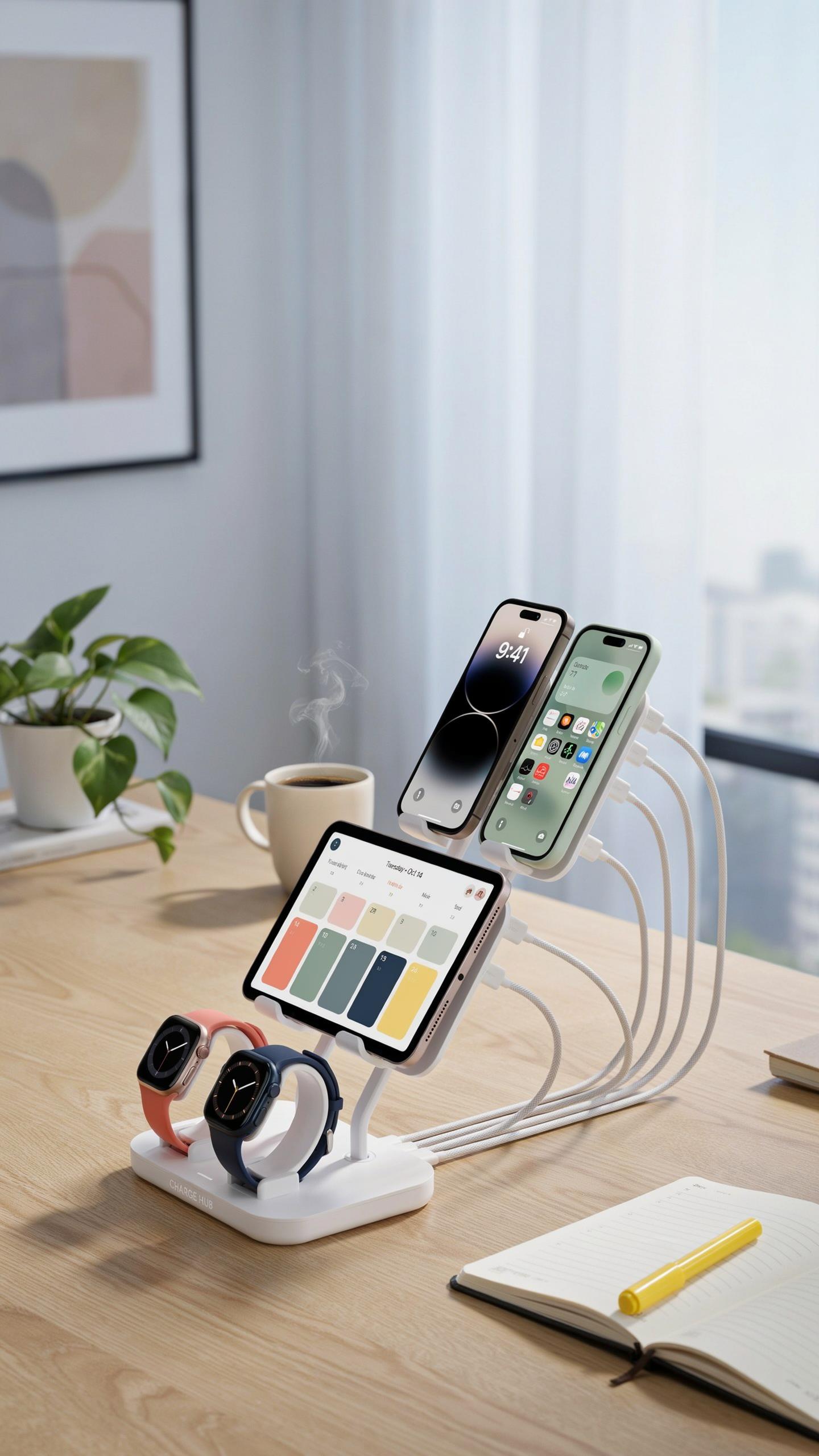
The Clutter Problem
Most households now contain five or more devices that require charging. Smartphones, tablets, smartwatches, headphones, and portable speakers all demand their own cables and power adapters. Without organization, these items scatter across nightstands, desks, and kitchen counters, creating visual chaos and wasted time searching for the right charger.
Cable tangles compound the problem. Each device often ships with its own charging cable, resulting in drawers full of USB-C, Lightning, Micro-USB, and proprietary connectors. You waste minutes untangling cords and identifying which charger belongs to which device. This repetitive friction adds up to hours of lost productivity monthly.
Enhancing Efficiency And Aesthetics
A dedicated charging station consolidates all your devices and cables into one location. You eliminate searching and guessing which charger works with which device. Setup takes minutes, and your devices charge faster because dedicated power supplies deliver consistent voltage without competing for outlet capacity.
Clean countertops and organized drawers directly impact focus and mental clarity. Removing visual clutter from your workspace reduces decision fatigue. A charging station frees up outlet access and desk real estate while keeping all your devices accessible and ready to use when you need them.

Understanding Different Types Of Charging Station Organizers
Multi Device Docks
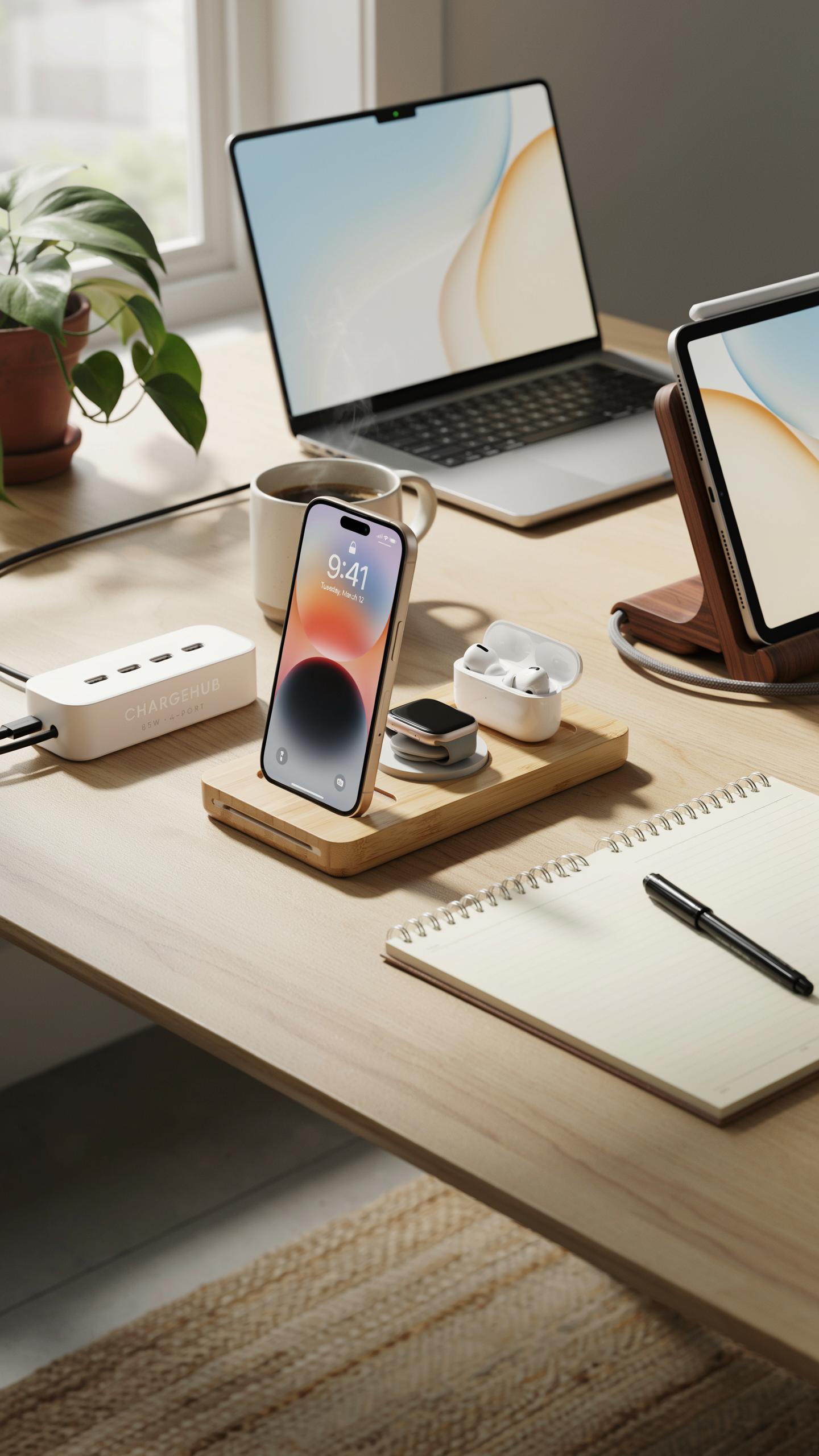
Multi-device docks hold multiple phones, tablets, and accessories in one location. These organizers feature built-in USB ports or wireless charging pads. Some designs include designated slots for each device type. They charge several items simultaneously without requiring separate wall outlets for each charger. This setup reduces clutter and keeps devices accessible.
Docks come in various configurations based on your device mix. Desktop models accommodate two to six devices depending on size. Some include cable routing channels to manage cord placement. Others feature adjustable angles for different device types. The primary advantage is centralized charging and reduced counter space consumption.
Cable Management Boxes
Cable management boxes enclose power strips, extension cords, and excess cables inside a contained space. They hide tangled wires from view while devices charge nearby. The boxes typically feature cutouts for cord entry and exit points. This setup maintains a clean visual appearance in bedrooms, offices, or living areas. Boxes work independently or pair with other organizer types for complete solutions.

These boxes range from small desktop units to larger floor models. Materials include plastic, wood, and metal depending on your decor needs. Some include ventilation slots to prevent heat buildup around power strips. Internal dividers keep cables organized and prevent knots. Choose a box size that matches your power strip dimensions and cord volume.
Key Features To Look For In A Device Charging Station
Number Of Ports And Device Capacity
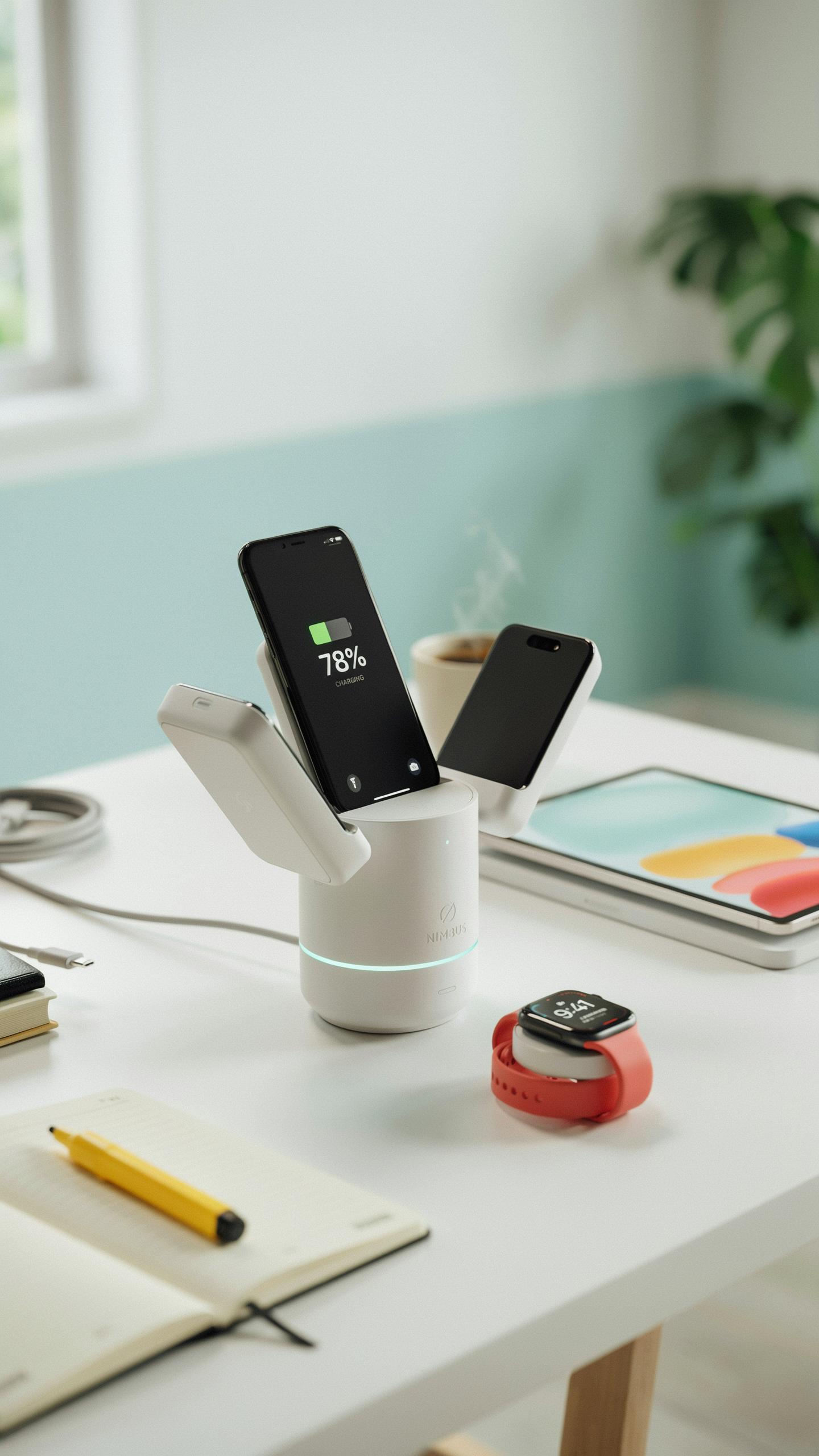
Count your devices first. Phones, tablets, smartwatches, headphones, and laptops all need power. A charging station organizer must have enough ports to handle your actual inventory. Running out of ports defeats the purpose of consolidation.
Port capacity directly impacts usability. If you own five devices but your organizer only handles three, you’re buying the wrong product. Match the port count to your needs plus one extra for future devices. This prevents immediate obsolescence.
Remember the days of tangled cords and lost chargers? Organizing your tech now brings that delightful simplicity back, like finding a long-lost favorite album.
Charging Speed And Technology
Quick Charge and Power Delivery are not marketing terms. They’re technical standards that determine actual charging speed. Quick Charge is Qualcomm’s technology for faster Android device charging. Power Delivery handles multiple device types at high wattage simultaneously.

Verify that your organizer supports the charging standards your devices require. Not all USB ports deliver the same power output. A station with six basic ports charges slower than one with three Power Delivery ports. Match technology to your device ecosystem, not port count alone.
Materials And Design Finding The Right Charging Station

Wood, Bamboo, And Plastic Options
Wood charging stations offer durability and integrate into existing furniture. Real wood requires maintenance but ages well. Bamboo provides similar aesthetics with faster renewal rates and lower environmental impact. Both materials conduct heat adequately and resist corrosion from device contact.
Plastic stations dominate the market due to cost and manufacturing flexibility. High-grade plastics withstand repeated plug insertion without degradation. Plastic stations require less maintenance than wood or bamboo. Material choice depends on your environment, budget, and aesthetic priorities rather than functional performance.
Compact Vs. Expansive Designs
Small charging stations occupy minimal desk or shelf space, ideal for apartments or shared workspaces. These designs typically accommodate two to four devices. Compact units force you to prioritize which devices charge simultaneously. Space constraints demand strategic device rotation.

Large charging stations handle six or more devices at once. Expansive designs suit households with multiple family members or professionals managing numerous gadgets. Bigger stations require dedicated surface area or wall mounting. Your choice depends on device count, available space, and whether simultaneous charging matters for your workflow.
USB Charging Station The Hub Of Connectivity
Integrated USB Hubs
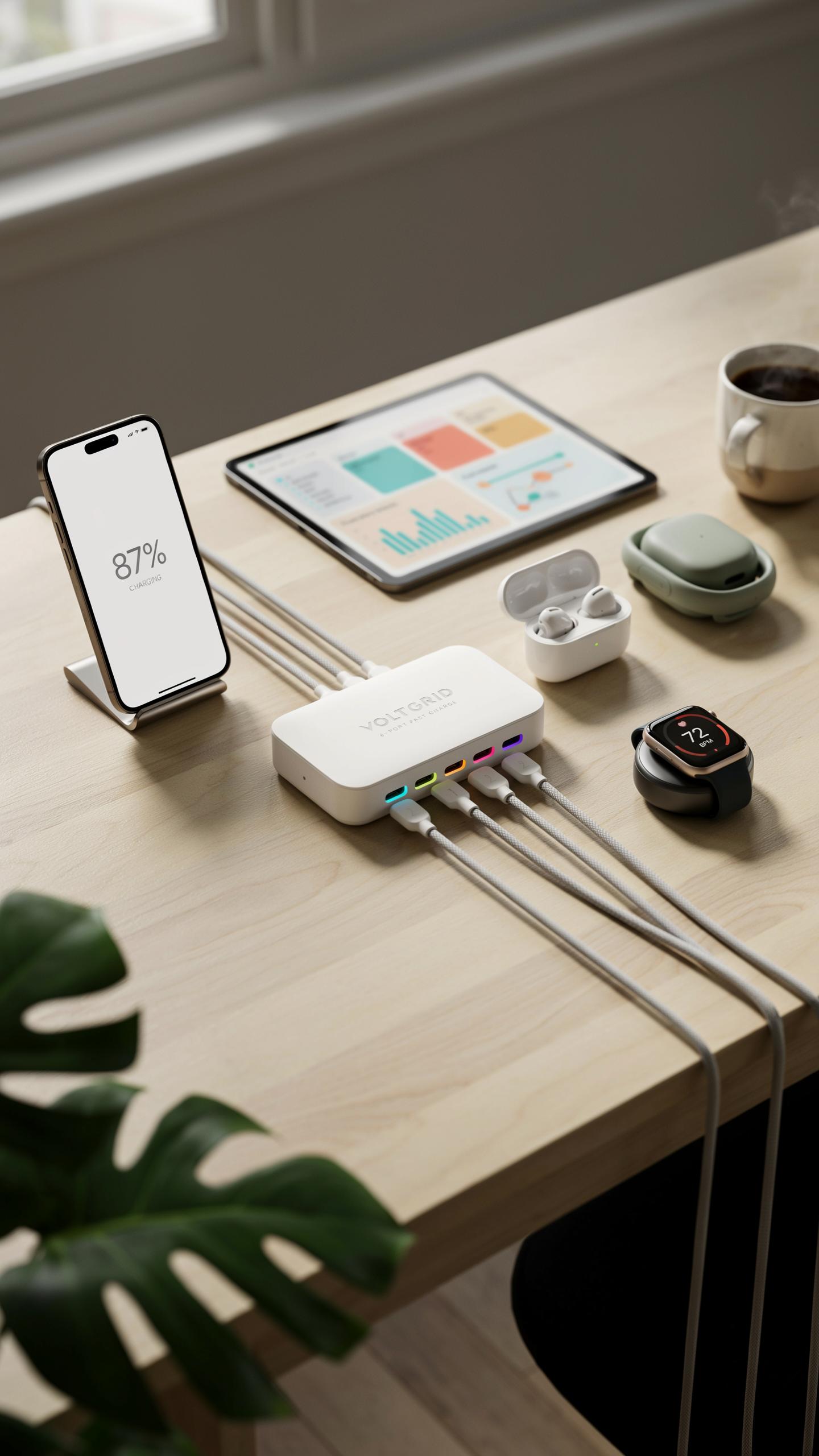
Integrated USB hubs consolidate power delivery into one unit. Instead of plugging multiple chargers into different outlets, you connect devices to ports built directly into the organizer. This approach eliminates cable clutter and reduces the number of wall outlets you consume. The organizer becomes your central charging point.
Most integrated hub models include between 4 and 10 USB ports. Port types vary across products, ranging from standard USB A ports to USB C connectors. Some units combine multiple port types to accommodate phones, tablets, and laptops simultaneously. This flexibility matters when you own devices with different charging requirements.
Smart Charging Capabilities
Smart charging technology detects what device you plug in and adjusts voltage and amperage accordingly. The station communicates with your device to deliver only the power it needs. This prevents overcharging, reduces heat generation, and extends battery lifespan. The technology works automatically without user input.
These systems use intelligent circuit boards that read device specifications before charging begins. They protect against voltage spikes and current overloads that damage batteries. Multiple devices charge safely at full speed without competing for limited power. Smart stations cost more upfront but reduce long-term device replacement expenses.
Optimizing Your Space With Charging Station Ideas
Bedroom And Nightstand Solutions
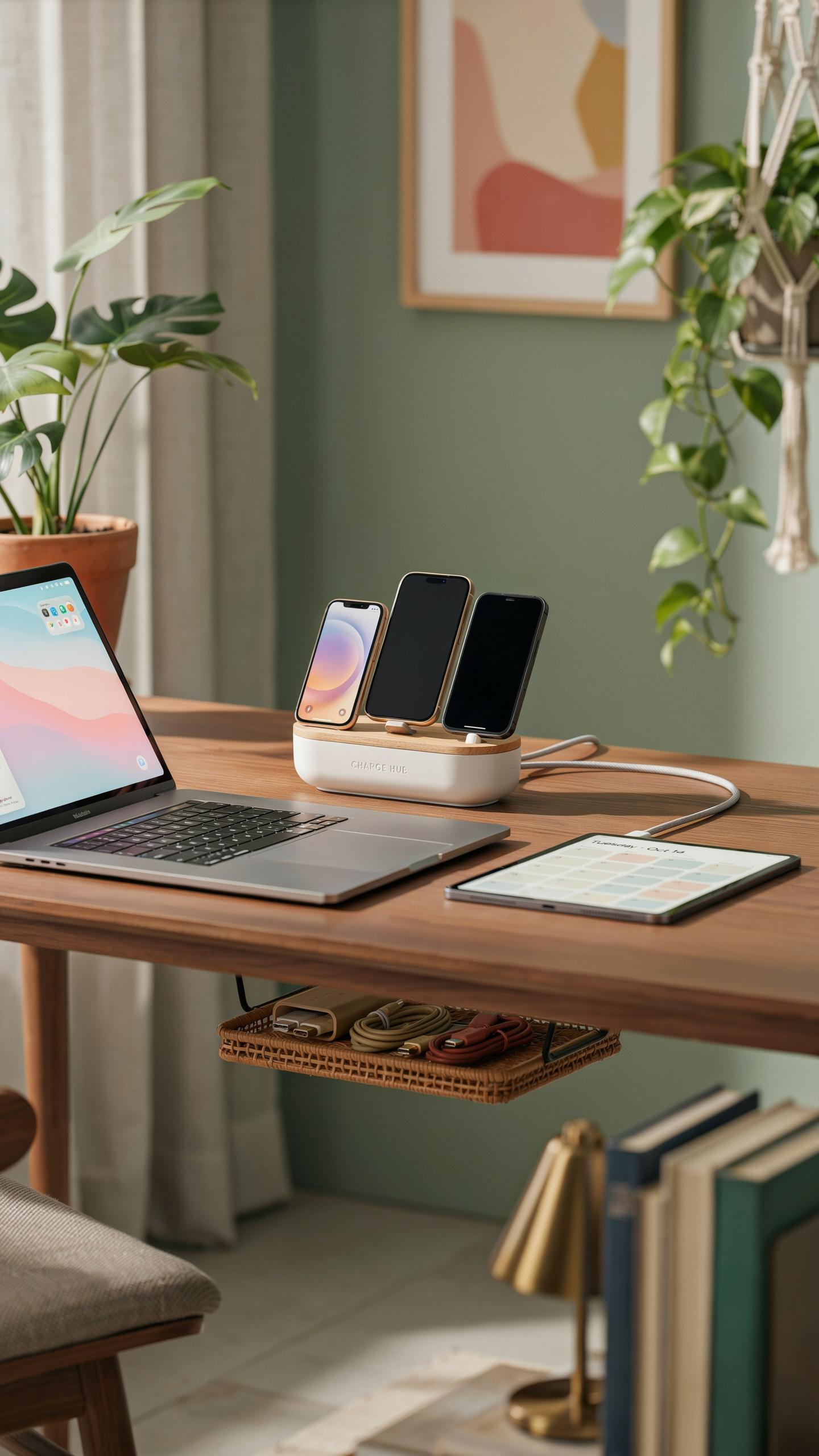
A nightstand charging station solves a core problem: reaching your phone at night without fumbling in the dark. Position a compact organizer on your nightstand to hold your phone, smartwatch, and earbuds. This setup keeps devices within arm’s reach and eliminates the need to search for cables on the floor or nearby furniture. Nightstand stations typically measure 6 to 12 inches wide, fitting standard nightstand dimensions without consuming valuable surface area.
Cable management becomes critical in bedrooms since tangled cords create visual clutter and safety hazards. Use a station with built-in cable clips or channels to route wires neatly behind or beneath the organizer. This prevents tripping hazards and makes your bedroom feel more organized. Choose a station with a low profile so it doesn’t block your view or interfere with reading lamps.
Office And Workspace Integration
Desk clutter directly impacts focus and productivity. A charging station consolidates all device charging into one defined zone, keeping your desk surface clear for actual work. Position the organizer at the edge of your desk or on a shelf behind your monitor. This removes cables and devices from your immediate workspace while keeping them accessible when needed.

Professional environments benefit from cable organization that looks intentional rather than chaotic. Select a station that matches your desk materials, whether wood, metal, or plastic, to maintain a cohesive aesthetic. Hide cables inside the organizer or route them along the back edge of your desk using clips or sleeves. This approach signals organization and competence to colleagues and clients during video calls or in-person meetings.
Portable Vs Stationary Charger Station Options
On The Go Charging Organizers
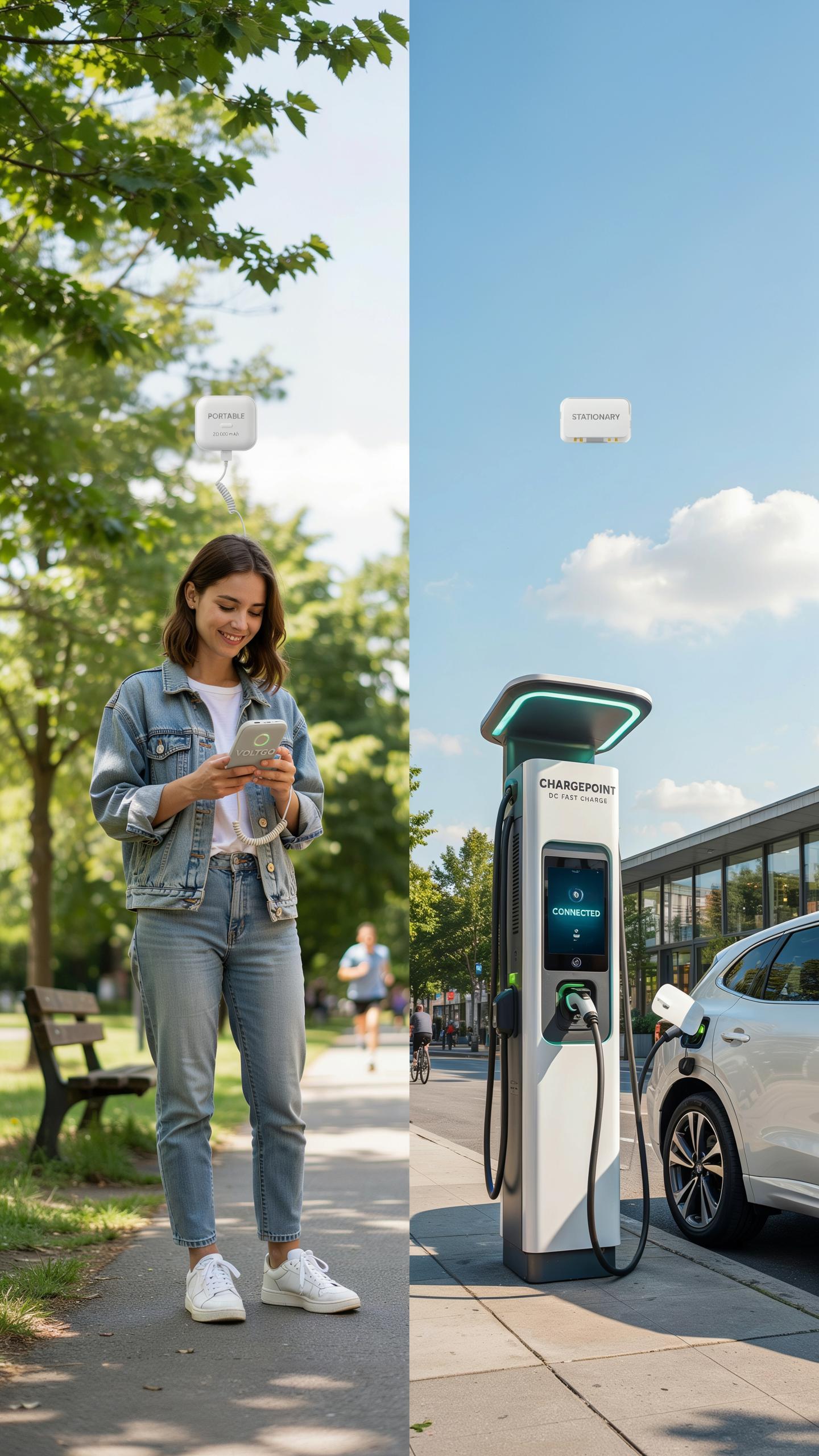
Portable charging stations solve a specific problem: keeping multiple devices powered when you leave your desk. These units feature compact footprints, lightweight materials, and cable management systems that fit into bags or backpacks. Many include built-in power banks that store energy for extended use away from outlets. You get mobility without sacrificing organization.
The trade-off is charging capacity. Portable organizers hold fewer devices than stationary options and deliver lower total wattage. They work best for people who travel weekly, commute daily, or move between rooms frequently. If you need to charge more than three devices simultaneously or require fast charging speeds, portable units hit their limits quickly.
Fixed Home Docking Station Solutions
Stationary docking stations occupy permanent real estate on desks, nightstands, or office shelves. They support more devices, deliver higher wattage outputs, and feature sturdy construction that resists wear from constant use. These units stay plugged into wall outlets, eliminating the need to recharge an internal battery. They handle demanding setups without compromise.

Fixed stations require dedicated space and don’t travel. They excel for households with four or more devices or offices needing centralized charging for teams. Once positioned, they stay in place. The investment pays off when you need consistent, high-capacity charging in one location and rarely move your setup.
DIY Charging Station Ideas And Customization
Crafting Your Own Organizer
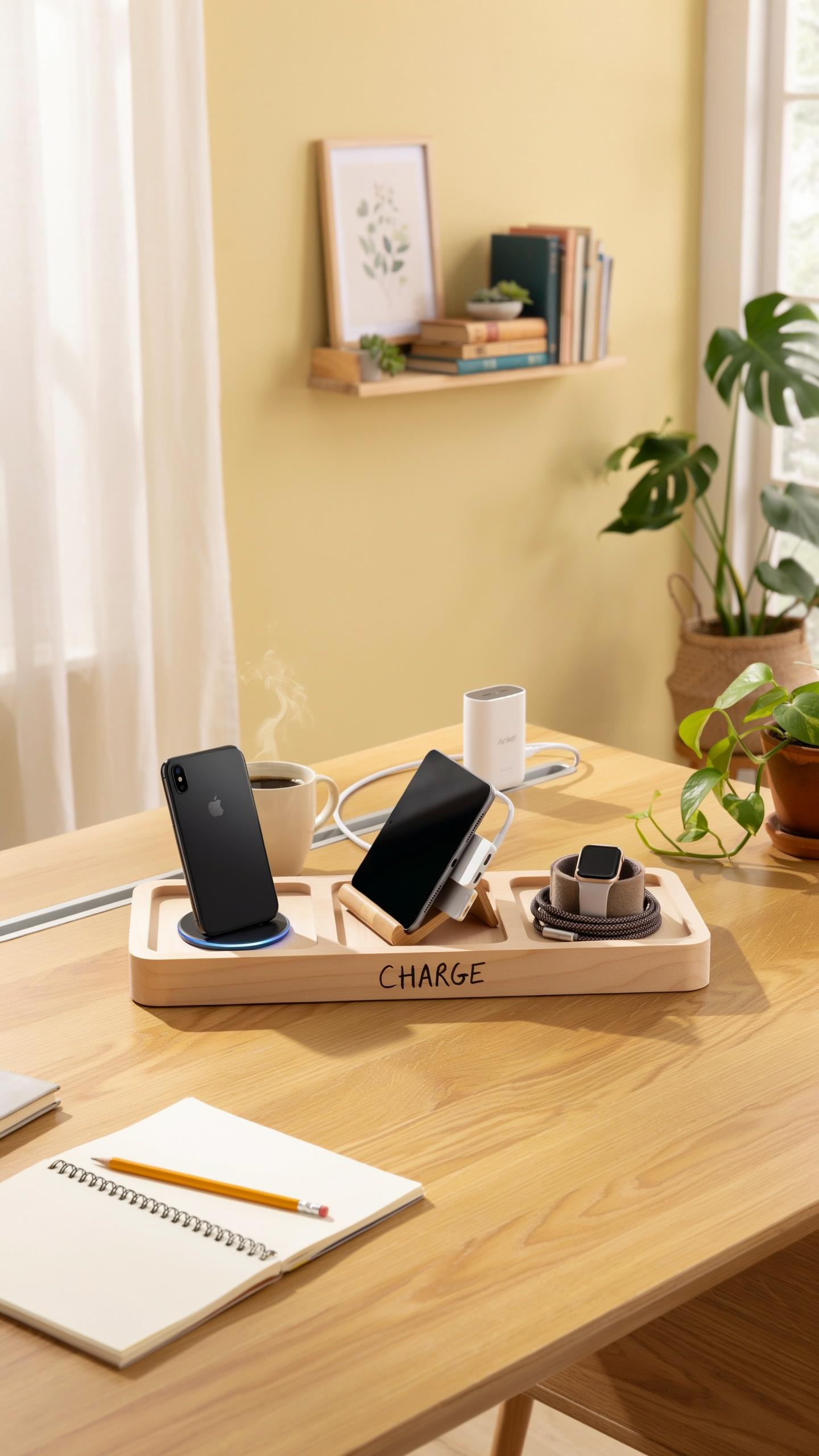
Building a DIY charging station from household materials costs less than retail options and gives you exact control over layout and capacity. Wood boxes, desk organizers, drawer dividers, and filing trays serve as functional bases. You choose dimensions, materials, and cable routing based on your device count and desk space.
Start with a container that fits your space. Drill or cut holes for cable passage. Use foam inserts, felt strips, or rubber grommets to organize cables and prevent tangling. Add wooden dividers or cardboard separators to create compartments for different device types. This approach eliminates waste and lets you modify the design as your tech needs change.
Customizing Store Bought Units
Pre-made organizers provide structure, but adding personalization makes them work harder for your setup. Install adhesive cable clips in different locations. Add extra compartments using removable dividers or small storage boxes inside the main unit. These modifications adapt the organizer to your specific devices without replacing the entire system.
Upgrade aesthetics and function simultaneously. Apply finish materials like wood stain or paint to match your workspace. Install label makers to identify cable destinations and device types. Add rubber feet or anti-slip pads to stabilize the unit on your desk. These tweaks transform a generic organizer into a customized solution that serves your workflow exactly.
Maintaining Your Phone Charging Station For Longevity

Regular Cleaning And Cable Management
Dust accumulation degrades charging performance and creates fire hazards. Clean your charging station monthly using a dry microfiber cloth. Pay attention to ports and connector areas where debris concentrates. Inspect cables monthly for fraying, kinks, or exposed wires. Replace damaged cables immediately to prevent short circuits and device damage.
Cable management prevents strain on connection points. Organize cables so they don’t bend sharply at connector bases. Avoid coiling cables tightly, as this accelerates insulation breakdown. Keep cables away from heat sources and direct sunlight. Proper storage extends cable lifespan by two to three years compared to neglected cables.
Troubleshooting Common Charging Issues
Slow charging often stems from loose connections or inadequate power supply. Check that cables seat fully into both the device and power adapter. Verify your power adapter matches the device’s voltage requirements. Test cables with different devices to isolate whether the problem is the cable or the device. Restart the device if it stops recognizing the charger.
Connectivity problems require systematic diagnosis. Inspect charging ports for lint or debris and remove obstructions with a dry brush. Update device firmware regularly, as charging software bugs do occur. Test with a different power outlet to rule out circuit issues. If problems persist after these steps, the charging port itself may need professional replacement or the power adapter may have failed internally.
Frequently Asked Questions

What exactly is a charging station organizer, and why do I need one for my home?
A charging station organizer is a dedicated hub designed to consolidate and discreetly manage all your electronic devices while they charge. You need one to eliminate cable clutter, prevent misplaced gadgets, and create a tidy, functional space. It’s especially useful for families with multiple phones, tablets, and smartwatches all vying for an outlet.
How do I choose the best charging station organizer for multiple devices to fit my specific needs and number of gadgets?
Consider the number and type of devices you own. Look for organizers with enough slots or compartments for all your items, and ensure the power output is sufficient for fast charging. Think about the form factor – do you prefer a sleek, hidden design or one that showcases your tech? Also, assess the cable management features for a truly streamlined look.
Are there affordable charging station organizer options available, or are they typically a significant investment?
Absolutely! There’s a wide range of charging station organizer options to fit almost any budget. You can find excellent, cost-effective solutions made from bamboo or plastic, as well as more premium models with integrated fast chargers and stylish finishes. Focus on your core needs for device capacity and cable management, and you’ll find a great option without breaking the bank.



