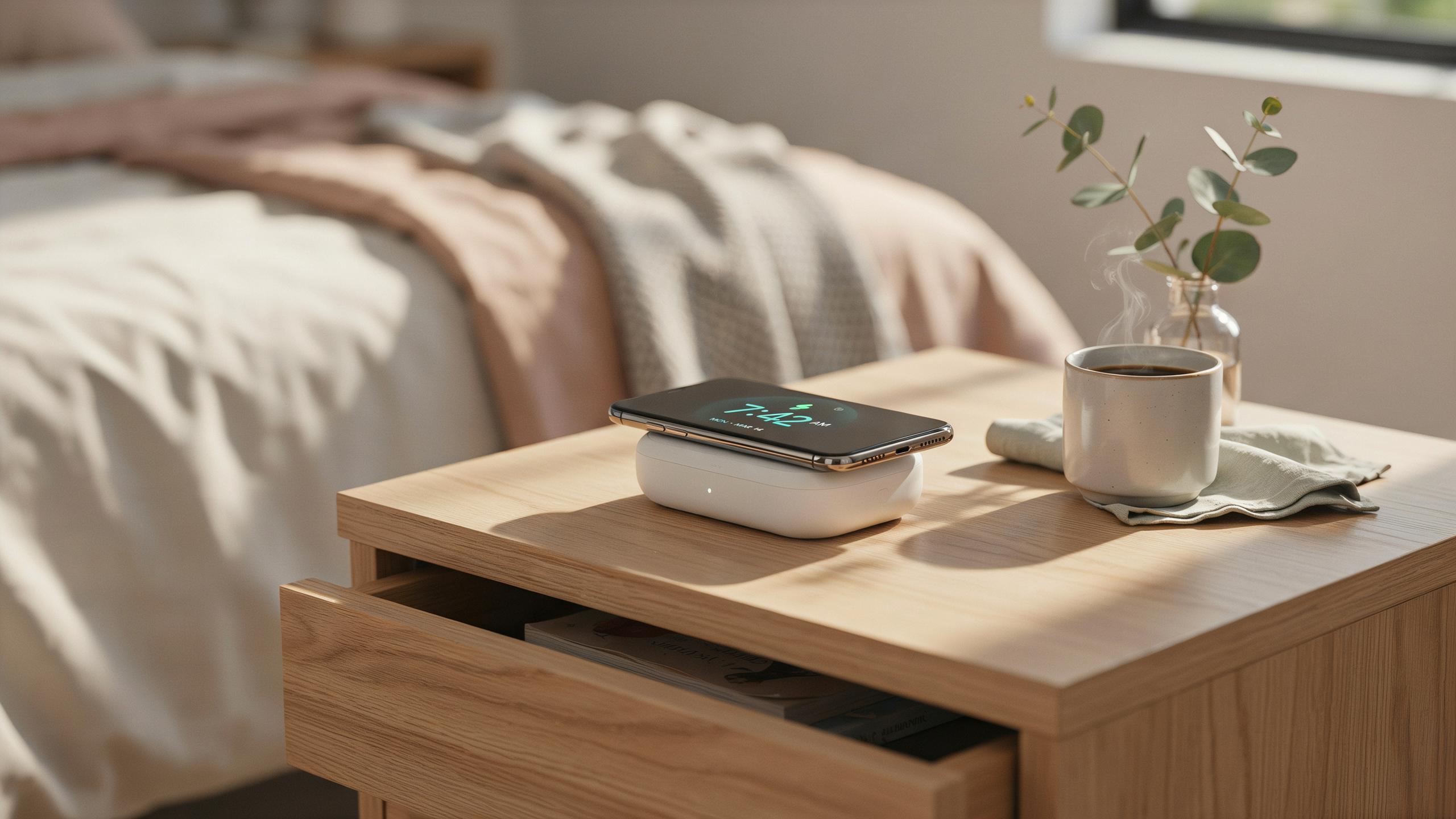
Why A Wireless Charging Alarm Clock Is A Must Have For Your Nightstand
Declutter Your Space
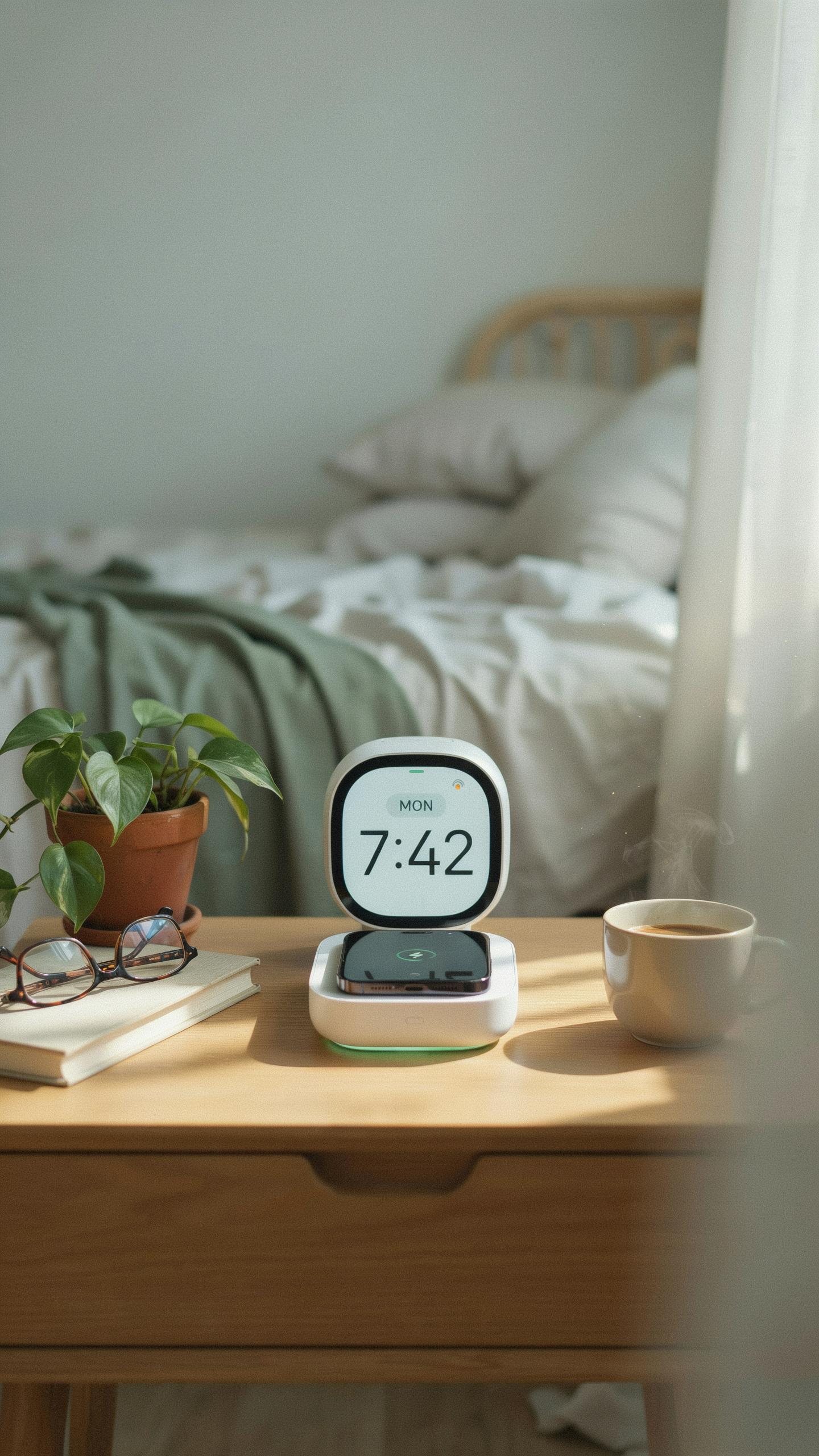
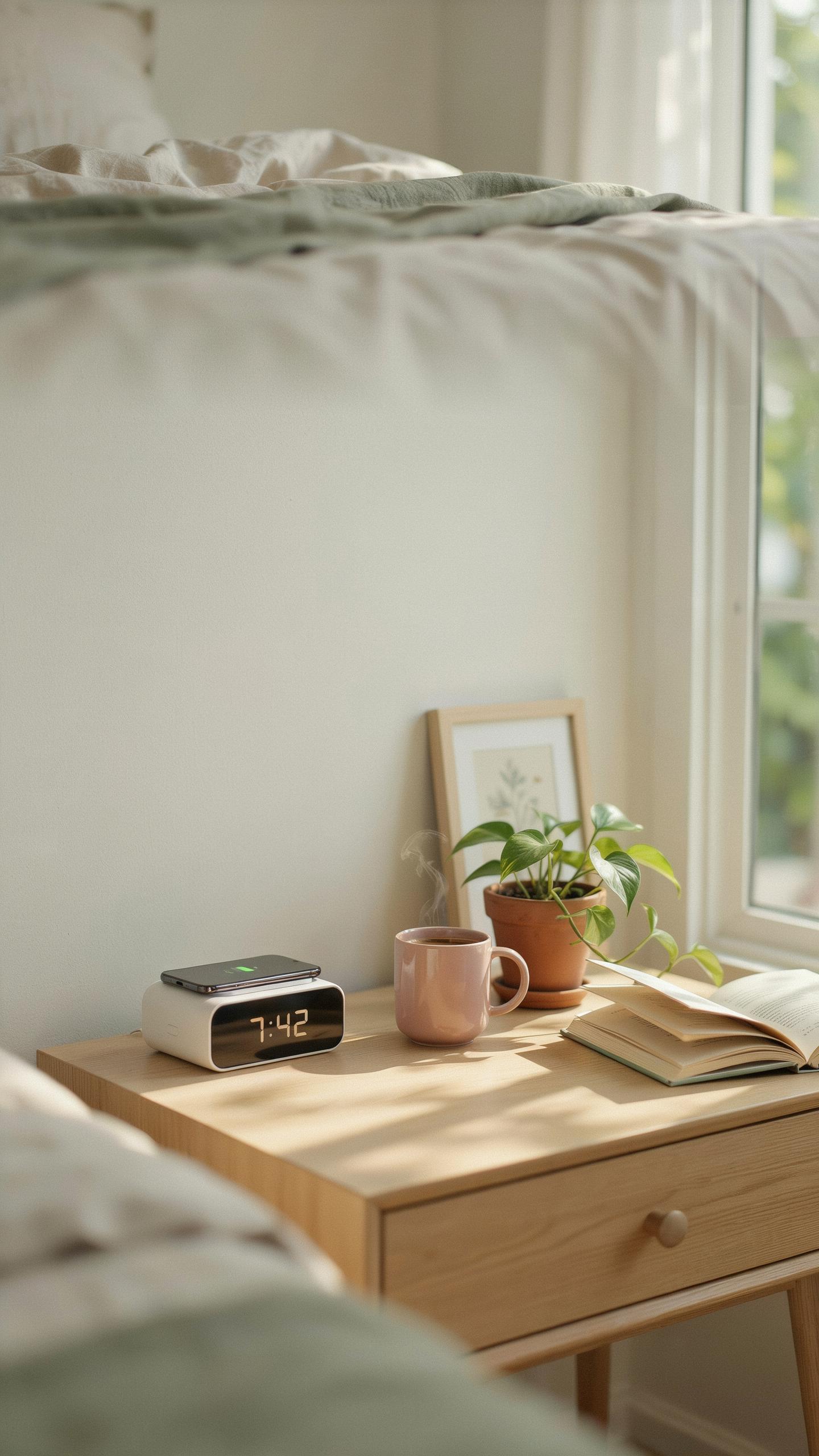
A wireless charging alarm clock eliminates the need for separate devices on your nightstand. Instead of a traditional alarm clock, phone charger, and charging cable, one unit handles multiple functions. This reduction in hardware directly decreases cable clutter. Your nightstand surface becomes cleaner and more functional. You remove the visual noise that comes from tangled cords and multiple adapters competing for outlet space.
The consolidation of devices also means fewer power outlets consumed. Most nightstands have limited outlet access. A single wireless charging alarm clock frees up electricity access for other needs. You avoid the common problem of having cords stretched across your nightstand or behind furniture. The physical space you reclaim translates to a more organized and intentional bedroom environment.
Convenience At Your Fingertips
Placing your phone on a wireless charging pad requires no precision or cable insertion. You simply set your phone down before bed. The alignment happens naturally or requires minimal adjustment depending on the model. This matters when you’re tired and moving in darkness. You avoid fumbling with charging ports or connector cables that are difficult to locate by touch alone.
The overnight charging process happens automatically without interaction. Your phone charges while you sleep without cables disconnecting or shifting. You wake to a fully charged device ready for the day. This passive charging eliminates the morning rush of searching for a charger or waiting for battery percentage to climb before leaving home. The friction reduction in your bedtime routine creates a tangible quality of life improvement.
Digital Alarm Clock Features To Look For
Display Brightness And Dimming Options
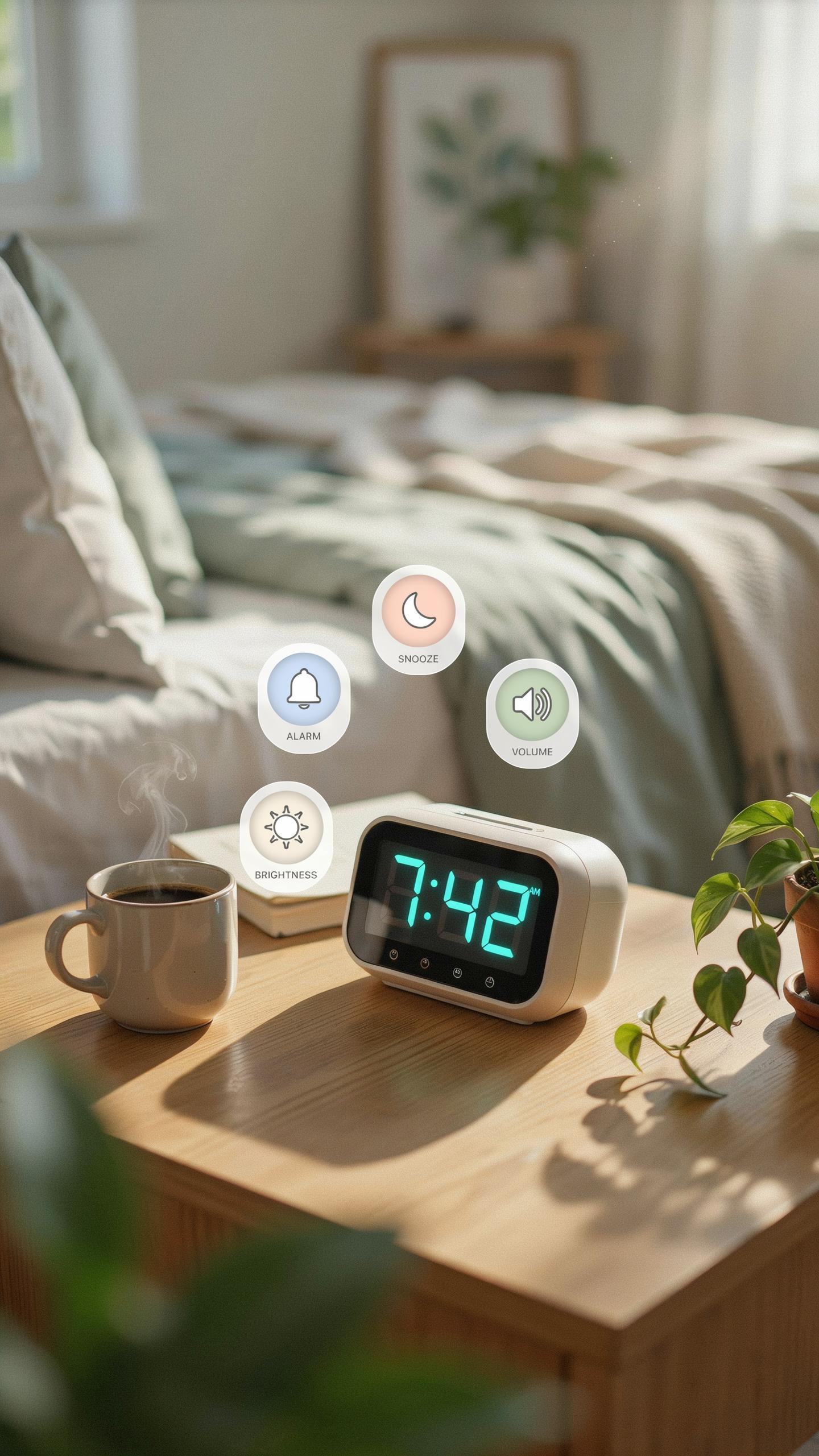
Your display brightness directly impacts your sleep quality. A bright screen at night disrupts melatonin production and delays sleep onset. You need a clock that dims automatically or offers manual brightness control to match ambient light levels in your bedroom.
Most quality wireless charging alarm clocks offer brightness settings ranging from near-zero to full brightness. Look for models with ambient light sensors that adjust display intensity without user input. This feature prevents eye strain during nighttime bathroom trips while keeping the time readable when needed.
Alarm Customization And Sound Quality
Multiple alarms let you set different wake times for weekdays and weekends without manual adjustments each time. Snooze functions typically range from five to ten minutes, giving you control over how many extra minutes you actually get.
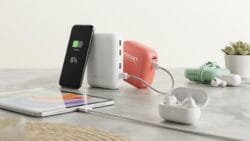
Wake up sounds matter more than most people realize. Harsh beeping causes stress responses and elevated cortisol levels upon waking. Seek clocks offering nature sounds, gentle tones, or music options that gradually increase in volume rather than jolting you awake at full intensity.
The Power Of The Wireless Charging Pad
Understanding Qi Wireless Charging Standard
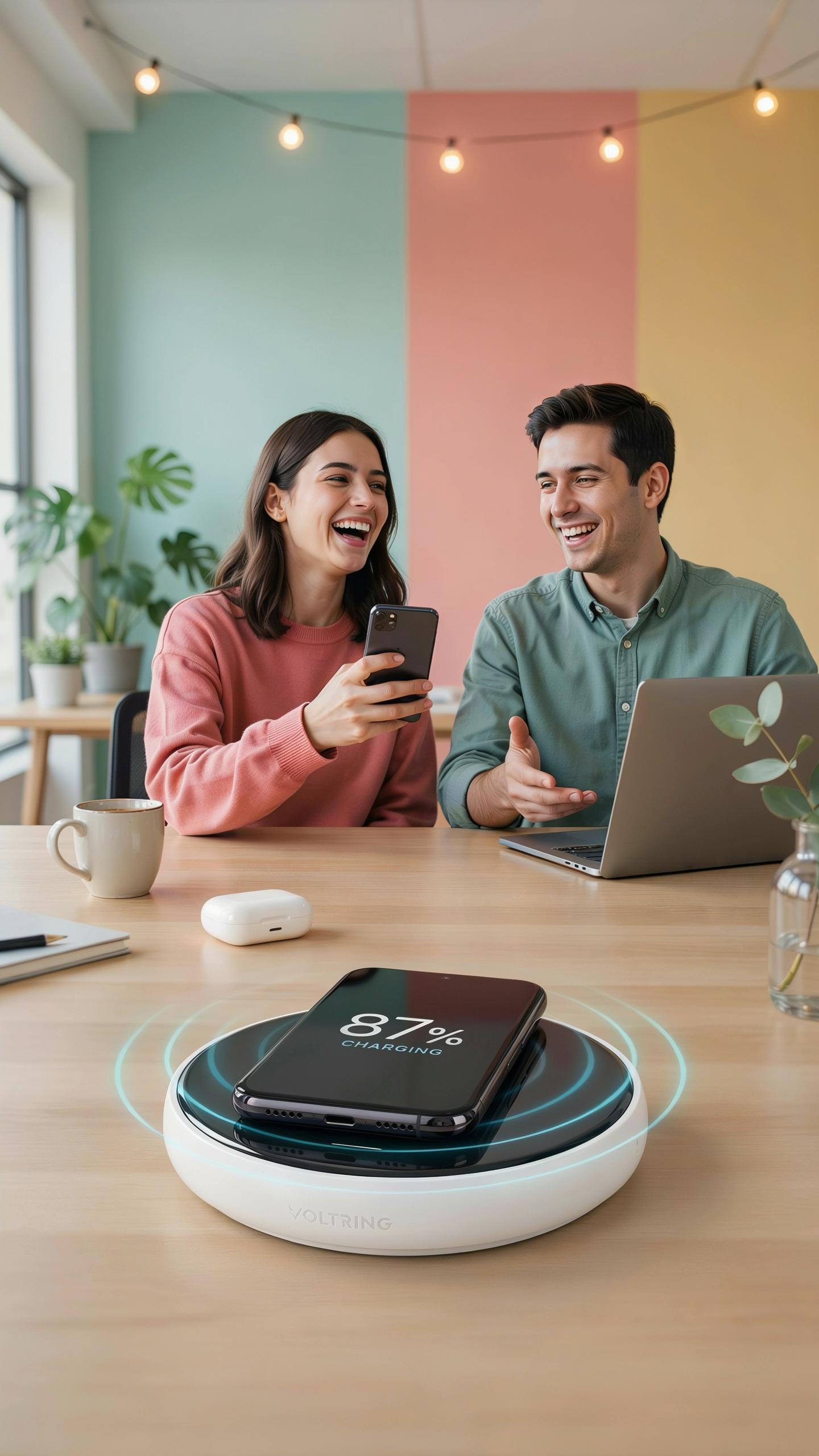
The Qi standard emerged as the dominant wireless charging protocol for consumer electronics. The Wireless Power Consortium established this open standard to ensure devices from different manufacturers work together seamlessly. Qi charging operates through electromagnetic induction, transferring energy across a small air gap between the charging pad and your device.
Most modern smartphones and wearables support Qi charging natively. This universal compatibility means your nightstand charging pad works with devices from Apple, Samsung, Google, and other manufacturers without requiring proprietary adapters. The standard eliminates the need for multiple charging solutions, making Qi the practical choice for nightstand convenience.
May your mornings be as effortlessly bright as the dawn, with a nightstand that truly understands your needs, a gentle hum of technology bringing comfort and charge to your slumber. It’s the simple things, like waking up fully powered, that truly make a home.
Charging Speed And Device Compatibility
Charging speed depends on three factors: the power output of your charging pad, your device’s power receiver capability, and the quality of contact between pad and device. Standard Qi pads deliver 5 watts, while faster variants reach 10 to 15 watts. Your device will only charge at the speed its internal receiver supports, so a 15 watt pad charges a 5 watt capable phone at 5 watts.
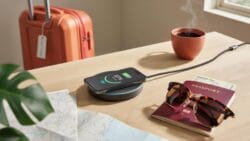
Position your device directly over the charging coil for optimal efficiency. Metal cases and thick protective covers block the electromagnetic signal, reducing charging speed or preventing charging entirely. Verify your specific phone model supports wireless charging before purchasing, as some budget devices and older models lack this capability regardless of Qi standard availability.
Beyond The Basics Integrated Charging Station Benefits
Additional USB Ports For Multiple Devices
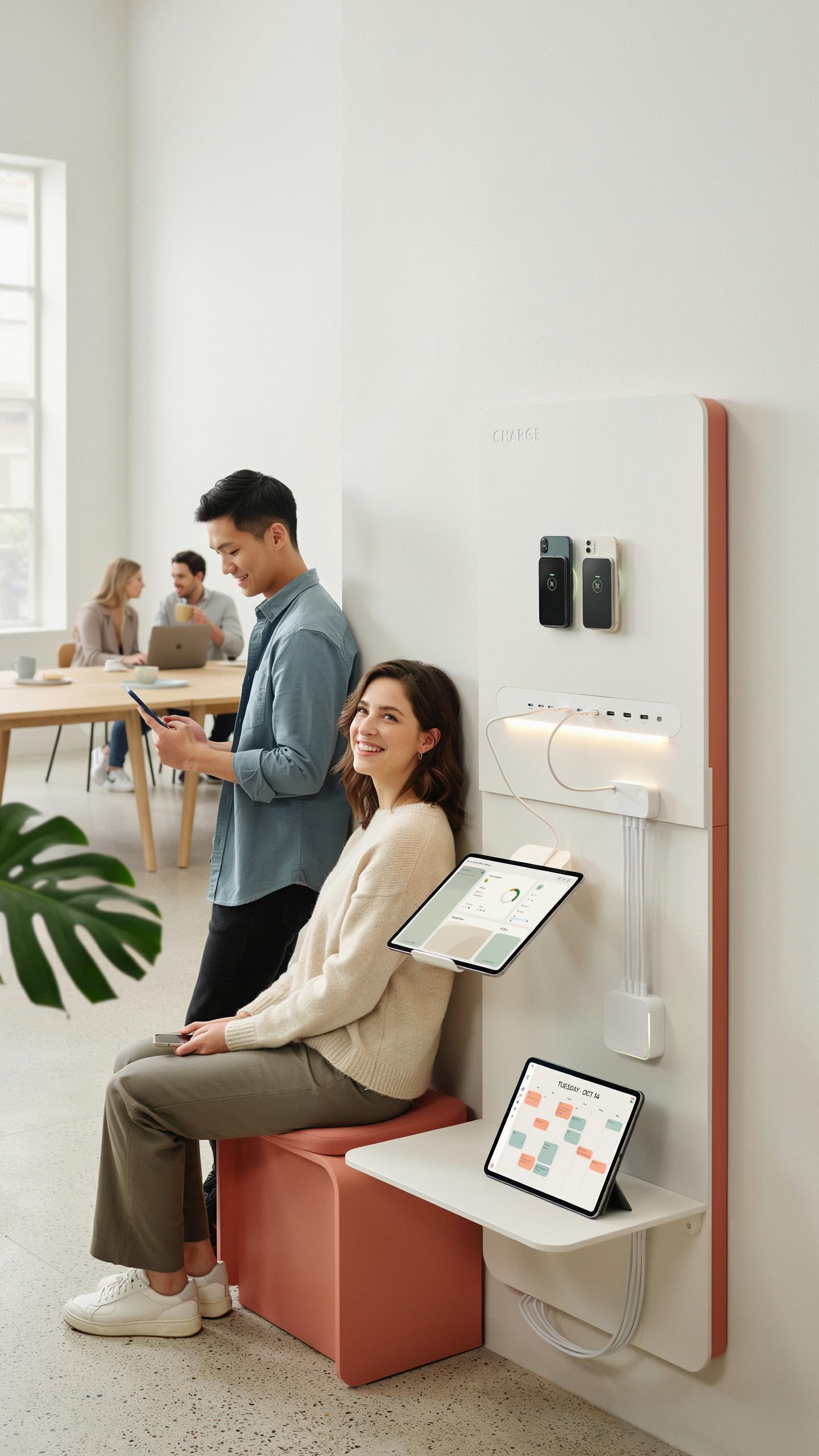
Most wireless charging alarm clocks include two to four USB ports alongside the wireless charging pad. These ports handle devices that don’t support wireless charging, like older smartwatches, fitness trackers, and true wireless earbuds. The ports typically output 1 to 2.1 amps per port, which charges smaller devices at standard speed without degradation.
You consolidate your nightly charging routine into one location rather than hunting for multiple outlets. Your phone sits on the wireless pad while your earbuds charge via USB simultaneously. This setup reduces cable clutter and eliminates the need for separate power adapters scattered across your nightstand.
Organizing Your Tech Ecosystem
The wireless charging alarm clock becomes your central charging hub by replacing three to four individual chargers and power outlets. Your nightstand transforms from a chaotic collection of cables into a single device handling multiple charging needs at once. This approach saves space and keeps your sleep environment clean and minimal.

Manufacturers designed these integrated units to manage power distribution efficiently across all ports and the wireless coil. Your alarm clock continues running even while devices charge, maintaining its core function. The consolidated setup also reduces phantom power drain compared to multiple chargers remaining plugged in overnight.
Choosing The Right Digital Clocks For Your Aesthetic
Design And Material Considerations
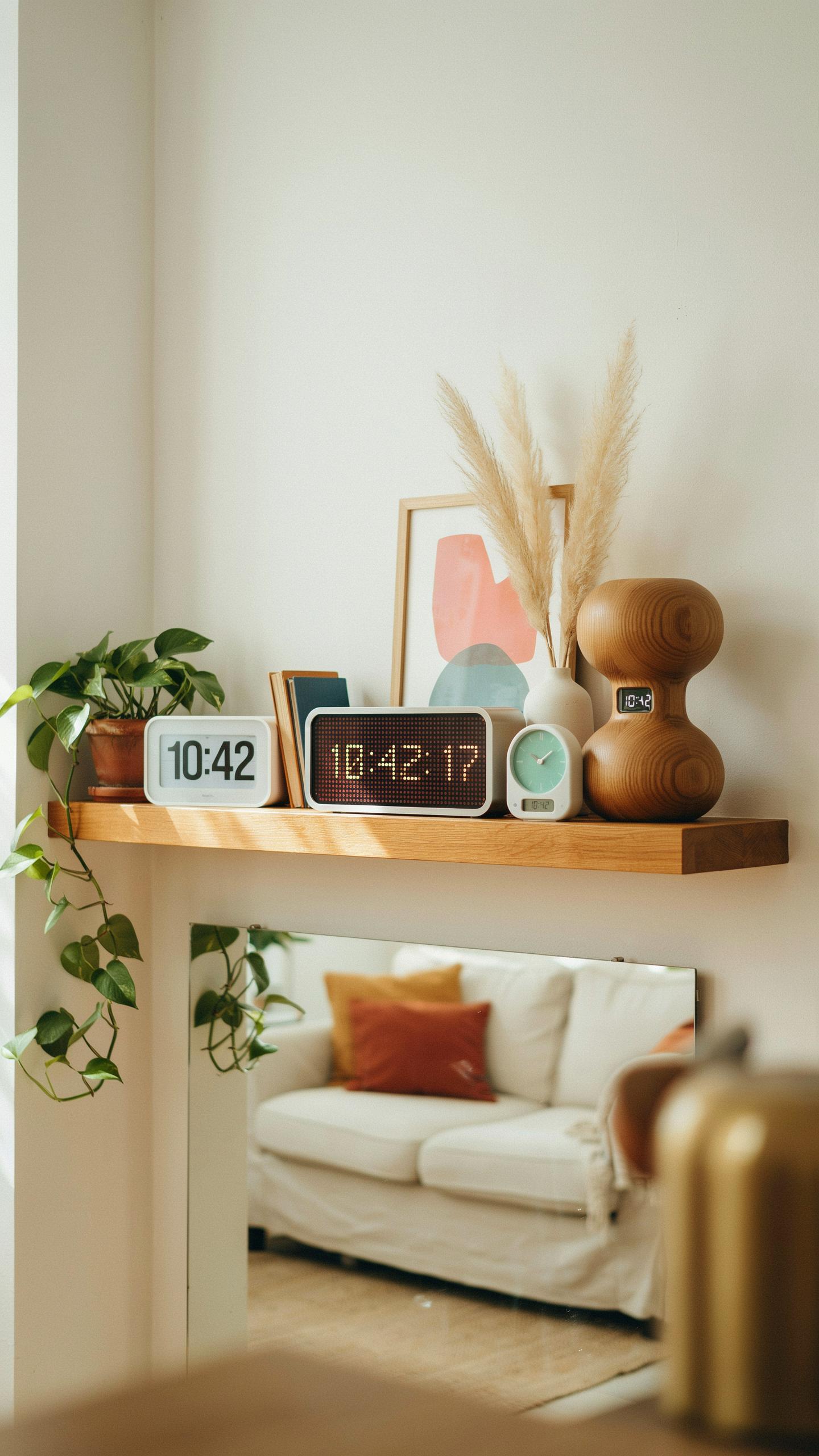
Wireless charging alarm clocks come in distinct design categories that directly impact bedroom integration. Modern variants feature either minimalist rectangular forms with edge-to-edge displays or traditional curved designs. Material choices break down into three primary options: plastic housings offer cost efficiency and lightweight construction, wood veneers provide acoustic benefits and traditional aesthetics, and metal frames deliver durability and contemporary appeal. Your selection depends on existing nightstand materials and overall room style rather than personal preference alone.
Display design matters operationally. LED screens produce high brightness but generate blue light that disrupts sleep cycles if not addressed. E-ink and LCD displays reduce blue light emission significantly and consume less power. Consider models with adjustable brightness settings that automatically dim during nighttime hours. The clock face itself should provide adequate contrast and readability from bed distance, typically six to eight feet away.
Size And Footprint On Your Nightstand
Nightstand real estate is finite and contested. Standard wireless charging alarm clocks measure between four to six inches wide, three to five inches tall, and two to three inches deep. Before purchasing, measure your available surface space and account for charging cable routing and your phone’s positioning on the charging pad. Oversized models designed for hotel environments often exceed eight inches in width and occupy excessive nightstand space that accommodates lamps, books, or glasses instead.

Depth matters more than height when nightstands sit against walls or bedroom corners. A clock protruding eight inches forward creates awkward reaching distances and blocks access to wall outlets. Compact models measuring under three inches deep allow charging pad access while leaving adequate workspace. Calculate total footprint by accounting for phone placement during charging, since devices typically add two to four inches of forward extension depending on size and orientation.
Enhance Your Nightstand Organization With A Smart Clock
Integrated Storage Solutions
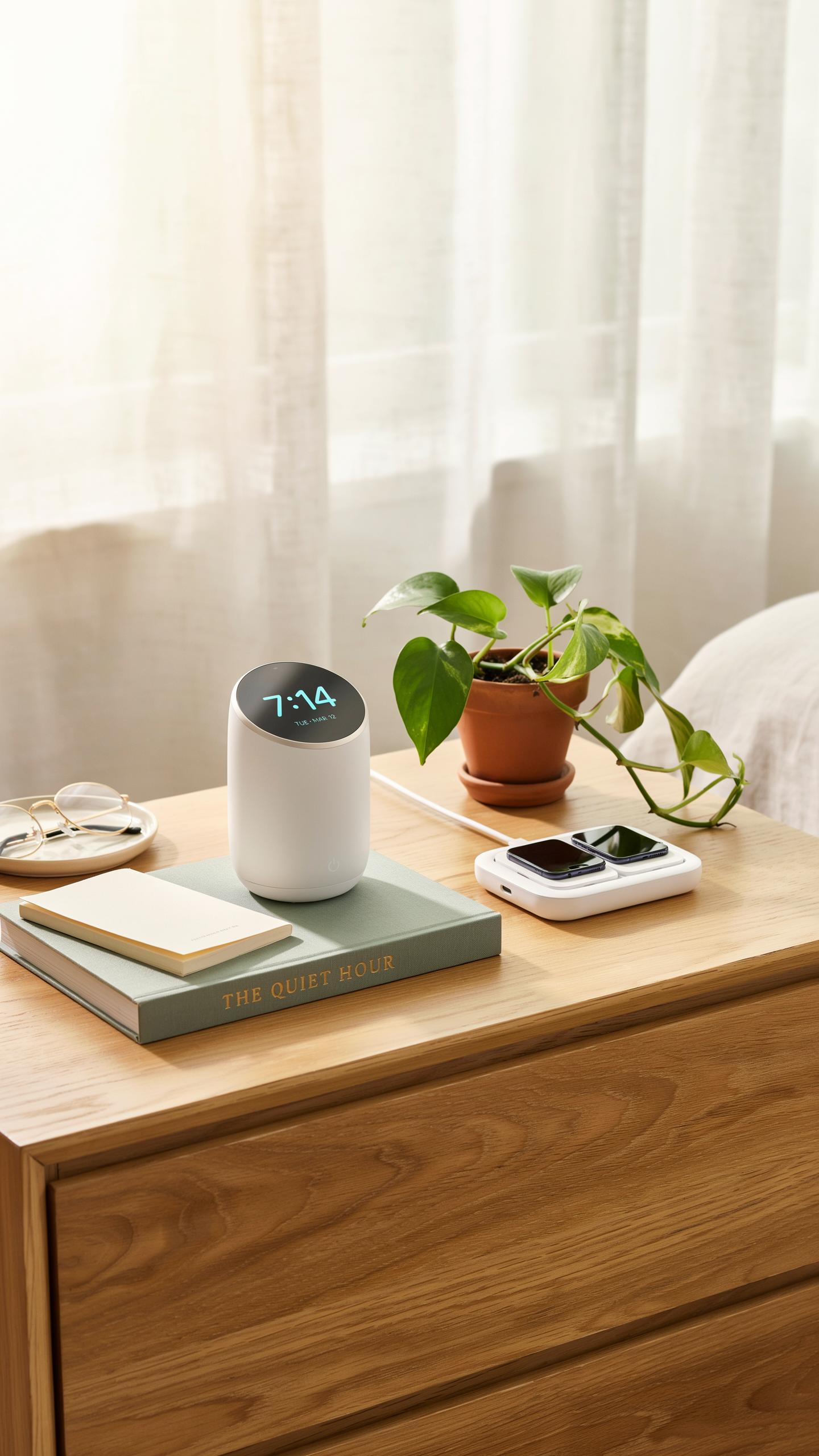
Wireless charging alarm clocks with built-in storage compartments solve a real problem. Your nightstand holds multiple items that need accessible placement. A clock with a small drawer, tray, or shelf gives you dedicated space for glasses, jewelry, keys, or medications without adding another furniture piece to your room.
Manufacturers designed these storage features into modern clock models to maximize functionality in tight spaces. The compartments sit below or beside the charging surface, keeping items within arm’s reach while you sleep. This design approach stems from practical bedroom furniture needs, not aesthetic trends. You get utility and organization in a single device.
Reducing Clutter For A Calmer Environment
A cluttered nightstand creates visual noise that registers in your brain before sleep. Piles of items, loose papers, and scattered objects trigger low-level stress responses. A wireless charging alarm clock with storage removes multiple objects from view, which directly reduces the mental load your space creates.
Research on environmental psychology confirms that organized spaces support better sleep quality. When your nightstand holds only essential items in designated spots, your brain enters rest mode faster. The clock becomes a tool for organization rather than adding to chaos. This tactical approach to nightstand setup removes one variable that can interfere with sleep quality.
Key Considerations When Buying An Alarm Clock With Charger
Budget And Value For Money
Price ranges for wireless charging alarm clocks span from 30 dollars to 150 dollars depending on features and brand. Entry level models charge devices and display time. Mid range options add USB ports, backup batteries, and better sound quality. Premium models include advanced features like adaptive brightness, multiple alarms, and superior build materials. Determine which features you actually need before spending money.
Compare specs across price tiers to identify where you get diminishing returns. A 50 dollar model often delivers the same core function as an 80 dollar competitor. Research what specific features justify higher costs in your use case. Avoid overpaying for brand name alone when lesser known manufacturers offer identical specifications at lower prices.
User Reviews And Brand Reputation
Check verified purchase reviews on retail sites like Amazon to see real user experiences. Read both negative and positive feedback to understand common failure points and strengths. Brand reputation matters because established manufacturers typically offer better customer service and warranty support. Look for patterns in reviews rather than individual complaints or praise.

Established electronics brands with long track records in home devices provide more reliable products than unknown manufacturers. Verify that the brand offers accessible customer support if you need replacements or have technical issues. New brands sometimes make solid products but carry higher risk of disappearing without support infrastructure. Prioritize brands with consistent positive feedback over multiple product generations.
Maximizing The Benefits Of Your Wireless Charger Alarm Clock
Optimal Placement For Accessibility
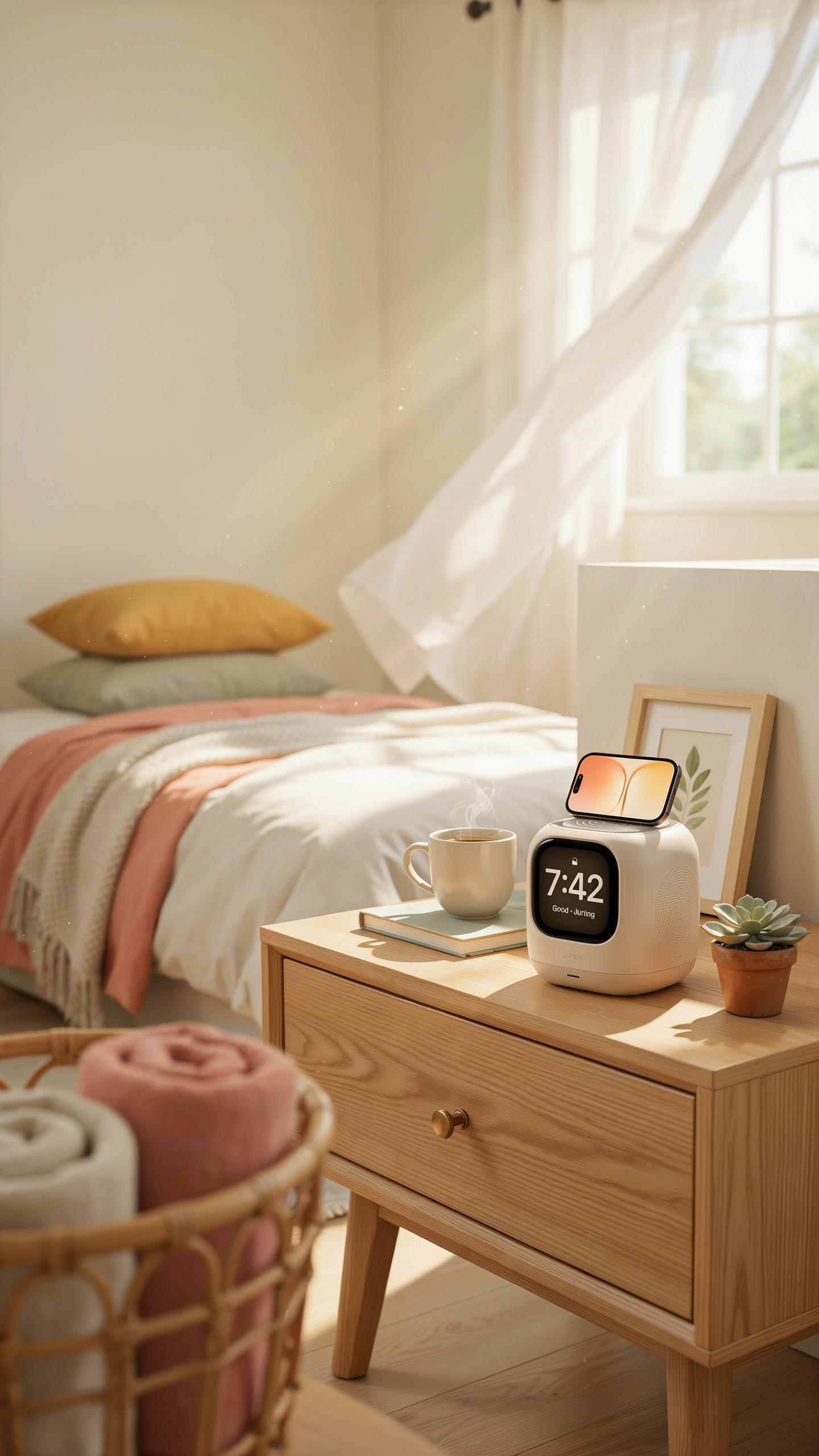
Position your wireless charging alarm clock on a nightstand surface within arm’s reach from your bed. Place it 12 to 18 inches from your pillow to minimize reach distance when you need to silence the alarm or check the time during night hours. The clock face should angle toward you for easy viewing without lifting your head. Ensure the charging pad sits on a flat, stable surface to maintain consistent contact with your phone.
Keep the device away from the nightstand edge to prevent accidental drops and falls during sleep. Avoid positioning it behind lamps or other objects that obstruct your view of the display. A centered placement on your nightstand prevents you from knocking it over when reaching for items in darkness. Clear sightlines to the clock face reduce fumbling and confusion when you wake.
Maintenance And Care For Longevity
Wipe the charging surface monthly with a dry microfiber cloth to remove dust and debris that block charging efficiency. Check the charging pad contacts for corrosion or discoloration, which indicates potential electrical issues. Keep the device away from direct moisture, as water damage compromises internal circuits and charging functionality. Store the power cable neatly to prevent wire damage from bending or crushing.
Clean the clock display with a soft, lint-free cloth to maintain visibility and extend screen lifespan. Avoid using harsh chemicals or abrasive materials that scratch or damage the surface. Temperature fluctuations shorten battery and component life, so keep your clock away from heating vents and direct sunlight. Replace the power adapter immediately if you notice burns, fraying, or unusual heat output.
Frequently Asked Questions

What exactly is a wireless charging alarm clock, and why should I consider one for my nightstand?
A wireless charging alarm clock is a convenient device that combines time-telling with the ability to wirelessly power up your compatible smartphone or other devices. For your nightstand, it eliminates cable clutter, offering a sleek, all-in-one solution that keeps your bedside tidy while ensuring your phone is fully charged and ready for the day. It’s perfect for a minimalist aesthetic.
How do I know if my phone is compatible with a wireless charging alarm clock for nightstands?
Most modern smartphones, particularly those released in the last few years, support Qi wireless charging, which is the standard used by nearly all wireless charging alarm clocks. Look for the Qi logo on your phone’s specifications or packaging. If your phone supports it, simply place it on the charging pad of your wireless charging alarm clock for nightstands to power up.
Are wireless charging alarm clocks expensive, or are there affordable options available?
You’ll find a wide range of wireless charging alarm clocks to fit various budgets. While premium models with advanced features like smart home integration or extra USB ports exist, many affordable yet reliable options offer basic alarm functions and efficient wireless charging. It’s easy to find a great wireless charging alarm clock for nightstands without breaking the bank.



