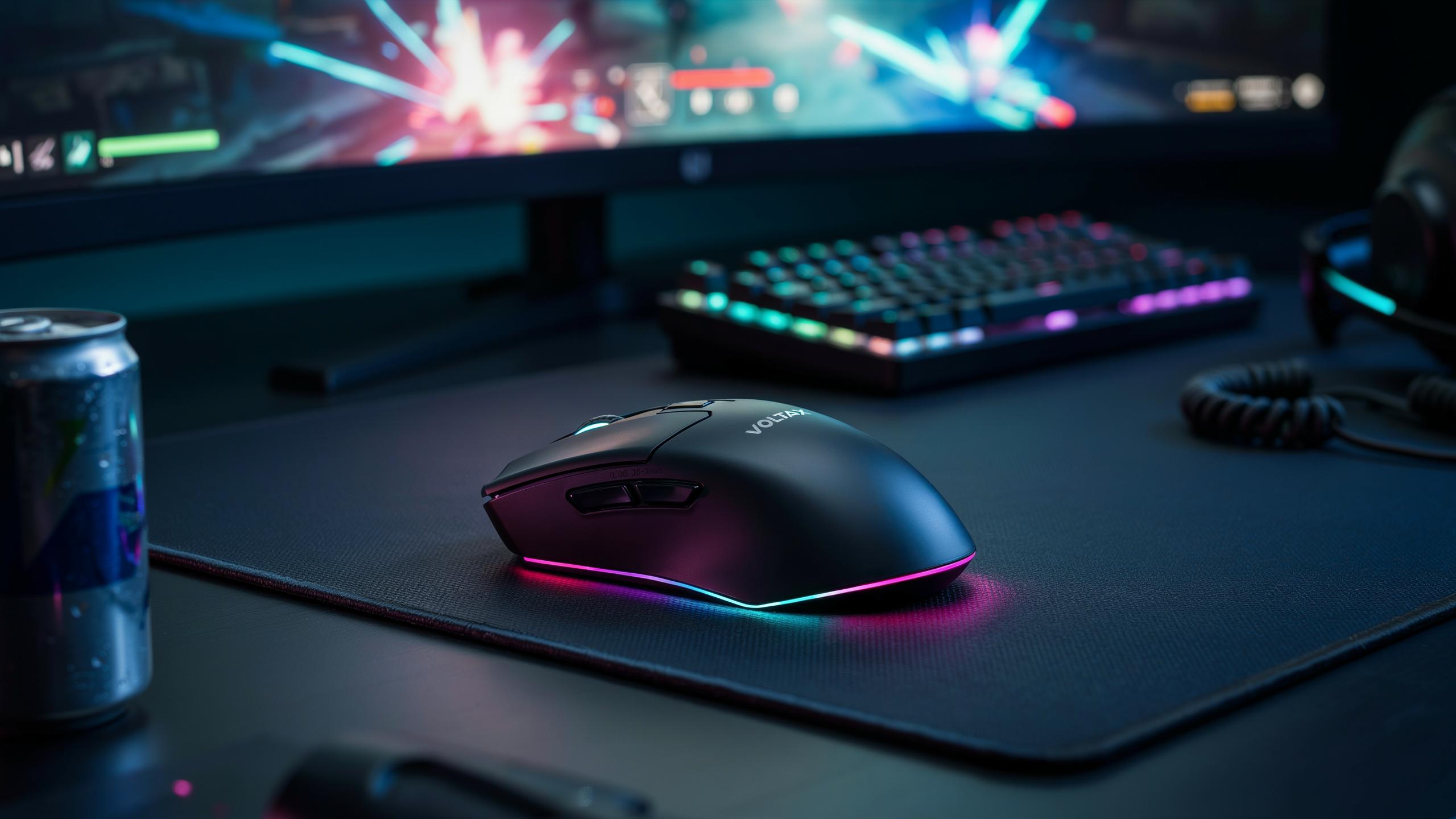
The Evolution Of Wireless Gaming Mouse Technology

Early Wireless Challenges
Wireless mice struggled with latency and connection drops in the early 2000s. Radio frequency interference from other devices caused signal loss. Battery drain forced frequent replacements. Gamers abandoned wireless mice for competitive play because wired models guaranteed stable, predictable performance. These limitations created a reliability gap that kept wireless off esports desks for years.
The core problem was simple: wireless added unpredictable delay. A mouse sending signals through air instead of cable meant milliseconds of lag during critical moments. Manufacturers couldn’t solve interference without better hardware. Cost constraints limited adoption in the gaming market. Players needed absolute certainty, not convenience with drawbacks.
Advancements In Wireless Tech
The 2.4 GHz frequency band became the gaming standard because it offered better range and consistency than older wireless protocols. Companies like Logitech and Razer developed proprietary wireless solutions that locked onto single devices, eliminating interference from competing signals. These closed-loop systems delivered latency matching wired mice, typically between 1 to 8 milliseconds.
Dedicated wireless receivers created direct connections to individual mice. Battery technology improved, extending usage to weeks between charges. Manufacturing refined the timing of signal transmission and reception. Modern wireless gaming mice now operate with latency imperceptible to human reaction time. The technology shifted from a consumer convenience feature to a legitimate competitive option.

Understanding Low Latency In Wireless Gaming Mice
What Is Latency
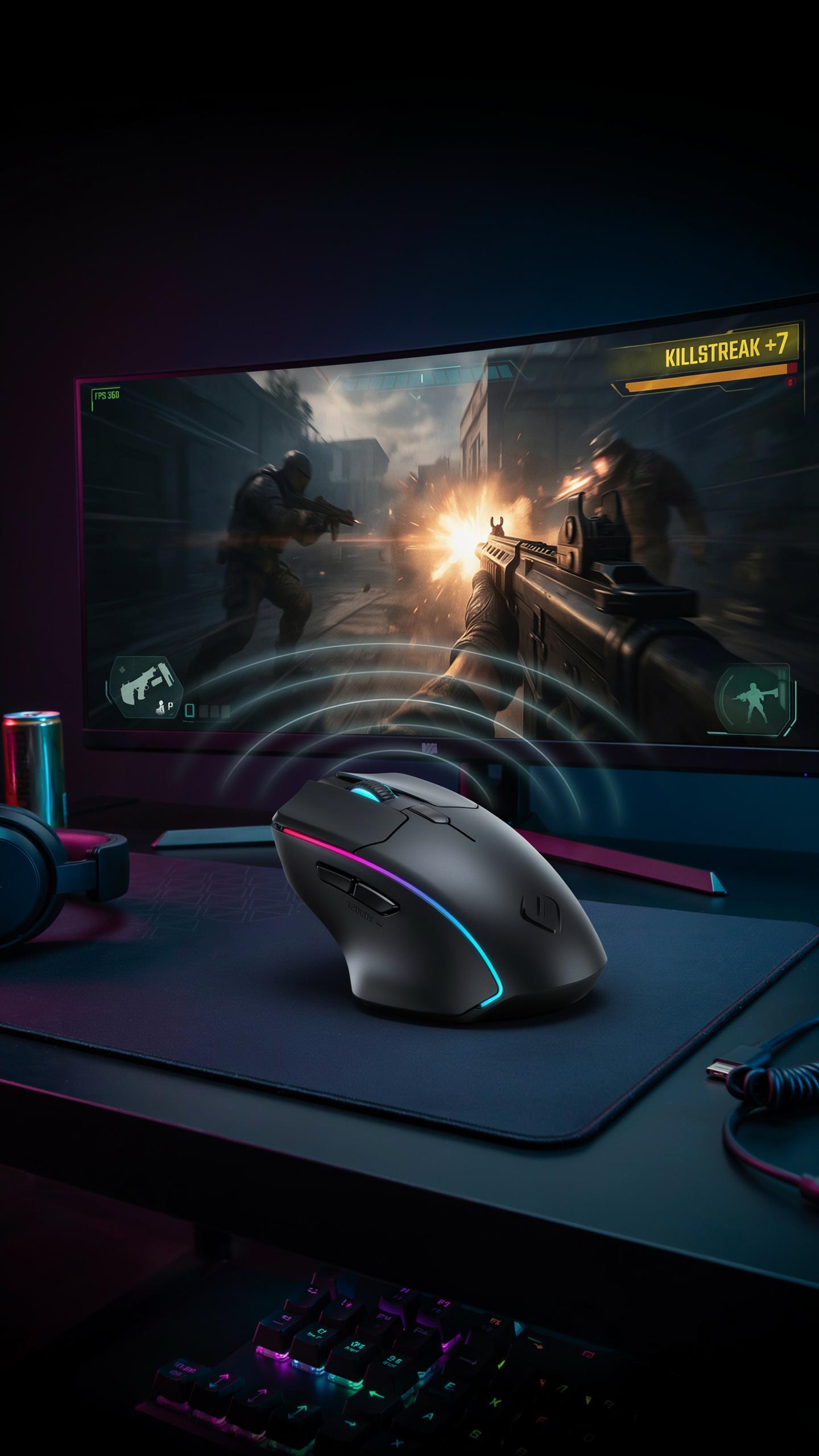
Latency is the delay between your mouse movement or click and the computer registering that input. In gaming, this delay directly impacts your ability to aim, react, and compete. A 1 millisecond difference can determine whether you land a shot or miss entirely. Competitive players recognize latency as a technical barrier that separates winning from losing. Modern wireless mice now match or exceed wired performance in this metric.
Latency compounds across multiple systems. Your mouse communicates with a receiver, which sends data to your PC, which processes the input and renders it on screen. Each step introduces potential delay. Wireless gaming mice eliminate cable drag but must overcome radio transmission time. Today’s advanced 2.4 GHz wireless technology achieves latency under 1 millisecond, rivaling wired connections from a decade ago.
Factors Affecting Latency
Polling rate determines how often your mouse reports its position to your computer. A 1000 Hz polling rate means the mouse sends data 1000 times per second, translating to 1 millisecond intervals. Higher polling rates reduce latency but demand more processing power from your PC. Most gaming mice operate at 1000 Hz, while some premium models support 8000 Hz or higher. Your choice depends on your system’s capability and gaming demands.

Wireless protocol and receiver technology control transmission speed and reliability. The 2.4 GHz frequency band offers the fastest response times for consumer wireless mice. Some manufacturers use proprietary protocols optimized specifically for gaming, reducing overhead and transmission time. Receiver placement matters too. Positioning the USB receiver near your mouse eliminates dead zones and reduces signal travel distance. Interference from other wireless devices can spike latency, so maintaining clear airspace around your setup is essential.
Key Features To Look For In A Wireless Gaming Mouse
Sensor Performance
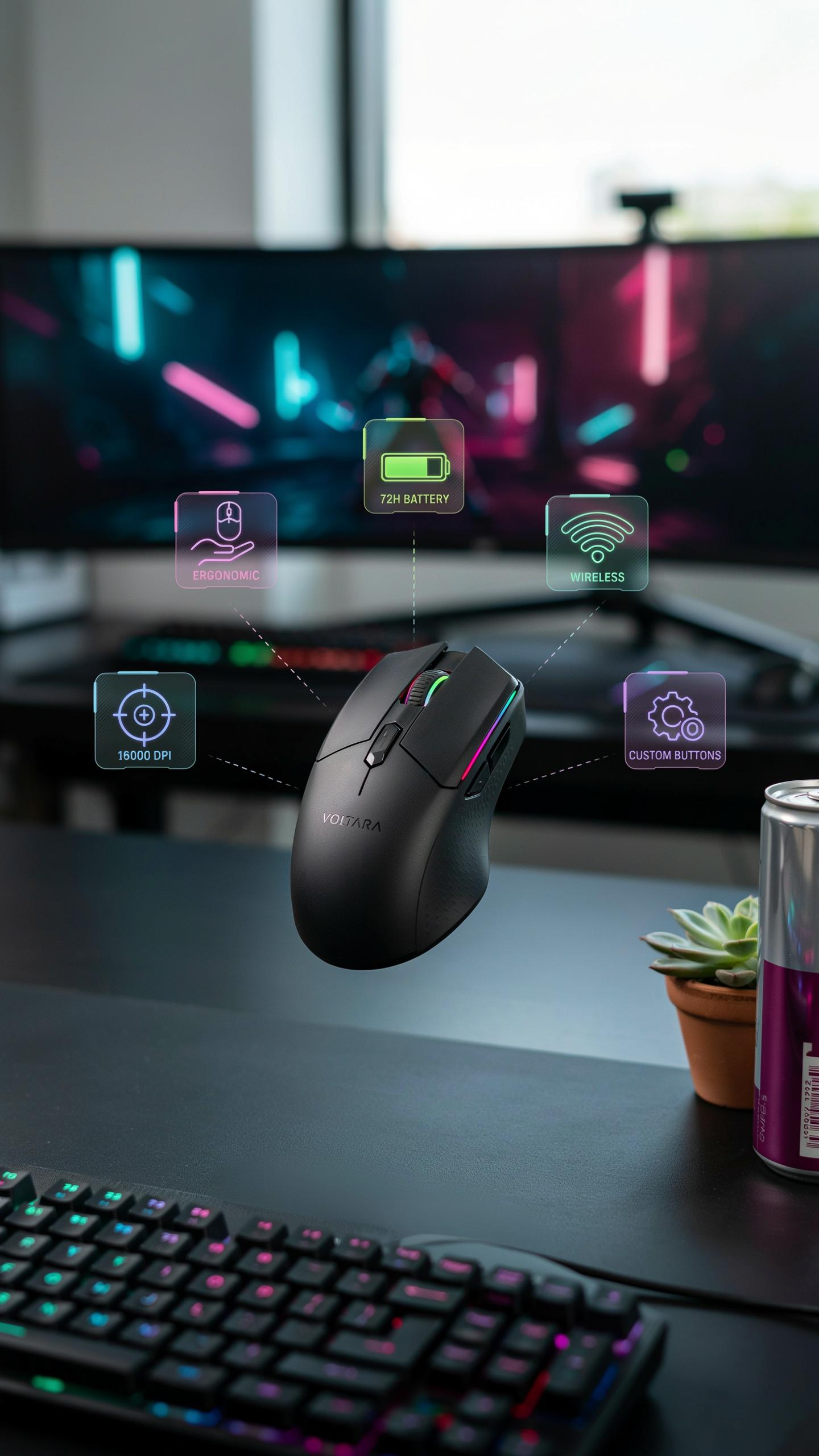
DPI measures how many pixels your cursor moves per inch of physical mouse movement. Higher DPI settings let you cover screen distance faster, but precision matters more than raw numbers. Most competitive gamers use 400 to 3200 DPI depending on their game and sensitivity preference.
IPS (inches per second) tells you the maximum tracking speed before the sensor loses data. A mouse with 650 IPS or higher handles fast flicks without acceleration errors. Acceleration measures how the mouse responds to speed changes, and you want it set to zero for consistent aim in shooters.
Switch Durability And Feel
Mechanical switches use springs and physical contacts to register clicks. They typically last 50 to 80 million clicks and give you tactile feedback you can feel and hear. Optical switches use light beams instead of metal contacts, reducing wear and extending lifespan to 100 million clicks or more.

Switch feel directly impacts your gaming performance. Mechanical switches have more travel distance, which some players prefer for control. Optical switches respond faster but require less finger pressure, reducing fatigue during long sessions.
Gaming Mouse Design And Ergonomics For Optimal Play
Grip Styles And Mouse Shape
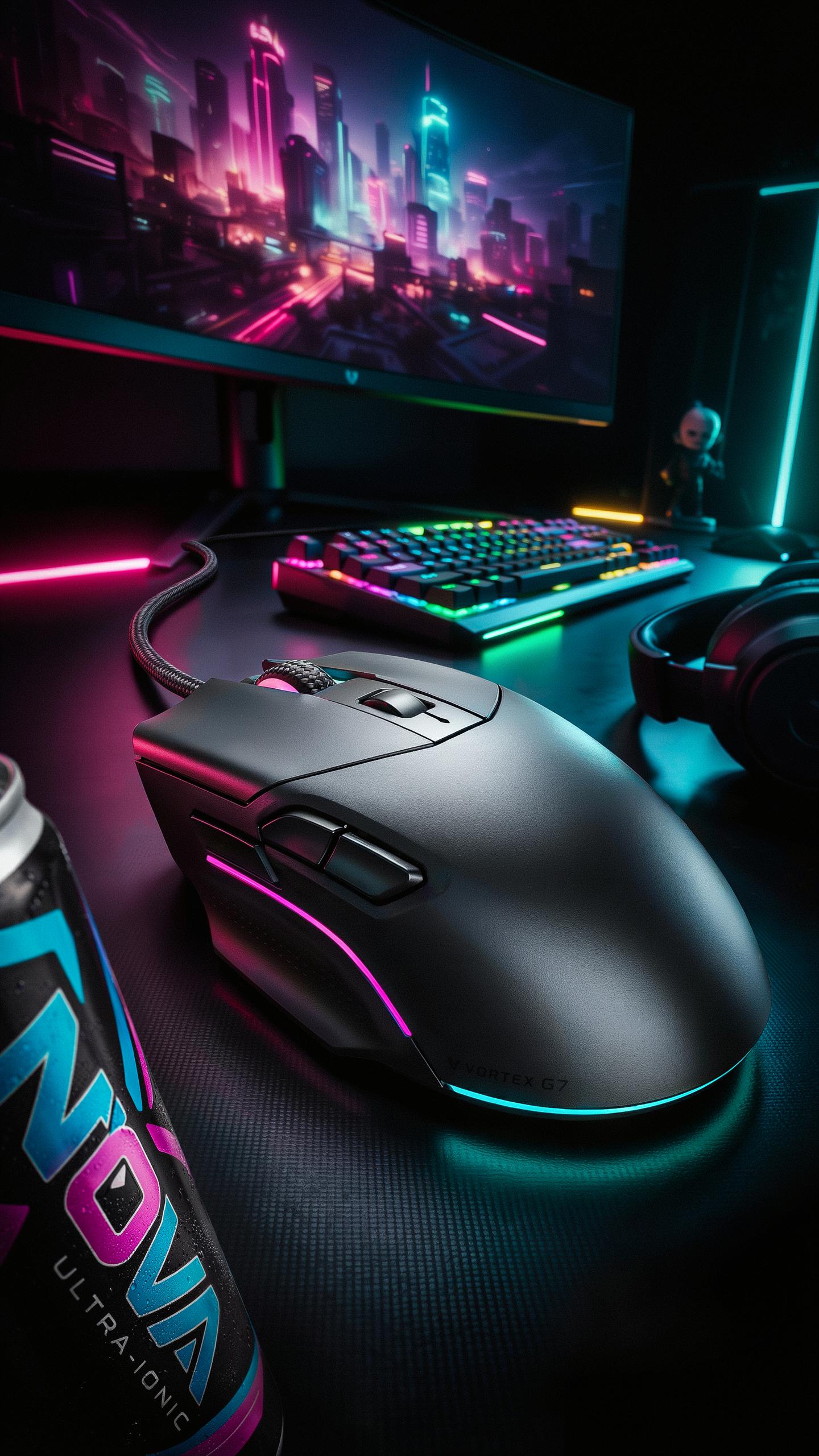
Your grip style determines which mouse shape works for you. Palm grip requires a larger, higher-profile mouse that supports your entire hand. Claw grip needs a mid-sized mouse with pronounced side curves. Fingertip grip works with smaller, flatter designs since only your fingertips contact the mouse. Mismatching grip to shape kills accuracy and causes hand strain during long sessions.
Mouse shape directly impacts your ability to execute precise movements. An ill-fitting mouse forces your hand into unnatural positions, reducing control and increasing fatigue. Test multiple shapes before committing. Your grip preference is non-negotiable, so prioritize mice designed for your specific grip style. This choice affects both performance and comfort during competitive play.
Weight And Balance
Mouse weight affects how quickly you can reposition during gameplay. Lighter mice accelerate faster and require less effort to move, reducing arm fatigue over extended sessions. Heavier mice provide stability for slower, more deliberate movements. Most competitive gamers prefer weights between 60 and 90 grams, though preference varies by game type and individual strength. Weight alone doesn’t determine performance, balance does.

Weight distribution matters more than total weight. A well-balanced mouse feels responsive regardless of being slightly heavier than competitors. Poor weight distribution creates dead zones where the mouse feels sluggish. Extended gaming sessions reveal balance issues quickly, as fatigue amplifies any awkward weight placement. Test the mouse for at least 30 minutes to evaluate how its weight distribution affects your control and endurance.
Battery Life And Charging Solutions For Wireless Mice

Optimizing Battery Life
Wireless gaming mice draw power differently based on sensor type and polling rate. Higher polling rates consume more battery. Most gaming mice operate at 1000Hz polling, which drains batteries faster than office mice at 125Hz. Reducing polling rate to 500Hz during non-competitive gaming extends battery life without noticeable performance loss for casual play.
Sensor settings directly impact power consumption. Mice with adjustable brightness LEDs let you dim or disable lighting to preserve charge. Motion detection features that wake the mouse consume battery when the sensor constantly scans for movement. Disabling unnecessary lighting and using the lowest acceptable brightness setting extends sessions between charges by hours.
Charging Convenience
USB-C charging has become standard on premium wireless gaming mice because it charges faster than older micro-USB connections. A full charge typically takes one to two hours depending on battery capacity. Most modern gaming mice deliver usable playtime within thirty minutes of charging, making quick top-ups viable before competitive sessions.

Removable batteries remain practical despite integrated battery designs becoming common. Mice with swappable double-A or triple-A batteries let you maintain continuous play by switching to fresh batteries while originals charge separately. Integrated batteries offer cleaner designs and better weight distribution but eliminate this flexibility. Wireless charging pads exist for some models but remain rare in gaming mice because contact charging adds thickness and weight that gamers actively avoid.
Top Wireless Gaming Mice For FPS Games
Logitech G Series
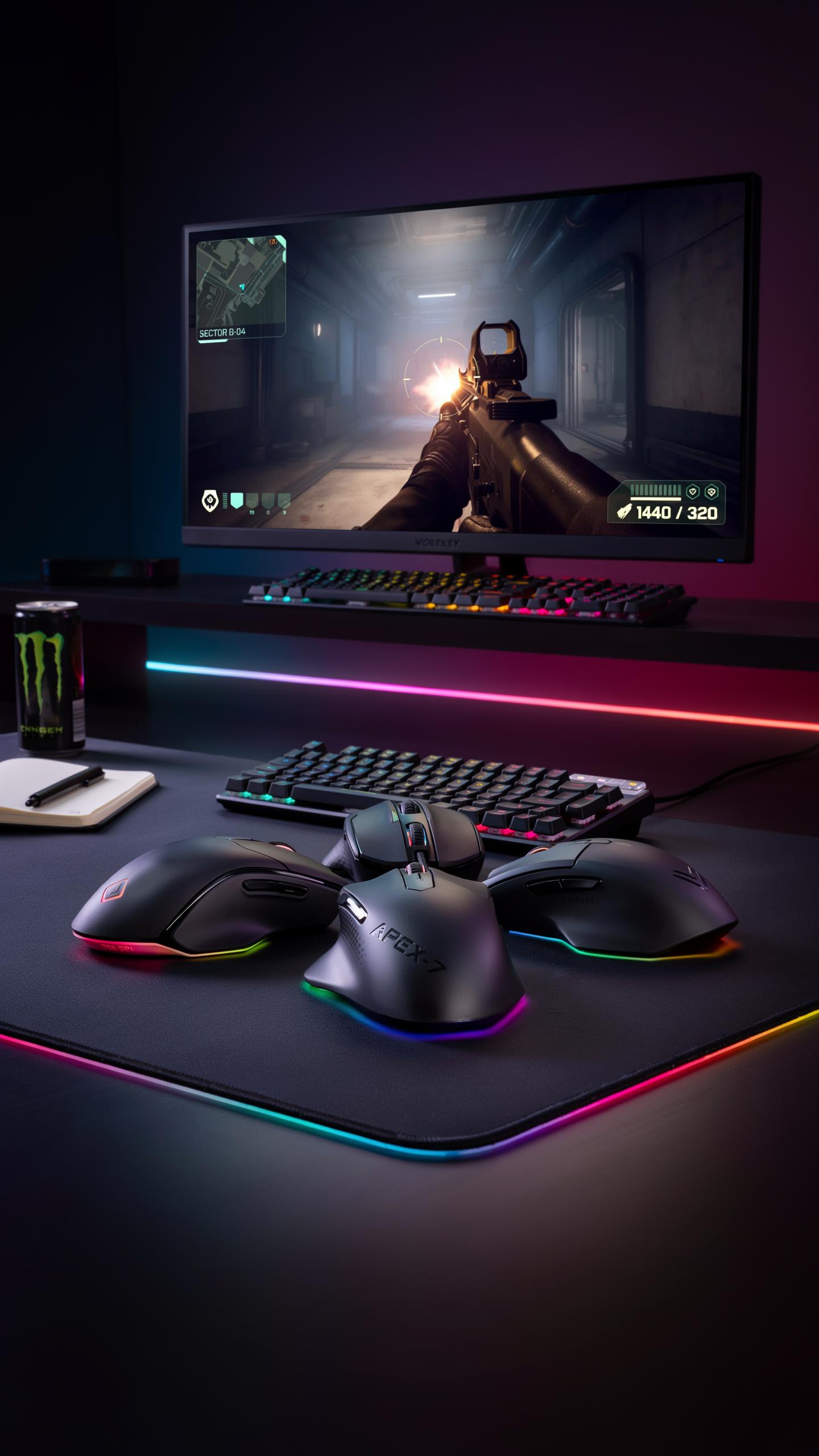
The Logitech G Pro Wireless delivers 1ms response time through their Lightspeed wireless technology. The mouse weighs 80 grams, reducing arm fatigue during extended play sessions. Its 16,000 DPI sensor tracks movement accurately across different surfaces. The ergonomic right-handed design fits palm and claw grips comfortably. Battery life reaches 48 hours on a single charge.
Logitech built the G Pro with competitive shooters in mind. The side buttons position within easy thumb reach for quick access during firefights. The cable-free design eliminates drag that can throw off aim. Players trust this mouse in esports tournaments and ranked matches. The price point sits at the premium tier, reflecting its build quality and performance standards.
Other Contenders
Razer’s DeathAdder V3 Pro matches Logitech’s latency performance with 8,000 Hz polling rate capability. The mouse features a unique cable management system that switches between wireless and wired modes. SteelSeries Rival Pro delivers precision through their TrueMove Pro sensor and 2.4 GHz wireless connection. Both brands compete directly in the competitive FPS space with similar response times and reliability.

Each brand targets different hand sizes and grip preferences. Razer emphasizes ergonomic contours for aggressive hand positioning. SteelSeries focuses on symmetrical designs that work for multiple grip styles. All three manufacturers offer sub-2ms latency across their flagship models. Tournament players rotate between these options based on personal preference and hand anatomy rather than performance differences.
Setting Up Your Wireless Gaming Mouse For Peak Performance
Driver And Software Optimization
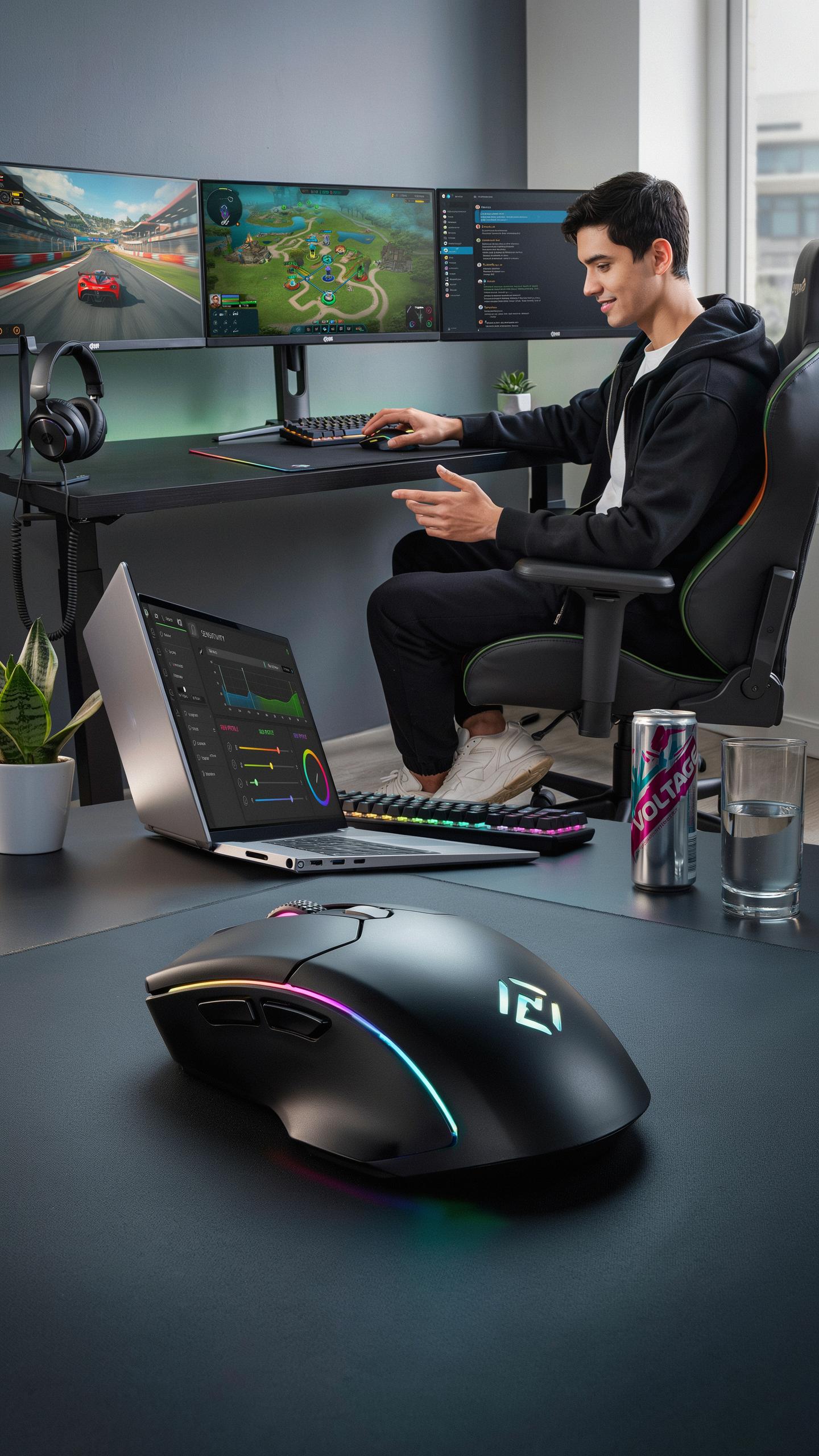
Most wireless gaming mice ship with software that controls polling rate, DPI sensitivity, and macro assignment. Install the manufacturer’s driver first. Access the control panel and set your polling rate to 1000 Hz if your mouse supports it. This means the mouse reports its position 1000 times per second to your computer. Higher polling rates reduce input lag between your movement and on-screen action.
Create multiple DPI profiles for different game types. Store one profile at 800 DPI for precision shooters and another at 3200 DPI for fast-paced titles. Assign macros only to buttons you reach without moving your grip. Test each macro in-game before competitive play to ensure they execute correctly without interference.
Surface Considerations
Your mouse pad directly affects sensor performance and tracking consistency. Optical sensors and laser sensors respond differently to surface texture and color. Match your pad material to your sensor type by checking the manufacturer’s specifications. A hard surface pad works best with optical sensors, while cloth pads suit most standard setups.

Replace worn mouse pads when you notice inconsistent tracking or stuttering during play. Surface wear reduces sensor accuracy more than most players realize. Clean your mouse sensor monthly with a dry cotton swab to remove dust buildup. Dust accumulation degrades sensor responsiveness and creates false tracking data that ruins aim precision.
Benefits Of A Wireless Mouse In Your Video Game Room
Cable Management And Aesthetics
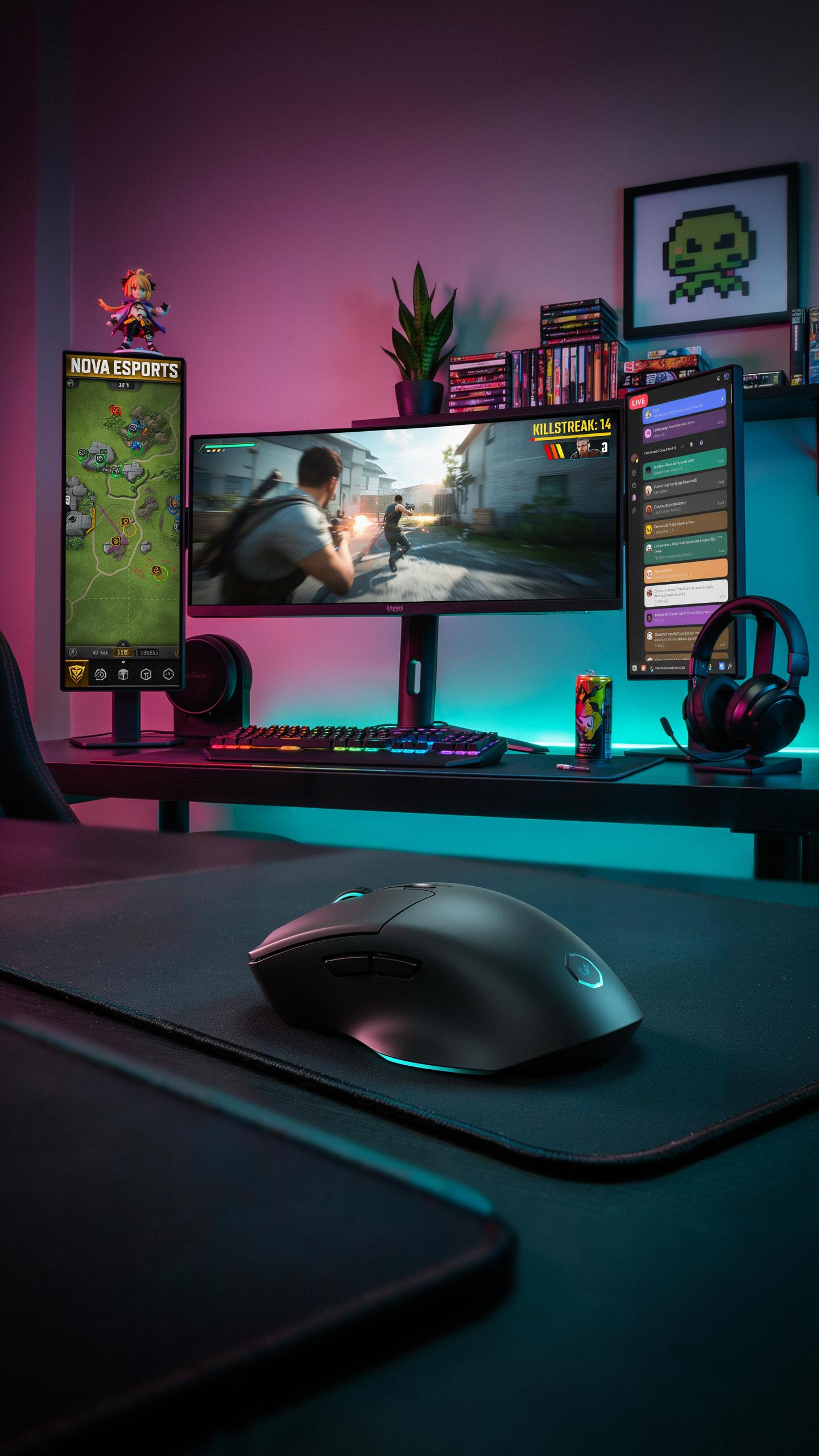
A wireless mouse eliminates the cord running from your desk to your gaming PC or console. This removes a physical obstruction that collects dust, tangles with other cables, and creates visual clutter. Your desk surface becomes cleaner and more functional. You gain actual workspace without a cable anchor point limiting your mouse movement or positioning options.
The absence of a cable changes your desk setup fundamentally. You arrange your peripherals based on comfort and ergonomics rather than cord length constraints. Monitor arms, keyboard placement, and mouse pad positioning become pure design choices. Your gaming area looks intentional and organized instead of cluttered by wiring.
Portability And Flexibility
A wireless mouse pairs with multiple devices without reconnecting physical connections. You switch from your gaming PC to a laptop or tablet by simply moving the mouse to the new device. This matters when you game across different setups or play on consoles that support wireless peripherals. Setup changes happen instantly without fumbling with cables or USB ports.

Different gaming environments demand different equipment arrangements. A wireless mouse adapts to your current space without requiring desk reorganization or cable rerouting. You transport it between rooms, LAN events, or friend’s houses without planning around cable length. Your gaming flexibility increases because your peripherals move with you on your terms, not hardware constraints.
Common Misconceptions About Wireless Gaming Mice
Debunking Latency Myths
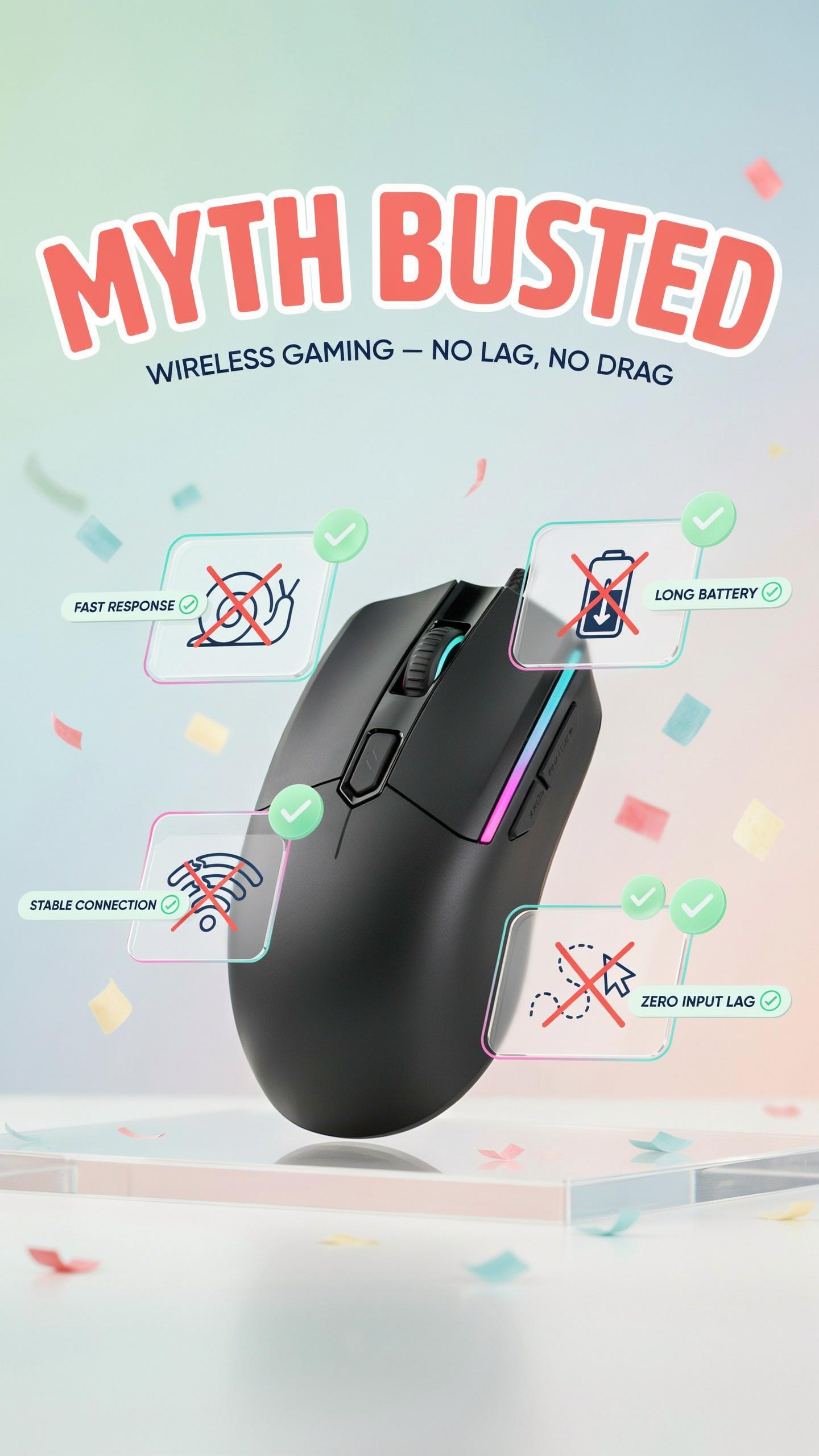
Modern wireless gaming mice operate at latency levels that match or exceed wired performance. The 2.4GHz wireless technology used in gaming mice transmits data at speeds measured in milliseconds, typically between 1 to 8 milliseconds of delay. This falls well below the human perception threshold of 20 milliseconds. The misconception stems from older wireless peripherals that genuinely suffered from input lag, but current gaming-grade hardware has eliminated this problem entirely.
Manufacturers test wireless mice against wired counterparts in competitive environments to validate performance claims. Professional esports players regularly use wireless mice in tournament settings, proving the technology handles high-stakes gameplay without latency concerns. The latency you experience comes from your monitor refresh rate and processing chain, not the wireless connection. Blaming wireless mice for poor performance misses the actual technical bottlenecks in your setup.
Remember that
— Unknown
Interference And Connectivity
Wireless gaming mice use frequency-hopping spread spectrum technology and proprietary protocols to avoid interference from WiFi, Bluetooth, and other 2.4GHz devices. These mice jump between different frequencies across the 2.4GHz band at speeds faster than interference can disrupt the signal. The connection remains stable even in crowded wireless environments. Gaming mice maintain dedicated channels separate from consumer WiFi to prioritize responsiveness over bandwidth.
The receiver dongle placed near your mouse creates a direct point-to-point connection that operates independently from your network infrastructure. Distance limitations are practical rather than performance-based, typically extending 10 to 15 feet in normal conditions. Signal dropout occurs only in extreme cases involving physical obstruction or deliberate RF jamming. Your wireless mouse will maintain connection reliability across any typical gaming setup or office environment.
Is A Wireless Gaming Mouse With Low Latency Worth The Investment
Performance Vs Price
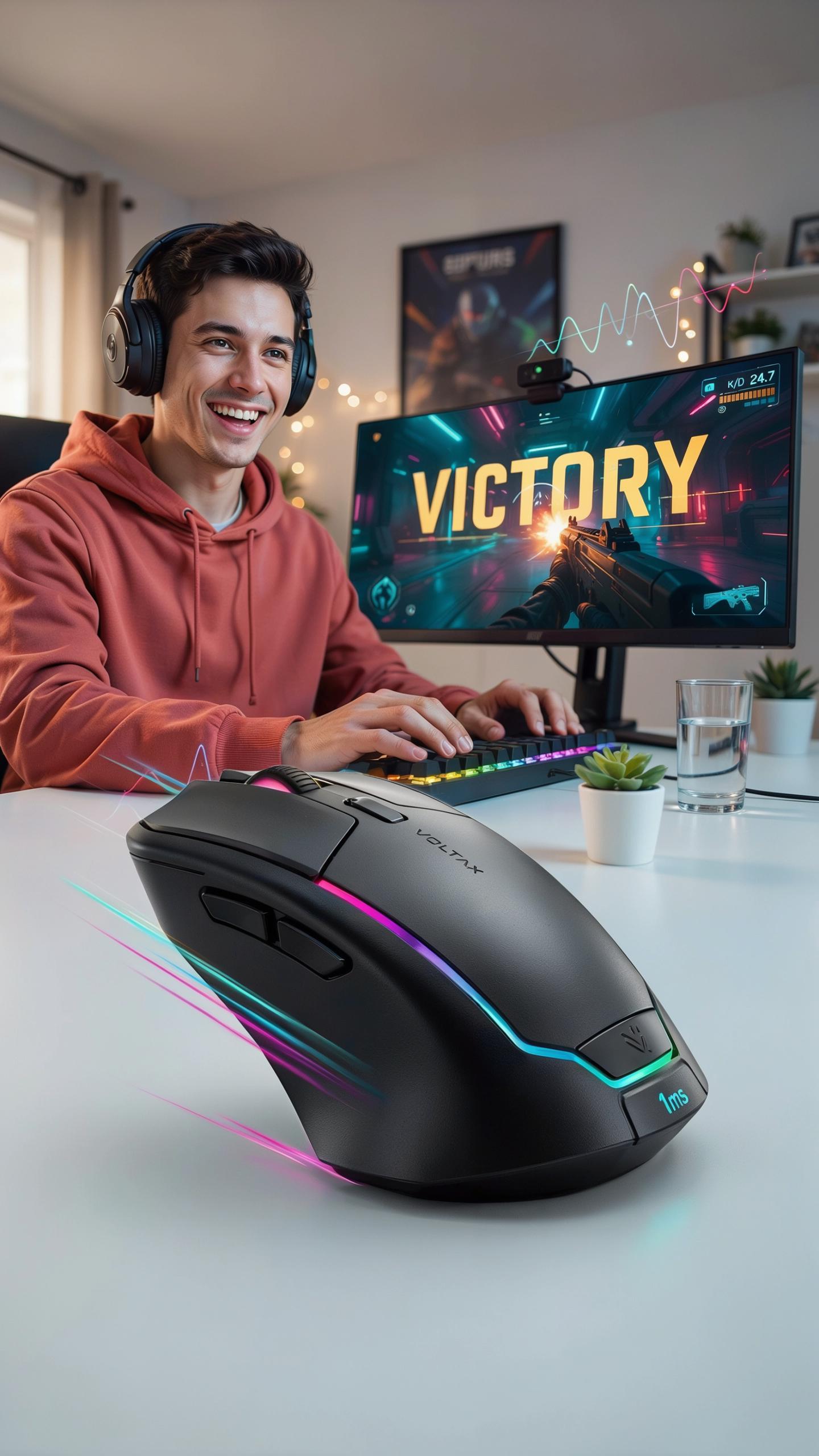
A wireless gaming mouse with low latency costs 40 to 150 dollars depending on brand and sensor quality. Entry-level models deliver sub-10ms latency matching wired performance. High-end options add ergonomic refinement and battery longevity. The price premium over wired mice reflects wireless technology costs, not performance gaps. Competitive gamers rarely need the most expensive option.
The real calculation hinges on your game type and skill level. Esports players in fast-twitch titles benefit measurably from low-latency mice. Casual gamers notice minimal difference between wireless and wired at similar price points. Battery life and portability offset the cost for most users. Mid-range wireless mice between 60 and 90 dollars offer the best value proposition.
Future Of Wireless Gaming Mice
Wireless technology is trending toward faster polling rates and longer battery life through improved power efficiency. Manufacturers are adopting 8000Hz polling rates, matching or exceeding older wired standards. Sensor technology continues advancing with better tracking accuracy at lower power consumption. 2.4GHz wireless dominates the market, while some brands explore 5GHz for additional bandwidth. These improvements directly lower latency while reducing battery drain.
Battery technology represents the next major shift in wireless mouse design. Solid-state batteries and fast-charging capabilities will eliminate frequent charging cycles. Manufacturers are investing in ultra-efficient chips that maintain low latency with minimal power draw. As production scales, wireless mice will eventually cost less than comparable wired models. The gap between wireless and wired performance will continue narrowing within the next two years.
Frequently Asked Questions

What exactly does “low latency” mean for a wireless gaming mouse and why is it important?
Low latency in a wireless gaming mouse refers to the minimal delay between your physical movement and the on-screen action. It’s crucial for competitive gaming as it ensures your commands are registered instantly, providing a seamless and responsive experience. This can be the difference between victory and defeat in fast-paced games.
How can I tell if a specific wireless gaming mouse with low latency is genuinely high-performing and not just marketing hype?
To assess true performance, look beyond marketing. Check independent reviews from reputable tech sites and professional gamers. They often provide real-world testing data, including input lag measurements. Also, research the connectivity technology; 2.4GHz USB dongles generally offer superior low-latency connections compared to standard Bluetooth.
Are there any affordable wireless gaming mouse with low latency options that still offer good performance for casual gamers?
Absolutely! While top-tier models can be pricey, several brands offer excellent budget-friendly wireless gaming mouse with low latency options. Look for mice with reliable 2.4GHz wireless connectivity and solid sensor performance from brands like Logitech, SteelSeries (entry-level), or Glorious. You can find great value without sacrificing too much performance.



