The “Less Is More” Mandate: Essentialist Tech For Transient Spaces

What Your Workflow Actually Requires
You want to feel prepared without admitting you’re anxious about missing something. Here’s the mechanism: hotel rooms kill productivity not because they lack gadgets, but because decision fatigue compounds in unfamiliar spaces. Borrow from systems design—the concept of “critical path” identifies only the tasks that block everything else. Your critical path in a hotel is power delivery and connectivity. Everything else is optional friction.
Start by auditing what you actually do during travel. Most people pack for a fantasy version of themselves that works twelve hours a day in the room. Reality is different. You need a device to work on, power to keep it alive, and internet that works. One charger per device. One cable per device type. One power strip with USB capacity if your hotel outlet placement is bad. That’s the mandate.
Devices That Justify Their Weight
The common advice says “bring backup everything.” It’s wrong. Redundancy isn’t insurance—it’s procrastination equipment masquerading as professionalism. You bring a second charger because you’re afraid you’ll lose the first, not because you’ve calculated the actual cost of that risk versus the dead weight in your bag.
Your phone charges your wireless earbuds. Your laptop charges your phone via USB-C passthrough. Your power bank only comes if your flight is over six hours and your hotel room lacks outlets near where you work. Test this before travel—actually map where outlets sit relative to the desk or bed. Eliminate devices that solve theoretical problems instead of real friction points.
Charging Cadence: The Power Optimization Protocol
One Hub Replaces The Brick Graveyard
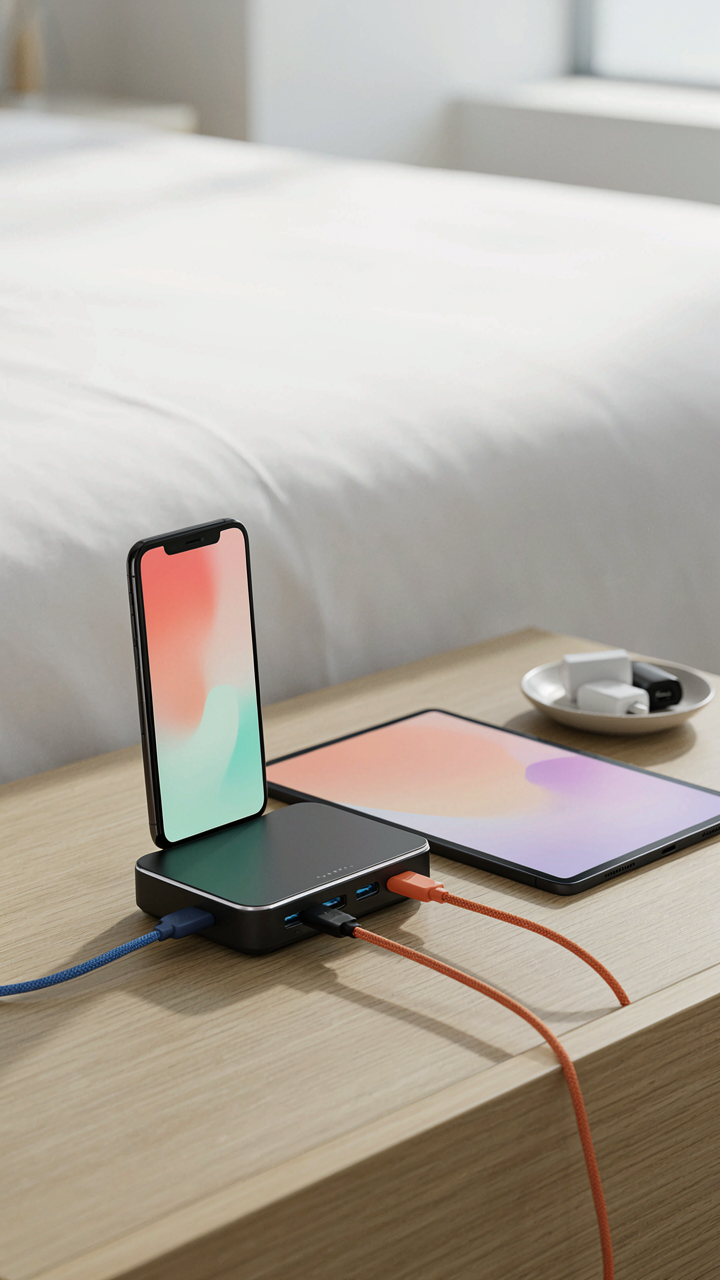
You’re anxious about dead devices mid-work because you’ve watched enough people fumble through hotel room outlets like they’re solving a puzzle. The real mechanism is voltage drop and thermal efficiency. When you distribute charging across five separate bricks, each one operates at partial load, generating wasted heat and slower charge times. A single multi-port hub consolidates current draw, maintains stable voltage across all ports, and eliminates the mental overhead of tracking which brick powers what.

Modern USB-C hubs with 65 to 100 watts output handle laptop, phone, and tablet simultaneously without degradation. The hub occupies one outlet, one cable path, and one decision tree. You’re not choosing a hub for elegance. You’re choosing it because parallel inefficiency costs you time and battery anxiety. One power source beats five scattered ones every time.
Cables Staged For Zero Friction
The tangle kills you before the shortage does. You reach for your phone cable in dim light and waste three minutes untangling nylon that should have been organized the moment you entered the room. Cable management isn’t aesthetic. It’s about transaction cost. Every second spent finding the right connector is a second you’re not working or resting.
Route cables along the desk edge using small adhesive clips or a cable tie looped under the hub itself. Label cables with a small piece of tape if you carry multiple types. Position the hub at arm’s reach from your primary work surface, not behind the nightstand or under the bed. You pick up the cable you need within one second, every time, no negotiation.
Beyond The Hotel Room Desk: The Workspace Alchemy

The Bed As Your Actual Workstation
You want to believe the desk works because admitting you’ll spend eight hours on the bed feels like defeat. Here’s the mechanism: hotel desks fail because they’re designed for checkout paperwork, not sustained work. The bed wins on every dimension that matters—surface area, back support when you stack pillows, and proximity to power outlets along the headboard. Most beds sit at 24 to 26 inches high, which matches standard desk height when you add a firm pillow wedge underneath your laptop.

The real move is treating the bed as primary and the desk as secondary storage. Anchor your setup by running your charging cables along the headboard or the wall behind it, not across the mattress where they create pressure points and degrade faster. Position your monitor or second screen on a small stand at eye level so your neck stays neutral. Your spine doesn’t care about the room’s aesthetic—it only cares about angle.
Anchoring To Existing Room Elements
Furniture physics applies here: stability comes from distributed load across multiple contact points, not from one surface alone. Most hotel rooms include a dresser, nightstand, and desk—use all three instead of cramming everything onto one. The nightstand becomes your cable hub because it sits flush against the wall and already has a power outlet. The dresser provides a monitor stand height if you place a small riser on top. The desk stays clear for papers or your second monitor.
Never rest your laptop directly on fabric like the duvet or upholstered headboard for heat dissipation reasons. Use the nightstand or dresser surface. Check that whichever surface you choose doesn’t wobble—test it by pressing down firmly on one corner. If it moves, stack a folded towel underneath the uneven leg. This takes ninety seconds and keeps your equipment from sliding or crashing mid-video call. Your setup only works when every surface you rely on is level and immobile.
The Cognitive Load Reduction System For Hotels Room
Surfaces That Don’t Scream For Attention
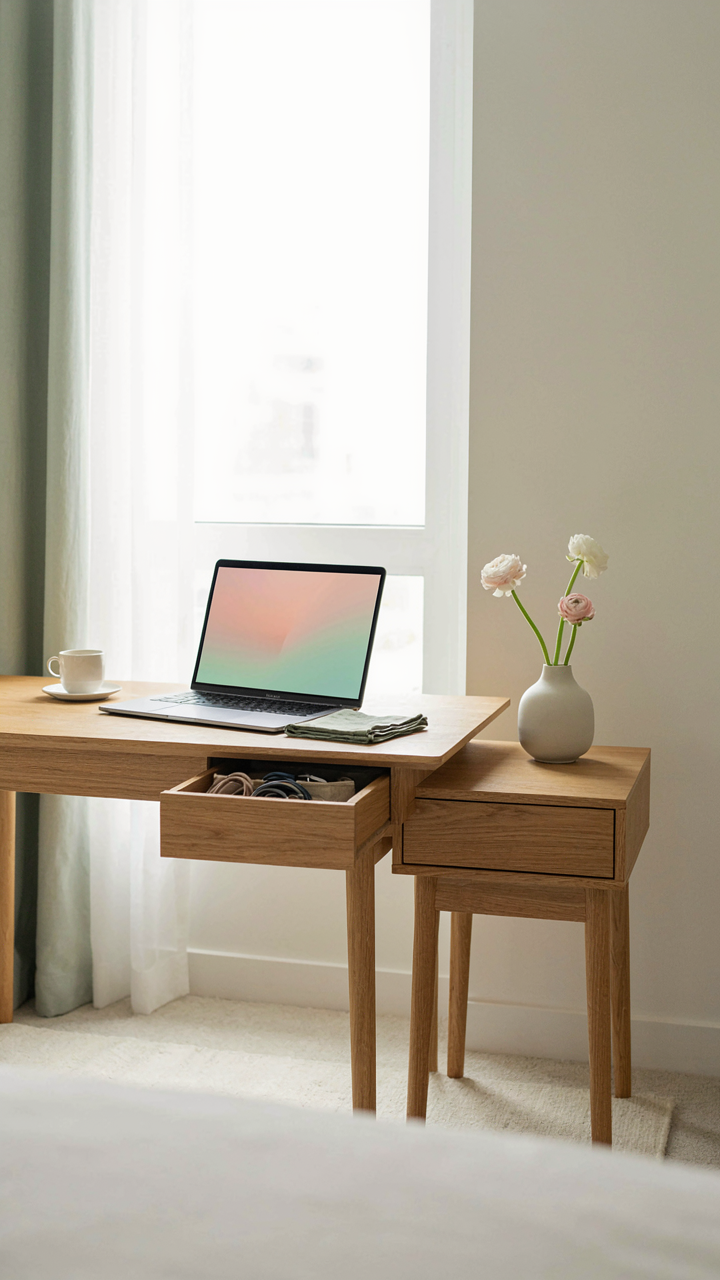
You want to feel sharp in a hotel room, not drained before you start working. Visual clutter depletes decision-making capacity before you’ve done anything. Your desk, nightstand, and outlet areas should enforce silence, not competition. Every cable, adapter, and device left visible costs you focus cycles you don’t get back.

The fix is spatial segregation, not minimalism theater. Corral everything into zones: charging stations behind the TV, cables in a small pouch, adapters in a drawer. Keep your work surface bare except for your laptop or notebook. The brain treats visual disorder as unresolved tasks. One clean desk surface removes that tax before you sit down.
The Arrival Sequence That Kills Setup Friction
Most people waste fifteen minutes on arrival fidgeting with cables, hunting outlets, and discovering the lamp doesn’t reach the bed. You need a preset routine you execute the same way every time, regardless of room layout. This removes decision-making from the moment you’re tired and disoriented. Standardization works because it converts a novel problem into a practiced sequence.
Walk in and immediately: locate the primary outlet cluster, plug in your power bank, place your laptop on the desk, arrange your charger cords in one dedicated corner of the nightstand. Test the desk lamp before you unpack. Identify the second outlet for your phone charger and position it at head level if you sleep with notifications on. The sequence takes three minutes and eliminates the low-grade stress of incomplete setup that leaks into your actual work.
Acoustic Architect: Crafting A Soundproof Sanctuary

Noise Canceling Headphones As Productivity Shield
You want noise canceling because you’re terrified of losing control over your environment. The mechanism is simple: active noise cancellation uses destructive interference, the physics principle where opposing sound waves cancel each other out. Your headphones generate inverted audio signals that collide with incoming noise, neutralizing it before it reaches your ear.

Hotel rooms pump in HVAC hum, hallway traffic, and ice machine noise at unpredictable intervals. Passive isolation alone won’t cut it. Quality noise canceling headphones create a sealed acoustic space around your head, dropping ambient noise by 15 to 25 decibels depending on the model. This matters because your brain can focus without constantly scanning for threats. Pair your headphones with a white noise app if the cancellation feels too clinical, but the cancellation does the real work.
Ambient Soundscapes For Sustained Attention
Most people treat ambient sound as decoration. It’s actually a cognitive load regulator. Neuroscience confirms that the right acoustic backdrop reduces mental effort by masking unpredictable noise spikes. Your brain stops bracing for interruption and routes resources toward the task instead.
Hotel silence is worse than hotel noise. Dead rooms create tension because your nervous system expects audio input. A consistent ambient layer, whether rain recordings or low frequency tones, gives your brain a predictable baseline to ignore. Use apps like myNoise or Noisli at 40 to 50 decibels. Set playback to loop seamlessly so gaps don’t jolt you back to alertness. Start the soundscape before you open your laptop, not after you’ve already lost focus.
Light Logic: Optimizing Illumination For Focus And Rest
Ambient Light Zones For Productive Work
You want to feel sharp and in control, which is why you notice the moment a room’s lighting kills your focus. Light operates like territorial design in architecture: you stake out zones with different intensities so your brain knows what mode to enter. Most hotel rooms treat light as binary—on or off—which sabotages both work and recovery.

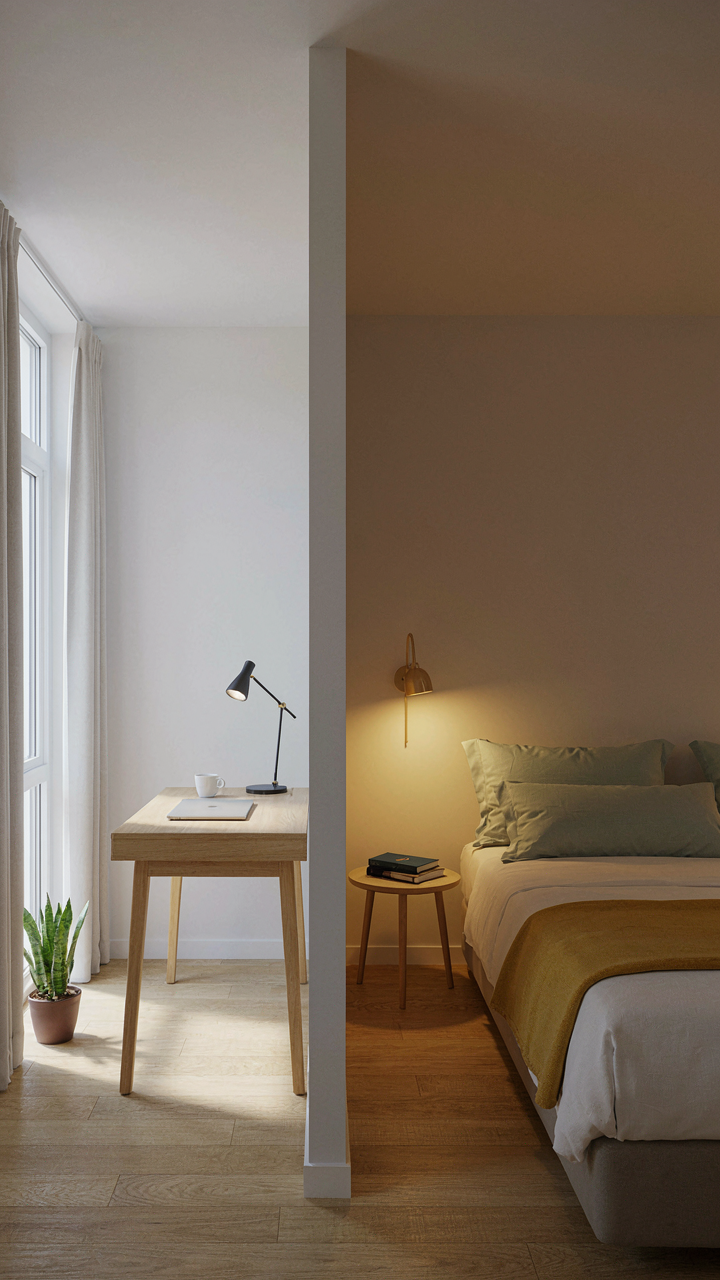
Establish two zones in your space. The desk or work area needs 300-500 lux minimum, which means you layer the overhead fixture with a portable task lamp positioned at 45 degrees to eliminate glare on screens. Your rest zone (bed, chair) stays at 50-100 lux by using only ambient wall sconces or keeping curtains partially drawn. This contrast trains your circadian system to shift modes without leaving the room.
Evening Work And Sleep Protocol
The common advice about blue light is incomplete. Blue wavelengths do suppress melatonin, but the real issue is intensity timing, not just color. A blue light filter on your phone at 10 PM won’t repair damage from overhead LEDs at full brightness two hours earlier.
Use this protocol: stop overhead lighting by 8 PM if you plan to sleep before midnight. Switch to warm-toned desk lamps (2700K or lower) if evening work is unavoidable. Activate screen filters one hour before bed, not thirty minutes before. Keep the room’s main lights off after sunset except during your work window. This creates a hard boundary your nervous system can track.
The “Hotel Concept” Reimagined: Tech As A Seamless Extension
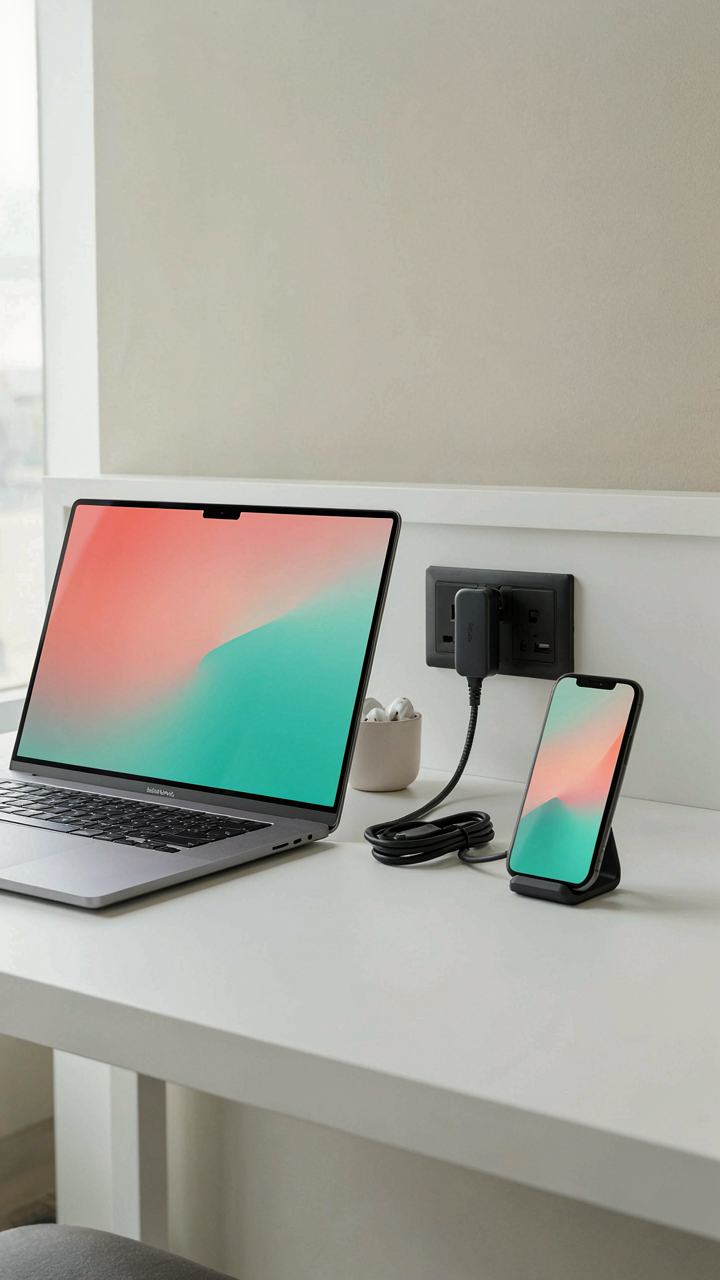
Devices Ready Before You Arrive
You want to walk into a room and feel in control immediately. That feeling is actually just the absence of friction. The real mechanism here is pre-configuration: devices staged and tested before check-in so they demand nothing from you the moment you cross the threshold.
- Phone charger positioned at desk or nightstand: Place the cable within arm’s reach of your work or sleep zone. Test it works before arrival. Dead phone in a new city creates immediate stress and kills productivity.
- Laptop power adapter staged near outlet: Verify the outlet works from your booking confirmation or call ahead. Know the voltage if traveling internationally. One faulty outlet kills an entire work session.
- Backup portable battery charged to 100%: Pack it separate from your main charger. This is your failsafe for dead outlets or a device that drains faster than expected during the day.
- USB hub with multiple ports: Hotels often have one outlet per work surface. A hub multiplies your available connections without daisy-chaining adapters, which creates heat and device damage over time.
- Cable management clips or velcro ties: Prevents cables from tangling and falling behind furniture where they become inaccessible. Organized cords also mean you spot a loose connection before it causes data loss or device failure.

The psychology of anticipation drives behavior more than the actual setup does. You’ll work longer, focus deeper, and stay calmer when you know everything powers on the first try. Set this up before you land, not when you arrive tired.
The Speed Of Setup Determines Your First Hour
Most advice says “bring adapters and cables.” That’s incomplete. The real variable is time lag between arrival and operational readiness. Every minute you spend troubleshooting is a minute you’re not working or resting, which compounds fatigue and kills momentum for the entire stay.
The difference between scrambling and readiness isn’t preparation, it’s protocol. You need a checklist you execute the moment you enter the room. Test power at your work desk first. Then test power at your sleep zone. Then arrange devices in their operational positions. This takes five minutes and eliminates 90 percent of tech problems before they start. When your setup works on arrival, your brain stops treating the room as temporary and starts treating it as functional. That shift is when you actually relax.
Digital Detox Zones: Reclaiming Your Hotel Sanctuary

The Bed Stays Off Limits
You want to believe you can work from bed and still sleep well. You can’t. The mechanism is spatial conditioning: your brain associates locations with behaviors. When your bed becomes a desk, your nervous system treats it as one. Sleep quality collapses because the environment no longer signals rest. The fix is surgical. Your bed is for sleep only. Everything else—laptop, phone, tablet—lives at the desk or chair across the room. This isn’t advice. It’s basic neurology.
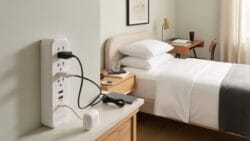
The physical distance forces friction into your evening routine. Before bed, you must stand up and walk away from your devices. This small barrier breaks the automation that keeps you scrolling at 11 PM. The desk becomes the active zone. The bed becomes the recovery zone. Keep them separate, and your sleep architecture stays intact. Place your charging cables at the desk so devices never migrate to the nightstand.
Anchor Breaks To Room Transitions
Most advice about screen breaks is useless because it ignores implementation. Telling yourself to take breaks doesn’t work. Your brain ignores abstract goals. Instead, anchor breaks to physical transitions already built into a hotel stay. When you return to your room, you break. When you leave for a meal, you break. When you shower, devices stay outside the bathroom entirely.
The bathroom is your reset lever. Twenty minutes without a screen, plus the sensory shift of water and soap, genuinely interrupts the dopamine loop. No phone in the bathroom. Ever. This isn’t puritan thinking. It’s about protecting the one space in a hotel room where your attention resets naturally. After you exit, you’ve already served a forced break. Your next work block starts with clearer focus.
The Antifragile Setup: Preparing For Inevitable Tech Glitches
Backup Power And Internet Matter More Than Your Main Setup
You’re worried about looking unprepared in front of clients or colleagues. The real mechanism is simpler: hotel infrastructure fails randomly, and your primary charger and wifi will fail exactly when you need them most. Military logistics borrowed the concept of “redundancy nodes”—backup systems that function independently of the primary. In your hotel room, this means your backup power source isn’t a luxury; it’s a distributed system that keeps your work intact when the hotel’s infrastructure collapses.

Hotel wifi crashes without warning. Wall outlets short out. Your laptop battery depletes mid-call. The common advice says “pack a power bank.” That misses the point entirely. You need layered redundancy across three vectors: power generation, power storage, and network access. A second charger in your bag isn’t a backup—it’s dead weight if your phone is already charging. Instead, keep a high-capacity power bank charged and separate from your devices. Bring a portable wifi hotspot with its own data plan if your work depends on stable connectivity. Test both before arrival so failure in the field doesn’t become a crisis.
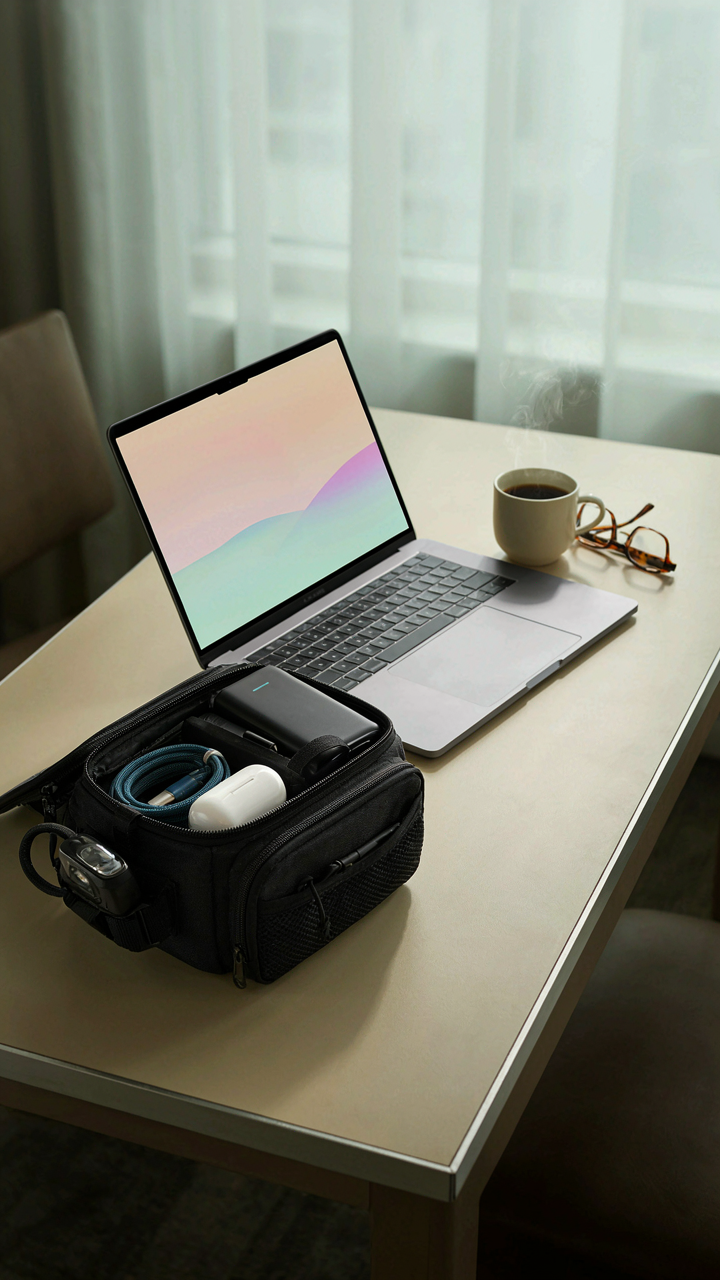
Your Operational Go Bag Stays Packed And Ready
Military logistics planners don’t assemble supplies when a crisis hits. They maintain a pre-positioned go-bag that moves with the unit. Your tech go-bag operates on identical logic: it stays prepared to function as a complete standalone setup if your primary rig fails completely.
Pack this bag with purpose. Include a second charging cable (not the same connector type as your main device), a portable power bank with at least 20000 mAh capacity, a small headlamp or clip light, backup earbuds, and a USB-C multiport adapter. Cables degrade. Headphones break. Room lighting fails. The go-bag sits packed in your luggage until something breaks mid-project. When it does, you deploy the bag and lose zero momentum. This isn’t paranoia; it’s operational efficiency. You test the bag’s contents once monthly so nothing sits dead or disconnected when you actually need it.
The TV In Bedroom Deception: Reclaiming Your Attention

Why The TV Stays On When You Don’t Want It
You keep the TV running because you’re afraid of silence and what it means about your ability to sit alone with your thoughts. The mechanism is simple: hotels install TVs as a default comfort object, not because you need them. They’re there because they’re cheap to maintain, they fill dead air, and they make rooms feel less empty. The TV becomes a substitute for actual rest. Your nervous system mistakes noise and light for safety. You’re paying for a room designed to prevent you from noticing you’re alone.
The real cost is attention debt. Every hotel TV is tuned to drain your focus the moment you’re vulnerable, which is when you’re tired. If you leave it running while you work or try to rest, you’re fragmenting your mental state without realizing it. Studies on divided attention show that even background TV degrades cognitive performance and sleep quality. You don’t need proof. You’ve already felt it: the foggy morning after a night of ambient cable. The TV sold you comfort and delivered disruption instead.
Actual Relaxation Without The Screen Tax
Forget the advice that you should just “be disciplined” and turn off the TV. That misses the point. Your problem isn’t willpower, it’s that the TV is positioned as the only relaxation option in the room. Replace it with a mechanism from sensory design: controlled ambient input. This means introducing elements that demand less cognitive load than screens while still occupying your attention productively.
A simple travel speaker with lo-fi instrumental audio, a podcast at low volume, or white noise from an app does what TV can’t: it relaxes without hijacking your visual cortex. If you’re wired and need something to do, bring a book or a writing journal. Both require active focus, which paradoxically exhausts anxiety faster than passive TV watching. Before bed, use your phone’s blue light filter or read on a Kindle with its grayscale mode. All three options let you rest without the neural tax. Choose one and use it the moment you enter the room, before the TV becomes your default.
The Ultimate Obstacle Isn’t Your Gear, It’s Your Mindset
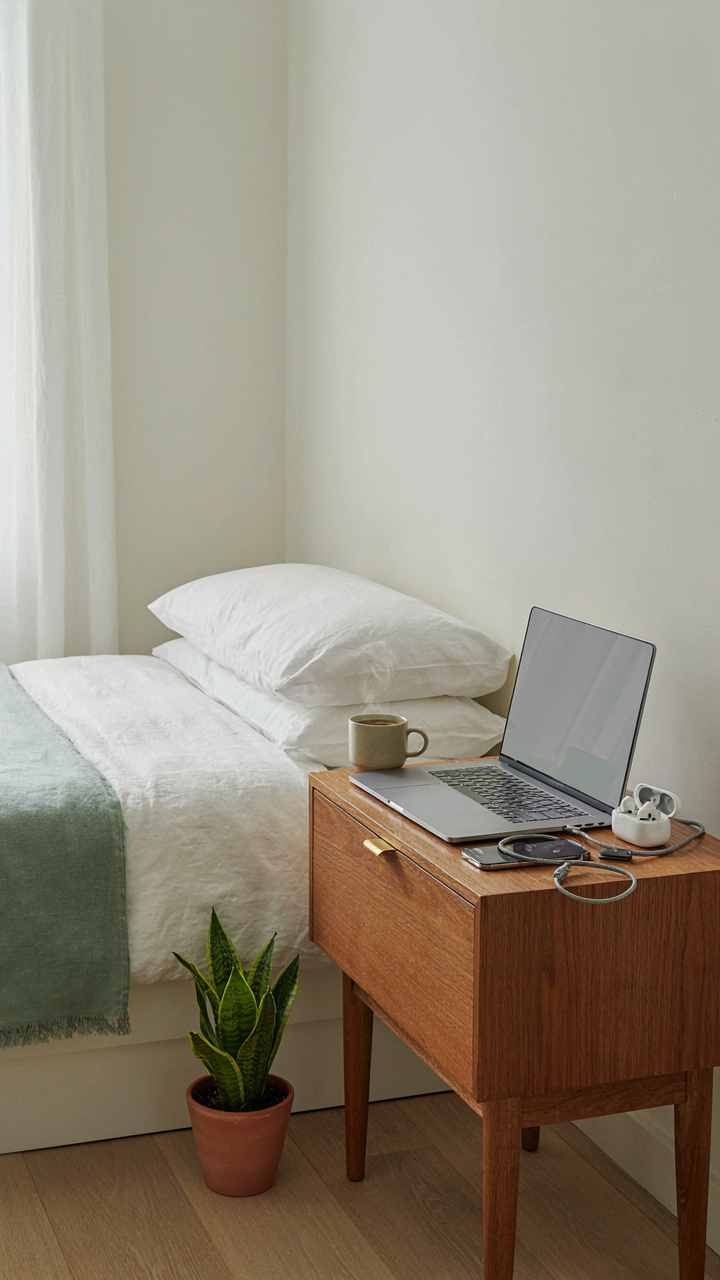
Most people treat a hotel room like a temporary prison instead of a workspace they control. You don’t need the perfect setup. You need to stop accepting mediocrity as inevitable. Today, before your next trip, audit one thing in your current setup and upgrade it. Not tomorrow. Not on your next trip. Today. The difference between someone who travels productively and someone who doesn’t isn’t better cables, it’s the refusal to compromise on the conditions they work in.



