Beyond Blinking LEDs: Why Most Beginner Guides Fail
The Illusion Of Progress With Simple Wi Fi Examples
You want proof you’re not wasting time learning this stuff. That’s the real driver. The mechanism is simple: beginner guides flood you with “Hello World” Wi-Fi sketches that compile and run instantly, creating the false signal that you understand ESP32 networking. You don’t. You’ve only memorized someone else’s working code.
The actual problem isn’t the guides. It’s that Wi-Fi connectivity on an ESP32 is one isolated feature, not a system. Connecting to your router teaches you nothing about what breaks when you’re three rooms away, when the signal drops, when your router reboots, or when you need to reconnect without restarting the board. These tutorials show the happy path only. Real projects live in the unhappy path.
The Real Gap Between Tutorials And Functional Projects
Most tutorials treat the ESP32 like a desktop computer with infinite memory and stable power. Wrong framework. Think in terms of embedded systems constraints: your board has 520KB of RAM total, Wi-Fi eats 80-160KB depending on what you’re doing, and every failed connection attempt burns battery. A tutorial that works on your desk fails in production because it never accounts for resource depletion, signal instability, or task scheduling under load.
The gap isn’t theory versus practice. It’s single-feature isolation versus integration. A functional project requires you to handle Wi-Fi dropout, manage heap fragmentation, run non-blocking code, and persist state across reboots. Most beginner examples skip all four. You need to build something where Wi-Fi is one component among many, not the entire point.
The Problem First Protocol: Your True North For ESP32 Projects

Start With A Real Constraint, Not A Technology
You want to build an ESP32 project because you think it’ll make you look capable or because everyone talks about IoT. Neither is a constraint. A constraint is friction in your actual life or work that an automated system could eliminate. The mechanism is simple: specificity kills wasted effort. Vague ideas become vague builds.

A real constraint has edges. Your garage temperature swings between 45 and 85 degrees and you can’t monitor it remotely. Your plant dies every time you travel. Your workshop lights require three manual switches. These aren’t sexy. They’re useful. They’re why you’ll actually finish the project instead of abandoning it halfway through when the novelty wears off.
Move From Idea To Specification Through Elimination
Most advice says “choose a project you’re passionate about.” That’s lazy. You need to move from abstract idea to concrete specification by asking what the system must do and what it must not do. This mirrors how military planners use rules of engagement: constraints that force decision-making.
Start here: What does the ESP32 replace or eliminate? Not “I want a weather station” but “I want humidity data from my basement sent to my phone every 10 minutes so I can catch mold problems before they spread.” Not “I want smart lighting” but “I want the porch light to turn on at dusk and off at 10 PM without me remembering.” Specification eliminates the projects that sound good but solve no problem. Write your specification as three sentences. Keep it or cut it.
The ESP32 Project Spectrum: Where WiFi Actually Matters
Projects That Live Or Die By Connection
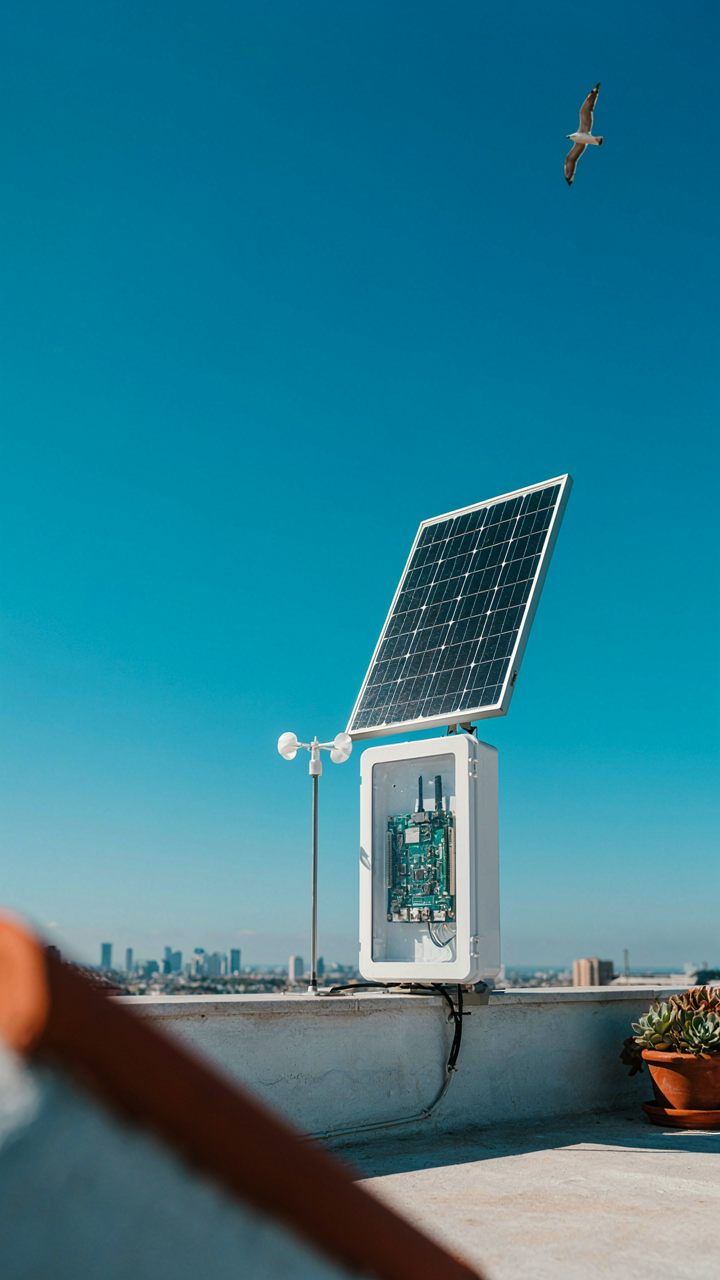
You want to know which projects justify the WiFi overhead because you’re afraid of building something that doesn’t need it. That’s the real question hiding under “connectivity demands.” The mechanism is simple: some ESP32 projects use WiFi as their core function, while others bolt it on as an afterthought and waste power doing it.

A weather station that reports readings every hour needs WiFi. A motion sensor that triggers a light in your room doesn’t. The difference isn’t complexity—it’s whether the data or command has value outside the local environment. Projects that read sensors once per minute and send to the cloud are connectivity-dependent. Projects that process sensor data locally and only alert you when something breaks are connectivity-optional. Your choice here determines architecture, power consumption, and whether you’ll actually finish the build.
Processing Locally First, Cloud Second
The conventional wisdom says “IoT means cloud.” That’s wrong. IoT means connected devices, and connection doesn’t require constant cloud dependency. Think of load distribution from systems architecture: the edge (your ESP32) handles what it can, the cloud handles what it can’t.
A temperature controller doesn’t need to ask the internet “should I turn on the heater?” It checks a threshold locally in microseconds. It only sends data to the cloud for logging or alerts. This saves power, reduces latency, and keeps your project working when your WiFi drops. The ESP32 runs user-defined logic in its main loop before any network call happens. This order matters: compute first, communicate second, not the reverse. Build your project to function completely offline, then add WiFi as an optimization layer, not the foundation.
The Resource Allocation Matrix: Applying Military Strategy To IoT Projects
Know Your Constraints Before You Build
You want to feel like you’re making smart technical decisions, but you’re actually just hoping nothing breaks. The military calls this force deployment. In IoT, it’s constraint mapping: power budget, latency tolerance, and manufacturing cost form your operational theater. An ESP32 running on a coin cell battery lives in a different universe than one plugged into wall power. The latency your project can tolerate determines whether you use WiFi (milliseconds to seconds) or LoRaWAN (seconds to minutes). Your cost ceiling dictates whether you prototype on devboards or plan for custom PCBs immediately.

Most beginners skip this step and start coding. They burn through power in three weeks, or they pick WiFi when their use case demands sub-100-millisecond response times that WiFi cannot guarantee. Define constraints first, then let them eliminate bad options. The ESP32’s dual-core processor and built-in WiFi make it forgiving, but forgiving is not the same as constraint-aware. Calculate your power draw before you write line one. Measure latency requirements in your actual deployment context, not in your lab. Cost only matters if you plan to scale beyond one unit.
Strategic Features Over Technical Comfort
Building what’s easy to code is not the same as building what matters. Feature prioritization in IoT fails because engineers choose based on implementation difficulty, not business outcome. A cloud dashboard looks impressive and takes one afternoon to wire up. Your actual requirement might be local data logging that never touches the internet, which solves the real problem but feels less sophisticated. Military strategists call this impact per unit deployed. On the ESP32, it means: which feature, if missing, breaks the entire system? Build that first.
Connectivity deserves ruthless scrutiny. WiFi is convenient but drains power and introduces dependency on network availability. Does your temperature sensor actually need real-time cloud sync, or does it need to log locally and sync once daily? The latter cuts power consumption by an order of magnitude. Bluetooth Low Energy works for short-range applications and uses less power than WiFi. MQTT over WiFi is standard for multi-device systems, but HTTP requests work fine if you have only one or two data points per hour. Each choice trades off features against power, latency, and cost. State your actual requirement, then pick the mechanism that satisfies it with minimum overhead.
Minimalist Engineering: Building Robust Arduino Projects, Not Bloated Code
Core Functionality First, Features Second
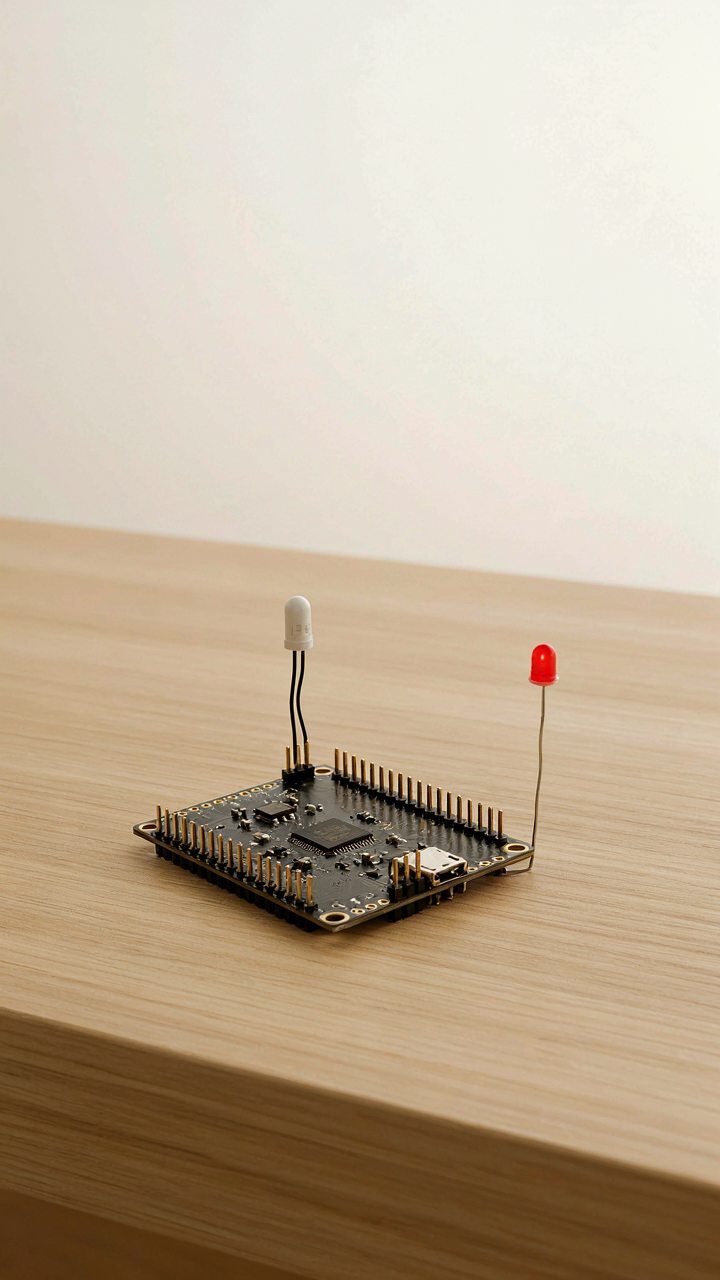
You want to ship something that works and impresses people. That’s the real reason you’re here. The mechanism is simple: every line of code you don’t write is a bug you can’t have. Most beginners load their ESP32 with libraries, middleware, and feature creep before the core does anything. The result is unstable projects that fail in unpredictable ways. Strip the project to its atomic function first. Read a sensor. Send data. Toggle a pin. Make that bulletproof. Everything else is decoration.

The ESP32 has 520KB of RAM and 4MB of flash storage on standard boards. That’s abundance compared to older microcontrollers, but it’s not permission to be wasteful. Bloated code consumes more of both. It also creates more state to track, more variables to corrupt, more interrupt conflicts to debug. Your first project should do one thing exceptionally well, not ten things barely.
Simplicity As Engineering Discipline, Not Laziness
Systems engineering borrows from thermodynamics the concept of entropy: disorder increases over time without active resistance. Your ESP32 project is the same. Code accumulates complexity like a system accumulates heat. You fight it by committing to the simplest possible solution at every decision point, then stopping. Not continuing to refactor. Not adding “just one more feature.” Stopping.
The paradox: less code crashes less often because you have fewer assumptions to be wrong about. Most beginner projects fail not because the core logic is broken, but because exception handling, edge cases, and feature interactions create cascading failures. Write the minimum code that handles the happy path plus one critical failure mode. Test it against reality. Then lock it. Add nothing until it fails. Document what you built and why you made each trade-off.
Beyond The Arduino IDE: Mastering Your How To Program ESP32 With Arduino Workflow

Exploring VS Code And PlatformIO For Advanced Control
You want to feel like a real developer instead of someone copy-pasting sketches into a browser. That’s the actual reason you’re reading this. The mechanism is simple: the Arduino IDE trades power for simplicity. PlatformIO trades simplicity for control. In project management terms, think of the Arduino IDE as having a fixed supply chain—you get what they give you. PlatformIO is vertical integration. You own the toolchain, the build process, and the dependency tree. VS Code becomes your editor because it doesn’t assume what you need.
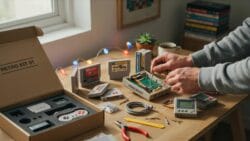
PlatformIO runs inside VS Code as an extension. It handles library management, board configuration, and compilation without hiding the details from you. You see the actual compiler flags. You control which ESP32 variant you’re targeting. You manage versions of libraries instead of praying the default works. Most beginners never touch this layer and wonder why their code behaves differently on different boards. The real work happens when you define a platformio.ini file that specifies your board, framework, and libraries explicitly.
Version Control Basics For Collaborative ESP32 Projects DIY
Everyone tells you to use Git. Nobody explains why you actually need it when you’re working alone on an ESP32 project, so you skip it and lose three hours of work. Version control is a checkpoint system. Every meaningful change becomes recoverable. Git stores a history of your code, not just the latest version. When you add a feature that breaks WiFi connectivity, you don’t debug blind—you revert to the last working state in seconds.
Set up a local Git repository in your project folder with git init. Commit after each working feature, not after every line change. Use simple commit messages that describe what changed: “Added MQTT connection logic” not “fixed stuff.” When you share the project on GitHub, collaborators can fork it, make changes, and submit pull requests without overwriting your work. This sounds like overhead until you’re three months into a project and need to understand why you made a specific decision about WiFi reconnection logic. The commit history tells you.
The Data Dilemma: What To Send, When To Send It
Process Data Before It Leaves The Board
You want to ship raw sensor data to the cloud because you think having everything upstream gives you more options. It doesn’t. The ESP32 has a CPU and RAM for a reason: use them to filter garbage before you burn through bandwidth and battery. Borrowing from signal processing, think of your microcontroller as the first stage of a signal chain. The mechanism is simple: measure locally, compute locally, transmit only what matters.

Most beginners transmit every sensor reading every second. Stop. A temperature sensor that drifts 0.3 degrees between readings doesn’t need to trigger a WiFi transmission. Apply a threshold. If the value hasn’t changed by more than your margin of error, don’t send it. The ESP32 runs this comparison in microseconds. Your WiFi module consumes 100+ milliamps during transmission. The math is brutal: one unnecessary transmission costs more power than a thousand threshold checks.
Choose Your Transport Layer For Bandwidth Realities
HTTP and MQTT are not equivalent, and the common advice treats them like they are. HTTP requires a full handshake, headers, and connection overhead for every message. MQTT maintains a persistent connection and publishes payloads that are often 3 to 5 times smaller for the same data. If you’re sending frequent updates, MQTT wins on bandwidth. If you’re sending occasional status reports, HTTP is simpler and doesn’t require a broker.
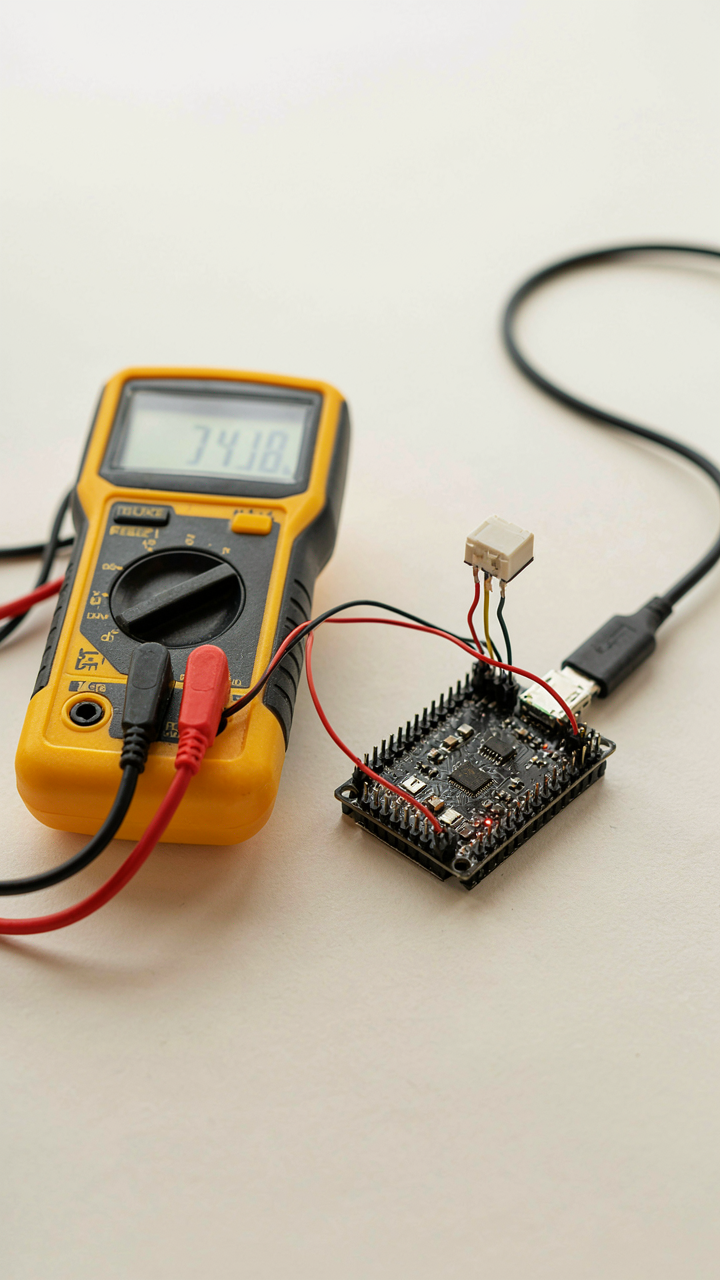
The real decision comes down to message frequency and connection stability. MQTT shines when your ESP32 needs to send data every few seconds because it amortizes the connection cost across many messages. HTTP works fine for hourly check-ins or event-triggered alerts. Test both on your WiFi network. Measure actual current draw during transmission with a multimeter across the VCC pin. The protocol that uses less juice on your hardware is the right protocol, not the one you read about first.
Power Play: Sustaining Your Iot Projects Off The Grid
Deep Sleep And Battery Drain
You want your ESP32 to run forever without touching it. That’s not the real problem. The real problem is you’re afraid your project dies in two weeks and you look negligent. Here’s what matters: the ESP32 draws current in three states, and only one of them kills your battery fast. When the chip runs code, it burns 80-160mA. When it idles, it still pulls 10-15mA. When it sleeps using the RTC timer, it drops to 10 microamps. That gap is the mechanism you need to exploit.

Deep sleep is not magic. It’s a controlled shutdown. The ESP32 has an RTC (real-time clock) that stays powered during deep sleep and wakes the main processor on schedule. You set a timer, the CPU shuts down most peripherals, and current consumption floors. A typical battery lasts months instead of weeks when you use deep sleep correctly. The code is simple: call `esp_deep_sleep(microseconds)` and the chip sleeps until that interval expires or an external pin triggers it.
- RTC Timer Wake: Program the RTC to wake the ESP32 at fixed intervals (every 10 minutes, hourly, daily). Current draw drops below 100 microamps during sleep, extending battery life exponentially.
- External Pin Wake: Set GPIO pins as interrupt sources so motion sensors, buttons, or door switches wake the chip instantly without waiting for the RTC timer.
- ULP Coprocessor: Run sensor polling on the ultra-low-power coprocessor while the main CPU sleeps. This handles routine checks with minimal drain while main code stays offline.
- WiFi Sleep States: Between transmissions, disable the WiFi radio entirely rather than idle mode. Radio off uses 0.8mA. Radio idle uses 15mA. The difference compounds fast.
- Brown-Out Detection: Enable the brownout detector to shut down cleanly before voltage drops below safe limits. Prevents data corruption and extends usable battery capacity.
Most tutorials skip the math. A 2000mAh battery divided by 80mA runtime = 25 hours of continuous operation. Same battery divided by 0.01mA deep sleep = 20 million hours between wake cycles. Sleep dominates the equation, not the chip itself. Structure your code to collect data, transmit once, then sleep immediately. Don’t leave the radio running. Don’t poll sensors continuously. Wake, act, sleep.
Solar And Battery Integration
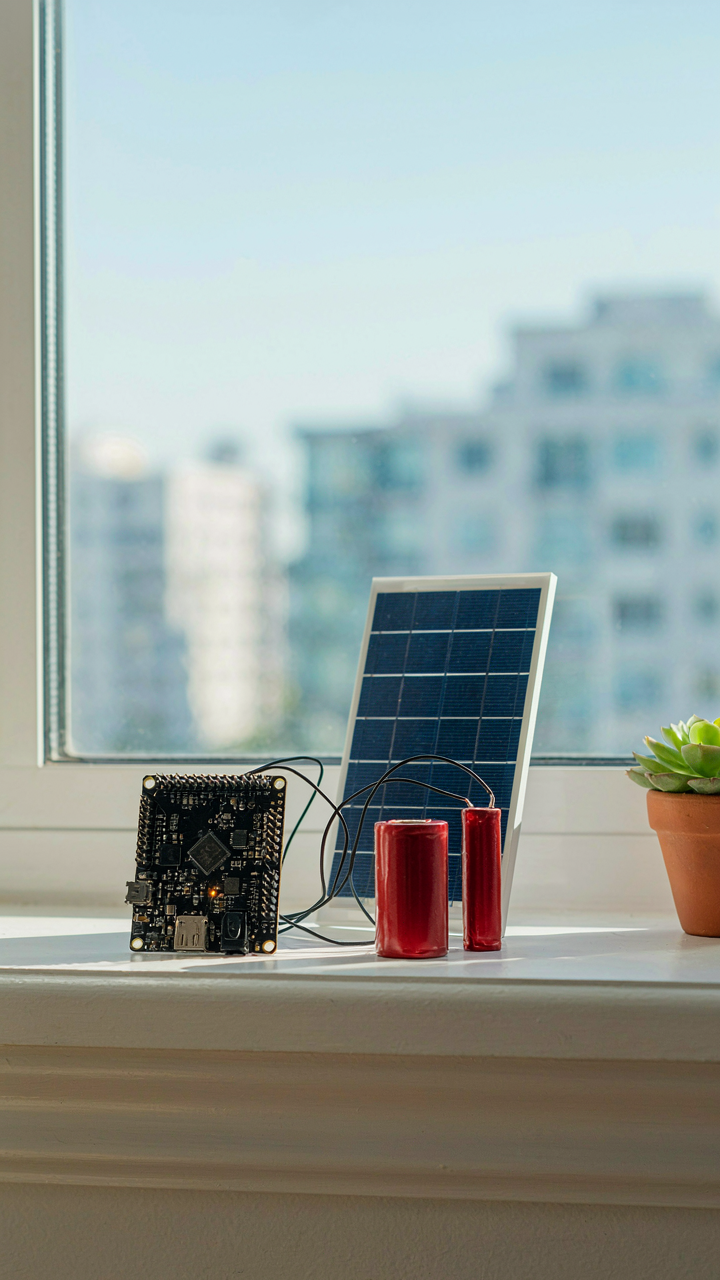
Battery alone is a dead end for long-term autonomous projects. You need charging without human intervention, which means solar panels or external power supplies sized to match your duty cycle. Solar adds complexity because panels output variable voltage depending on light angle, cloud cover, and time of day. A charge controller sits between the panel and battery to regulate this voltage and prevent overcharge.
The ESP32 needs a stable 3.3V input regardless of battery state or panel output. A power management IC handles this. The TP4056 charges single lithium cells automatically. The AMS1117 regulates output voltage for the ESP32. Stack these correctly and your project charges itself during daylight and runs off stored energy at night. The panel size depends on your power budget. A 100mA average draw needs roughly 500mW of panel output in sun. A 10mA average draw needs 50mW. Measure your actual current draw under real conditions, then size the panel accordingly.
The “Anti Tutorial” Method: Learning By Breaking, Not Following

Reverse Engineer What Already Works
You want proof that you’re capable, not another tutorial bookmark gathering dust. The mechanism is simple: studying finished ESP32 projects forces you to work backward through decisions instead of forward through instructions. Download a working GitHub repo for something like a WiFi weather station or smart relay controller. Read the pin assignments first, then the library imports, then the main loop. You’re not following steps. You’re interrogating why someone made each choice.

Most ESP32 projects use the same core patterns: GPIO pins for sensors or outputs, Serial communication for debugging, WiFi libraries like WiFi.h for connectivity. When you examine three different projects side by side, you spot what’s consistent and what’s project specific. The GPIO pin for a relay on one build might differ on another, but the digitalWrite() function call structure stays identical. This pattern recognition embeds faster than any tutorial sequence could achieve because you’re forced to compare and contrast instead of passively consume.
Intentional Failure As The Actual Teacher
Debugging teaches what tutorials hide: the constraints and edge cases that actually matter. Load a working ESP32 WiFi sketch, then deliberately change a library parameter or flip a pin number. Watch it fail. Read the Serial monitor output. Change it again. The ESP32 will tell you exactly what broke, and that feedback loop is where learning actually happens because failure produces immediate, specific, unambiguous data.
Common advice says to debug only when something breaks accidentally. Wrong. You debug systematically by breaking one variable at a time and predicting the failure before uploading. Upload a WiFi sketch, then remove the delay() in your loop and observe the crash. Put it back. Remove WiFi.begin() next and watch the connection fail. Each intentional break teaches you what that line actually does, not what the documentation claims it does. The mechanism is constraint discovery through controlled failure.
Monetizing Your Microcontroller: Turning Hobbies Into Value
Where Real Problems Live
You want proof that your tinkering matters. That’s the real reason you’re reading this. The mechanism is simple: money flows toward solutions, not toward projects. Nobody pays for an ESP32 that blinks LEDs. They pay for an ESP32 that solves a friction point they experience daily.
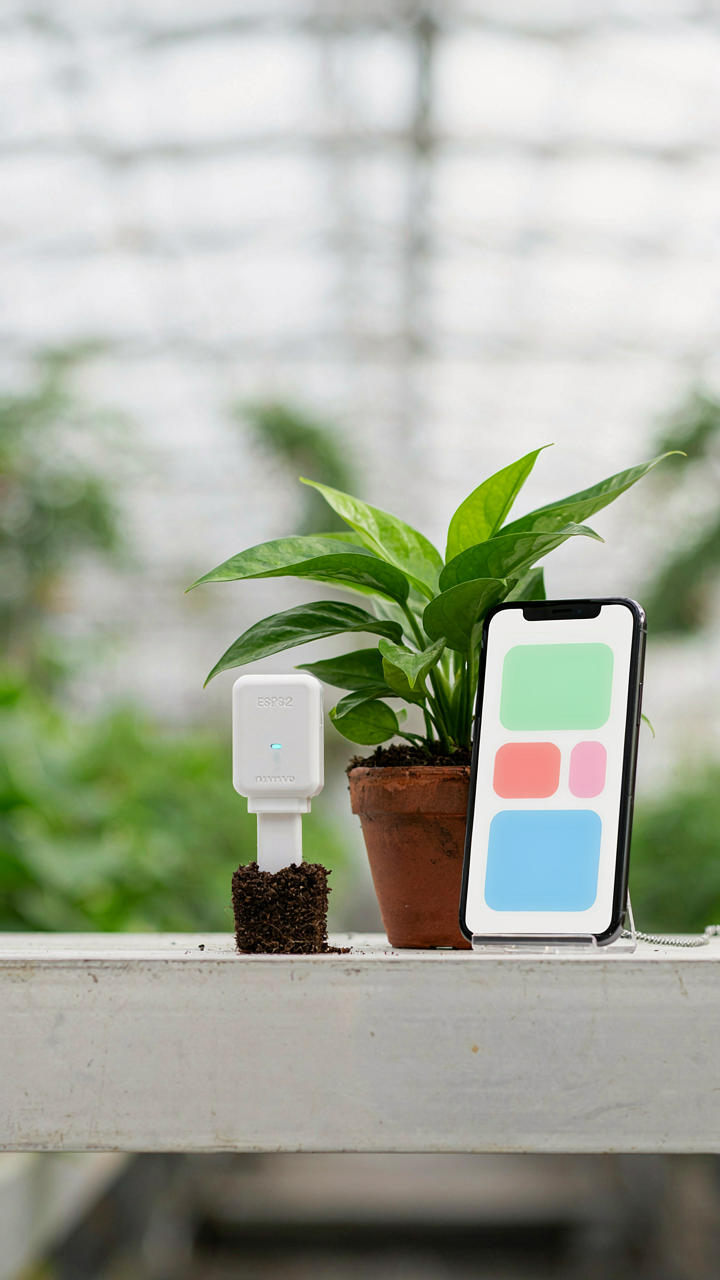
Market gaps exist in the blind spots between consumer products and custom needs. Start by mapping problems you see repeatedly in your own circles. A local greenhouse owner manually checks soil moisture. A warehouse manager tracks temperature fluctuations with a clipboard. A small business owner has no real-time inventory visibility. These aren’t theoretical problems. Build an ESP32 solution for one of them, document the result, then sell the next iteration.
Building Proof Through Function
A portfolio that sells isn’t a collection of projects. It’s a collection of problems you’ve solved. The difference matters because buyers don’t care about your code elegance or component choices. They care about outcome.
Document each project as a before-and-after case study. Show the specific inefficiency it eliminated, the time it saved, the cost it cut. A moisture sensor for plant care demonstrates reliability through time-stamped sensor logs. An environmental monitor for small spaces shows consistent readings against a calibrated baseline. A WiFi-enabled alert system for equipment failures proves notification speed and accuracy. Buyers need evidence, not specifications. Ship the working device with documentation, offer three months of email support, and price it for replacement cost plus 40 percent. That’s your starting protocol.
The Real Obstacle Isn’t The Code, It’s Your Inability To Define A Valuable Problem Worth Solving

You’ll buy an ESP32 board, follow a tutorial, blink an LED, and quit. Everyone does. The chip isn’t the problem. Your brain is. Stop chasing projects. Start hunting for one real friction point in your life that WiFi connectivity could eliminate. Define that problem today. Write it down. Then build toward it instead of toward another meaningless dashboard nobody needs. You don’t have a skills problem, you have a direction problem.