Beyond The Breadboard: The Minimalist Pi Zero Protocol
Strip Down The Operating System
You want to feel like you’re building something “real” instead of running bloated tutorials. Here’s the mechanism: Raspberry Pi OS (formerly Raspbian) ships with GUI layers, package managers, and desktop environments you’ll never touch on a headless Zero. Every megabyte of bloat consumes RAM and CPU cycles that matter on hardware with 512MB total memory. Install Raspberry Pi OS Lite instead—command-line only, no X11, no unnecessary daemons. It boots faster, runs cooler, and leaves you 200MB more breathing room for your actual project.
The real move is removing what the OS installs by default even in Lite. SSH, Bluetooth, WiFi drivers, and PulseAudio all load at boot. Disable them explicitly in raspi-config or by editing /boot/firmware/cmdline.txt. You’re not being paranoid—you’re respecting the hardware constraint. A Pi Zero running a single polling script doesn’t need background services competing for 50MHz of CPU. Disable them and watch your power draw drop measurably. That’s the protocol: identify each daemon, confirm it serves zero purpose for your build, then kill it.
Treating Power Like Economics, Not Magic
Treat power consumption like a budget with hard limits. In economics, scarcity forces tradeoffs—you can’t have unlimited resources. Same constraint applies here: your power supply has finite watts, your battery has finite charge cycles, and your thermal headroom disappears fast under load. Most Pi Zero projects fail not from code bugs but from underestimating power draw during sustained operation.
USB power budgets lie on paper. A 500mA supply rated for the Pi Zero itself vanishes the moment you add sensors, GPIO expansion, or wireless modules. Each component draws current simultaneously, and voltage sag happens before you see it. The real protocol: measure actual current draw with a USB multimeter under your full operating load, add 30% margin, then right-size your supply. Skip this step and your build becomes intermittently unstable in ways that corrupt data and waste weeks debugging phantom issues.
The “Single Purpose” Mandate For Raspberry Pi Zero Projects
One Function, One Process: Focus By Design
You want your Pi Zero project to feel complete and impressive, but you’re afraid a narrow scope makes it look simple. The real mechanism is this: constraint forces elegance. In systems design, we call this the principle of separation of concerns—each component owns one job, nothing else. A Pi Zero running five tasks simultaneously doesn’t run five things well. It runs one thing poorly while burning cycles on context switching. Pick what the device does. Then refuse to add anything else.
The Pi Zero has 512MB of RAM on the original model, 1GB on the W variants. That’s not a limitation to work around—it’s a design boundary. When you accept it, you design smarter. A weather station that only displays temperature and humidity beats a weather station that tries to log data, control smart home devices, and stream video. The first one ships. The second one never stops crashing. Define the single output your project delivers, then engineer backwards from there.
Say No To “Just One More Thing”
The common advice here is weak: people tell you to “plan ahead” or “think about scope creep.” That misses the point. Feature creep isn’t a management problem—it’s a physics problem. Every added feature multiplies your debugging surface. Add WiFi to a simple GPIO project and you’ve added network latency, authentication, connection states, and packet loss to your failure modes. Add a display to collect data and now you’re managing both I2C communication and storage simultaneously on a device with finite processing power.
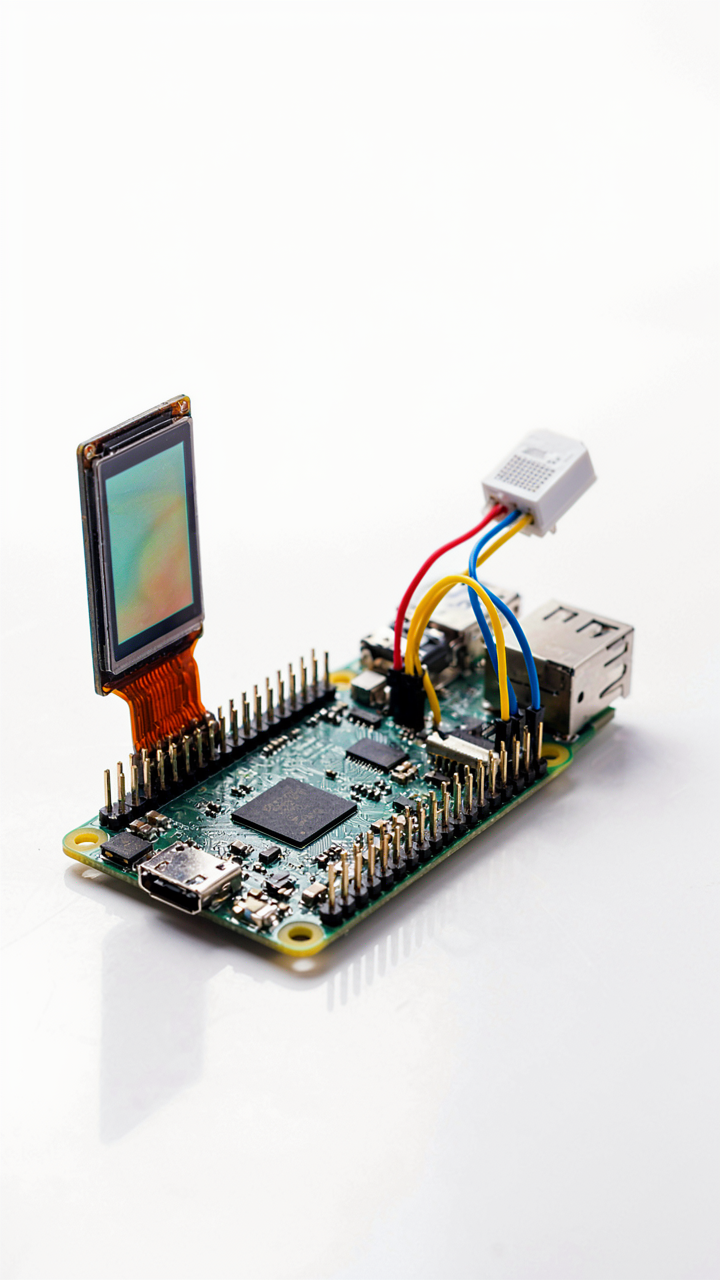
The protocol is ruthless: write down what the project does before you write one line of code. Not vaguely—specifically. “Weather station” fails. “Display current temperature from DHT22 sensor every 30 seconds on a 128×32 OLED screen” passes. When someone suggests adding humidity, logging to the cloud, or a mobile app, you have a written boundary to point to. The constraint protects the project from becoming a graveyard of half-finished features that the Pi Zero never had the horsepower to run.
The Inverse Power Law Of Tiny Builds
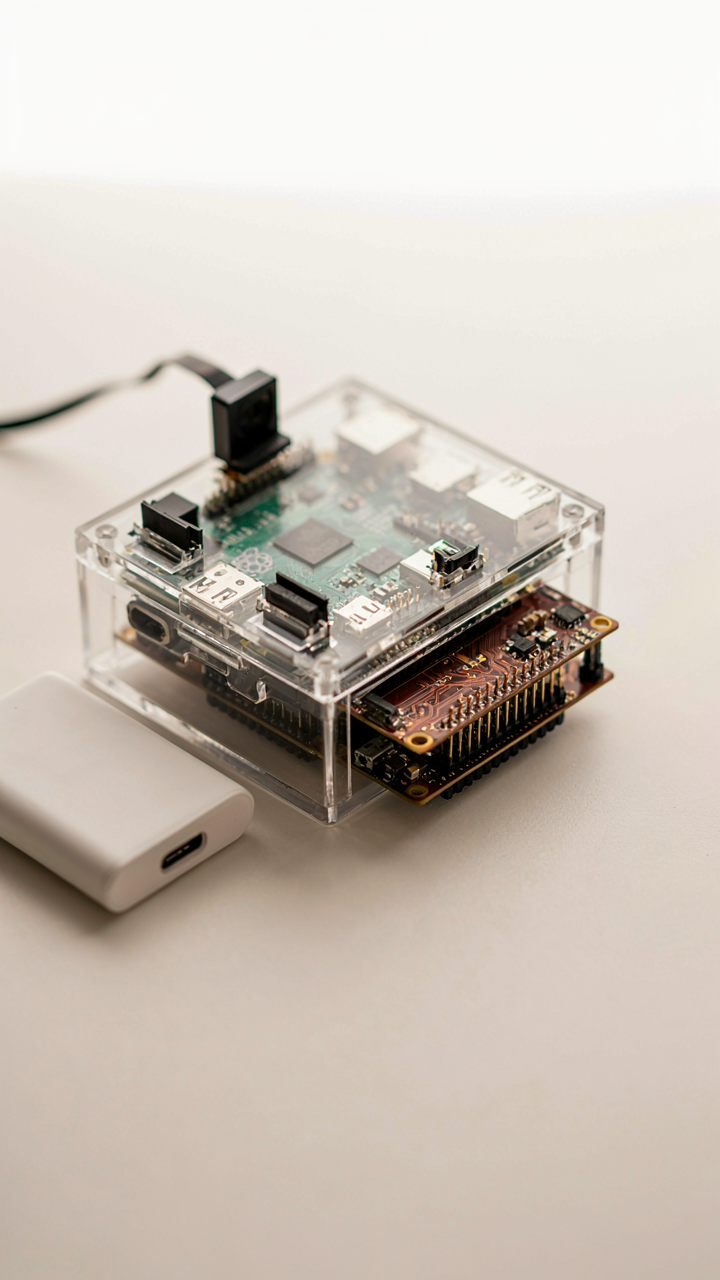
Every Component Adds Friction
You want to build something small because you think constraints breed elegance. They don’t. They breed problems that scale nonlinearly. Physics governs miniaturization the same way it governs load-bearing structures: add mass, add friction, add heat dissipation challenges. Each component you bolt onto a Pi Zero doesn’t just occupy space. It creates thermal coupling, power draw conflicts, and GPIO contention you can’t solve with better planning.

The real mechanism is density. A Pi Zero running at 1GHz in a 65mm by 30mm form factor generates concentrated heat that a standard Pi spreads across a larger board. Stack a camera module, a power bank, sensors, and custom circuitry into that footprint and you’ve created a thermal nightmare. You can’t cool what you can’t reach. The smaller the build, the more each watt of consumption matters. Underclock or throttle performance to manage heat, and your project becomes slower than the problem you’re solving.
System Scaling Less Is More Exponentially
Complexity in tiny builds doesn’t scale linearly. It compounds. Remove one sensor from your design and you cut power draw by 10 percent. Remove the next and you cut it by 15 percent. The relationship inverts: constraints force you to strip ruthlessly. A full Raspberry Pi 4 can brute-force power management. A Pi Zero cannot.
Most makers misunderstand this. They think smaller means fewer features. Wrong. Smaller means fewer wrong choices. You can’t run a full Debian desktop, WiFi, Bluetooth, and a live camera stream simultaneously on battery power. The Pi Zero forces you to choose one primary function per device. This isn’t a limitation. It’s the mechanism that separates working prototypes from failed experiments. Stack your priorities in order of power consumption, not importance. Execute only the first two. Ship that.
Code As Constraint: Software For True Raspberry Pi Zero Efficiency

Language Choices: Python Vs. Compiled Alternatives
You want Python because it feels familiar and doesn’t require thinking about memory allocation. That’s exactly why it fails on the Zero. The machine has 512MB of RAM and a single-core processor clocked at 1GHz. Python’s runtime overhead consumes 40-60MB before your code runs. That’s not a minor detail on hardware this constrained.

C and C++ compile directly to machine instructions. No interpreter tax. No garbage collection pauses. No hidden memory bloat. The Zero runs these efficiently because the CPU executes what you wrote, not what an intermediary layer decided to execute. For GPIO work, sensor polling, or network communication, compiled languages finish faster and consume less power. Python works for prototyping. Compiled languages work for production on the Zero.
Resource Monitoring: Identifying Hidden Drains
Most developers assume their code is efficient until a process suddenly consumes all available RAM and the system freezes. The drain isn’t always where you look. Background processes, logging frameworks, and library dependencies all consume memory on systems you can’t afford waste. Real resource monitoring means seeing what actually runs, not guessing.
Use `ps aux` to list running processes with their memory footprint in real time. `free -h` shows RAM allocation at a glance. `htop` provides a live dashboard if you need it. The Zero has enough CPU for these tools without degradation. Run them during normal operation to establish a baseline, then check again when your application behaves slowly or hangs. A single logging library can consume 15-20MB if configured wrong. One unoptimized loop polling GPIO too fast drains the battery in minutes. Measure first. Assume nothing.
Peripherals As Liabilities: The True Cost Of Add Ons
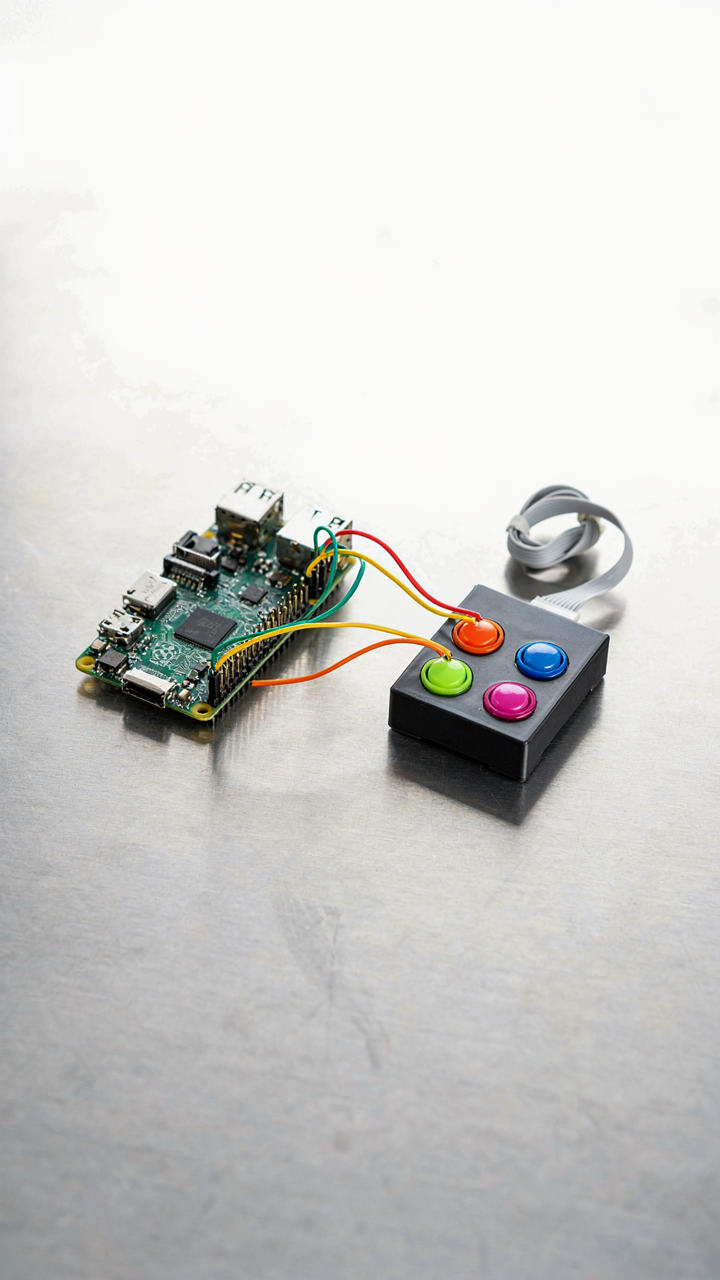
USB Overhead: Minimizing External Devices
You want the Pi Zero to feel like a finished product, not a tangle of cables. Here’s what actually happens: every USB device draws power through a single port with a 500mA limit on the Zero itself. The mechanism is electrical current distribution. Add a keyboard, mouse, and storage hub, and you’ve bottlenecked the system before it boots. The Pi Zero wasn’t designed for peripheral sprawl.

Most builders add USB devices without measuring actual draw. A wireless dongle pulls 100-150mA. A cheap USB hub adds overhead losses. Your storage device idles at 50-100mA. You hit the wall fast. The real move is eliminating devices entirely. Use GPIO pins for input instead of USB keyboards. Serve files over the network instead of plugging in USB storage. Offload processing to another machine. This isn’t minimalism for its own sake. It’s the only way the Zero stays stable under load.
Wireless Trade Offs: When To Go Wired
The Pi Zero W added WiFi to the board itself, which created a false choice. Wireless looks cleaner but costs you. WiFi radio draws 80-120mA when active and introduces latency you can’t predict. If your project demands real-time response or runs 24/7, wireless drains the power budget and creates connection drops nobody can debug. Wired connections draw almost nothing by comparison and never fail mysteriously.
Pick wired when the Pi Zero controls something critical: sensors, industrial equipment, anything that can’t tolerate reconnection. Pick wireless when the device is portable or sits in a location where running cable is genuinely impossible. Don’t default to wireless because it feels modern. Most Pi Zero projects fail because they’re fighting weak WiFi signals and power loss, not because ethernet looked ugly on the shelf.
The “Raspberry Pi Zero Board” Is Not A Smaller Raspberry Pi 4
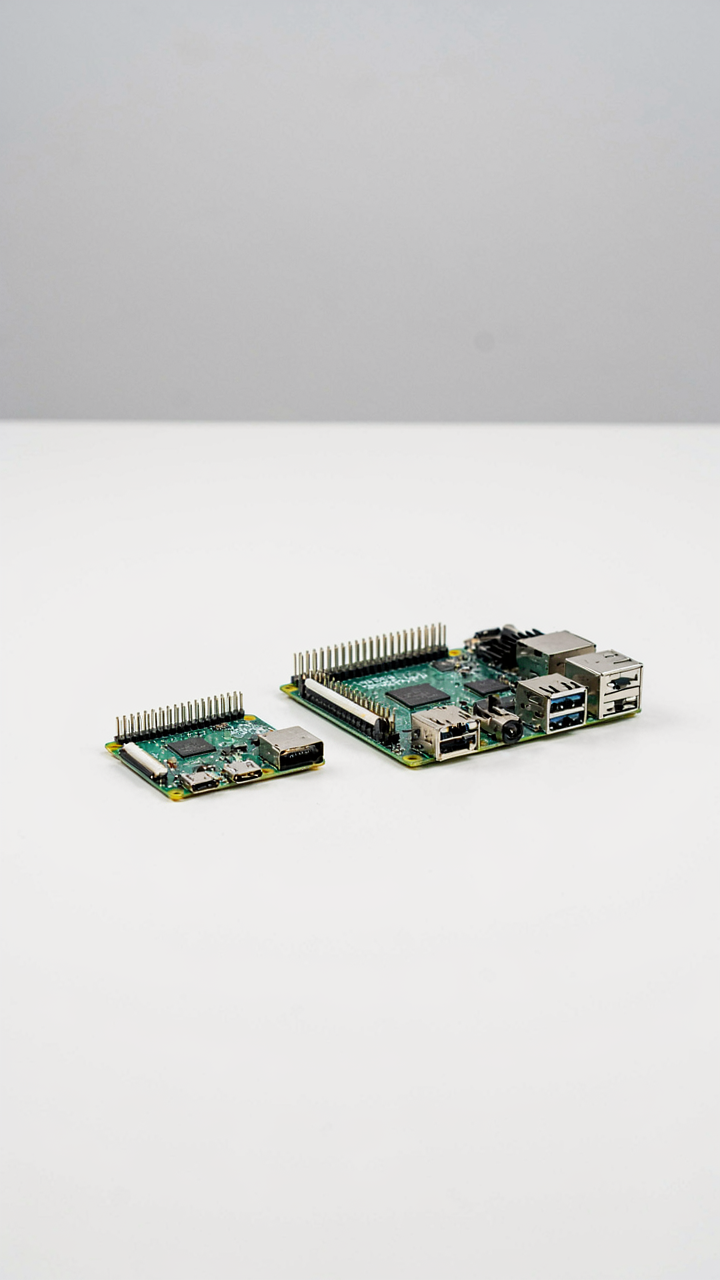
The Real Architecture Gap
You want to believe the Zero is just a downscaled Pi 4 so you can justify the purchase as a no-compromise option. It isn’t. Think in terms of signal processing: the Pi 4 is broadband, the Zero is narrowband. The Zero runs a single-core ARM CPU at 1 GHz versus the Pi 4’s quad-core setup at 1.5 GHz. More critically, the Zero has 512 MB of RAM against the Pi 4’s 2-8 GB. That’s not a smaller engine. That’s a different engine entirely.
The GPU is where most projects break. The Zero uses a VideoCore IV; the Pi 4 uses VideoCore VI. This matters if you’re doing any graphics acceleration, video encoding, or machine learning inference. The Zero can handle basic GPIO logic, sensor reading, and network tasks without strain. Push it toward video processing or complex computation, and you’ll hit a wall the Pi 4 never reaches. The thermal envelope is also tighter. The Zero has no heatsink and no active cooling. Sustained loads at 1 GHz generate heat that passive design can’t always shed.
Where The Zero Actually Works
Stop treating the Zero as a hobbyist’s Pi 4. Treat it as a purpose-built device for tasks that don’t demand processing power, only low cost and compact form factor. The Zero excels at daemon work: network monitoring, GPIO-driven automation, sensor logging, and lightweight HTTP services. It can run a simple web server, pull data from sensors every few seconds, and write to a database without complaint. These are the use cases where the Zero’s constraints become advantages.
The real win is per-project cost and physical space. A typical Zero project costs 25 to 40 dollars in total hardware. A Pi 4 project costs 80 to 150 dollars. If you’re building ten units, that cost difference compounds into material ROI. The Zero’s smaller footprint also solves integration problems. A Pi 4 doesn’t fit into an enclosure designed for a specific industrial sensor array. A Zero does. Pick the Zero for repetitive, low-intensity tasks deployed at scale. Pick the Pi 4 when your project demands computational headroom.
Beyond Hobby: Practical Raspberry Pi Zero Applications
When The Zero Becomes Industrial
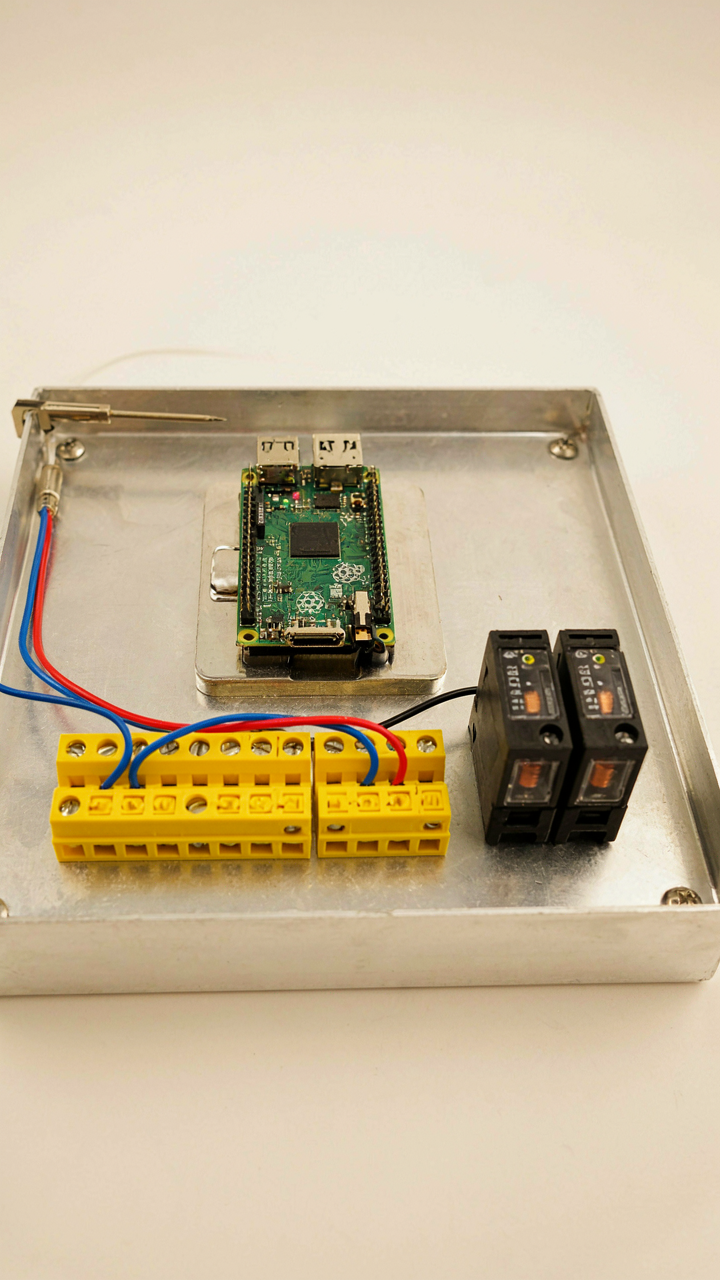
You want credibility without the enterprise price tag. That’s the real reason this section matters. Industrial control borrowed a core concept from systems engineering: feedback loops. A Raspberry Pi Zero executes the loop—sense, decide, act—at a cost that makes iteration possible instead of prohibitive. This isn’t hobbyist territory anymore once you understand that mechanism.

The Zero handles real constraints that matter in production environments. It draws minimal power, runs continuous processes without thermal stress, and connects to legacy hardware via GPIO pins and serial protocols. You’re not replacing PLCs. You’re extending them where cost or flexibility demands a different tool. The processor runs hot enough for real workloads, cool enough to skip active cooling.
- Motor Control Relay Switching: Use GPIO pins to trigger relays that manage industrial motors. The Zero sources enough current to gate standard relay coils while remaining isolated from high-voltage circuits.
- Temperature and Pressure Monitoring: Connect analog sensors via ADC modules. Log thresholds continuously to detect equipment degradation before failure costs production time.
- Serial Device Communication: Interface with legacy equipment through RS-485 or RS-232 adapters. The Zero translates old protocols into networked data streams without replacing existing machinery.
- Flow Rate Detection: Pulse-counting via GPIO captures real-time flow data from industrial sensors. Process the signal in software rather than relying on analog gauges that require manual reading.
- Alarm and Alert Logic: Implement conditional triggers that activate buzzer outputs or network notifications. Decision-making happens on the device, not in the cloud, eliminating latency for safety-critical systems.
The Zero thrives where conventional industrial hardware costs too much or demands too much power. Battery backup becomes feasible. Multi-unit deployments become economical. The constraint isn’t capability—it’s accepting that you’re building distributed intelligence instead of centralized control.
Real Time Data Capture Without The Bloat
Monitoring systems fail not from bad sensors but from bad decisions about what to store. The Zero forces you to make those decisions upfront because storage and bandwidth are finite. You collect what matters, ignore the rest, and move faster than systems drowning in noise.
Environmental monitoring, equipment vibration, power consumption tracking—the Zero logs these continuously to local SD cards or streams them over Ethernet. No cloud fees. No arbitrary rate limits. The pattern matters more than the individual reading. Set collection intervals based on what actually changes, not what sounds impressive in a specification sheet. A temperature sensor polling every 30 seconds captures meaningful data; one polling every second generates garbage and wastes storage. Write to CSV files or simple databases like SQLite, which runs efficiently on constrained hardware. Query the data locally first. Send only summaries or anomalies upstream if you need remote visibility.
Future Proofing Your Minimalist Raspberry Pi Zero Ideas
Build Around Swappable Parts
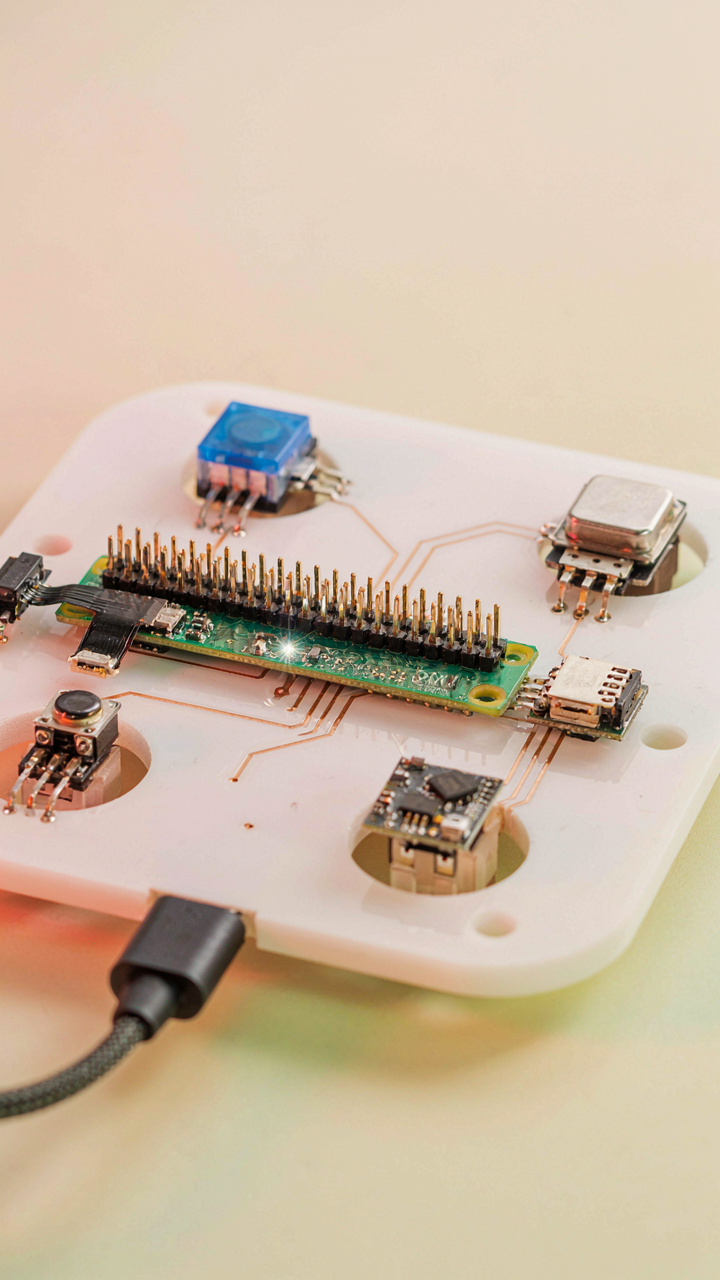
You want your project to still work in three years without rebuilding it from scratch. That’s not sentiment—that’s fear of wasted time. The mechanism is modularity, borrowed from industrial systems design: design each functional layer so it detaches without breaking the others. A Pi Zero running a sensor network fails when the sensor dies. A Pi Zero running a sensor network with a standardized connector and pull-out module survives the same failure with a five-minute swap.

The difference lies in how you structure GPIO pins and power distribution from day one. Use headers and breakout boards instead of soldering directly to the Pi. Mount sensors and auxiliary hardware on separate PCBs that interface through defined connectors like JST or standard 2.54mm headers. This removes the Pi Zero itself from the failure chain. When a specific component ages or breaks, you replace that module, not the entire build. The Pi runs on, the logic remains intact, and you’ve bought yourself years.
Write It Down Before You Forget
Documentation feels optional when the build works. Then six months pass. You’ll open the project and spend an hour reverse-engineering your own wire colors and pin mappings. The real cost isn’t time—it’s friction. Friction kills iteration. When you can’t quickly understand what you built, you abandon the project instead of improving it.
Document three things the day you finish: GPIO pin assignments with purpose labels, the software environment and dependencies installed, and the physical layout with photos showing connections. Store this in a text file in the project directory alongside your code. Not in a cloud service you’ll forget about. Not in your notes app. In the project folder itself. When you return months later, you open the Pi, find the documentation, and resume work in minutes instead of hours.
Your Fear Of Under-engineering Is The Real Project Killer
You don’t need the Pi Zero to do everything. You need it to do one thing well. Most builders quit because they chase perfection instead of shipping. The constraint is the feature. Pick your smallest viable project today, not the one living in your head. Build it this week. Deploy it. Then iterate. The Pi Zero doesn’t fail projects. Perfectionism does.