
What Is A Desk Grommet And Why Do You Need One
Defining The Desk Grommet: More Than Just A Hole Cover
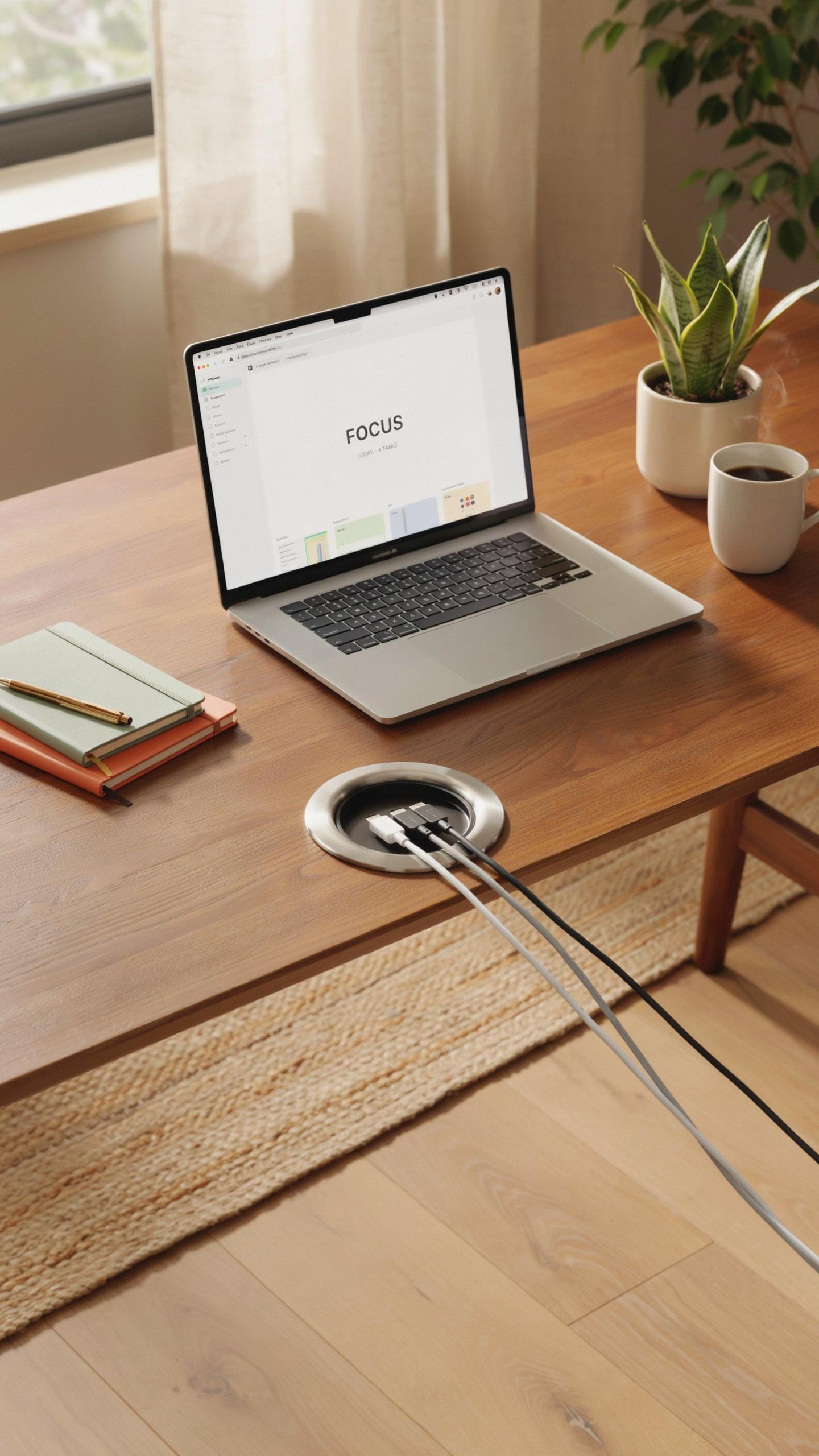
A desk grommet is a ring-shaped insert installed through a desk surface to create a controlled opening for cables. The grommet itself is typically made from plastic, rubber, or metal and sits flush or slightly raised on the desktop. It serves as both a passage point and a protective barrier that prevents cables from fraying or getting pinched at the desk edge.
The grommet emerged as a practical solution in office design during the rise of computer workstations in the 1980s and 1990s. As offices transitioned from paper-based work to digital systems, desks needed systematic ways to route multiple cables without damaging them. Manufacturers standardized grommet sizes, with 2 inches and 3 inches being the most common diameters for home office use today.
The Untidy Truth: Common Cable Management Issues In Home Offices
Most home offices suffer from cables running haphazardly across desk surfaces, tangling with each other, and creating visual clutter that undermines productivity. Cables draped over desk edges wear through insulation from constant friction and pressure. Workers trip over cables on the floor, and finding specific cables becomes a time-consuming task when troubleshooting connection problems.
Without proper routing, cables trap dust, create fire hazards, and degrade faster due to sharp bends and stress points. Home office professionals often resort to temporary fixes like tape, clips, or bundling that fail within weeks. A desk grommet cable organizer directly addresses these issues by providing a dedicated pathway that protects cables, maintains organization, and extends equipment lifespan while preserving desk aesthetics.

Benefits Of A Desk Grommet Cable Organizer For Home Offices
Enhanced Aesthetics And A Clutter Free Workspace
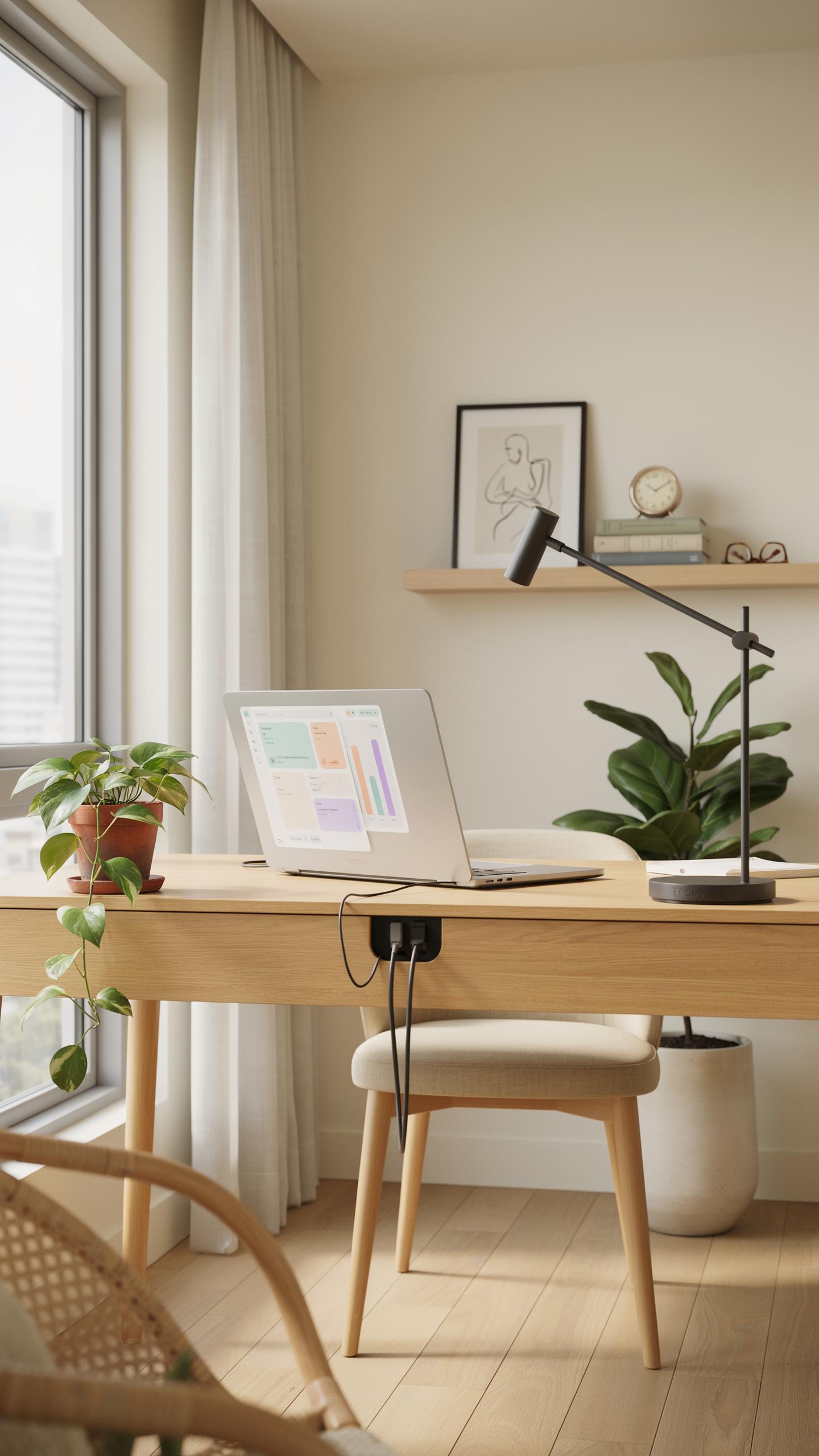
A desk grommet cable organizer routes cables through a single opening in your desk surface. This routing method eliminates visible cable runs across your work area. Your desk transforms from a tangled mess into a clean, professional setup. Visitors and video call participants see an organized environment instead of wire chaos. The visual improvement directly impacts how you perceive your own workspace productivity.
Desk grommets work with most desk materials including laminate, wood, and composite surfaces. Installation requires drilling a single hole, typically 2 to 3 inches in diameter. The grommet sleeve sits flush with your desk surface and accommodates multiple cables simultaneously. This single-point cable management approach removes the need for tape, clips, or surface-mounted channels. Your desk maintains its original appearance without added hardware or bulk.
Improved Safety And Protection For Your Cables
Cables routed through a grommet avoid constant foot traffic and chair wheel damage. When cables lie exposed across the floor, they degrade faster from compression and abrasion. A grommet creates a defined pathway that protects cables from being pinched or crushed. This protection extends cable lifespan and reduces replacement costs over time. Organized cable routing also prevents accidental tugging that damages connectors.

Desk grommets eliminate tripping hazards in your home office. Cables on the floor create fall risks, especially in compact spaces. Routing everything through a single desk opening keeps the floor clear for safe movement. This setup proves particularly important if children or pets share your workspace. The reduction in visible cables makes your office both safer and more functional for daily use.
Types Of Desk Grommets And Their Applications
Material Matters Plastic Metal And Rubber Options
Plastic grommets dominate the market because they cost less and resist corrosion. They handle standard office cable loads without degradation. Plastic works well for light to moderate use environments. Most home office setups use plastic grommets without issues. The material doesn’t conduct electricity, making it safer around power cables. Plastic grommets come in various colors to match desk finishes.
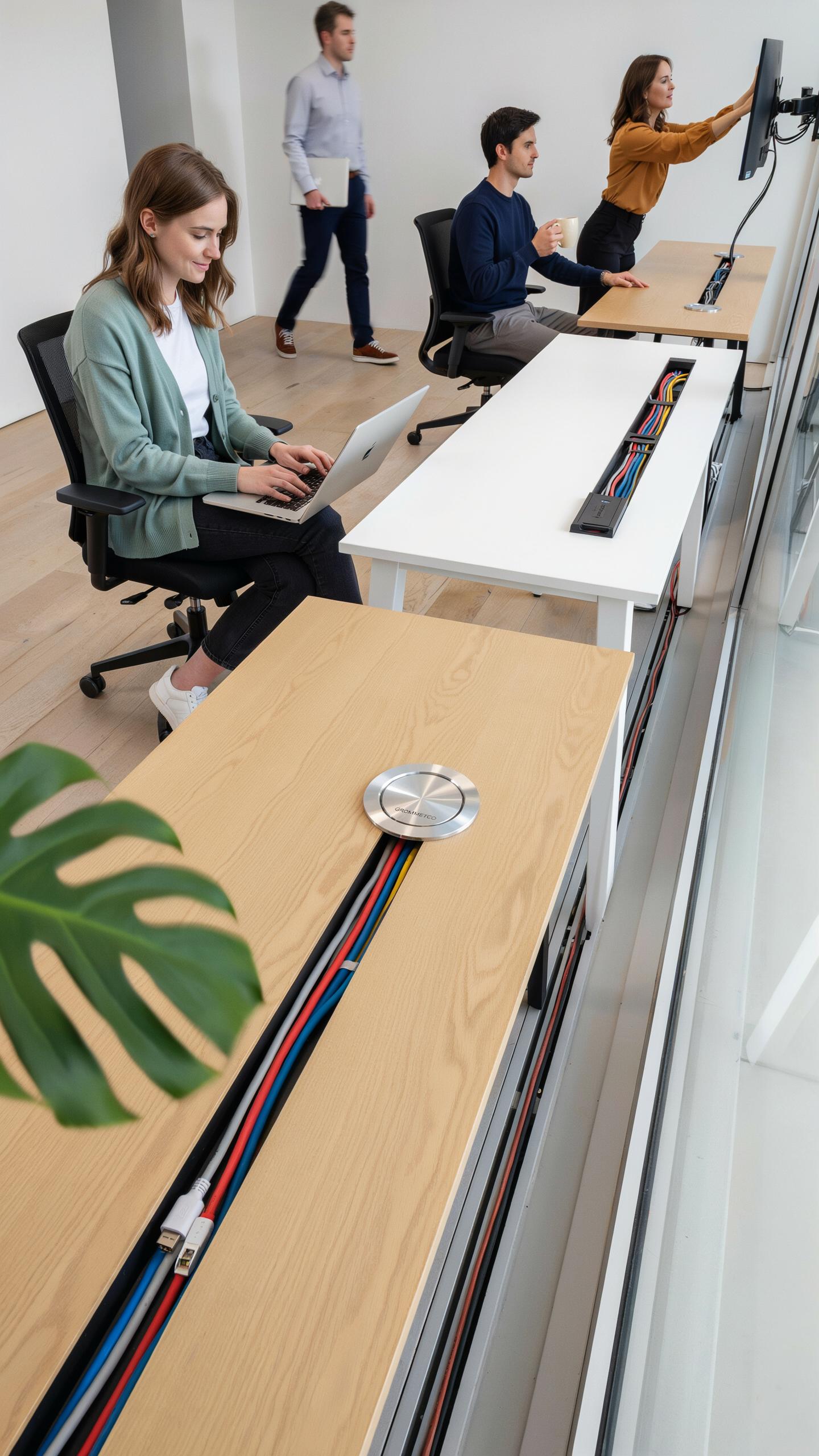
Metal grommets, typically aluminum or steel, offer superior durability and a professional appearance. They withstand repeated cable insertions and removals better than plastic. Metal conducts heat efficiently, which matters when bundling many power cables. These grommets cost more upfront but last longer in high-traffic desk environments. Steel variants resist bending under pressure from heavy cable weights. Metal grommets appeal to users who prioritize longevity over initial cost.
Sizing And Installation Finding The Right Cable Grommet For Your Desk
Grommet sizes range from 1.5 inches to 4 inches in diameter. Measure your cable bundle thickness before purchasing to ensure proper fit. A grommet too small restricts cable movement and damages insulation. A grommet too large allows cables to shift and tangle inside the hole. Most home office desks accommodate 2 to 2.5 inch grommets effectively. Check your desk material thickness, as this affects installation depth requirements.

Installation requires a hole saw matched to your grommet diameter. Desk thickness typically ranges from 0.75 to 1.5 inches, influencing grommet flange design. Insert the grommet base through the hole, then secure the flange underneath using the provided locking ring or snap mechanism. Most grommets install without tools beyond a basic hole saw. Ensure the desk surface is clear of obstacles before drilling. Test the grommet fit with your actual cables before committing to permanent placement.
Integrating Your Desk Grommet Into A Complete Cable Management System

Pairing With Cable Trays And Sleeves For Optimal Organization
A desk grommet serves as the entry point for cables. Cable trays mounted underneath your desk catch and route those cables horizontally. Together, they create a two-stage system that prevents cables from tangling and keeps them visible for troubleshooting. The grommet handles vertical cable flow while the tray manages horizontal distribution.
Sleeve wrapping comes next. After cables travel through the grommet and along the tray, bundle them with cable sleeves to reduce visual clutter. Sleeves compress multiple cables into single, manageable bundles. This approach works because each component handles a specific stage of cable routing. Your desk stays clean, and accessing individual cables remains simple when you need to swap equipment.
Beyond The Grommet Additional Cable Management Ideas For A Tidy Setup
Desk grommets function best as part of a layered strategy. A single grommet cannot solve all cable challenges in a home office setup. You need supporting tools to address every cable situation your workspace presents.
- Cable clips and adhesive mounts: Secure individual cables to desk surfaces or monitor stands. They prevent cables from dragging across your work surface and eliminate unnecessary movement.
- Power strips with integrated cable management: Mount under-desk strips that have built-in channels or slots. This consolidates power distribution while organizing cables at the source.
- Velcro cable ties: Reusable fasteners let you bundle cables without damage. Use them on groups of cables running together through or near your grommet.
- Cable boxes and concealers: Hide excess cable coils and power adapters inside desktop boxes. They keep unsightly components out of view while remaining accessible.
- Desk organizer shelves: Add vertical storage near your grommet to hold external hard drives or USB hubs. This reduces cable sprawl by centralizing peripheral devices.
- Labels and markers: Tag each cable at both ends with printed or handwritten labels. You identify cables instantly without tracing them, saving setup and troubleshooting time.

These tools work together to address weak points in your cable management. A grommet alone moves cables through your desktop. Combined tactics eliminate clutter, improve airflow around equipment, and make your home office functional and maintainable.
DIY Desk Grommet Installation A Step By Step Guide
Tools You’Ll Need For A Seamless Grommet Installation
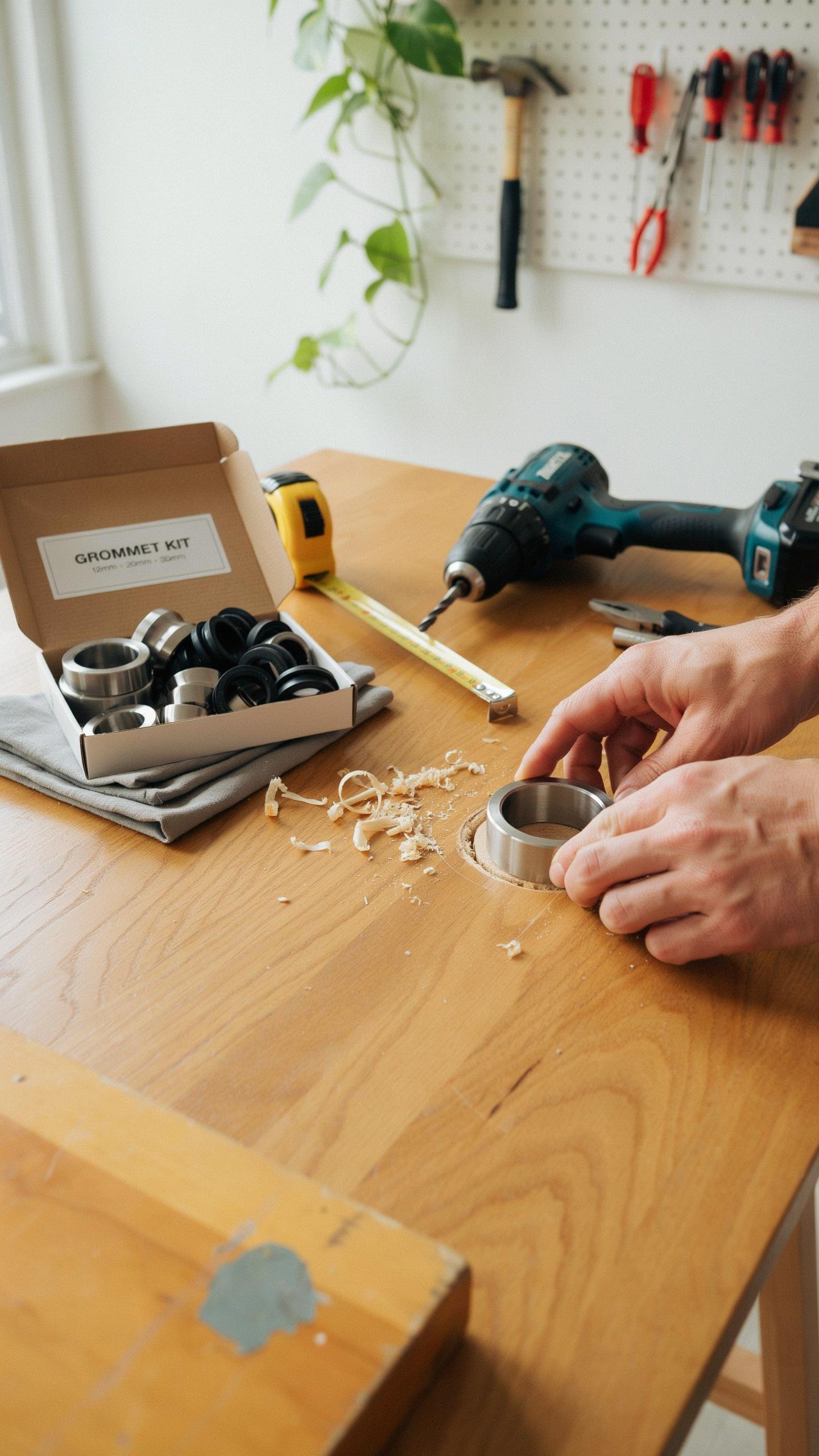
You need the right tools before you start. A power drill with a spade bit or hole saw matching your grommet diameter is essential. You’ll also need a measuring tape, pencil, and safety glasses. A jigsaw works for larger openings if your grommet size exceeds standard drill bits. Have a dust mask ready since drilling creates fine particles.
The grommet itself comes with a rubber gasket and mounting hardware. Check your desk material first, whether it’s laminate, solid wood, or particleboard. Laminate requires careful drilling to avoid chipping. Solid wood handles drilling better but needs appropriate bit speed. Particleboard can splinter easily, so controlled pressure matters throughout the process.
Remember those tangled webs of wires, a relic of home offices past? A tidy desk, thanks to a simple grommet, allows creativity to flow like the ink from a cherished fountain pen.
Drilling And Securing: How To Install Your Desk Cable Organizer
Mark your drilling spot precisely using a pencil and measuring tape. Measure twice from desk edges to ensure proper cable management routing. Start with a small pilot hole to prevent the bit from wandering. This pilot hole acts as your guide for the larger bit. Apply steady, moderate pressure during drilling to avoid overheating the bit or tearing the desk surface.

Once you’ve drilled through, insert the grommet from the top side of the desk. Push it down until the rubber gasket contacts the desktop surface. Most grommets have a snap ring underneath that holds them in place. Tighten this ring from below using the included wrench or by hand until snug. Avoid over-tightening, which can crack the grommet or damage your desk.
Choosing The Best Desk Grommet For Your Home Office Setup

Considering Desk Material And Design For A Cohesive Look
The desk material you own determines which grommet works best. Metal desks accept metal grommets that match finishes like brushed steel or powder coat. Wood desks need grommets in black, white, or wood tones that integrate with the existing surface. Match the grommet color and material to your desk to avoid visual clashes that disrupt workspace aesthetics.
Grommet diameter matters for desk thickness. Standard sizes run two to three inches. Measure your desk thickness first, then choose a grommet that fits snugly without forcing installation. Mismatched sizes create gaps, poor cable routing, and unstable grommet positioning that compromises function.
Features To Look For Removable Covers Brush Inserts And USB Ports
Removable covers give you flexibility to access cables without exposing all holes at once. You uncover only what you need when you need it. This feature reduces dust accumulation inside the grommet and maintains a cleaner desk surface. Covers come in matching colors to blend seamlessly when closed or flipped open for use.
Brush inserts seal cable gaps and prevent debris from falling through the grommet opening. The bristles grip cables loosely while allowing them to move freely when adjusted. USB ports built directly into some grommets eliminate the need for separate charging adapters on your desk surface. These ports connect to a power source routed through the grommet, centralizing power access and reducing cable clutter around your workspace.
The Impact Of A Tidy Desk On Productivity And Well Being

Minimizing Distractions How A Clean Workspace Boosts Focus
Visible cable clutter creates cognitive load. Your brain processes visual disorder as unfinished tasks, pulling mental resources away from work. A desk grommet cable organizer removes cables from sight, eliminating this distraction source. When cables stay hidden behind the desk or routed through grommets, your focus stays on the task in front of you rather than scanning messy wires.
Research in environmental psychology confirms that workspace organization directly affects concentration. Cable management using desk grommets reduces the number of visual interruptions your eyes encounter throughout the workday. Fewer interruptions mean fewer context switches. Fewer context switches mean faster task completion and deeper work sessions. This is not theory—it is how human attention works.
Ergonomics And Accessibility Creating A More Comfortable Home Office
Cable chaos creates physical hazards and ergonomic problems. Loose cables become tripping risks, trip hazards force awkward body positioning, and awkward positioning leads to strain. A desk grommet cable organizer routes cables safely beneath your desk surface or through organized channels. This setup lets you position your chair, monitor, and keyboard without navigating around wire obstacles.

Accessibility improves when cables stay organized and off the floor. You can adjust your desk height, move your chair freely, and reconfigure your setup without unplugging or relocating tangles of wires. Desk grommets keep cables stationary while allowing you to change positions and ergonomic angles throughout the day. Better movement and positioning reduce repetitive strain injuries over time.
Maintaining Your Cable Management System For Lasting Order

Regular Audits Keeping Your Cable Grommet And System Clutter Free
Conduct audits every three to six months to catch cable buildup before it spirals. Walk through your desk setup and identify cables you no longer use. Remove dead equipment immediately. Check that cables still route through grommet holes properly and haven’t shifted positions. This prevents tangled messes from forming and keeps your system functional.
Audits also reveal which cables need replacement due to wear or damage. Frayed cables create safety hazards and degrade performance. Document what cables connect to what devices during these reviews. This record becomes invaluable when you troubleshoot connection issues later. Staying on top of cable inventory prevents redundant purchases and wasted desk space.
Upgrading And Adapting Evolving Your Cable Management With Your Needs
Your work setup changes over time. New monitors, equipment, or peripheral devices require different cable configurations. When you add gear, reassess your grommet placement and routing strategy. You may need additional grommets, larger diameter options, or different cable management accessories. Plan upgrades before cables create chaos across your desk surface.

Adapter technology and cable standards evolve. Newer USB standards, DisplayPort versions, and charging specs emerge regularly. When upgrading equipment, take the opportunity to consolidate cables and eliminate legacy connections. Replace older cable management solutions with modern alternatives that handle current technology. This keeps your system relevant and efficient as your workspace matures.
Frequently Asked Questions

What exactly is a desk grommet and why would I need one for my home office?
A desk grommet is a small, typically round or rectangular, opening with a cover that fits into a hole in your desk. Its primary purpose is to neatly route cables and wires through your desk surface, preventing tangles and creating a much cleaner, more organized workspace. It’s essential for maintaining a tidy home office.
How do I install a desk grommet cable organizer for home offices into my existing desk?
Installing a desk grommet cable organizer for home offices usually involves drilling a hole in your desk using a hole saw of the appropriate size. Once the hole is cut, the two parts of the grommet (the inner and outer rings) typically snap together, securing it in place. Always measure twice and drill once!
Are there affordable options for a desk grommet cable organizer, or do they tend to be expensive?
Absolutely, there are many affordable options for a desk grommet cable organizer! You can find basic plastic grommets for just a few dollars, and even stylish metal ones are quite reasonably priced. It’s a very accessible upgrade for any home office, regardless of budget, offering great value for improving organization.



