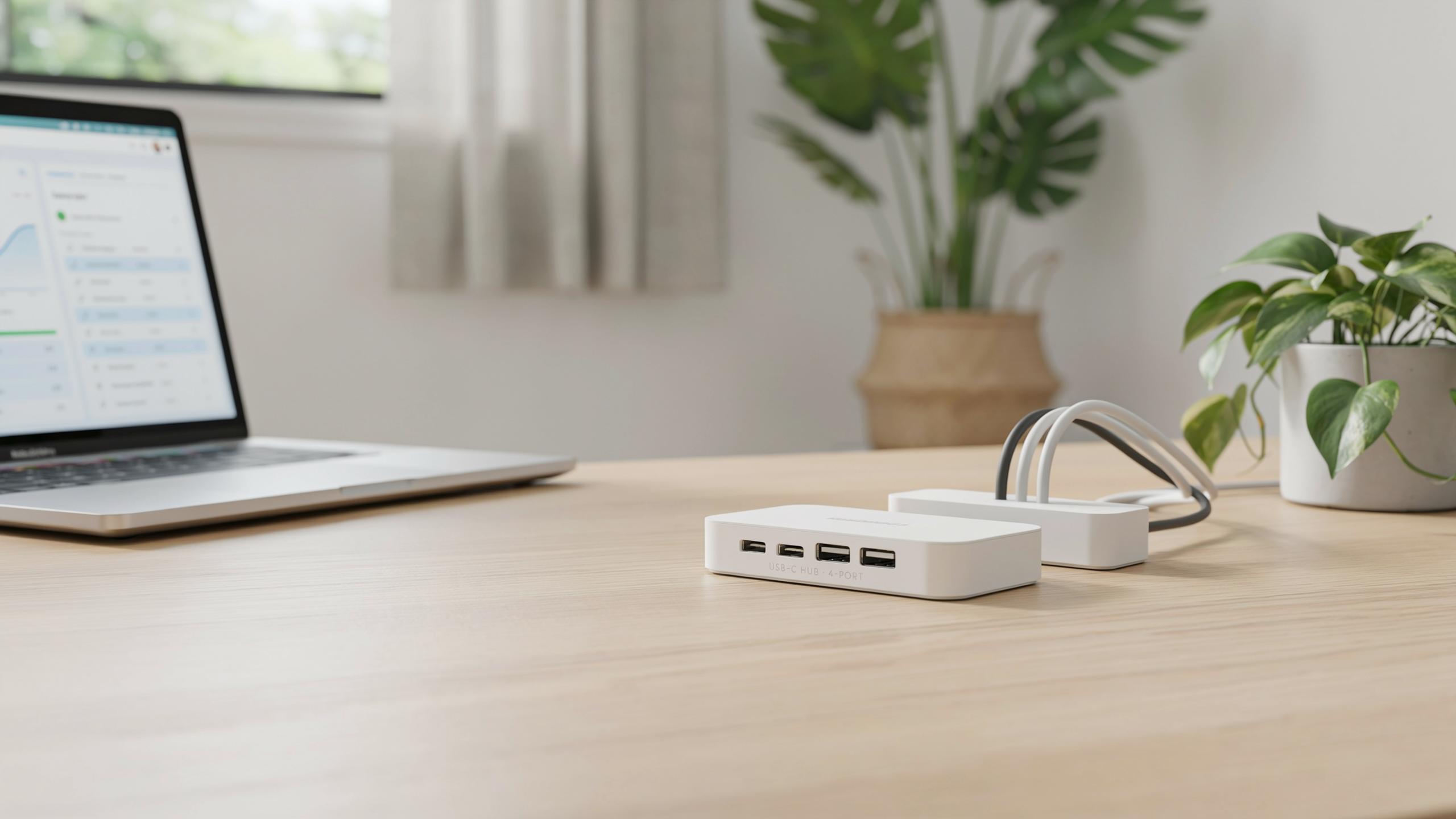
The Unsung Hero Why A USB Hub With Cable Management Base Is Essential For Any Desk Setup
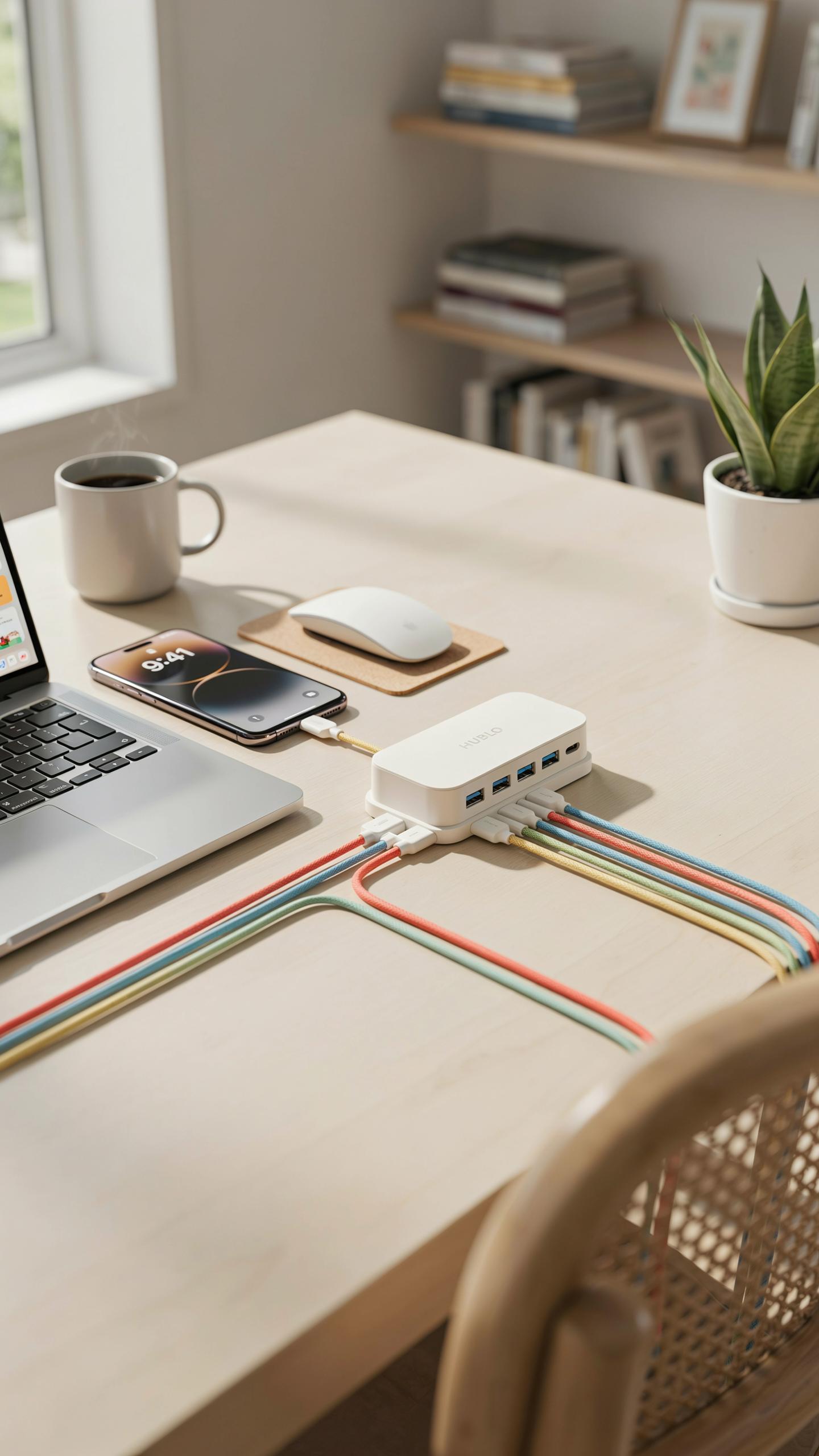
The Everyday Struggle Of Tangled Wires And Limited Ports
Modern devices demand ports. Your laptop ships with two USB slots. Your phone needs charging. Your external drive requires connection. Your keyboard and mouse compete for space. You end up with cables snaking across your desk, disappearing behind monitors, and tangling with each other. Finding the right cable takes time you don’t have.
The problem multiplies when you add peripherals. Printers, scanners, external storage, and hubs multiply your needs exponentially. Standard setups force you to crawl under desks or behind equipment to swap cables. This workflow breaks focus and kills productivity. A USB hub with cable management base solves this by consolidating connections and controlling wire routing at the source.
How A Dedicated Cable Management Base Streamlines Your Workspace
A USB hub with cable management base centralizes all your connections into one access point. You plug cables into the hub instead of your device. The base itself features routing channels, clips, or grooves that guide cables downward and away from your view. Your desk surface stays clear. Your cables stay organized. You see what you need and ignore the rest.
The base does the heavy lifting by anchoring cables and preventing them from moving or tangling. You route each cable deliberately through the management system when you first set up the hub. Once organized, cables stay in place. You grab what you need without disrupting the entire setup. This approach replaces constant cable rearrangement with a stable, functional system.

Beyond The Ports Understanding The Cable Management Aspect
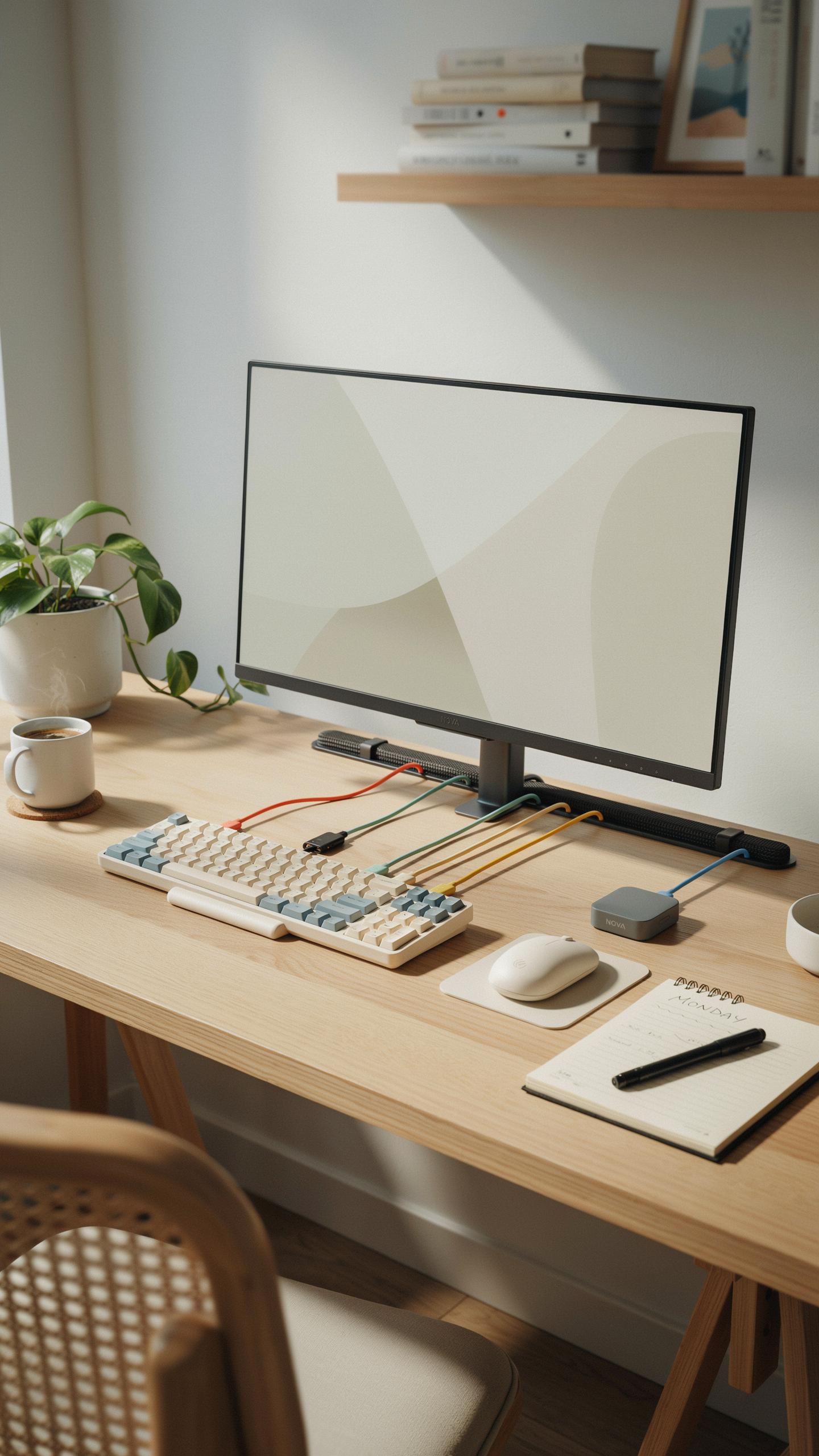
Built In Solutions What To Look For In A Cable Management Base
The cable management base is the foundation that determines whether your hub reduces desk clutter or creates it. Look for a base with dedicated slots or channels that route cables away from the main hub body. The base should have sufficient weight to prevent the hub from sliding during cable insertion or removal. Check if the base design allows cables to exit at multiple angles rather than forcing them into a single direction. A recessed cable routing system prevents wires from bunching visibly at the rear of your desk.
Evaluate how the base integrates with your existing desk setup before purchasing. Some bases feature adhesive backing that attaches directly to your desk surface, while others use a weighted footprint to stay in place. The base material matters because plastic bases wear faster than rubber or silicone options when cables move repeatedly through channels. Measure your desk space and verify the base footprint won’t interfere with monitor stands, keyboard trays, or other equipment. Premium bases include labeling areas or color coded channels to match specific cables to their functions.
The Difference Between Basic Cable Pass Throughs And Integrated Organizers
Basic cable pass throughs are simple holes or slots punched through the hub base to let wires exit downward or backward. They reduce visible clutter by routing cables away from view but provide no organization beyond spatial separation. Pass throughs work adequately for setups with few devices, but they fail when multiple cables bunch together behind your desk. Users typically must manually separate and arrange wires manually, creating the same tangled appearance the hub aimed to prevent.

Integrated organizers go beyond pass throughs by providing individual channels, compartments, or clip systems for each cable. These systems keep wires physically separated and prevent them from intertwining as they move from the hub to their destinations. Integrated organizers often include labels or color coding that helps you identify which cable connects to which port without tracing wires back to the hub. The organizational structure remains intact even when cables move slightly, maintaining your clean desk setup over time. This distinction directly impacts long term desk appearance and how quickly you can locate and disconnect specific devices.
Maximizing Connectivity Choosing The Right Compact USB C Hub
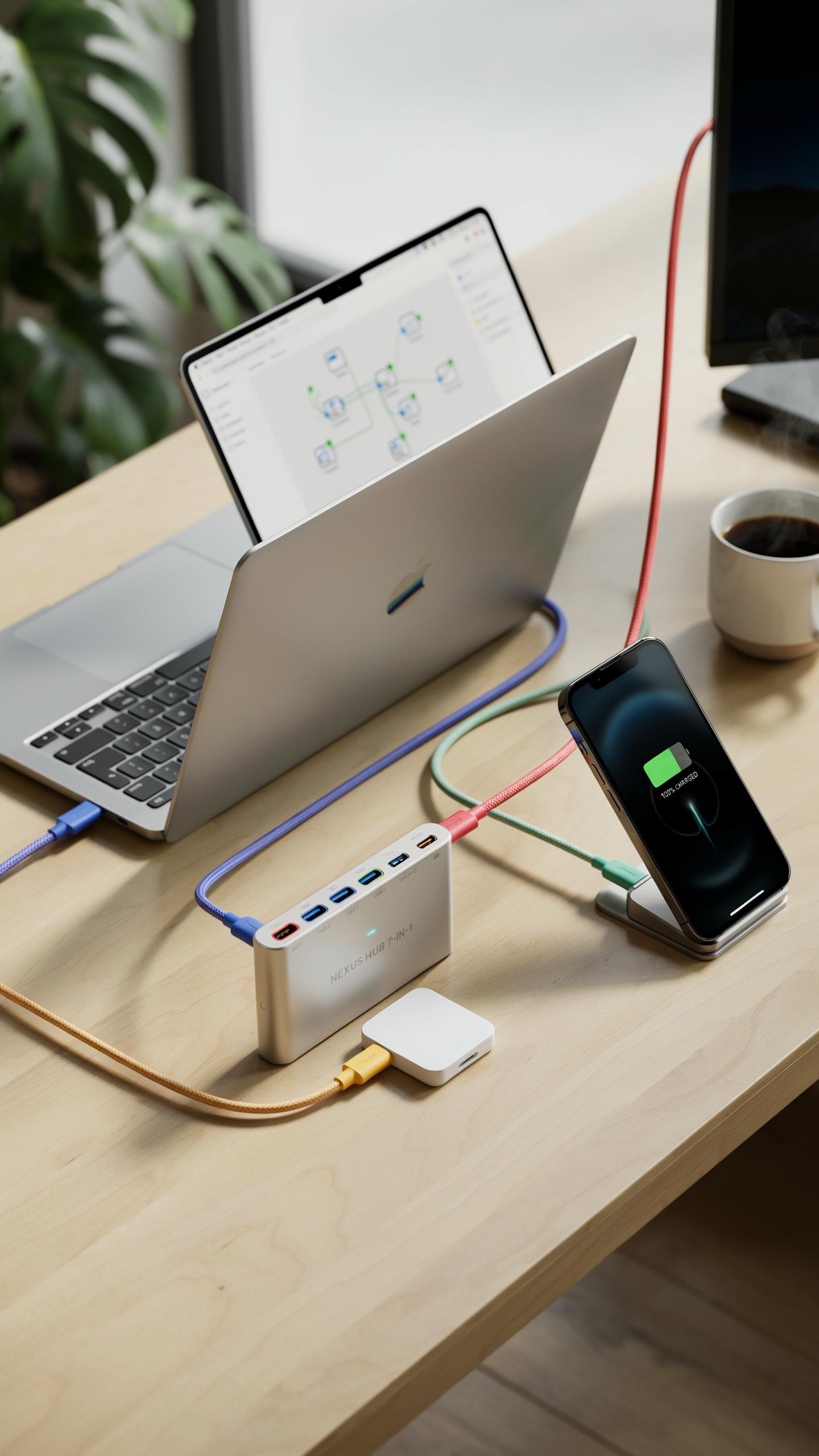
USB A Vs USB C: Navigating Modern Port Standards
USB-A connectors have dominated peripherals since the 1990s. They remain on keyboards, mice, and legacy devices. USB-C emerged around 2014 and now appears on phones, laptops, and modern peripherals. USB-C transfers data faster and handles power delivery that USB-A cannot. A cable management base with both port types covers your current setup and protects against obsolescence.
The shift to USB-C reflects industry standardization efforts. Devices with only USB-C ports are becoming standard on newer laptops and tablets. However, USB-A peripherals still outnumber USB-C devices in most offices. Select a hub offering both connector types if your ecosystem spans multiple generations. This flexibility ensures your cable management base remains useful as your equipment evolves.
Power Delivery And Data Transfer Speeds: What Do The Numbers Mean
Power delivery ratings appear as wattages like 60W, 85W, or 100W. Higher wattage means the hub charges larger devices faster. A 60W hub charges most laptops adequately. A 100W hub handles power hungry workstations and multiple device charging simultaneously. Match the wattage to your device requirements, not the highest available number.

Data transfer speeds show as USB 3.0, USB 3.1, or USB 3.2 standards. USB 3.0 reaches 5 gigabits per second. USB 3.1 reaches 10 gigabits per second. USB 3.2 reaches 20 gigabits per second. Real world speeds depend on your connected devices and cable quality. For office work and file transfers, USB 3.0 handles most tasks. Video editors and large file operations benefit from USB 3.1 or faster.
A Central Command The USB Hub As A Desk Docking Station
Consolidating Peripherals: Printers, External Drives, And More
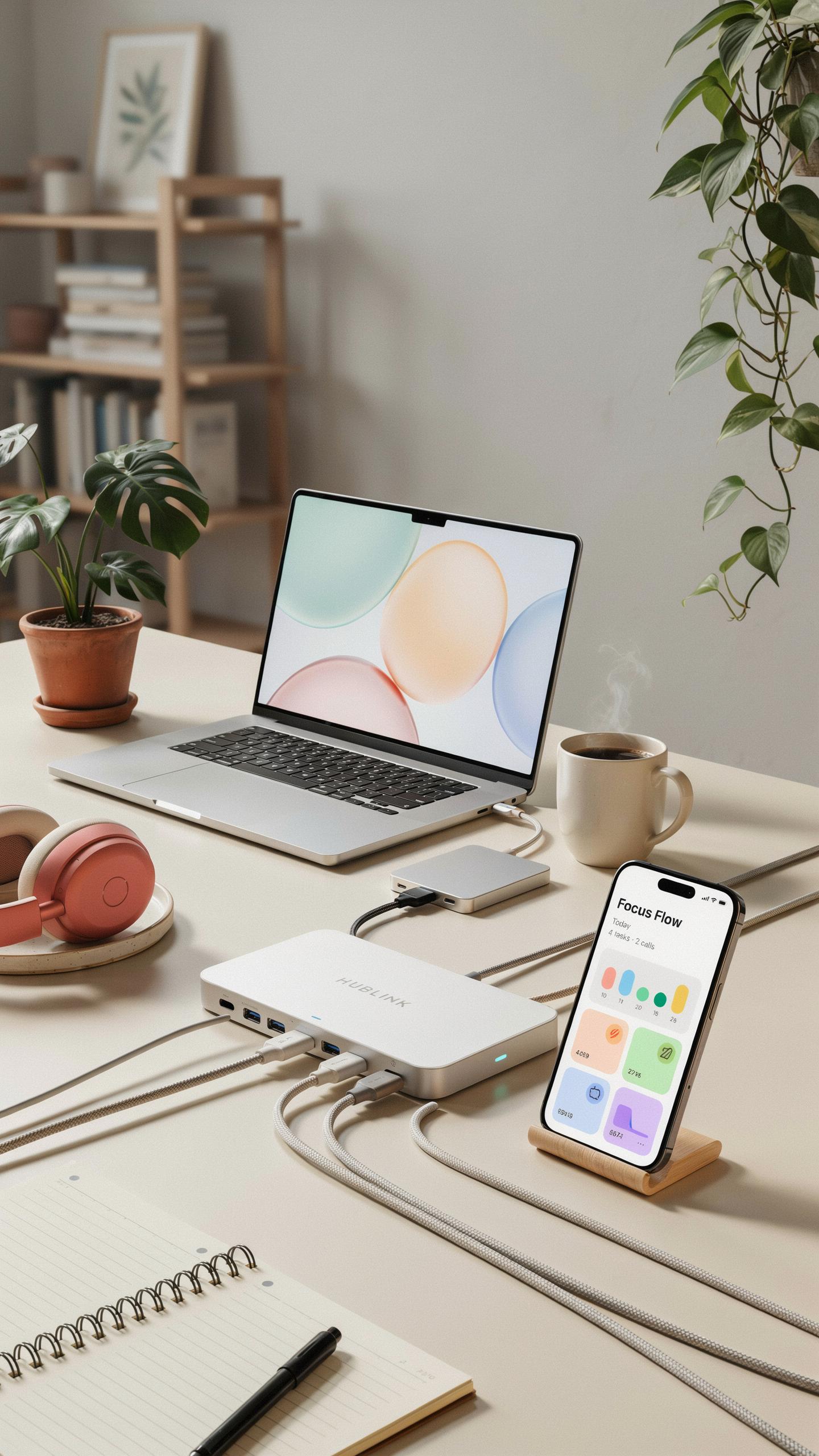
A USB hub with cable management base functions as your desk’s central connection point. Instead of plugging devices directly into your computer, you plug them into the hub. This approach eliminates the need to reach behind your desk or stretch cables across your workspace. Printers, external hard drives, scanners, and card readers all connect through one location. The hub then connects to your computer with a single cable, reducing clutter immediately.
Your desk gains functional real estate when peripherals sit in one organized zone. External drives stay accessible without creating a tangled mess behind your monitor. Cable management features keep cords bundled and routed cleanly through the base. You avoid the common problem of cables migrating across your desk throughout the day. This setup works whether you use a desktop computer or laptop.
The Benefits Of A Single Connection For All Your Devices
One cable running from your hub to your computer replaces multiple individual connections. Your computer’s USB ports remain free for phones, tablets, or temporary devices you need to charge. This preservation of ports matters significantly if your laptop has limited USB access. The hub handles power distribution to multiple devices simultaneously without overtaxing your computer’s resources. Setup takes minutes, not hours, because you eliminate the need for multiple driver installations on most devices.

Switching devices happens faster when everything connects through one hub. Unplugging one peripheral and plugging in another requires no repositioning of cables. Your workspace stays consistent day to day since the hub stays anchored to your desk. You reduce strain on your computer’s USB ports by centralizing connections through the hub instead. This protection extends your computer’s lifespan while improving your daily workflow efficiency.
Powering Up Considering Hunda Multi Port USB Chargers For Your Hub
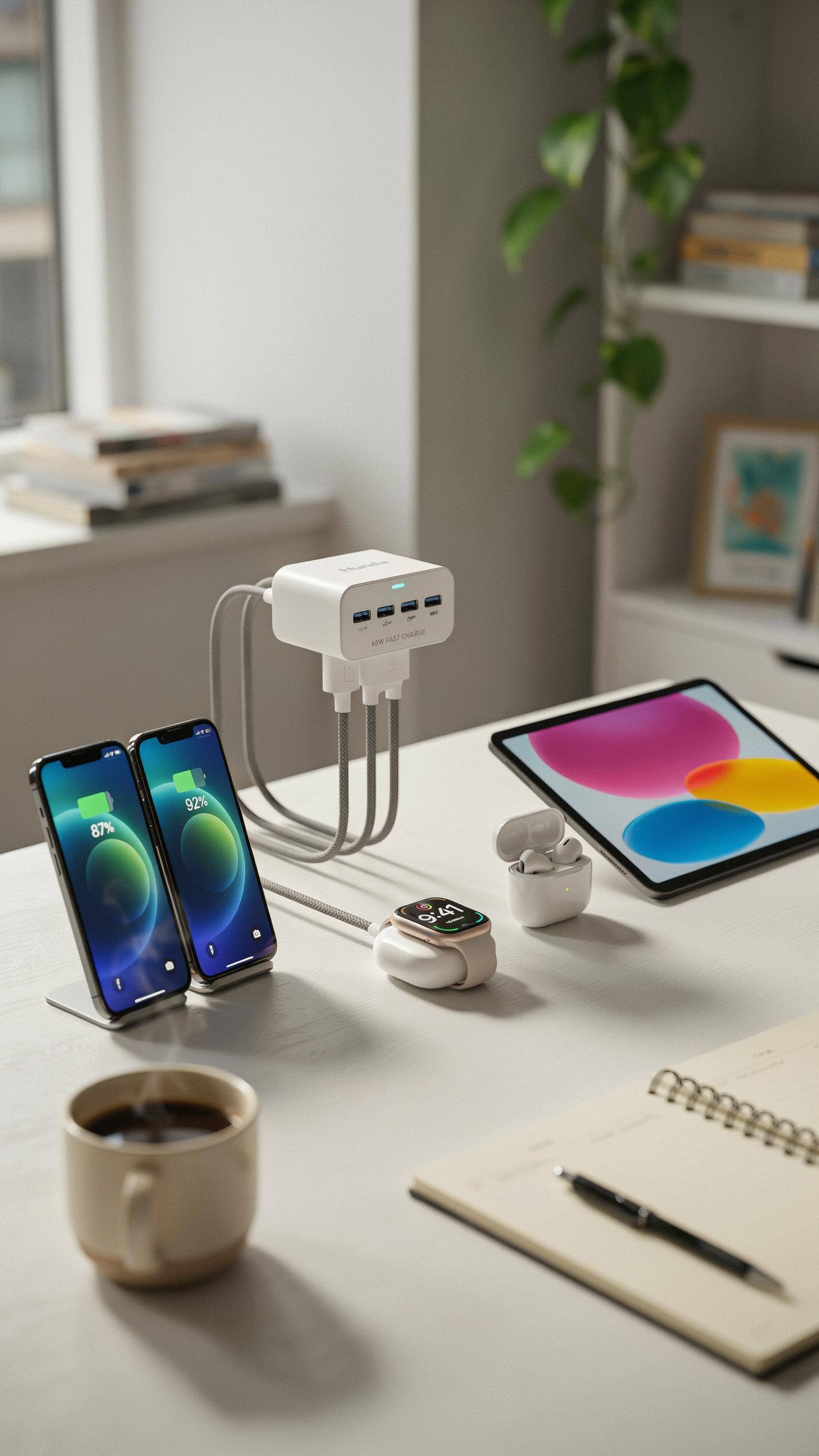
Power delivery matters because every connected device draws current from your hub. A weak power supply starves your peripherals and causes devices to charge slowly or fail to function. You need sufficient wattage to handle simultaneous connections without performance drops. Calculate total amperage across all ports you plan to use, then add headroom. Most quality hubs provide at least 60 watts to distribute across multiple ports safely.
The cable management base amplifies power efficiency by organizing connections and reducing clutter around the power adapter. A organized desk setup prevents accidental disconnections that interrupt power delivery to critical devices. Strategic cable routing keeps the adapter visible and accessible for troubleshooting. This physical organization directly supports stable power distribution across all connected peripherals without interference or entanglement.
Intelligent charging features detect device power requirements and deliver appropriate current automatically. This prevents overcharging and reduces heat generation during extended use. Surge protection diverts excess voltage away from your connected devices during power spikes or grid fluctuations. These safeguards protect expensive equipment like laptops, cameras, and external drives from electrical damage. Built in protection acts as a barrier between your devices and unpredictable electrical events.

Cable management bases work with surge protection by keeping all connections secure and stable. Loose or damaged cables bypass protective circuits and expose devices to risk. A quality base holds cables firmly in place, maintaining continuous contact with protection systems. This integration ensures that surge protection functions effectively throughout your entire setup without interruption or degradation.
Design And Aesthetics Integrating A USB Hub With Desk Power Strip Design
Seamless Integration: Matching Your Hub To Your Desk Aesthetic
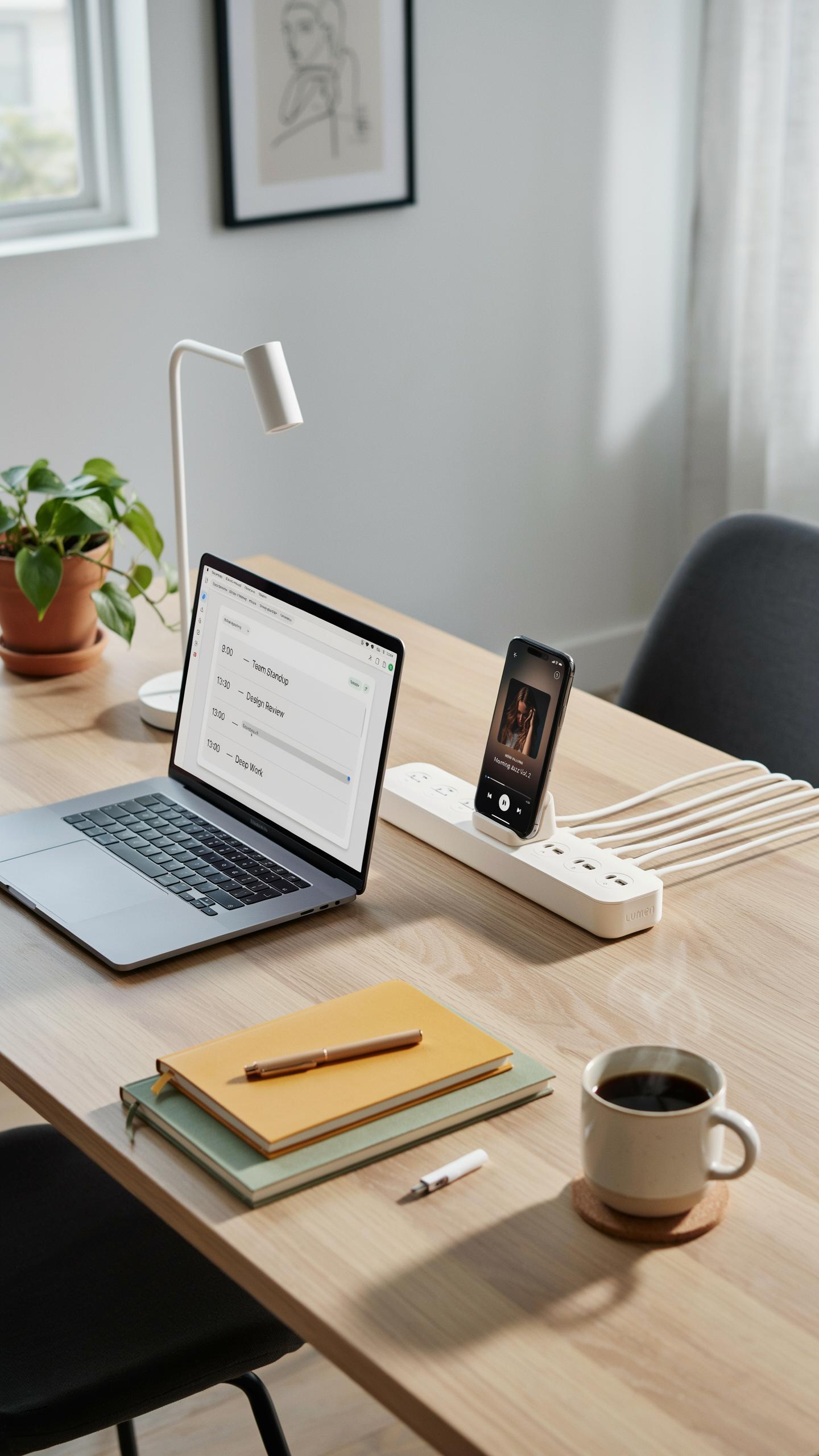
A USB hub with cable management base succeeds when it disappears into your workspace. Match the hub’s finish to existing desk hardware. Black, white, and brushed metal hubs coordinate with monitor stands, keyboards, and lamp bases. Material consistency creates visual order. Plastic hubs work in modern setups. Metal bases integrate into industrial or minimalist environments. The goal is reducing visual noise, not adding decorative elements.
Cable management bases anchor hubs physically and visually. Heavy bases prevent tipping when you pull cables. Weighted designs signal quality and stability. The base footprint should match your desk space without consuming excessive real estate. A compact base fits under monitors or behind keyboards. Proportional design prevents the hub from appearing oversized or undersized relative to surrounding equipment.
Remember the days of tangled wires and lost USBs? This little hub brings back the joy of a tidy workspace, just like grandma always said, “A place for everything, and everything in its place.”
Beyond Functionality: How Design Elements Enhance Your Workspace
Design elements serve operational purposes in a cable management hub. Angled ports reduce stress on cables by directing them downward rather than horizontally. Recessed USB slots prevent accidental disconnections from bumping the desk. Color coding on ports or labels identifies device connections faster. These features eliminate fumbling when you need a specific port. Function shapes form, not the reverse.
Organized cable routing creates psychological clarity. Visible tangled cables trigger cognitive load even when they function correctly. Routed cables through grooves or clips in the base establish order. Your brain registers this order as control and efficiency. Clean cable management reduces decision fatigue when working. The workspace becomes easier to navigate and less draining to look at during extended work sessions.
Advanced Features Screen Mirroring And Beyond
Expanding Your Display: Connecting To External Monitors
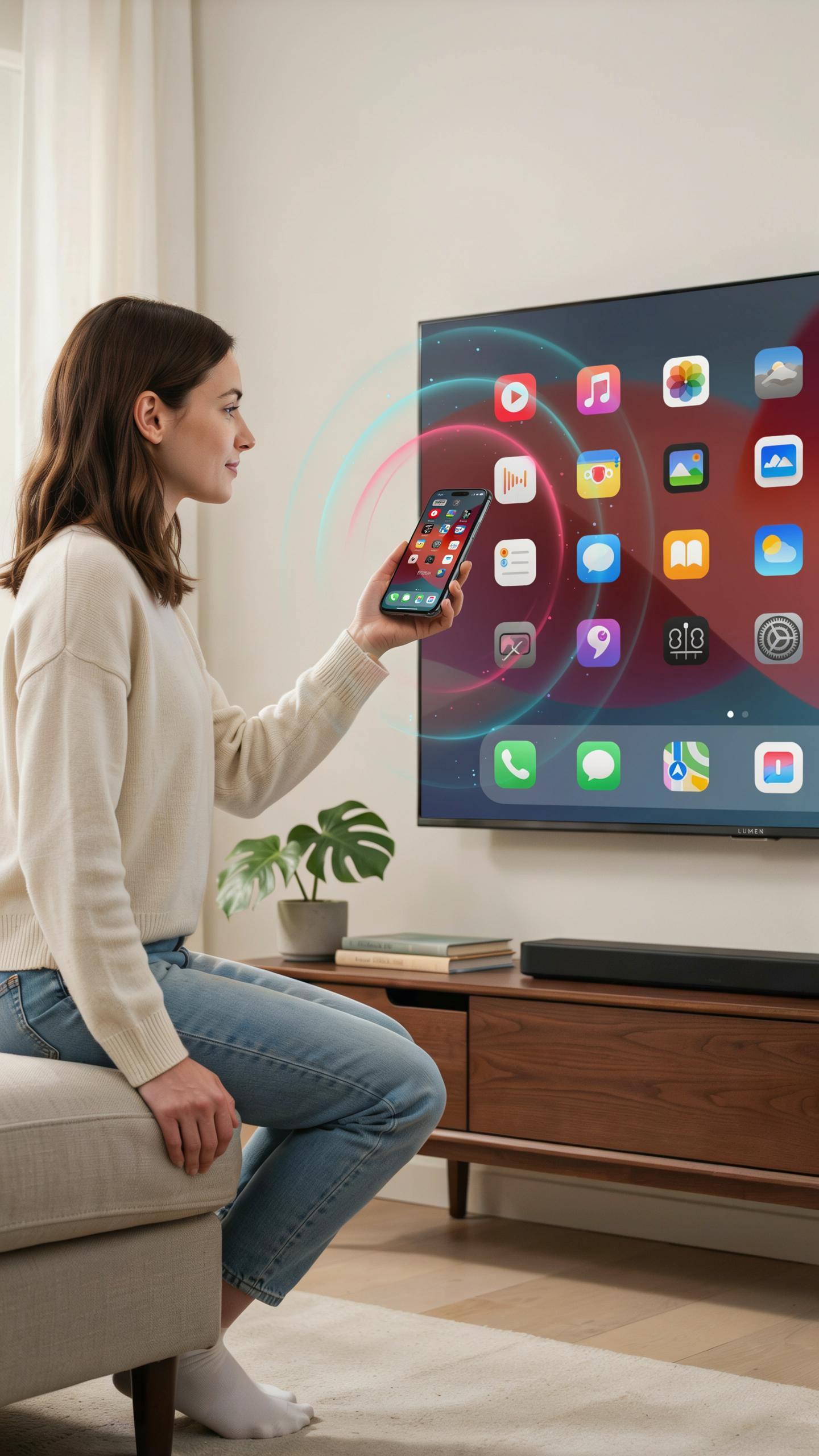
A USB hub with cable management base connects external monitors through DisplayPort or HDMI outputs built into the hub itself. These outputs let you run single or dual monitor setups without consuming laptop ports. The hub acts as the intermediary between your computer and display hardware, handling video signal transmission while your cable management base keeps cords organized at the desk level.
Monitor connection quality depends on the hub’s output specifications and cable quality. USB 3.0 hubs typically handle 4K resolution at 30Hz, while newer USB 3.1 or Thunderbolt hubs push 4K at 60Hz or higher. The cable management base prevents monitor cables from tangling with other desk wires, creating clear sight lines and reducing accidental disconnections during movement or cleaning.
The Versatility Of A Hub That Doubles As A Media Solution
A USB hub with cable management base becomes a media hub when it includes audio outputs and SD card readers alongside video connections. This design consolidates multiple connection types into one organized device, eliminating the need for separate adapters scattered across your desk. Your monitor cable, audio cables, and SD card reader all route through the base, creating a single point of organization.
Media professionals and content creators benefit most from this approach. Photographers upload images directly from SD cards without hunting for readers. Musicians connect audio interfaces and headphones through dedicated outputs. Designers send video to external monitors while managing file transfers through the same hub, all while the cable base keeps everything anchored and visible.
Durability And Materials Why A Black Metal Cable Organizer Is A Smart Choice
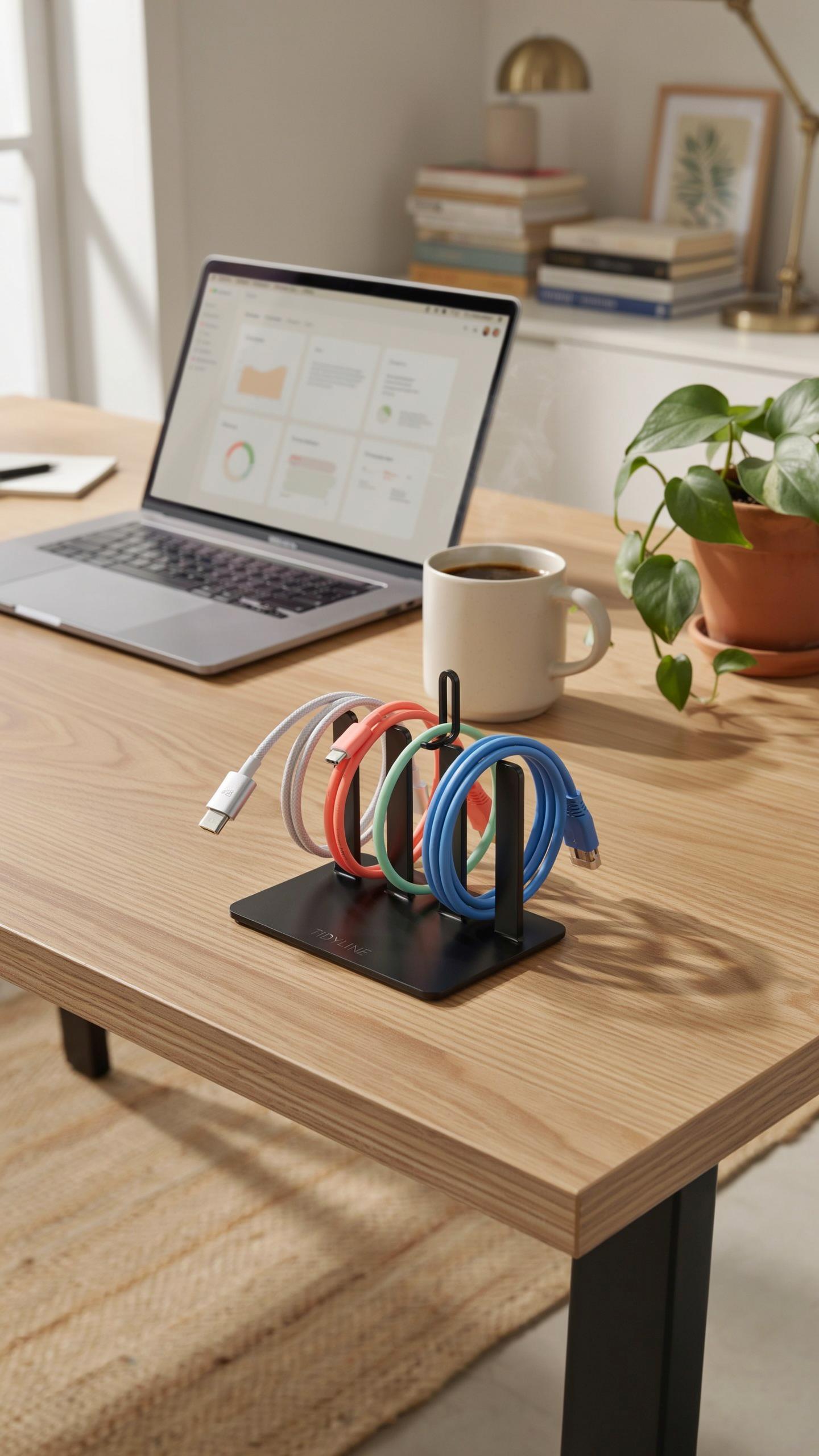
Metal construction delivers measurable advantages over plastic alternatives. Steel and aluminum bases resist warping from weight and temperature changes. Metal doesn’t degrade under repeated cable insertion and removal cycles. Rubberized feet on metal bases prevent sliding, protecting your desk surface. A metal cable organizer survives five to ten years of daily use without functional decline.
The engineering matters here. Metal absorbs heat better than plastic, keeping connected devices cooler. Weight distribution improves stability when you plug in multiple high-draw devices. Metal bases withstand pressure from stacked cables without cracking or bending. You avoid replacing organizers every two years. Durability reduces total cost of ownership significantly.
Black powder-coated metal maintains appearance through years of desk work. The coating resists fingerprints better than brushed finishes. Scratches blend into black surfaces rather than showing as white marks on lighter colors. Professional environments demand equipment that looks intentional and maintained after months of use. Black metal complements most desk setups without requiring design adjustments.

Material consistency reinforces visual hierarchy on your workspace. A single unified material says you made deliberate choices about your setup. Mixed plastic and metal components create visual noise and suggest compromise rather than intent. Premium materials communicate that cable management matters to your operation. This approach elevates how others perceive your workspace organization.
Tips For Optimal Cable Holder Use And A Spotless Desk
Strategic Placement Of Your USB Hub With Cable Management Base For Maximum Impact
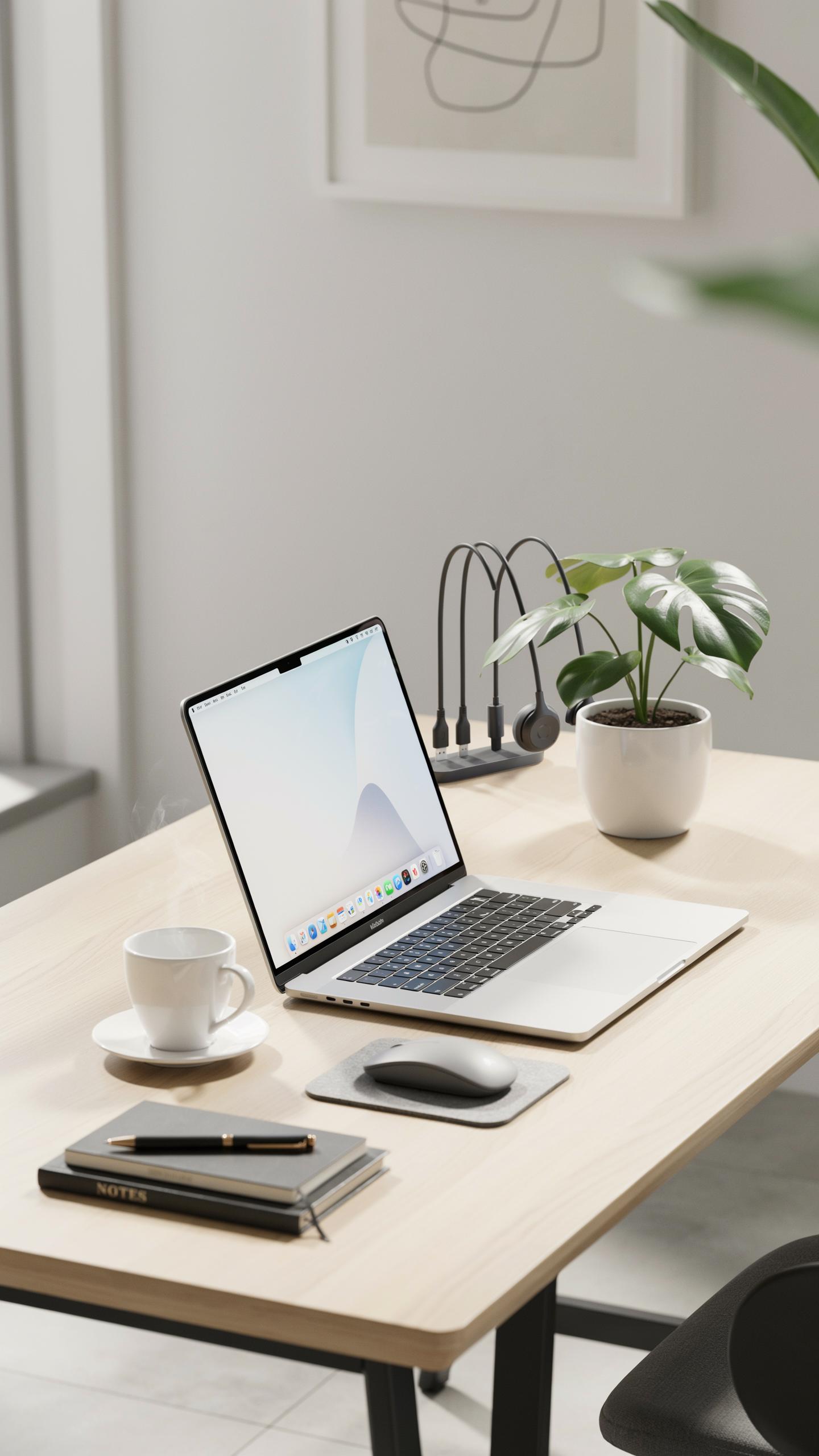
Position your USB hub with cable management base at desk edge or corner where cables naturally route to devices. This placement reduces cable strain and prevents tangled wires from crossing your workspace. Mount it perpendicular to your monitor setup. Elevation matters. Place the hub slightly above your work surface to keep cables off the desk.
- Desk Edge Positioning: Mount the hub at the perimeter of your desk where power and device cables terminate naturally, avoiding crossover with your primary work zone.
- Vertical Cable Routing: Direct cables downward through the management base slots to keep them off your work surface and reduce visible clutter.
- Monitor Arm Integration: Position the hub near monitor mounts or arms to consolidate cable runs in one location away from your keyboard and mouse area.
- Cable Length Matching: Measure your cable lengths before placement to avoid excess slack gathering around the base, which defeats the purpose of the management system.
- Multi Device Clustering: Group all peripheral devices on one side of your desk, then centralize the hub to service that cluster efficiently.
- Heat Dissipation Space: Leave clearance around the hub base for airflow to prevent thermal buildup, especially if powering multiple devices simultaneously.
A well-placed hub eliminates cable visibility without requiring permanent desk modifications. Test positioning before committing to cable routing. Adjust based on actual device usage patterns over one to two weeks of normal work.
Beyond The Hub Supplementary Cable Management Accessories
Combine your USB hub with cable management base alongside cable clips and routing sleeves for complete desk organization. Cable sleeves consolidate multiple wires into single runs, reducing visual chaos. Clips anchor cables to desk edges or underside surfaces. These accessories address cable management where the hub base cannot reach across your workspace.
Spiral cable wraps serve dual purposes: they bundle excess cable length and protect wires from abrasion at high-traffic desk areas. Adhesive-backed cable guides direct wires along desk edges or walls without drilling. Magnetic cable organizers hold excess cable coils near the hub for quick access. Layer these tools strategically. Use the hub base for immediate cable drops, then employ clips and sleeves to manage the remaining cable runs across your desk surface toward monitors, keyboards, and other peripherals.
Frequently Asked Questions

What exactly is a USB hub with a cable management base and why would I need one?
A USB hub with a cable management base combines extra USB ports with an integrated solution for tidying up unruly cords. It helps streamline your workspace by consolidating multiple device connections while neatly routing their cables, preventing tangles and creating a much cleaner, more organized desk aesthetic.
How do I effectively use the cable management features of my new USB hub with a cable management base?
Most USB hubs with a cable management base have channels or clips designed to guide individual cables. Simply thread each device’s cord through these designated areas. Start from the device connected to the hub and work your way to the power source or computer, ensuring a snug but not overly tight fit to maintain a clean and clutter-free setup.
Are there affordable options for a USB hub with a cable management base, or are they typically expensive?
Absolutely! You can find a wide range of a USB hub with a cable management base at various price points. While premium models offer more features or ports, many budget-friendly options provide excellent functionality for basic needs. Look for brands that balance port count with effective cable routing features to find a great value.



