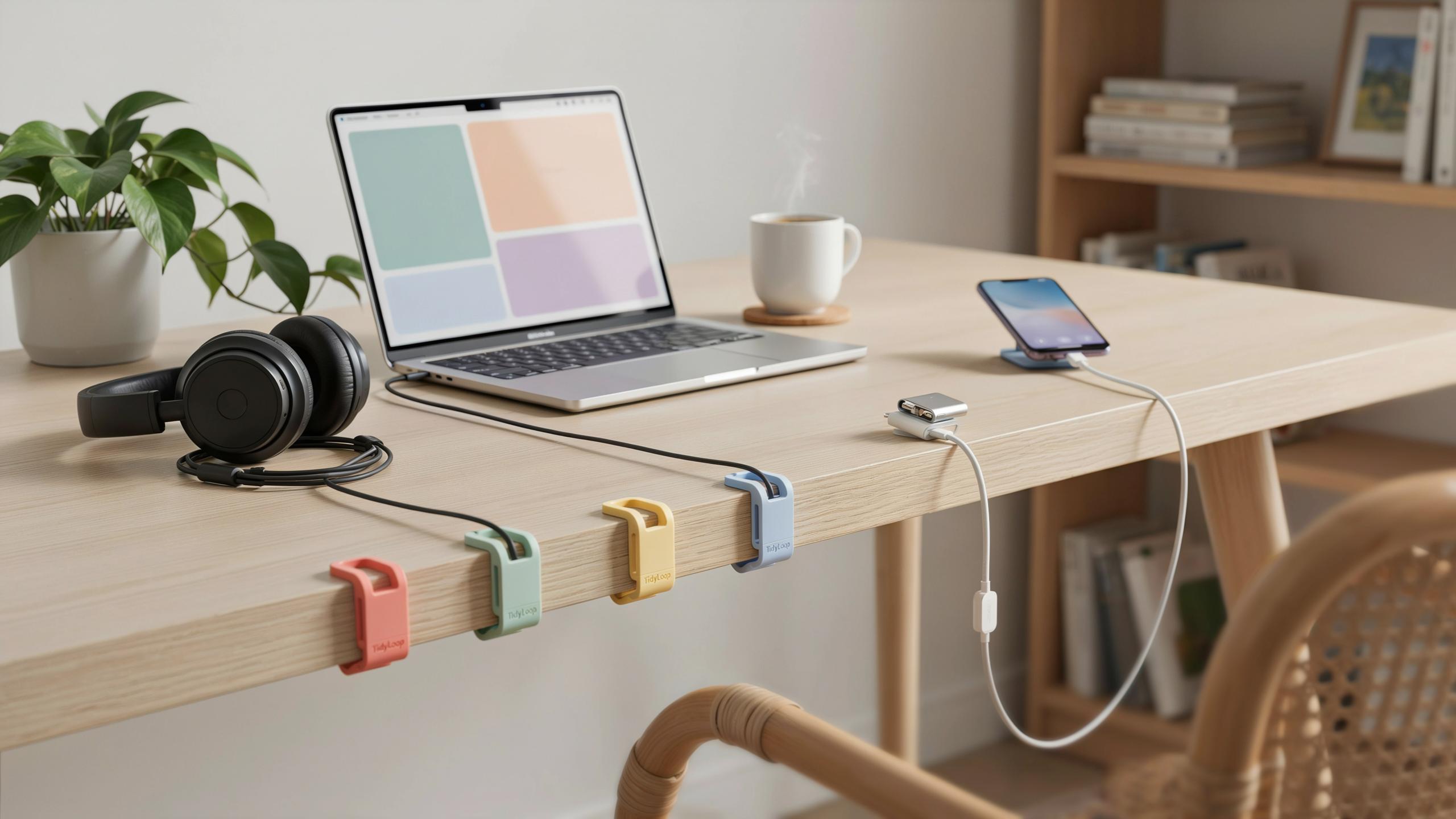
The Frustration Of Tangled Cords Why Effective Cable Management Matters
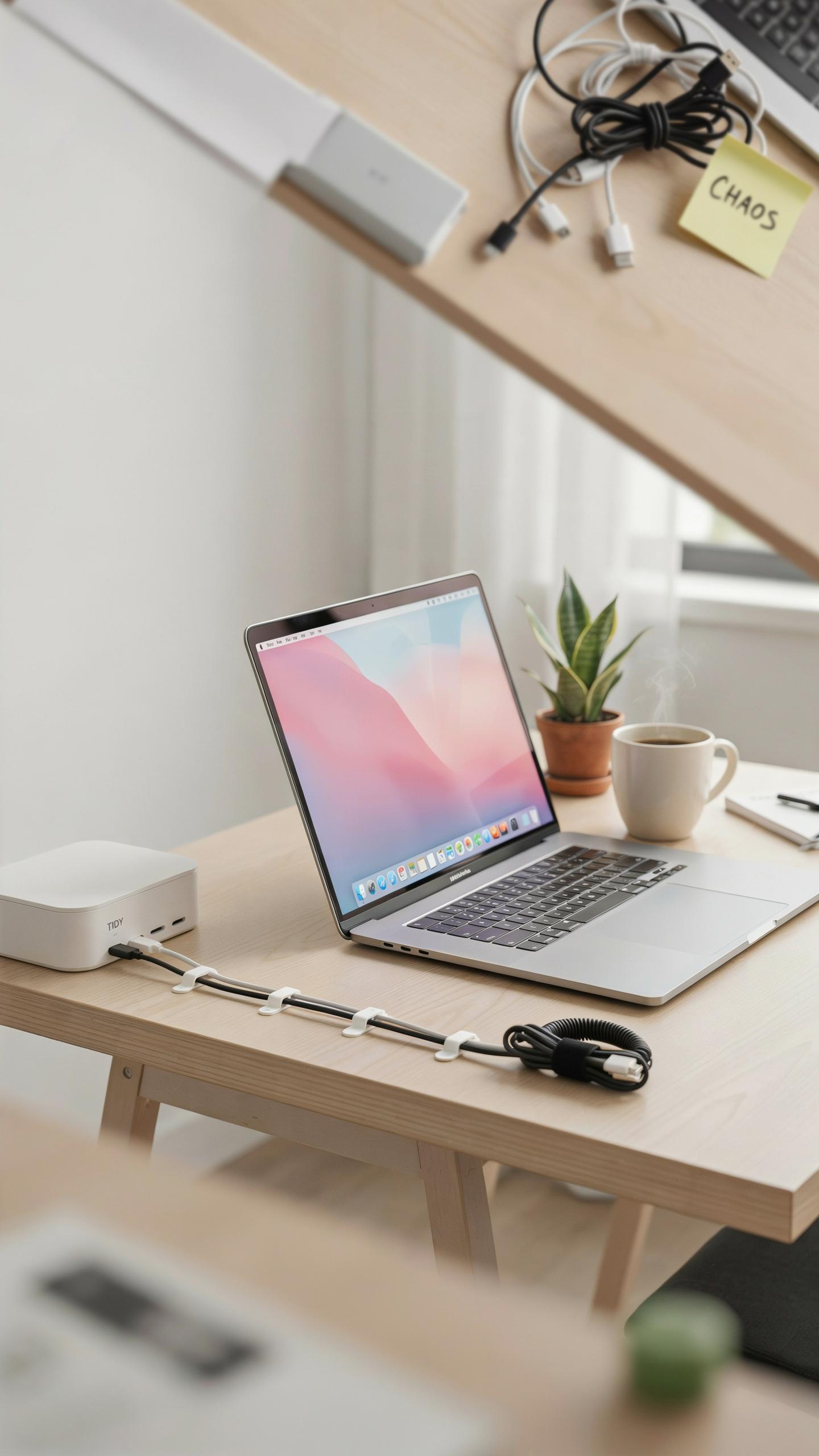
The Visual Clutter And Its Impact On Productivity
A desk buried under tangled cables forces your brain to process visual noise every time you look at your workspace. This constant low-level distraction diverts mental energy away from actual work. Studies in environmental psychology confirm that disorganized spaces increase cognitive load, making focus harder to maintain and decisions slower to execute.
When cables run loose across your desk surface, you lose usable work area and create visual obstacles to your line of sight. Your eye has to navigate around the mess to find what you need. The result is wasted seconds throughout the day that compound into lost hours of productive time each week.
Safety Hazards And Equipment Damage From Unmanaged Cables
Loose cables create immediate physical hazards in any office environment. They catch under rolling chairs, tangle around feet, and trip people who move around their workspace. When cables get pinched or crushed under wheels or furniture, the damage to the cable sheath exposes conductors and creates electrical risks or complete equipment failure.
Proper cable management through cord clips prevents cables from becoming entanglement points or pressure zones. Secured cables stay clear of chair wheels, foot traffic, and accidental contact with sharp desk edges. This direct approach eliminates most equipment damage scenarios before they happen.

Understanding Adhesive Technology In Cord Clips For Desk Cable Routing
Types Of Adhesives Used In Cable Clips
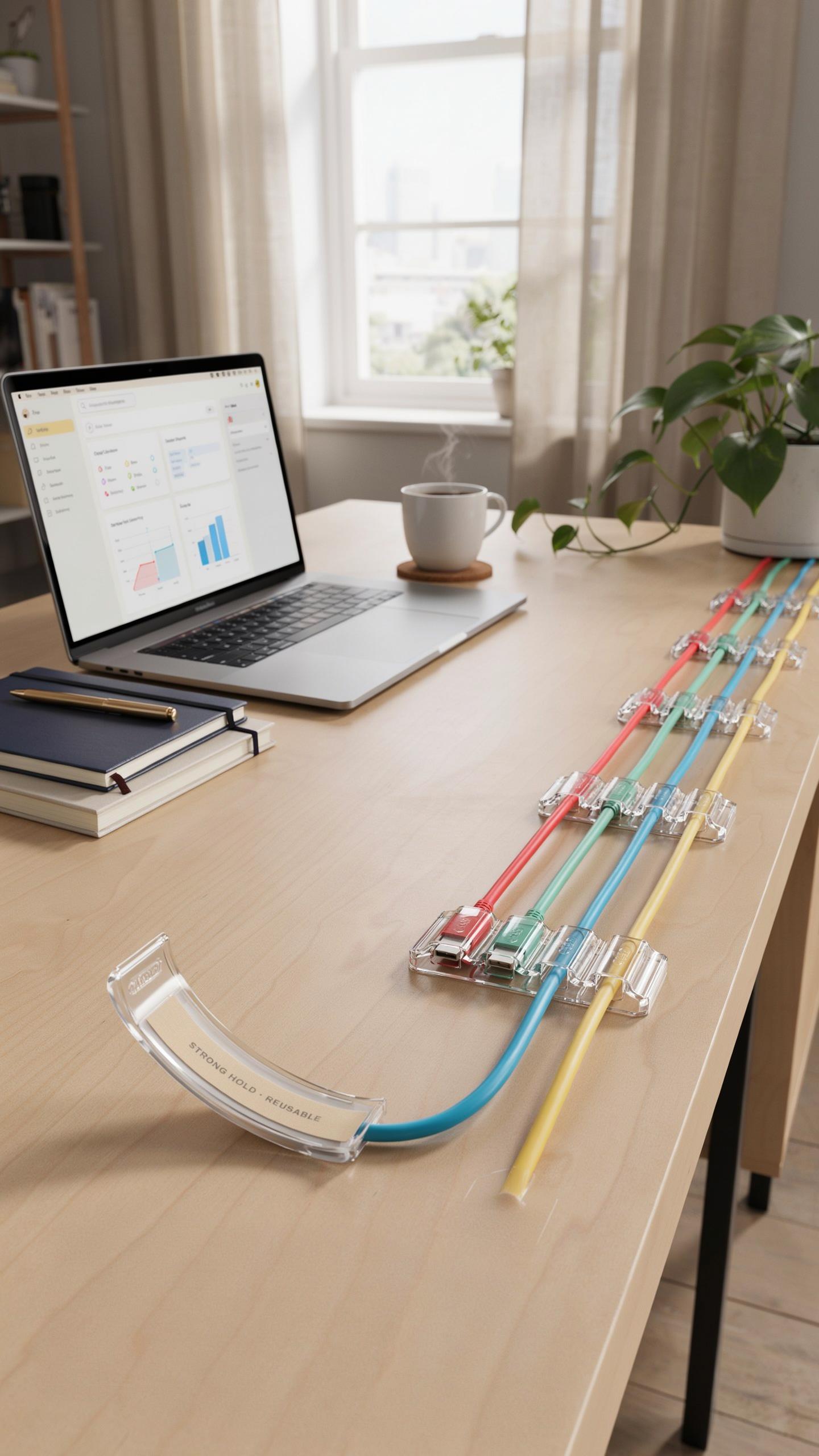
Cord clips rely on three primary adhesive systems. Acrylic-based adhesives bond through contact and pressure, offering reliable performance on clean surfaces. Rubber-based adhesives flex with movement and tolerate temperature swings better than acrylics. Foam tapes combine adhesive with a compressible layer, absorbing vibrations and compensating for surface irregularities. Each type trades off bonding speed, temperature range, and repositionability.
The adhesive you choose directly impacts how long your cables stay put. Acrylic excels on smooth surfaces but fails on porous or textured materials. Rubber-based options work on more surface types but weaken in cold environments. Foam tape sacrifices raw holding power for versatility and forgiveness on imperfect surfaces. Your choice depends on your specific desk material and cable weight demands.
Factors Affecting Adhesion: Surface, Weight, And Environment
Surface preparation determines adhesive performance more than any other factor. Dust, oils, and finishes block adhesive contact. Clean surfaces with rubbing alcohol and dry thoroughly before application. Wood, metal, plastic, and laminate each have different surface energy levels that either help or hinder adhesion strength.

Cable weight and environmental conditions stress the bond continuously. Heavy bundles of power cables demand stronger adhesives than lightweight USB cords. Temperature fluctuations cause expansion and contraction that weakens bonds over time. Humidity affects certain adhesive types more severely. High moisture environments degrade acrylic adhesives faster than rubber-based alternatives, requiring you to choose accordingly.
Choosing The Right Cable Clips For Your Desk Setup
Assessing Your Cable Management Needs
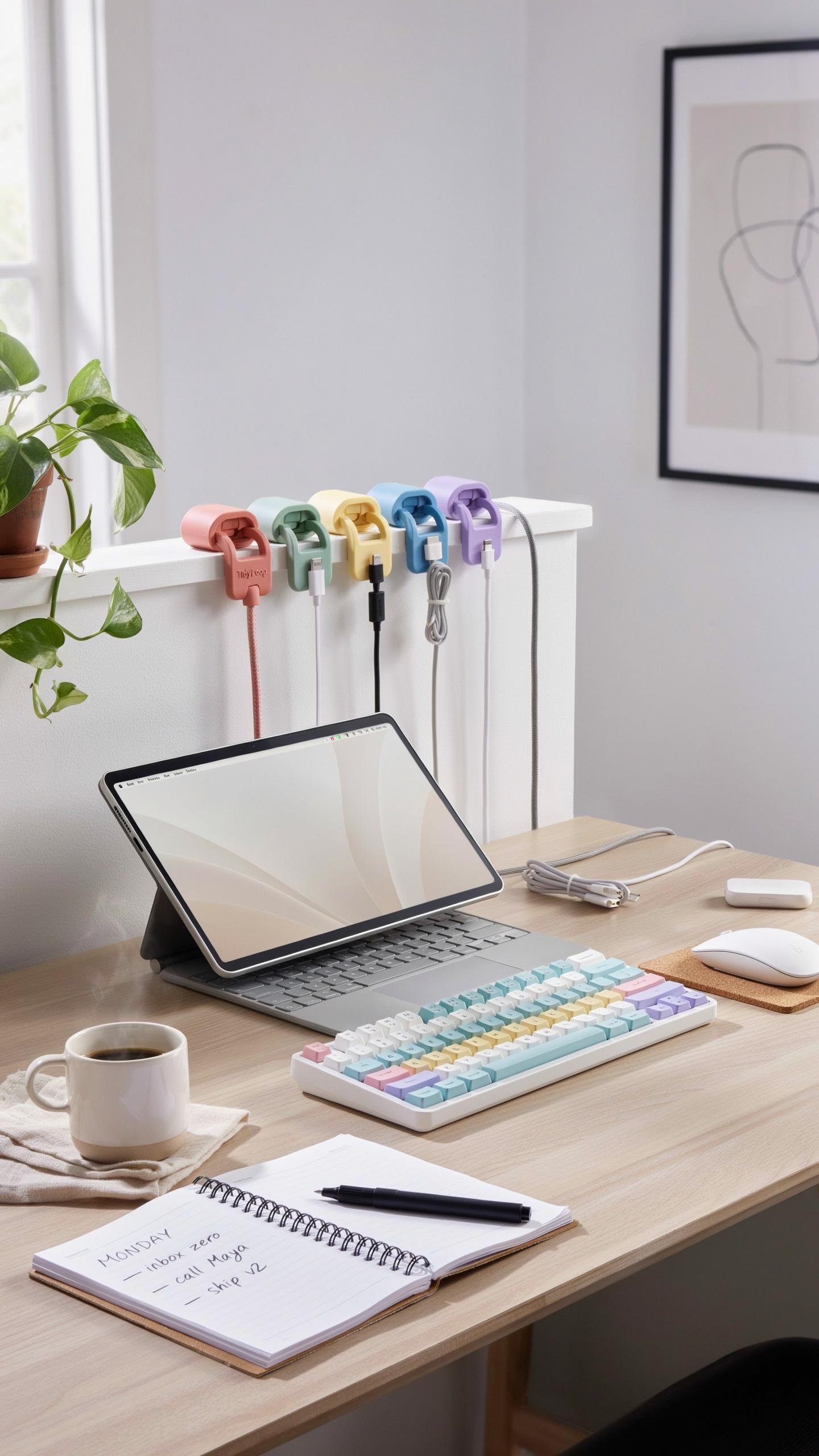
Start by counting your cables and measuring their diameter. Most desk setups run between 5 and 15 cables including power cords, USB lines, and audio connections. Note your desk material: wood, metal, or laminate surfaces affect adhesive performance and mounting options. Decide whether you want clips hidden behind the desk or visible in front.
Your desk layout determines clip placement strategy. Position clips where cables naturally bend or where they cross pathways. Consider cable frequency of use. High-movement cables like USB charging lines need clips with flexibility, while permanent connections to monitors can use fixed clips. This prevents strain damage and reduces tangling over time.
Material And Design: Durability And Aesthetics Of Cable Organizer Solutions
Plastic clips offer affordability and work well for light to medium cable loads under 5 pounds per clip. They resist moisture and cost between 2 to 8 dollars per unit. Silicone clips grip cables securely without pinching and work across temperature ranges. Metal clips handle heavy loads and last years without degradation but cost 5 to 15 dollars each.

Design impacts both function and appearance. Adhesive backed clips require smooth surfaces and strong initial contact for hold strength. Screw mounted options suit permanent setups and pull 20 to 30 pounds when installed correctly. Adjustable loop designs accommodate multiple cable sizes in single clips, reducing total clips needed by 40 percent.
Installation Best Practices For Long Lasting Cord Management

Surface Preparation The Key To Strong Adhesion
Clean the surface with rubbing alcohol before installing cord clips. Dirt, dust, and oils prevent adhesive from making contact with the desk. Wipe the area thoroughly and let it dry completely. Skipping this step guarantees clips will fail within weeks.
The adhesive on cord clips bonds only to clean surfaces. Most desk materials collect residue that sits between the clip and the surface. This invisible layer breaks the connection. Spend two minutes cleaning. It determines whether your cable management lasts three months or three years.
Application Techniques For Maximum Hold
Press cord clips firmly into place for 30 seconds to one minute after application. Light pressure fails to activate the adhesive properly. The manufacturer’s recommended time is not negotiable. Rush this step and the clip releases under cable weight.

Hold steady pressure without moving or adjusting the clip during the bonding window. Repositioning breaks the adhesive seal before it sets. Once you place the clip, leave it alone. Wait at least 24 hours before routing cables through it. This waiting period allows the adhesive to reach full strength before supporting any load.
Innovative Cord Holder Designs For Every Cable Type

Single Channel Vs Multi Channel Cable Holders
Single channel holders focus on routing one cable at a time. They mount directly to desk surfaces or cable trays. These clips work best for power cords, monitor cables, or individual data lines. The design keeps cables from tangling and reduces desk clutter significantly. Single channel holders cost less than multi channel alternatives and install quickly.
Multi channel designs accommodate multiple cables simultaneously while keeping them separated. These holders feature grooves or compartments that organize cables side by side. They reduce the footprint needed on your desk since one clip handles several wires. Multi channel holders work well under desks or along cable management trays where space is limited and organization matters.
Specialized Clips For Power Cords USB Cables And Monitor Wires
Power cords demand thicker gauge clips with stronger gripping mechanisms. These clips feature wider channels and reinforced bases to handle heavier cables without slipping. USB cables need gentler clips with softer padding to prevent damage to connectors. The specialized design prevents tension on ports during repeated plugging and unplugging cycles.

Monitor wires benefit from rigid clips that prevent cable sag and maintain angle consistency. These clips grip flat or round monitor cables securely without compromising their structural integrity. Specialized designs reduce strain on monitor ports and prevent intermittent connection issues caused by cable movement. Matching clip type to cable thickness and material ensures optimal performance and longevity across your desk setup.
Beyond Cord Clips Integrating A Comprehensive Cable Management System
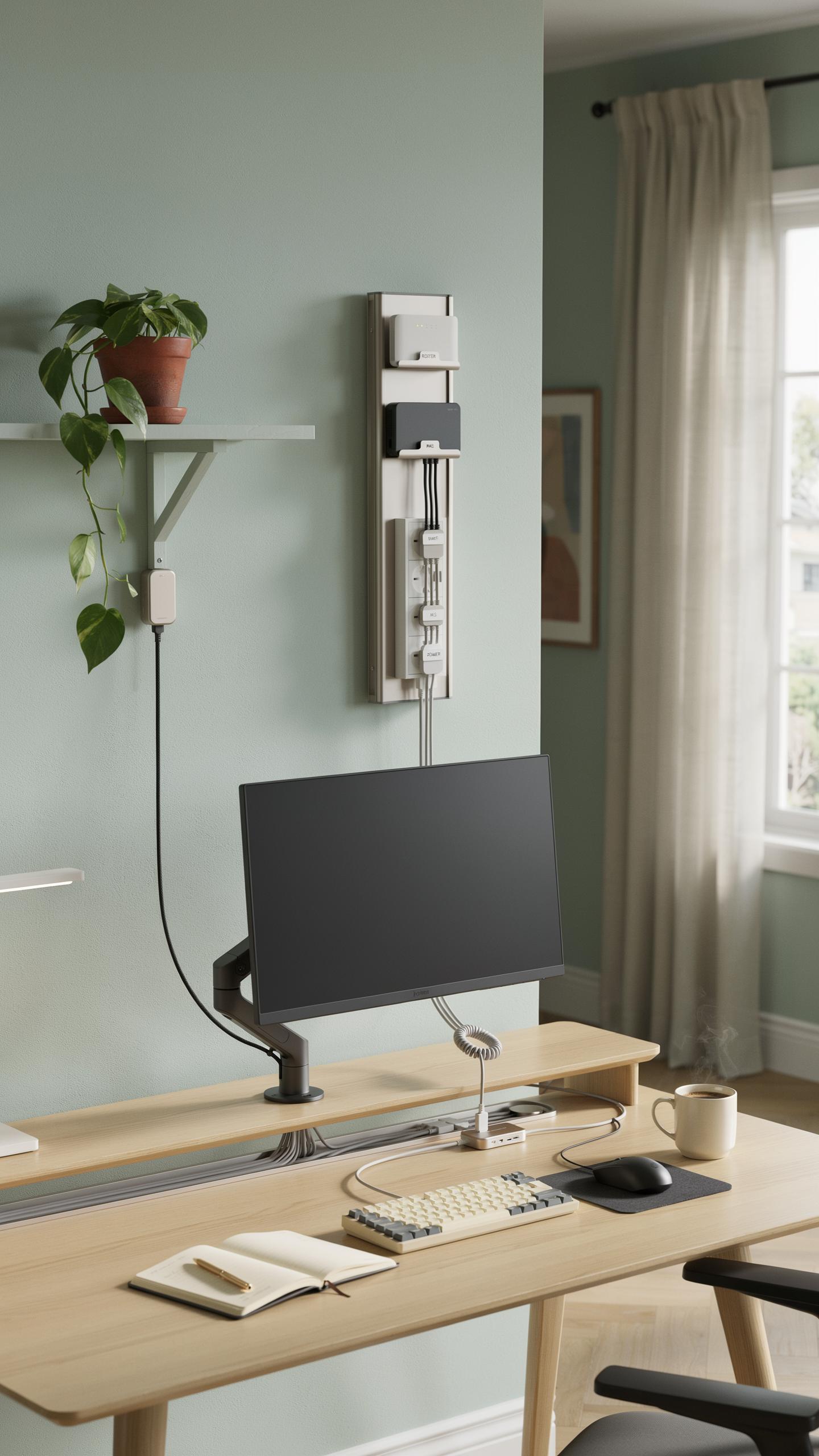
Combining Clips With Cable Sleeves And Wraps
Cord clips alone don’t solve cable chaos. Sleeves and wraps bundle multiple cords into single units, reducing visual clutter and tangling. Clips then secure these bundled sleeves to your desk edge or underside. This two-part approach works because it addresses both organization and routing. The sleeve contains the mess. The clip anchors it in place.
Running cables through sleeves also protects them from damage and prolongs lifespan. Sleeves shield cords from abrasion against desk edges and prevent accidental snagging. Clips keep the sleeved bundle stable during daily movement and adjustments. Together, they create a system that holds up to regular use without constant repositioning.
A tidy desk, like a well-loved story, begins with the perfect connections, ensuring every cable finds its enduring place.
Utilizing A Desk Tray For Under Desk Cable Organization
Desk trays mounted beneath your work surface function as cable hubs. They hold power strips, excess cable lengths, and power adapters away from sight. This centralizes your power infrastructure and prevents cords from dragging across the floor. Trays typically mount with adhesive strips or screws, depending on desk material and weight capacity.
A tray-based system reduces fire hazard by keeping cords organized and ventilated. Tangled cables generate heat and can degrade faster. Trays also make equipment swaps simpler since all connections sit in one accessible location. When you upgrade devices, you access cables without crawling under your desk or dismantling your entire setup.
Troubleshooting Common Issues With Adhesive Cord Clips
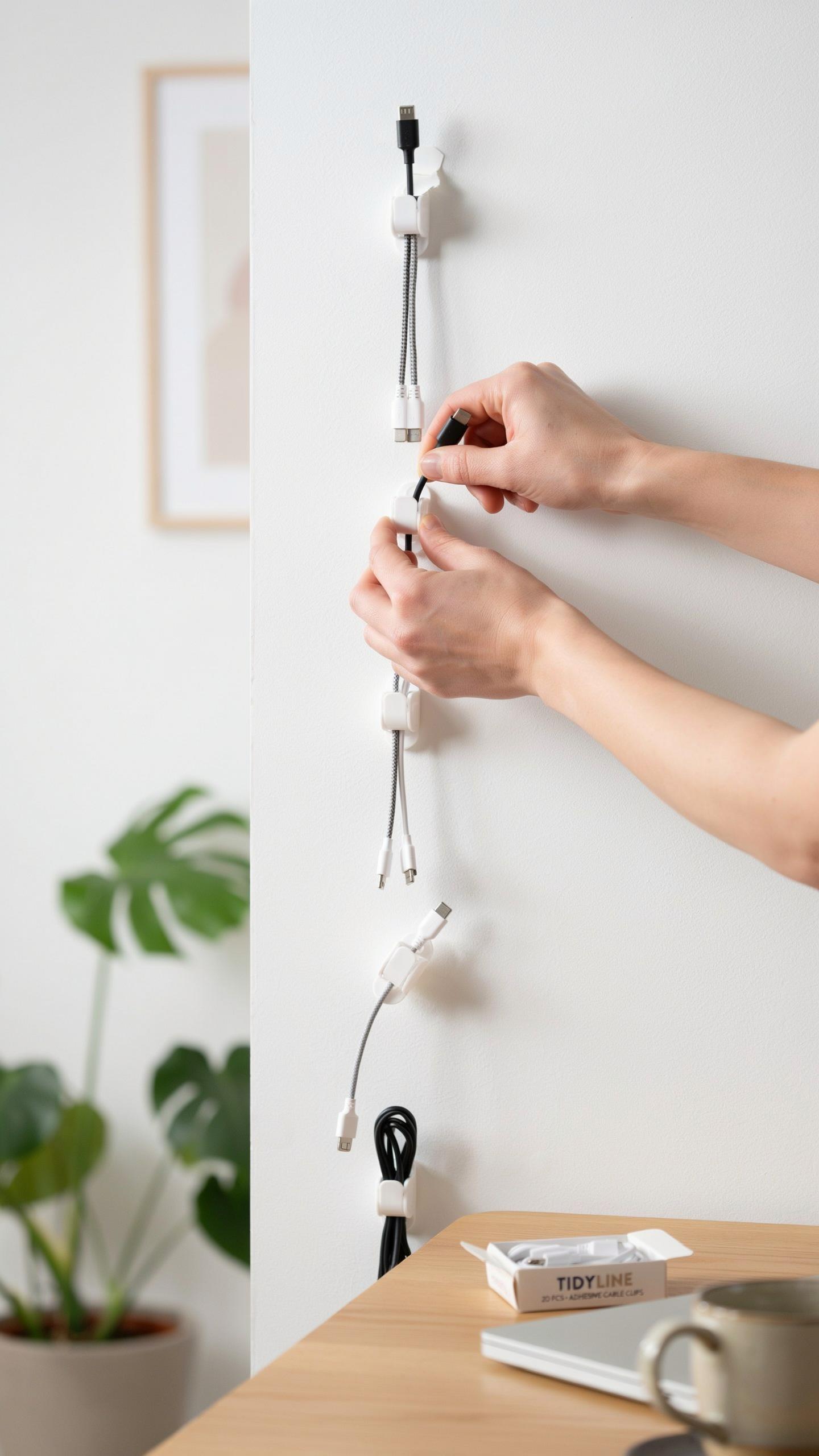
What To Do When Cord Clips Won’T Stick
Surface preparation determines adhesive performance. Clean the desk with isopropyl alcohol and let it dry completely. Dust and oils prevent bonding. Check if cables exceed the clip’s weight rating. Overloaded clips fail regardless of adhesive quality. Match the clip type to your environment: humidity, temperature, and material composition matter.
Replace the clip or switch to a stronger adhesive option. 3M Command strips often outperform standard foam tape. Consider self-drilling cable clips for wood desks or magnetic options for metal surfaces. Test new clips on inconspicuous areas first. Sometimes the original adhesive degrades over time, requiring replacement rather than troubleshooting.
Removing Cord Clips Without Damaging Your Desk
Apply low heat with a hairdryer to soften the adhesive. Hold it 6 inches away for 30 to 60 seconds. Peel slowly at a shallow angle to avoid gouging the surface. Rush this step and you risk desk damage. Patience prevents costly repairs.
Adhesive residue requires targeted removal. Use rubbing alcohol or commercial adhesive remover on a cloth. Apply the remover to residue only, not the desk finish. Let it sit for one minute, then wipe with a clean cloth. Test any solvent on hidden areas first to confirm it won’t damage your desk coating.
Maintaining Your Organized Workspace With Regular Cable Holder Checks
Routine Inspections For Wear And Tear
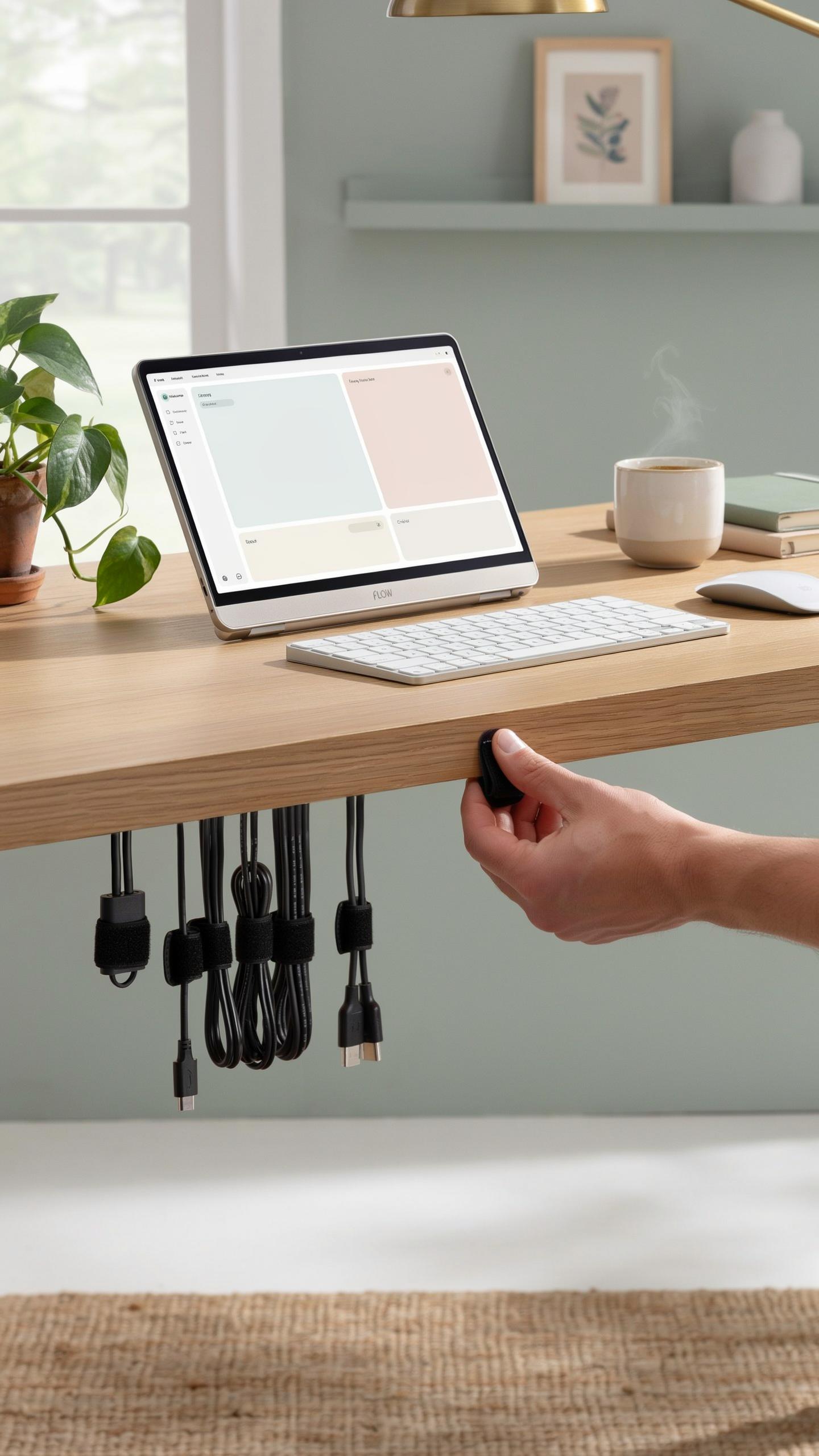
Cable clips degrade over time. Adhesive-backed clips lose grip after repeated heat cycles and contact with dust. Clips that grip by tension crack under stress. Check your setup monthly for clips that sit loose, show cracks, or no longer hold cables firmly in place.
Worn clips create slack in your routing. Cables slip out and tangle. Replace damaged clips immediately rather than waiting for complete failure. Most cord clips cost under five dollars, so replacing them prevents hours spent untangling cables and re-routing your entire system.
Tips For Adapting Your Cable Management System To New Devices
Your device setup changes. New monitors, keyboards, or peripherals shift power and data cable requirements. Build flexibility into your system from the start by choosing adjustable clips instead of fixed ones. Leave extra cable length in runs so you can reroute without starting over.
- Adhesive-backed clips: Reposition them easily on desks without permanent damage if you use low-strength removable adhesive options.
- Clamp-style clips: Adjust grip width to fit different cable diameters as your equipment changes.
- Track-based systems: Mount clips on rails that accommodate sliding repositioning without reinstallation.
- Velcro cable ties with clips: Combine flexibility with hold strength for cables you move frequently.
- Modular clip sections: Install clips in segments so you remove or add clips as your workspace evolves.
Document your cable runs on paper or photos before adding new equipment. This reference prevents confusion when you need to adapt existing clips to new device positions. Flexibility in your system saves time and reduces frustration during workspace upgrades.
The Benefits Of A Tidy Desk Productivity Aesthetics And Longevity

Enhanced Workspace Aesthetics And Professionalism
A desk free of tangled wires projects competence and control. Visible cable chaos signals disorganization to anyone viewing your workspace. Clean cable routing using cord clips creates a professional environment that supports focus. Your brain processes visual clutter as a distraction. Removing that clutter frees mental resources for actual work.
Professional appearance matters in both in-office and remote settings. Video calls reveal your workspace to colleagues and clients. Cable management demonstrates you respect your environment and your work. This attention to detail influences how others evaluate your reliability. A clean desk becomes a tactical asset in workplace perception.
Protecting Your Investments: Extending The Life Of Your Electronics
Cables suffer damage from repeated bending, crushing, and pulling. Kinked cables develop internal wire breaks that degrade signal quality. Crimped connectors generate heat and create short circuits. Proper routing with cord clips prevents accidental yanks that damage both cables and ports. Protecting cables directly protects your equipment investments.
Organized cable systems catch problems early. You notice when a wire shows wear before it fails completely. Replacement costs for damaged electronics far exceed the price of cord clips. Extended device lifespan means consistent performance and avoided downtime. Cable management is preventive maintenance that costs almost nothing to implement.
Frequently Asked Questions

What are cord clips for desk cable routing, and why should I use them?
Cord clips for desk cable routing are small adhesive or screw-in devices designed to neatly organize and secure cables to your desk or wall. They prevent tangled messes, improve aesthetics, and reduce the risk of tripping over loose wires, creating a more organized and safer workspace.
What’s the best way to ensure my cord clips actually stick and stay put on my desk?
For optimal adhesion, first clean the desk surface thoroughly with rubbing alcohol and let it dry. Then, firmly press the cord clips for desk cable routing in place for at least 30 seconds. Allow the adhesive to cure for several hours (or overnight) before adding cables, especially heavy ones.
Are there affordable options for effective cord clips, or do I need to invest in expensive brands?
Absolutely! You can find many highly effective and budget-friendly cord clips for desk cable routing. Silicone, plastic, and even reusable adhesive options are readily available online and at hardware stores. Look for options with strong 3M adhesive for reliable sticking without breaking the bank.



