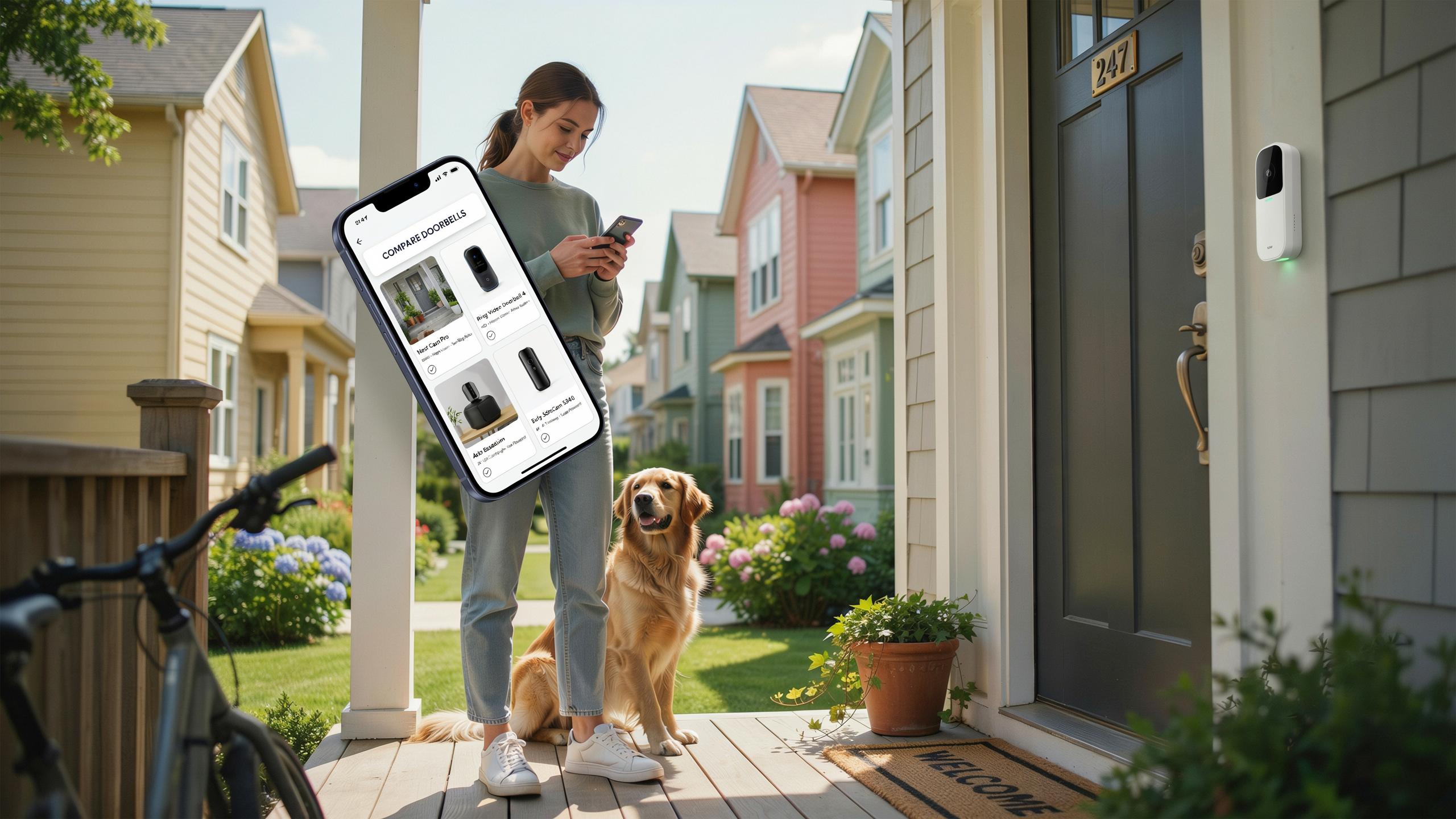
Understanding Video Doorbell Cameras
What Is A Video Doorbell Camera
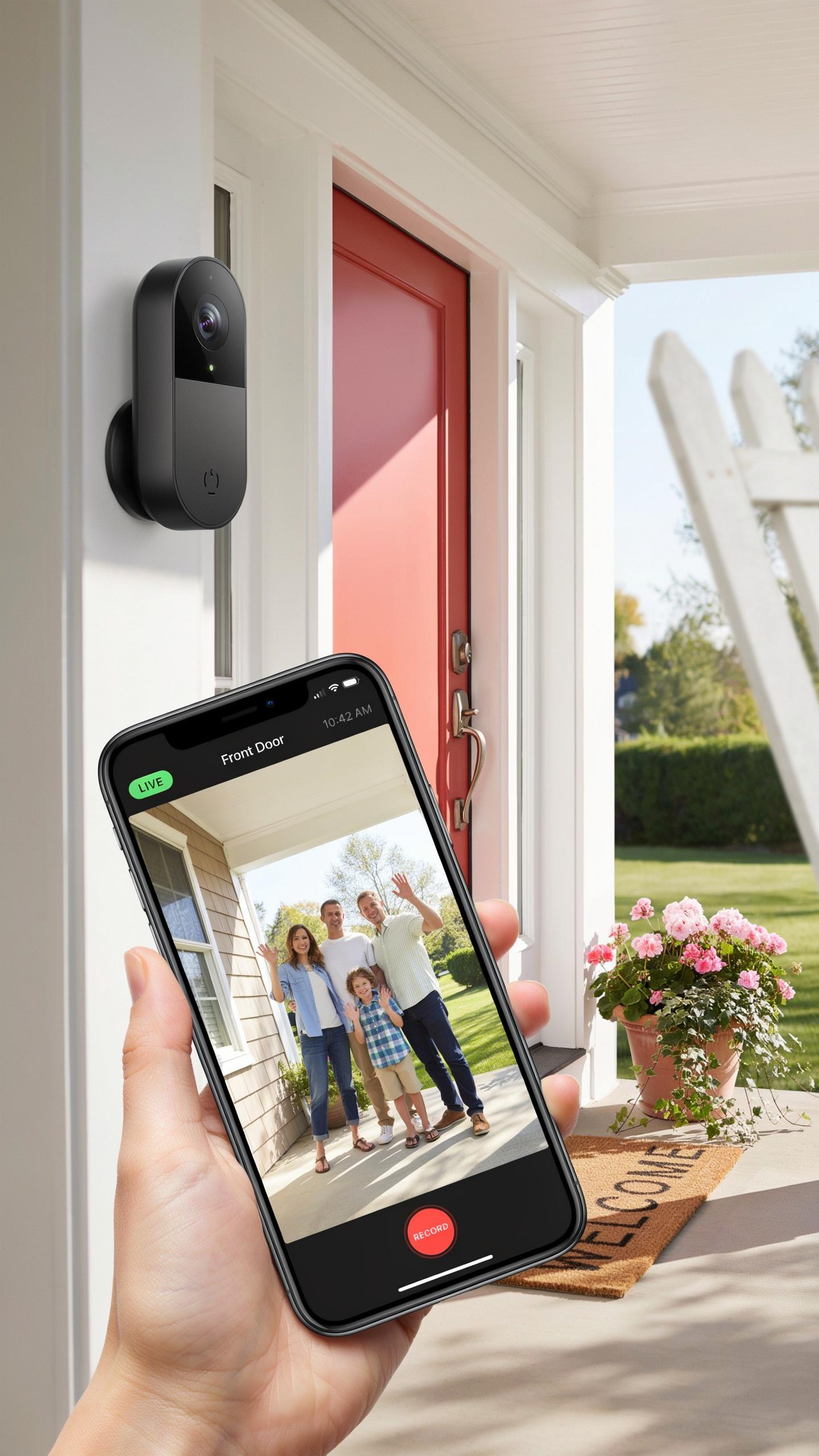
A video doorbell camera is a connected device that replaces or supplements your existing doorbell. It captures video and audio of whoever approaches your front door. The camera connects to your home’s WiFi network and sends footage to your smartphone, tablet, or computer in real time or on demand.
Video doorbells operate on either battery power or hardwired electricity from your existing doorbell circuit. Most models store footage in the cloud or on local storage devices. You can view live feeds, recorded clips, and communicate with visitors through two way audio, all from your phone regardless of your location.
Benefits Of A Video Doorbell For Home Safety
Video doorbells create a record of all activity at your front entrance. This documentation deters package theft, identifies unwanted visitors, and provides evidence if a crime occurs on your property. You know who approaches your door before you open it, which removes the guesswork and risk of unexpected encounters.
The ability to communicate remotely changes your response options significantly. You can speak to delivery drivers, warn off suspicious visitors, or instruct family members to let someone in while you’re away. Real time alerts notify you the moment someone triggers the camera, giving you immediate awareness of your front door activity.

Key Features To Consider In Your Doorbell Camera
Resolution And Field Of View
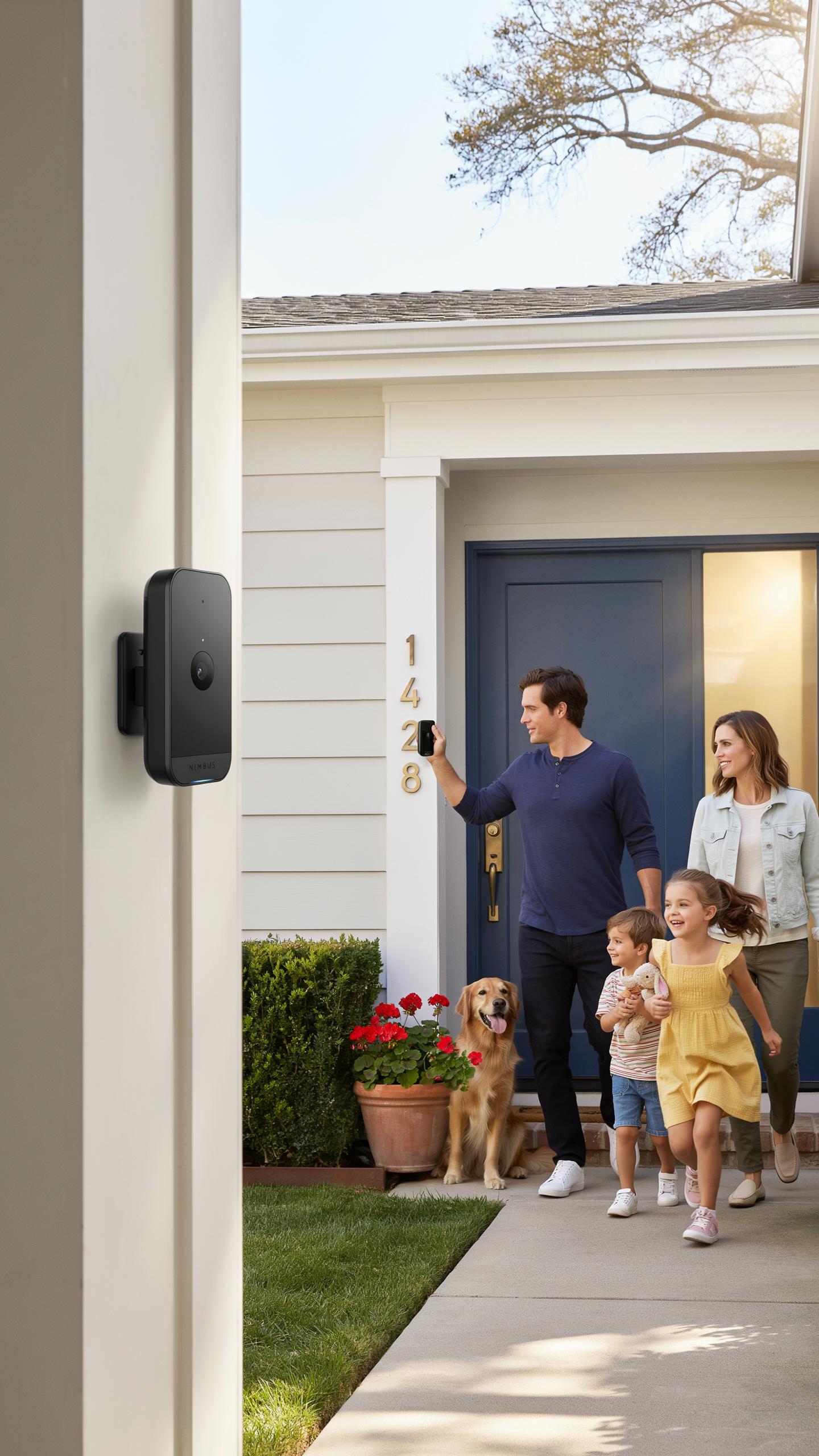
Resolution determines how clearly you identify faces and license plates. Most doorbell cameras range from 1080p to 2K to 4K. Higher resolution captures more detail but requires more storage and bandwidth. You need to match resolution to your internet speed and storage capacity. A 1080p camera works fine for most residential entrances. 2K and 4K matter if you need to read specific details from footage.
Field of view determines how much area the camera captures. Most doorbell cameras offer 160 to 180 degrees horizontally. Wider angles catch more of your porch and driveway but distort edges. Narrower angles focus on your door itself with less distortion. Check your porch layout before buying. Some cameras let you adjust the viewing angle through their app after installation.
Motion Detection And Night Vision Capabilities
Motion detection triggers recording when activity occurs near your door. This saves storage space and battery life on battery powered models. Detection sensitivity needs tuning to prevent false alerts from passing traffic or shadows. Some cameras use person detection to ignore animals and vehicles. Test the sensitivity setting after installation to match your specific location and tolerance for alerts.

Night vision quality varies significantly between models. Most use infrared LEDs to illuminate the area in darkness. Infrared creates black and white footage with limited detail. Some premium models use color night vision with ambient light sensors. Infrared night vision works reliably but offers less facial detail than color. Evaluate your lighting conditions at night before selecting a camera.
Powering Your Smart Doorbell Wired Vs Wireless
Wired Video Doorbells: Installation And Reliability
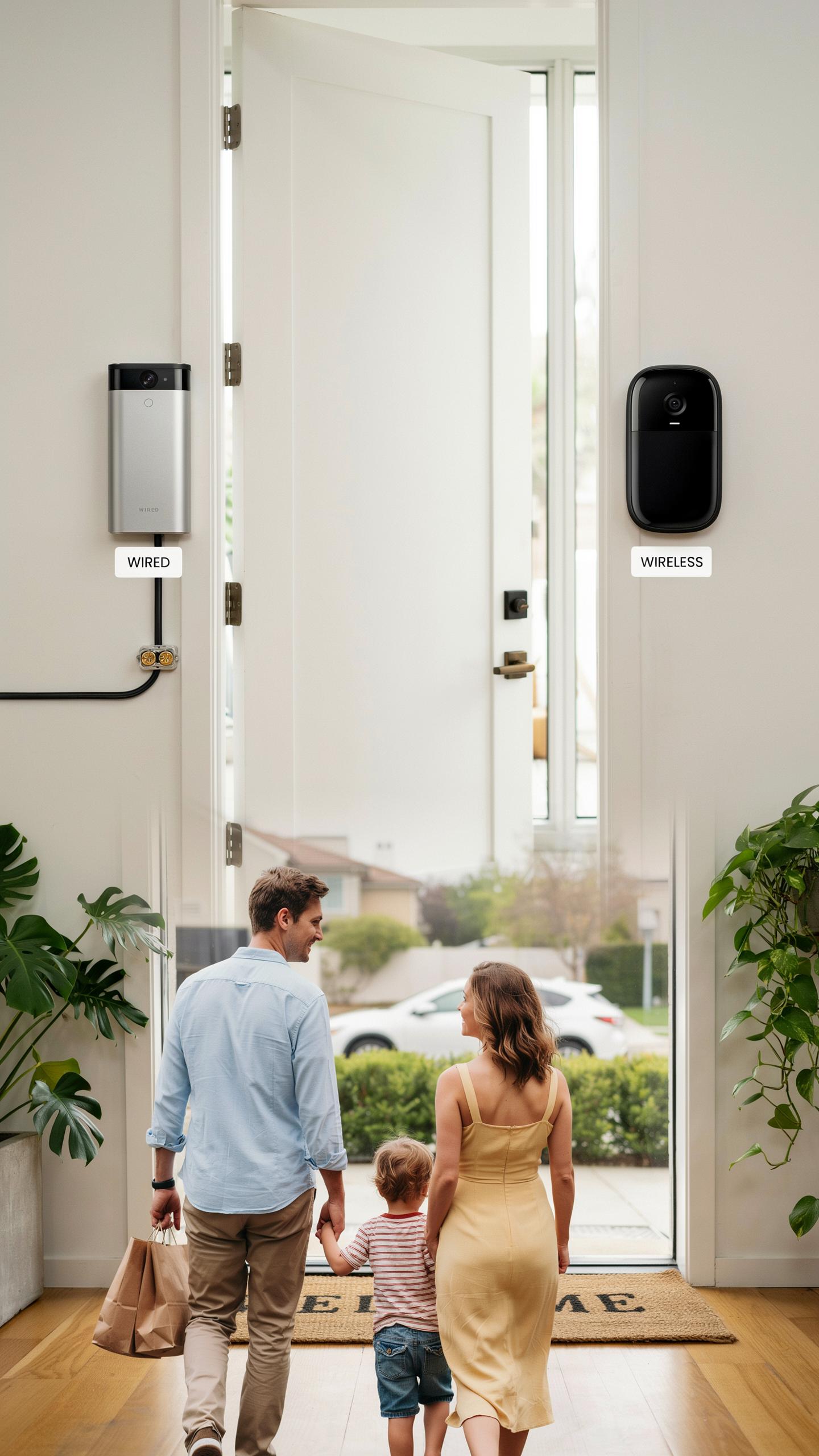
Wired doorbells connect directly to your home’s existing electrical system, typically drawing power from the transformer that runs your traditional doorbell. This setup eliminates battery concerns entirely. You get consistent power delivery without interruption. Installation requires running wires through your walls or using existing doorbell wiring, which demands either professional help or solid DIY skills. The upfront work pays dividends in long-term dependability.
Wired models never lose power during critical moments. They support continuous video recording and real-time alerts without gaps. The trade-off is installation complexity and cost. You cannot relocate a wired doorbell without rewiring. If your home lacks existing doorbell wiring, running new lines becomes expensive. Wired systems work best in established homes where infrastructure already exists or during new construction when walls remain open.
Wireless Video Doorbells: Flexibility And Battery Life
Wireless doorbells run on rechargeable batteries, offering installation simplicity and placement flexibility. You mount the device anywhere with a clear view of your entrance. No wiring means no walls torn open and no electrician bills. Battery life varies between models, typically ranging from several weeks to months depending on activity level and weather conditions. Placement flexibility solves problems that wired systems cannot address easily.

Battery performance depends on motion detection frequency and video resolution. High-traffic areas drain batteries faster than quiet entrances. Cold weather reduces battery efficiency significantly. You manage charging cycles through a removable battery or built-in port. Wireless doorbells suit renters, temporary installations, and homeowners seeking quick setup. The trade-off is regular maintenance and potential downtime if you forget to recharge before the battery dies completely.
Storage Options For Your Video Doorbell Footage
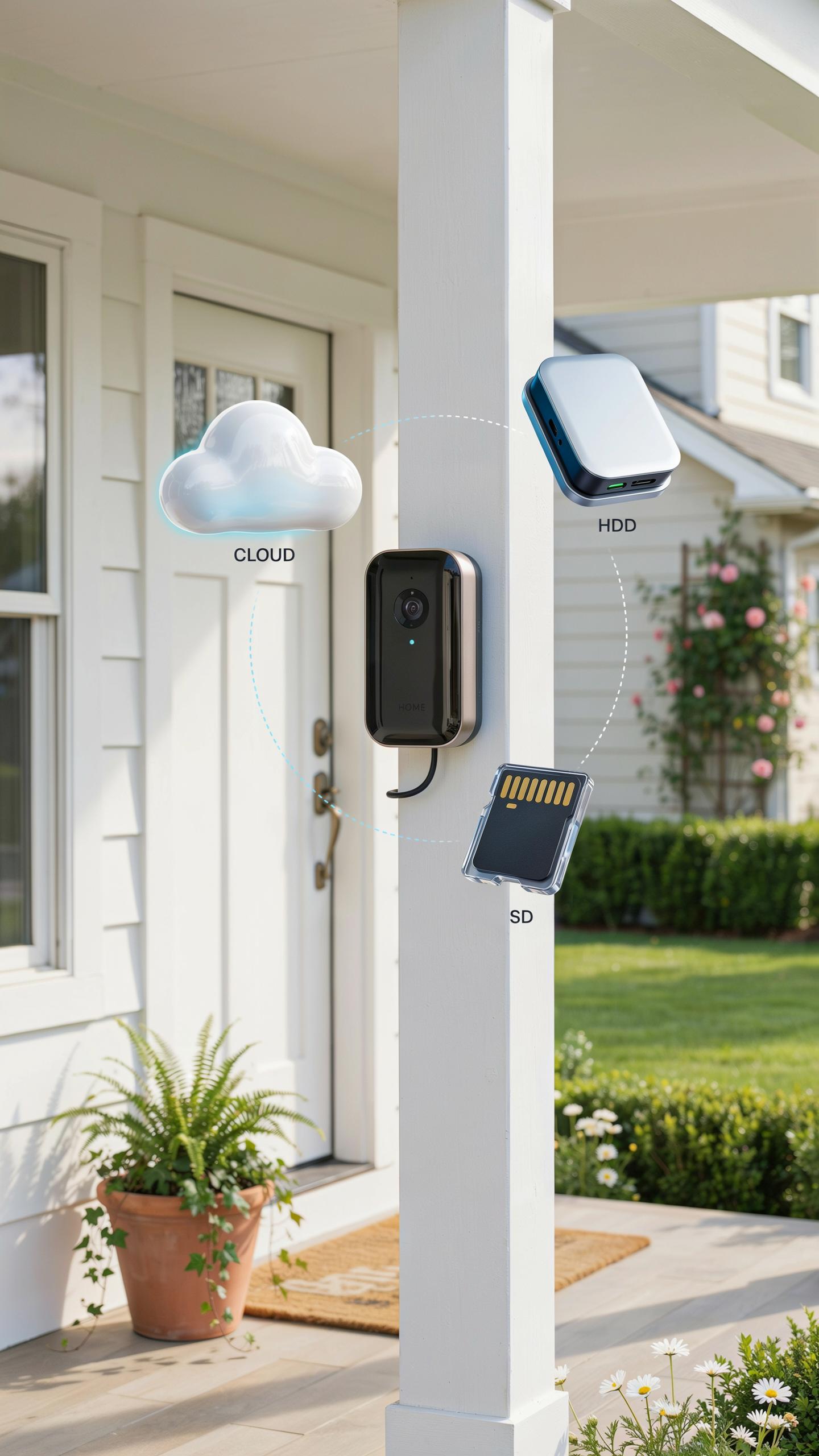
Cloud Storage Subscriptions And Accessibility
Cloud storage keeps your footage on remote servers run by the doorbell manufacturer or third-party providers. You access recordings through an app or web portal from anywhere. Most systems require a monthly or yearly subscription. Storage capacity and retention periods vary by plan tier.
Cloud storage protects footage from theft or damage at your home. However, you depend on internet connectivity and the provider’s service reliability. If the service goes down or the company shuts down, you lose access. Monthly fees accumulate over time, making long-term storage expensive compared to one-time purchases.
Local Storage SD Cards And DVR Integration
SD cards store footage directly on a device installed at your door or inside your home. You own the storage hardware and footage outright. No subscription fees apply. Storage capacity depends on card size and video resolution.

Local storage requires manual management. You must check card capacity, format cards periodically, and transfer files if needed. Some doorbell systems integrate with DVR or NVR systems for centralized recording. Weather exposure can damage cards over time. Local storage fails if the card malfunctions or gets stolen.
Top Video Doorbell Brands Ring Doorbell Vs Nest Doorbell App
Ring Doorbell Features And Ecosystem
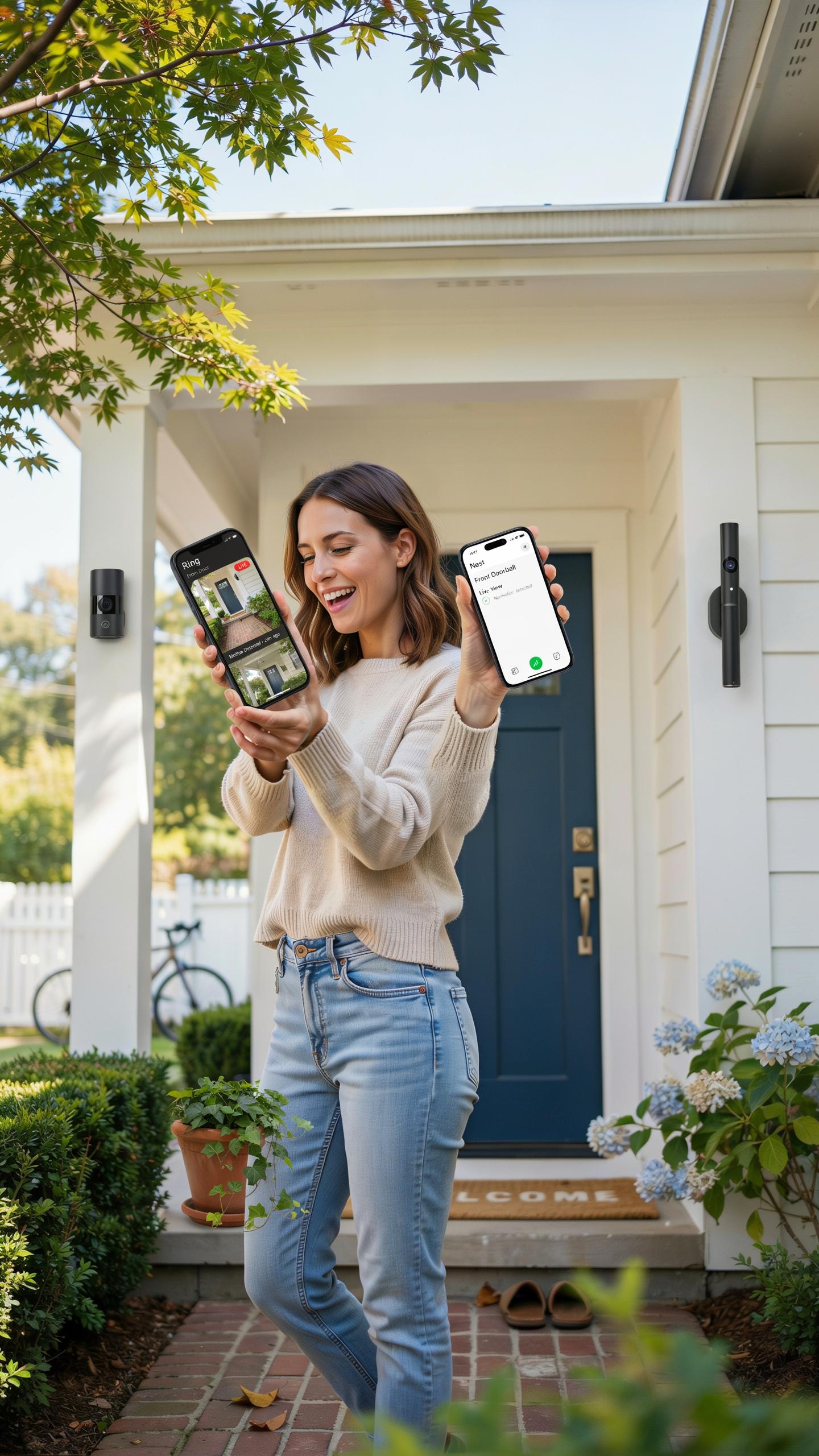
Ring operates through a subscription model where the Ring Protect plan unlocks video recording and cloud storage. The base doorbell hardware captures 1080p video with night vision and motion detection. Integration with Amazon’s ecosystem means you access footage through Alexa devices, the Ring app, and third-party smart home platforms that support Ring’s API.
Ring’s strength lies in hardware variety and market saturation. You choose between wired models, battery-powered versions, and multiple price points across the product line. The company prioritizes rapid notification delivery and two-way audio communication. Intercom mode lets you speak through the doorbell even when you’re not home, making it tactically useful for package delivery instructions.
Nest Doorbell App Integration And Smart Home Capabilities
Google Nest integrates directly with Google Home and Google Assistant without requiring an additional subscription for basic features. The Nest Doorbell records at 1080p with similar night vision capabilities and motion detection as Ring. The app connects seamlessly to other Google smart home devices, creating a unified control interface for your home automation.
Nest’s positioning emphasizes Google ecosystem lock-in rather than third-party flexibility. Facial recognition and package detection happen on-device or through cloud processing depending on your Nest Aware subscription tier. Person alerts differentiate between package deliveries, people, and animals, reducing false notifications. The doorbell works with Google Home displays, casting live video directly to Nest hubs throughout your home without opening a separate app.
Smart Home Integration And Protecting Your Home
Smart Lock Compatibility
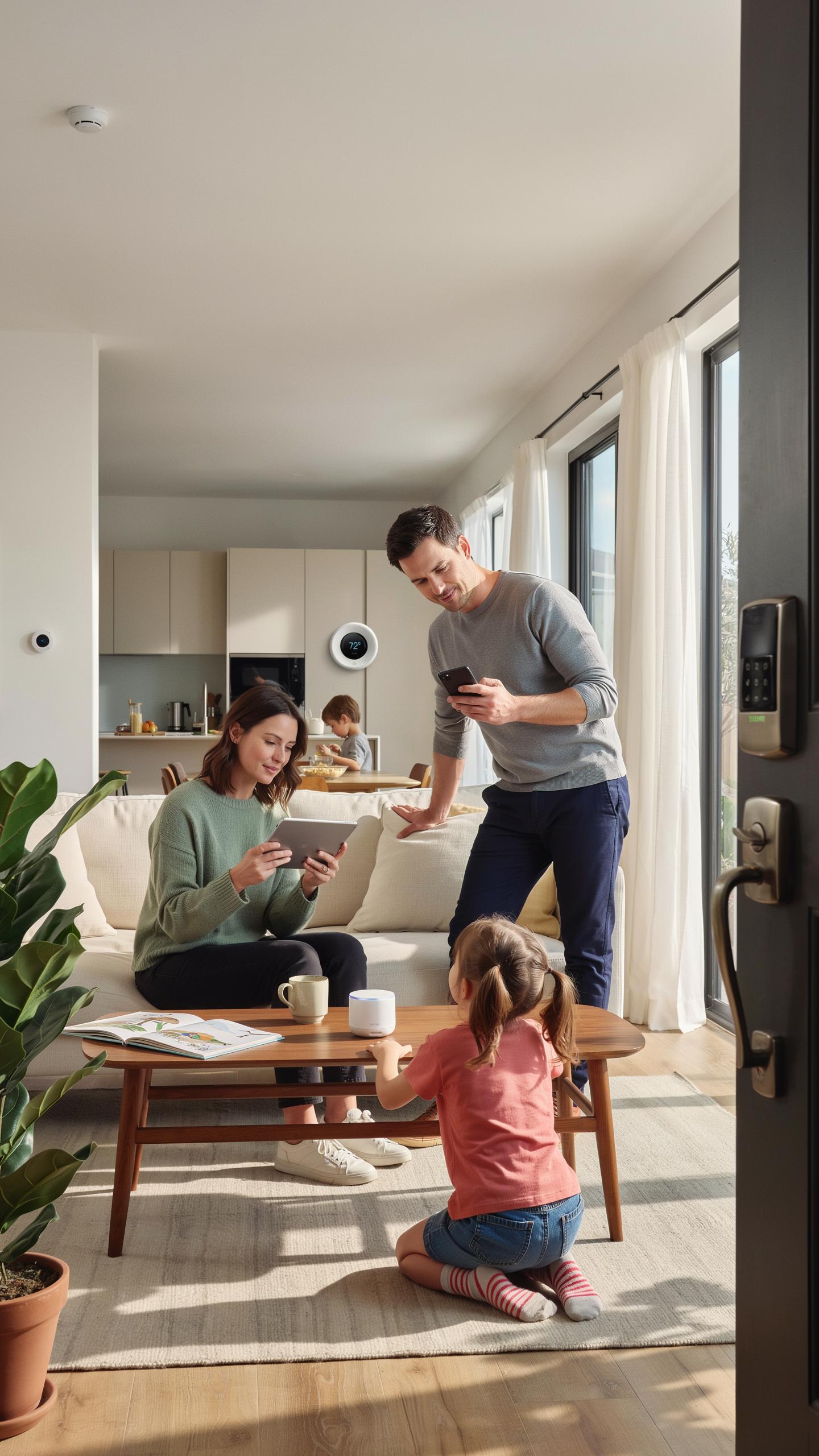
Video doorbells connect to smart locks through your home network and automation platform. Most modern doorbells work with the major ecosystems: Apple HomeKit, Amazon Alexa, and Google Home. The integration allows you to unlock doors remotely, receive alerts when someone arrives, and automate routines. Compatibility depends on both the doorbell brand and your chosen lock system, not just one device.
The real value emerges when you layer devices together. A video doorbell paired with a smart lock lets you grant temporary access codes to guests, see who’s at the door before unlocking, and log all entries. Yale, Level Lock, and Schlage locks dominate the market and maintain broad compatibility across doorbell brands. Check your specific doorbell’s compatibility page before buying to confirm lock support.
Voice Assistant Integration
Alexa and Google Assistant integration transforms your doorbell from a camera into a notification hub. When someone rings, these assistants announce the visitor on your speakers or devices throughout your home. You issue voice commands to view the doorbell feed on Echo Shows or Google Nest Hubs without opening an app. This integration works best when your entire ecosystem uses the same platform.

Amazon Alexa doorbell support requires either a Works with Alexa certification or Alexa app integration. Google Nest products function seamlessly with Google Assistant and deliver faster notifications on Nest Hubs. Both platforms allow you to speak through the doorbell speaker via voice commands on compatible devices. Test the actual response time in your home before committing to a system, as network performance varies by location.
Installation And Setup Of Your New Doorbell Camera
DIY Installation
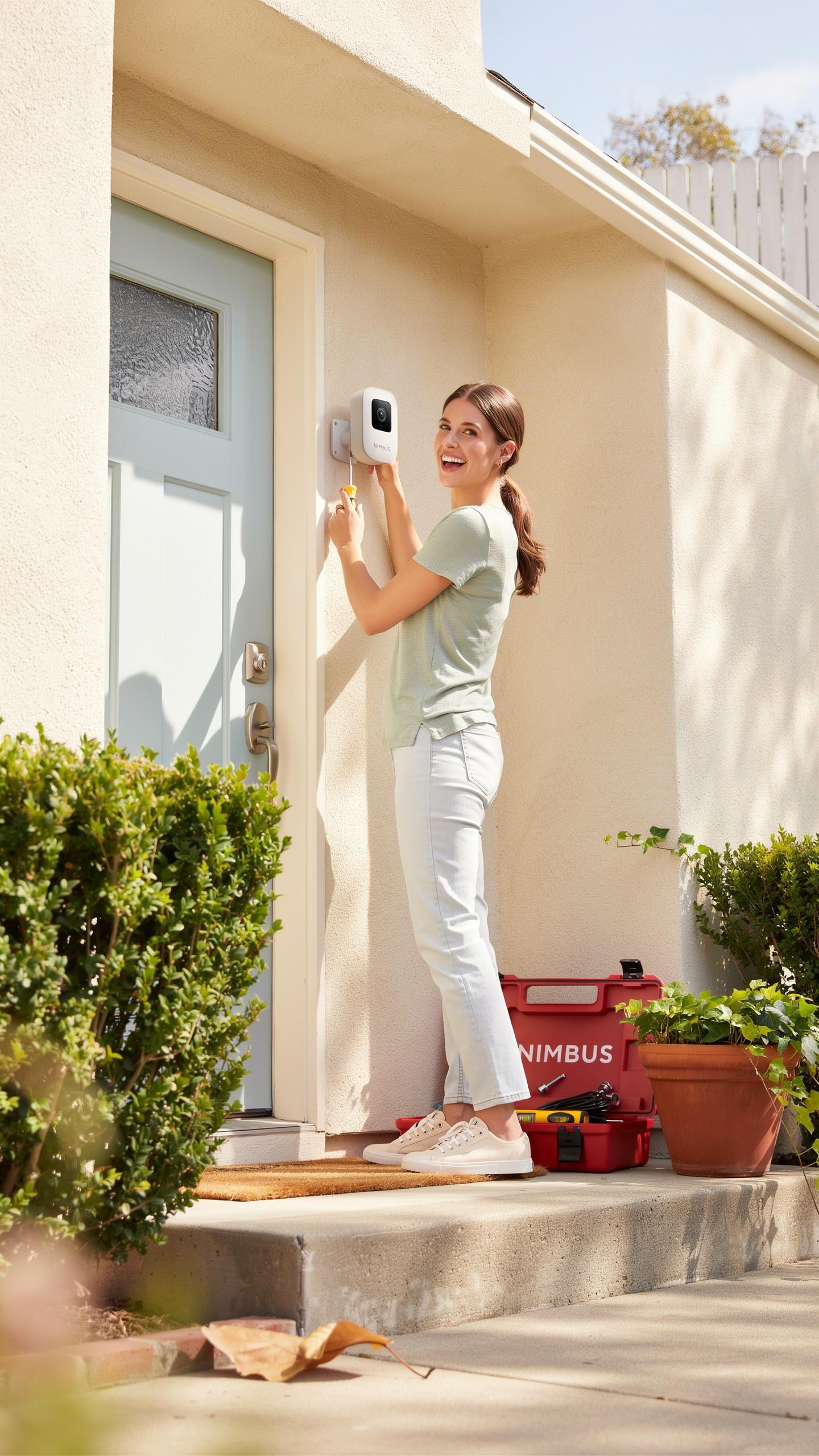
Most doorbell cameras mount directly to your existing doorbell wiring or operate on battery power. Wired models connect to your home’s 16-24 volt transformer, the same power source your old doorbell used. Battery-powered models skip wiring entirely and charge via USB or replaceable batteries. The mounting process takes 15-30 minutes and requires a screwdriver, drill, and basic hardware. Your main decision is choosing between wired reliability and battery convenience.
Before you start, turn off power to your old doorbell at the breaker. Remove the old doorbell and note which wires connect where. Most doorbell cameras include a template you position on your door frame to mark screw holes. Drill pilot holes, attach the mounting bracket, then connect wires if installing a wired model. Battery models skip the wiring step entirely and mount with included screws or adhesive strips.
Bringing the comfort of yesteryear’s neighborly watch to your modern doorway, a good video doorbell keeps your cherished home safe and sound. Choose wisely, for peace of mind is a precious thing.
Professional Installation
Hire a professional if your home lacks working doorbell wiring or your electrical panel is difficult to access. Electricians charge 75 to 150 dollars for doorbell installation, plus the camera cost. They handle wire routing, transformer verification, and any modifications your setup requires. This route makes sense if you’re uncomfortable with electrical work or unsure about your home’s wiring configuration.

Professional installers also troubleshoot existing issues like dead transformers or incompatible wiring. They complete the job faster and often provide a warranty on their work. If your doorbell location requires running wires through walls or attics, professional installation becomes more practical. Consider this option if you value speed, certainty, and liability protection over saving labor costs.
Budgeting For Your Video Doorbell And Ongoing Costs

Initial Purchase Cost
Video doorbell prices range from 100 dollars to 500 dollars depending on features and brand. Budget models offer basic motion detection and cloud storage. Mid-range options add enhanced night vision and local storage capabilities. Premium units include advanced AI detection, two-way audio, and integration with smart home systems. Your choice depends on what features you actually need versus what sounds appealing.
Wired doorbells cost less upfront than battery models because they skip the battery expense. Battery-powered doorbells require replacement batteries every six to twelve months, adding recurring hardware costs. Wired installation may require an electrician if your home lacks existing doorbell wiring, which adds 100 to 300 dollars to your total investment. Factor in these installation expenses before selecting your doorbell type.
Subscription Fees
Most video doorbell brands offer free basic features without subscriptions. Free tiers typically include real-time alerts, live video feeds, and short video clip storage. These clips usually expire after 24 to 72 hours unless you save them manually. Paid subscriptions start around five dollars monthly and extend storage duration to thirty days or longer.

Cloud storage subscriptions differ across brands. Ring charges five dollars monthly for 60 days of video history. Nest offers free three-hour event clips but charges for continuous recording. Some brands bundle doorbell subscriptions with broader smart home monitoring plans. Compare what each service actually stores before committing to a subscription, as free options often cover basic security needs for first-time buyers.
Making Your Final Decision On A Video Doorbell Camera
Key Factors To Consider Before Buying
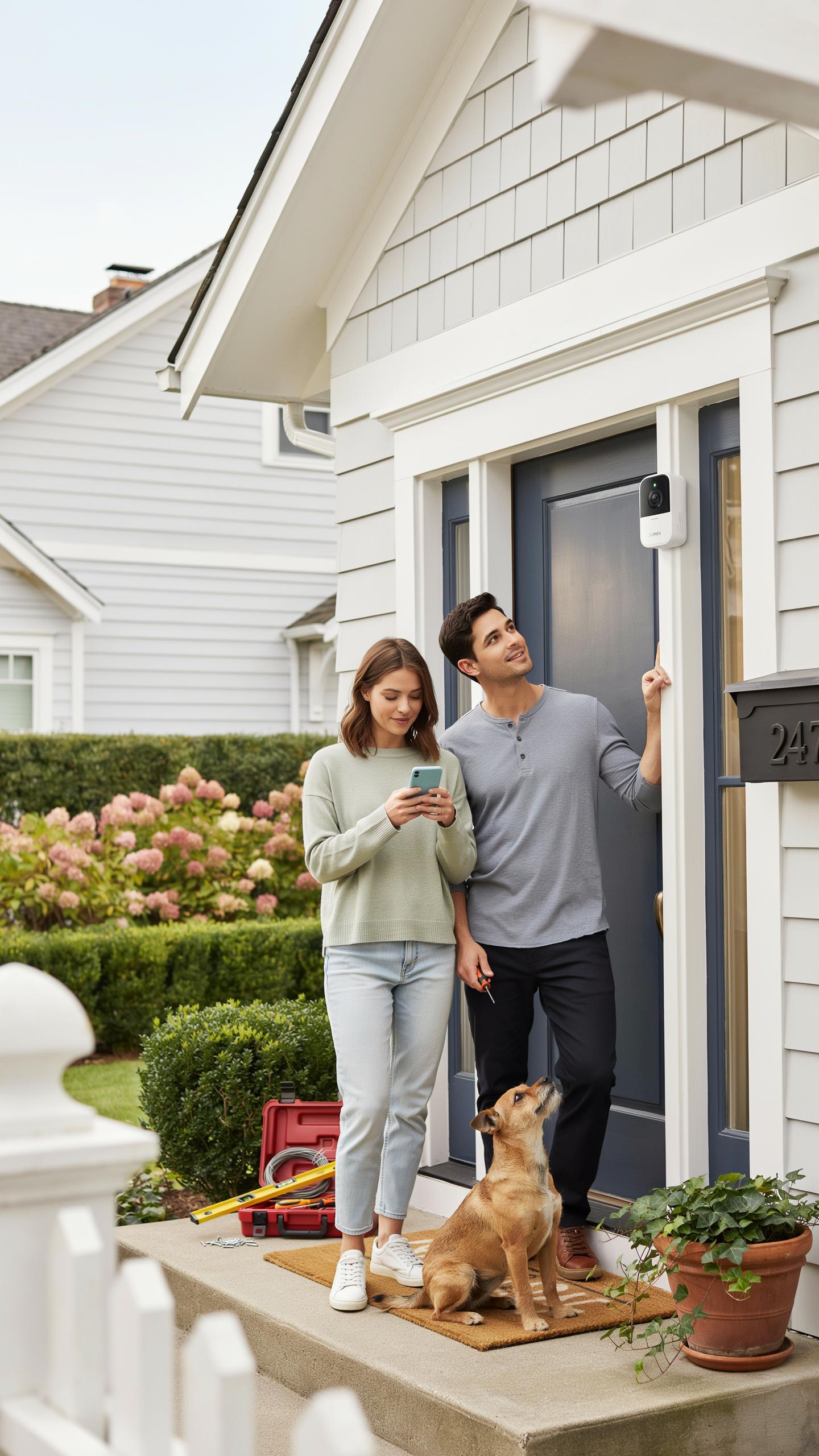
Budget sets your starting point. Entry-level models cost 100 to 150 dollars. Mid-range options run 150 to 300 dollars. Premium cameras exceed 300 dollars. Your budget determines which features you actually access. Don’t pay for capabilities you won’t use.
- Power source: Choose between wired models requiring existing doorbell wiring and battery-powered units needing regular charging or solar panels for continuous operation.
- Video resolution: 1080p provides basic coverage. 2K and 4K offer clearer detail for identifying faces and license plates in security footage review.
- Night vision capability: Infrared night vision is standard. Evaluate range in darkness since quality varies significantly between brands and price points.
- Storage options: Local storage via microSD cards keeps footage private. Cloud storage requires monthly subscriptions but offers remote access and automatic backup features.
- Smart home compatibility: Check if the camera integrates with your existing ecosystem like Amazon Alexa, Google Home, or Apple HomeKit before committing.
Installation difficulty matters. Wired doorbells need electrician help if you lack experience. Battery models install in minutes with basic tools. Consider your technical comfort level before selecting the power type. Wrong choice creates ongoing frustration.
Future Proofing Your Home Security Setup
Technology advances fast. Your doorbell will outlast current software standards. Select brands with established track records updating older models. Companies like Ring and Nest maintain support for devices 5 to 7 years old. Choose stability over cutting-edge features you may never use.
Compatibility shifts happen. Smart home platforms evolve and sometimes eliminate support. Purchase doorbell cameras from manufacturers investing in multiple integration standards. Avoid single-platform cameras that depend entirely on one ecosystem. This approach protects your investment when technology standards change.
Frequently Asked Questions

What exactly is a video doorbell camera, and why would I need one for my home?
A video doorbell camera is a smart device replacing your traditional doorbell, allowing you to see, hear, and speak to visitors remotely via your smartphone. It enhances home security by providing real-time alerts and recordings of activity at your front door, even when you’re away, making it a crucial component in any video doorbell camera comparison guide.
How do I know if a wired or wireless video doorbell is better for my home’s setup?
Choosing between wired and wireless depends on your existing wiring and comfort level with installation. Wired doorbells offer continuous power and reliability, requiring existing doorbell wiring. Wireless options are easier to install and battery-powered, ideal for homes without existing doorbell wires. Consider this distinction carefully in your video doorbell camera comparison guide.
Are there affordable video doorbell camera options that still offer good features for first-time buyers?
Absolutely! Many reputable brands offer excellent entry-level video doorbell cameras under $100. While they might lack some advanced features like 4K resolution or extensive cloud storage, they typically provide essential functions like 1080p video, two-way audio, and motion detection, offering solid value for first-time buyers.



